Photo to Video Converter

Transform your photos into professional videos with AI. Add motion, music, and narration to any image collection.

1,920 creators used this tool today
Paste text or URL AI voiceover Widescreen 16:9 Auto captions and visuals

Describe Your Video

Describe your photo video concept below

Customize options

Choose what media will be used to illustrate the video

Pick your generation modelMost cost-effective generation model (1 credit per image)

Upload a recording or record yourself.

Drop a custom recording or click here to browse files

No voice will be added. Only background music and photo transitions.

Background Music
Disable Captions
Sound Effects
Add Stickers
Generate Cover Image
Start for free — no credit card required
Our Paris adventure started here, at the Eiffel Tower at sunset...
Example

Video Preview

Generate to see your photos transformed into video.

16:9 format30s durationHD quality
Why Use Our Photo to Video Converter

AI-Powered Photo Videos

Advanced AI adds motion, transitions, narration, and music to your photos automatically

Instant Conversion

Go from photos to finished video in seconds

Multiple Styles

Storytelling, marketing, educational, entertainment, and tutorial styles
How to Convert Photos to Video

Step 1: Describe Your Video

Tell us about your photos and desired style

Step 2: Choose Effects

Pick motion effects, music, and voice

Step 3: Generate

Click generate and download your photo video

From Photos to Video in 4 Steps

1

Describe Your Video

Tell us about your photos and the story you want to tell.

2

Pick a Voice

Add narration or keep it music-only.

3

Choose Effects

Ken Burns zoom, parallax, pan, and smooth transitions between photos.

4

Generate and Share

Download your photo video and share memories in motion.

What You Can Build with DesignerBox

Three photo video formats for every occasion

Travel & Memory Videos

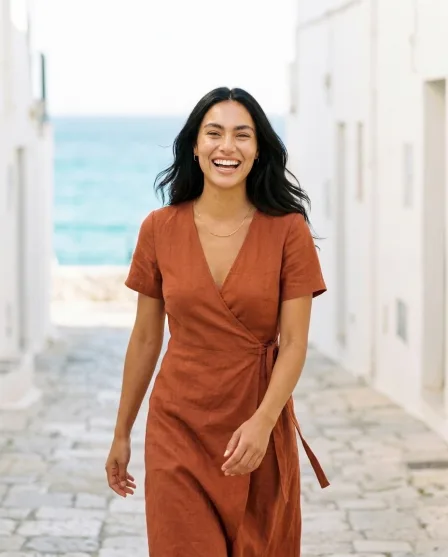
Turn vacation photos into cinematic travel videos with music and narration. Relive memories in motion.

  • Smooth Ken Burns motion effects
  • Cinematic transitions
  • Music matched to mood
  • Narration adds the story

Product Showcases

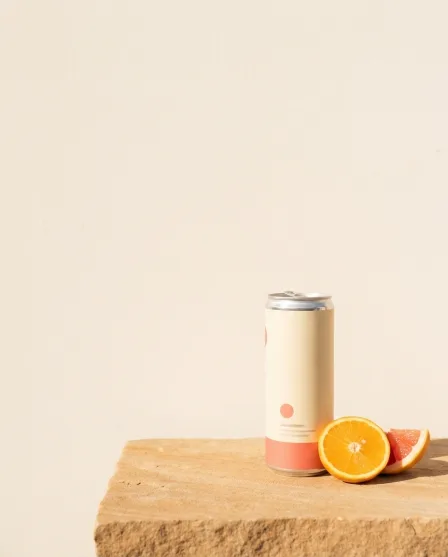
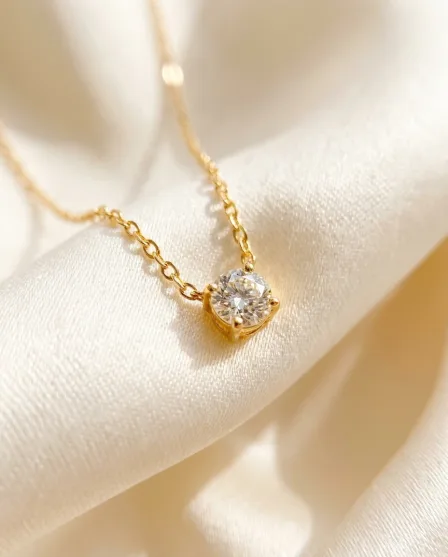
Convert product photos into professional showcase videos. Zoom, pan, and highlight features with AI motion.

  • Professional zoom effects
  • Feature-highlighting motion
  • Clean, modern transitions
  • E-commerce ready

Social Media Slideshows

Create engaging photo slideshows for Instagram, TikTok, and Facebook. More engaging than static photo posts.

  • Platform-optimized formats
  • Eye-catching motion effects
  • Auto-generated captions
  • Music for engagement

What Is a Photo to Video Converter?

A Photo to Video Converter uses AI to transform static photos into dynamic, professional videos. The AI adds motion effects (zoom, pan, parallax), smooth transitions between photos, background music, and optional narration — creating an engaging video from your image collection.

Why Convert Photos to Video?

Video content gets dramatically more engagement than static photos on every platform. Converting photos to video adds emotion, storytelling, and music that static images can't convey. It's perfect for travel memories, product showcases, social media content, and personal celebrations.

Best Practices for Photo Videos

Describe the mood and story for best results. Use 3-8 photos for 30-second videos, 8-15 for 60-second. Specify motion effects. Add narration text for each photo. Choose music that matches the mood. Storytelling style for memories, marketing for products.

Photo Video Styles for Every Use

Storytelling creates narrative-driven photo journeys. Marketing produces professional product showcases. Educational turns photo documentation into visual lessons. Entertainment creates fun, dynamic slideshow content. Tutorial transforms step-by-step photo guides into video walkthroughs.

Photo to Video Converter FAQ


What is a Photo to Video Converter?

A tool that transforms static photos into dynamic videos with motion effects, music, and narration using AI.

What motion effects are available?

Ken Burns zoom, pan, parallax, and smooth transitions between photos.

How many photos can I use?

Any number. The AI adjusts pacing based on photo count and chosen duration.

Will it add music?

Yes — background music matched to your video's mood.

Can I add narration?

Yes — write narration for each photo and choose an AI voice.

Is this free?

Explore for free! Create a free account to start converting photos to video.

What about photo quality?

The AI enhances and optimizes photos for video display.

Can I use this for product photos?

Yes! Product photo videos are one of the most popular use cases.

What formats are available?

16:9 widescreen, 9:16 vertical, and 1:1 square.

Can I create travel videos from vacation photos?

Yes! Travel photo videos are the most popular use case. Add narration to tell the story of your trip.

×