Studio lighting for any photo, no reshoot
Upload any photo and transform its lighting with AI. Apply dramatic shadows, golden-hour warmth, neon glow, soft fill, and rim light, all without reshooting, for products, portraits, and campaign work.
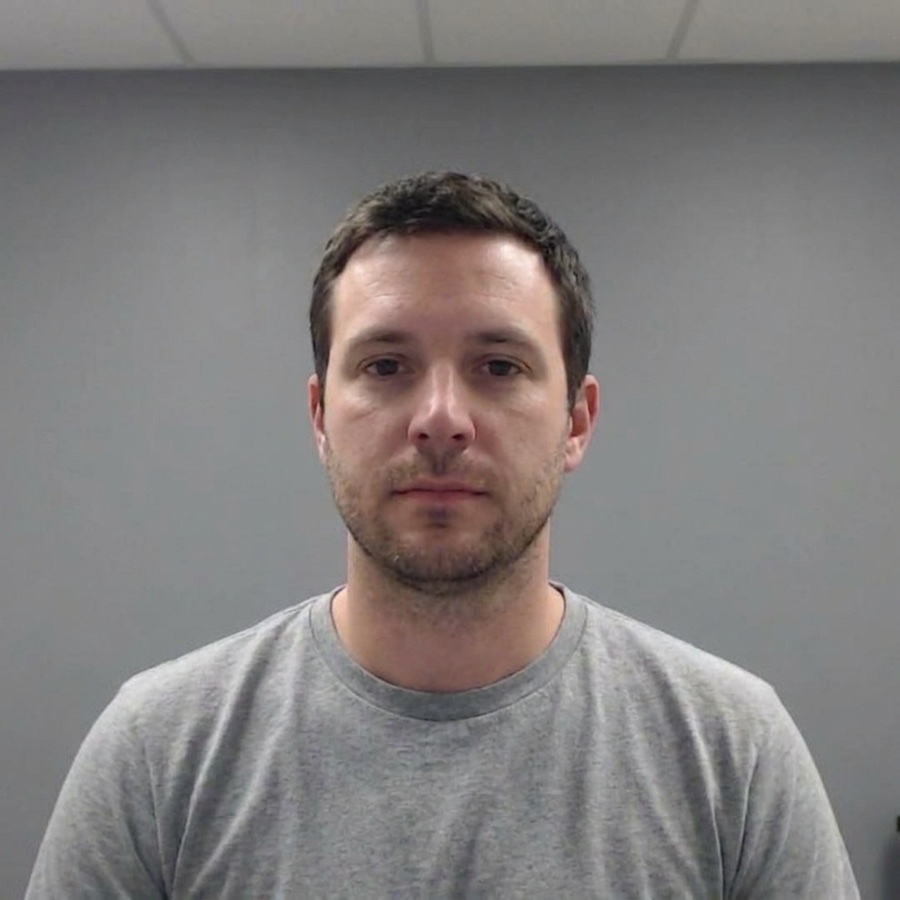 Original
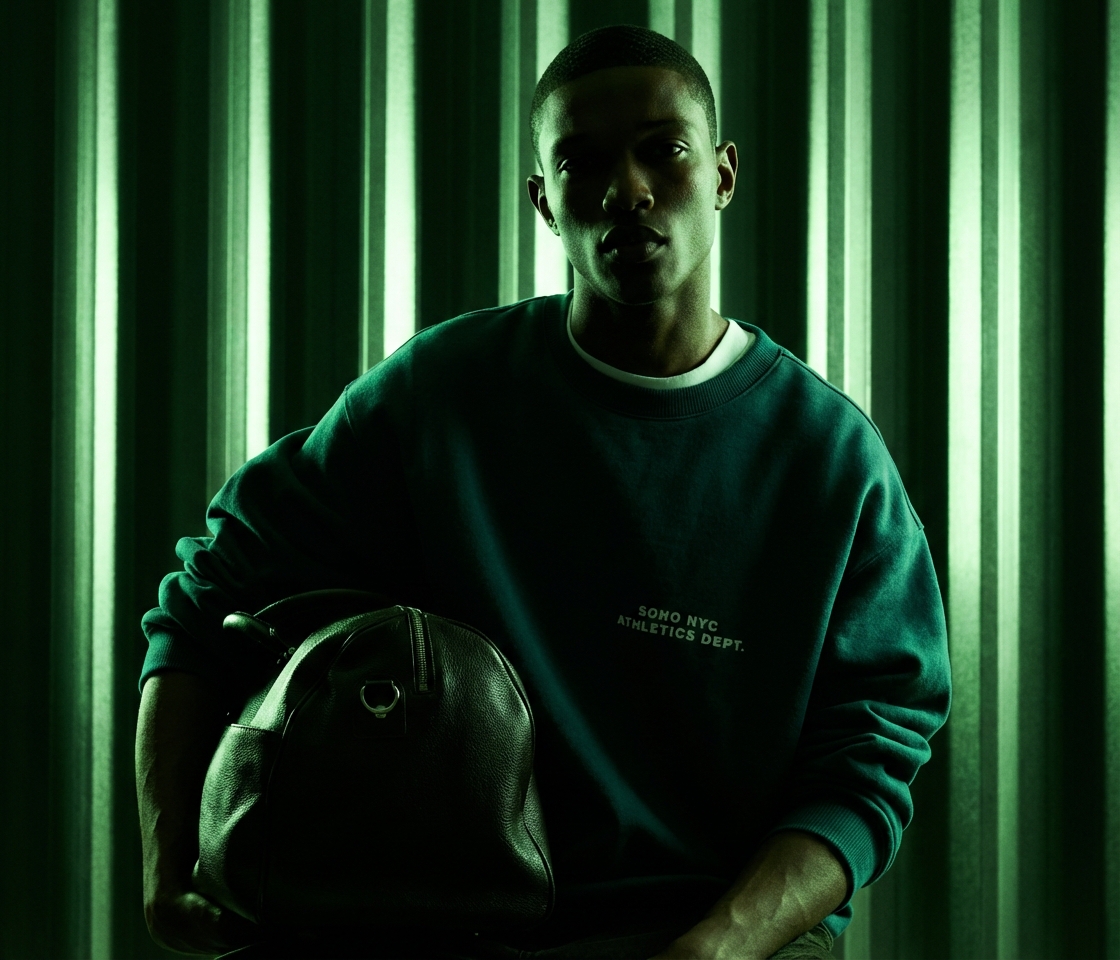 Neon glow
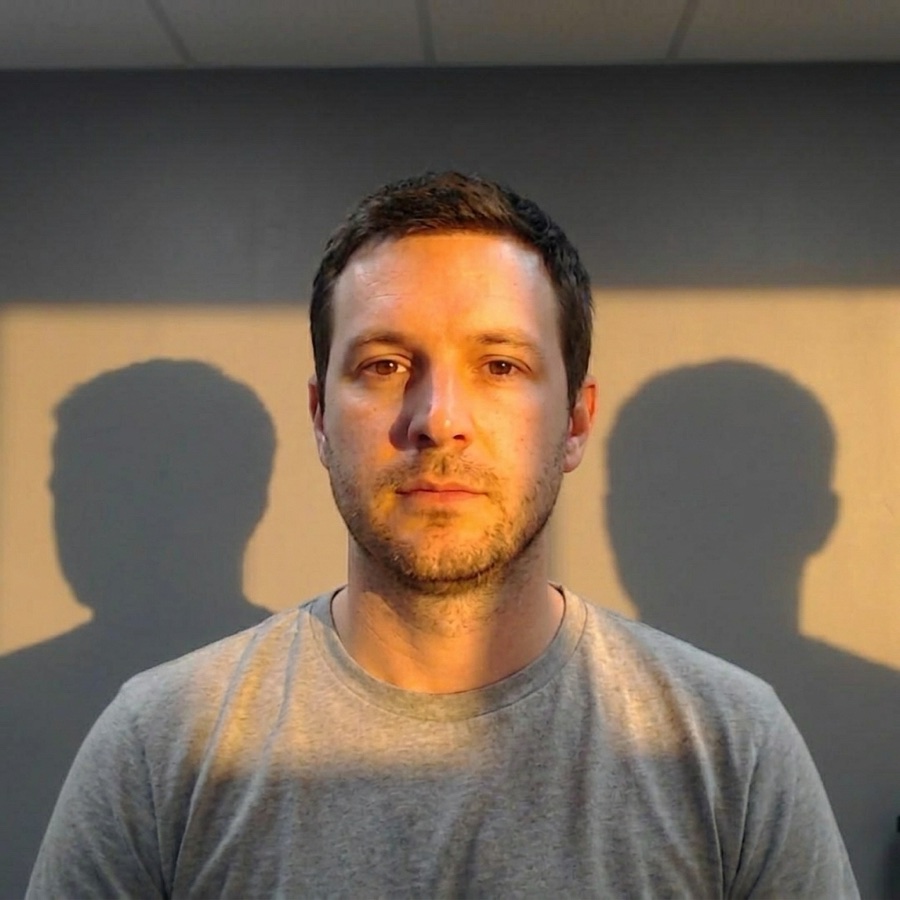 Spotlight
What is AI photo relighting?
It takes a flat, existing photo and re-lights it as if it were shot under brand-new studio lighting. You upload the image, choose a lighting look, and the AI rebuilds the shadows, highlights, and colour, a professionally lit shot in seconds, with no reshoot.
One flat photo in, a dramatically lit shot out
Drop in a plain, evenly lit photo and get back the same subject under directional studio light, with realistic shadows and warm highlights, ready to post.
Relight without leaving the canvas
Upload a photo, pick a lighting look, and preview the relit result, all inside the DesignerBox editor, with no exporting and re-importing between tools.
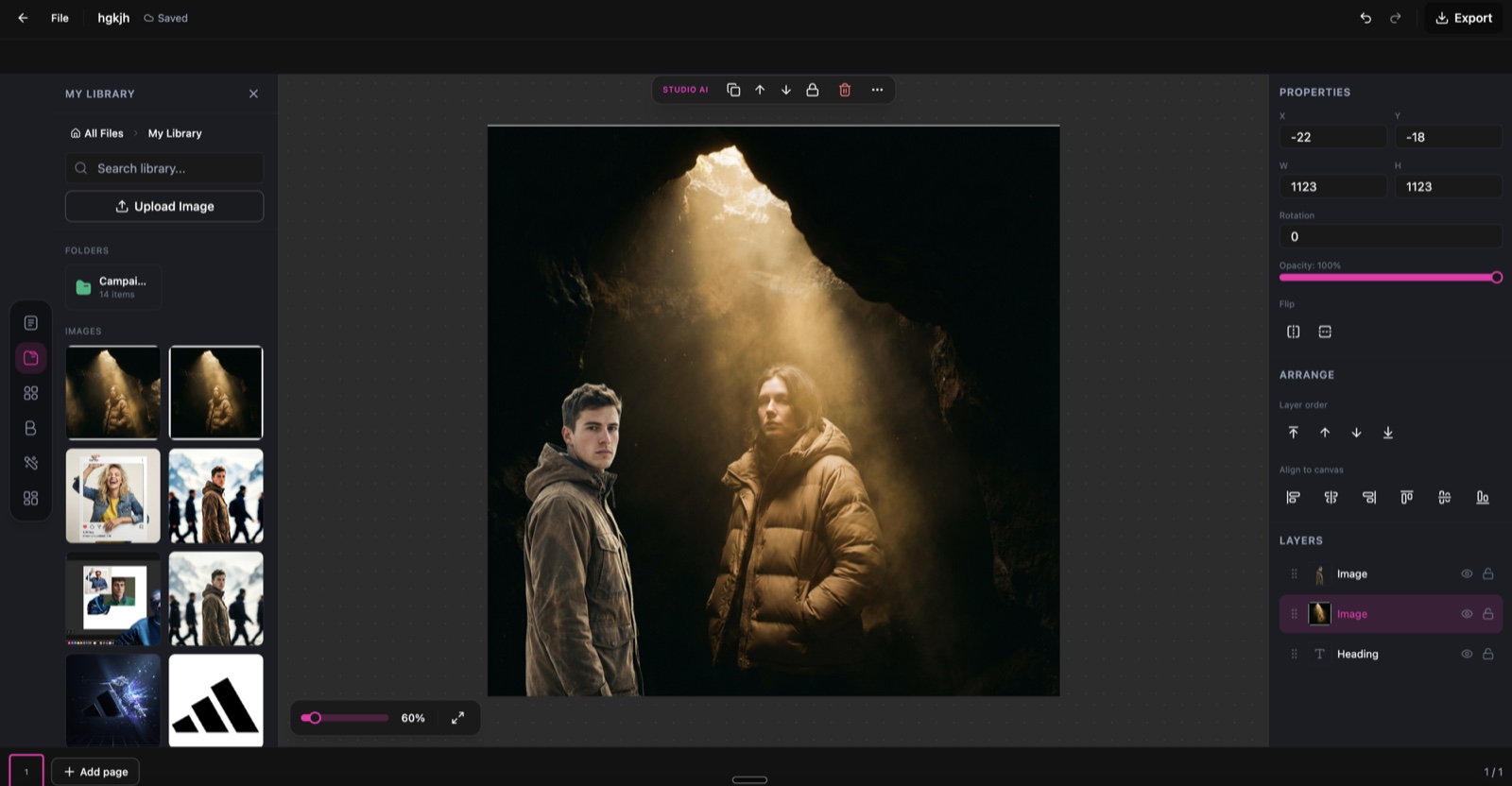
Spotlight, running inside the DesignerBox canvas.
Six ways to light one photo
Switch the entire mood of a shot by choosing a preset, then dial in the direction and intensity.
Studio Light
Clean, even studio lighting with soft shadows for professional results.
Dramatic Shadow
High-contrast side lighting that creates bold shadows and depth.
Golden Hour
Warm sunset tones with soft directional light and long shadows.
Neon Glow
Vibrant coloured lighting with cyberpunk-inspired neon accents.
Soft Fill
Gentle, omnidirectional light that eliminates harsh shadows.
Rim Light
Backlit edge lighting that separates the subject from the background.
From flat photo to studio light in three steps
Upload your photo
Drop in any photo, a product shot, portrait, or creative scene. The AI maps the existing light sources and 3D geometry of the scene.
Select a lighting style
Pick a lighting preset like Studio Light, Dramatic Shadow, or Golden Hour. Fine-tune the light direction and intensity to match your vision.
Download your relit photo
AI renders photorealistic relighting with accurate shadows and reflections. Download at full resolution, up to 4K.
One shot, every mood
The same photo, relit into a completely different look, no second shoot required.
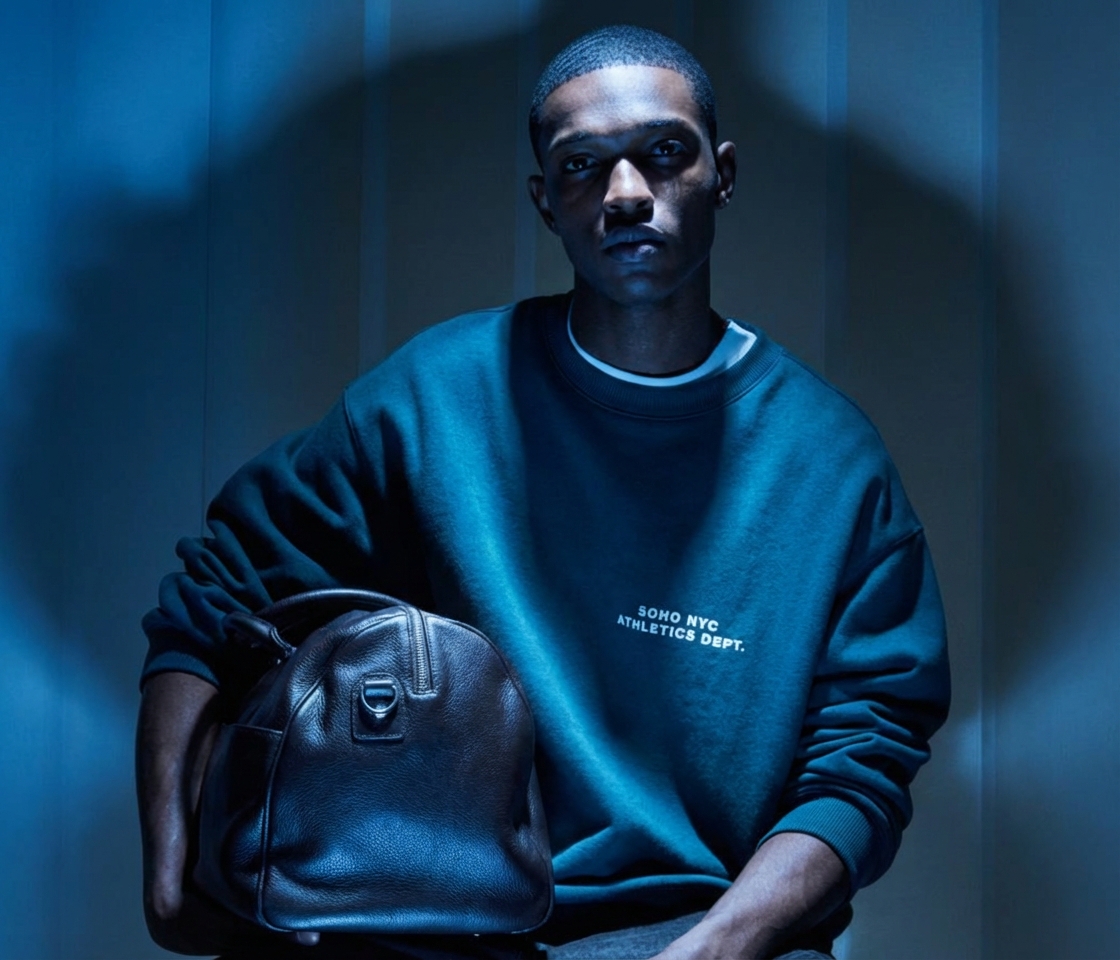
Neon glow
Bold coloured lighting with vivid neon accents for a cinematic, high-energy look.
Cool blue
Moody blue studio light that adds depth and a dramatic, editorial atmosphere.
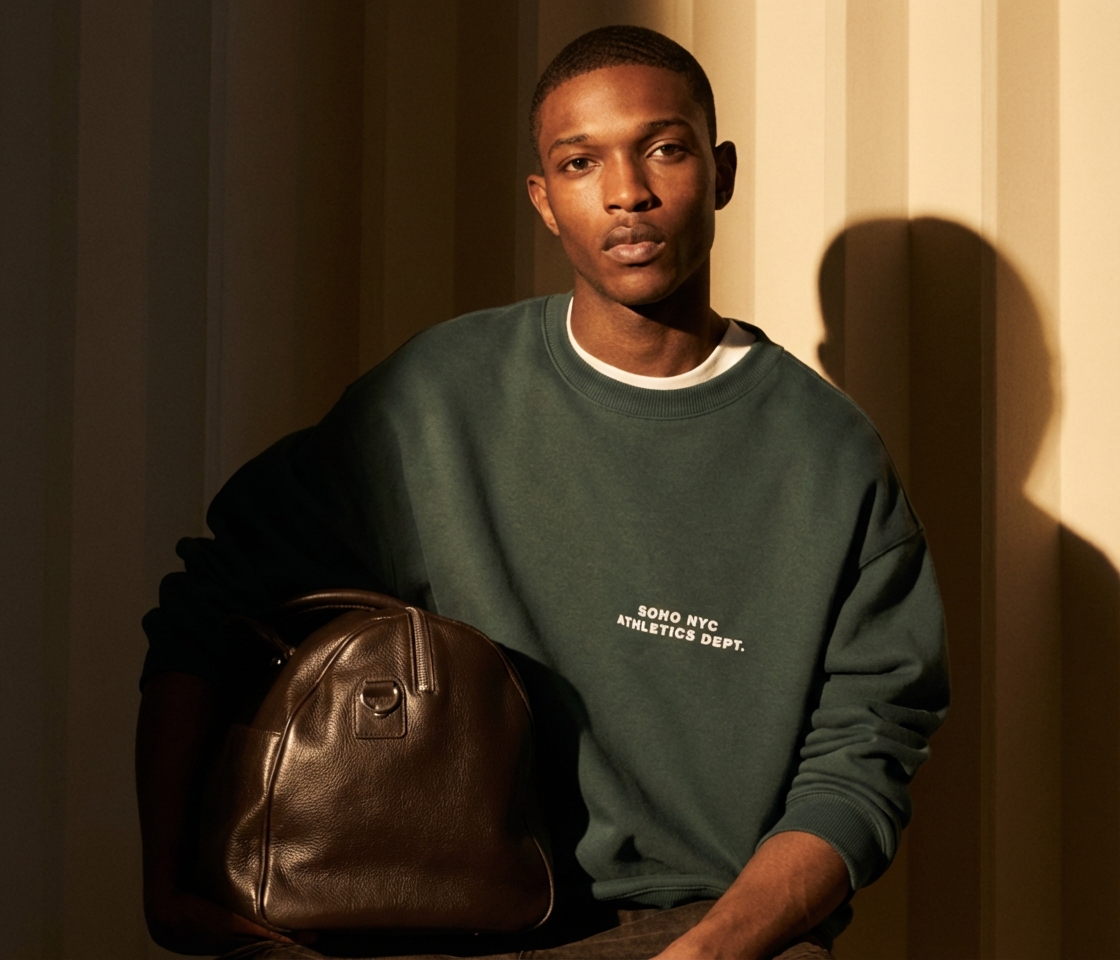
Golden hour
Warm directional light with long, natural shadows for a sunlit finish.
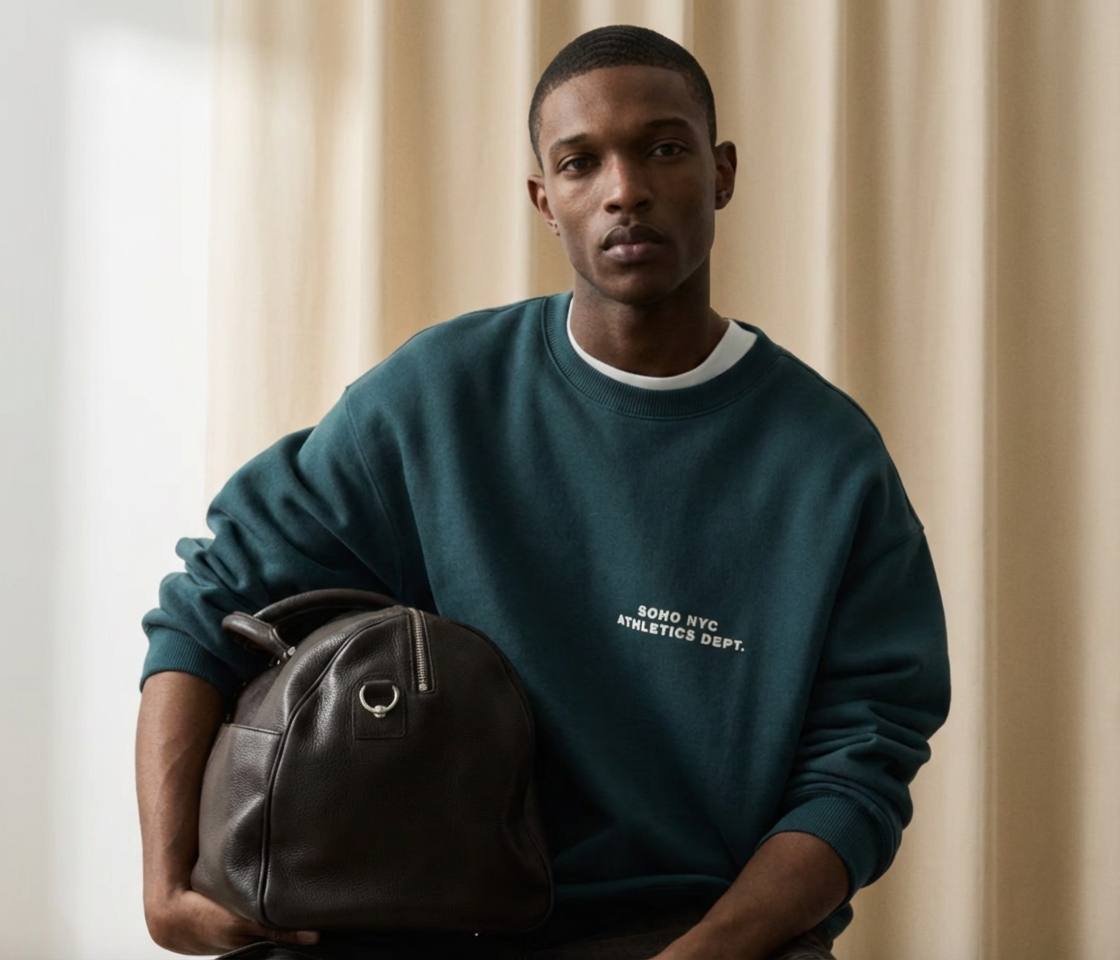
Soft fill
Gentle, even light that flatters the subject and removes harsh shadows.
Skip the lighting rig
The old way
- Rent a studio, lights, and modifiers for every shoot
- Rebuild the setup by hand for each new lighting mood
- Reshoot from scratch when the look does not land
- Wait on a retoucher to match highlights and shadows
With Spotlight
- Upload a photo you already have and relight on screen
- Switch from studio to golden hour to neon in seconds
- Generate several lighting looks from a single shot
- Get realistic shadows and reflections with no retouching
Spotlight specs
| Best for | Product, portrait, fashion, and scene relighting |
|---|---|
| Credit cost | 5 credits per generation |
| Lighting presets | 6+ (Studio Light, Dramatic Shadow, Golden Hour, Neon Glow, Soft Fill, Rim Light) |
| Control | Adjustable light direction and intensity |
| Input | Any photo, from product shots to portraits |
| Output resolution | Full resolution, up to 4K |
| Export formats | PNG and JPG |
| Powered by | DesignerBox's latest AI image models |
Frequently asked questions
What types of photos work best with Spotlight?
Will the relighting look realistic?
Can I adjust the lighting direction and intensity?
How many credits does Spotlight cost?
Can I apply multiple lighting styles to the same photo?
Does relighting change the photo colours?
Ready to transform your lighting?
Upload a photo and apply professional studio lighting in seconds.