Remove objects and heal imperfections with AI inpainting
Brush over anything you want gone, unwanted objects, scratches, blemishes, or clutter, and AI fills the area to match the pixels around it. Seamless, invisible repairs on any photo, illustration, or design.
 Object removal
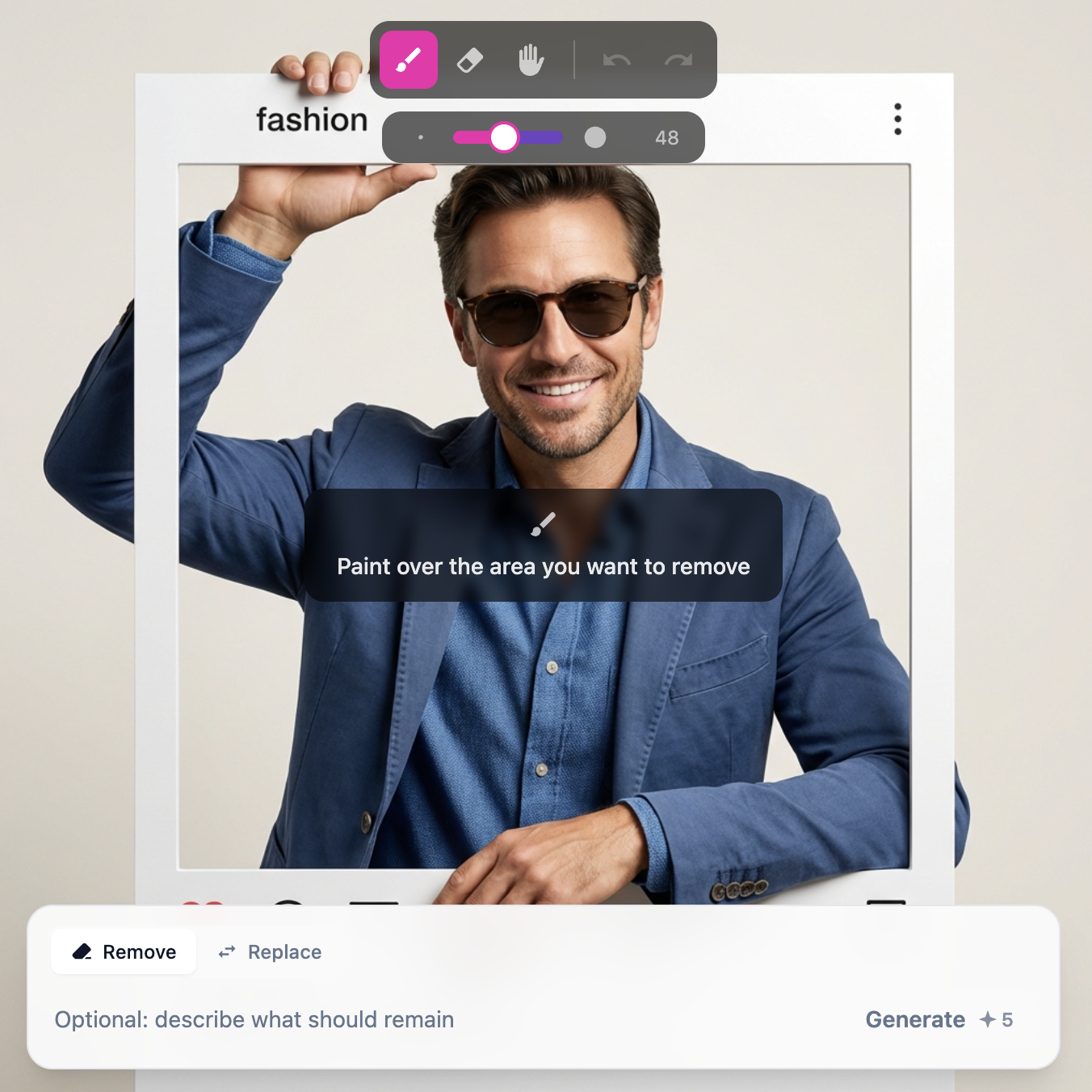 Healing
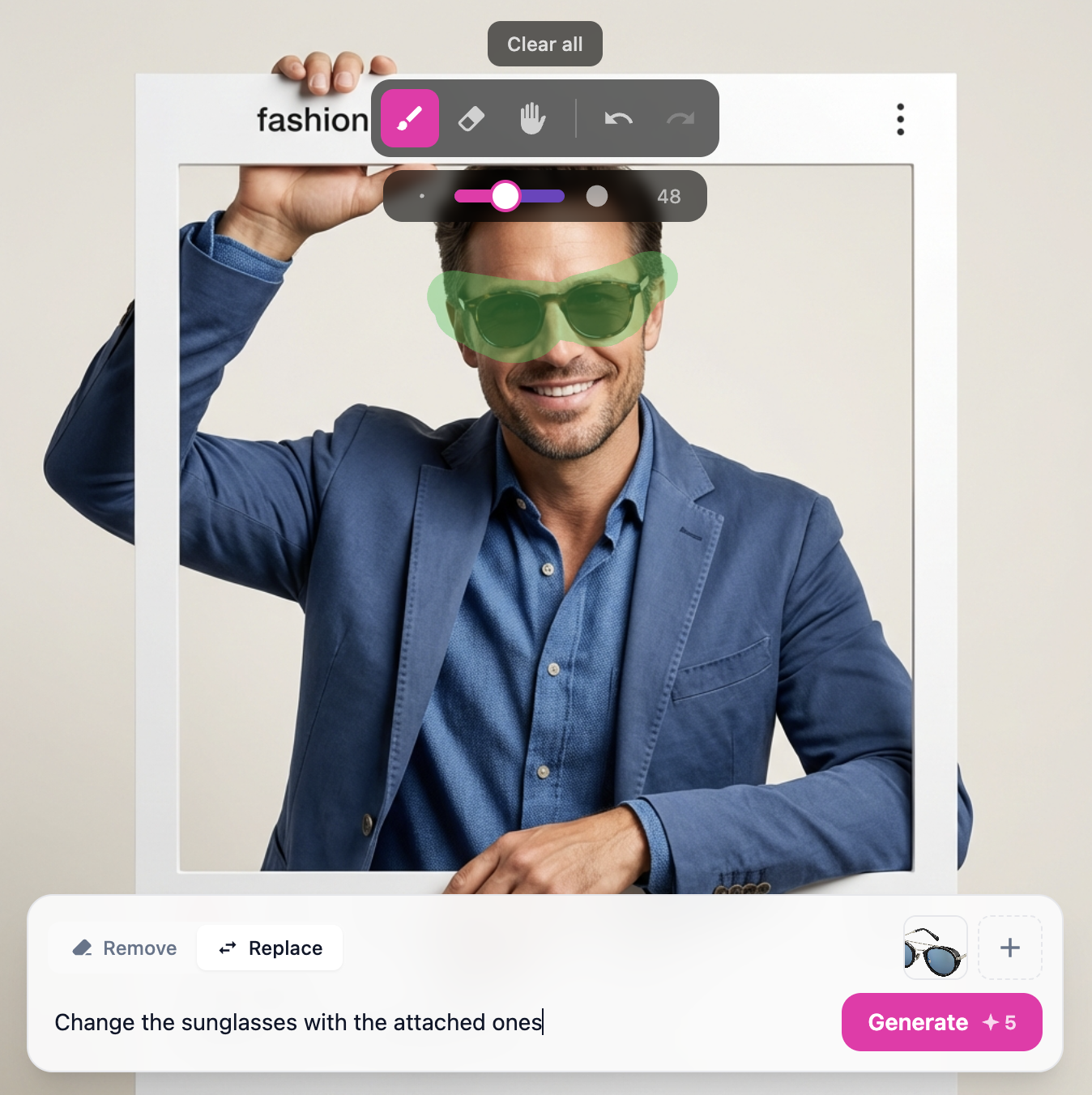 Content fill
What is AI photo retouching?
It removes the parts of a photo you do not want and rebuilds them to match. You brush over an object, scratch, or blemish, and the AI reads the surrounding texture, lighting, and colour to fill the gap, a clean, repaired image in seconds, with no manual cloning or masking.
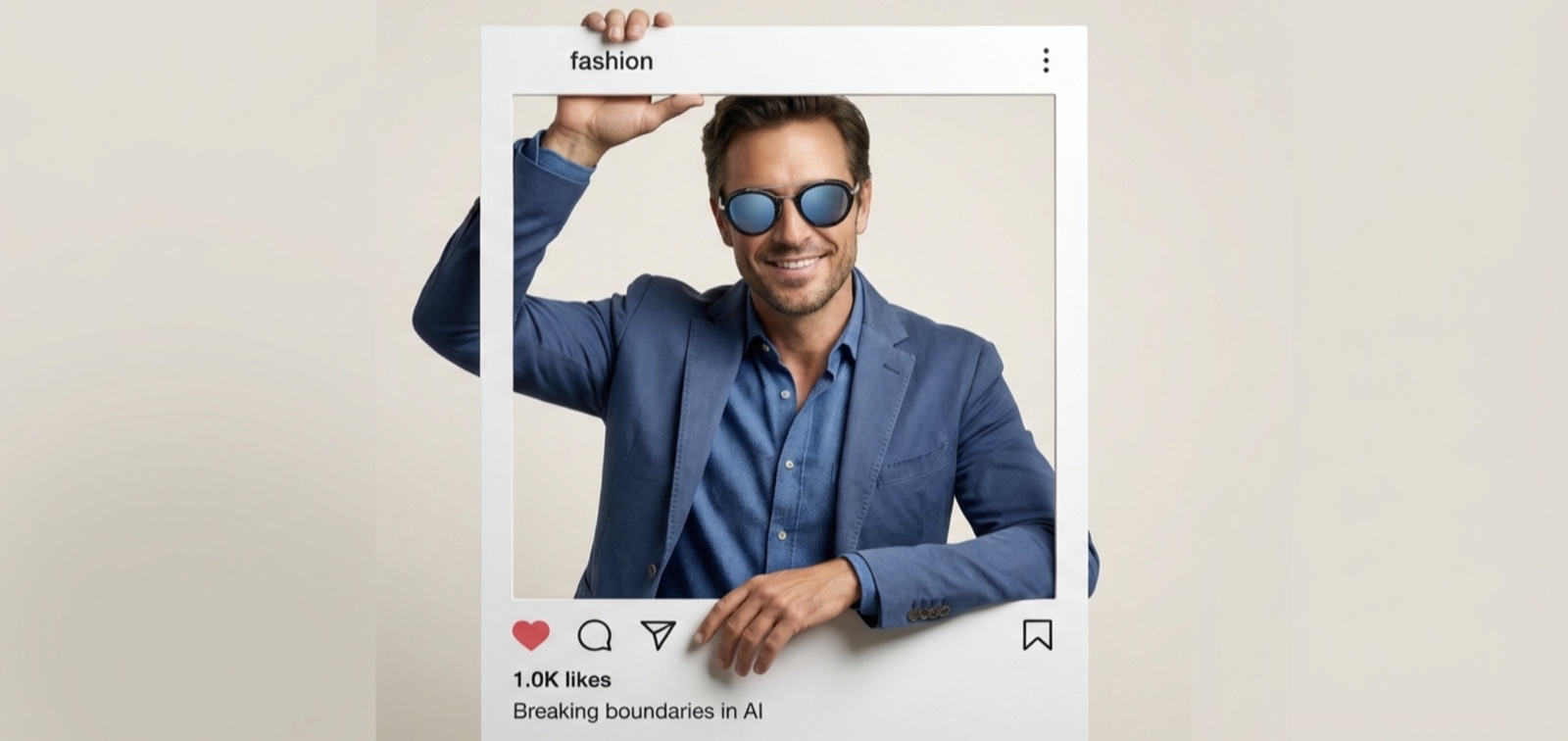
Repairs that blend into the image
The AI matches texture, lighting, and colour from the pixels around your edit, so the fix disappears into the photo instead of standing out.
Repair tools for every kind of fix
One precision brush, six ways to clean up an image.
Object removal
Remove unwanted people, signs, wires, or any object from your photos.
Background repair
Fix damaged or distracting backgrounds with AI content fill.
Spot healing
Quick fix for small blemishes, spots, and dust marks.
Scratch repair
Restore old or damaged photos by repairing scratches and tears.
Blemish removal
Clean up skin blemishes, stains, and surface imperfections.
Content-aware fill
Fill empty or missing areas with AI-generated matching content.
Retouch runs inside the DesignerBox canvas
Upload, brush, and preview the repair in one place, with no round-trips between a separate editor and your library.
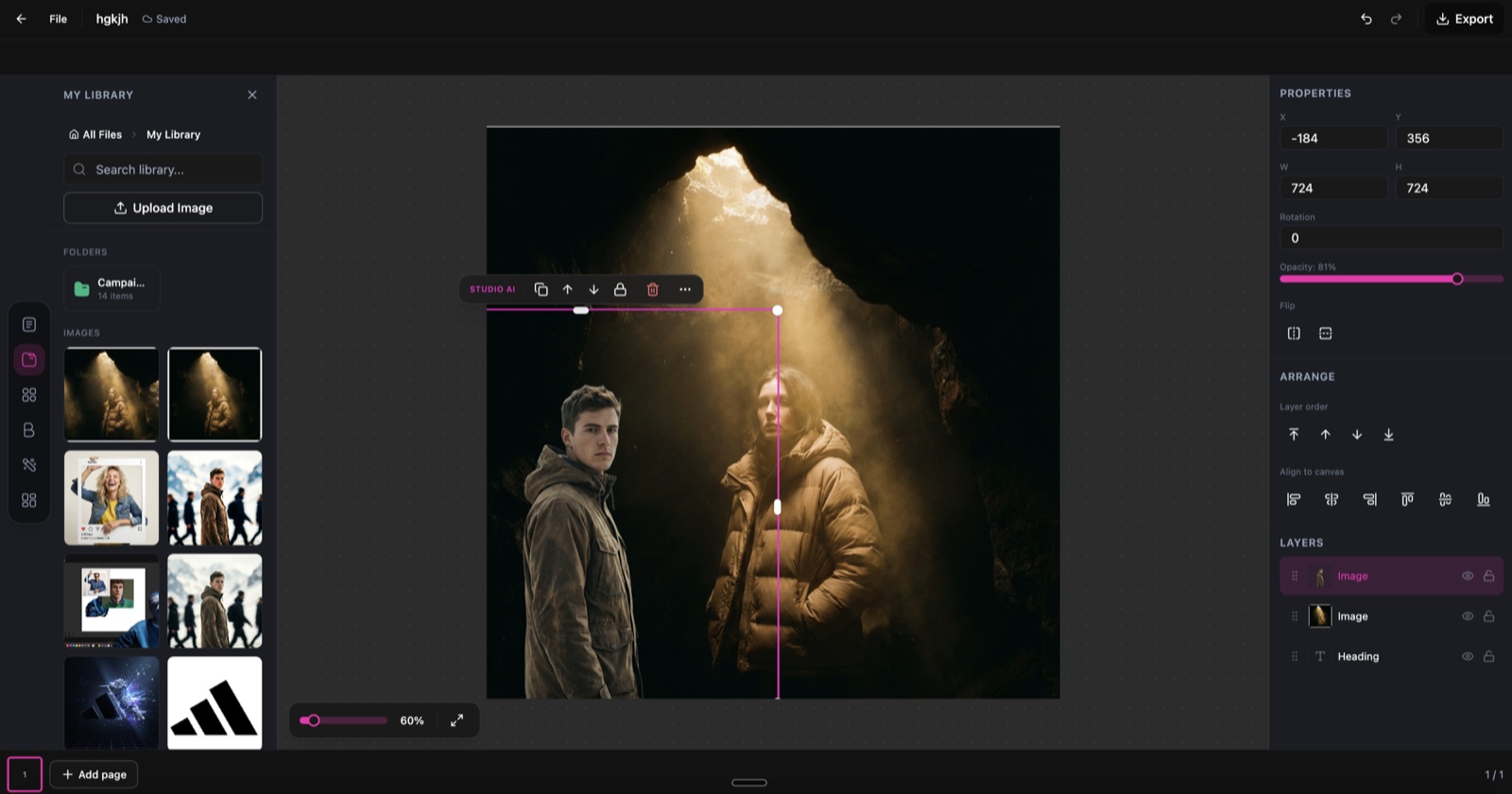
Retouch, running inside the DesignerBox canvas.
From flawed photo to clean image in three steps
Upload your image
Drop in any image that needs work, a photo with unwanted objects, a scratched scan, or a shot with imperfections to remove.
Brush over imperfections
Paint over the areas you want fixed with the precision brush. Size it down for detail or up for broad strokes, the AI treats the marked area as the repair target.
Download the repaired image
The AI fills and blends the marked areas to match surrounding texture and lighting. Download the clean result at full resolution.
One retoucher, every kind of image
The same brush-and-fill workflow, wherever a photo needs a clean-up.
Photo cleanup
Remove photobombers, litter, signs, and distractions from travel and event shots.
Product retouching
Clean up product photos by removing dust, scratches, and surface marks.
Old photo restoration
Repair scratches, tears, and water damage on scanned vintage prints.
Real estate editing
Remove clutter and personal items from property listing photos.
Design iteration
Drop or swap elements quickly while iterating on a visual concept.
Social media polish
Clean up selfies and posts by removing background distractions.
Skip the manual cloning
The old way
- Clone-stamp and mask every flaw by hand in a heavy editor
- Match texture and lighting pixel by pixel around each edit
- Redo the whole selection when one area does not blend
- Learn a professional tool before you can fix a single photo
With Retouch
- Brush over the flaw and let AI rebuild it to match
- Get texture, lighting, and colour blended automatically
- Regenerate a cleaner fill in seconds if the first pass is off
- Repair any photo with no editing skills needed
Retouch specs
| Best for | Object removal, photo repair, and image clean-up |
|---|---|
| Credit cost | 5 credits per repair |
| Works on | Photos, product shots, scans, illustrations, and designs |
| Brush | Precision brush with adjustable size |
| Blending | Automatic texture, lighting, and colour matching |
| Output resolution | Up to 4K |
| Export formats | PNG and JPG |
| Powered by | DesignerBox's latest AI image models |
Frequently asked questions
What types of imperfections can Retouch fix?
How accurate is the AI inpainting?
Can I control the brush size for detailed work?
How many credits does Retouch cost?
Does Retouch work on illustrations and designs?
Will the repaired areas be visible?
Ready to fix your images?
Upload a photo, brush over what you want gone, and get a clean, repaired result in seconds.