About DesignerBox
The creative studio for everyone who sells
DesignerBox is an AI creative workspace for commerce. Shops, brands and agencies make product photos, ads and videos with it, all in one place. LoadFocus LTD, the team behind PostNext and CreatorFlow, builds it.
- Claude
- ChatGPT
- Cursor


Anyone can make one AI picture. A business needs photos , ads
, ads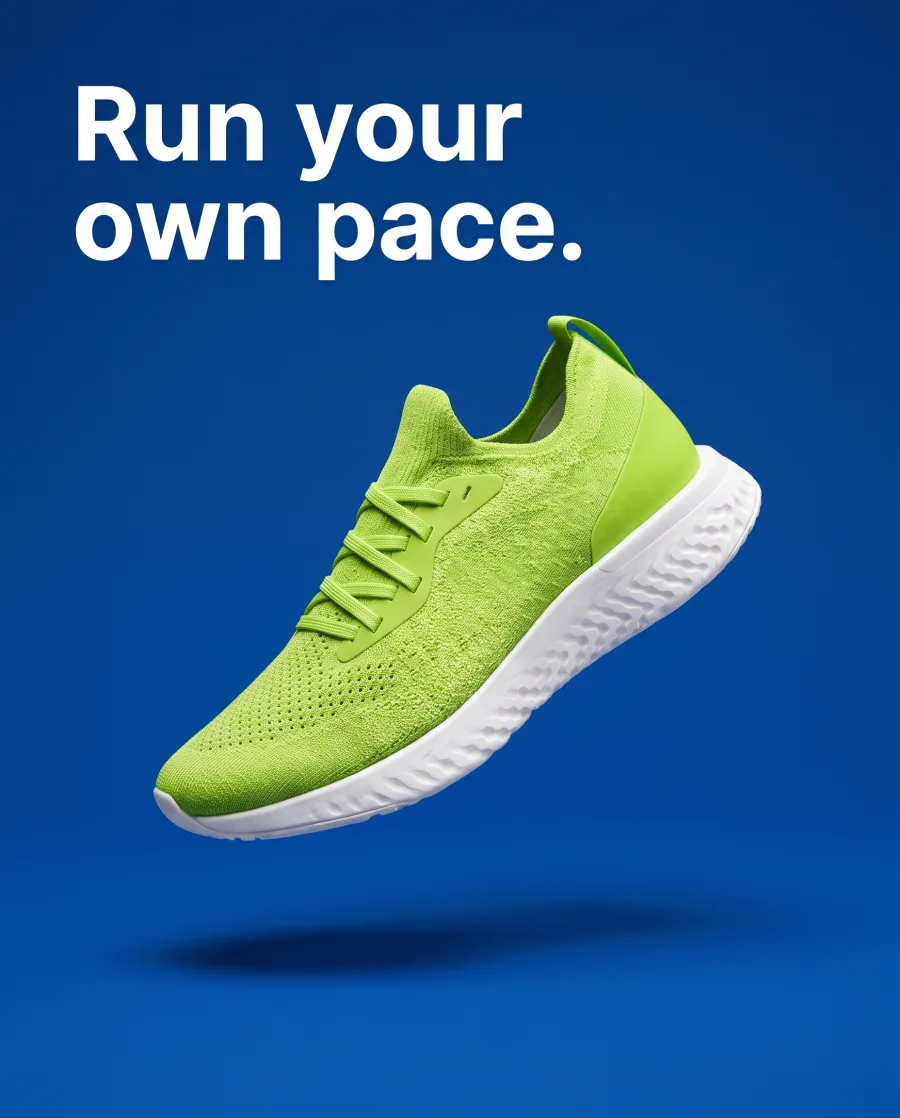 and videos
 of everything it sells, every week, in its own style. We build DesignerBox for that part.
What it makes
Photos, ads and videos for everything you sell
The AI models, a brand kit, an image editor and a video editor are built in. Nobody needs to set anything up.
 Product photosYour product on a plain background, in a scene or on a model
 AdsOne ad in feed, square and story sizes
 Video adsShort videos of your product for Reels and TikTok
 Model photosYour clothes on a model, in a studio or outside
 Creator videosA person who holds and shows your product
 Social postsPosts, stories and pins in the right size
 Room scenesFurniture and homeware in a real-looking room
 Brand kitSave your logo, colours and fonts, then pick your brand when you ask
Who it is for
Made for everyone who sells
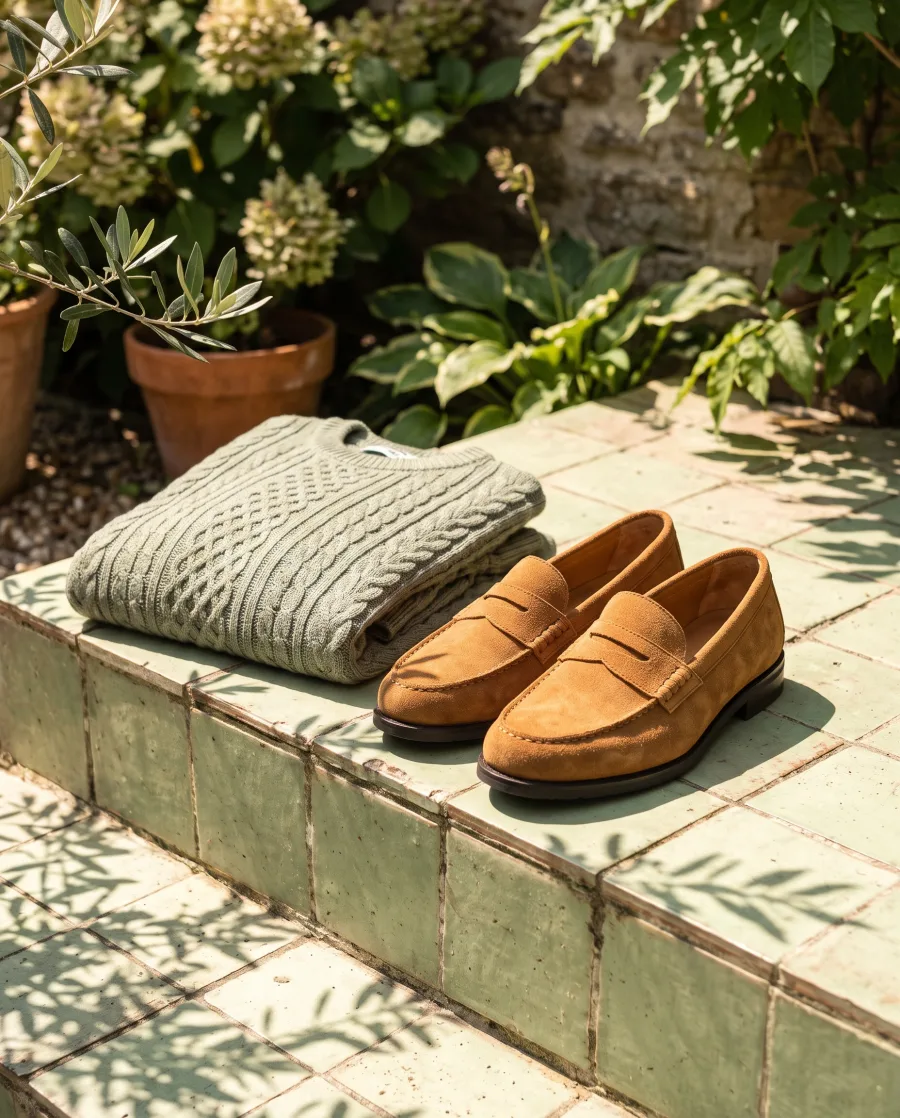 Online shopsProduct page photos and ads
 BeautyYour bottles and jars with a model
 RestaurantsMenu and delivery app photos
 FurnitureRoom scenes without a photo shoot
 FashionYour clothes on models, no shoot
 JewelleryClose-ups and photos on a person
 Car dealersYour cars in new places
 AgenciesEach client's pictures, in their style
Also for Shopify stores, Amazon sellers, Etsy sellers, Brand teams and Content creators.
The company
Key facts about DesignerBox
We are a small team. We publish no star ratings and no customer counts. When a company writes about using DesignerBox, we link to what it wrote and say whether we know it. Those reviews are on the reviews page.
- Name
- DesignerBox
- What it is
- An AI creative workspace for commerce: product photos, ads and videos, made and edited in one place
- Legal name
- LoadFocus LTD
- Where it runs
- The web app, the iOS app, the Figma plugin, the Chrome extension, AI chats such as Claude, ChatGPT and Cursor through the MCP server, and an API on the Ultra plan
- Plans
- A free plan and four paid plans: Basic, Pro, Premium and Ultra, paid monthly or yearly. A paid plan starts with a 7-day free trial, and the trial takes a card. The prices are on the pricing page.
Honest limits
What DesignerBox does not do yet
These are real limits today. We would rather you read them here than find them later.
- It does not post finished work to your shop or to a social channel. You download the files or send them for review.
- There is no separate workspace for each client. To show a client your results, you send a review link.
- We publish no accuracy score for our own results, because we have not run a blind test we can show you.
- Team seats, shared brand kits and the API are on the Ultra plan. Every plan below Ultra is one seat.
Who makes DesignerBox?
LoadFocus LTD makes DesignerBox. It is registered in England and Wales under company number 09554514, with its registered office at 4 Grayscroft Road, London SW16 5UP, United Kingdom.
What is DesignerBox?
DesignerBox is an AI creative workspace for commerce. You make product photos, ads and videos with AI, edit them, keep your brand on them and share them with clients. The AI models, a brand kit, an image editor and a video editor are built in.
Can I try DesignerBox before I pay?
Yes. You can start on the free plan today. A paid plan starts with a 7-day free trial. The trial takes a card, and the card is charged when the 7 days end unless you cancel first.
Which AI models does DesignerBox use?
The picture and video models are built in, and DesignerBox picks the model for each request. You can also pick one yourself in Generate. The current list is on the AI models page.
Does DesignerBox have an API?
Yes. The API is on the Ultra plan. DesignerBox also works in Claude, ChatGPT and Cursor through its MCP server, on every plan.
How do I reach a person?
Email contact@designerbox.ai. A person from the team that builds the product reads every message. The contact page lists the faster routes for demos, press and partners.
Make your first pictures today.
Sign up with Google or your email. Nothing to set up.
Get started free- Claude
- ChatGPT
- Cursor


