


Solutions
AI creative production for agencies and brand teams
Scale your images, ads and video with AI creative production, and keep your brand on every piece. Pick the page closest to your work.

Who it is for
Does that sound like you?
Scaling without compromising quality.
You need more pictures and clips every week, for the shop, the socials and the ads. A shoot for every product costs weeks, and a different app each time gives you a different look. Anyone can make an AI picture. Making hundreds that still look like your brand is the hard part.
How we solve it:- Build the workflow once with your brand rules
- Run it on one product or the whole catalogue
- See the cost before you press Run
Cut the waiting time and budget for deliverables.
Every client wants more content, and every piece waits on a shoot, an edit or a freelancer. The budget goes on production instead of on the work. Anyone can make an AI picture. Making hundreds that still look like your brand is the hard part.
How we solve it:- One workflow for each client, with that client's brand rules
- Apps a colleague runs from a short form
- The cost of the job shown before you press Run
The pages
Pick the page closest to your work
Twelve pages, one argument: scale your content with AI and keep your brand.
By team
The people who own the work and the budget for it.

Agencies
One workflow for each client, with that client's brand rules
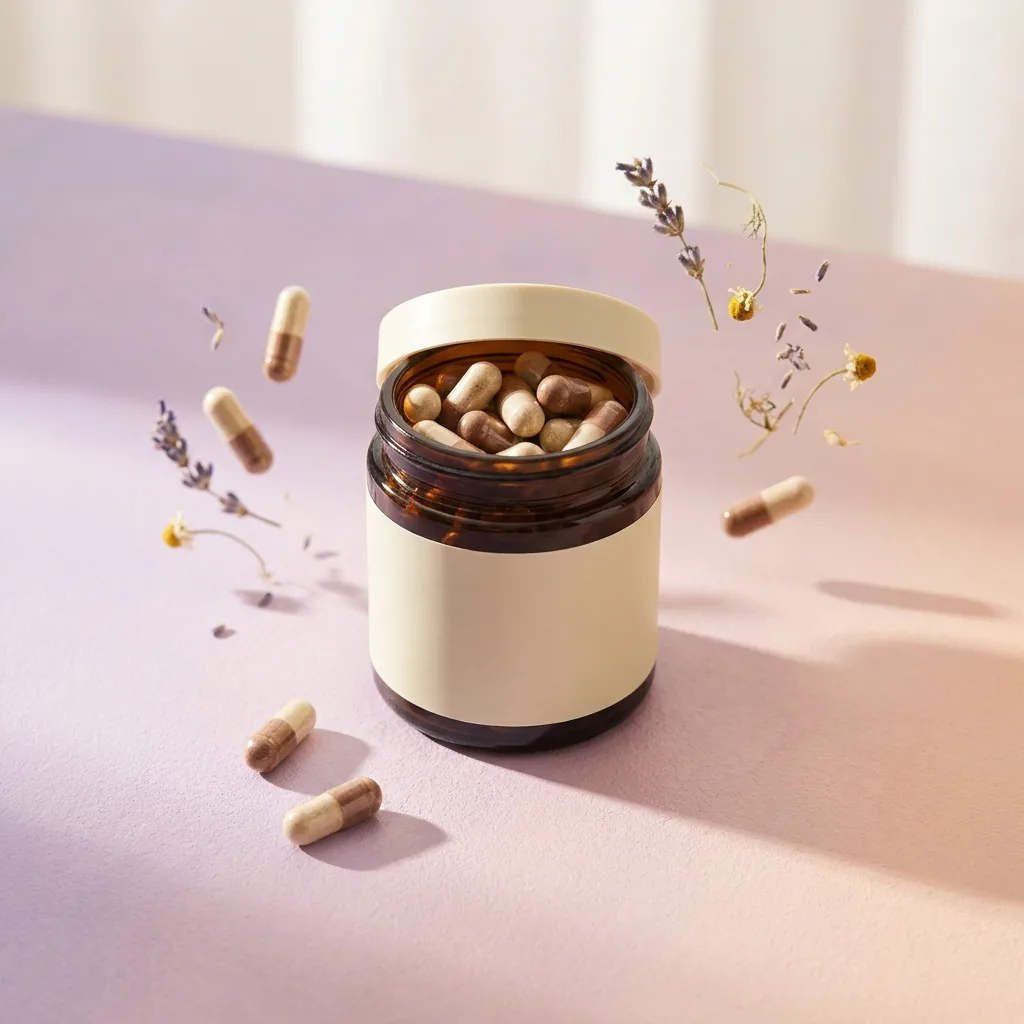
Brand teams
More content every week, all of it on brand
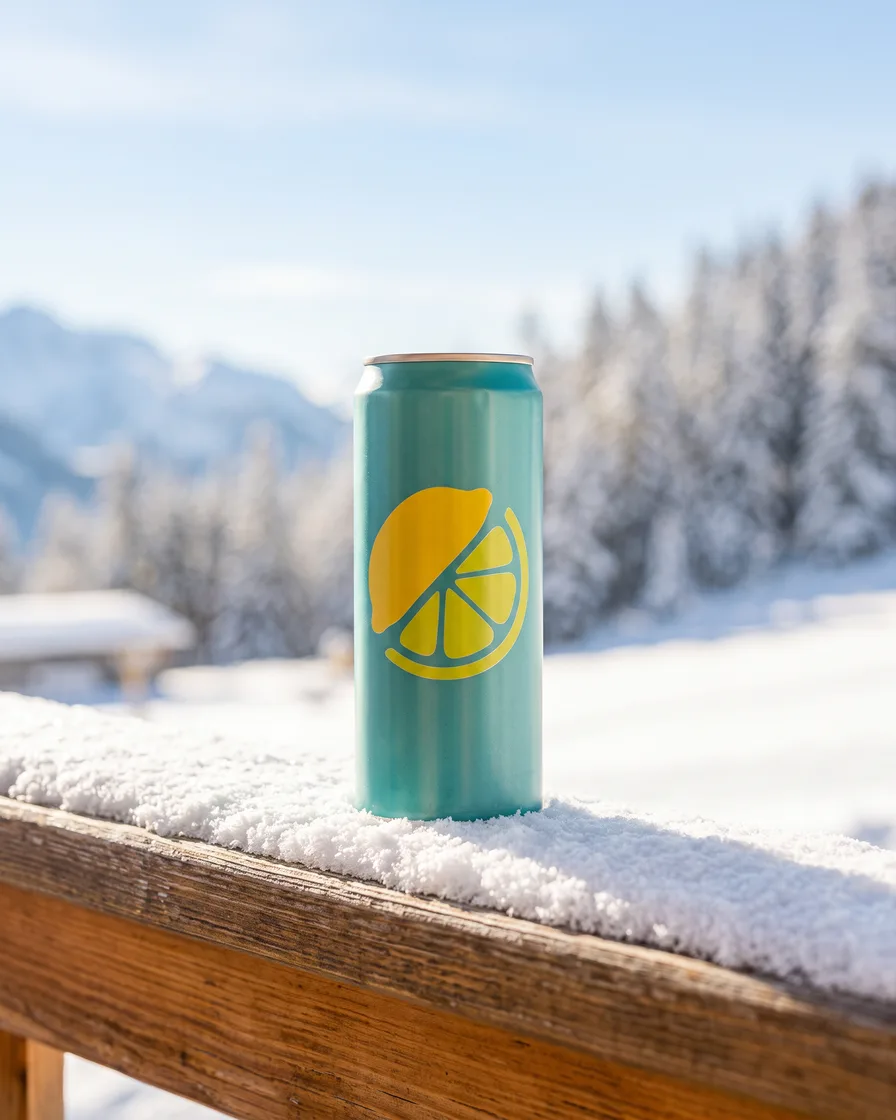
Performance marketers
Every size and market from your product photos
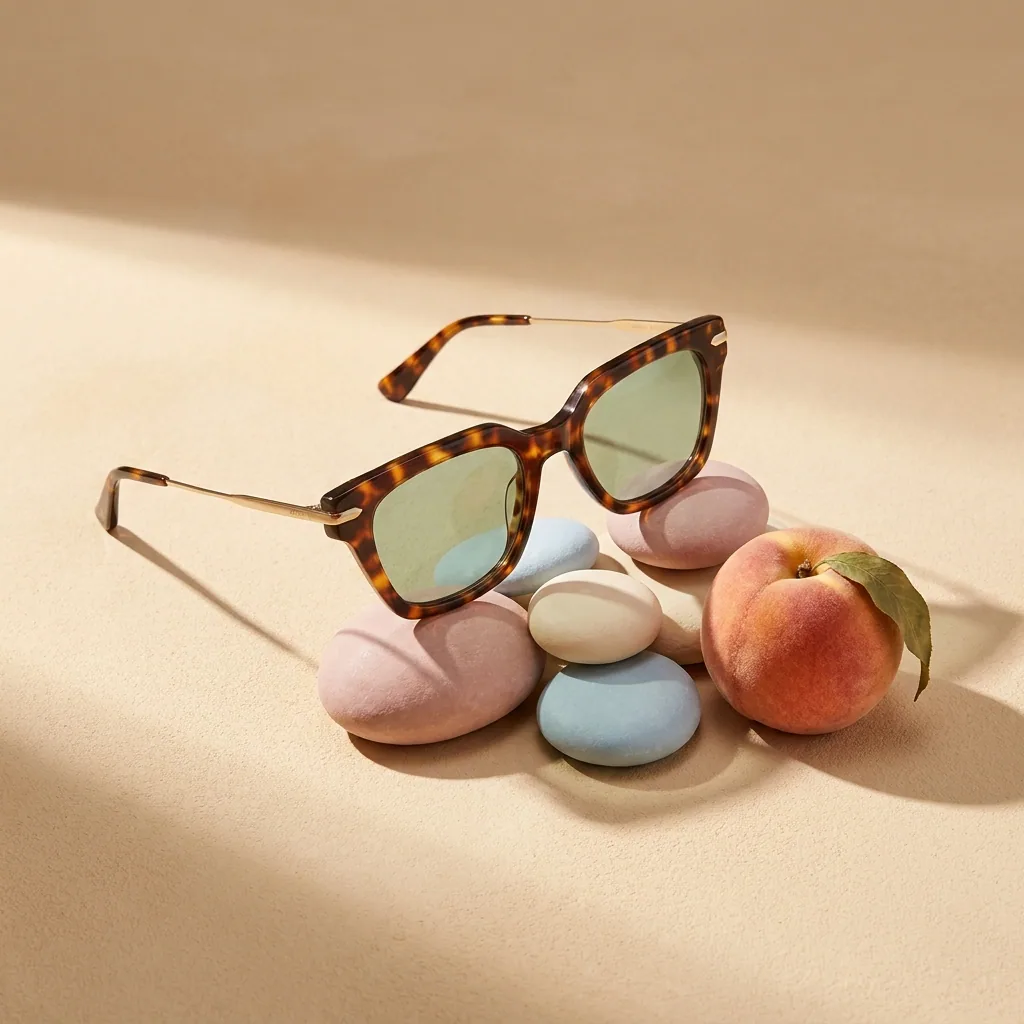
Creative studios
Build the set once, run it for every product

Solo founders
Shop, social and ad pictures in one look
By what you sell
The pictures a product category needs.
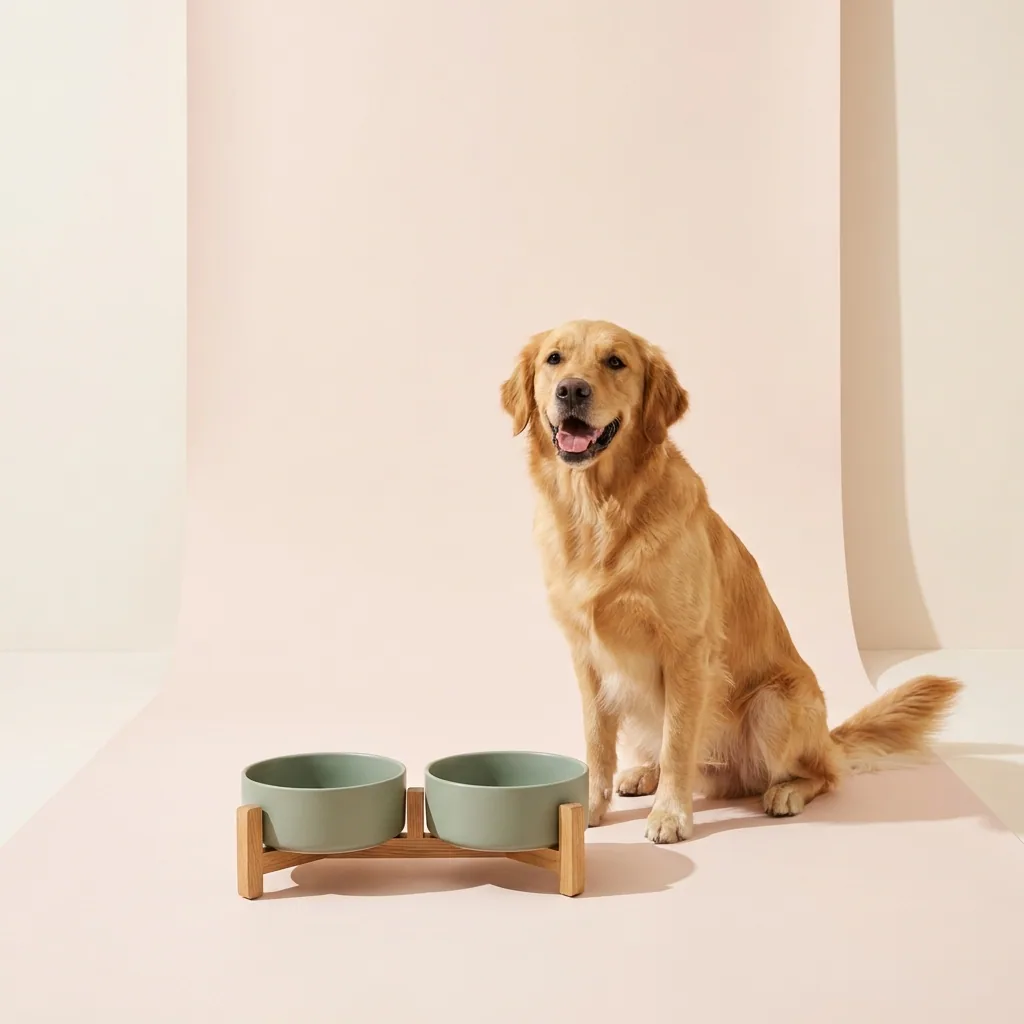
Ecommerce brands
A packshot, a scene and every size, per product

Fashion brands
A studio pair and every scene, per garment
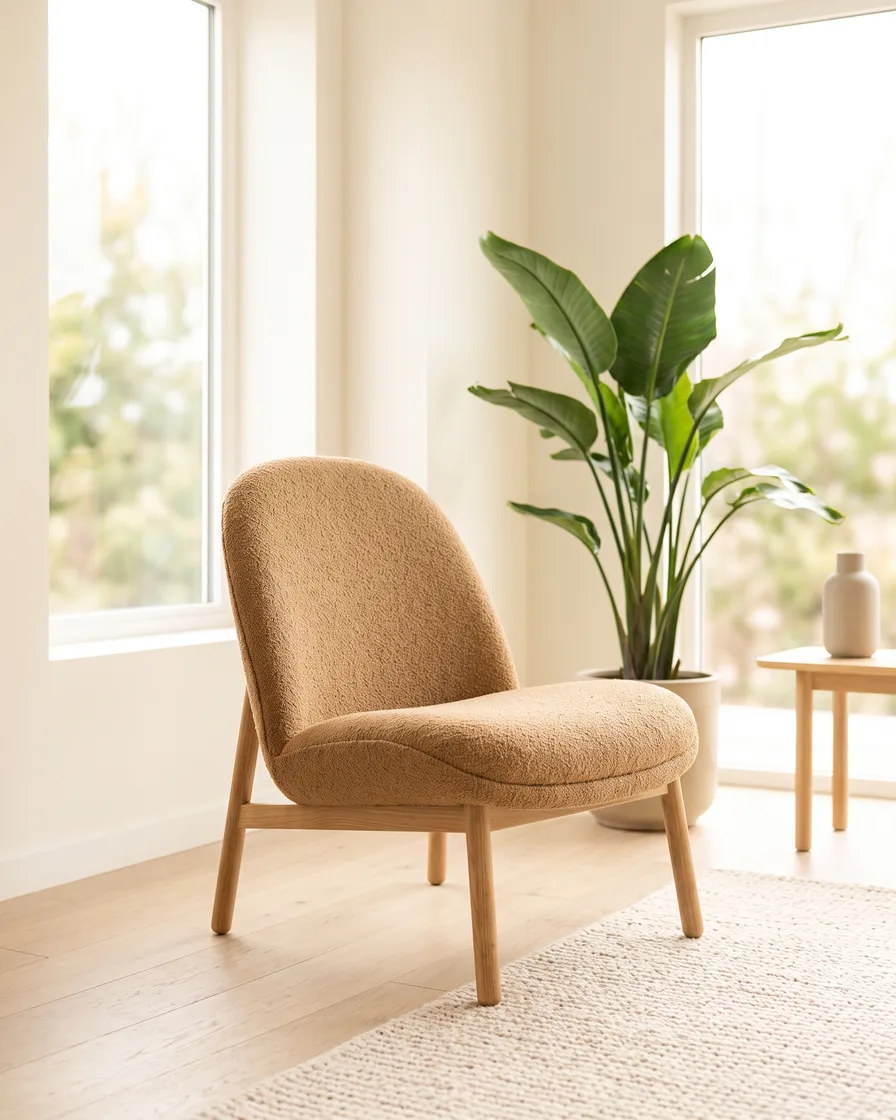
Furniture and homeware brands
One piece, placed in every room
Pick your product category:
- Fashion and apparel
- Dresses
- Wedding dresses
- Lingerie
- Swimwear
- Activewear
- Hoodies
- Socks
- Caps and hats
- Footwear
- Jewellery
- Watches
- Eyewear and sunglasses
- Bags and handbags
- Wallets, belts and small goods
- Phone cases
- Electronics and gadgets
- Beauty and skincare
- Fragrance and perfume
- Supplements and wellness
- Food and drink
- Furniture and homeware
By where you sell
The shapes and the rules of the place your listing lives.

Results
What you can make
Pictures and video made from the photos you already have.
- Your product




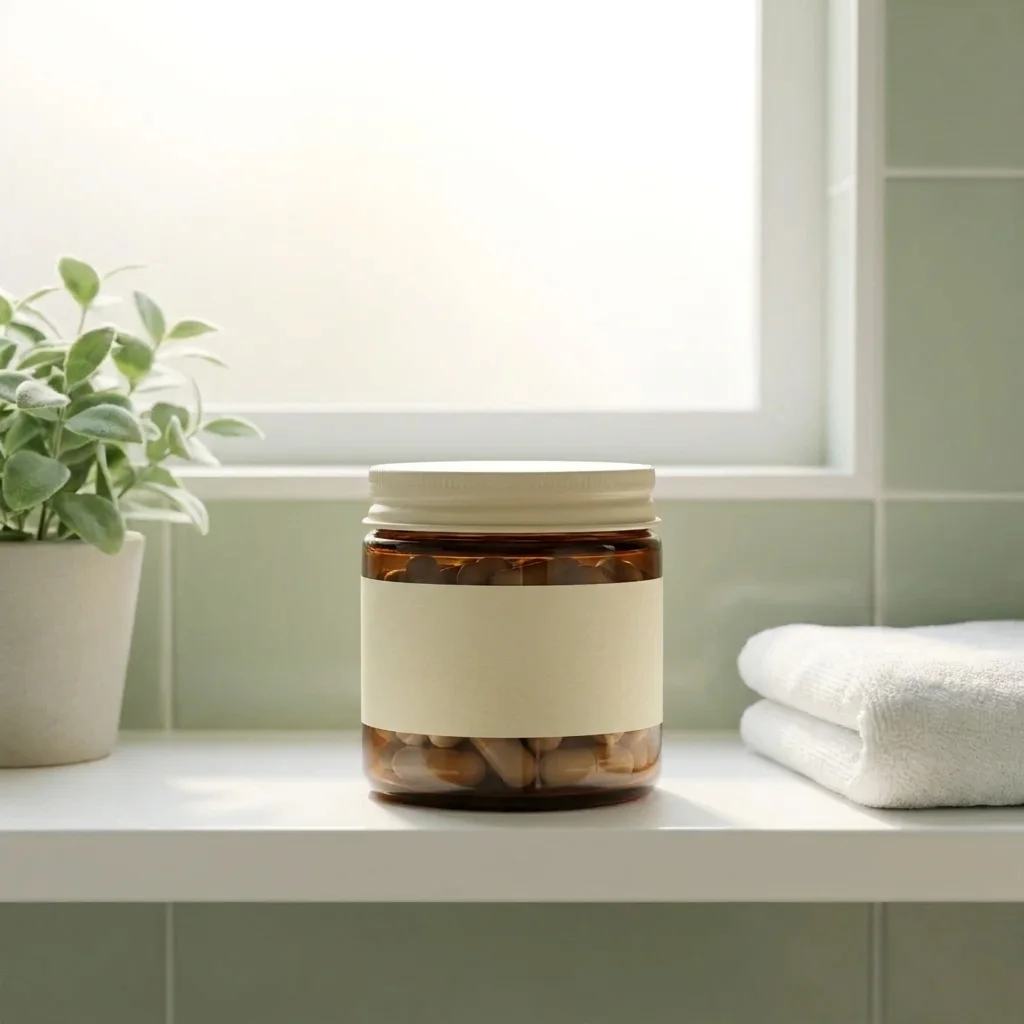
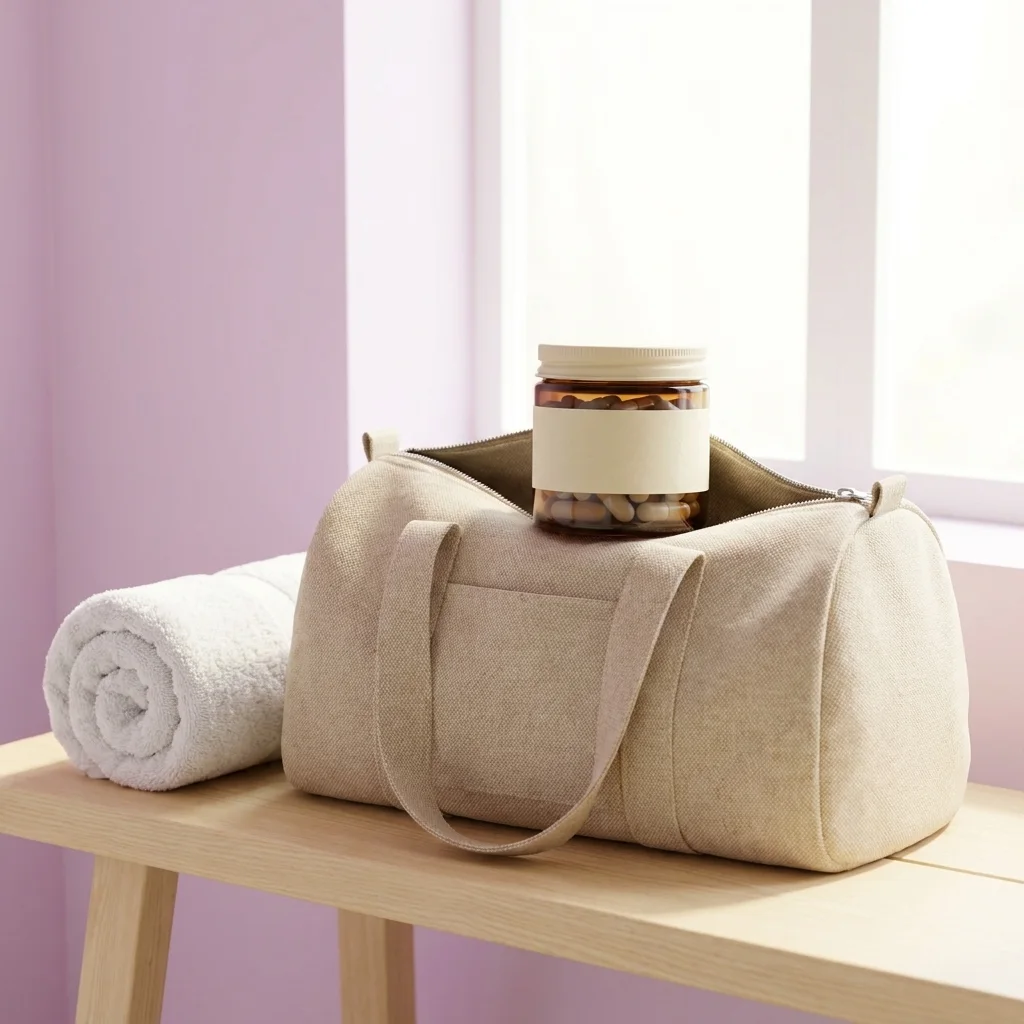

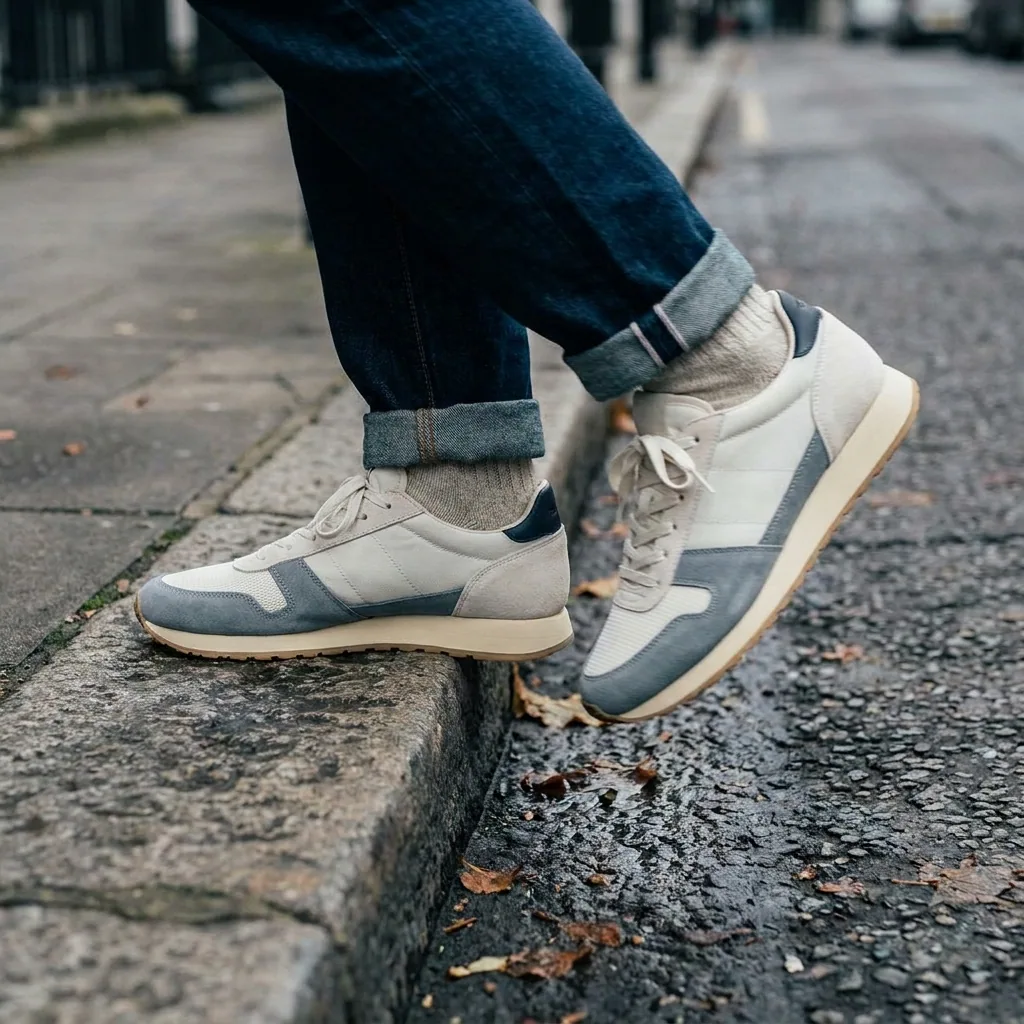
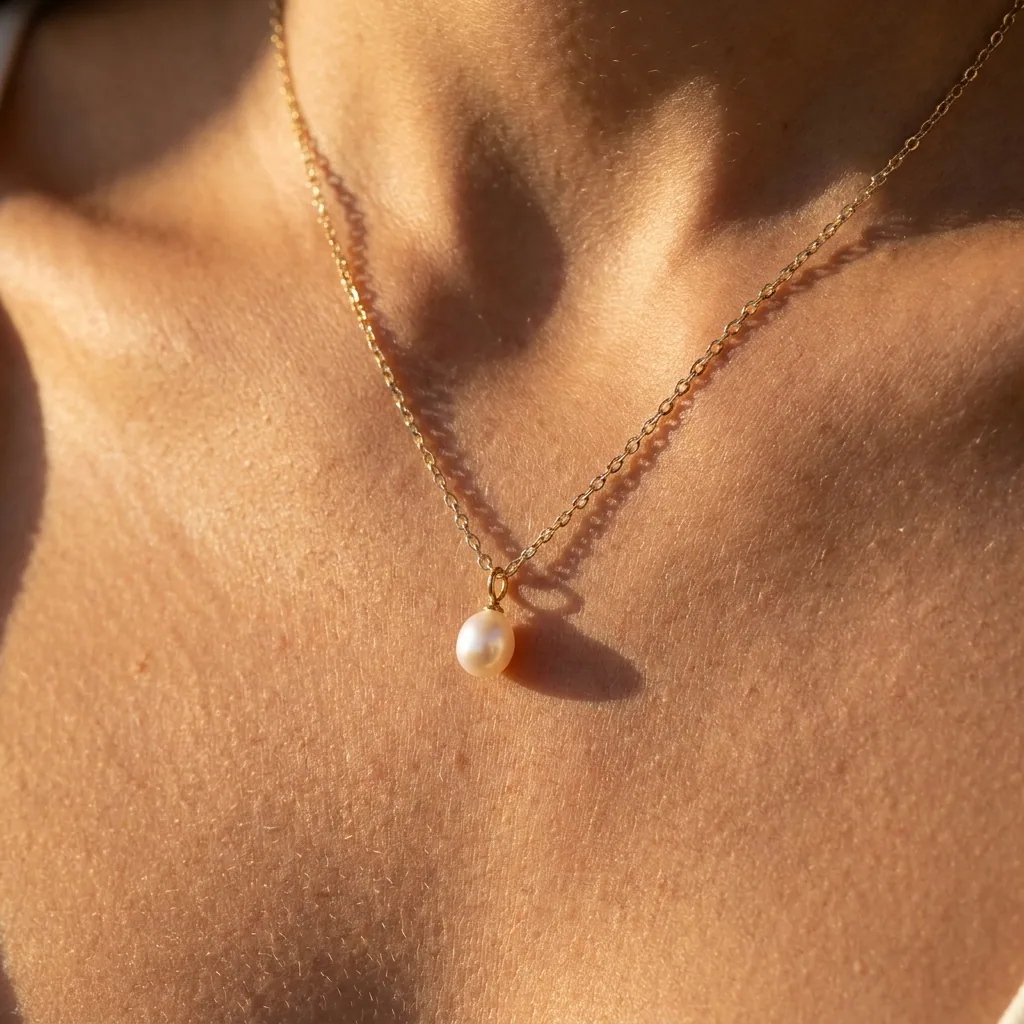
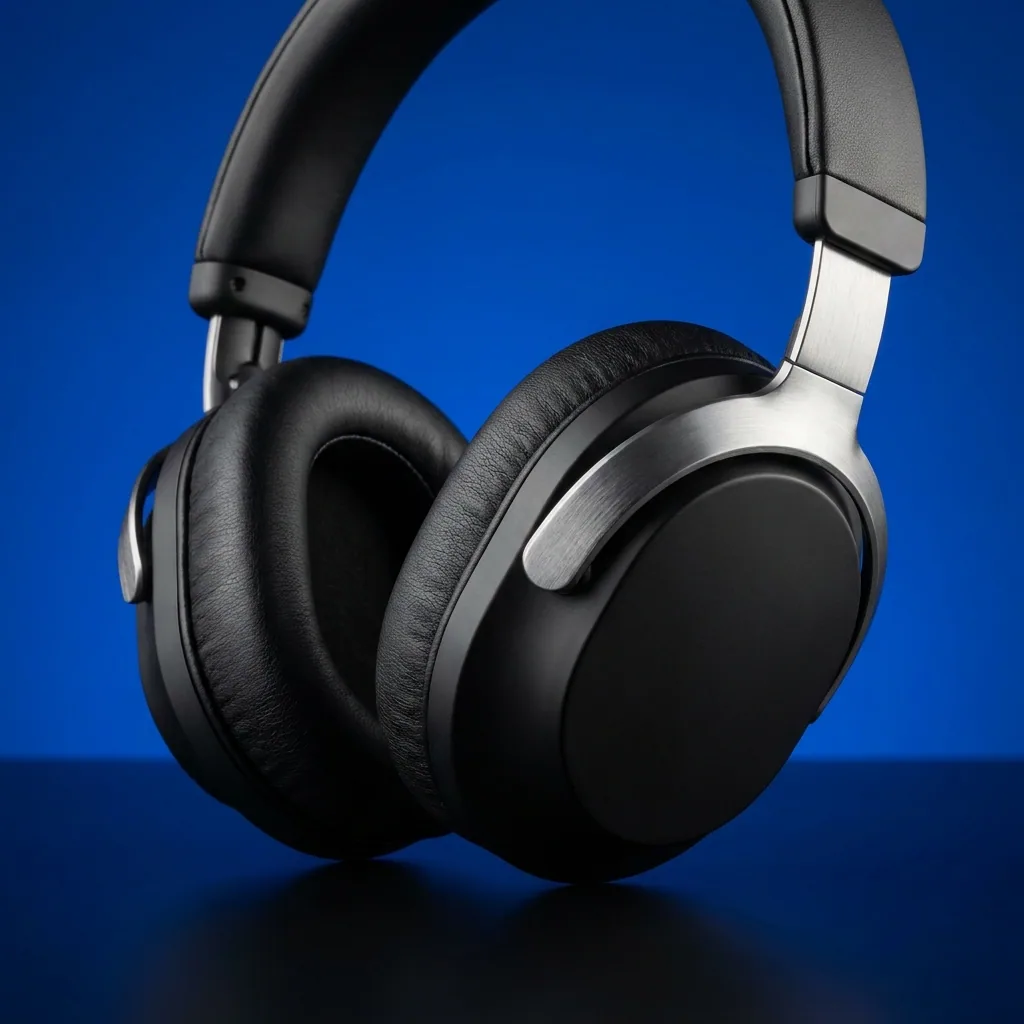
Generate product shots
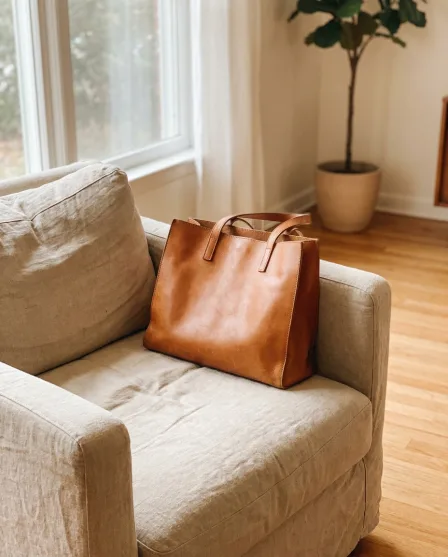
Generate professional, studio-quality images of your products in consistent settings for a cohesive brand look across your catalogue. Add a new product any time. You do not reshoot.
See product shots - Your product
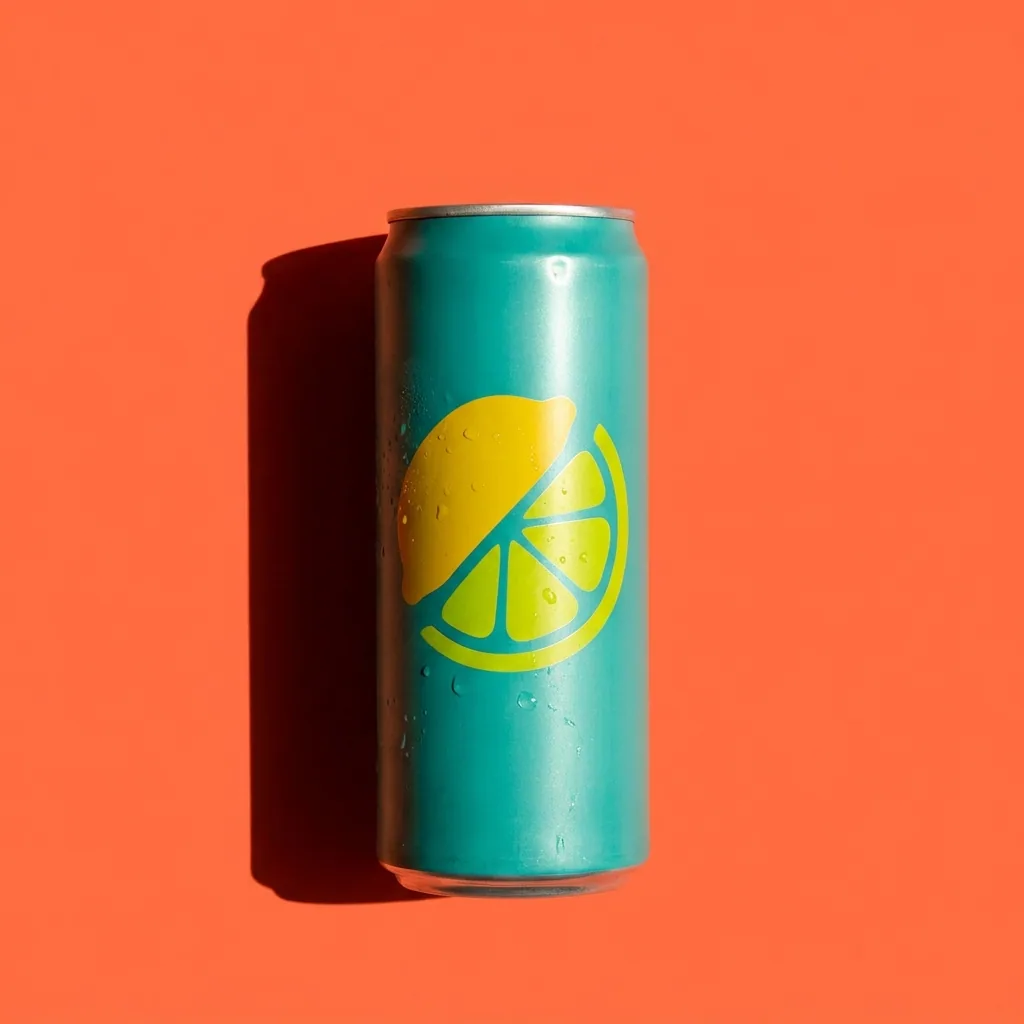
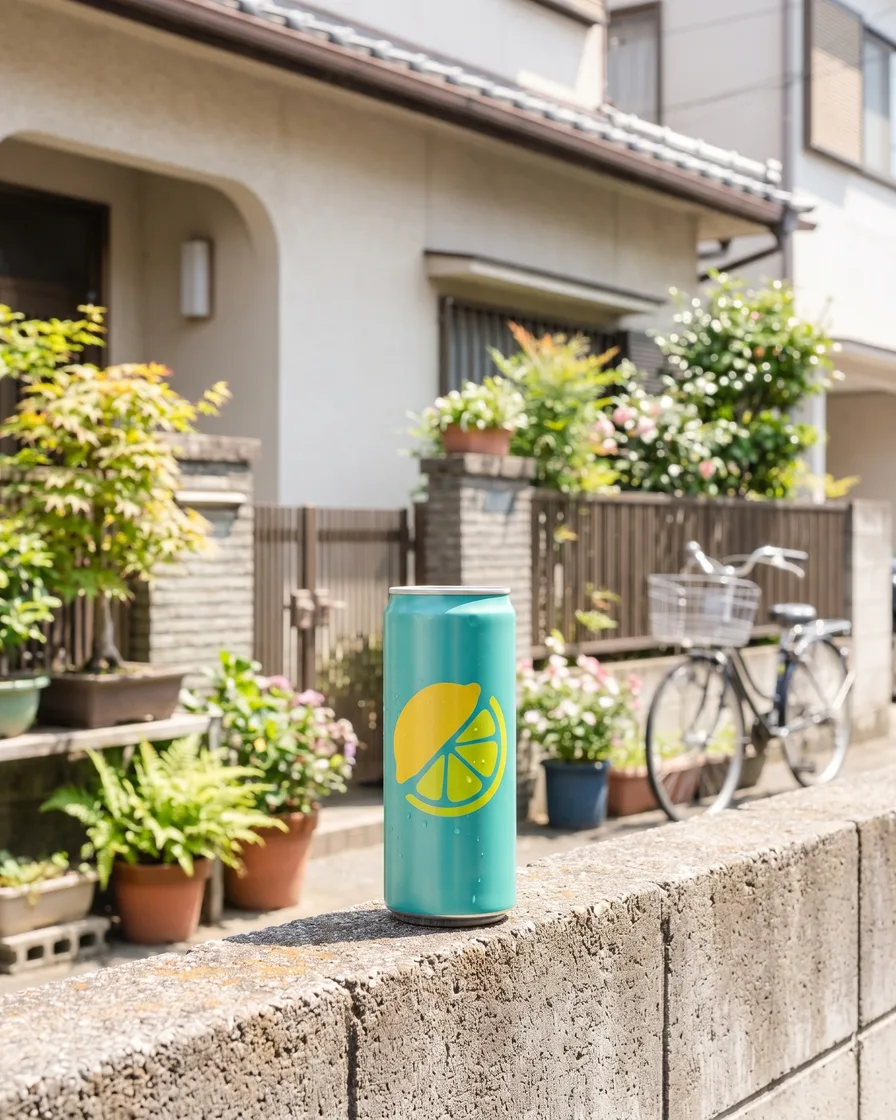
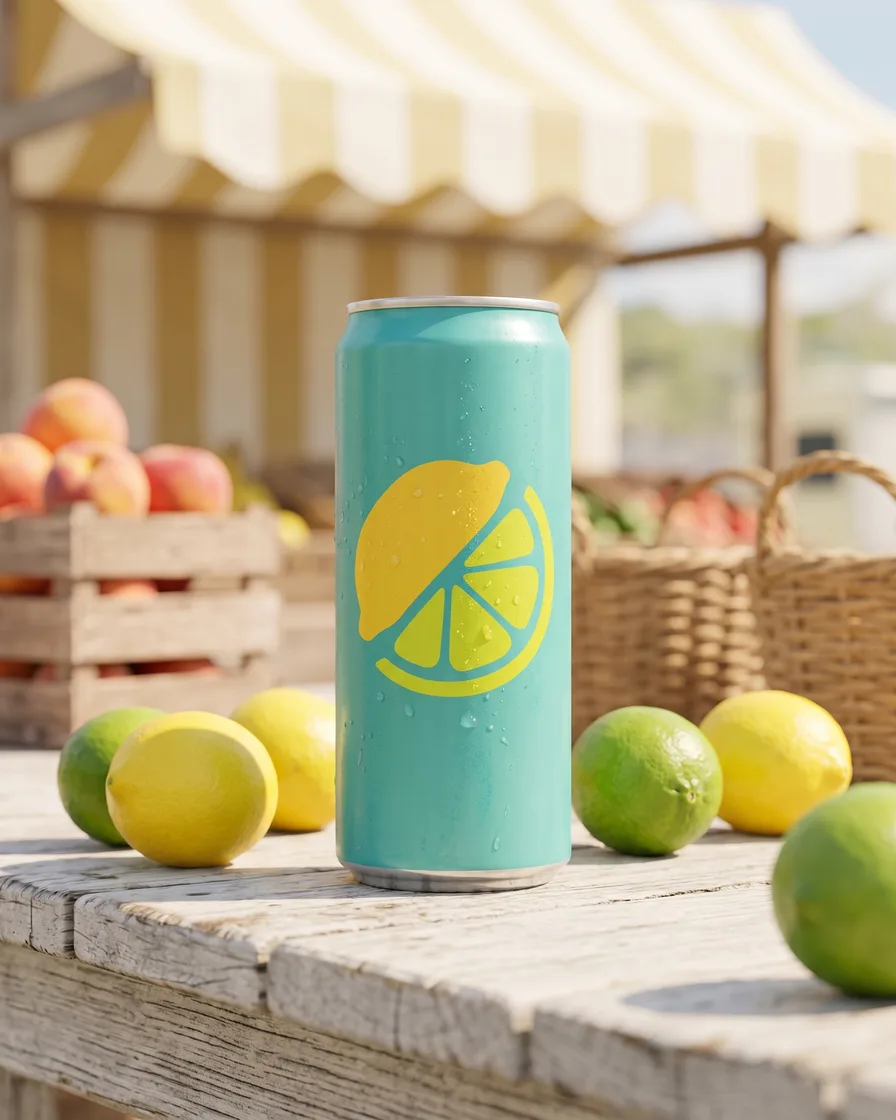
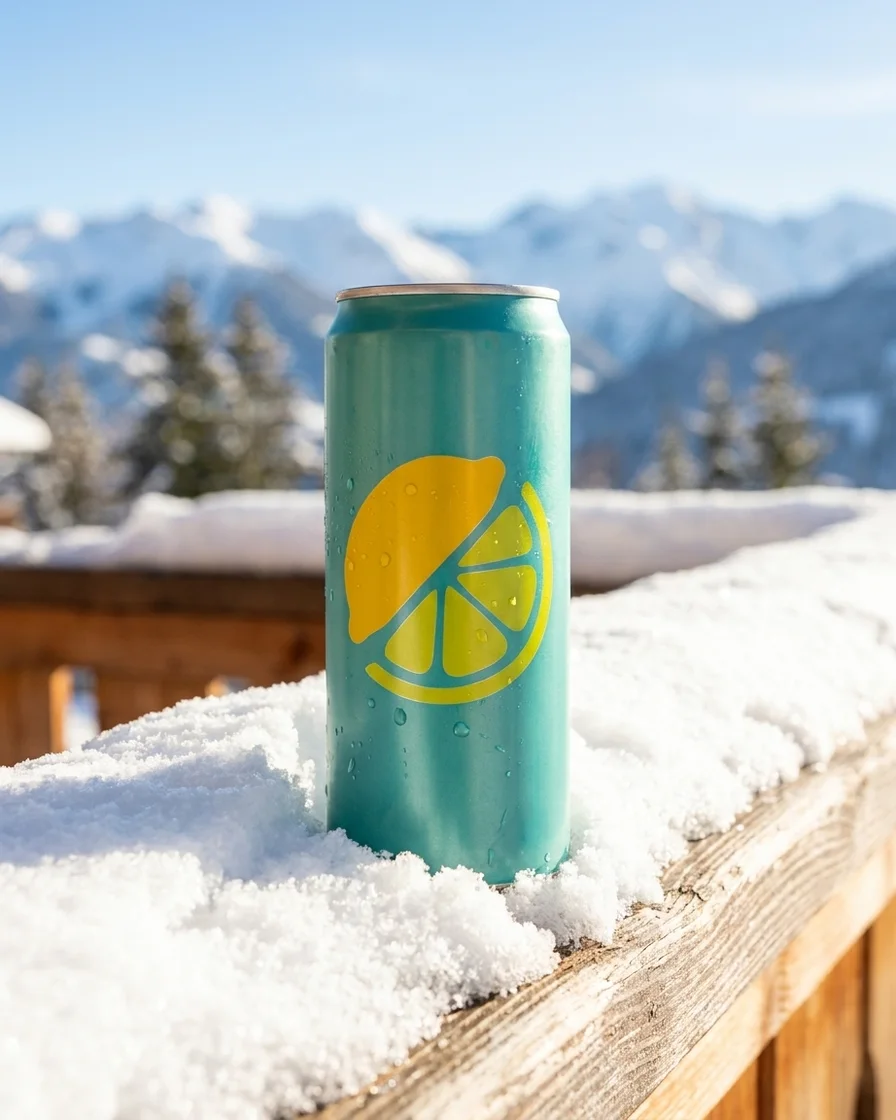
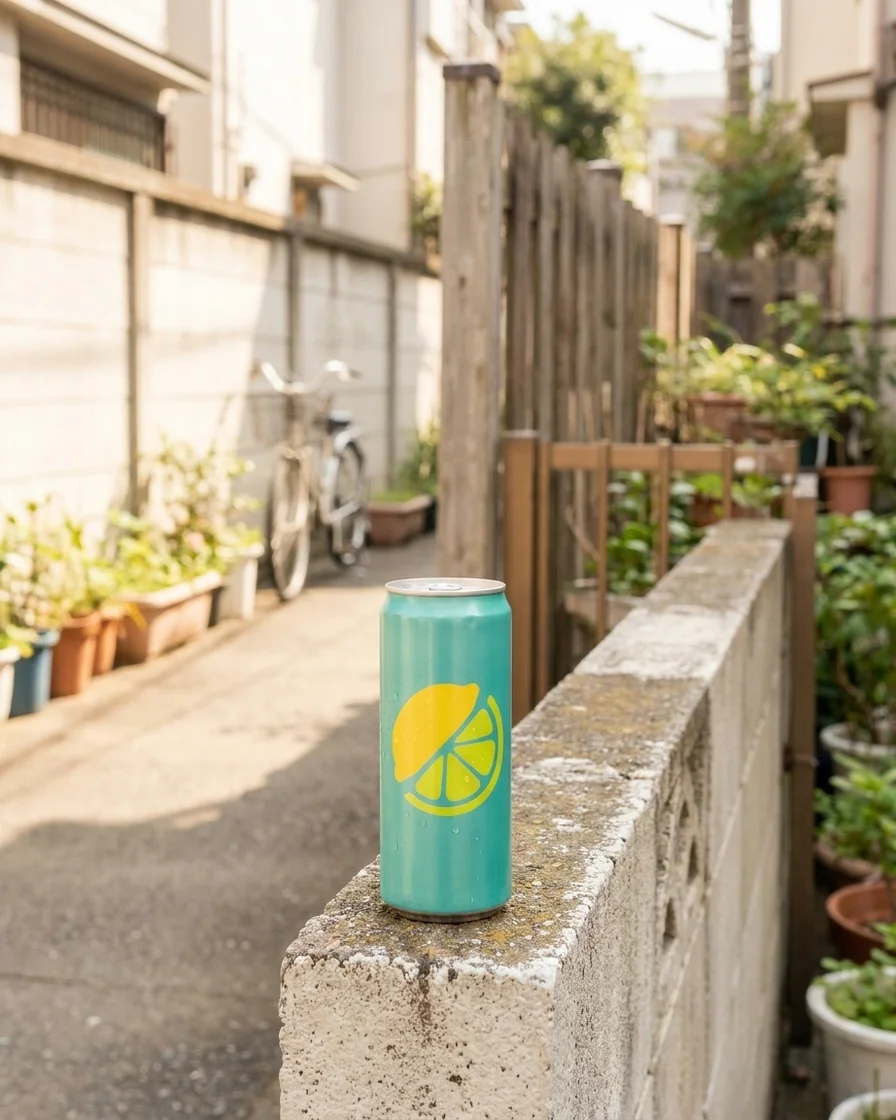
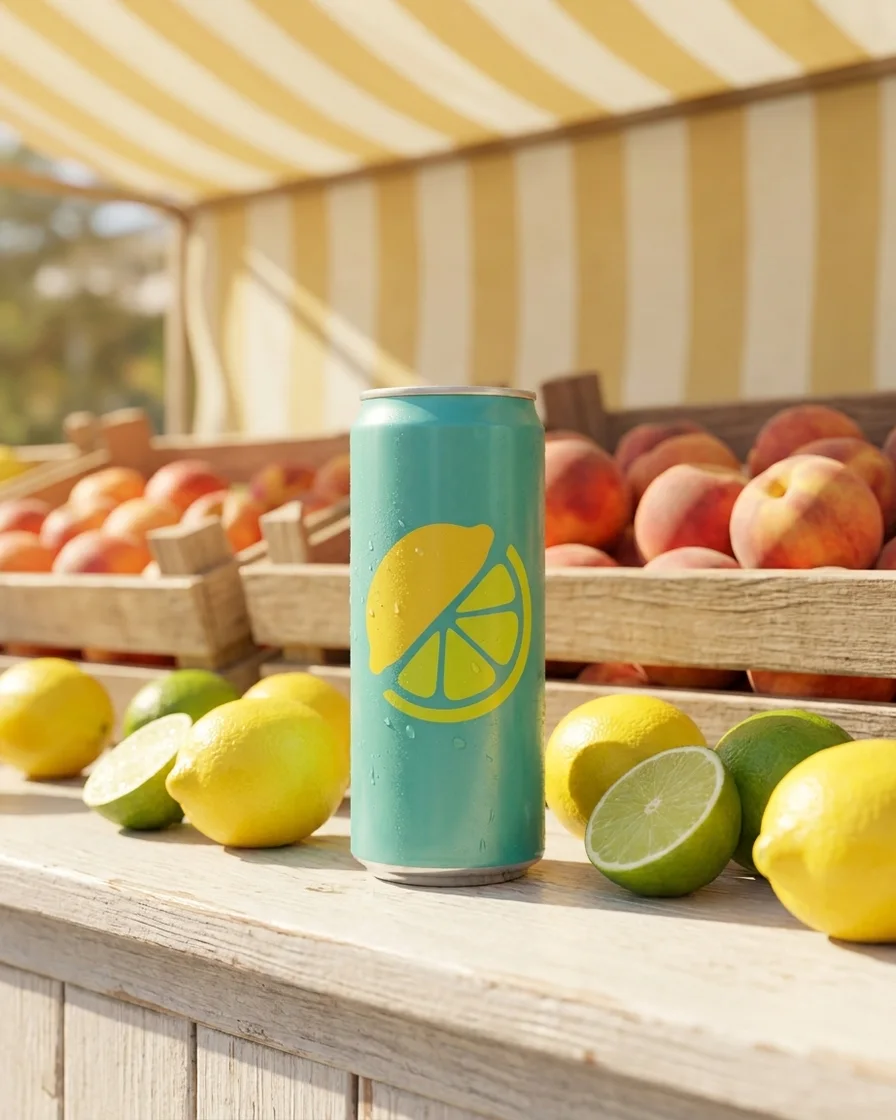
Generate scenes
Present your products in different scenes for seasonal campaigns or to market to local audiences.
See scenes - Model photo
 Garment photos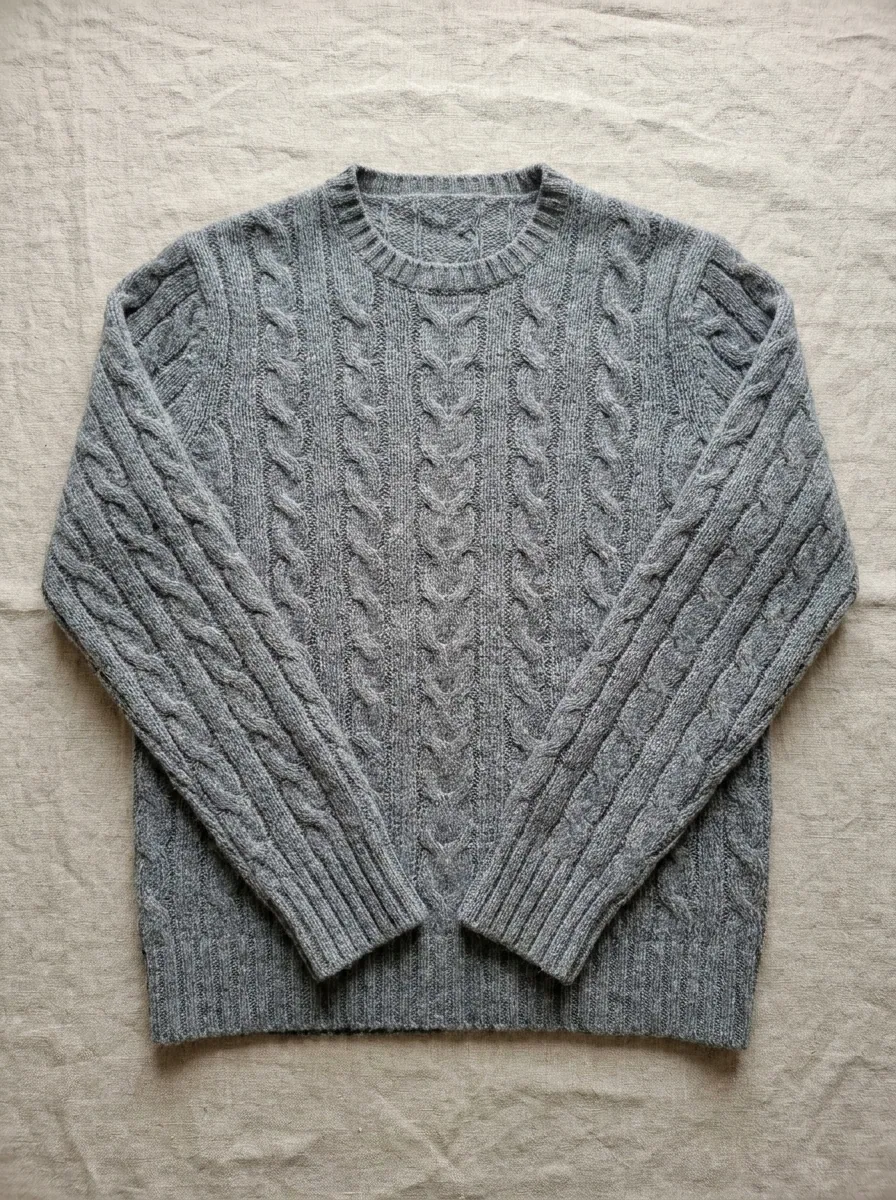
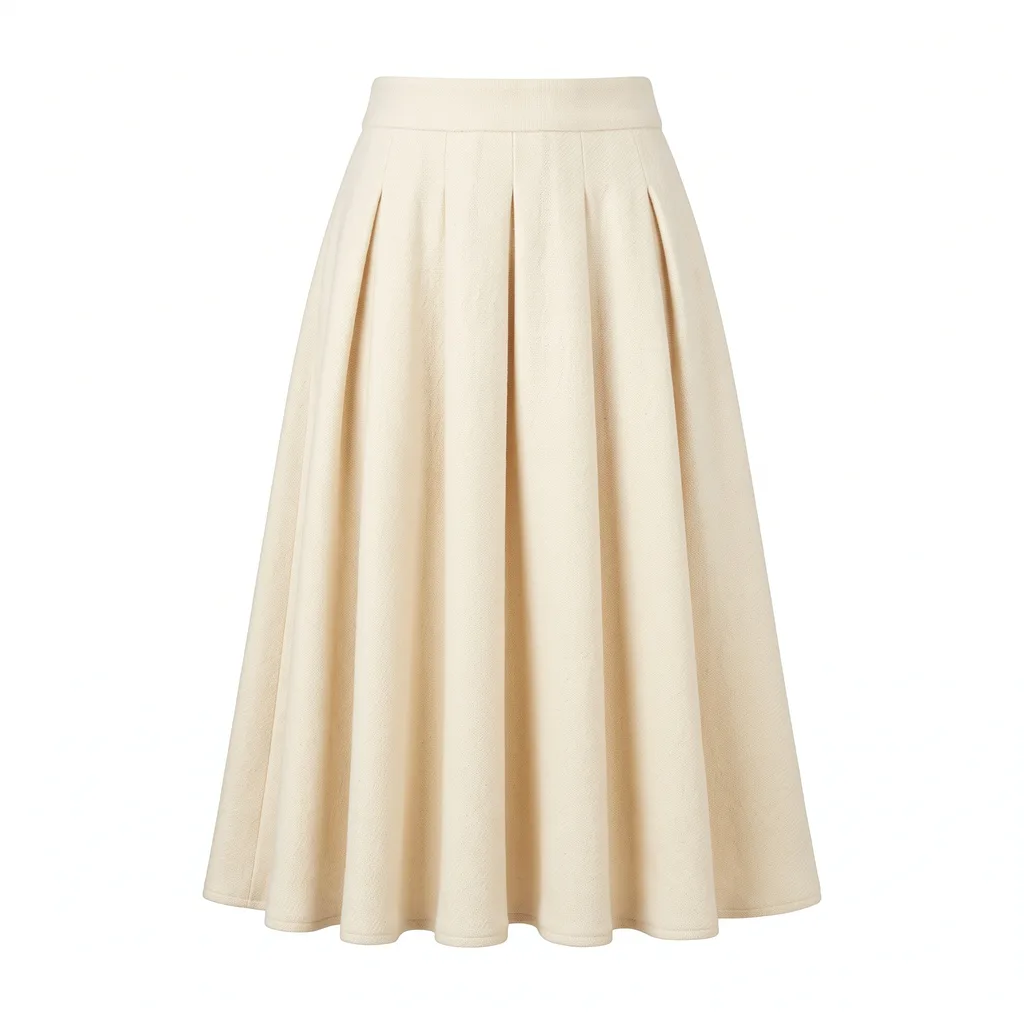 From this to this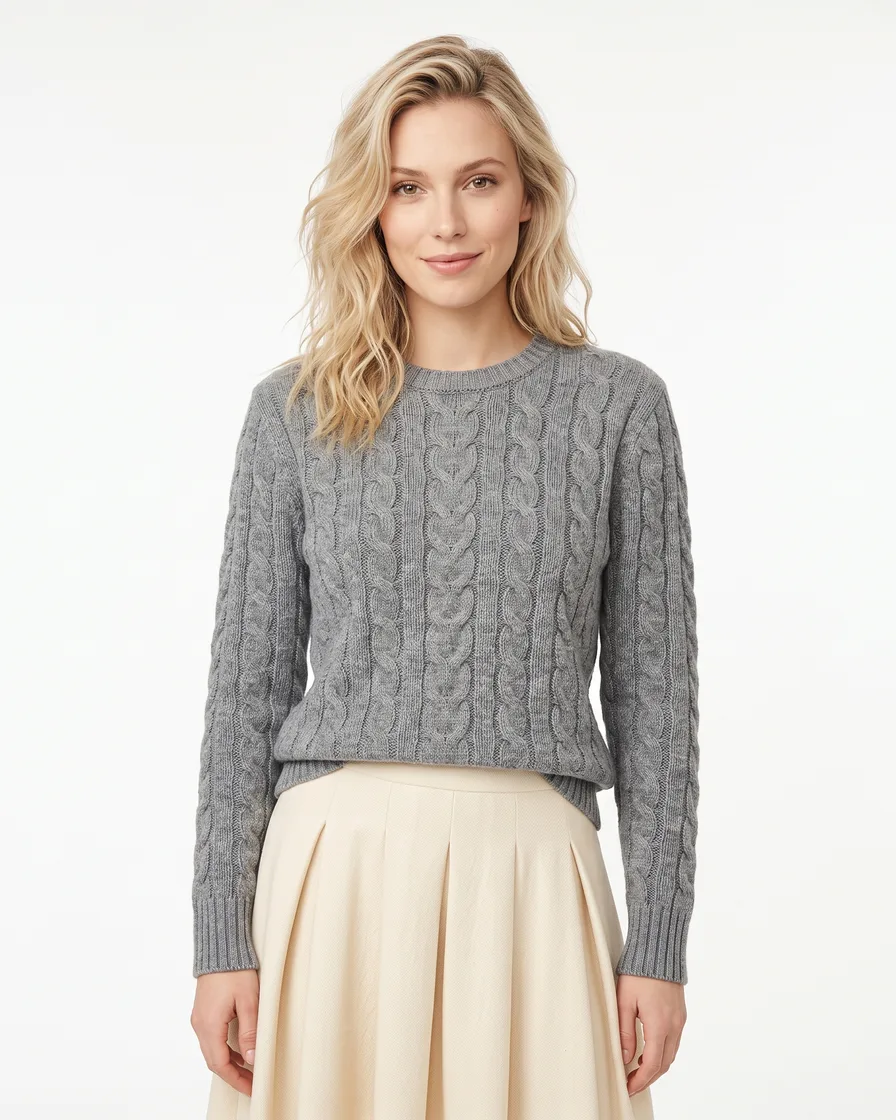
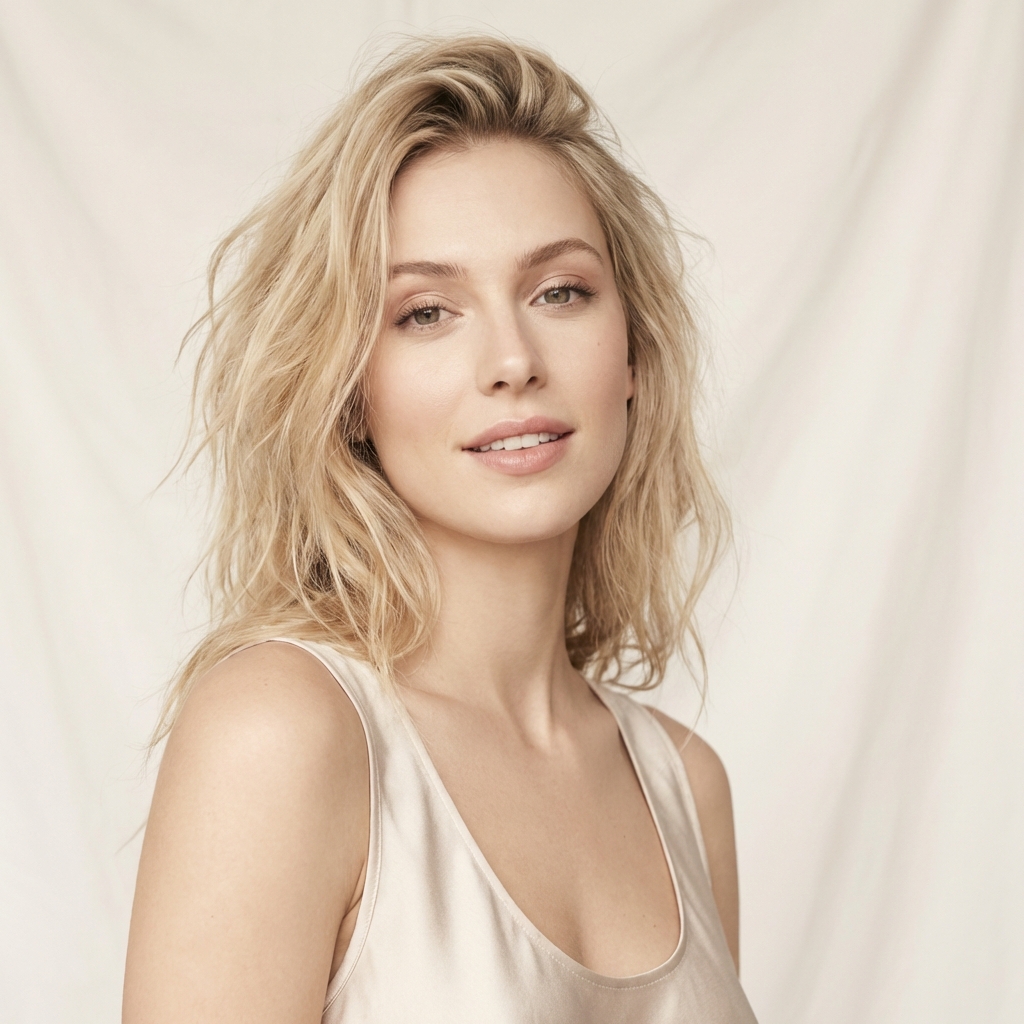
Generate model shots
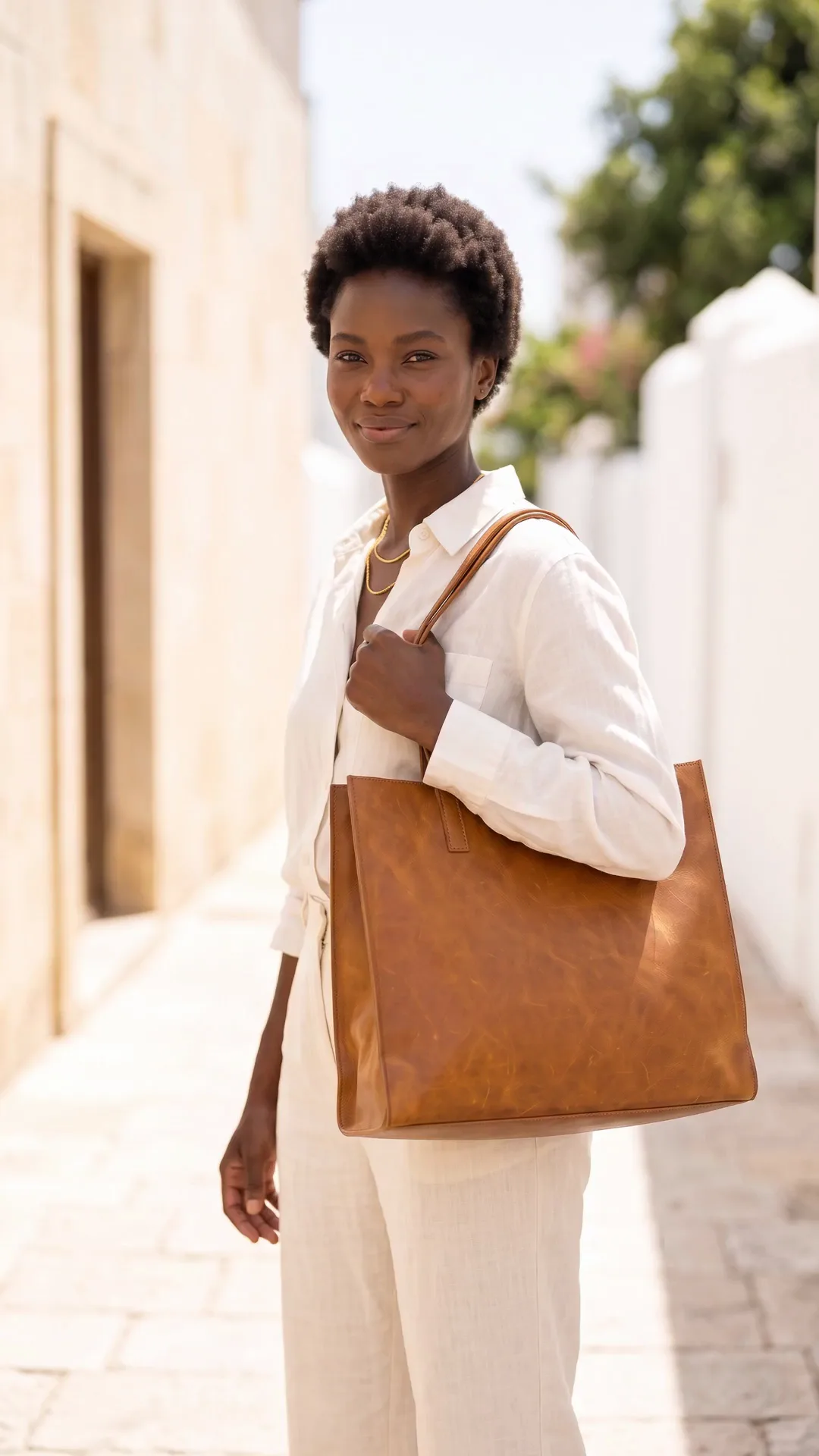
Generate images with models to give a sense of scale and fit for your products, or to showcase your service experience.
See model shots - Your product
Generate videos
Generate video clips featuring your products or services for your socials or ads, showing what they look like in action.
Video starts on the Premium plan.
See video
Everything in one place
Everything you need, in one place
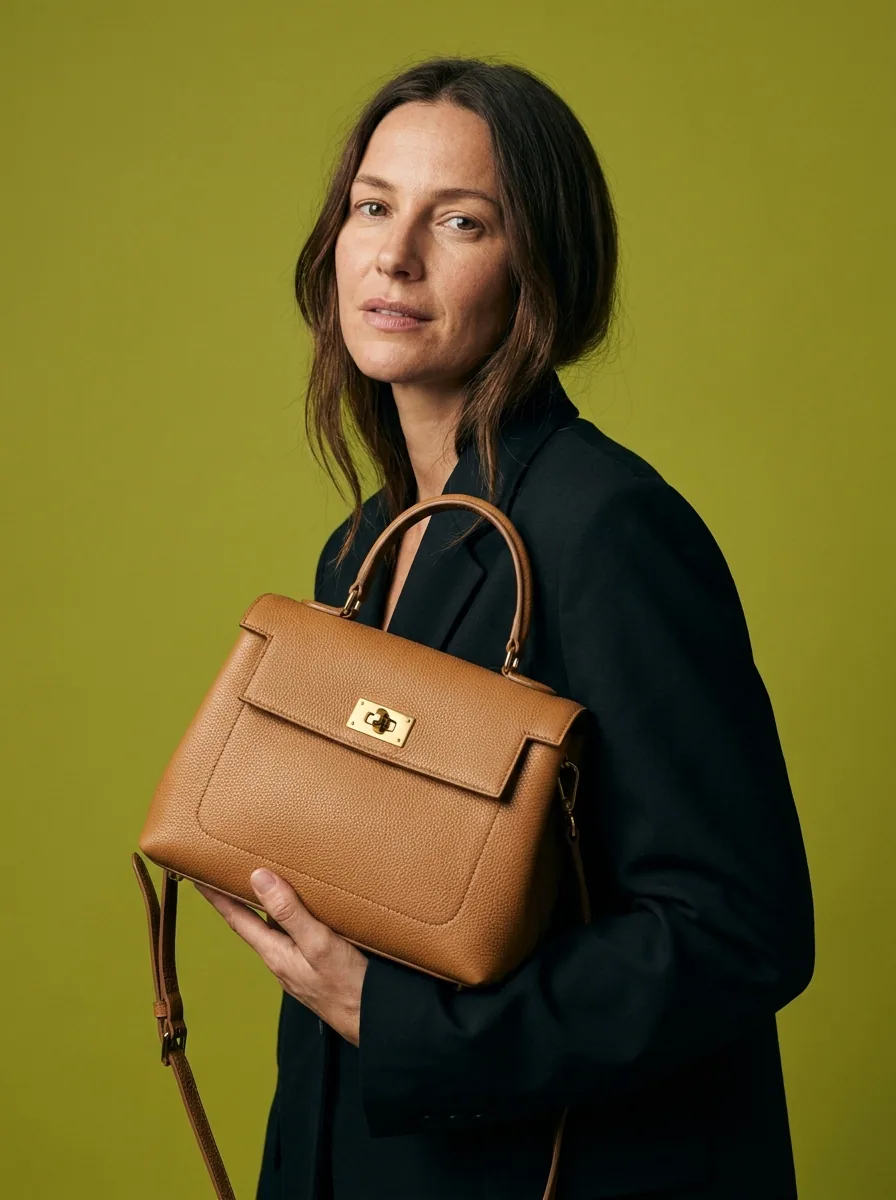
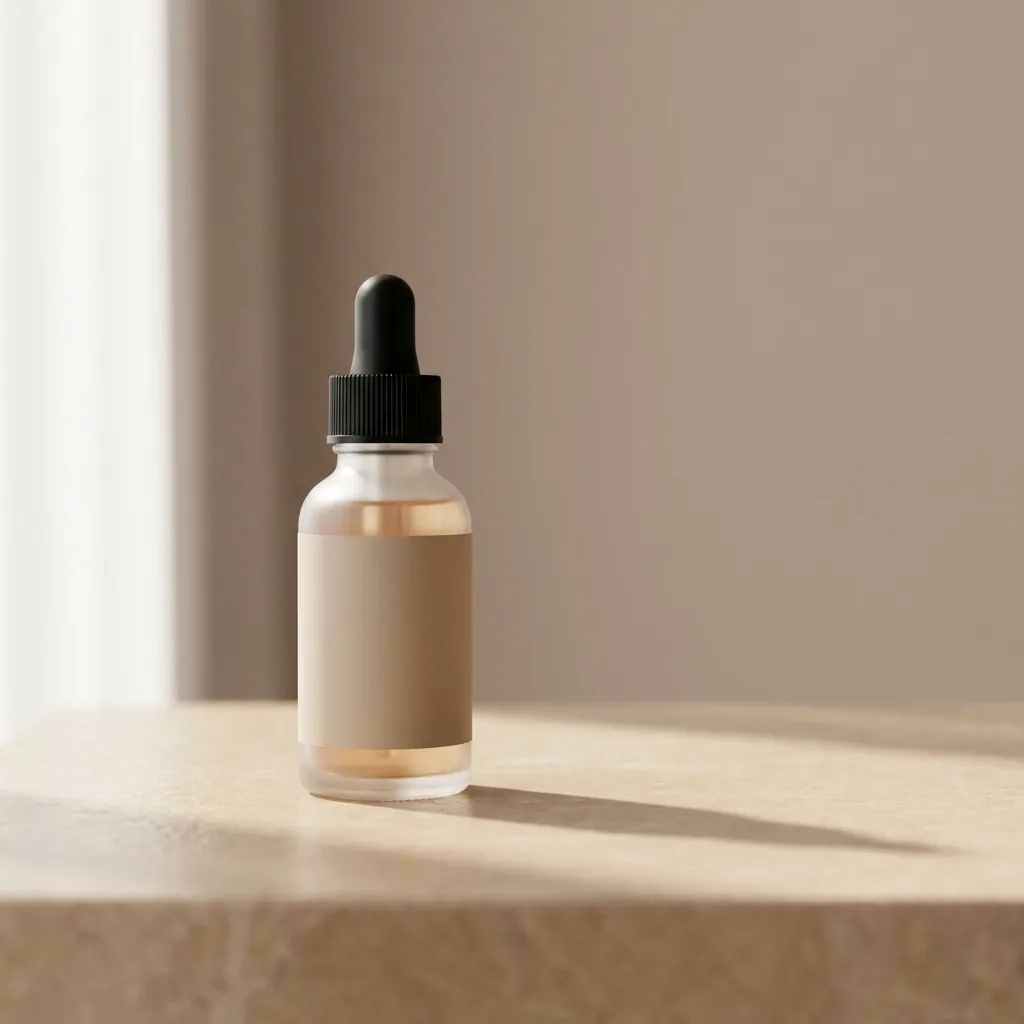
The full workflow, from your product photos to the finished ad, in one subscription.
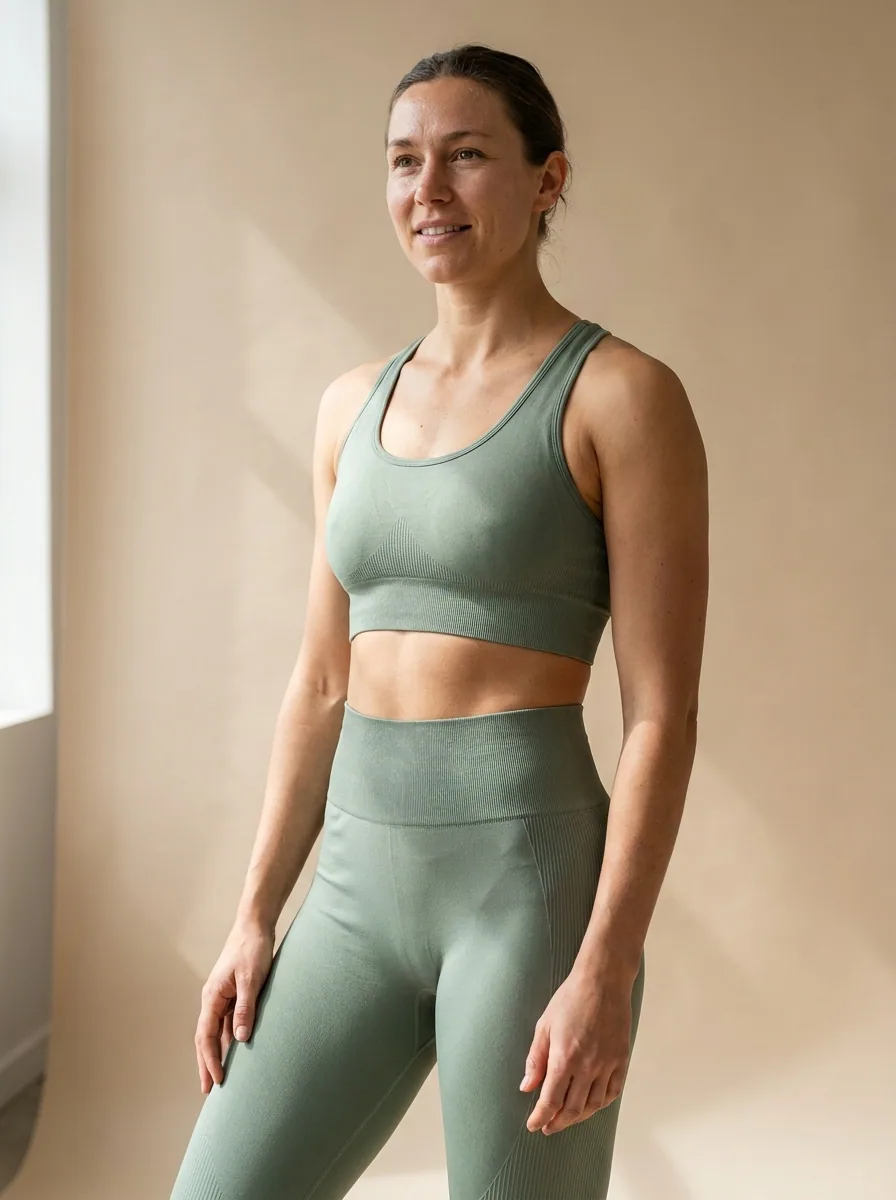
Questions
Curious? Let's clear things up.
Which page should I read?
Pick the one closest to your week. The team pages answer how the work is run, the product pages answer what the pictures look like, and the platform pages answer the shapes and rules of a marketplace.
Is DesignerBox one person or a team?
Both. Every plan below Ultra is for one person. The Ultra plan holds a workspace for up to five people with shared brand kits, white label options and the API.
What do I need to start?
Photos of the real product and a template. You can start with phone photos taken on a table. Add your brand once and every workflow reads it. Uploading your own photos starts on the Pro plan.
Does my work stay on brand?
Yes. Your logo, colours, fonts and rules are saved once and read before every run, so the first product and the hundredth get the same style.
Scale content without limits.
Generate content for your products or services with AI, starting today, and keep your brand on every piece.








