


The three claims
Why DesignerBox
DesignerBox is AI creative production for brands and agencies. Scale your images, ads and video with AI and keep your brand on every piece: build the workflow once with your brand rules, run it on every product, see the cost before each run, and keep everything from the first product photo to the finished ad in one place.


Video generation starts on the Premium plan. The API starts on the Ultra plan.
The three claims
Each claim names the part of the product that makes it true.
The same standard on row 1 and row 500
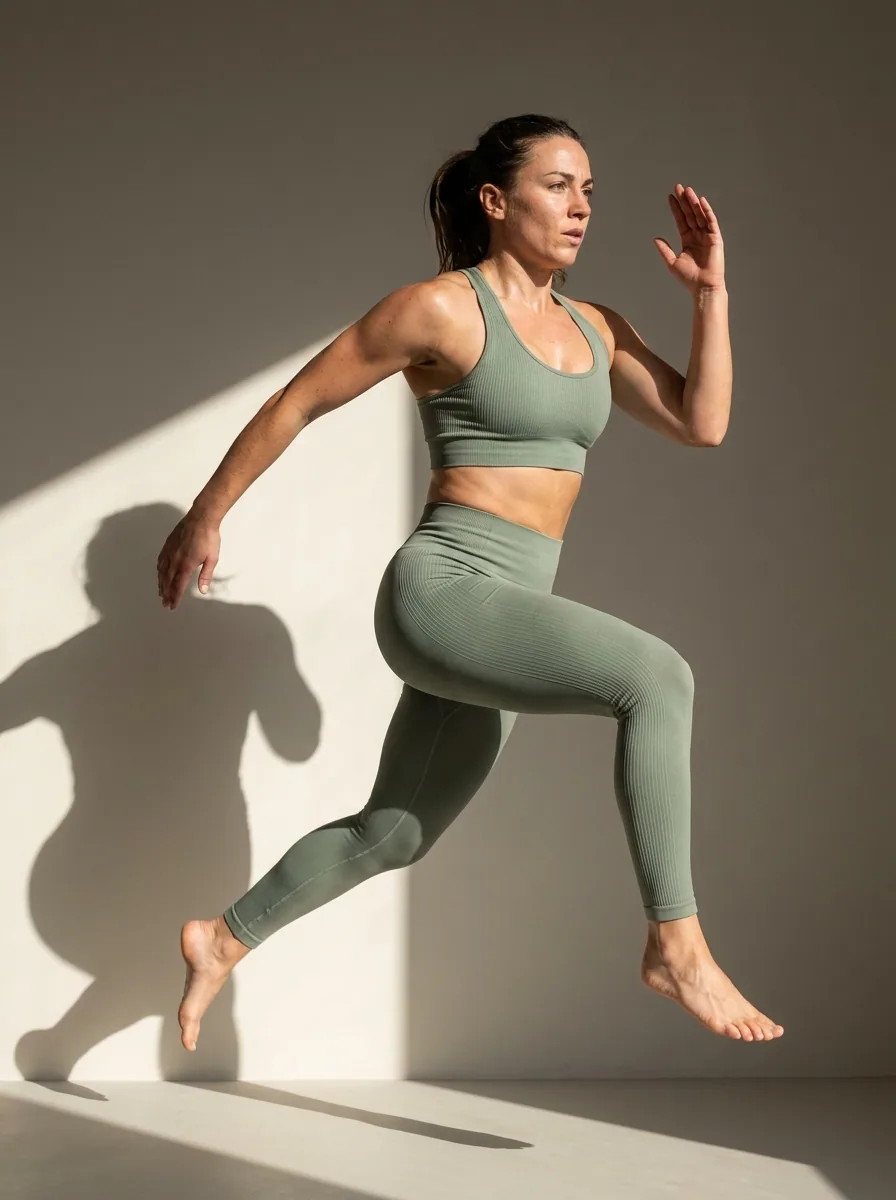
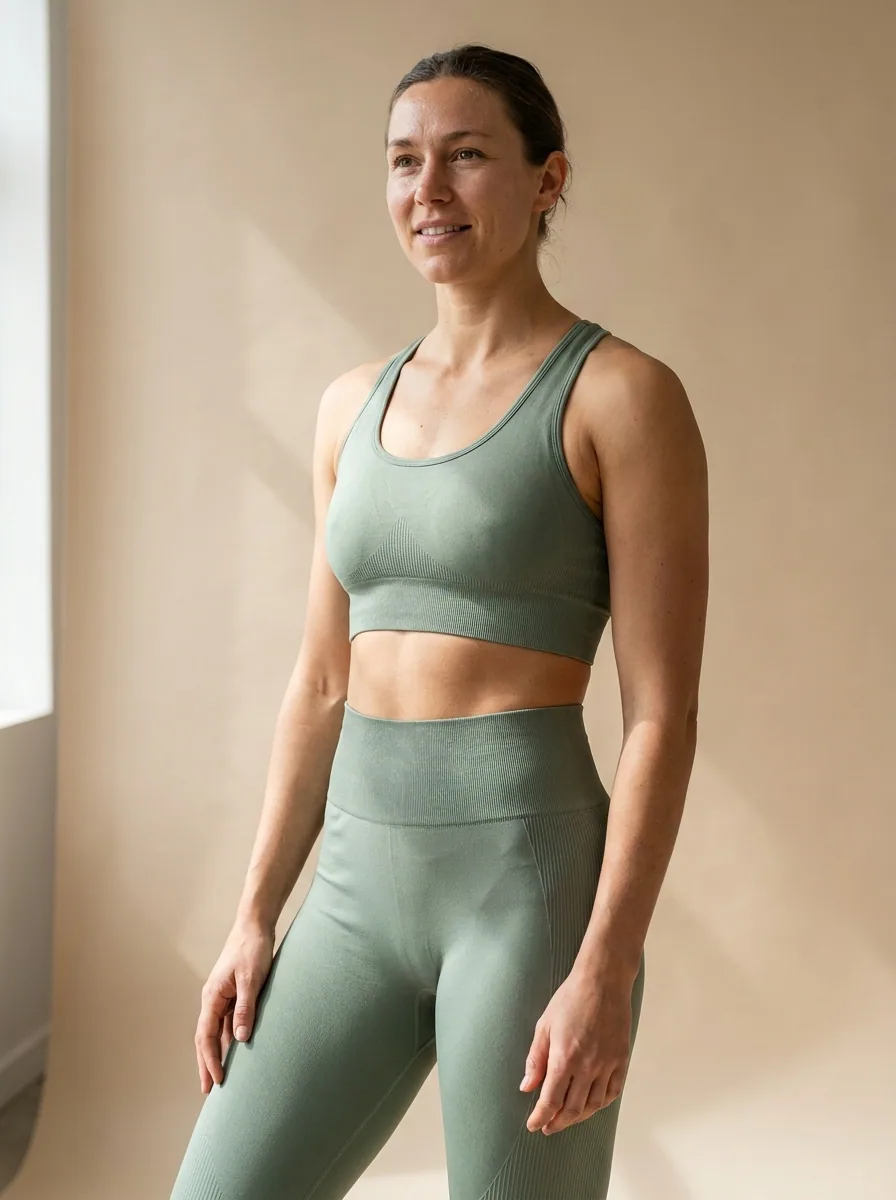
You build the workflow once with your brand, your products and your rules. It then runs on the whole catalogue. The brand is a record, and the workflow reads it on every row. So row 500 gets the same rules, light and framing as row 1.
The cost before the run
Every run shows its cost before you start it. You see the number first, then you press Run. There is no surprise at the end of a run, and none at the end of a batch.
Review in one pass
The results of a run arrive as one set. A critic step can score each result, and best-of-N ranking can keep the best one. You keep or discard per row. A bad row is re-run on its own, and the rest of the set stays as it is.
Three buyers
DesignerBox is built for teams that repeat the same creative work every week.
Agencies
A performance or creative agency does the brand's job for many clients. It builds one workflow per client, with that client's brand and products, and runs it without hiring. See DesignerBox for agencies.
Operators and resellers
An operator or a reseller buys the tooling and sells the results. What matters is the cost per accepted result, the speed, and a set of results they can price and repeat.
Apparel, furniture and homeware brands
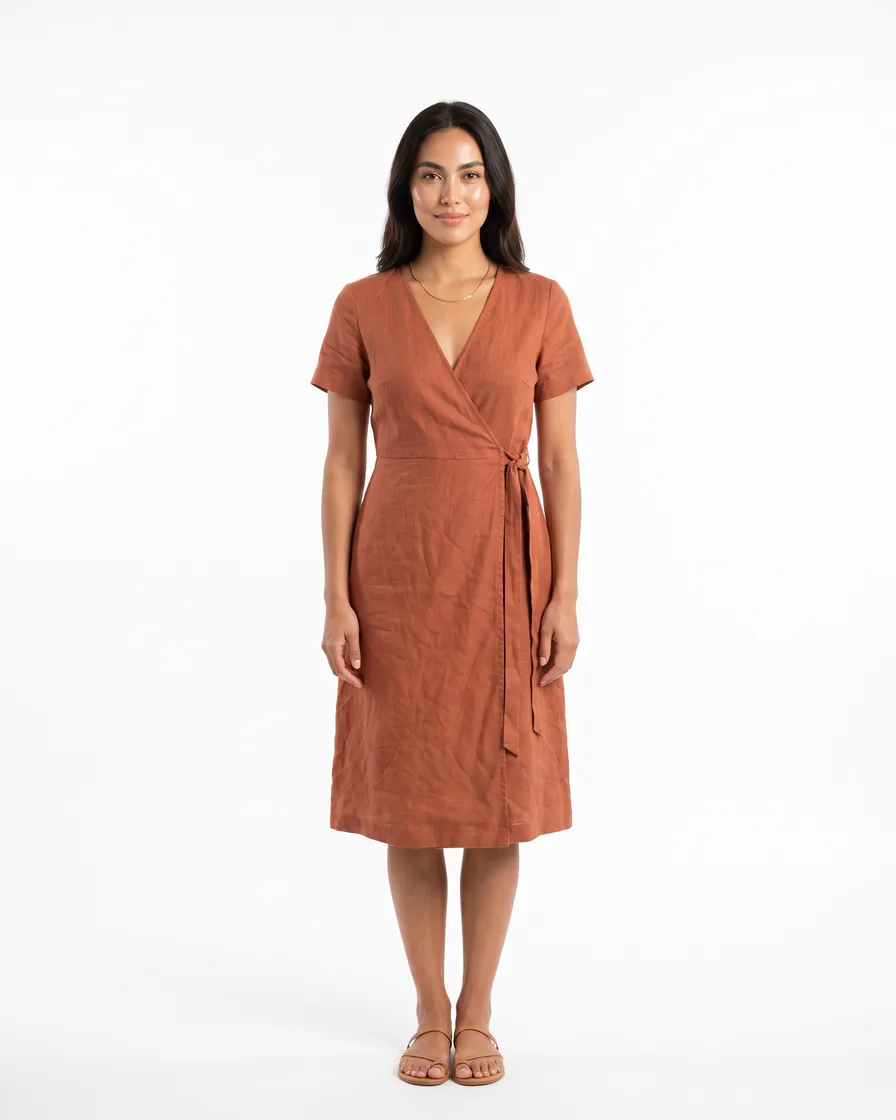
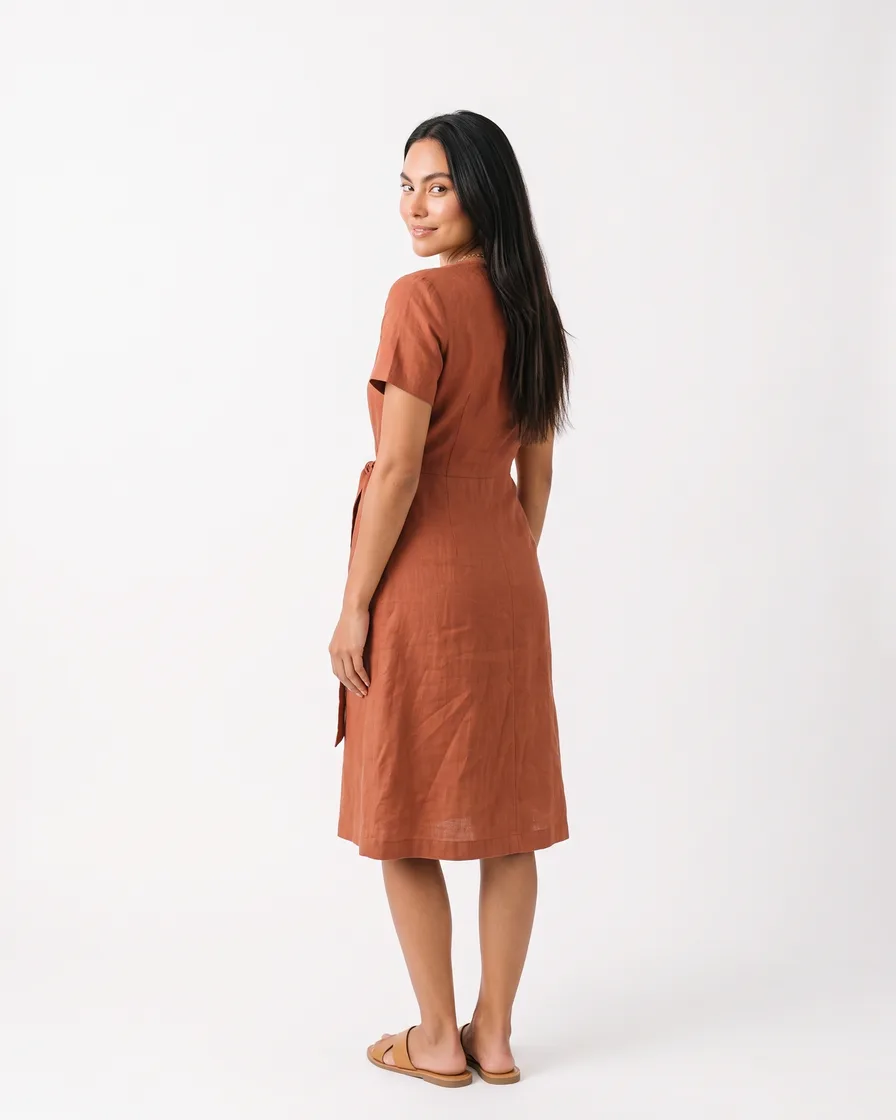
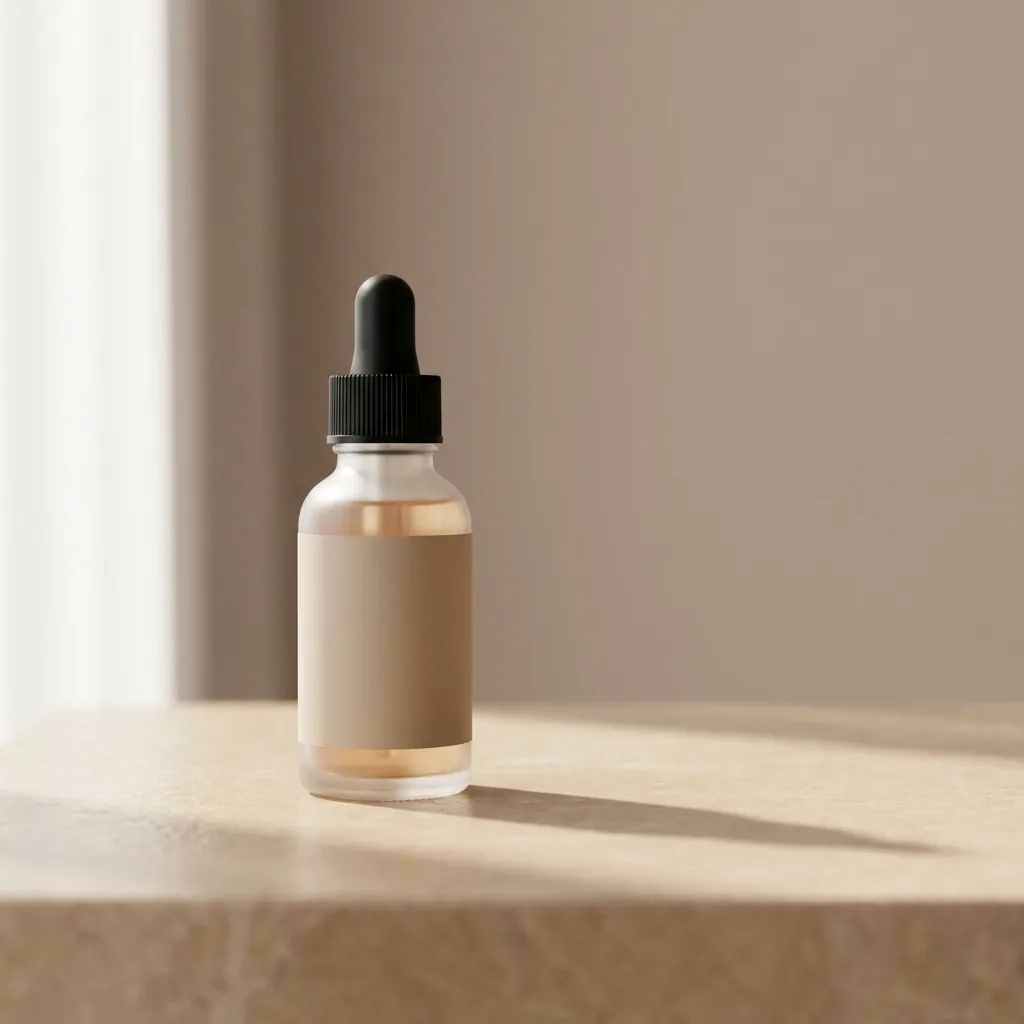
A brand with 20 to 500 products needs the same finished set for each one, at marketplace spec. The workflow gives every product the same light and framing. See DesignerBox for ecommerce brands.
Who it is for
Does that sound like you?
Results designed for brands and agencies like you.
Scaling without compromising quality.
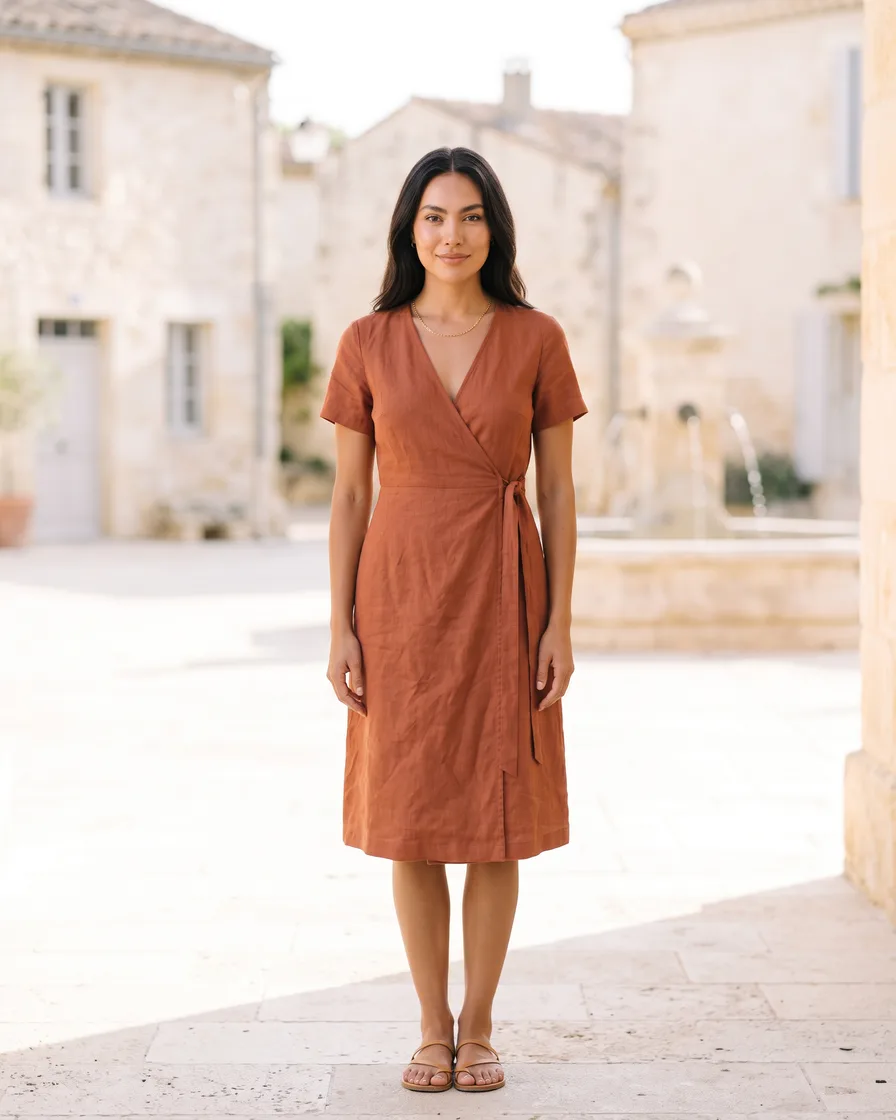
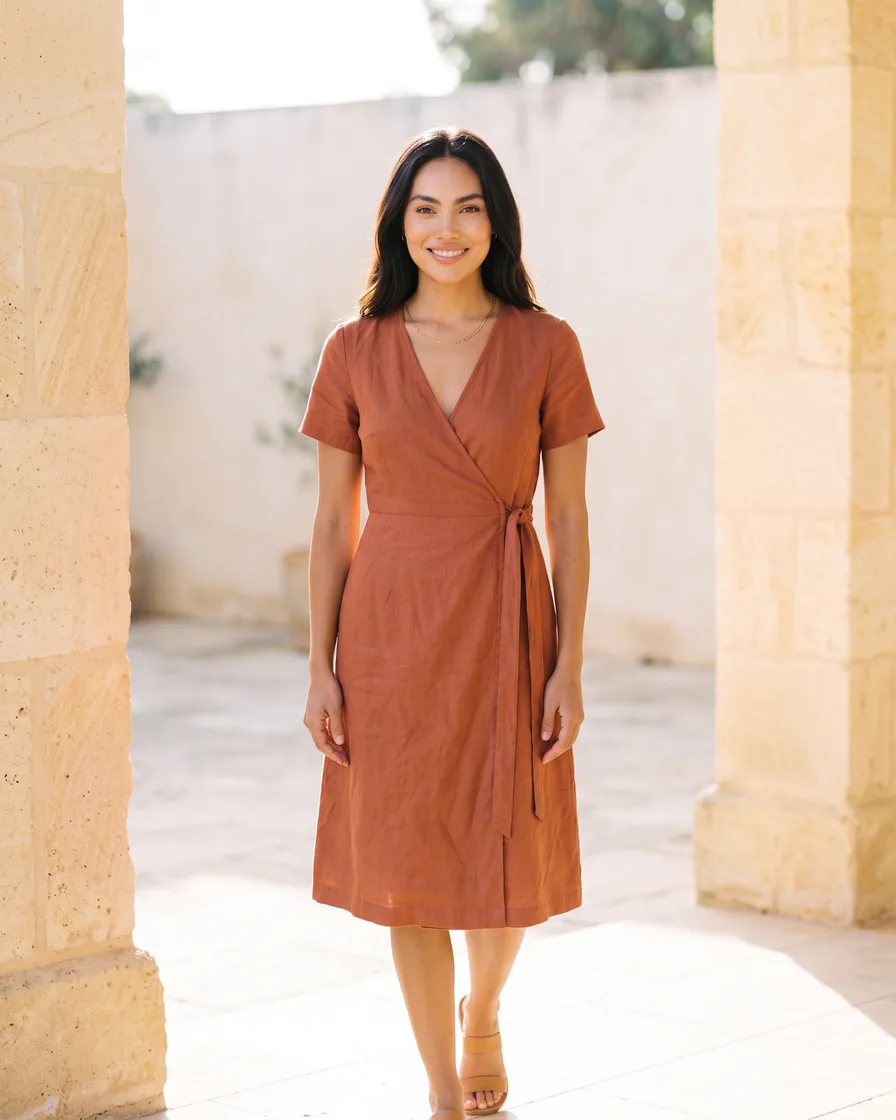
Anyone can make an AI picture. Making hundreds that still look like your brand is the hard part. You need more images and video for your shop, your socials and your ads, and every one of them has to look like it came from the same brand.
- Build the workflow once with your brand rules, then run it on every product
- The same light, framing and colour on row 1 and on row 500
- Keep or discard each result, and re-run one row on its own




The wrong fit
Three buyers DesignerBox does not serve, and three things it is not.
Consumers
DesignerBox produces product and campaign images for a brand. A photo of yourself is a different product.
Hobbyists
Trying one model after another is a hobby DesignerBox does not serve. The models are inside the workflow, and the workflow is the product.
Enterprises with procurement cycles
DesignerBox is sold as monthly and yearly plans. A team that needs a procurement cycle and a custom contract is a poor match.
A model playground
Picking the model for a job is one step of the workflow. Comparing models for its own sake is a different product.
A prompt tool
A prompt is one field on one step. The brand record, the product record and the critic steps do the rest.
A canvas for building graphs
A graph of steps is under every workflow, and you do not need to open it. A template gives you a finished workflow. An app hides the graph behind a form.
One workflow, four ways to run it
Nothing is rebuilt between the four. Each one widens who can run it.
Editors, assets and brand
The image editor makes one edit after another on the same image without losing resolution or detail. The video editor is a real timeline with several tracks, transitions, animated text and audio. It also has transcription and text to speech with a choice of voices.
The asset library holds everything a run produces and everything you upload. A result from a workflow, an app or an editor is stored there, so the team works from one set of files.
Brand holds the voice, the logos, the fonts, the palette and the rules, plus the products with their colourways. You set the brand profile once. The workflow reads it on every row.
Integrations
DesignerBox runs an MCP server, so an AI chat such as Claude can generate and edit through your workspace.
The Figma plugin generates and edits inside Figma, so a designer stays in the file they are working in.
Everything in one place
Everything you need, in one place
The full workflow from the first product photo to the finished ad, in one subscription.
Templates
Start from a finished result
Workflows
Your steps, saved to run again
Apps
Fill a short form, press Run
Batch
Run one workflow on a whole spreadsheet
Image editor
Change one picture, keep the detail
Video editor
Cut, caption and add a voice
Brand
Logos, fonts, colours and rules
Assets
Every result in one place












AI models
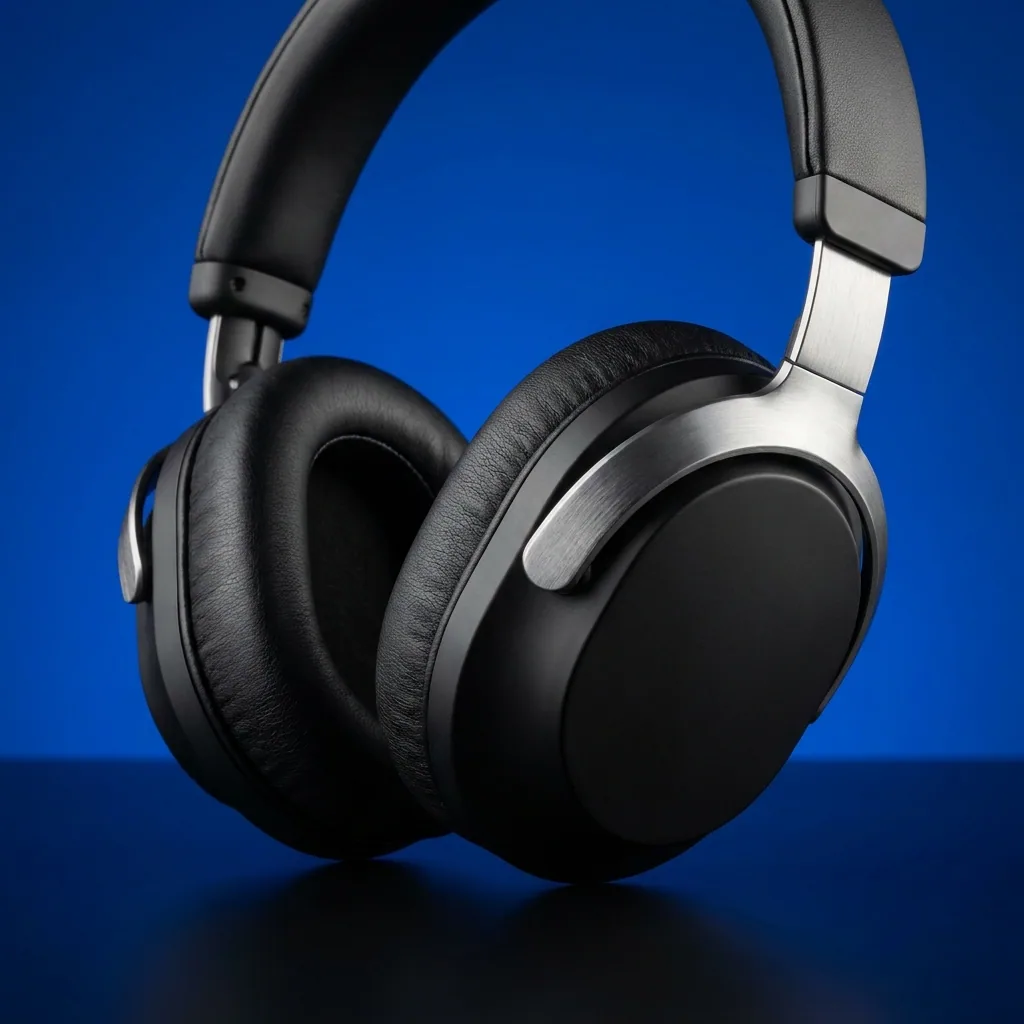
The image and video models inside every workflow
MCP server
Run DesignerBox from Claude, ChatGPT, Cursor or Codex
Figma plugin
Make on-brand images inside Figma
Chrome extension
Make images and video beside any web page
iOS app
Your workspace on your phone
API
Run workflows from your own code, on Ultra
The company
DesignerBox in short
The same facts the press kit publishes, so nobody reads two versions of one of them.
- Category
- AI creative production for brands and agencies
- What it does
- Creates professional content for a brand with AI: images, ads and video from its own product photos. It applies the brand rules on every run and shows the cost before each run.
- Product model
- Template, workflow, app, batch. Start from a template, edit it into your workflow, run it as an app or as a batch, and review the results in one pass.
- Where it runs
- Web app, iPhone app, Figma plugin, Chrome extension, an MCP server for AI chat such as Claude, ChatGPT, Cursor and Codex, and an API on the Ultra plan
- Press contact
- contact@designerbox.ai
DesignerBox is a product of LoadFocus LTD, a company registered in England and Wales. Read about the company.
A run on your own products
Book a 30-minute walkthrough for your team. See a job built once and run on a set of products, with the cost shown before the run.
Curious? Let's clear things up.
What an agency or a brand team asks before it moves its creative work here.
What is DesignerBox?
How does DesignerBox keep the same standard on every row?
How do I know what a run will cost?
How do I review the results of a run?
Does DesignerBox work with AI chat and with Figma?
Is there a free plan?
Scale content without limits.
Generate content for your products or services with AI, starting today, and keep your brand on every piece.











