Workflows
Drag-and-drop AI workflows for pictures and video
Join AI steps on a canvas: remove a background, place in a scene, relight, add text, upscale, make video. Save it once, then run it again on every new product.
- Claude
- ChatGPT
- Cursor
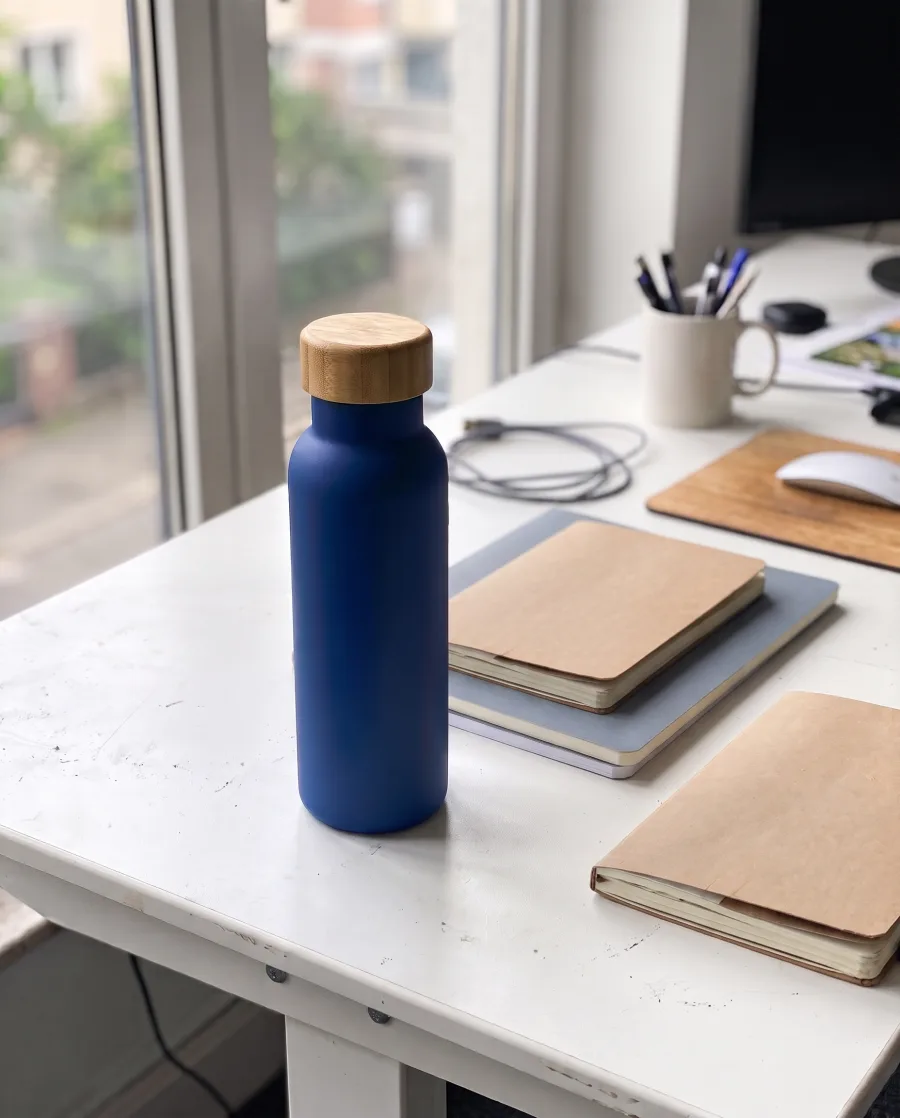 Remove background
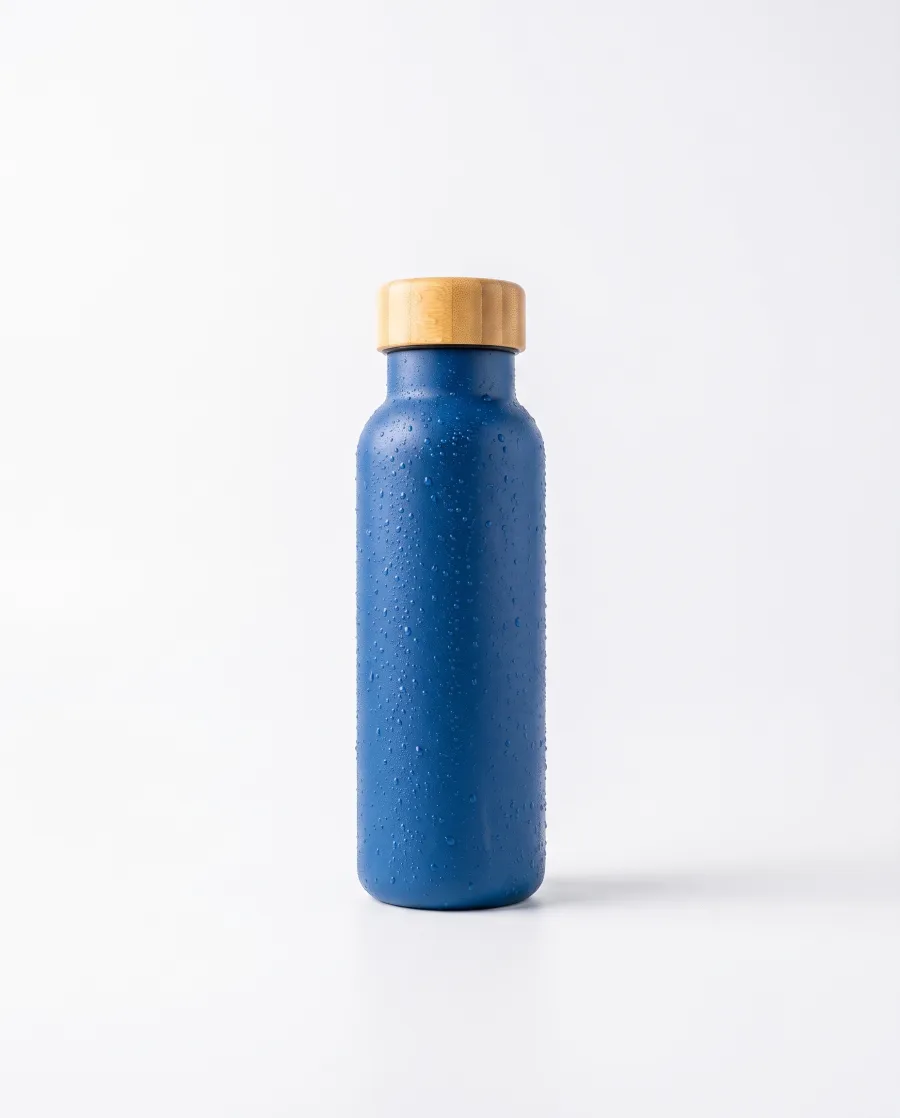 Place in a scene
 Add text
 Run all
Doing the same steps by hand for every new product is slow.A workflow runs them all with one press.
What you can make
The same look on every product, run after run
A clean photo, a scene and an ad from each new product
Build "remove background, place in a scene, add the headline" once. Add a new product photo and press Run all. Every step runs again in the same order.
See every kind of stepYour photoNo backgroundIn a sceneWith a headlineSeveral versions, and a critic step keeps the best
Add a critic step at the end. It scores the results like a designer or an ad director would, and keeps the best one.
See the critic stepsKept Version 2
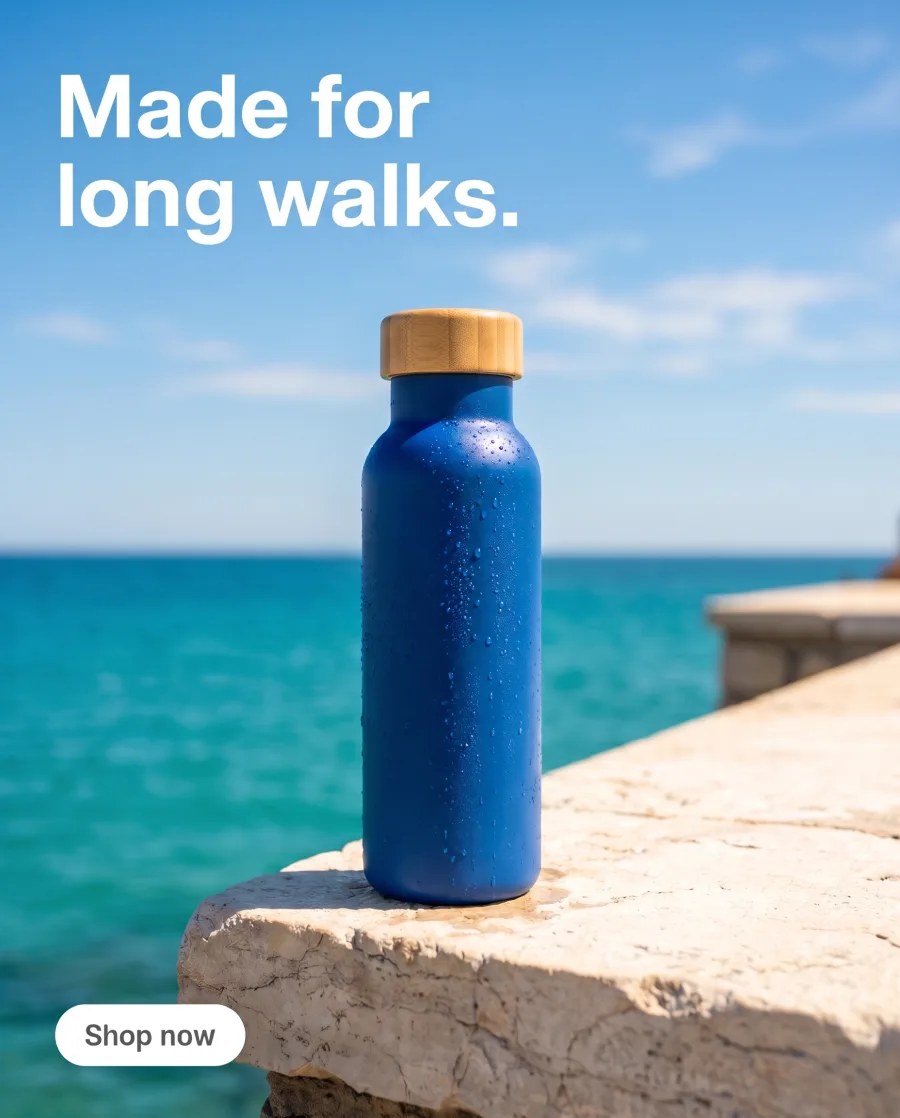 Version 3
One workflow over a whole sheet of products
Publish the workflow as an app, then run it in Batch on every row of a sheet, up to 200 rows.
See BatchRow 1 Row 2
Row 2 Row 3
Row 3Start free. You see the price before you make anything.
Your own photos and prompts start on the Pro plan. Video starts on the Premium plan.
How it works
How to build a workflow
Open Automation, then Workflows. Start a new workflow, or open a template in the studio and change it.
Add steps from the step list and join them with wires: text goes to a picture step, a picture goes to the next step.
Add a product photo, a headline or a reference picture to the first steps.
Every step runs in order, and each one shows its result on the canvas.
Save a named version and go back to it at any time. Publish it as an app for your team, invite a colleague to edit it, or publish it to Templates.
Add a stepPick a step from the listHeadlineStay cold for 24 hours.Place in a sceneStone ledge by the seaAdd textTop left, whiteRemove backgroundPlace in a sceneAdd textRun allUse cases
Workflow use cases for shops and agencies
- An online shopBuilds "remove the background, place on white, relight, upscale" once and runs it on every new product.
 An agencyBuilds one ad workflow for each client, with that client's brand kit inside.
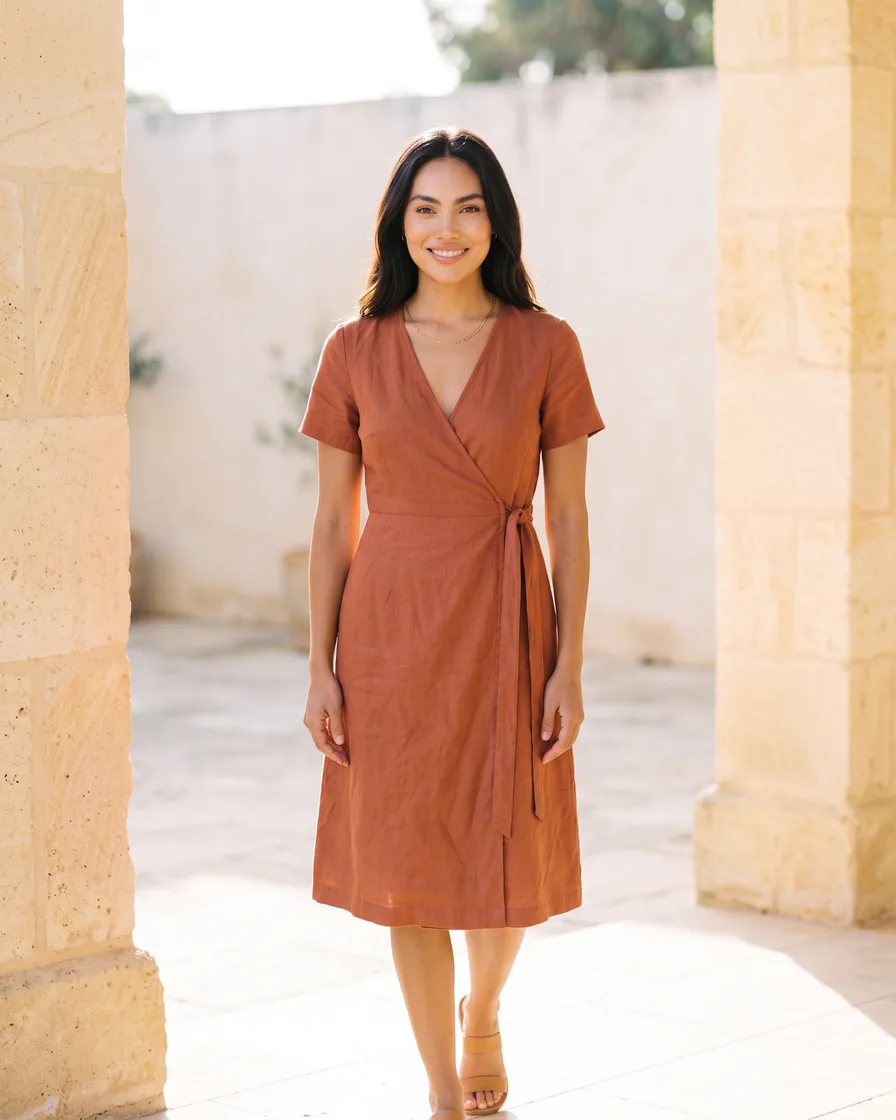 A fashion brandBuilds "same model, new garment", so every new piece is shown on the same model.
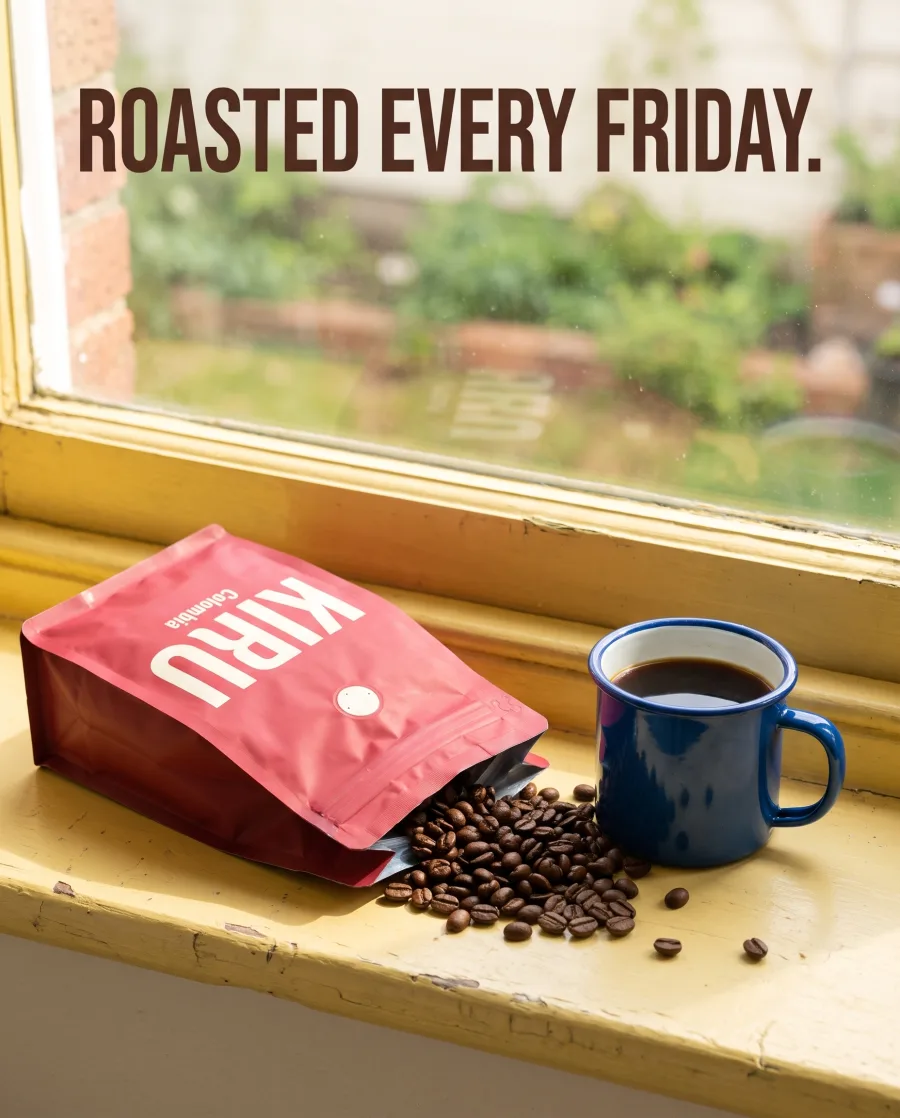 A creatorUses Remix a reel or a carousel to keep a format that works and put their own product in it.
Inside DesignerBox
Everything else in one place
Each part has its own page. You do not need a separate app for each job.
 CreateAsk for a picture in your own words
 GeneratePick the picture or video model yourself
 InspirationMake a finished idea with your product
 AvatarsOne person in every picture and video
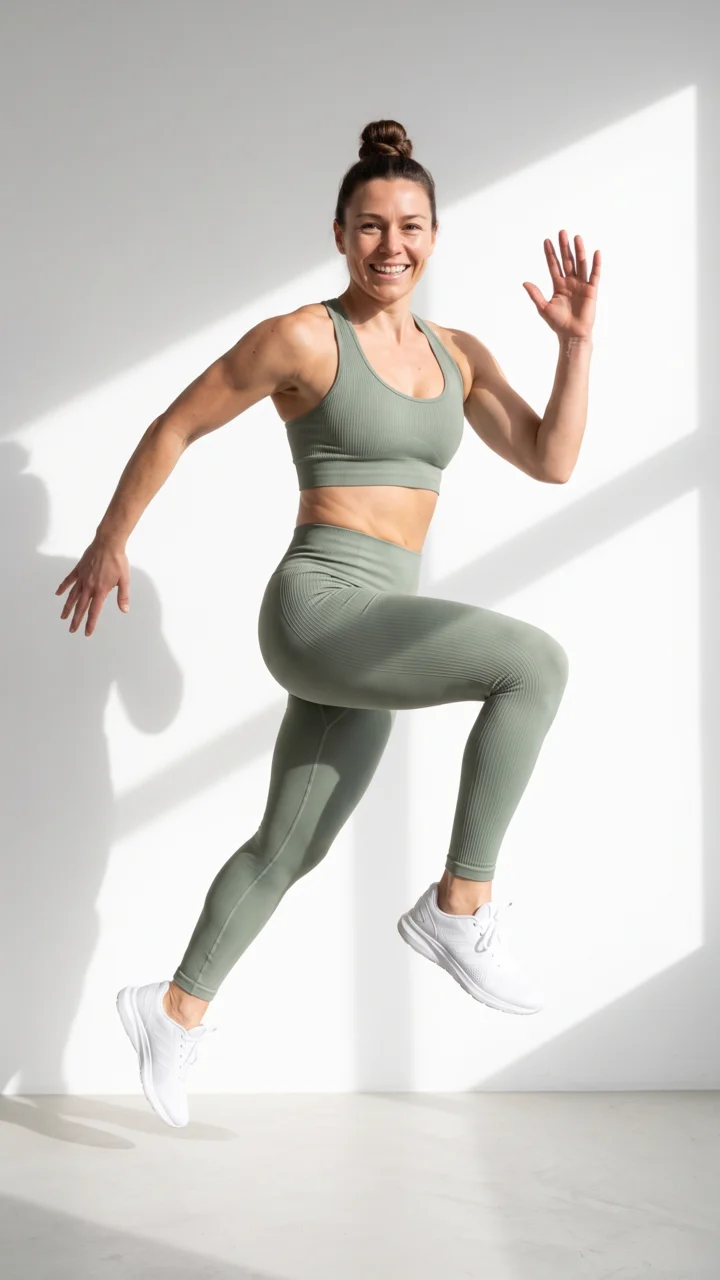 Brand kitYour logo, colours, fonts and rules
 Image editorAdd text and a logo in ready social sizes
 Video editorCaptions, a voice and music on your clips
 AssetsEvery picture and video, in folders
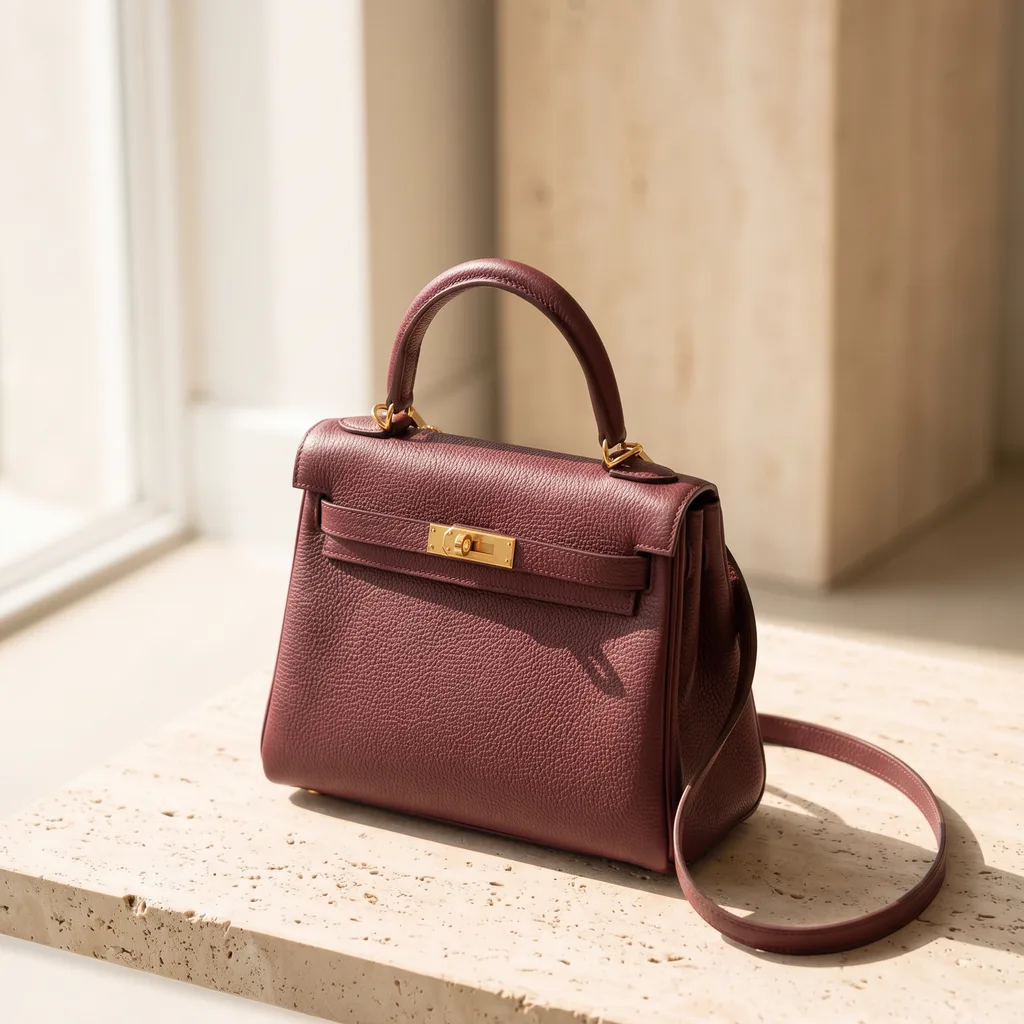 ReviewsYour client picks pictures from a link
 TemplatesReady workflows with every step built
 AppsAdd a photo, fill a short form, press Run
 BatchOne job on up to 200 products
What is a workflow in DesignerBox?
A workflow is a set of steps on a canvas, joined with wires. When it works, you save it. Next time you add a new photo and press Run all, and every step runs again in the same order.
Do I need to build from blank?
No. Open any template in the studio and change it. Templates and apps are workflows too.
Which steps can I use?
Steps that make pictures, video and speech; steps that change a picture, like remove background, relight and upscale; video steps; critic steps that keep the best result; text steps; and output steps like Save to Assets.
Can people who do not like canvases use my workflow?
Yes. Publish it as an app. They see only a short form and a Run button.
Do the results go to Assets?
Yes, when you add a Save to Assets step at the end. Then every result of every run lands there.
Which plan do I need?
Workflows run on every plan. Your own photos and prompts start on the Pro plan, and video starts on the Premium plan.
Build your first workflow.
Sign up with Google or your email. Nothing to set up.
Get started free- Claude
- ChatGPT
- Cursor











