DesignerBox for Claude
Claude image generation with DesignerBox
Claude does not make pictures by itself. Connect DesignerBox once, and Claude asks DesignerBox to make product photos, ads and videos. Claude asks you to confirm each run.

Set up once
Connect DesignerBox to Claude
Three steps. There is no API key to copy.
- 1
Copy the MCP server URL
This is the DesignerBox MCP address. Claude connects to it over HTTPS.
https://mcp.designerbox.ai/api - 2
Add it to Claude
In Claude, open Settings, then Connectors, then Add custom connector. Name it DesignerBox, paste the URL, press Add, then Connect. For Claude Code, run this in a terminal:
claude mcp add --transport http \ designerbox https://mcp.designerbox.ai/api - 3
Sign in and ask
On first use, Claude opens a browser tab so you can sign in to DesignerBox. Then say what you want to make.
For example: "Make four photos of this jar on colour backgrounds."
Using ChatGPT, Cursor or VS Code? In DesignerBox, open Settings, then AI chat (MCP), and follow the steps for your app. The same page lists every connected chat, and you can remove access at any time. The full tool list is in the MCP docs.
What to ask for
Photos, ads and videos from one message
Say what you need. DesignerBox picks the model, makes the pictures and saves them to your workspace.
Product photos in three places
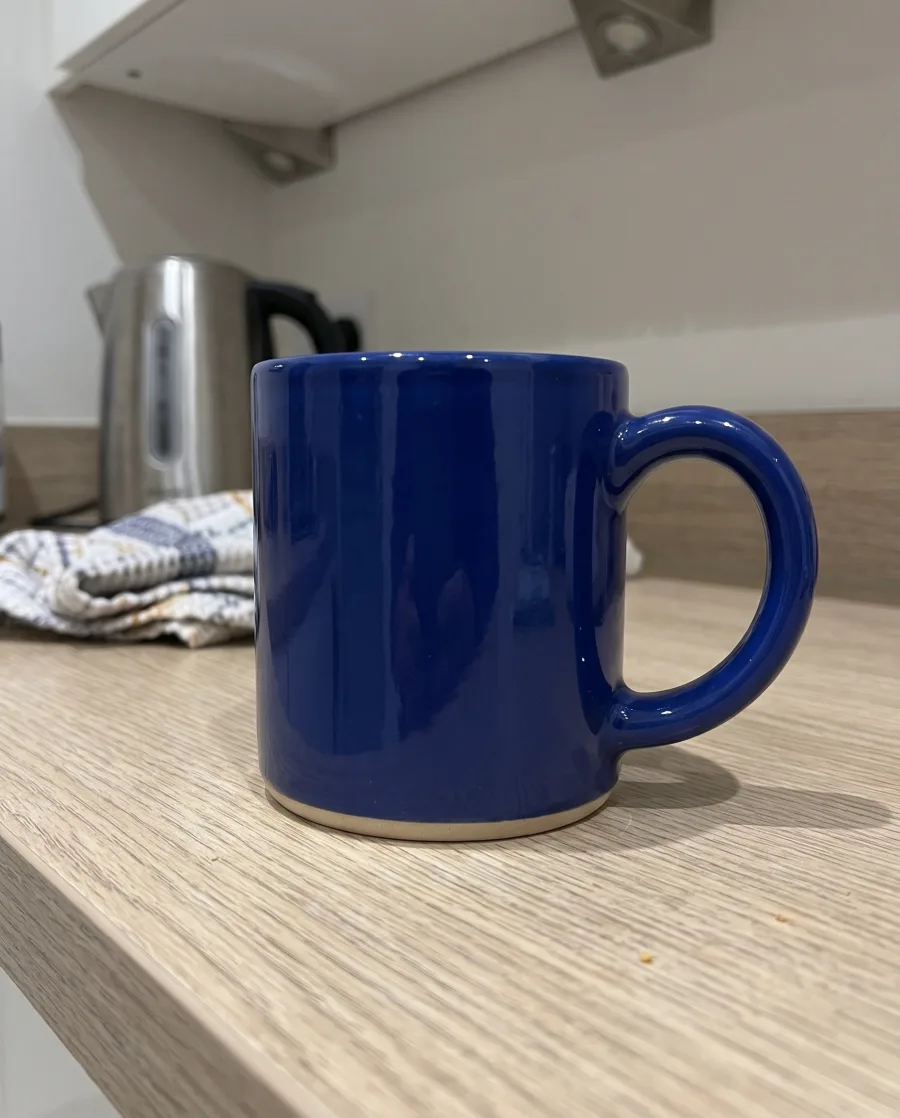
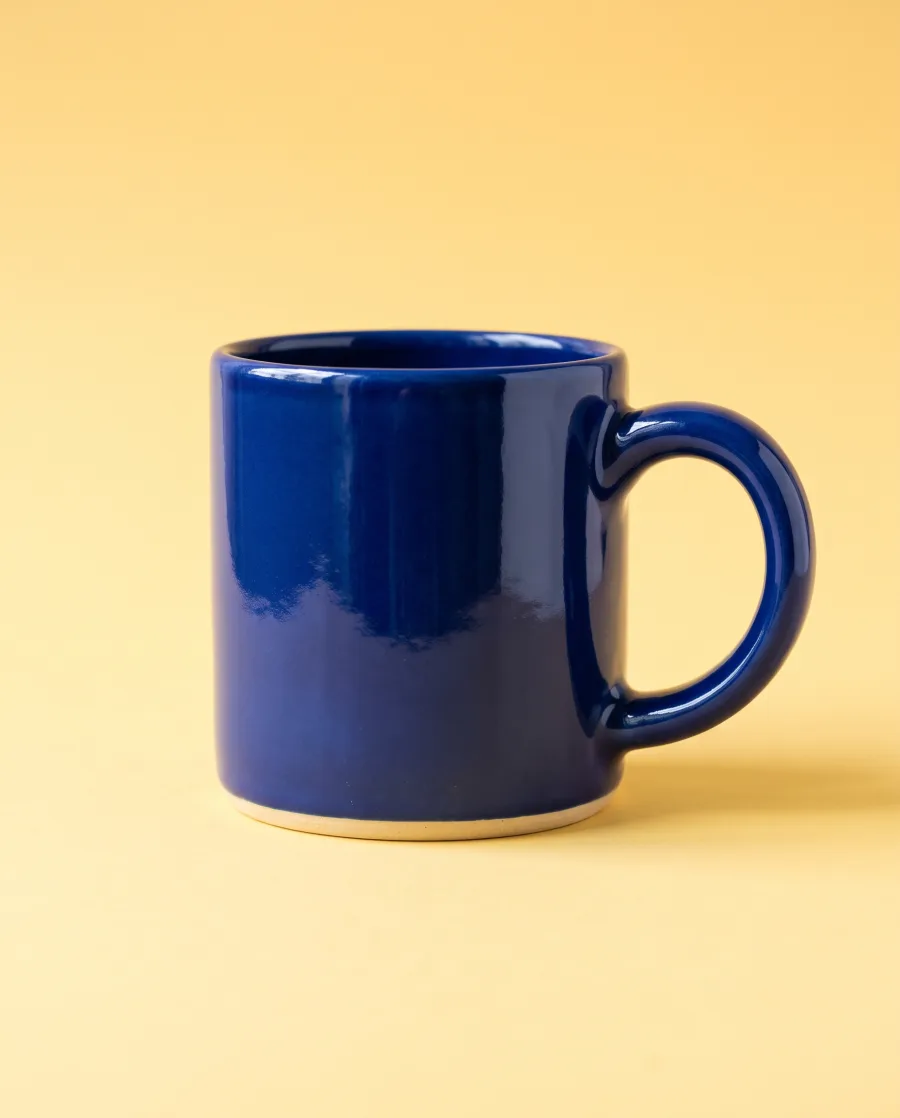
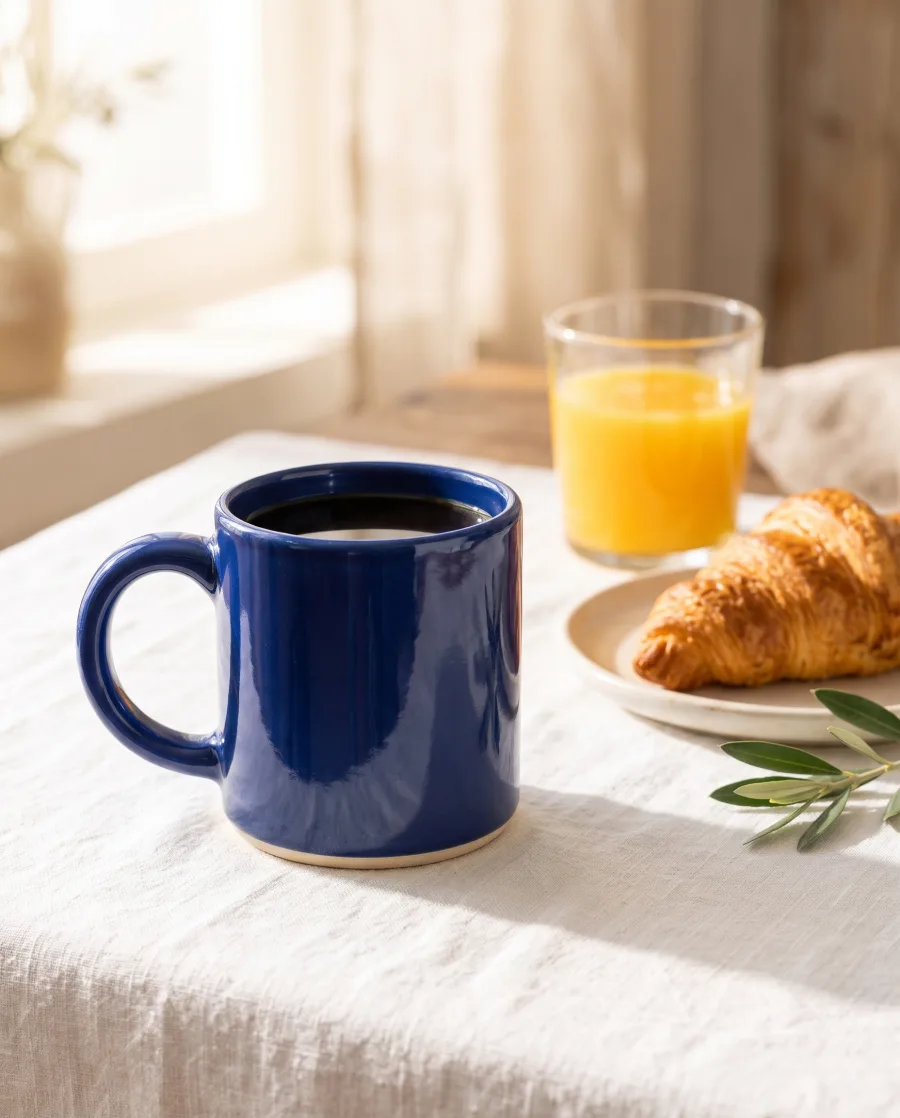
Attach a photo of the product and name the places. You get each picture with the product kept as it is.
See AI product photography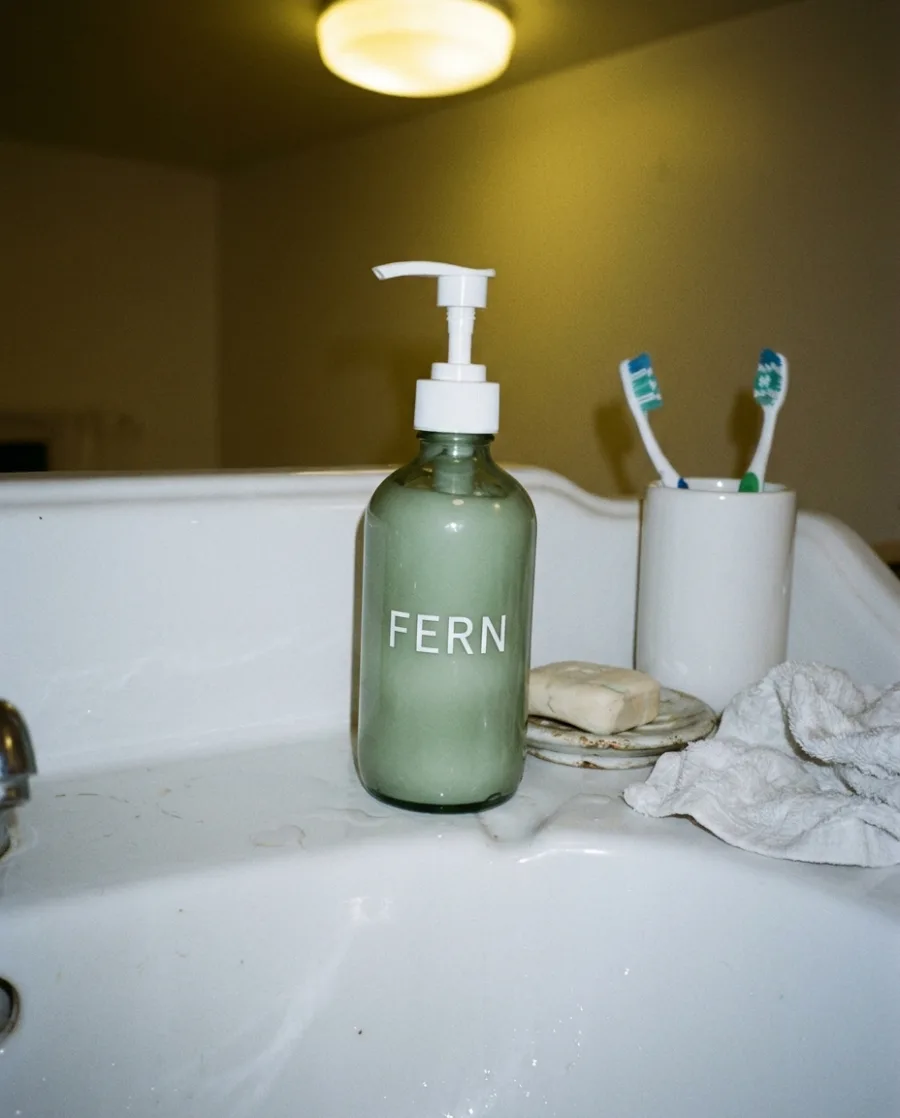 Our hand soap: white, bathroom, sageYour message
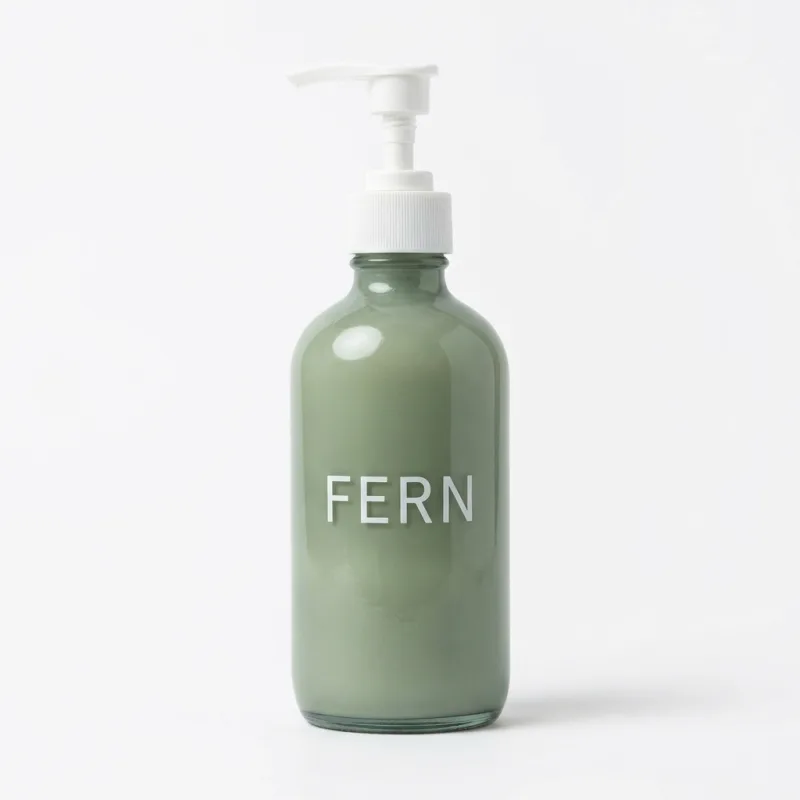 On white
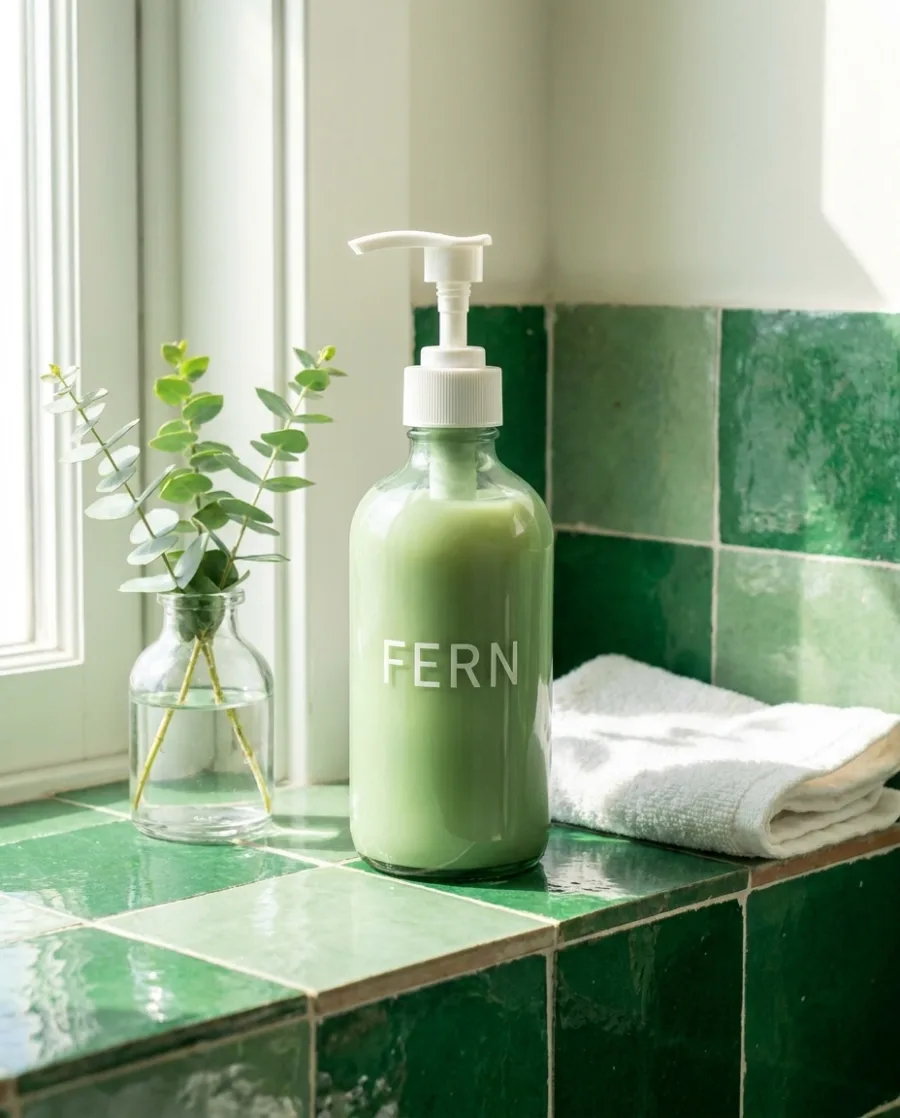 In a bathroom
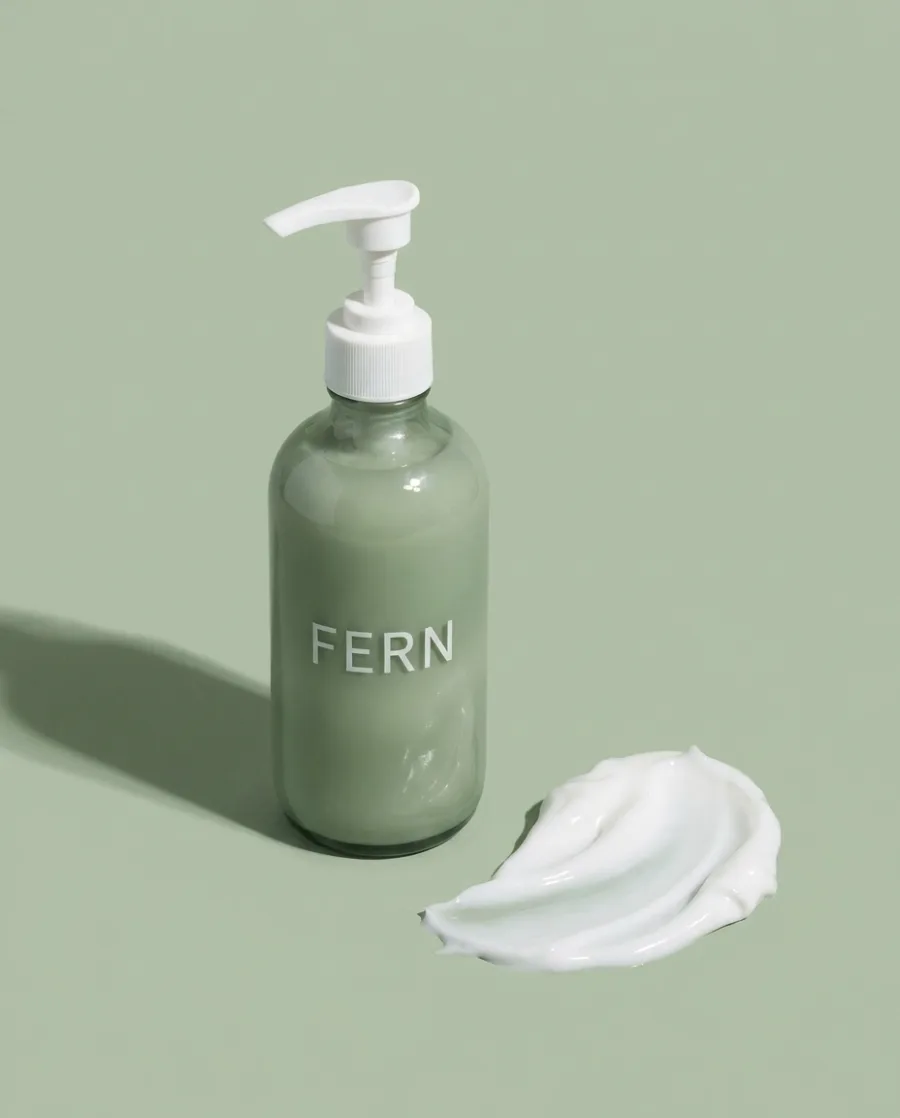 On sage
One ad in feed, square and story sizes
Give the product and the headline. You get the finished ad in the sizes ad platforms ask for.
See the AI ad generator Headline: Made for long summer days.Your message
 Feed 4:5
 Square 1:1
 Story 9:16
Your clothes on a model
Attach a flat photo of the clothes and name the places. You get the same model wearing them in each one.
See AI fashion models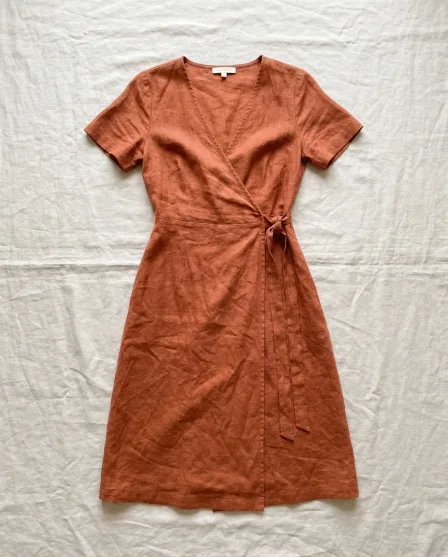 This dress on a model, three placesYour message
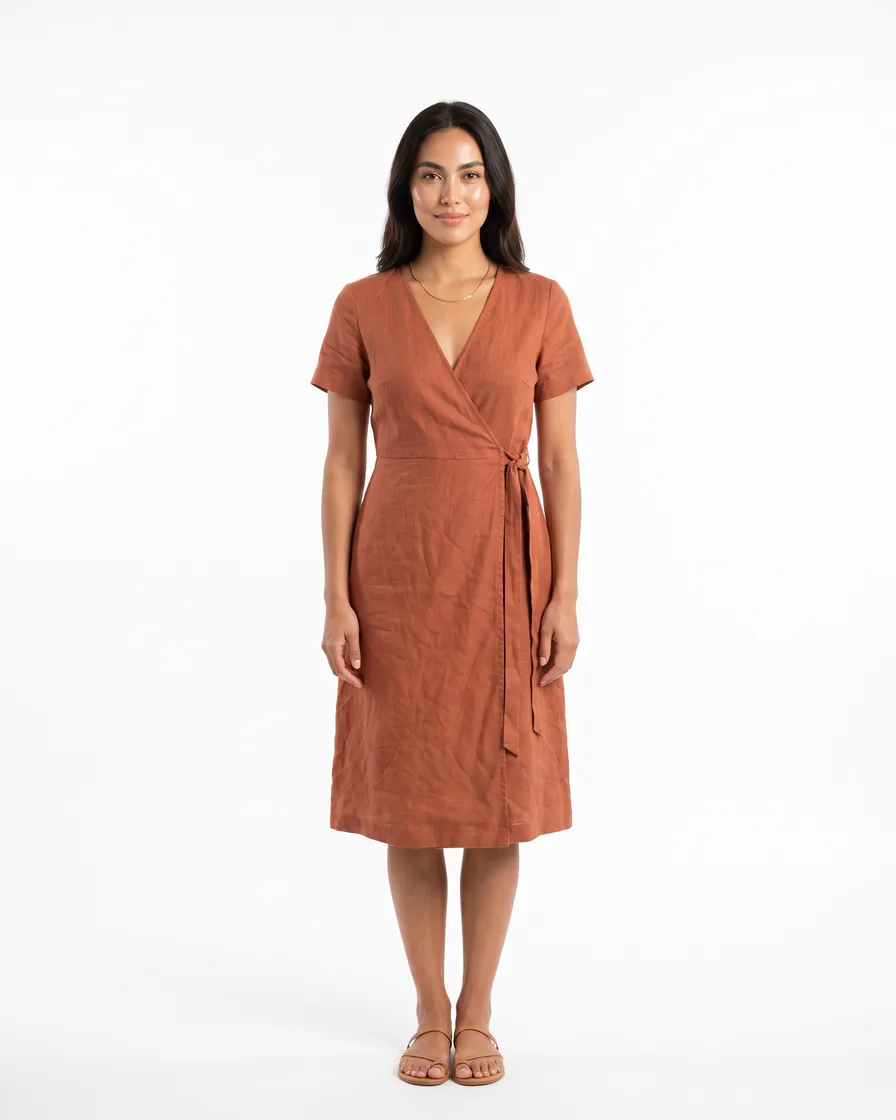 Studio
 By the sea
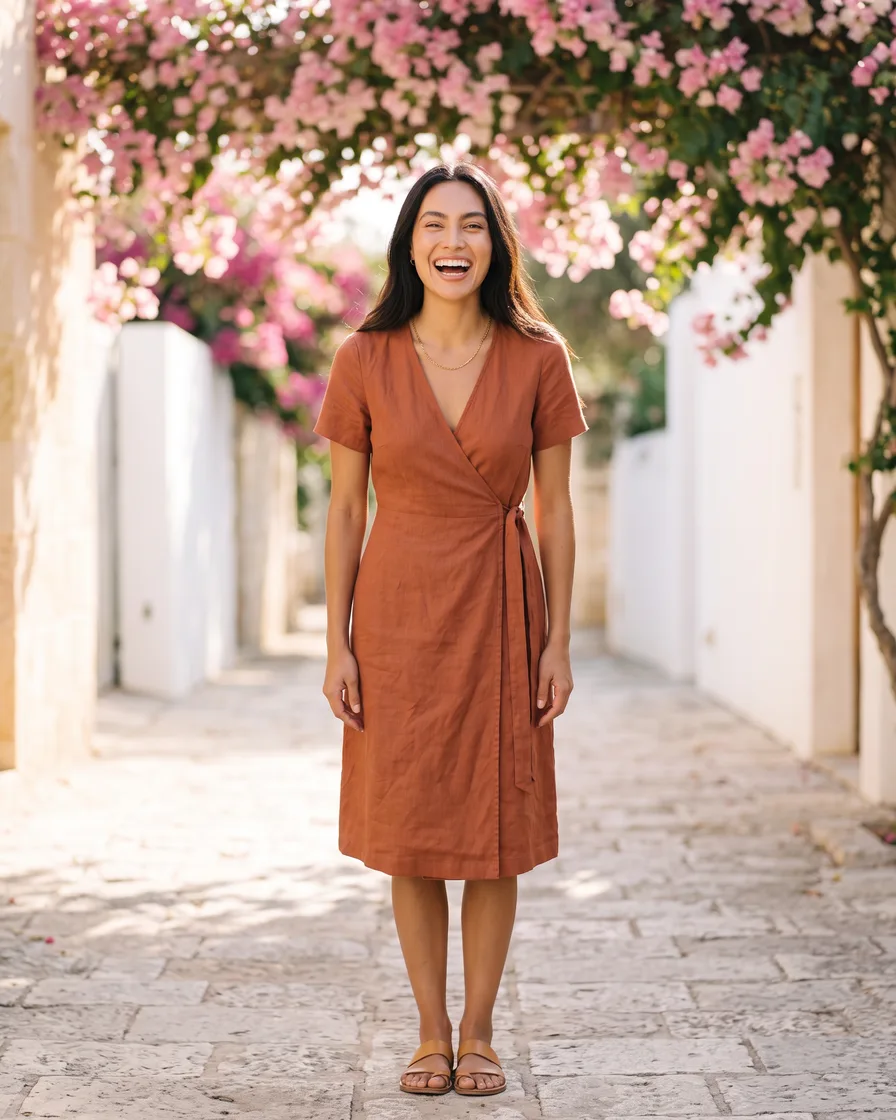 Under flowers
Short videos of your product
Ask for a 5-second video of the product turning, in a scene or with a person. Video starts on the Premium plan.
See AI video ads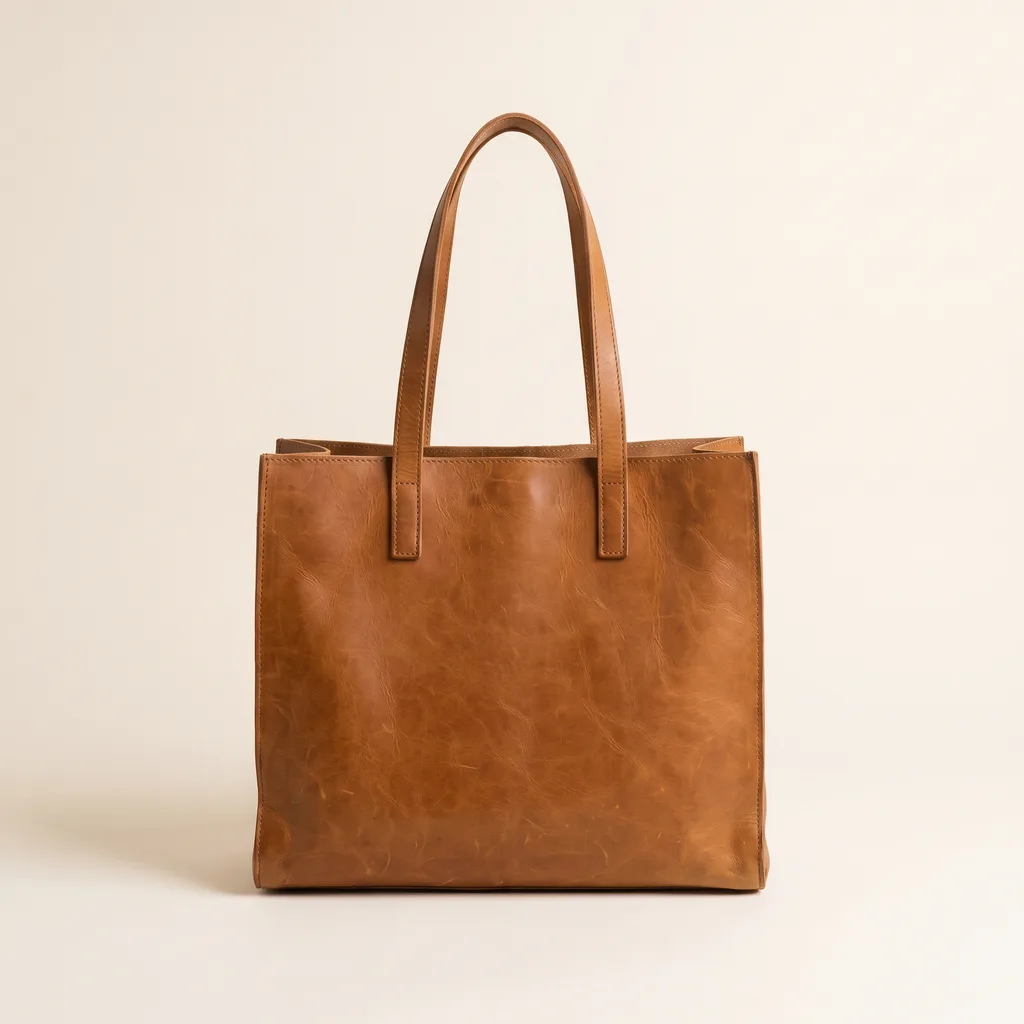 Three 5-second videos of our toteYour message
Connecting is free. Each run uses credits from your DesignerBox plan.
Every plan can make pictures from the chat. Your own photos and the commercial licence start on the Pro plan. Video starts on the Premium plan.
Also works in
One connection for every AI chat you use
The same DesignerBox MCP server works in Claude, Claude Code, ChatGPT, Codex, Cursor and VS Code.
What is DesignerBox for Claude?
It connects Claude to your DesignerBox workspace through the Model Context Protocol (MCP). You ask Claude for product photos, ads and videos in plain words, and DesignerBox makes them, using the brand you pick.
How do I connect DesignerBox to Claude?
Copy the DesignerBox MCP server URL, add it to Claude as an HTTP MCP server, then sign in to your DesignerBox account. After that, ask for what you need in plain words.
What can I make from Claude?
Product photos, ads, clothes on a model, background removal, new camera angles and short videos. Every plan can make pictures from the chat, and each run uses credits. Video and virtual try-on start on the Premium plan.
Do I pay for each AI model?
No. Connecting is free, and the models are built in. A run uses the credits of your DesignerBox plan, and the cost depends on the model and the job.
Can I use the results commercially?
Yes, from the Pro plan up. Pro, Premium and Ultra include the commercial licence, so you can use the results in ads, product listings and client work. Free and Basic do not.
Can I stop Claude from using my account?
Yes. In DesignerBox, open Settings, then AI chat (MCP). It lists every connected chat, and you can remove access at any time.
Make your first pictures in Claude.
Sign up free, connect DesignerBox, then ask in the chat.
Get started free- Claude
- ChatGPT
- Cursor











