Templates
AI templates for product photos, ads and videos
A template is a ready workflow with every step already built. Add your photo and your words, press Run all, and get a more detailed result than one prompt gives.
- Claude
- ChatGPT
- Cursor
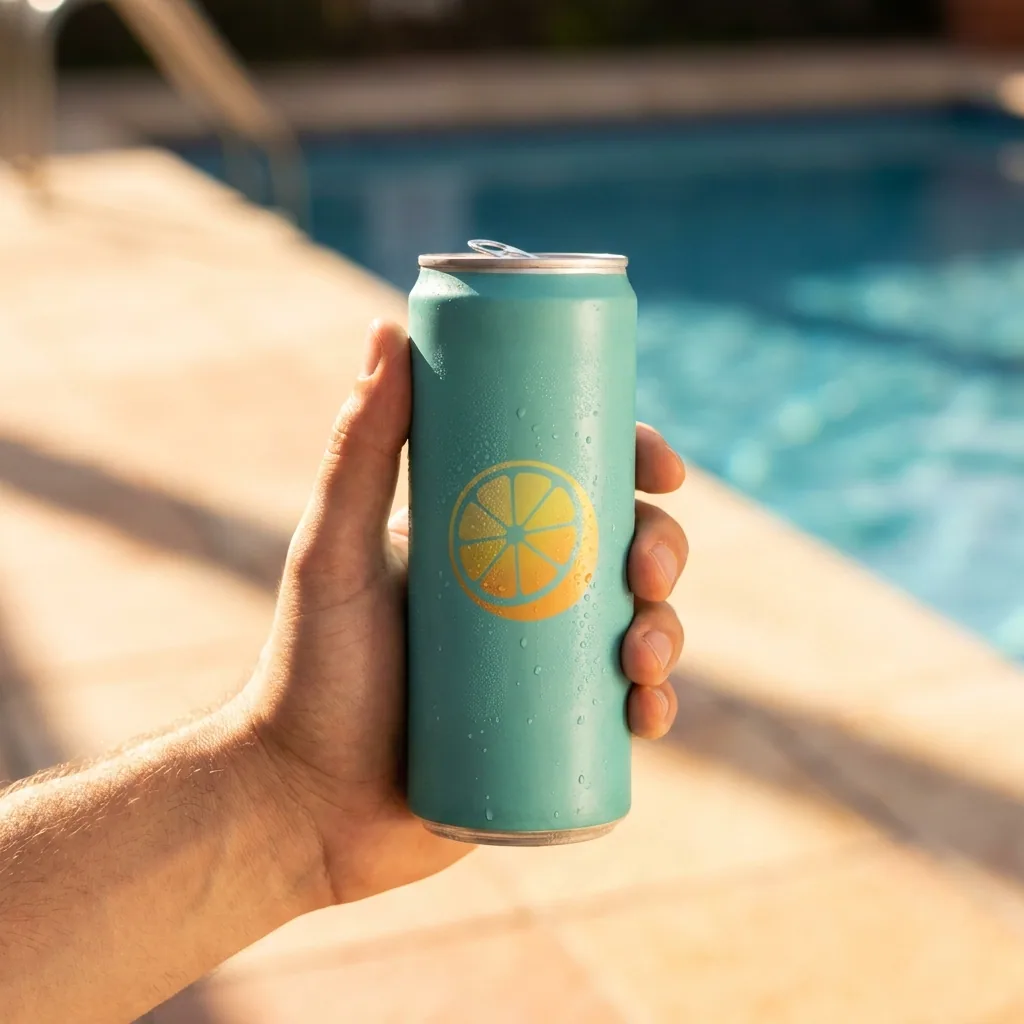
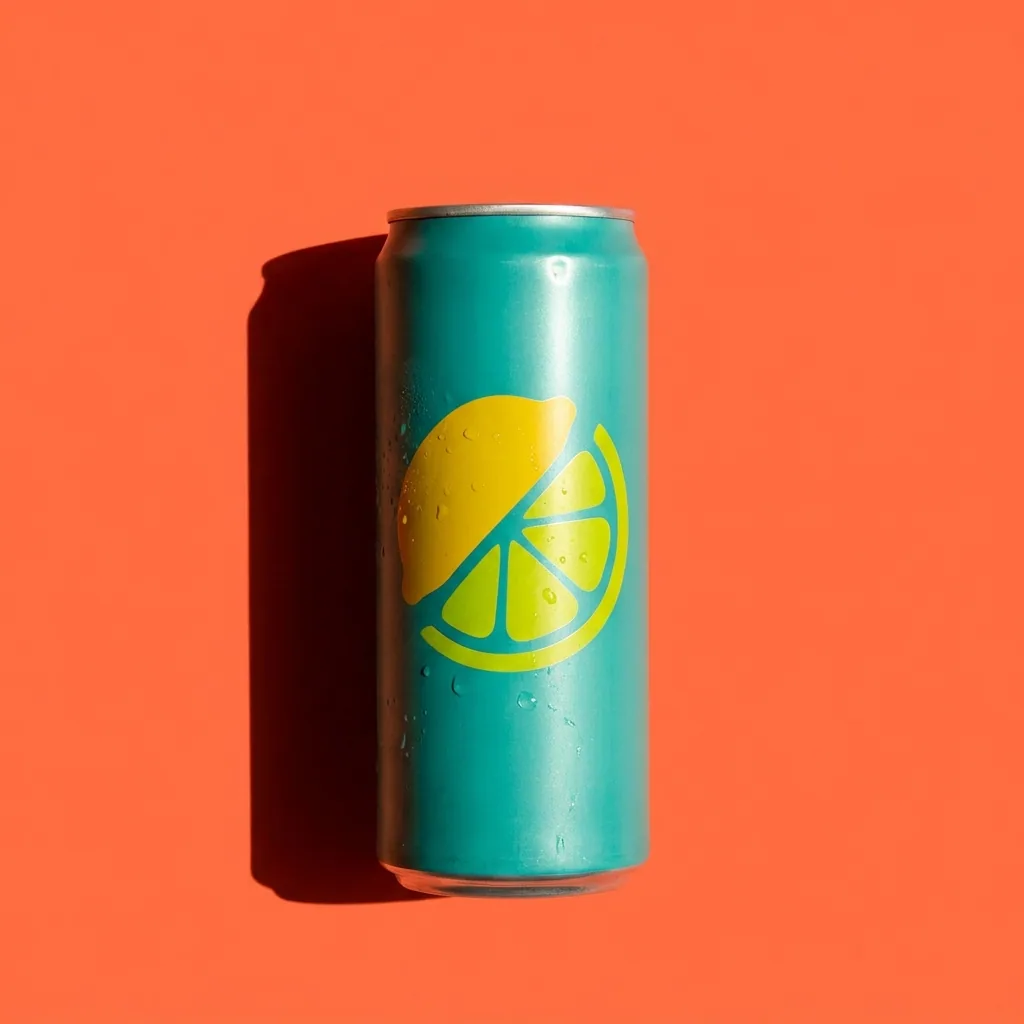 On ice
 By the pool
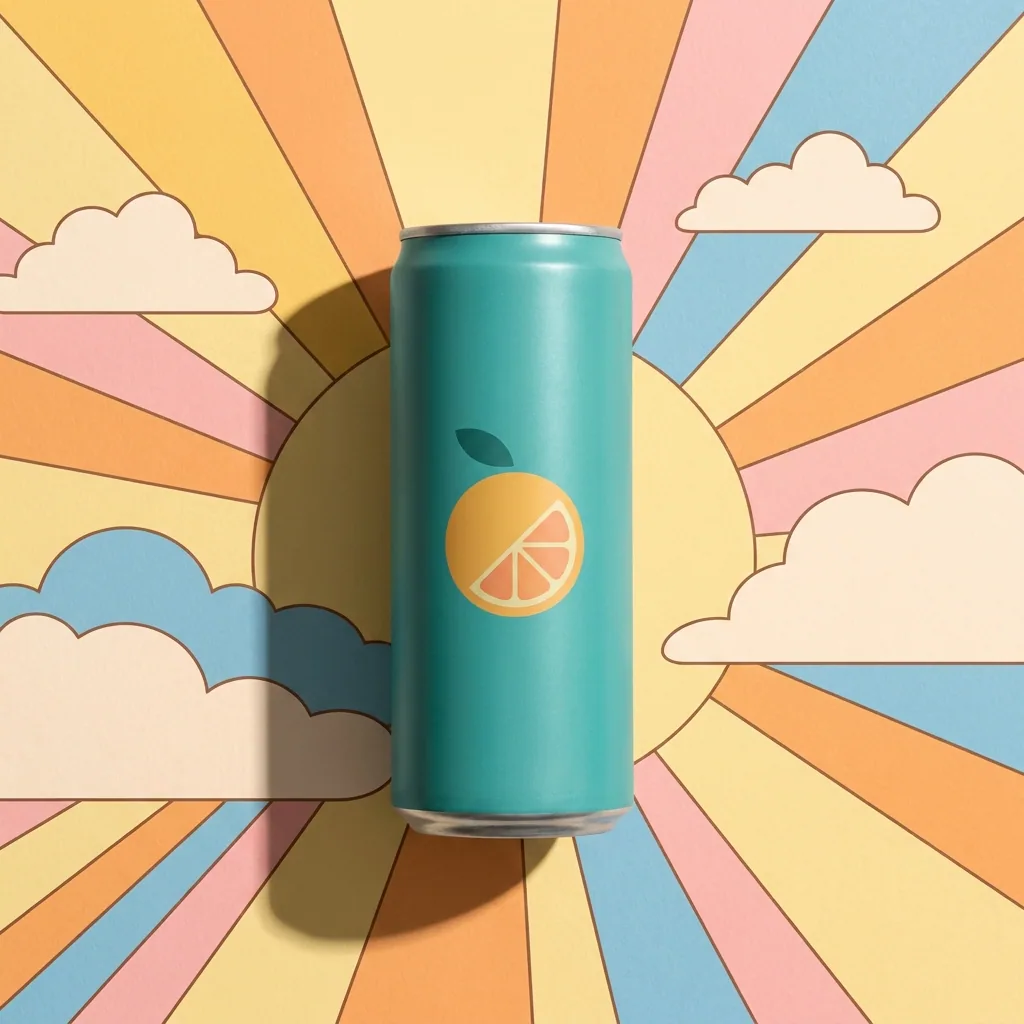
 Poster
 Run all
One prompt gives you one picture .A template runs every step of the job, from the cut-out to the headline.
What you can make
Product photos, campaigns and room scenes in one run
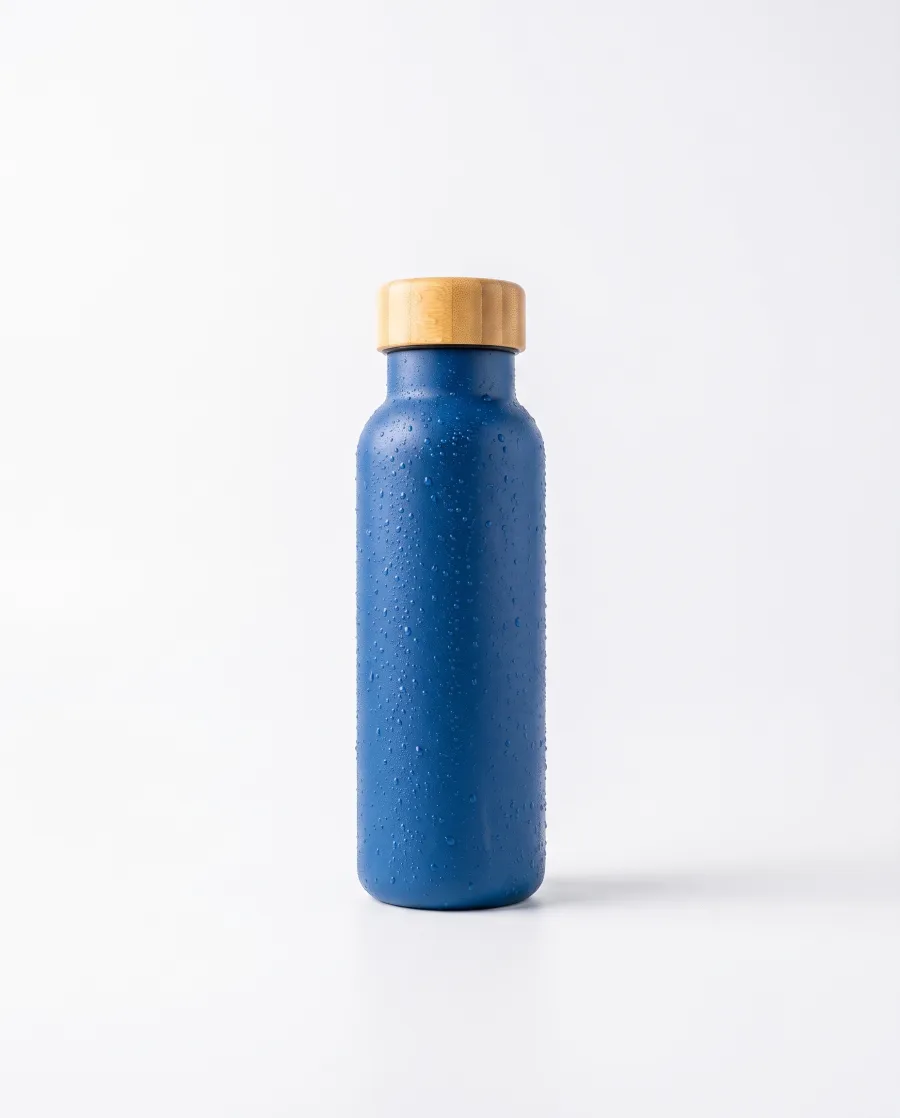
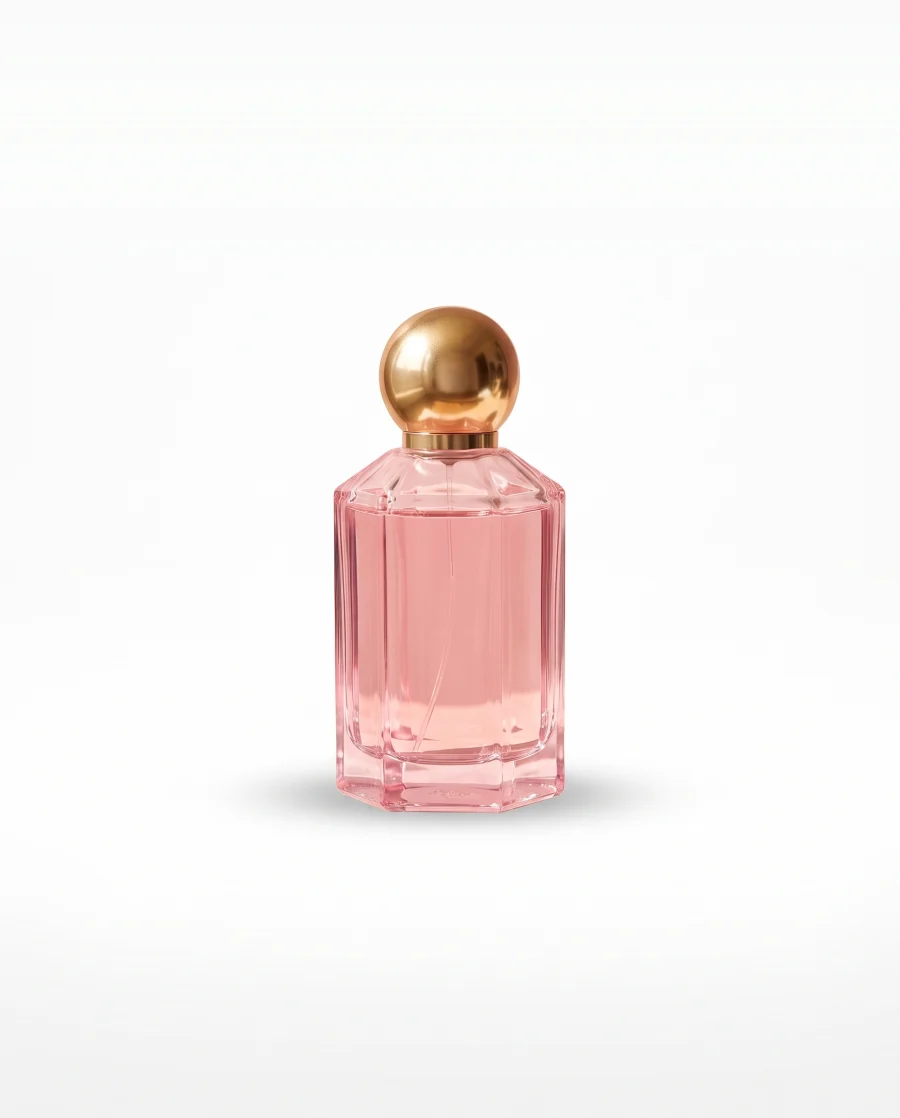
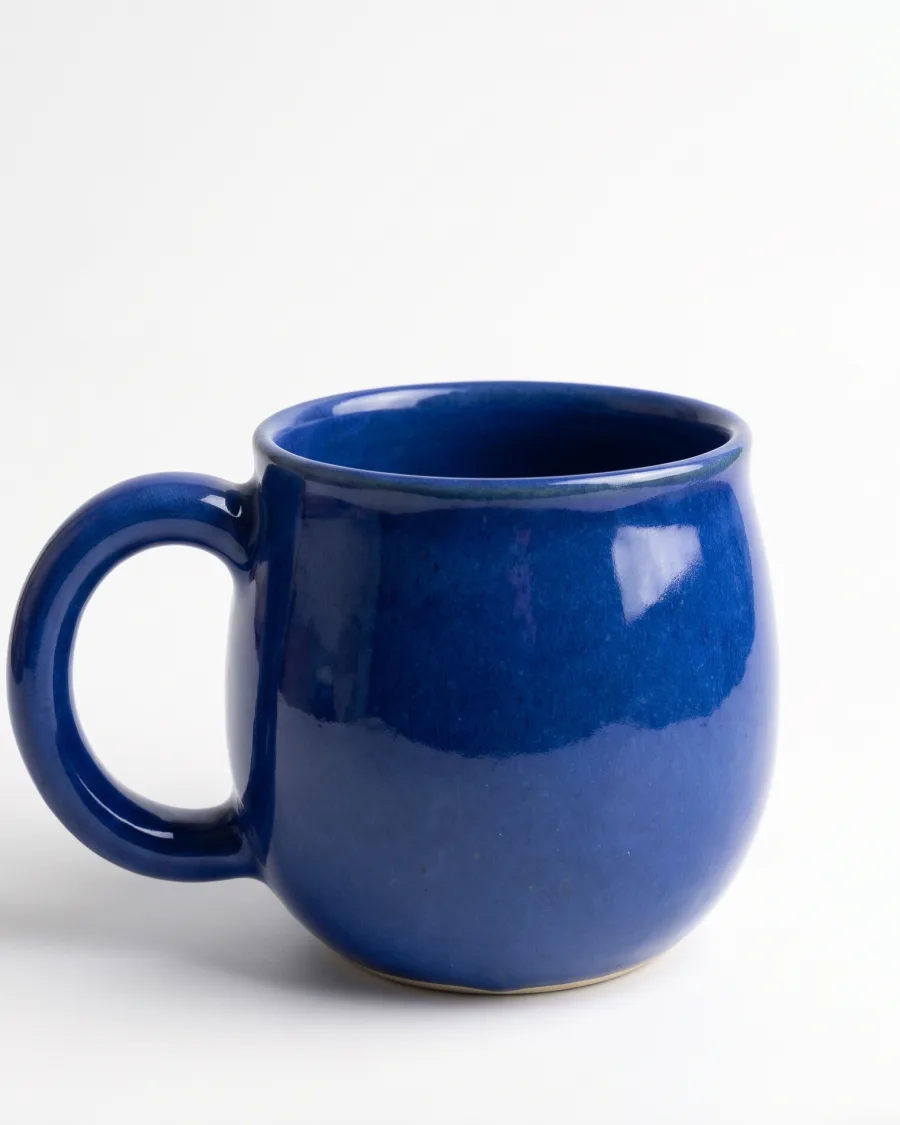
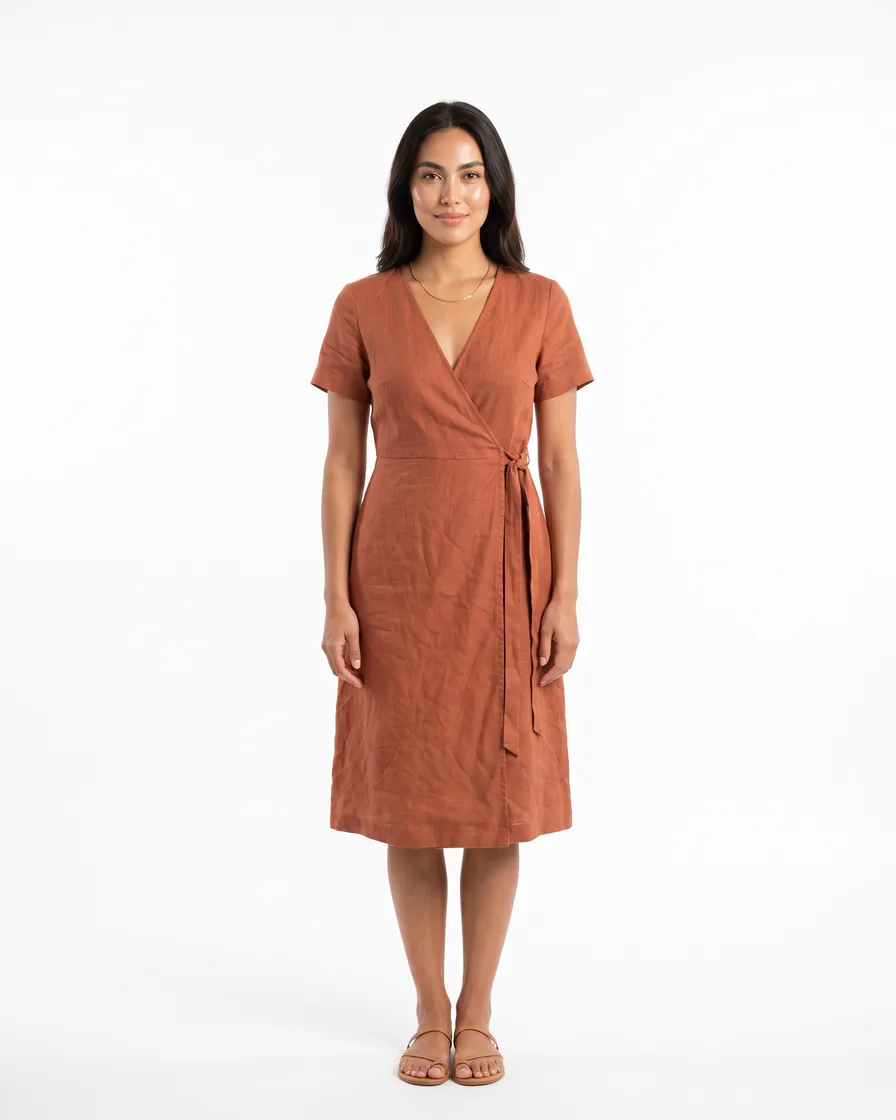
White background photos for up to ten products
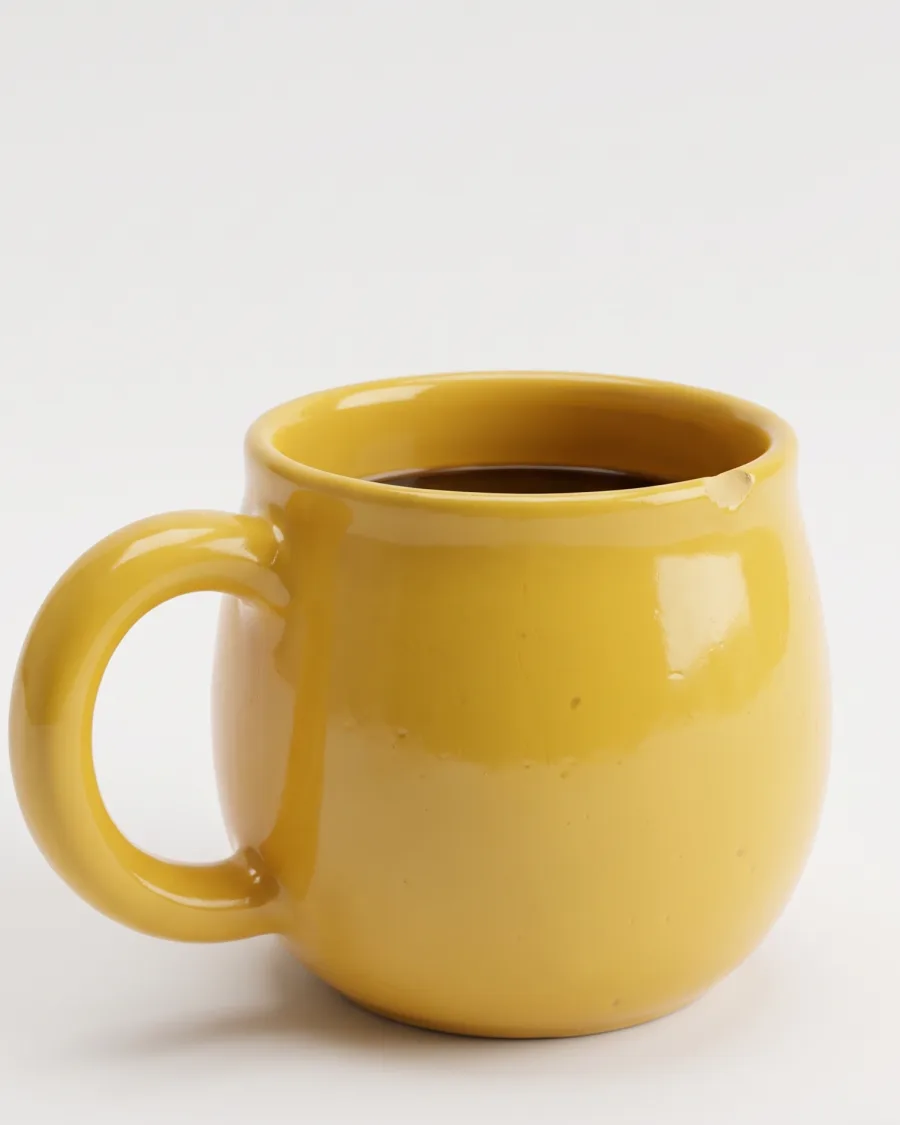
Add up to ten product photos. Each product comes back alone on white, in studio light, ready for your shop or a marketplace.
See product photo templates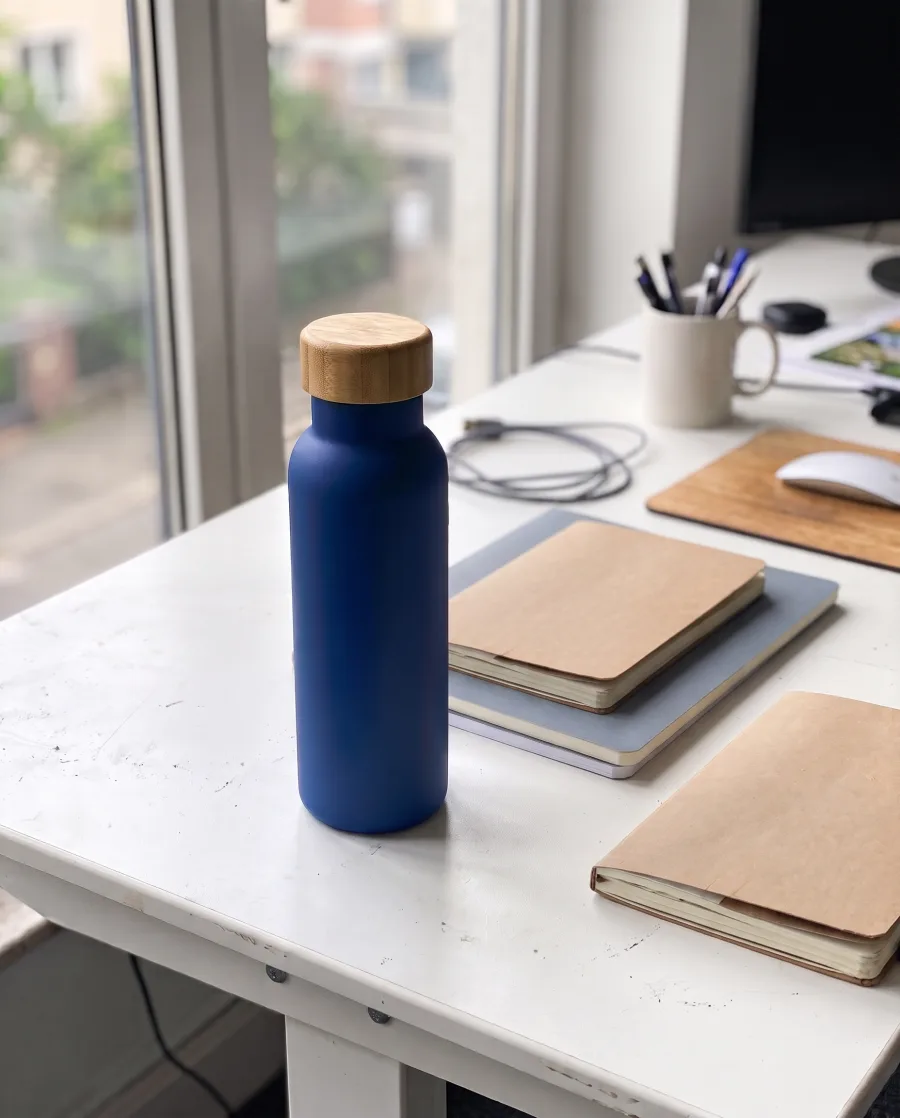 Your product photos
 Bottle
 Perfume
 Mug
MugA launch set of pictures and posters
Add a product photo and a headline. The template makes campaign pictures, ads and one video in one run.
See campaign templatesYour product photoOn iceBy the poolPosterYour swimwear on a model at the beach and the pool
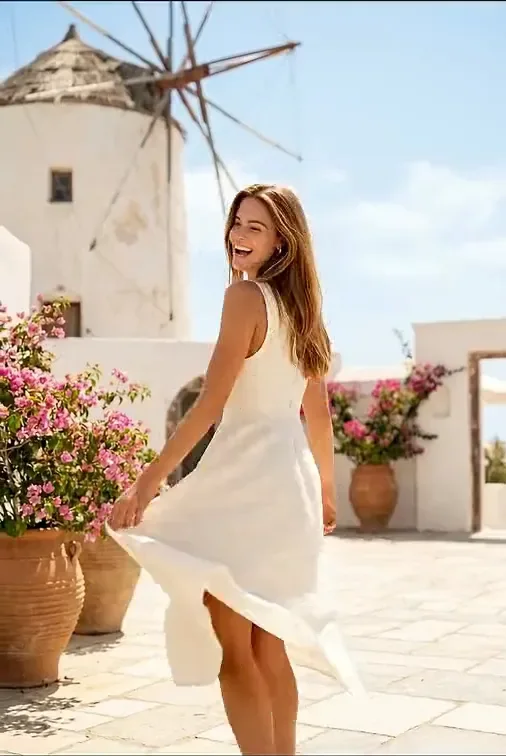
Add photos of your clothes and name the place. A model wears them in that place, in a set of pictures that match.
See it for fashion brands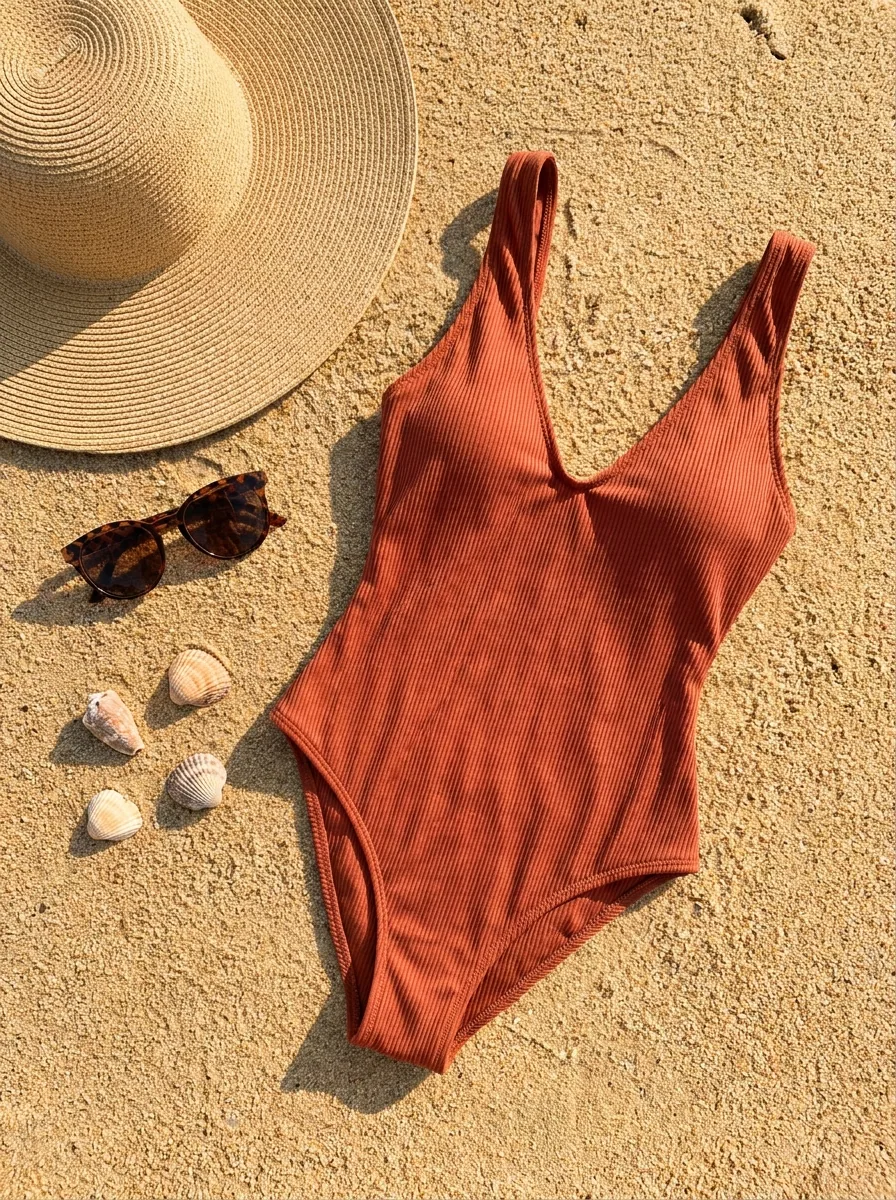 Your garment
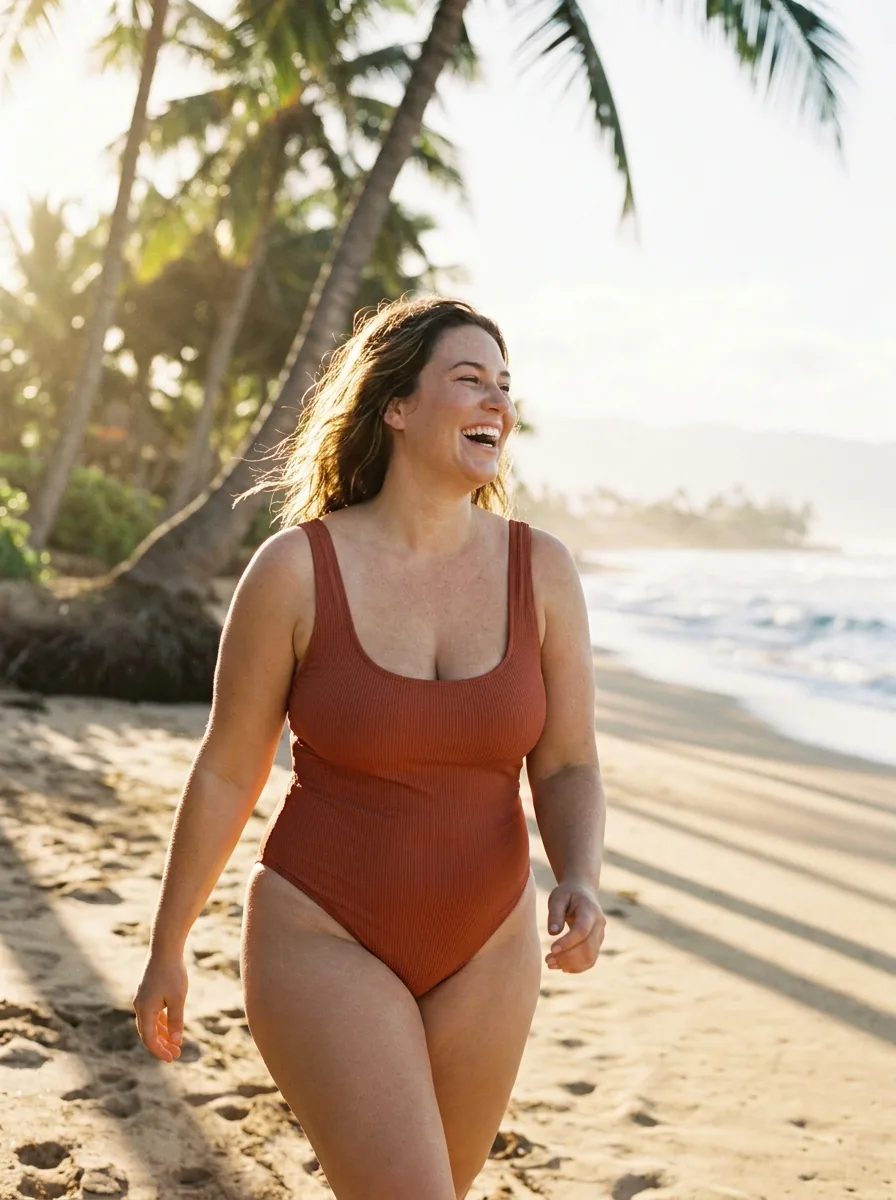 Beach
Beach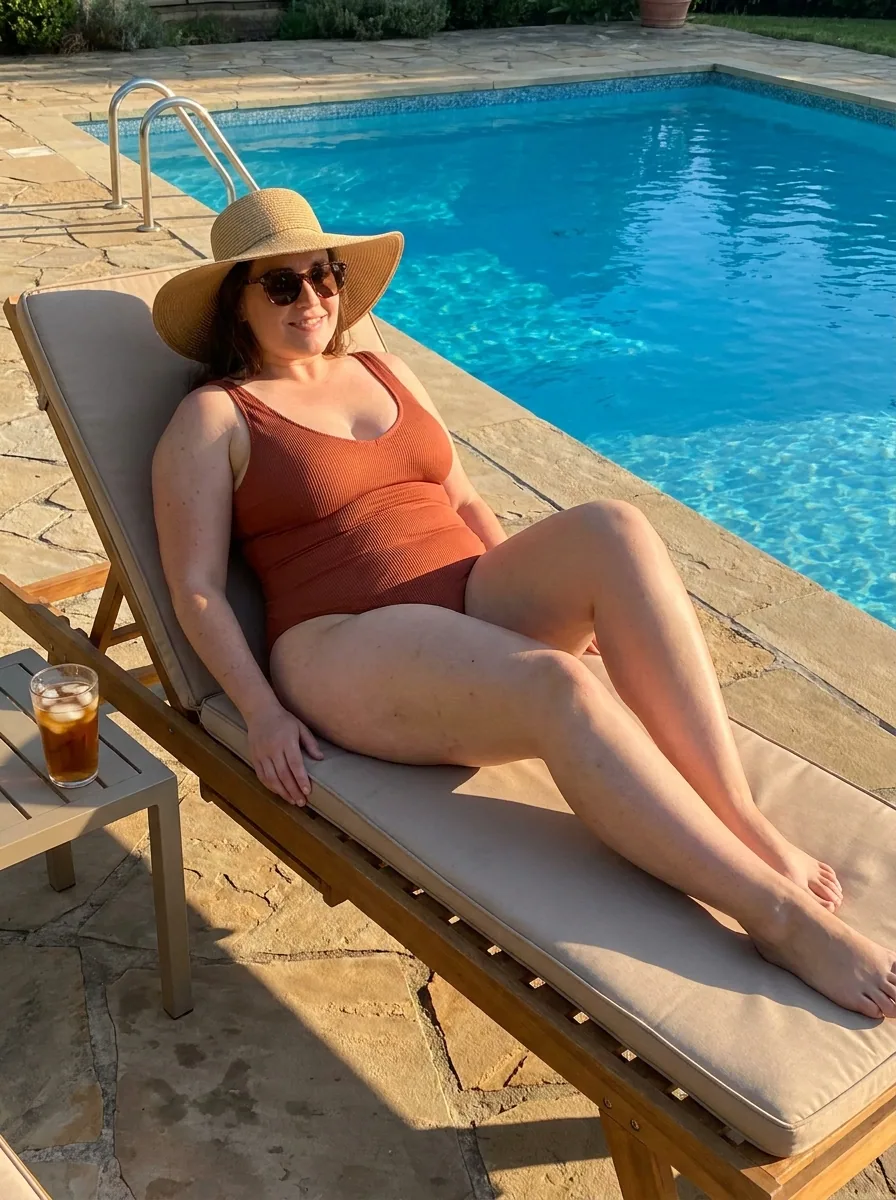 Pool
Pool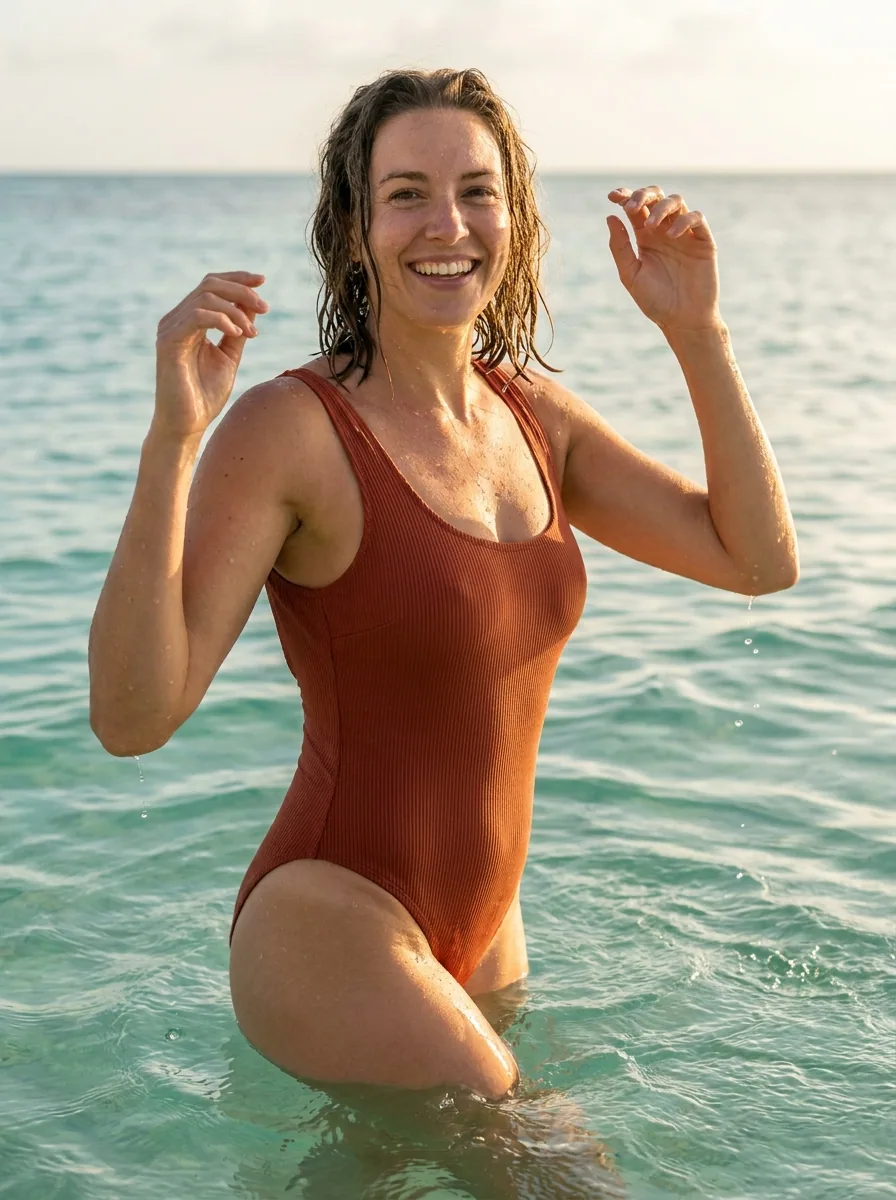 Sea
SeaOne chair in several styled rooms
Add a photo of a piece of furniture. You get it in styled rooms, each with its own light and decor.
See it for furniture brands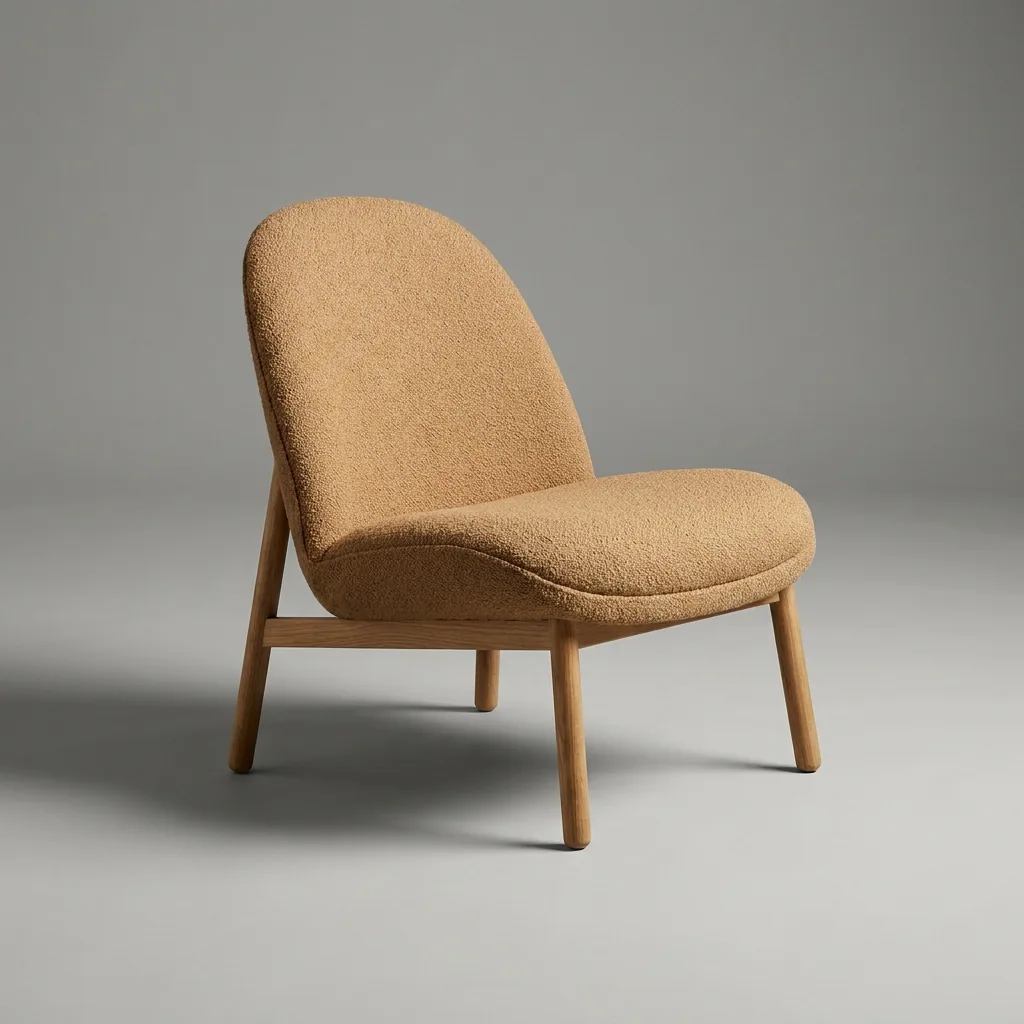 Your product photo
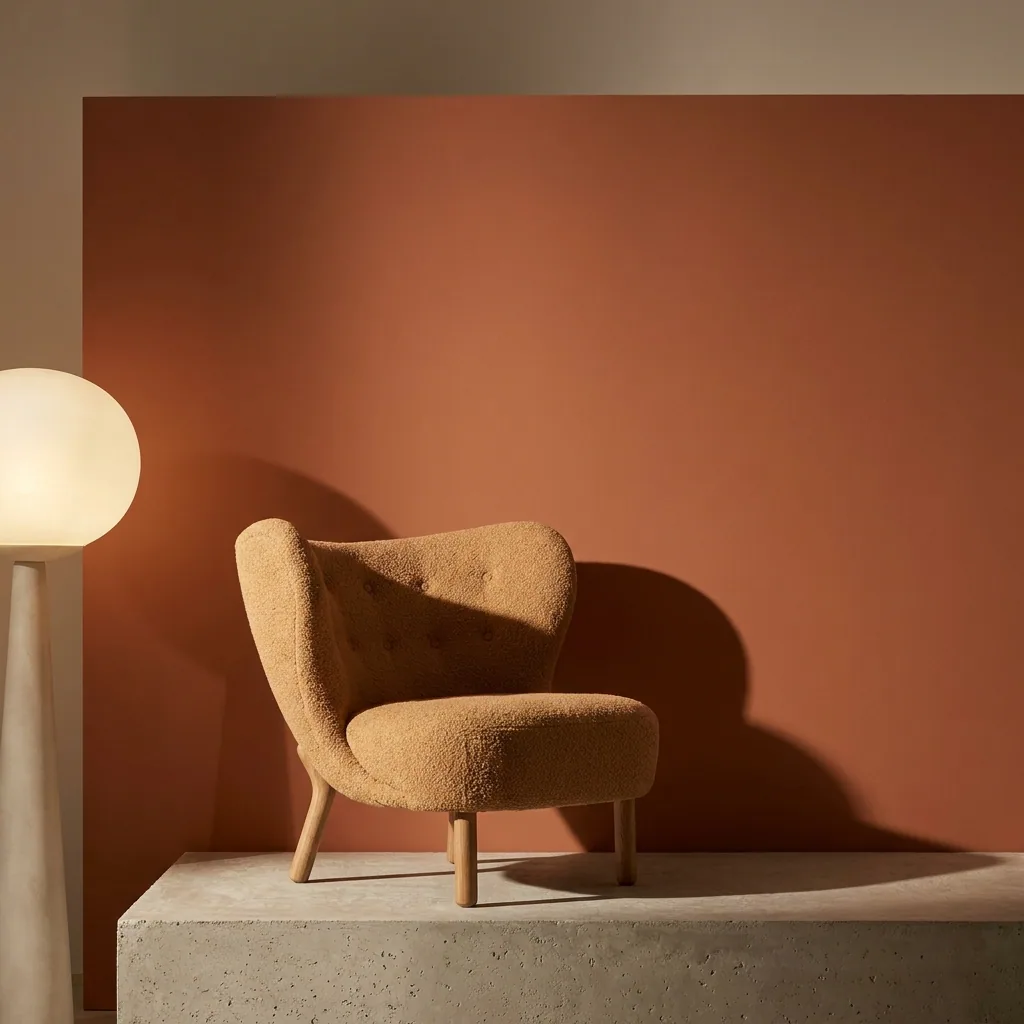 Orange wall
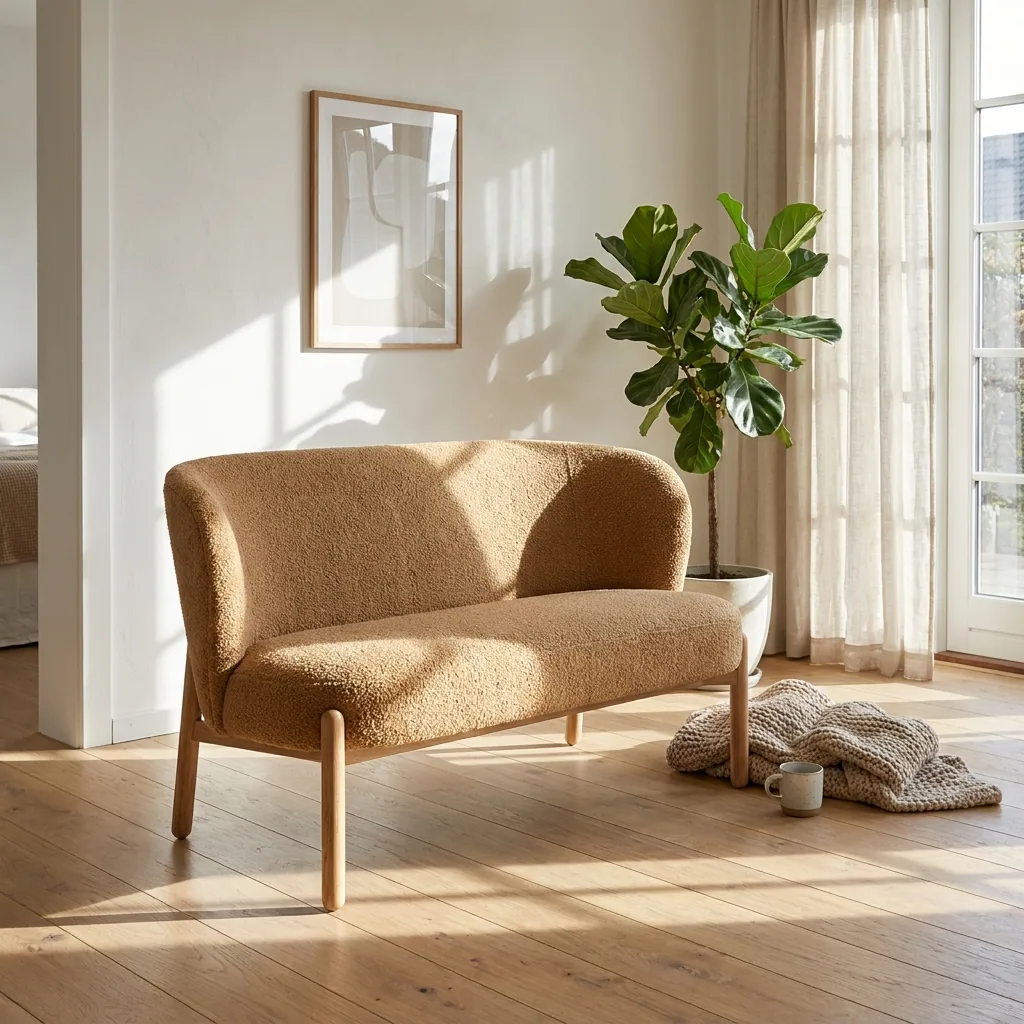 Living room
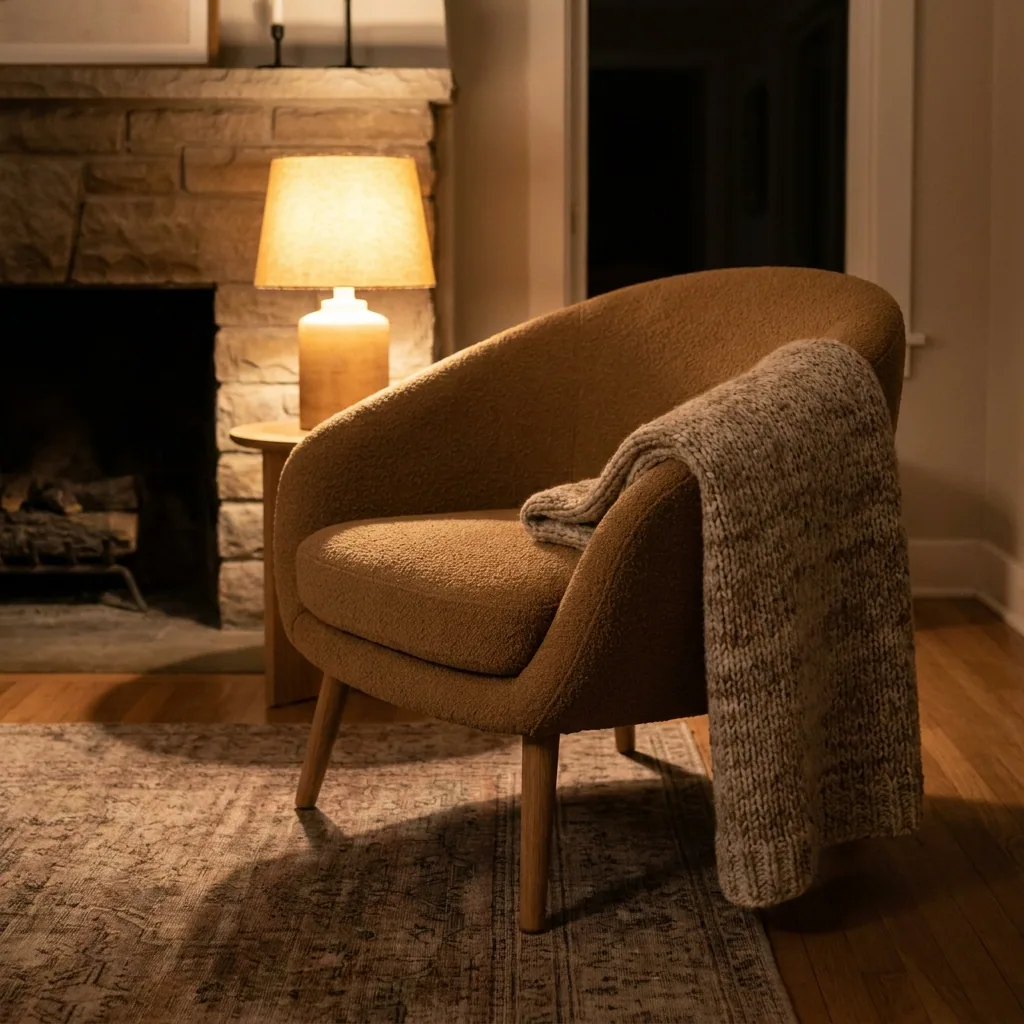 By the fire
Start free. You see the price before you make anything.
Your own photos and prompts start on the Pro plan. Video starts on the Premium plan.
How it works
How to run a template
Open Automation, then Templates. Pick a use case: product imagery, static ads, UGC, video ads, brand assets or campaign concepts.
Each template says what you add, what you get and the steps it uses, before you open it.
Press Open in studio. Your own copy opens as a normal workflow, so you can see and change every step.
Add your photo and your words, then press Run all. Every step runs in order, and each one shows its result on the canvas.
A template runs several steps and models, so its price builds step by step. The results are saved to Assets.
Open in studio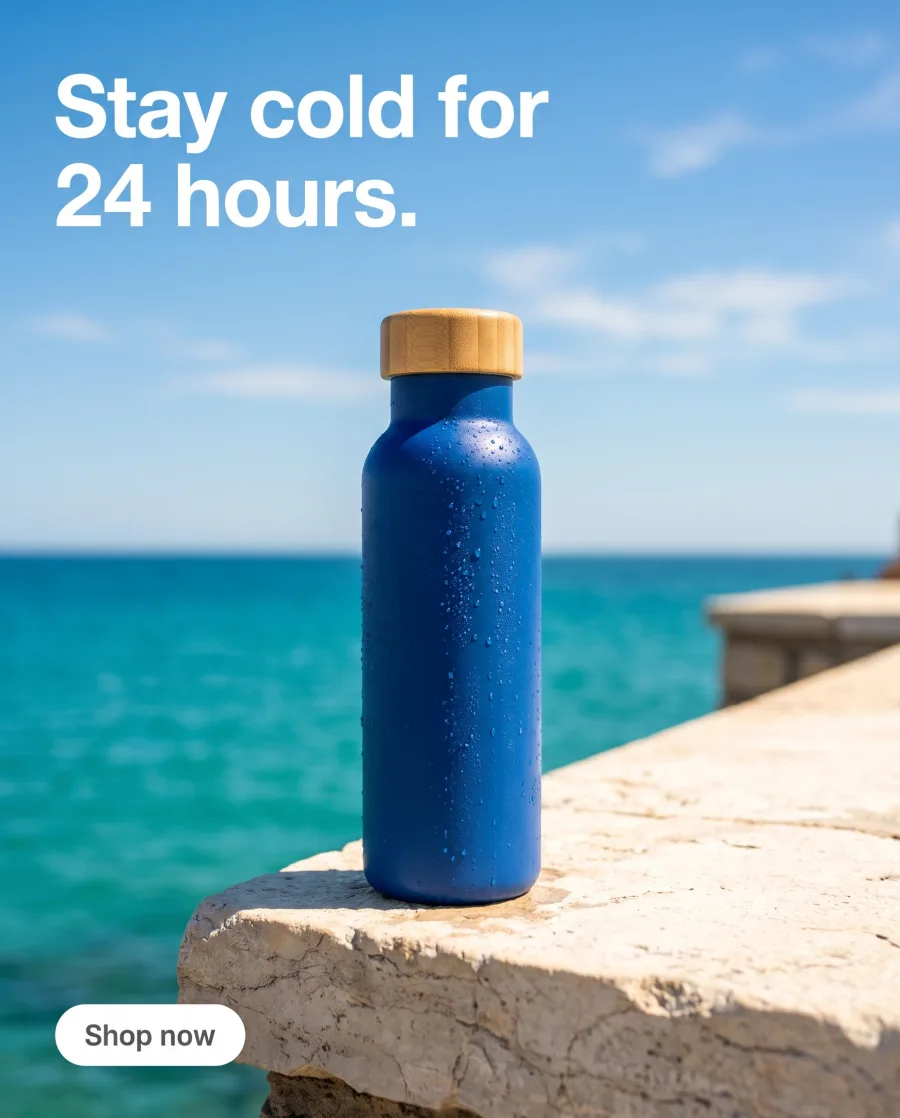
 You add: a product photo and a headlineYou getPictures, ads and one videoStepsPlace, light, add text, make videoOpen in studioHeadlineYour words hereSceneOn ice, by a poolPosterIllustratedHeadlineFresh from the market.On icePosterRun all
Templates
Templates you can open today
 Product in several placesYou add a product photo and the look. You get several pictures, each in another place.
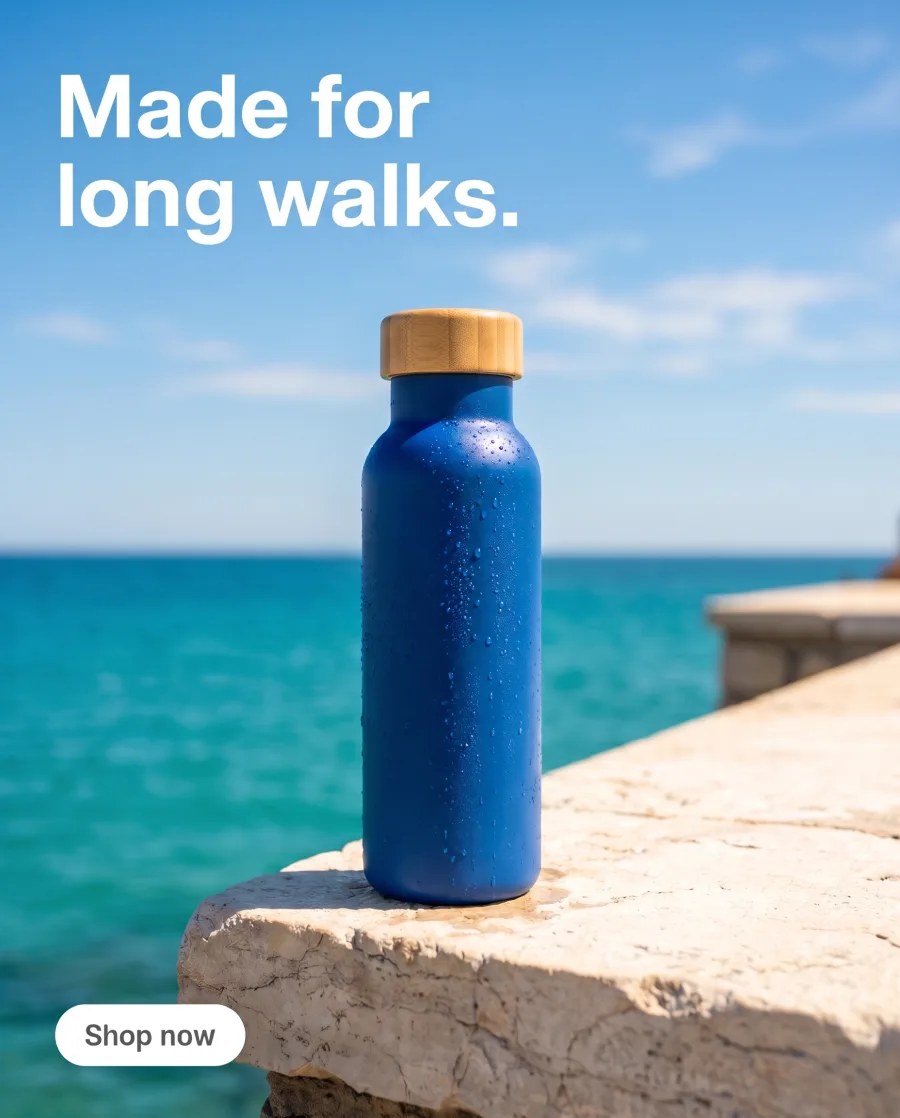 Ads from a product photoYou add a product photo and your headlines. You get one ad for each headline.
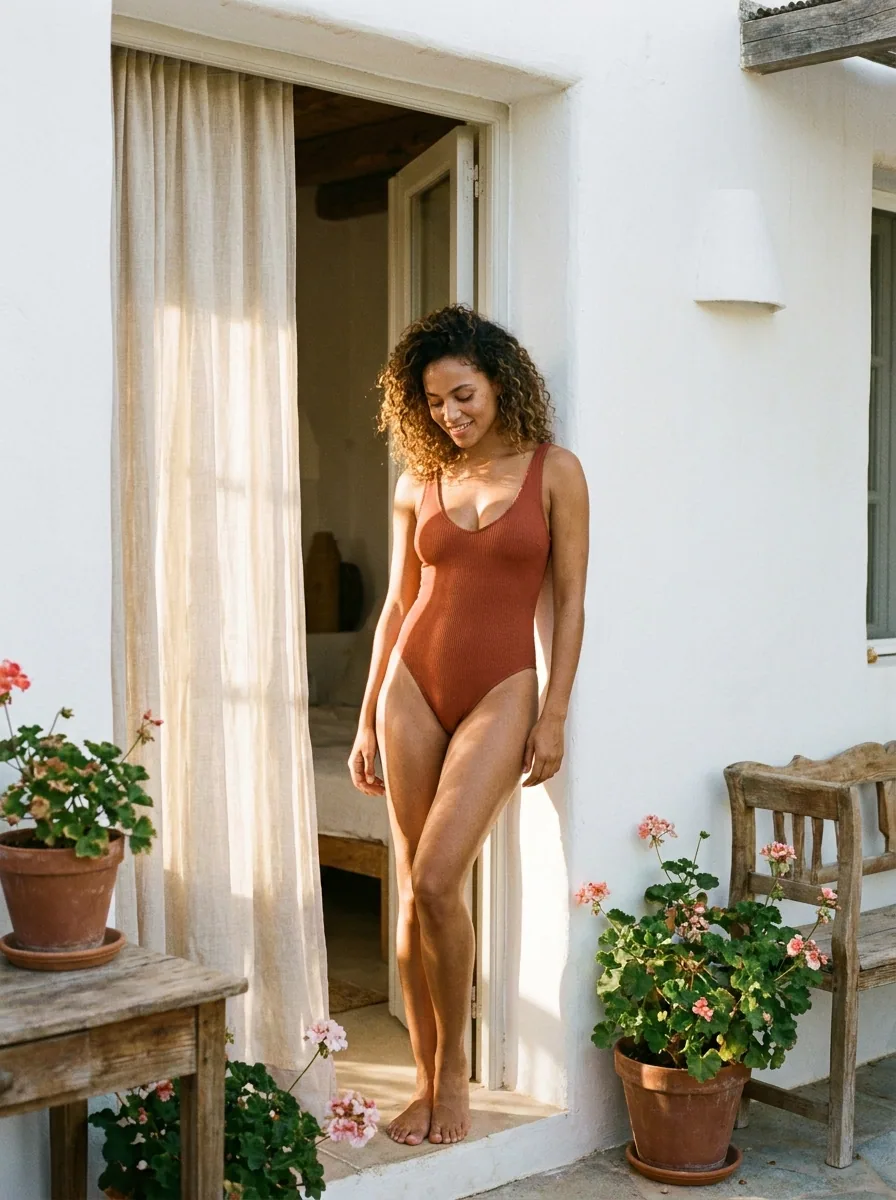 Fashion campaign photosYou add photos of clothes and a place. You get a model wearing them there.
- White background photosYou add up to ten product photos. You get each product on white in studio light.
- Clothing CatalogueYou add one garment. You get front, three-quarter, back and fabric detail on a model.
- Furniture in a roomYou add one furniture photo. You get the piece in styled rooms.
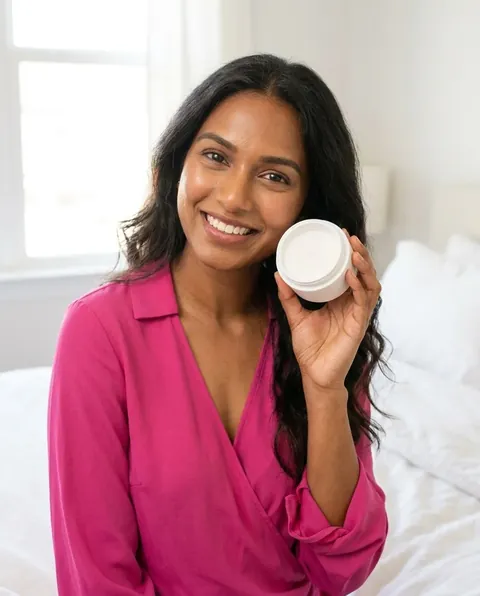 Video ad with a personYou add your product photo and a script. You get a video of a person in several scenes.
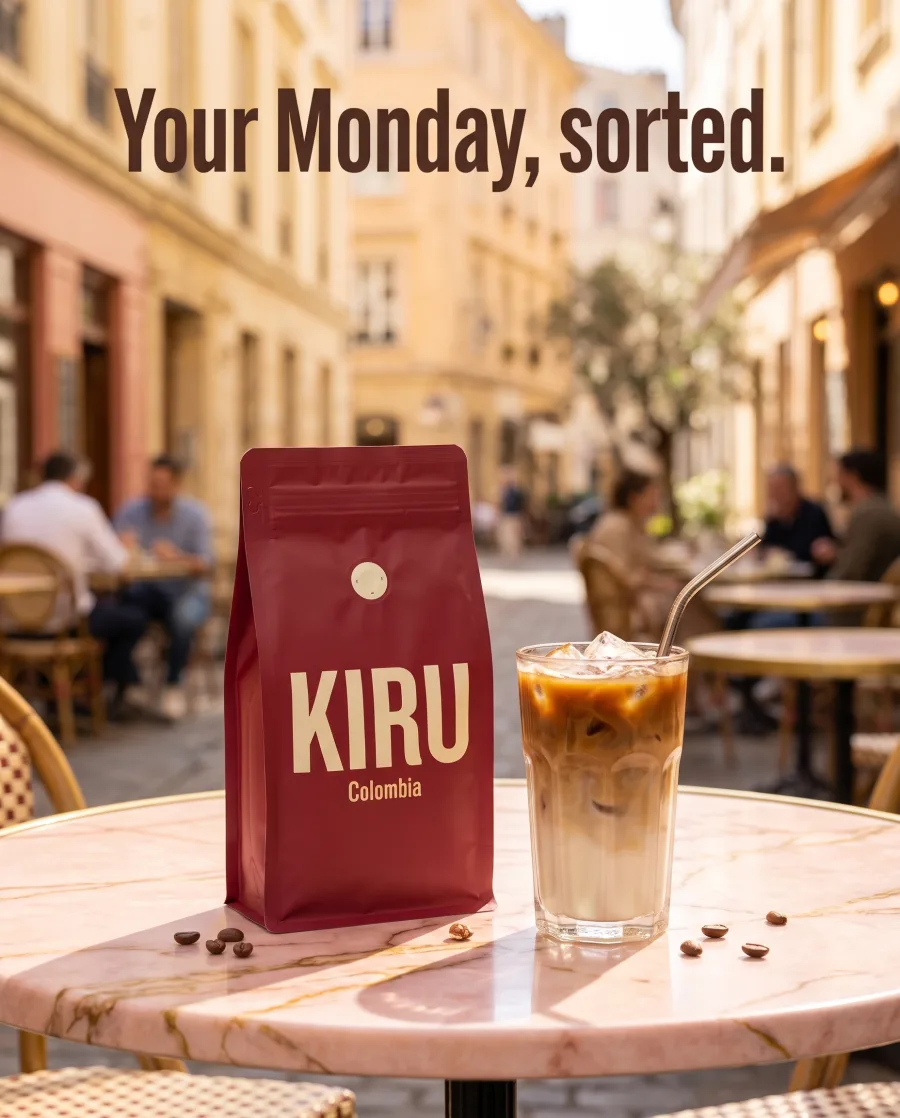 Social media postsYou add a product photo and a headline. You get several posts for your page.
Inside DesignerBox
Everything else in one place
Each part has its own page. You do not need a separate app for each job.
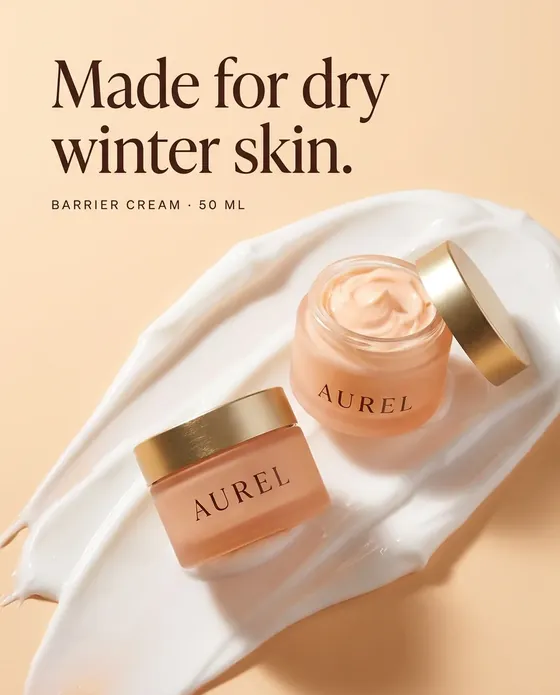 CreateAsk for a picture in your own words
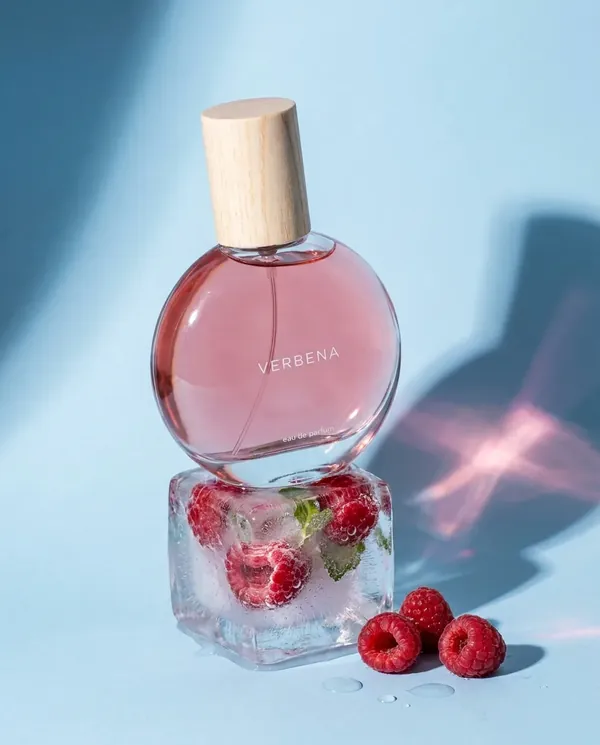 GeneratePick the picture or video model yourself
 InspirationMake a finished idea with your product
 AvatarsOne person in every picture and video
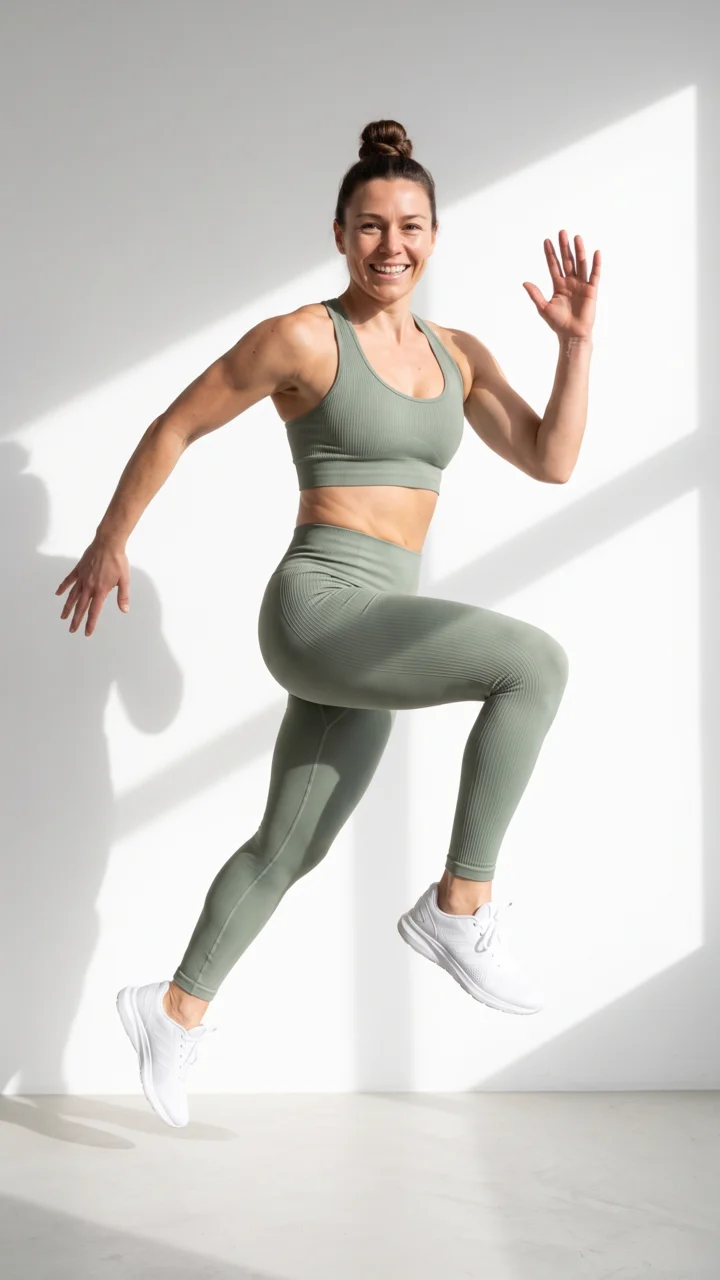 Brand kitYour logo, colours, fonts and rules
 Image editorAdd text and a logo in ready social sizes
 Video editorCaptions, a voice and music on your clips
 AssetsEvery picture and video, in folders
 ReviewsYour client picks pictures from a link
 AppsAdd a photo, fill a short form, press Run
- WorkflowsSave your steps and run them again
 BatchOne job on up to 200 products
What is a template in DesignerBox?
A template is a workflow someone already built and tested for one job. It joins several AI steps, like remove the background, place in a scene, relight, add text and upscale, and runs them all at once.
Can I change a template?
Yes. Your copy is a normal workflow. Add, remove or change any step.
Why is there no fixed price?
A template runs several steps and models, so the template page says Priced as it runs. The cost adds up step by step.
Should I use a template, an app or the chat?
Use the chat for one result talked through with you. Use an app for one job with a short form. Use a template for many steps in one run, with every step visible.
Can I save my own template?
Yes. Build a workflow, then publish it to Templates or as an app.
Which plan do I need?
Templates run on every plan. Your own photos and prompts start on the Pro plan, and video starts on the Premium plan.
Open your first template.
Sign up with Google or your email. Nothing to set up.
Get started free- Claude
- ChatGPT
- Cursor











