AI creative workspace for commerce
AI video ads for Reels and TikTok
Make video ads with AI: product videos and videos on a model. Add captions, music and a voice in the video editor. Video starts on the Premium plan.
- Claude
- ChatGPT
- Cursor
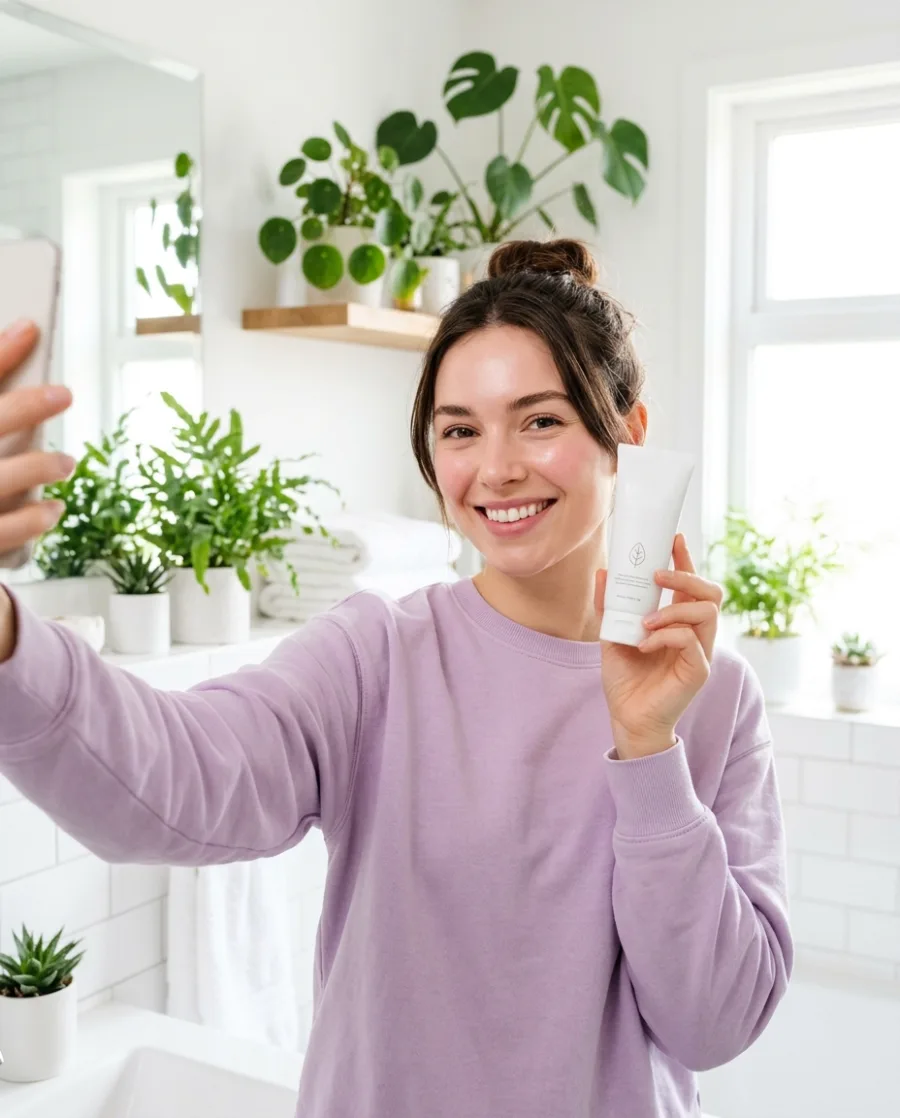
- A creator video made with AI: a smiling woman holds a tube of hand cream up to her phone camera in a bright bathroom
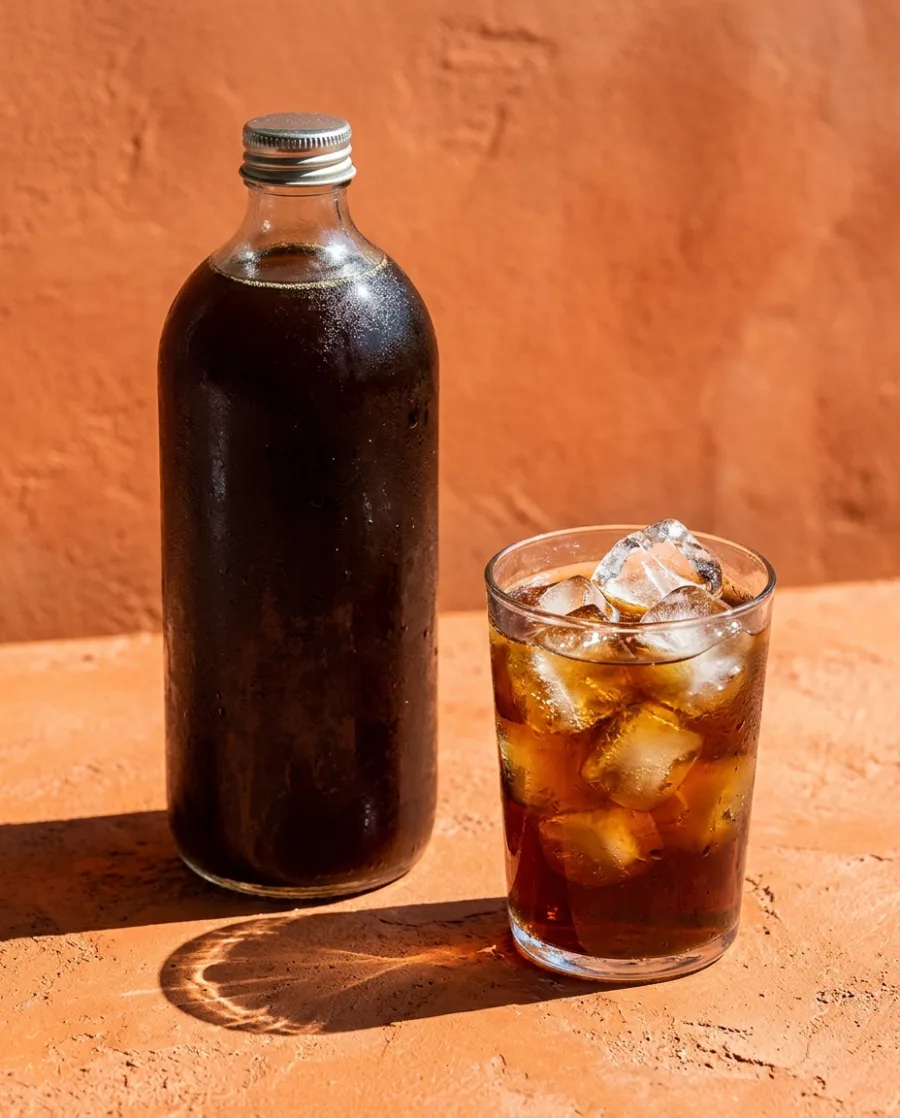
- A product video made with AI: milk swirls into an iced matcha latte on a sunny green table
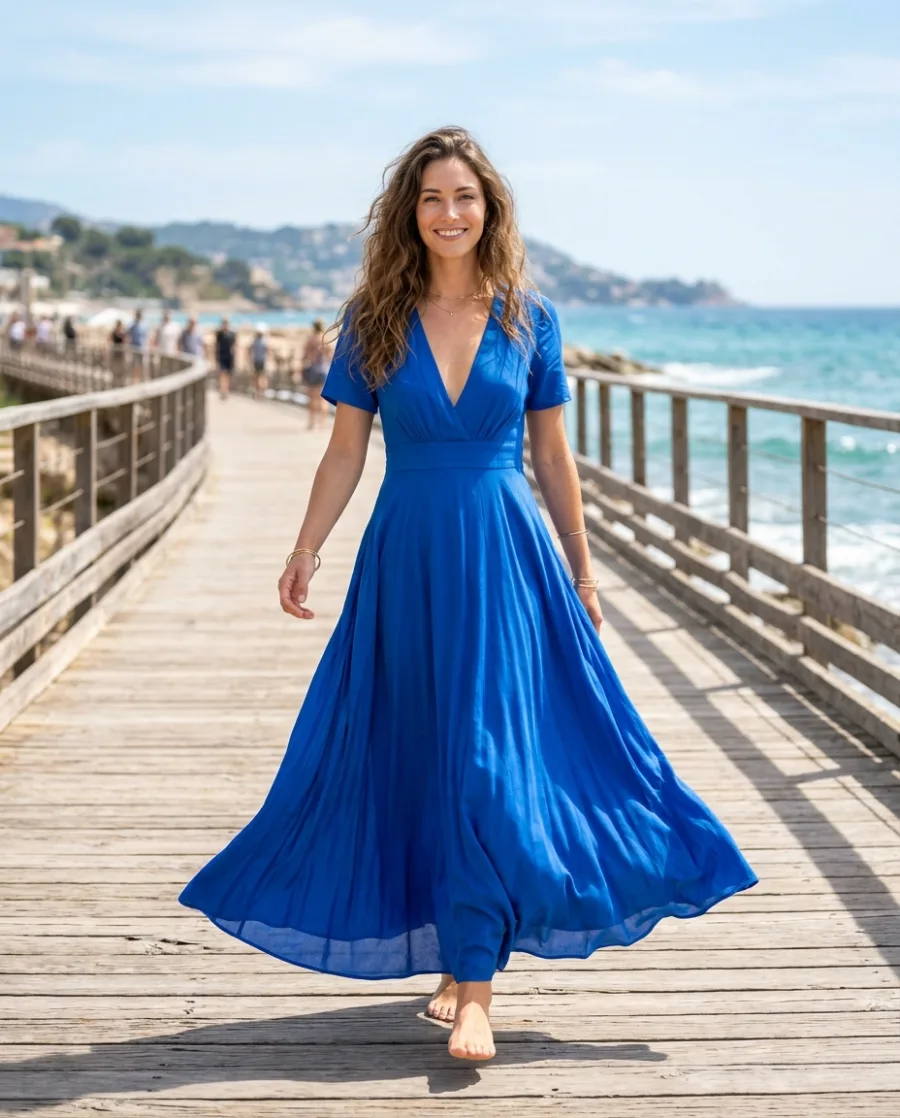
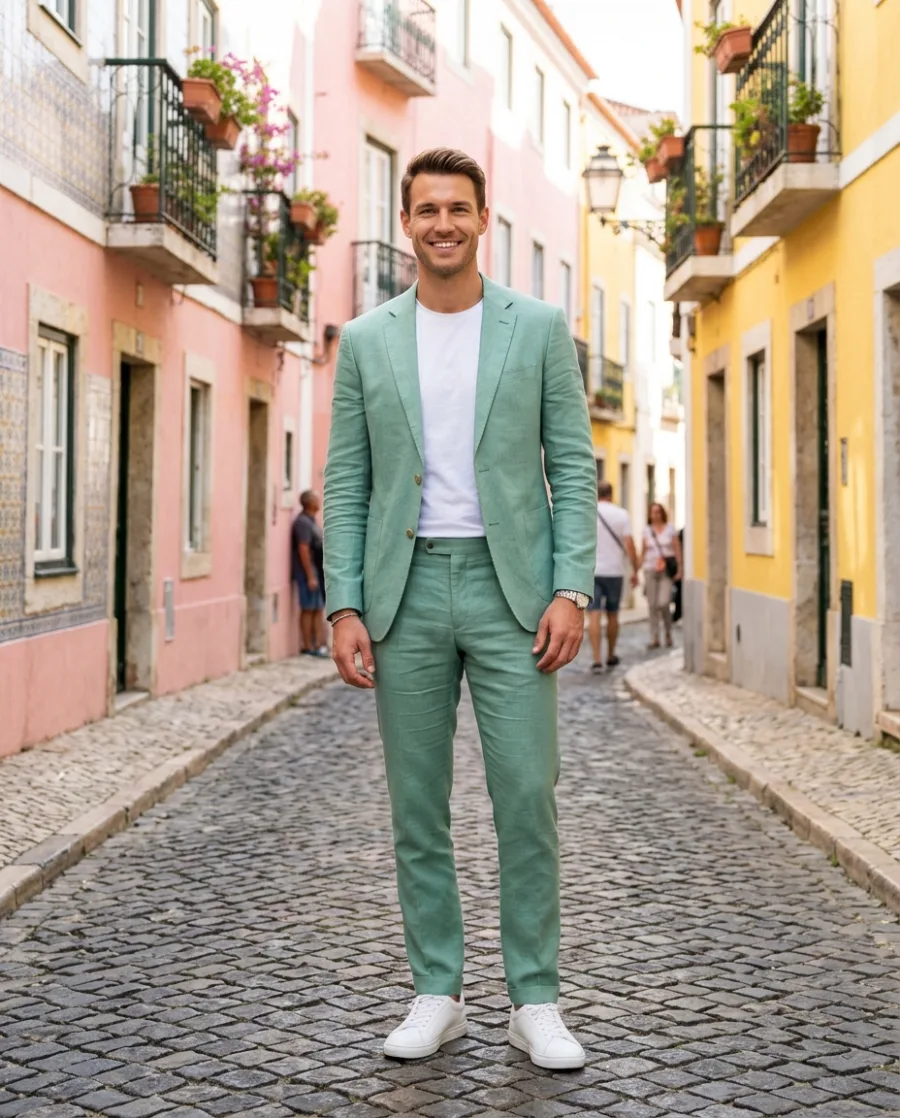
- A model video made with AI: a woman in a cobalt blue maxi dress walks on a boardwalk by the sea
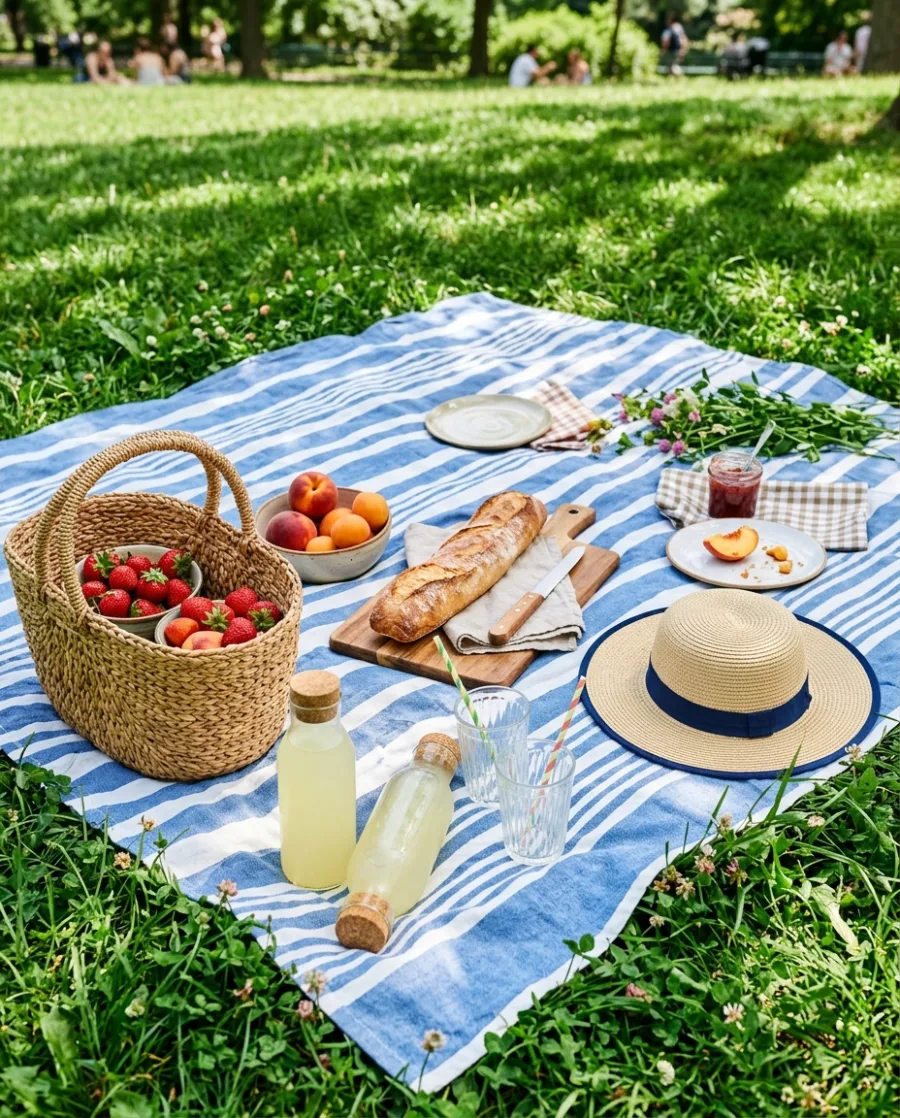
Making one AI video is easy. Making video ads of every product you sell, in a studio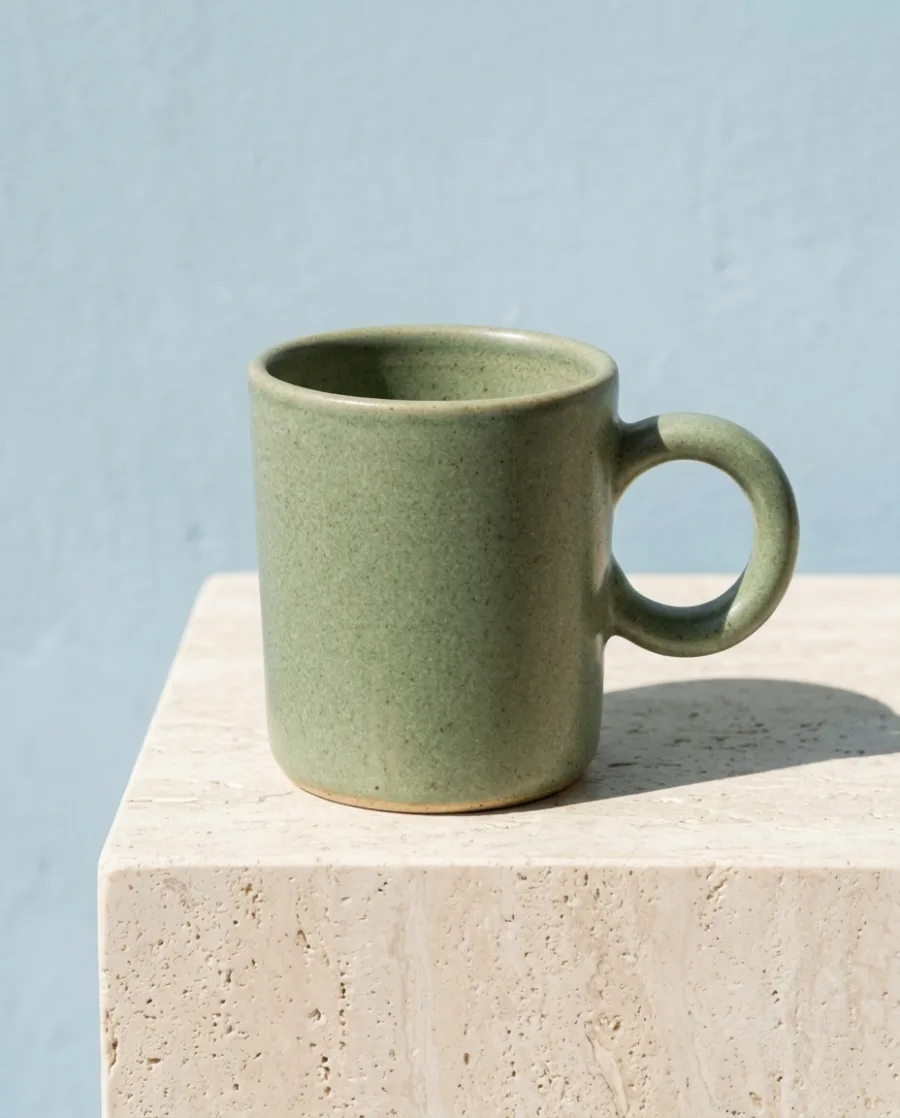 , on a model
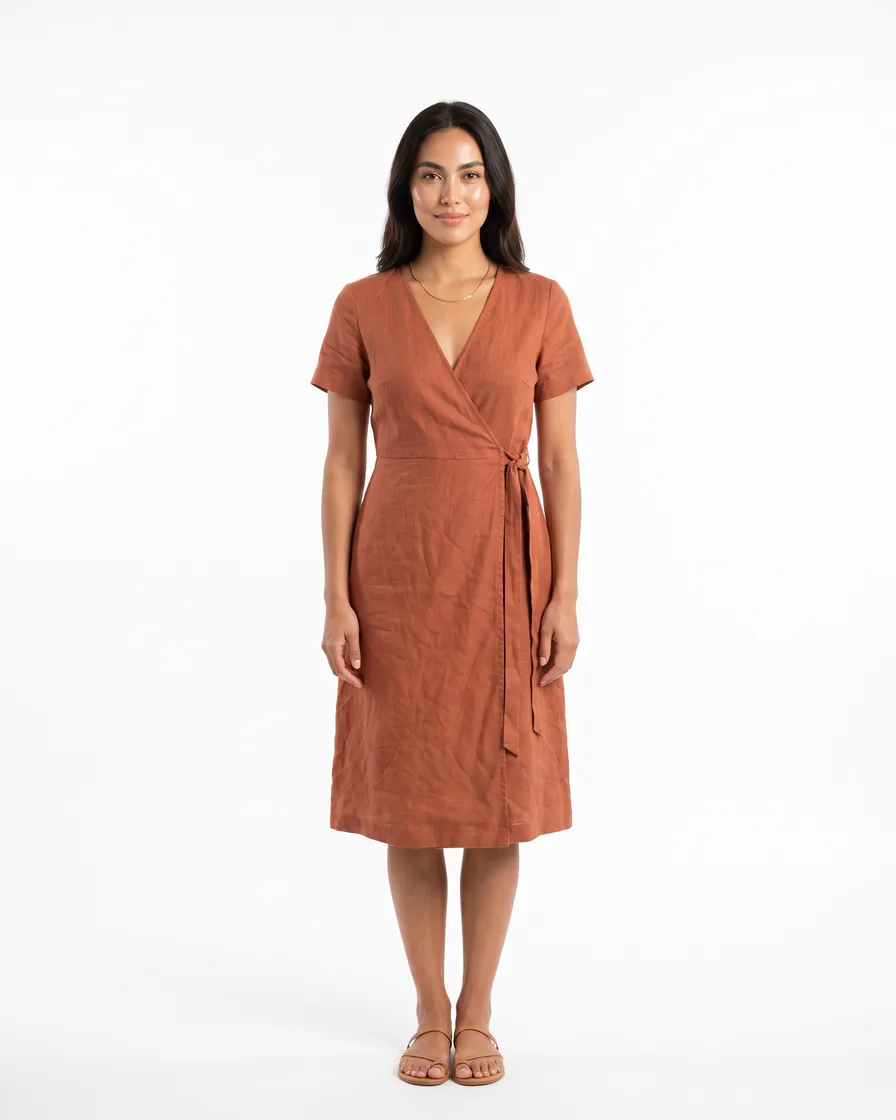 and with captions
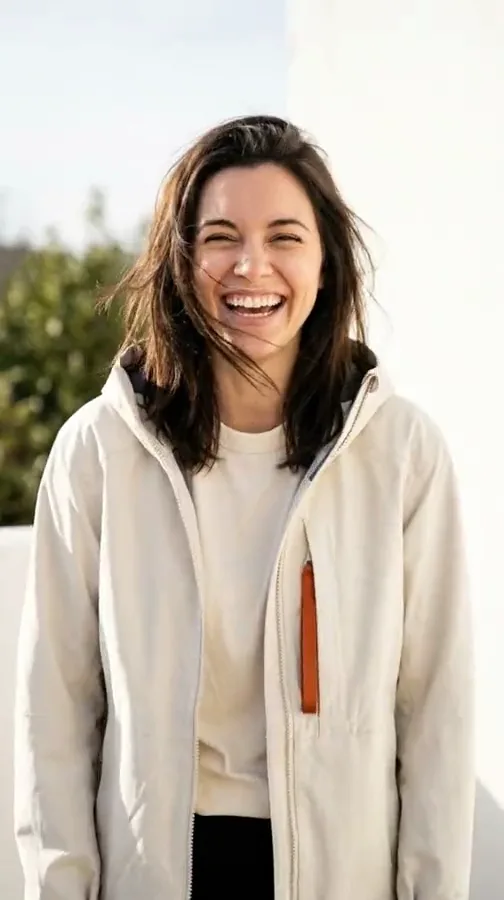 , all in your brand's style, is hard. DesignerBox does the hard part.
What you can make
Video ads for Reels, TikTok and your shop
An AI video ad is a short ad video made with AI instead of a film shoot. You start from a photo of your product, pick a motion or describe the scene, and DesignerBox makes the video.
A product video for every product
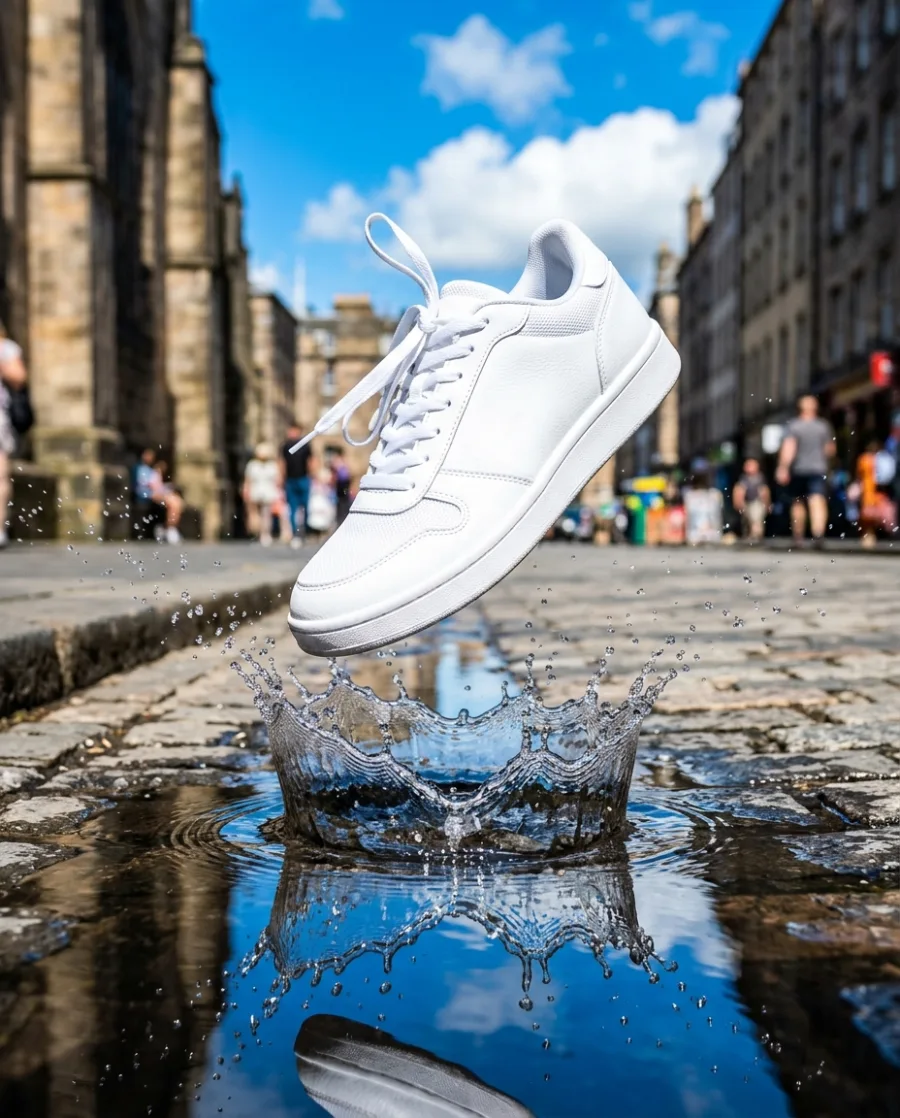
Add a product photo and say how it should move, like a slow turn or a push in. Get a 5 second video for your shop page and your feed. Make one for each product you sell.
See how Generate turns a photo into a videoVideos of your clothes on a model
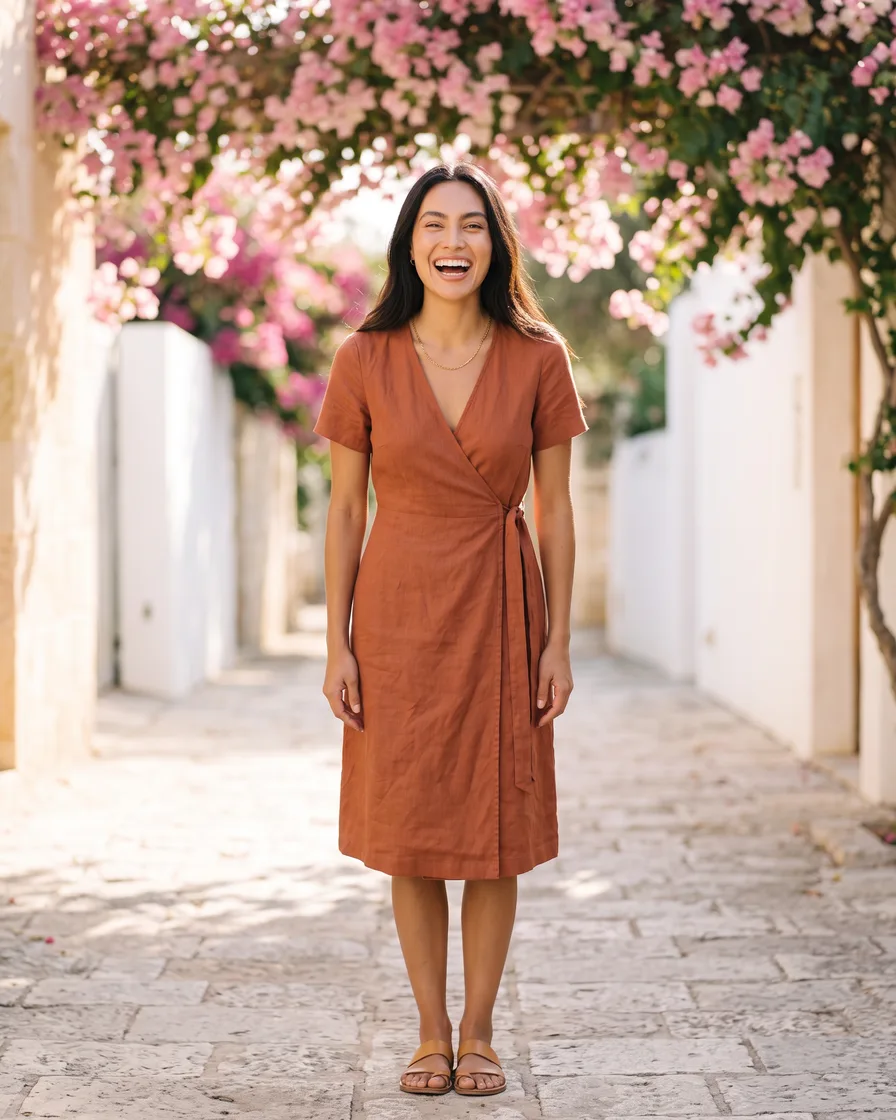
Add a photo of your clothes laid flat. Get videos of them on a model: turning in a studio, walking by the sea or under flowers.
See AI fashion models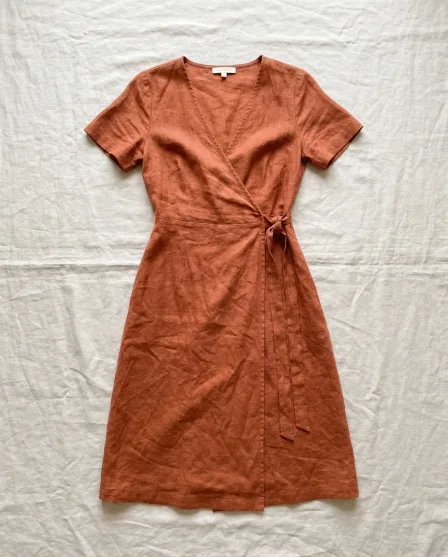 Your flat lay
Captions, music and a voice on every video
Open a video in the video editor. Add captions, text, music and one of 20 voices.
See the video editor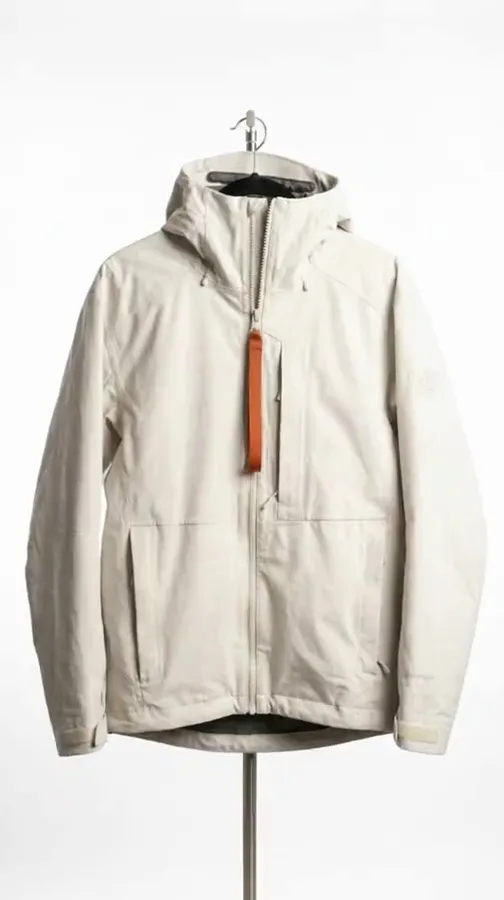 Your video
Start free. You see the price before you make anything.
Your own photos, your own prompts and the commercial licence start on the Pro plan. Video starts on the Premium plan.
Who it is for
Video ads for everyone who sells
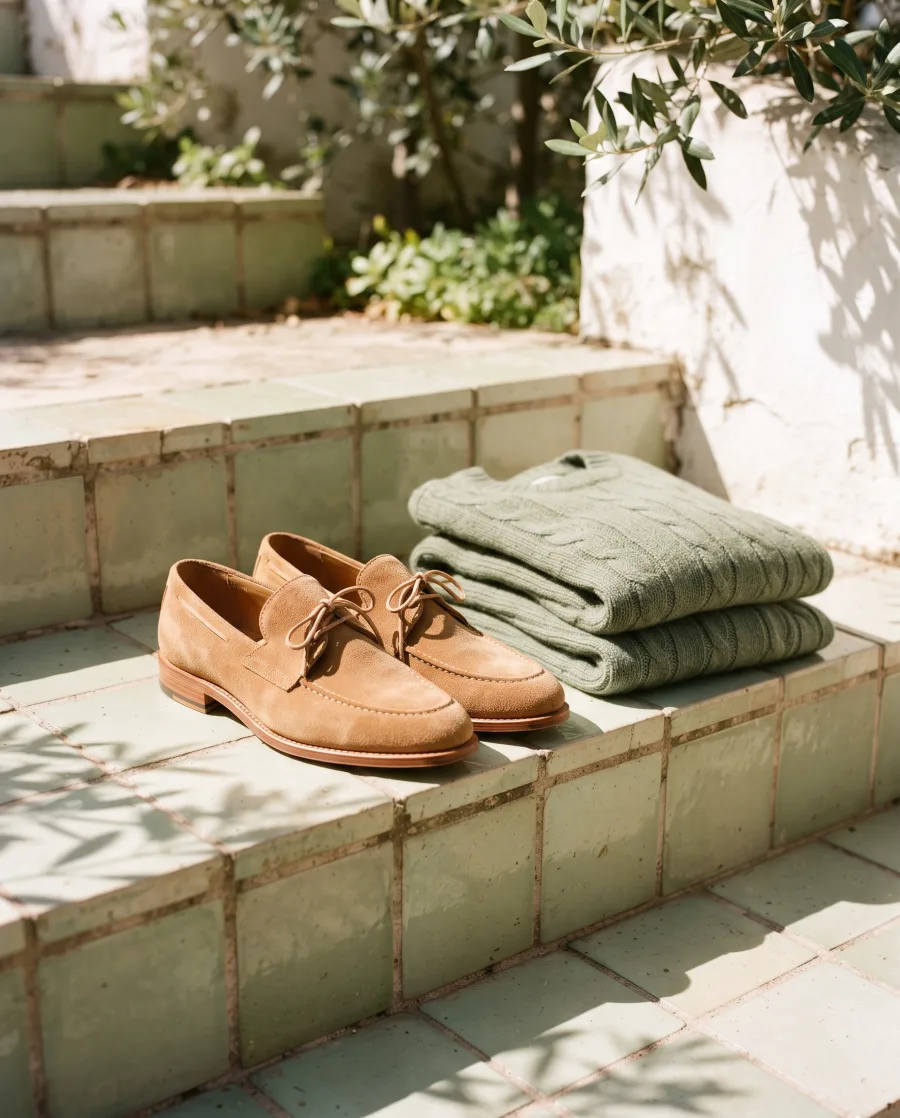 Online shopsProduct page photos and ads
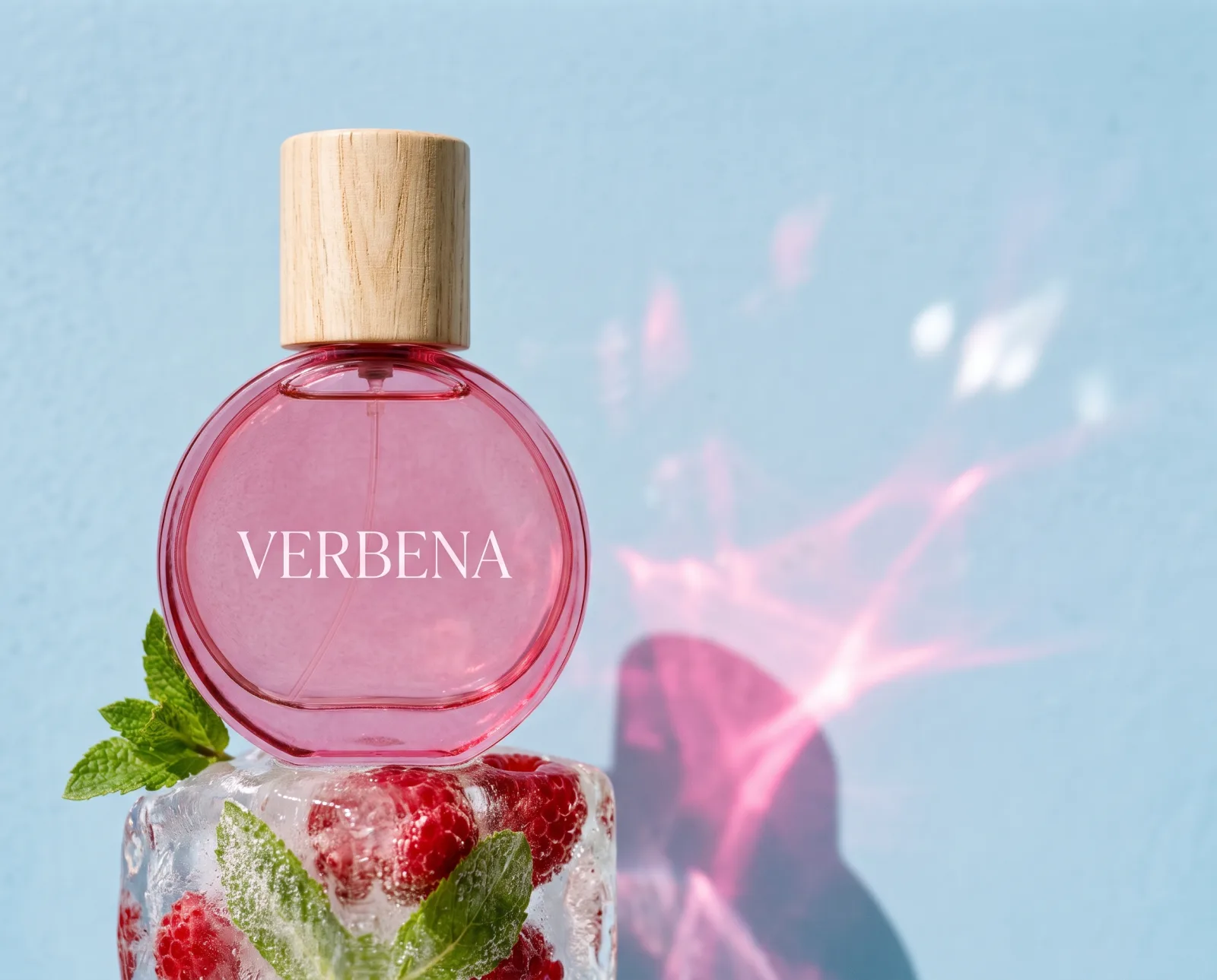
 BeautyBottles and jars in styled scenes
 RestaurantsMenu and delivery app photos
 FurnitureRoom scenes without a photo shoot
 FashionYour clothes on models, no shoot
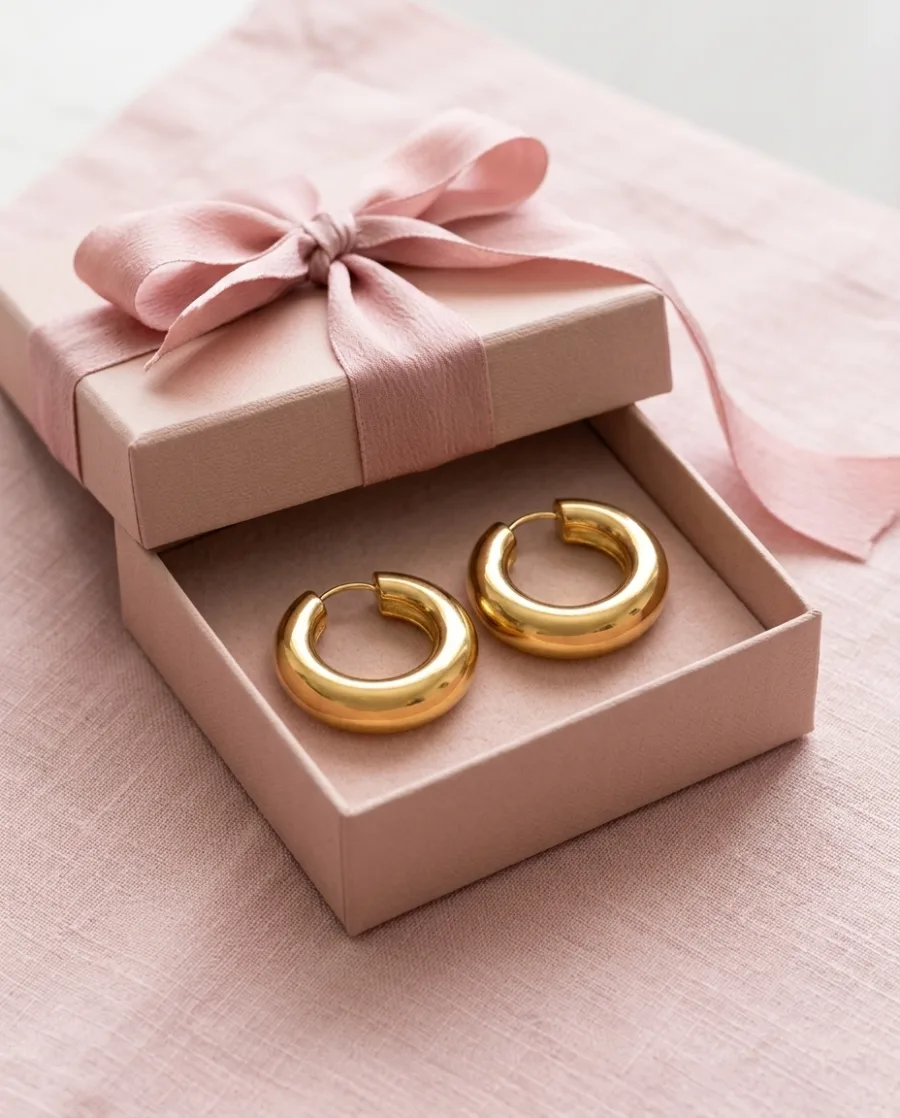
 JewelleryClose-ups and photos on a person
 Car dealersListing photos for every car
 AgenciesEach client's pictures, in their style
Also for Performance marketers, Social media managers, Content creators, Shopify stores, TikTok Shop sellers and Brand teams.
More AI use cases: AI ad generator, AI UGC videos, AI reels, AI product photography, video ad templates and all AI use cases.
Inside DesignerBox
Everything in one place
Make the video, add captions and a voice, and keep every clip in one workspace. You do not need a separate video app.
The picture and video models are built in. DesignerBox picks the model for each job, or you choose it yourself.
See the AI modelsSave a logo, colours and fonts for each client or shop. Pick the brand when you ask for a picture.
See the brand kitAdd text, your logo and a price to a picture. Add captions, music and one of 20 voices to a video. Both editors start on the Premium plan.
See the video editorPut up to 200 products in a sheet and run one job on all of them. You see the total cost before it starts.
See batchSend your client a link. They tick the pictures they like and add a note. They need no account, and it uses no credits.
See client reviewsEvery picture and video you make is saved in Assets. Make a folder for each client, product or campaign.
See Assets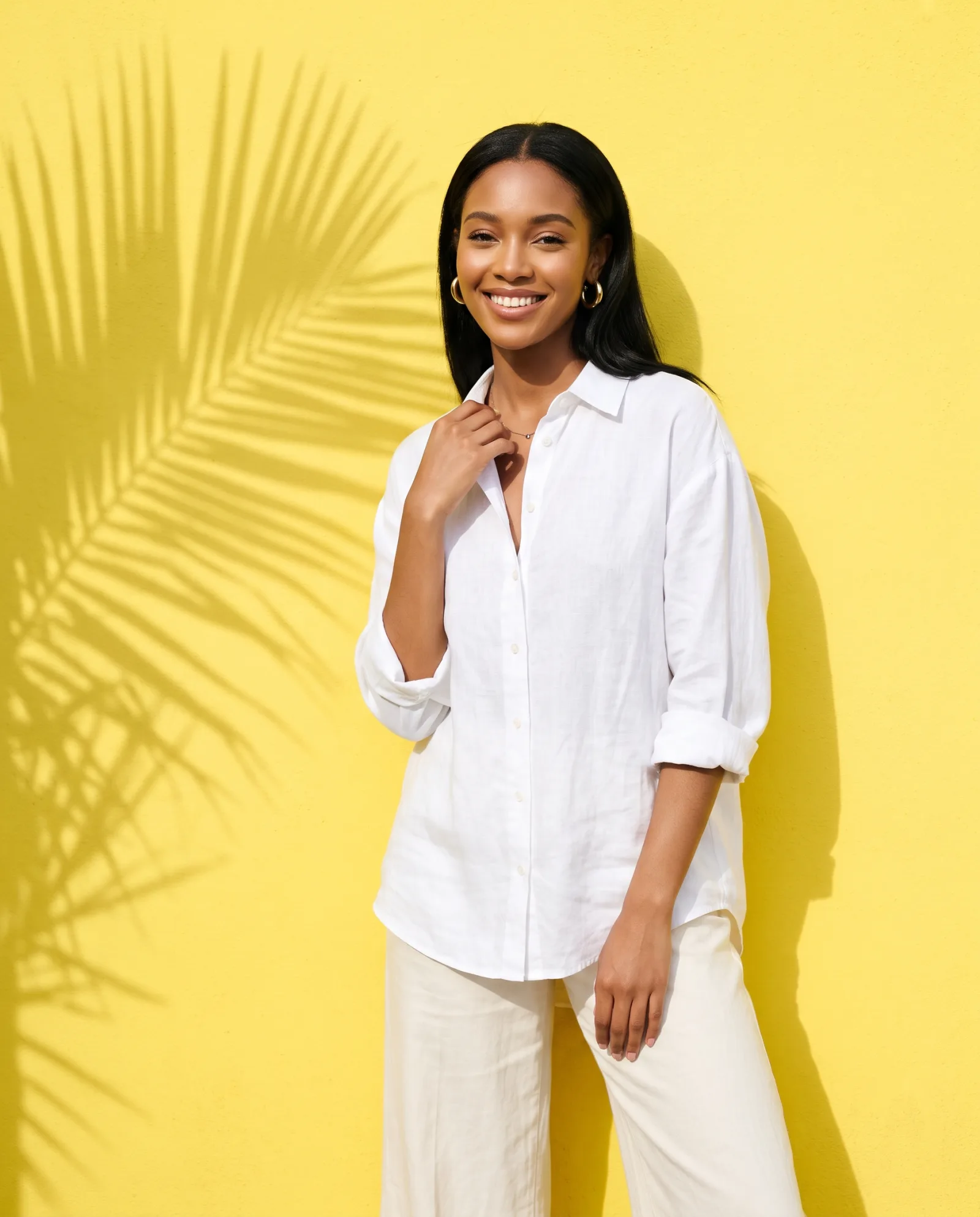
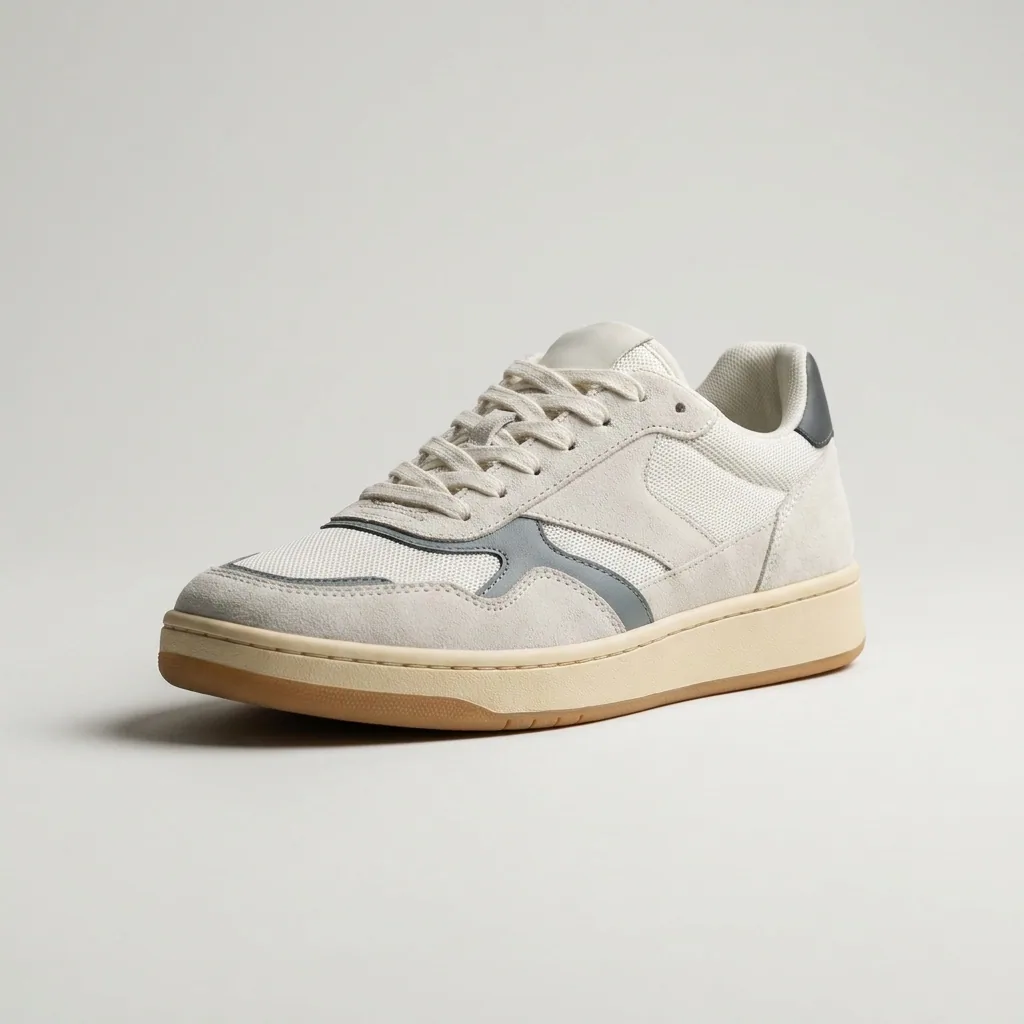 Sneakers
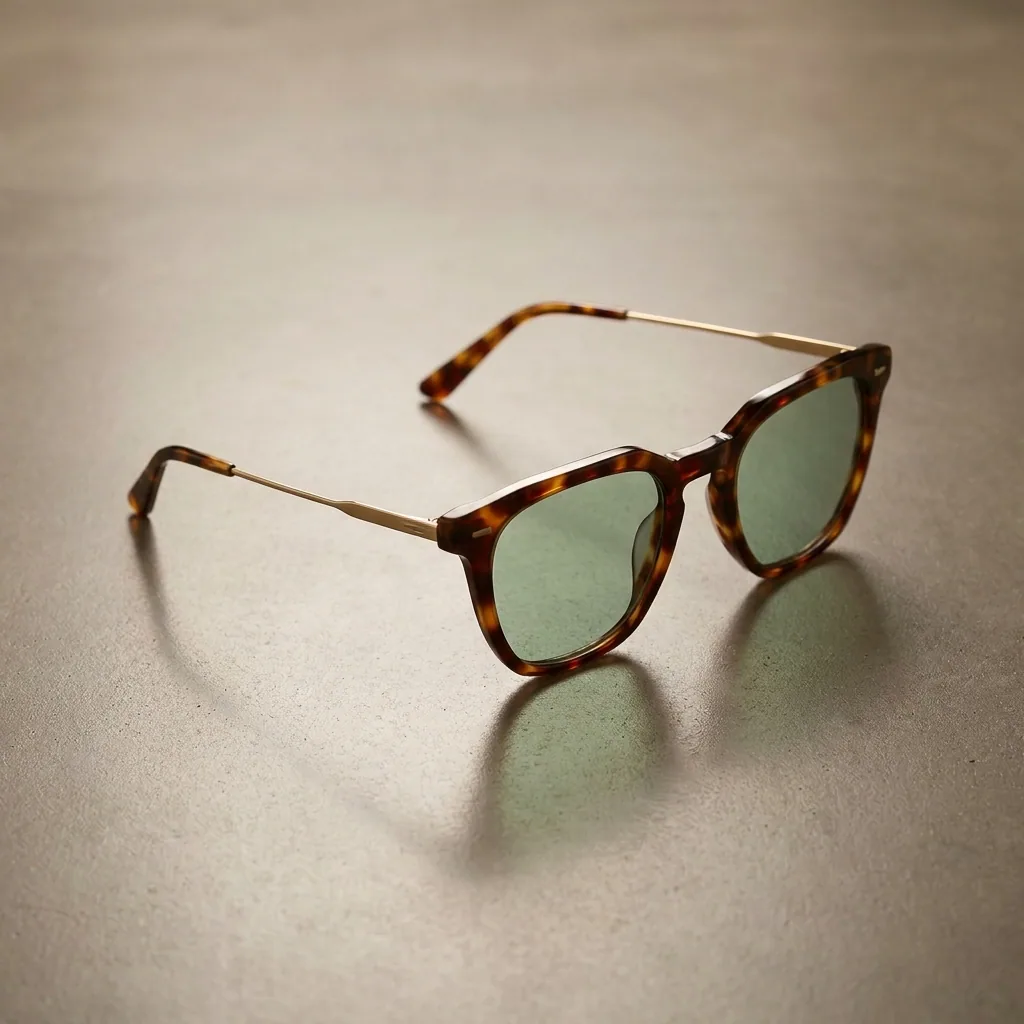 Sunglasses
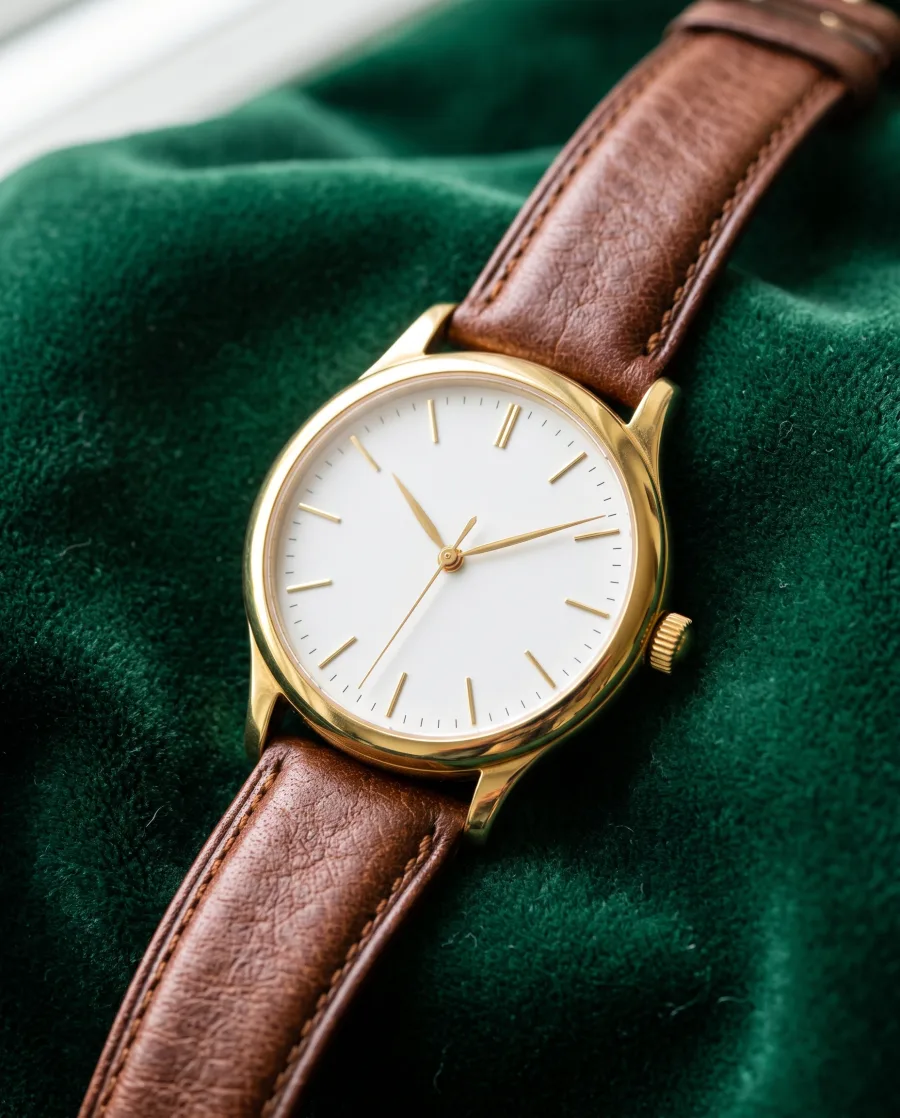
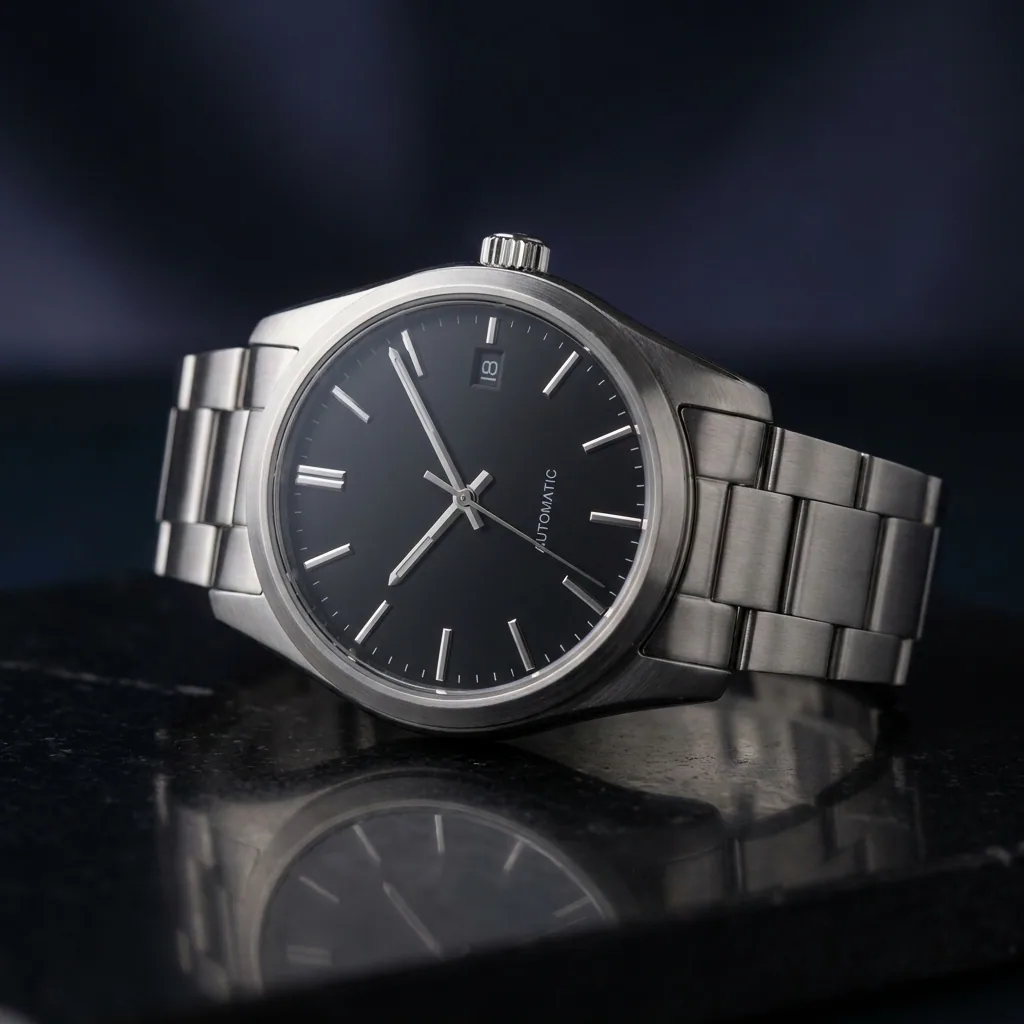 Watch
Watch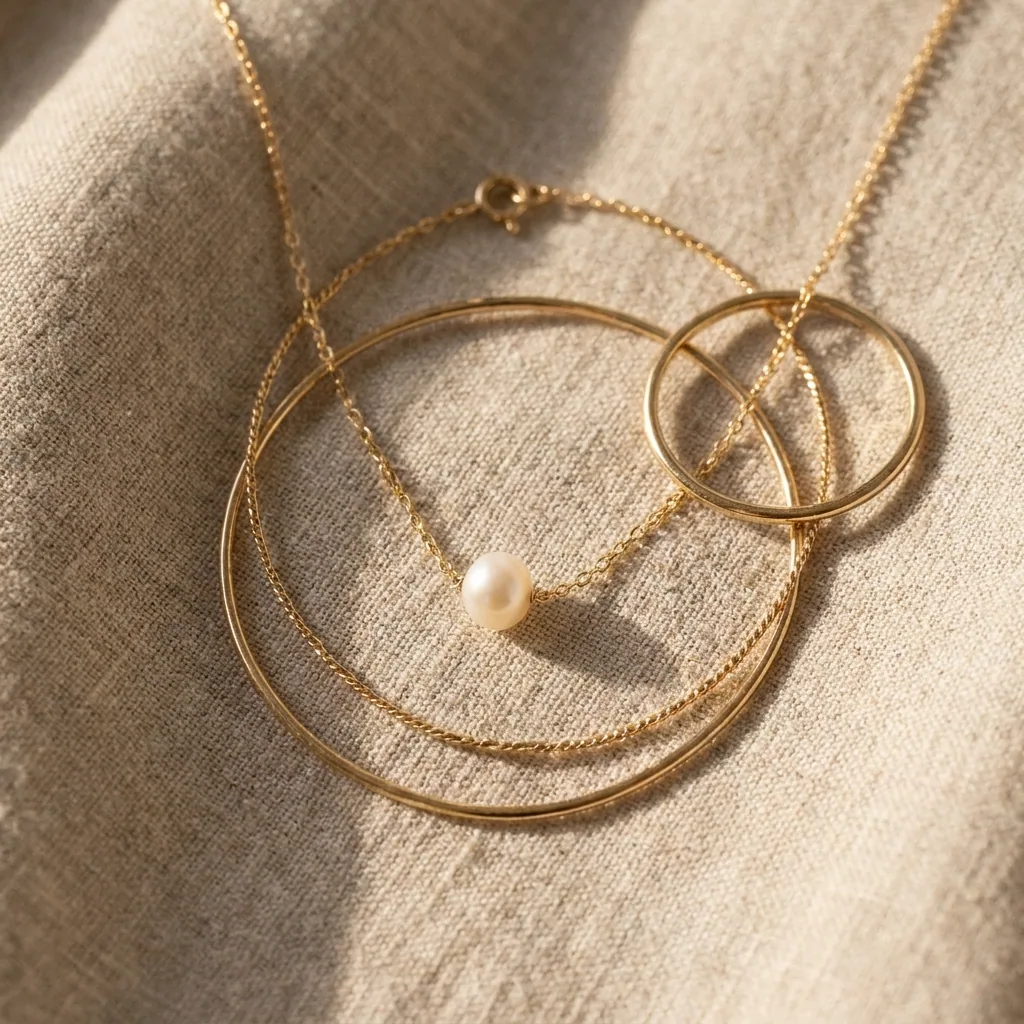 Necklace
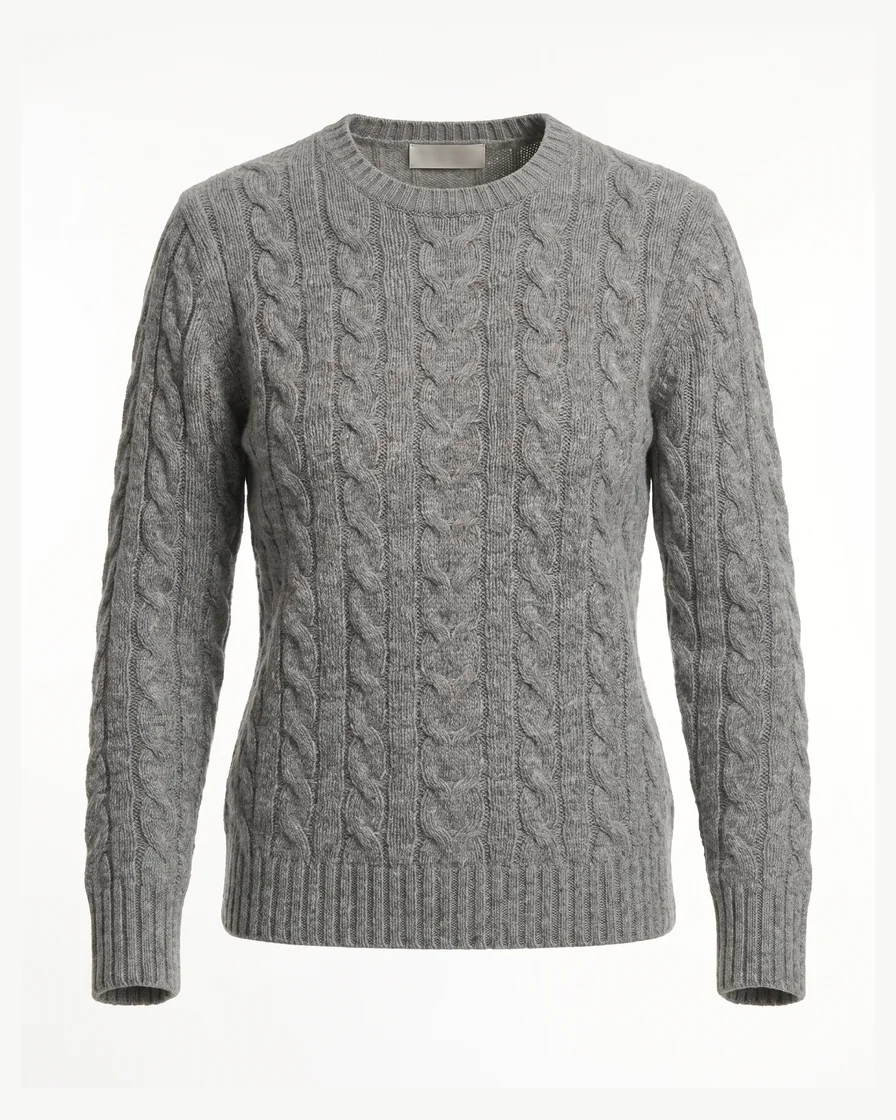 Sweater
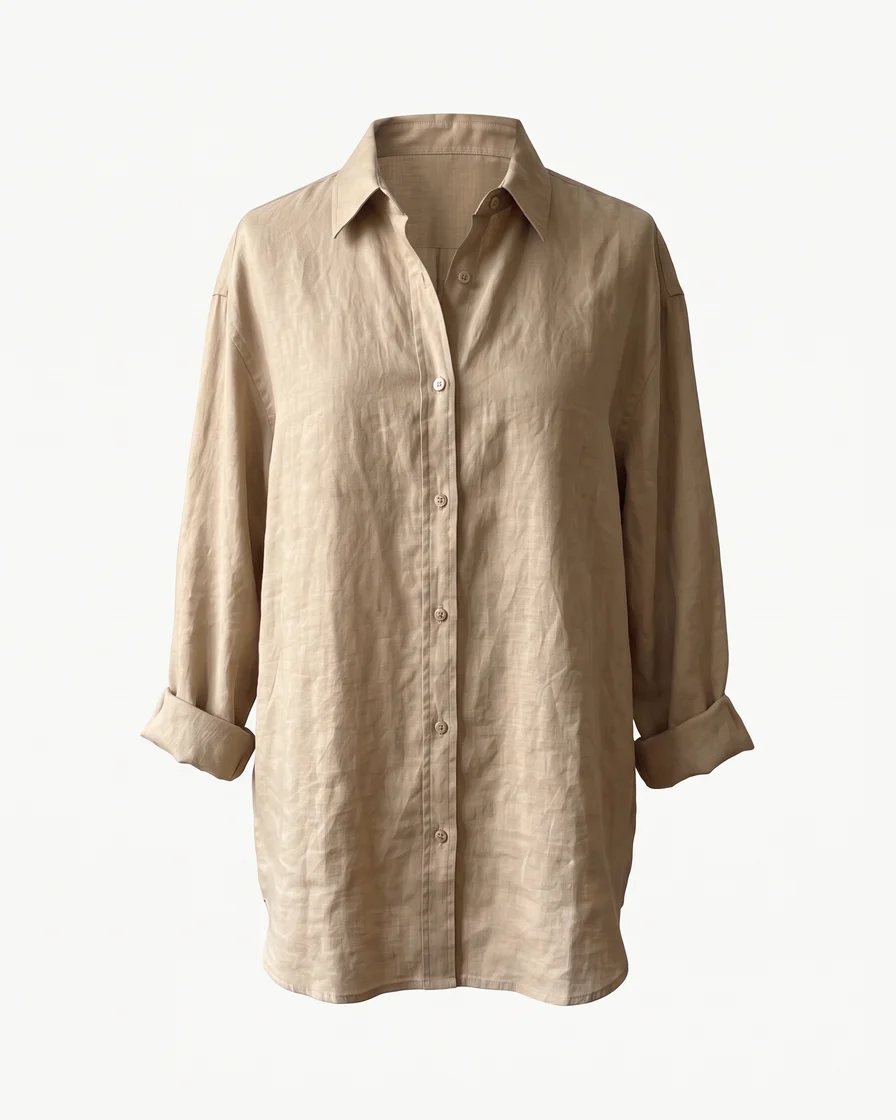 Linen shirt
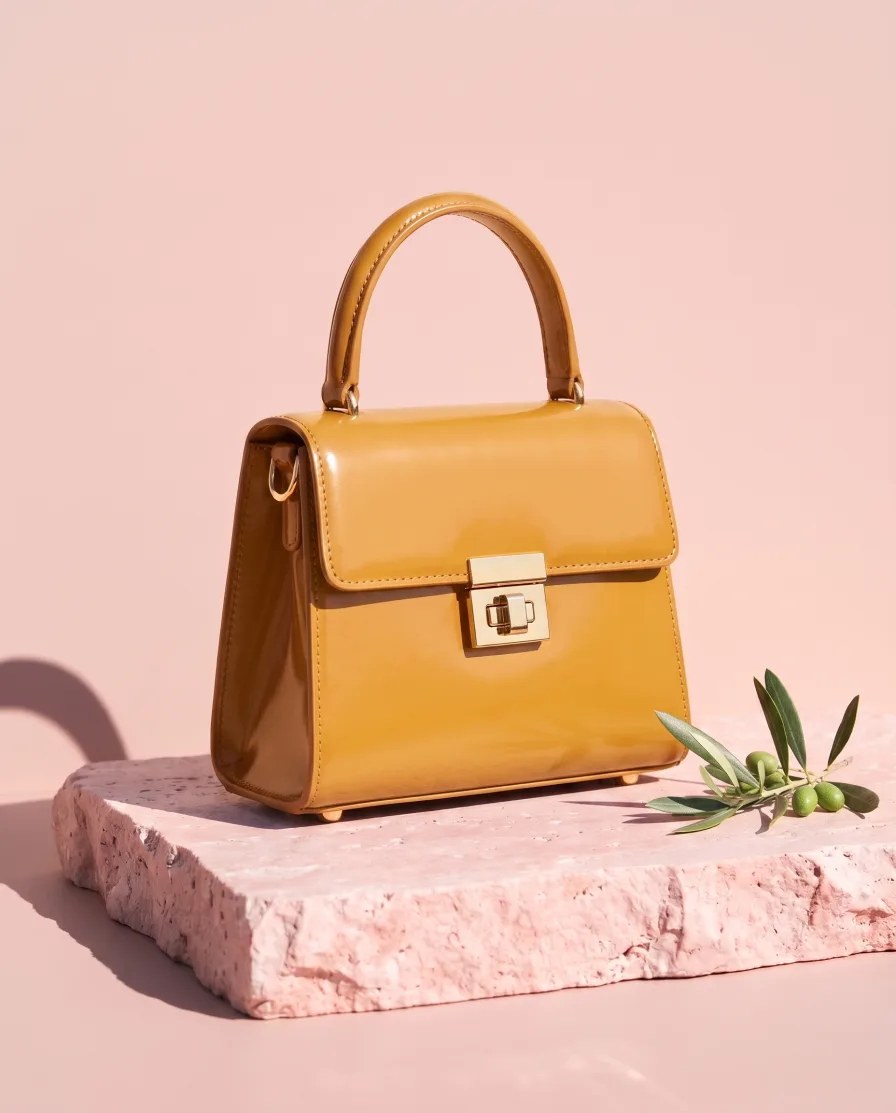
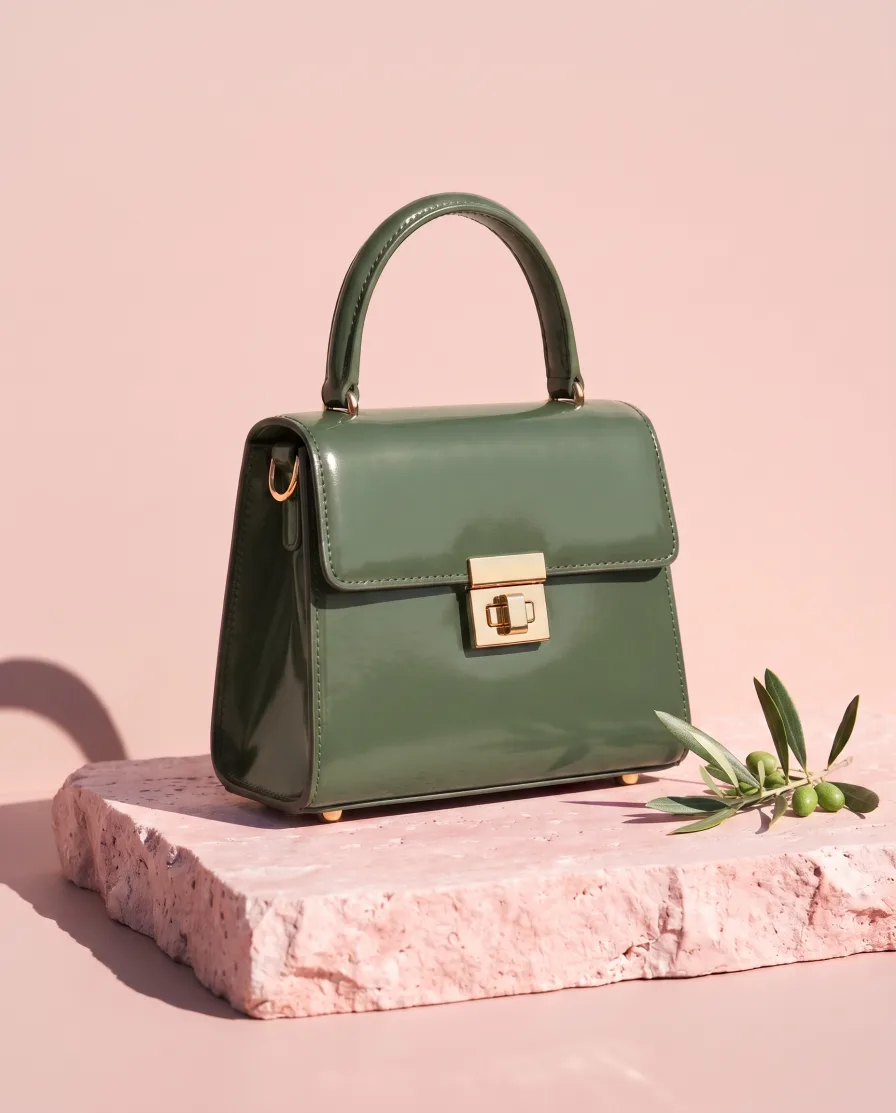 MThe blue and the green, please.





AI chat
DesignerBox in Claude and ChatGPT
Connect DesignerBox once. Then ask for pictures in Claude, ChatGPT or Cursor. You confirm each run in the chat.
Will my product look the same in the video?
DesignerBox starts the video from a photo of your product, so its shape, colour and label stay the same. AI can still get a small detail wrong. If it does, run it again and keep the one you like.
Are the people in the videos real?
No. The people and the scenes are made with AI. Use the videos in your own ads. Never present them as real customers or as a customer review.
How do I make an AI video ad?
Add a photo of your product in DesignerBox and say what should happen, like "a slow turn" or "she walks by the sea". You see the price before the video is made. Then add captions, music and a voice in the video editor. Video starts on the Premium plan.
Which AI video models are inside?
Veo, Seedance, Kling and Runway are built in. Veo, Seedance and Kling can add sound. DesignerBox picks the model for each video, or you choose it yourself in Generate.
Which video sizes can I make?
Every video model makes 9:16 for Reels, TikTok and Stories, and 16:9 for YouTube and your website. Seedance, Kling and Runway also make square 1:1 videos. Veo makes videos up to 4K.
Can I add captions, music and a voice?
Yes. The video editor adds captions, text, music and one of 20 voices to a video. The video editor starts on the Premium plan.
Is there a free plan?
Yes. The free plan is for personal projects, and the results carry a watermark. Your own photos, your own prompts and the commercial licence start on the Pro plan. Video and the editors start on the Premium plan. You see the price of each picture before it is made.
Make your first pictures today.
Sign up with Google or your email. Nothing to set up.
Get started free- Claude
- ChatGPT
- Cursor