


Press and media
The DesignerBox press and media kit
This press kit holds company boilerplate you can paste, product facts we have checked, brand files to download, and one address for questions. If something you need is missing, email us and we will send it.
Your product photos in, finished pictures out
A leather tote, then four pictures of it made with AI.

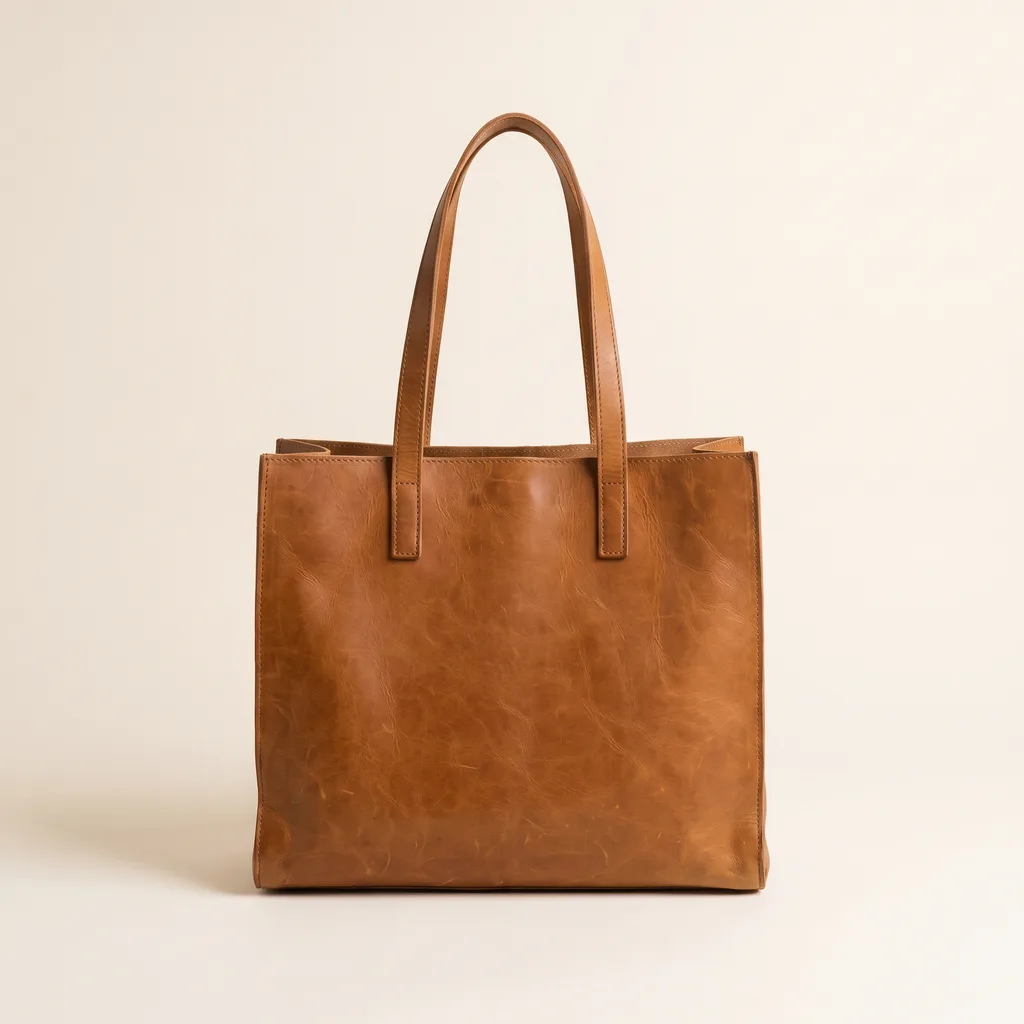
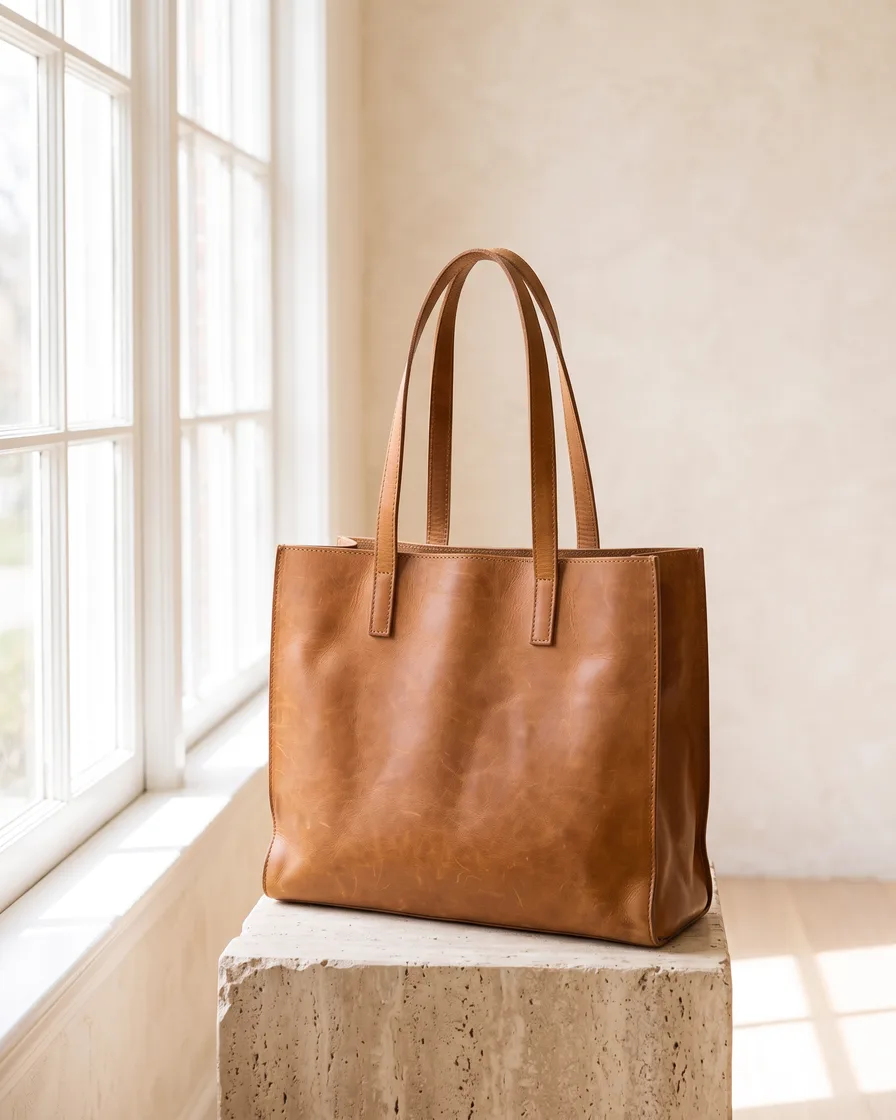


The story behind the product
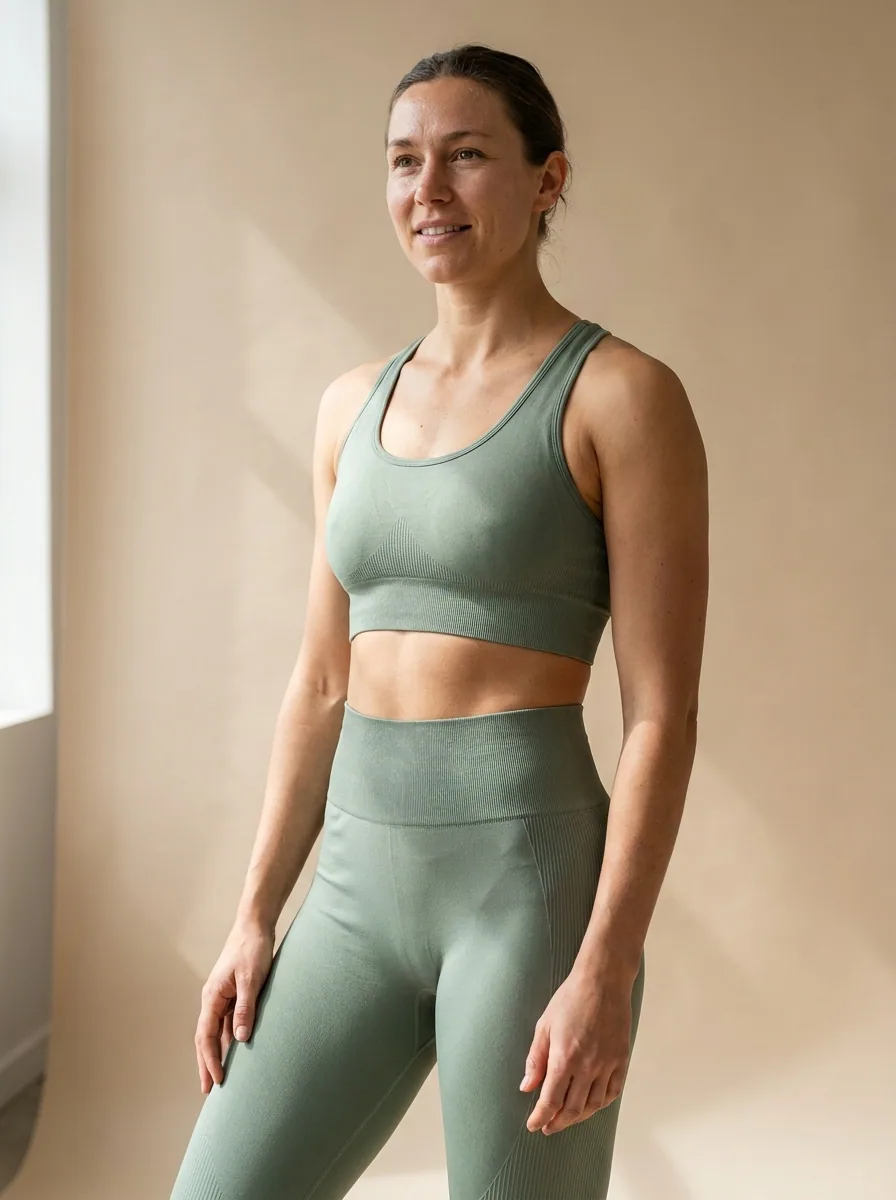
Does that sound like you?
Scaling without compromising quality.
Anyone can make an AI picture. Making hundreds that still look like your brand is the hard part. Brands and agencies need more images and video every week, and every piece has to look like it came from the same brand.
- Build the workflow once with your brand rules, then run it on every product
- The same light, framing and colour on row 1 and on row 500
- Everything in one place, from the first product photo to the finished ad



Company boilerplate
Three lengths, ready to paste. Please use them as written.
DesignerBox is AI creative production for brands and agencies. More images, ads and videos with AI. Always on brand.
DesignerBox is AI creative production for brands and agencies. Scale your images, ads and video with AI and keep your brand on every piece: build the workflow once with your brand rules, run it on every product, see the cost before each run, and keep everything from the first product photo to the finished ad in one place. It runs in the browser, on iPhone, inside Figma, in Chrome, and from AI chat such as Claude through an MCP server.
DesignerBox is AI creative production for brands and agencies. Scale your images, ads and video with AI and keep your brand on every piece: build the workflow once with your brand rules, run it on every product, see the cost before each run, and keep everything from the first product photo to the finished ad in one place. A template is a real result to start from. A workflow is the job built once from steps: the credit cost of a run is shown before it starts, and every result is kept or discarded. An app is the same workflow behind a short form a colleague fills in. Batch runs one workflow over a whole product drop. The image editor and the video editor finish the result. DesignerBox works in the browser, on iPhone, inside Figma, in Chrome, and through an MCP server for AI chat such as Claude.
Product facts
Checked against our own pricing, plan configuration and live listings on the day this page was last edited.
Brand files
The wordmark and the colour palette. The letters are outlined, so the files look right on any machine, with or without our typeface installed.


Colour palette
Eight colours with their hex, RGB and HSL values, and a note on the role of each one.
Download JSONUsing the logo
A few rules so the brand stays recognisable wherever it appears.
Please do
- Write the name as DesignerBox, with a capital D and a capital B.
- Use the wordmark files on this page. Please do not retype the name in another typeface.
- Keep clear space around the wordmark equal to the height of the letter d.
- Pick the ink version on light backgrounds and the white version on dark ones.
Please do not
- Do not stretch, rotate, recolour or add effects to the wordmark.
- Do not place the wordmark on a busy photo or on a colour it cannot be read against.
- Do not use our logo in a way that suggests we endorse your product.
- Do not put lime text on anything. Lime (hex 96FF1A) is a fill, and it always carries ink text.
Everything in one place
Everything you need, in one place
The full workflow from the first product photo to the finished ad, in one subscription.
Templates
Start from a finished result
Workflows
Your steps, saved to run again
Apps
Fill a short form, press Run
Batch
Run one workflow on a whole spreadsheet
Image editor
Change one picture, keep the detail
Video editor
Cut, caption and add a voice
Brand
Logos, fonts, colours and rules
Assets
Every result in one place
AI models
The image and video models inside every workflow
MCP server
Run DesignerBox from Claude, ChatGPT, Cursor or Codex
Figma plugin
Make on-brand images inside Figma
Chrome extension
Make images and video beside any web page
iOS app
Your workspace on your phone
API
Run workflows from your own code, on Ultra
The whole product
Every surface in one subscription
Curious? Let's clear things up.
The five we are asked most. Anything else goes to the same address.
Can I use the DesignerBox logo in my article?
Can I get access to test the product?
Are the images on your site made with DesignerBox?
Do you take interview requests?
Where do I send a correction?
Scale content without limits.
Generate content for your products or services with AI, starting today, and keep your brand on every piece.











