Product overview
Everything inside your AI creative studio
Make product photos, ads and videos with AI, edit them, keep them on brand and send them to clients. Each part has its own page below.
- Claude
- ChatGPT
- Cursor
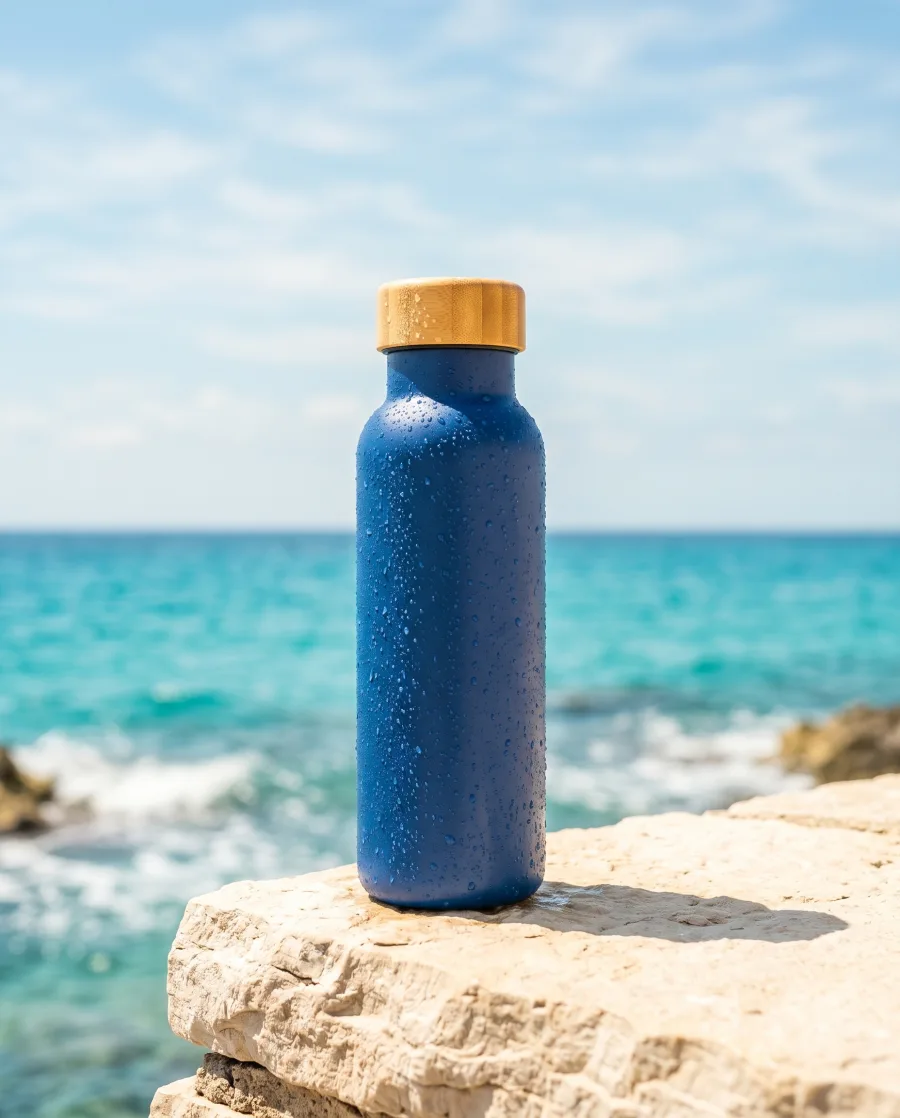
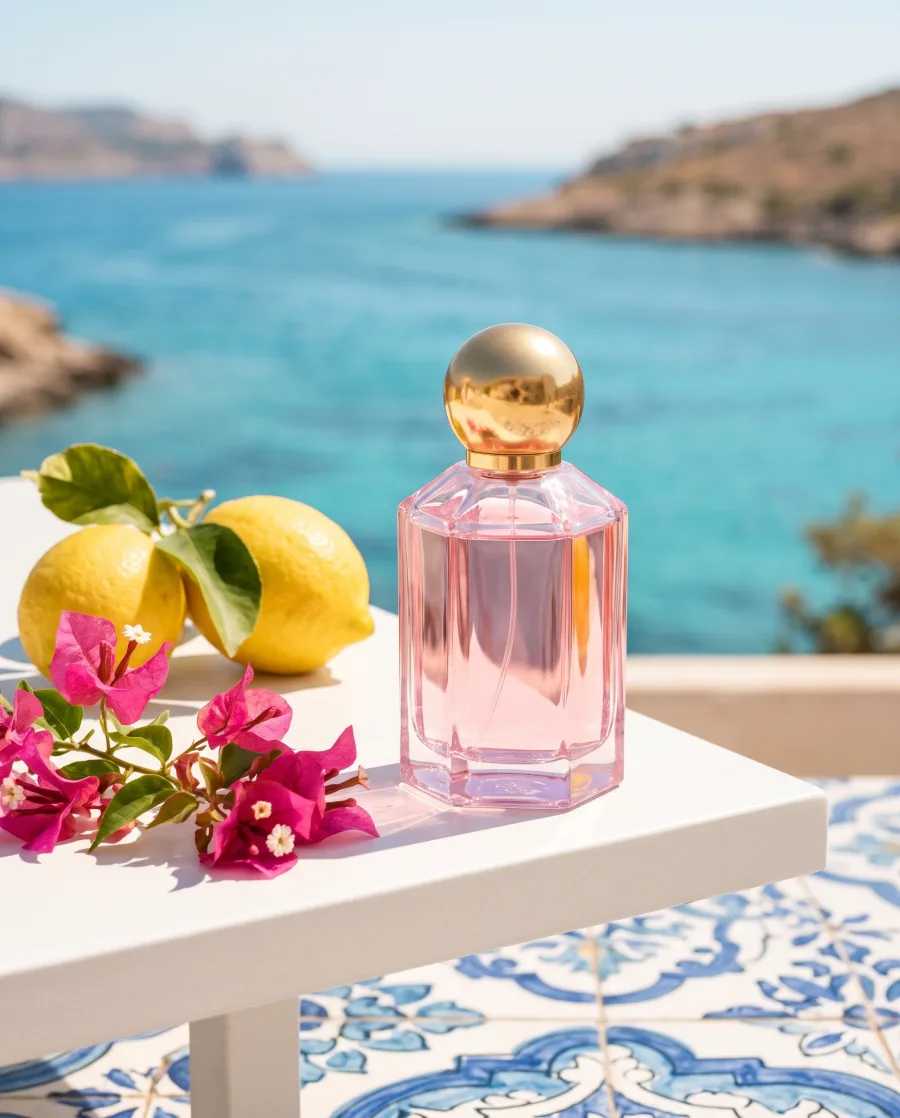
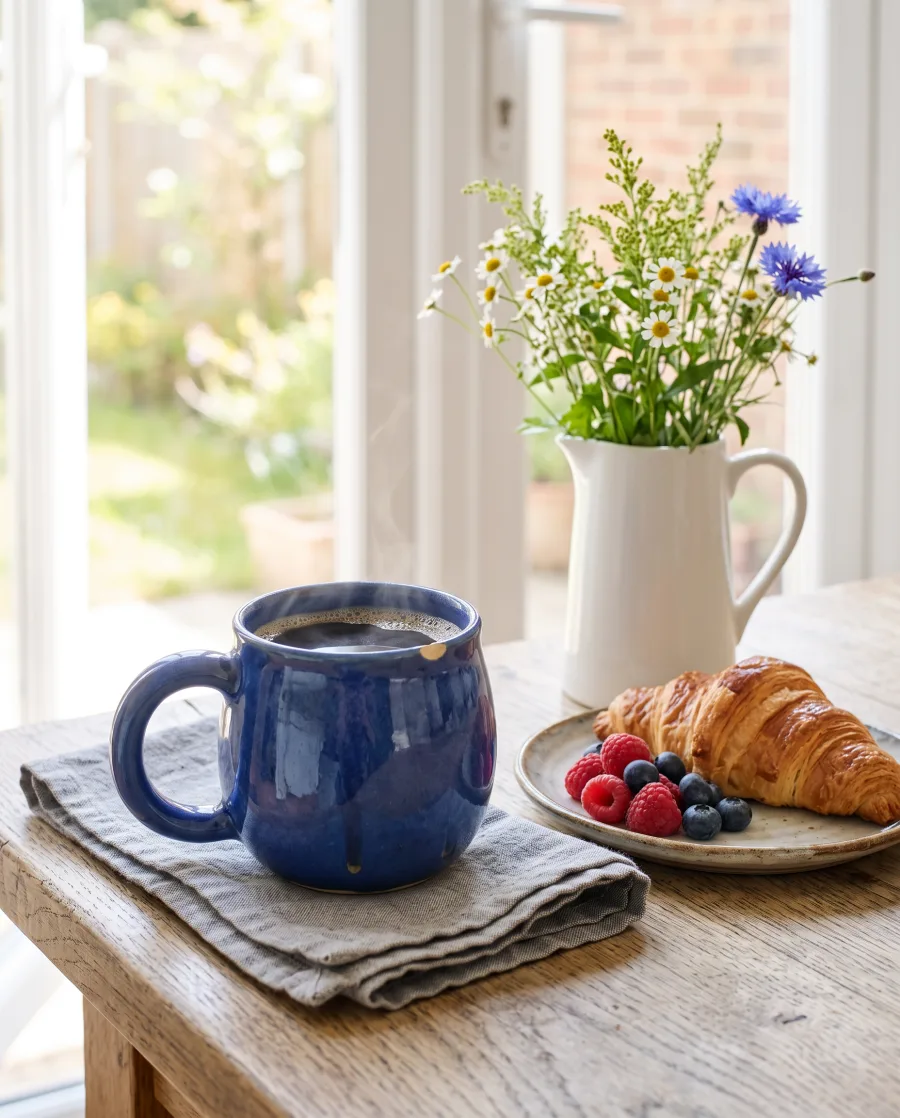
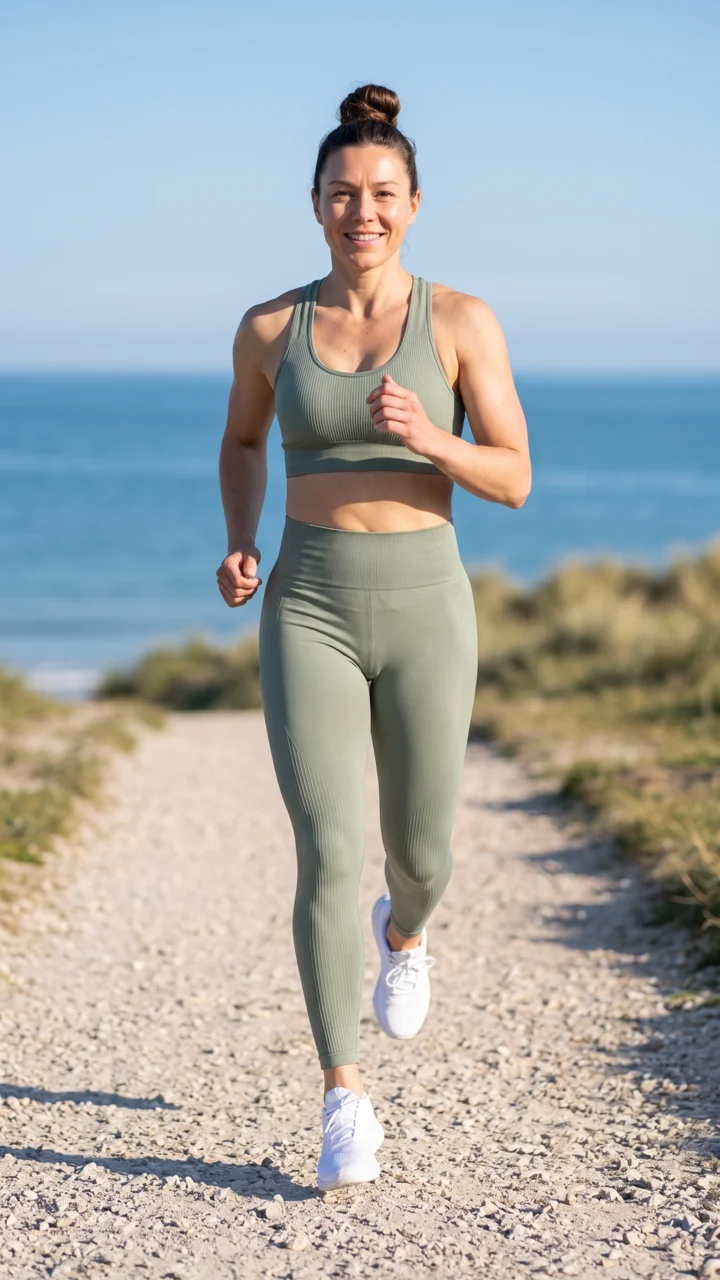

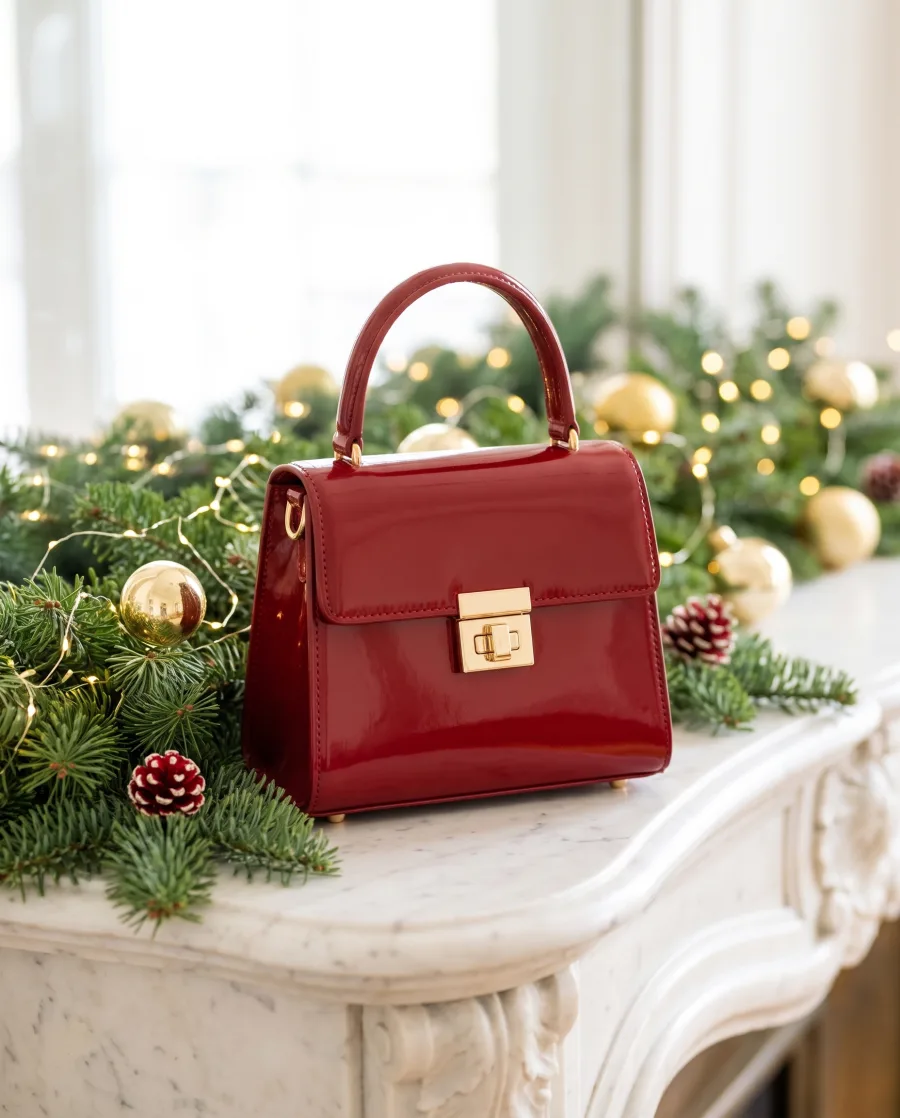


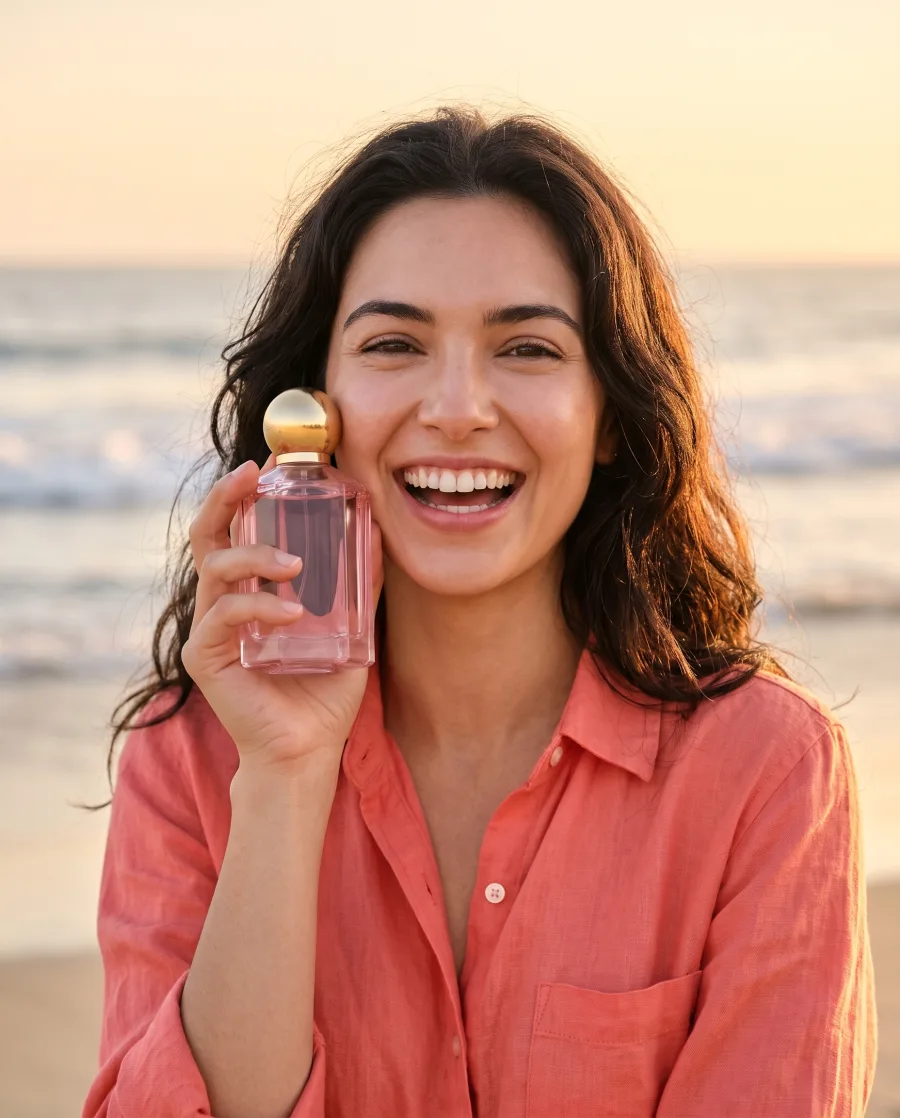
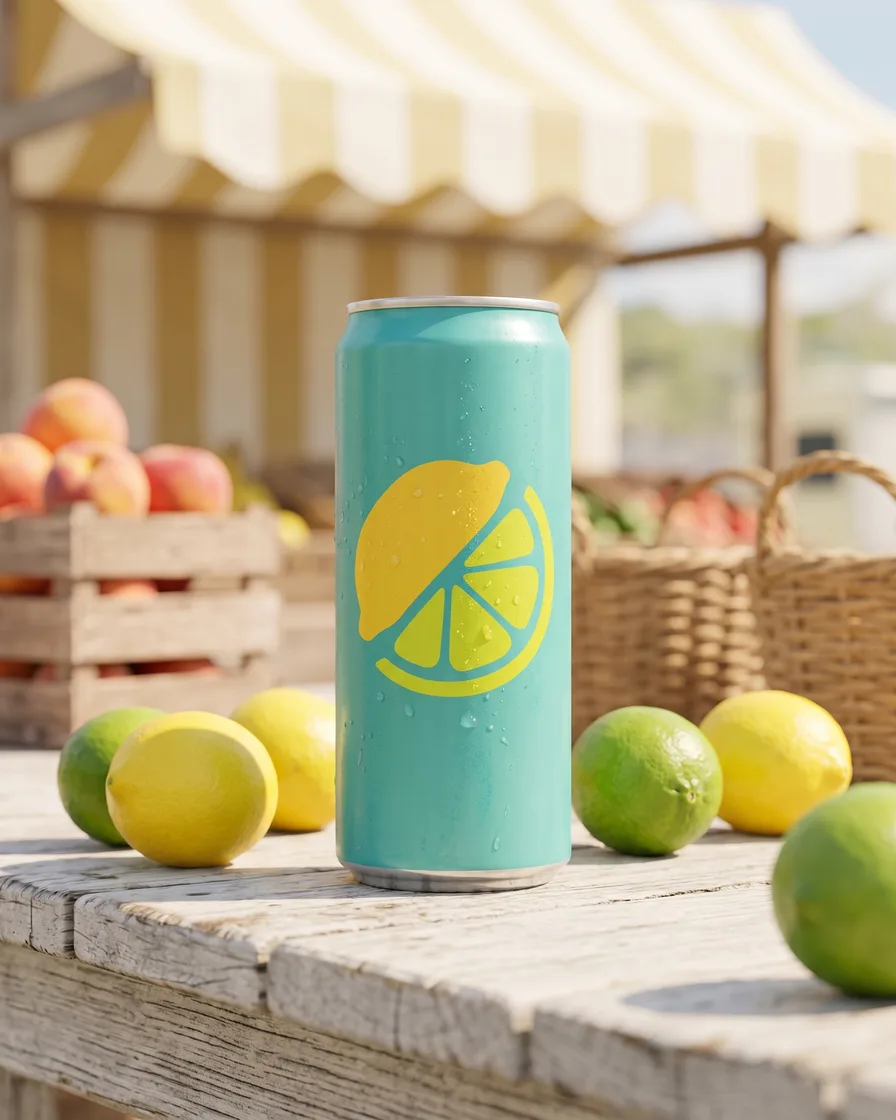
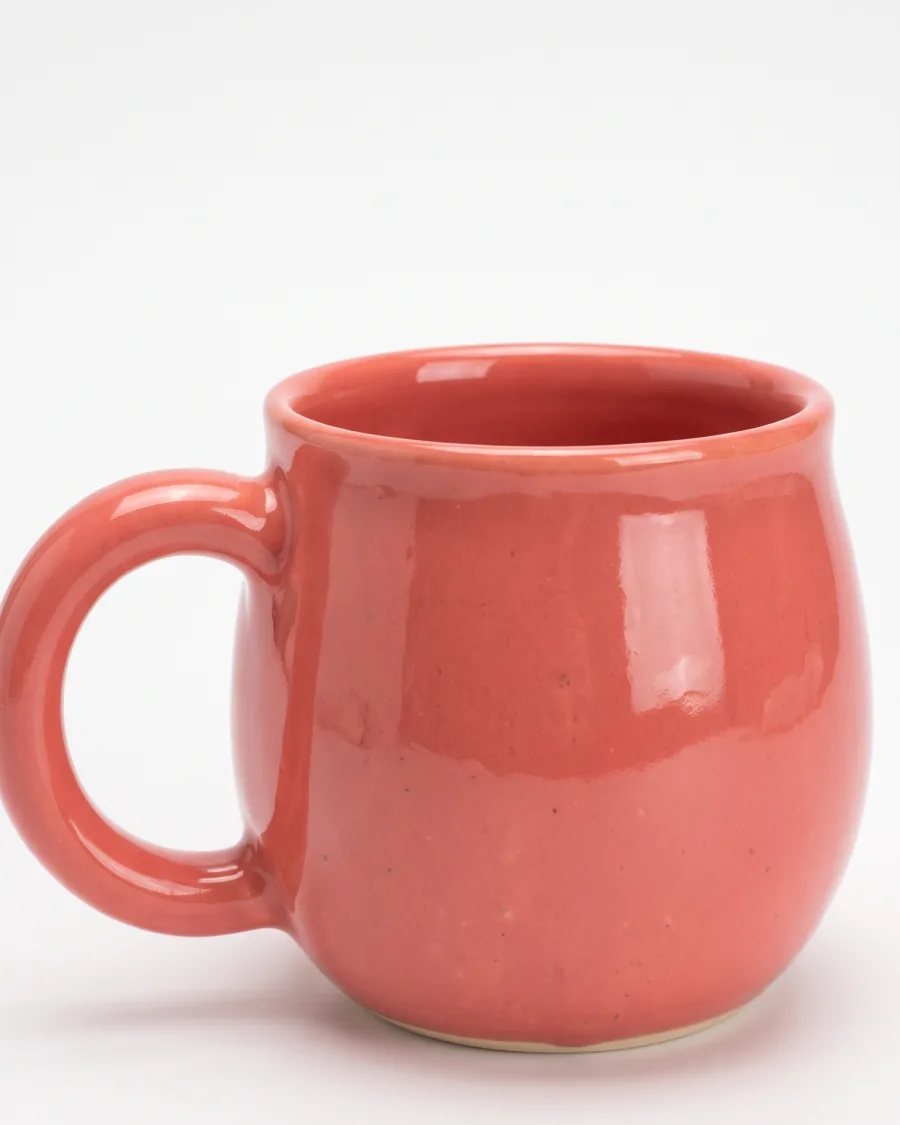

One app for pictures 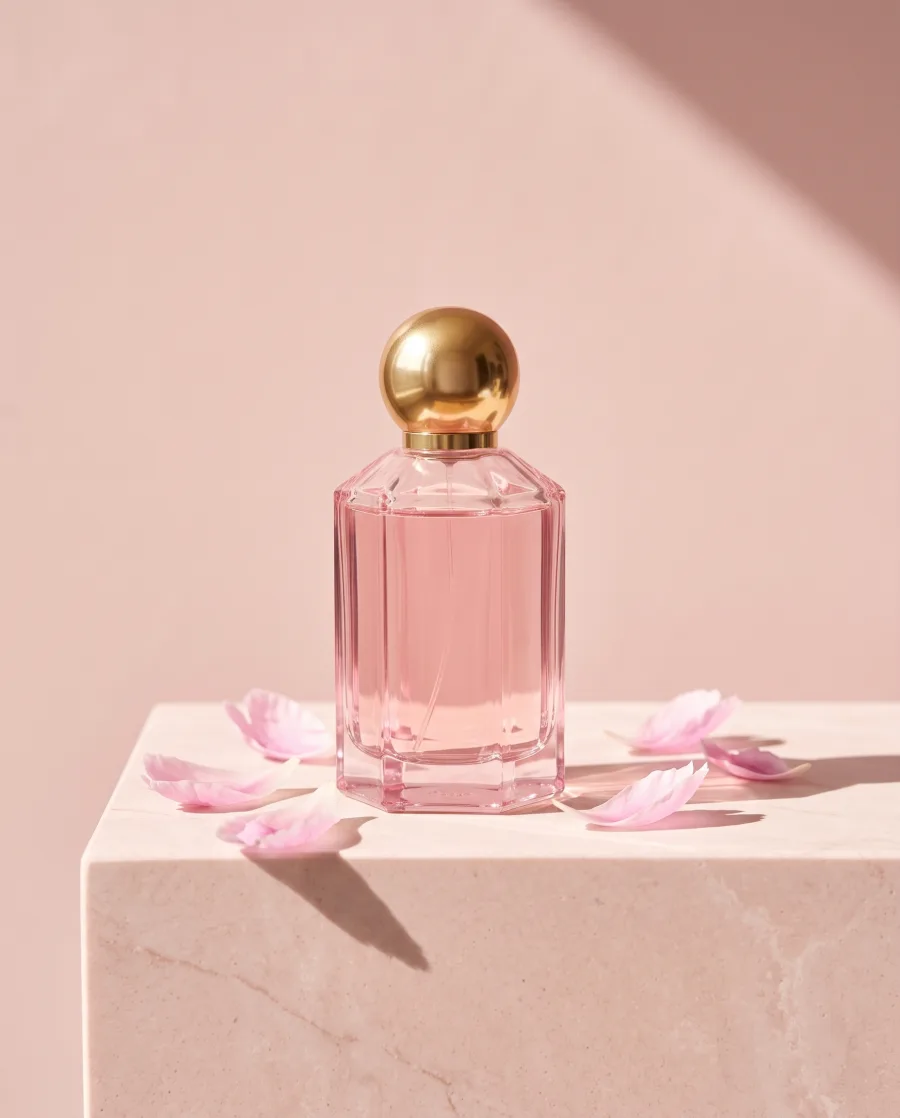 , one for video
 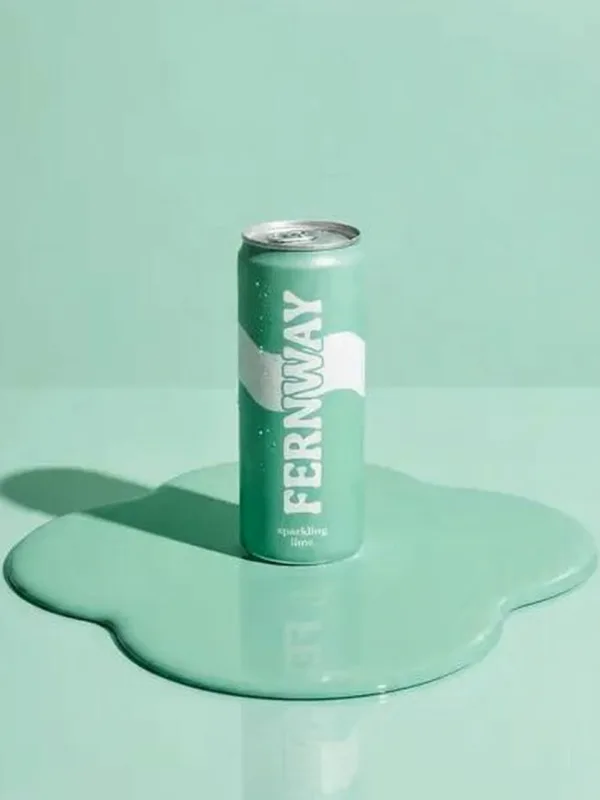 , one for edits and one for approvals.DesignerBox puts them in one workspace.
Make pictures and videos
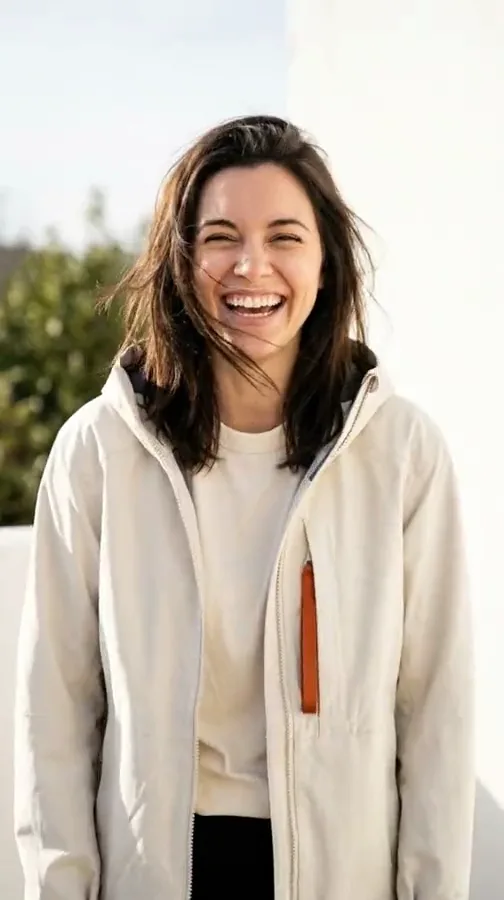
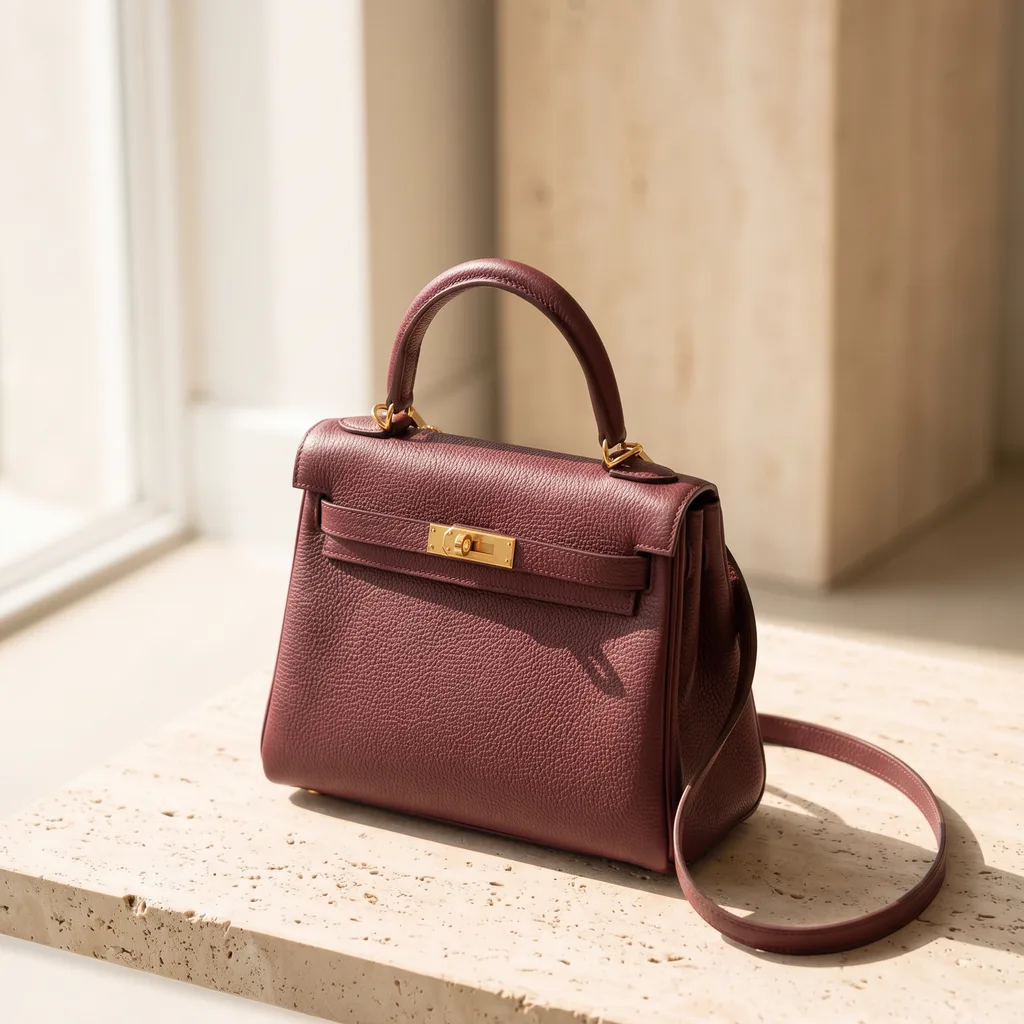
Say what you need, pick the model yourself, start from a finished idea or use one person in every picture.
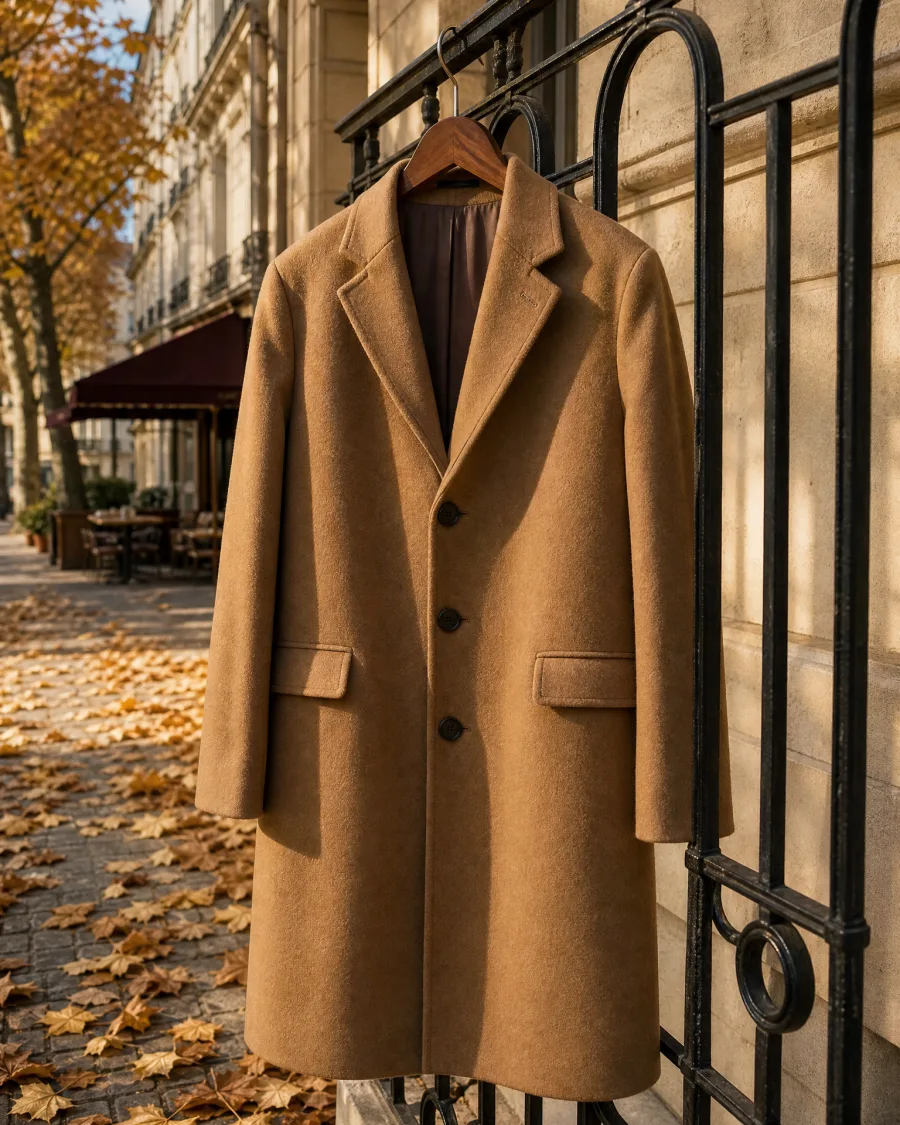

Edit, keep and share them
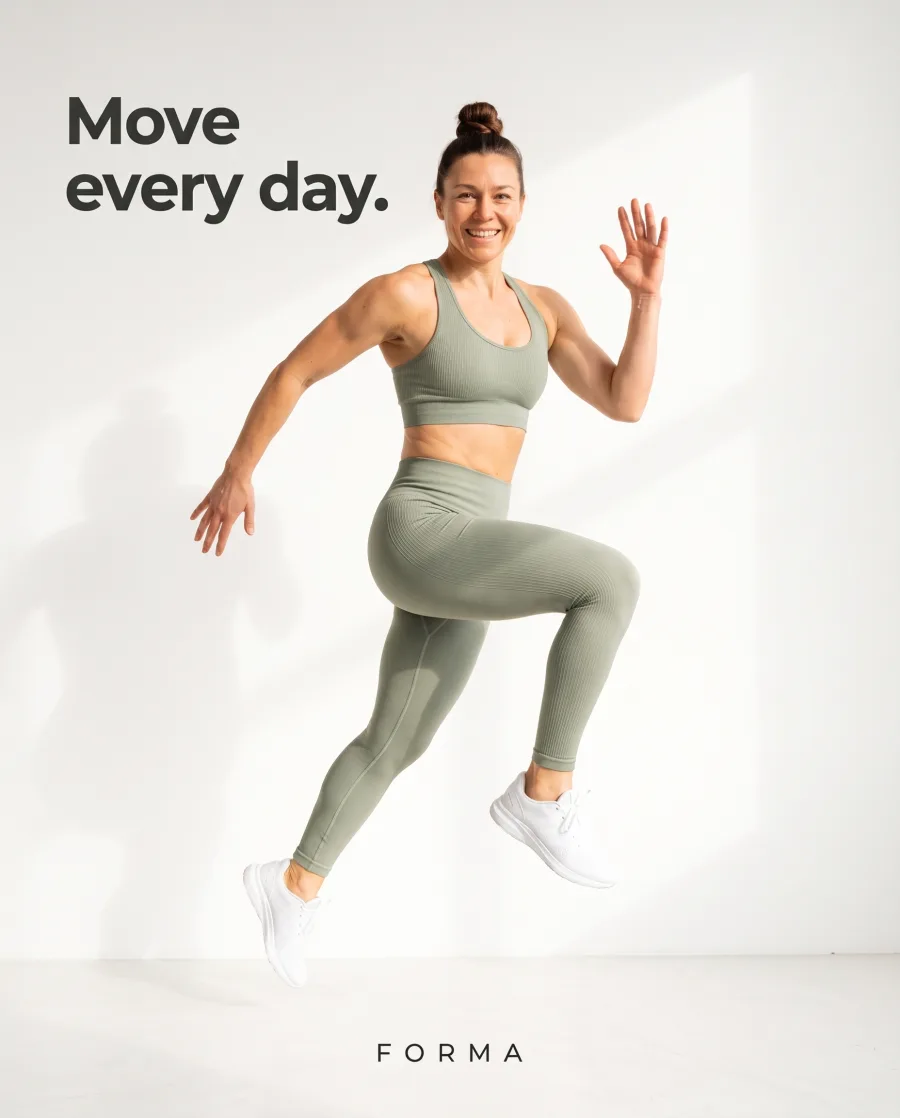
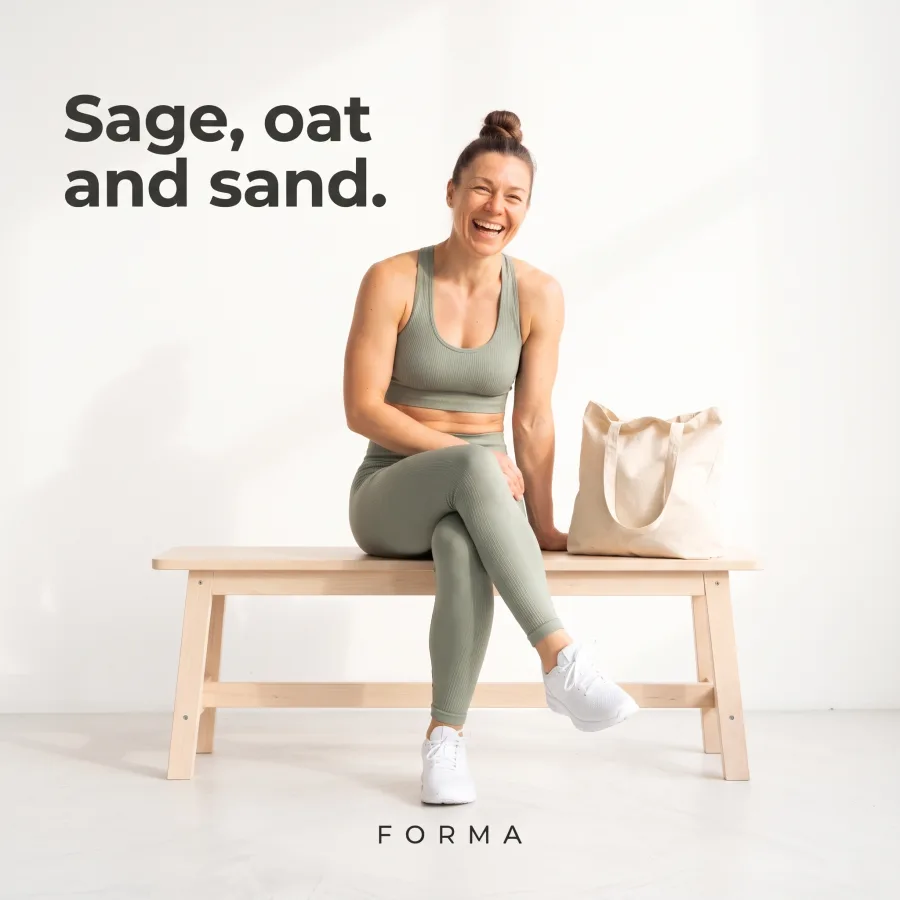
Add your words and logo, cut the video, keep every file and let your client choose.
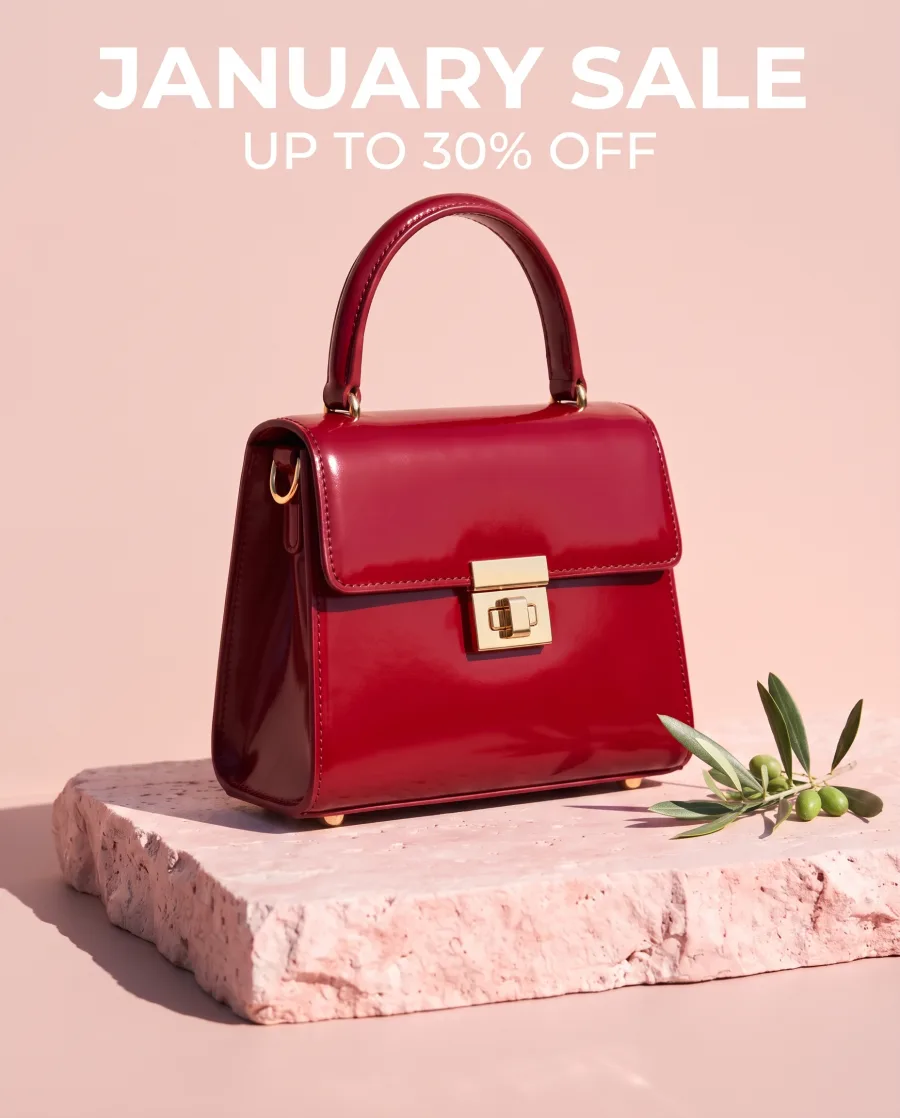
Repeat a job on every product
Run the same steps on each new product, one at a time or a whole sheet at once.

Your brand, the AI models and your other apps
Save your brand once, use the main picture and video models in one plan, and work from the apps you already use.


How it works
How a picture is made in DesignerBox
Add a photo of your product, or start from a finished idea in Inspiration.
Type one sentence in Create, or pick an app or a template for a job you know.
Before anything is made, you see the model, the size, the number of pictures and the price.
Your results are saved in Assets, where you can sort them into folders and send them for review.
Save the steps as a workflow and run them on every new product, one by one or in a batch.
 Use this picture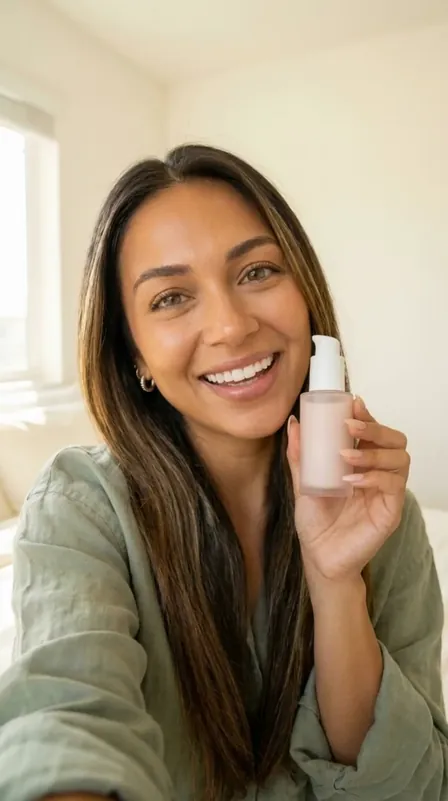

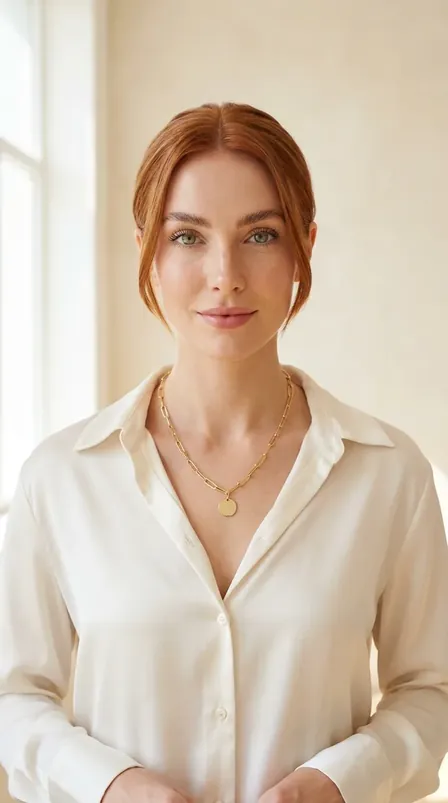
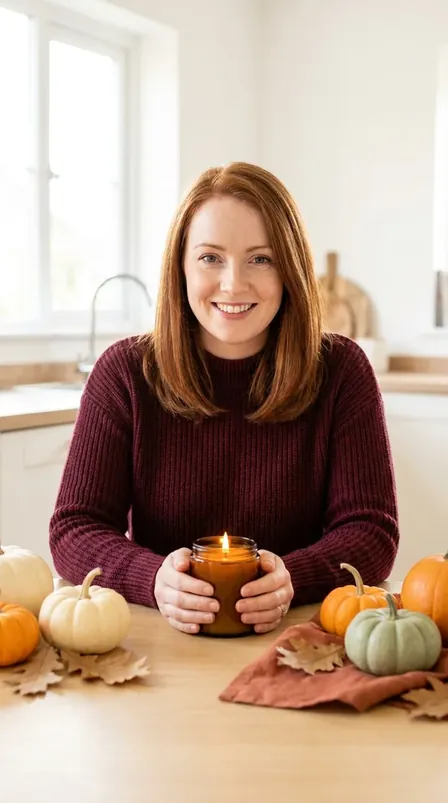
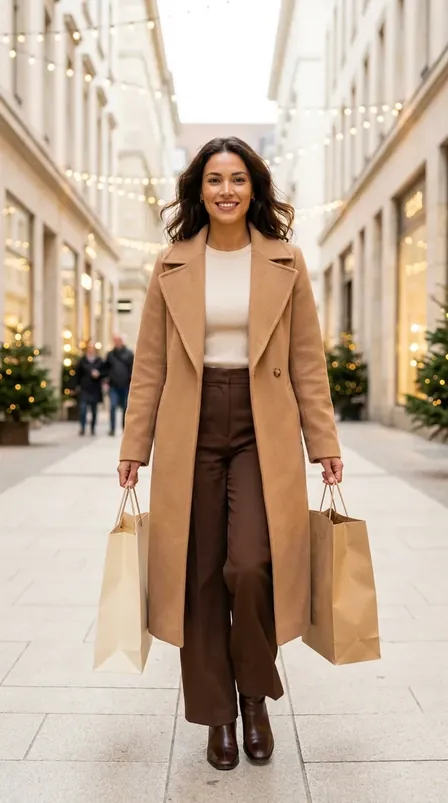
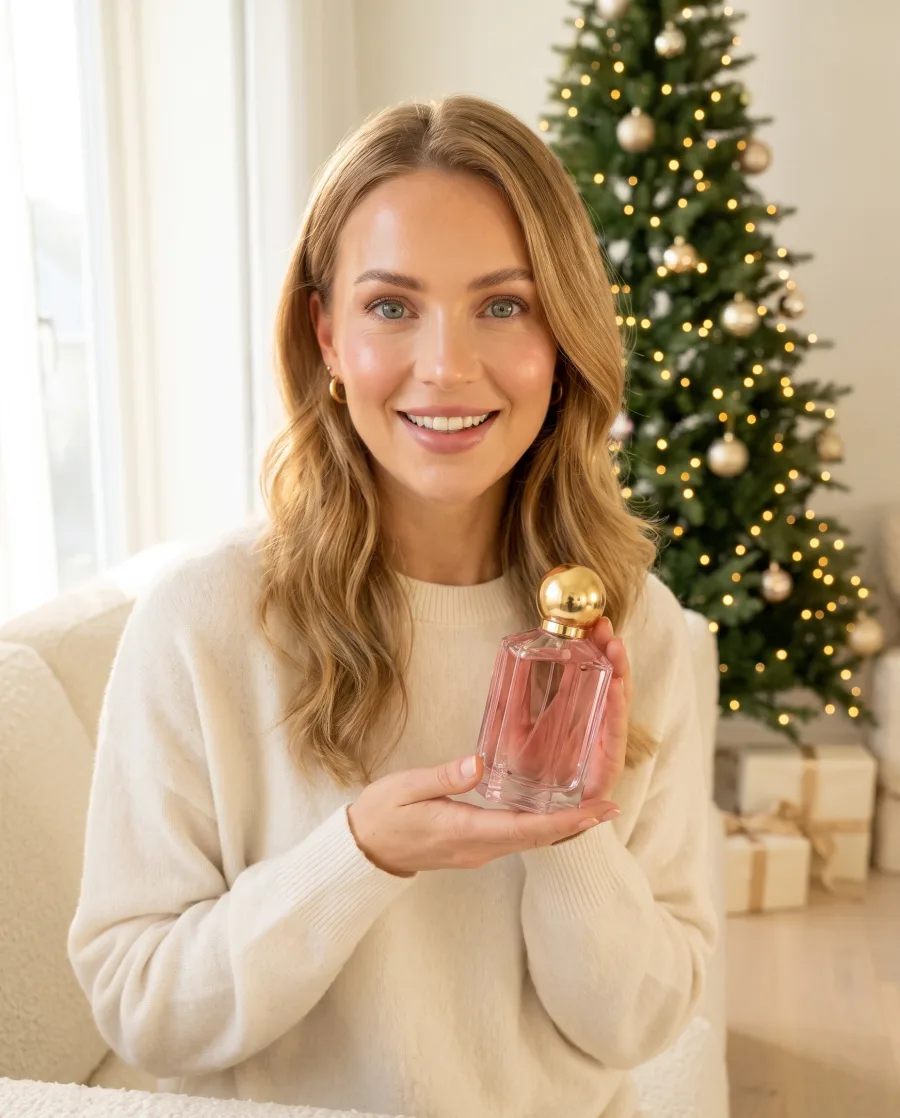
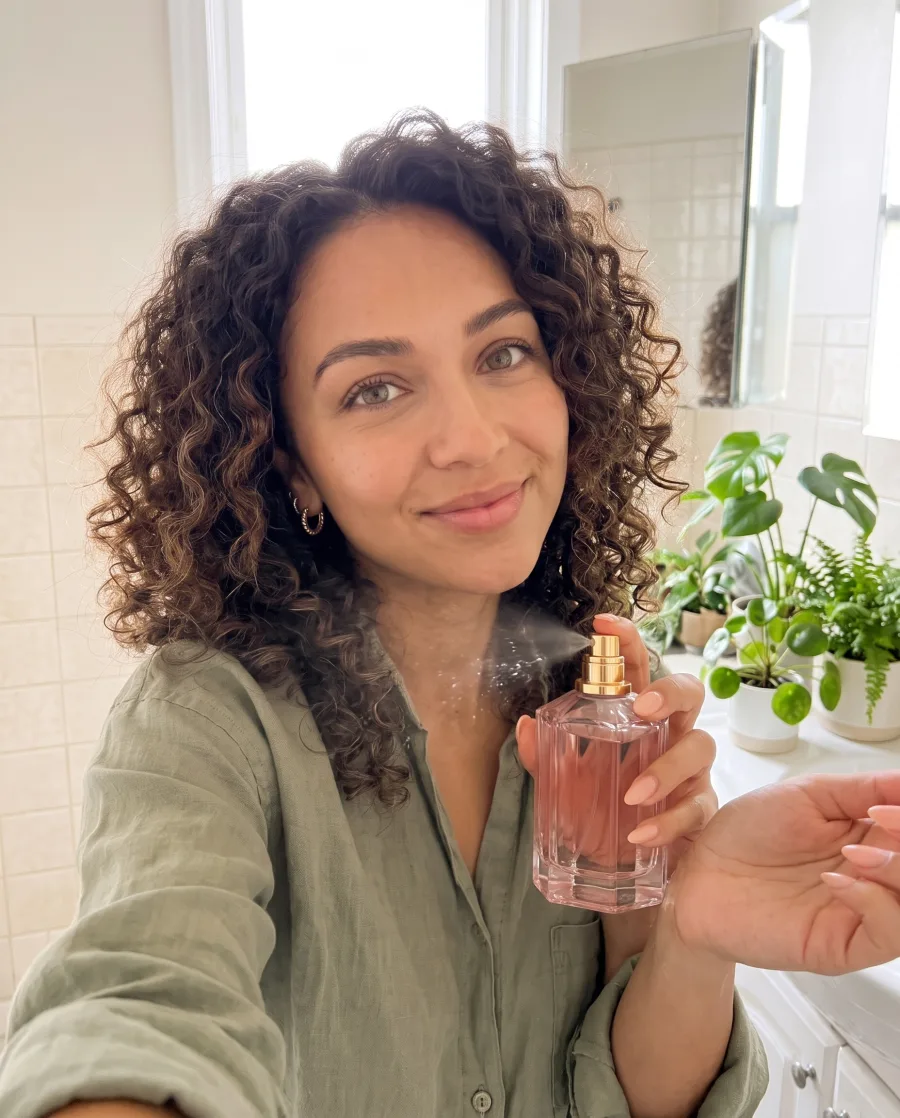
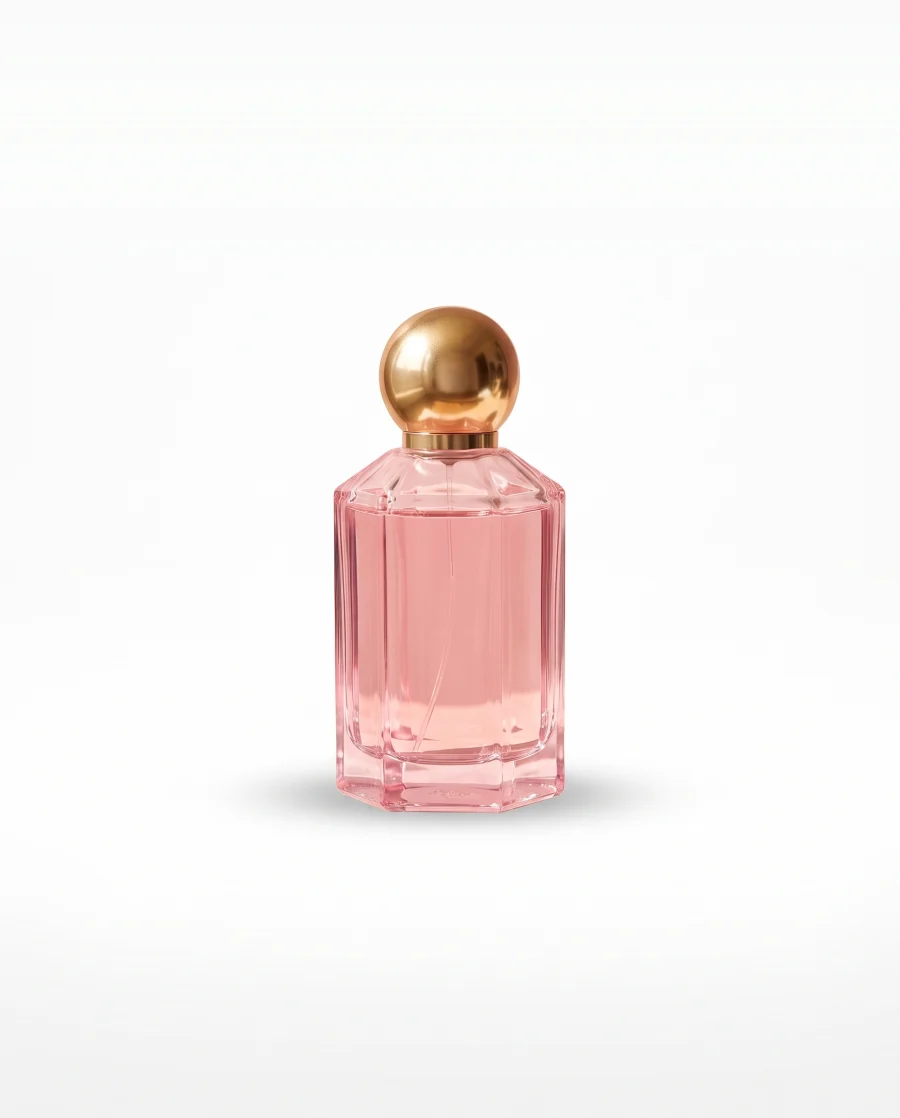
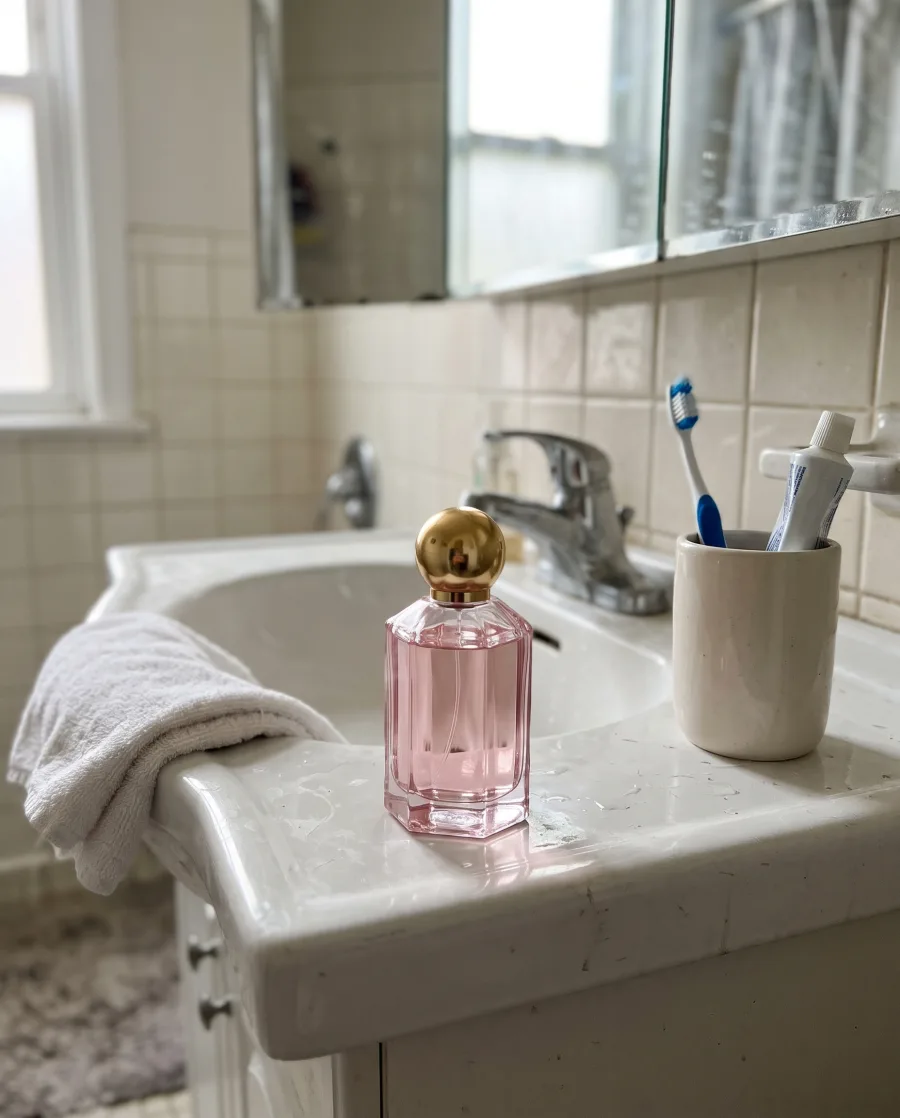 Gift by the tree, with our pink perfume as the gift.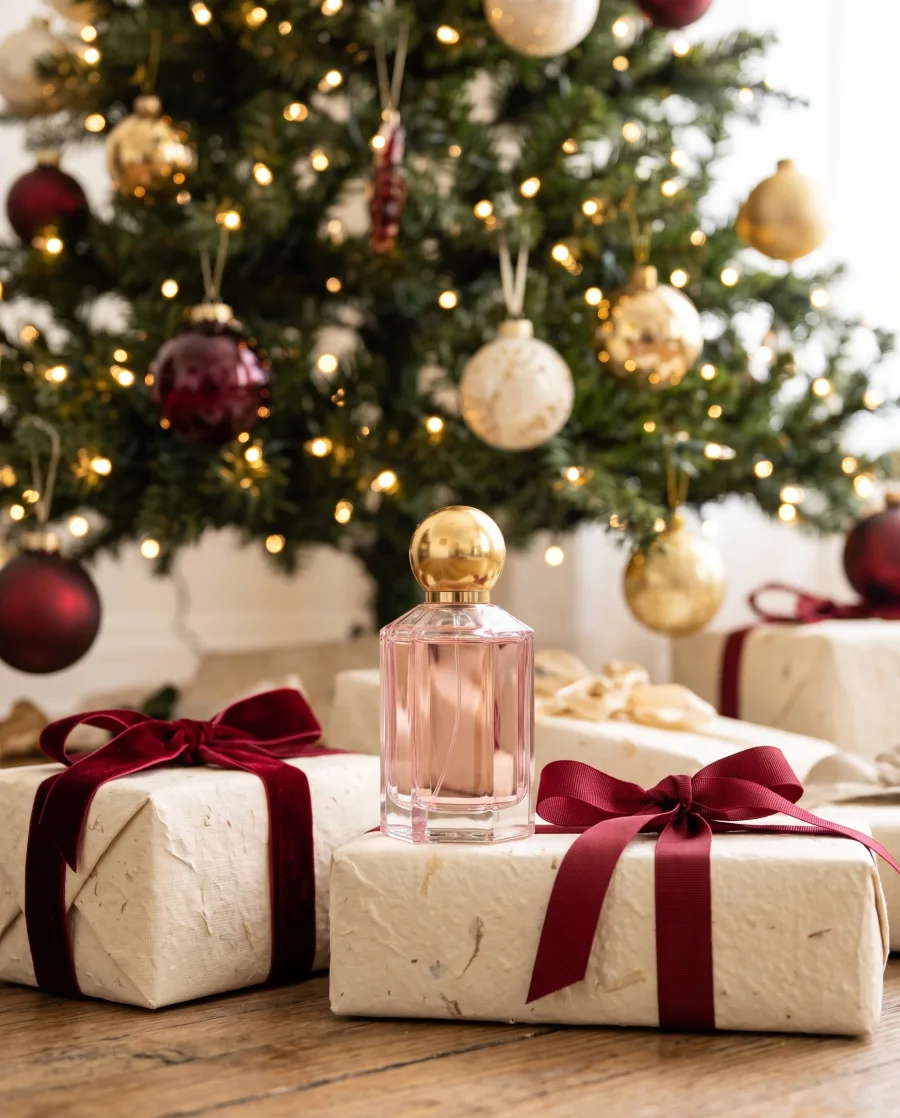
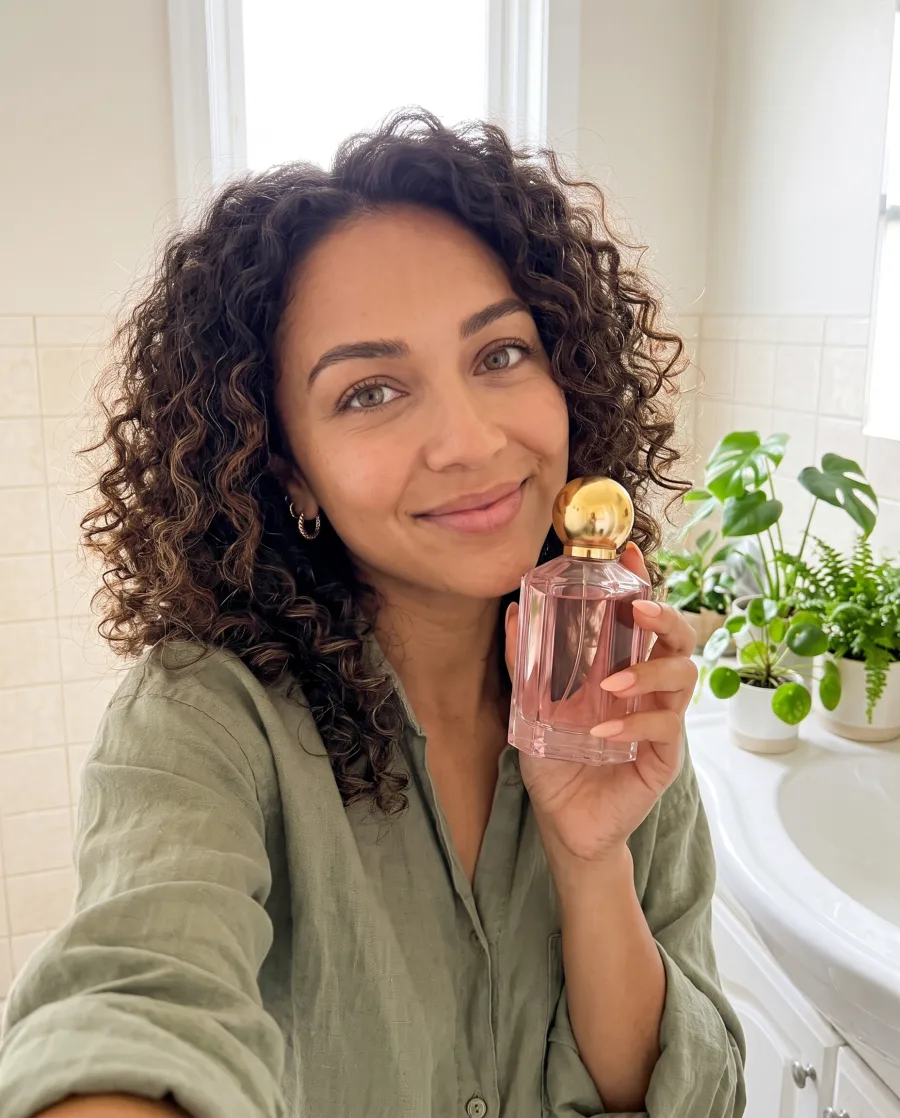
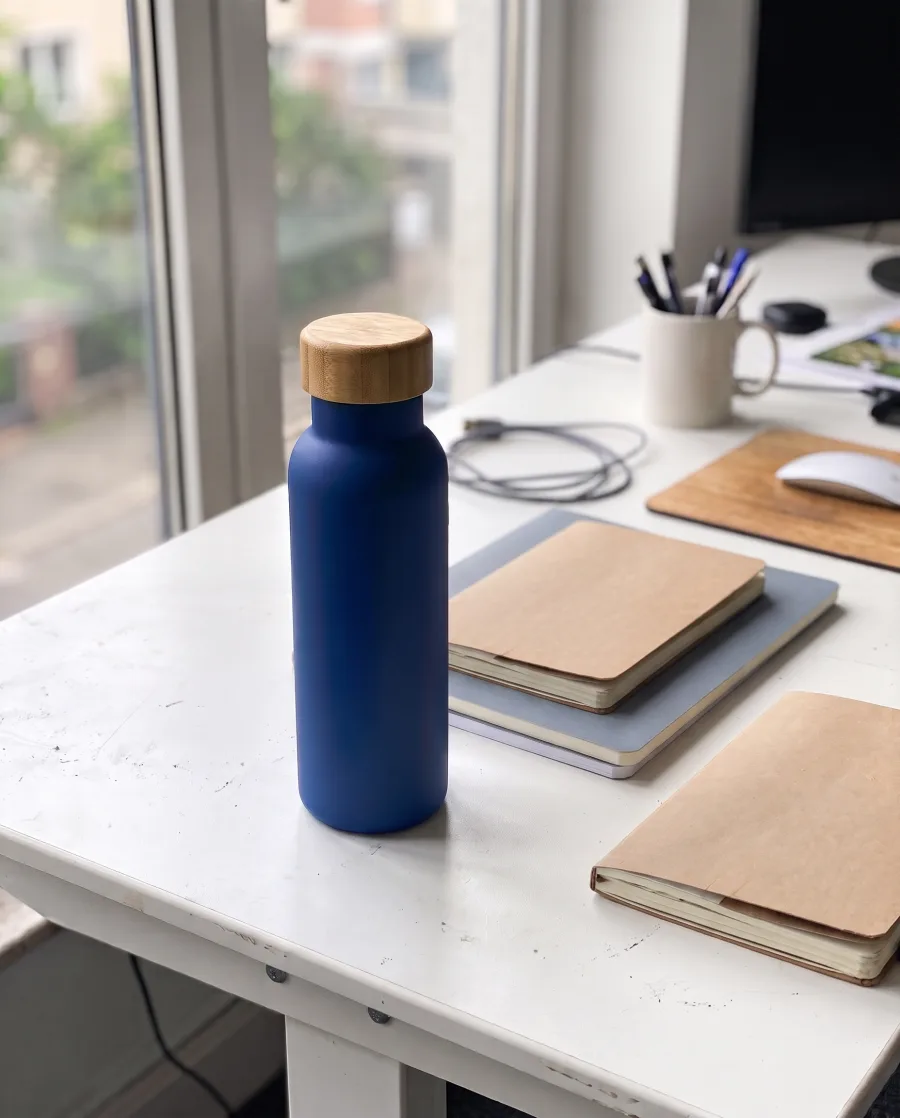 Remove background
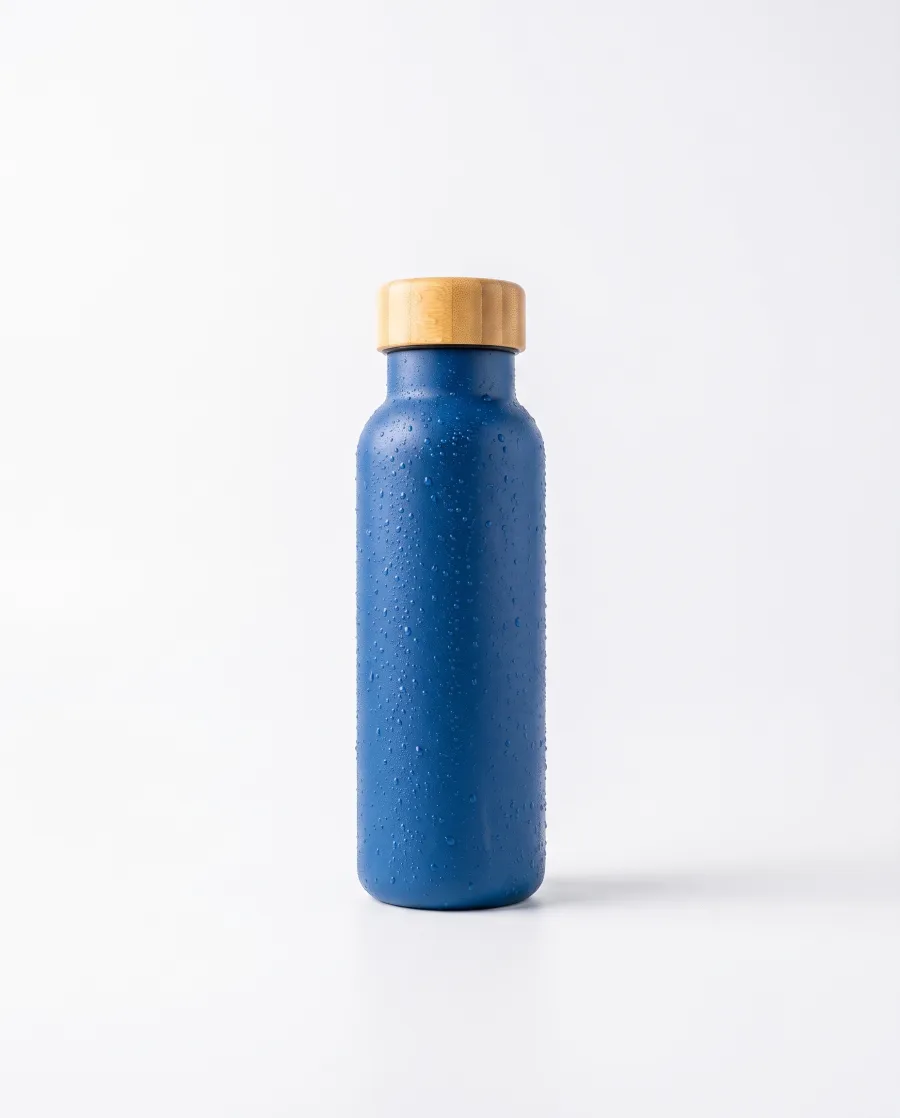 Place in a sceneAdd text
 Run all
Who it is for
Made for everyone who sells
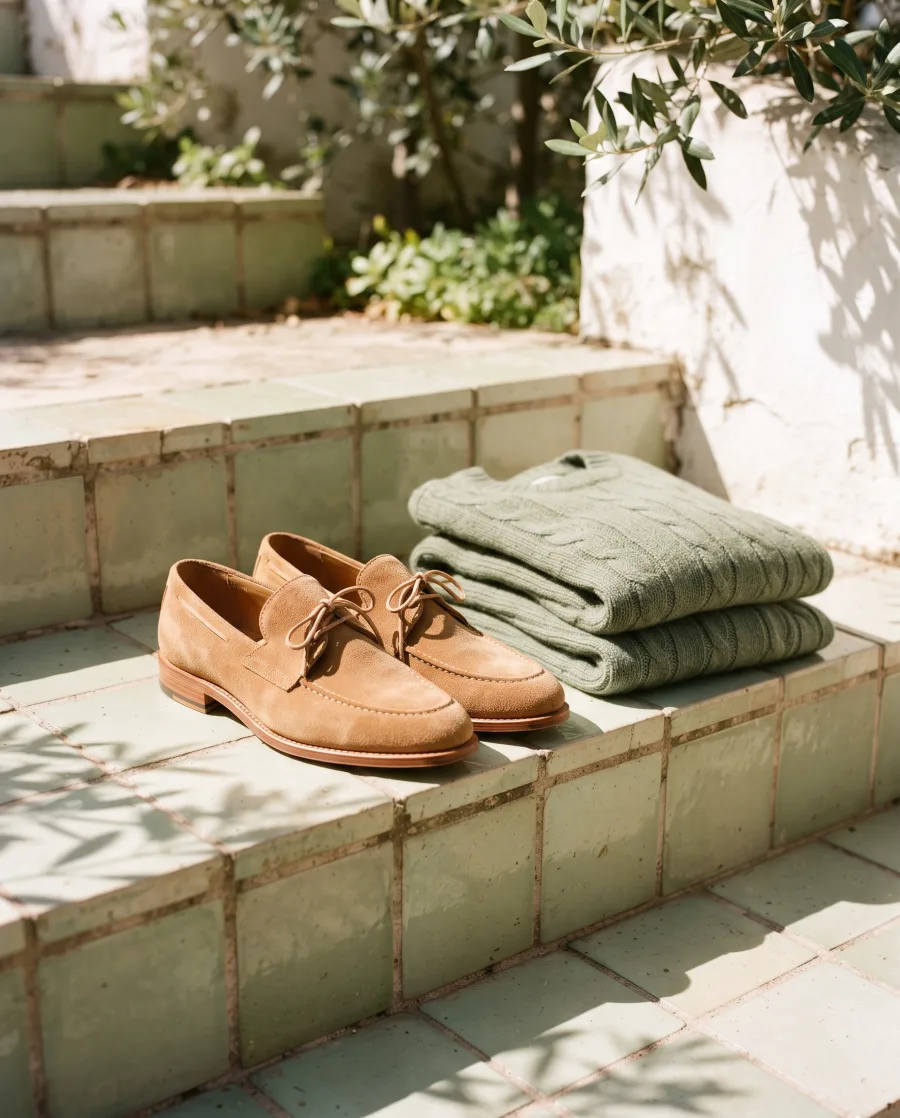 Online shopsSellers on Shopify, Etsy, Amazon and TikTok Shop who need product photos and ads every week.
 Brands with many productsOne look on every product, from the first picture to the last.
 Agencies and freelancersPictures and ads for many clients, each with their own brand.
 Performance marketersMany versions of one ad to test, in every size.
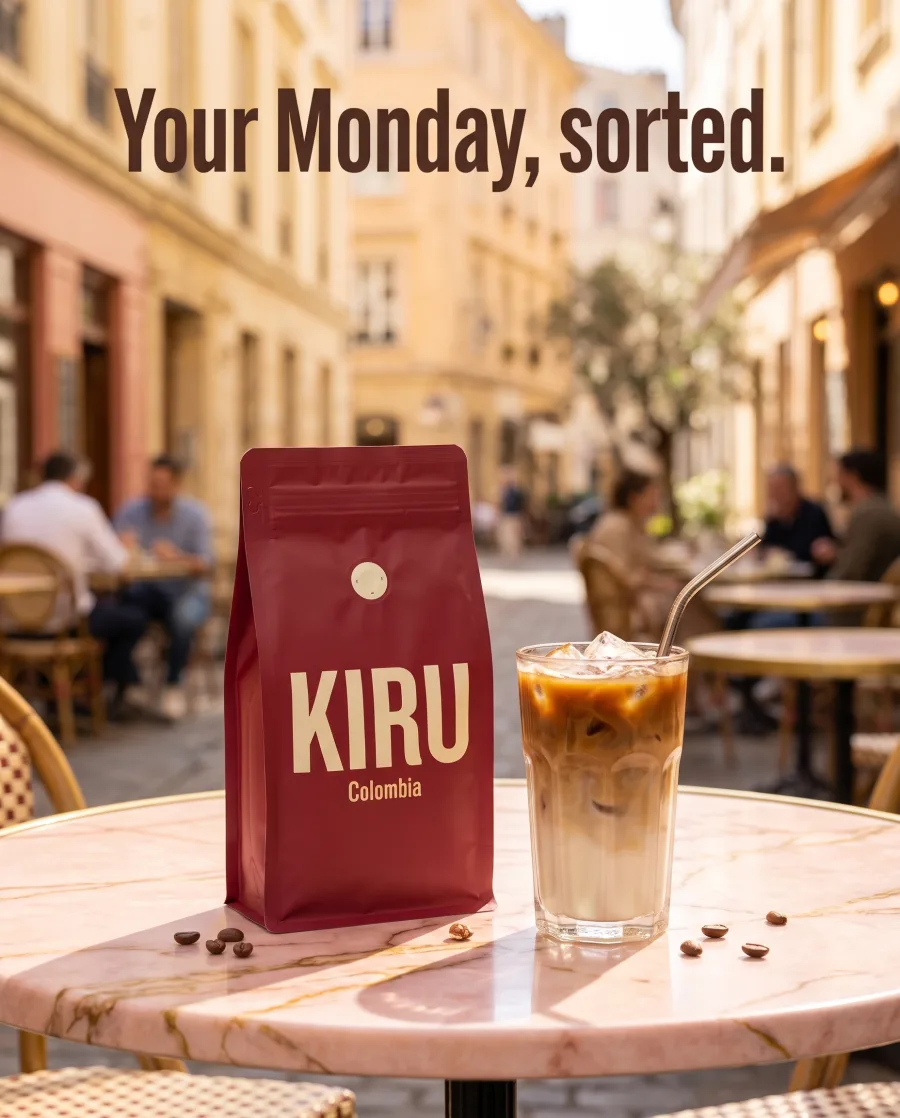 Social media managersPosts, stories and reels for every week of the month.
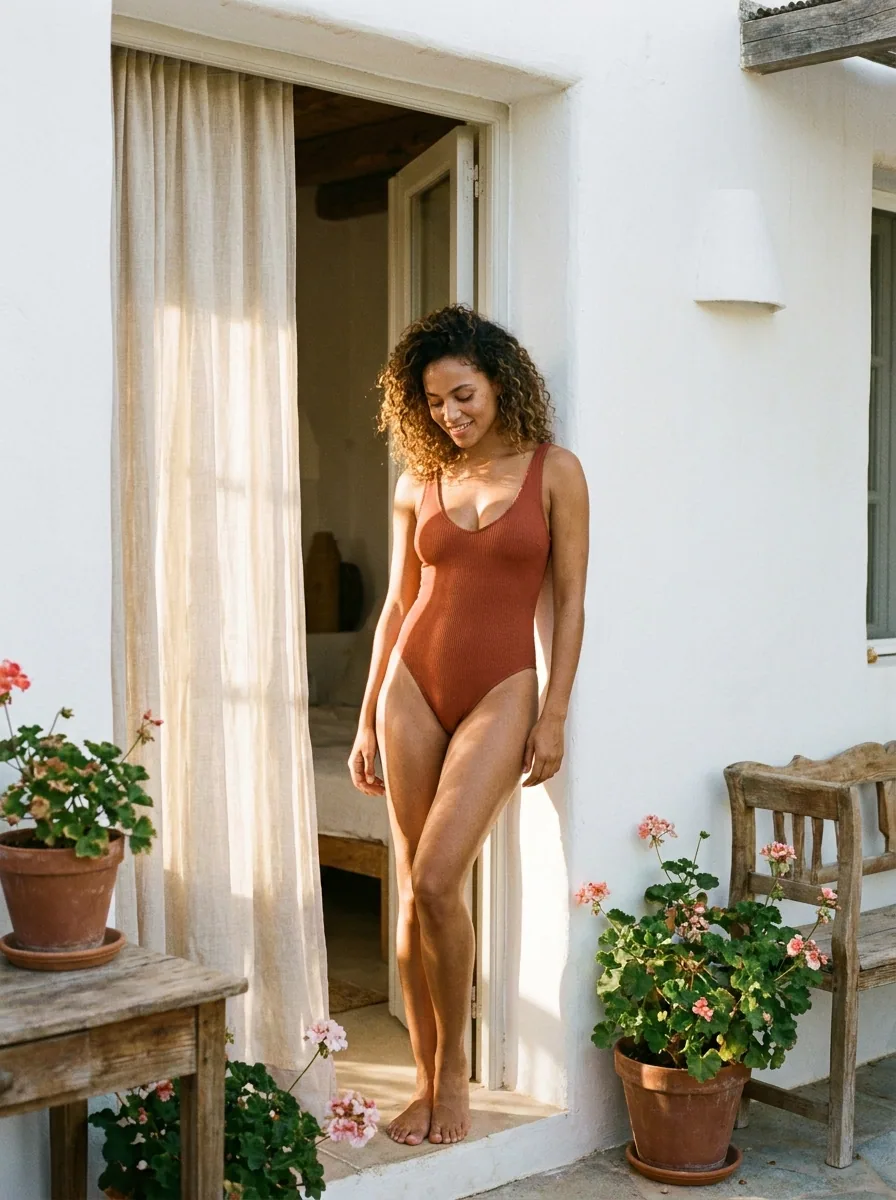 Teams that work in AI chatsPictures from Claude, ChatGPT or Cursor, saved in your Assets.
AI chat
DesignerBox in Claude and ChatGPT
Connect DesignerBox once. Then ask for pictures in Claude, ChatGPT or Cursor. You confirm each run in the chat.
What is DesignerBox?
DesignerBox is an AI creative workspace for commerce. You make product photos, ads and videos with AI, edit them, keep your brand on them and share them with clients. The AI models, a brand kit, an image editor and a video editor are built in.
Will my product look the same?
Add a photo of your real product. DesignerBox keeps its shape, colour and label and changes what is around it. AI can still get a small detail wrong. If it does, run it again and keep the result you like.
Do I need to know how to write prompts?
No. Start from Inspiration, an app or a template. In Create, the chat asks you a few questions and writes the brief for you.
Which AI models are inside?
For pictures: Nano Banana, GPT Image, Seedream and FLUX. For video: Veo, Seedance, Kling and Runway. One DesignerBox plan covers them.
Can my team use it?
Yes. On the Ultra plan, five people share one workspace.
Which plan do I need?
You can start free. Your own photos and prompts start on the Pro plan. Video and both editors start on the Premium plan.
Make your first pictures today.
Sign up with Google or your email. Nothing to set up.
Get started free- Claude
- ChatGPT
- Cursor






