For creative studios and photographers
AI product and model shoots for creative studios
DesignerBox makes product sets, model shoots, catalogues and videos for your clients, in one workspace. Quote each job before you make it and send each set as one review link.
- Claude
- ChatGPT
- Cursor
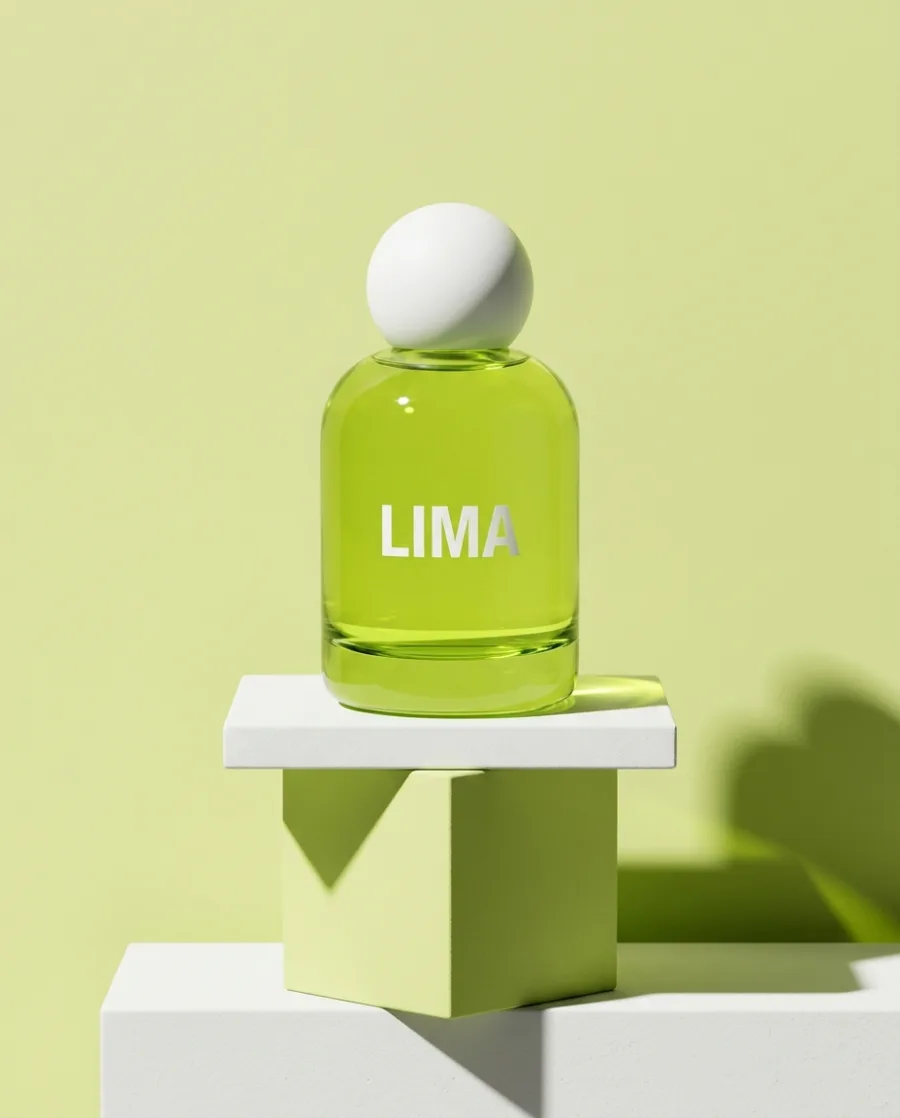
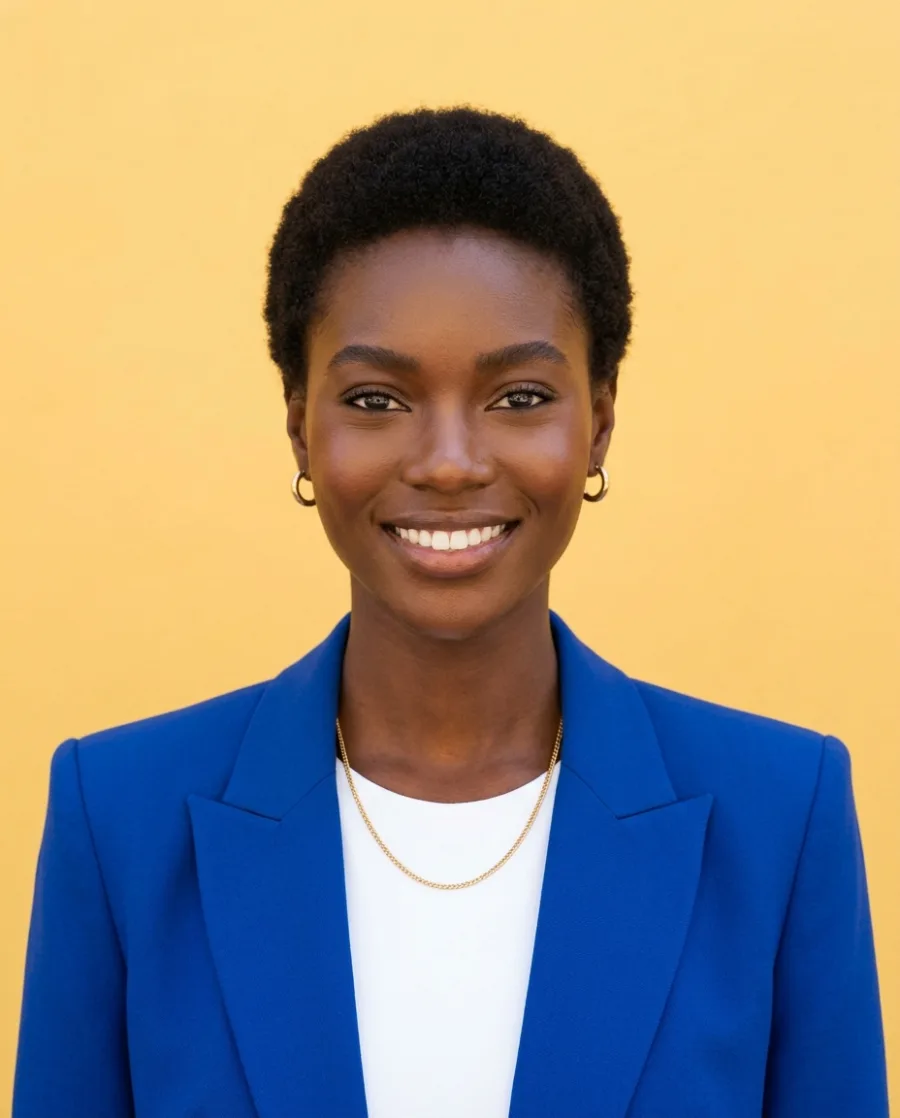

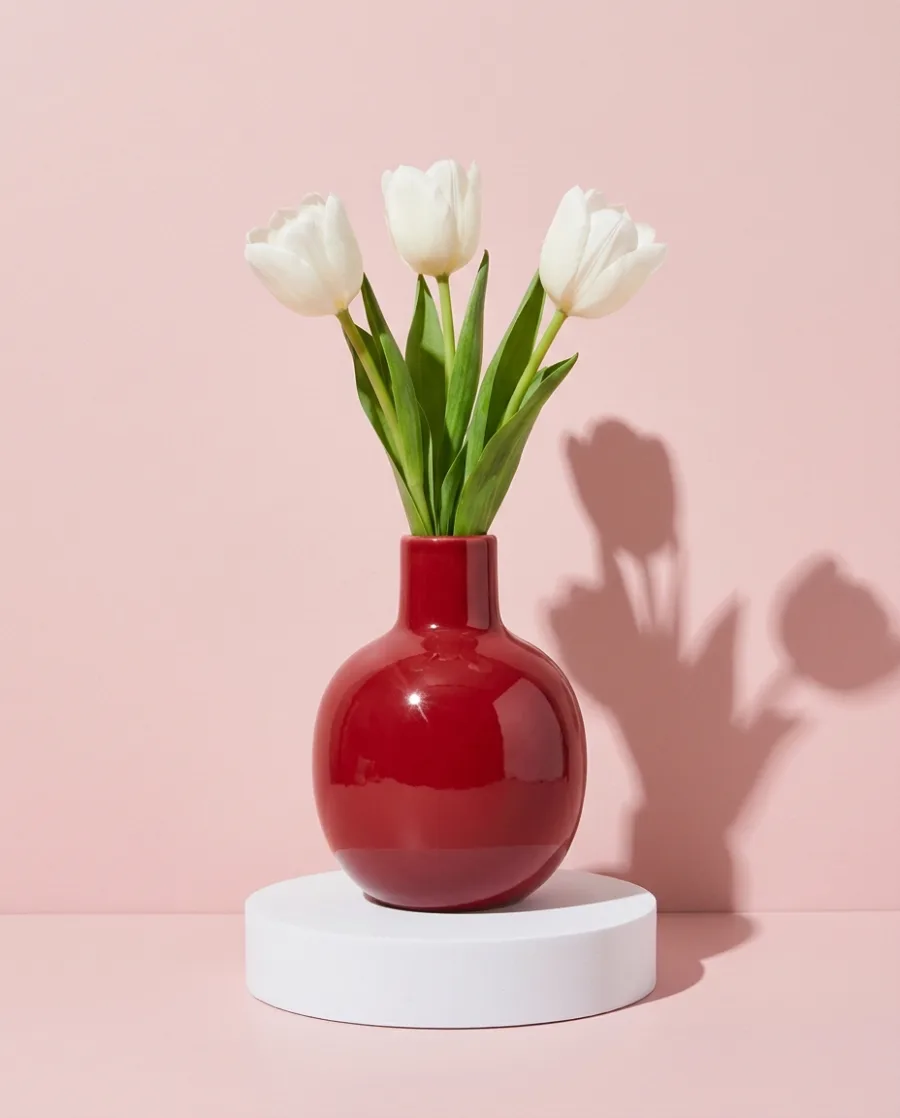
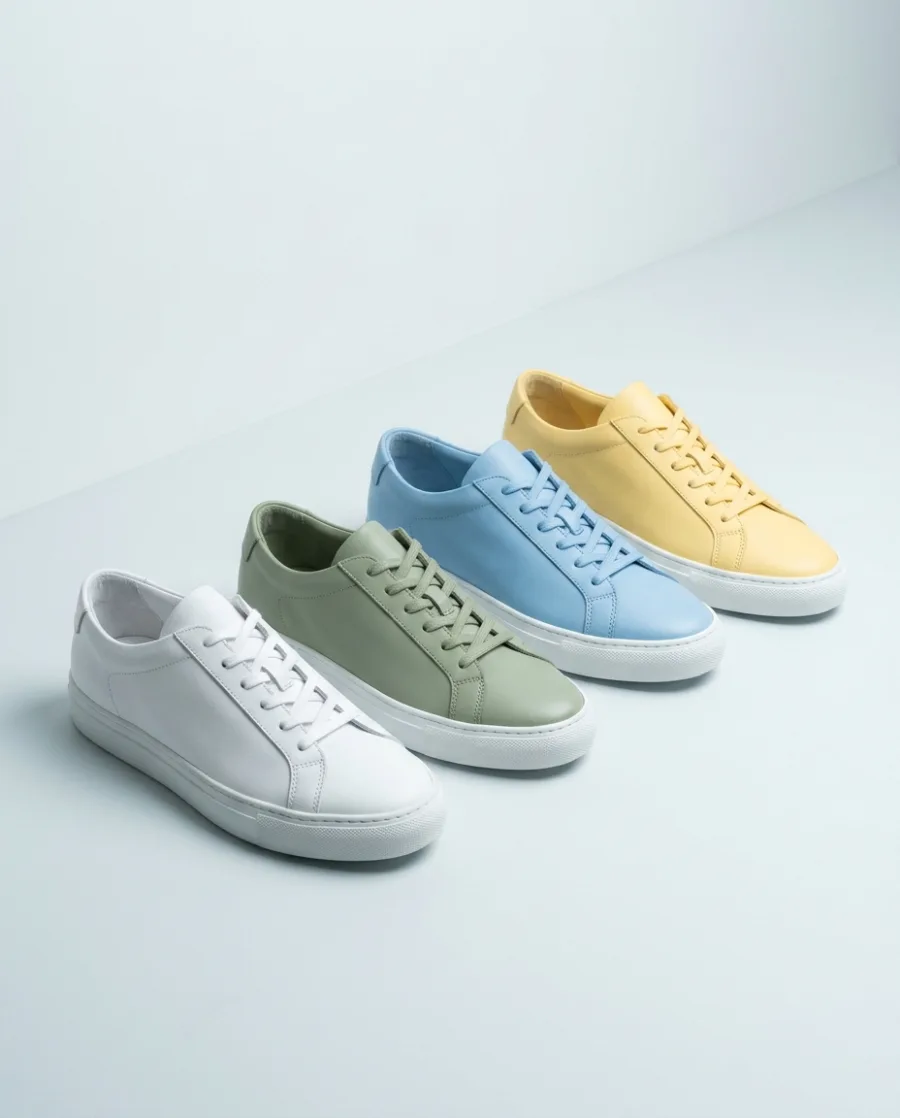
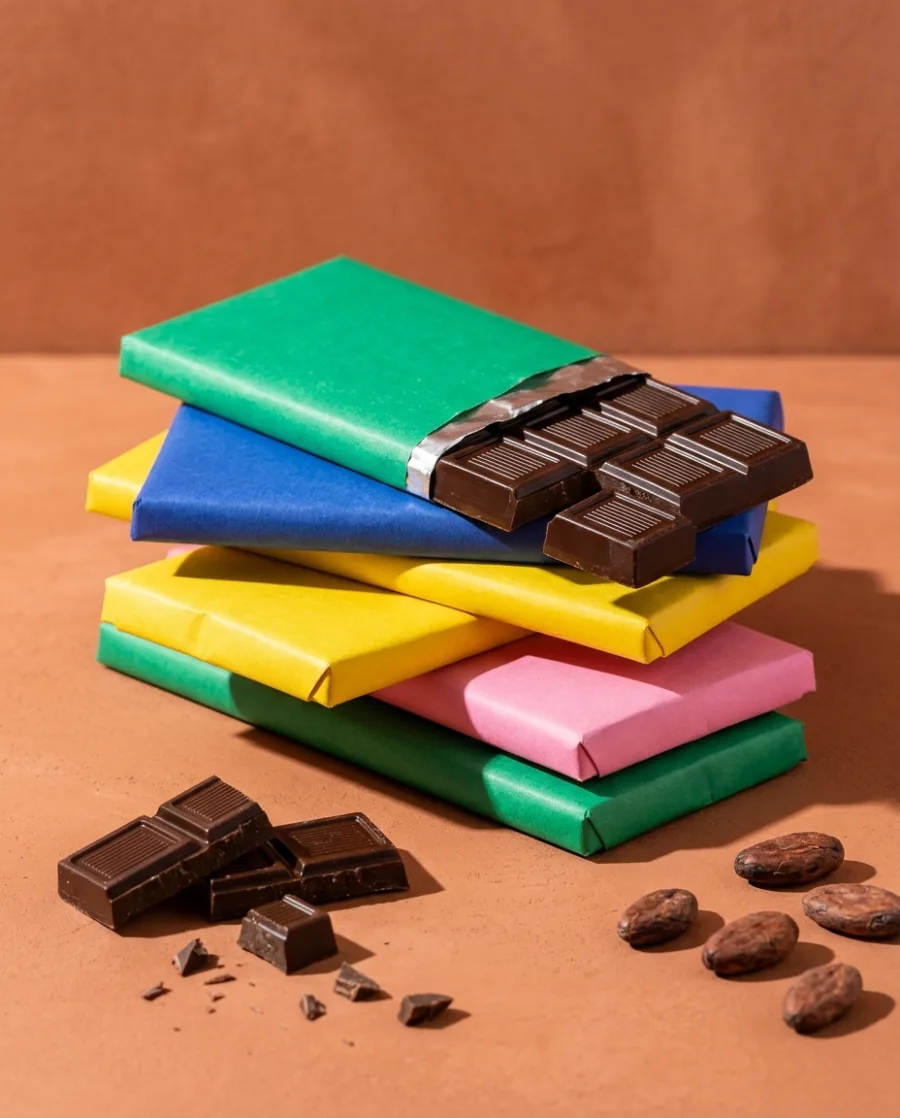
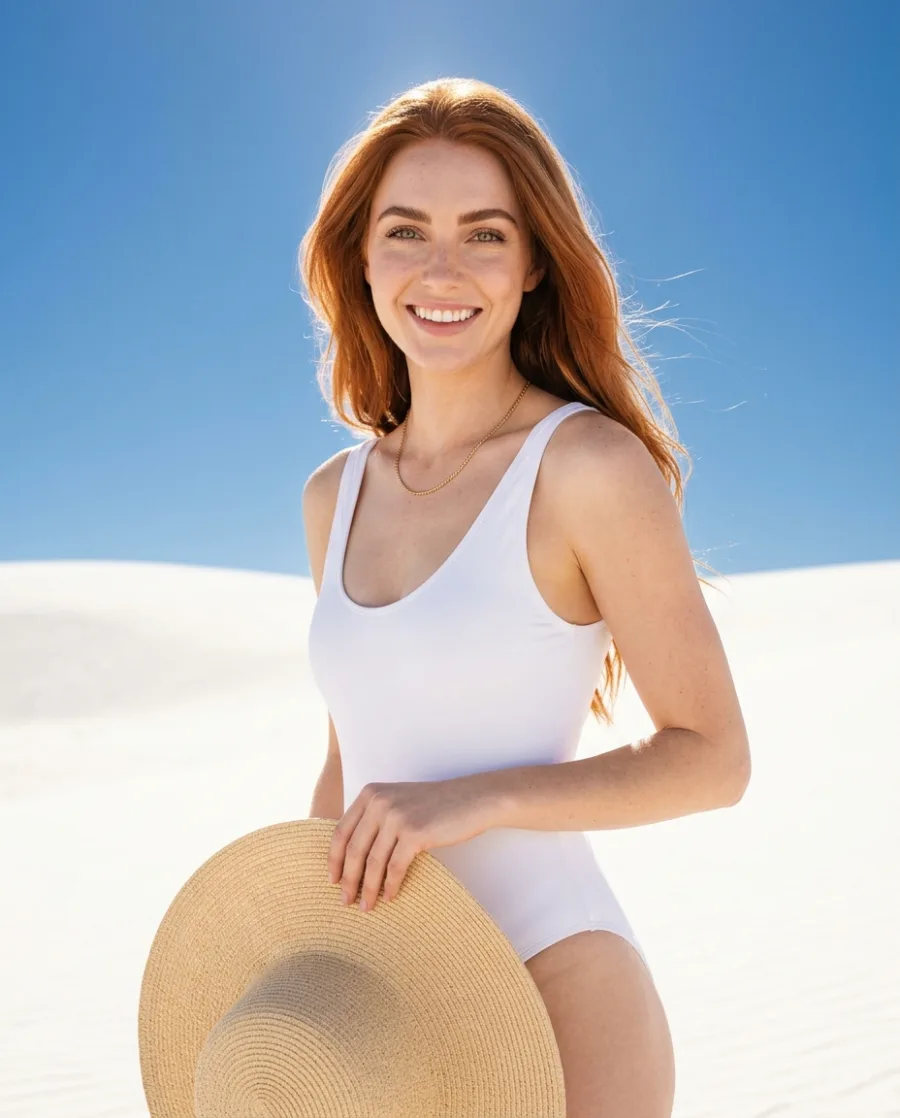
Shooting one set for a client is easy. Delivering product sets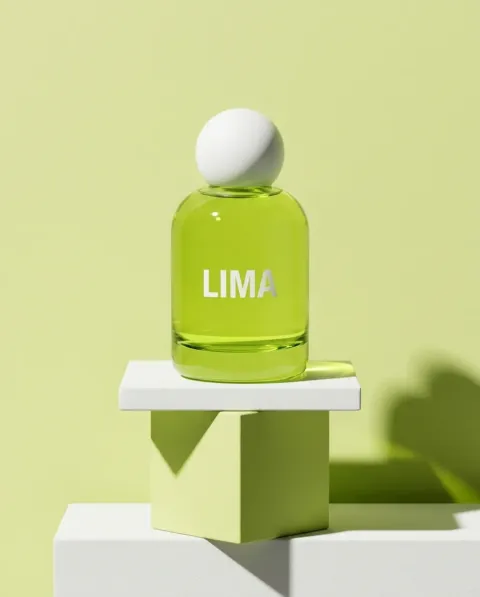 , model shoots
 and catalogues
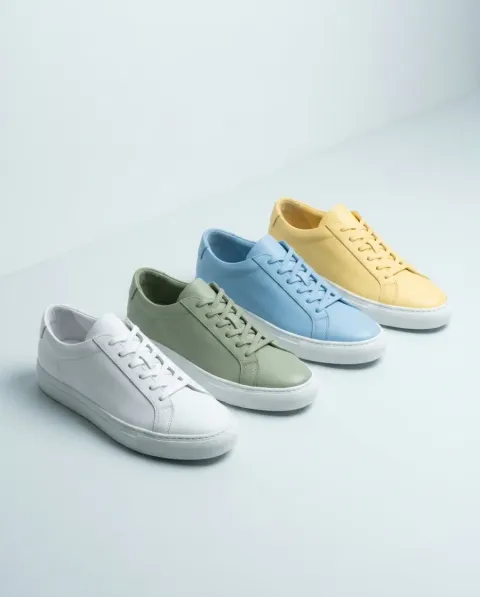 every week with the same team is hard. DesignerBox does the hard part.
What you can make
Product sets, model shoots, catalogues and videos
Client product in. Product set out.
Add the client's product photo. Get a packshot, a styled still life and a detail shot in your studio's look. No studio day for each product.
See AI product photography Client product
 Packshot
 Still life
 Detail
One model in the studio and on location
Add the client's garment. Get the same model in the studio, on a street and close up. No casting or travel.
See Avatars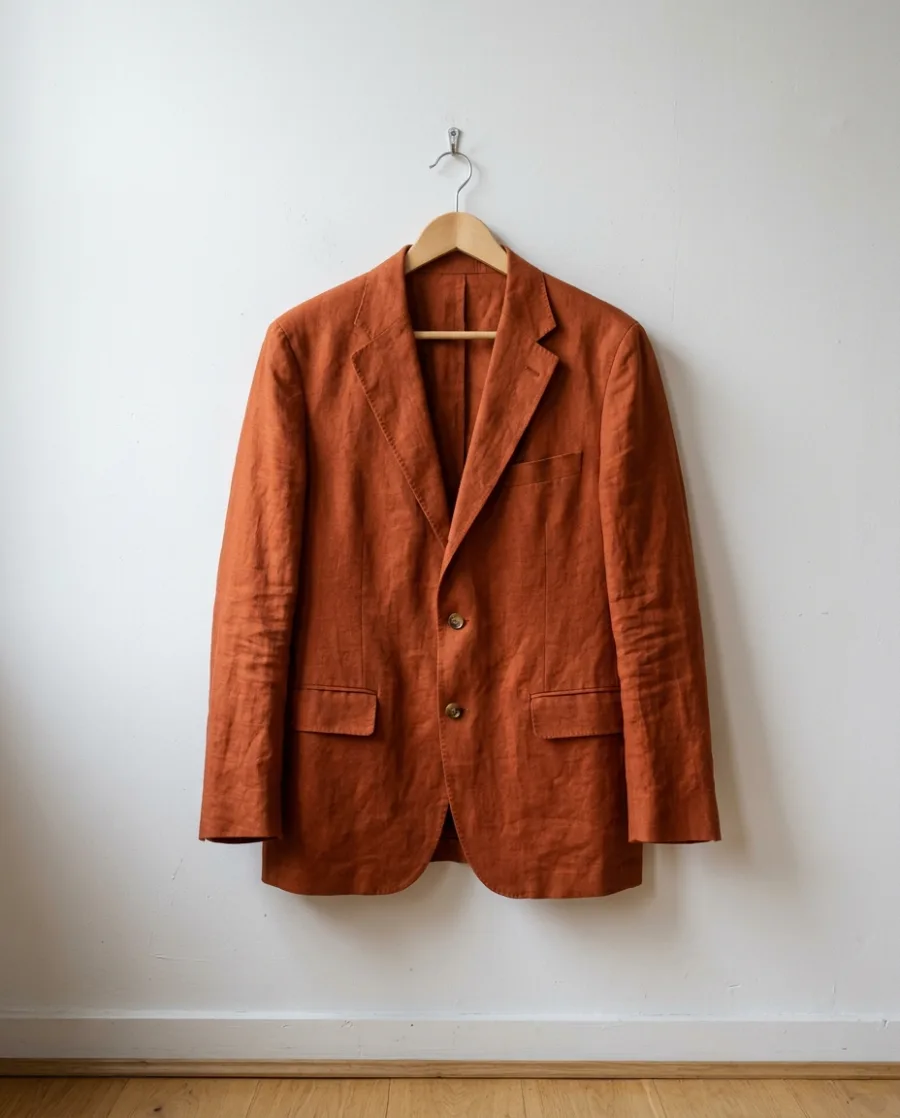 Client garment
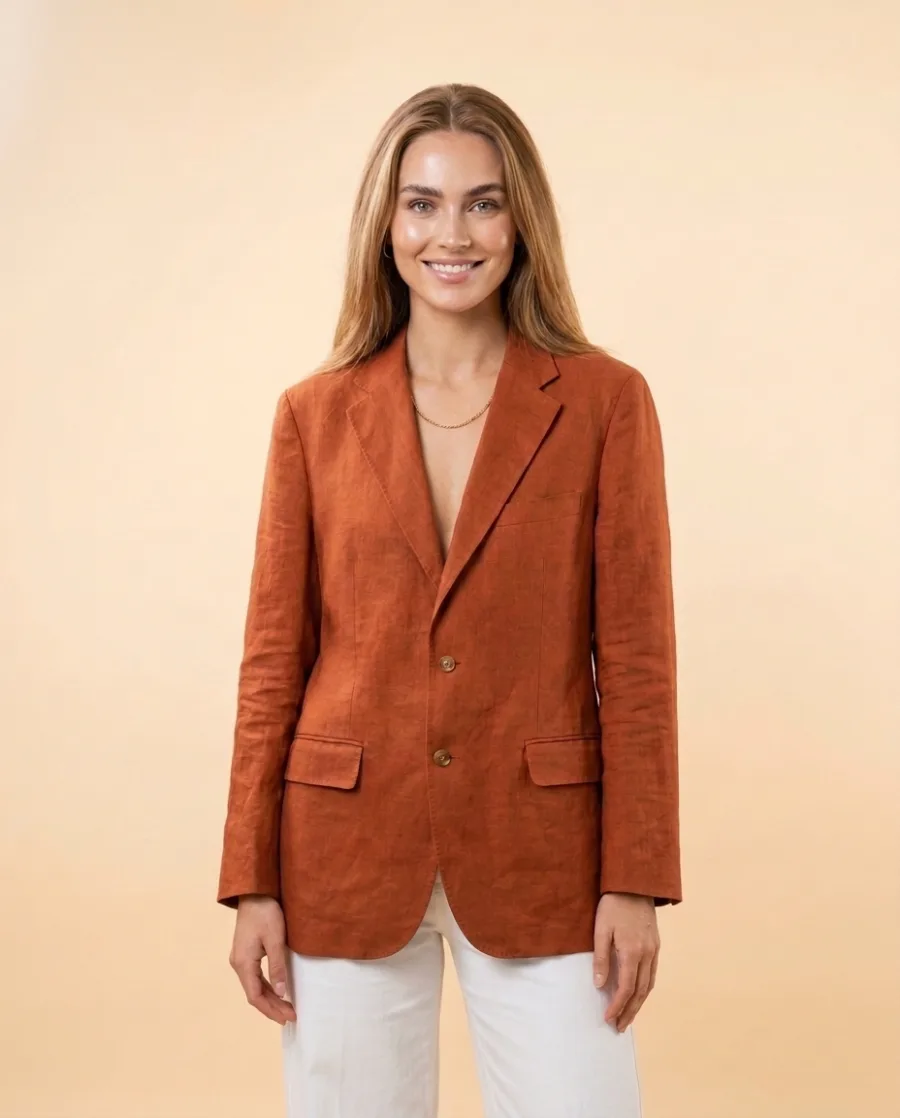 Studio
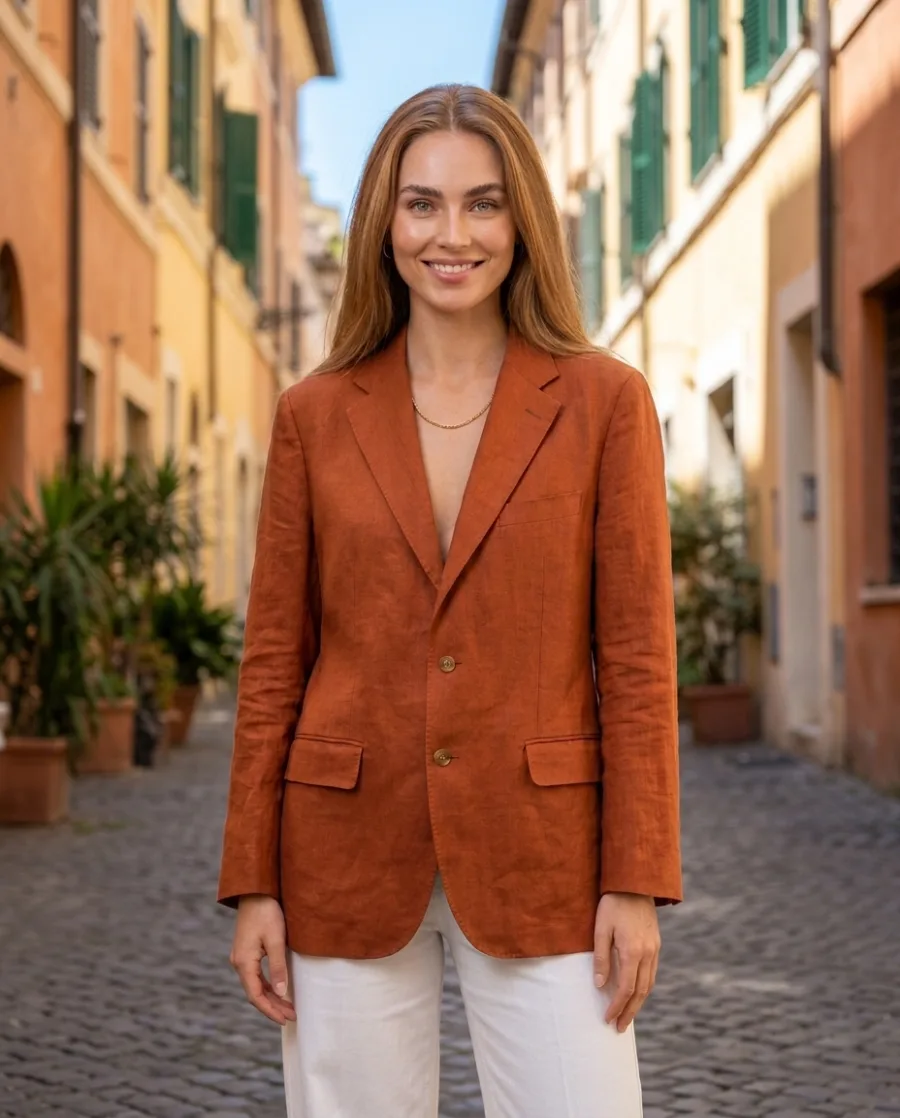 Street
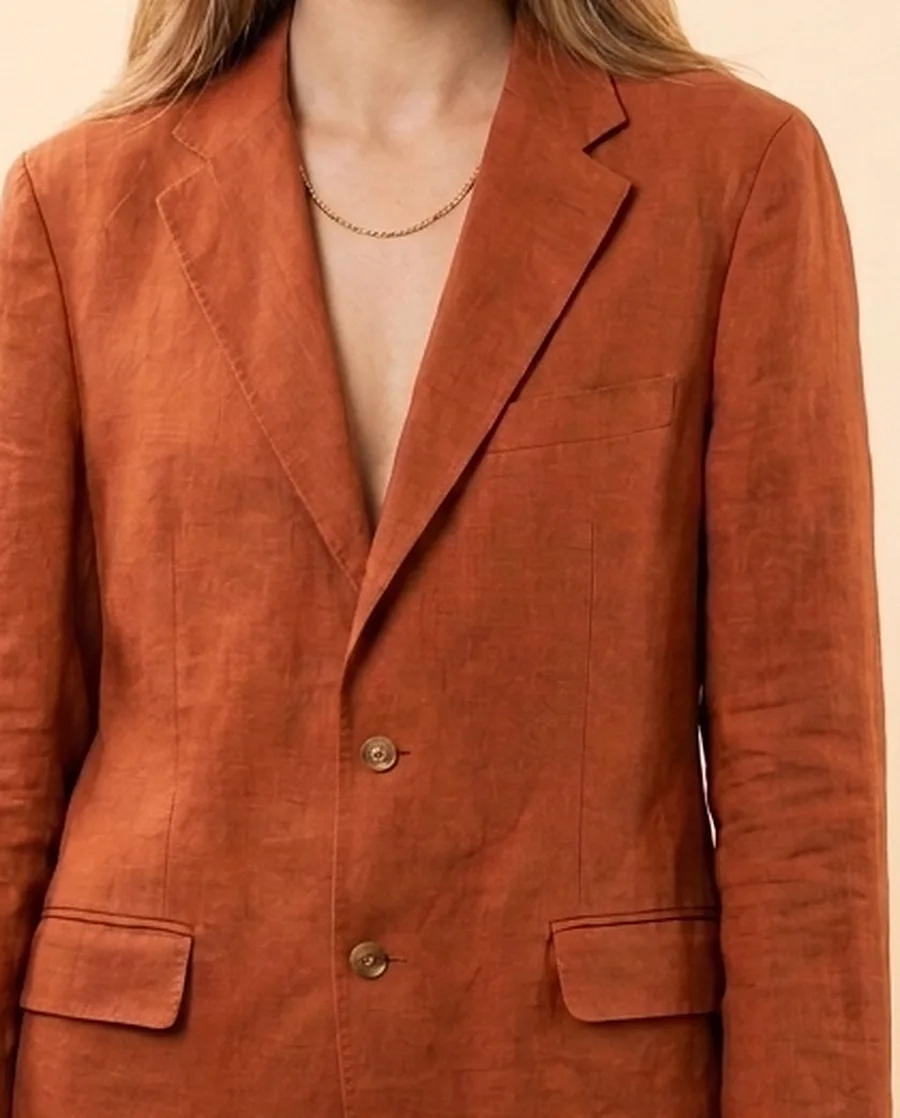 Detail
One look across a whole catalogue
Run one app on up to 200 products. Every product gets the same light, angle and background. No editing every file by hand.
See batch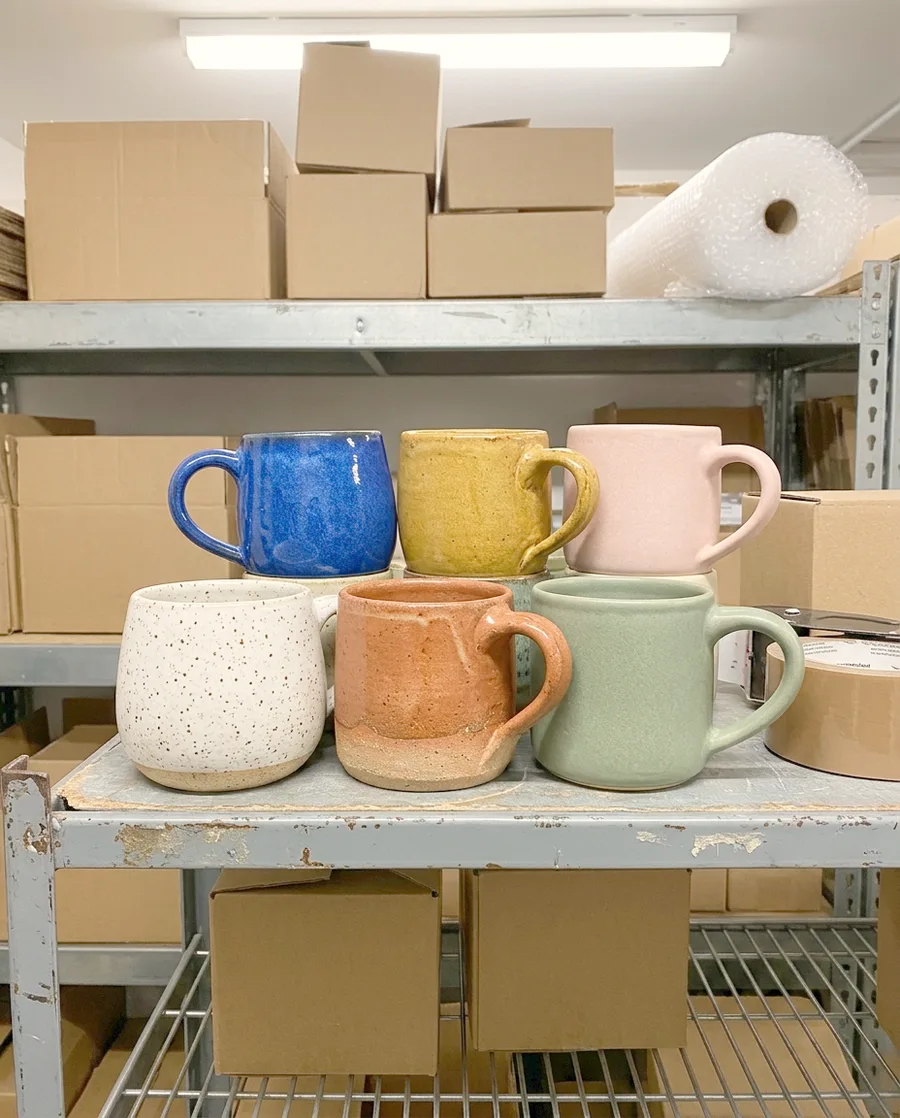 Client catalogue
 Mug 1
Mug 1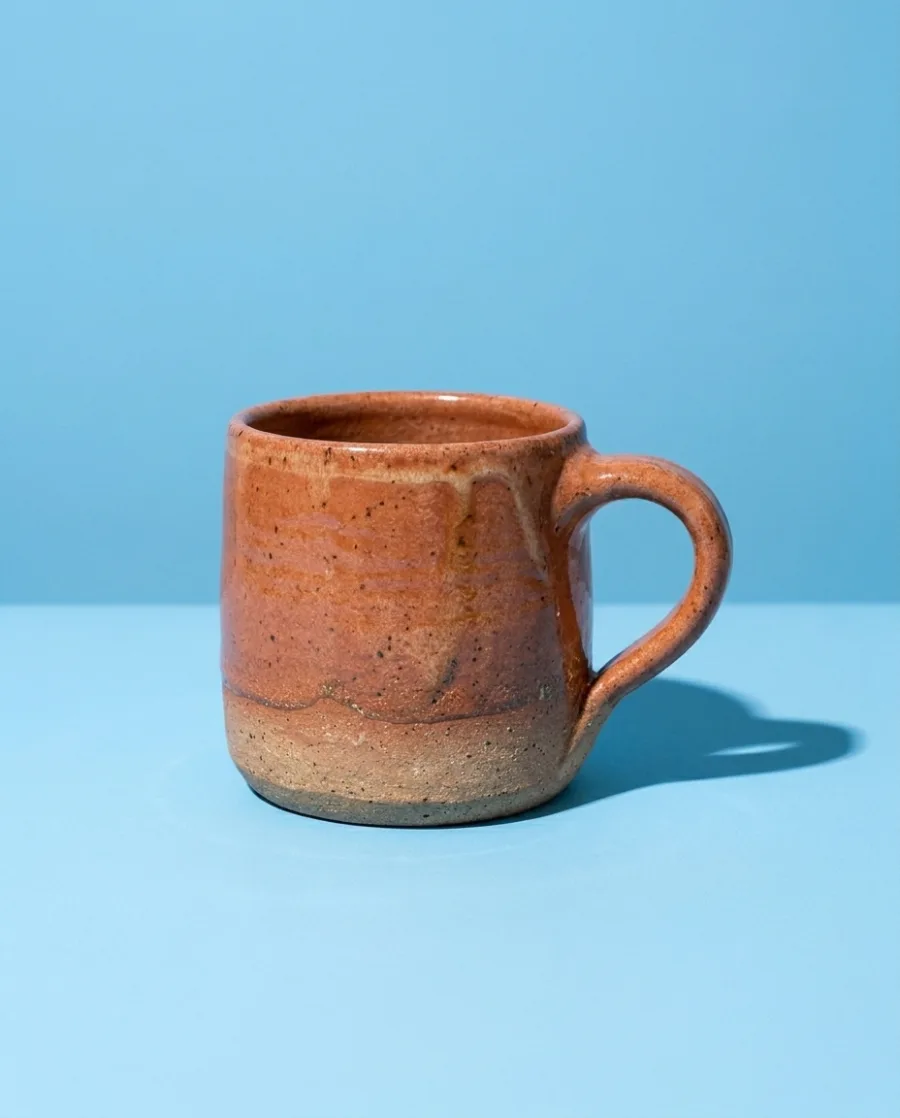 Mug 2
Mug 2 Mug 3
Mug 3Start free. You see the price before you make anything.
Your own photos, your own prompts and the commercial licence start on the Pro plan. Video, virtual try-on and the editors start on the Premium plan.
Inside DesignerBox
Everything in one place
Make, edit, approve and keep every picture and video in one workspace. You do not need a different service for each job.
Put up to 200 products in a sheet and run one job on all of them. You see the total cost before it starts.
See batchSave your logo, colours and fonts once. Pick your brand when you ask for a picture.
See the brand kitSend the client one link. They tick the pictures they like and add a note. They need no account.
See review linksThe picture and video models are built in. DesignerBox picks the model for each job, or you choose it yourself.
See the AI modelsAdd text, your logo and a price to a picture. Add captions, music and one of 20 voices to a video. Both editors start on the Premium plan.
See the video editorWhat you make in Create, Generate and the apps is saved in Assets. Make a folder for each product, client or campaign.
See Assets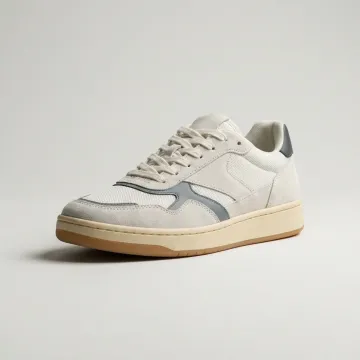 Sneakers
 Sunglasses
 Watch
Watch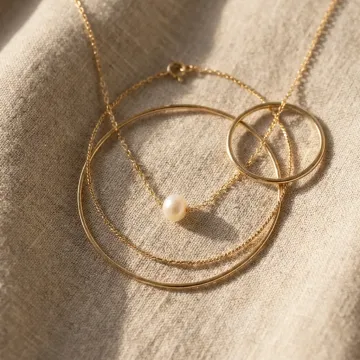 Necklace
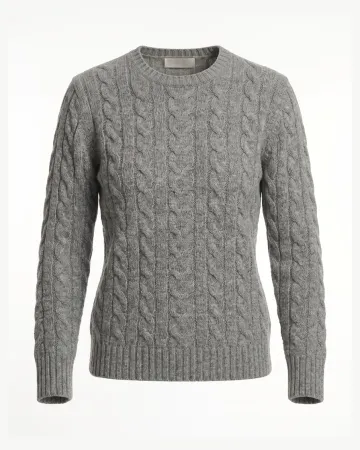 Sweater
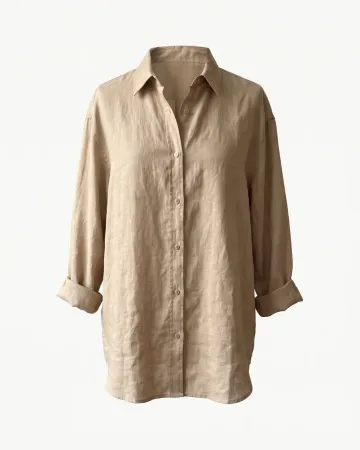 Linen shirt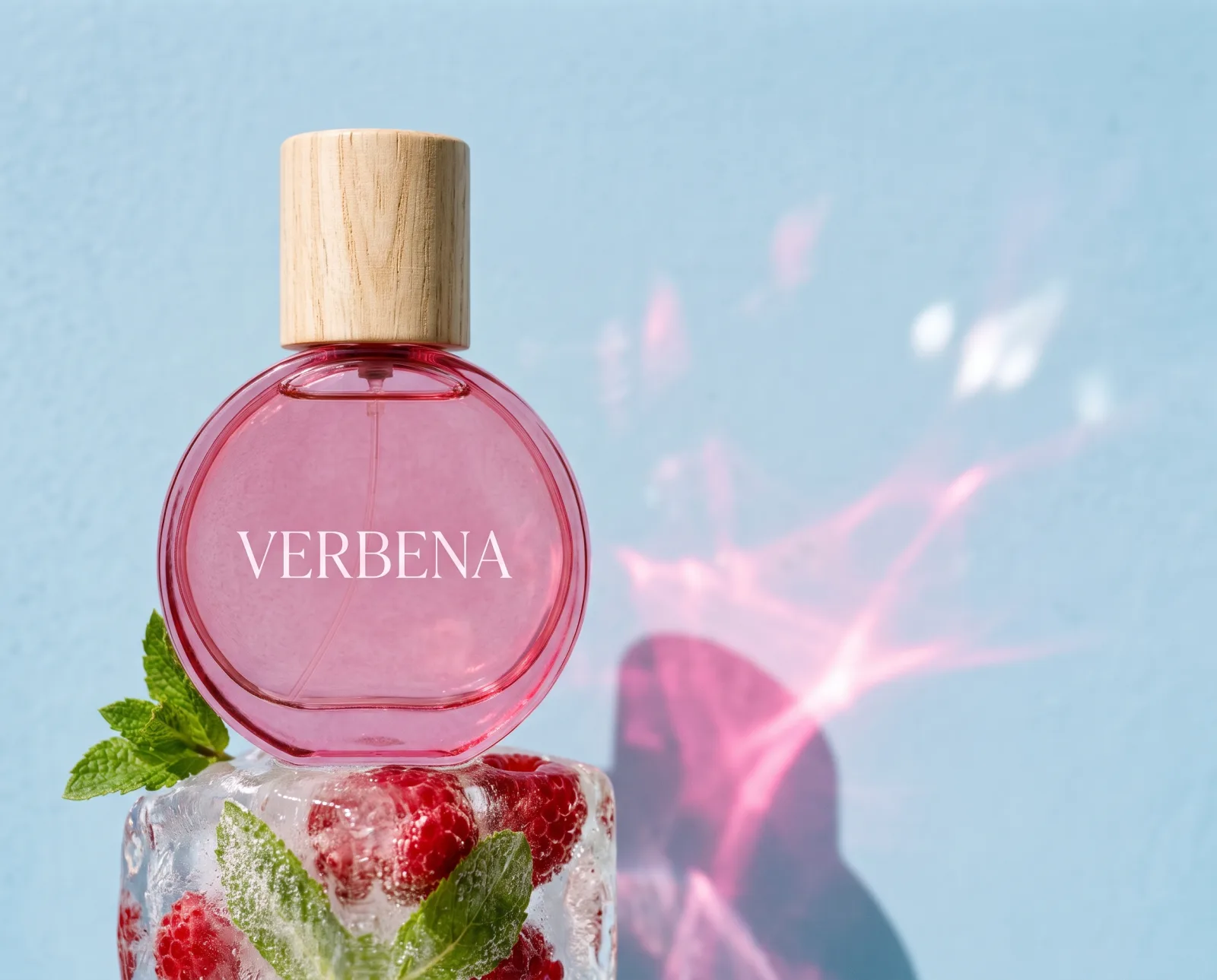
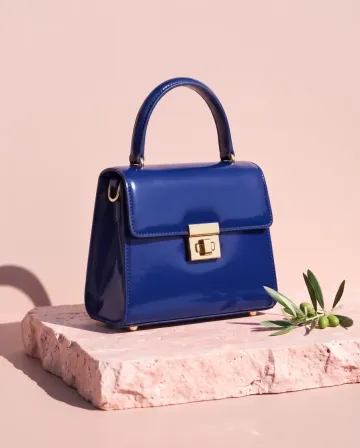

 MThe blue and the green, please.








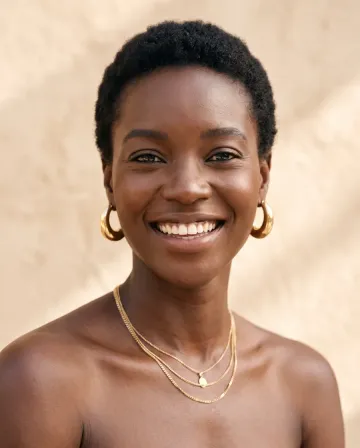
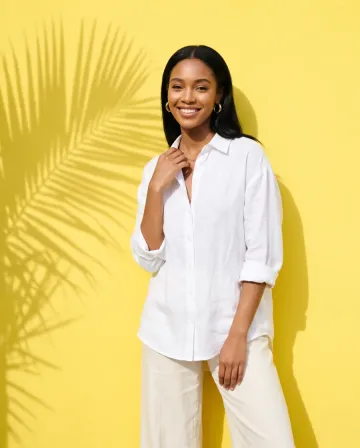
AI chat
DesignerBox in Claude and ChatGPT
Connect DesignerBox once. Then ask for pictures in Claude, ChatGPT or Cursor. You confirm each run in the chat.
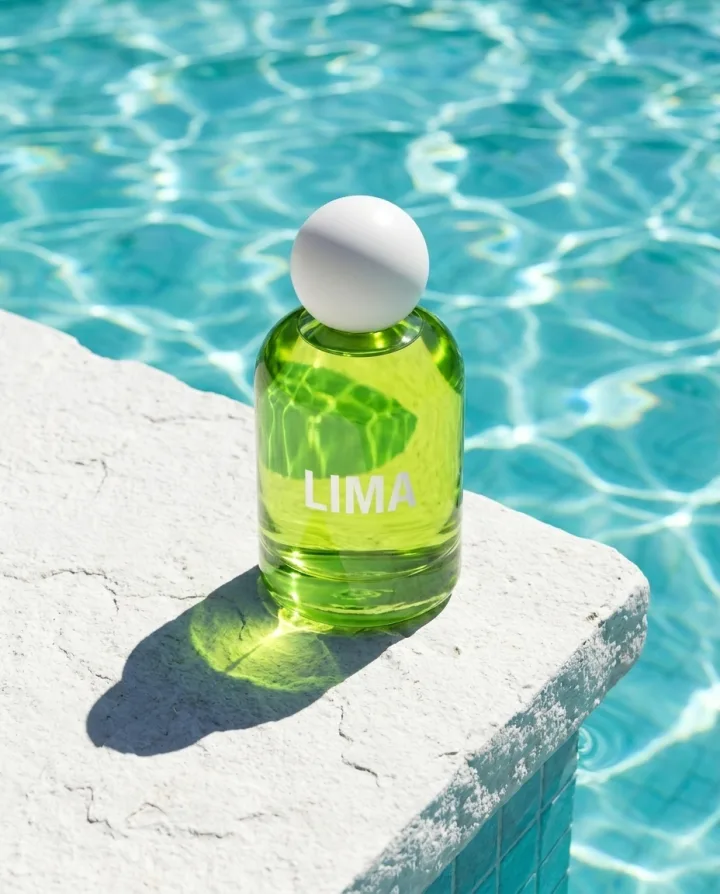
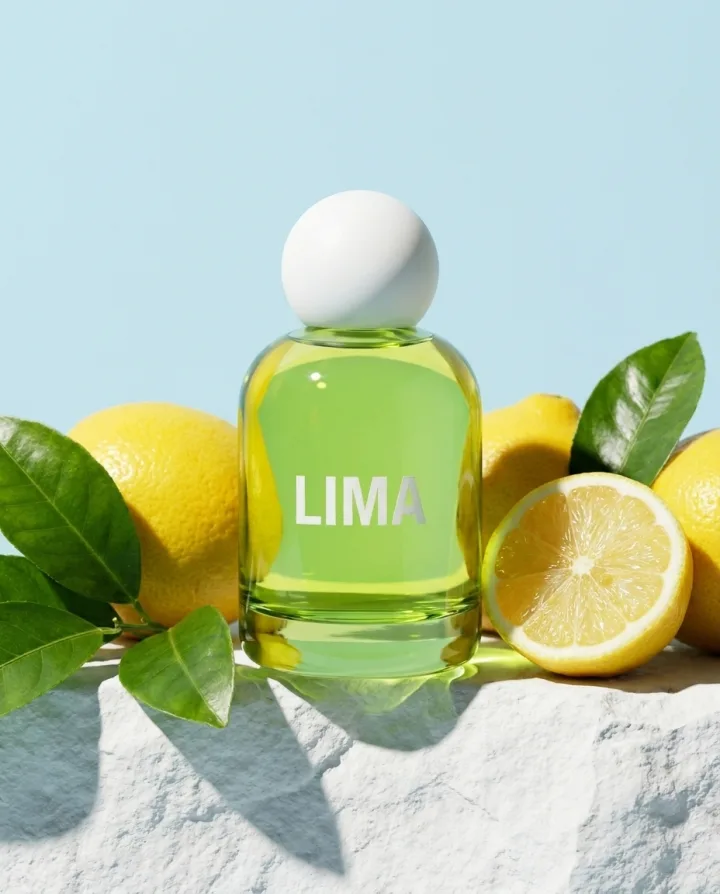
Who it is for
Other businesses
 DevelopersAn image API and MCP server with your brand
 Performance marketersAd versions in every size and language
 Solo foundersA one-person brand with a full set of pictures
 AgenciesEach client's pictures, in their style
 Brand teamsEvery launch and season, in one look
 Online shopsProduct page photos, ads and videos
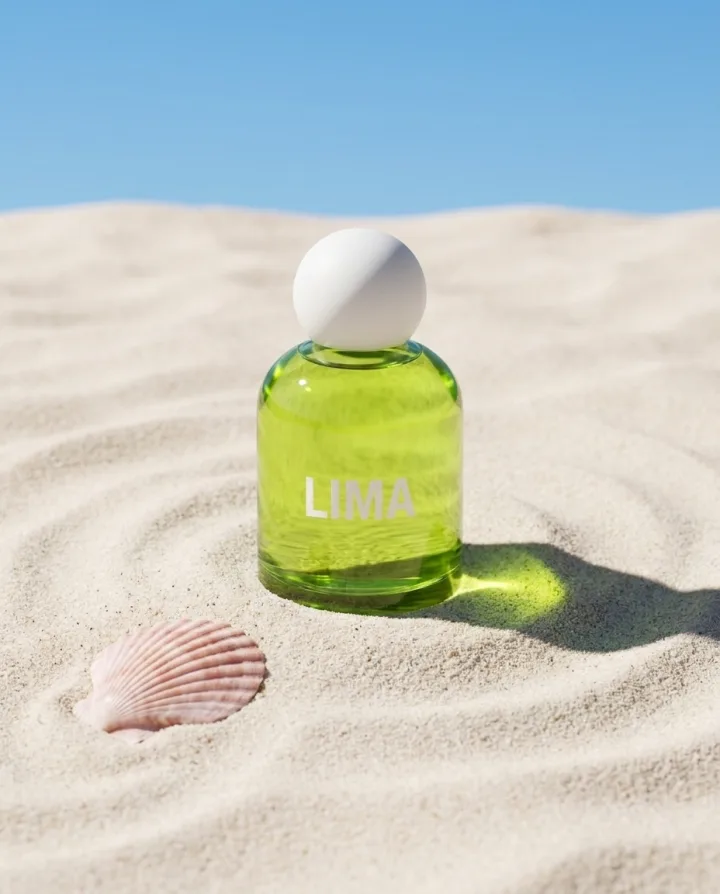
 Etsy sellersListing photos for every piece you make
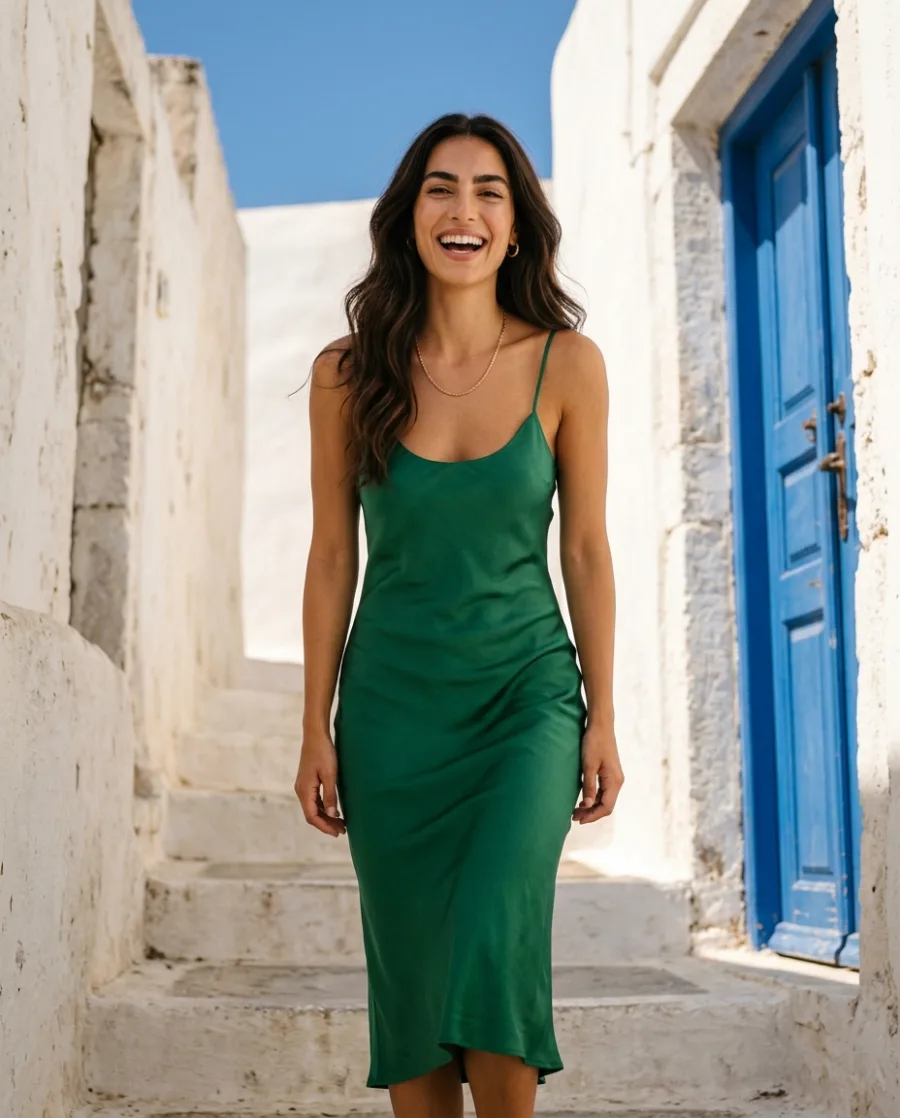 Fashion brandsYour clothes on models, no shoot
Can I keep my studio's look on every job?
Yes. Save your light, angle and backdrop as a workflow, and run it on every product. Every set is made the same way.
Can I quote a job before I make it?
Yes. You see the cost in credits before you press Run, for one picture and for a whole sheet.
Can the client see the pictures before I deliver?
Yes. Send a review link. The client picks the pictures they want and adds a note. They need no account.
Can I sell the pictures to my clients?
Yes, from the Pro plan, where the commercial licence starts. Paid plans also remove the DesignerBox mark from your results.
Is there a free plan?
Yes. You can start free. Your own photos, your own prompts and the commercial licence start on the Pro plan. Video, virtual try-on and the editors start on the Premium plan.
Can my whole team work in one place?
Yes. On the Ultra plan, five people share one workspace. White label options and the API are on the Ultra plan too.
Can I run a whole catalogue at once?
Yes. Add up to 200 products to a sheet, one row each, and run one app on all of them. Then keep or discard each result.
Make your first client set today.
Sign up with Google or your email. Nothing to set up.
Get started free- Claude
- ChatGPT
- Cursor