Apps
AI apps for product photos, ads and quick fixes
An app does one job well. Add a photo, fill a short form and press Run. You see the price on the Run button before you start.
- Claude
- ChatGPT
- Cursor
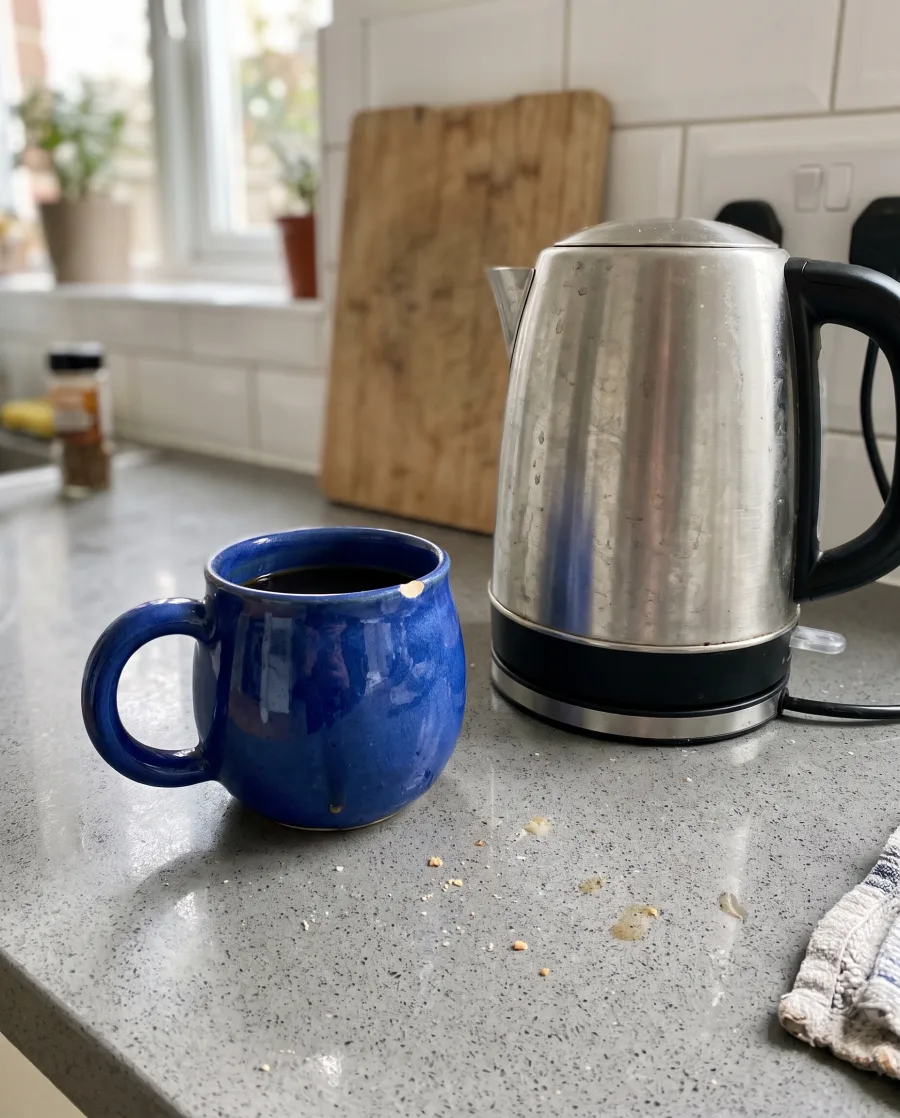 Your photoColoursYellow, coral, sage, blueRun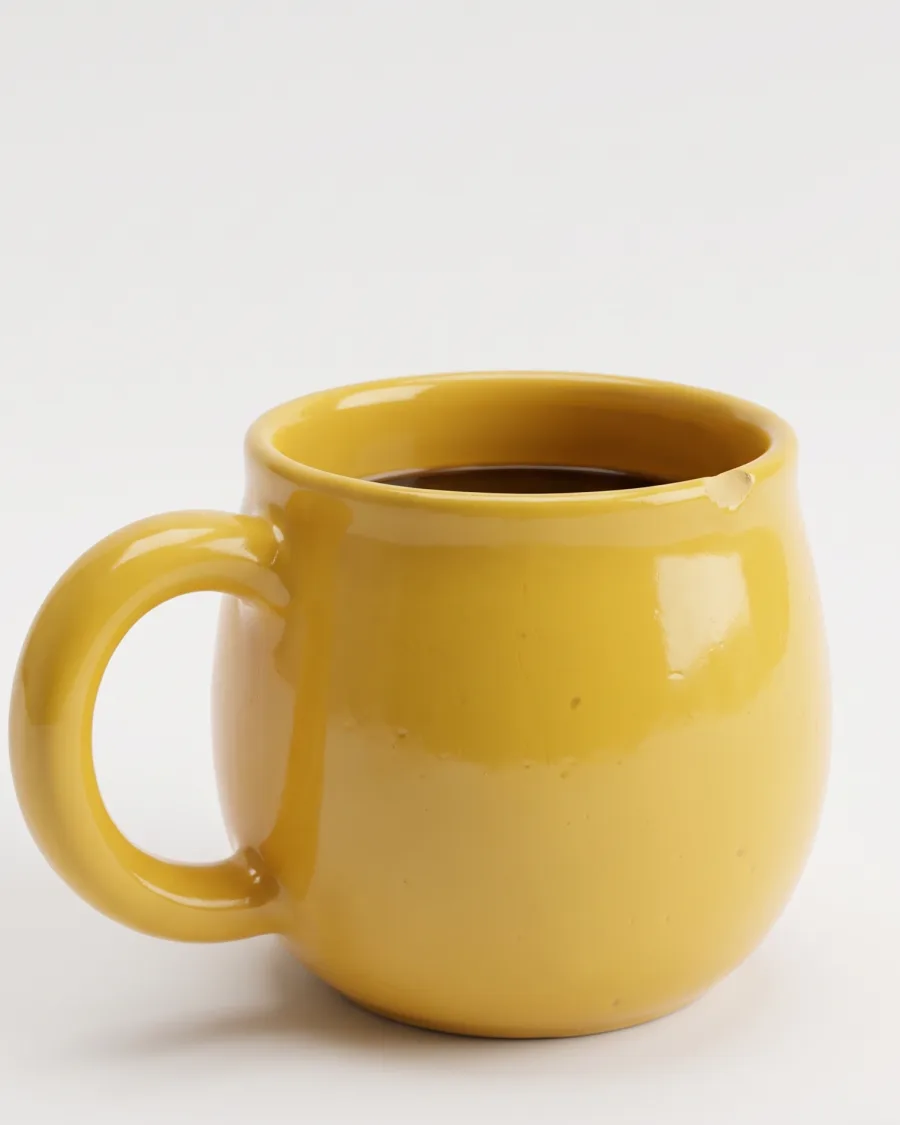
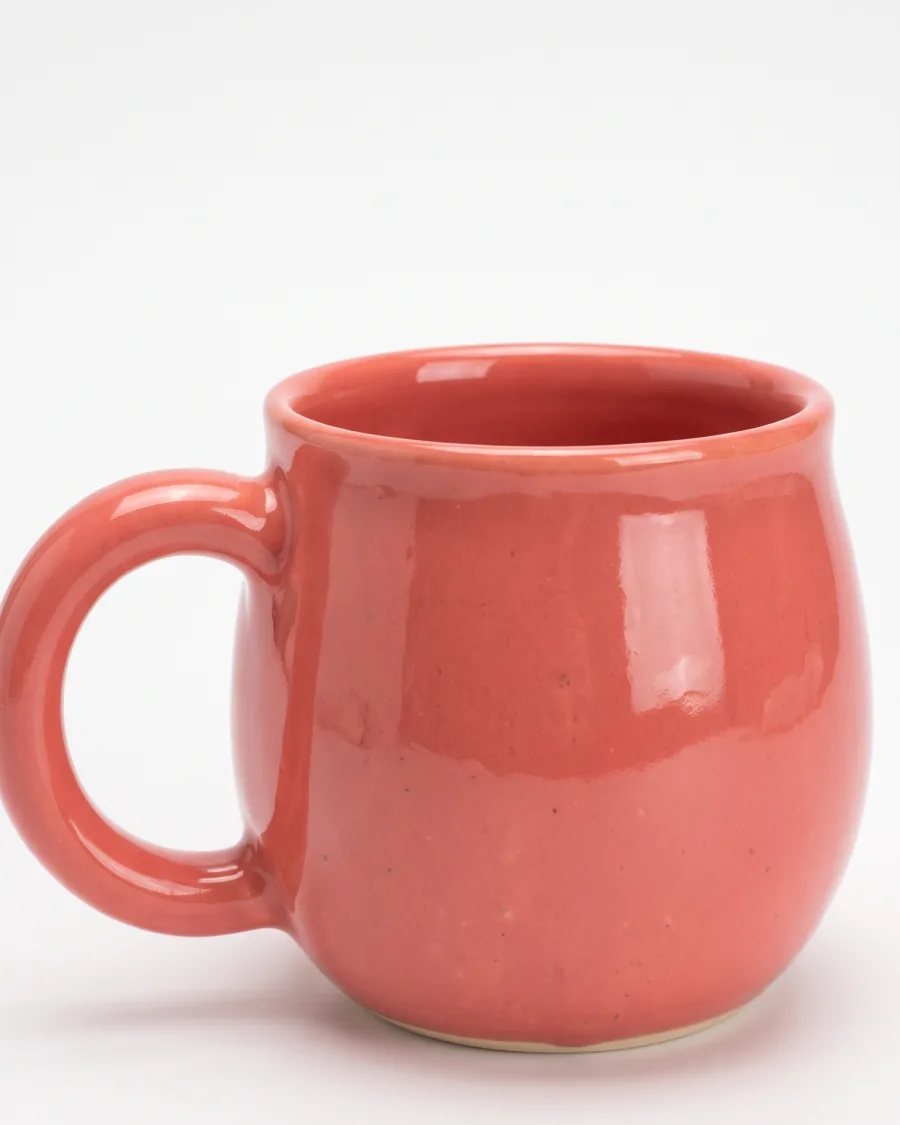
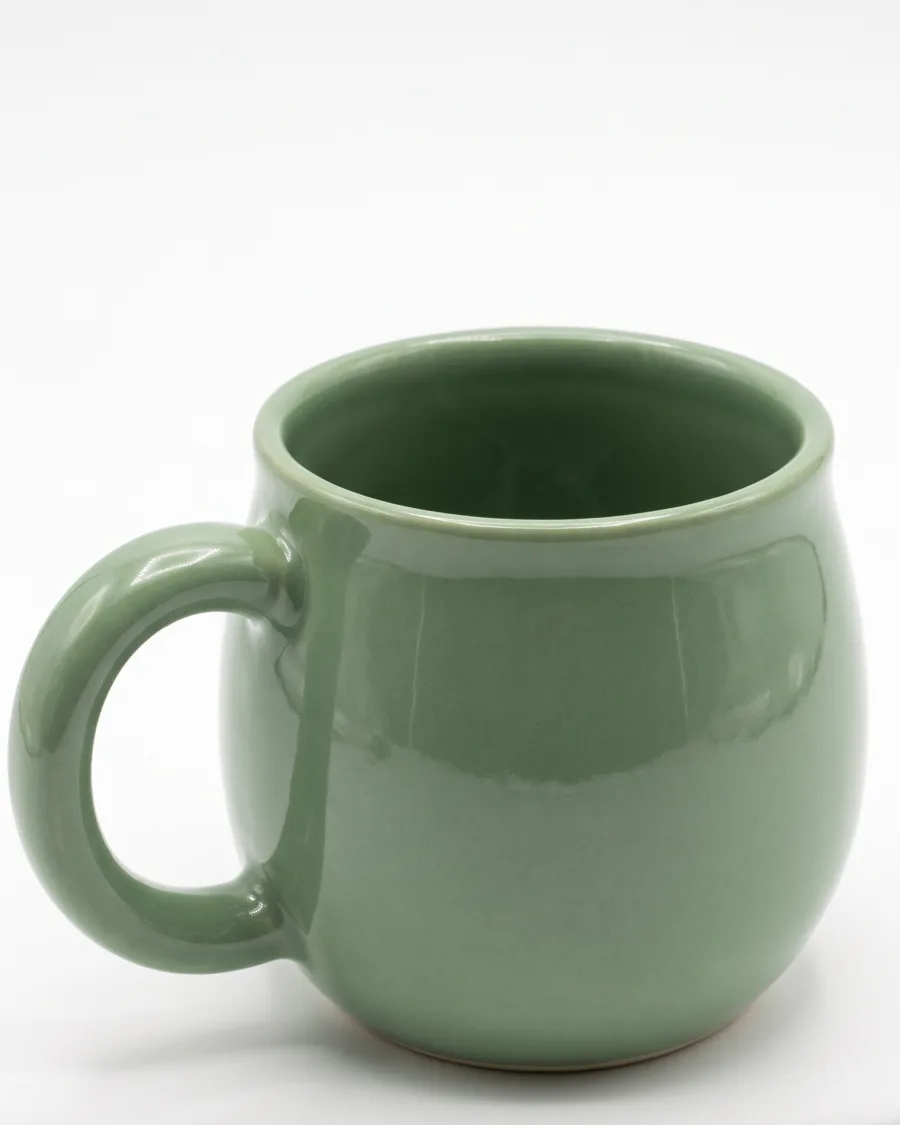
A new colour should not need a new photo shoot.An app does the job from a short form.
What you can make
Cut-outs, colours, model photos and resized ads
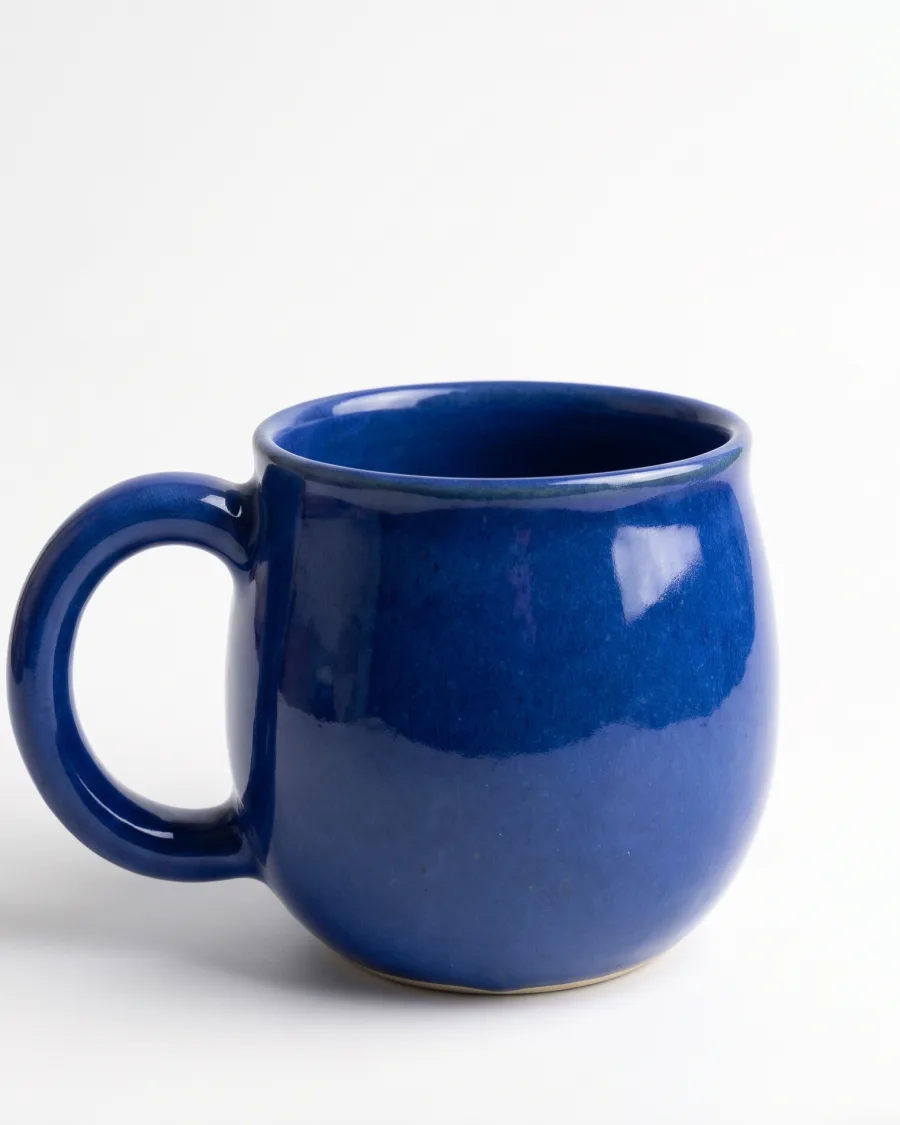
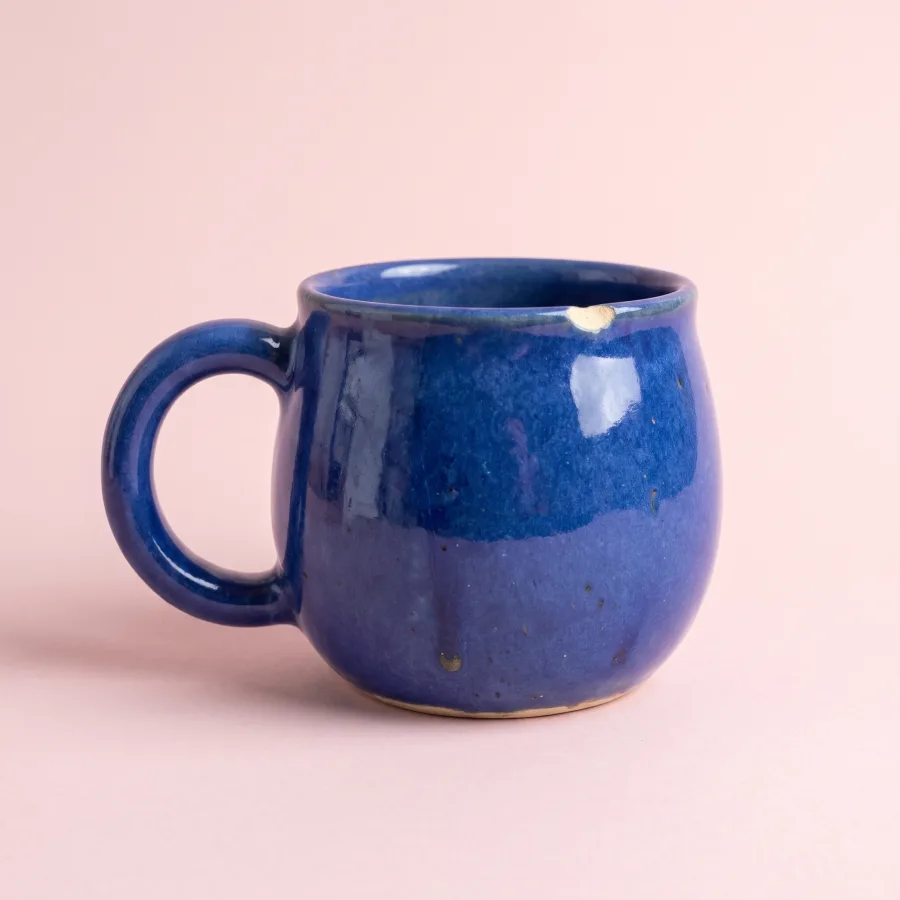
Your product in every colour you sell
Add a product photo and type the colours. You get one picture for each colour, with the same light and the same angle.
See Product in other coloursYour photoYellowCoralSageYour product alone, ready for any background
Add a product photo. You get the product alone, with no background. Then place it on white or on a colour for your shop or a marketplace.
See the product photo appsYour phone photoWhite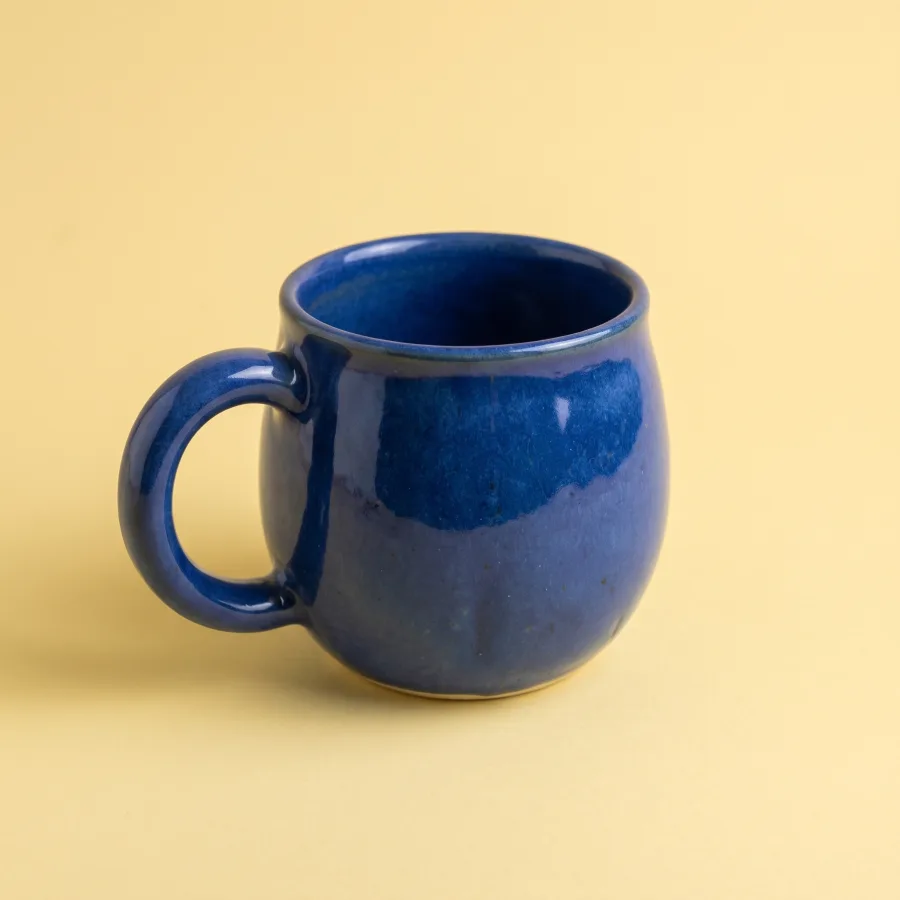 Yellow
 Pink
PinkYour clothes on a model, in the look you pick
Add photos of your clothes and pick a model or an avatar. Choose a look: clean product page, lifestyle, campaign or editorial.
See Clothes on a model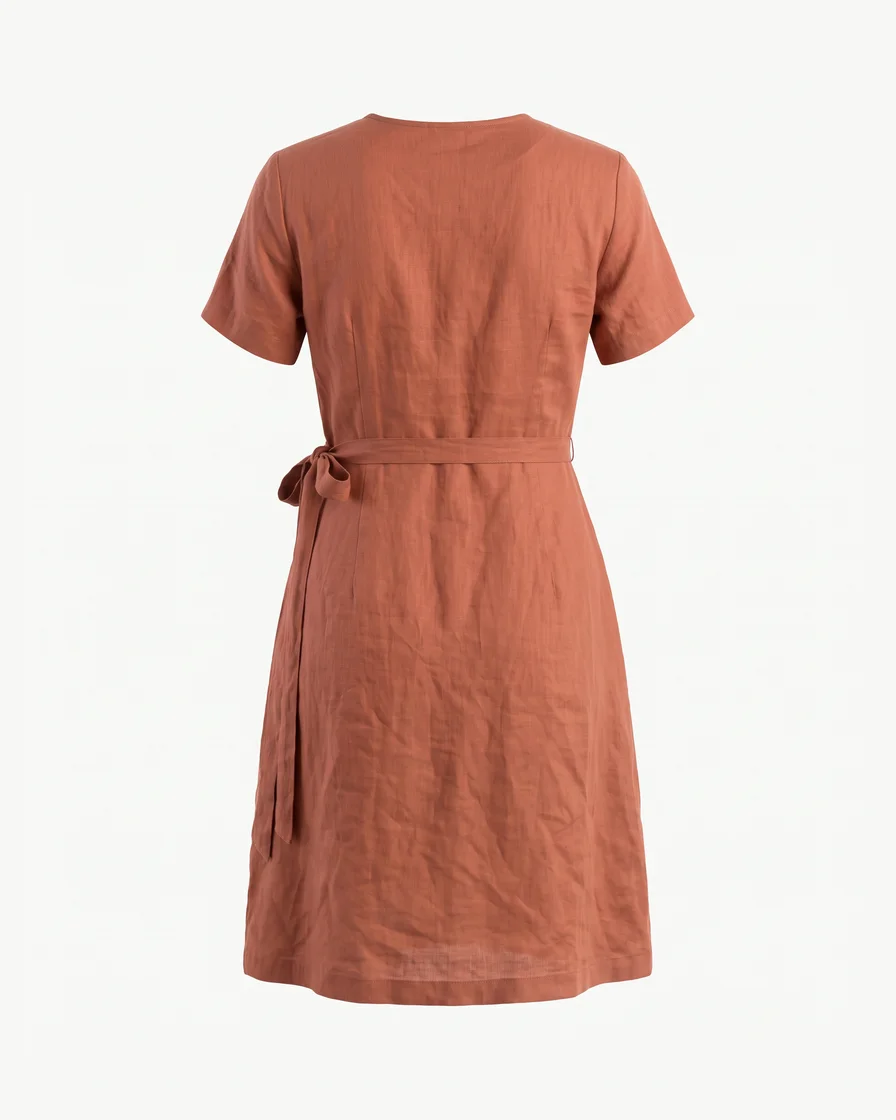 Your garment
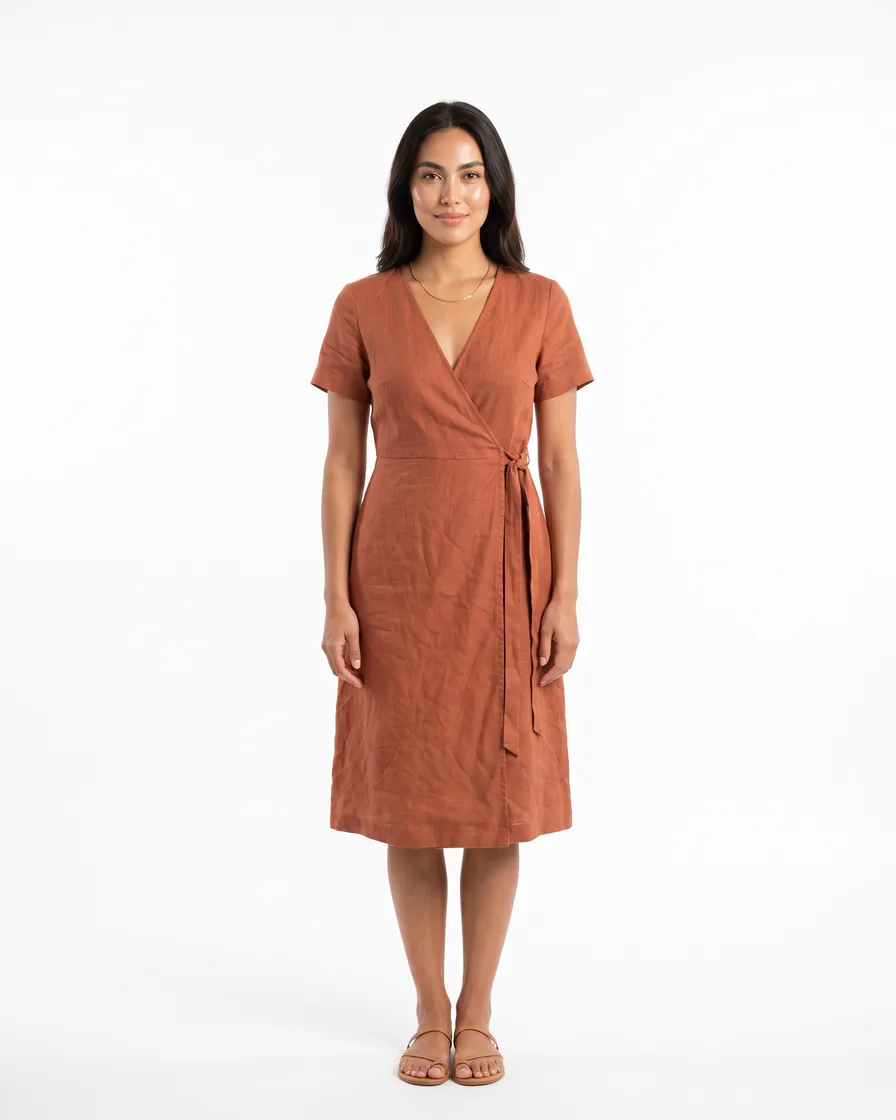 Clean product page
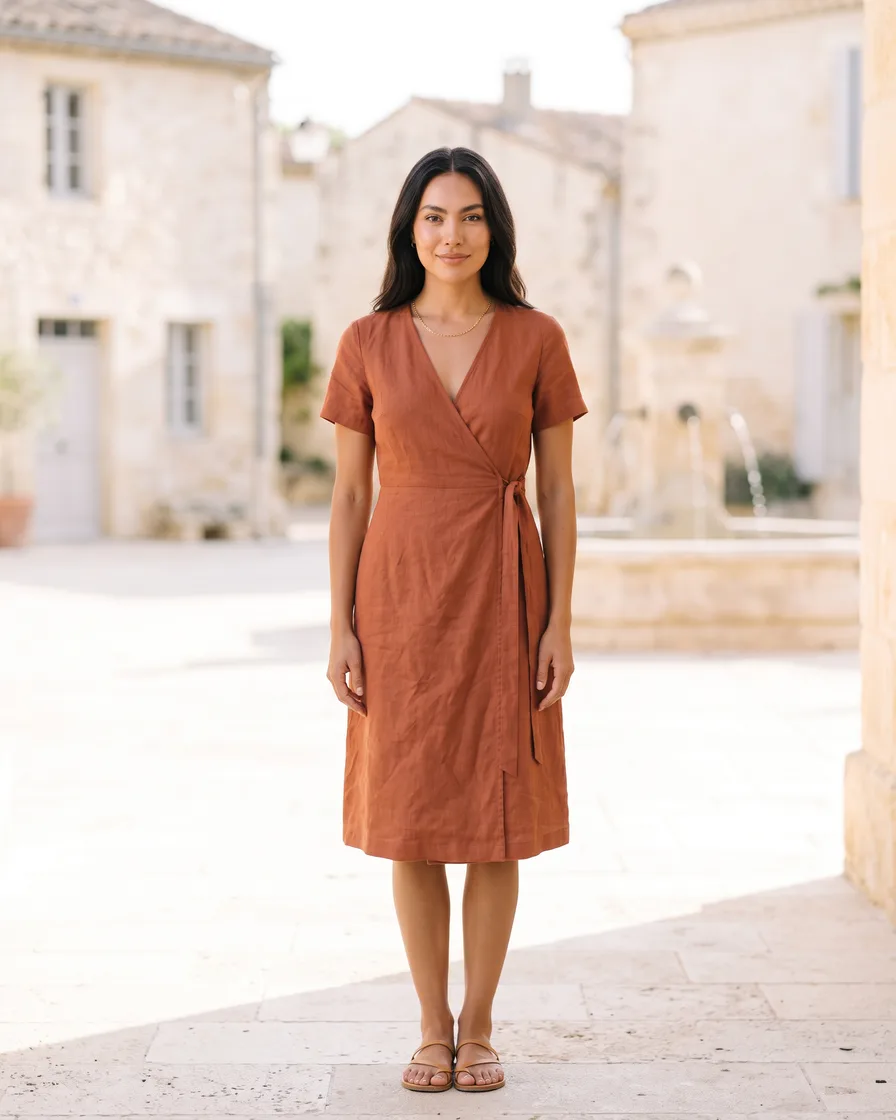 Lifestyle
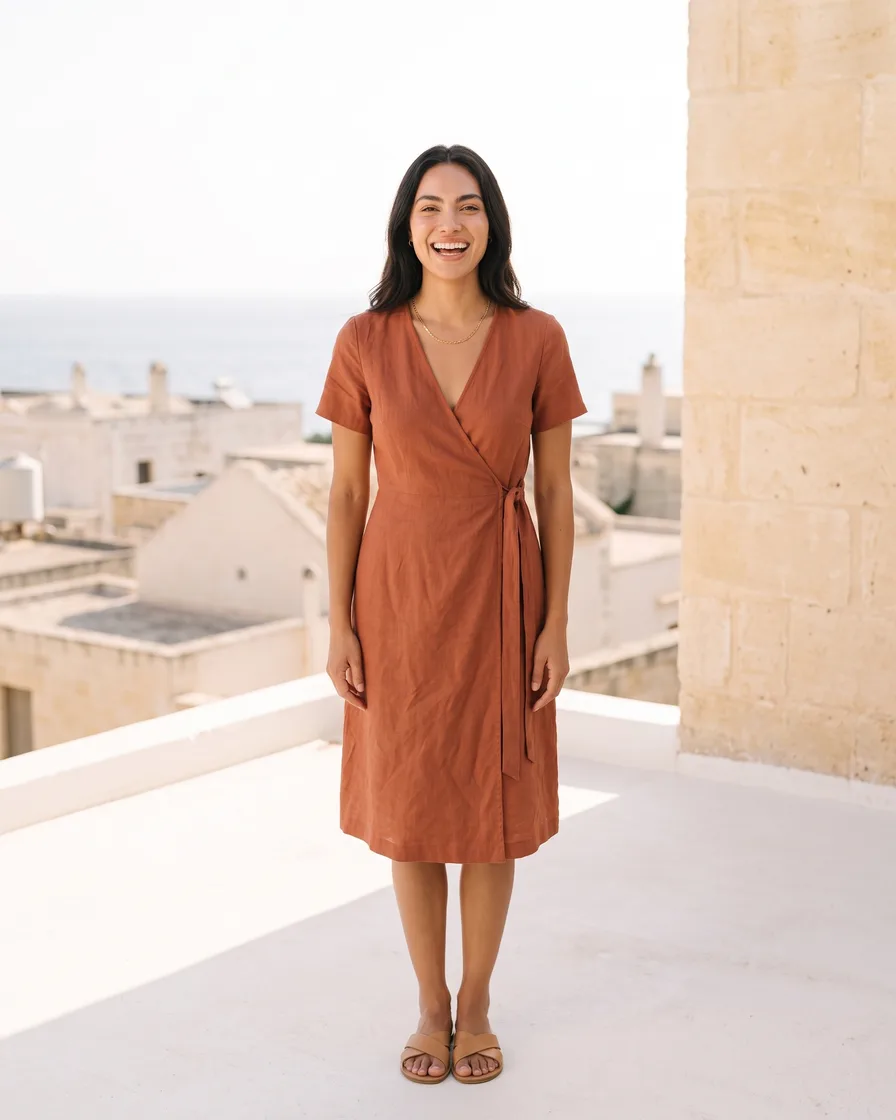 Campaign
One ad in the sizes every placement needs
Add an ad you already have. You get the same ad in four sizes, with the words kept in place.
See Ad in other sizes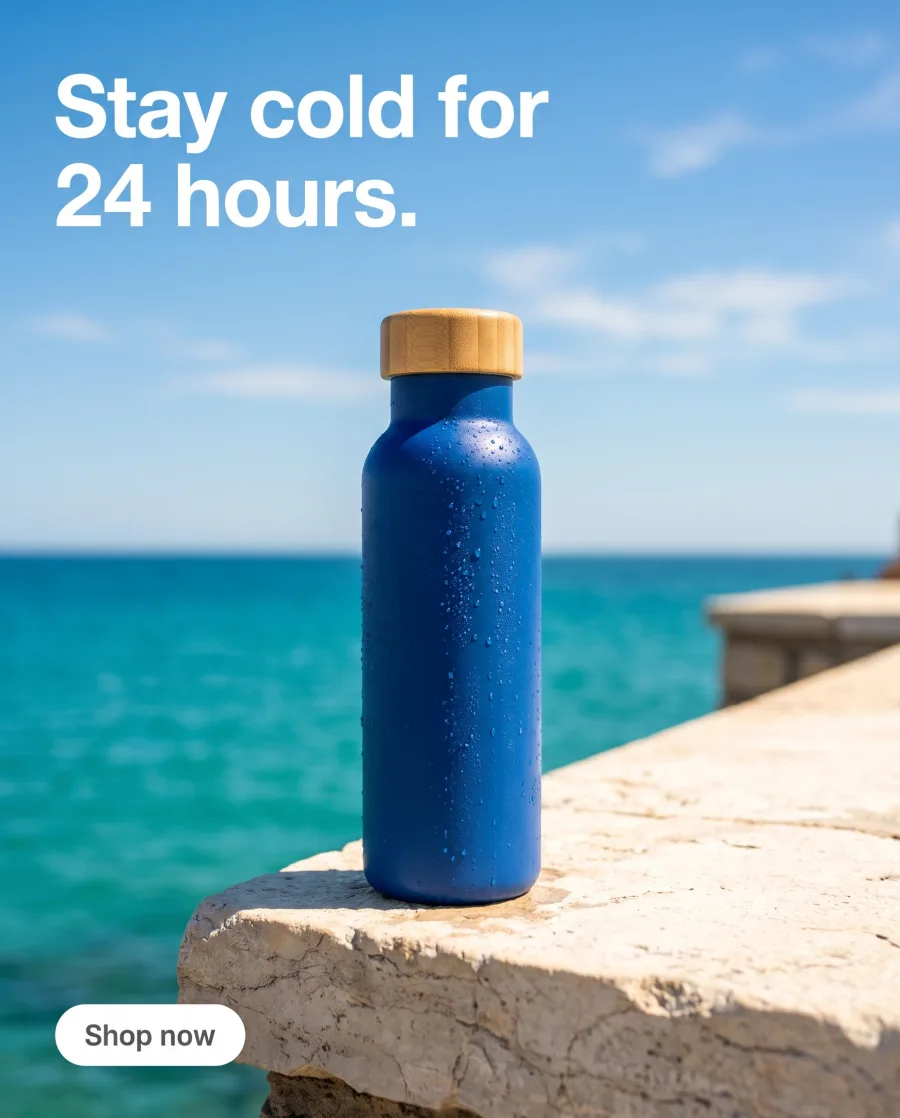 Your ad
 Square 1:1
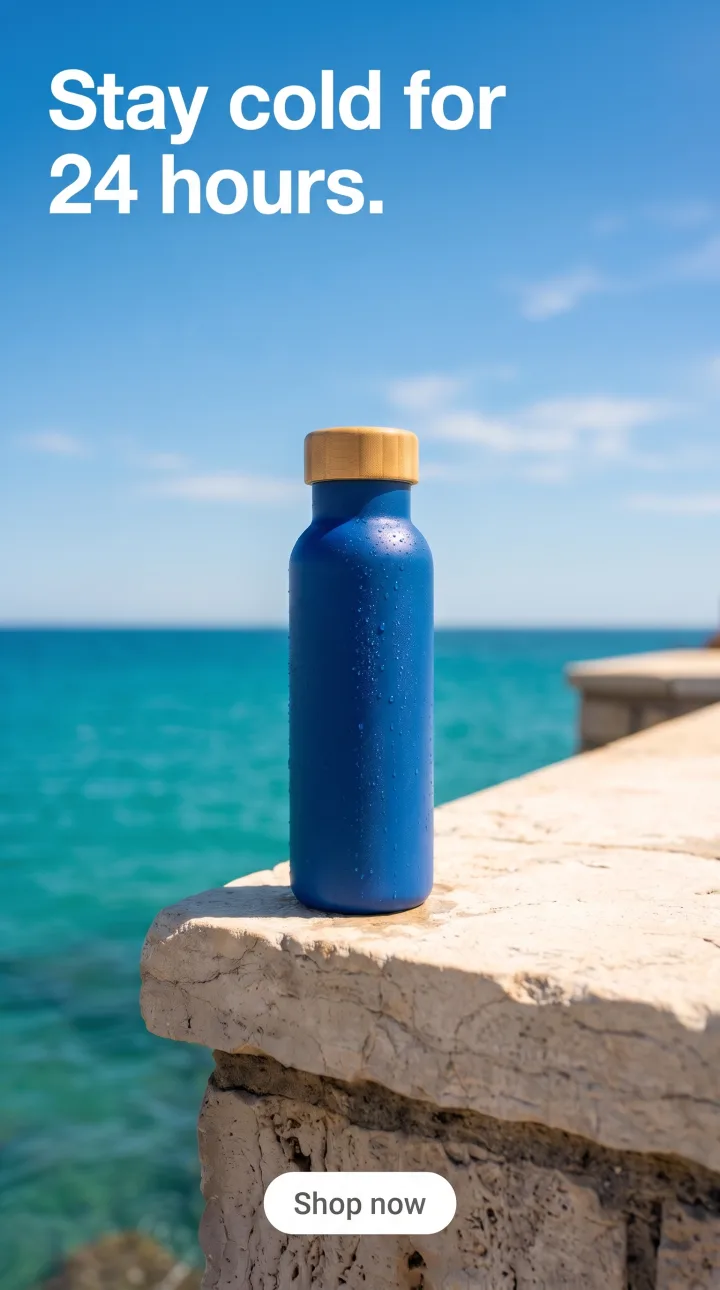 Story 9:16
Start free. You see the price before you make anything.
Your own photos and prompts start on the Pro plan. Video starts on the Premium plan.
How it works
How to run an app
Open Automation, then Apps. Filter by Product photos, On a model, Ads, Social, Video or Fix a picture.
Press Try it with a sample to see the result first. Or add your own photo.
Type a few words: a place, the colours, the languages or your headline. The app does the rest.
The price is on the card and on the Run button, before anything is made.
The result is saved in Assets. Send it to a client for review, or download it.
Open app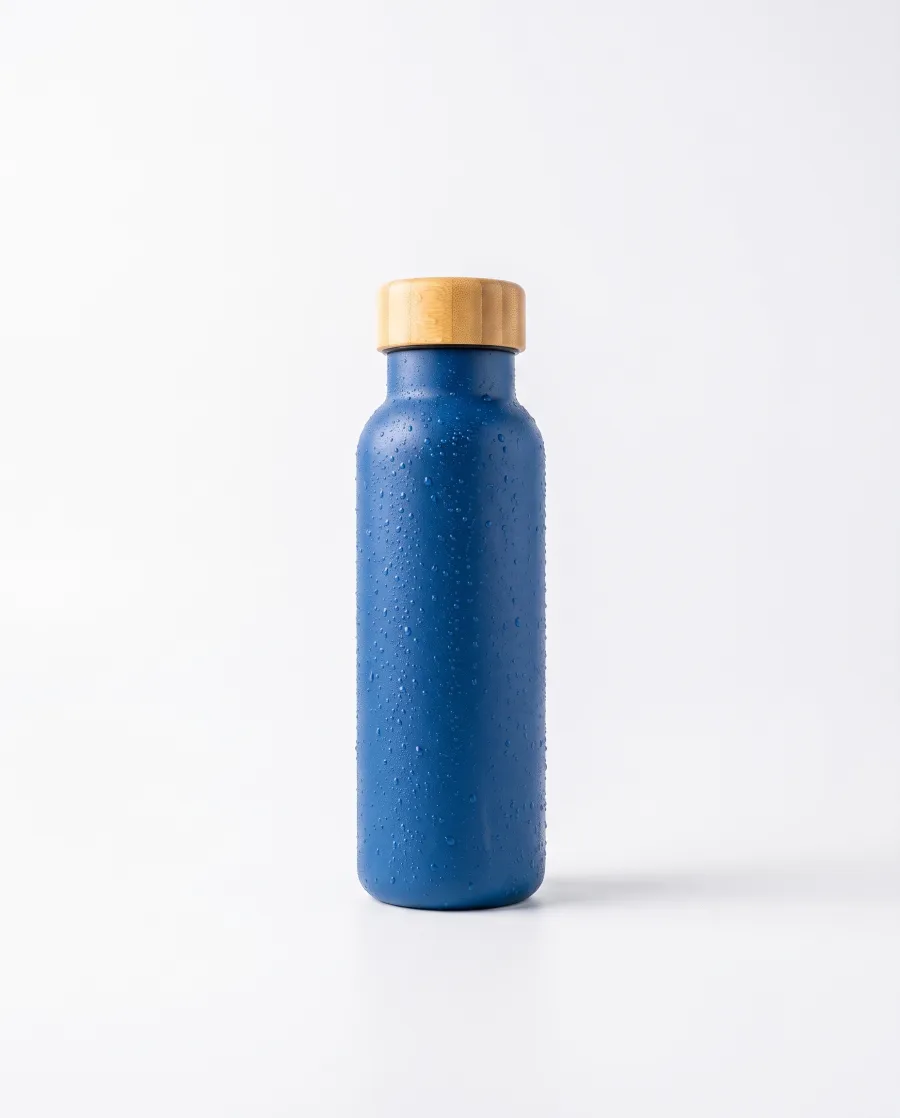
 Your photoRunYour garmentModelAvatar: SofiaLookLifestyleRunYour adSizesSquare, story, wide, bannerRunSYellow and coral for the shop, please.
Apps
Apps you can run today
- Product in other coloursYou add a product photo and the colours. You get one picture for each colour.
- Remove a backgroundYou add a product photo. You get the product alone, with no background.
 Clothes on a modelYou add photos of clothes and a model. You get the model wearing them.
- Ad in other sizesYou add an ad. You get the same ad in four sizes.
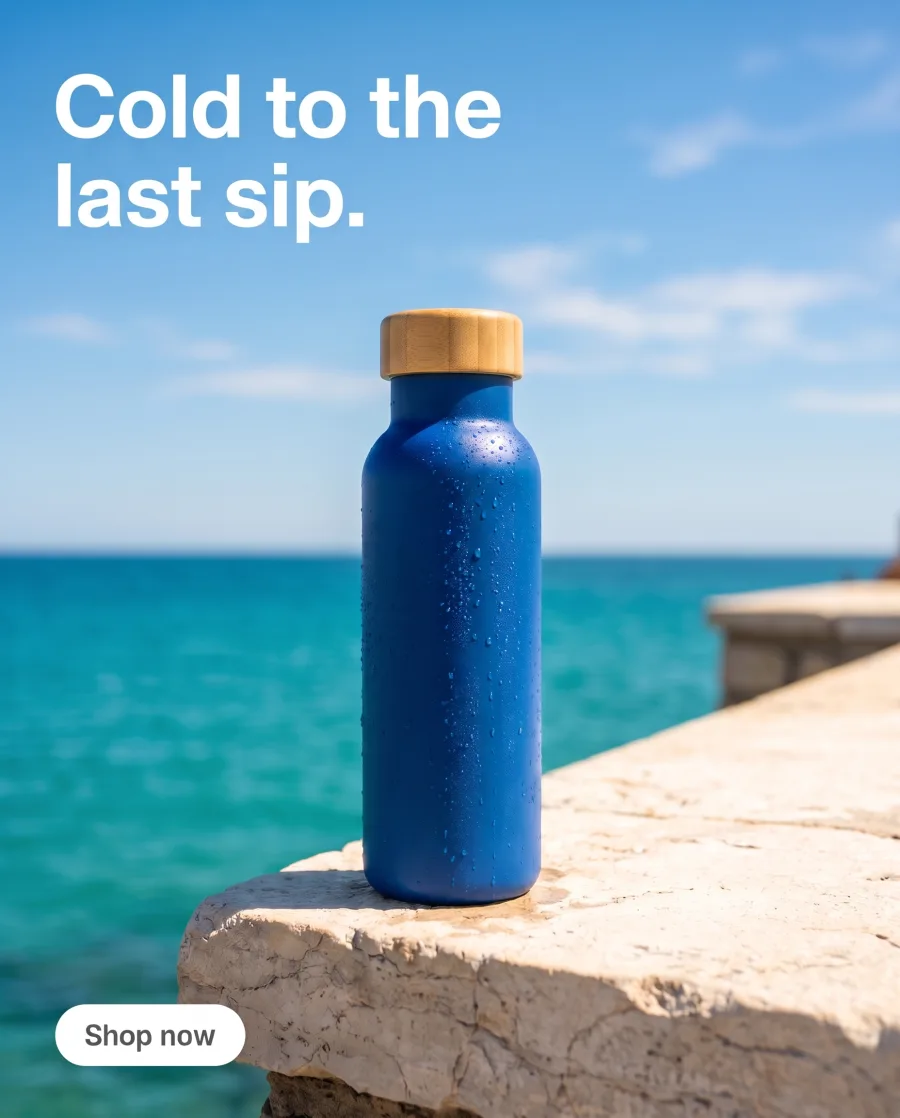 Ad in other languagesYou add an ad and the languages. You get the same ad in each language.
 Video from a photoYou add a photo and the movement. You get a 5-second video.
 Video with a personYou add your words and a product photo. You get a person saying your words.
 Retouch a portraitYou add a photo of a face. You get the same picture with skin that looks real.
Inside DesignerBox
Everything else in one place
Each part has its own page. You do not need a separate app for each job.
 CreateAsk for a picture in your own words
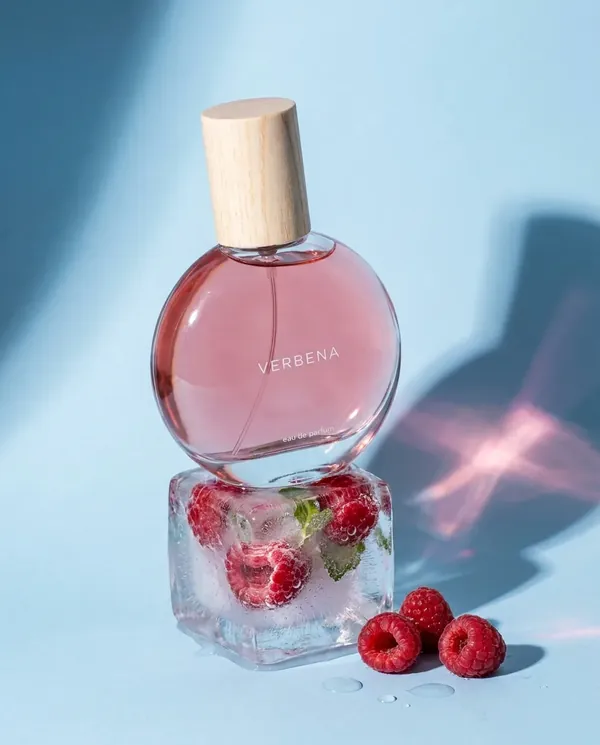 GeneratePick the picture or video model yourself
 InspirationMake a finished idea with your product
 AvatarsOne person in every picture and video
 Brand kitYour logo, colours, fonts and rules
 Image editorAdd text and a logo in ready social sizes
 Video editorCaptions, a voice and music on your clips
 AssetsEvery picture and video, in folders
 ReviewsYour client picks pictures from a link
 TemplatesReady workflows with every step built
 WorkflowsSave your steps and run them again
 BatchOne job on up to 200 products
What is an app in DesignerBox?
An app is a ready workflow behind a short form. It does one job, like removing a background or resizing an ad. You add a photo, see the price and press Run.
Do I need to write anything?
Usually a few words: a place, the colours, the languages or your headline. The app does the rest.
How do I know the cost?
The price is on the app card and on the Run button, before anything is made.
Can I try an app first?
Yes. Every app has Try it with a sample, so you can see the result before you use your own photo.
Can I make my own app?
Yes. Build a workflow, then publish it as an app for yourself or for your workspace.
Which plan do I need?
Apps run on every plan. Your own photos start on the Pro plan, and video starts on the Premium plan.
Run your first app.
Sign up with Google or your email. Nothing to set up.
Get started free- Claude
- ChatGPT
- Cursor










