Brand kit
Brand kit for AI pictures and videos
Save your logo, colours, fonts, rules and products once. Pick the brand in Create, and the chat writes in your voice and puts your real product in the picture.
- Claude
- ChatGPT
- Cursor
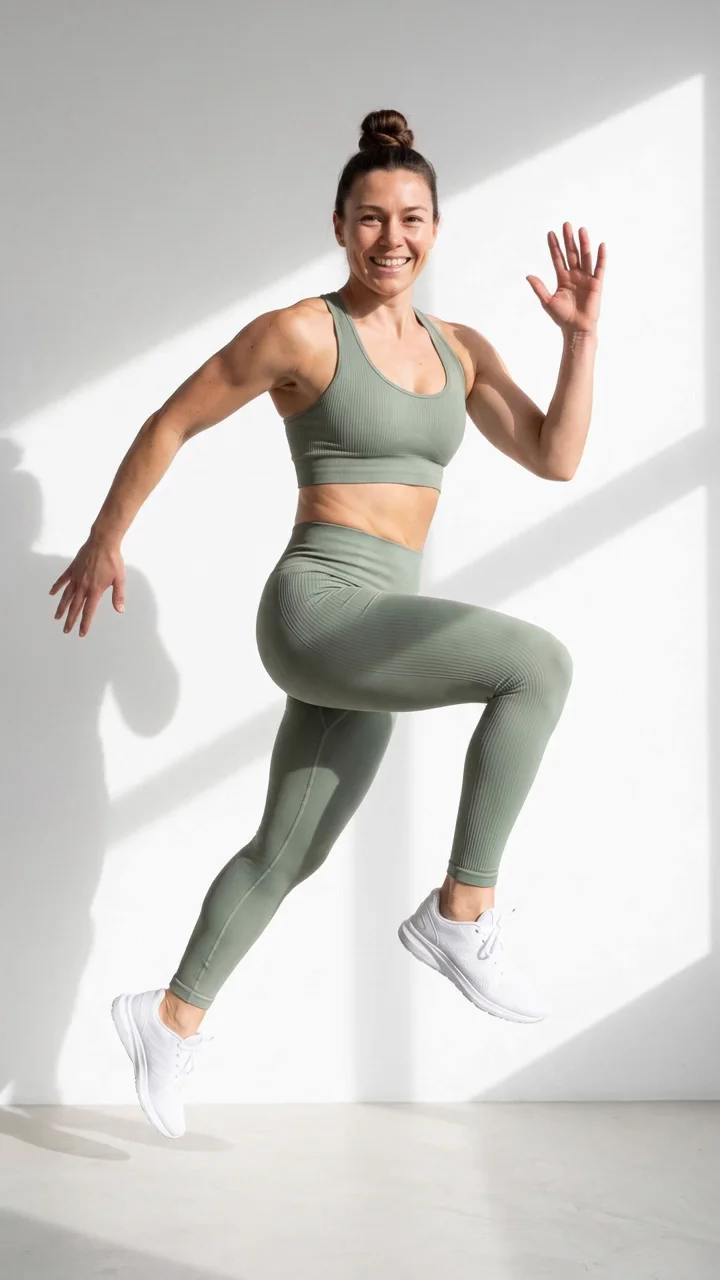
 LogoFORMAColoursFontsAaHeadline and bodyRulesSoft daylight. Sage and oat tones.
Typing your product 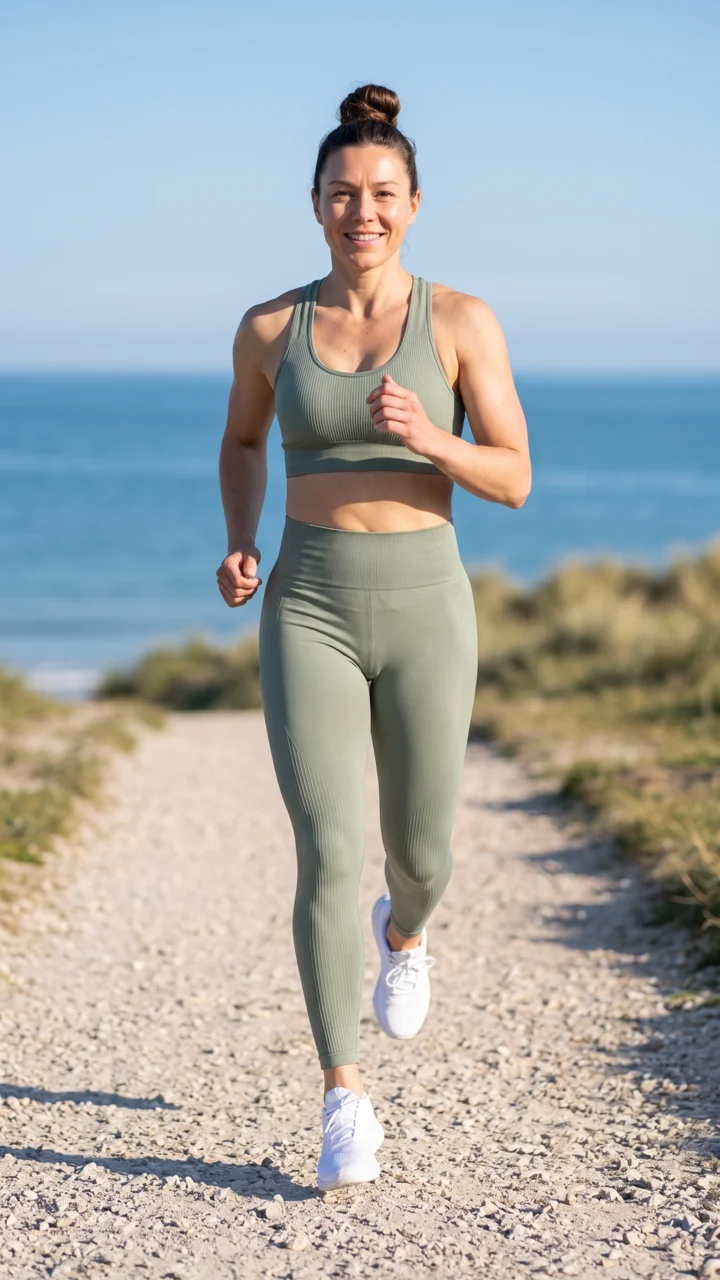 , colours and rules into every request is slow.Save them once. Create uses them every time.
What changes with a brand kit
Pictures with your real product, colours and voice
Your real product in every picture you ask for
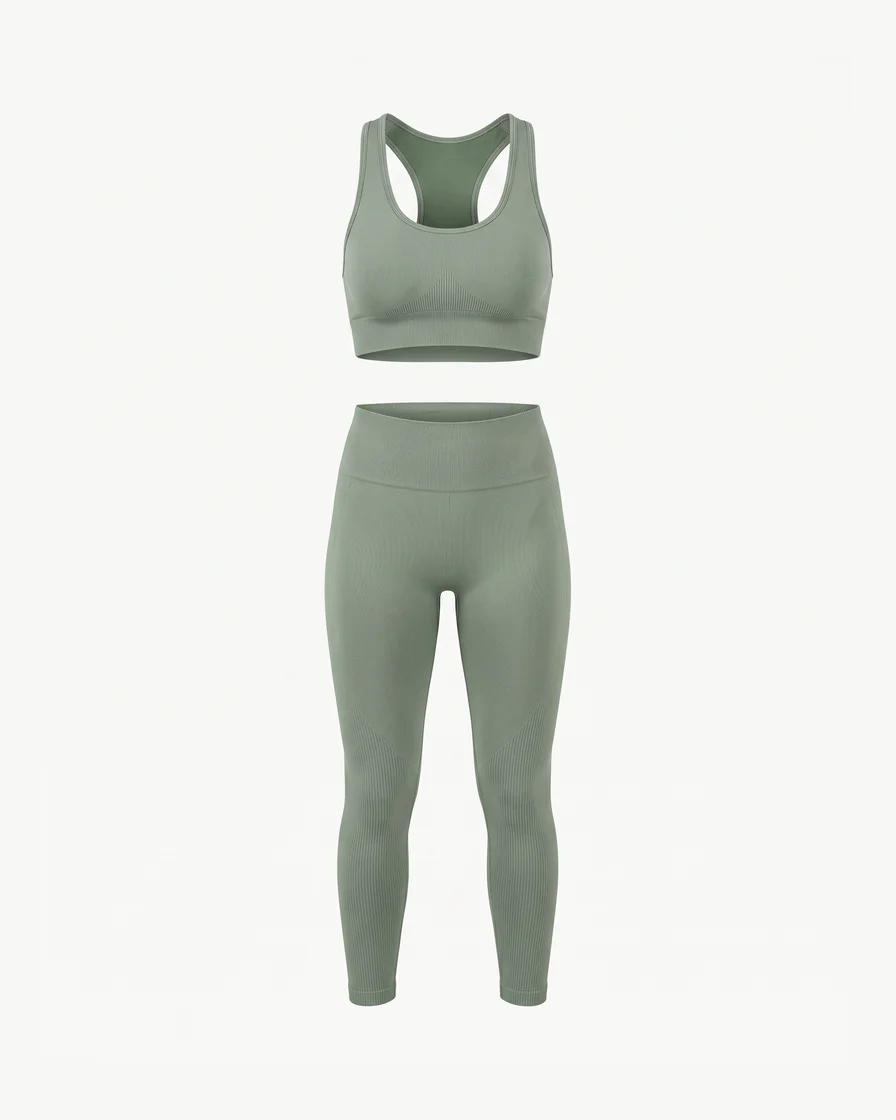
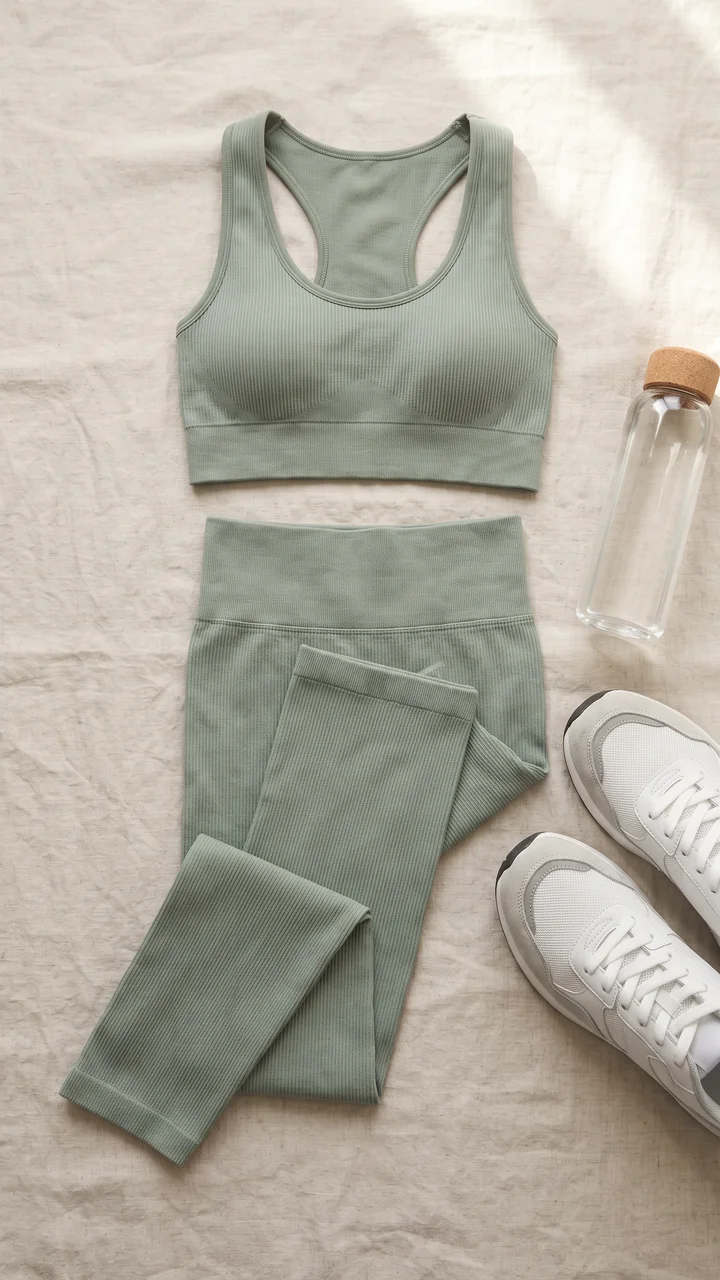
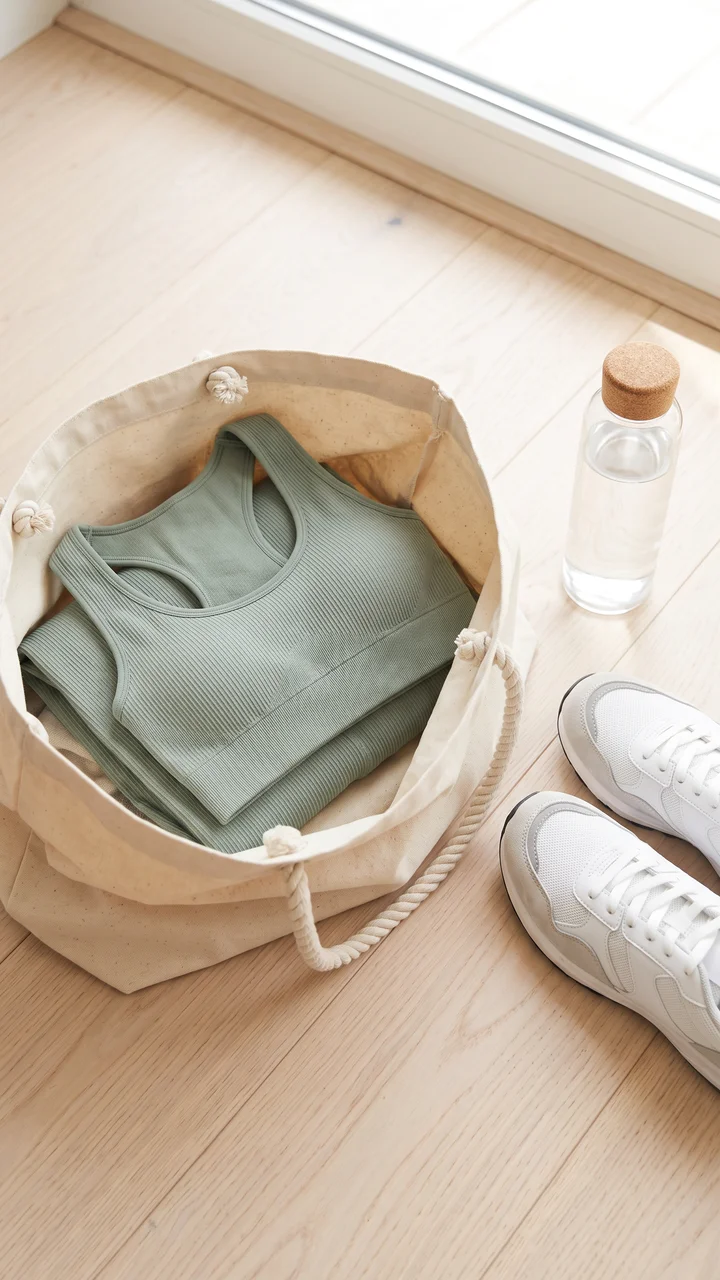
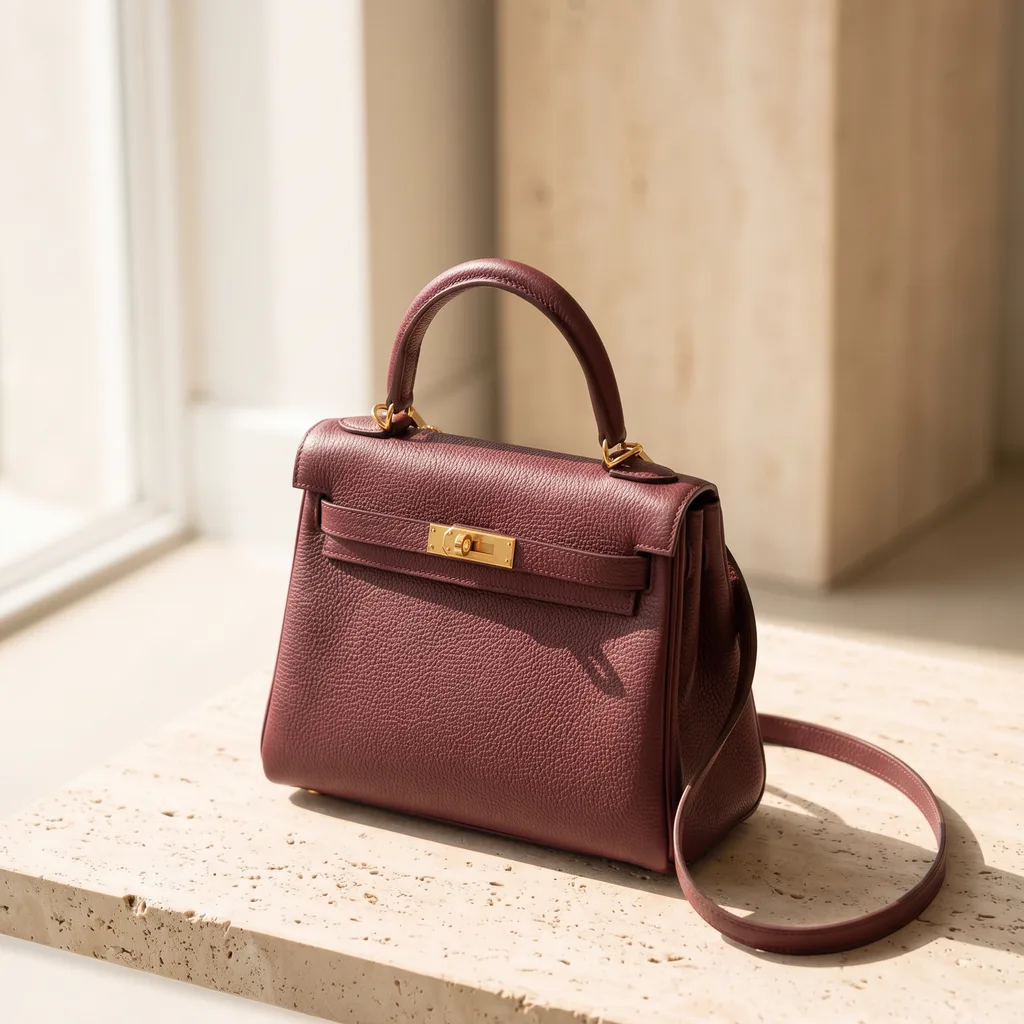
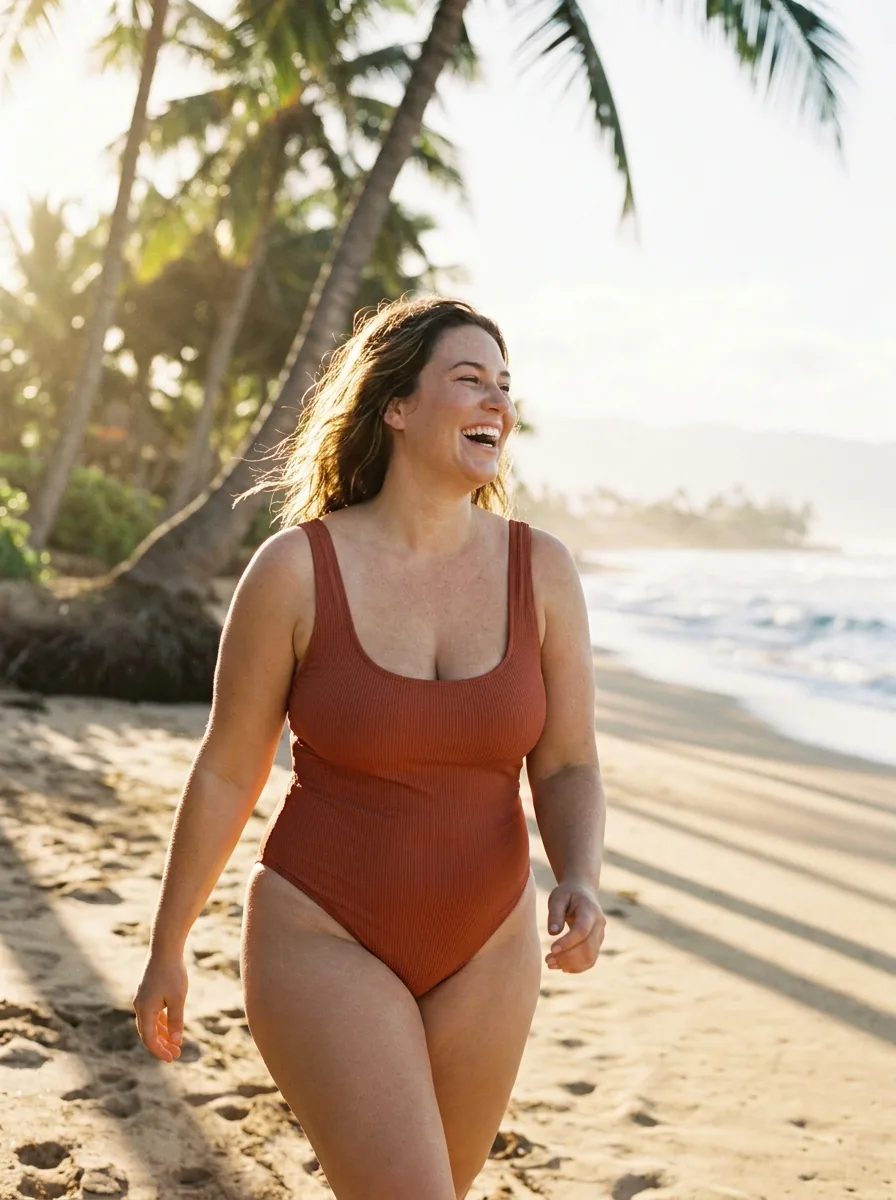
Add each product once with its name, its kind, a clear photo and a short note. Then ask Create for "the sage leggings on a beach path" without adding the photo again.
See CreateSaved product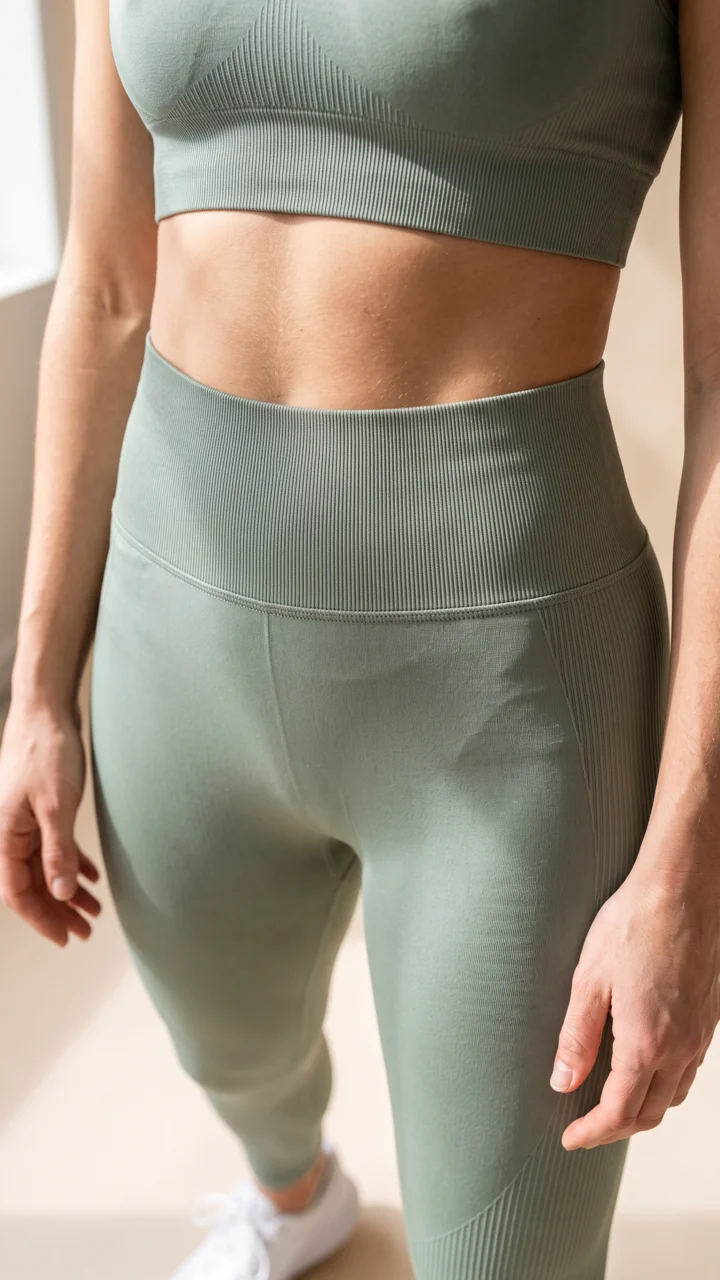 Close-upWith a tote
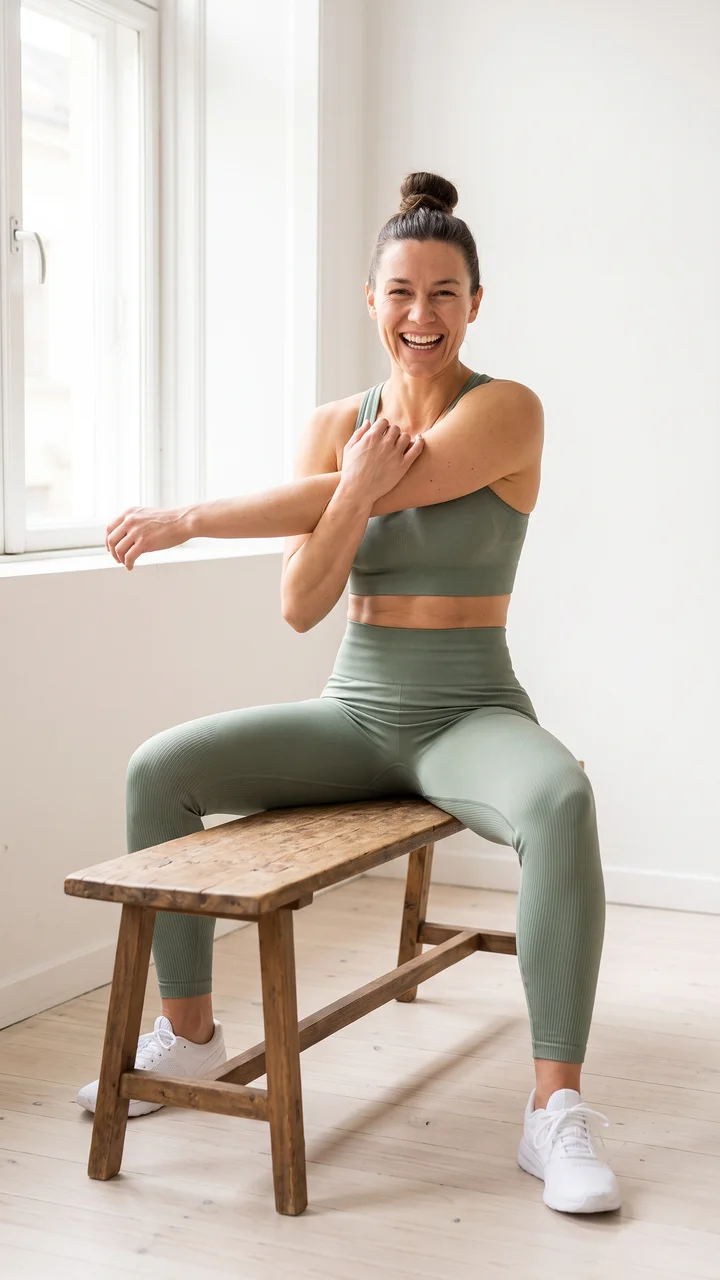 On a bench
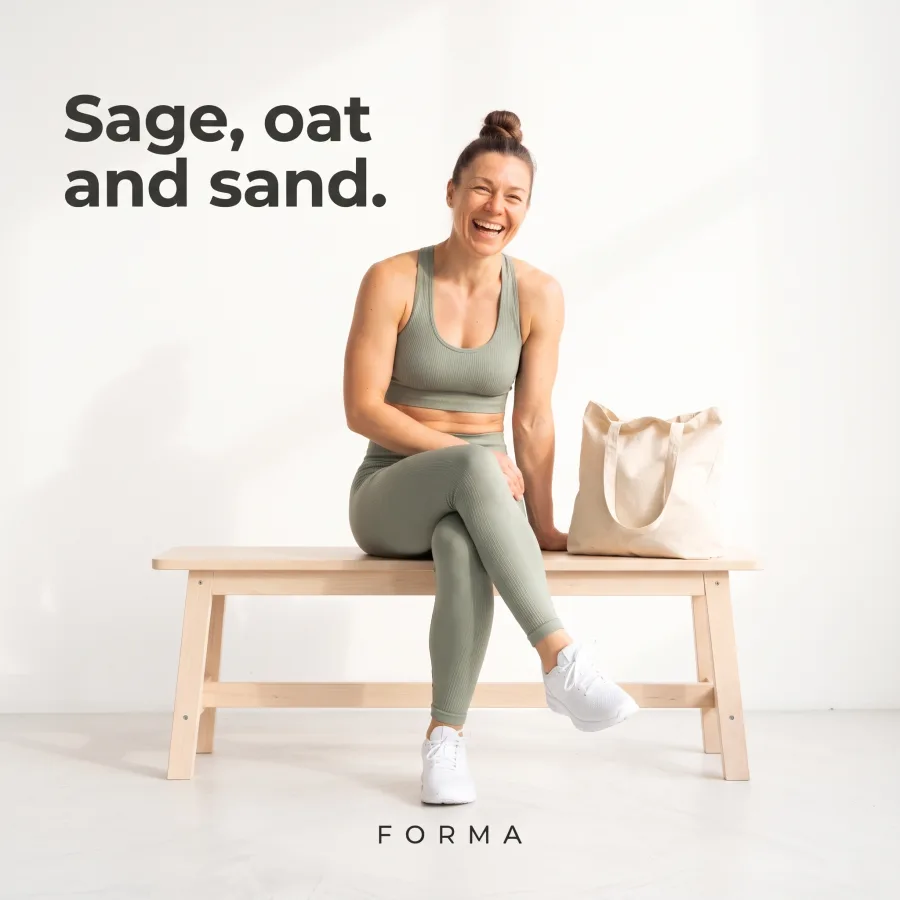
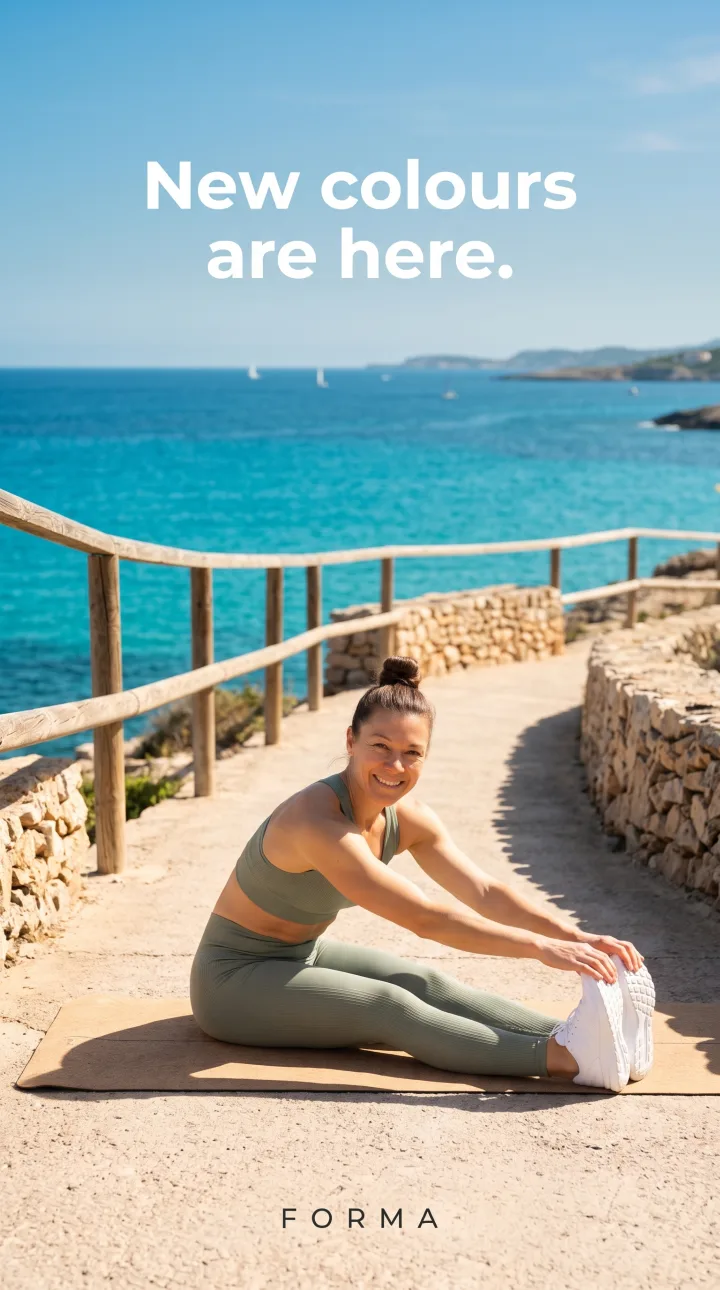
Ads in your colours, fonts and logo
Add your logo as PNG or SVG, your named colours and up to six fonts. Ads and posts from Create use them.
See the AI ad generator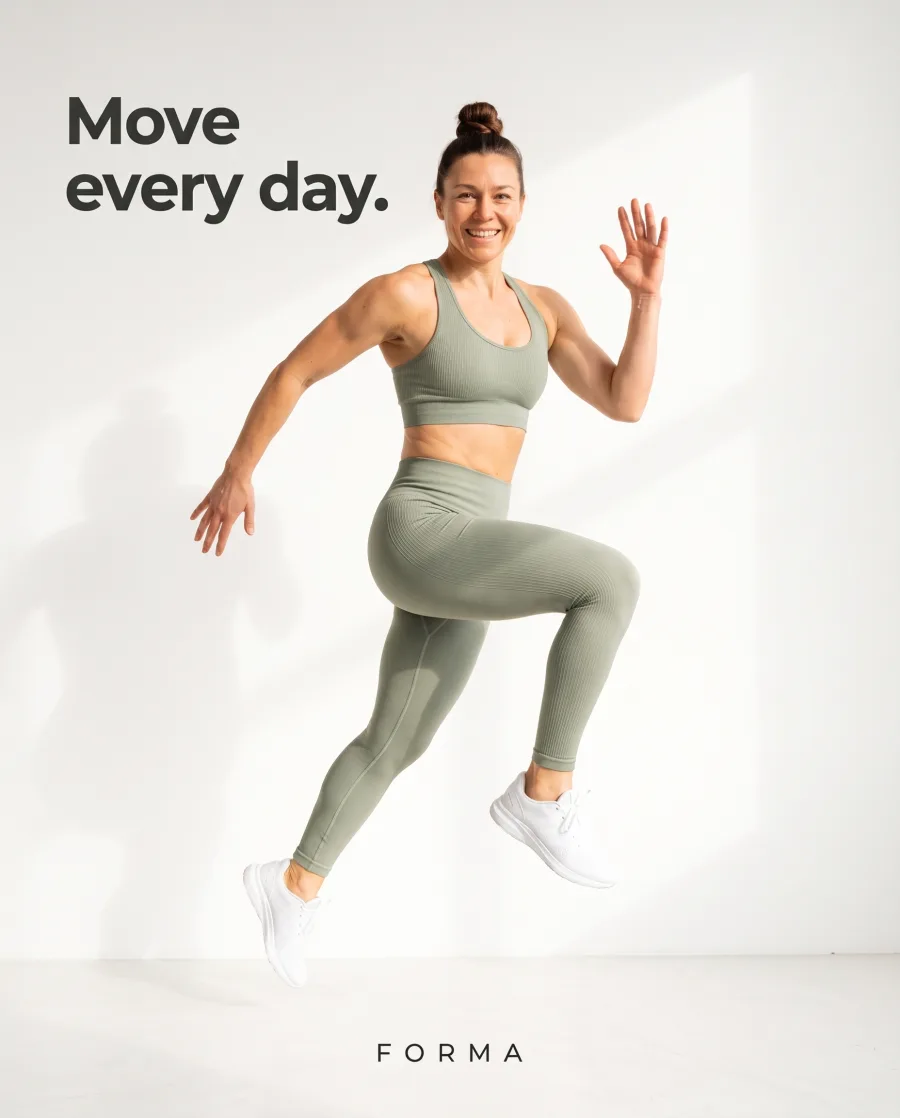 Feed 4:5
 Square 1:1
 Story 9:16
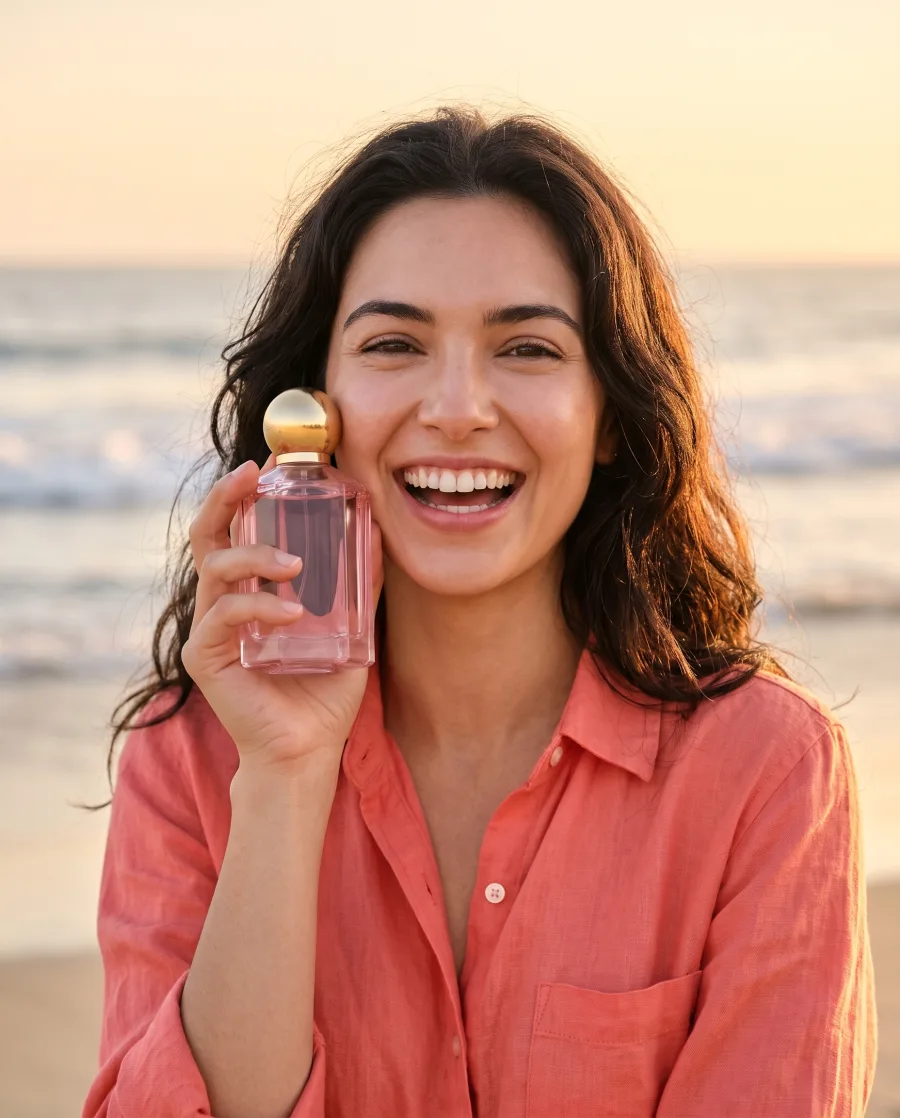
Headlines in your words, pictures by your rules
Write your voice words and rules, like "warm and honest" or "no prices on the picture". Add what you sell and who buys it. Create follows them.
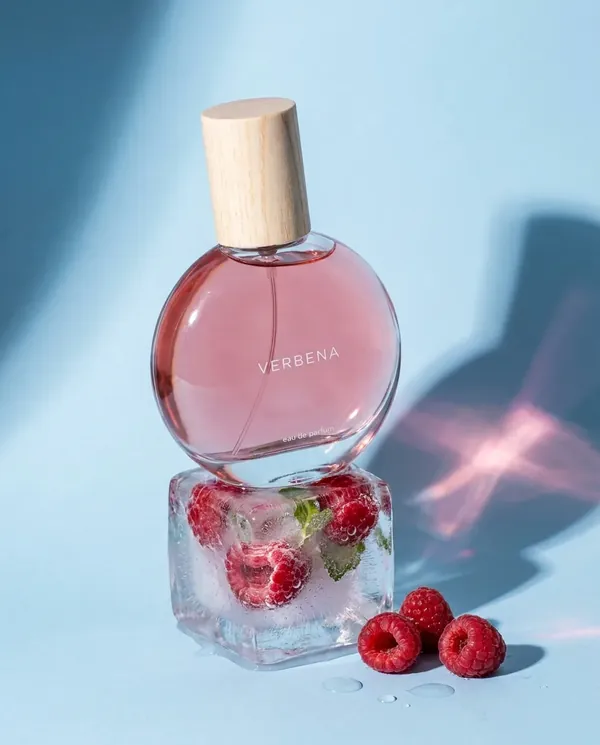
See Create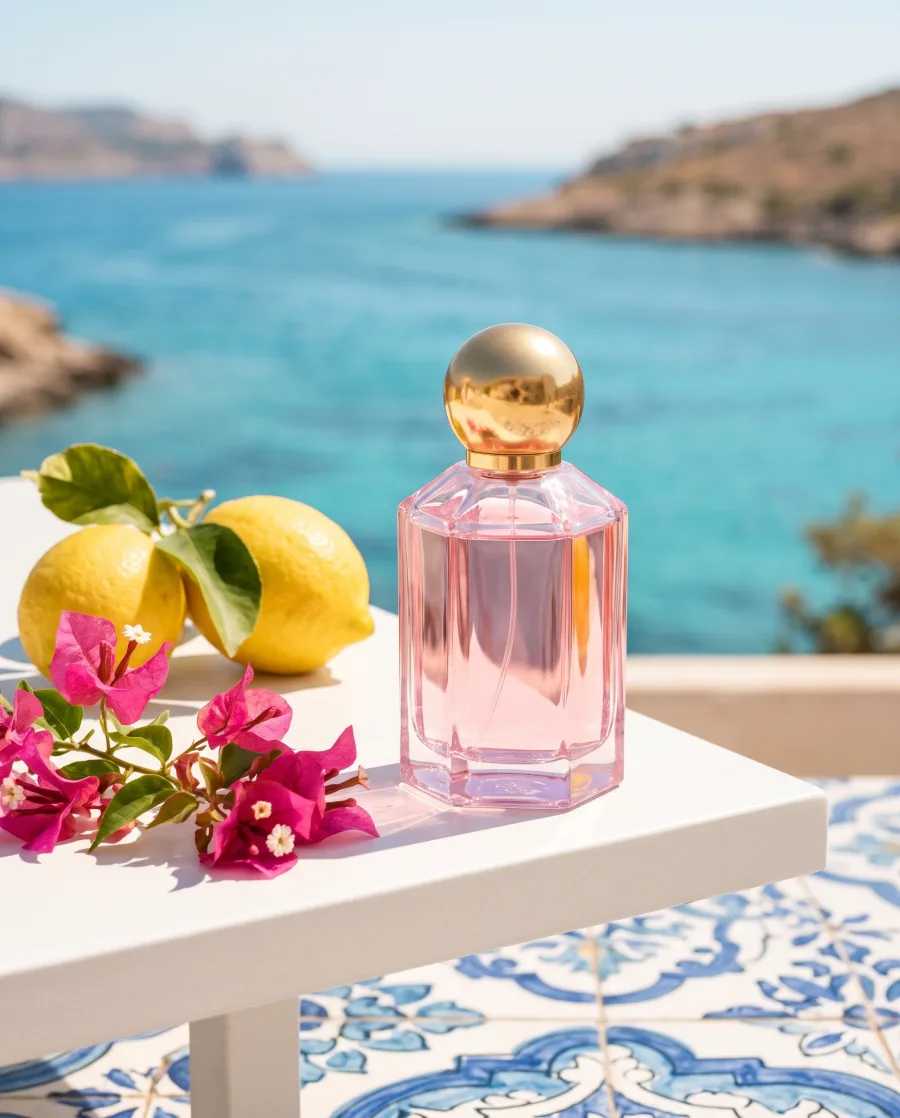 Instagram postVverbena
 Instagram postVverbena
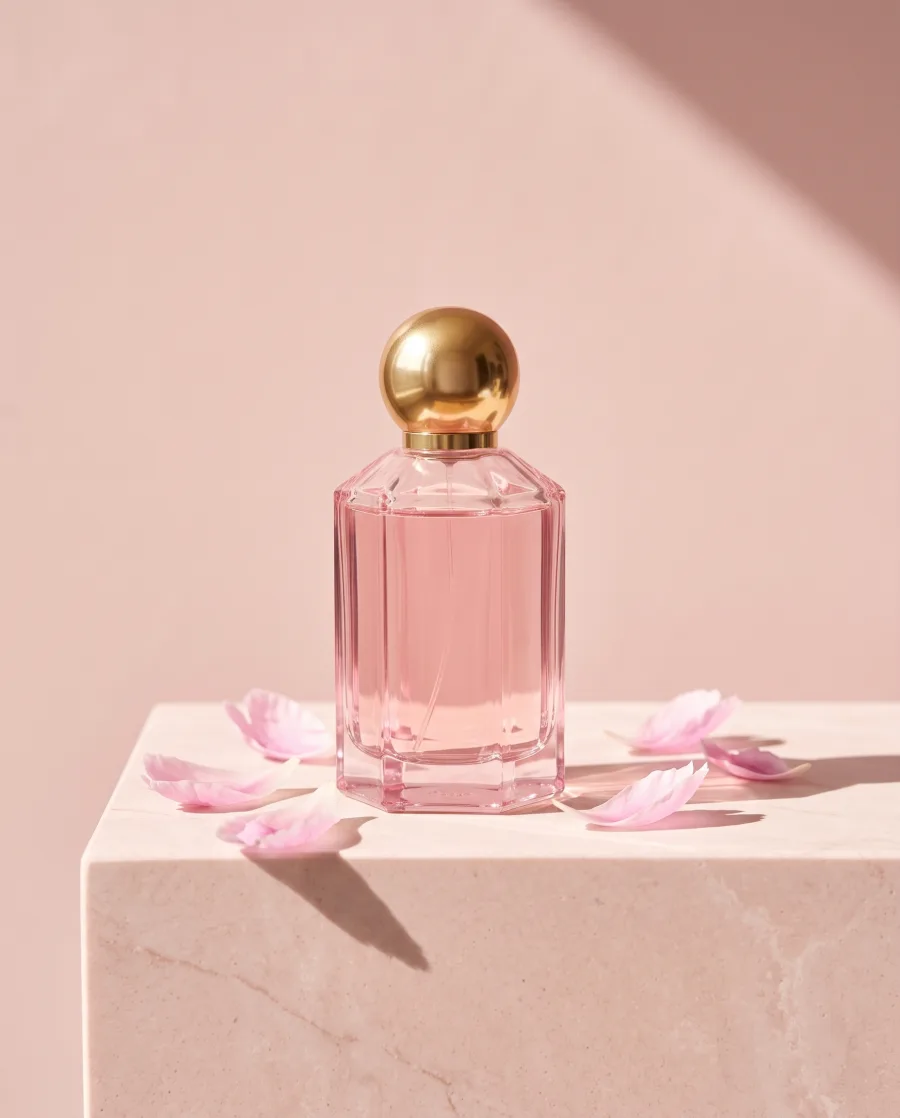 Instagram post
New pictures in the light of your best campaign
Add up to 12 pictures: a mood board, a past campaign or a style you like. New results follow their light and mood.
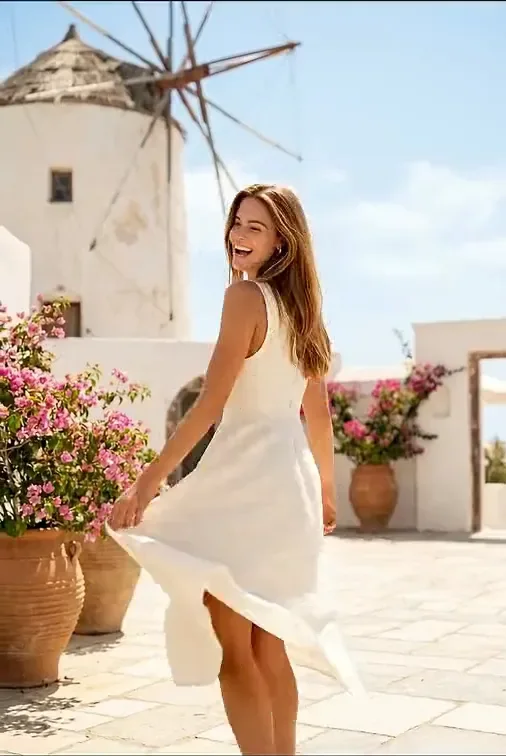
See it for fashion brands Your past campaign
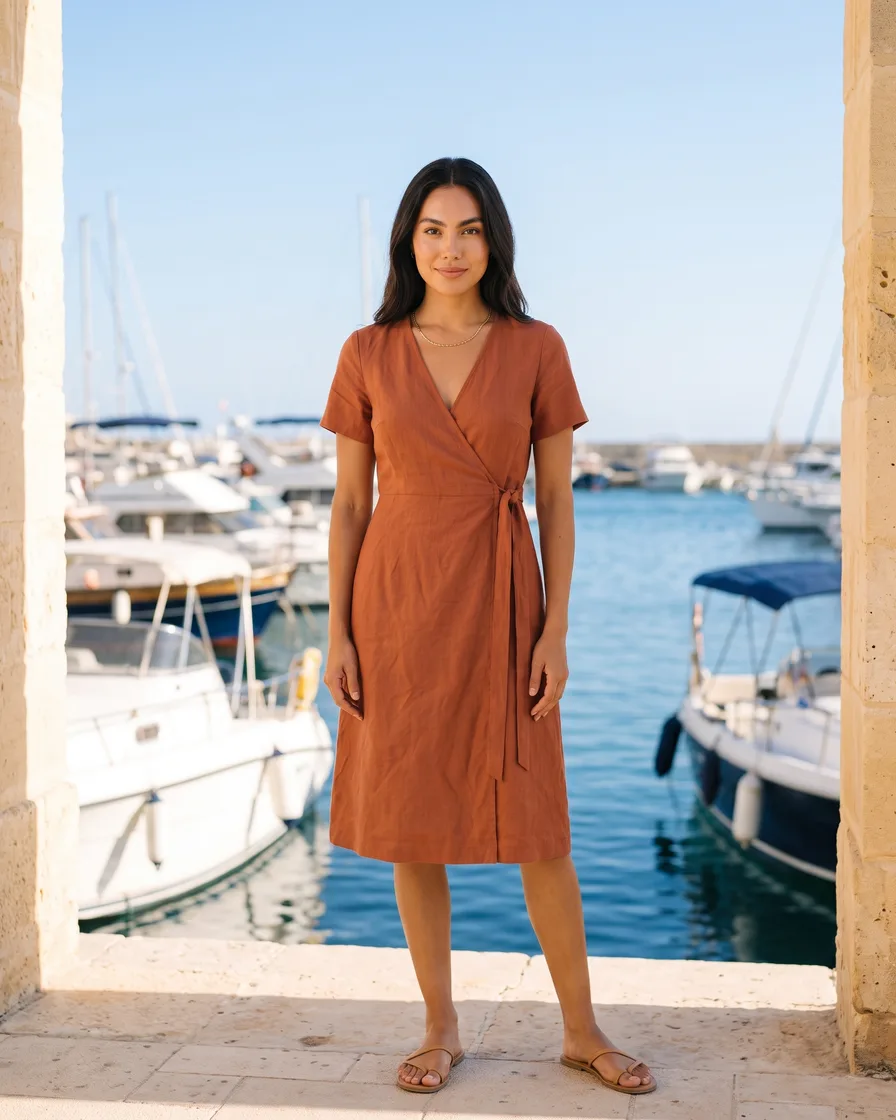 New: harbour
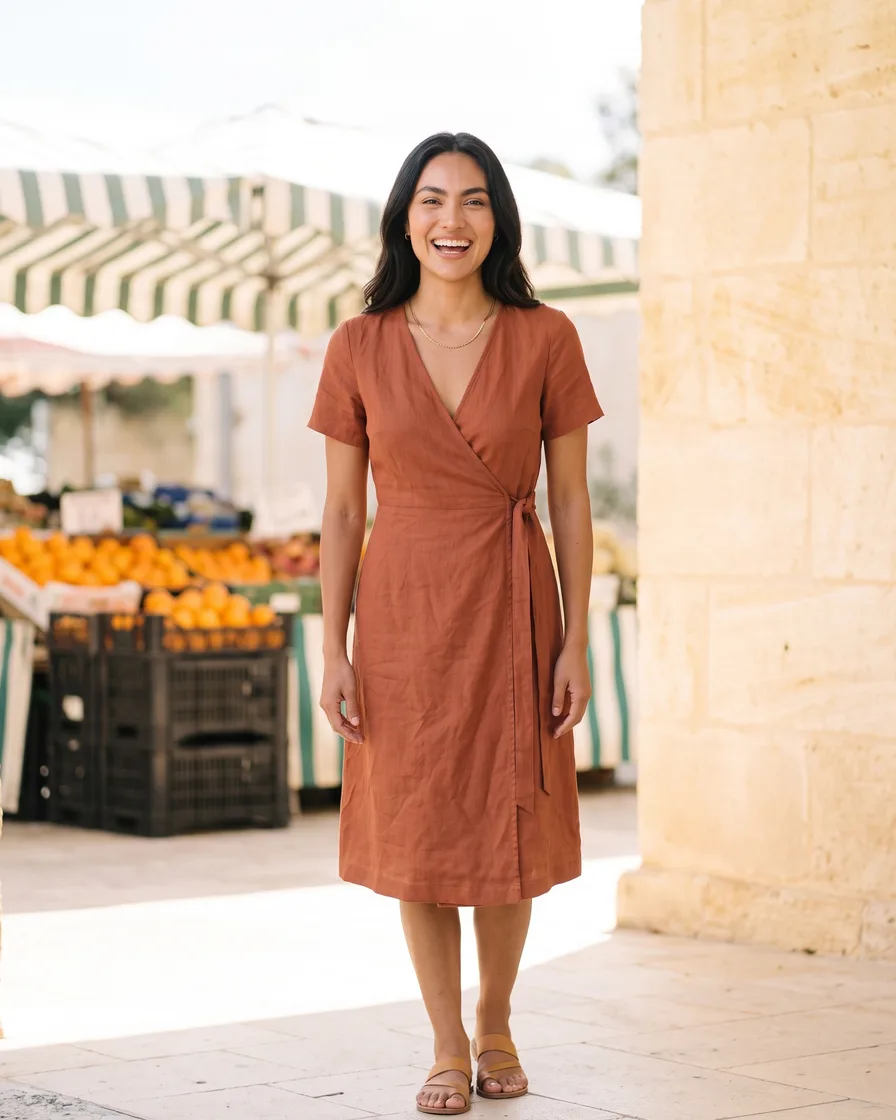 New: market
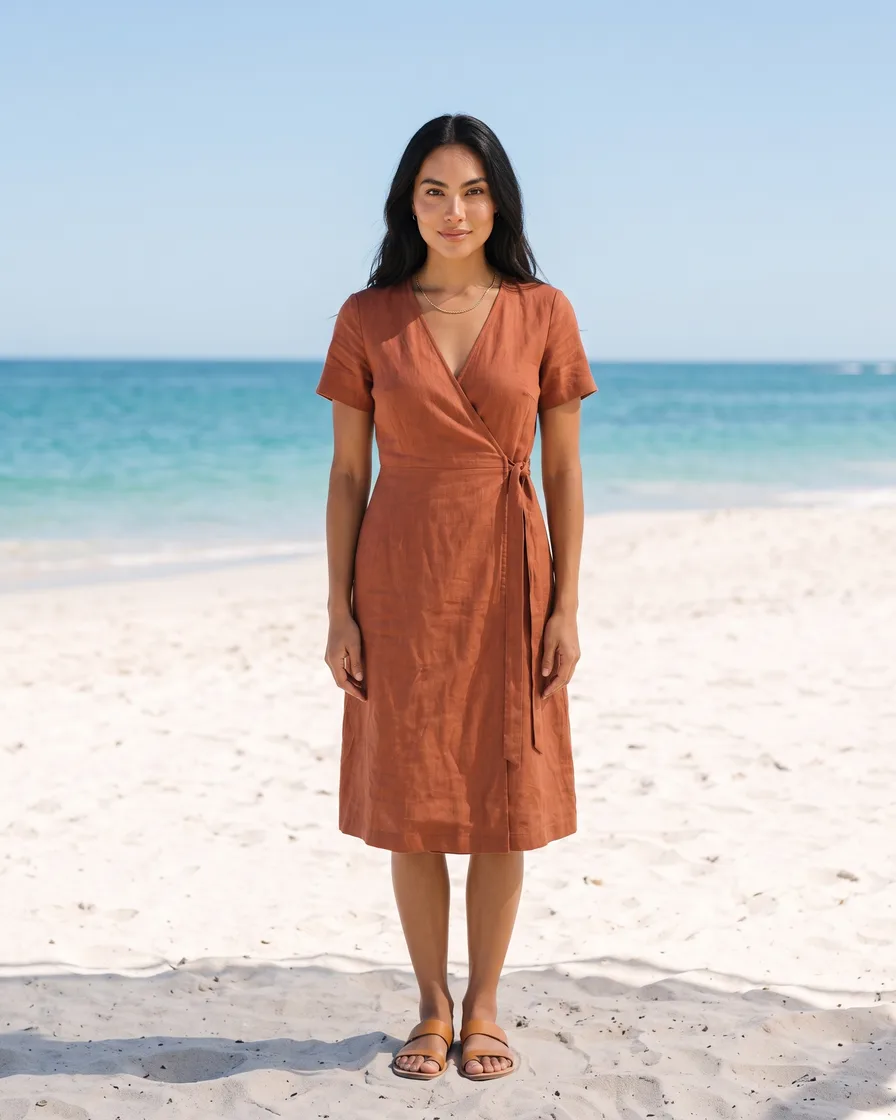 New: beach
Start free. You see the price before you make anything.
Your own photos and prompts start on the Pro plan.
How it works
How to set up your brand kit
Open Workspace, then Brand, and give the brand a name. A workspace can hold several brands, one for each client or shop.
Add each product with its name, its kind, a clear photo and a short note. Create then uses your real product, not a guess.
Add a logo as PNG or SVG, your colours with their names and up to six fonts.
Add voice words, rules, themes, what you sell and who buys it. For example: "warm and honest, no heavy retouching".
In Create, pick the brand with the Brand button before you ask. Or pick "No brand for this run".
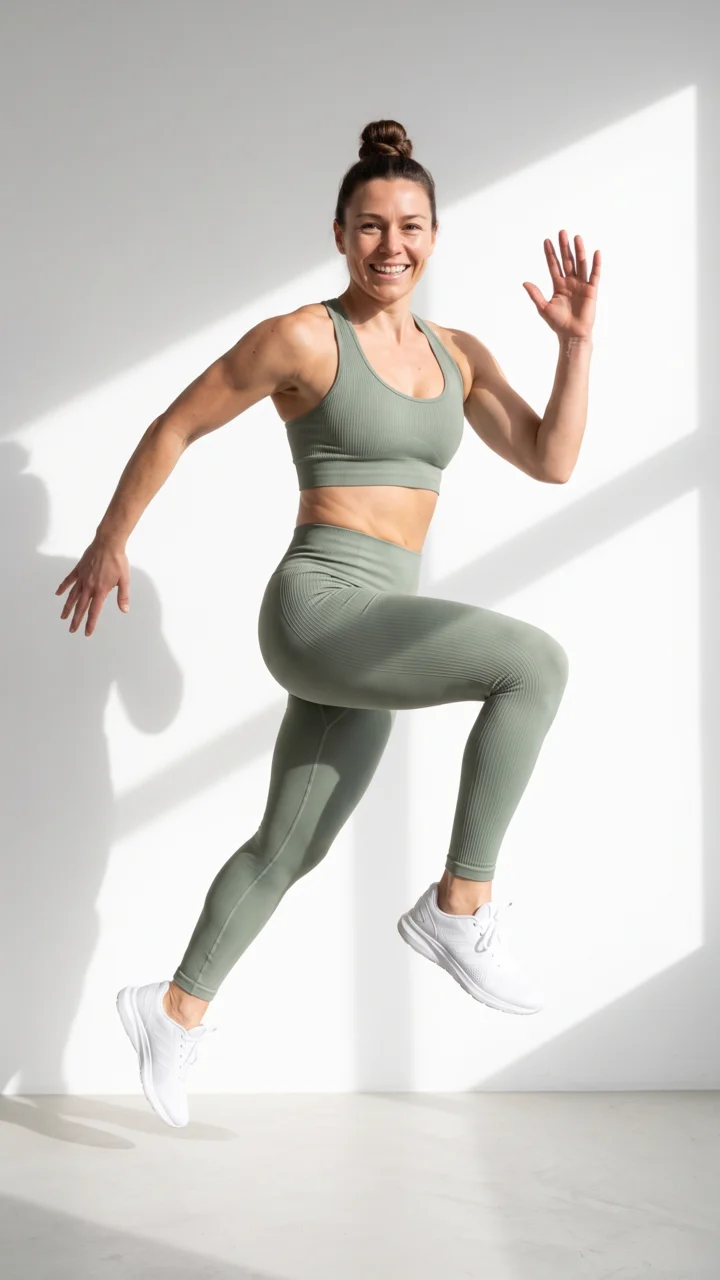 Bra top, sageCanvas toteCoastal path
Use cases
Brand kit use cases for shops and agencies
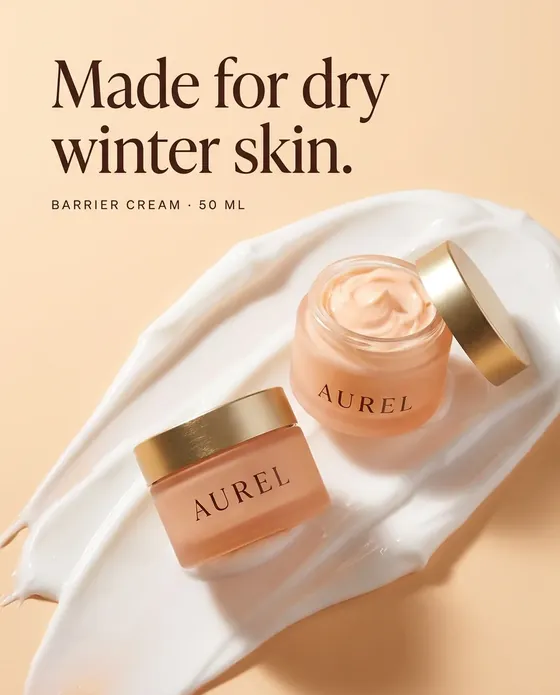
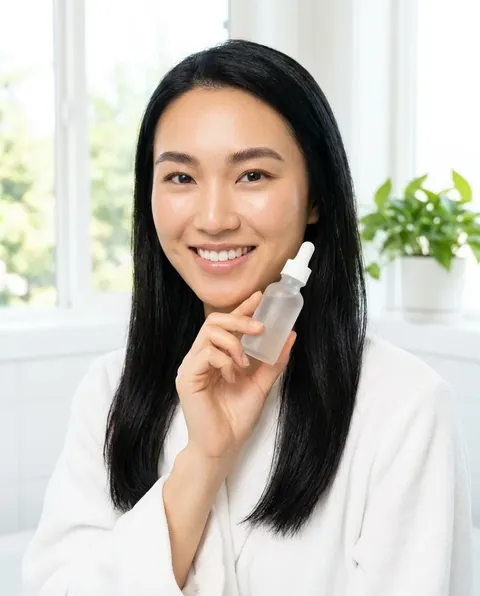 A skincare brandSaves its serum, its colours and the rule "natural skin, no heavy retouching". Every new post looks like the last one.
 An agencyKeeps one brand for each client and picks the right brand in Create before each job.
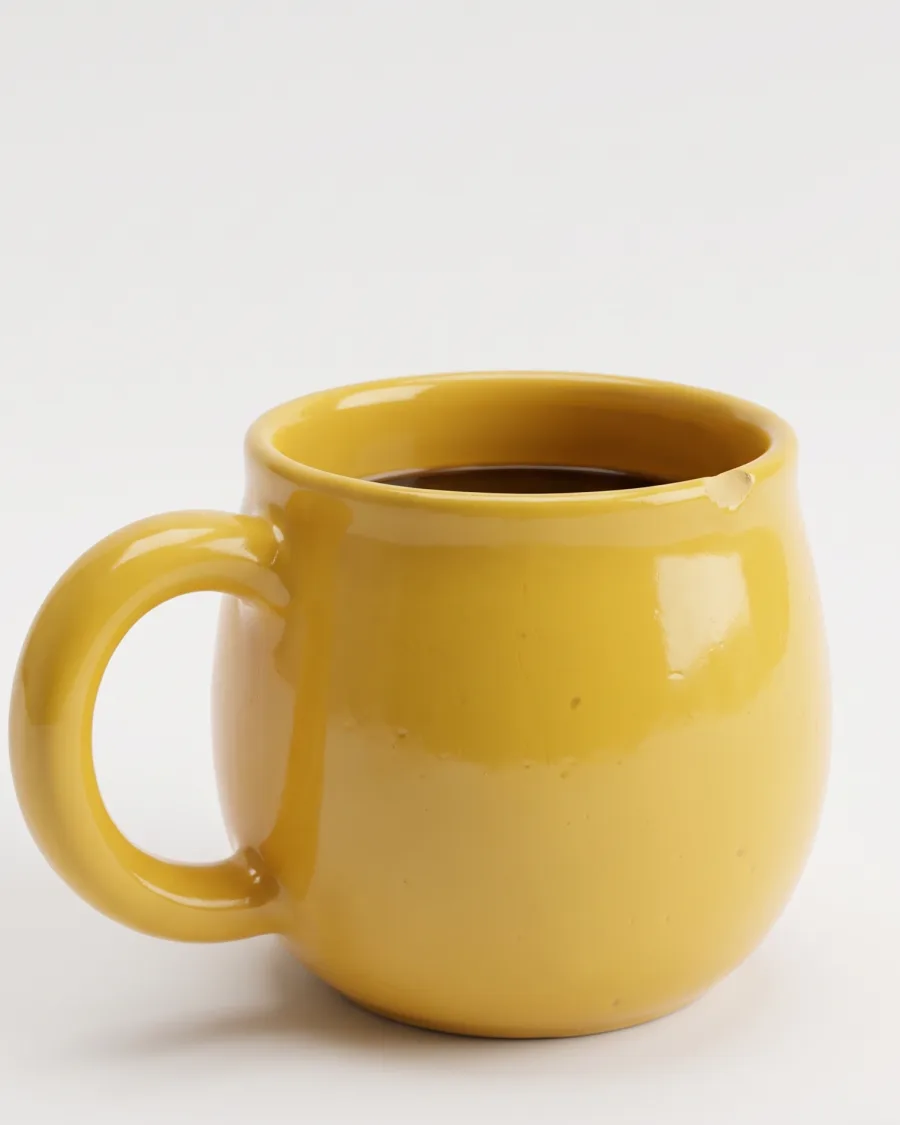
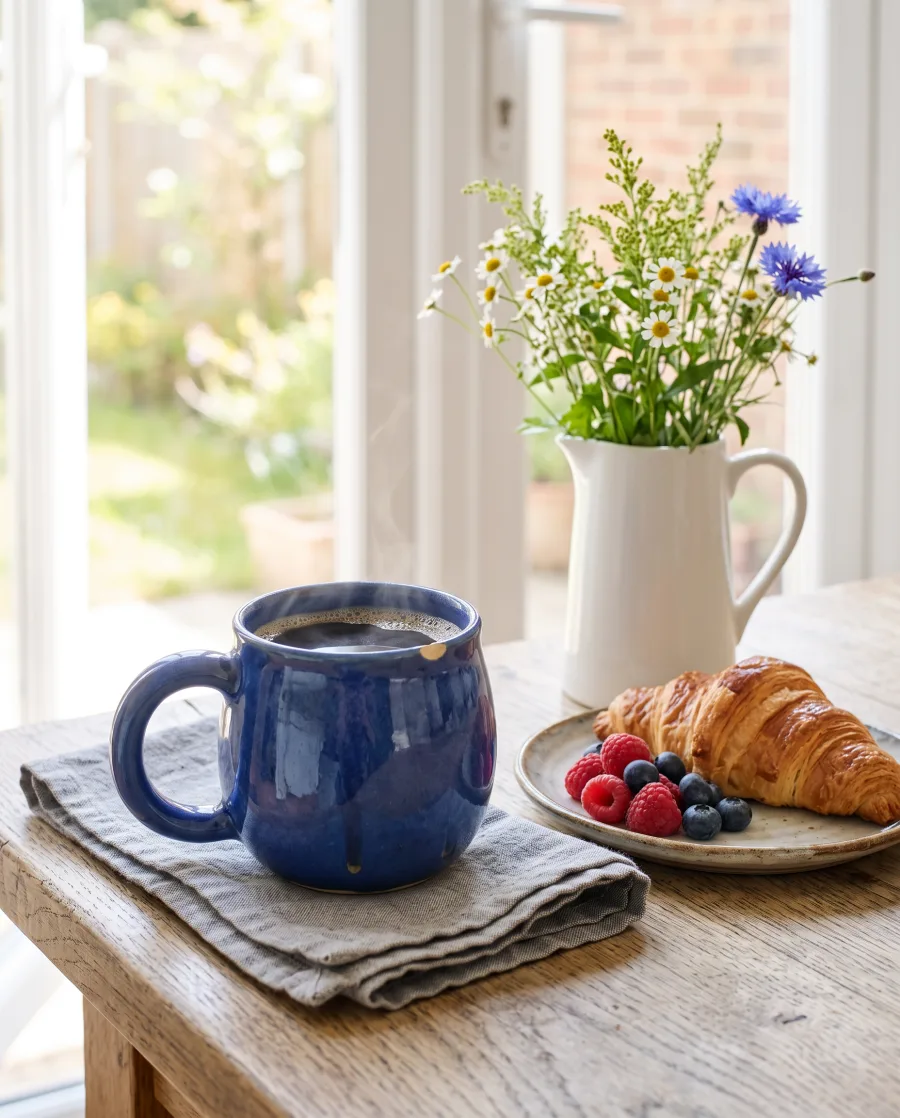 A homeware shopAdds its products once, then asks for “the blue mug on a breakfast table” without adding the photo again.
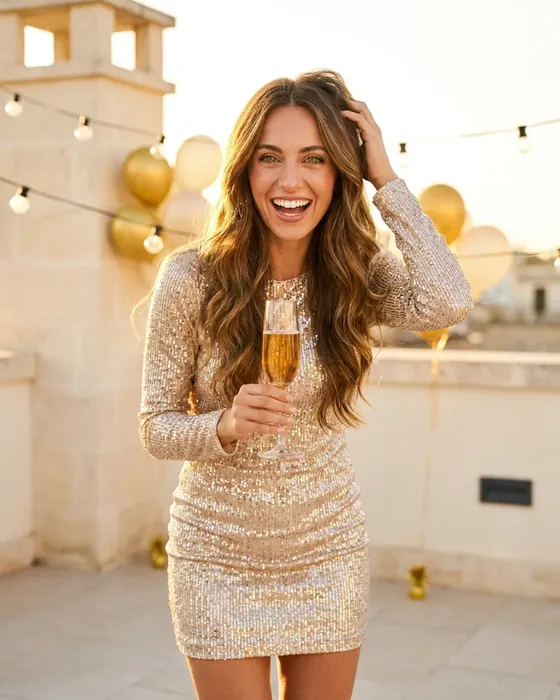
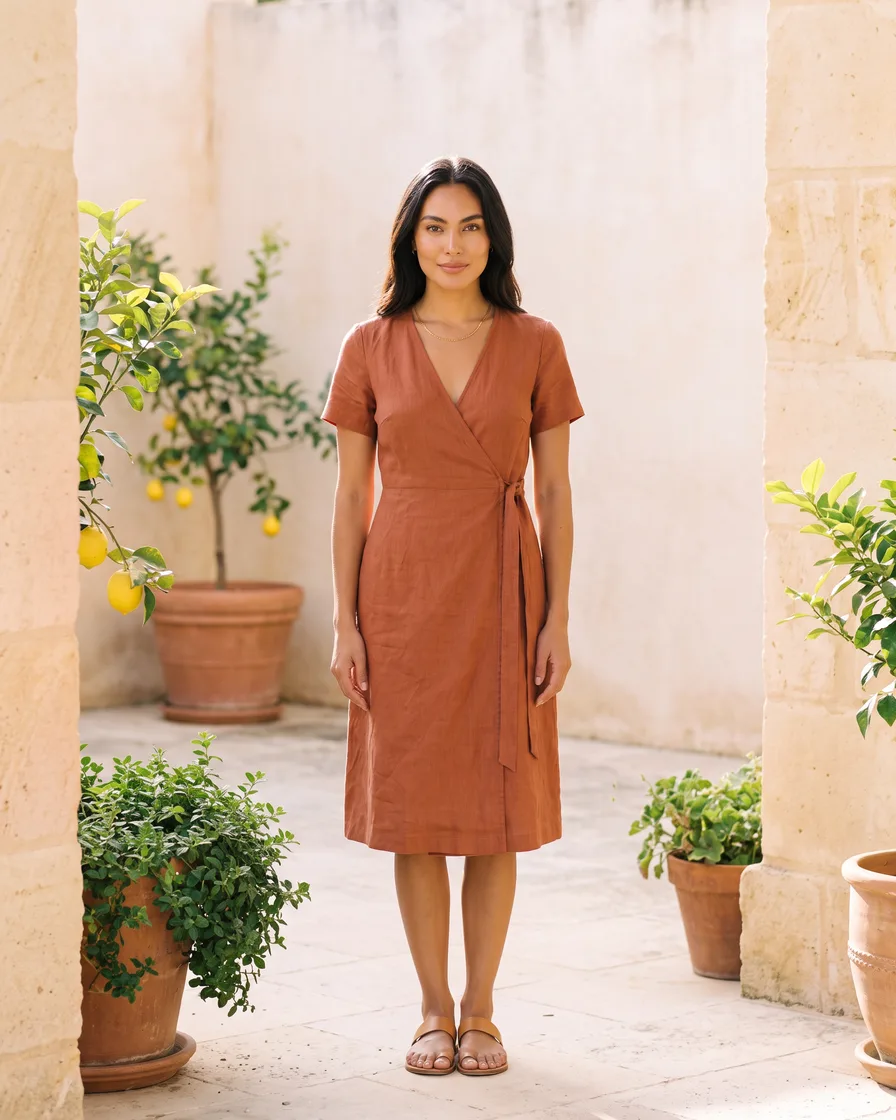 A fashion brandAdds its best past campaign as a reference, so new pictures follow the same light and mood.
Inside DesignerBox
Everything else in one place
Each part has its own page. You do not need a separate app for each job.
 CreateAsk for a picture in your own words
 GeneratePick the picture or video model yourself
 InspirationMake a finished idea with your product
 AvatarsOne person in every picture and video
 Image editorAdd text and a logo in ready social sizes
 Video editorCaptions, a voice and music on your clips
- AssetsEvery picture and video, in folders
 ReviewsYour client picks pictures from a link
 TemplatesReady workflows with every step built
 AppsAdd a photo, fill a short form, press Run
 WorkflowsSave your steps and run them again
 BatchOne job on up to 200 products
What is the brand kit in DesignerBox?
The brand kit, called Brand in the app, is where you save your products, logo, colours, fonts, rules and reference pictures. When you pick the brand in Create, the chat uses all of them.
What can I save in a brand?
Products with a name, a kind, a photo and a note. A logo as PNG or SVG, named colours and up to six fonts. Rules, voice words, what you sell and who buys it. Up to 12 reference pictures.
Do I need a brand to start?
No. You can make pictures without one. A brand makes your results match from the first picture.
Can I have more than one brand?
Yes. A workspace can hold several brands, so an agency can keep one brand for each client.
Can I turn the brand off for one picture?
Yes. In Create, pick "No brand for this run" with the Brand button.
Which plan do I need?
The brand kit is on every plan. Your own photos and prompts start on the Pro plan.
Set up your brand once.
Sign up free with Google or your email. Your own photos start on the Pro plan.
Get started free- Claude
- ChatGPT
- Cursor











