Video editor
AI video editor for ads and reels
Put your clips on a timeline. Add captions from speech, a voice, music and transitions, then export the finished ad as an MP4.
- Claude
- ChatGPT
- Cursor
You make the clips 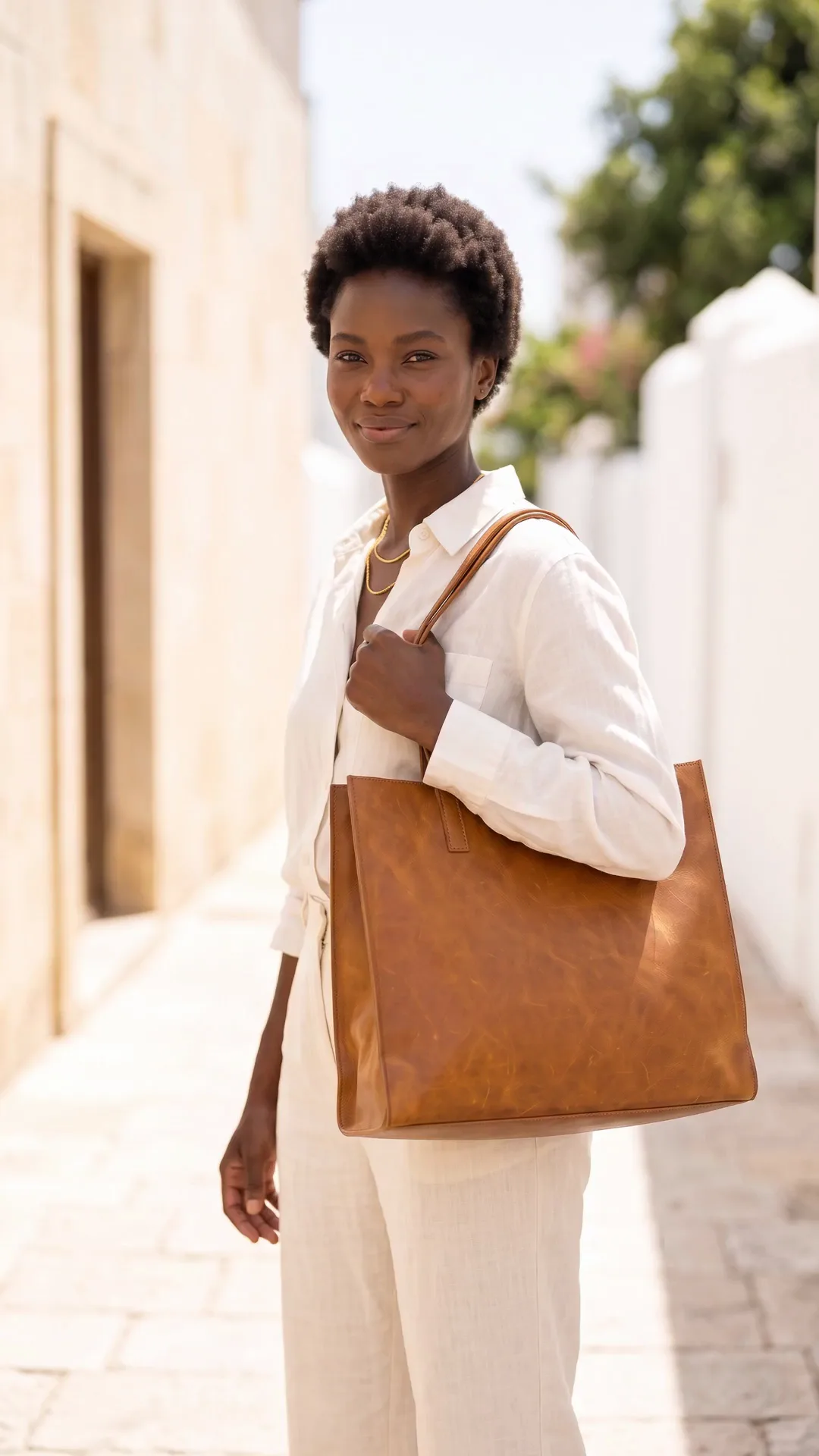 in one app and cut the ad in another.Here the clips, the captions and the voice sit on one timeline.
What you can make
Reels, video ads and captioned clips
Video ads in vertical, square and wide sizes
Cut your clips on a multi-track timeline. Add transitions, one of 25 filters and a colour look. Pick one of four aspect ratios and export an MP4.
See AI video ads Your clip
Captions from speech, in your choice of style
Press auto captions and the words appear on the clip, timed to the voice. Pick one of about 40 text styles and move the words where you want them.
See AI UGC videosYour clipA full video ad from a written brief
Press Generate with AI and type the brief. You get the storyboard, the shots, a voiceover, music and captions on the timeline, ready to change.
Video starts on the Premium plan.
See AI video adsStart free. Pick the Premium plan when you need the video editor.
The video editor and AI video start on the Premium plan.
How it works
How to make a video ad in the video editor
Open Editors, then Video Studio. Start blank in 9:16 or 16:9, or start from Title + Clip or Branded Reel.
Press Generate with AI for a full video from your brief, or for one clip. Or press Remix a creative to rebuild an ad you like with your product.
Add your own clips, AI clips or stock video from Pexels and Pixabay. Add text in about 40 styles and captions from speech.
Pick one of 20 voices for the voiceover, or make a talking presenter from a photo and a script. Add music and sound effects.
Export the finished video as an MP4 for your ads, Reels, TikTok or your shop.
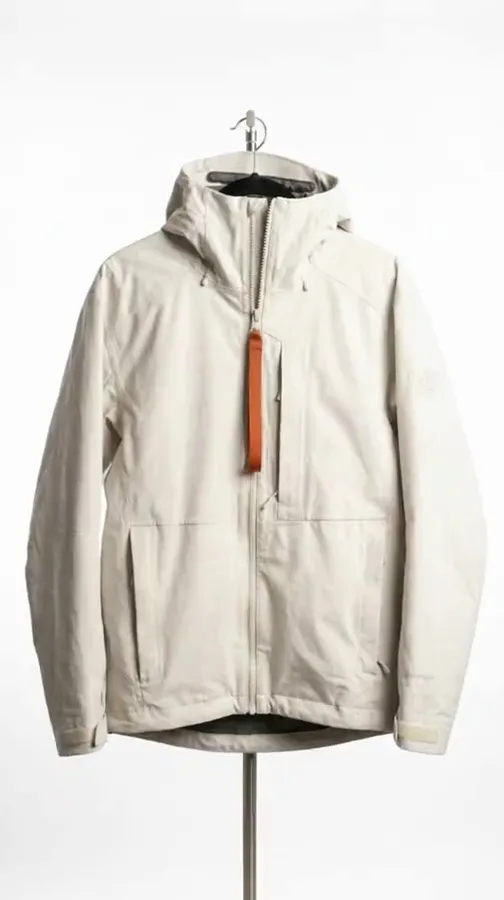 Shot 1
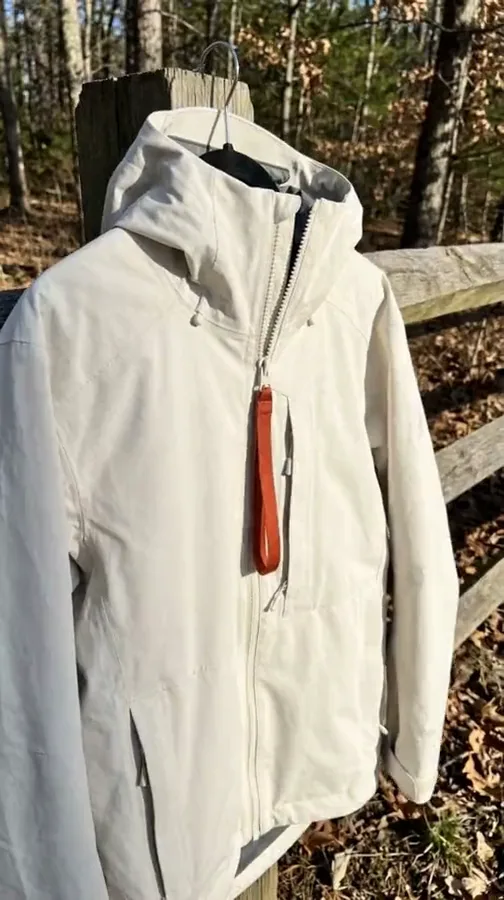 Shot 2
 Shot 3
Use cases
Video editor use cases for brands and shops
 A fashion brandJoins five product clips into a 15-second reel with captions and music.
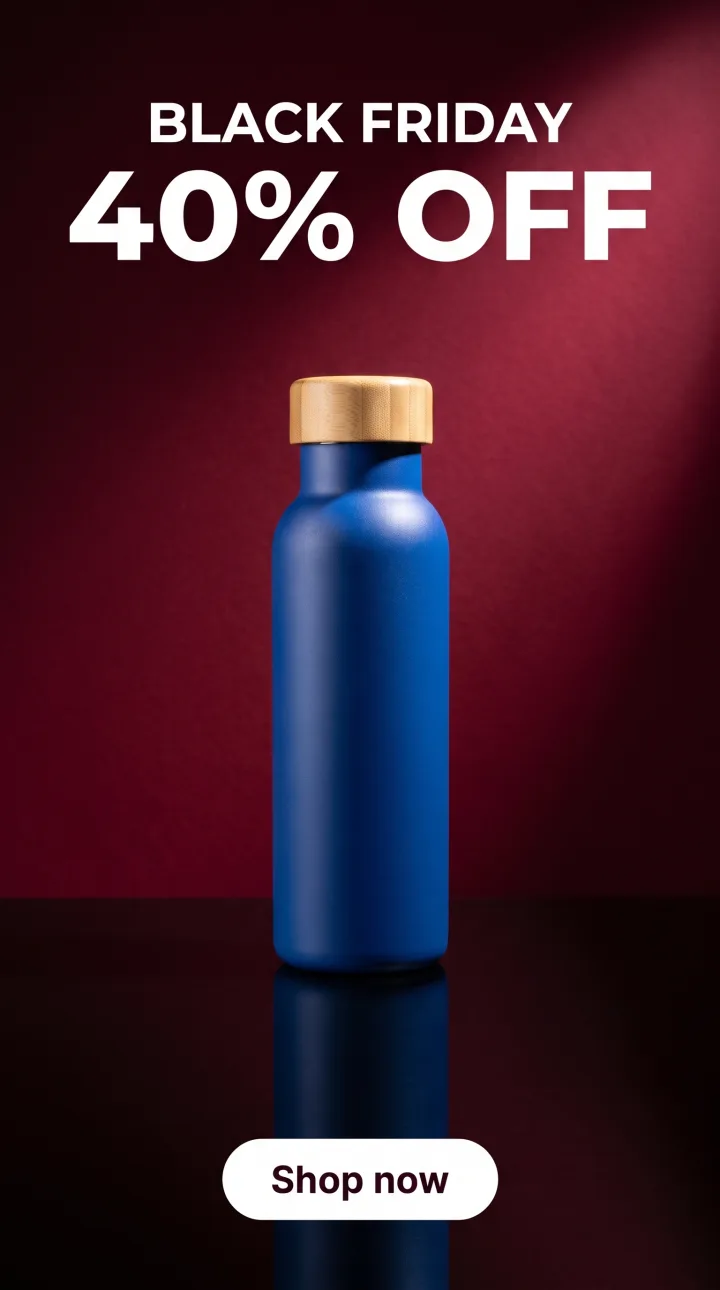 An online shopMakes a 9:16 Black Friday ad with the offer as moving text.
 A coachTurns a photo and a script into a talking presenter for a course page.
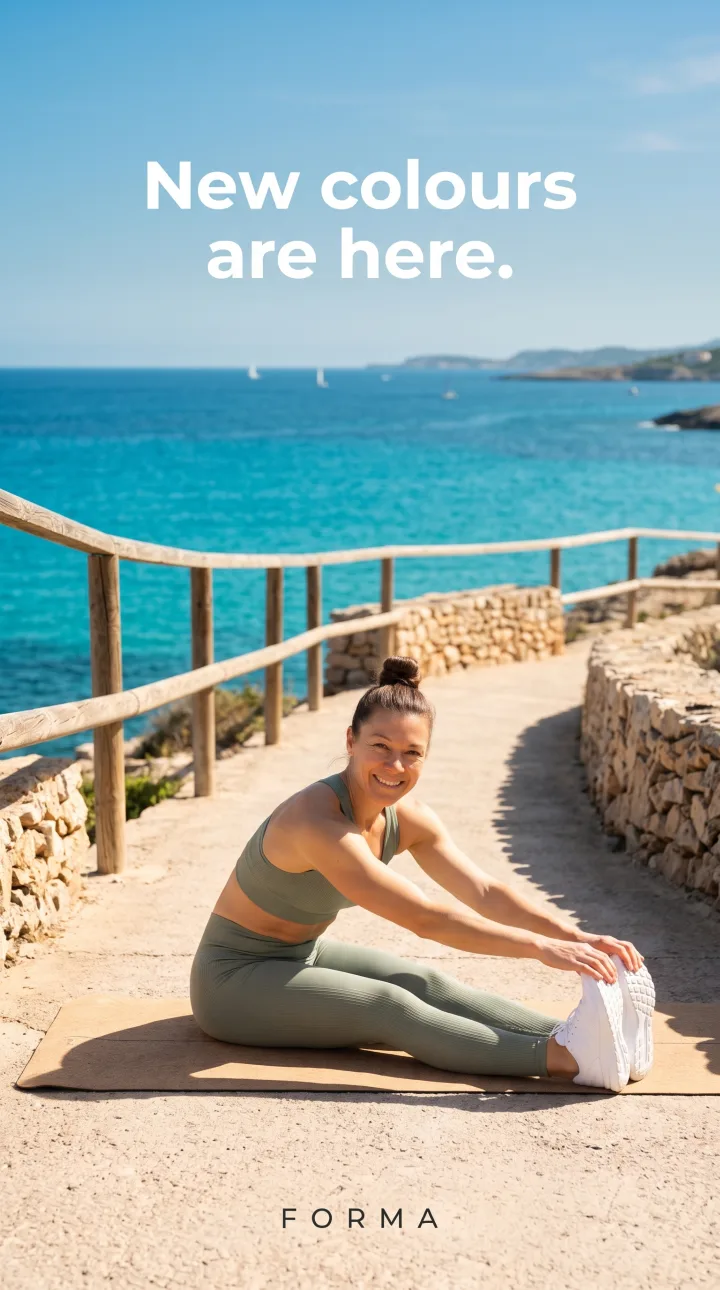 A founderTurns a product brief into a full video ad with a voiceover in one run.
Inside DesignerBox
Everything else in one place
Each part has its own page. You do not need a separate app for each job.
 CreateAsk for a picture in your own words
 GeneratePick the picture or video model yourself
 InspirationMake a finished idea with your product
 AvatarsOne person in every picture and video
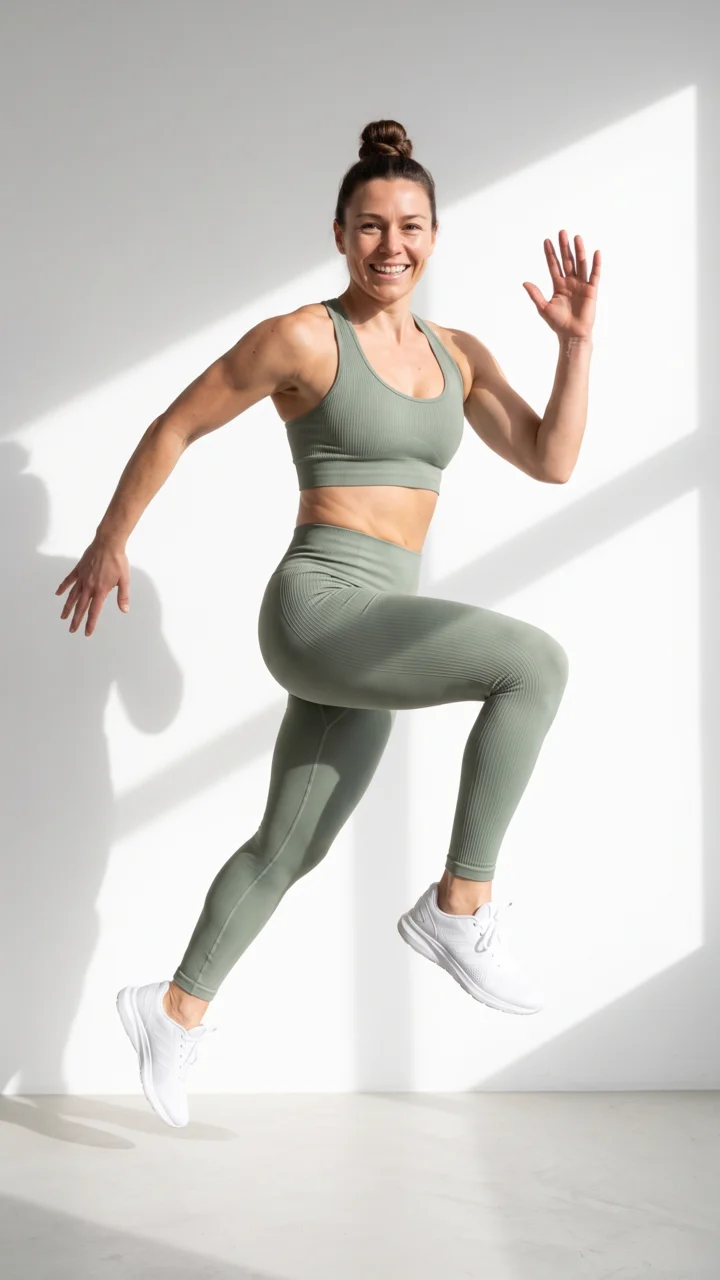 Brand kitYour logo, colours, fonts and rules
 Image editorAdd text and a logo in ready social sizes
 AssetsEvery picture and video, in folders
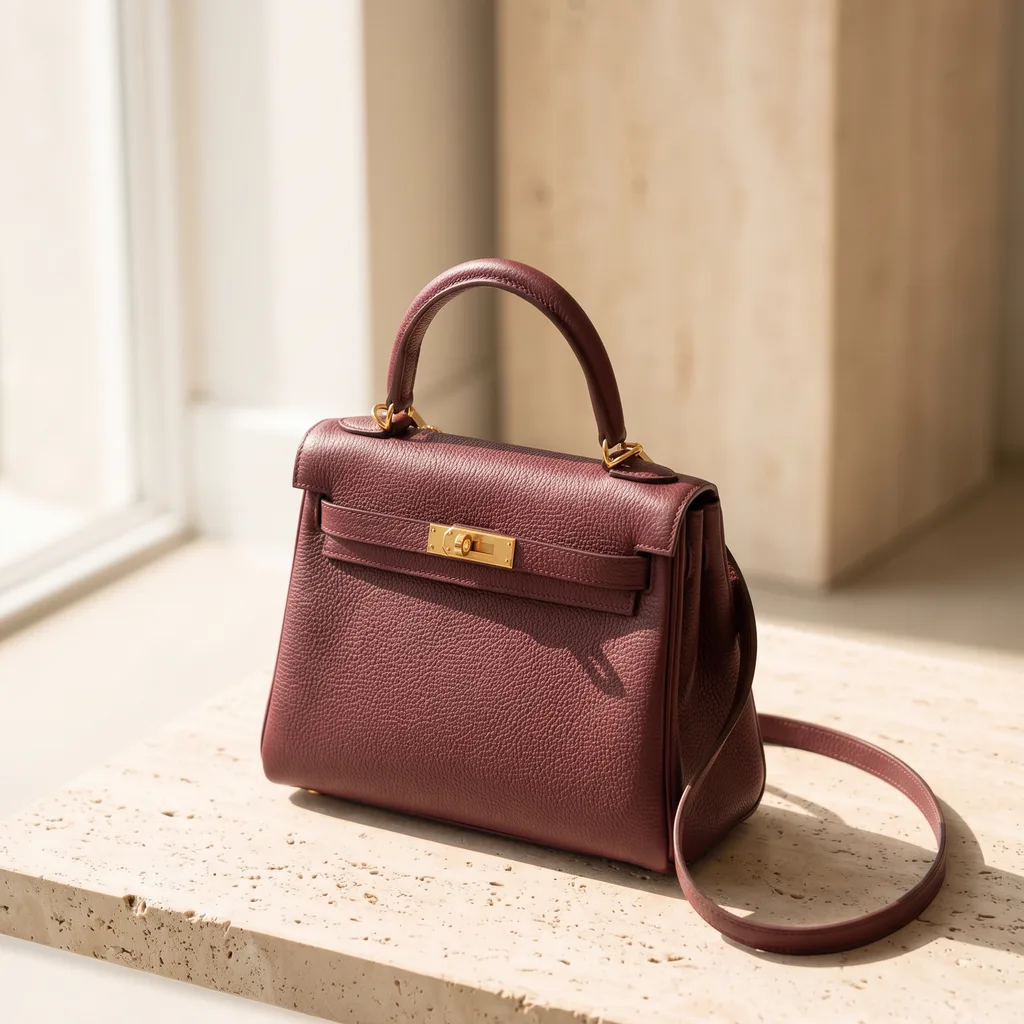 ReviewsYour client picks pictures from a link
 TemplatesReady workflows with every step built
 AppsAdd a photo, fill a short form, press Run
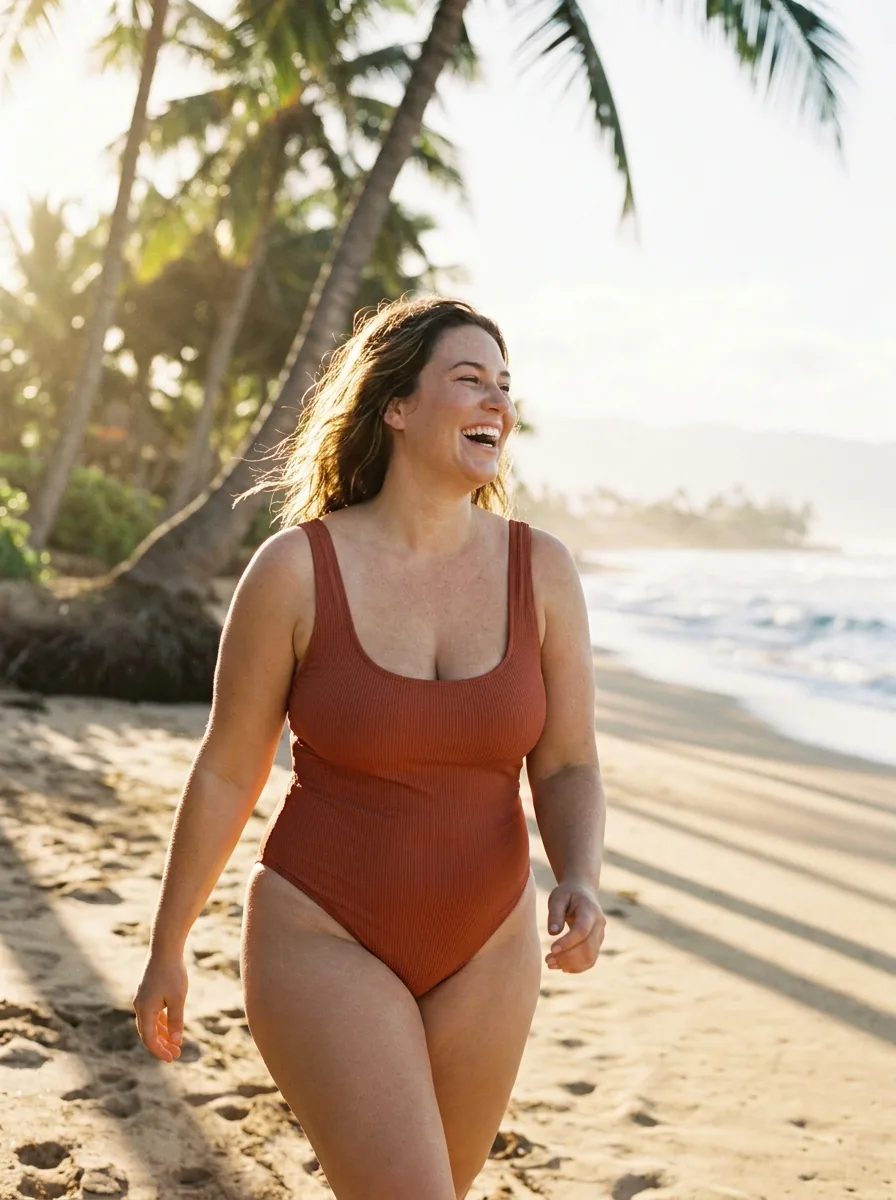 WorkflowsSave your steps and run them again
 BatchOne job on up to 200 products
What is the video editor in DesignerBox?
The video editor, called Video Studio in the app, puts your clips on a timeline and turns them into one finished video. You add text, captions, a voice and music, then export an MP4.
Can I use my own videos?
Yes. Upload your clips and mix them with AI clips and stock video from Pexels and Pixabay.
Can the video editor add captions?
Yes. The video editor makes captions from the speech in your clip. Then you pick a text style for them.
Can the video editor add a voiceover?
Yes. Type the script and pick one of 20 voices. You can also make a talking presenter from a photo and a script.
Do I still need CapCut?
For most ads and reels, no. For TV or cinema work, keep a specialist video app.
Which plan do I need?
The video editor and AI video start on the Premium plan. You can see every plan on the pricing page.
Make your first video ad.
Sign up free with Google or your email. The video editor starts on the Premium plan.
Get started free- Claude
- ChatGPT
- Cursor











