Assets
One asset library for every picture and video
What you make in Create, Generate and the apps is saved in Assets. Sort it into folders, find it by day and use it again in your next picture.
- Claude
- ChatGPT
- Cursor

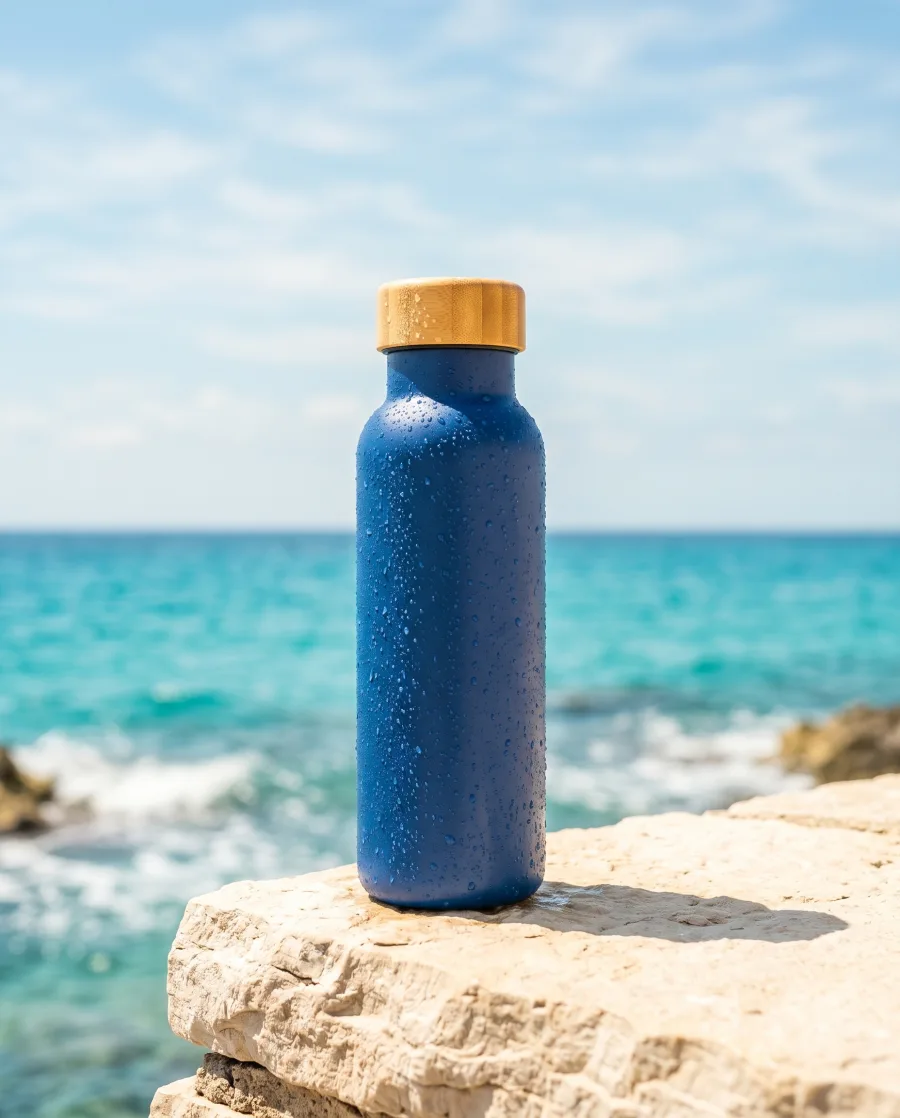

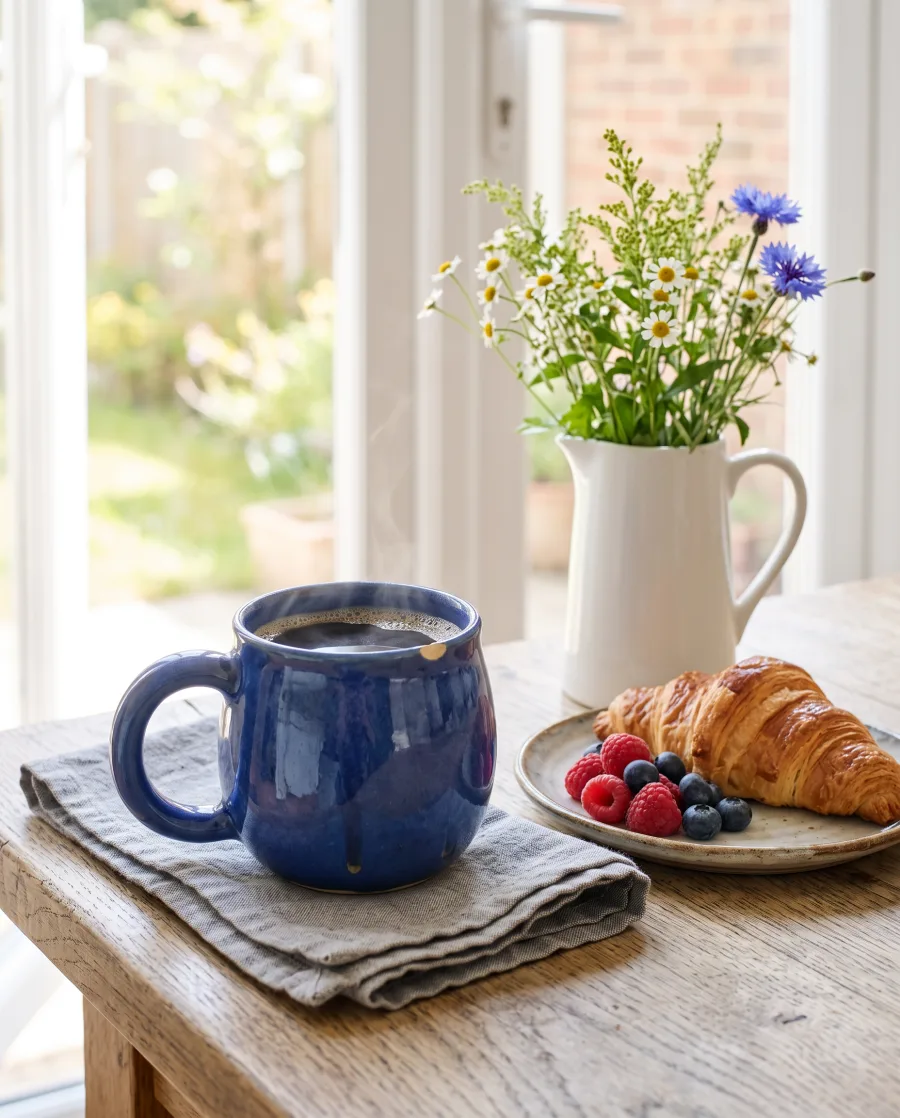


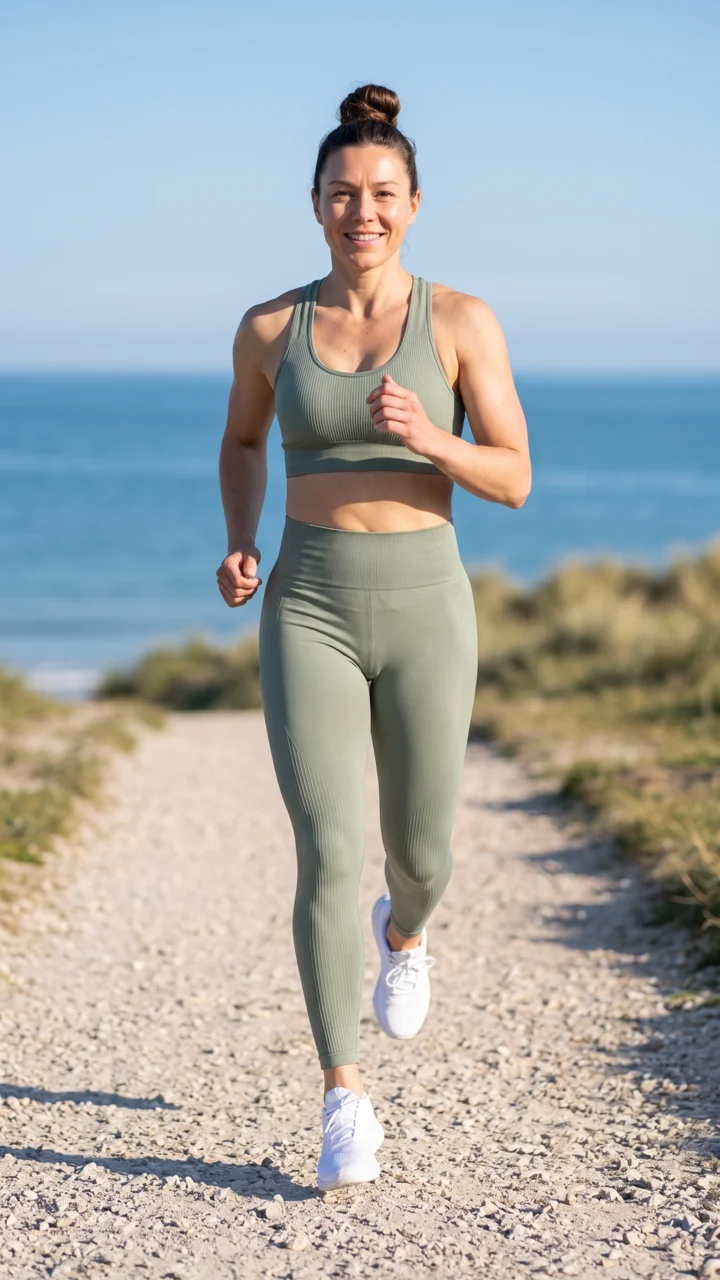



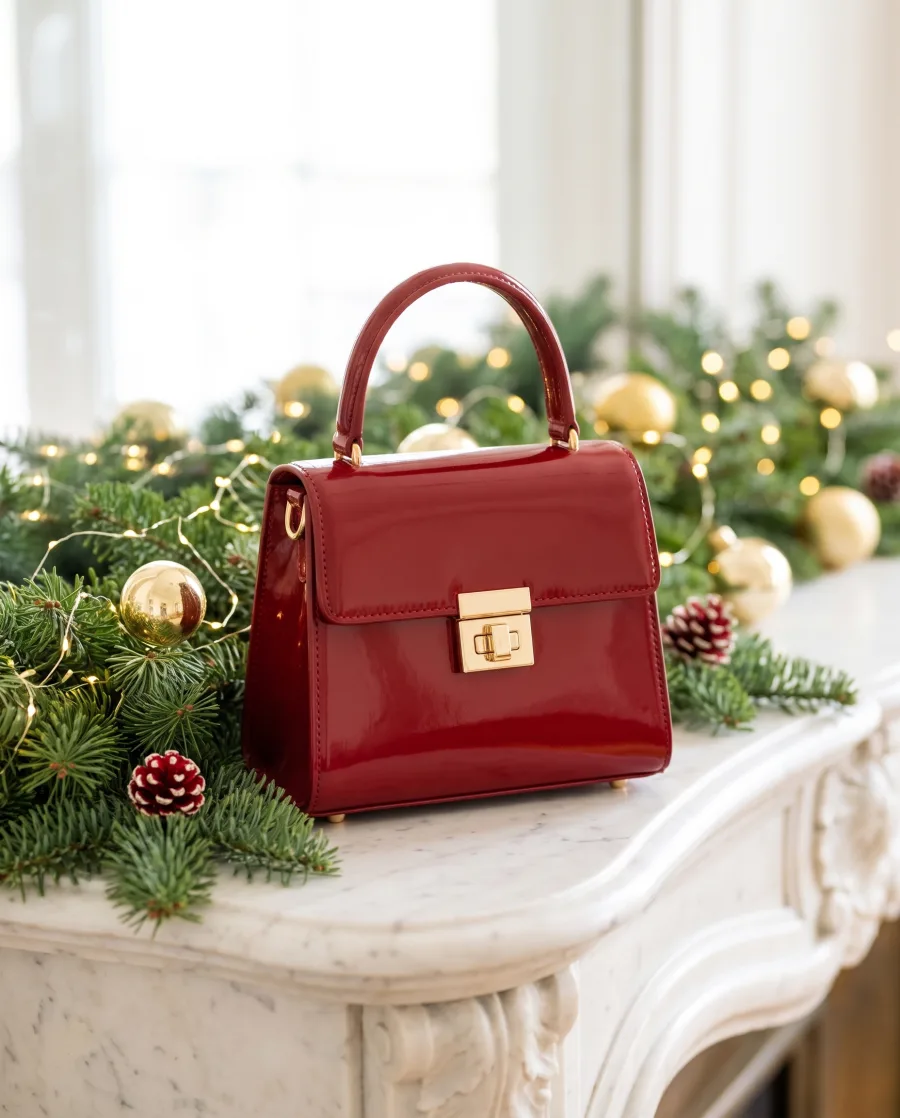

The best picture from last month 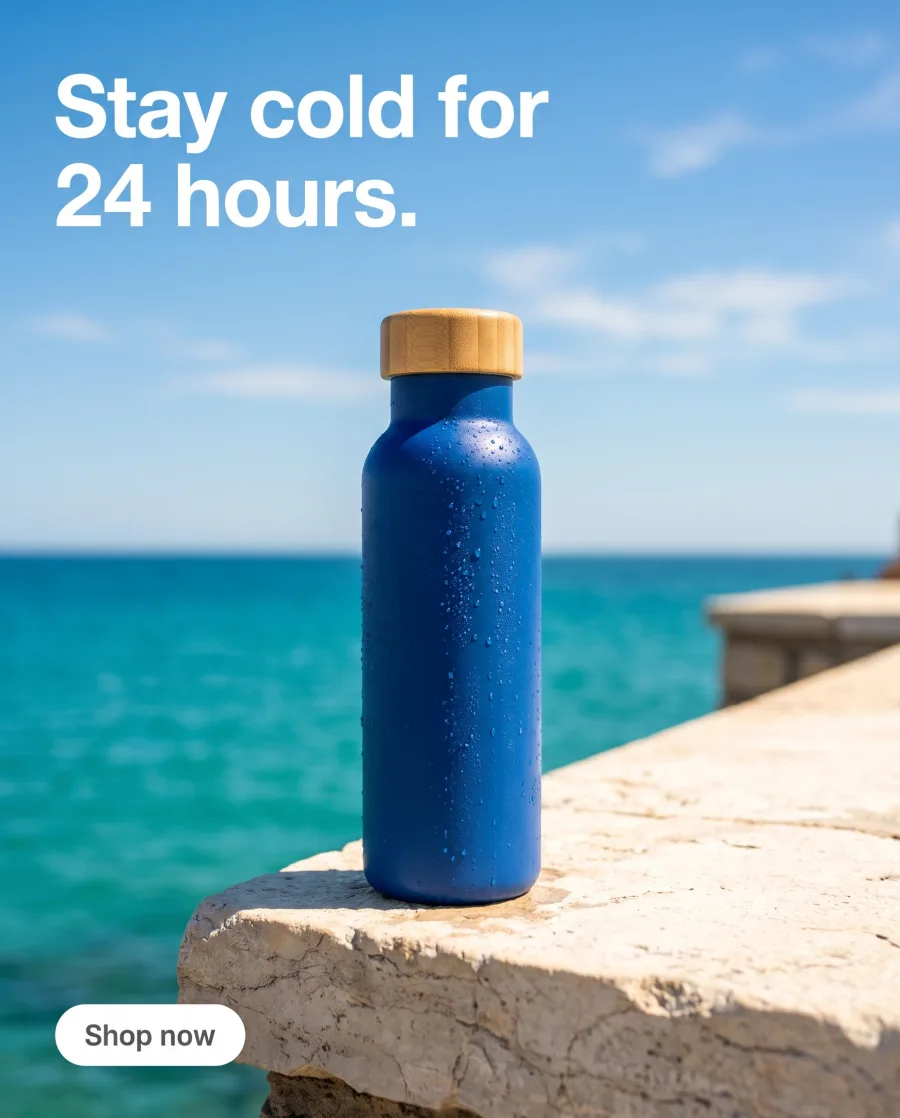 is in a download folder somewhere.In Assets it sits in its folder, ready to use again.
What you can do
What you can do in Assets
Results from Create, Generate and the apps are grouped by day: Today, Yesterday, This week. Filter by pictures or videos, in a grid or a list.
Give a folder a name, a colour and a short note. Put folders inside folders, for example one for each client and one for each campaign.
Bookmark the approved pictures. Bookmarks are shared with your team, so everyone uses the same ones.
Open a picture to see the prompt and the model that made it, so you can make the next one the same way.
Select many files to move them, send them for review or delete them. Pick any picture under My Library in Create, Generate, the apps and the editors.
Upload many photos and videos at once, or drag them in. Add stock photos from Unsplash, Pexels and Pixabay.

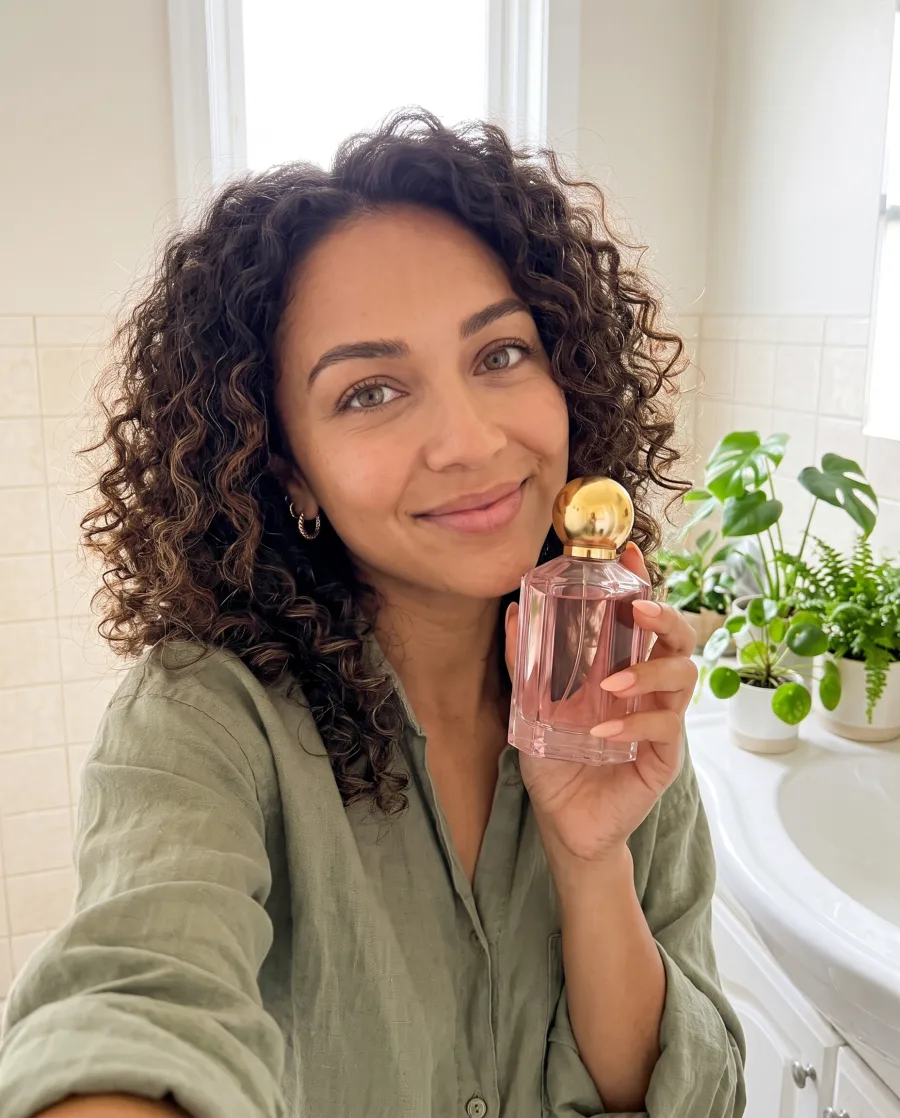


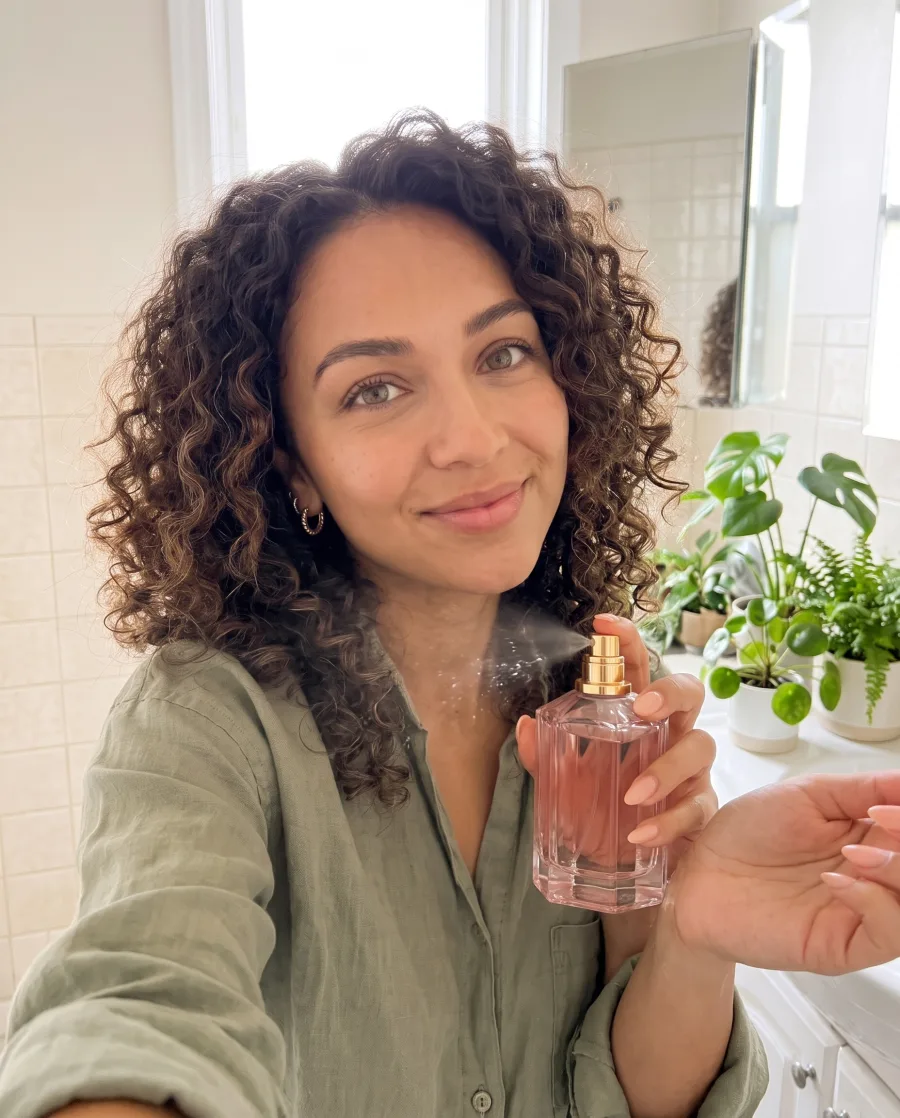

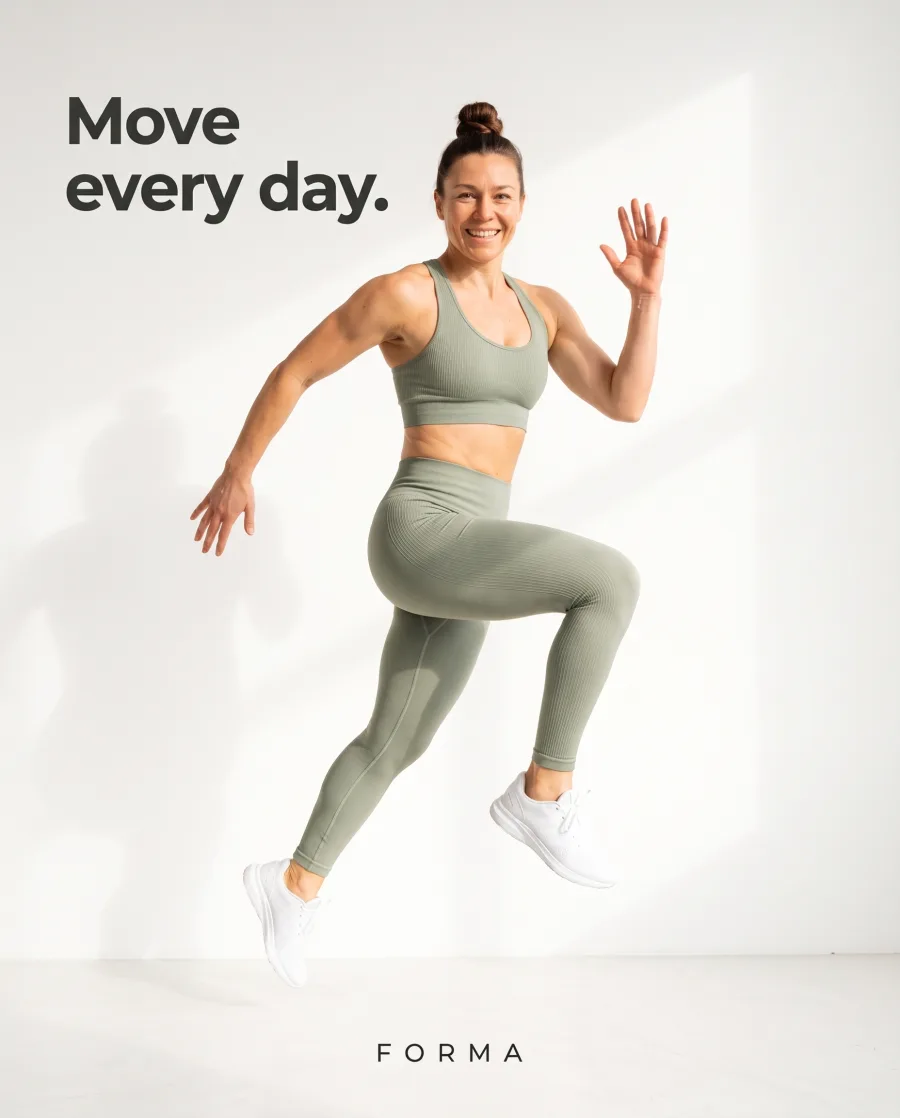

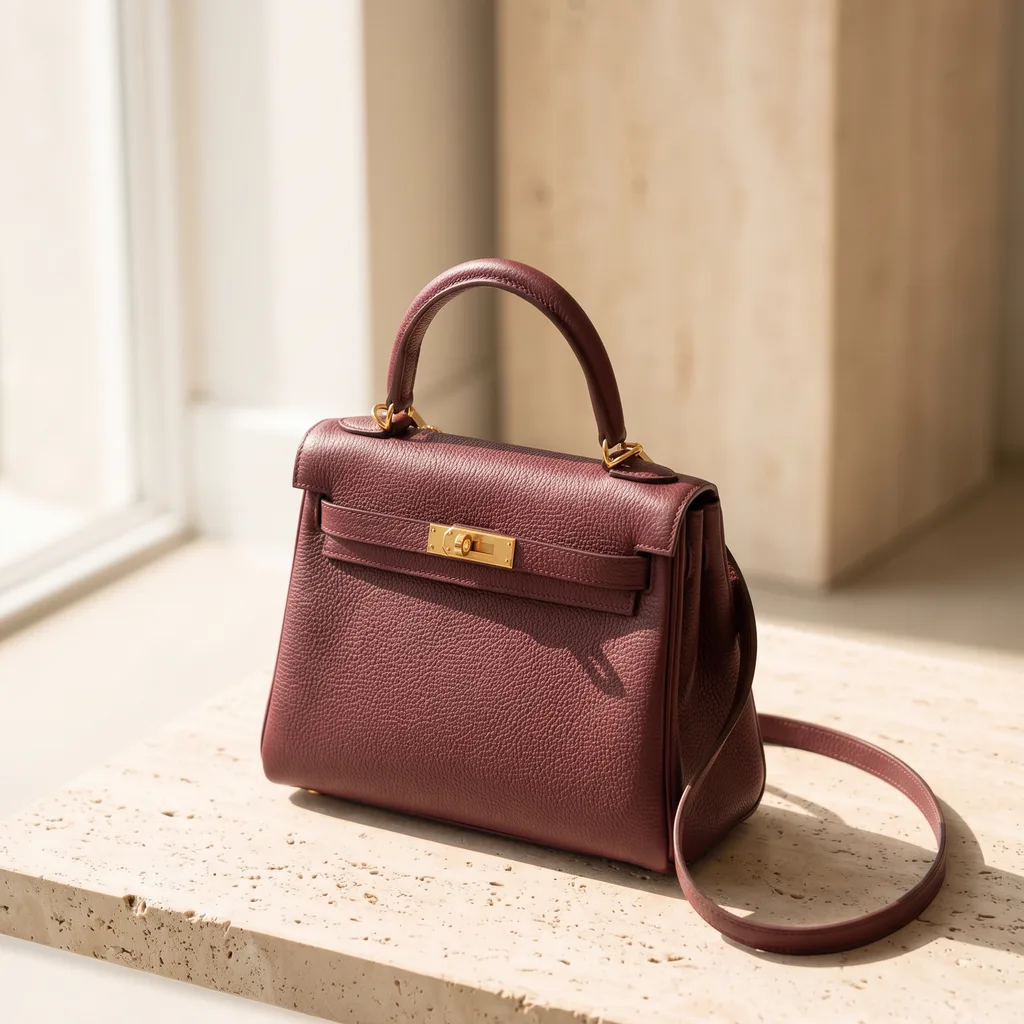
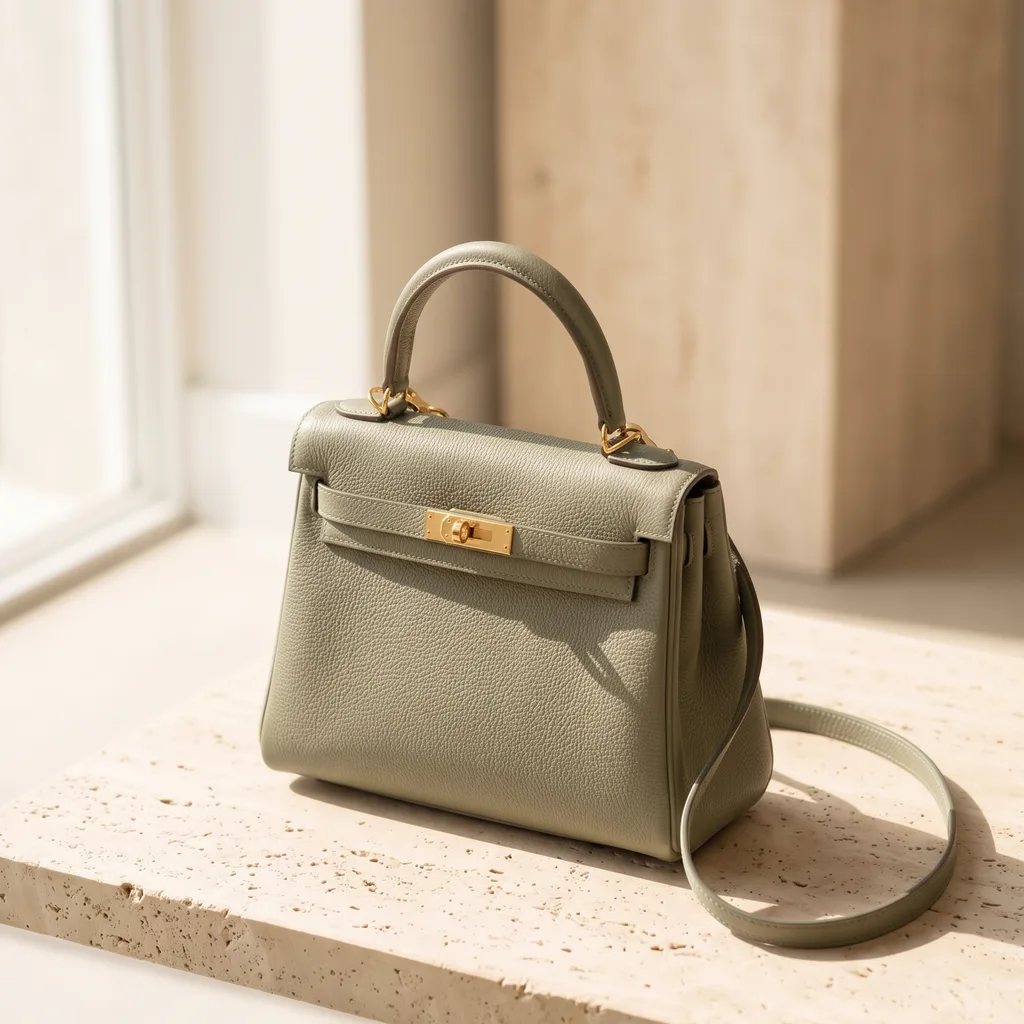 TTen pictures in one link. Pick your two.
Use cases
Assets use cases for teams
- An agencyKeeps one folder for each client and one folder inside it for each campaign.
- A brand teamBookmarks the approved hero pictures, so the whole team uses the same ones.
- An online shopPicks last month's best picture from Assets as the reference for this month's ad.
- A social media managerSends ten pictures from Assets to the client as one review link.
Inside DesignerBox
Everything else in one place
Each part has its own page. You do not need a separate app for each job.
 CreateAsk for a picture in your own words
 GeneratePick the picture or video model yourself
 InspirationMake a finished idea with your product
 AvatarsOne person in every picture and video
 Brand kitYour logo, colours, fonts and rules
 Image editorAdd text and a logo in ready social sizes
 Video editorCaptions, a voice and music on your clips
- ReviewsYour client picks pictures from a link
 TemplatesReady workflows with every step built
 AppsAdd a photo, fill a short form, press Run
 WorkflowsSave your steps and run them again
 BatchOne job on up to 200 products
What is Assets in DesignerBox?
Assets is your library. Results from Create, Generate and the apps are saved there, with the files you upload. You can sort them into folders and use them again.
Do workflow results go to Assets?
Yes, when the workflow ends with a Save to Assets step. Then every result of every run lands there.
Can I use pictures from Assets in new pictures?
Yes. Pick them under My Library in Create, Generate, the apps and the editors.
Can I see how a picture was made?
Yes. Open the picture to see the prompt and the model that made it.
Can I upload my own photos?
Yes. Upload many files at once, or drag them in. Your own photos start on the Pro plan.
How much space do I get?
It depends on your plan. You can see the storage of every plan on the pricing page.
Keep every picture in one place.
Sign up with Google or your email. Nothing to set up.
Get started free- Claude
- ChatGPT
- Cursor








