Scale images, ads and videos for every client. Always on brand.
One workspace for all your clients. Set each client's brand once, and every result matches it. As a partner, you also get a price for your volume and help from our team.
To join the partner programme, book a demo. We agree the terms on the call.












Who it is for
Does that sound like you?
Cut the waiting time and budget for deliverables.
Every client wants more content, and every piece waits on a shoot, an edit or a freelancer. The budget goes on production instead of on the work. Anyone can make an AI picture. Making hundreds that still look like your brand is the hard part.
- One workflow for each client, with that client's brand rules
- Apps a colleague runs from a short form
- The cost of the job shown before you press Run
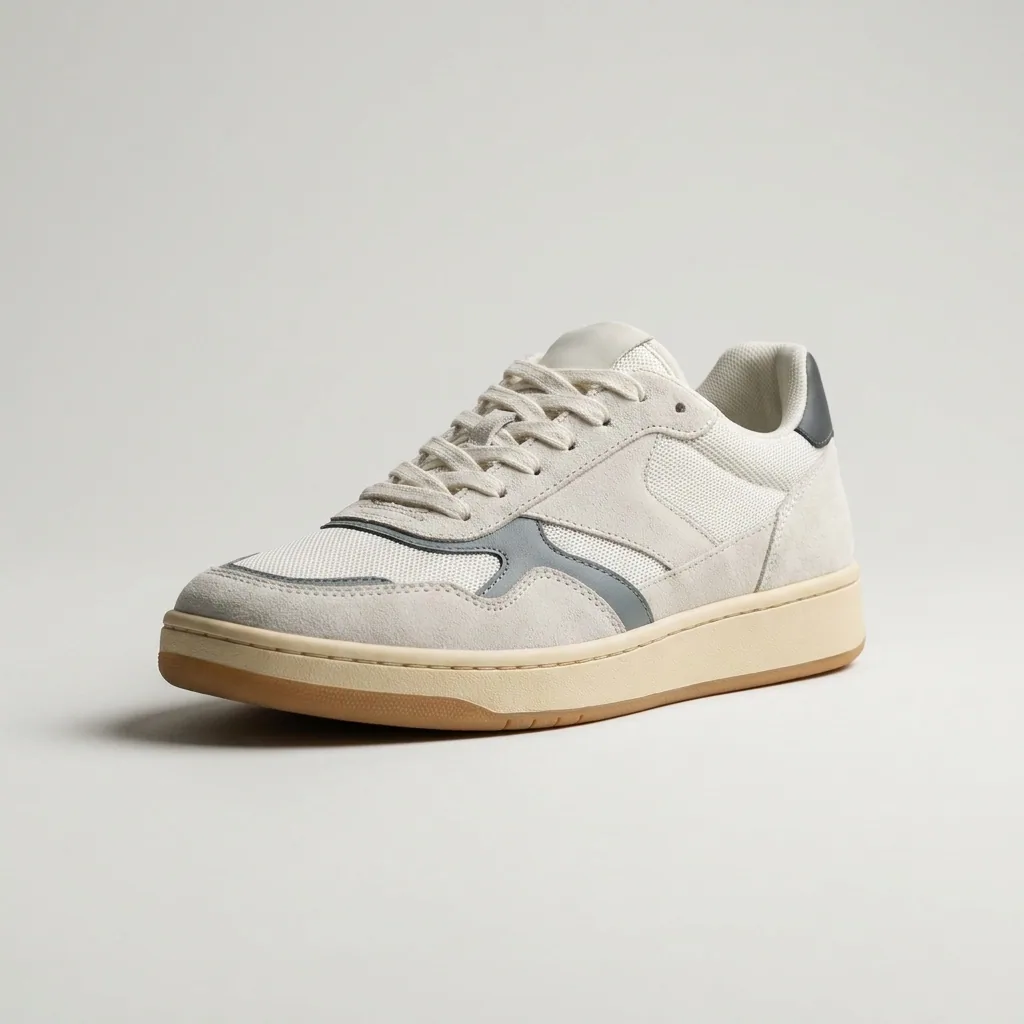



What you can make
Images, ads and videos for every client
Pick the job and add the client's product. Every result uses that client's brand.
- Client product

Product shots
Clean product photos in one style, for the shop, the marketplace and the catalogue.
See product shots - Client product



Scenes
The same product in new places, for each season, campaign or market.
See scenes - Client product
On-model shots
Show the product on a model, so buyers see its size and how people use it.
See on-model shots - Cream
 Burgundy
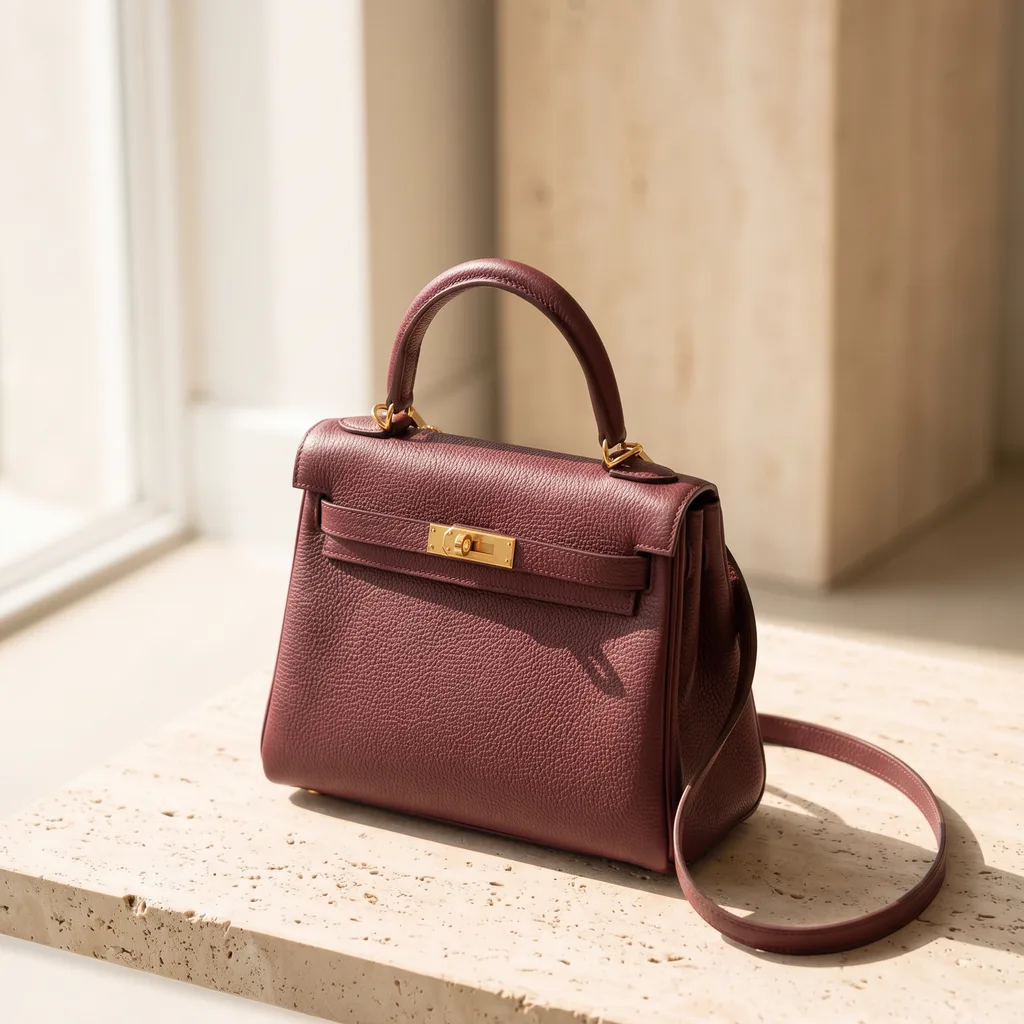 Sage
Sage
Colour variants
Show a product in new colours before the client pays for a shoot.
See product colours - Story
 Square
 Wide
Wide
Ads in every size
Resize one ad for each platform, or make it again in another language.
See the ads resizer - Client product


Video ads
Make short clips from product photos, for social posts and paid ads.
Video starts on the Premium plan.
See video ads
How agencies use it
One workspace for every client
Add each client once. Then your whole team makes the work, and every result matches that client's brand.
- Leather goodsDrinksSupplementsEyewear
A brand for each client
Each client gets a brand: logos, fonts, colours and rules. Choose the client before you run, and every result follows those rules.
- Leather goods12
One workflow, every product
Save a job once as a workflow. Batch runs it on a whole sheet of products, one product per row.
- Product photoSceneBlue skySizeSquareRun
Apps your team can run
Publish a workflow as an app. A colleague fills a short form and presses Run, and never sees the steps.

 Cost shown before you runRun
Cost first, then review
You see the cost before you press Run, so you can give the client a price first. Then keep or discard each result.
The partner programme
Partner pricing and support for agencies
For agencies that run many client brands. We agree the terms with each agency on a call.
What partners get
A price for your volume
We agree a price for your client brands and your monthly volume. We confirm it in writing.
Training for your team
We show your people how to use templates, workflows, apps and batch.
Your first clients, with our help
We add your first client brands with you. Then we build their first workflows together.
How it starts
Book a demo
Pick a time for a 30-minute call. Tell us about your clients and the work you repeat for them.
Agree the terms
We send you partner pricing for your volume, and we agree the terms in writing.
Start the onboarding
We train your team and add your first clients with you.
Team features are on the Ultra plan. It includes a workspace for up to five people, shared brand kits, white label options and the API.
See plansEverything in one place
Everything you need, in one place
The full workflow from the first product photo to the finished ad, in one subscription.
What is the DesignerBox agency partner programme?
It is a programme for agencies that run many client brands. You get a price agreed for your volume and training for your team. Our team also adds your first client brands and workflows with you.
How do I join the programme?
Book a demo on this page. On the call, we ask about your clients and your monthly volume. If the programme fits your agency, we send you the terms in writing.
How much does partner pricing cost?
We do not publish a partner price. The price depends on your client brands and your monthly volume. We agree it with you after the call. Then we confirm it in writing.
Which plan does a partner agency use?
Team features are on the Ultra plan. Every plan below Ultra is for one person. Ultra includes a workspace for up to five people and shared brand kits. It also includes white label options and the API. A team of more than five people needs more seats. We talk about seats on the call.
Can I sell the results to my clients?
Yes. The commercial licence starts on the Pro plan. Every paid plan also removes the DesignerBox mark from your results. AI video and virtual try-on start on the Premium plan.
Does each client get its own workspace?
No. Your agency has one workspace. Each client brand has its own brand profile with its rules, logos, fonts and palette. A workflow uses the brand that is active when you run it. To show a client the results, send a review link. They choose the pictures they want, with no account.
Is the programme right for my agency?
It fits performance agencies, creative agencies and creative studios. Most have 3 to 15 people, many client brands and the same work every week. It does not fit large companies with a long buying process.
How is this different from the affiliate programme?
The affiliate programme pays commission on the people you refer, and it has its own signup. The agency partner programme is for agencies that make content for many client brands. It starts with a demo call.
Scale content without limits.
Generate content for your products or services with AI, starting today, and keep your brand on every piece.











