









Chrome extension
DesignerBox in your browser
The DesignerBox Chrome extension opens a side panel beside any page. Add a product photo or a prompt, press Run, and copy or download the result without leaving the page. Same account, same credits, same Assets as the web app.
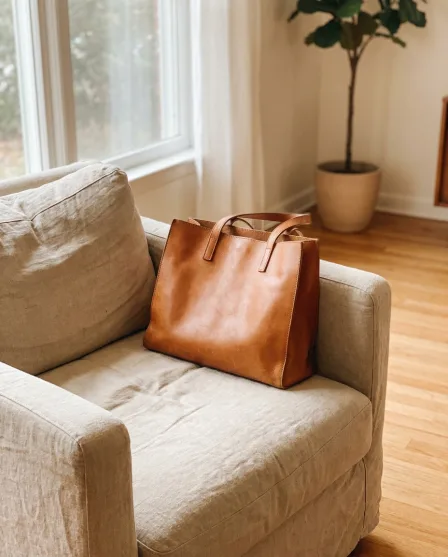


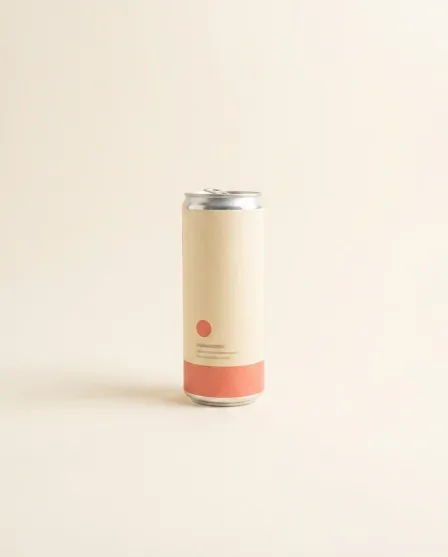
From this to this
Product photos in, finished pictures out, beside any page
Open the panel on the shop admin, the ad manager or a doc. Add the photo, press Run. Copy or drag each result into the page.


Who it is for
Does that sound like you?
Results designed for brands and agencies like you.
The picture, beside the page that needs it.
You work in the browser all day: the shop admin, the ad manager, the docs. Every new picture means another app, an export and an upload. The pictures you make in a hurry never match the ones from last month. You want to make the picture beside the page that needs it, in your brand's look.
- A side panel that makes images and video beside any page
- Right-click a web image or selected text to start from it
- Every result lands in your Assets, on the web and on your phone too
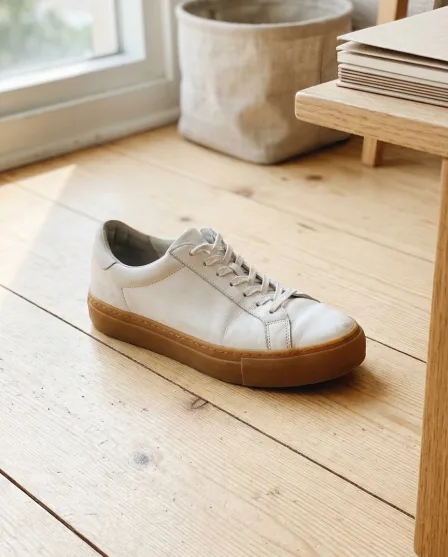


DesignerBox render
What the panel makes
Everything DesignerBox makes, one panel away
Sign in once with your DesignerBox account. The panel loads your plan, your credits and your Assets.
AI images
Turn a prompt or a product photo into finished pictures. Pick a model and a ratio, add reference pictures for more control.

AI videos
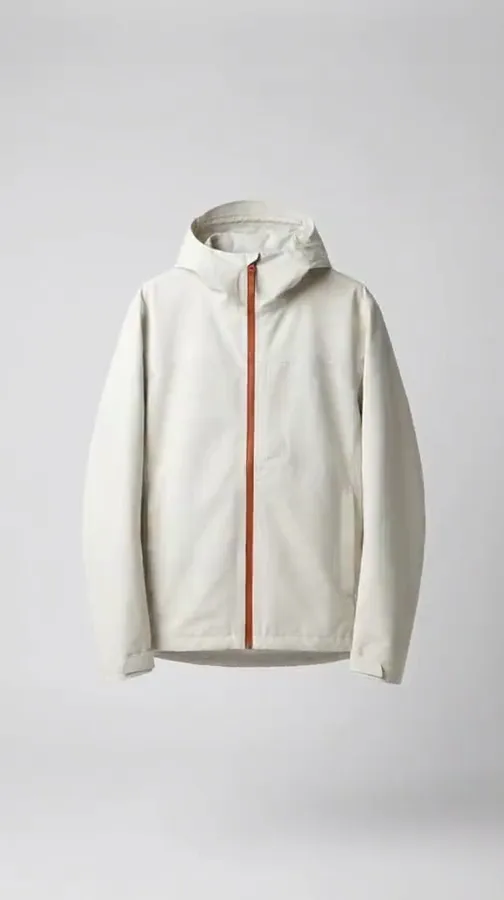
Make a short clip from text or from a photo. The render runs in the background and Chrome tells you the moment it is ready. Video starts on the Premium plan.
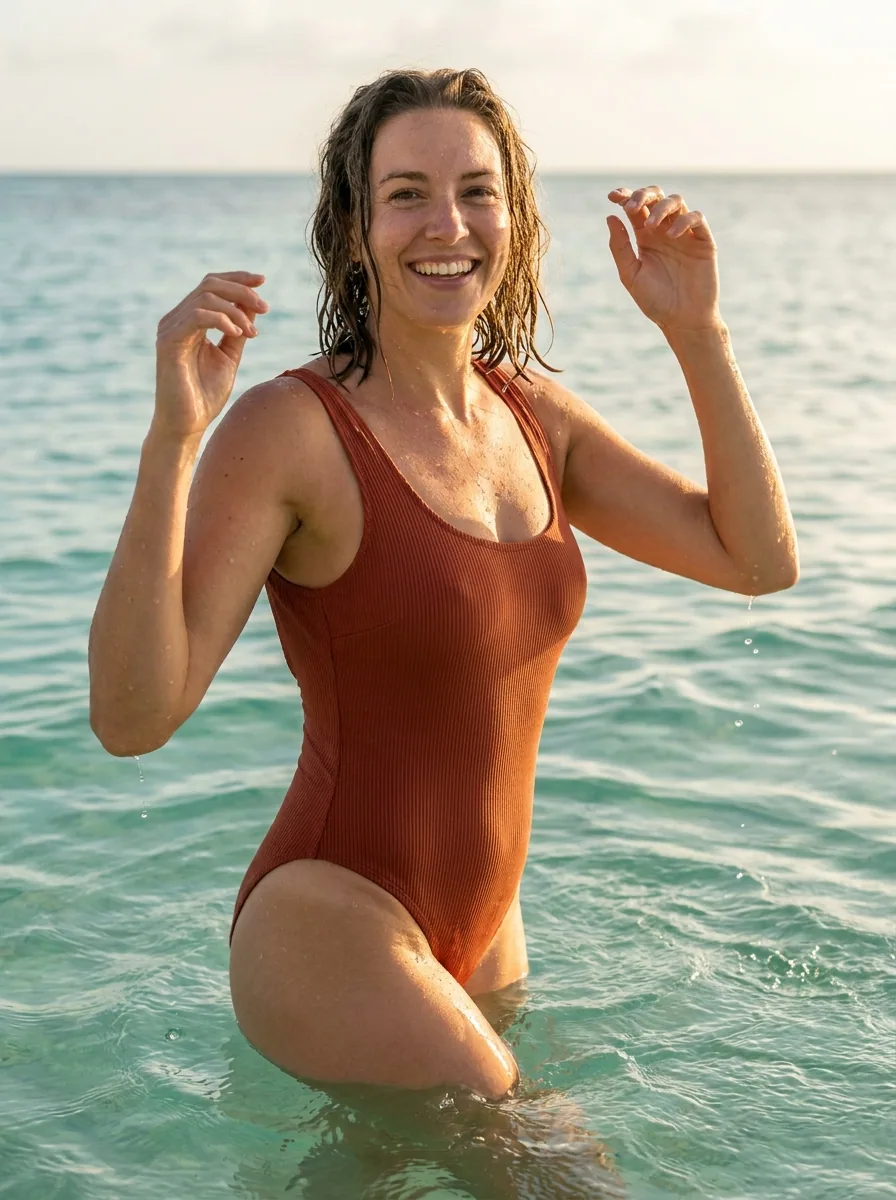
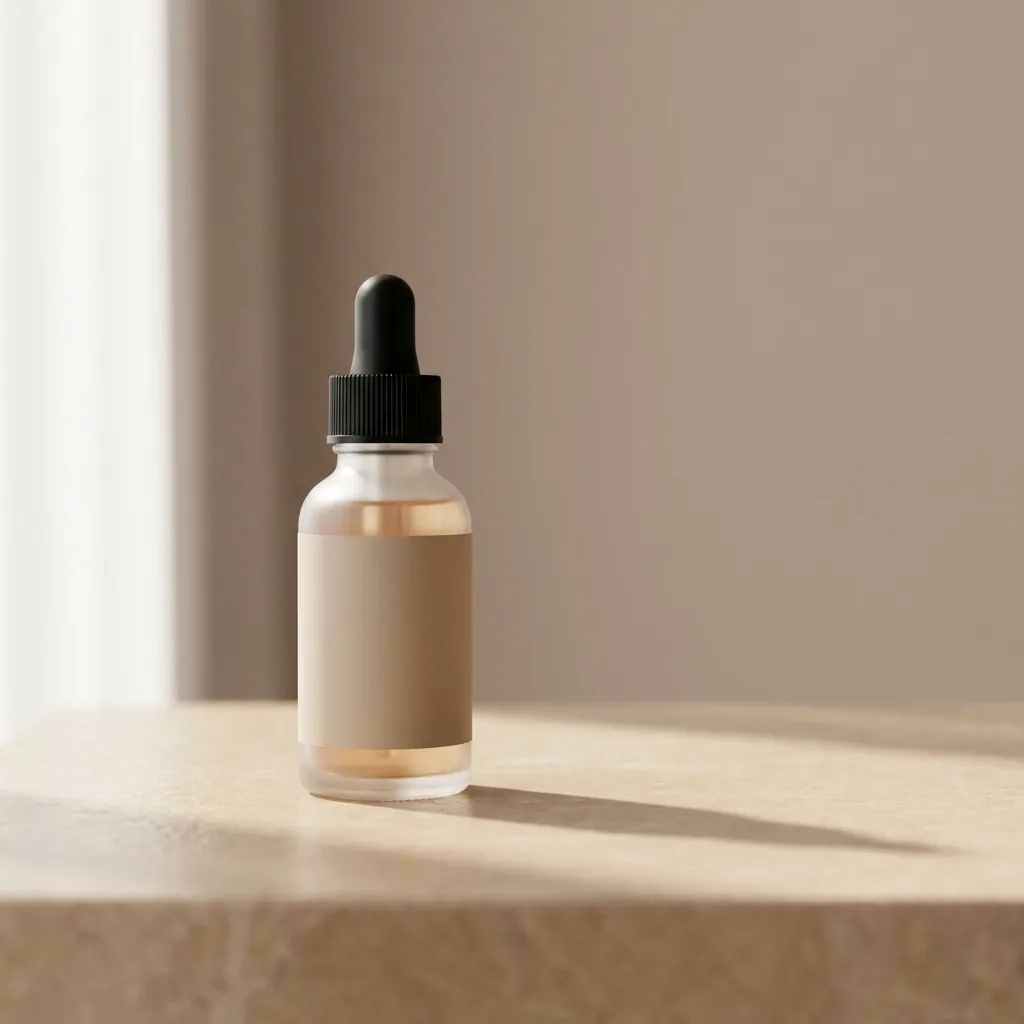

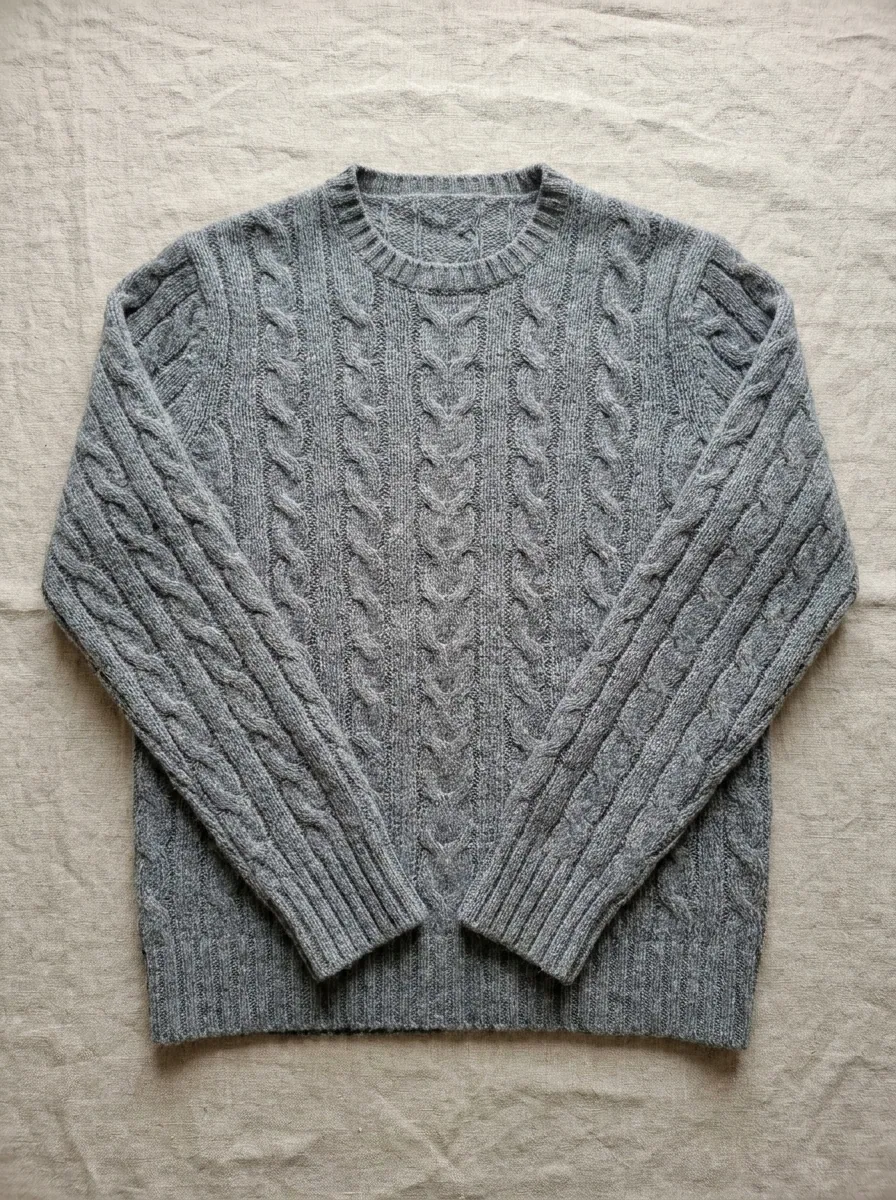
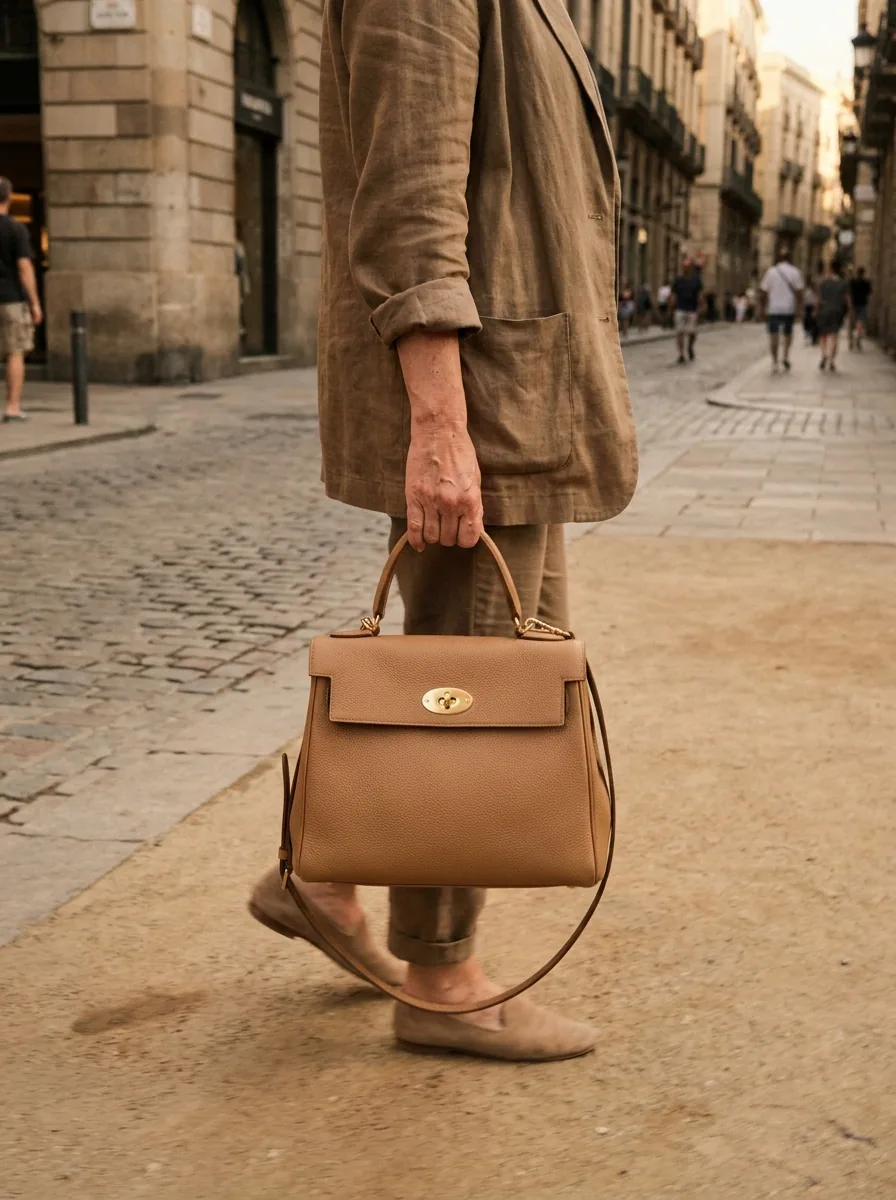
Templates and Assets
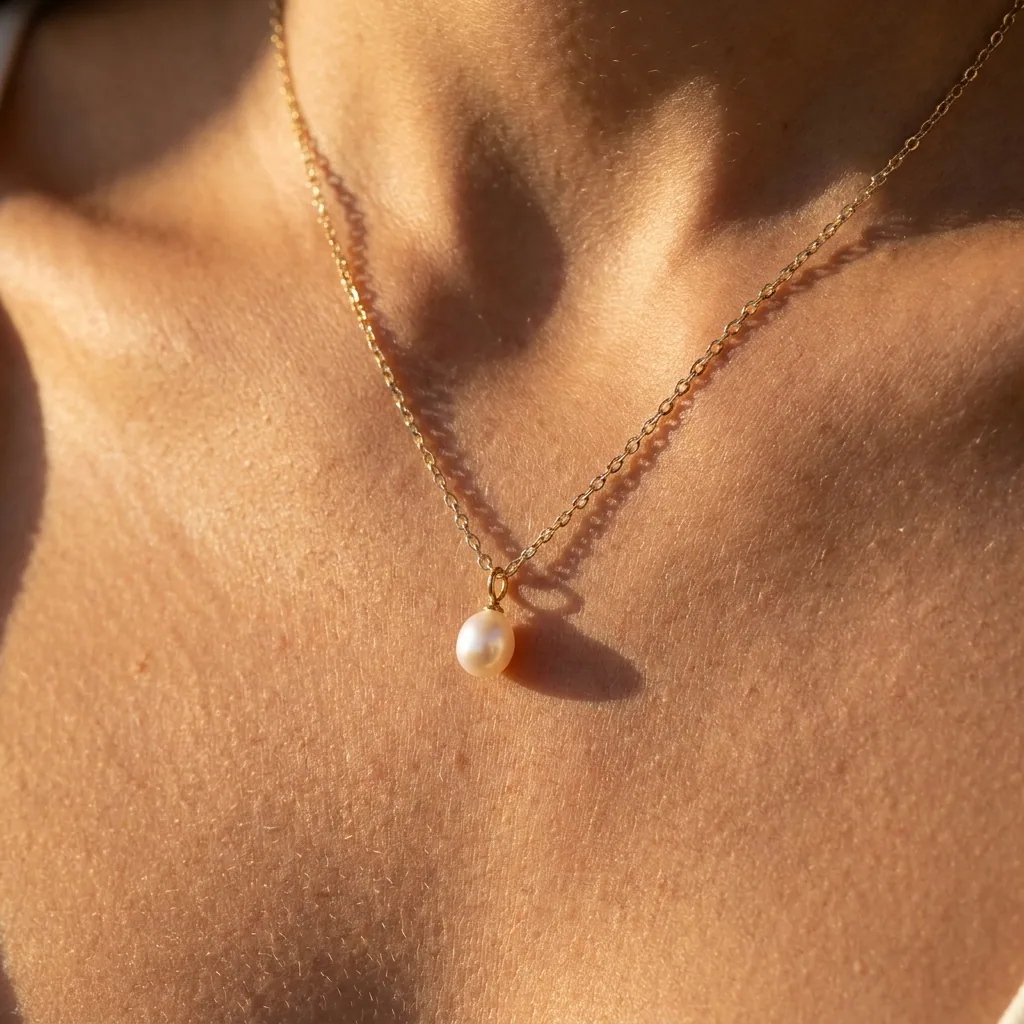
Start from a DesignerBox template. Then browse, bookmark and download everything you have made, in the panel.
How it works
From install to the first picture
No setup, no separate login, no new tab.
- 1
Add to Chrome
Install DesignerBox from the Chrome Web Store. The panel opens with the toolbar icon or Alt+Shift+D.
- 2
Sign in once
Already signed in on designerbox.ai? The panel connects by itself. If not, one click signs you in.
- 3
Add a photo or a prompt, press Run
Make images and video with the credits of your plan, beside whatever you are working on. Every result lands in your Assets.
In the browser
Built for the way you work in a browser
Small touches that make everyday work faster.
Right-click to create
Send any web image or selected text straight into the panel.
Keyboard shortcut
Open the side panel on any page with Alt+Shift+D.
Copy and drag
Copy a result to the clipboard, or drag it into a document, a canvas or an upload field.
Render notifications
Close the panel while a video renders. Chrome tells you when it is done, and one click opens it again.
No page tracking
No page tracking and no browsing history. The extension talks only to DesignerBox, and only when you use it.
Questions
Curious? Let's clear things up.
Short answers to the questions we hear most.
Is the DesignerBox Chrome extension free?
Yes. The extension is free to install and works with any DesignerBox account, including the Free plan. A run uses the same credits as the web app and the iOS app.
Do I need a DesignerBox account?
Yes. You sign in with your designerbox.ai account, or create one for free. When you are already signed in on the site, the panel connects by itself.
Can the extension read the pages I visit?
No. There are no content scripts and no tracking. The extension only receives an image or a text when you right-click and choose a DesignerBox action, and it talks only to DesignerBox.
Does it work in other browsers?
It is built for Chrome 116 and newer. Chromium browsers that support side panels and the Chrome Web Store, like recent versions of Microsoft Edge, can usually install it too.
Everything in one place
Everything you need, in one place
The full workflow from the first product photo to the finished ad, in one subscription.
Scale content without limits.
Generate content for your products or services with AI, starting today, and keep your brand on every piece.











