Batch
Bulk AI product photos and ads from one sheet
Batch runs the same job on every row of a sheet, up to 200 rows. You see the total cost first, then keep only the results you like.
- Claude
- ChatGPT
- Cursor
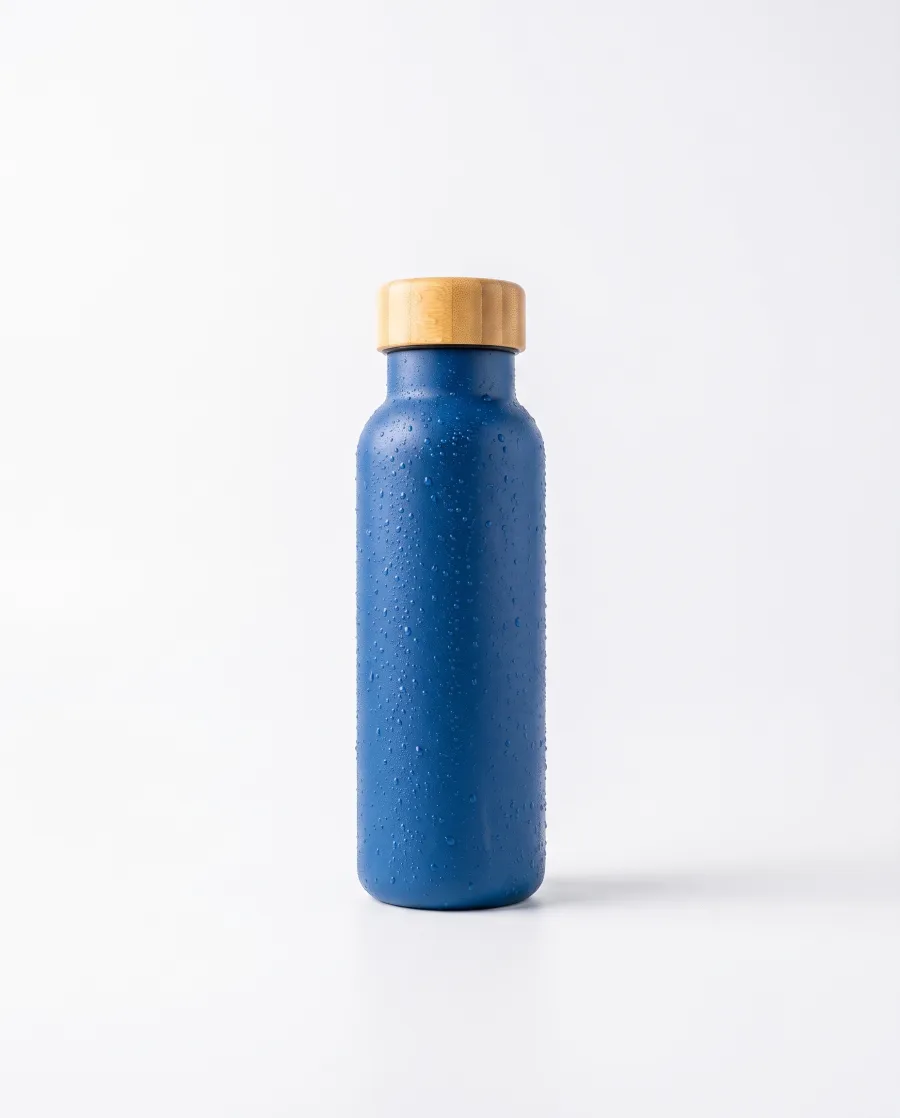 Water bottle
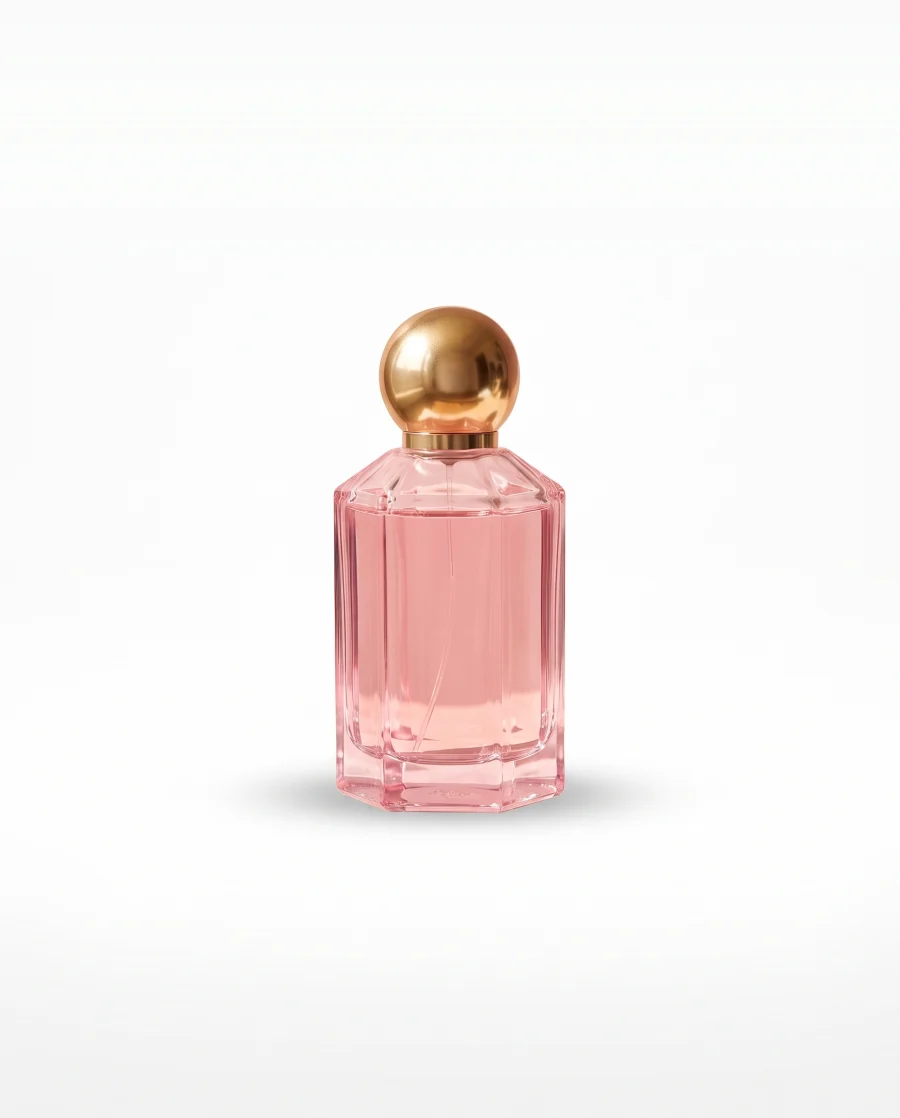 Perfume
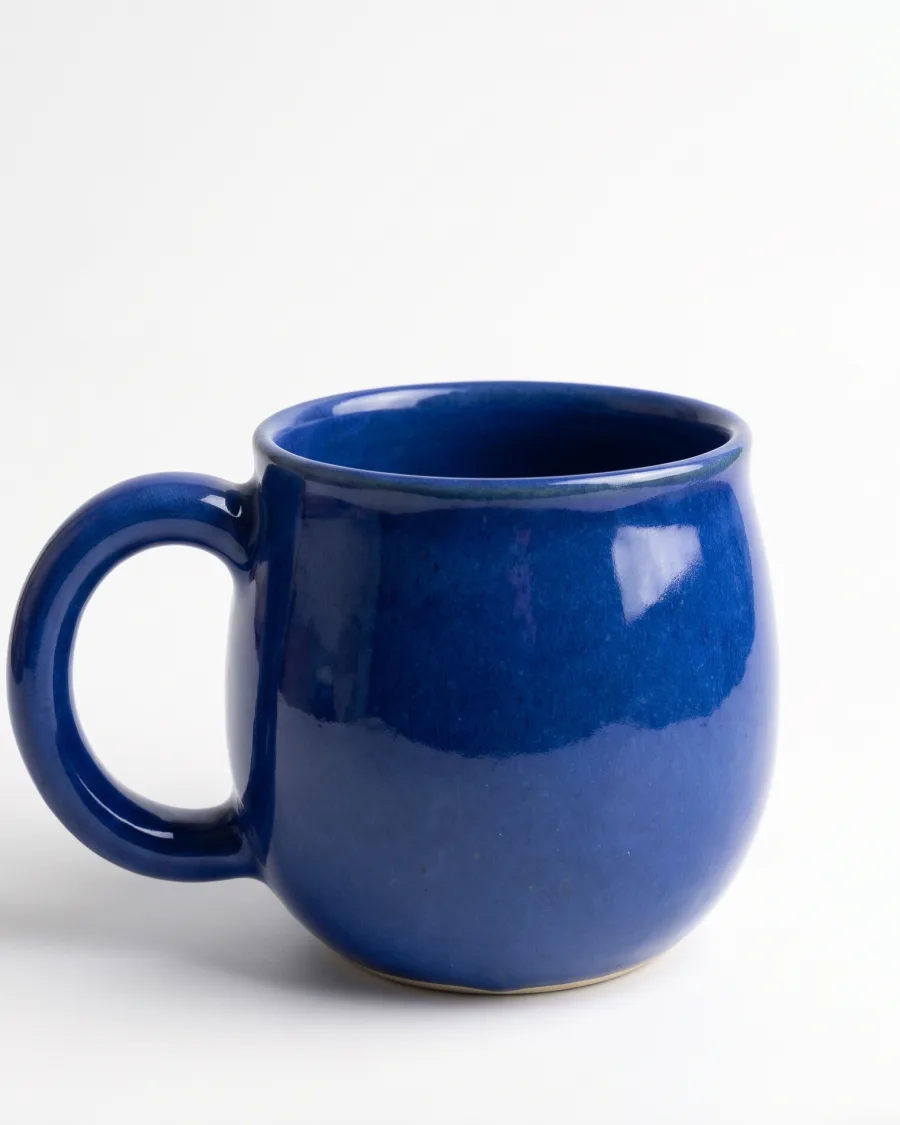 Blue mug
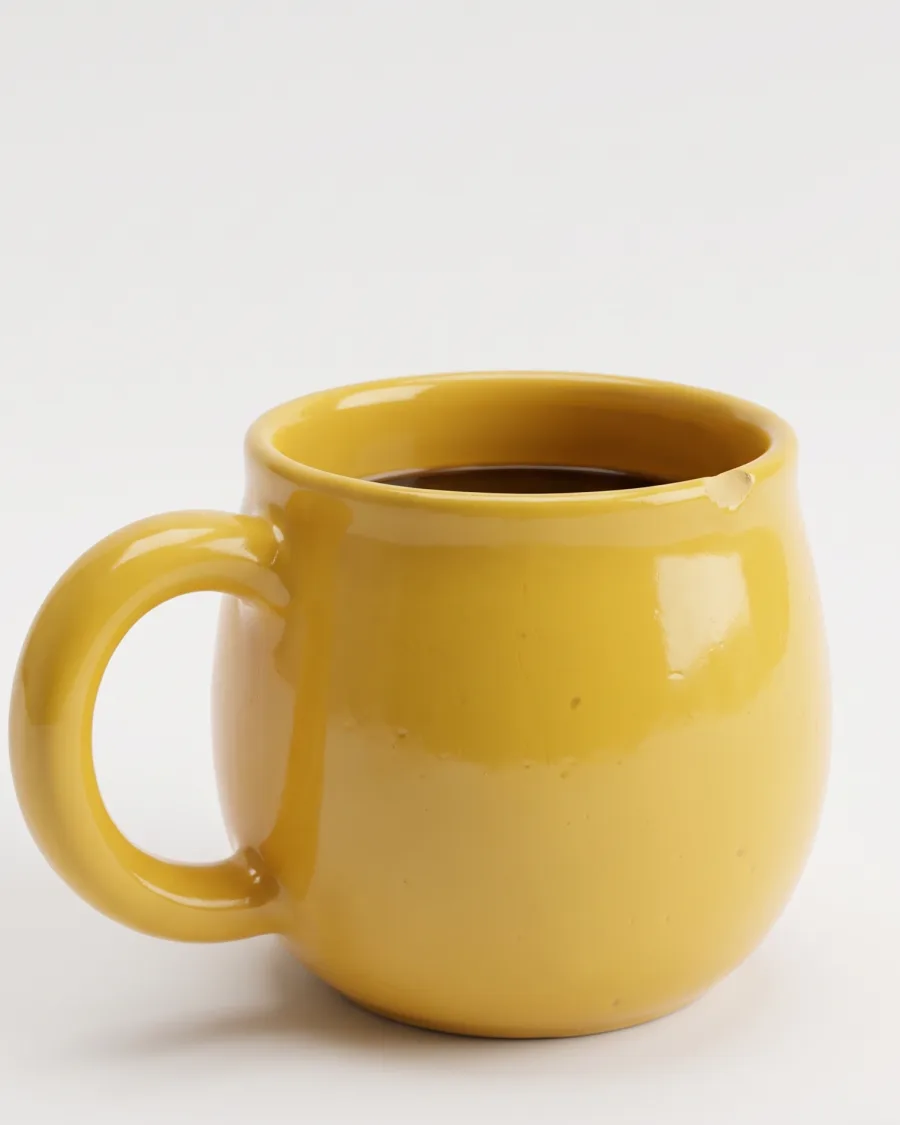 Yellow mug
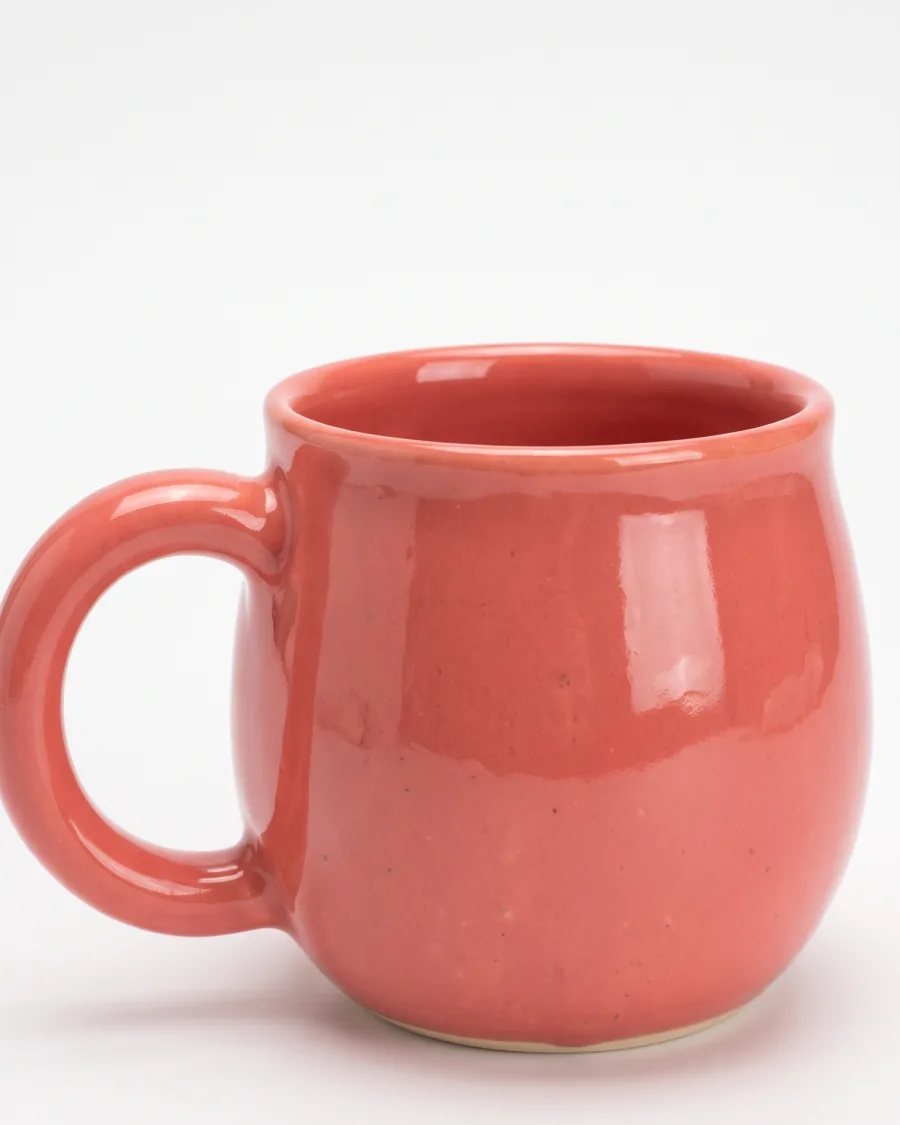 Coral mug
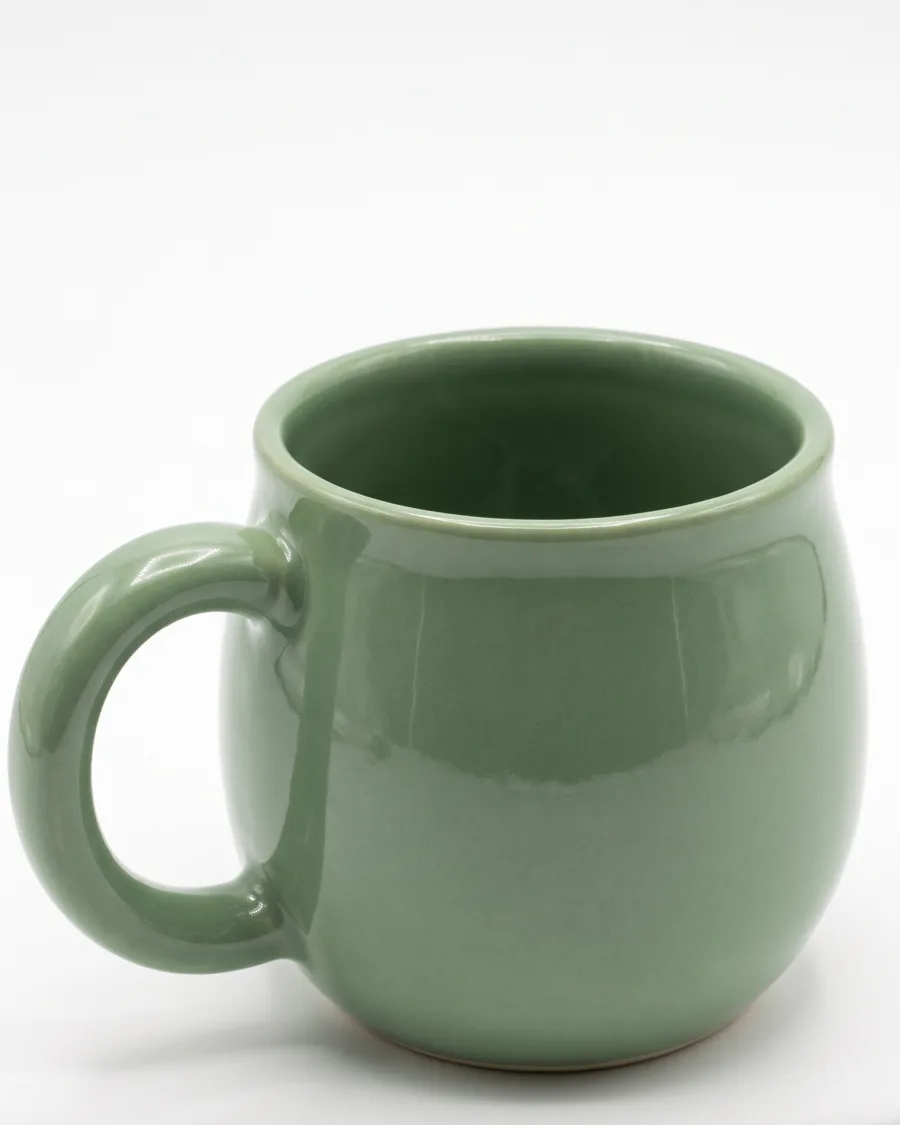 Sage mugReview the resultsJkeepKdrop
Forty new products should not mean forty separate jobs.Batch runs one job on the whole sheet.
What you can make
White backgrounds, seasonal sets and headline tests in bulk
Every new product on white, in one run
Add one row for each supplier photo. Pick the app that removes the background and press Run. Each product comes back on white.
See it for marketplace sellers Supplier photosRow 1Row 2Row 3
Your hero picture for autumn, Christmas and the January sale
Use "Add in bulk" to make every mix of products and seasons. Batch makes each version with the same product and the same light.
See it for online shops Your hero picture
 Autumn
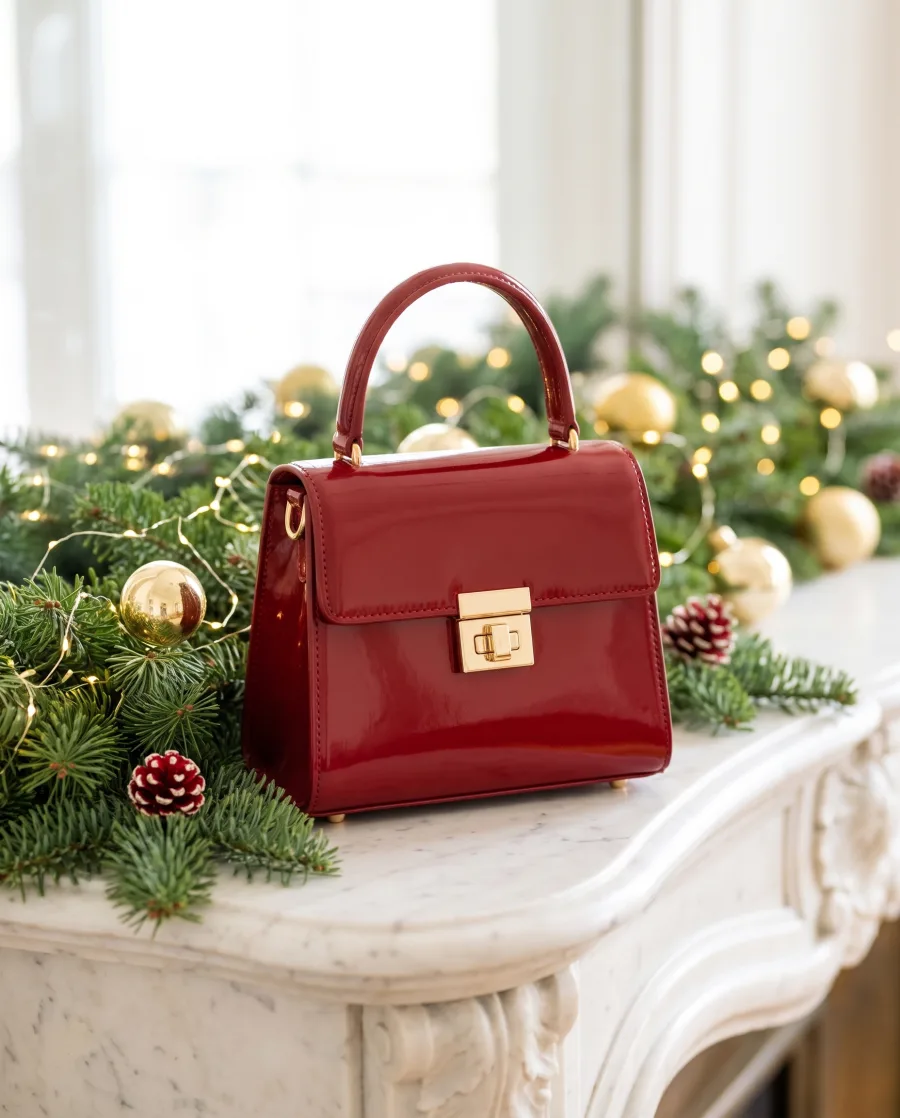 Christmas
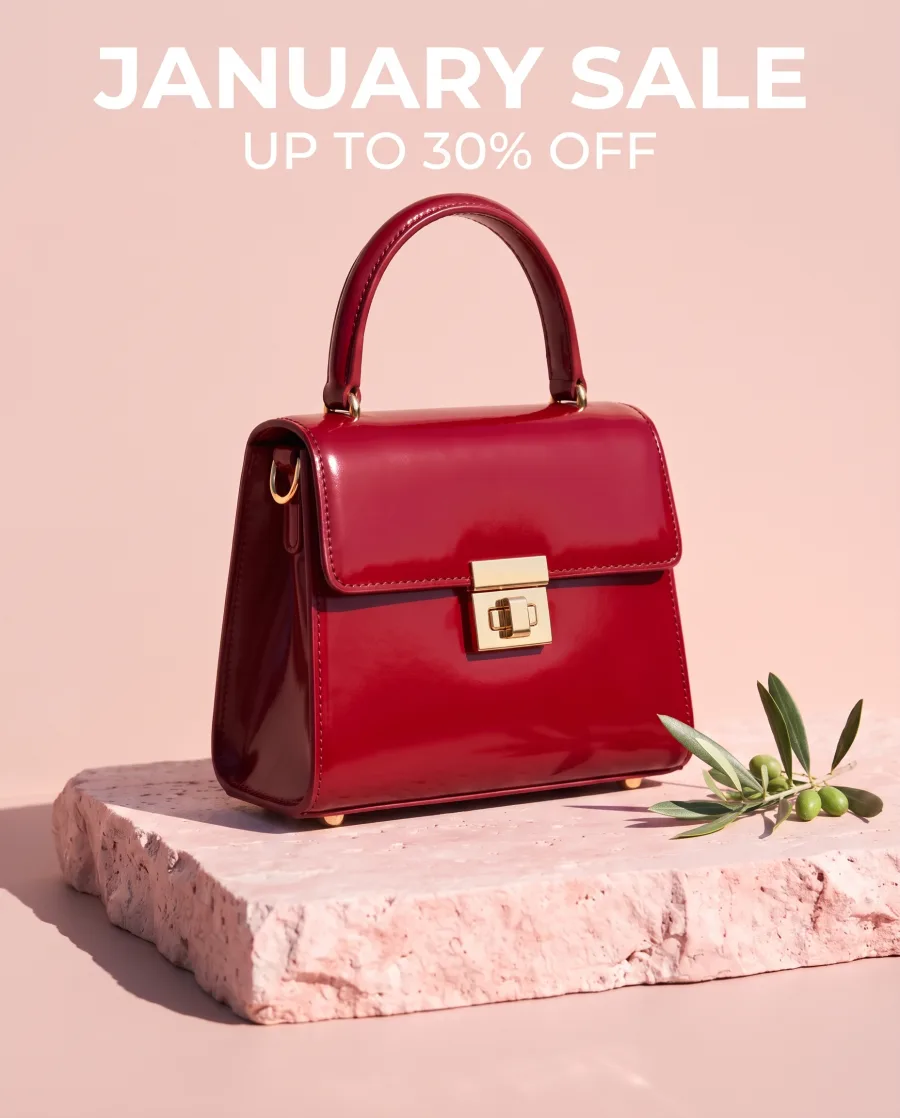 January sale
Each headline on each product, ready to test
Put your headlines in rows and run the ad workflow on each. Ten headlines on five products give you 50 ads to test.
See it for performance marketers Headline 1
 Headline 2
 Headline 3
Start free. You see the price before you make anything.
Your own photos and prompts start on the Pro plan. Video starts on the Premium plan.
How it works
How to run a batch
Open Automation, then Batch. Choose an image model, an app, or your own workflow published as an app.
Add rows one at a time, import a list of instructions, add one row for each uploaded picture, or use "Add in bulk" to make every combination.
Set the model, size and aspect ratio for each row or for all rows. Choose one to four runs per row. You see the rows, the credits and what is left before you run. Over 20 runs, DesignerBox asks you to confirm.
Review the results one by one. Press J to keep and K to drop.
Download the kept pictures, send them for review, or download the whole sheet as a CSV file.
AutumnChristmasJanuary saleHeadline 1Headline 2Headline 3Review the resultsJkeepKdropMAutumn and Christmas for the shop this week, please.Use cases
Batch use cases for shops and agencies
- A Shopify storeRuns white background photos on 40 new products from one supplier delivery.
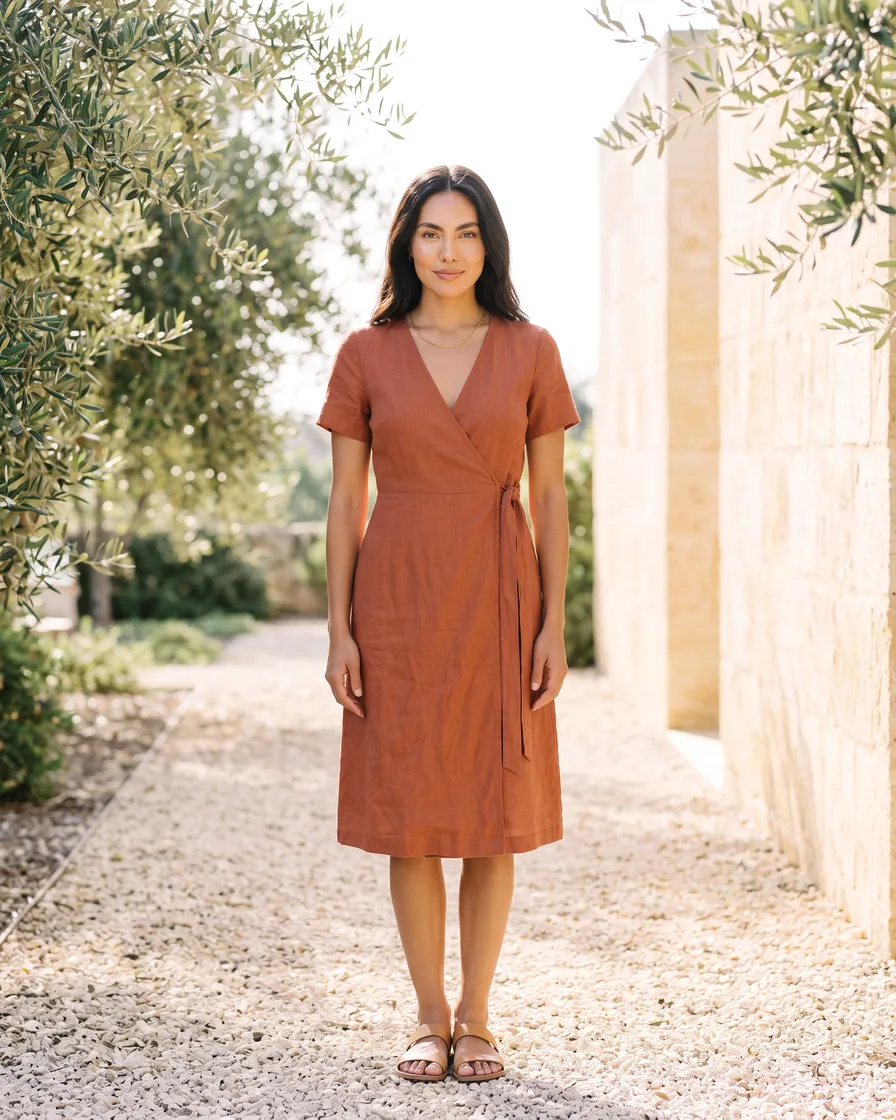 A fashion brandRuns "same model, new garment" on every piece of the new season.
- An agencyRuns one client's ad workflow on 30 products and sends the kept pictures for review.
- A brand teamMakes autumn, Christmas and January sale versions of its hero pictures.
Inside DesignerBox
Everything else in one place
Each part has its own page. You do not need a separate app for each job.
 CreateAsk for a picture in your own words
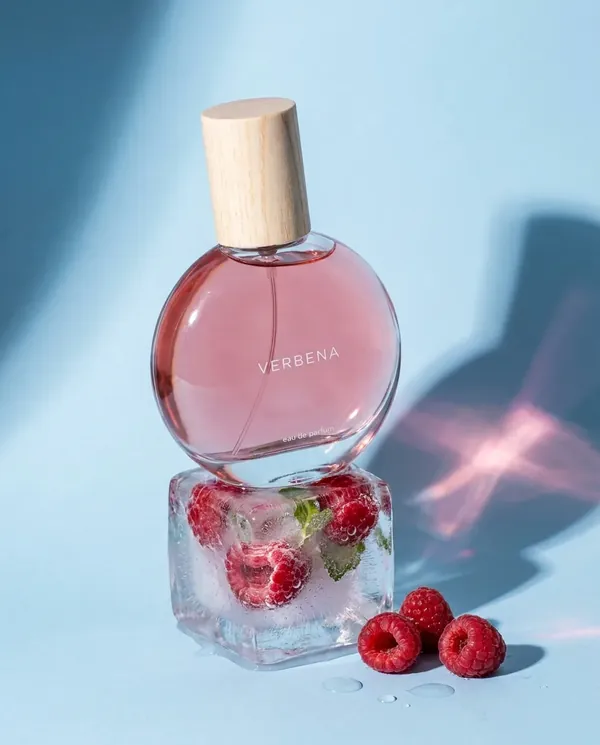 GeneratePick the picture or video model yourself
 InspirationMake a finished idea with your product
 AvatarsOne person in every picture and video
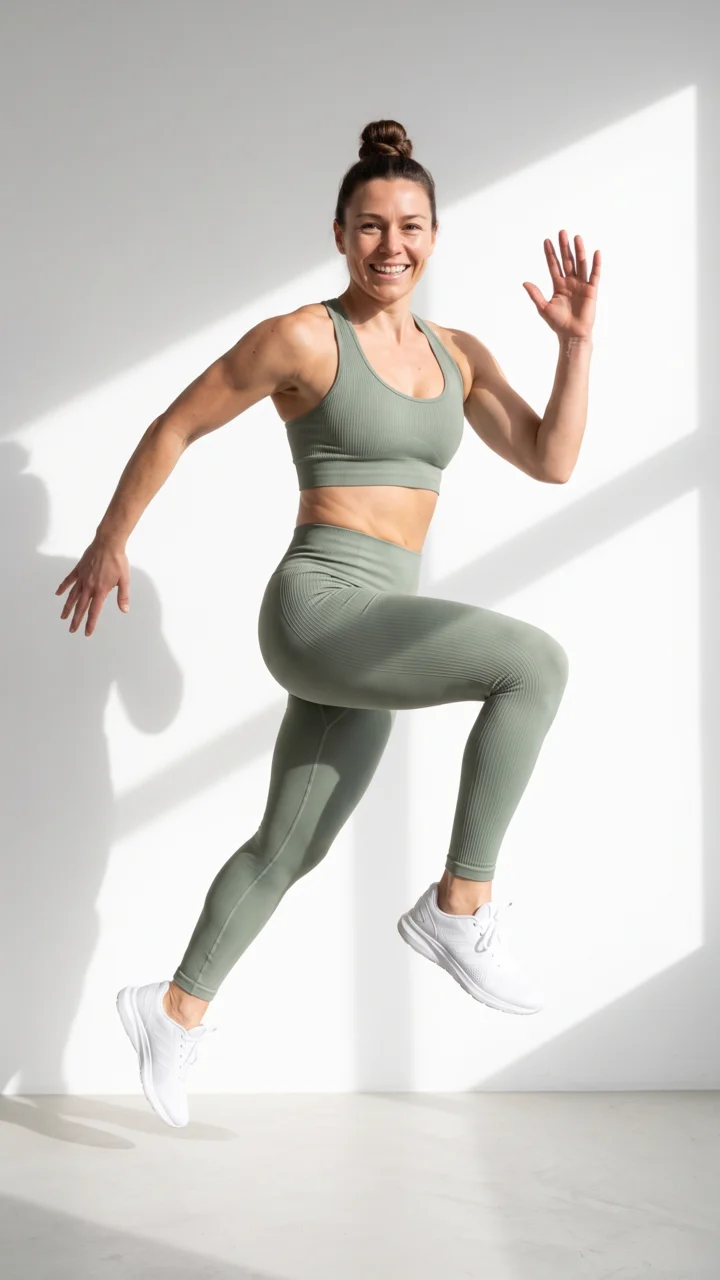 Brand kitYour logo, colours, fonts and rules
 Image editorAdd text and a logo in ready social sizes
 Video editorCaptions, a voice and music on your clips
 AssetsEvery picture and video, in folders
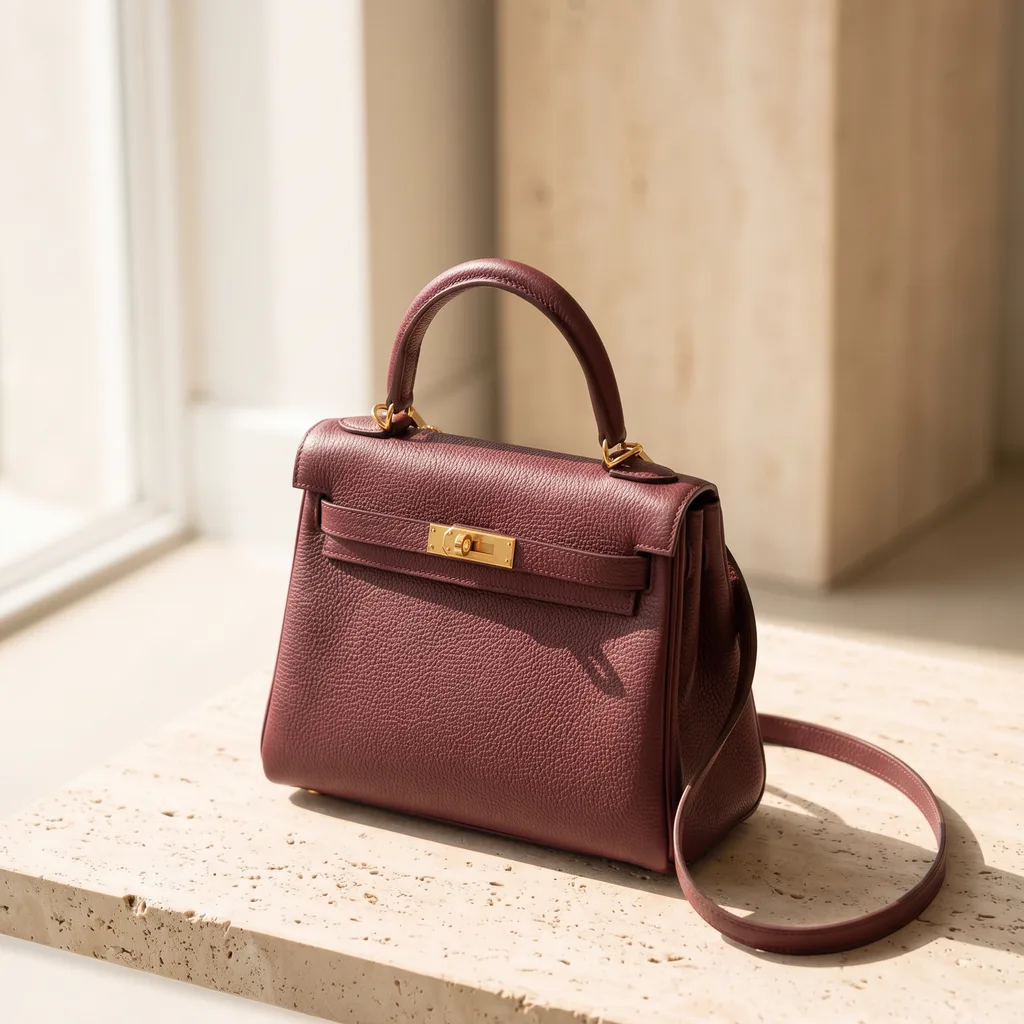 ReviewsYour client picks pictures from a link
 TemplatesReady workflows with every step built
- AppsAdd a photo, fill a short form, press Run
 WorkflowsSave your steps and run them again
What is Batch in DesignerBox?
Batch is a sheet where every row is one job. You choose what runs on the rows: an image model, an app or your own workflow. One press runs them all.
How many rows can a batch have?
Up to 200 rows, with one to four runs per row. Over 20 runs, DesignerBox asks you to confirm first.
Do I need a workflow first?
No. You can run an image model or any app straight away.
How do I know the cost?
The total for the whole sheet shows before you press Run.
Where do the results go?
You keep or drop each result with the J and K keys. Then download the kept pictures, send them for review or download the sheet as a CSV file.
Is Batch on every plan?
Yes. Batch runs on every plan. A big batch needs more credits, so it fits the bigger plans.
Run your first batch.
Sign up with Google or your email. Nothing to set up.
Get started free- Claude
- ChatGPT
- Cursor










