AI creative workspace for commerce
AI ad generator for every product you sell
Make product ads with AI, with a headline, an offer and a button. Get them in square, story and wide sizes and in other languages. No designer needed.
- Claude
- ChatGPT
- Cursor
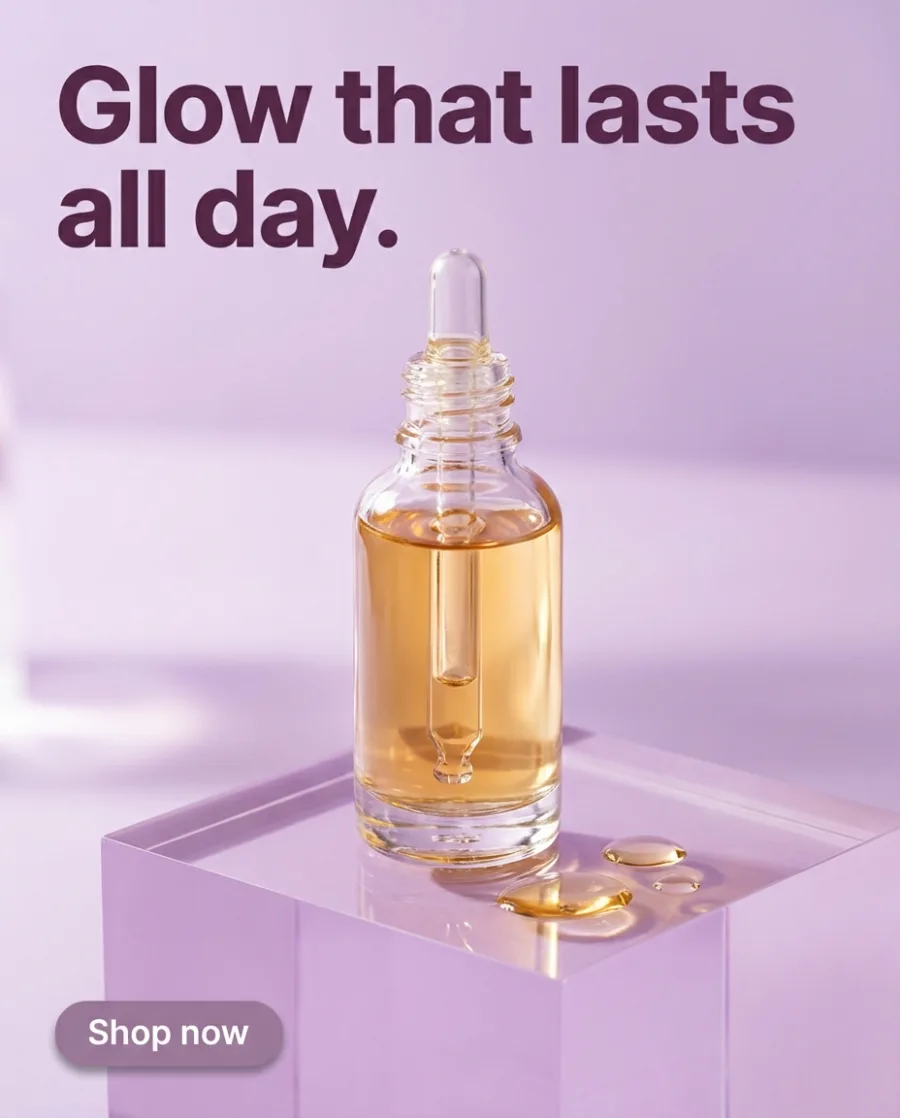
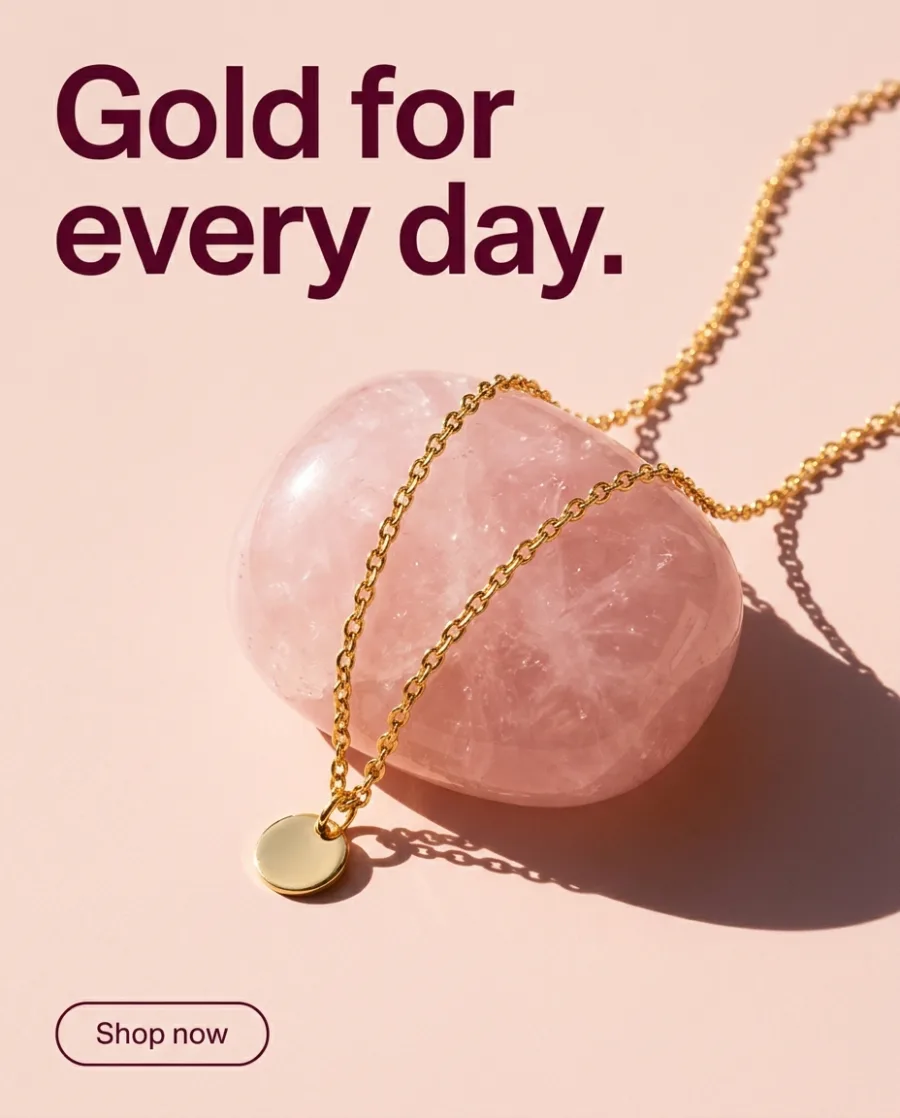
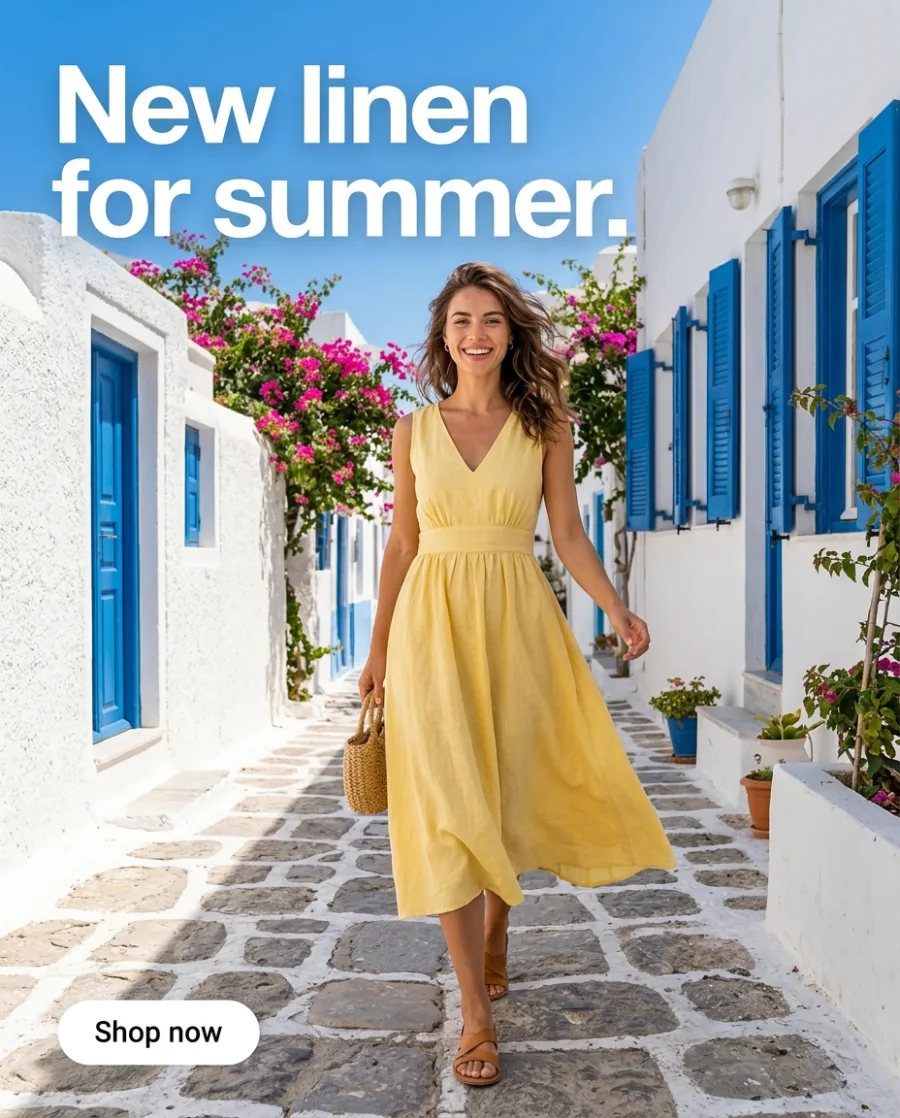
Making one AI ad is easy. Making ads for every product, in every size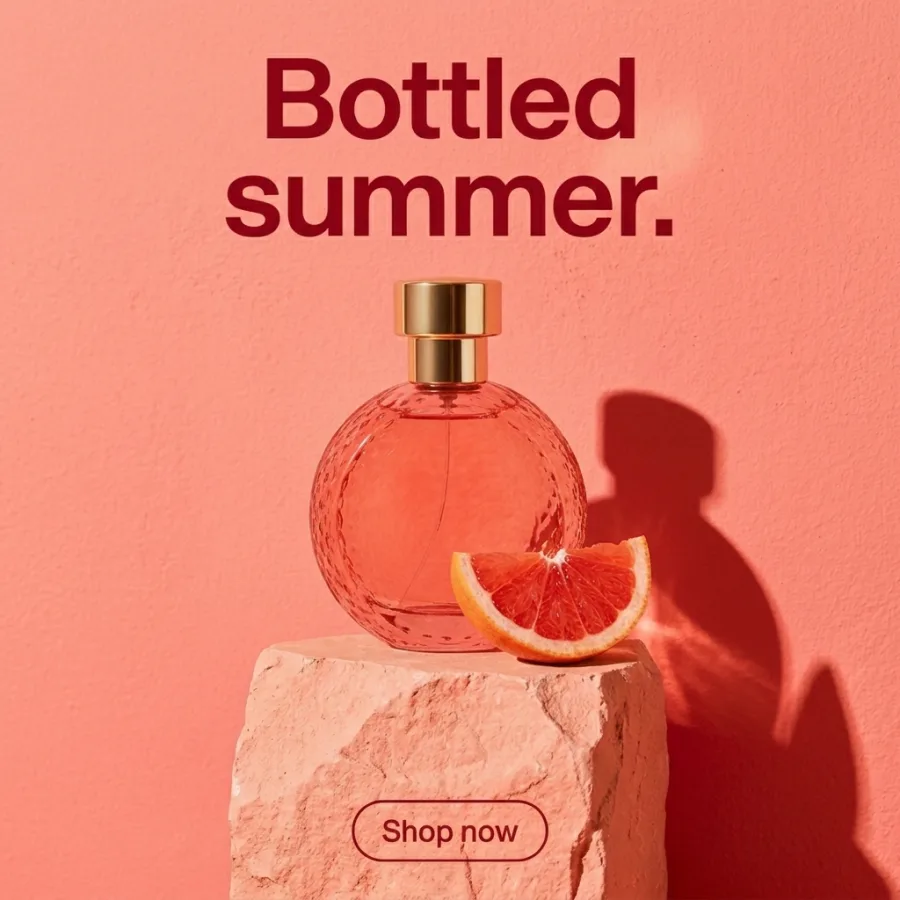 , language
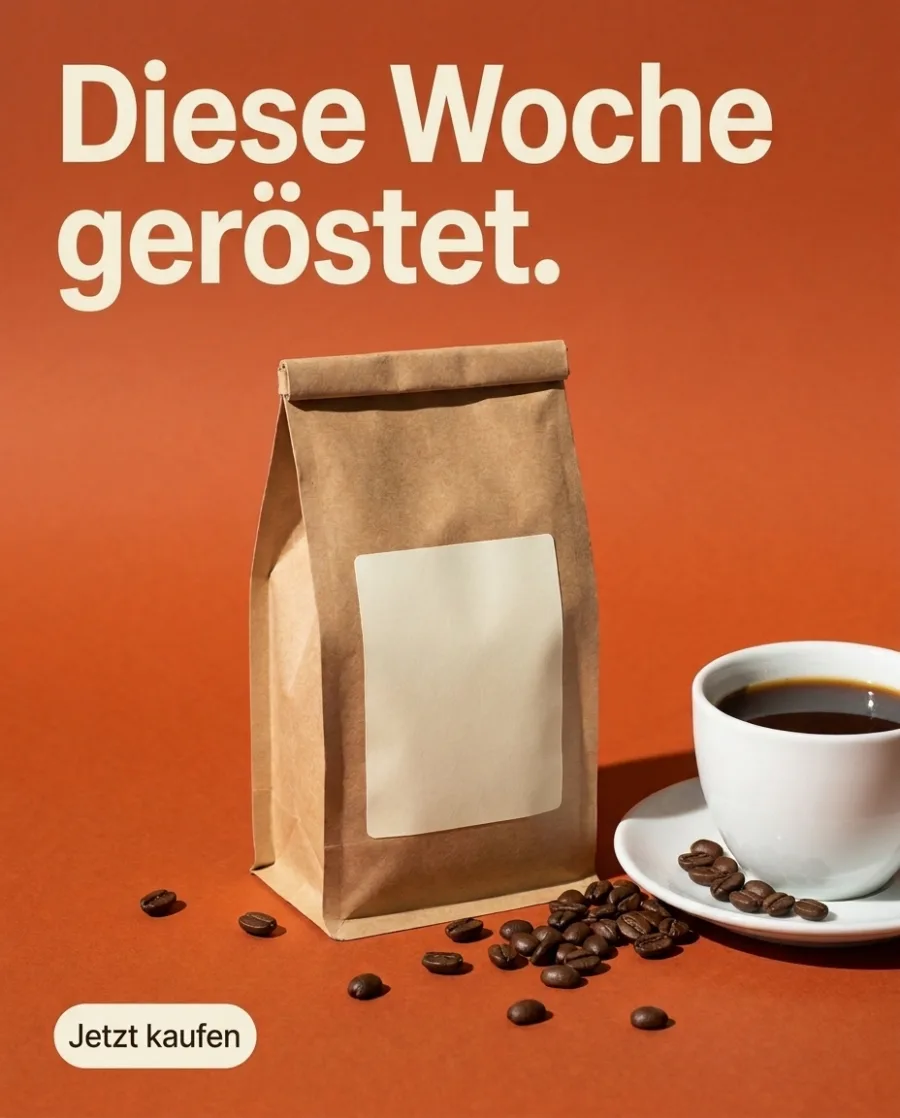 and offer
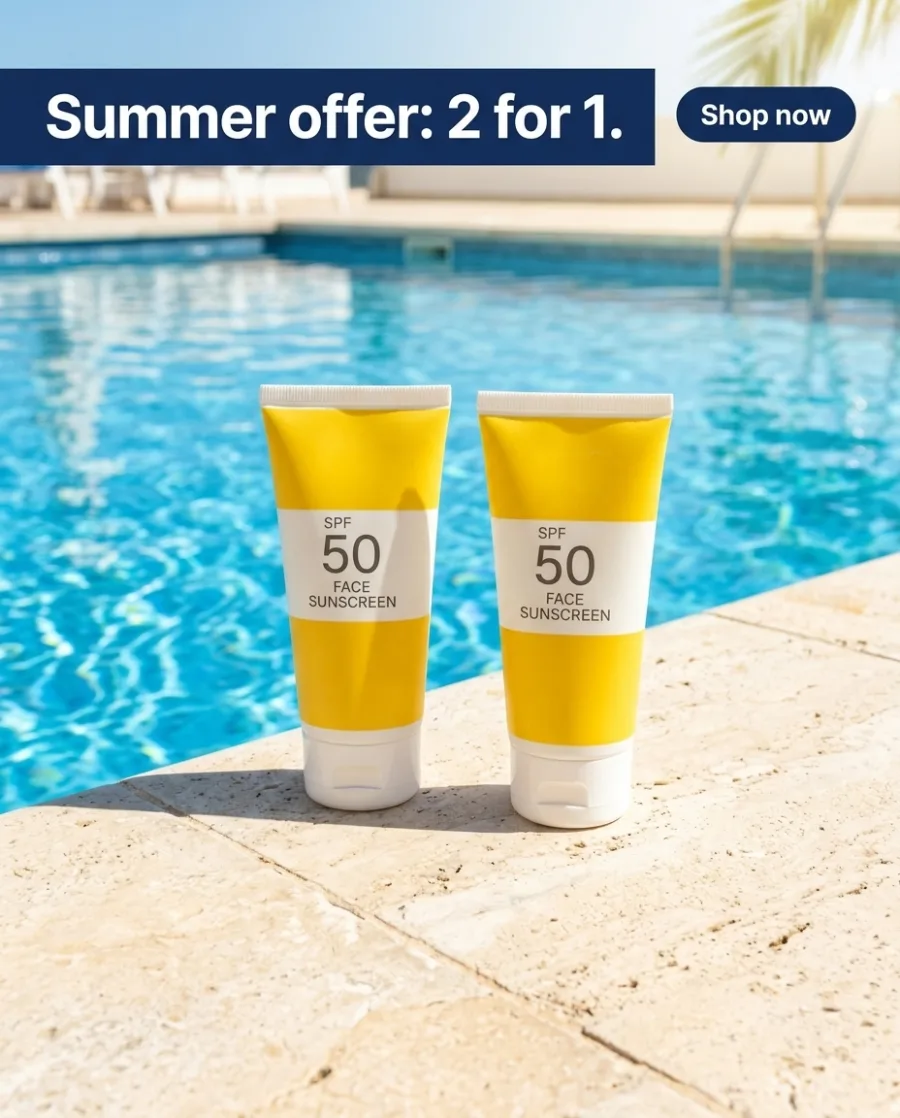 , all in your brand's style, is hard. DesignerBox does the hard part.
What you can make
Finished ads for every placement
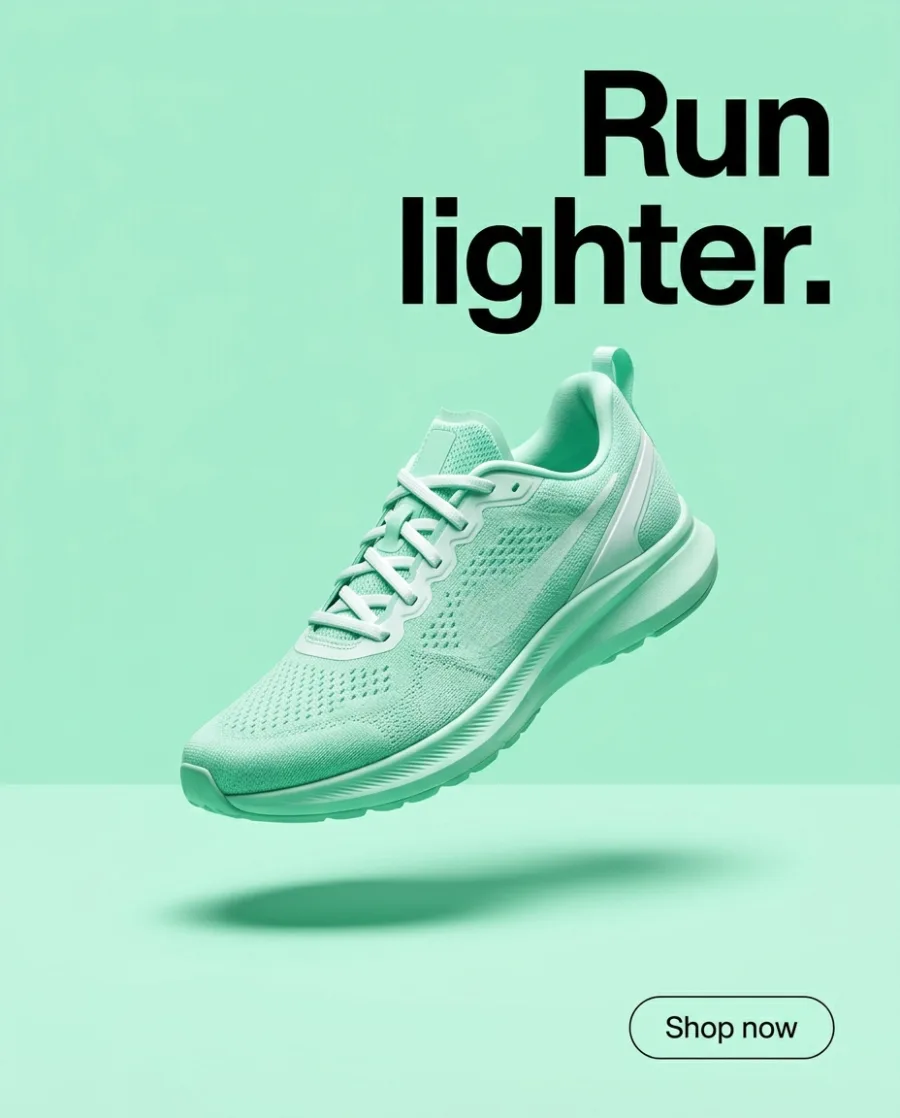
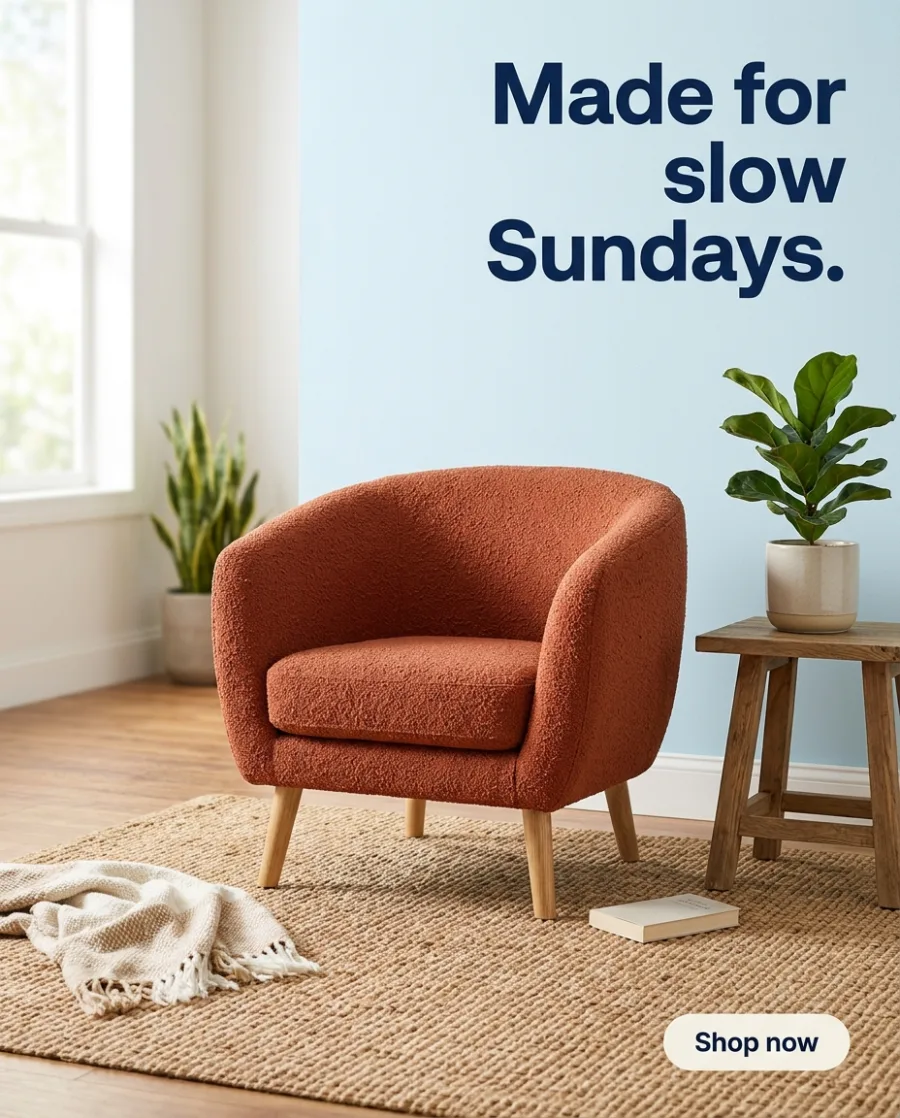
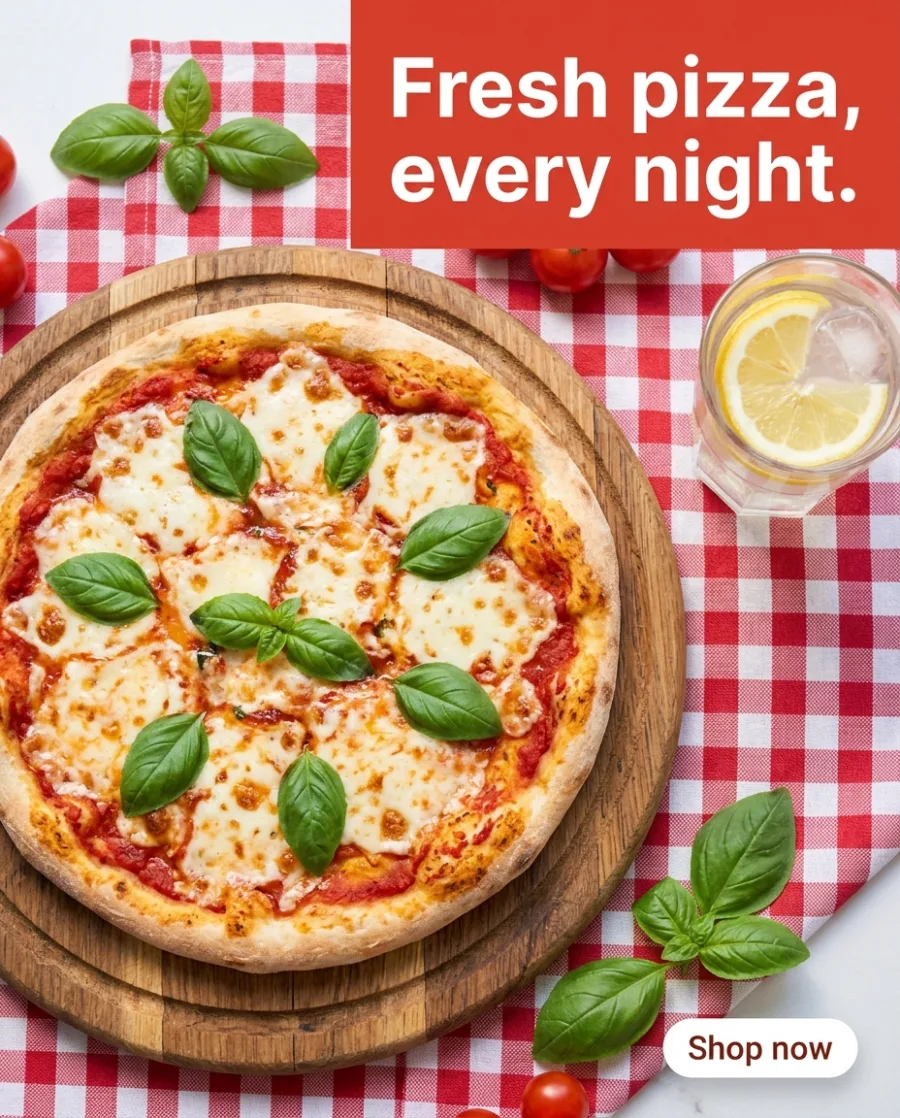
An AI ad generator makes finished ads with AI. You add your product, a headline and an offer. DesignerBox makes the ad with a button, in the size you pick.
Finished ads with your headline and offer
Add your product and type the headline and the offer. Get a finished ad with a button, in the size of the placement you pick.
See how Create makes ads Offer: 2 for 1 this summer.Your product and words
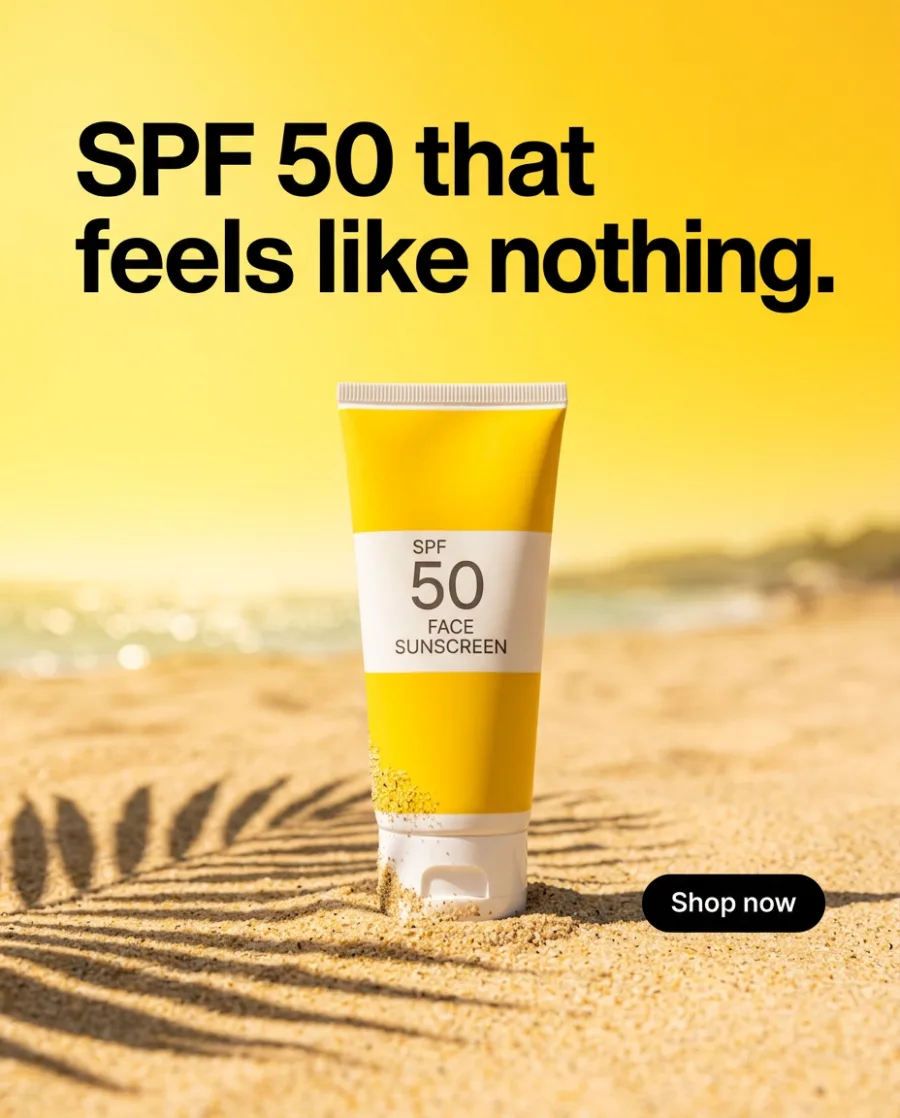 BenefitOffer
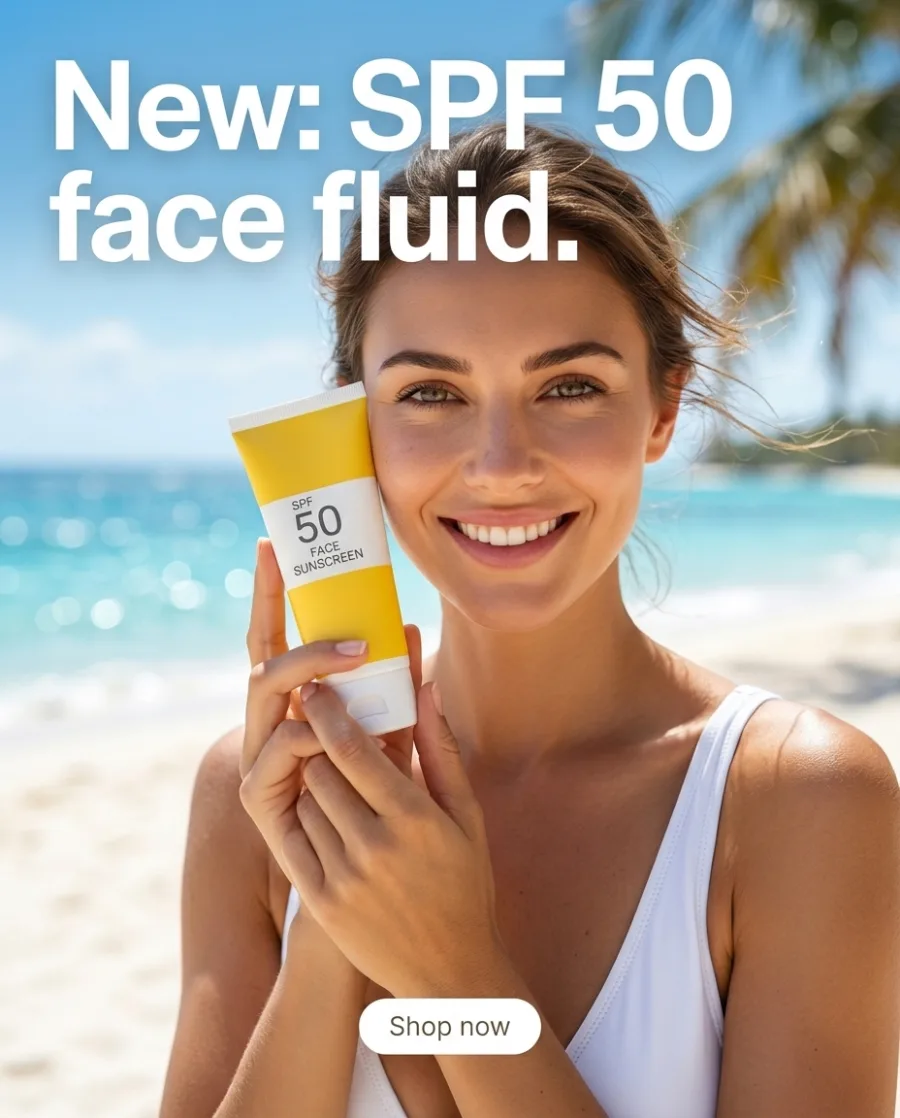 New in
One ad in square, story and wide sizes
Pick a finished ad. Get it in 9:16, 1:1, 3:4 and 16:9, with the layout rebuilt for each size.
See the Ads resizer app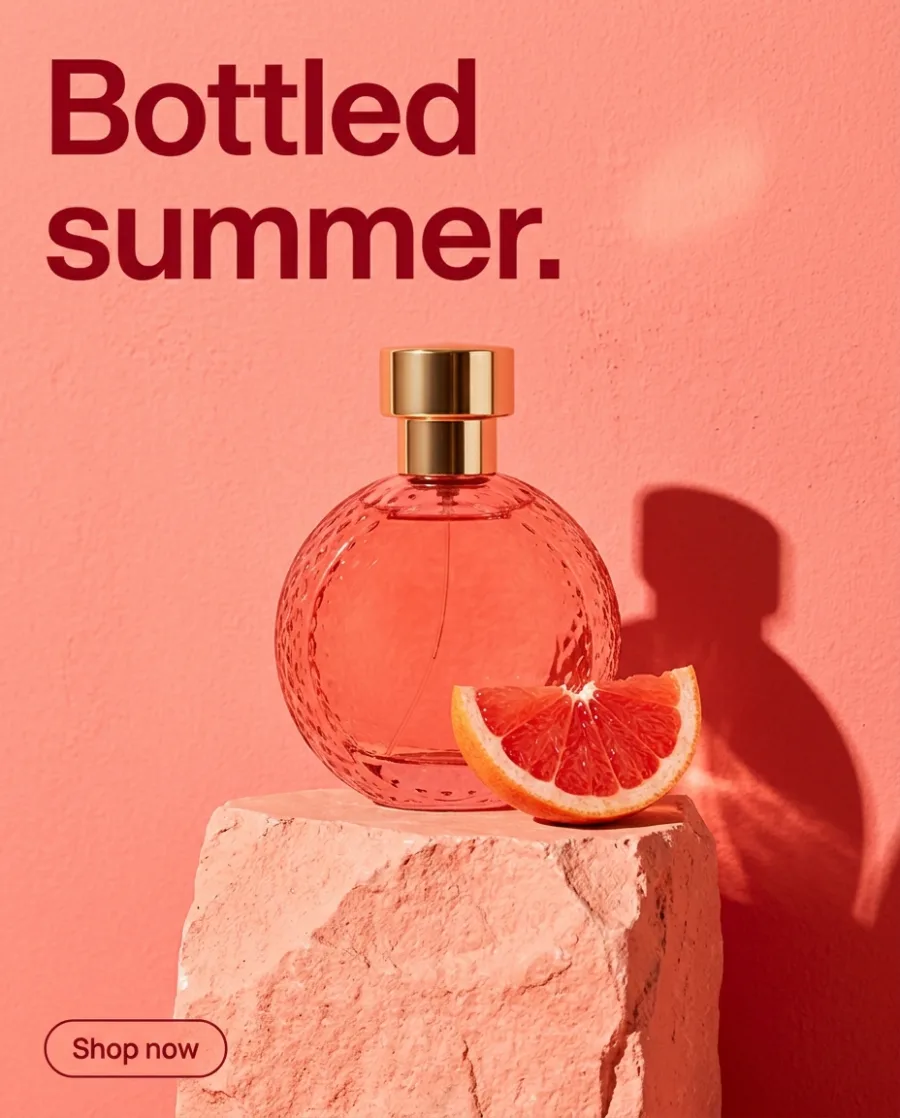 Your ad, 4:5Square 1:1
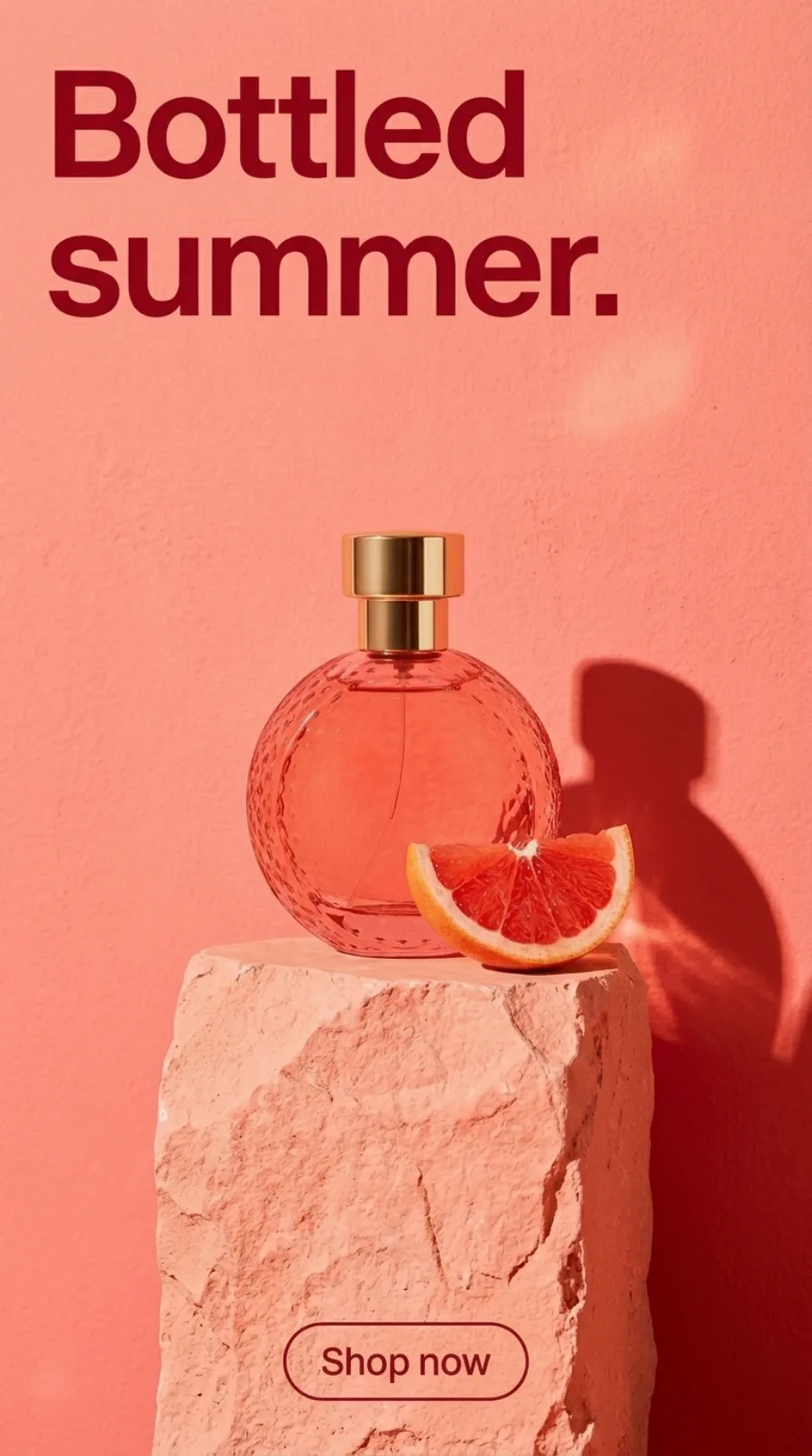 Story 9:16
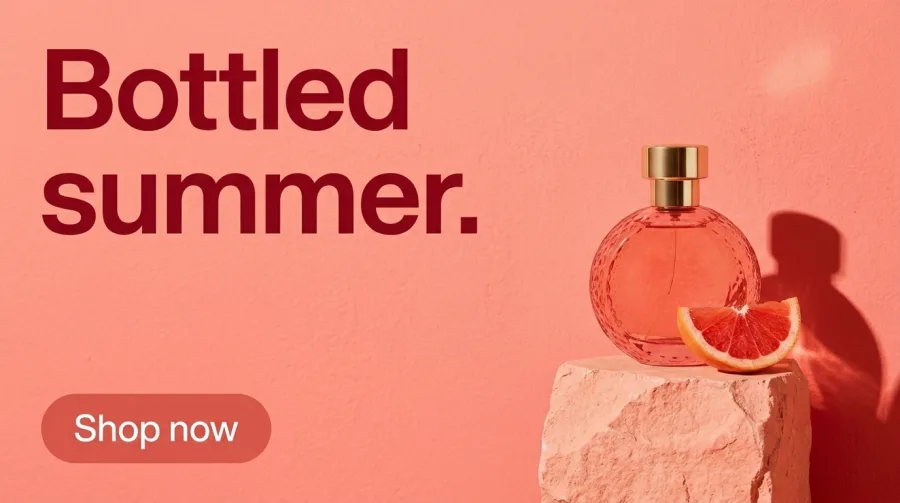 Wide 16:9
The same ad in German, Spanish and French
Pick the languages. The Ads localizer rewrites the words and redraws the layout around them, so longer words still fit.
See the Ads localizer app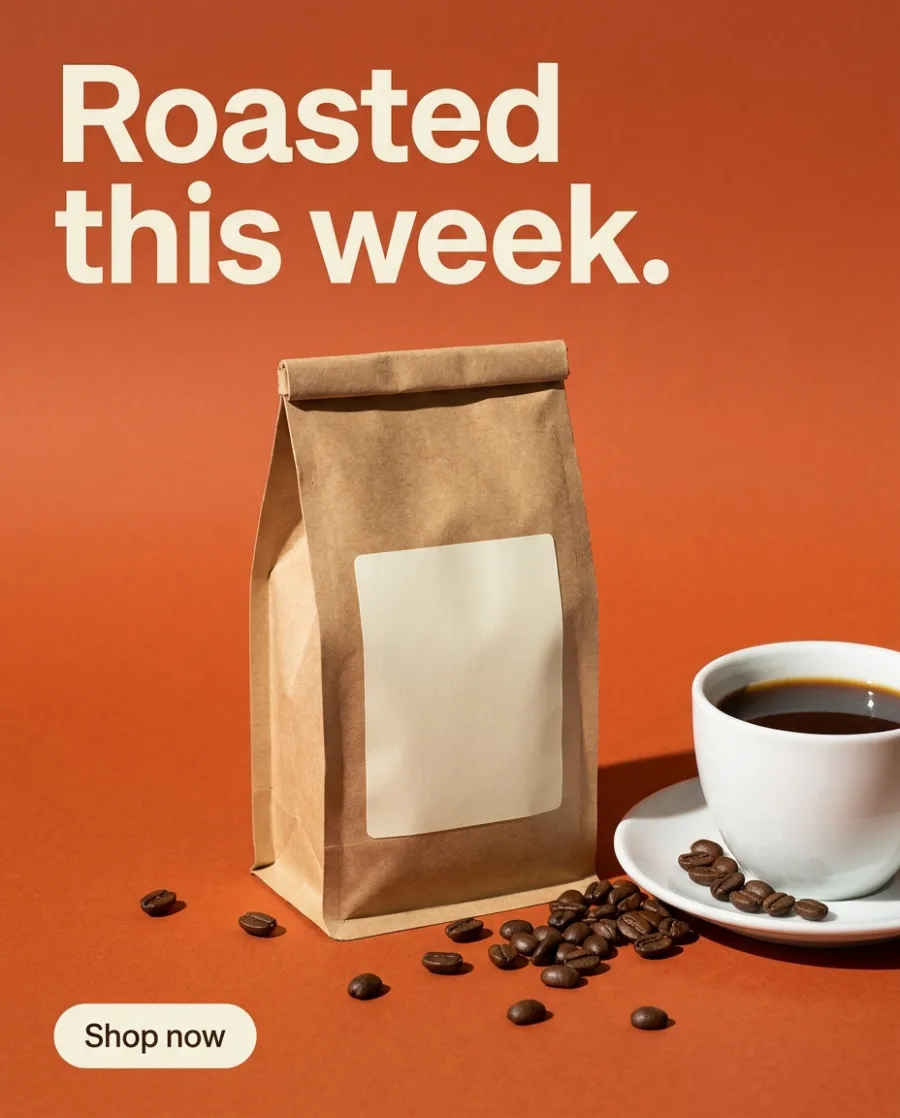 Your ad in EnglishGerman
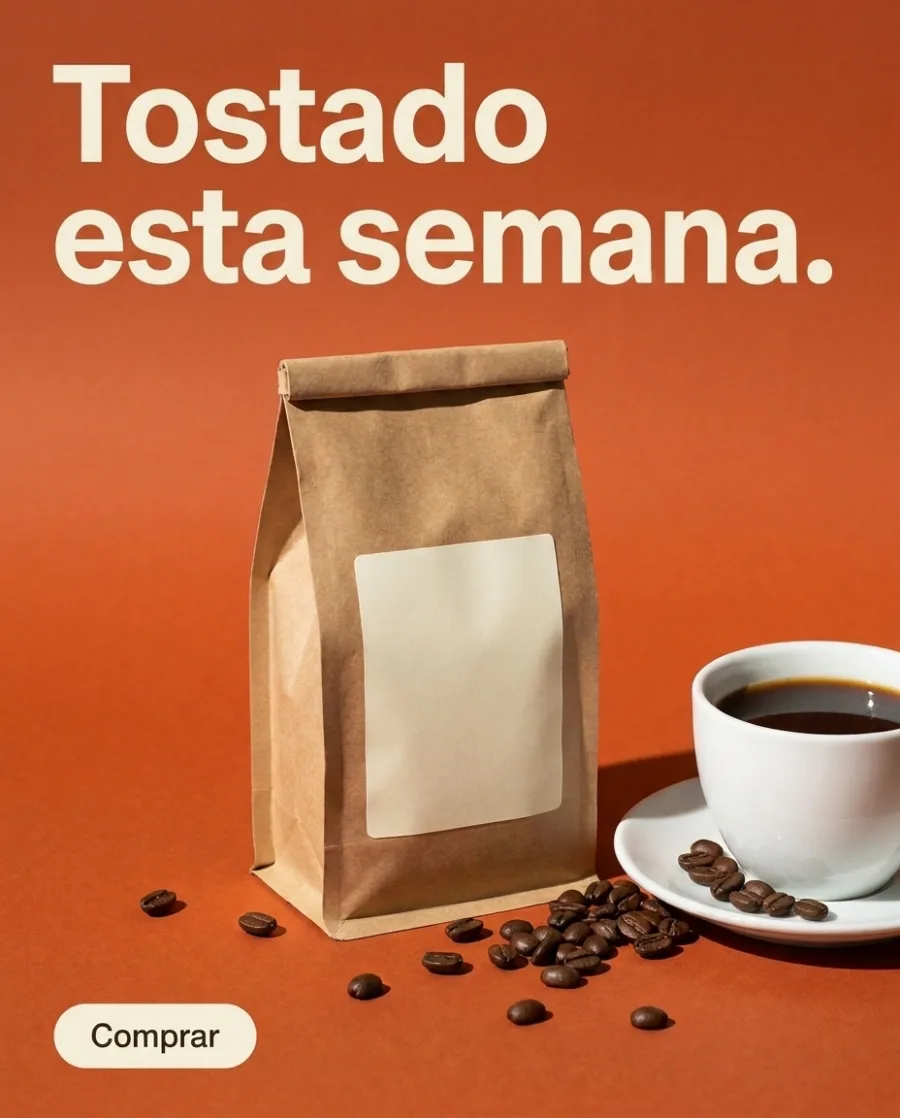 Spanish
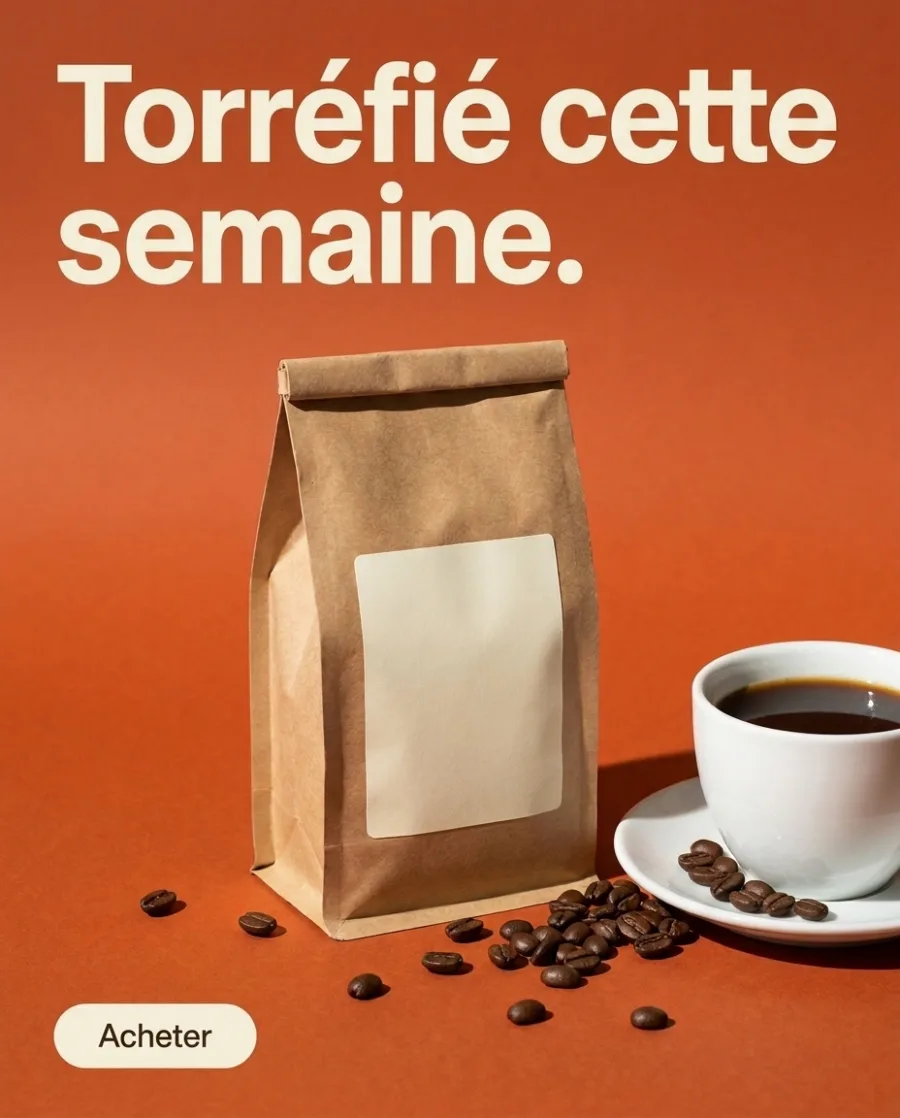 French
Ads in your brand's colours, fonts and logo
Save your logo, colours and fonts once. Pick your brand, and each new ad uses them for every product you sell.
See the brand kit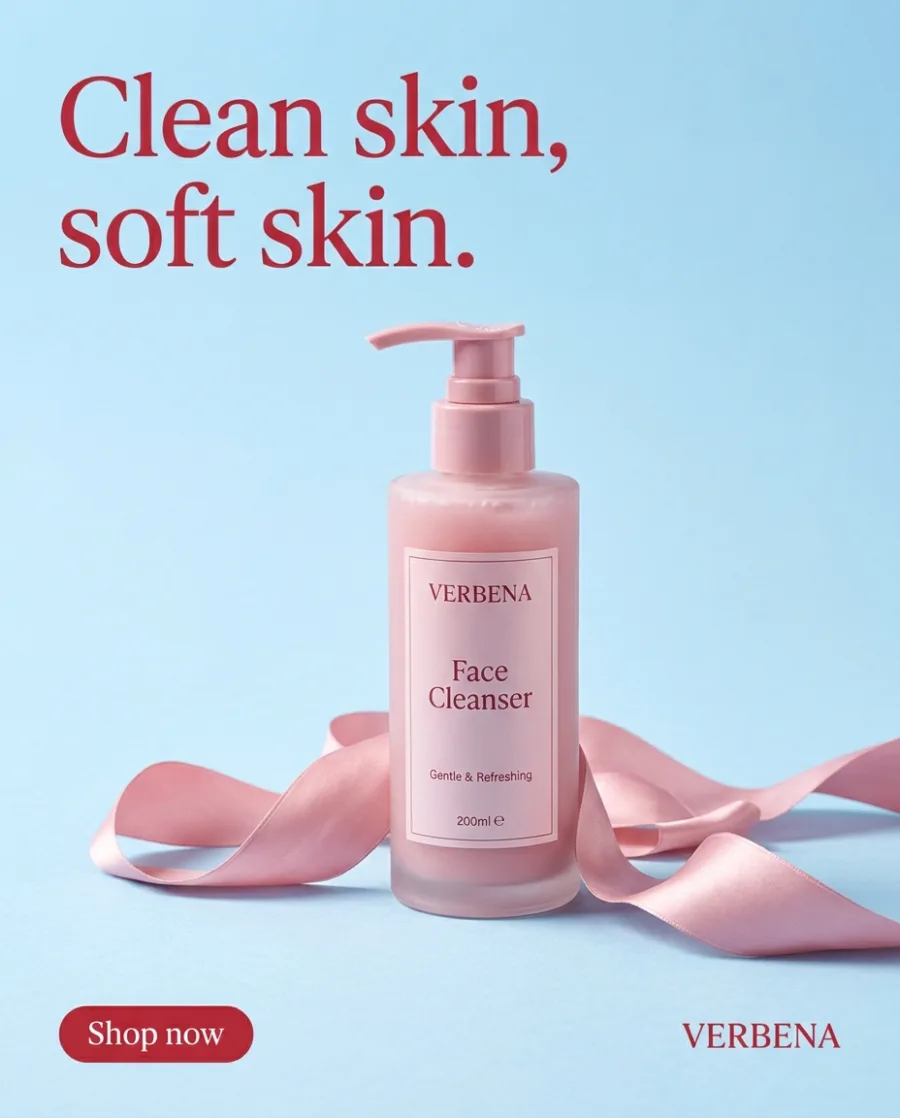 Cleanser
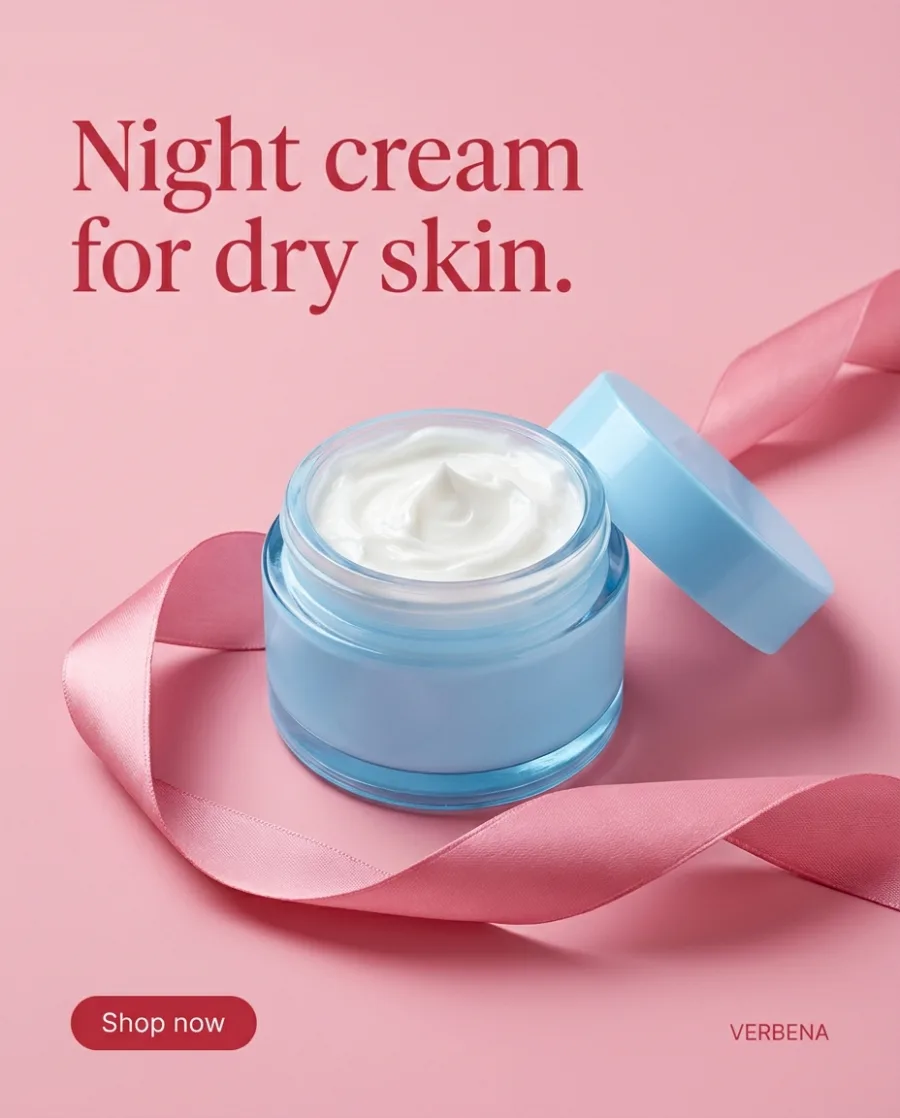 Night cream
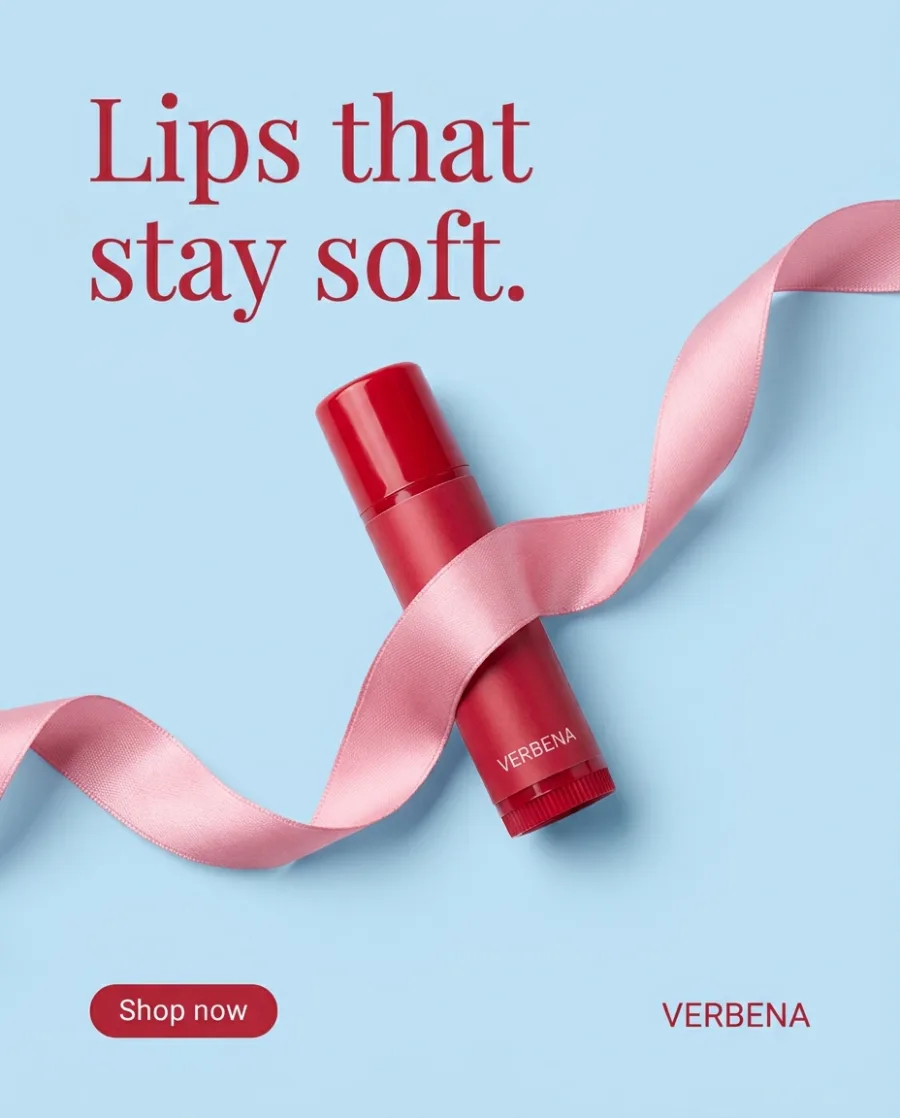 Lip balm
One ad layout for a whole sale
Put your products in a sheet, up to 200 rows. Get the same ad for each one. You see the total cost before it starts.
See batch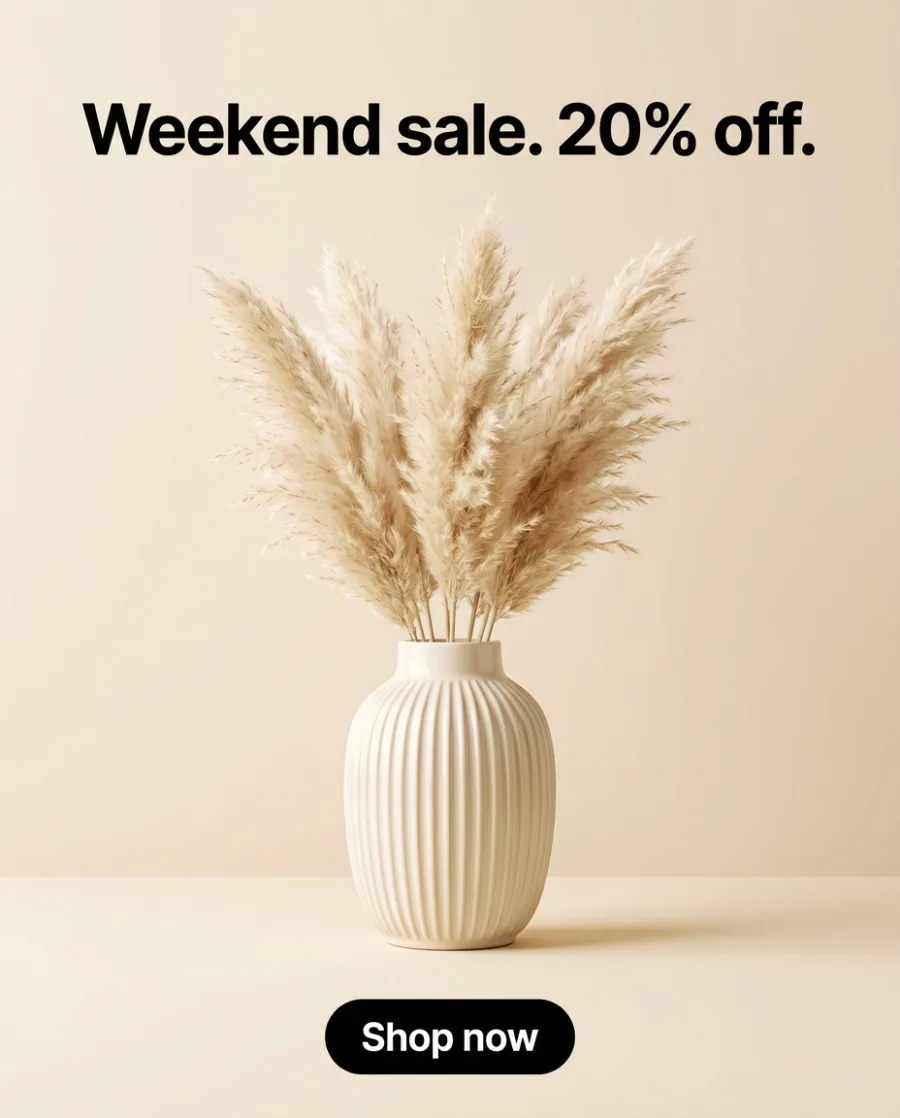 Your ad
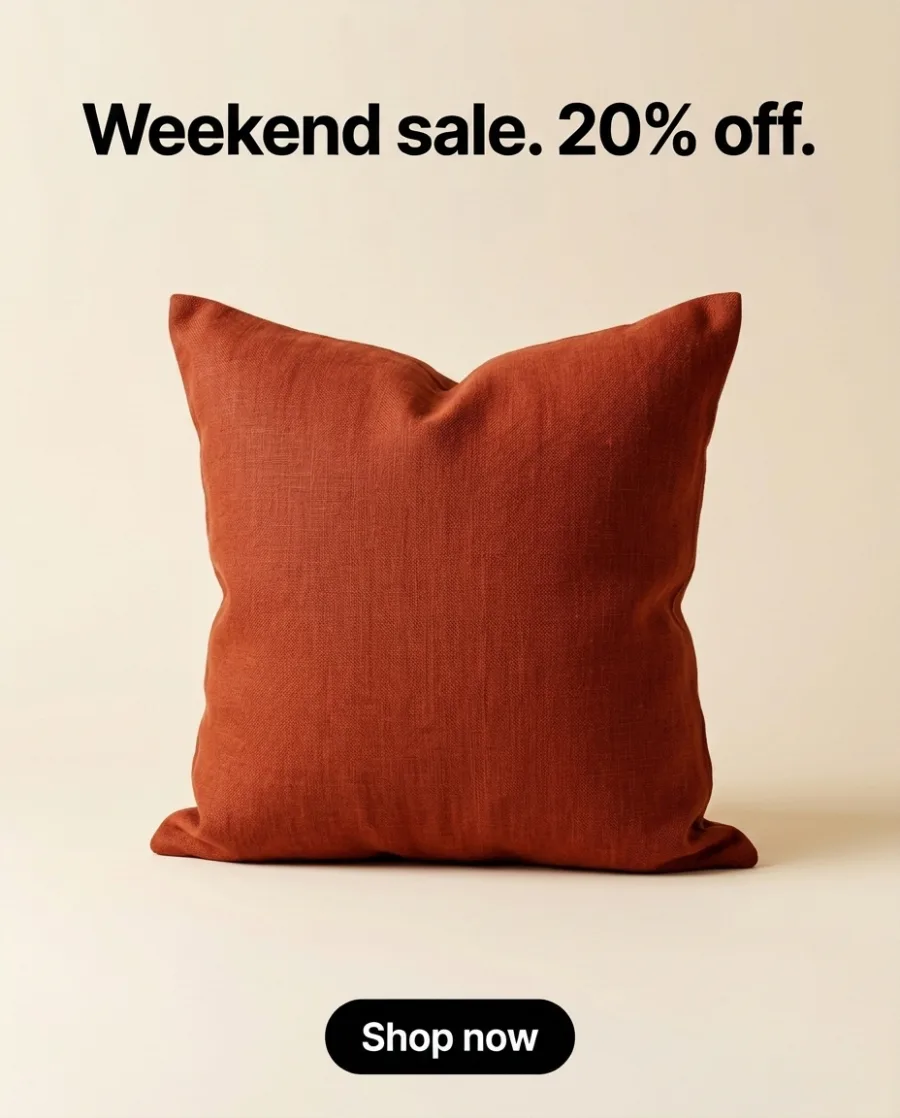 Cushion
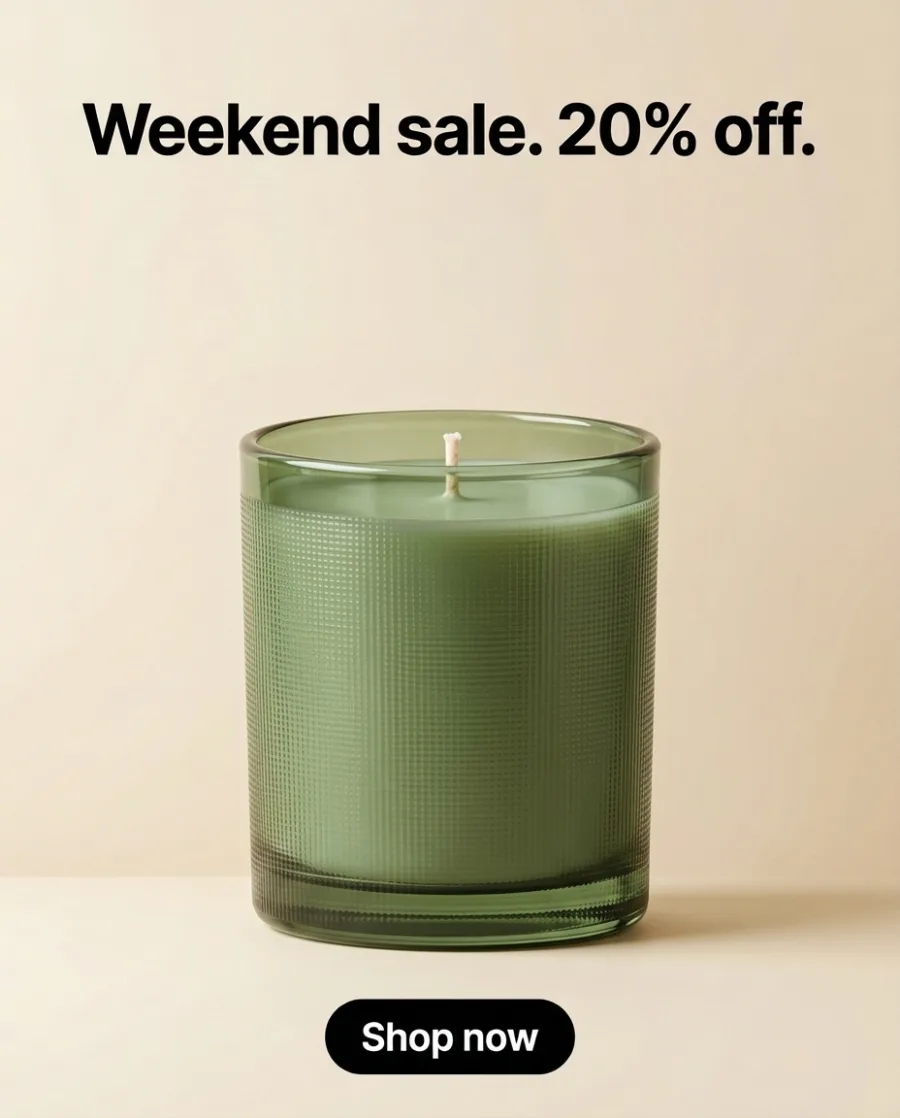 Candle
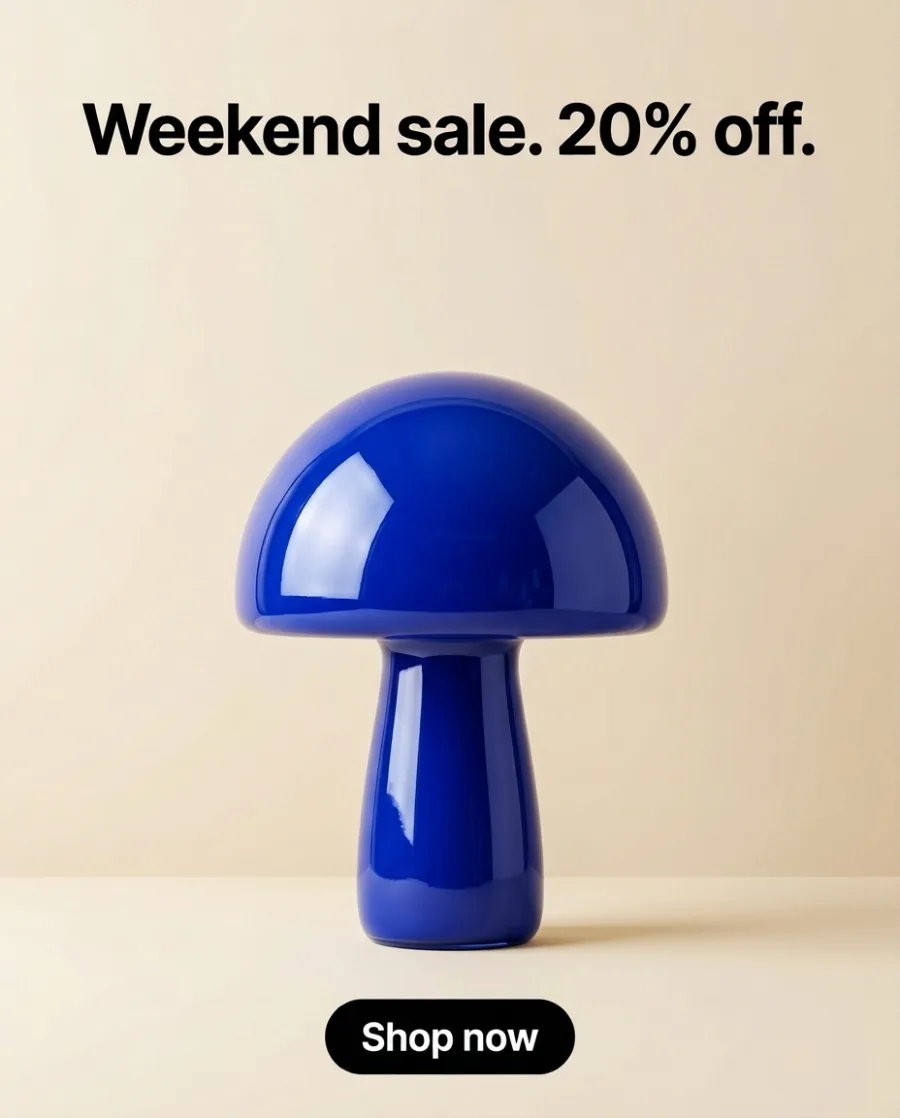 Lamp
LampStart free. You see the price before you make anything.
Your own photos, your own prompts and the commercial licence start on the Pro plan.
Who it is for
AI ads for everyone who sells
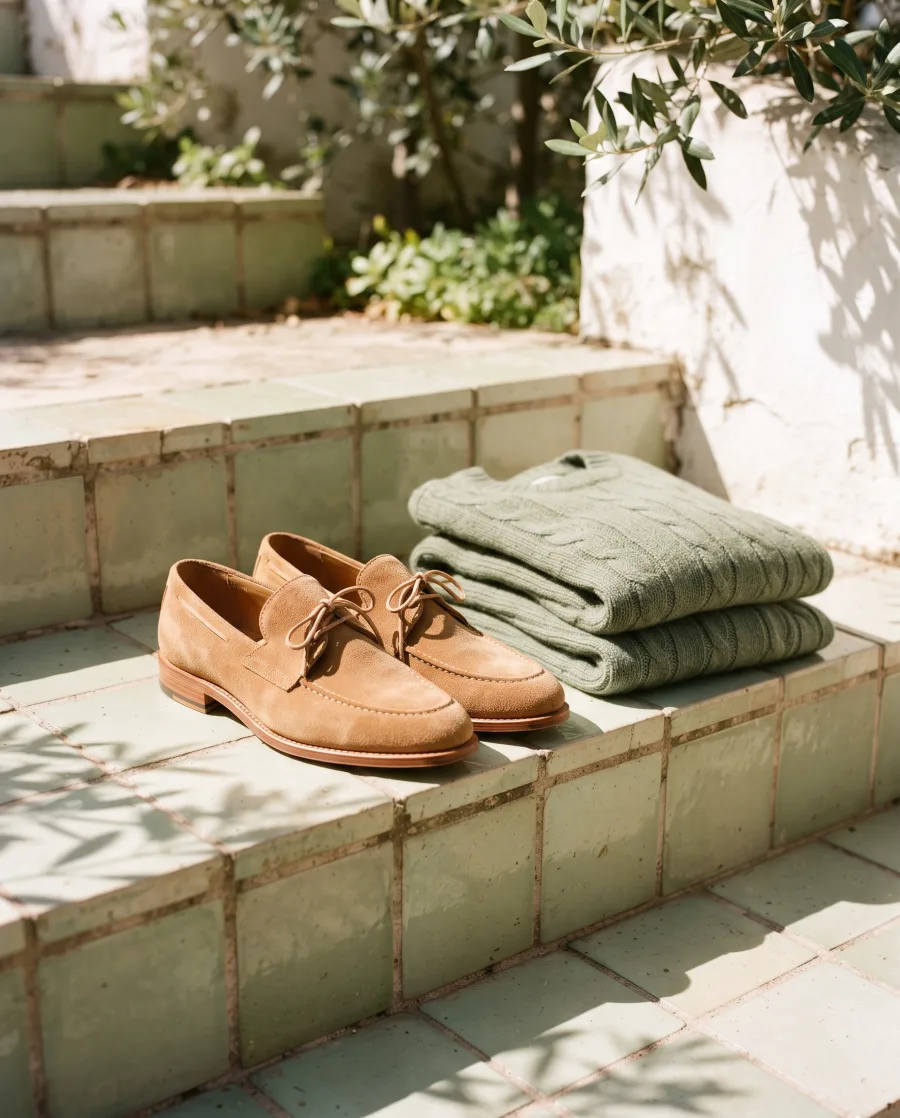 Online shopsProduct page photos and ads
 BeautyBottles and jars in styled scenes
 RestaurantsMenu and delivery app photos
 FurnitureRoom scenes without a photo shoot
 FashionYour clothes on models, no shoot
 JewelleryClose-ups and photos on a person
 Car dealersListing photos for every car
 AgenciesEach client's pictures, in their style
Also for Performance marketers, Social media managers, Brand teams, Shopify stores, Amazon sellers and Content creators.
More AI use cases: AI product photography, AI video ads, AI UGC videos, AI reels, static ad templates and all AI use cases.
Inside DesignerBox
Everything in one place
Make an ad, resize it and translate it in one workspace. You do not need a separate app for each step.
The picture and video models are built in. DesignerBox picks the model for each job, or you choose it yourself.
See the AI modelsSave a logo, colours and fonts for each client or shop. Pick the brand when you ask for a picture.
See the brand kitAdd text, your logo and a price to a picture. Add captions, music and one of 20 voices to a video. Both editors start on the Premium plan.
See the video editorPut up to 200 products in a sheet and run one job on all of them. You see the total cost before it starts.
See batchSend your client a link. They tick the pictures they like and add a note. They need no account, and it uses no credits.
See client reviewsEvery picture and video you make is saved in Assets. Make a folder for each client, product or campaign.
See Assets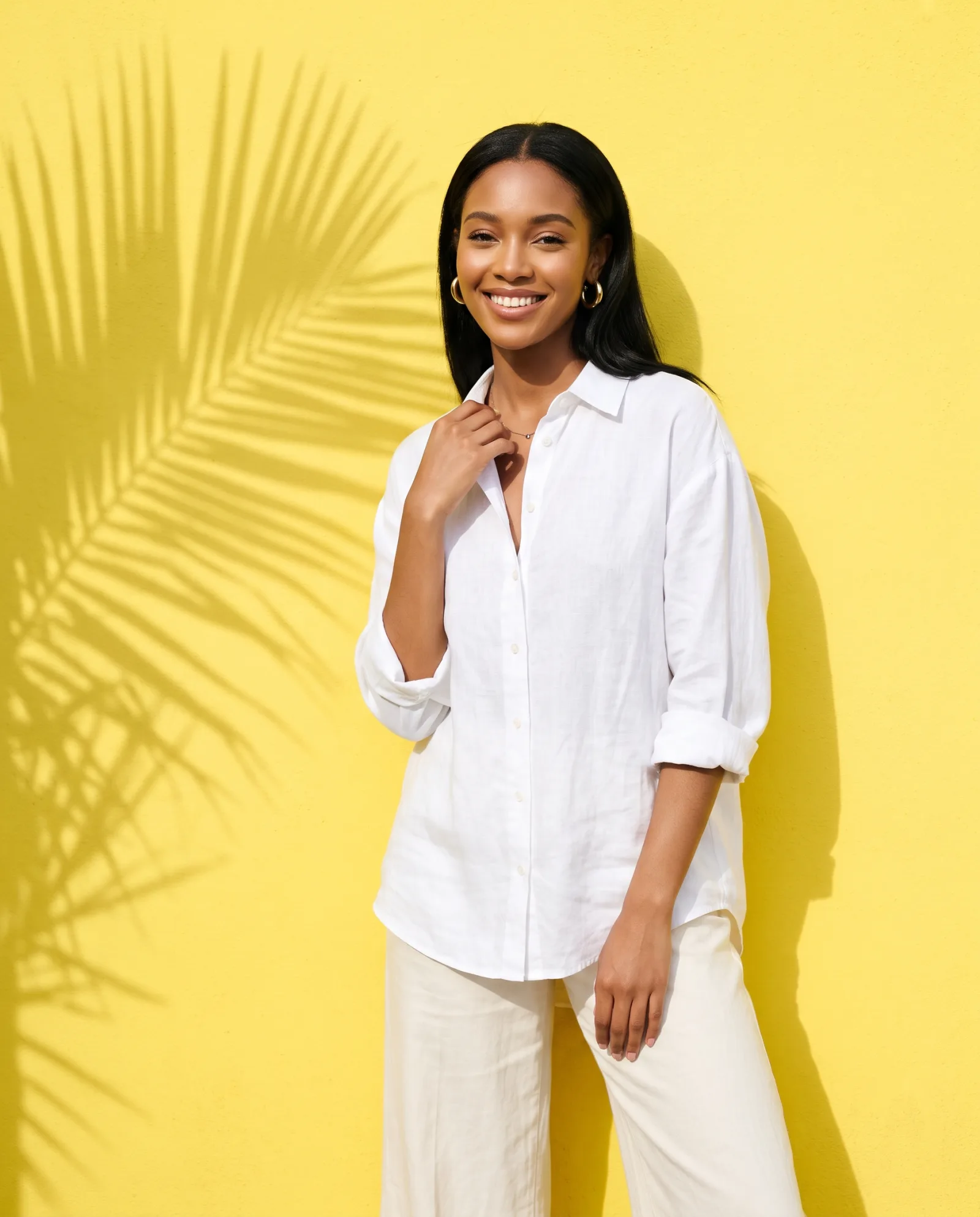
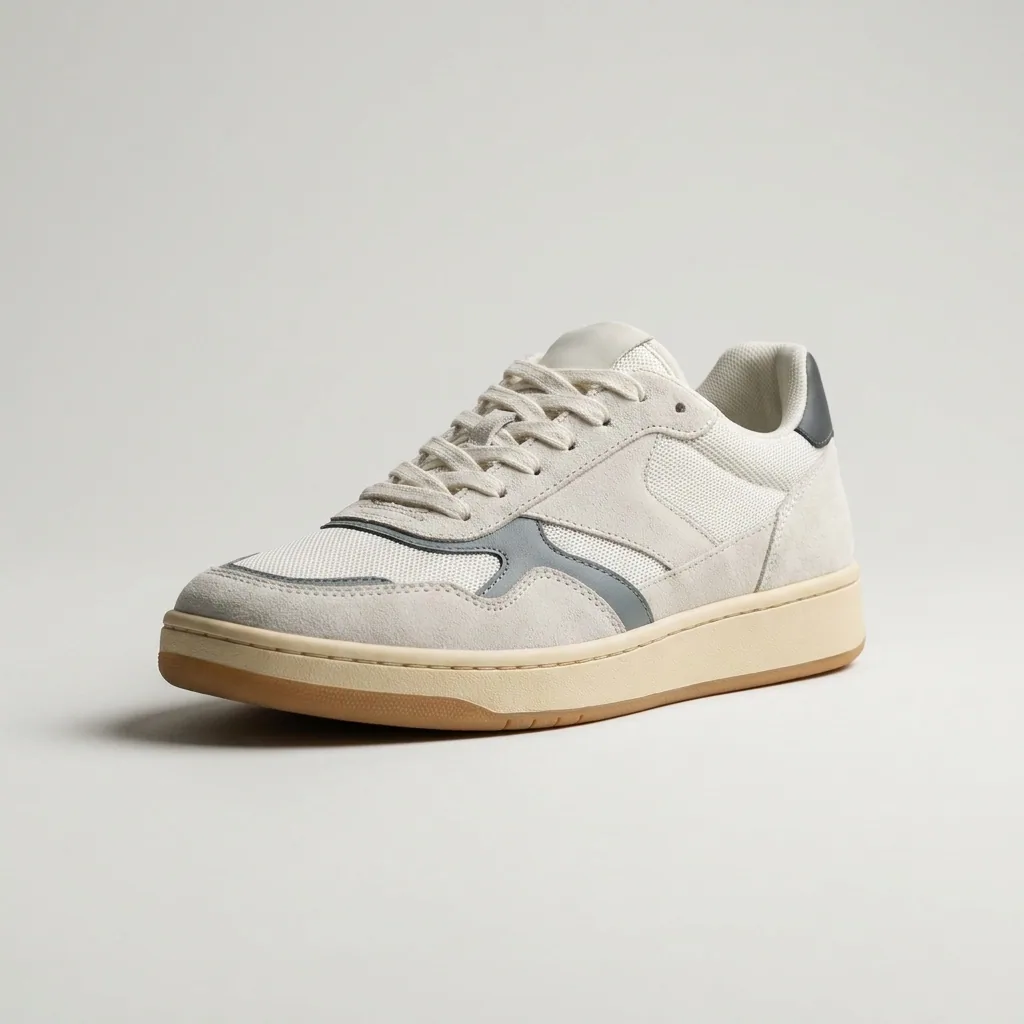 Sneakers
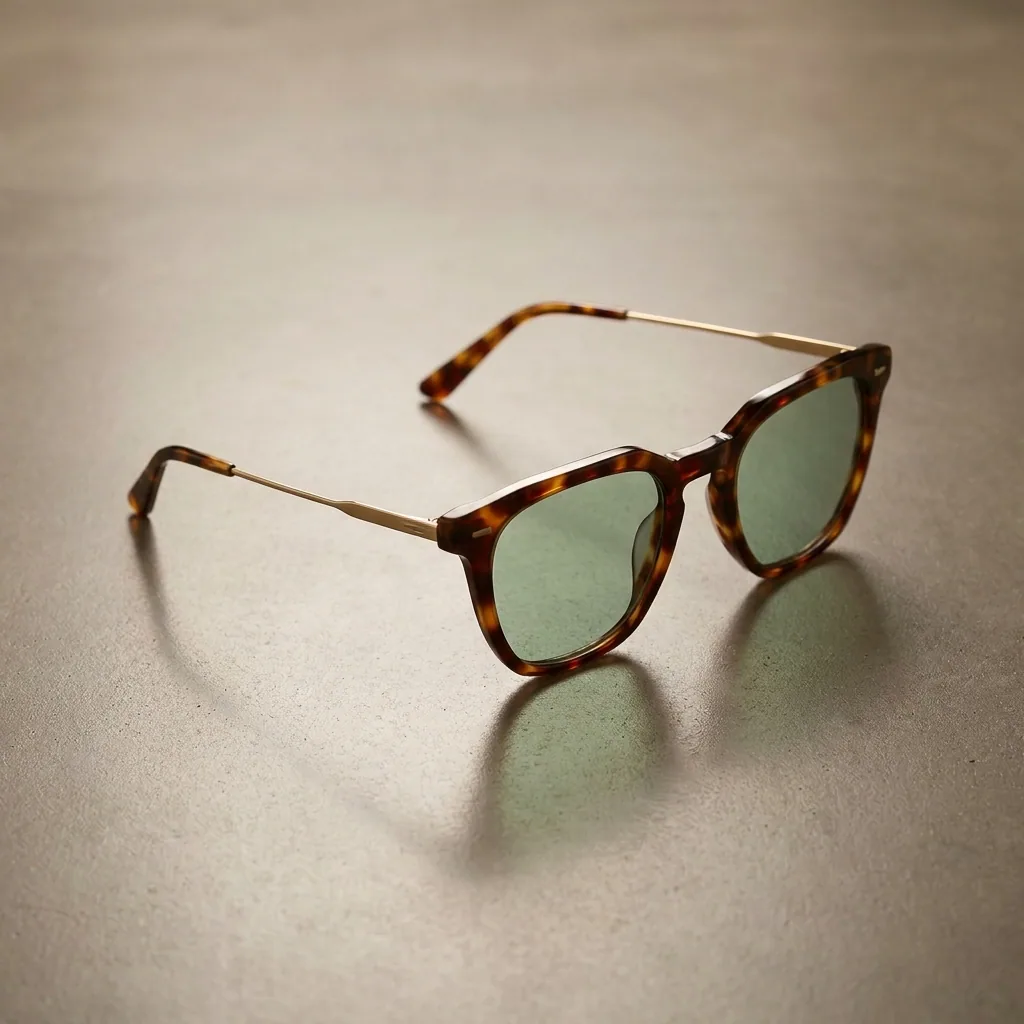 Sunglasses
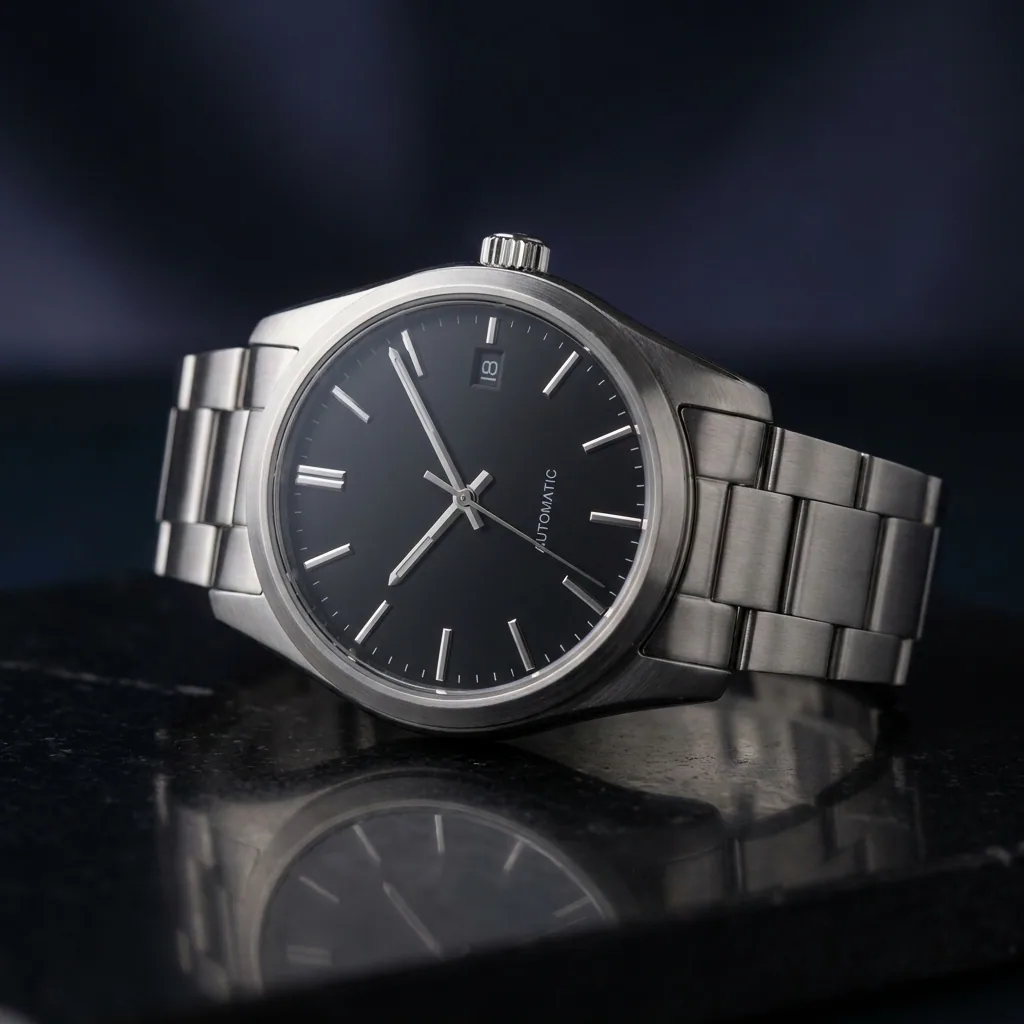 Watch
Watch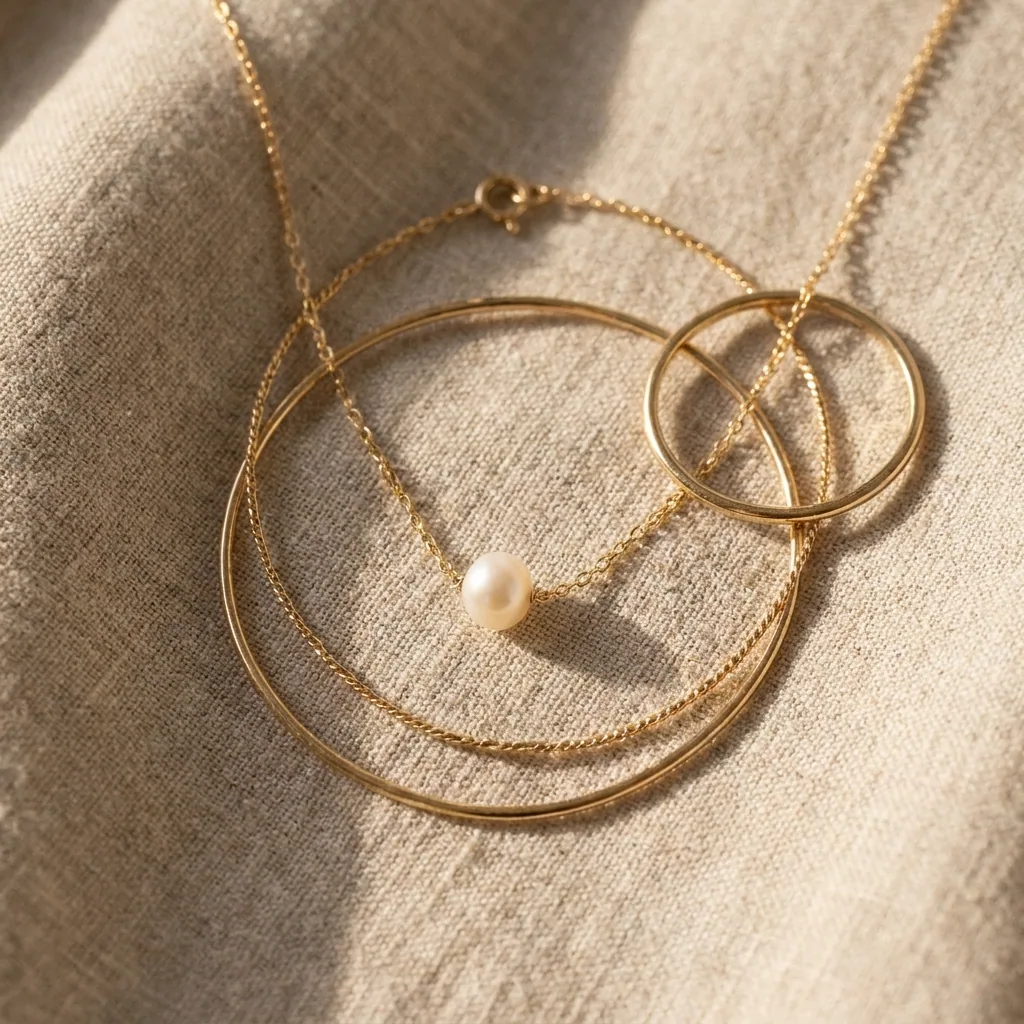 Necklace
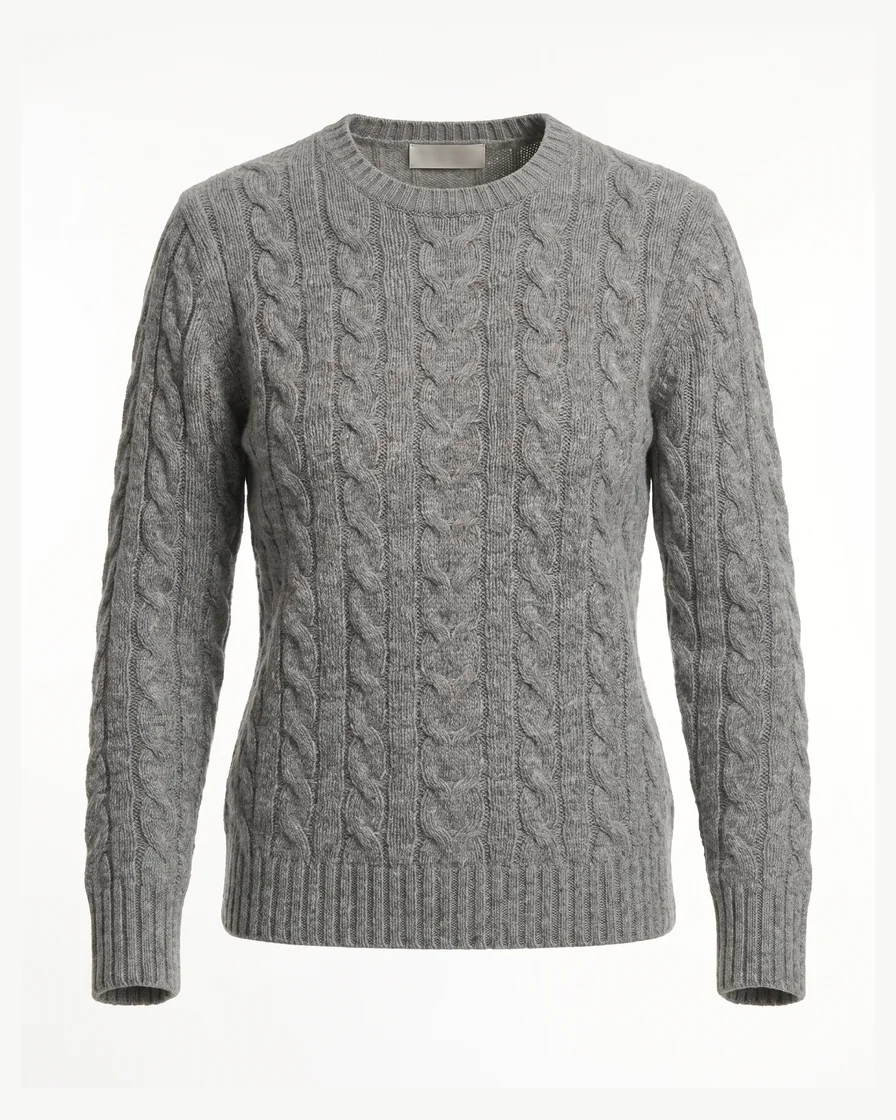 Sweater
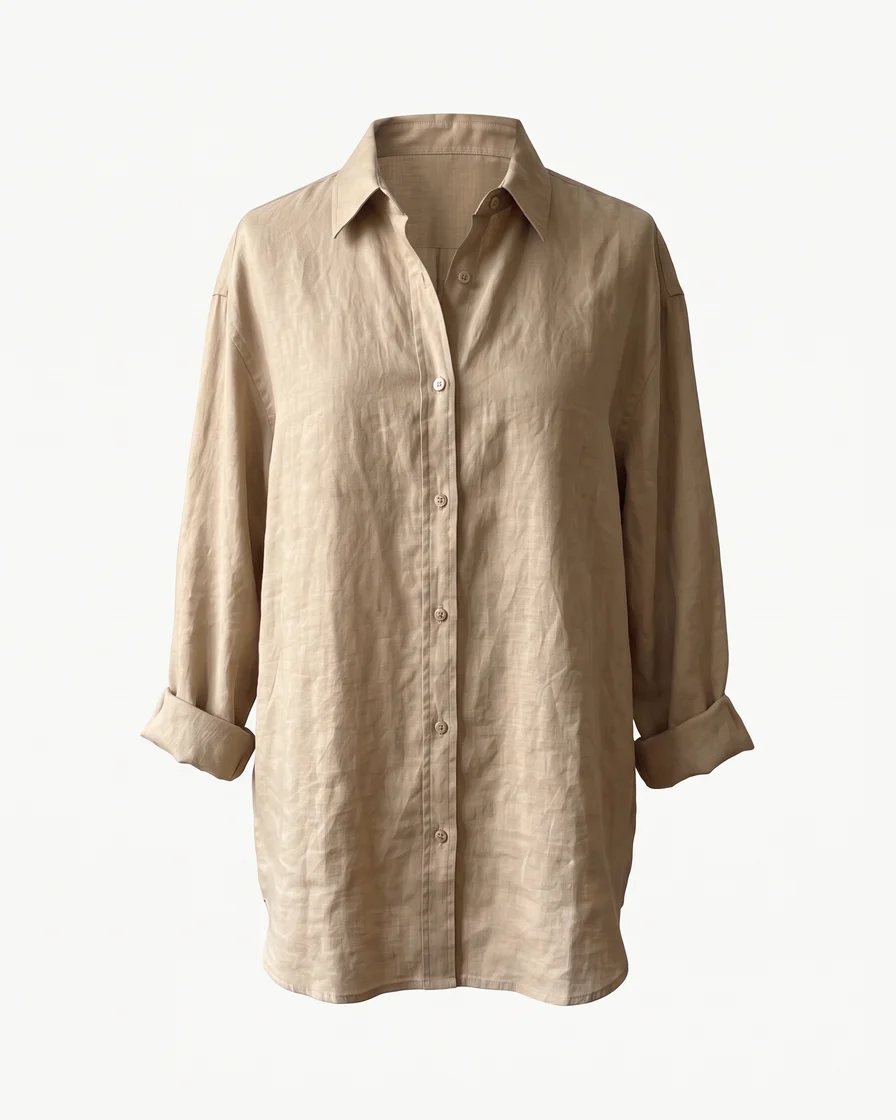 Linen shirt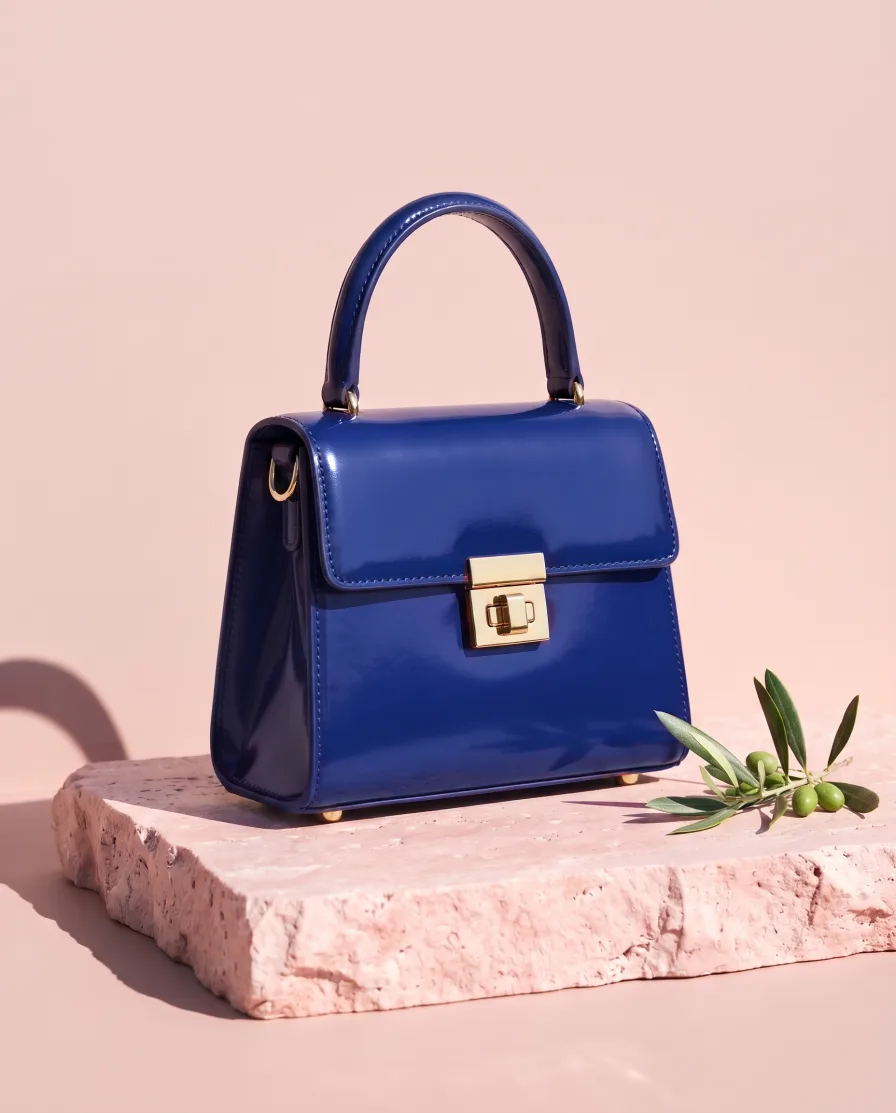
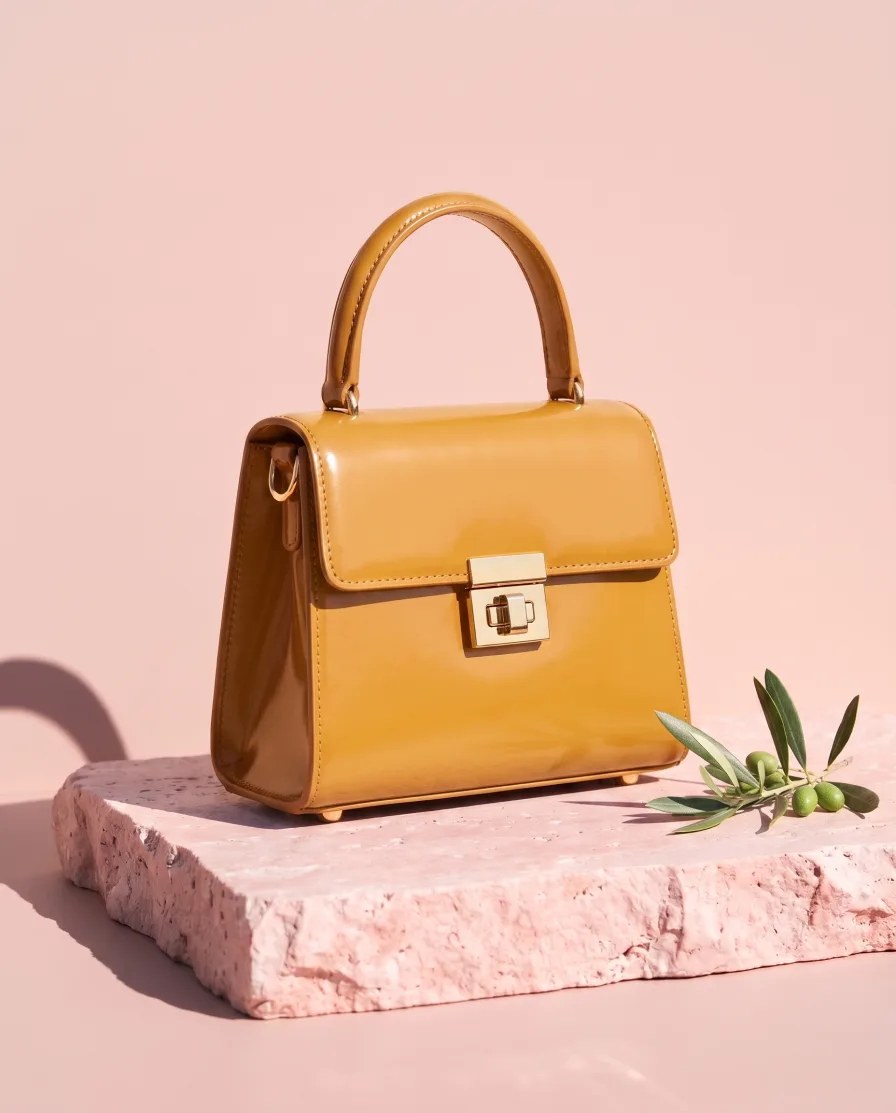
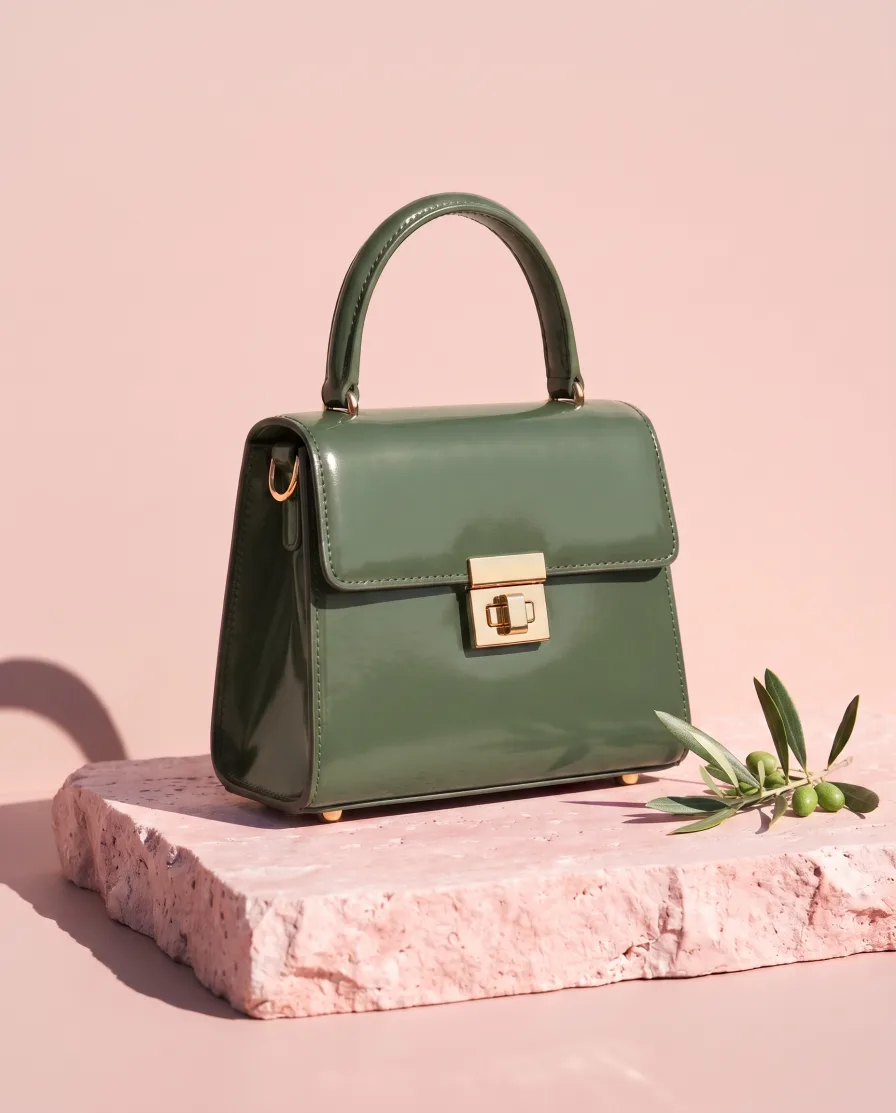 MThe blue and the green, please.


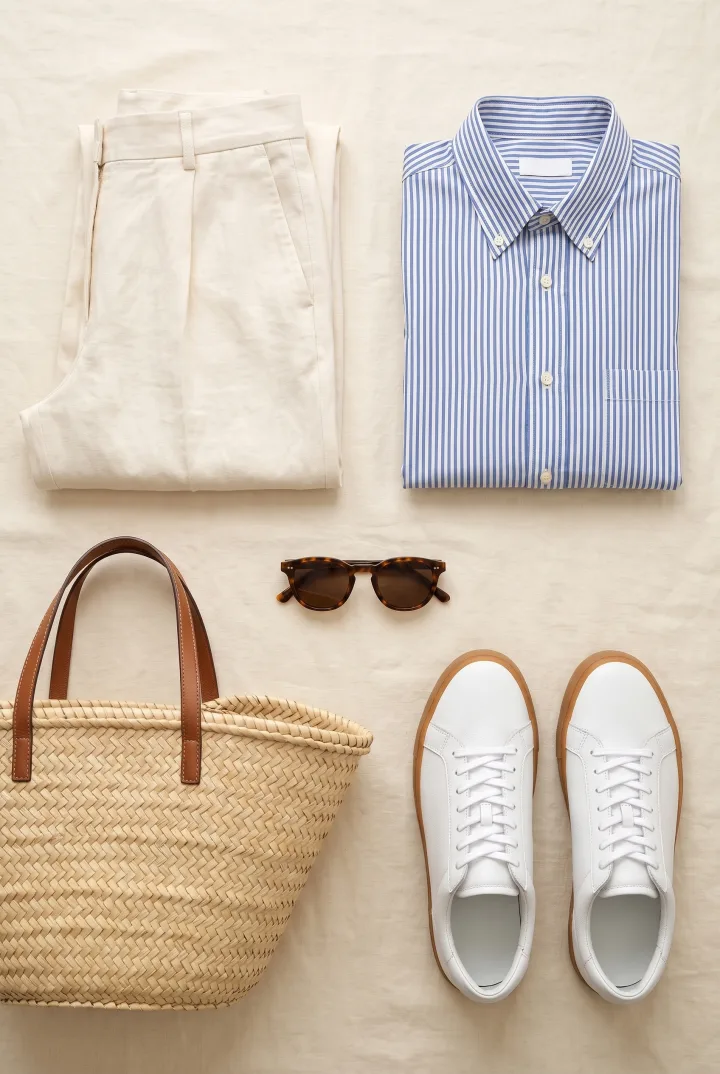
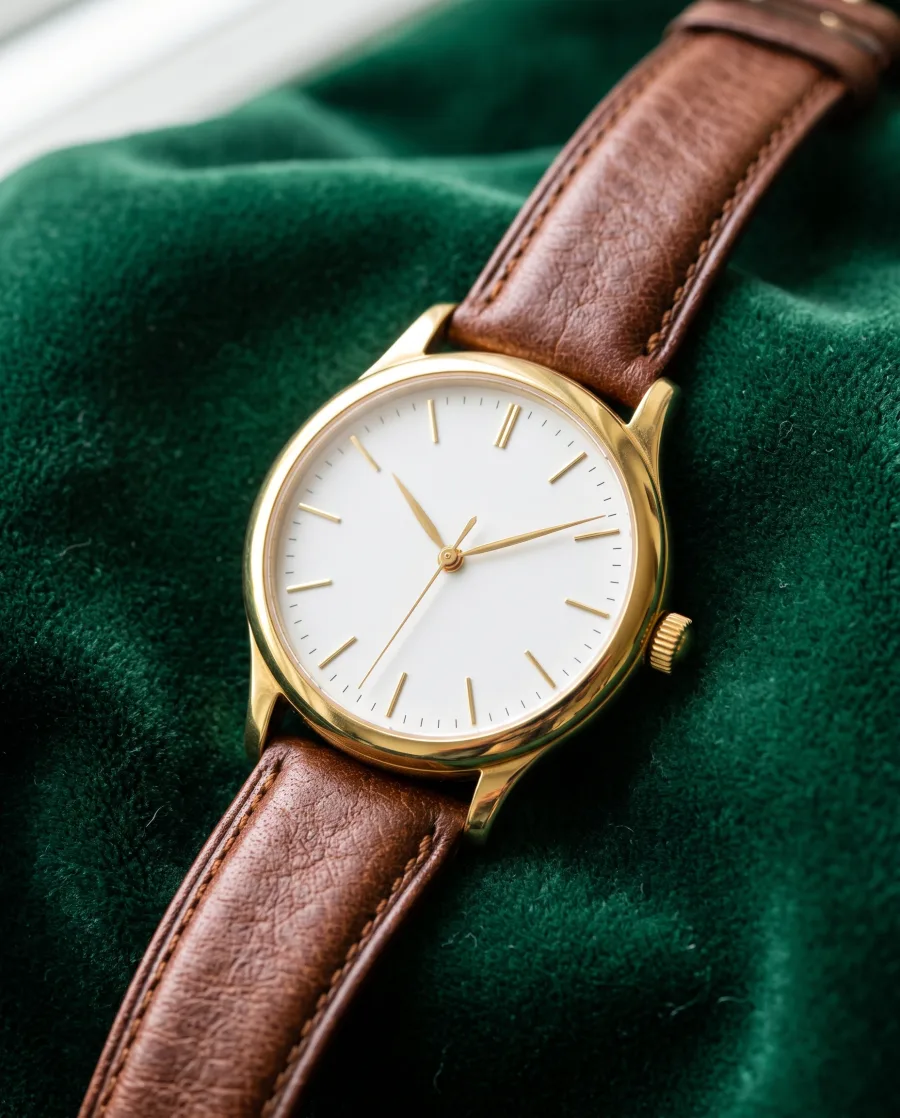

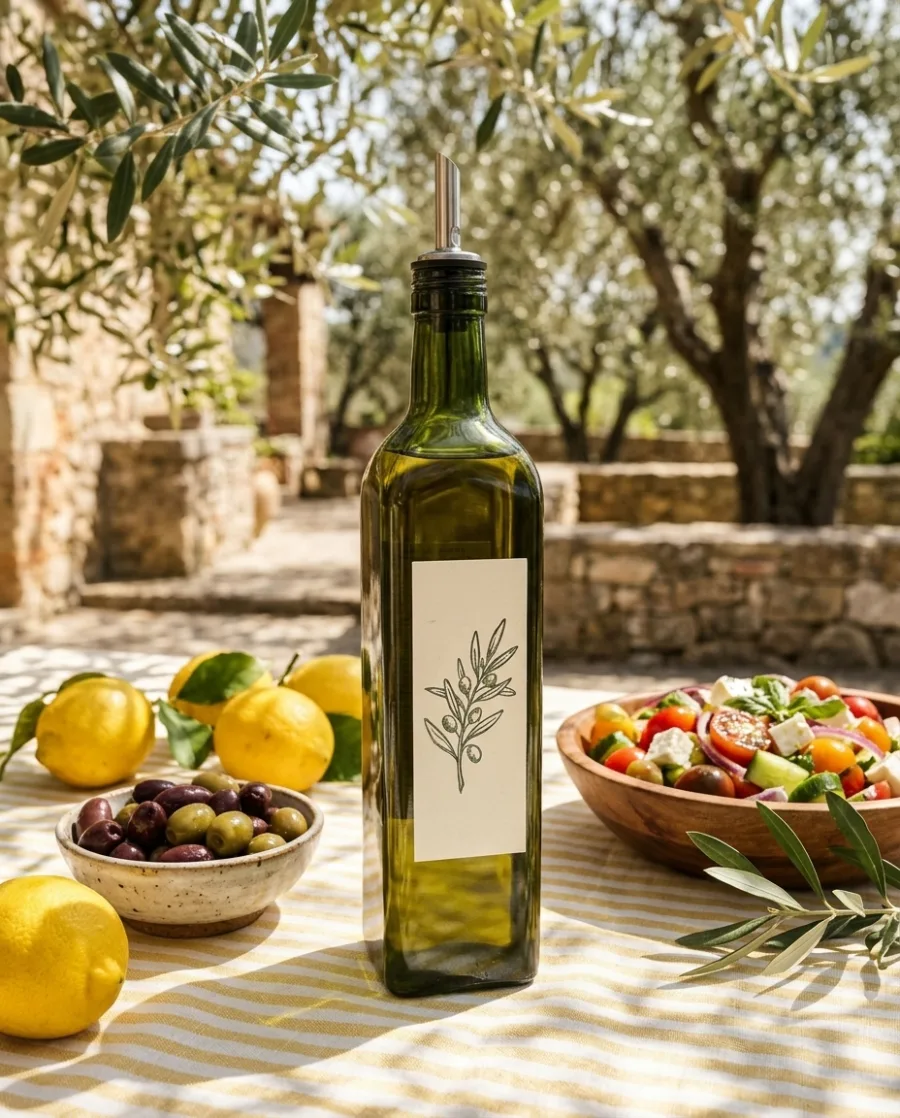

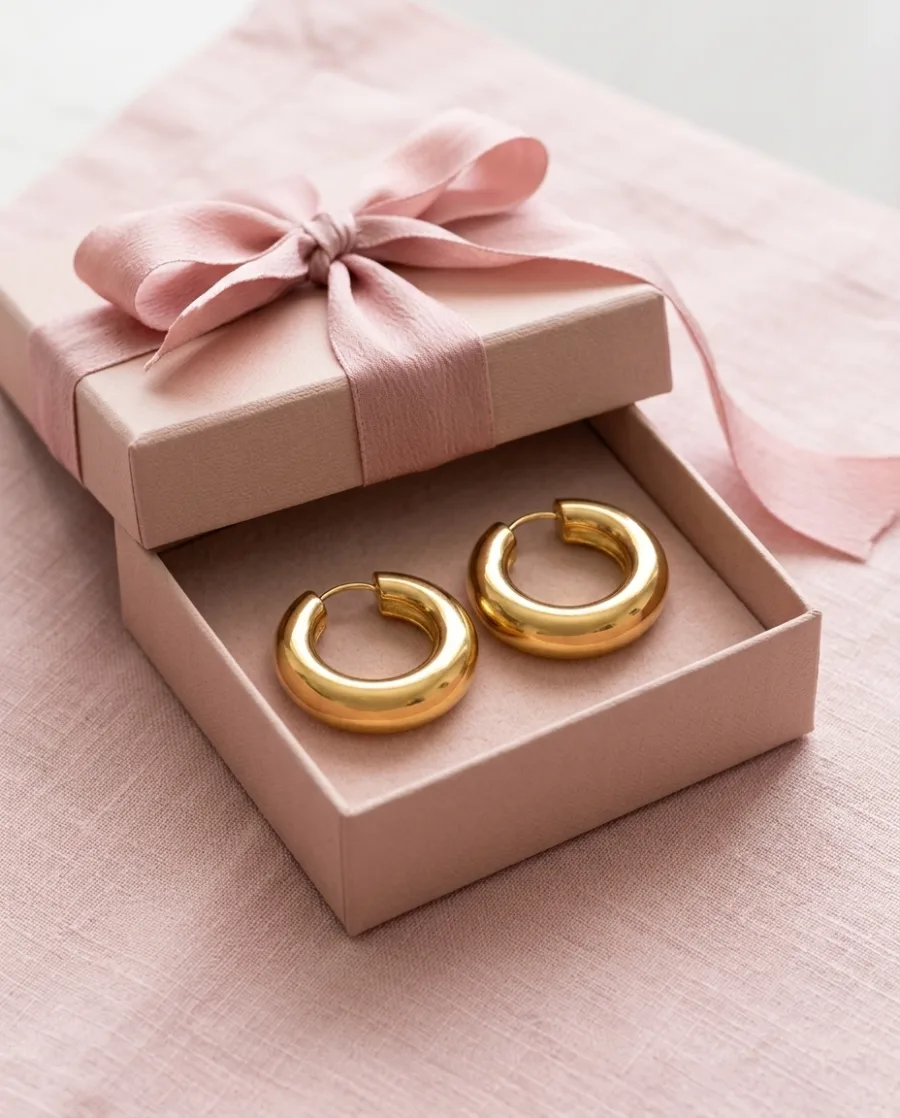

AI chat
DesignerBox in Claude and ChatGPT
Connect DesignerBox once. Then ask for pictures in Claude, ChatGPT or Cursor. You confirm each run in the chat.
Will my product look the same in the ad?
Yes. The ad is built around a photo of your real product, so its shape, colour and label stay the same. AI can still get a small detail wrong. If it does, run it again and keep the version you like.
What is an AI ad generator?
An AI ad generator makes finished ads with AI. In DesignerBox you add your product, type the headline and the offer, and get an ad with a button in the size you need. Then you can resize it, translate it and make one for every product.
Which ad sizes can I make?
Create makes an ad in the size of the placement you pick, like feed 4:5, square 1:1 or story 9:16. The Ads resizer turns one finished ad into four sizes: 9:16, 1:1, 3:4 and 16:9. It rebuilds the layout for each size.
Can I make the same ad in other languages?
Yes. The Ads localizer rebuilds one ad in any language. It rewrites the words and redraws the layout around them, so longer words still fit.
Do I need a designer or a prompt?
No. Say what the ad should say in your own words, or start from an app. DesignerBox picks the model, asks one to three questions and shows the price before it starts.
Is there a free plan?
Yes. The free plan is for personal projects, and the results carry a watermark. Your own photos, your own prompts and the commercial licence start on the Pro plan. Video and the editors start on the Premium plan. You see the price of each picture before it is made.
Make your first pictures today.
Sign up with Google or your email. Nothing to set up.
Get started free- Claude
- ChatGPT
- Cursor