Template library
AI templates for product photos, ads and videos
A template is a job that is already built, with every step in place. Add your product and your words, then run all the steps at once. The price adds up as each step runs.
Templates by use case
Product imagery
Packshots, hero shots, on-model, flat lays, scenes.
See every product imagery template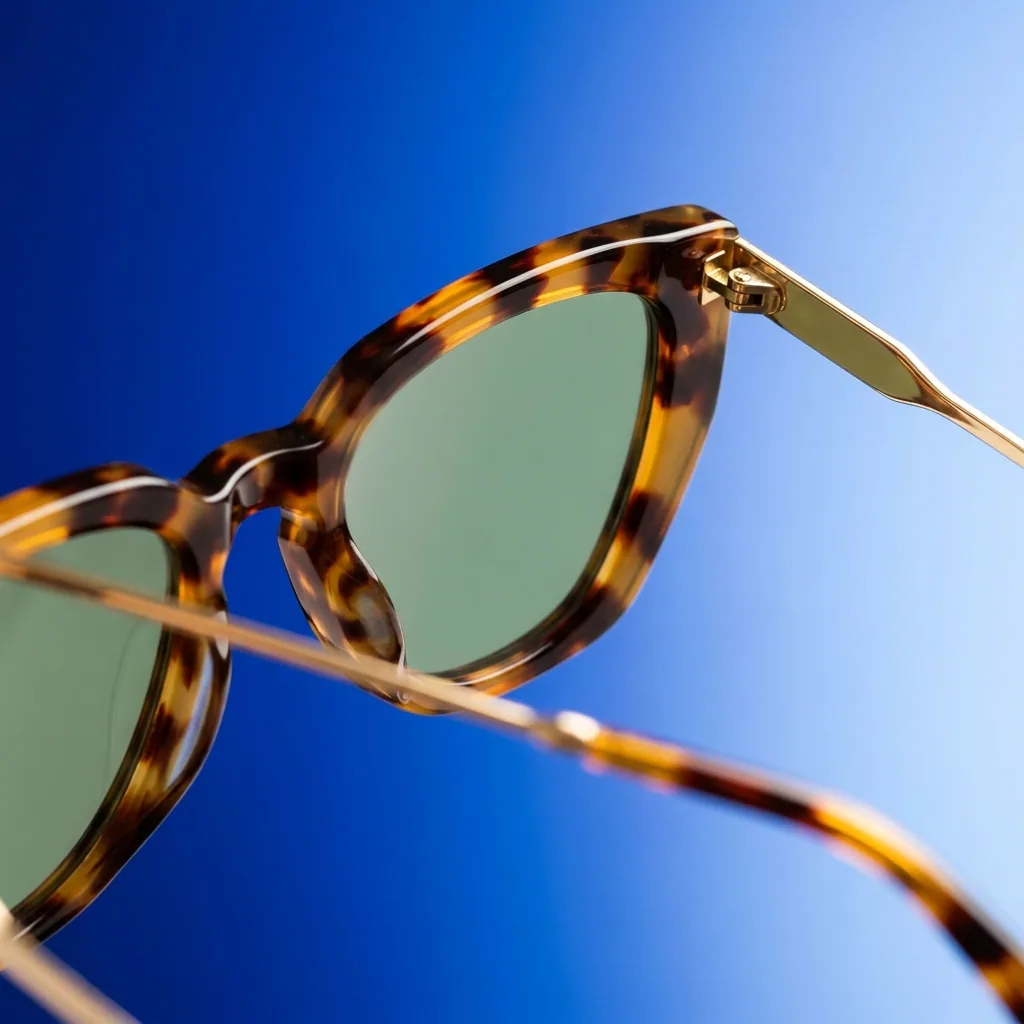 Runs todayMulti-angle photo reshootThe same product shot again from the front, side and back
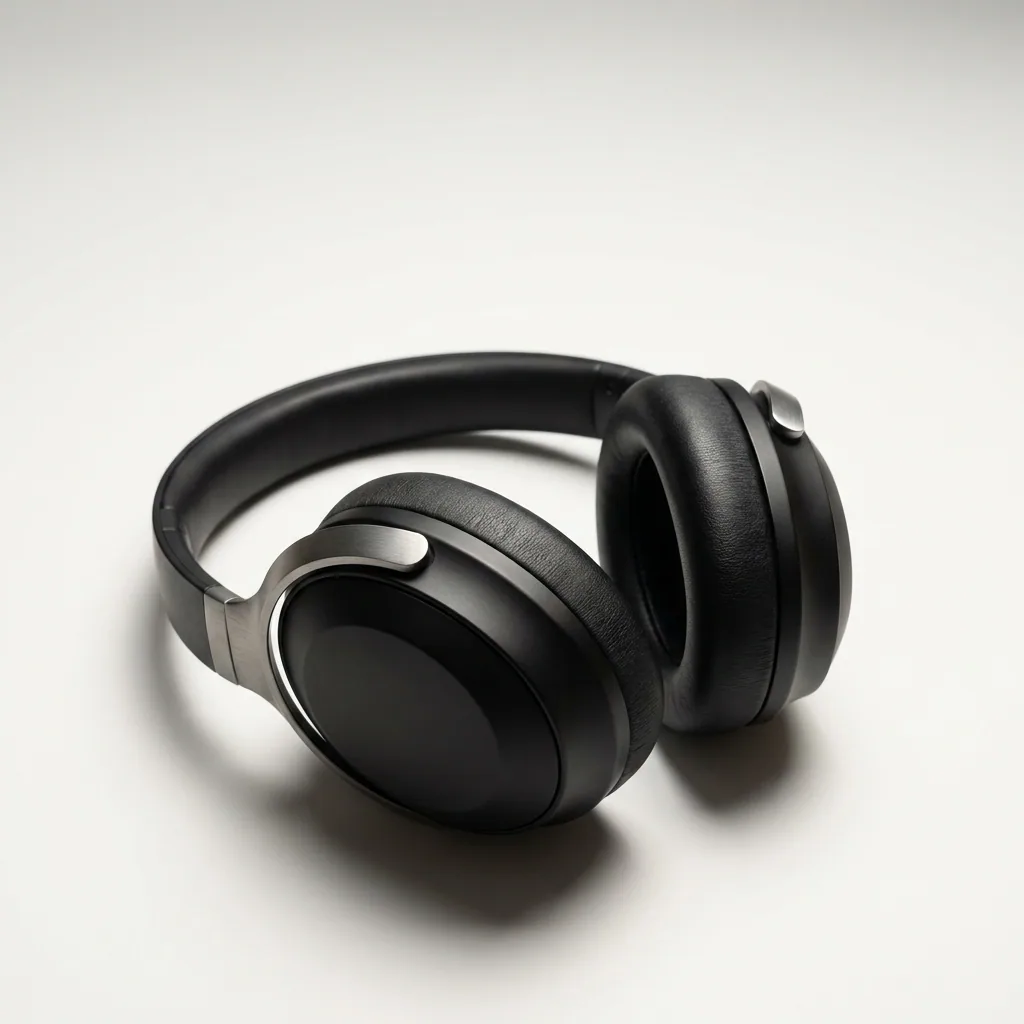 Runs today360° product studioEvery side of your product in one turning video, from a few photos
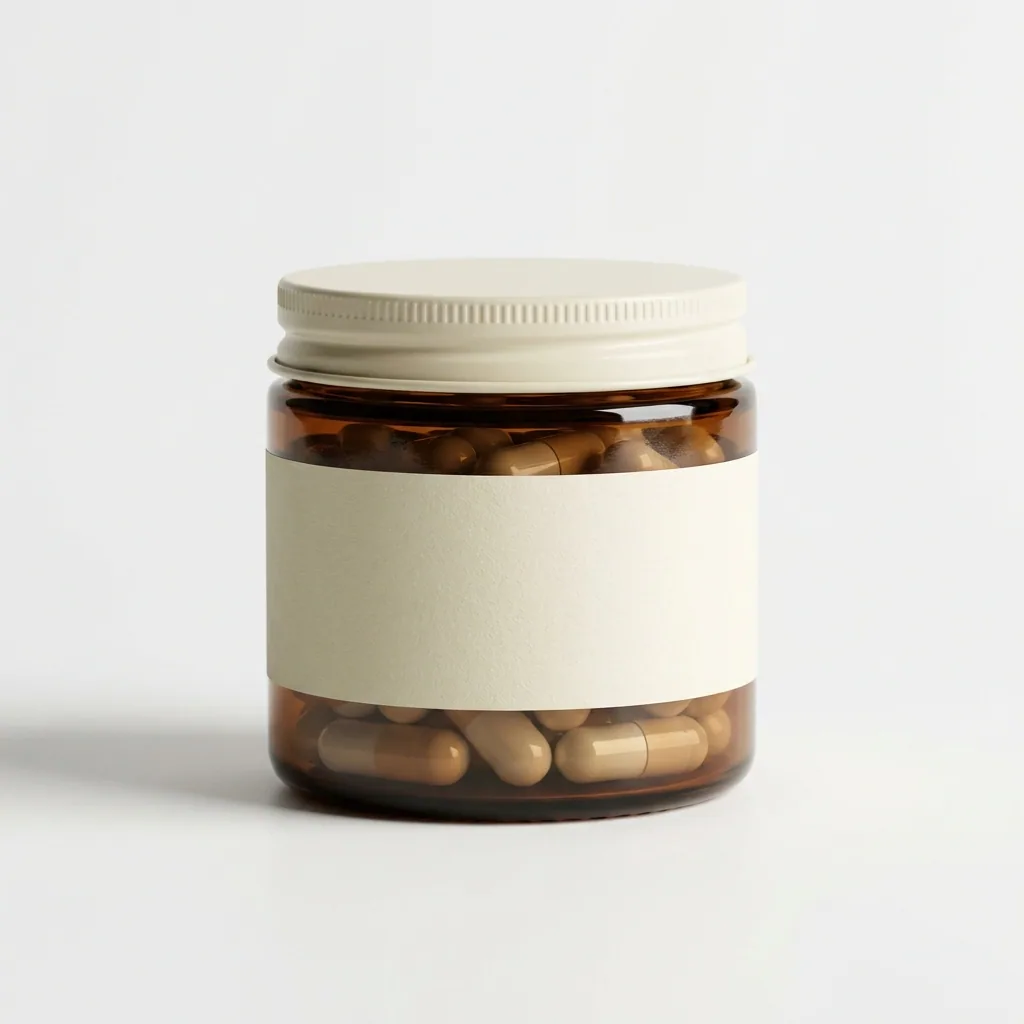 Runs todayClean white backgroundYour product alone on a clean white background
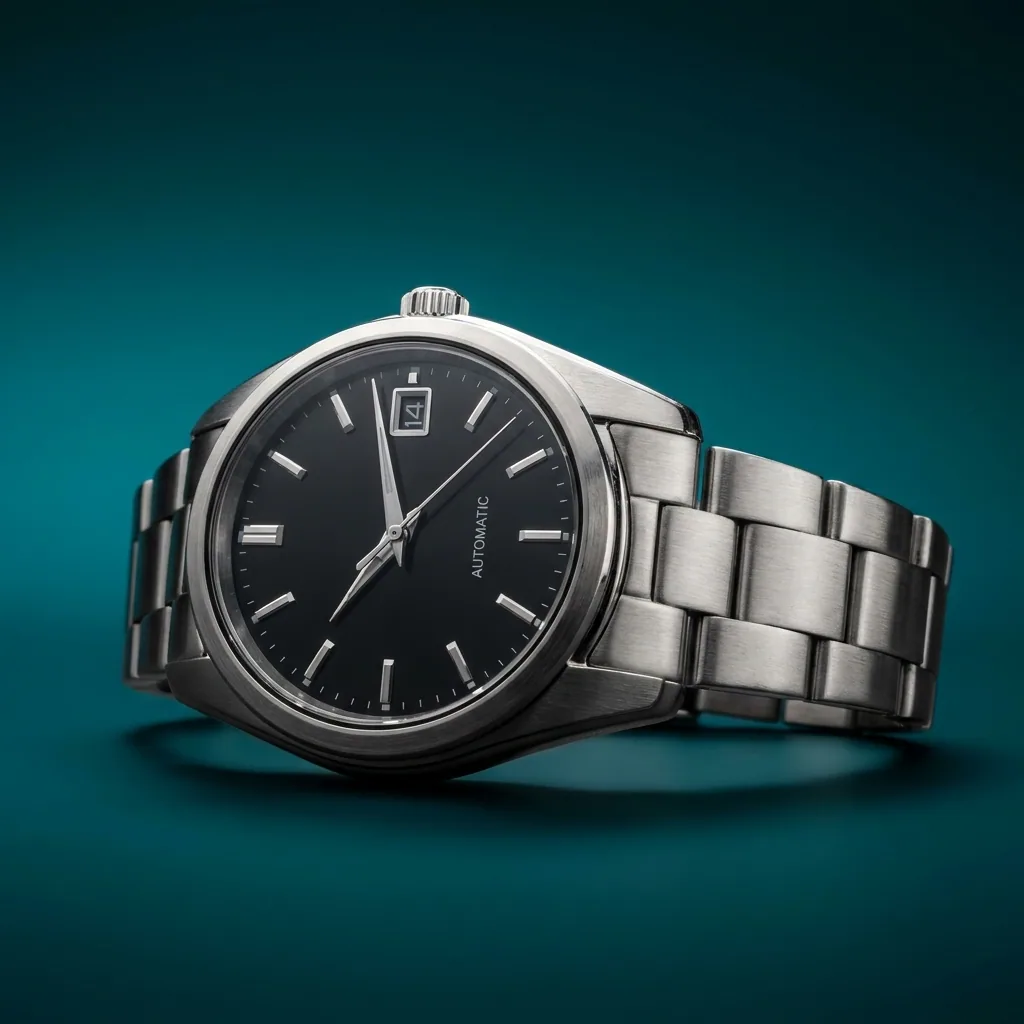 Runs todayRelighting studioThe same photo lit again, as if taken in a studio
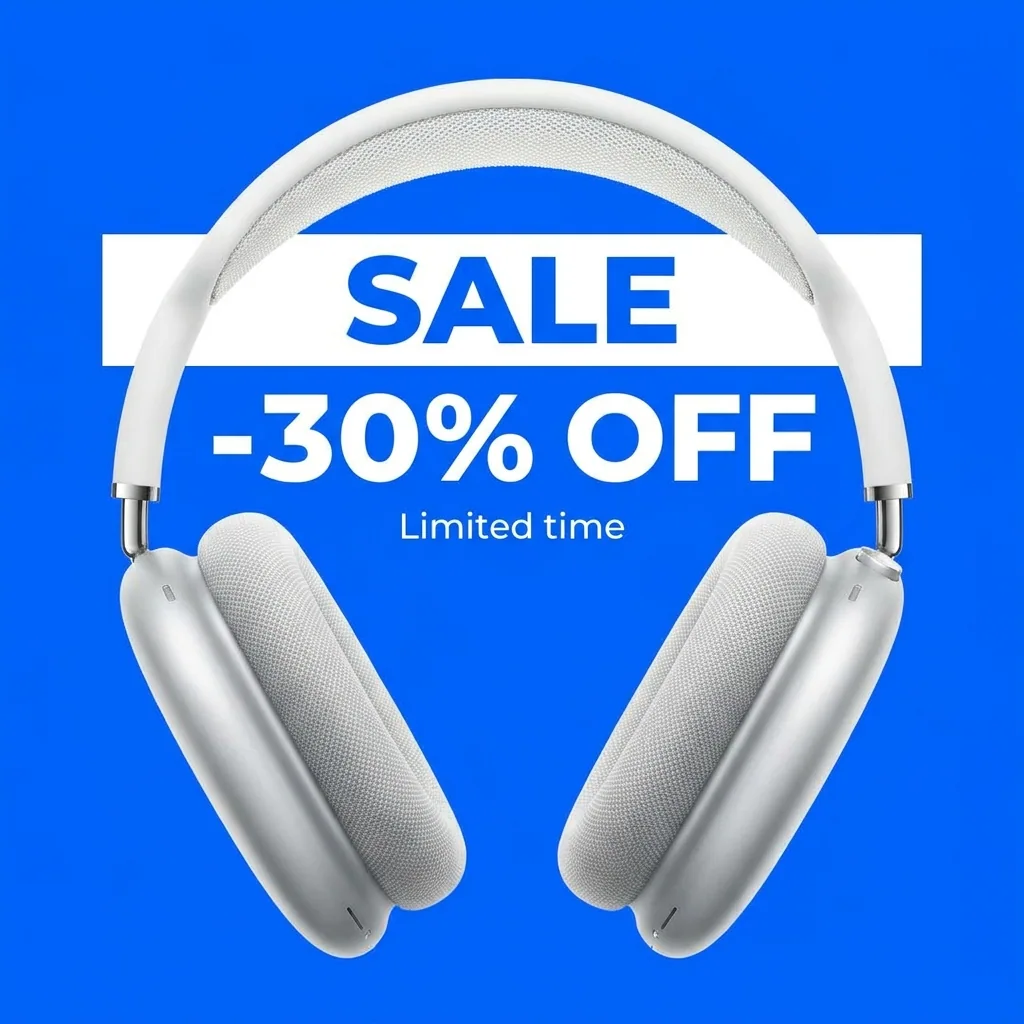 Being builtStatic ad animatorYour finished static ad turned into a short moving video
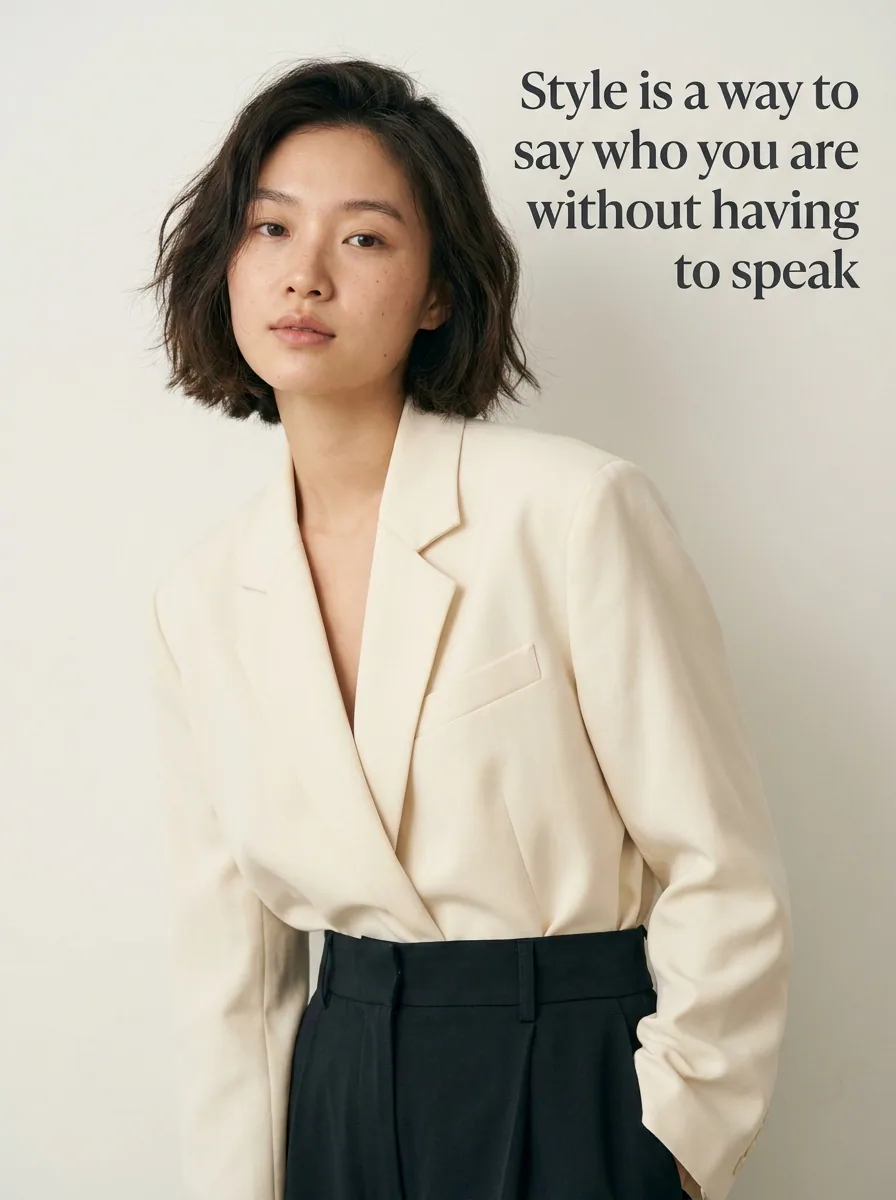 Being builtStreet ad remixerA street poster scene with your product on it, in several versions
 Being builtAds localizer and resizerYour ad translated and resized for each market you sell in
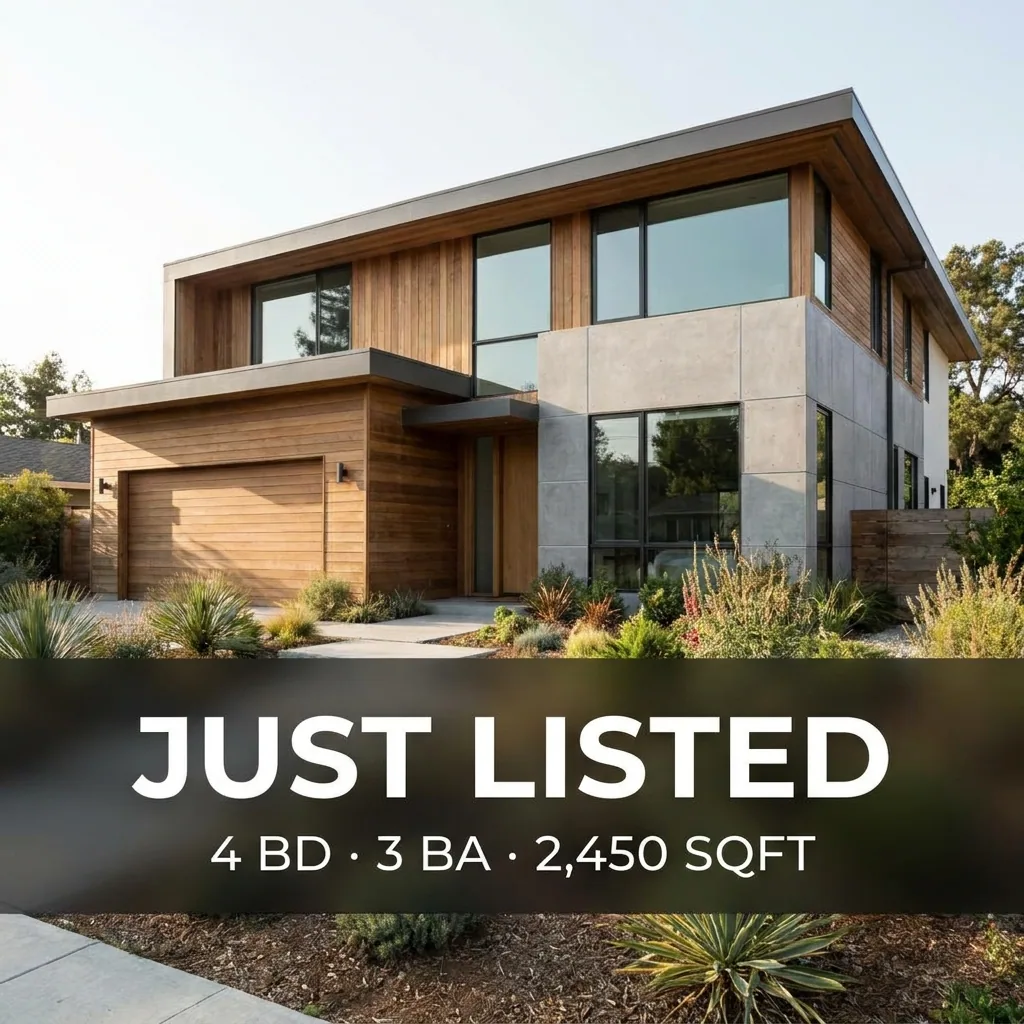 Being builtSimple ads localizerThe same ad with its text in each language you sell in
User-generated content
Creator-style clips with a presenter.
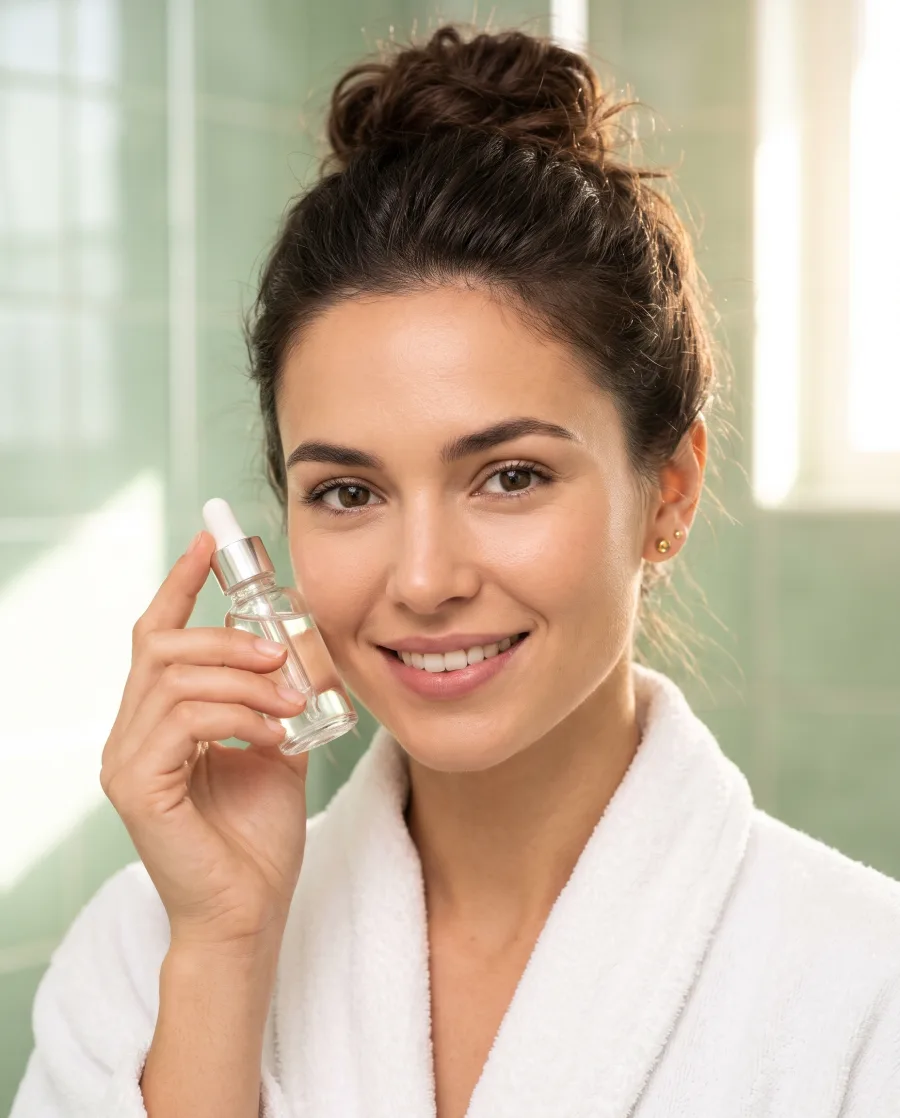
See every user-generated content template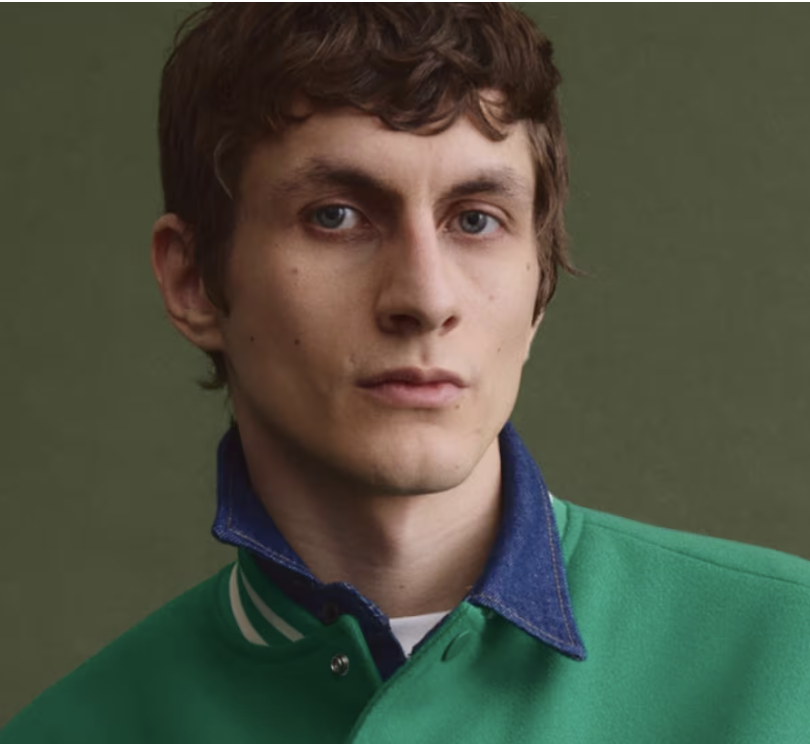 Runs todaySkin retouchA portrait with the skin evened out and the texture kept
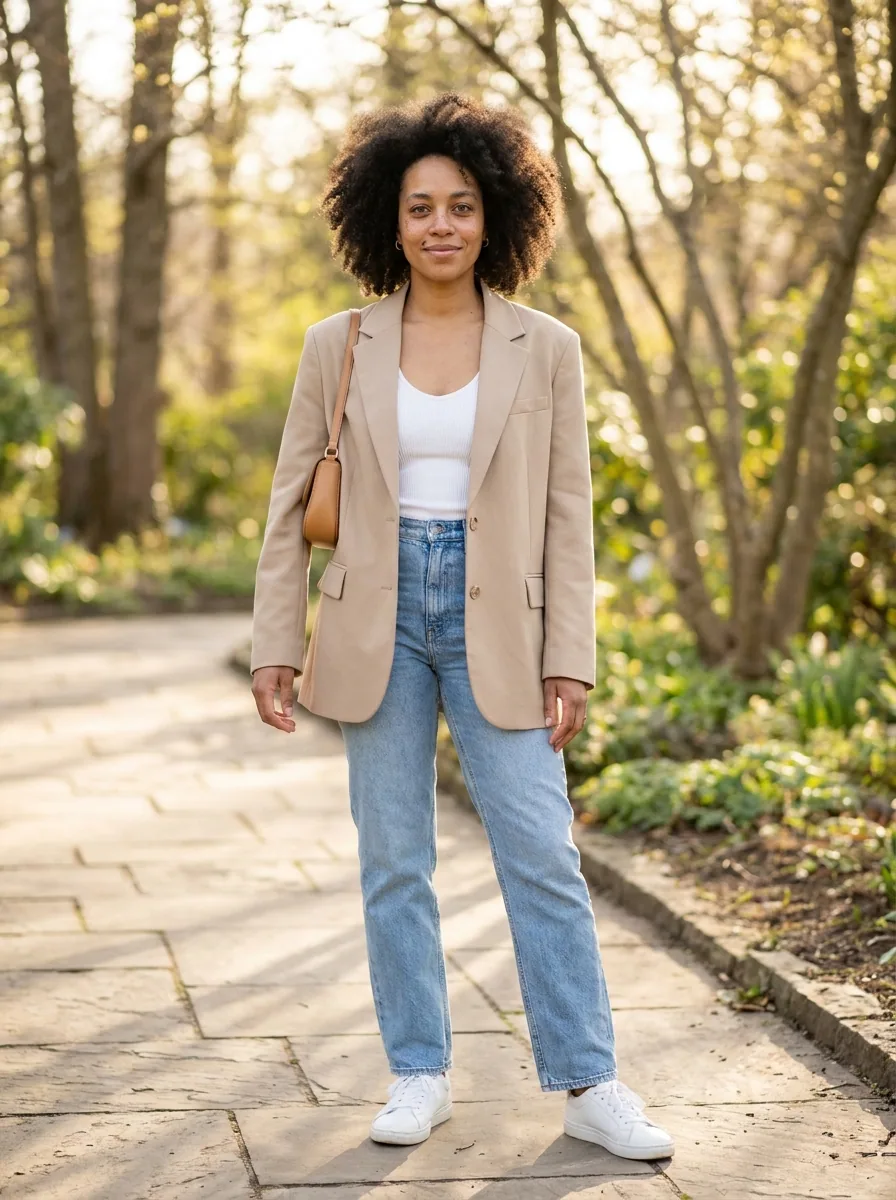 Runs todayVirtual try-onOne garment worn by the person in your photo
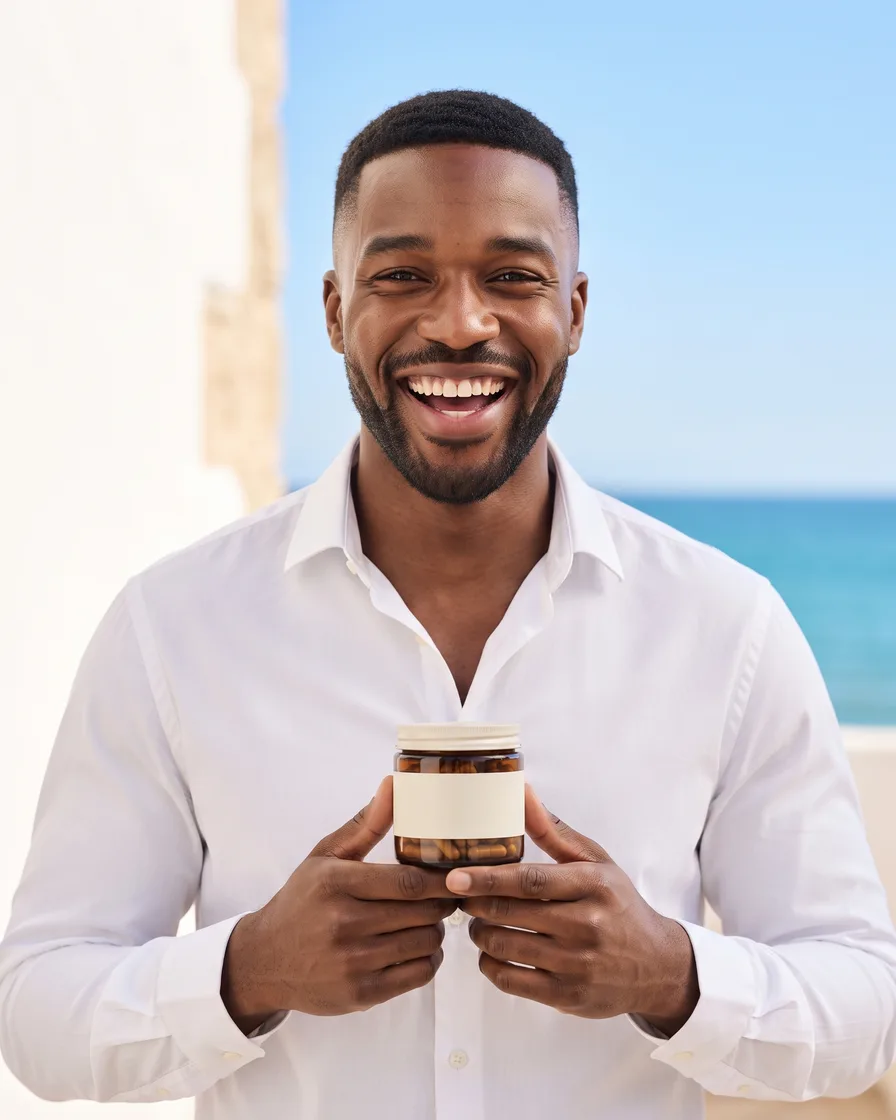 Being builtUGC product videoA creator-style vertical video of a generated presenter holding your product
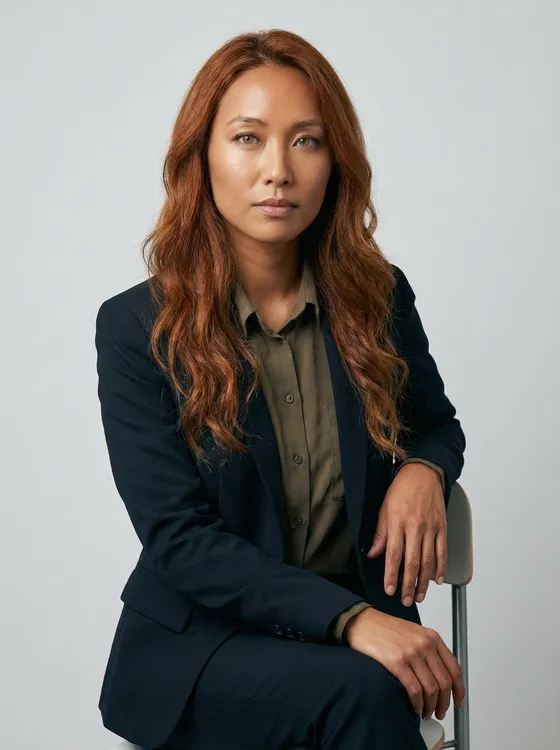 Being builtUGC video for service brandsA creator-style video of a generated presenter talking about a service you sell
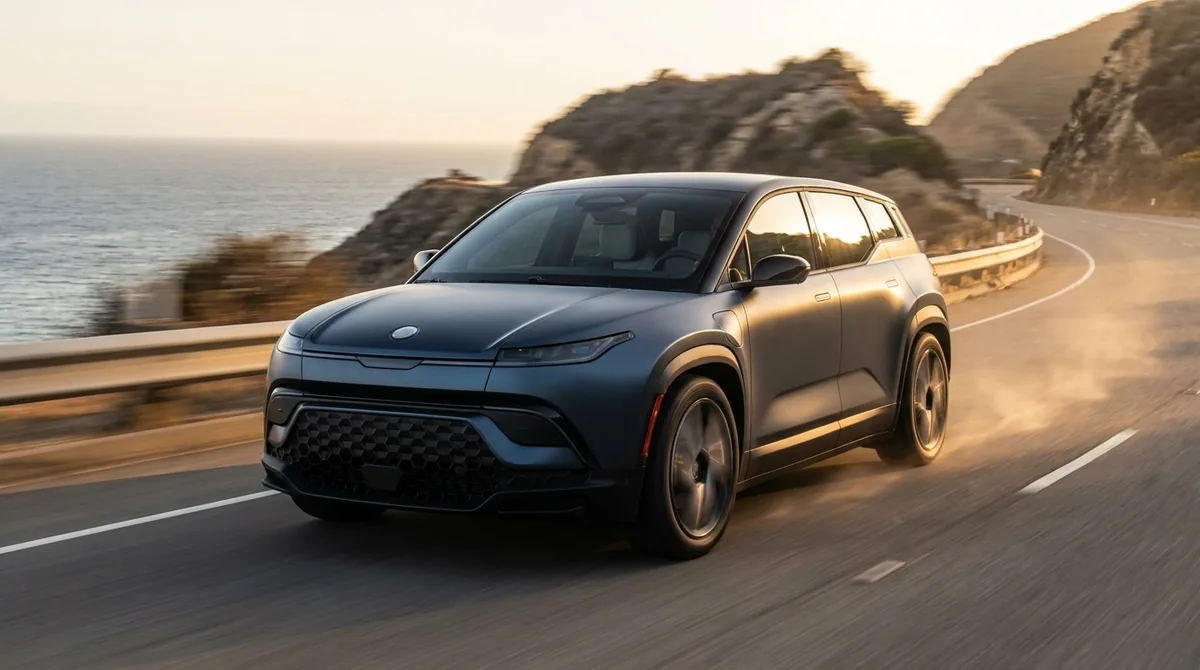 Being builtTV ad with SeedanceA short video ad with the pace and look of television
 Being builtStoryboard to video clipEach frame of your storyboard turned into a short video clip
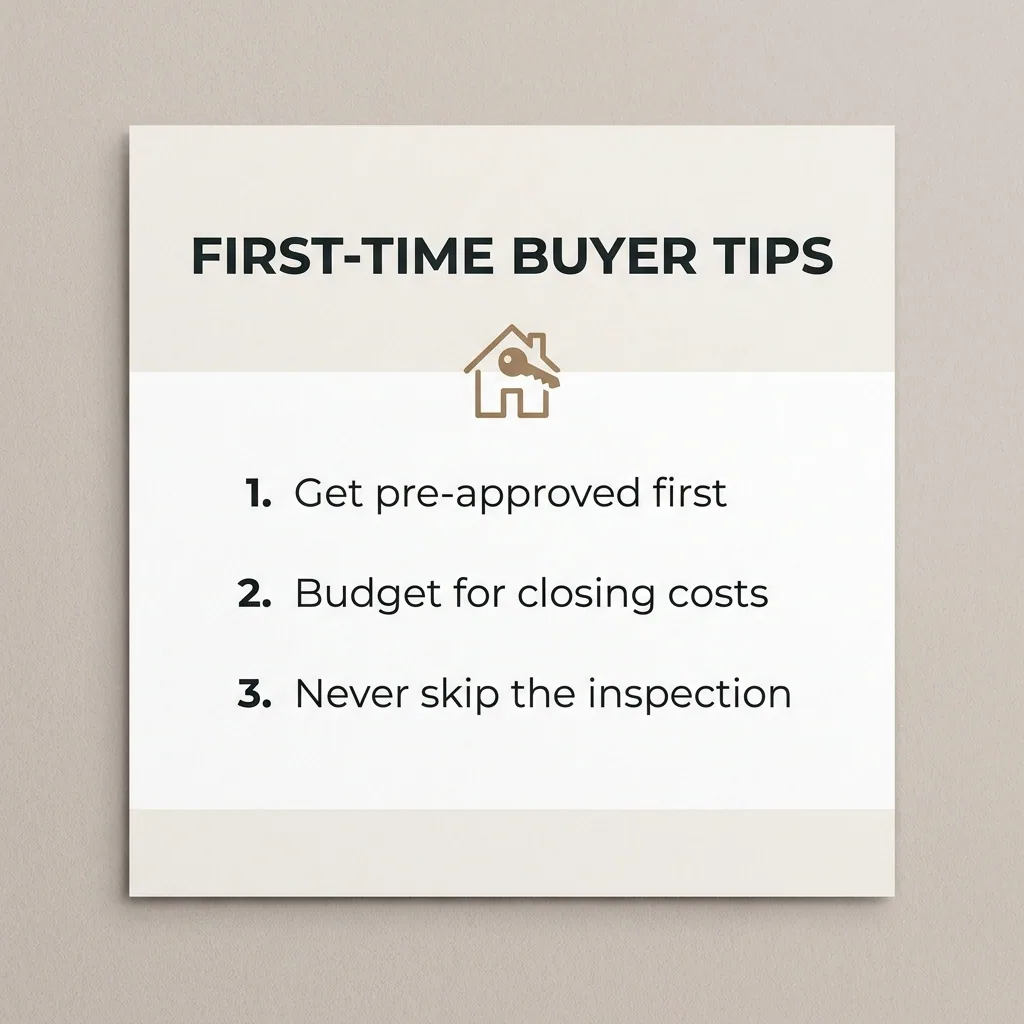 Being builtExplainer-style video adsAn explainer video that shows what your product does and why
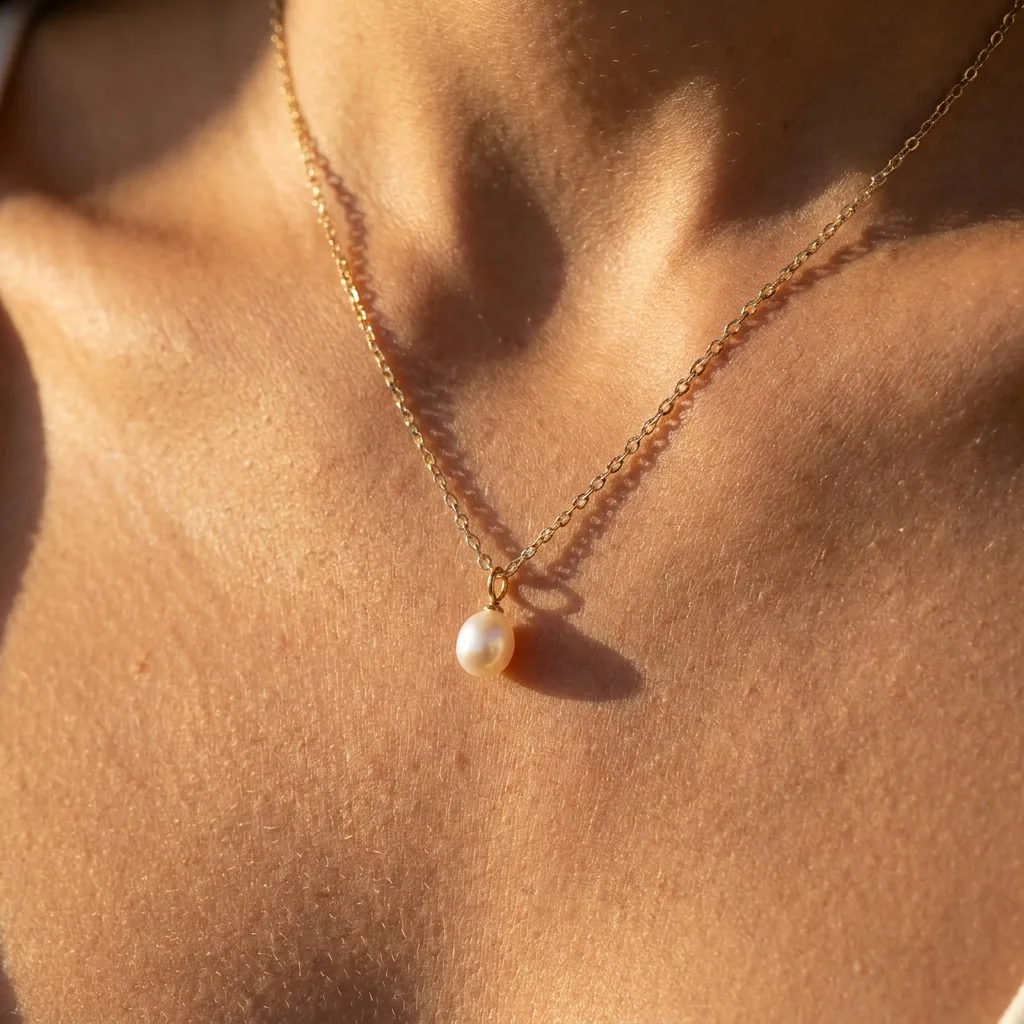 Being builtProduct to static + video adsBoth a static ad and a short video ad from your product photo
Brand assets
On-brand photos, mockups, icons, a brand kit from a logo.
See every brand assets template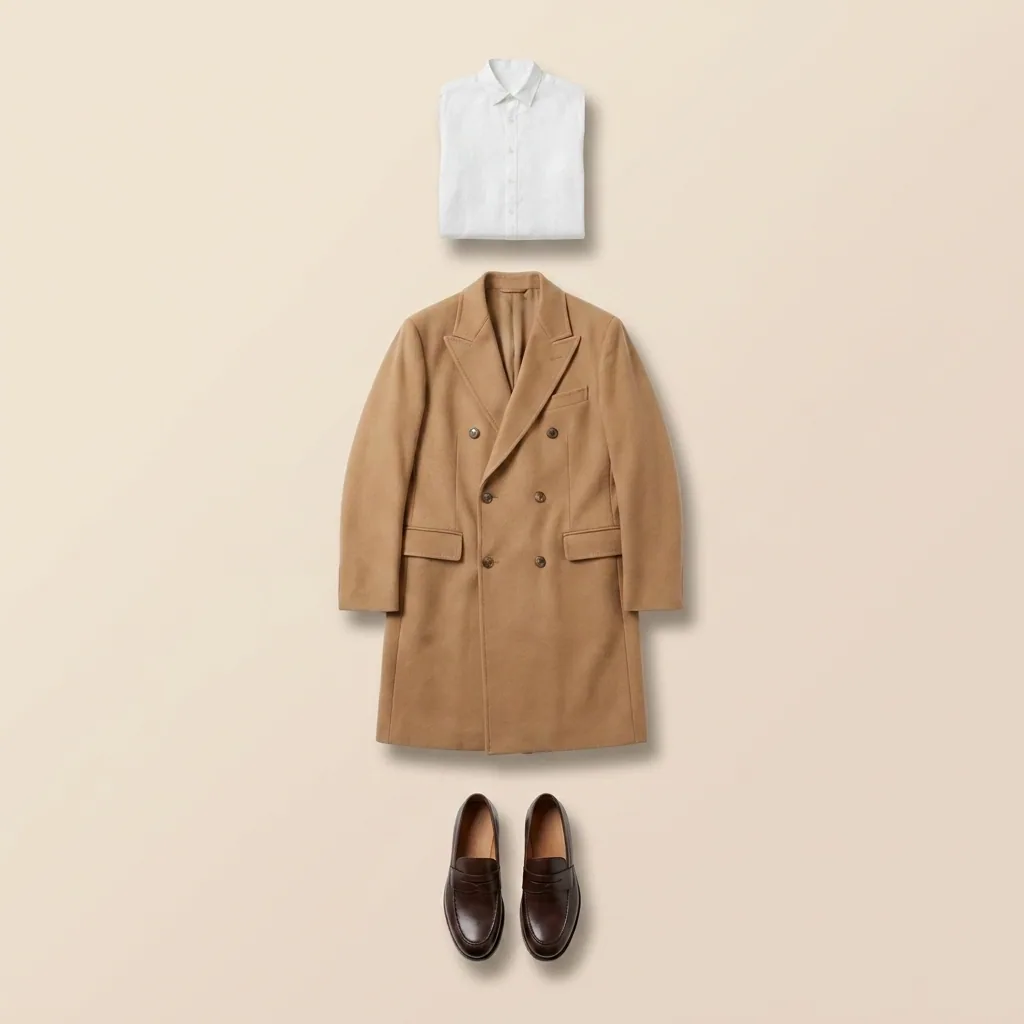 Runs todayBrand style unifierPictures from many sources, all remade in one brand style
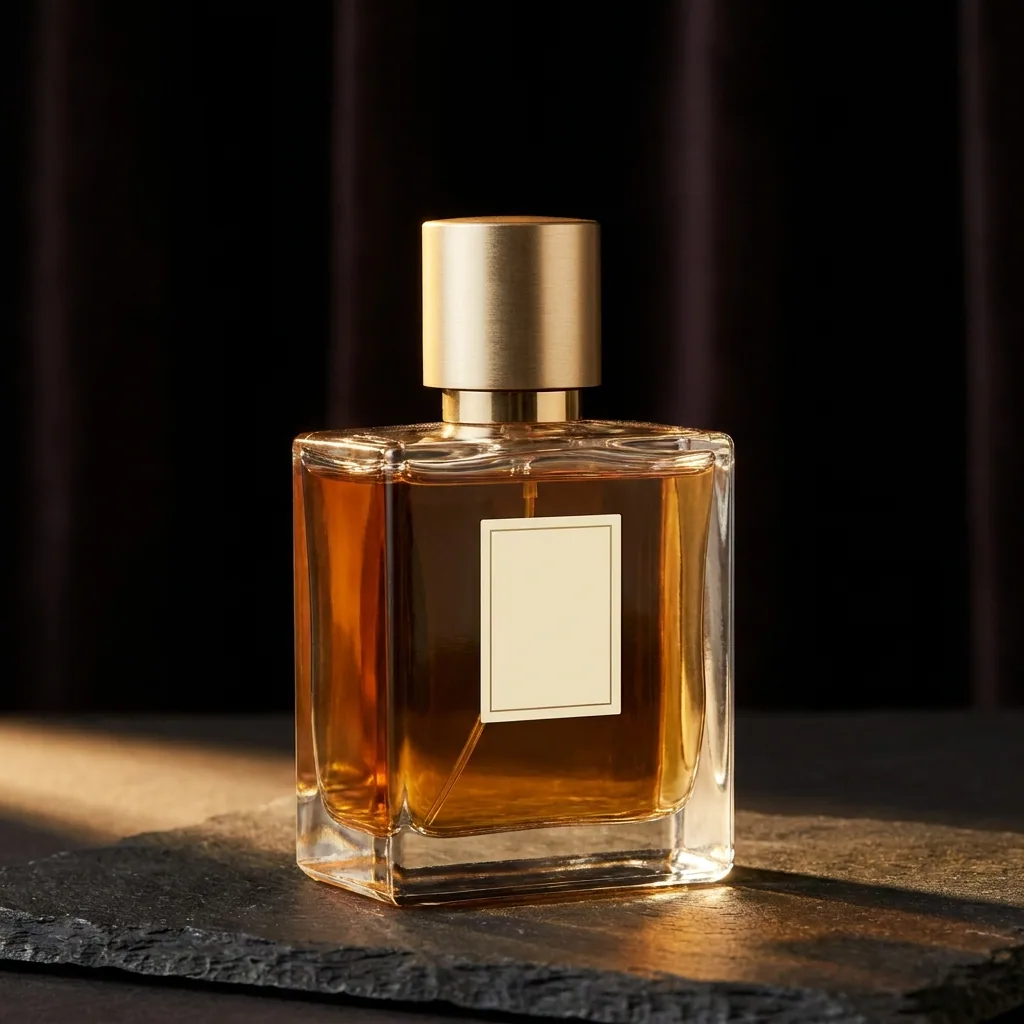 Being builtOn-brand photoOne new photo of your product in your brand colours and style
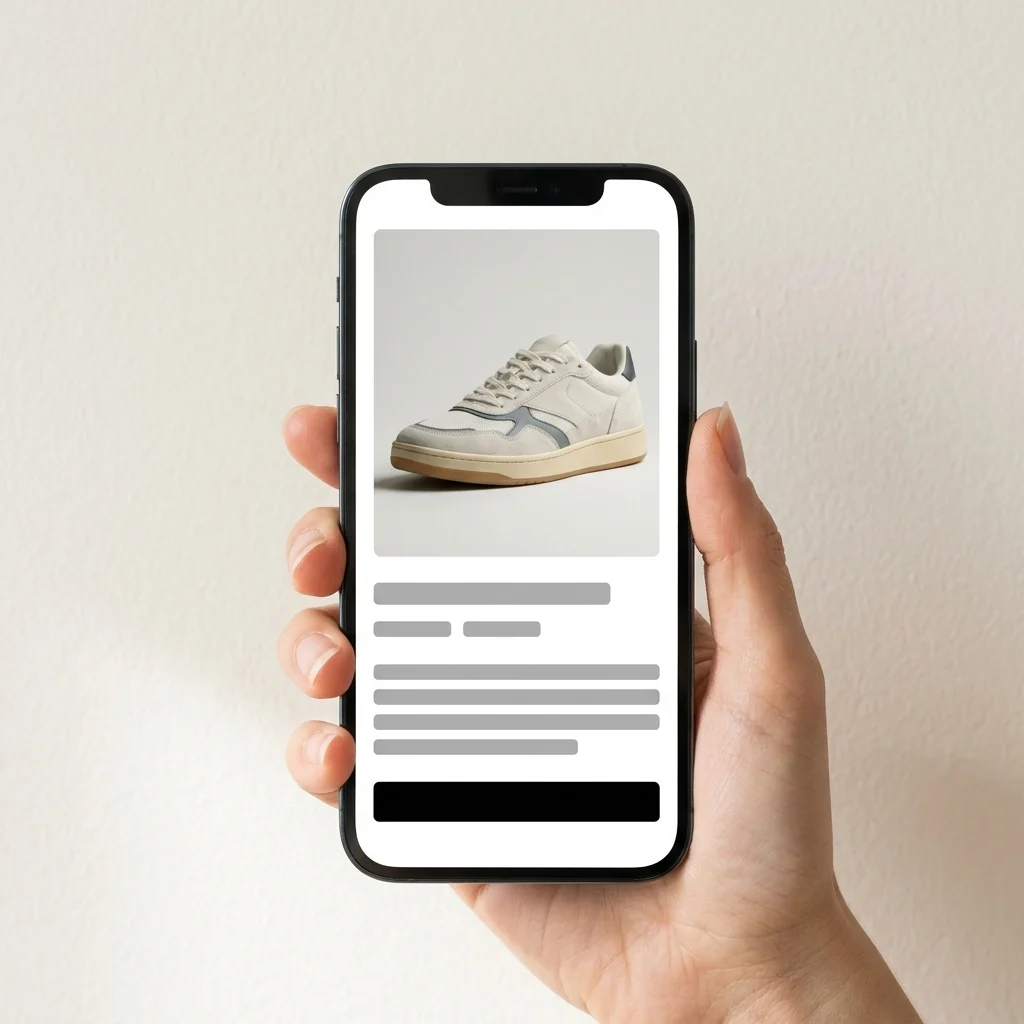 Being builtMobile screen mockupsYour app screens shown inside a phone, ready for a store page
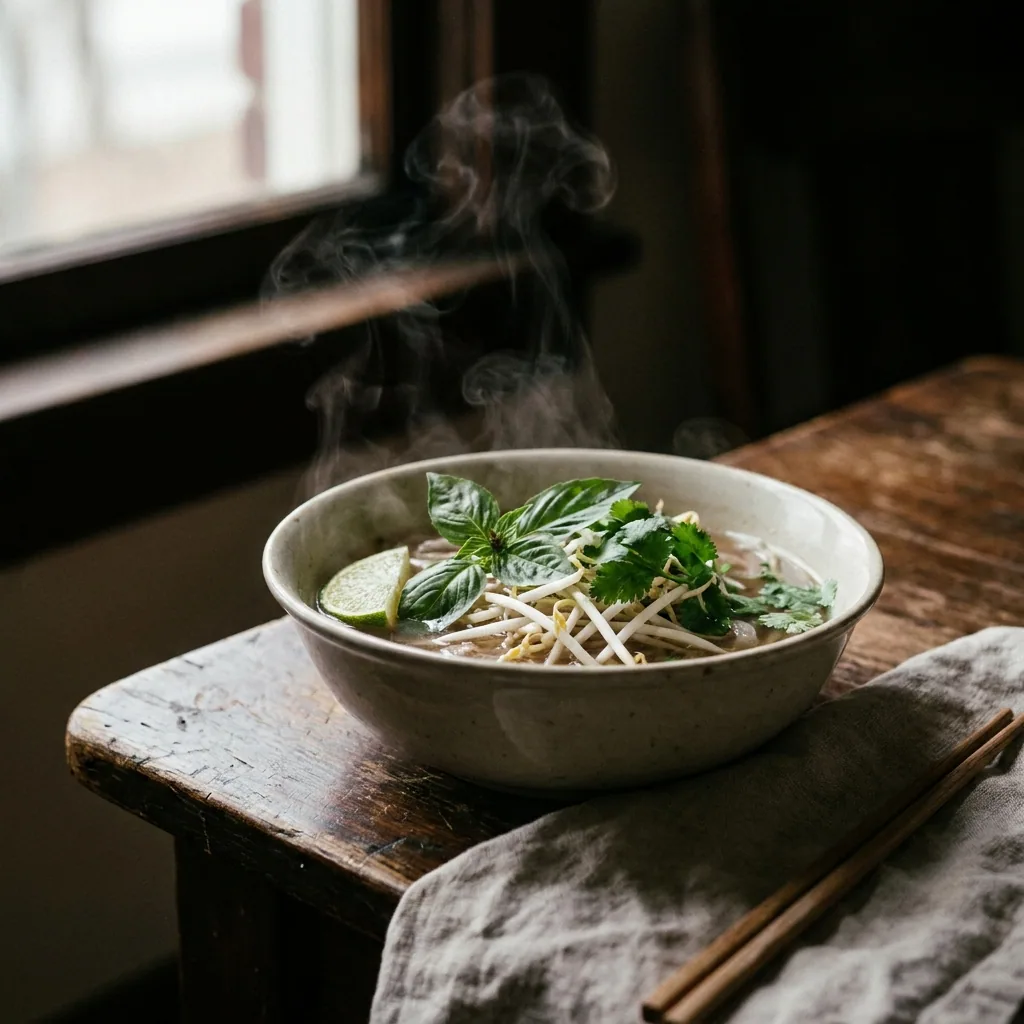 Being builtAnimate a photoYour photo turned into a short video with gentle movement
 Being builtCreative resizerOne finished creative copied into every ad size you need
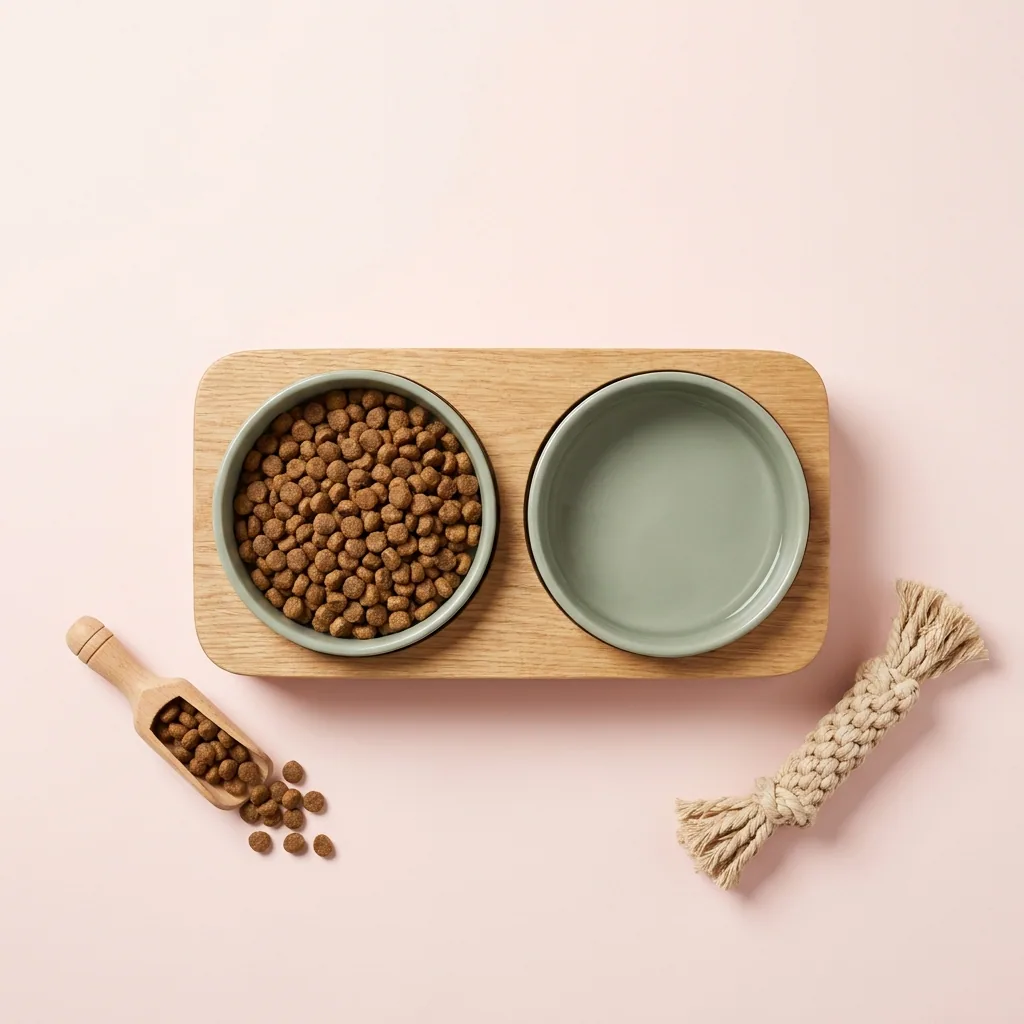 Being builtAd format resizerYour ad rebuilt for each placement, from square to tall to wide
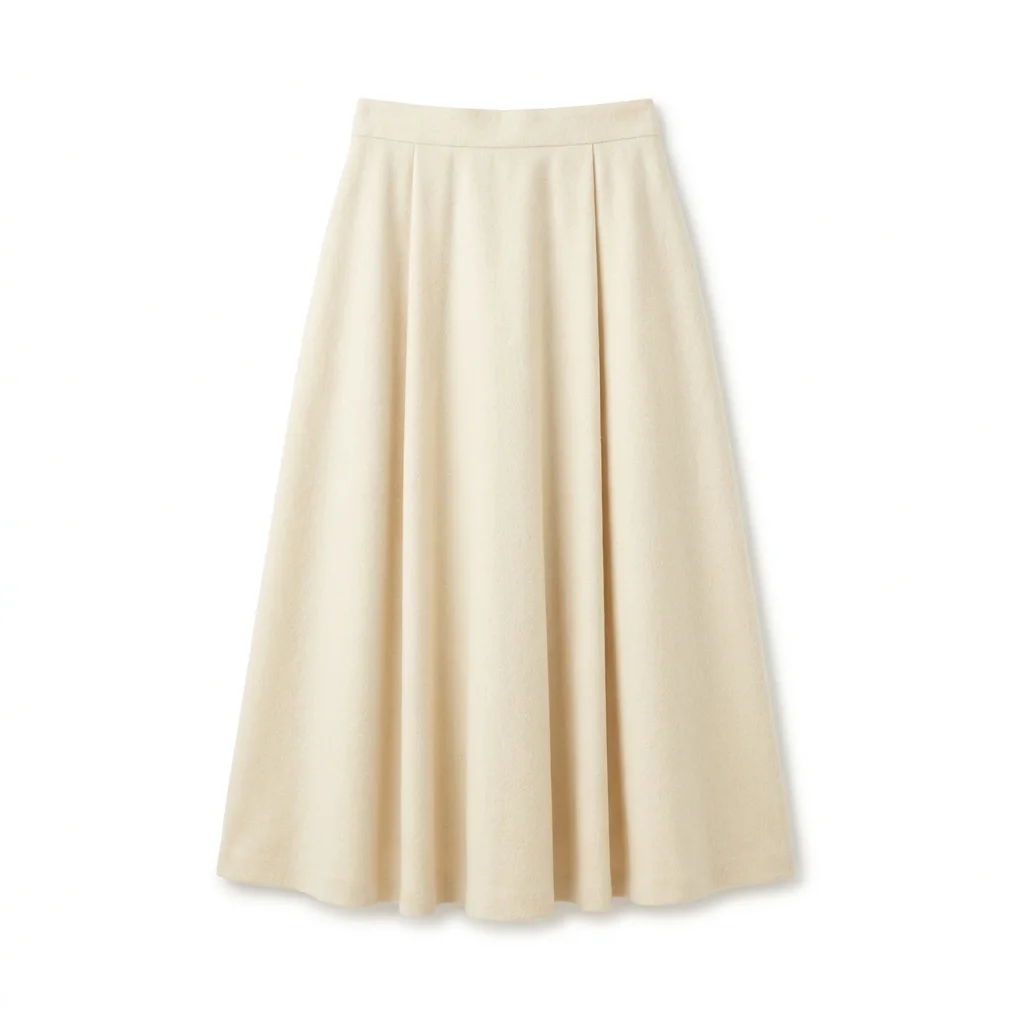 Being builtGoogle Drive fashion product photosProduct photos for every garment in a Google Drive folder
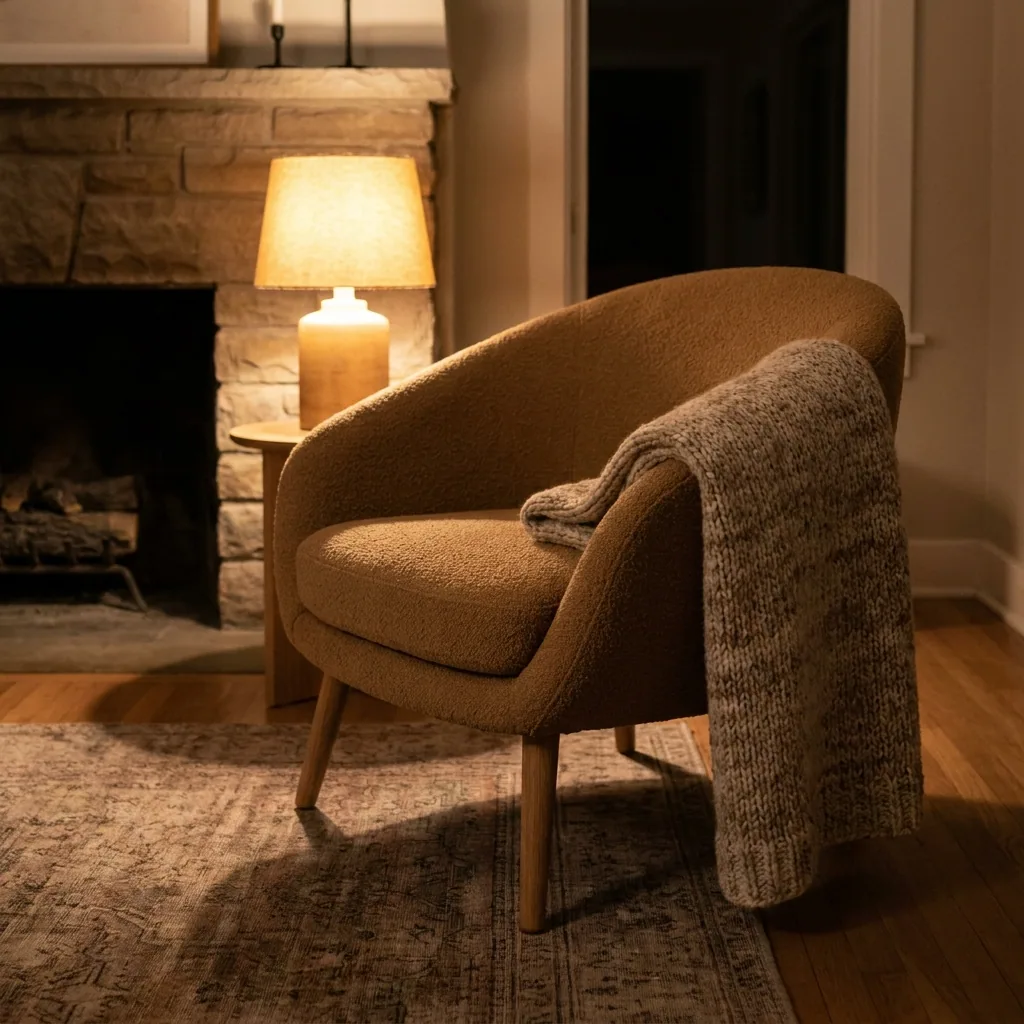 Being builtGoogle Drive furniture product photosRoom photos for every piece of furniture in a Google Drive folder
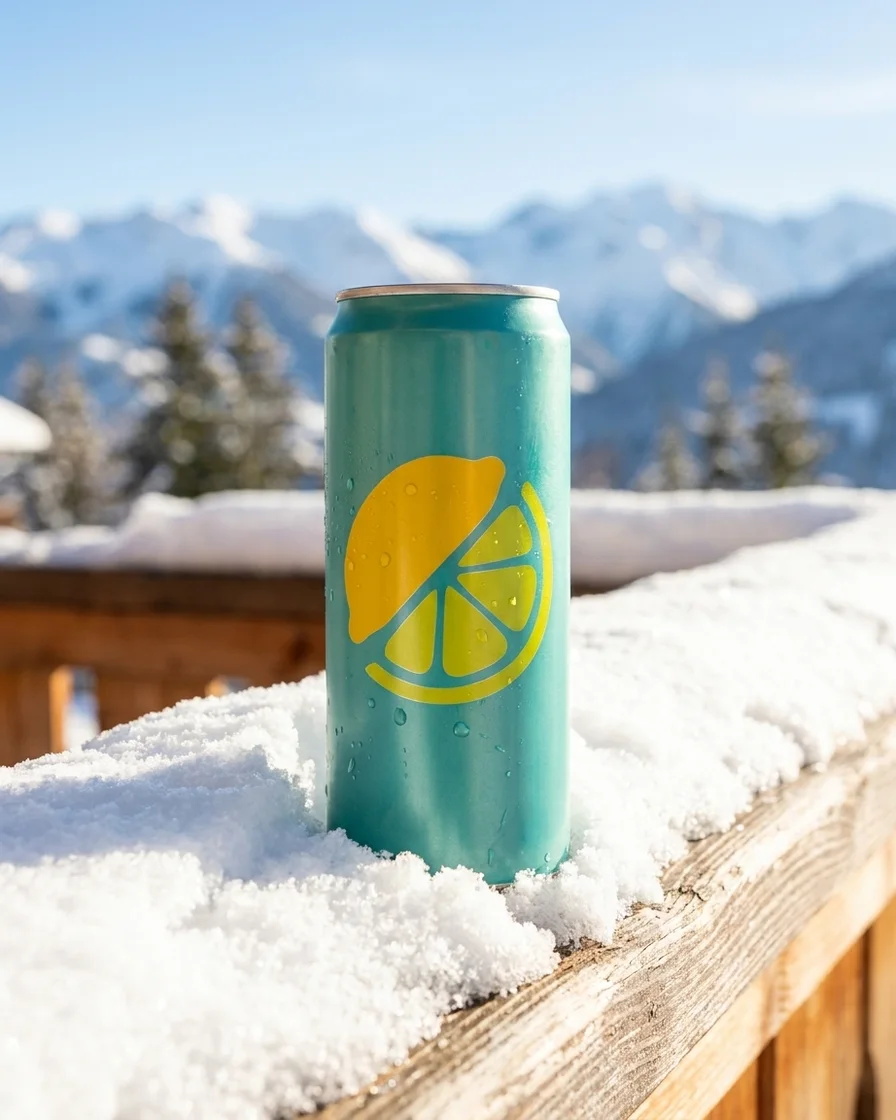 Runs todayProduct scene placementYour product placed in a styled scene, lit to match it
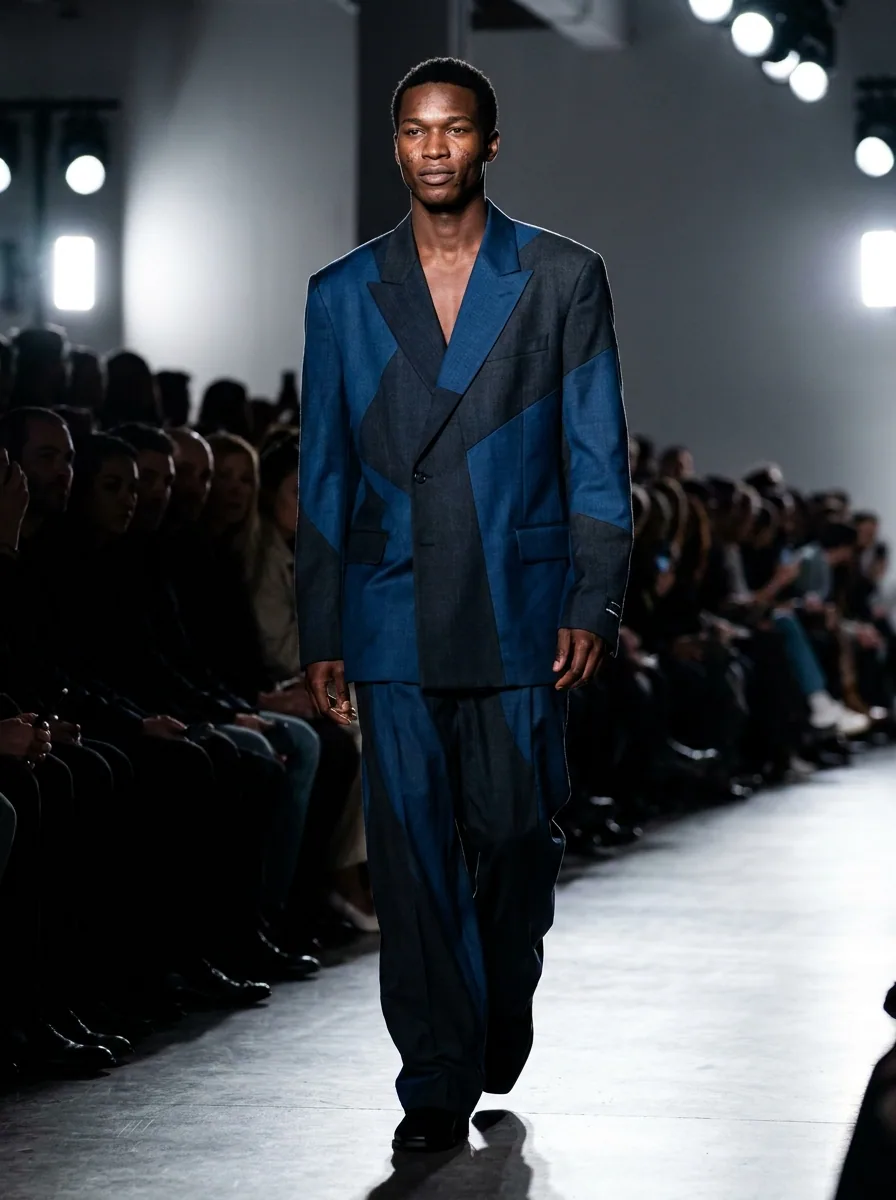 Being builtSubway adsYour product on an underground poster, shown in a station scene
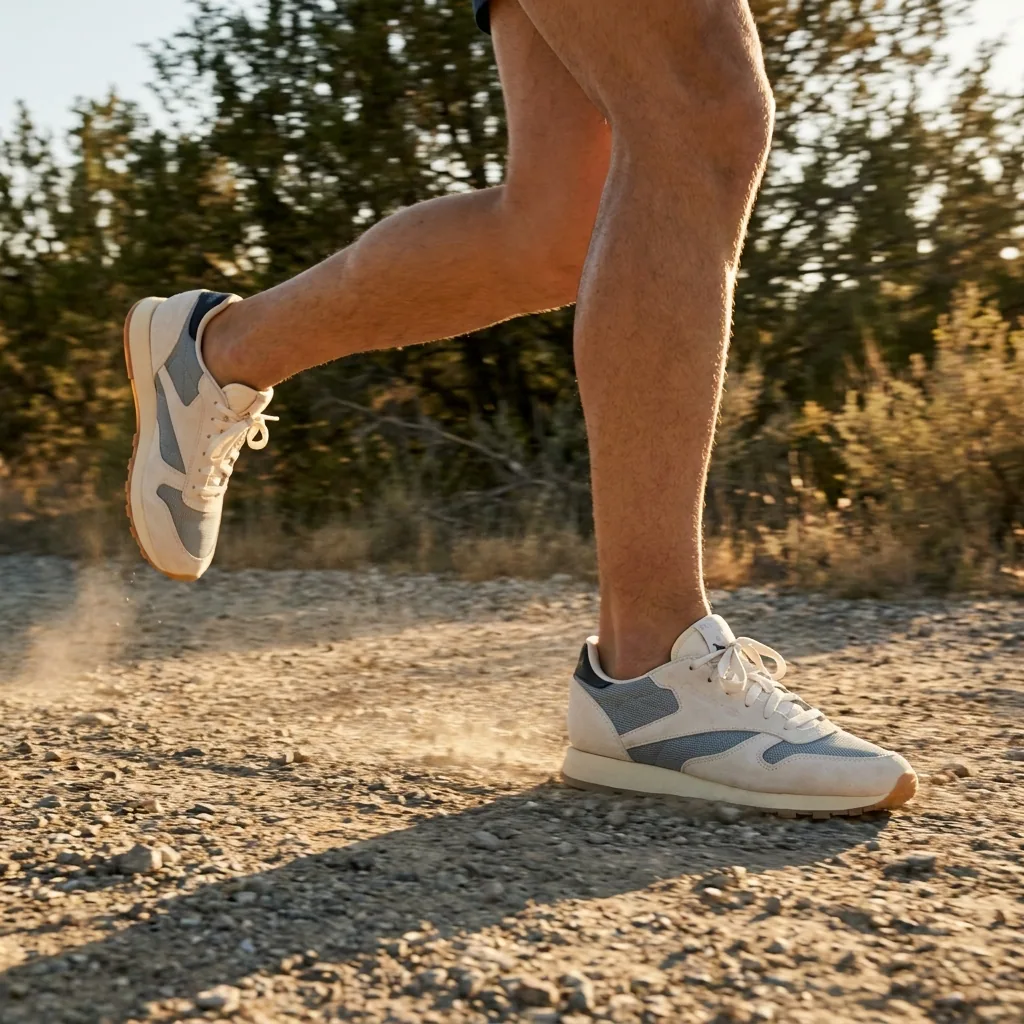 Being builtOutdoor ad generatorYour product on an outdoor poster, shown in a street scene
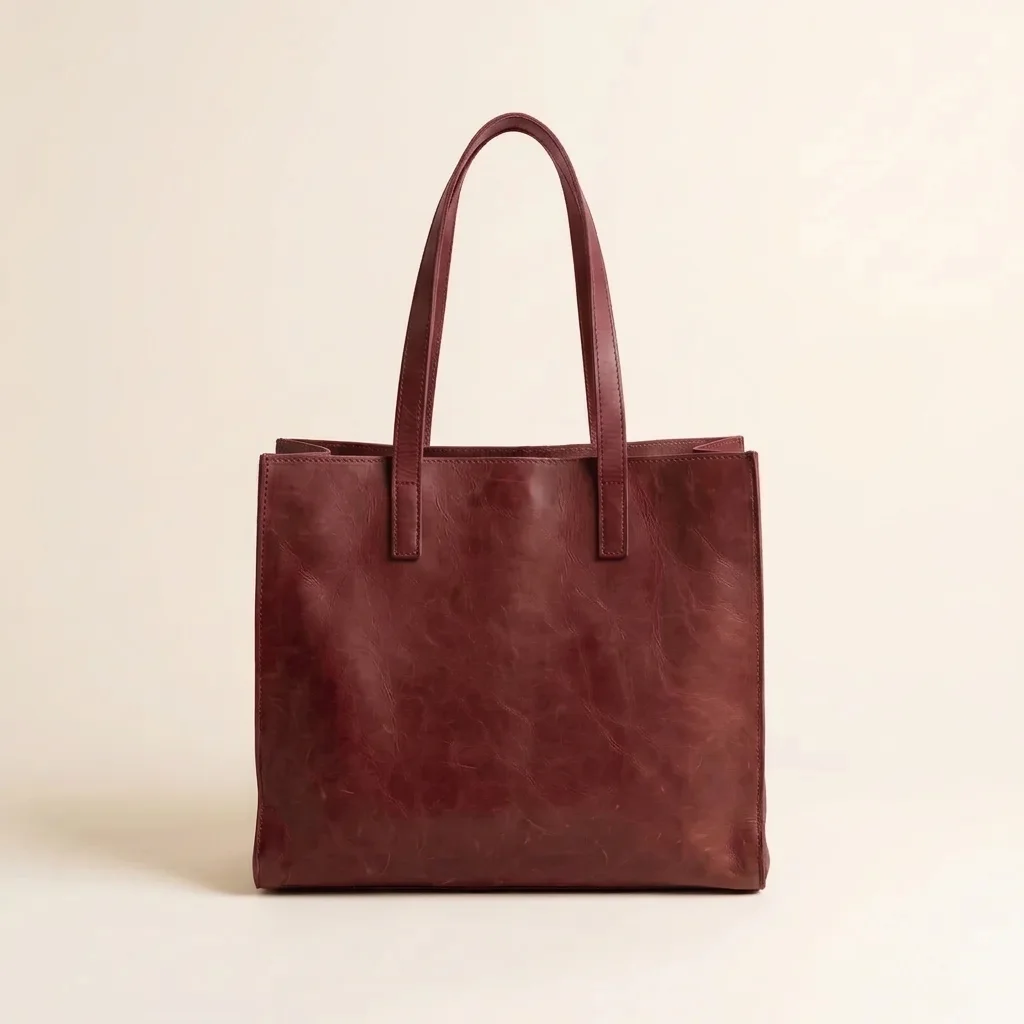 Being builtProduct redesignerYour product redrawn in a new shape, colour or material
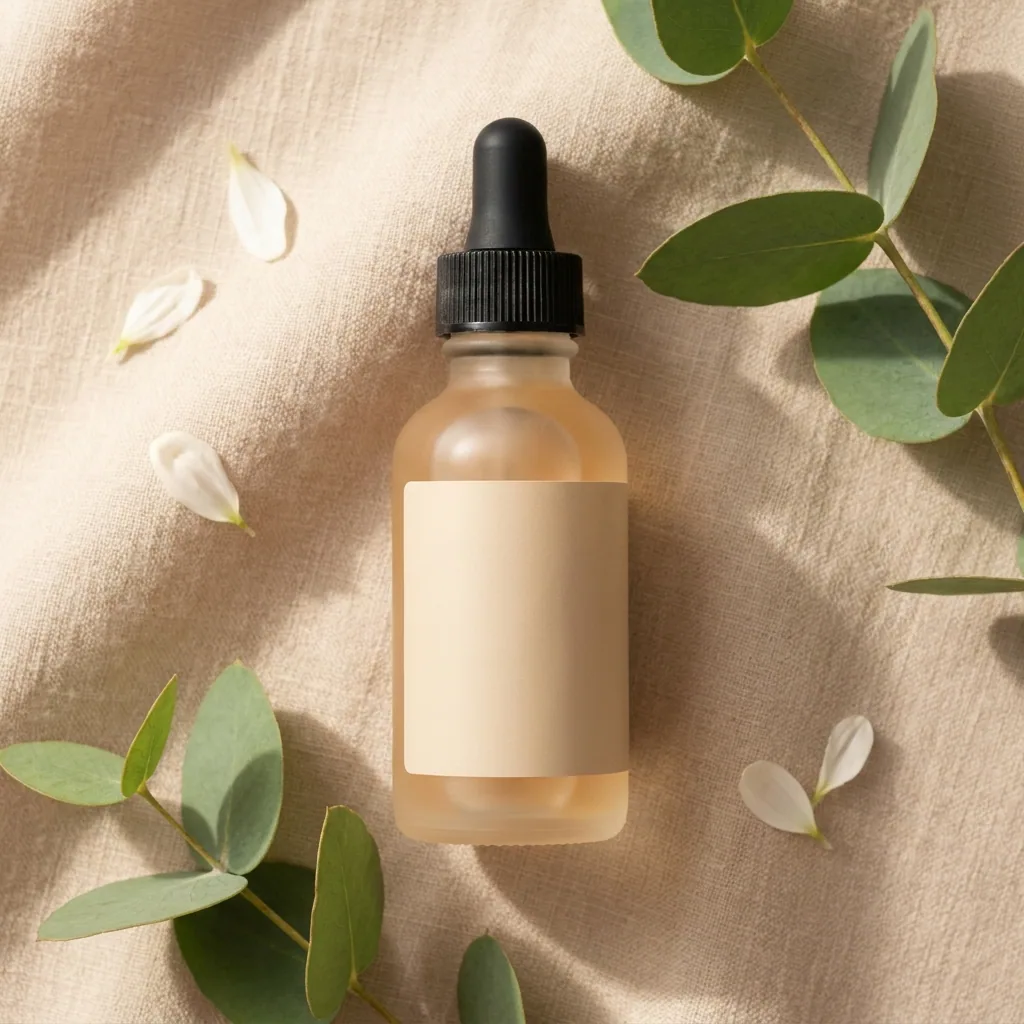 Runs todayInstagram carouselA set of linked pictures that swipe as one Instagram post
 Being builtBeauty carousel adsA set of beauty ads made to run one after another
 Being builtAnimated-film style video adsA short animated video ad in a family film style
 Being builtPodcast-style adsTwo generated presenters talking about your product, in a vertical clip
 Being builtDesignerBox basicsA short first run that turns your product photo into a finished set
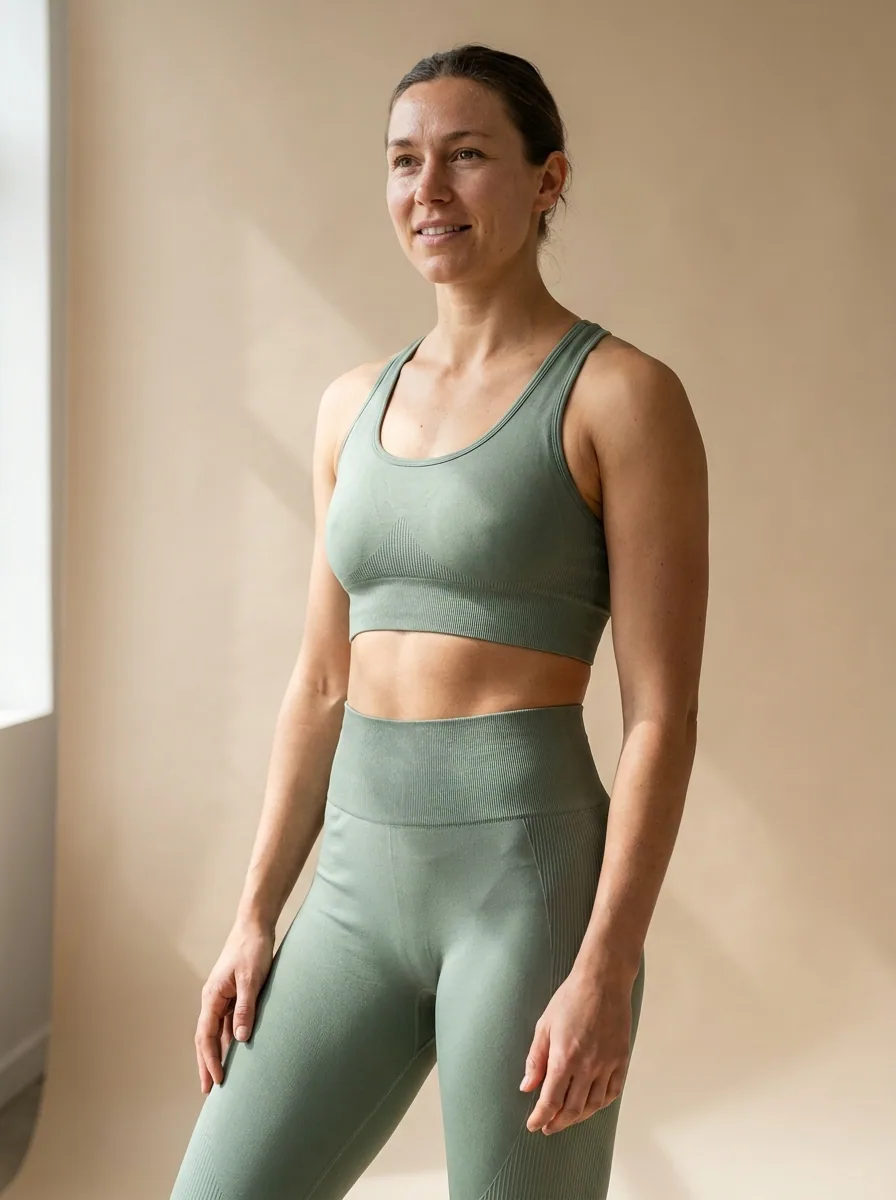 Being builtModel creatorA generated model with the face, age and look you choose, ready to reuse
 Being builtStart and end frame videoA video that runs from your first picture to your last
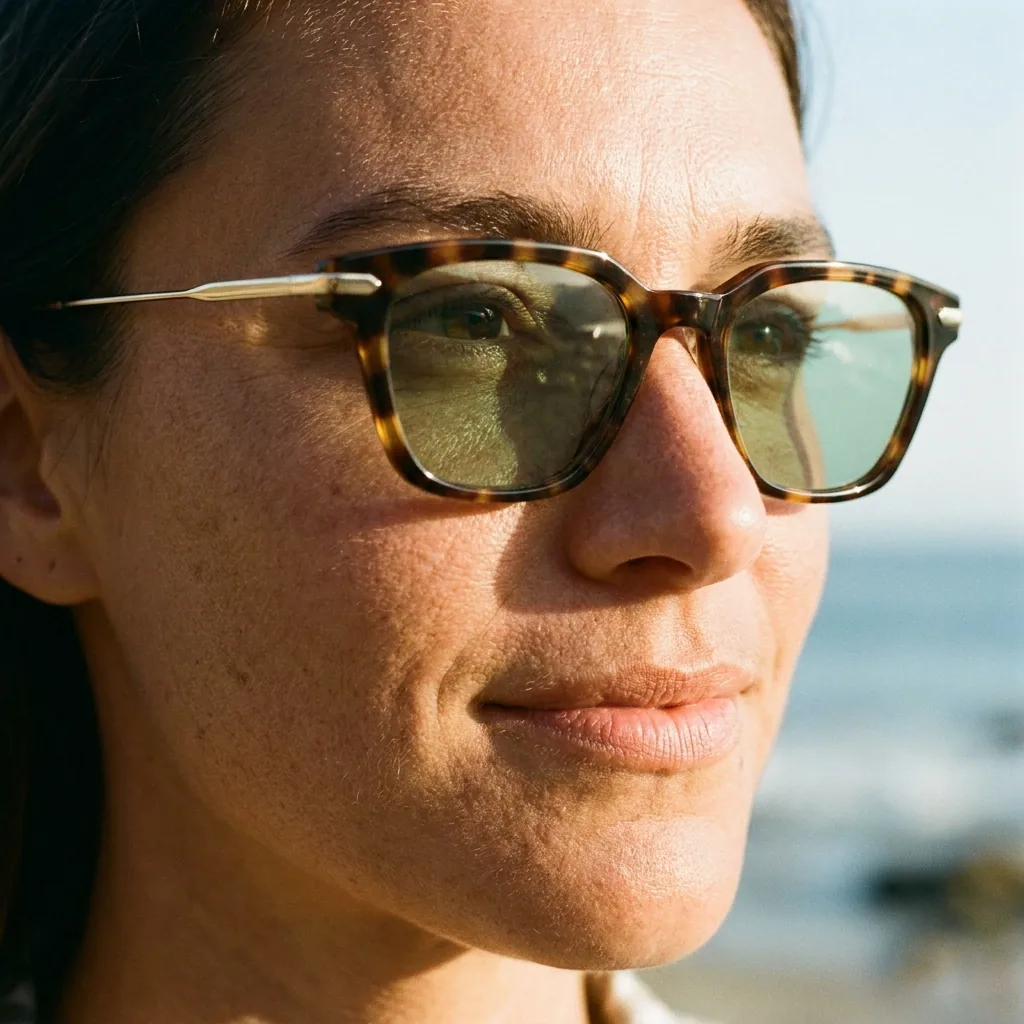 Being builtCampaign composerThe pictures for one campaign, planned and made in one run
No template matches your search. Try another word, or see the apps.
Start free. You see what each step costs as it runs.
Your own photos, your own prompts and the commercial licence start on the Pro plan. Video starts on the Premium plan.
In the app today
The templates you can open in the app
Their names, what you add and what you get, as the app lists them on 22 October 2026.
In the app: open Automation, then Templates. You can also publish your own workflow to Templates. How templates work
Template, app or chat?
Three ways to ask for the same job
- Chat in CreateOne result, talked through with you. Best when you know what you want in words.See Create
- An appOne job behind a short form. The fastest way to a result, and the price is on the Run button.See the apps
- A templateMany steps in one run, for more detail. You see every step and can change any of them.How templates work
What is a template in DesignerBox?
A template is a job that someone already built and tested, like white background photos or ads from a product photo. It runs several AI steps in one run. You add your product and your words and press Run all.
Can I change a template?
Yes. When you open a template, you get your own copy. You can add, remove or change any step.
Why does a template have no fixed price?
A template runs several steps and models, so the price adds up step by step as it runs. You see the cost of each step in the app.
Can I save my own template?
Yes. Build a workflow and publish it to Templates, or publish it as an app for yourself or your workspace.
Do I need to write prompts?
No. A template already holds its prompts and its models. You add your product photo and a few words, like a headline or a place.
Which plan do I need?
You can start free. Using your own photos and prompts, and the commercial licence, start on the Pro plan. Templates that make video need the Premium plan.
Make your first pictures today.
Sign up with Google or your email. Nothing to set up.
Get started free- Claude
- ChatGPT
- Cursor