


For fashion brands
AI fashion models for every garment in the collection
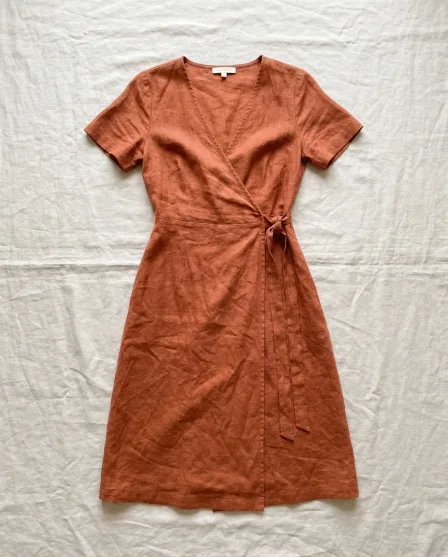
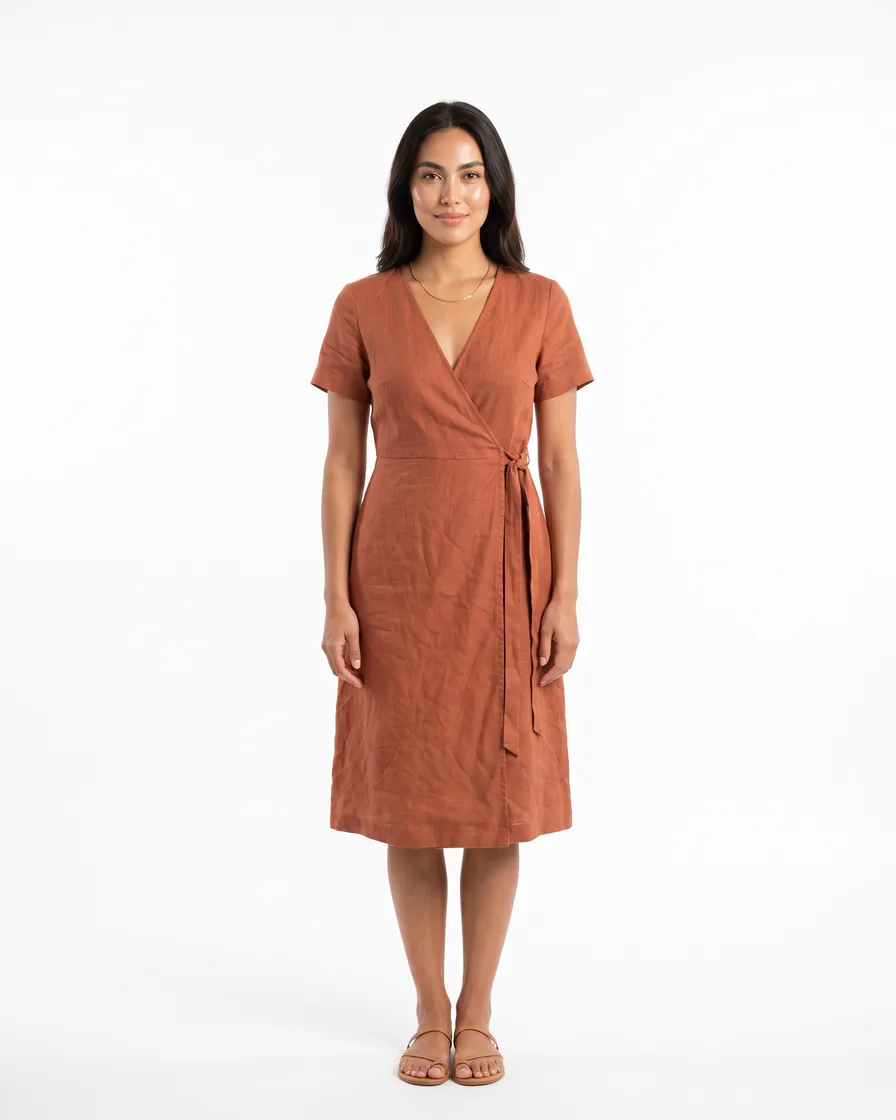
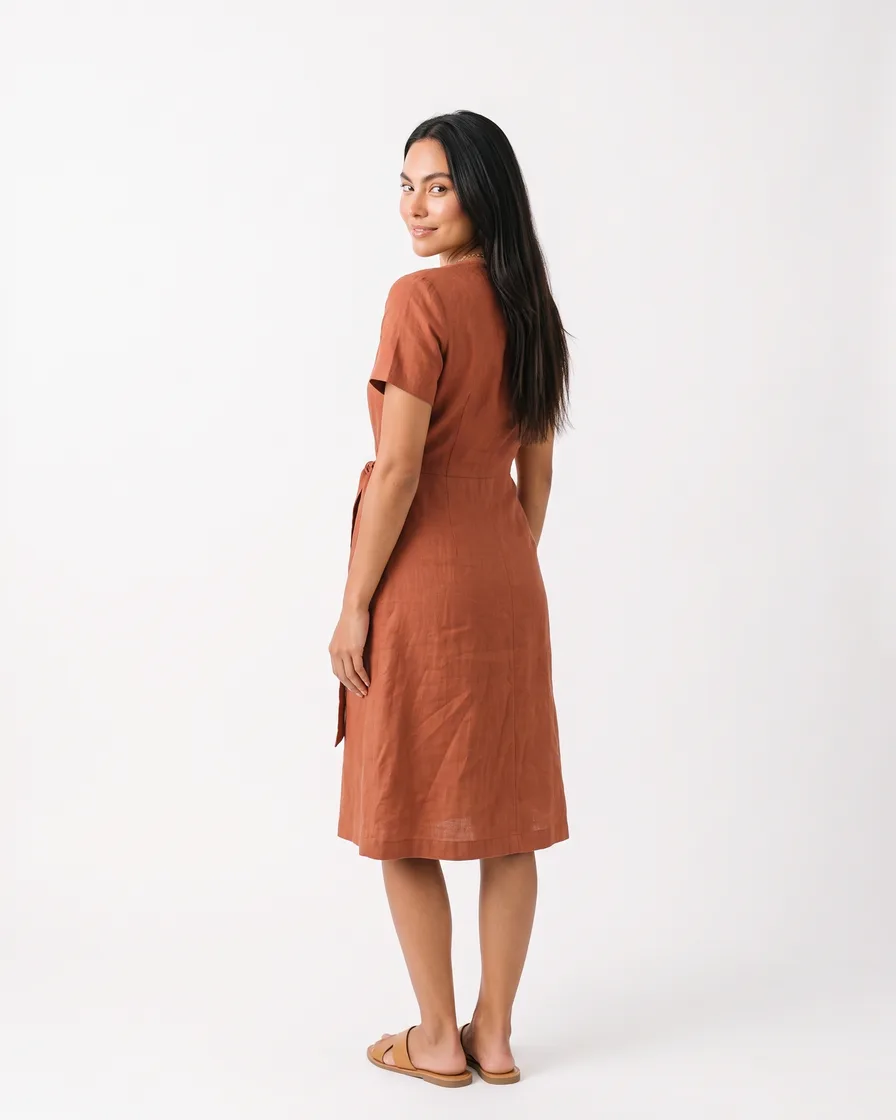
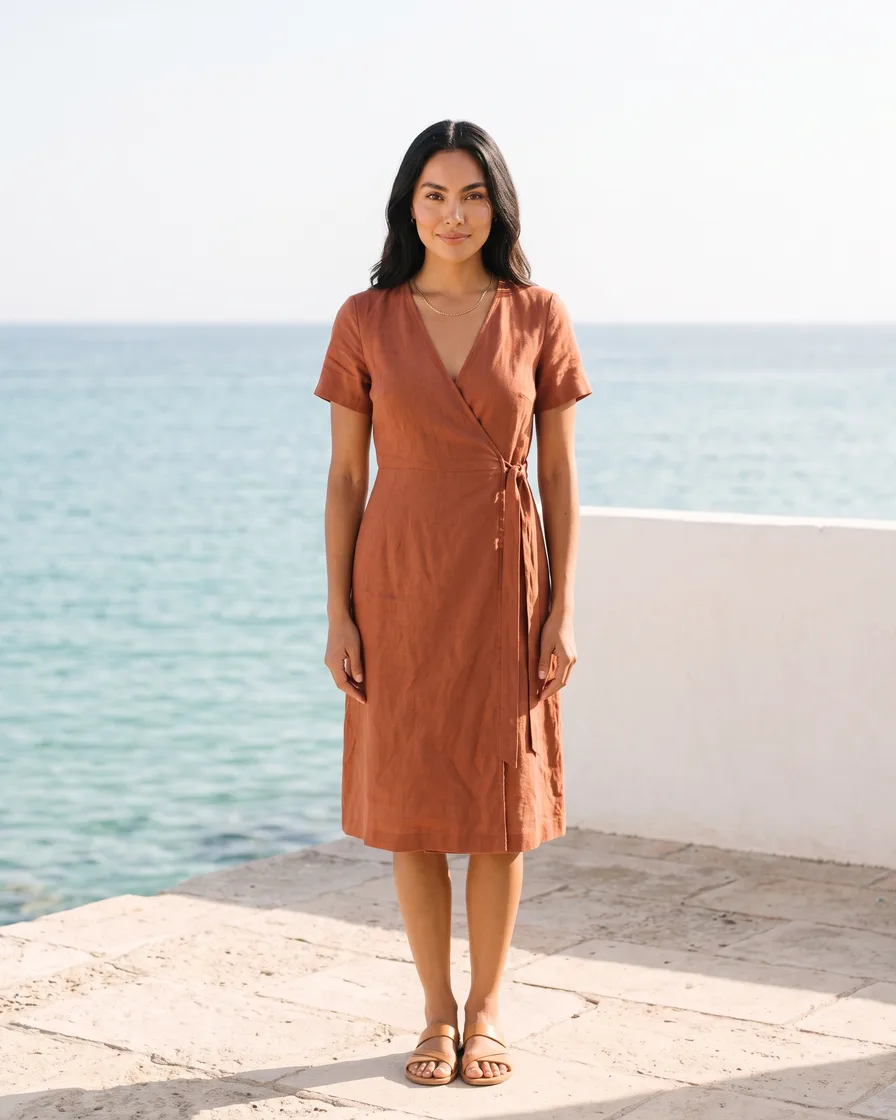
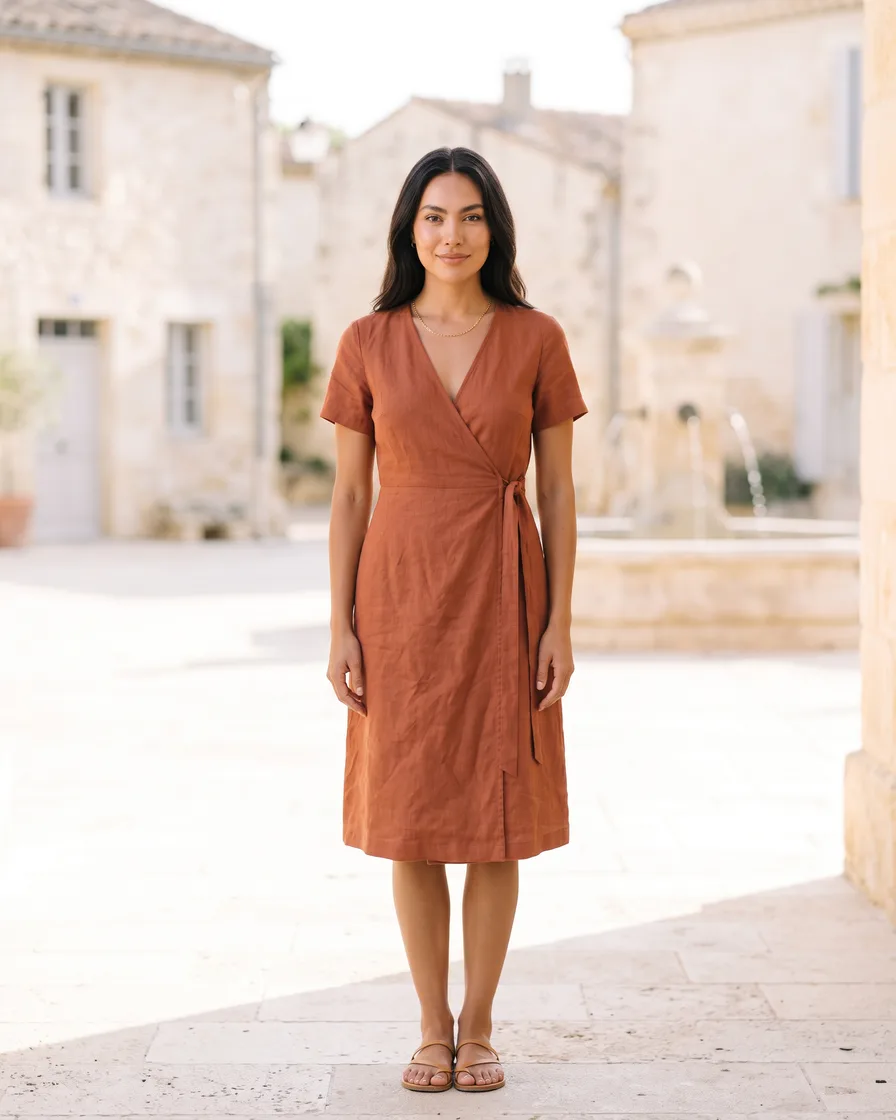
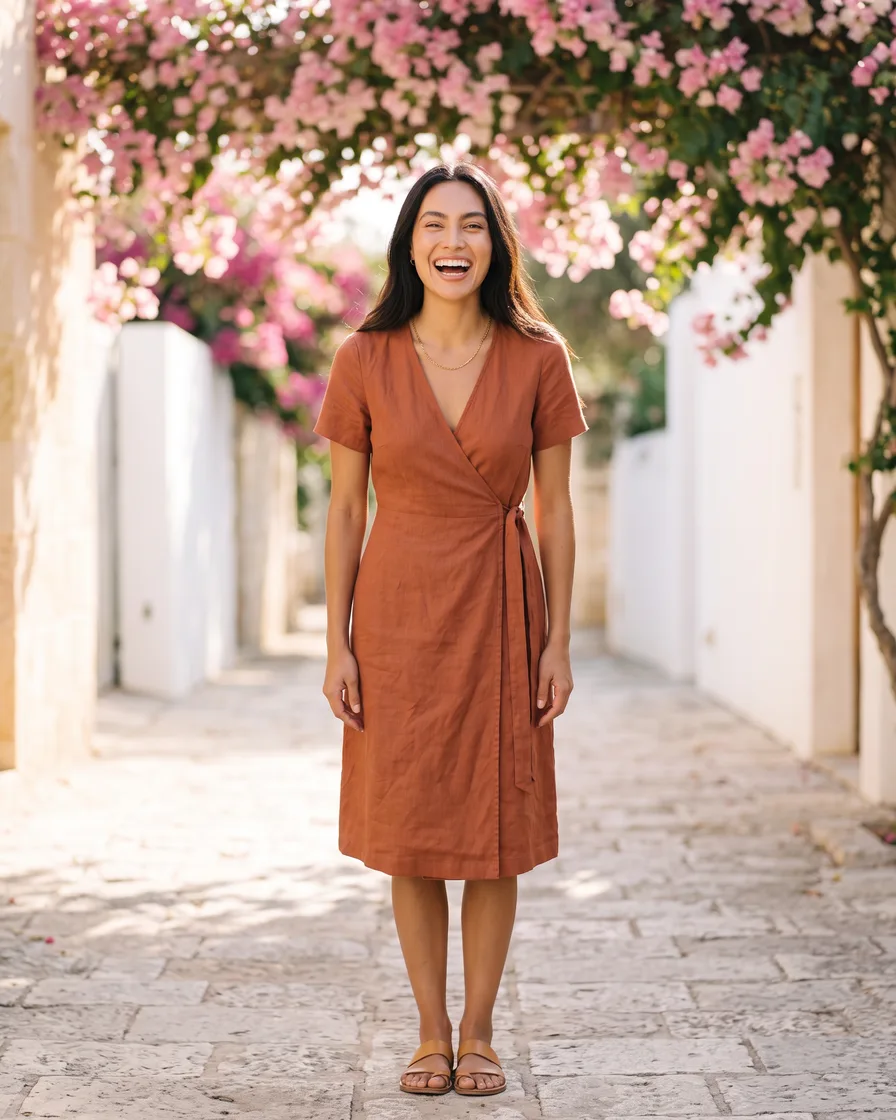
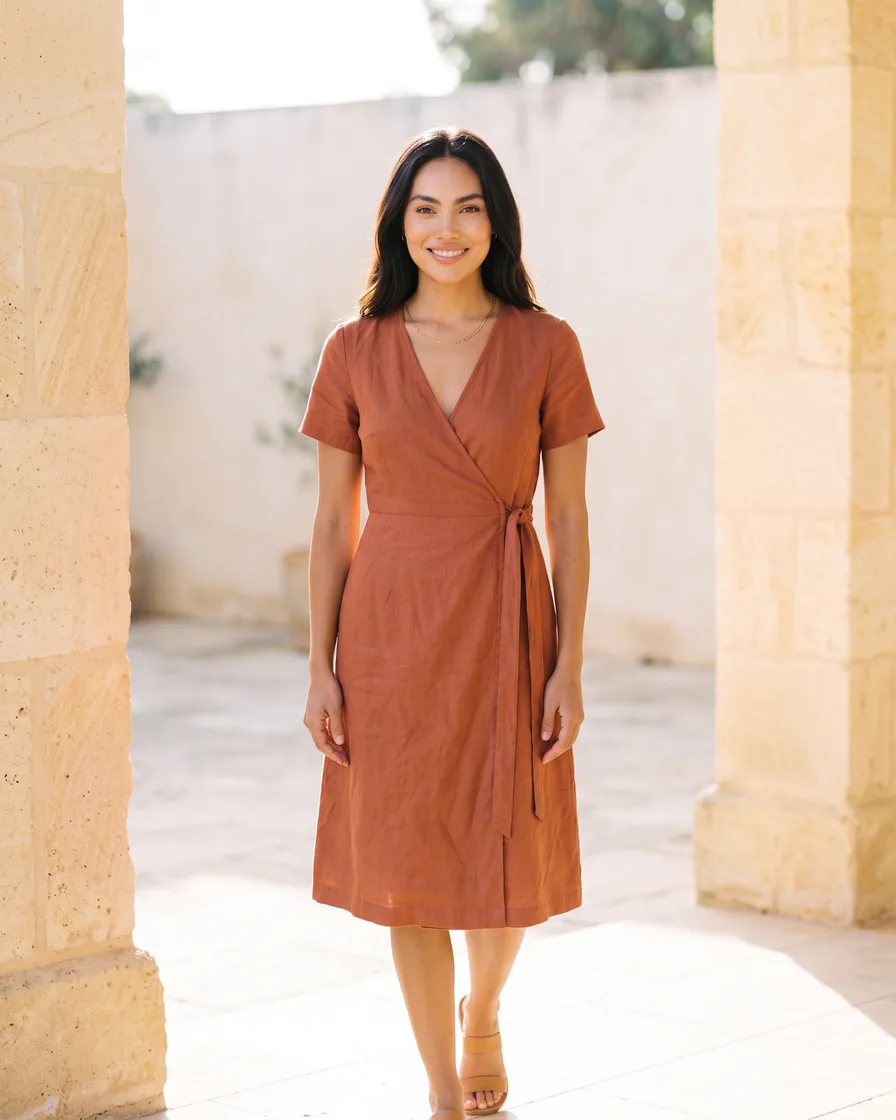
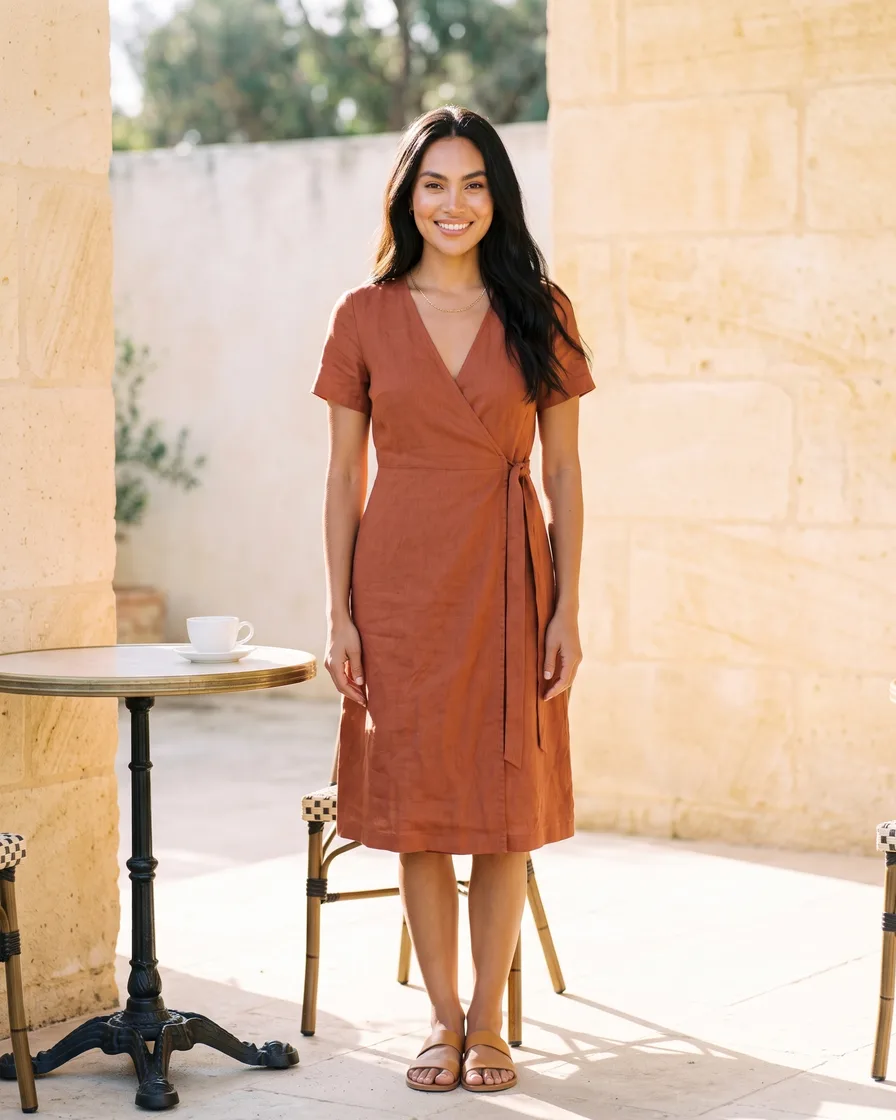
AI fashion models for every garment: your flat garment photos become studio pairs and every scene the season needs, on the same model, in your brand's look.

Who it is for
Does that sound like you?
One model, one look, a whole collection.
Every drop means a model, a studio, a stylist and a date in the diary, and the pictures still arrive after the collection goes live. Change the model and the collection stops looking like one collection. Anyone can make an AI picture. Making hundreds that still look like your brand is the hard part.
How we solve it:- One model kept across the whole collection
- Studio and scene shots from your garment photos
- Batch a whole collection and review it in one pass
Results
What you can make
Pictures and video made from the photos you already have.
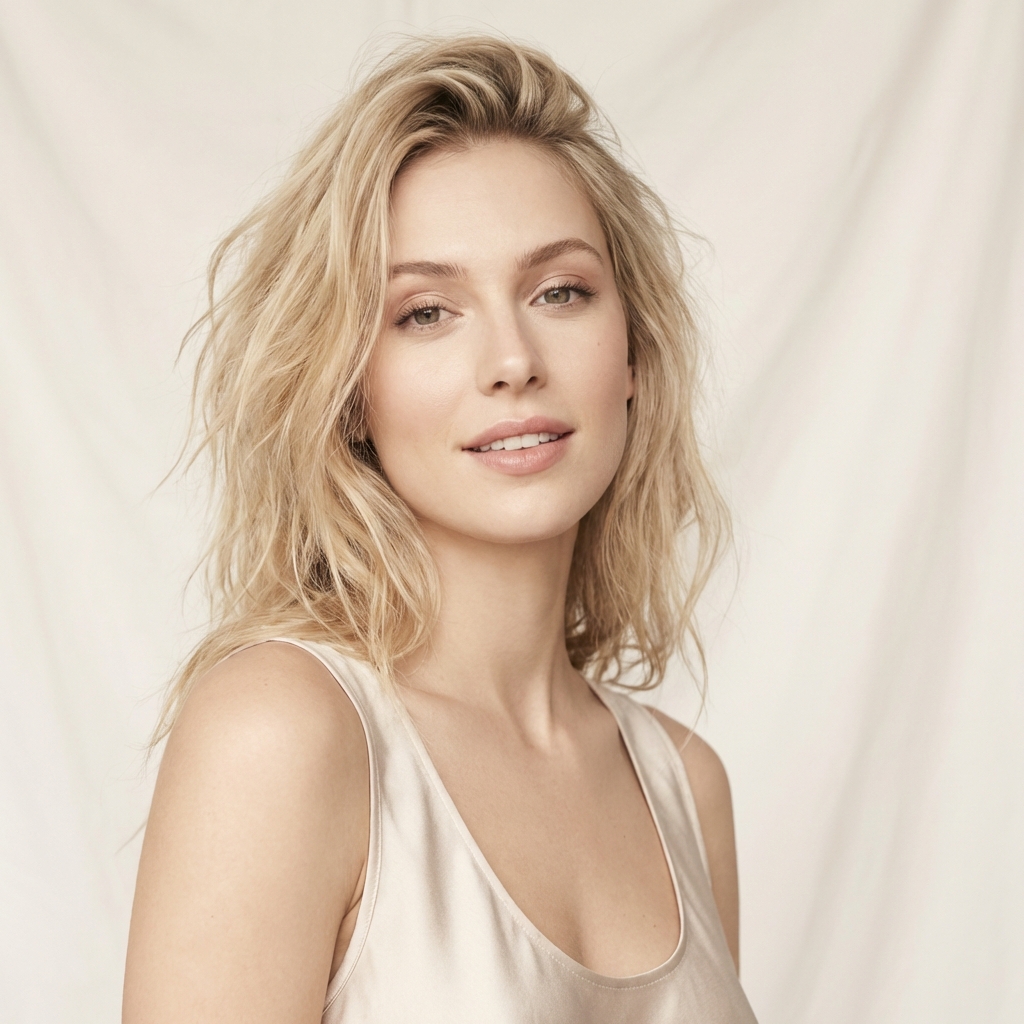
- Model photo
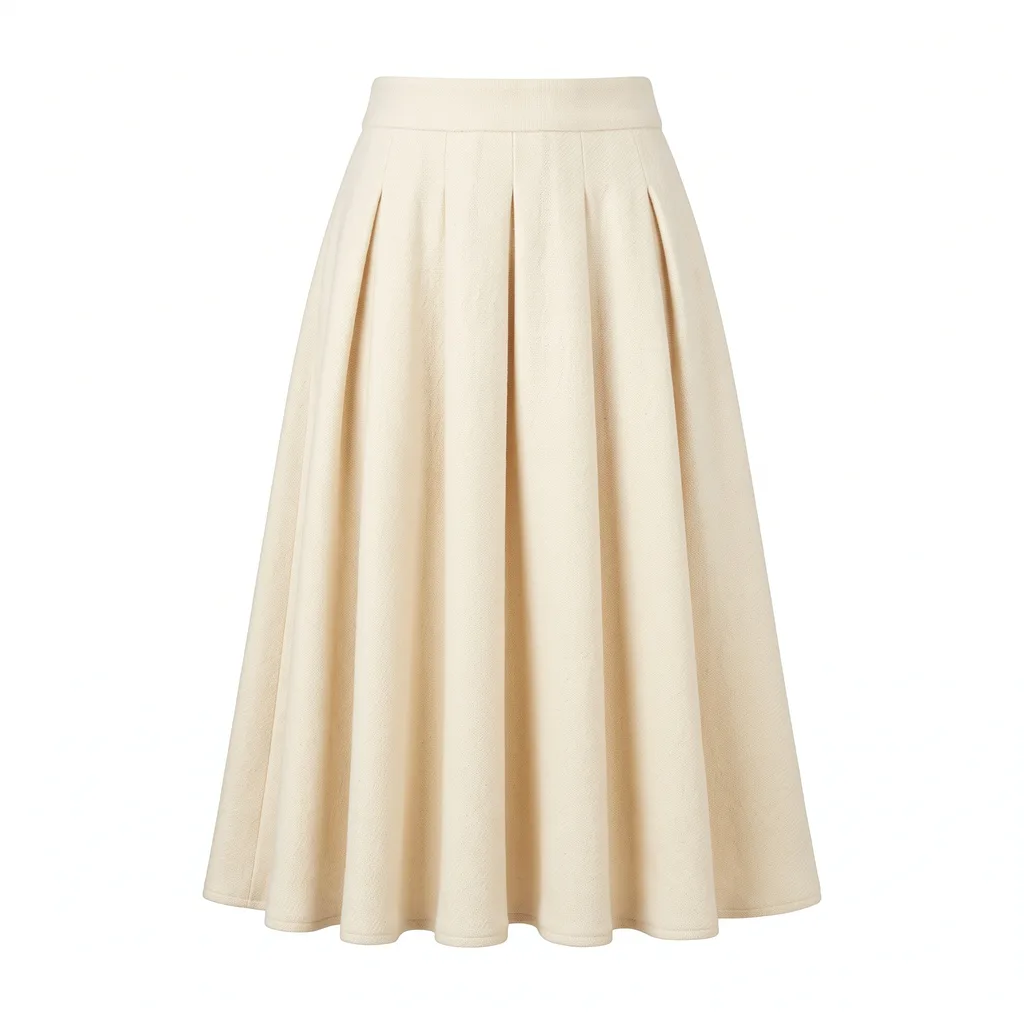
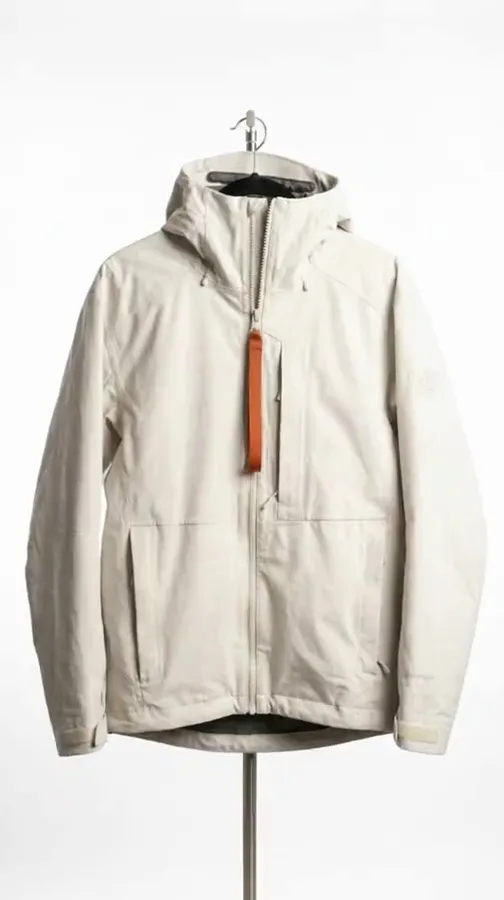
 Garment photos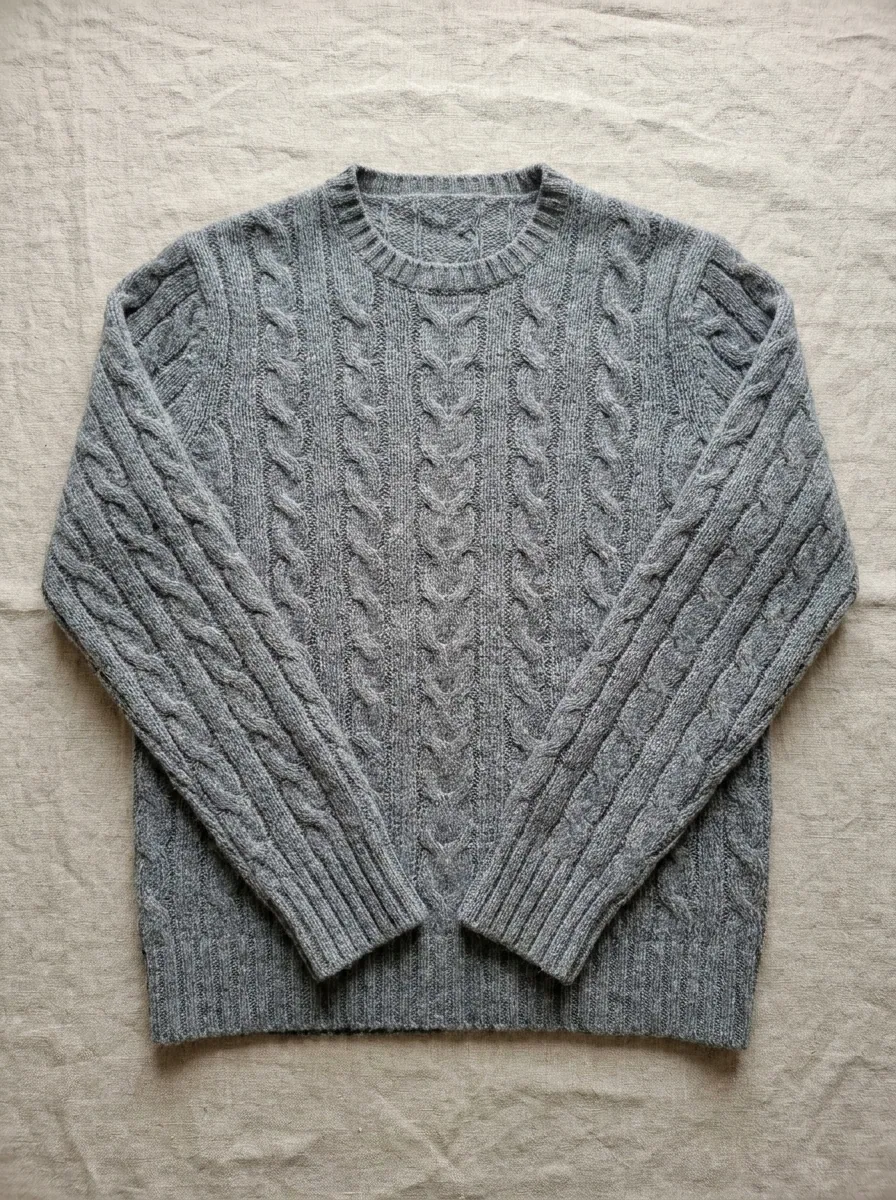
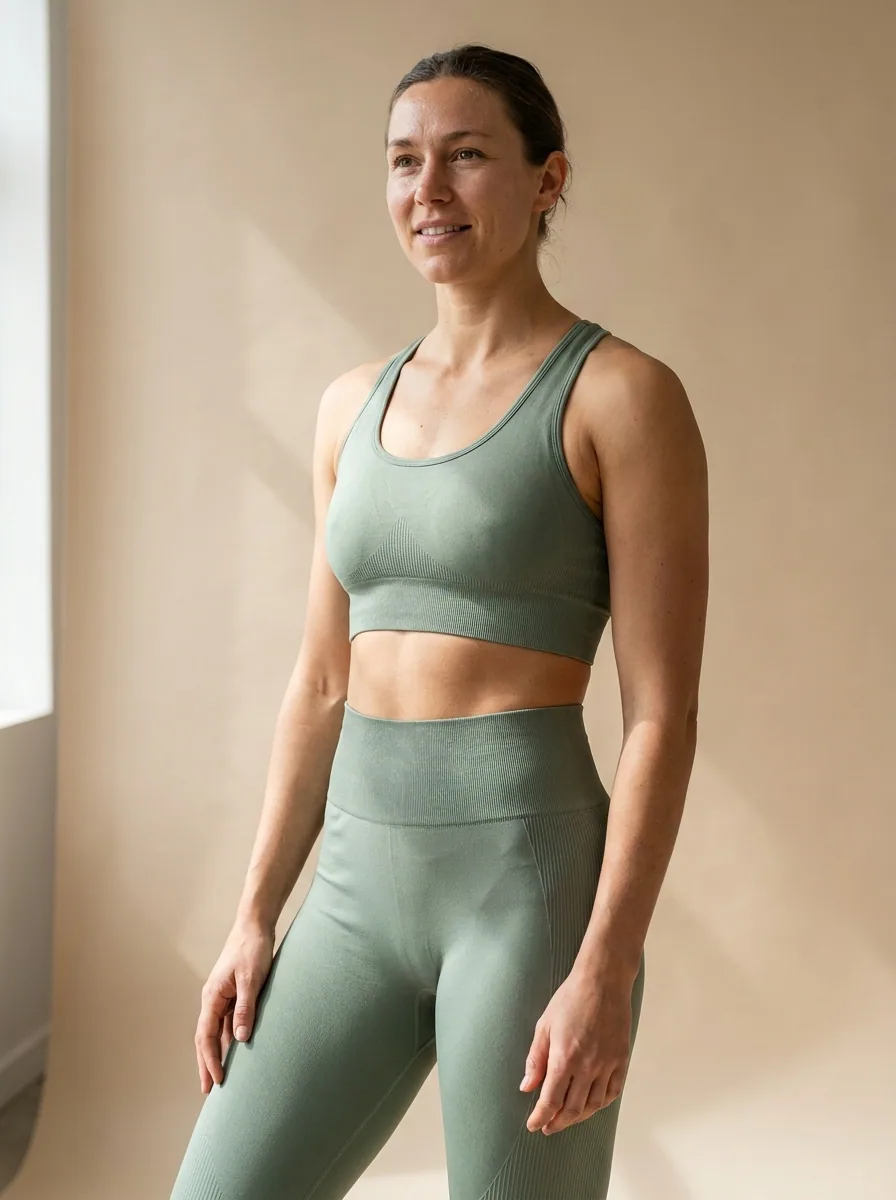
 From this to this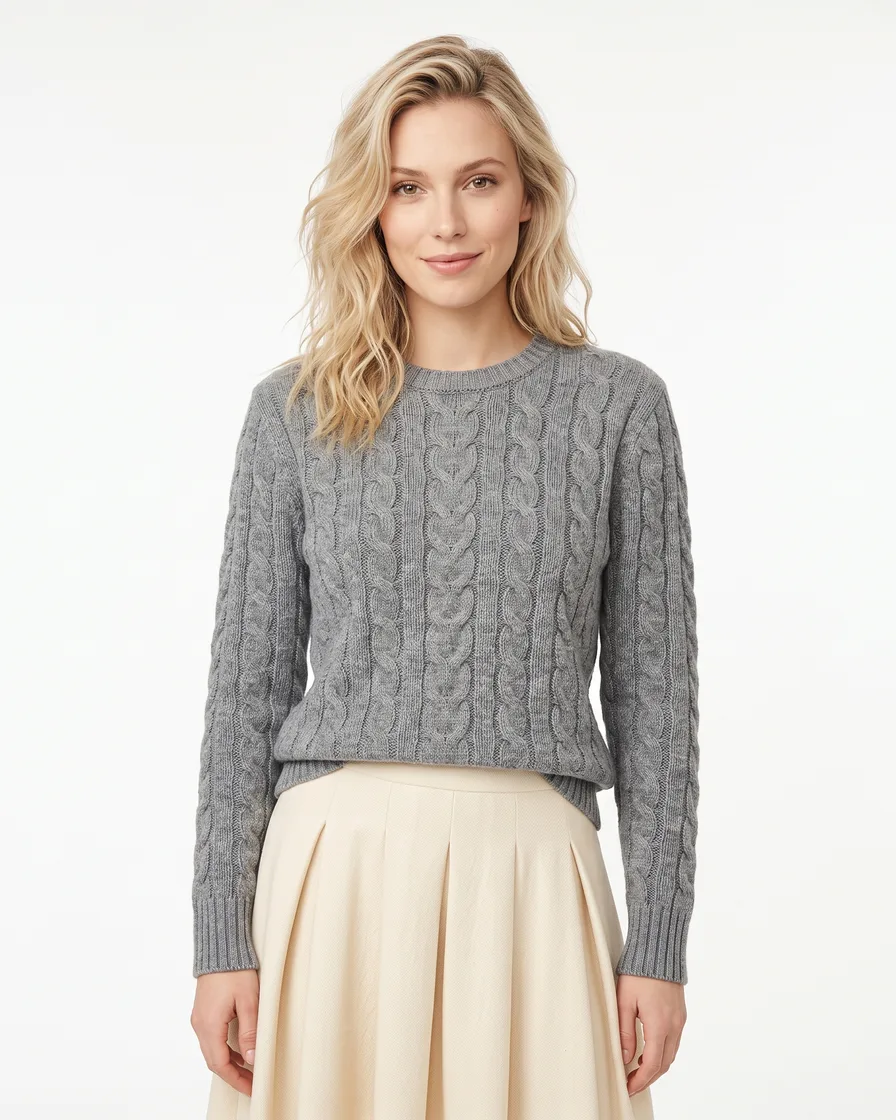
Generate model shots
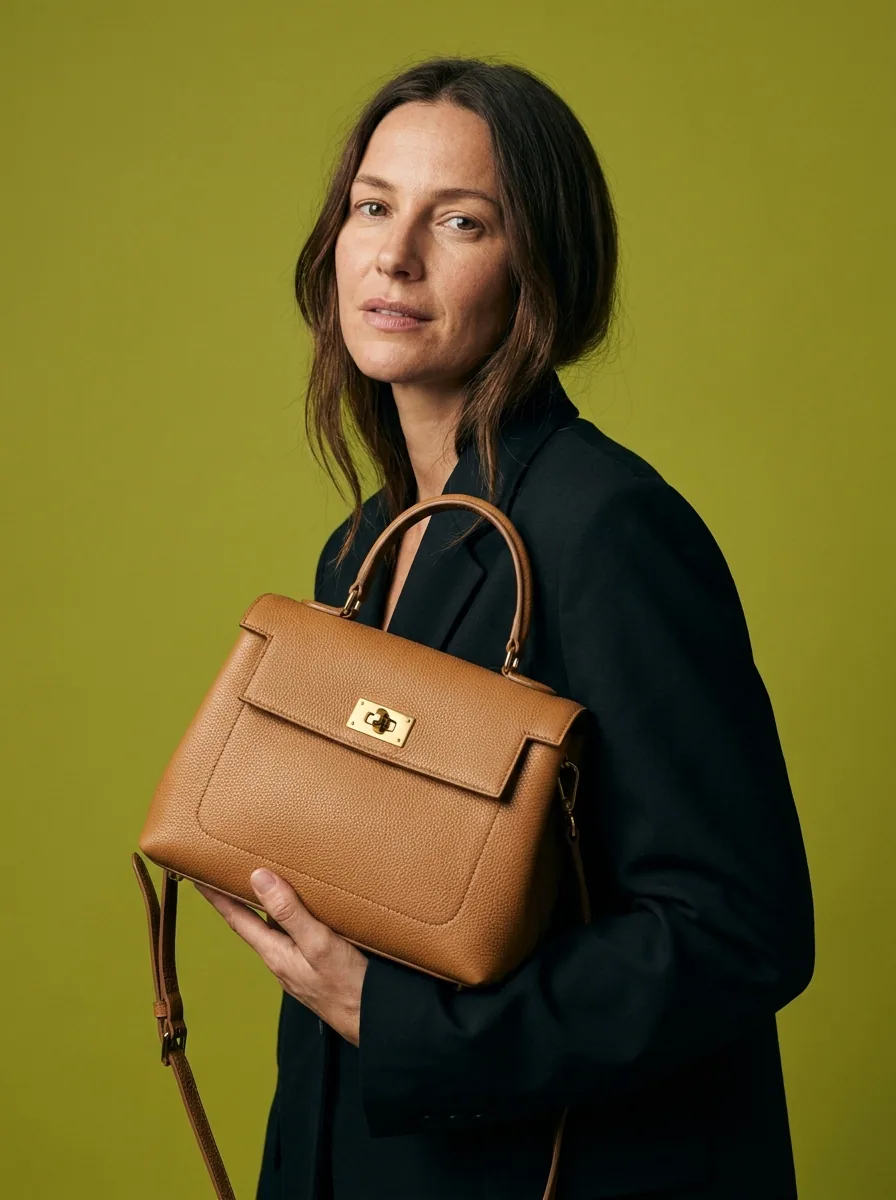
Generate images with models to give a sense of scale and fit for your products.
See model shots - Your product
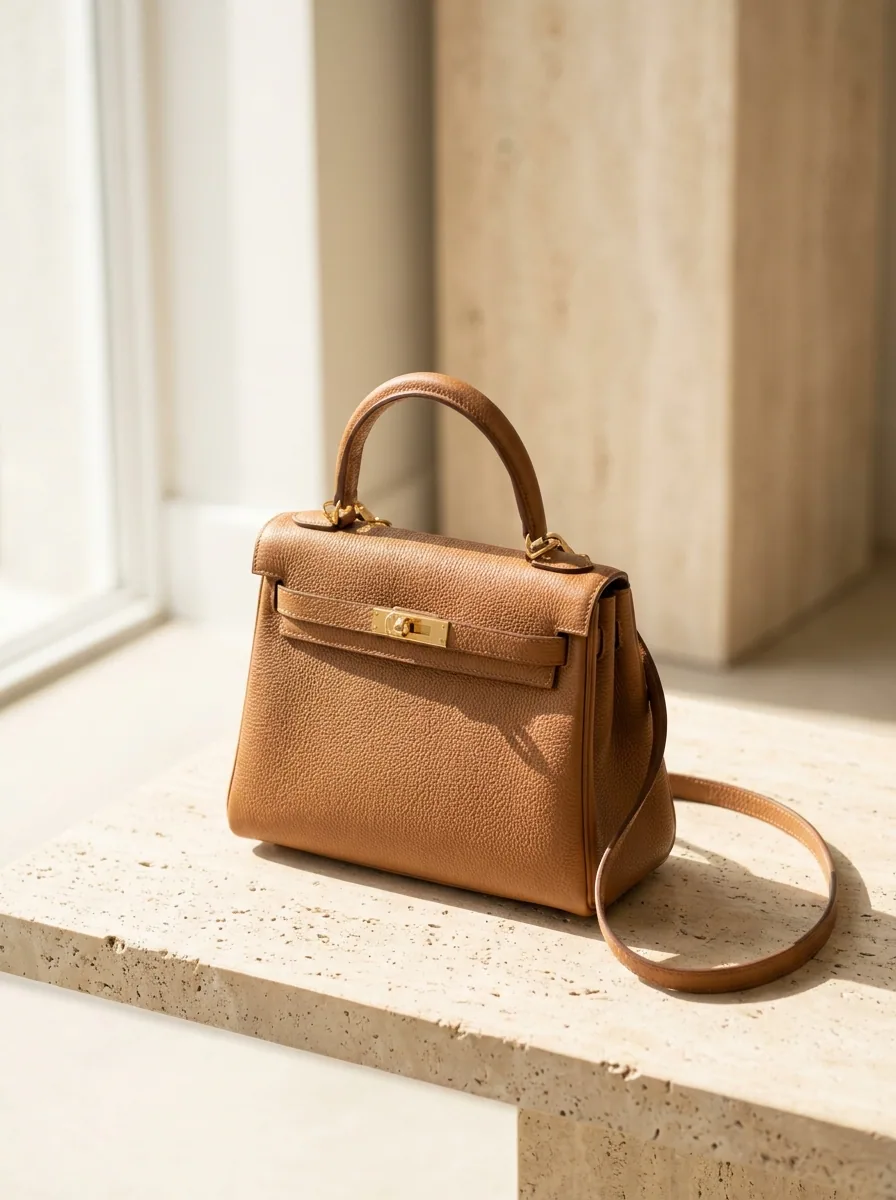
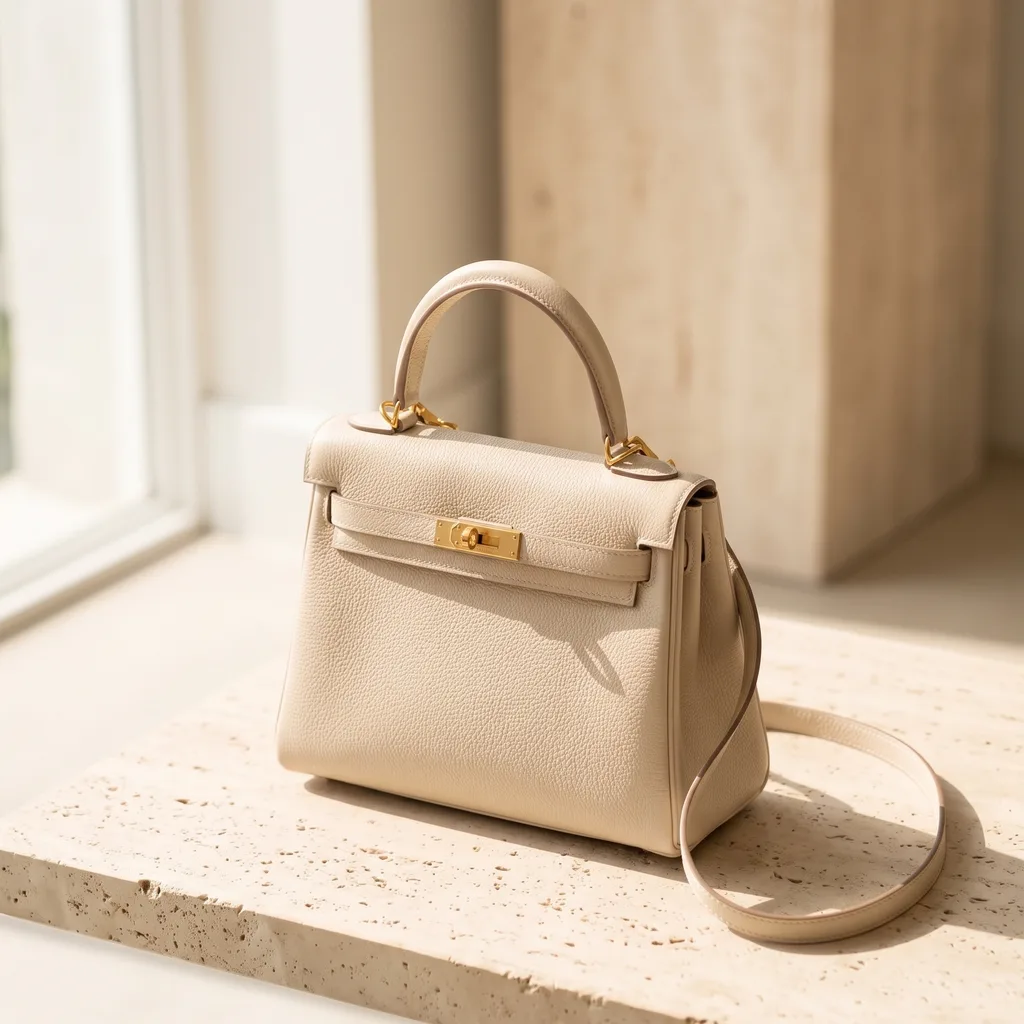
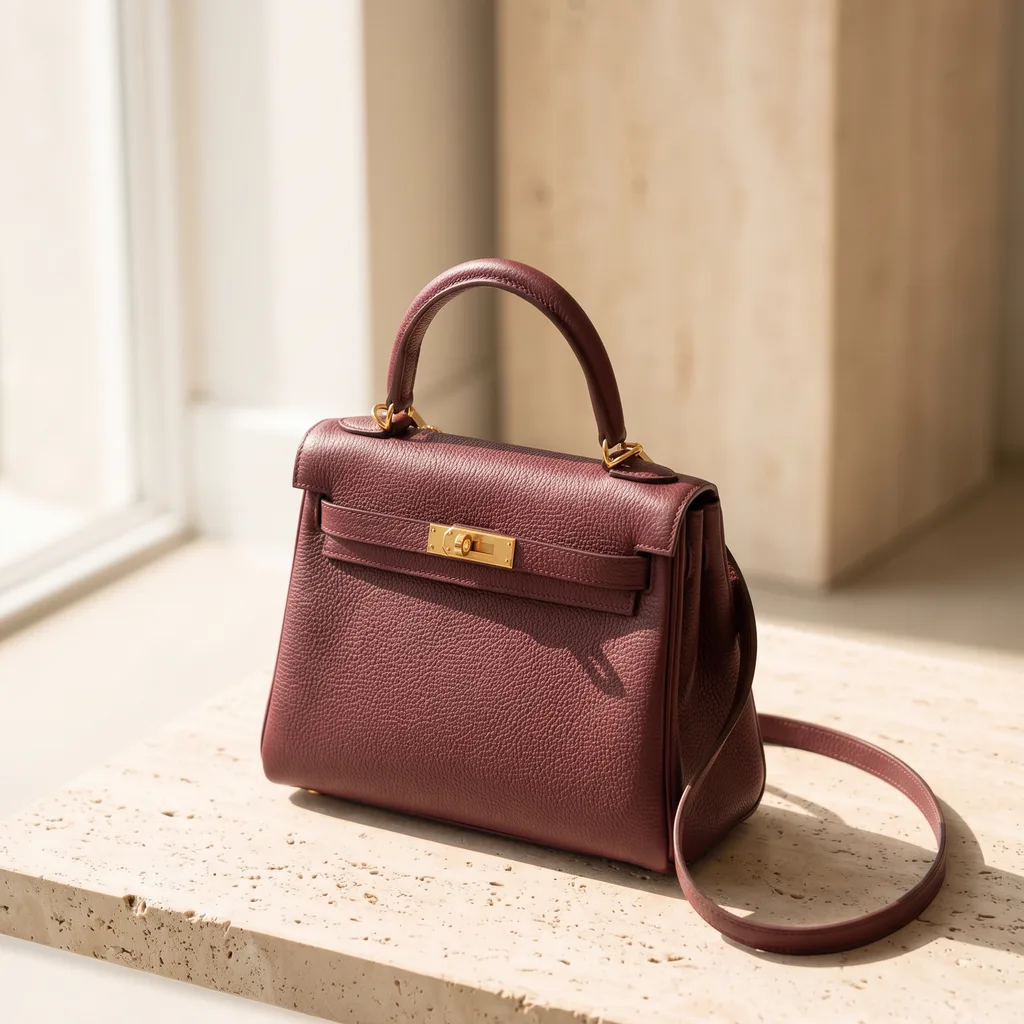
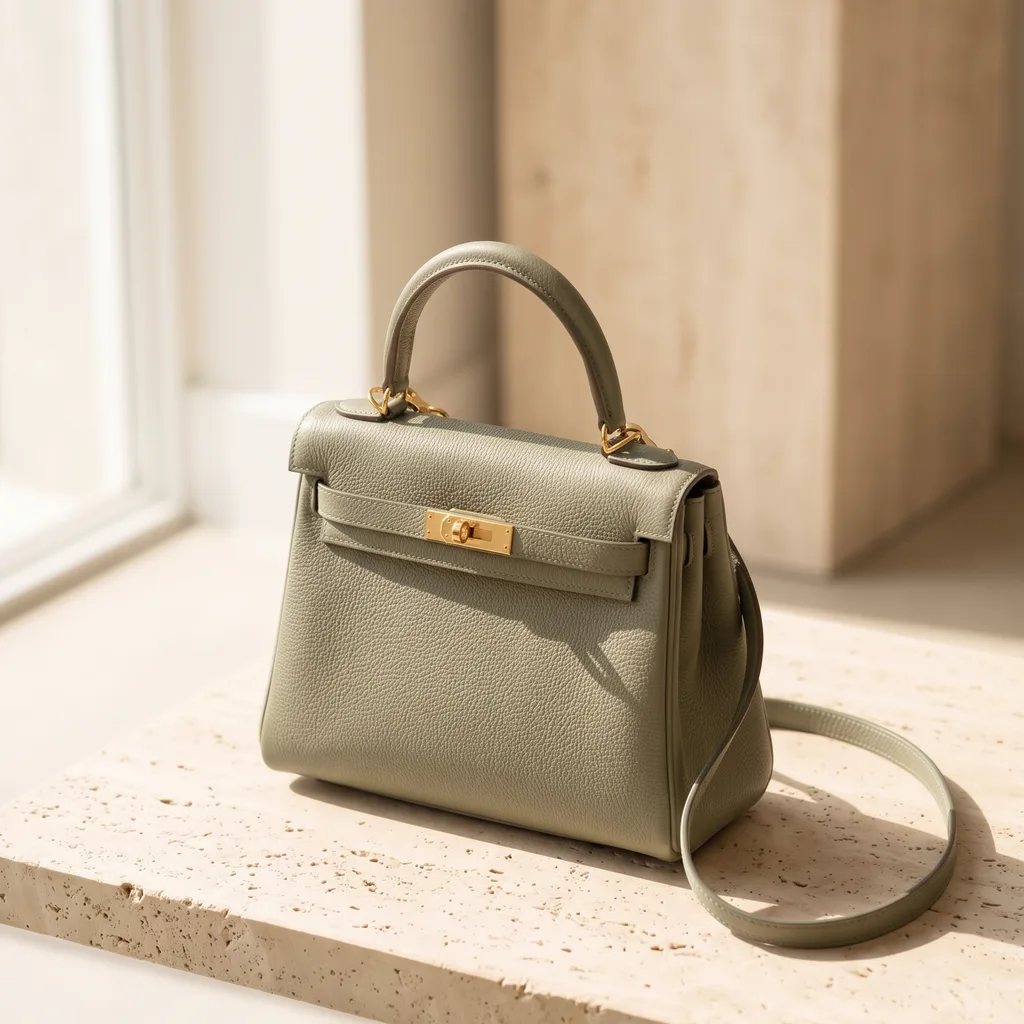
- Cream
- Burgundy
- Sage
Generate variants
See how a new colour or finish would look before you make it. Add pictures of a new variant without a second shoot.
See product colours - Your product
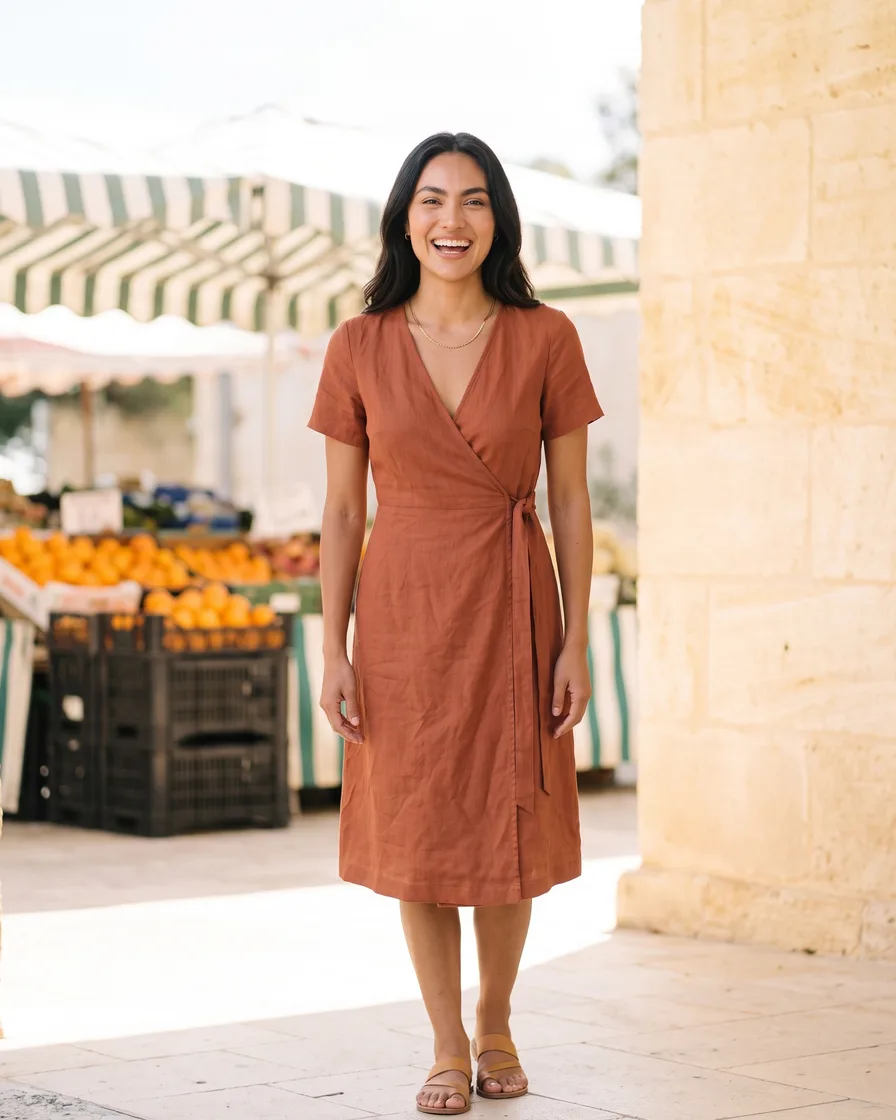
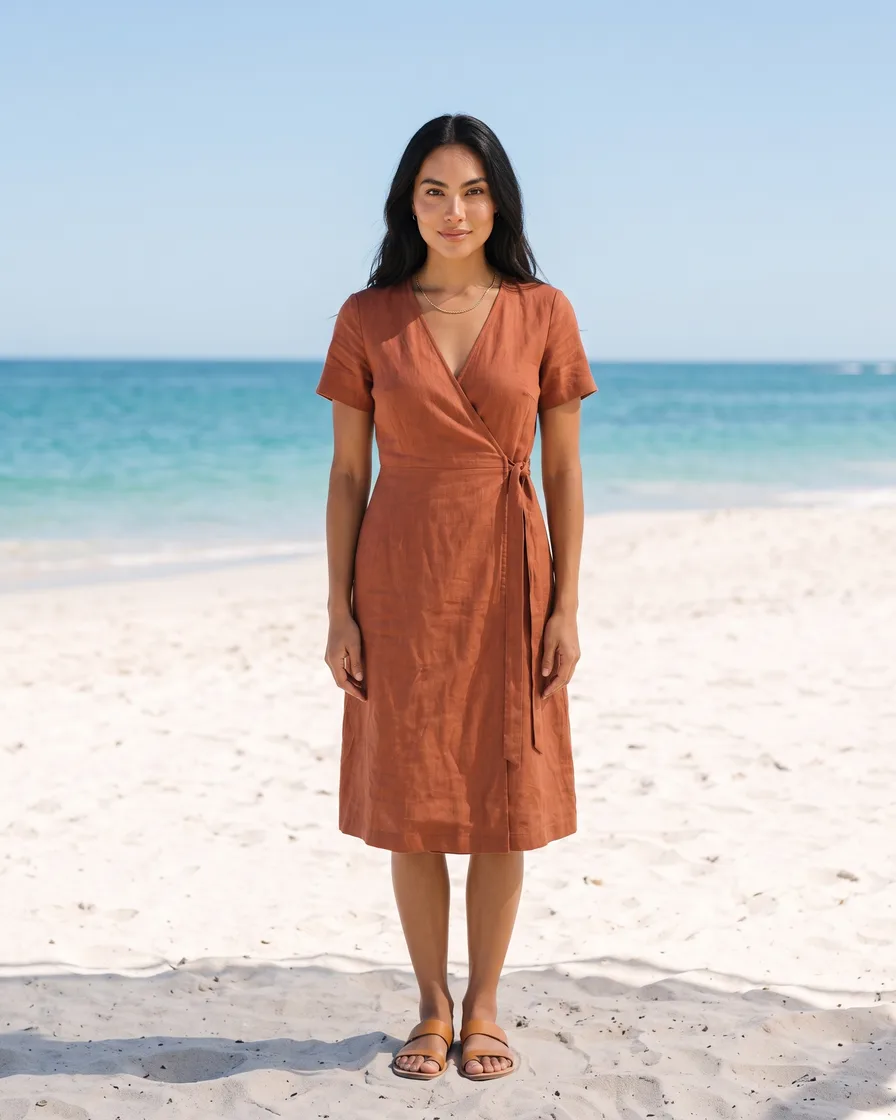
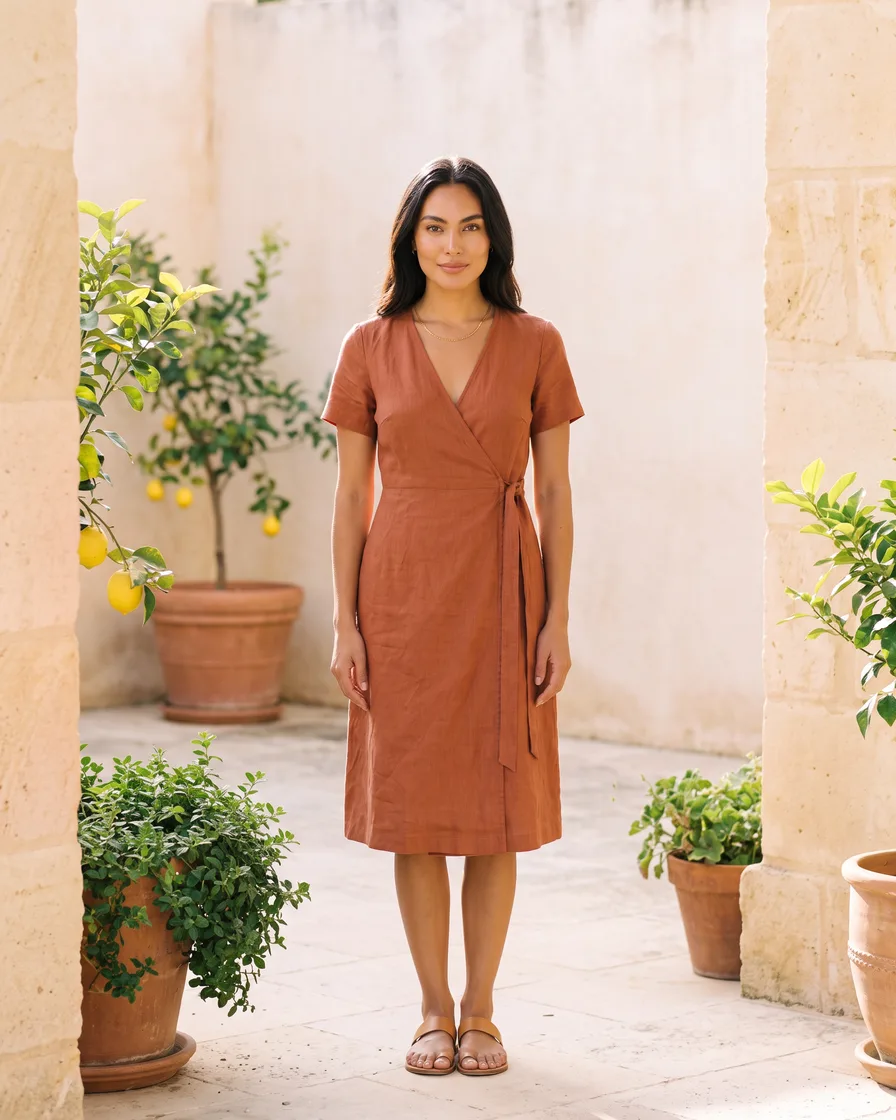
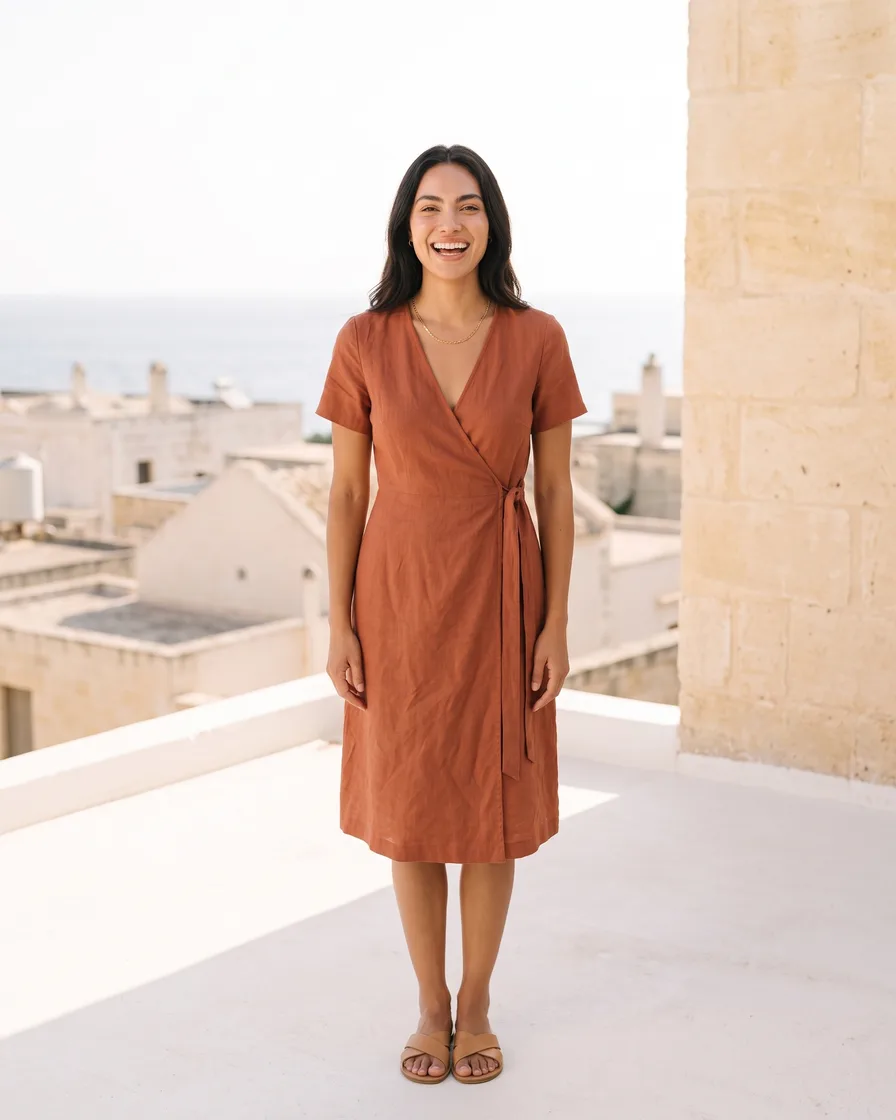
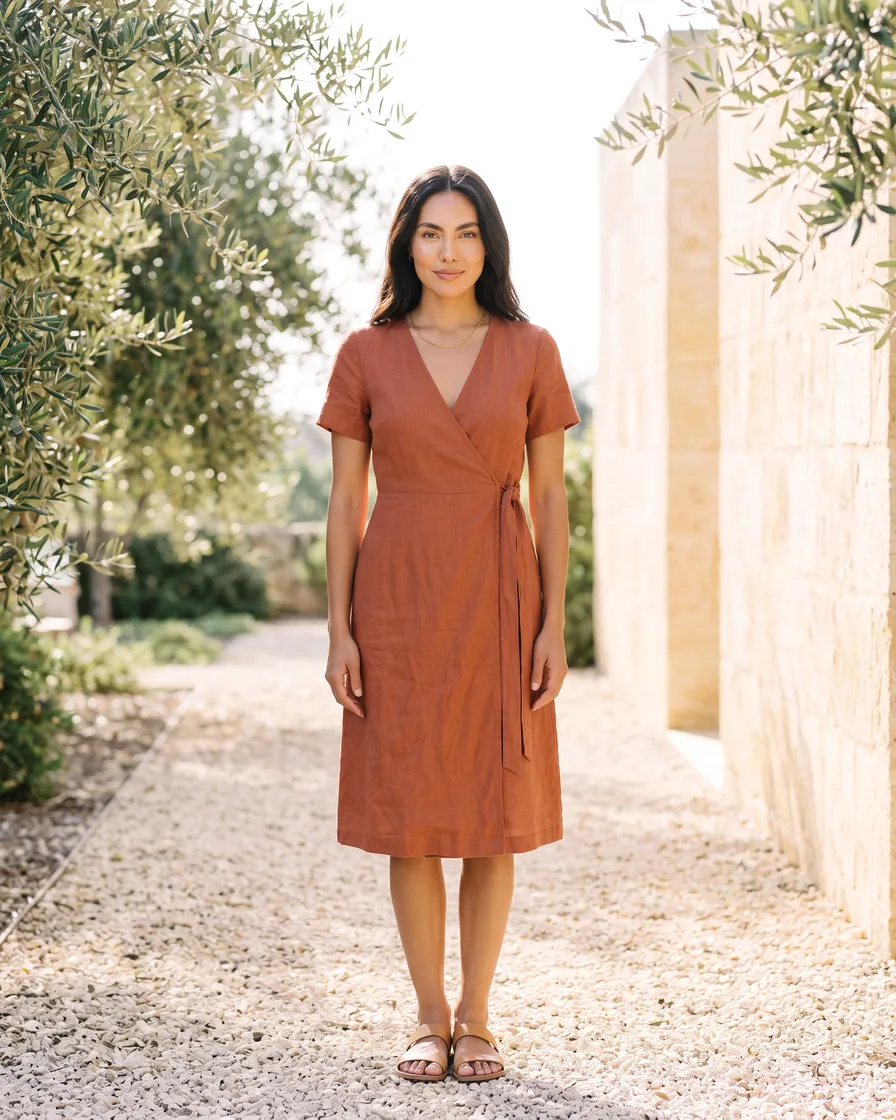
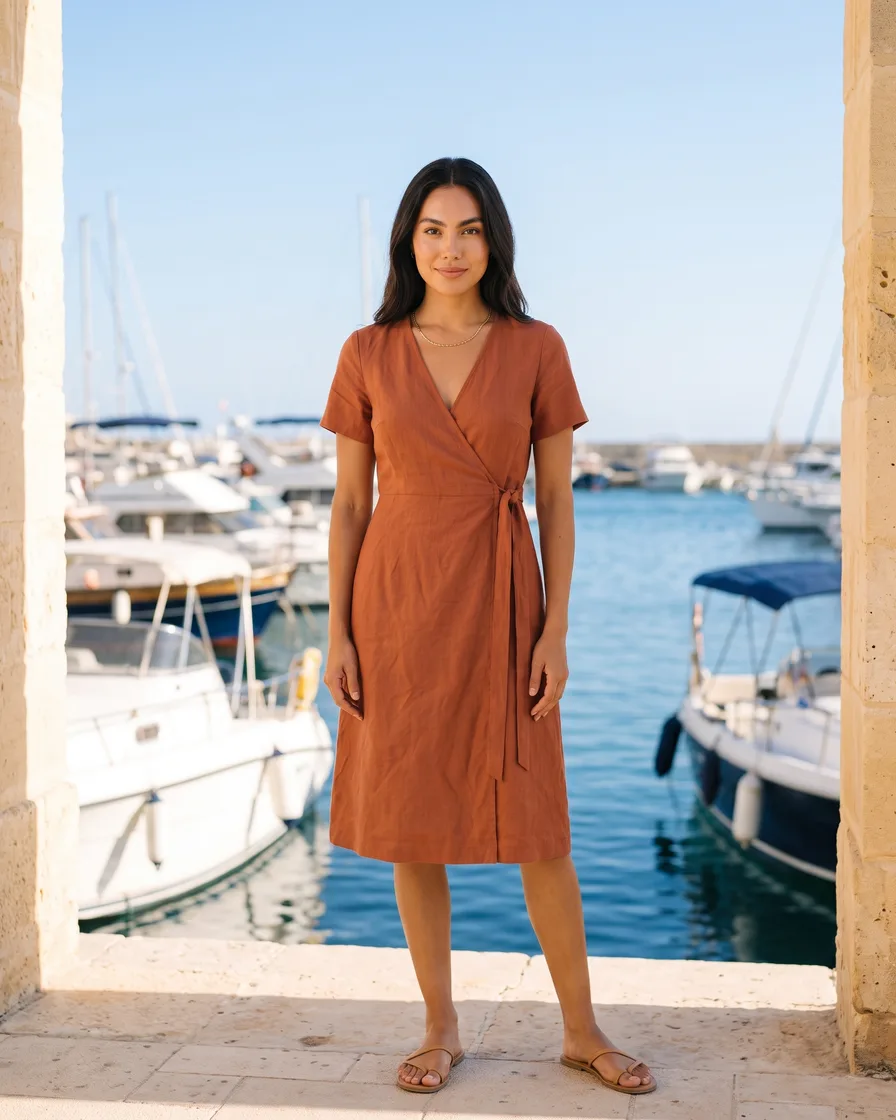
Generate scenes
Show each garment in every place the season needs, worn by the same model.
See scenes - Your product
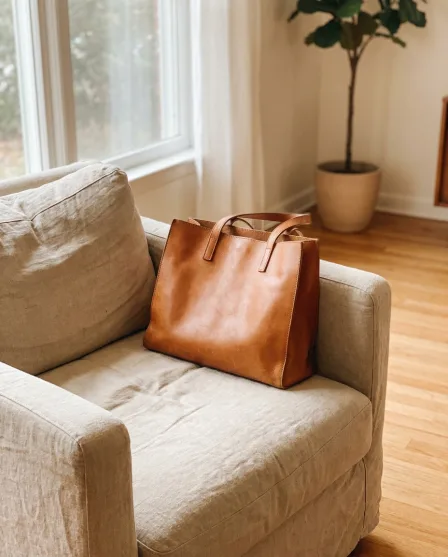
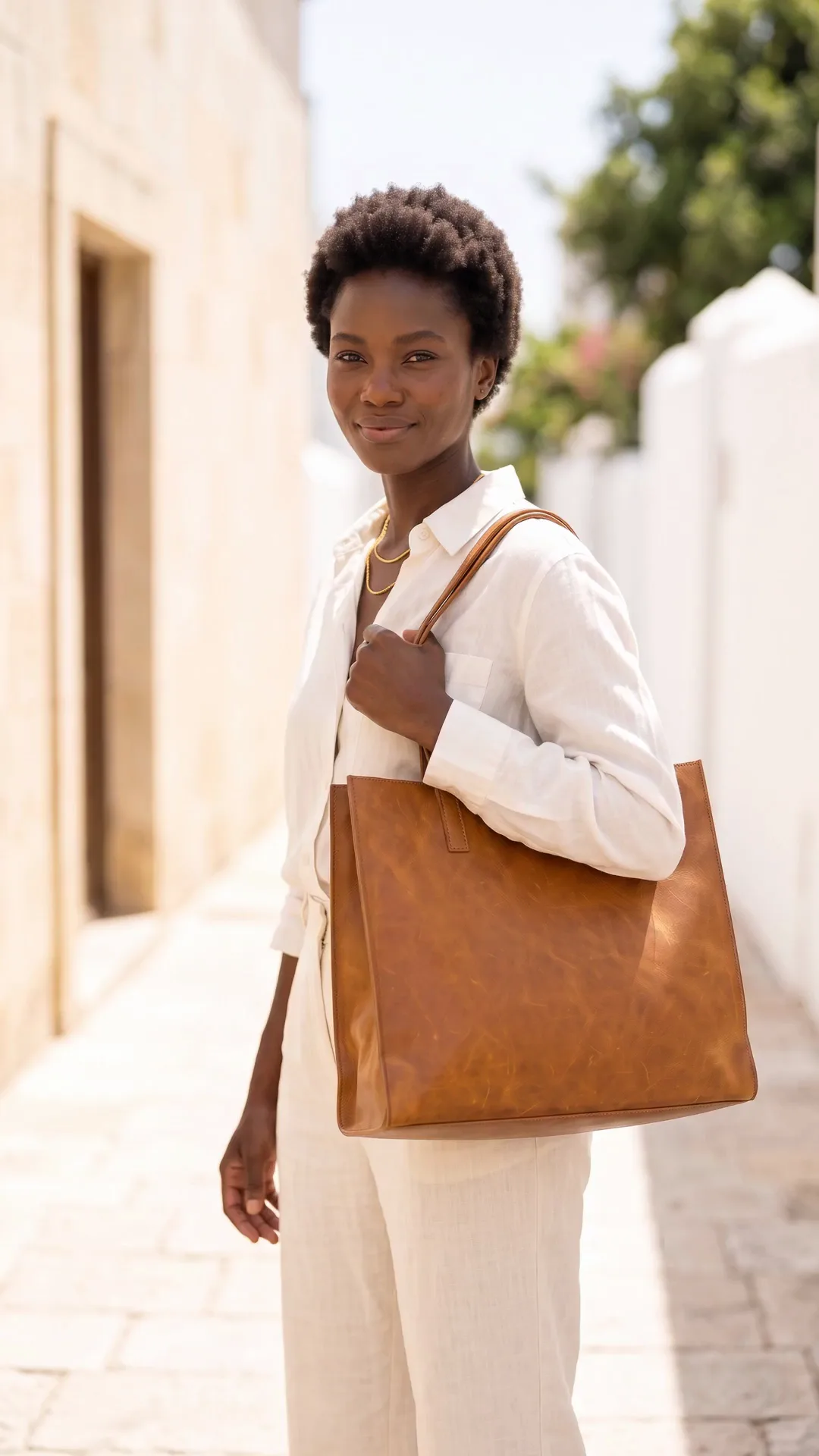
Generate videos
Generate video clips featuring your products for your socials or ads, showing what they look like in action.
Video starts on the Premium plan.
See video
Everything in one place
Everything you need, in one place
The full workflow, from your product photos to the finished ad, in one subscription.
Questions
Curious? Let's clear things up.
Can I keep the same model across a collection?
Yes. Save the model once and every run reads it, so the whole collection is worn by the same person in the same way.
What do I photograph?
The garment laid flat, or on a hanger, or on a mannequin. The workflow removes the background, fits the garment to the model and places the shot in the scene you chose.
Does the garment stay accurate?
Mostly, and you check every result. The template keeps the cut, the colour and the print from your photos and changes the model and the scene around it. Compare each result with the real garment and discard any that do not match.
Which plan do I need for try-on and video?
The Premium plan. Virtual try-on, AI video, image upscaling and both editors start there. Uploading your own photos and the commercial licence both start on the Pro plan.
The models in these pictures are made by AI, not photographed. Tell your buyers this where your sales channel or the law asks for it. Check every garment against the real one before you publish.
Scale content without limits.
Generate content for your products or services with AI, starting today, and keep your brand on every piece.











