


Supplements and wellness
Supplement product photography with AI
Photograph tubs, bottles and pouches. The label has to stay readable at thumbnail size and at full zoom. Separate white plastic from a white background. Then show the scoop, the capsules and the serving a buyer pays for. Every picture keeps your brand's look, at any volume.
Last updated
Who it is for
Does that sound like you?
Scaling without compromising quality.
You need more pictures every week for the shop, the ads and the socials. Anyone can make an AI picture. Making hundreds that still look like your brand is the hard part. A shoot for every product costs weeks, and every new generator returns a different look.
- A template or a workflow you build once, with your brand rules
- One run on one product, or a batch over your whole catalogue
- Every result in Assets, with the same look on the first and the last
Cut the waiting time and budget for deliverables.
You make this for clients, and every client has their own look. A shoot for each one costs weeks and most of the budget. A different generator for each one returns a different look, so somebody fixes it by hand before it is delivered.
- Each client's brand rules, saved once and used on every run
- A workflow you build once and run for every client
- A batch over a client's whole catalogue, delivered from Assets
Supplements and wellness
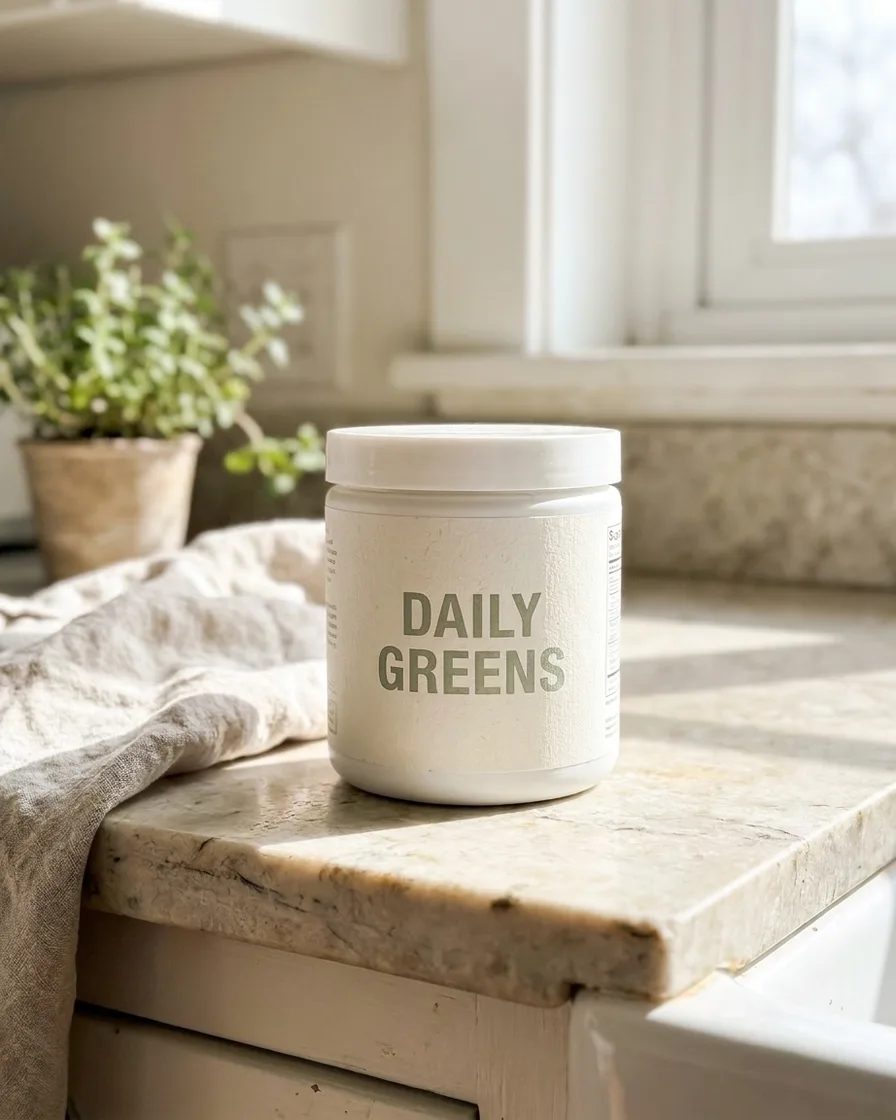
Supplement photography is label work first. The container is plain, so the printed panel carries the whole product. Photographers keep the front label square to the camera. They light it flat enough that small type stays sharp. The facts panel gets its own frame. White plastic needs a tone or a shadow to separate from a white background. A dose shot follows, showing capsules or a level scoop beside the tub.
Four problems a supplement label creates
Why a plain white tub is harder to photograph than it looks.
Small print that has to stay true
A supplement label carries the serving size, the dose in milligrams and the warnings. Those numbers are the product. Never let a model redraw them. Keep the real label pixels and change the light and the background around them. Then check every number at full size.
Text that curves away on a round tub
A label wrapped around a cylinder is only readable across the middle. The brand name at the edge stretches and becomes hard to read. Rotate the tub a few degrees so the key line sits centred. Or photograph the panel flat as a second image. Do not flatten the curve digitally.
White plastic on a white background
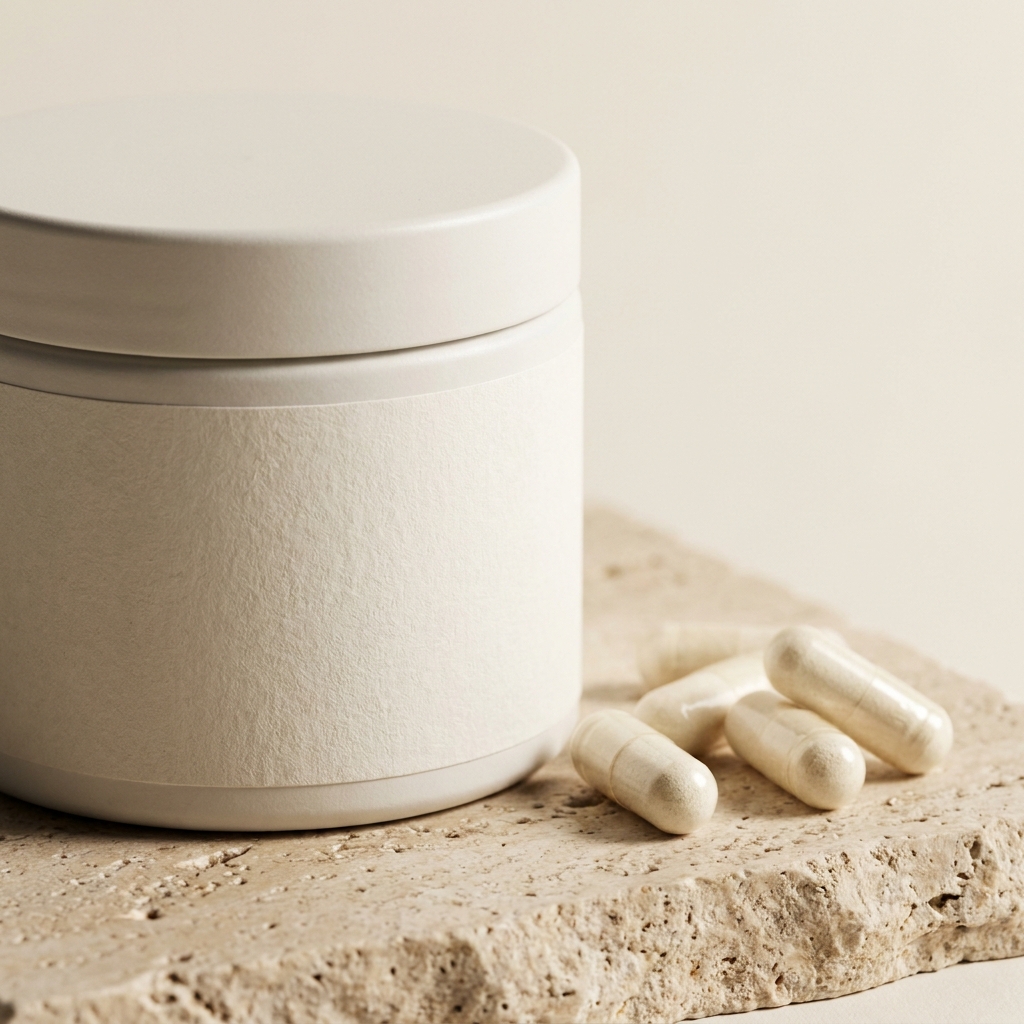
A matte white tub photographed on white loses its own edge. Give it a soft shadow under the base and a slightly cooler background tone. On a glossy bottle do the opposite. Reduce the reflection so a highlight does not erase part of the label.
A serving nobody can picture
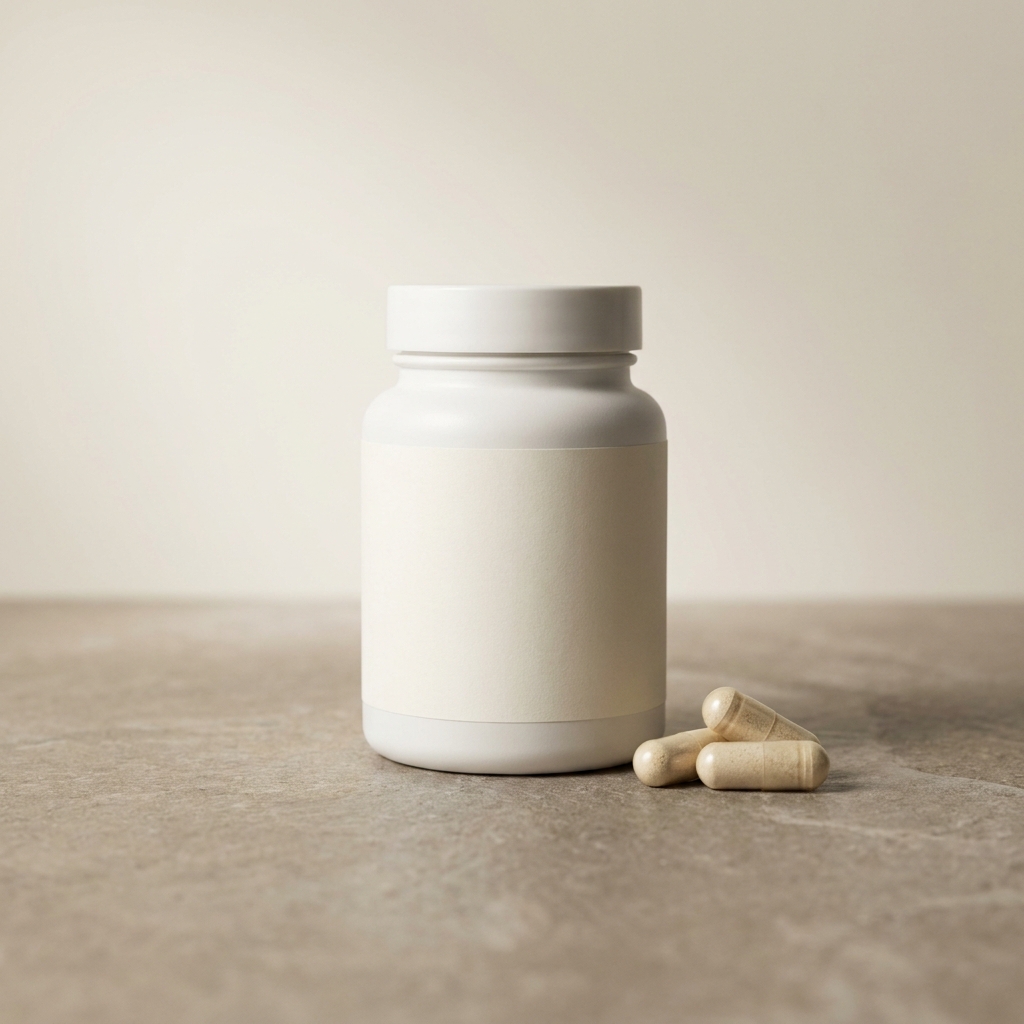
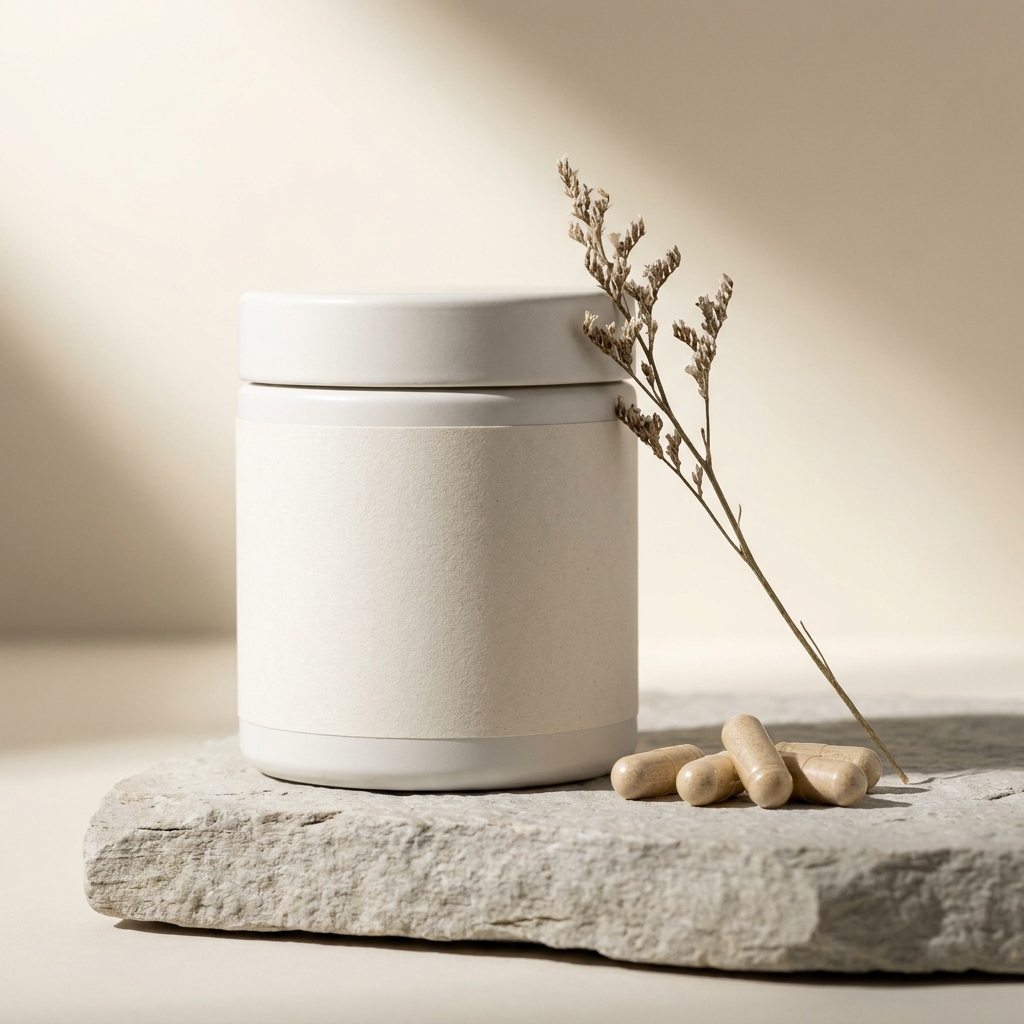
Thirty servings means nothing on a label. Show the dose. Two capsules on the surface beside the bottle. Or a level scoop of powder next to the tub. A pouch needs the same treatment. A flexible bag gives no clue about how much is inside.
Shot list for a supplement listing
The order that protects the label at every step.
Protect the label at every step and the rest is straightforward. Start with a sharp front photo of the real container. Every later image reuses it. Remove the background next, while there is only one file to check. Relight after that, since a change of light is where small type usually softens. Check the panel at full size before you continue. Serving cues and scenes come last. They sit on a container that is already correct. They never touch the printed text. A saved workflow repeats the same checks on every new product.
What a supplement listing needs
Four frames that keep a printed label honest at every size.
Front hero that reads at thumbnail size
The image a search result shows, often at thumbnail size. Fill the frame with the container. Keep the brand line and the dose in the centre of the curve. Shrink it on screen and check it still reads before you upload.
Facts panel at full resolution
A straight-on frame of the ingredient list and the warnings, upscaled to 4K. Buyers with an allergy or a training plan read this panel before they buy. A soft, low-resolution panel leaves them guessing.
Dose shot beside the container
Capsules on the surface, or a level scoop of powder with the tub open. This is the frame that answers what a serving looks like. It does more than any number printed on the label.
Scale image for the container
A small tub and a large tub photograph the same when nothing sits beside them. Put the container next to a hand or a familiar object. Or add a callout with the height. Nobody should be surprised by the size on arrival.
Questions about supplement photography
What wellness sellers ask before they upload a listing.
Will the software change the text on my label?
How do I photograph a round tub so the label reads?
How do I stop a white tub disappearing on a white background?
How do I photograph a stand-up pouch?
Should I show the capsules or the powder outside the container?
Can I reuse one image across every flavour and size?
Other categories
The same craft, written for a different product.
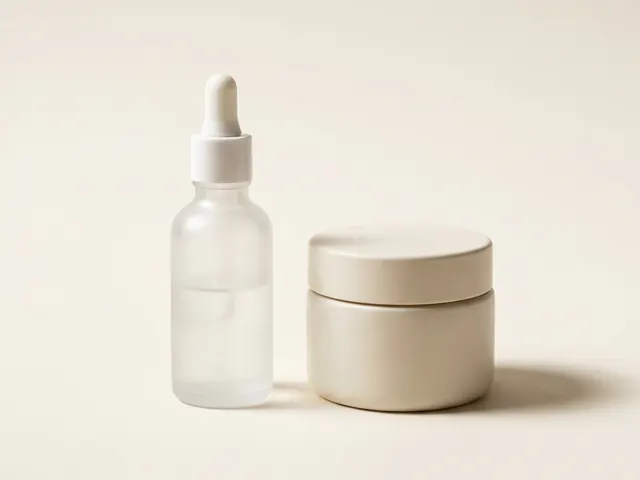
Beauty and skincare
Readable labels on curved bottles, controlled glass reflection and honest texture shots.
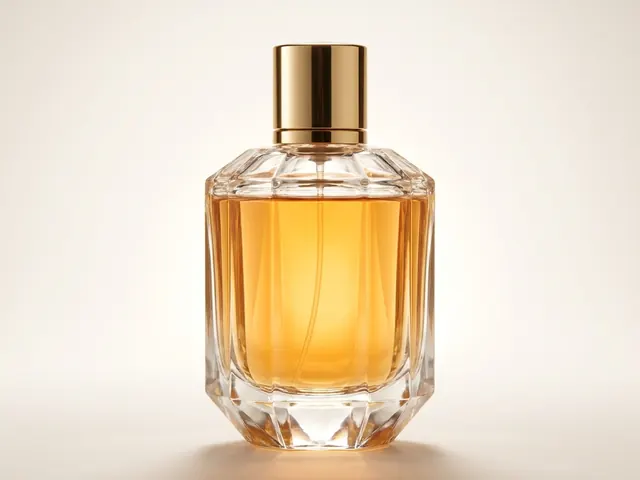
Fragrance and perfume
Glass edges, juice colour, cap detail and a scene that names the note.
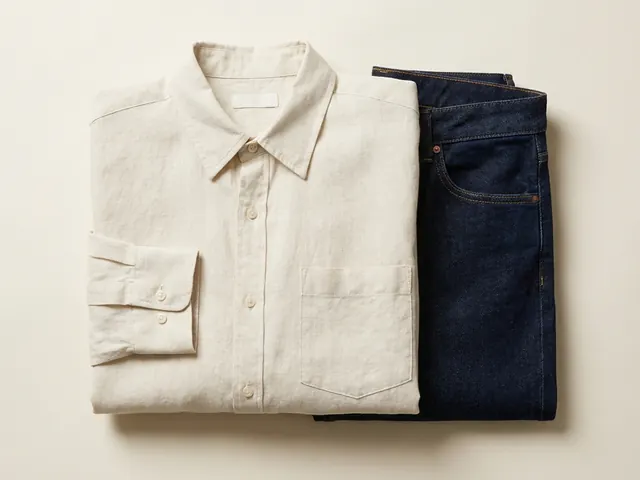
Fashion and apparel
Drape, fabric weight and true colour, held across every image in a clothing listing.
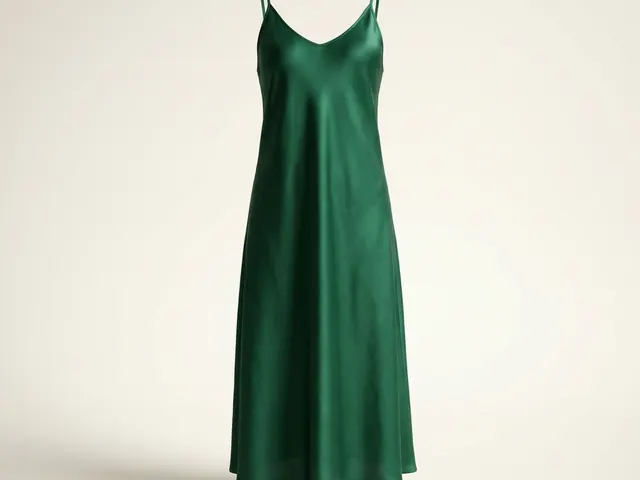
Dresses
Hem line, the fall of a skirt, and a full-length garment inside a square crop.
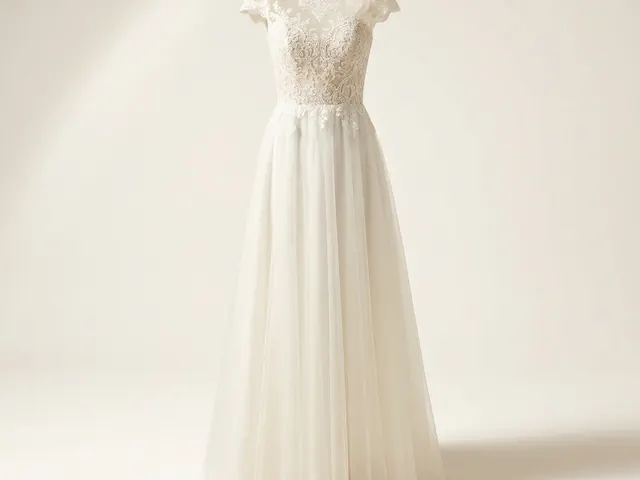
Wedding dresses
White on white, lace and beadwork detail, and a train that has to be measured.
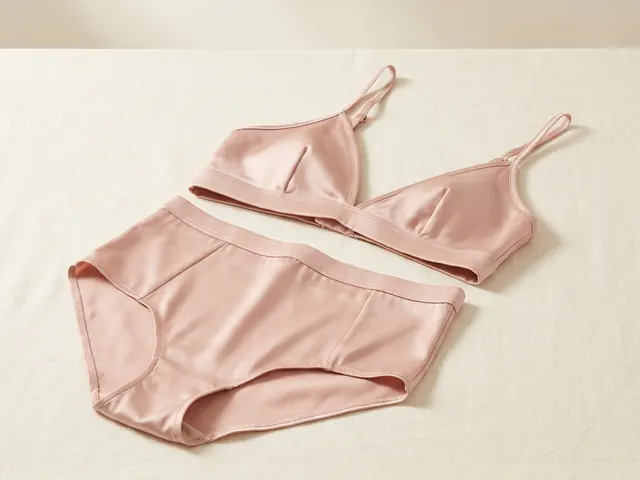
Lingerie photography
Flat lay sets, open lace cut-outs, sheer mesh backing and true nude colour.
Everything you need, in one place
The full workflow from the first product photo to the finished ad, in one subscription.
Scale content without limits.
Generate content for your products or services with AI, starting today, and keep your brand on every piece.








