For short-form commerce sellers and live shops

The algorithm eats creative for breakfast.

Short-form commerce does not reward one good video, it rewards a constant supply. Start from a photograph of the product you actually ship and produce the vertical clips, the covers and the variants that keep a shop in front of people.

Start free

DesignerBox is an independent product and is not affiliated with, endorsed by or partnered with TikTok or TikTok Shop. The name is used here only to describe the kind of seller this page is written for. Platform rules on AI-generated content and disclosure apply and change frequently, so check the current policy before you publish.

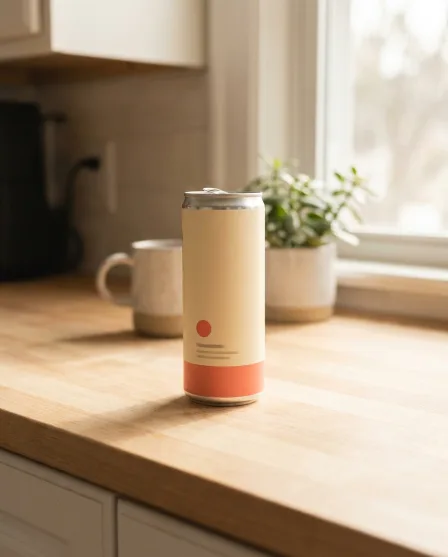
Social ad creative with text generated with Nano Banana ProNano Banana Pro
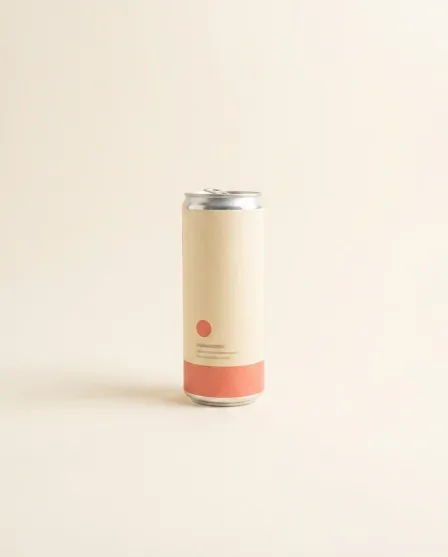
Social ad creative with text generated with Seedream 5Seedream 5
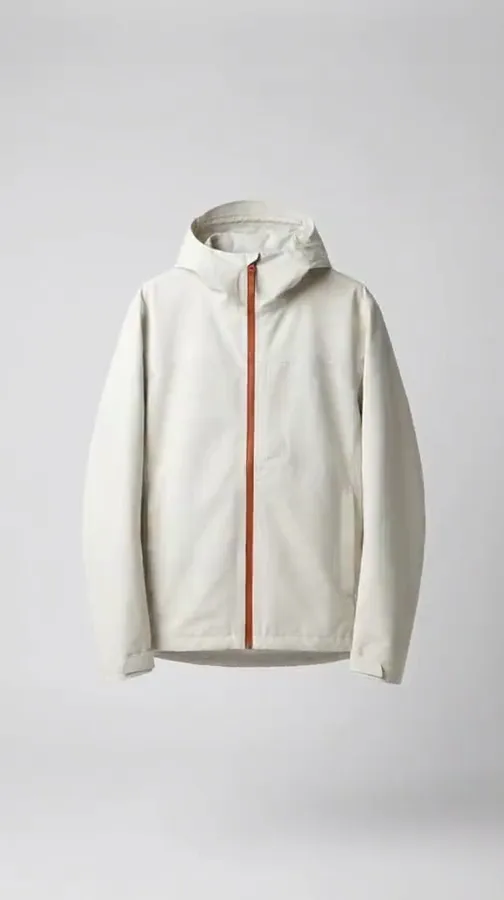
Social ad creative with text generated with GPT Image 2GPT Image 2
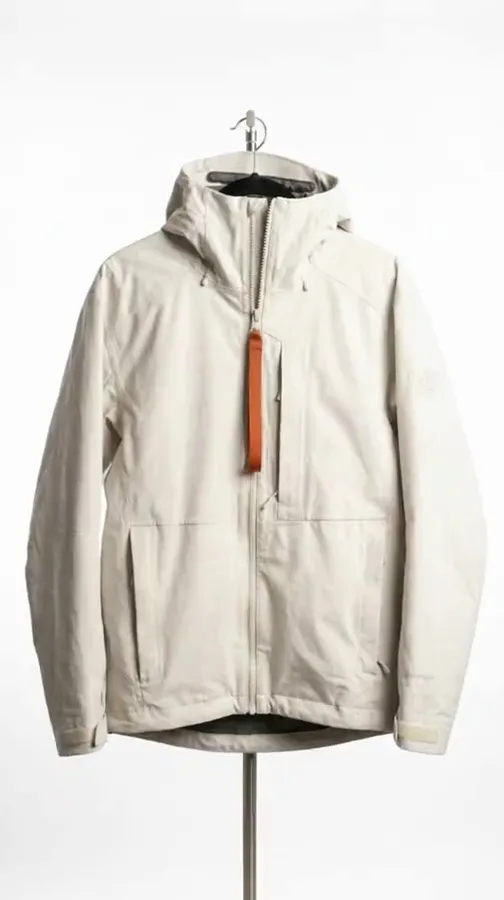
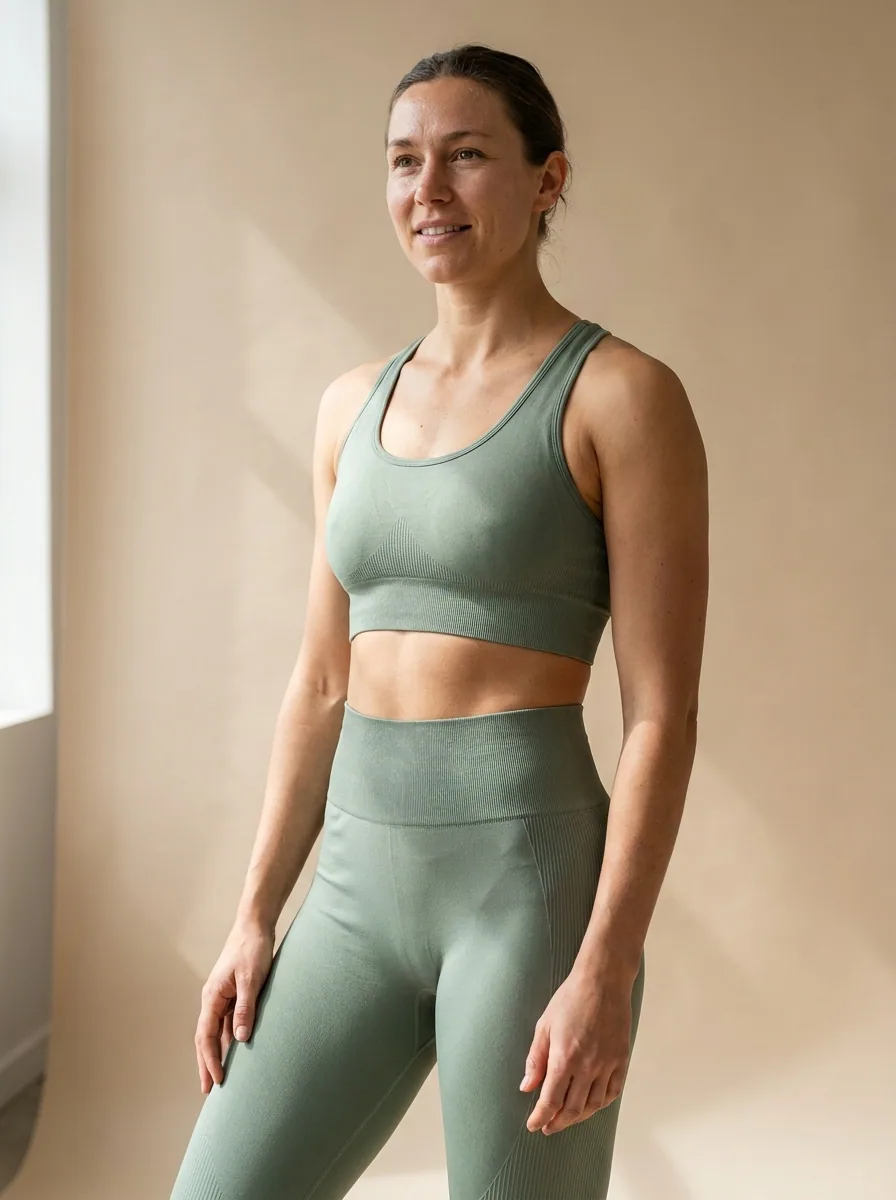
Styled clothing look made with DesignerBoxStyled look

This page is for sellers whose sales come from short vertical video rather than from a product page. The constraint is throughput. A shop that posts once a week is invisible, and the volume of creative needed to stay visible is far beyond what filming every product can supply. DesignerBox starts from a photograph of the product you actually ship and produces vertical clips, cover frames, hook variants and paid versions from it, so the number of assets stops being limited by how many times you can set up a camera.

What short-form sellers use it for

Four jobs that decide whether a shop is seen at all.

Get motion out of a still

Vertical video is the only format that gets distribution, and filming every product is the bottleneck. Turn a finished product frame into a short clip so a listing photograph becomes something postable rather than something that sits on a product page.

Produce variants, not one asset

Short-form performance is decided by testing, and testing needs several versions of the same idea with different openings. Build those variants from one source instead of filming five takes, which is what makes a real testing cadence possible.

Get the cover frame right

The cover is what a browsing shopper sees before anything plays, and a badly chosen frame kills a good clip. Compose a deliberate vertical cover with legible type rather than accepting whatever frame the upload picked.

Feed paid as well as organic

Anything that works organically gets put behind spend, and spend burns creative faster than organic does. Produce the paid variants from the same source so scaling a winner does not mean waiting on another filming day.

See it on a real product

Four tools, each aimed at the volume problem.

Social Media Ad Studio

Social Media Ad Studio

Vertical placements want the product with a hook line on it, not a bare packshot. Social Media Ad Studio composes that frame with your type and palette at the vertical size, which is the format every short-form surface actually runs.

Open the tool
Fashion Video Creator

Fashion Video Creator

Clothing sells on movement and a still cannot show it. Fashion Video Creator turns a finished garment frame into a short clip, which for a clothing shop is the difference between a listing and something the feed will carry.

Open the tool
Video Ad Composer
Video Ad Composer

Video Ad Composer

A paid short needs a hook, the product and a reason to act, cut to length. Video Ad Composer assembles that from finished frames so putting spend behind a winner does not wait on new footage.

Open the tool
Brand Story Creator
Brand Story Creator

Brand Story Creator

Shops that post constantly need a consistent look or the account reads as a spam farm. Brand Story Creator sets the visual language once so the tenth video of the week still belongs to the same shop.

Open the tool

Each before and after above demonstrates the tool named on the card, using that app's own sample image, so the subject you see may not be from this industry. Run the same tool on your own photos to see it on your work.

From product photo to posting schedule

Four steps aimed at output rather than perfection.

1
Photograph the real product
One sharp frame of the item you actually ship, in even light. Everything downstream is a version of this photograph, so it has to be the genuine product rather than a supplier render or a competitor's image.
2
Build the vertical master
Clean it up and compose the 9:16 frame with your type. This is the base every clip and every variant comes from, and getting the safe areas right here saves fixing every asset later.
3
Make the clips and the variants
Turn the master into short clips, produce several hook variants and a deliberate cover for each, and cut the paid versions from the same set.
4
Save it and run it weekly
Save the sequence as a workflow. The point is not one good week of content, it is a process that produces next week's without a new decision.

Where the assets go

Short-form commerce runs four surfaces at once.

Organic short video

Everything is 1080 by 1920 and the first second decides the rest. Keep the product visible immediately rather than after a build-up, keep type inside the safe area so the interface does not cover it, and post variants of what worked rather than one asset repeatedly.

The shop tab and product cards

In-app product cards are small, cropped hard and viewed at speed, which punishes a busy image. A clean cutout on a plain ground reads at that size where a lifestyle scene turns to mush. Build the card image separately rather than reusing a video frame.

Paid amplification

The pattern is to find a winner organically and put spend behind it, which means the creative needs replacing more often, not less. Producing paid variants from the same source keeps the refresh cadence realistic instead of dependent on filming.

Creator and affiliate briefs

Creators selling your product need reference material: what the item looks like, how it is framed, what the brand colours are. Handing them a set of finished frames and a defined look gets output that matches the shop instead of eleven different interpretations of it.

Volume is a process problem, not a talent problem

Short-form commerce accounts fail on cadence far more often than on quality. One well-made video a fortnight loses to five ordinary ones a week, and the reason most sellers cannot do five is that each one starts from scratch: set up, film, edit, export, write the hook, pick a cover. A workflow collapses that into a sequence applied to whatever product is being pushed this week. Set the vertical master, generate the clips, produce the hook variants, compose the covers, export the paid cuts. It is worth being straight about the limit. The product in every frame has to be the product that ships, and platform rules on AI-generated content and disclosure are both real and moving, so check them before publishing rather than after a takedown. Volume is the advantage here; it stops being one the moment the shop gets a strike.

Every model, one subscription

Short-form leans harder on video than most commerce, and video models differ sharply in how they handle motion, duration and audio. DesignerBox carries the image and video sets in one workspace on one subscription rather than a licence each: Nano Banana Pro and Nano Banana 2 from Google, GPT Image 2 from OpenAI, Seedream 5 from ByteDance, and FLUX 2 Flex, FLUX Pro 1.1 and Kontext Multi from Black Forest Labs on the image side. Video runs on Veo 3.1 and Veo 3.1 Fast, Sora 2 Pro, Seedance 2.0, Kling 2.6 Pro and Runway Gen-4.5. In practice you use a fast model for the volume and a slower one for the piece you are putting spend behind.

Short-form seller questions

What shops ask before they build a posting schedule on this.

Is AI-generated content allowed on short-form platforms?
Broadly yes, with conditions that are changing quickly. Most major platforms now require realistic AI-generated or AI-modified content to be labelled, and several apply automatic labels of their own. Commerce content carries the additional rule that the product shown must be the product sold. Check the current policy for the platform before you publish, because this is the area where the rules move fastest.
Can I sell a product I have only seen in supplier photos?
Not honestly, and not safely. Every frame is a representation of what a buyer receives. Order a sample, photograph it yourself, and build the creative from that. It also protects you commercially, because the returns and the chargebacks from a mismatch cost far more than the sample did.
Do I still need to film anything?
For most shops, yes, and the mix matters. Demonstrations, unboxings and anything showing the product being used are more convincing filmed, and audiences are increasingly good at spotting the difference. Use this for the volume around those: the covers, the variants, the product frames, the paid cuts.
How many pieces of creative does a shop need a week?
More than most sellers produce. There is no universal number and anyone quoting one is guessing, but the working pattern is several posts a week with variants of whatever performs, rather than one polished asset. The reason to change the production process is that the required cadence is not reachable by filming alone.
Will the clips look obviously generated?
It depends on the shot. Motion that stays close to the product, short durations and simple camera movement hold up well. Long clips, complicated human motion and anything with hands doing detailed work are where the artefacts show. Keep clips short and check them at full size before posting.
How much does it cost to start?
The image side is free to try. The free plan carries 112 credits a month, which covers the product frames, the covers and the ad variants from one photograph. AI video generation is included on Premium ($75 a month) and above, and every paid plan starts with a 7-day trial, so you can generate clips before you are billed. Plans run $15 a month for 500 credits, $35 for 1,000, $75 for 2,500 and $200 for 8,000.

Make this week's set

Take your best selling product and build the vertical master, the covers and three ad variants from one photograph. The free plan covers that; AI video is on Premium and above.

Start free