


AI video ads from your product photos
Animate the static ad you already approved, or build the clip from a storyboard. Cut it on a real timeline, add captions and music, and run the same shape again for the next product.

Motion and scenery in these clips are generated. The product comes from your photo. Anything a viewer could read as a filmed event, such as a person using the product outdoors, was not filmed.
Who it is for
Does that sound like you?
Video ads, without a shoot day.
You need clips for every product and every placement, and the edit takes longer than the campaign. Anyone can make an AI picture. Making hundreds that still look like your brand is the hard part, and a film crew covers one product a day.
- A still photo becomes a short clip. Video starts on the Premium plan.
- The video editor cuts, captions and adds a voice
- Brand rules set once and read on every run
Cut the waiting time and budget for deliverables.
You make this for clients, and every client has their own look. A shoot for each one costs weeks and most of the budget. A different generator for each one returns a different look, so somebody fixes it by hand before it is delivered.
- Each client's brand rules, saved once and used on every run
- A workflow you build once and run for every client
- A batch over a client's whole catalogue, delivered from Assets
A storyboard for one ad
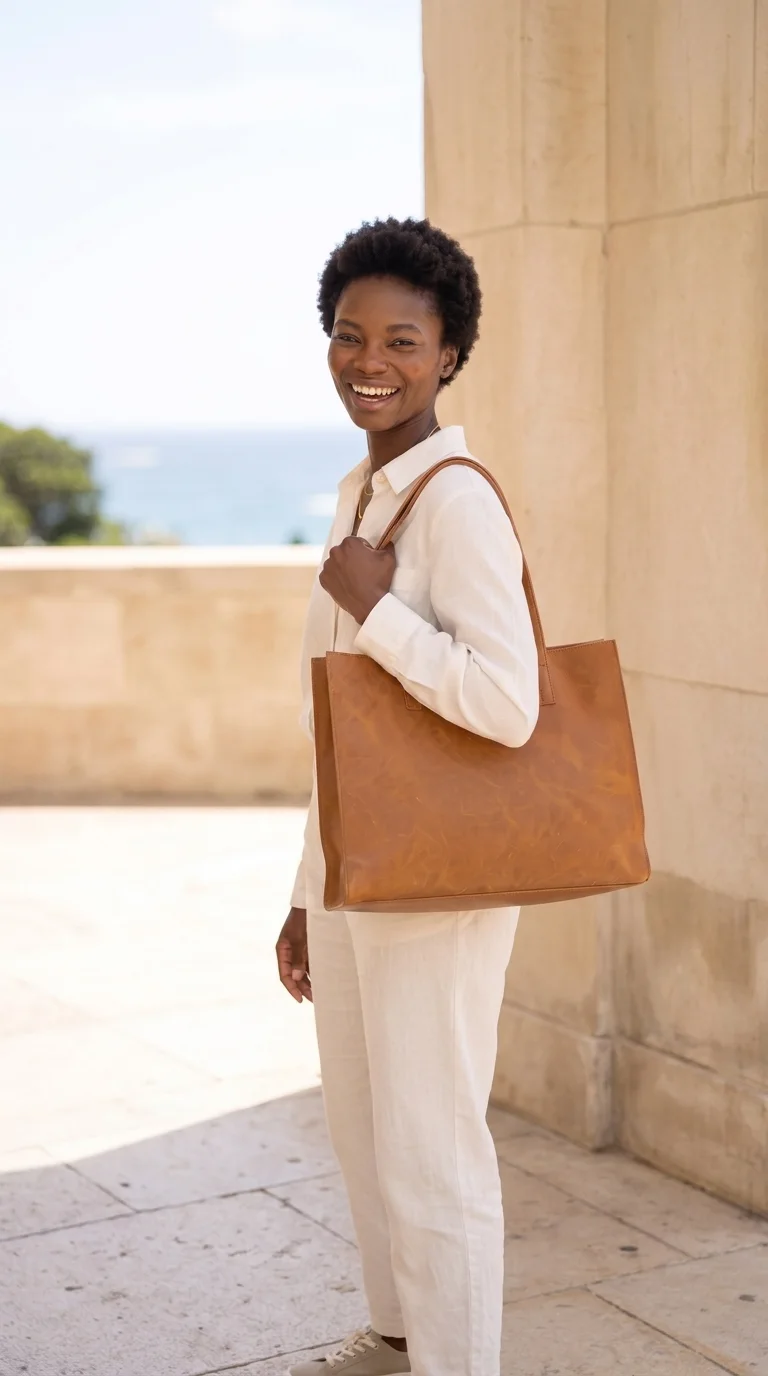
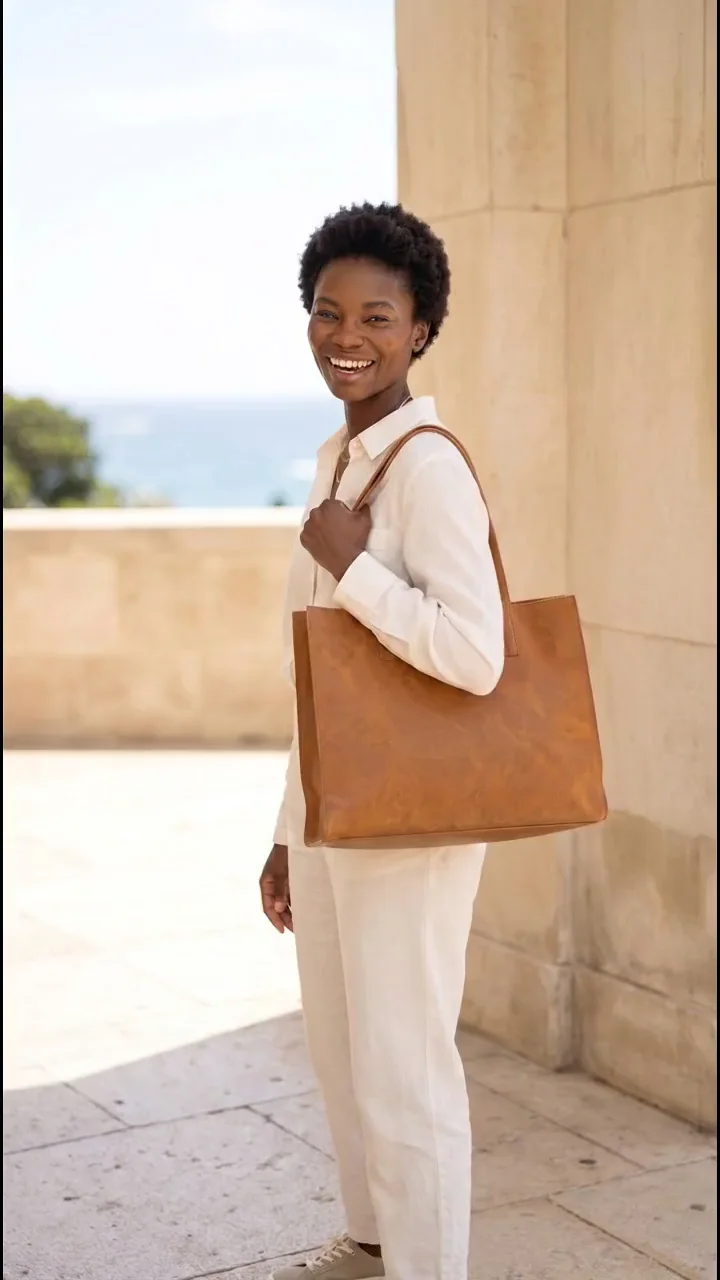
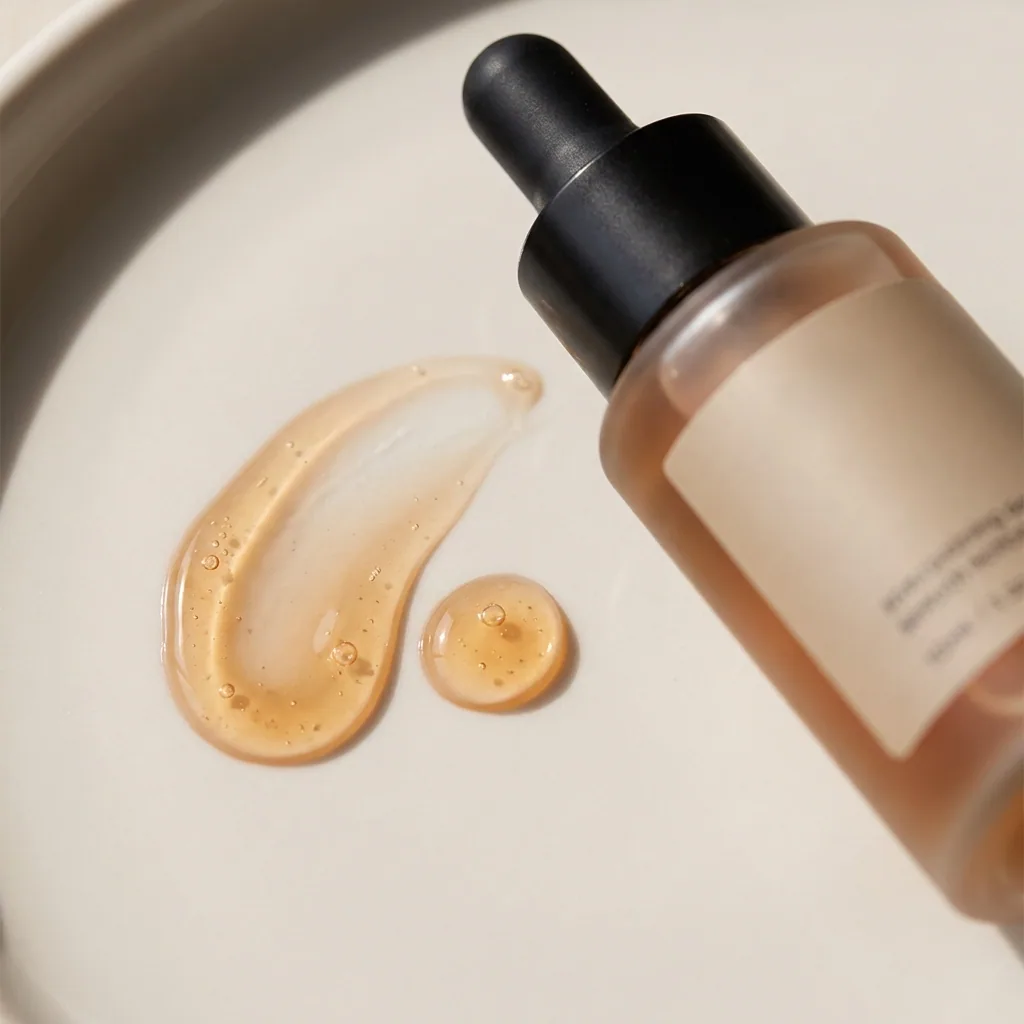
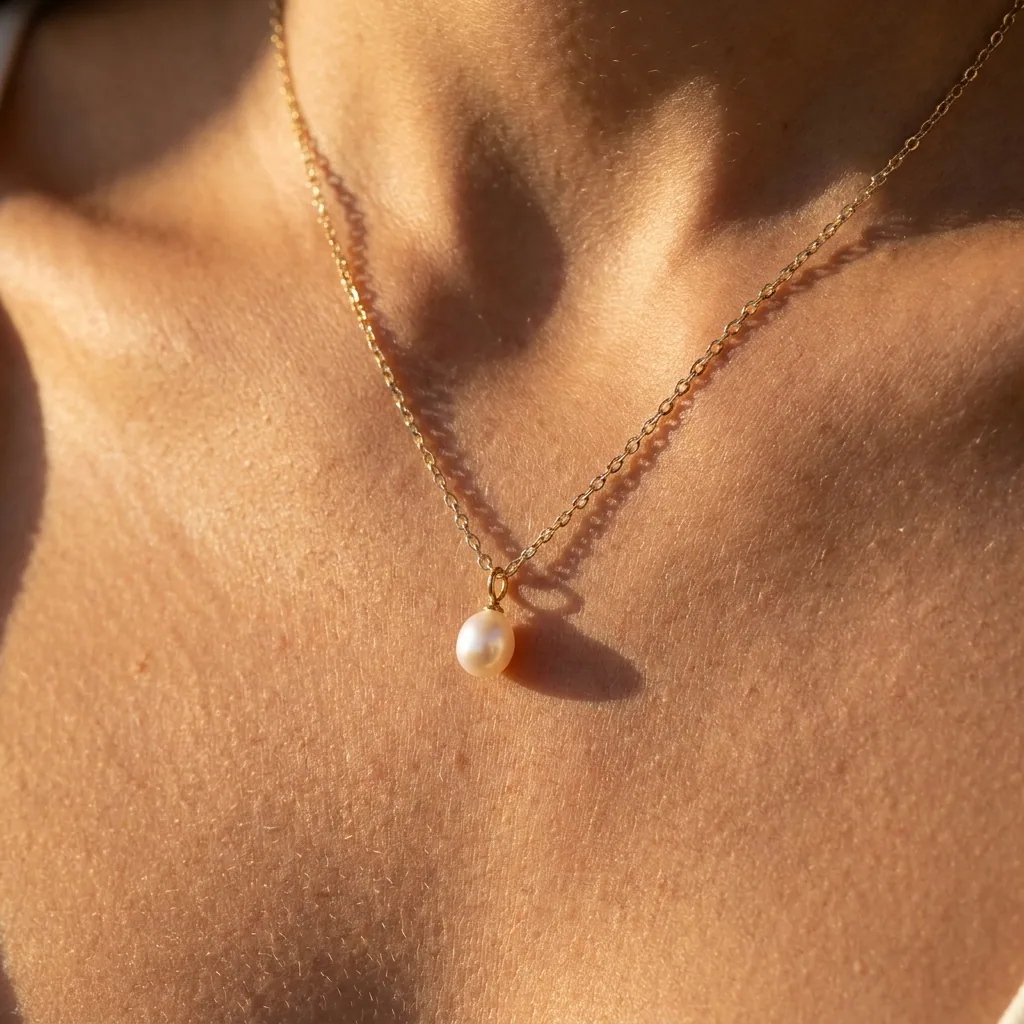
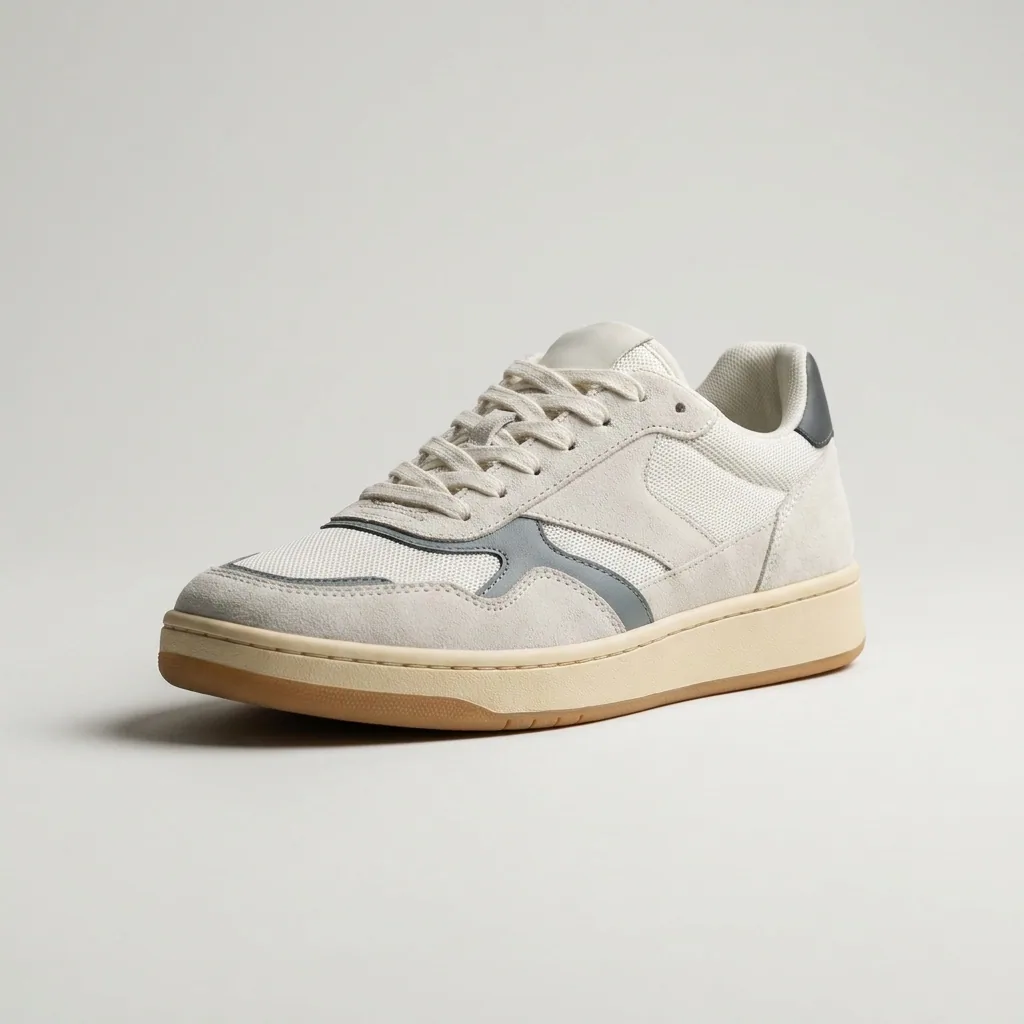
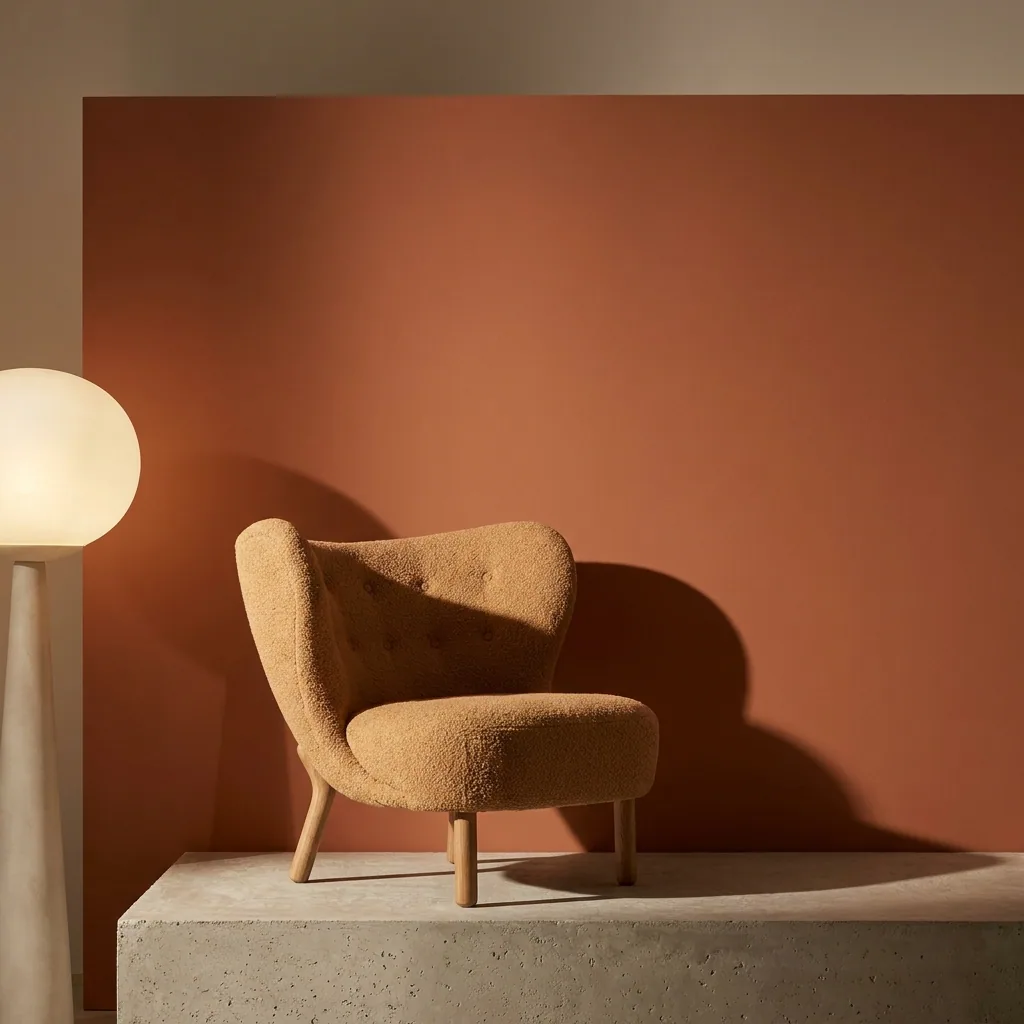
Four stills in the order a short ad runs. The opening, the product, the story and the close all show the same bag.
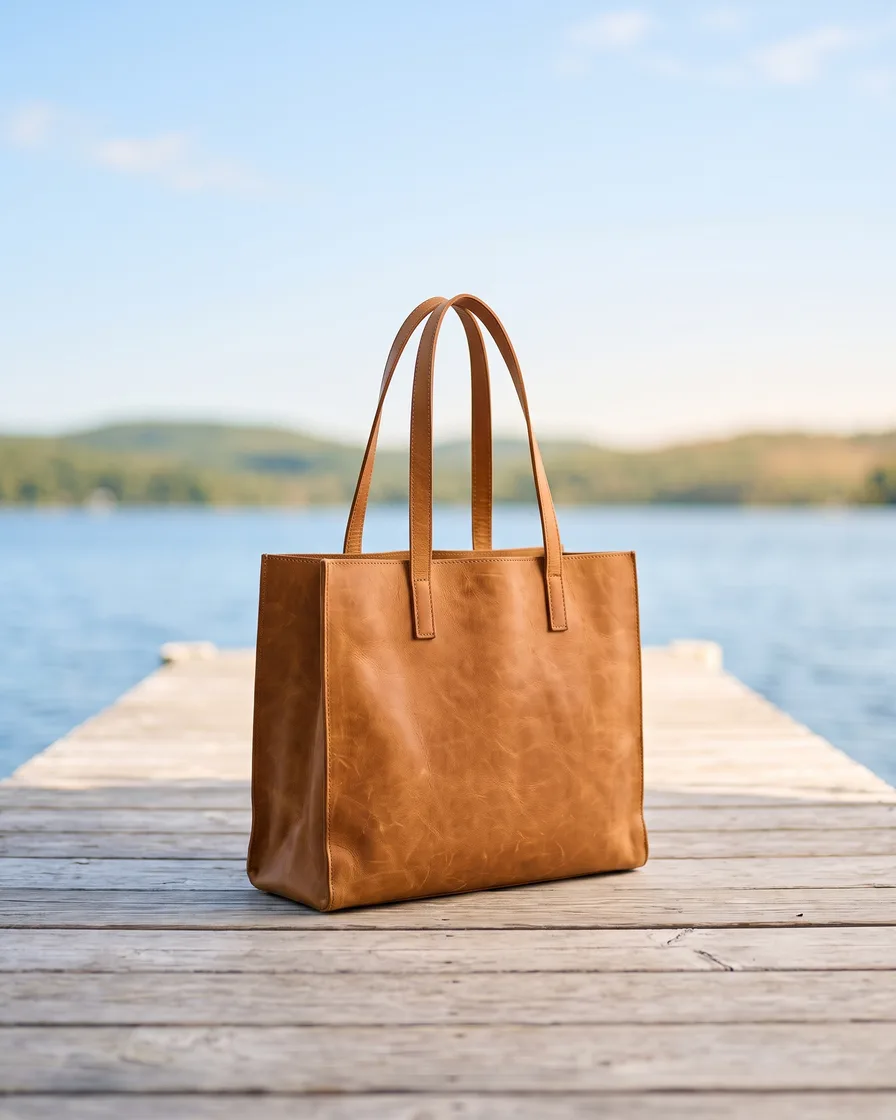 Opening frame
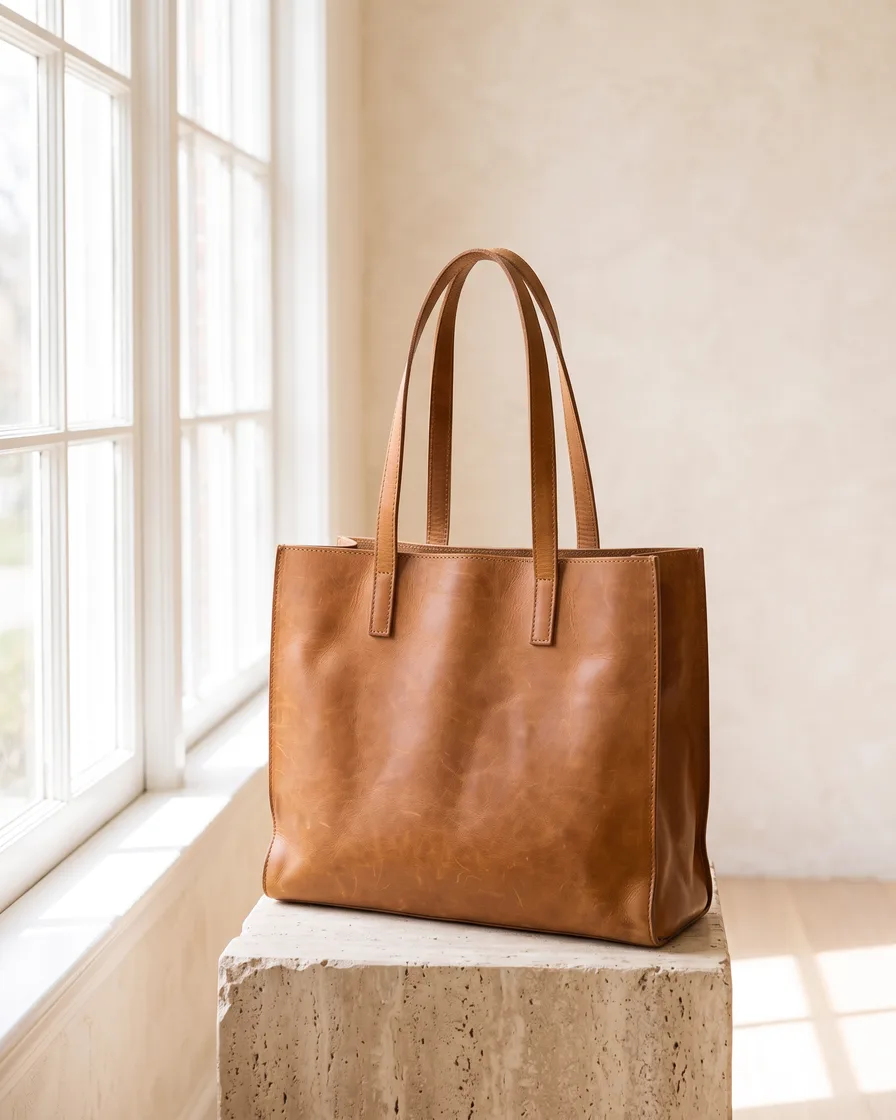 Product beat
 Story frame
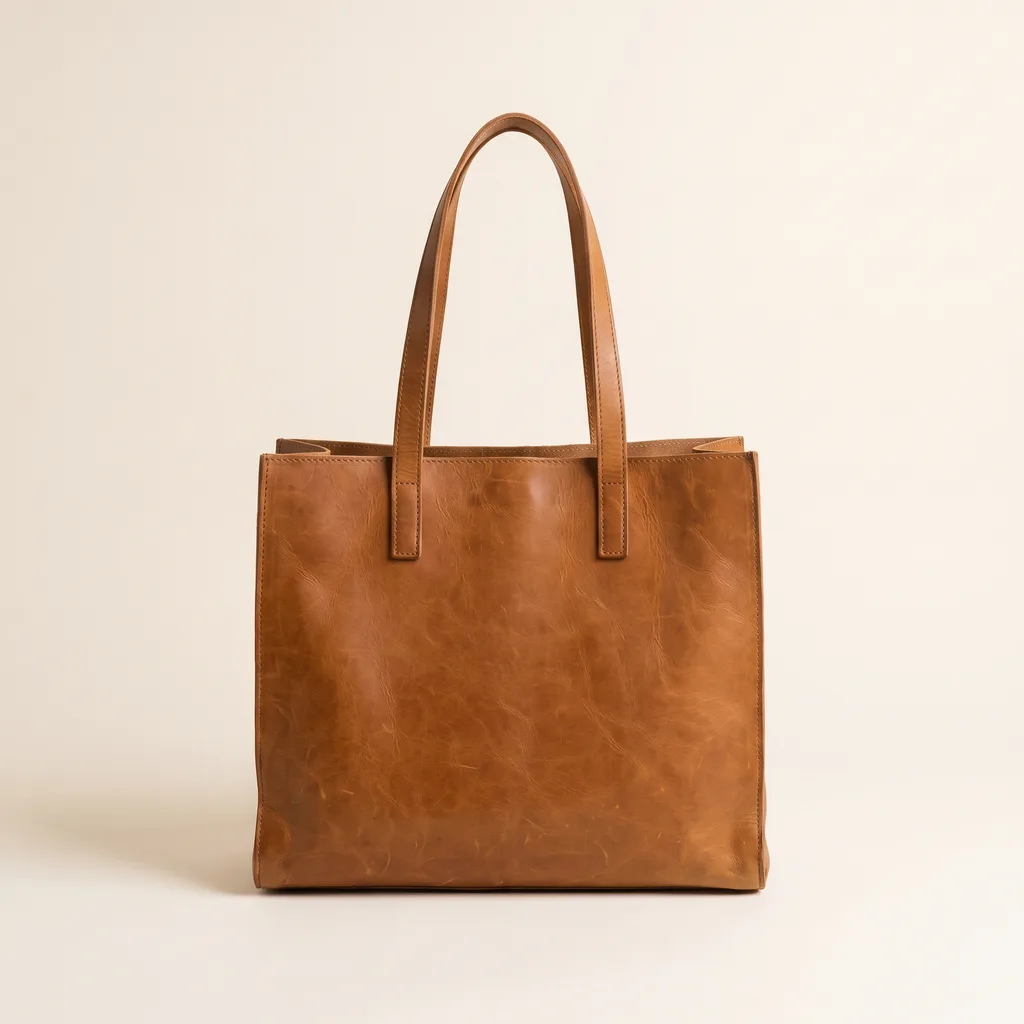 Closing frame
AI video ads
An AI video ad is a short product film built from stills and generated motion rather than from a shoot. The cheapest place to start is the ad you already have: a static frame that performed, given movement. DesignerBox also builds a clip from a storyboard or straight from a product photo. Every result arrives on a real timeline, where you cut it, caption it and add the sound.
What a video ad needs
Four things that decide whether the clip is usable.
Motion that starts from your still
The Animate an image app takes the frame you already ran and moves it. The layout and the product come from your frame, which is why the result still looks like your ad.
Beats before shots
Brand storyboard sets the order of the clip before anything is generated. Deciding the beats first is what stops a video ad turning into four pretty shots with no argument.
A real timeline
Multiple tracks, picture in picture, transitions, animated text, audio and a LUT. Generation gives you shots. The timeline is where they become a thirty second ad.
A model for each shot
A slow push on a bottle and a person walking through a room are not the same job. Pick the model per shot, and see the cost of the run before you start it.
Four ways to run it
The same job, handed to more people at each step.
Template
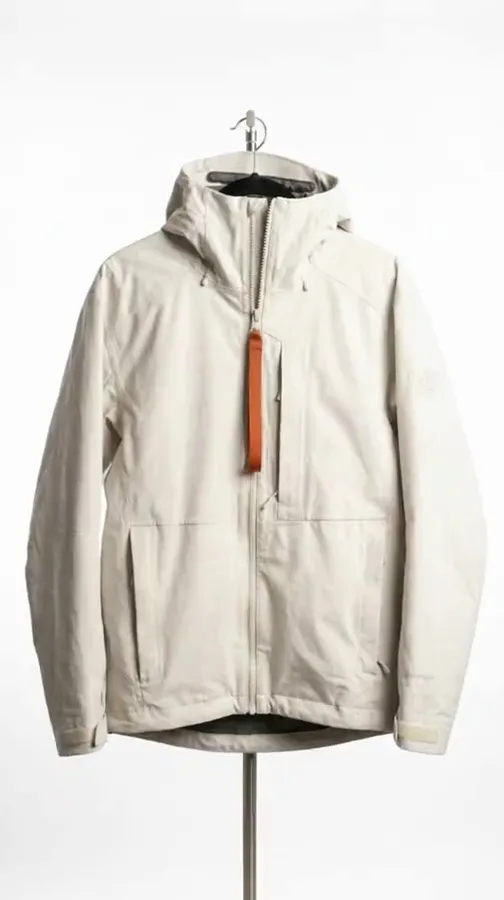
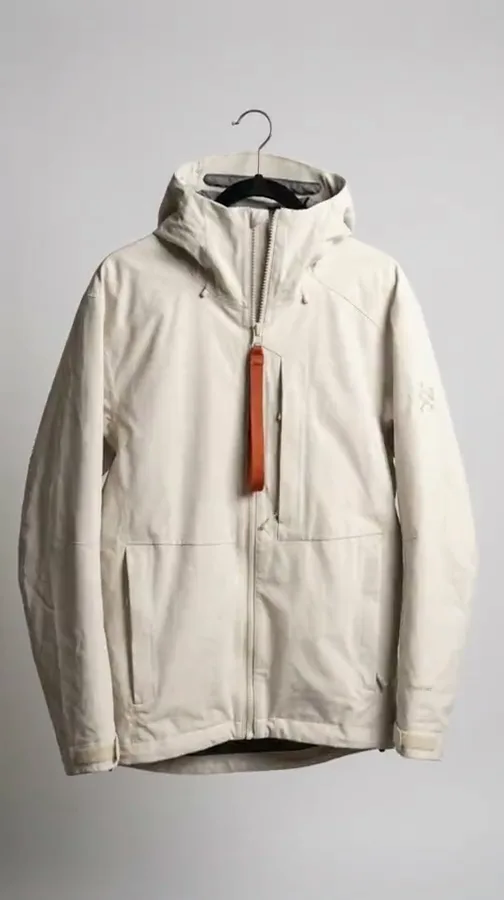
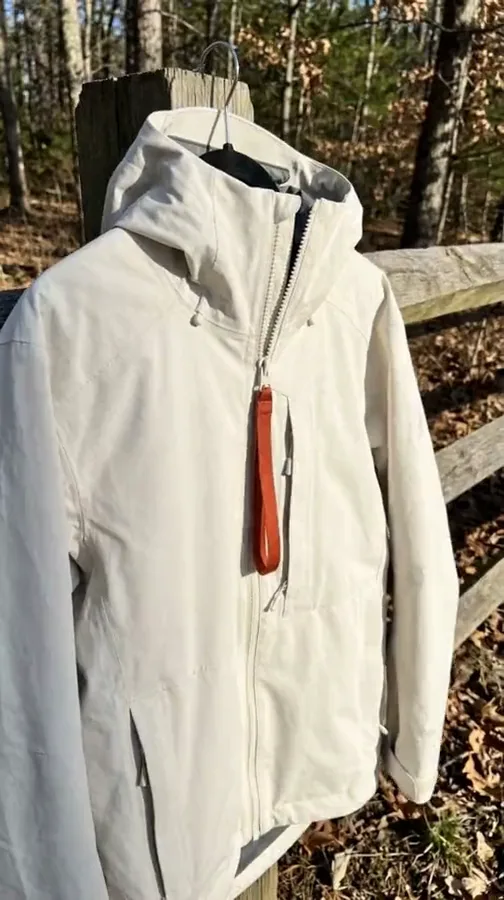
A workflow already built for a named clip: a product film, an animated static, a styled spot. Each shows the result it returns.
Workflow
Your version, with your product, your beats and your model choice. Saved once and run the same way every time.
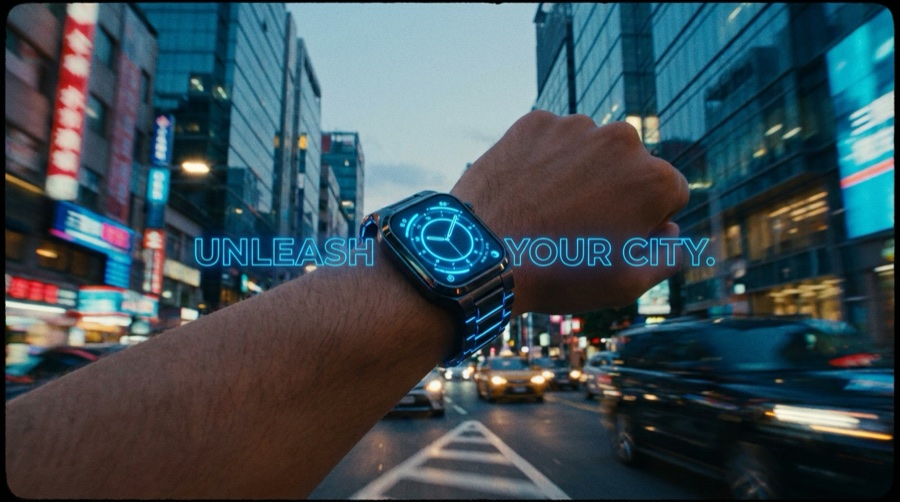
App
The workflow behind a short form, so a colleague can produce the clip without learning the steps.
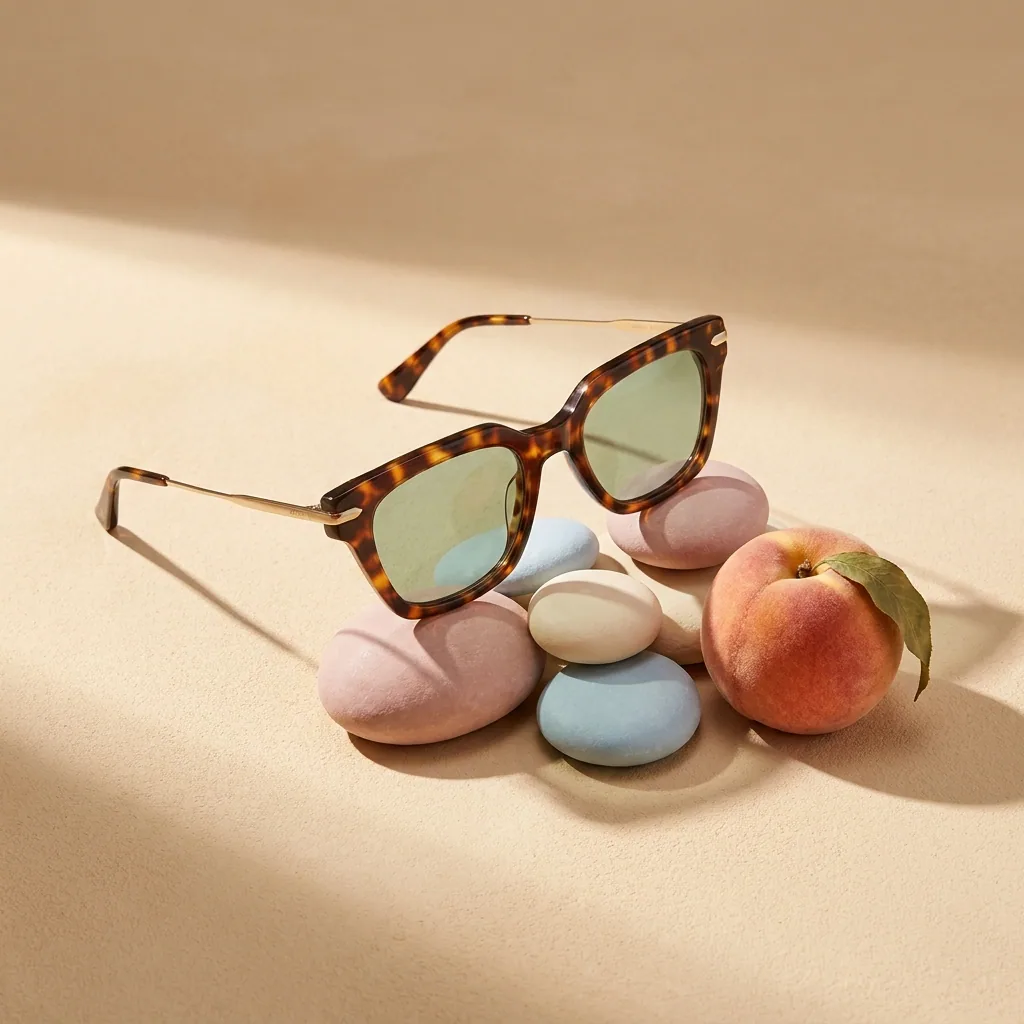
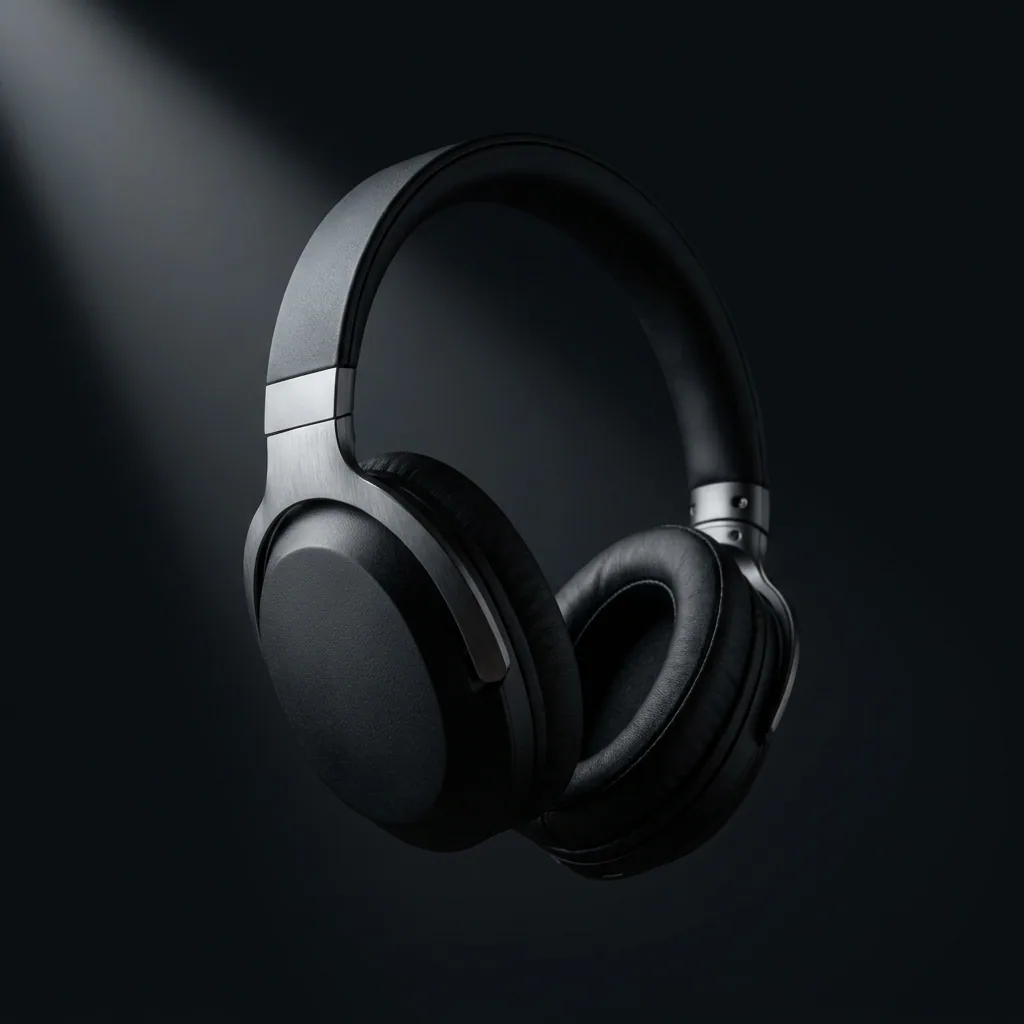
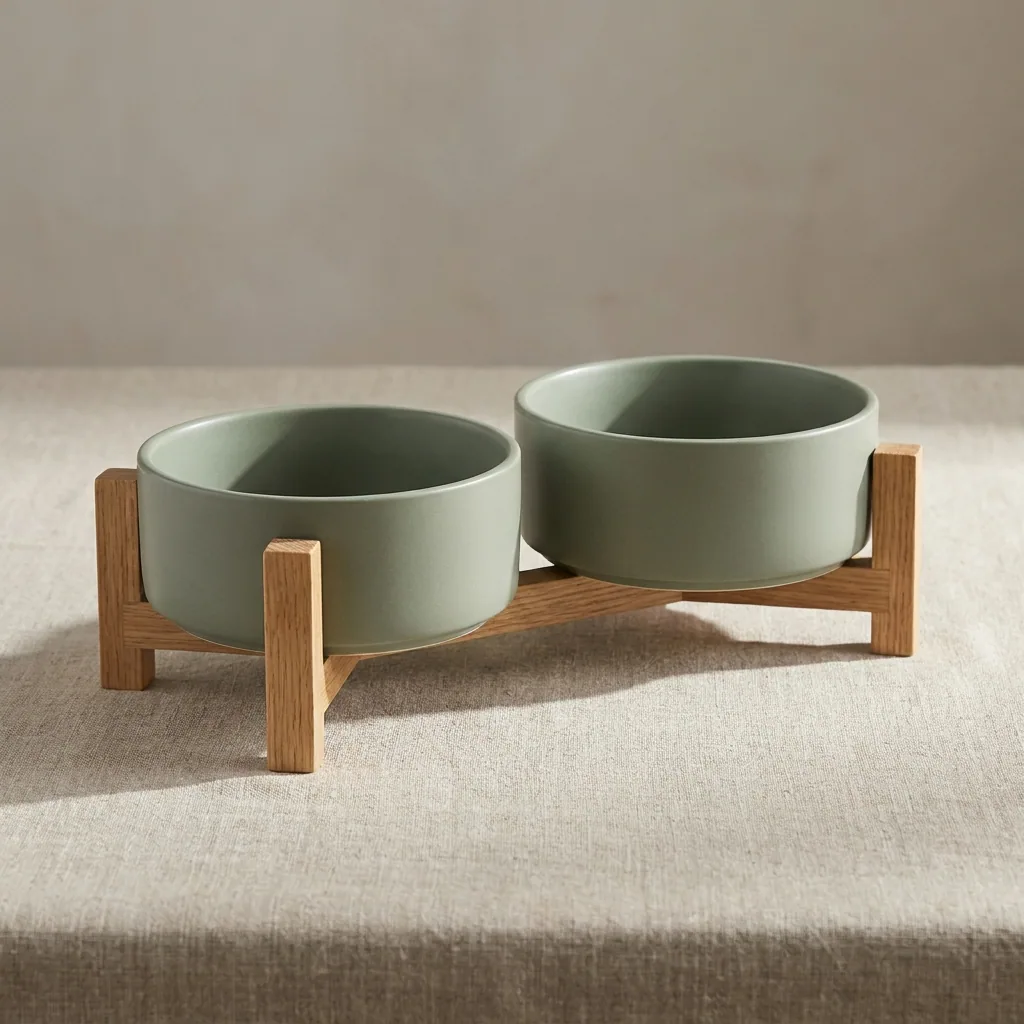

Batch
A spreadsheet of products through one workflow, costed before the run starts.
How a clip is made
Four steps, from the photo you already own to a finished cut.
One video ad is a project. A shape you can run again is a production line. Save the run as a workflow and the next product gets the same beats, the same model and the same cut. A series then reads as one campaign. Give it to a colleague as an app and they produce the clip from a short form. Run it on a spreadsheet and the whole range is made as a batch, with the cost shown before the run. That last part matters more in video than anywhere else. Over forty clips, the gap between a cheap model and an expensive one is the difference between a test and a bill.
Questions about AI video ads
What teams ask before the first clip.
Does my product stay the same in the clip?
How long can a clip be?
Which plan do I need for video?
Can I put the clip straight into my ad account?
Is an animated static as good as a filmed ad?
Can I keep the same look across a whole campaign?
The rest of the ad work
Static ads, creator-style clips, and the product photos they start from.


Everything you need, in one place
The full workflow, from your product photos to the finished ad, in one subscription.
Scale content without limits.
Generate content for your products or services with AI, starting today, and keep your brand on every piece.







