For dropshipping and supplier-fulfilled stores

The same supplier photo as everyone else.

Your competitors are running the identical supplier image, watermark and all. Cleaning it up and making it yours is the only visual advantage available when the product and the fulfilment are the same.

Start free

You do not hold the stock, so two rules are not optional. Work only from photographs of the product that will actually be shipped, and never generate a product you have not seen: a generated item is a misdescription of goods a customer pays for. Confirm you have the right to use and modify a supplier's images before you edit them, since supplier photography is usually someone else's copyright and permission to resell is not permission to reuse the pictures.

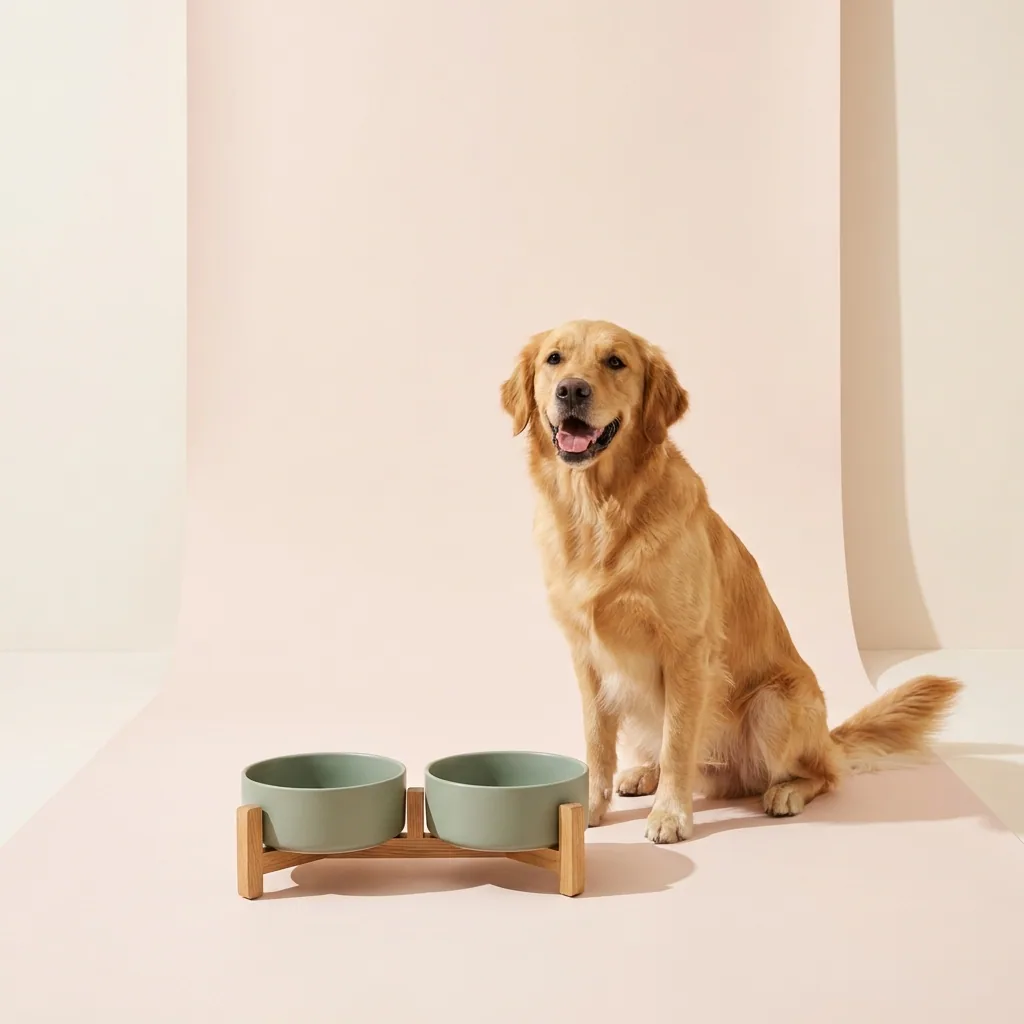
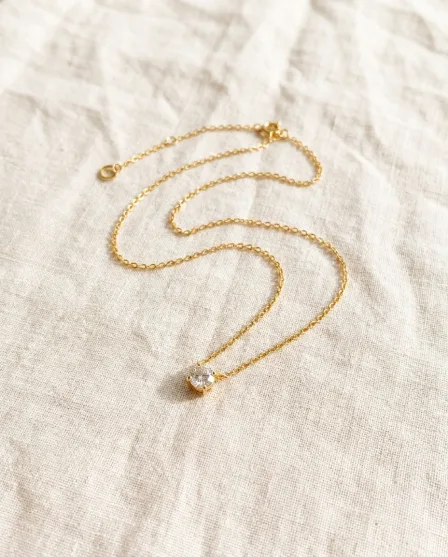
Product packshot generated with Nano Banana ProNano Banana Pro
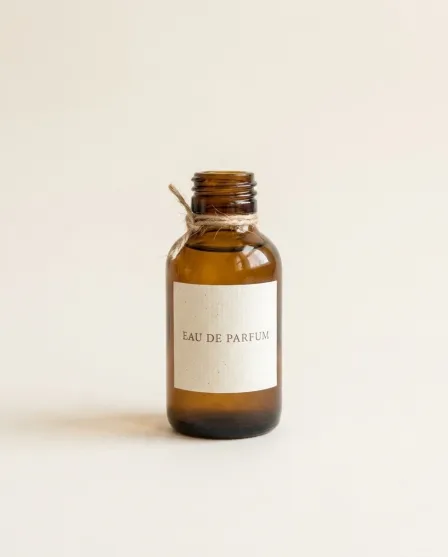
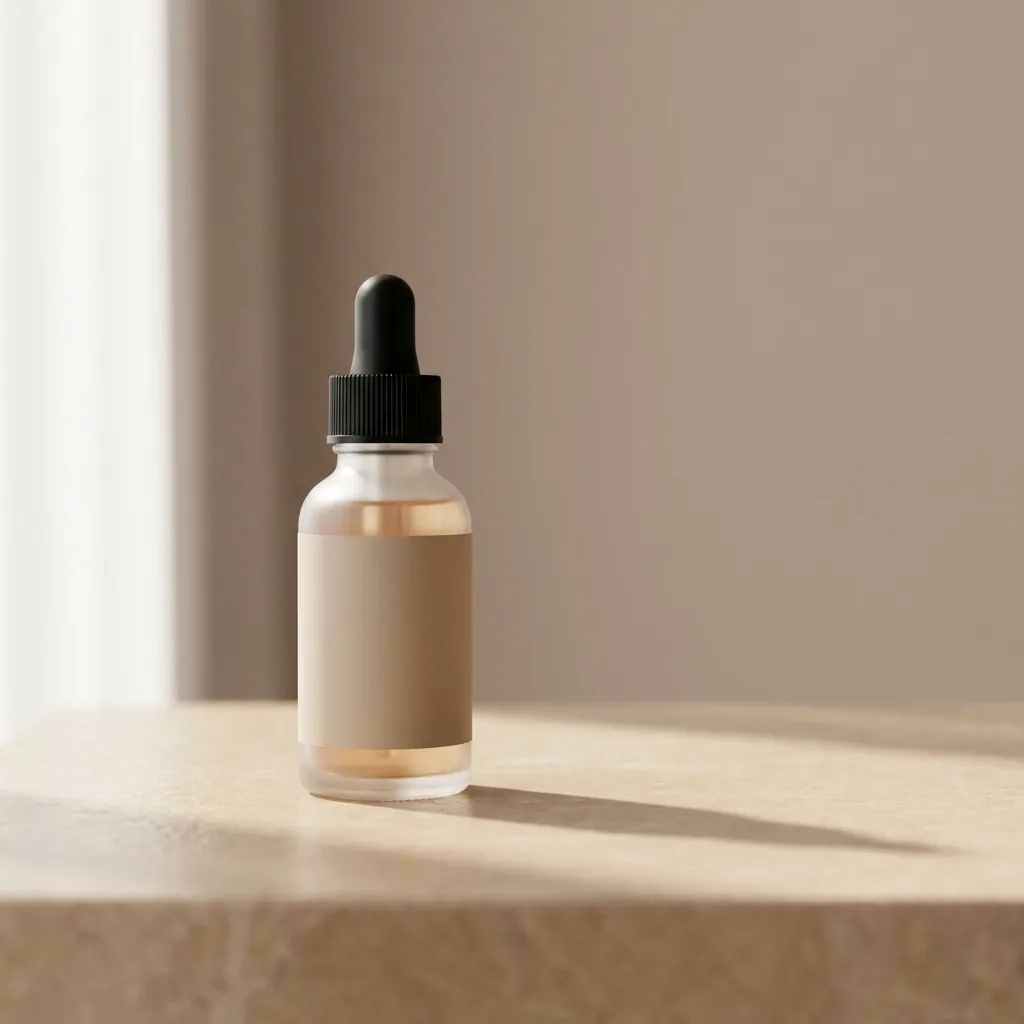
Product packshot generated with GPT Image 2GPT Image 2
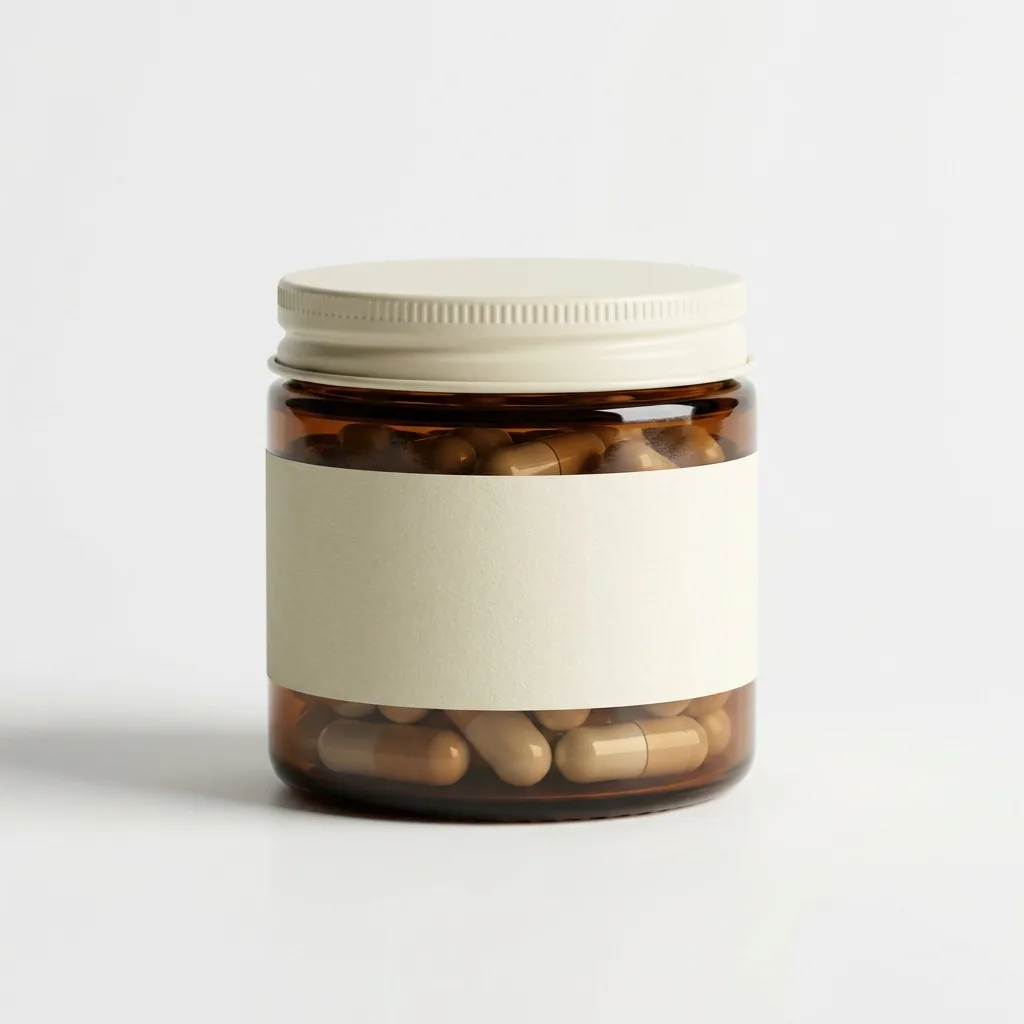
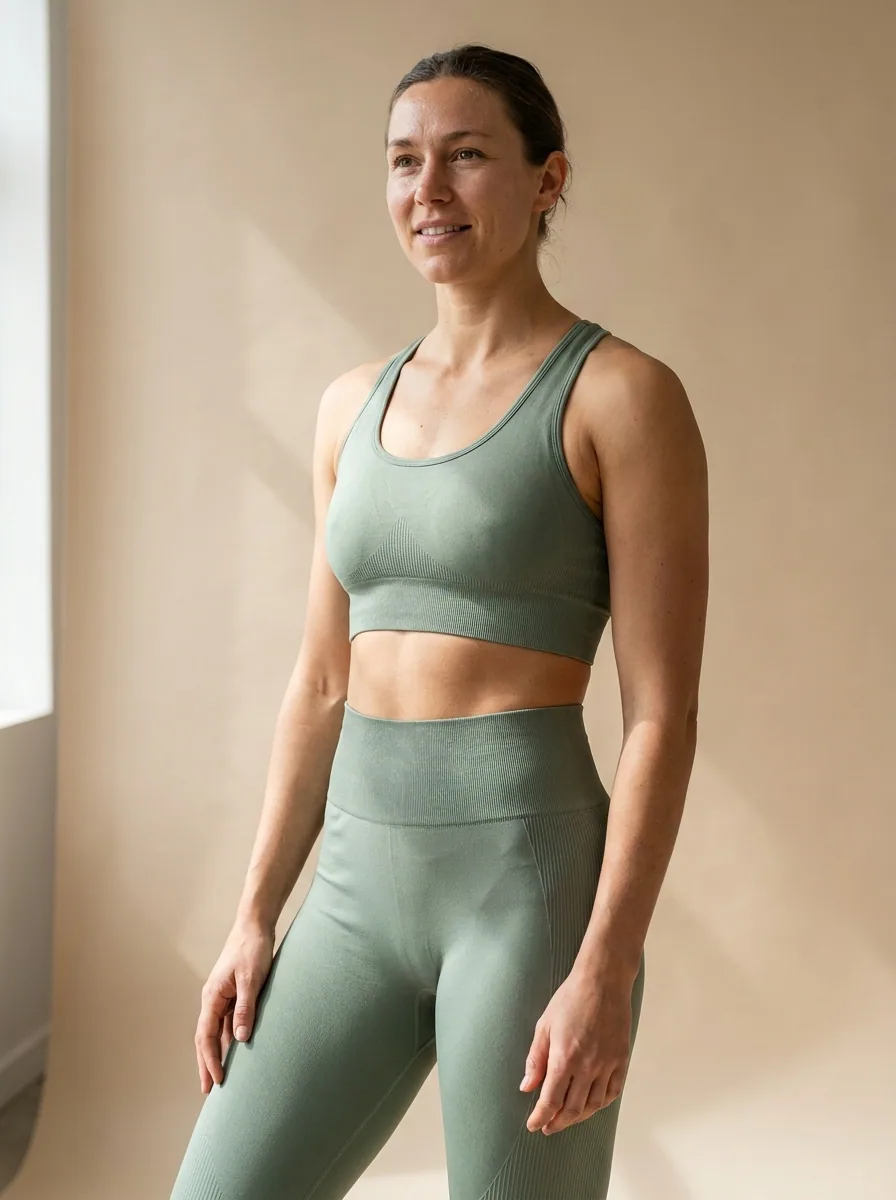
Product packshot generated with FLUX 2 FlexFLUX 2 Flex
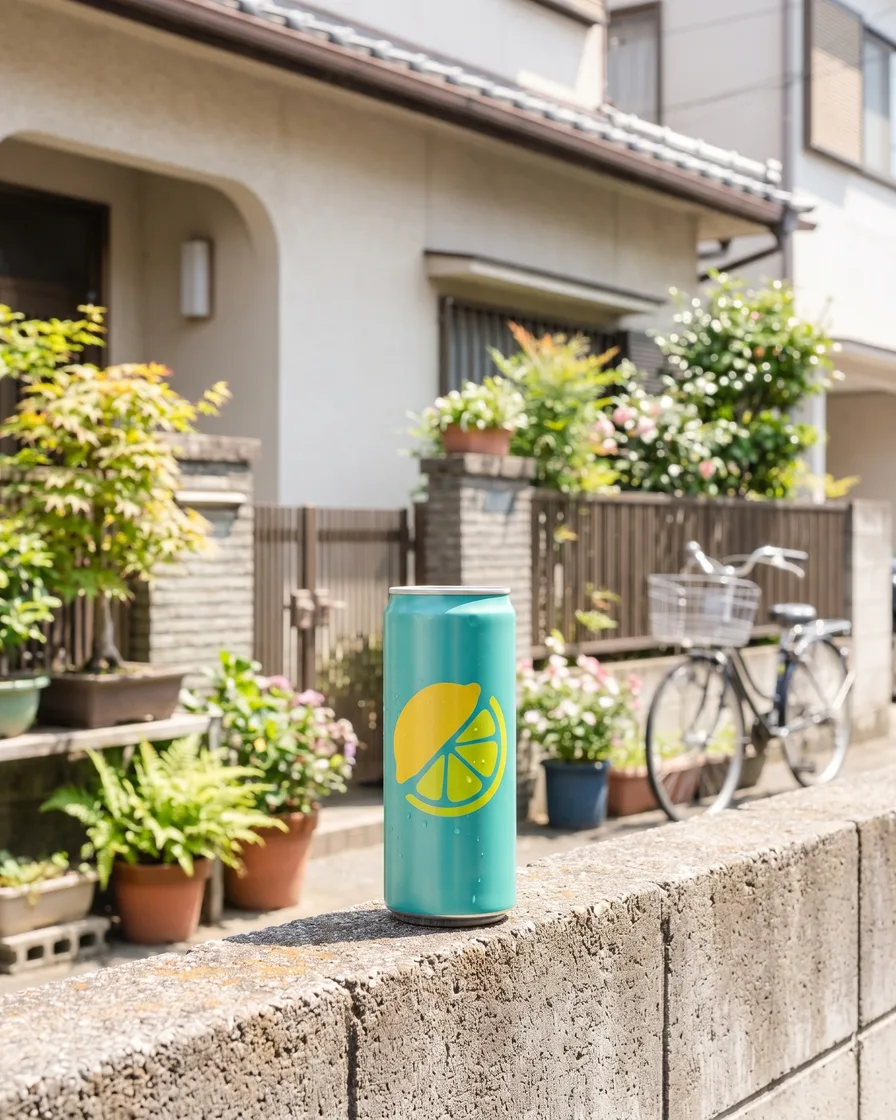
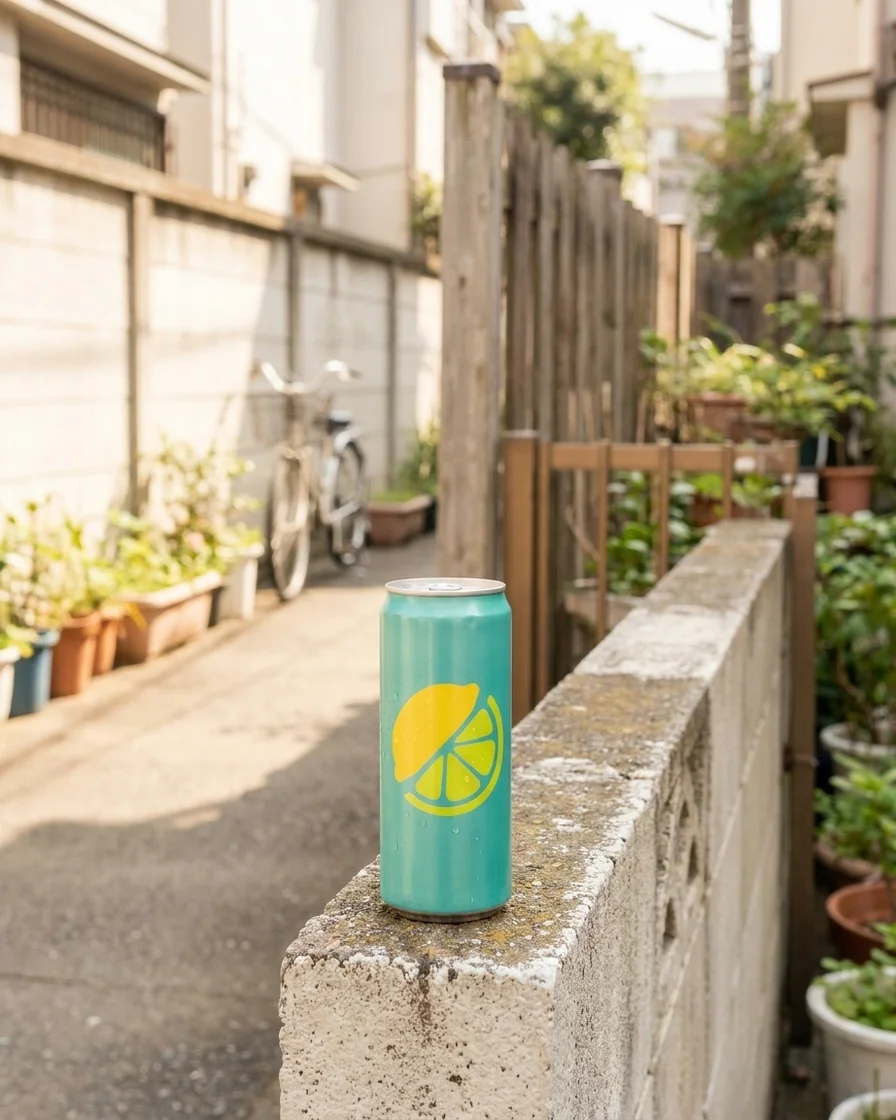
Listing ad creative with text generated with Nano Banana ProNano Banana Pro

This page is for stores whose stock is held and shipped by a supplier, which creates a specific imagery problem. The photographs come from the supplier, so every competitor selling the same item has the identical picture, often with a watermark, a cluttered background and a colour cast, and often at a resolution that falls apart on a product page. There is no warehouse to walk into and re-shoot. DesignerBox works on the images you are permitted to use: clean them up, standardise them into one look, produce the extra crops and build the paid creative, all from photographs of the item that will actually ship.

What supplier-fulfilled stores use it for

Four jobs that only exist because the photography is inherited.

Clean up inherited photography

Supplier images arrive with cluttered backgrounds, uneven light and inconsistent framing because they were shot for a catalogue rather than for your store. Cut the product out, correct the light and put it on a consistent ground so it fits a page you control.

Make a mixed catalogue cohere

Sourcing from several suppliers means several photography styles on one category page, which is the clearest signal a shopper has that a store is a reseller. One treatment applied to everything removes it.

Stop looking identical to competitors

When ten stores run the same supplier image, none of them has a visual advantage and all of them compete on price alone. Reworking the image into your own look is the cheapest differentiation available on a commodity product.

Build ad creative that is yours

Paid social is where these stores live, and running a supplier photograph unchanged means paying to advertise a picture the audience has already scrolled past. Compose your own creative from the same product image.

See it on a real product image

Four tools, each aimed at making an inherited photograph usable.

Background Remover - Before
Before
Background Remover - After
After
Background Remover

Background Remover

Supplier photographs come with backgrounds shot for a wholesale catalogue, sometimes with a watermark or a competitor's styling. Background Remover isolates the product cleanly so it can sit on a ground you chose.

Open the tool
Spotlight Relight - Before
Before
Spotlight Relight - After
After
Spotlight Relight

Spotlight Relight

Wholesale photography is lit for volume rather than for presentation, which usually means flat, cool and slightly grey. Spotlight Relight corrects that so the item looks like a product on a store page rather than an entry in a catalogue.

Open the tool
Product Ad Generator - Before
Before
Product Ad Generator - After
After
Product Ad Generator

Product Ad Generator

The gap between a supplier packshot and a running ad is layout, and closing it is the only differentiation available on a commodity item. Product Ad Generator returns a composed frame with your type and palette at the placement size.

Open the tool
Social Media Ad Studio

Social Media Ad Studio

These stores need a constant stream of creative variants because performance decays fast. Social Media Ad Studio produces those variants from a single cleaned-up product image rather than from a shoot that will never happen.

Open the tool

Each before and after above demonstrates the tool named on the card, using that app's own sample image, so the subject you see may not be from this industry. Run the same tool on your own photos to see it on your work.

From supplier file to your listing

Four steps, and the first one is a permission check.

1
Check your rights and get a sample
Confirm in writing that you may use and modify the supplier's images, because reselling a product does not grant a licence to its photography. Order a sample of the item as well: it is the only way to know that what ships matches what is pictured.
2
Clean and standardise
Cut out the background, correct the light and colour, and crop to your store's ratio. This is the step that turns a wholesale catalogue photograph into a product page image.
3
Produce the store set
Build the gallery crops, the lifestyle frame and the paid variants from the cleaned image, so the listing and the ads share one look rather than one supplier's look.
4
Save it and run the catalogue
Save the sequence as a workflow and apply it to every product regardless of which supplier the photograph came from. That consistency is the whole point.

Where the images go

Four surfaces, all of them showing a product you have never held.

Product and collection pages

The single loudest signal that a store is a reseller is a category page where every product sits on a different background at a different scale. Standardising the crop, the ground and the light across the catalogue removes that signal, and it costs one saved sequence rather than a photographer.

Paid acquisition

These stores are usually paid-first, which means creative is the main lever and it wears out quickly. Composing your own ads from a cleaned product image, rather than running the supplier file everyone else runs, is the difference between competing on creative and competing on bid.

Organic social

Feed at 1080 by 1350 and stories at 1080 by 1920, refreshed constantly. The advantage of building these from one cleaned source is that the ads, the posts and the product page finally agree with each other, which is what makes a store look like a business rather than a landing page.

Email and retargeting

Abandoned cart and retargeting creative shows the same product again to someone who already saw it, so it has to be recognisable at small size and consistent with what they clicked. Building it from the same cleaned image is what keeps that chain from breaking.

The images are the only thing you control

In a supplier-fulfilled store, the product, the price floor and the delivery time are set by someone else. What remains yours is the store, the offer and the imagery, and the imagery is the one a competitor cannot copy by clicking the same catalogue link. A saved workflow turns that into an actual advantage at catalogue scale: one treatment, applied to every product from every supplier, so the page holds together no matter where the source file came from. Two constraints have to travel with it, and they are not stylistic. Work only from images of the product that will actually be shipped, because everything on a product page is a representation of goods a customer is paying for, and a generated product is a misdescription rather than a shortcut. And confirm you are permitted to use and modify the supplier's photographs, since permission to resell an item is not permission to reuse the pictures of it.

Every model, one subscription

A supplier-fulfilled catalogue rarely stays in one category, so the material varies constantly and the source photography quality varies with it. Some models recover a soft, badly lit catalogue image better than others. DesignerBox carries them in one workspace on one subscription rather than a licence each: Nano Banana Pro and Nano Banana 2 from Google, GPT Image 2 from OpenAI, Seedream 5 from ByteDance, and FLUX 2 Flex, FLUX Pro 1.1 and Kontext Multi from Black Forest Labs. Video runs on Veo 3.1 and Veo 3.1 Fast, Sora 2 Pro, Seedance 2.0, Kling 2.6 Pro and Runway Gen-4.5. Keep a default for throughput and switch when a source file is particularly poor.

Dropshipping store questions

What supplier-fulfilled stores ask before they rework their catalogue.

Can I edit my supplier's product photos?
Only if you have permission. Supplier photography is usually the supplier's copyright, and the right to resell a product is not automatically the right to use or modify its images. Ask for written confirmation, which most suppliers give readily. Where they will not, order a sample and photograph it yourself.
Can I generate images of a product I have not received?
No. Every image on a product page represents goods a customer is paying for, so it has to start from a photograph of the actual item that ships. Generating a product from a description produces something plausible that is not what arrives, which is a misdescription and, at any volume, a chargeback problem rather than a marketing one.
How do I stop looking like every other store selling this?
By changing the one variable you control. The product, the price floor and the shipping time are shared with your competitors; the photography does not have to be. Cutting the product out, choosing your own ground and light, and composing your own ad creative is the whole of the available differentiation.
Is it worth doing this across hundreds of SKUs?
It is worth doing on the products you actually push. A saved workflow makes the marginal cost per product small, but the return concentrates on the items you advertise and the categories that get traffic. Start with those rather than reprocessing a catalogue that mostly never gets seen.
What about lifestyle images for a product I do not hold?
The setting can be produced; the product cannot. A generated scene around a real, correctly proportioned product from a photograph you are permitted to use is normal. A frame implying a size, an included accessory or a result the item does not deliver is misleading advertising, and it is enforced by platforms as well as regulators.
How much does it cost to start?
Nothing to try. The free tier carries 112 credits a month, enough to rework a handful of your best selling listings and compare them with the supplier originals. Paid plans run $15 a month for 500 credits, $35 for 1,000, $75 for 2,500 and $200 for 8,000.

Rework your top seller

Take the product you spend the most on advertising and give it images your competitors do not have. The free tier covers it.

Start free