For independent labels, sample rooms and one-person studios

One sample. A whole lookbook.

An independent label lives on samples. One of each piece, often in one size, and a launch that needs a lookbook, a set of product images and something to run as a campaign. Photograph the sample properly once, then build the rest from it rather than booking a shoot you are funding out of the production budget.

Start free
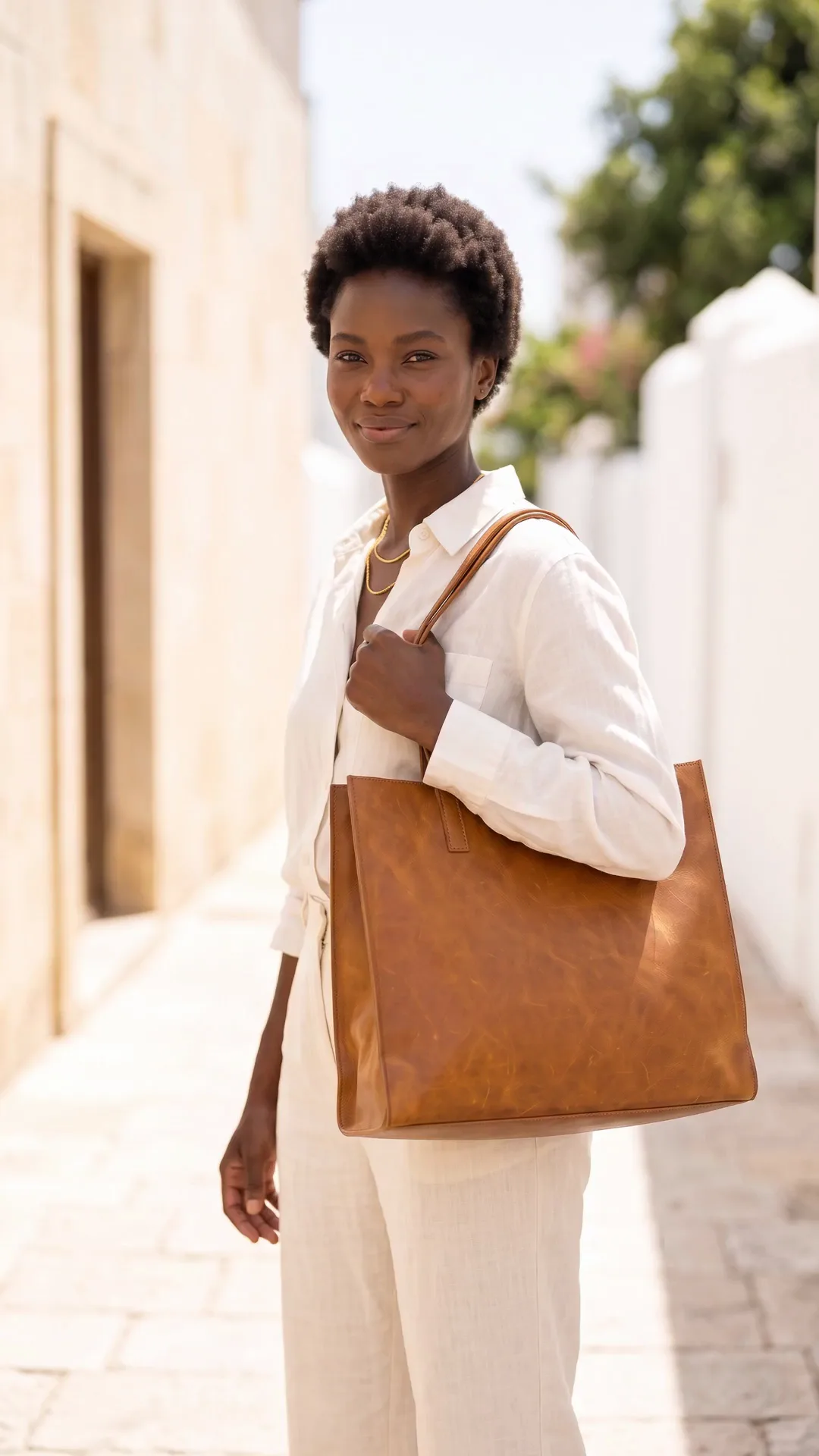
On-model clothing image generated with Nano Banana ProNano Banana Pro
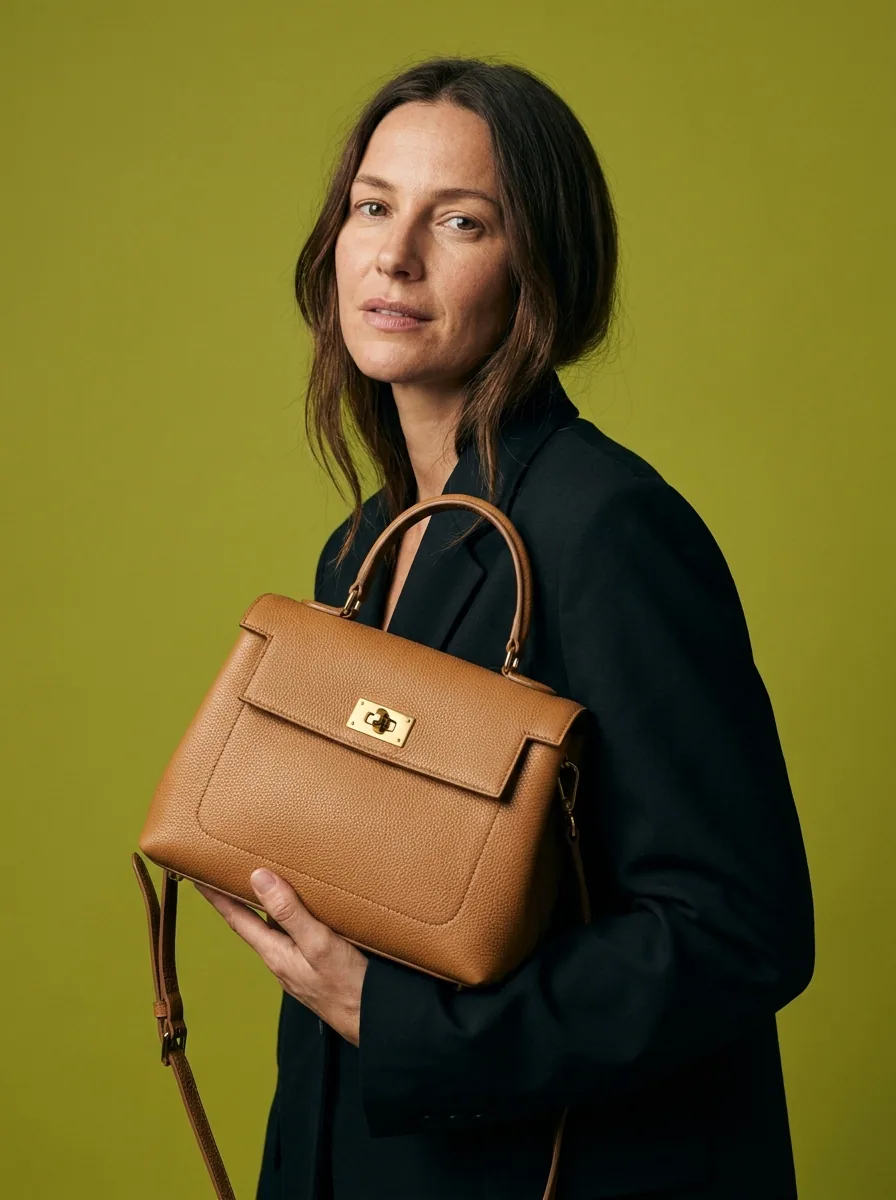
On-model clothing image generated with Seedream 5Seedream 5
On-model clothing image generated with FLUX 2 FlexFLUX 2 Flex
Styled clothing look made with DesignerBoxStyled look

This page is for independent designers running a label out of a studio, a spare room or a shared sample space. The constraint is specific: you have one sample per style, sometimes in one size, and the imagery has to carry a launch before the production run funds itself. A full shoot costs a model, a photographer, a studio, a stylist and a day, and that money is competing directly with fabric. DesignerBox works from a photograph of the sample you already made. One clean capture, then the on-model views, the lookbook pages, the flat lays, the campaign frames and a short film all come out of the same file.

What independent labels use it for

Four jobs that usually arrive at once, three weeks before a launch.

Get the sample onto a body

A garment on a hanger tells a buyer nothing about how it falls. Start from the sample you sewed and produce the on-model view, so the piece is judged on its cut rather than on the fact that you could not afford a fitting.

Build the lookbook

A lookbook needs a consistent world across every page, which is exactly what a shoot spread over three afternoons in different light does not give you. Set the look once, then bring every piece into it so the collection reads as a collection.

Show the colourways you made

A style that ships in three fabrics needs three sets of images and you may only have sewn one sample. Photograph each fabric you have actually produced and treat them together, so the range page shows real options rather than one piece recoloured.

Put the collection in motion

Movement is most of the argument for a garment, and it is the part a still frame cannot make. Turn a finished frame into a short clip for the launch, the feed and the wholesale email without booking a second day.

See it on a real sample

Four tools, each aimed at a job between the sample and the launch.

Virtual Try-On
Virtual Try-On

Virtual Try-On

One sample in one size is the normal state of an independent label, and it is the reason a fitting rarely happens. Start from the garment as it exists and produce the on-model view, so the cut you spent three toiles getting right is the thing people actually see.

Open the tool
Flat Lay Studio - Before
Before
Flat Lay Studio - After
After
Flat Lay Studio

Flat Lay Studio

Flat lays carry construction detail better than anything else: the seam, the topstitching, the way a lapel sits. Flat Lay Studio takes the shot you laid out on the studio floor and returns it square, evenly lit, and consistent across every piece in the range.

Open the tool
Fashion Video Creator

Fashion Video Creator

A launch wants motion and a sample room has no budget for a film. Fashion Video Creator turns a finished frame into a short clip, which is enough for a feed, a landing page header and the wholesale email that goes out the same week.

Open the tool
Styled Scene Generator

Styled Scene Generator

A collection needs a world, and location scouting is the first thing an independent budget cuts. Styled Scene Generator places a finished frame into a setting you choose, so the lookbook has a point of view rather than a white wall on every page.

Open the tool

Each before and after above demonstrates the tool named on the card, using that app's own sample image, so the subject you see may not be from this industry. Run the same tool on your own photos to see it on your work.

From sample rail to launch

Four steps, starting with the sample already hanging in your studio.

1
Photograph the sample
Steam it, hang it or lay it flat, and take one sharp frame in even light. This is the capture everything else is built on, so the fabric, the colour and the shape need to be right in this one photograph.
2
Decide the world
Set the lighting, the background and the mood on the first piece. This is the creative direction of the collection, and it is the decision that makes fifteen separate images read as one season.
3
Bring the collection into it
Run every piece through the same treatment: the on-model view, the flat lay, the detail frames, the lookbook crops. Then take the strongest frames into short clips for the launch.
4
Save it for the next season
Save the sequence as a workflow. Next season starts from a defined look rather than a blank page, which is also how a young label starts to have a recognisable one.

Where the images go

A launch hits four surfaces in the same fortnight.

Your own store

Direct sales is where an independent label keeps its margin, and the product page is where a shopper decides whether the cut is worth the price. Lead with the on-model view, follow with the flat lay and the construction detail, and hold one crop and one background across the whole collection so the range reads as a range.

Wholesale and line sheets

Buyers work from line sheets, and a line sheet is judged on clarity rather than atmosphere. Every piece needs a clean cutout, a consistent crop and enough resolution to hold up in print. Producing that set from the same captures as the campaign means the two never disagree about what the collection looks like.

Social and launch content

The weeks around a drop need far more images than a shoot produces, and posting the same three frames repeatedly is what makes a launch feel small. Restage finished frames into different settings, cut them for feed at 1080 by 1350 and stories at 1080 by 1920, and hold enough back to keep the fortnight after the drop alive.

Press and stockists

Press requests arrive with a deadline and a specification: high resolution, clean background, credit information attached. Having that set ready from the same source files means a feature does not depend on whether you can turn images around in a day. Keep a folder per collection so the answer is always yes.

One look, applied to the whole collection

The thing that separates a collection from a rail of clothes, in photographs, is that every piece was treated the same way. That is hard to achieve when the shooting happens over three weeks as samples come back from the machinist. A workflow fixes the treatment rather than the day: the same lighting recipe, the same background, the same crops and the same export set, applied to whatever piece is ready. The other benefit is seasonal. Once a label has a saved look, next season starts from it rather than from a blank page, and the two seasons visibly belong to the same brand. Brand profiles hold the palette, the type and the reference frames, so the lookbook, the line sheet and the launch posts all come out on the same line without anyone rebuilding the decision each time.

Every model, one subscription

Fabric is what separates the models on this kind of work. A drape, a knit and a heavy tailored wool all behave differently, and no single model handles every one of them best. DesignerBox puts them in one workspace on one subscription rather than a licence each: Nano Banana Pro and Nano Banana 2 from Google, GPT Image 2 from OpenAI, Seedream 5 from ByteDance, and FLUX 2 Flex, FLUX Pro 1.1 and Kontext Multi from Black Forest Labs. Video runs on Veo 3.1 and Veo 3.1 Fast, Sora 2 Pro, Seedance 2.0, Kling 2.6 Pro and Runway Gen-4.5. Run the same sample through three, keep the one that reads truest to the cloth in your hand, and use it for the collection.

Independent designer questions

What small labels ask before they build a launch on this.

Can this replace a lookbook shoot?
It can replace the production day, not the design decisions. You still choose the styling, the mood and the world the collection lives in, and you still need one good photograph of each sample. What it removes is the model, the studio hire and the second and third shoot days when a sample comes back late.
Will it show my actual cut and fabric?
Only if you start from a photograph of the actual sample. That is the difference between production work and invention. Working from your capture, the seams, the drape and the colour are the ones you made. Generating a garment from a description gives you something plausible that is not your piece, which is no use to a buyer and worse than no image at all.
Do I have to say the images are AI-assisted?
Check the rules for where you publish, because they differ and they are moving. Several platforms now expect AI-generated or heavily AI-modified imagery to be labelled, and some markets are legislating disclosure. Separately from any rule, the images must not misrepresent the garment: the fit, the fabric and the colour a customer receives have to be what they saw.
Can I show a colourway I have not sampled yet?
Not as a product image. Show what you have made. If a style will ship in three fabrics, photograph the fabrics you have produced and treat them together. Listing a colourway that does not exist as though it were stock is where returns, chargebacks and a consumer-law problem all start.
Is this good enough for wholesale buyers?
Buyers want clarity: a clean cutout, a consistent crop, the construction visible and enough resolution for a line sheet in print. That set is exactly what this produces from the same captures as the campaign imagery, which also means your line sheet and your lookbook agree with each other.
How much does it cost to start?
The image side is free to try. The free plan carries 112 credits a month, enough to take one sample from a studio photograph to a finished set and judge it against your own fabric. AI video generation is included on Premium ($75 a month) and above, which is the tier to be on if the launch needs a short film. Plans run $15 a month for 500 credits, $35 for 1,000, $75 for 2,500 and $200 for 8,000.

Start with one sample

Photograph the piece you are proudest of, run it through, and see whether the cut survives. The free plan covers the image work.

Start free