For PrestaShop store owners and catalogue managers

Two hundred references. Forty of them have a decent photo.

PrestaShop catalogues get deep fast: every product carries combinations, every combination wants its own image, and the photography budget covered the first launch. Build the missing images from the ones you already have instead of shooting the catalogue again.

Start free

DesignerBox is an independent product and is not affiliated with, endorsed by or partnered with PrestaShop. The name is used here only to describe the kind of store this page is written for. There is no module to install and nothing connects to your shop.

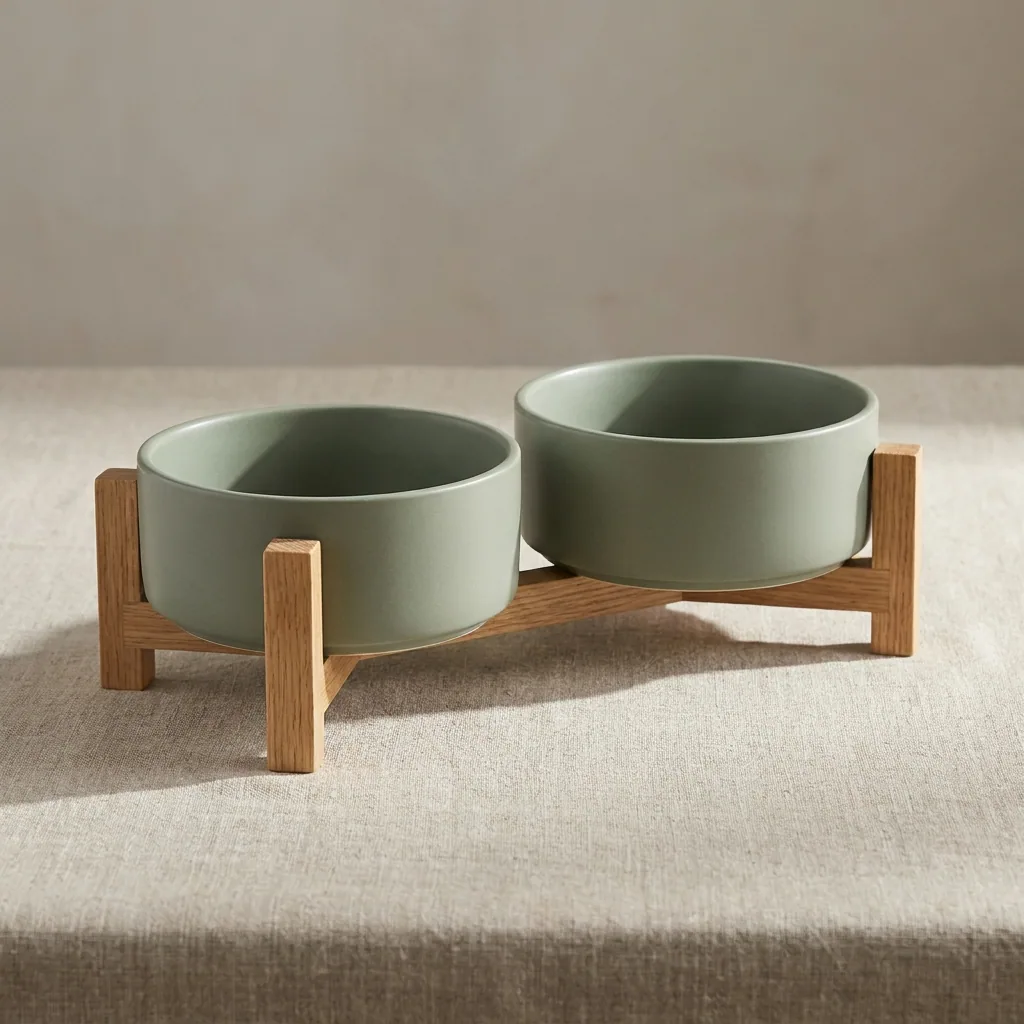
Product packshot generated with Nano Banana ProNano Banana Pro
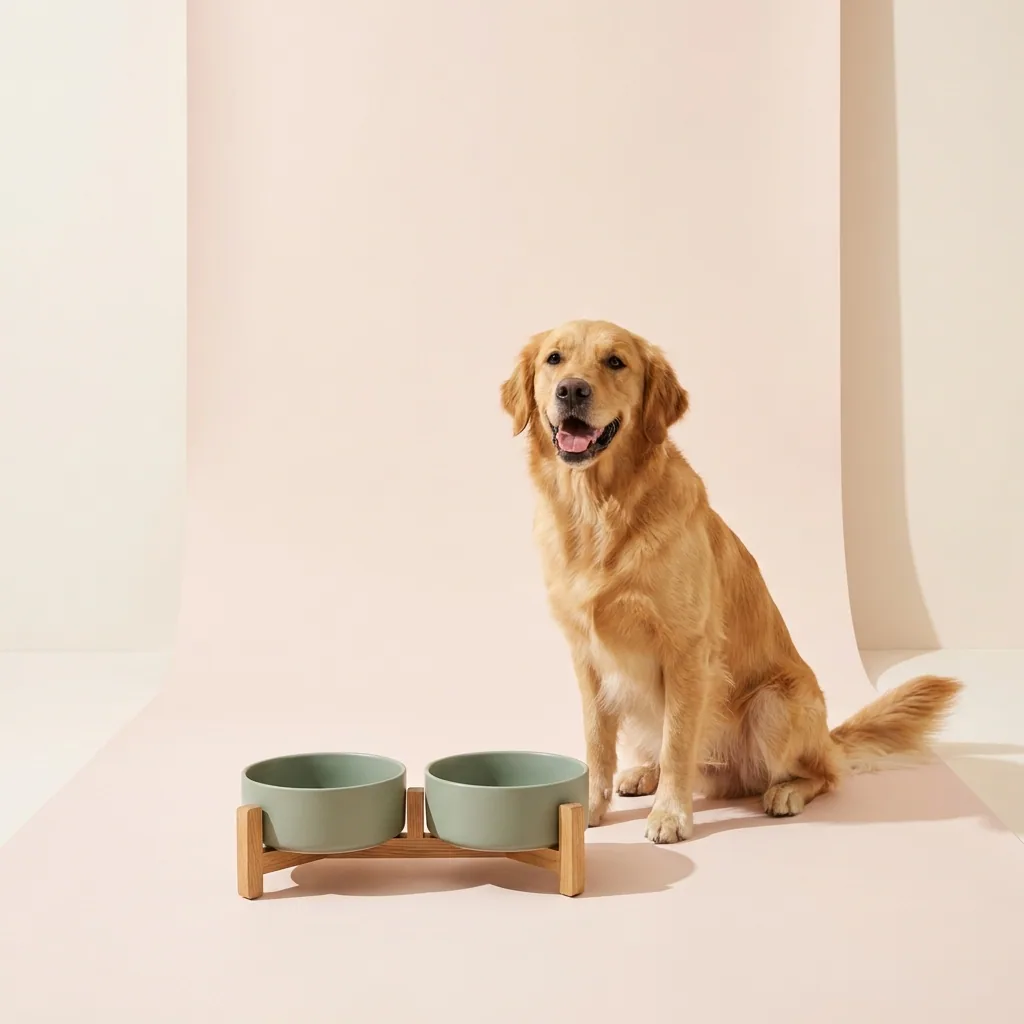
Product packshot generated with GPT Image 2GPT Image 2
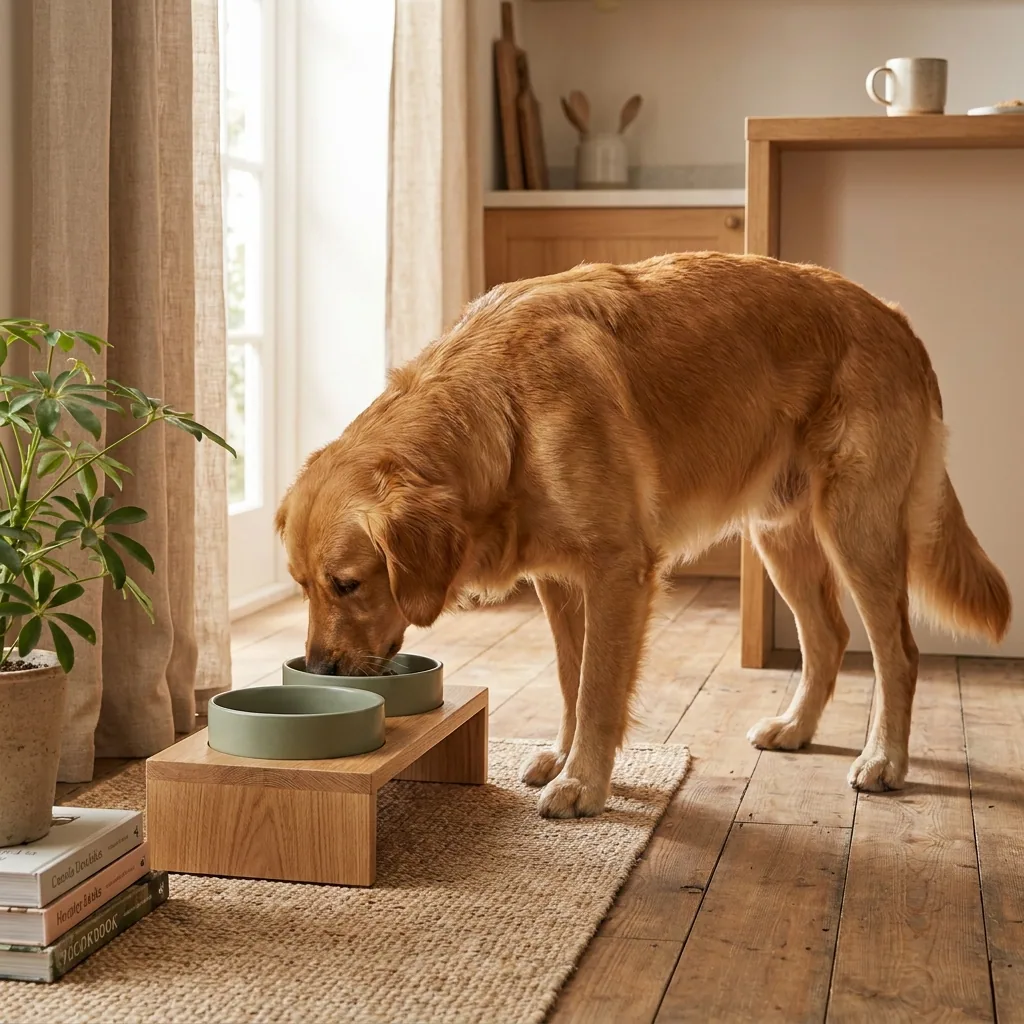
Product packshot generated with FLUX 2 FlexFLUX 2 Flex
Listing ad creative with text generated with Nano Banana ProNano Banana Pro

This page is for people running a PrestaShop catalogue, which is a different problem from running a marketplace listing or a ten-product boutique. PrestaShop is built for depth: products carry combinations, combinations carry their own images, and a mid-sized shop passes a thousand image slots long before it passes a thousand orders. Nobody photographs that. What usually happens is that the launch range got a proper shoot, everything since arrived with whatever the supplier sent, and the catalogue now reads in two halves. DesignerBox starts from the photographs you already have, holds one background and one light across the whole range, and builds the extra angles and combination views the product pages are missing. The output is image files at the sizes your theme serves. You import them the way you already import product images.

What catalogue managers use it for

Four jobs a deep product range creates and a shoot budget never covers.

Cover the combinations

A product with four colours and three sizes is twelve combinations and usually one photograph. Restage the same item in each colourway from a single capture so the shopper sees what they are actually adding to the basket, rather than a swatch and a leap of faith.

One look across the whole range

Catalogues that grew in stages look like it. The launch range was shot properly, everything after came from suppliers, and the category page shows both. Put the entire range on one background under one light so the shop reads as a single catalogue.

Rescue low-resolution supplier files

Distributor and manufacturer images tend to arrive small, compressed and sometimes watermarked, which is fine for a spreadsheet and not for a zoomable product page. Upscale, clean and restage them so they hold up at the size your theme actually serves.

Fill the empty image slots

PrestaShop gives every product multiple image positions and most references use one. Generate the back, the base, the detail and the in-use view from the frame you have, so the page answers the questions that otherwise become pre-sale emails or returns.

See it on a real product

Four tools, each aimed at a job a deep catalogue creates.

Background Remover - Before
Before
Background Remover - After
After
Background Remover

Background Remover

A clean cutout is what a category grid and a combination thumbnail both want, and supplier photography rarely arrives with one. Background Remover holds the edge on hair, glass and reflective surfaces, so every reference lands on the same background.

Open the tool
Photo Angles - Before
Before
Photo Angles - After
After
Photo Angles

Photo Angles

The view a customer wants is nearly always the one nobody shot: the back, the base, the fastening, the inside. Generate the missing positions from the frame you have rather than pulling the reference back out of the warehouse.

Open the tool
Spotlight Relight - Before
Before
Spotlight Relight - After
After
Spotlight Relight

Spotlight Relight

Supplier images arrive lit however that supplier's studio was set up, which is why a category page looks like six shops. Relight them to one house standard and the range stops advertising where each item came from.

Open the tool
Styled Scene Generator

Styled Scene Generator

A packshot on white says what the product is. A styled scene says where it belongs, which matters most for home, furniture and lifestyle ranges. Place the finished item into a setting you choose.

Open the tool

Each before and after above demonstrates the tool named on the card, using that app's own sample image, so the subject you see may not be from this industry. Run the same tool on your own photos to see it on your work.

From supplier file to catalogue image

Four steps that scale to a range rather than a product.

1
Pick the best frame per reference
For each product, take the sharpest image you already hold, whether that is a supplier file or a photo from the warehouse. Sharpness and true shape are the two things that cannot be recovered later. Colour, light and background all can.
2
Set one house standard
Decide the background, the light and the product scale once, and apply it to the first reference. This becomes the standard the rest of the catalogue is measured against, so it is worth getting right before you scale it.
3
Build the combinations and angles
Generate the colourway variants, the extra positions and the detail crops from the same file, then export at the sizes your theme serves. Import them into the product's image positions as usual.
4
Save it and run the range through it
Save the sequence as a workflow and rerun it per reference. This is what makes a large catalogue feasible: the decision is made once and the remaining work is throughput rather than judgement.

Where the images go

Four surfaces, four different demands on the same product.

The product sheet

The image positions on a product sheet carry the whole argument for a shopper who cannot handle the item: the hero, the alternate views, the material detail and something that gives scale. PrestaShop themes usually offer a zoom, so upload the largest sharp version rather than something pre-shrunk.

Combination thumbnails

When a shopper picks a colour, the image should change to that colour. A swatch alone leaves them guessing, and guessing is where size and colour returns come from. One image per combination is the single highest-value gap in most deep catalogues.

Category and search pages

A category page is judged as one grid rather than as individual products. Identical background, light and product scale across every thumbnail is what separates a real shop from a spreadsheet with pictures.

Feeds, marketplaces and print

The same catalogue usually feeds a comparison engine, a marketplace export and sometimes a printed range sheet, each with its own size and background rules. Producing every crop from one finished master keeps them consistent instead of drifting apart per channel.

A catalogue is a throughput problem

The difference between a ten-product shop and a two-hundred-reference catalogue is not effort, it is repeatability. At ten products you can afford to make a judgement per photo. At two hundred, judgement per photo is the reason the back half of the catalogue never gets done, and it is why most PrestaShop shops end up with a well-photographed launch range and a long tail of supplier files. A saved workflow moves the decision to the front: you choose the background, the light, the crop and the export sizes once, then every reference runs through the same sequence. That is what makes covering combinations realistic, because the cost per additional image stops being a decision and becomes a few credits. It also survives staff changes, which matters in a shop where the person who set up the photography is rarely the person maintaining it two years later. Brand profiles hold your colours and type, so the feed exports and the print sheets come out matching the storefront rather than approximating it.

Every model, one subscription

Catalogue photography spans jobs that no single image model wins outright. A clean cutout on a reflective surface, a fabric texture that has to stay honest, a colourway restage that must not alter the shape, and a styled room scene are four different problems, and the model that leads on one is rarely the model that leads on the next. DesignerBox routes each job to the engine that handles it best and bills all of them from one credit pool, so choosing well costs nothing extra. On a catalogue of any size that compounds: the difference between the right engine and the nearest one, multiplied across a few hundred references, is the difference between a range you can publish and one you have to redo.

Catalogue questions

What people ask before they run a range through this.

Is there a PrestaShop module?
No. You export finished images and import them the way you already import product images. The work happens in DesignerBox and the files come out in the sizes and formats a PrestaShop theme wants. Nothing installs into your shop and nothing touches your database or your customer data.
Can it generate a product I do not have a photo of?
It can, and for a catalogue you should not. Every image on a product sheet represents goods somebody is paying for, so it has to start from a photograph of the actual item. Generated scenes and backgrounds around a real product are normal commercial practice. A generated product is a misdescription, and in the EU it also runs into consumer information rules.
Can it produce a different colourway from one photo?
Yes, and this is the highest-value job on a deep catalogue. Recolouring an existing capture keeps the shape, the drape and the material honest while changing the finish. Check the result against a physical sample before publishing, because a colour that is close on screen and wrong in the box is a return.
Will it hold one look across hundreds of references?
That is what the workflow step is for. You set the background, the light and the crop once, save it, and run every reference through the same sequence. Consistency then depends on running the workflow rather than on anyone remembering the settings, which is why catalogues drift in the first place.
What about images our supplier or distributor sent?
Check the supply agreement first, because reusing distributor photography is a licensing question before it is a technical one. Where you are permitted to use them, they are usually small, compressed and lit to somebody else's standard. Upscaling, relighting and restaging them onto your own background is exactly the job here.
How much does it cost to start?
The free plan includes credits so you can run real references through before paying. Paid plans start at BASIC for $15 a month with 500 credits, and most single image jobs cost between 4 and 14 credits, so you can size a full catalogue pass from a sample of ten before committing.

Run ten references through it

Take ten products with weak supplier images, put them all on one background and fill their empty image slots. Ten references is enough to tell whether the whole catalogue is worth doing. The free plan covers it.

Start free