For drop-based labels and streetwear brands

The drop is Friday. The shoot never happened.

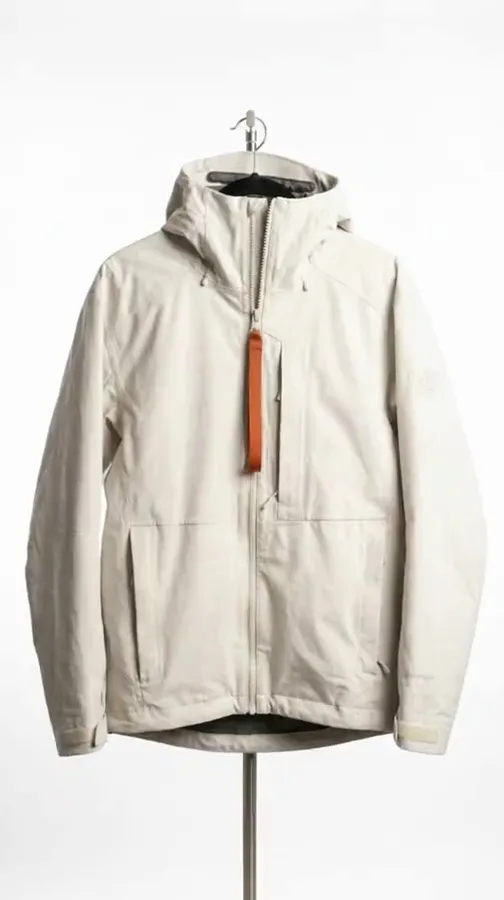
Streetwear sells on anticipation, and anticipation needs three weeks of content before a single unit ships. Photograph the sample once and build the teasers, the lookbook, the on-model set and the drop-day posts from it.

Start free
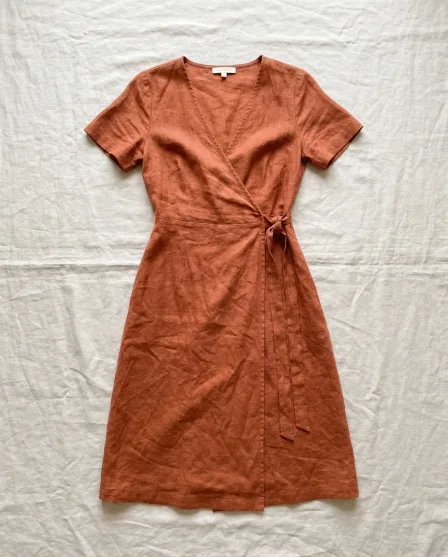
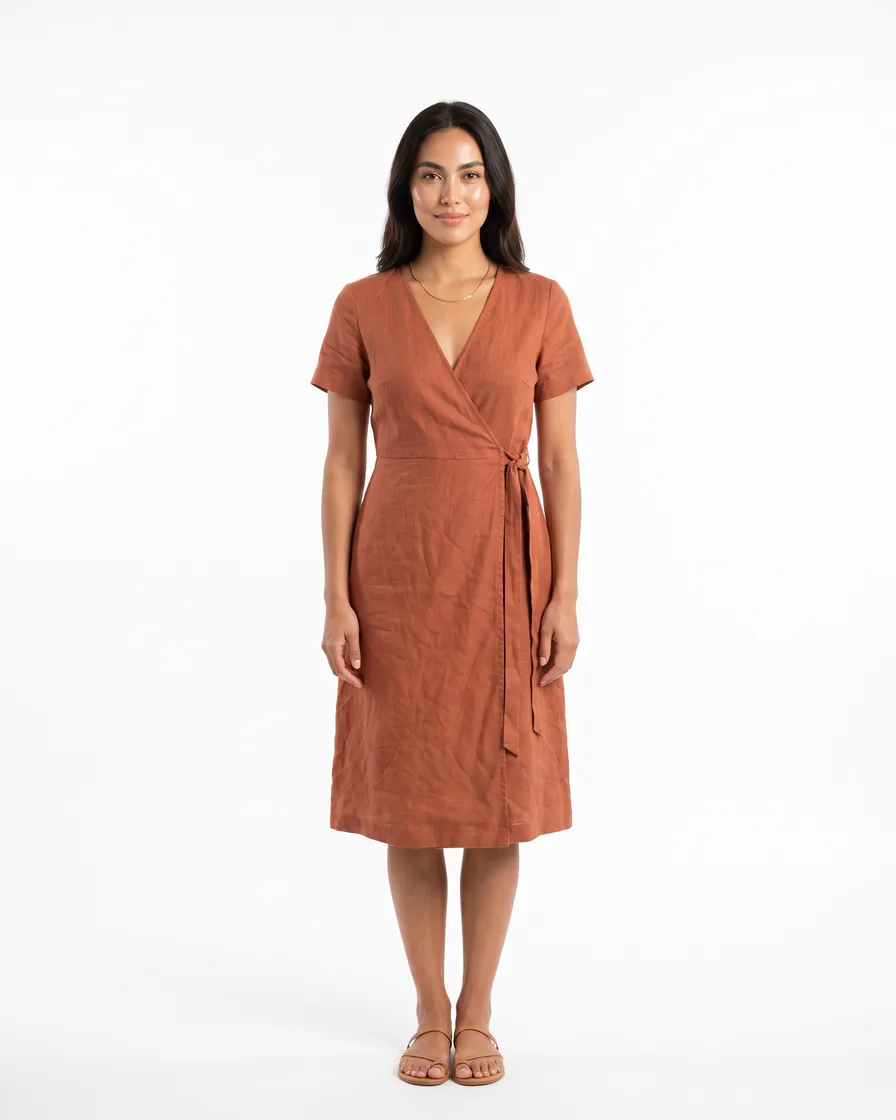
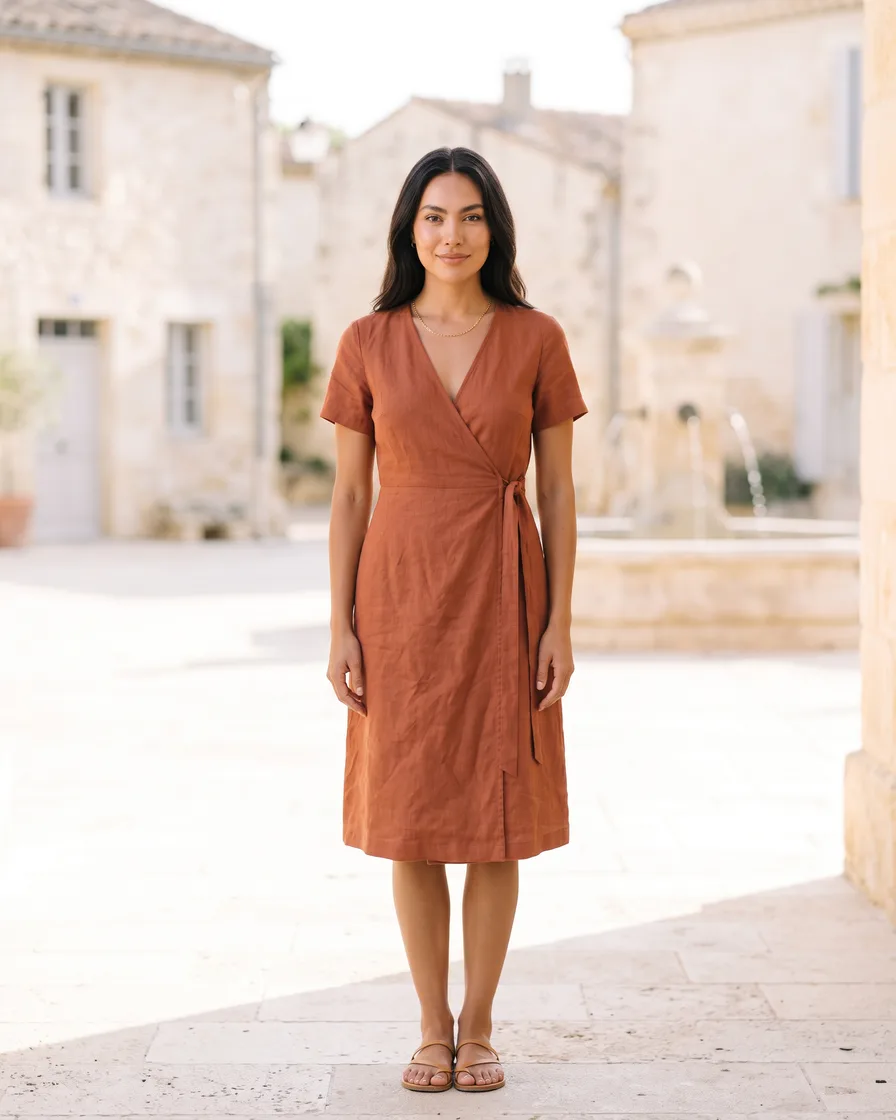
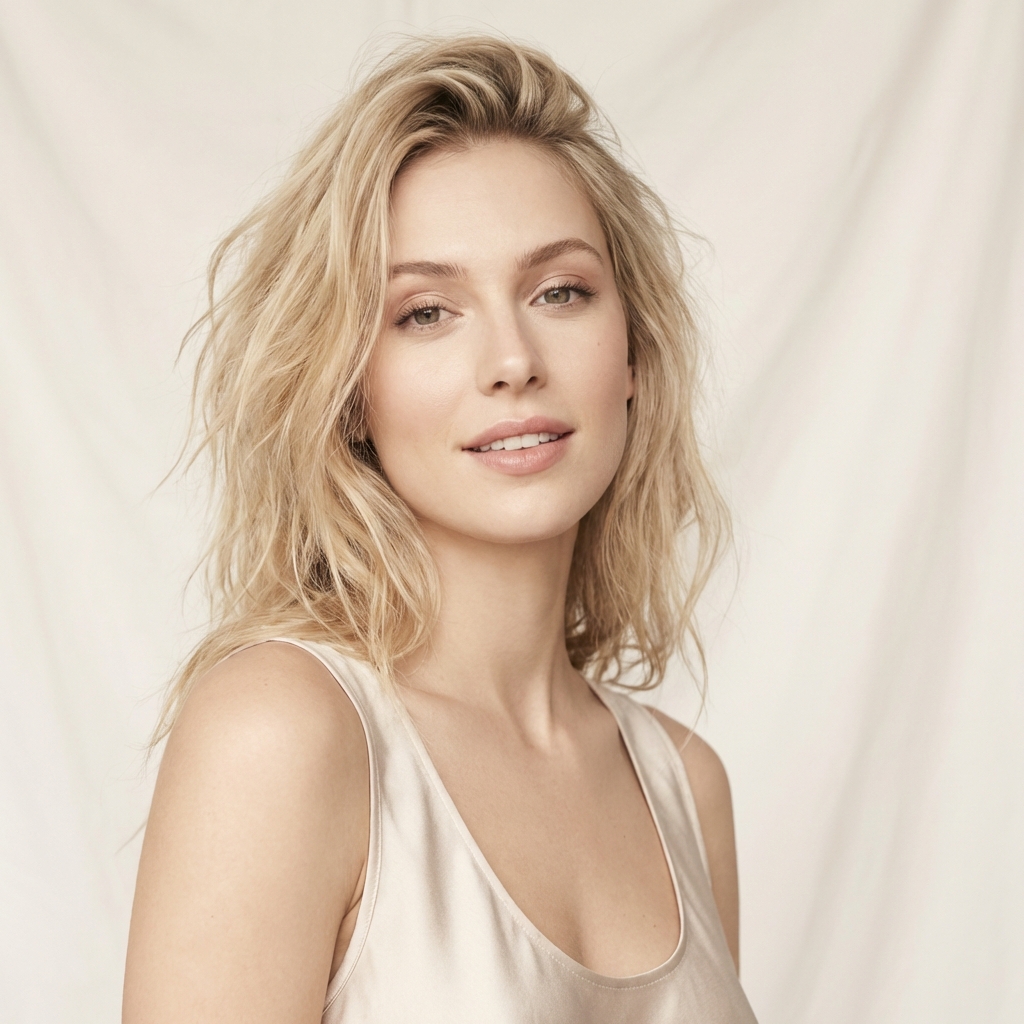
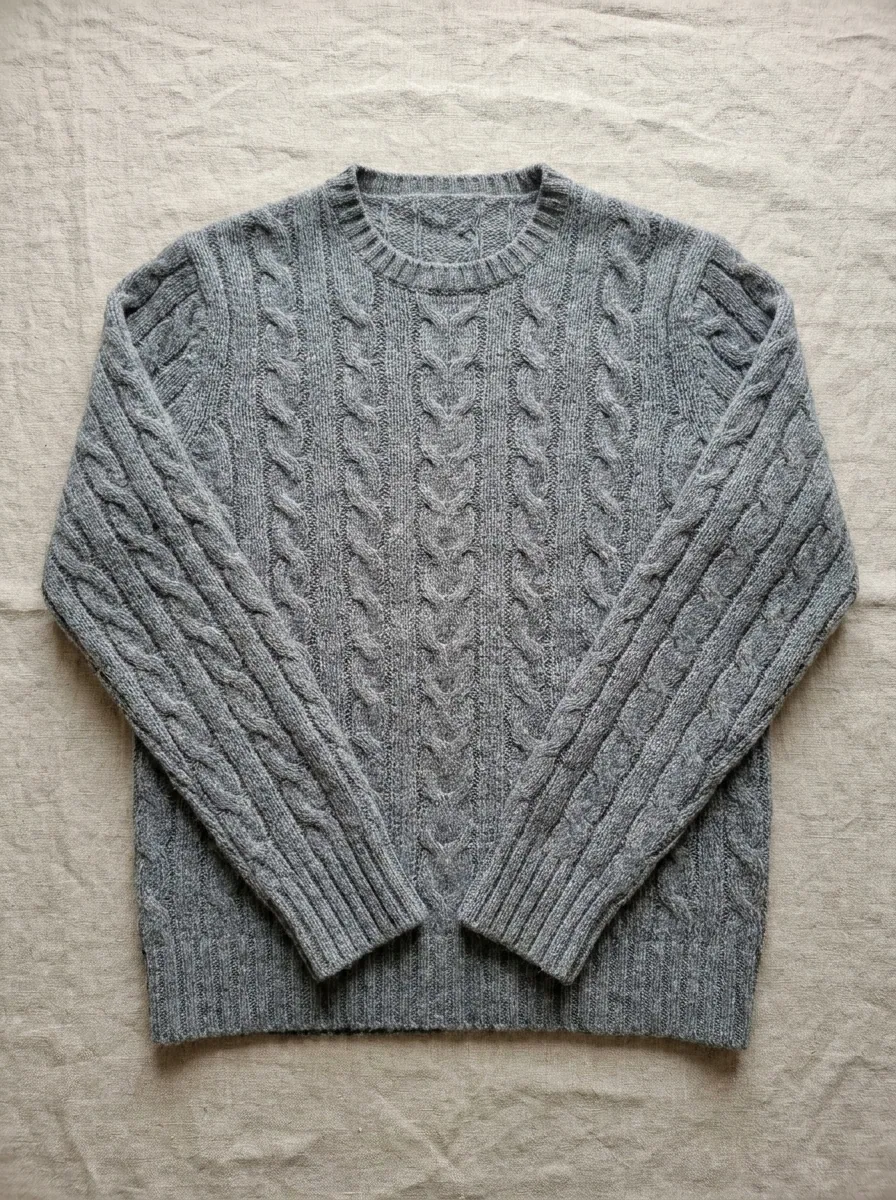
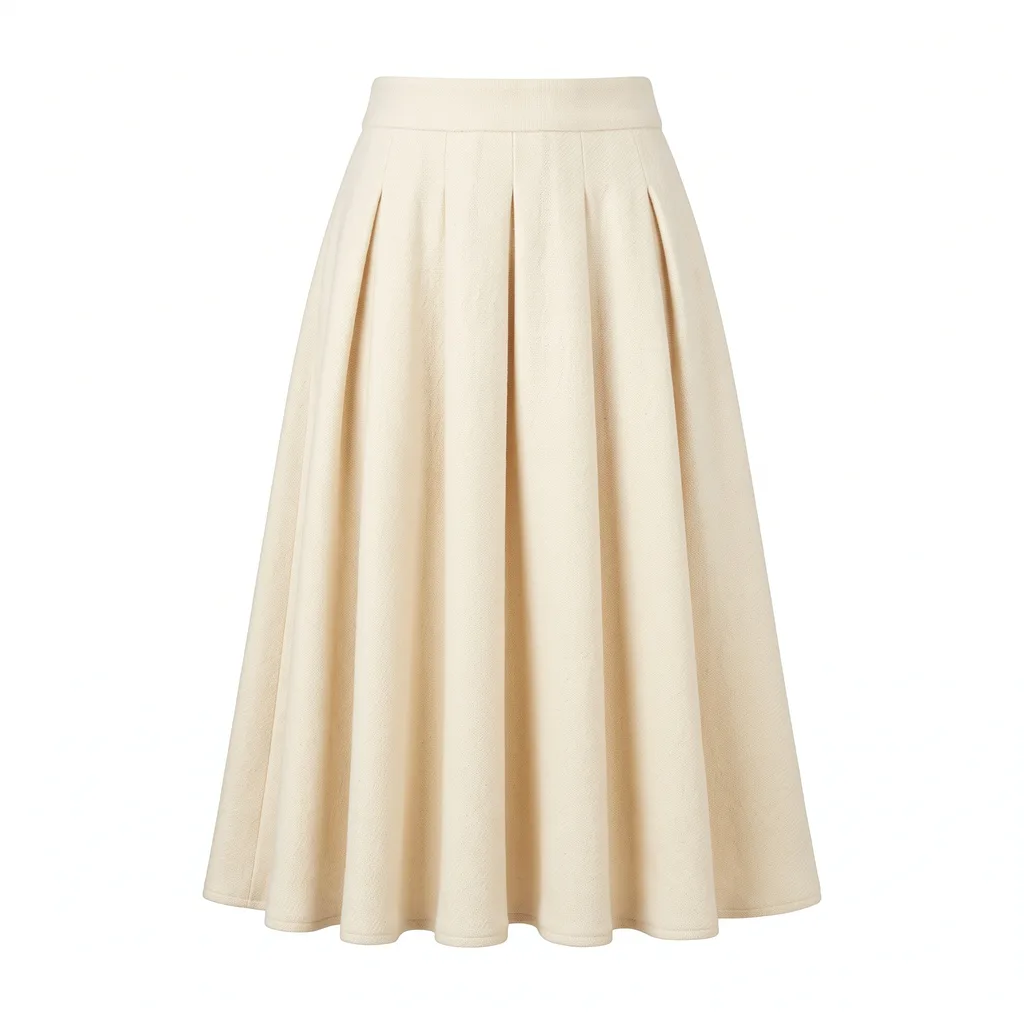
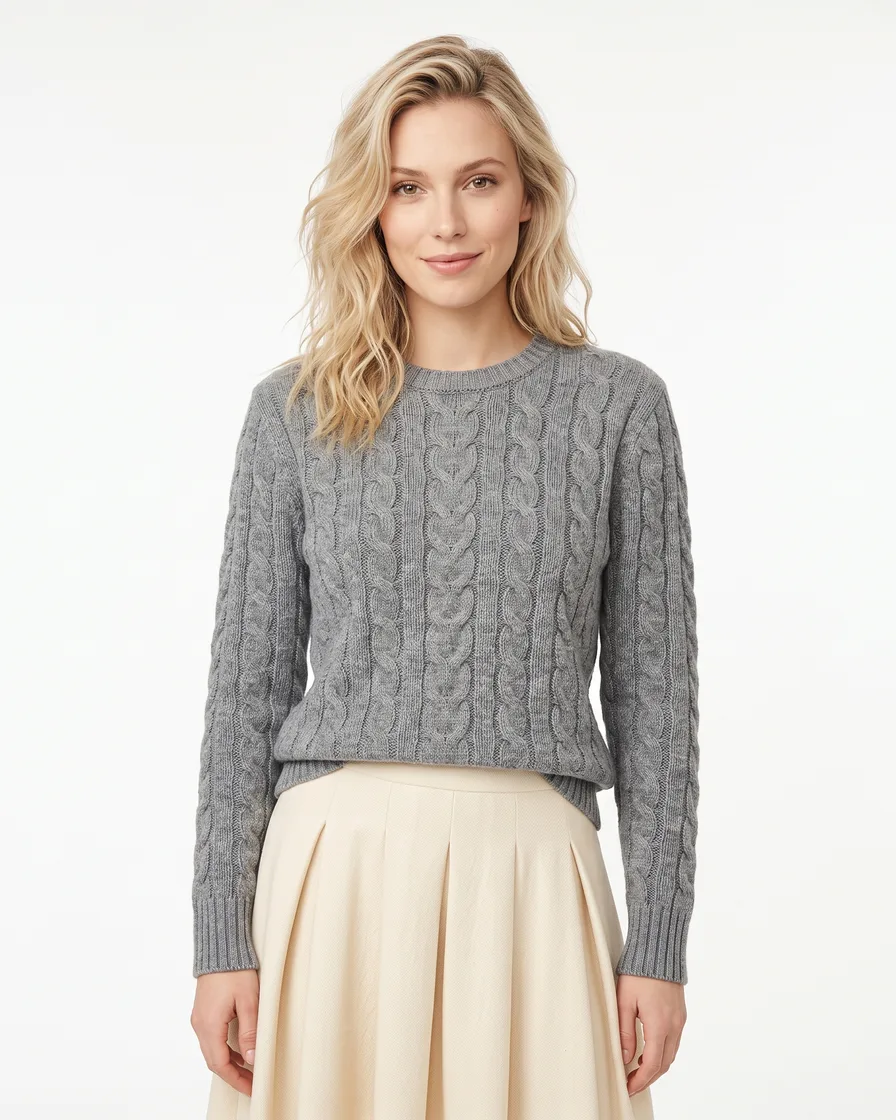
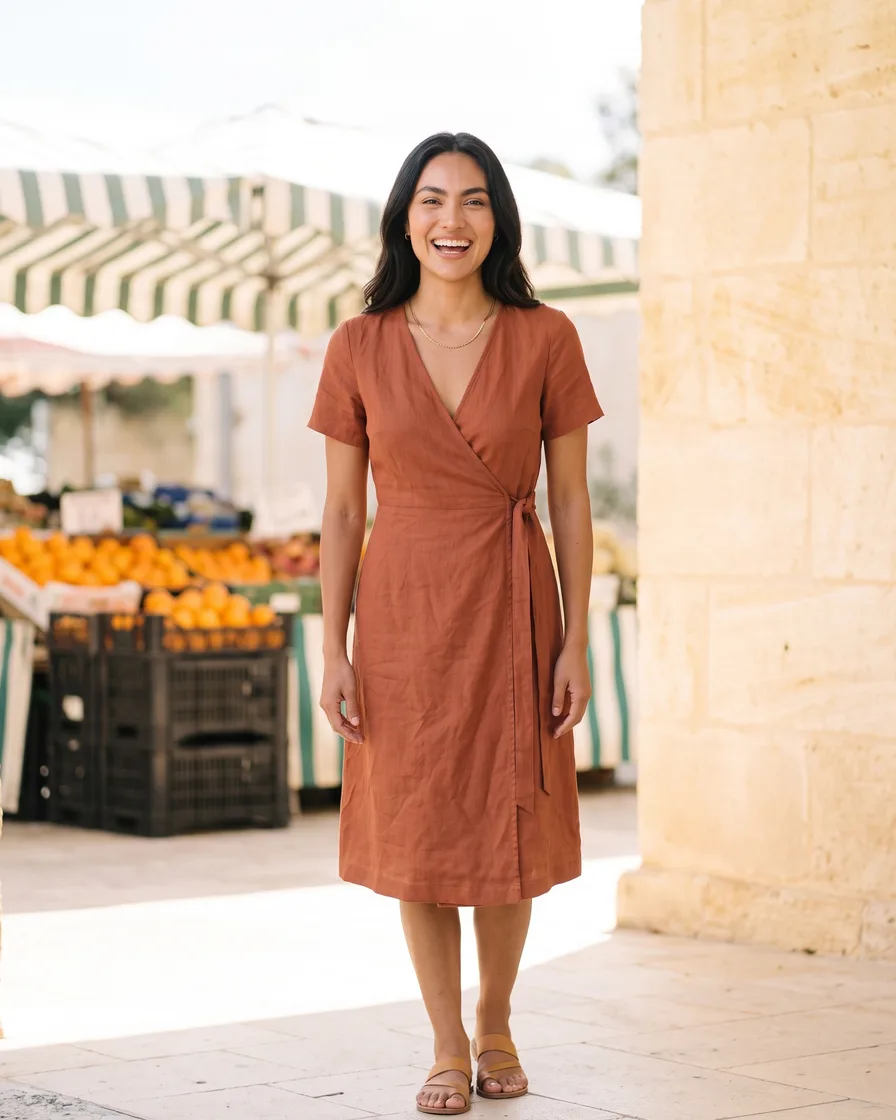
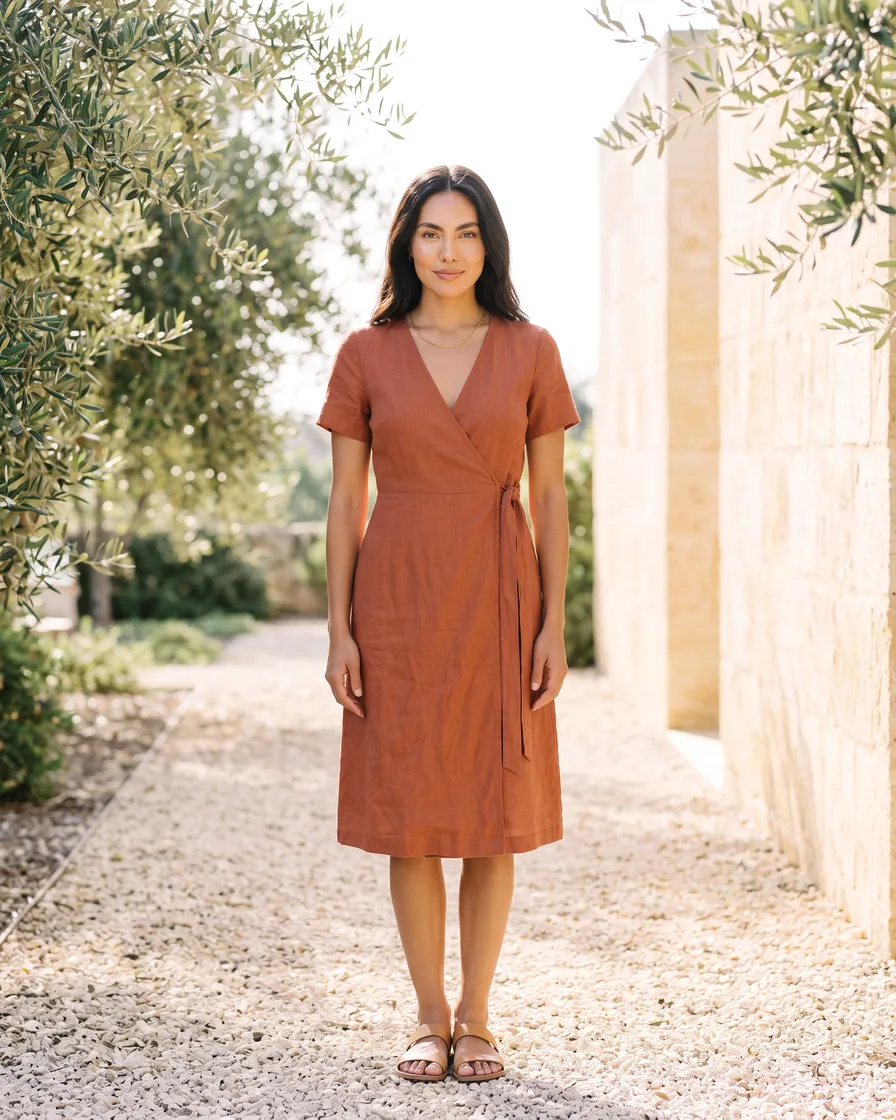
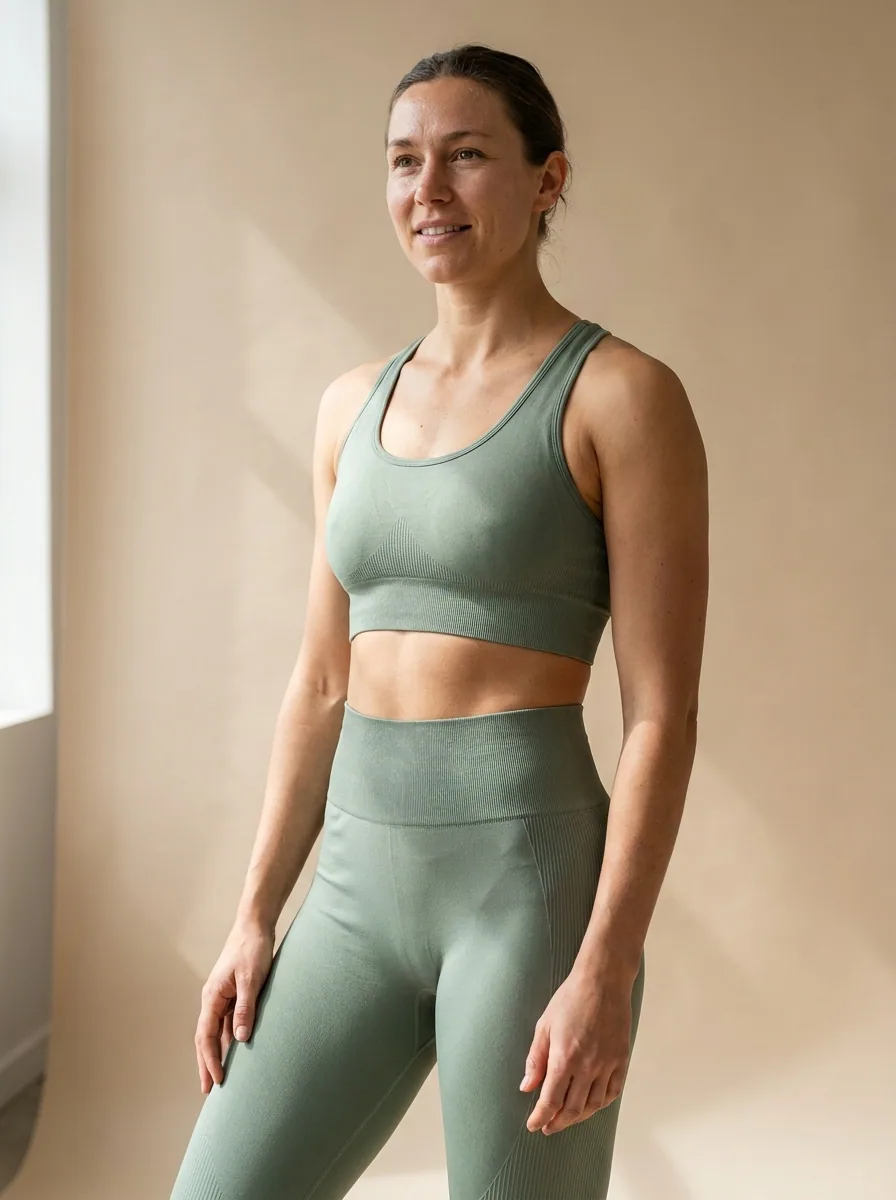
On-model clothing image generated with Nano Banana ProNano Banana Pro
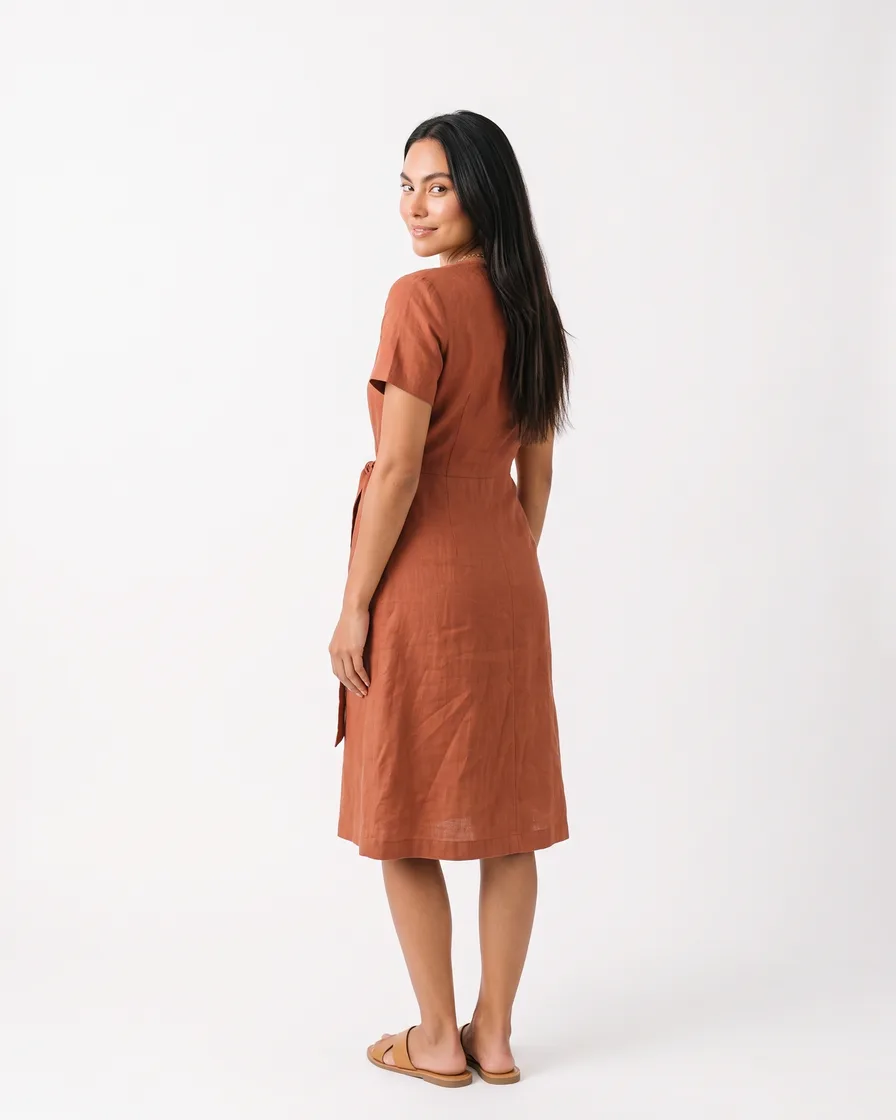
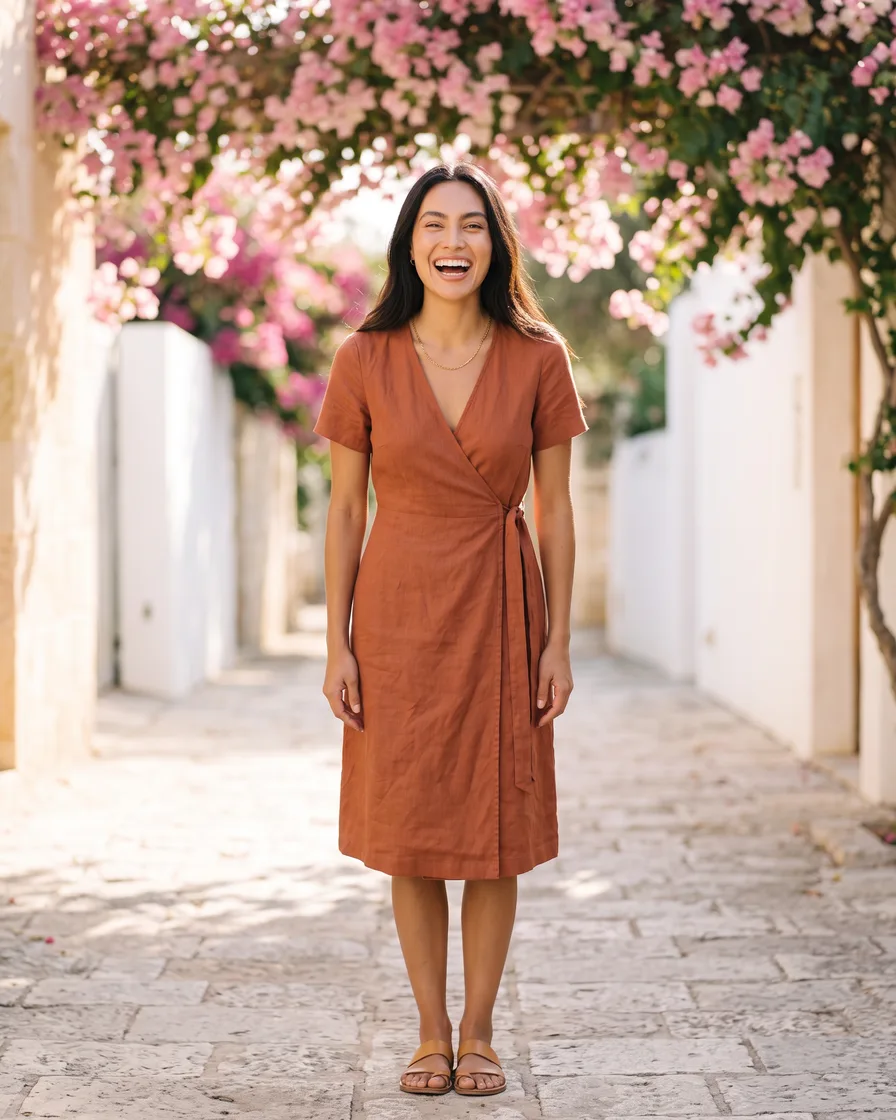
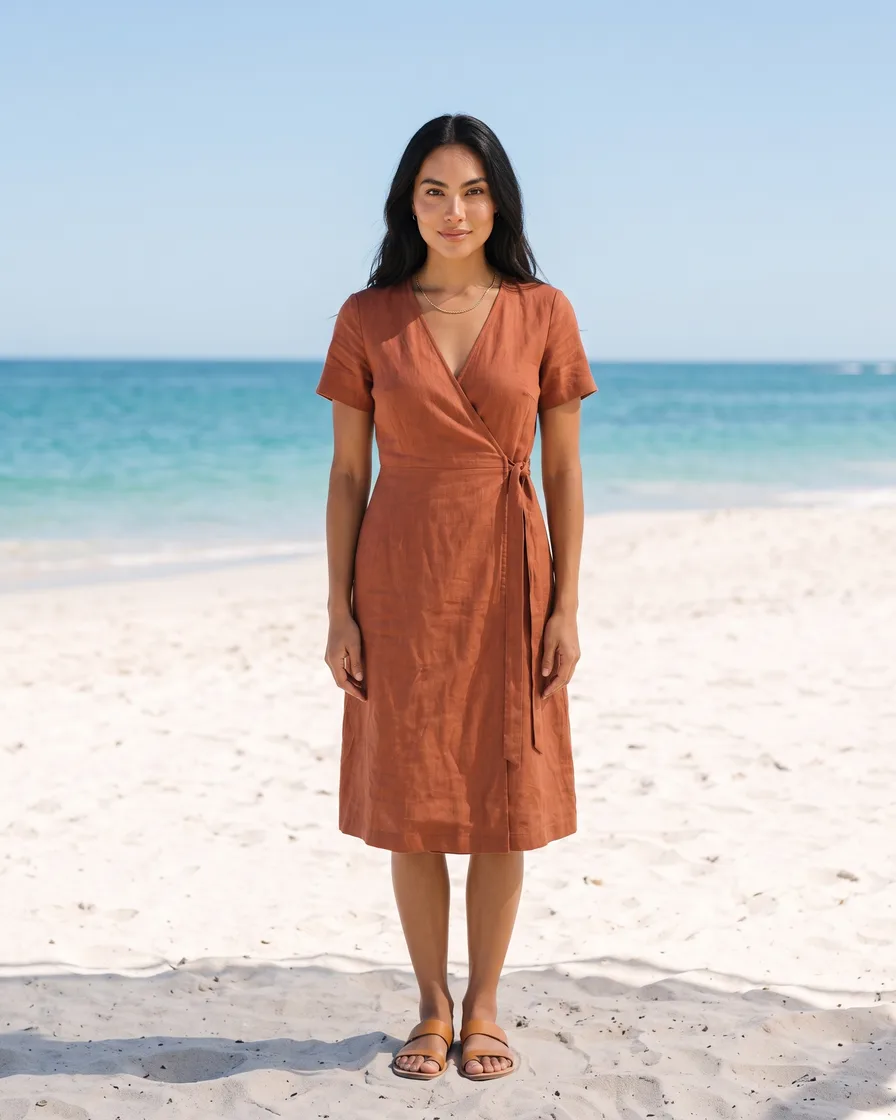
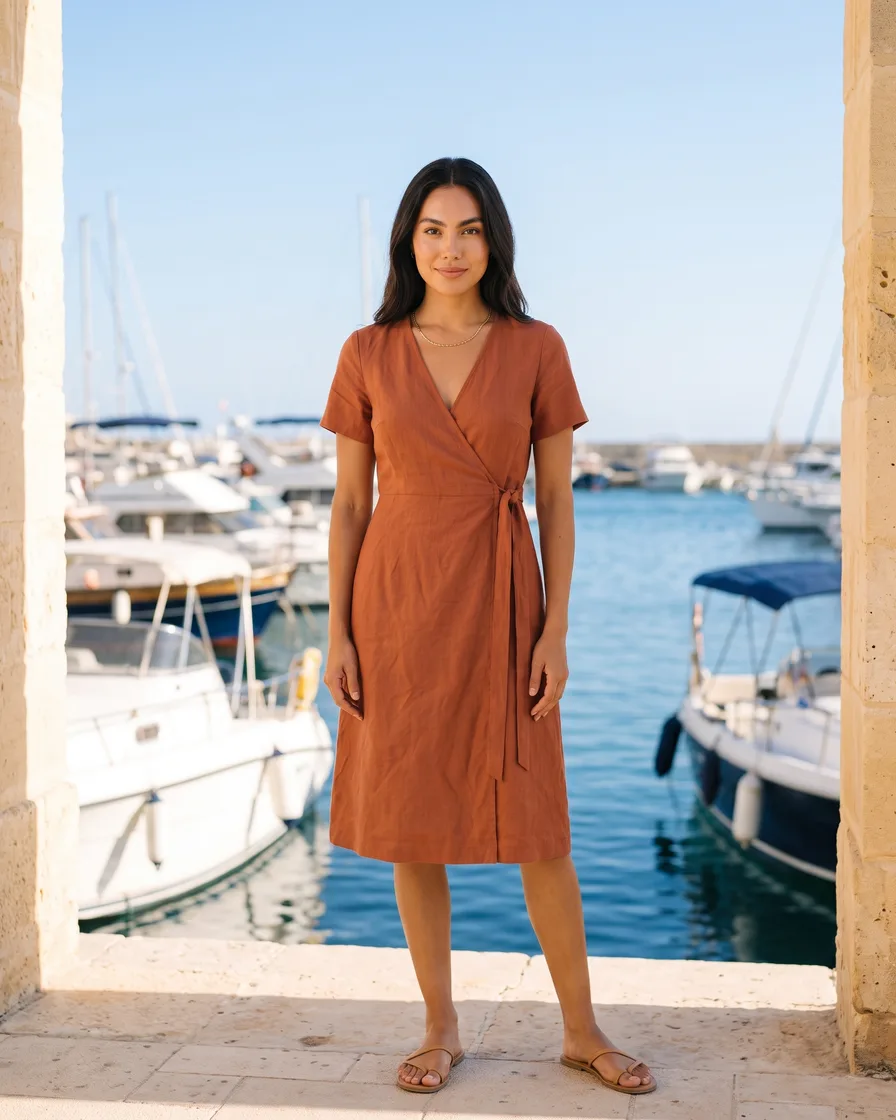
On-model clothing image generated with Seedream 5Seedream 5
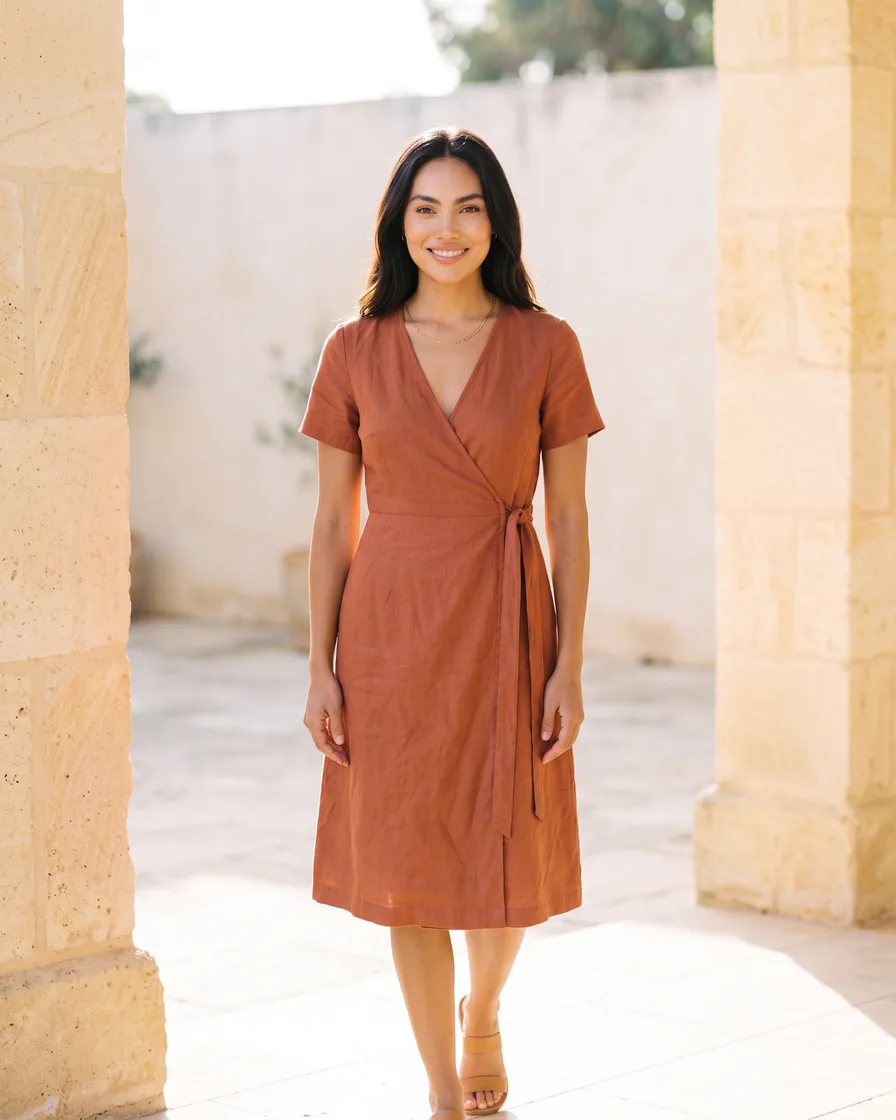
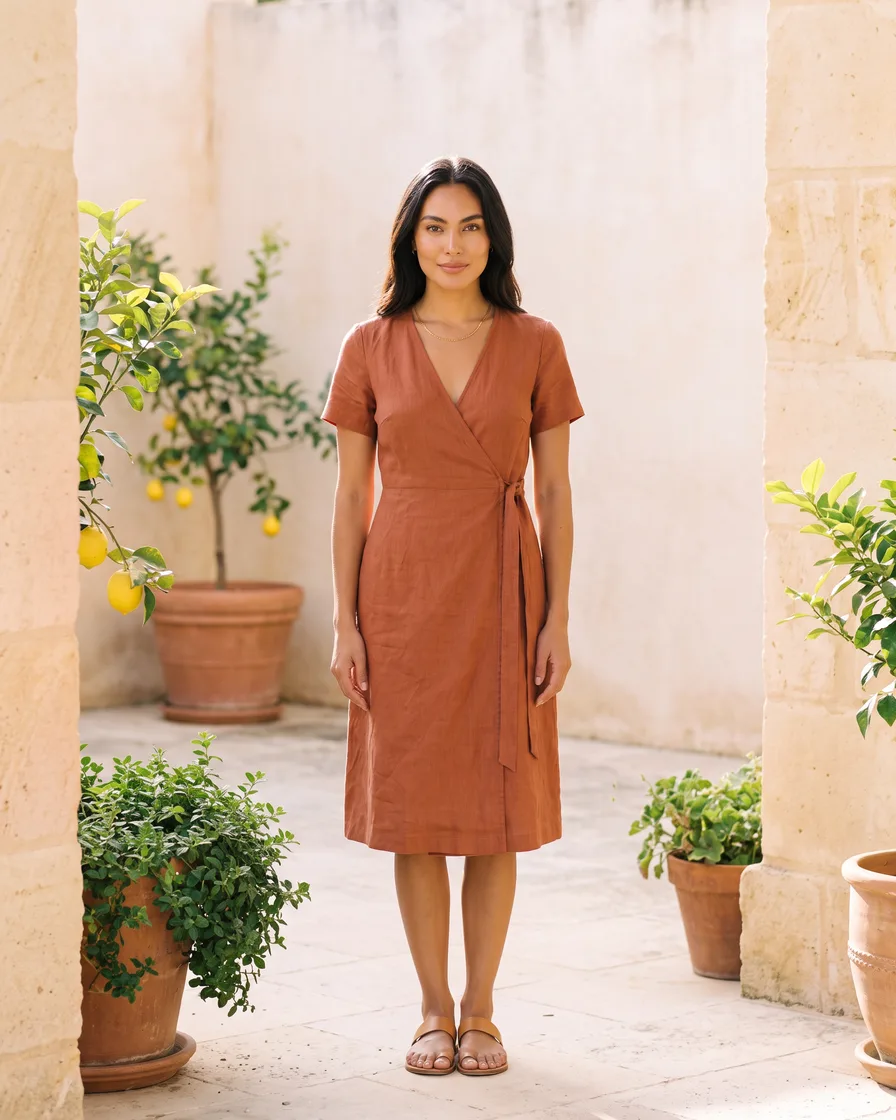
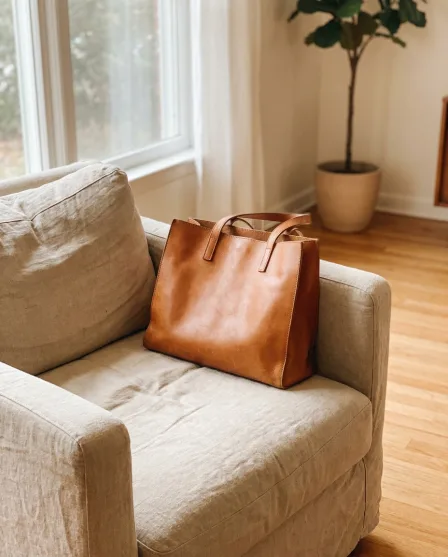
On-model clothing image generated with FLUX 2 FlexFLUX 2 Flex
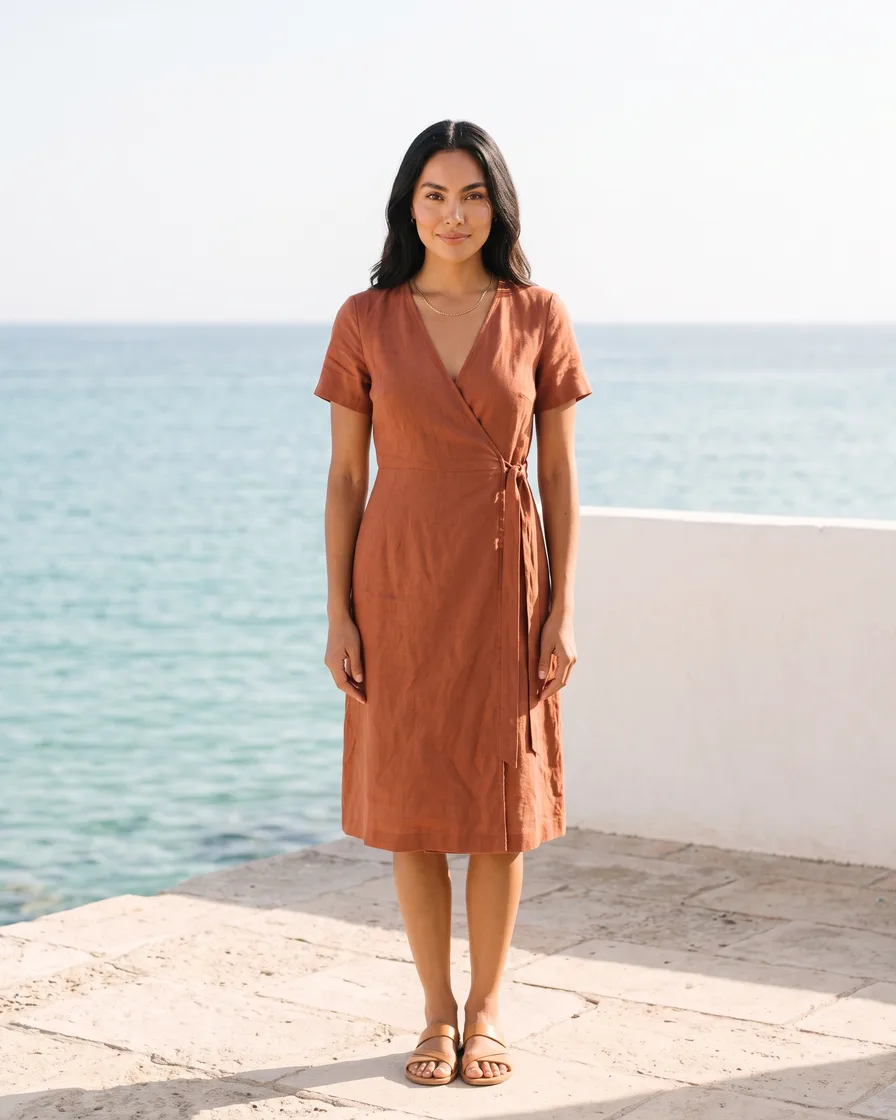
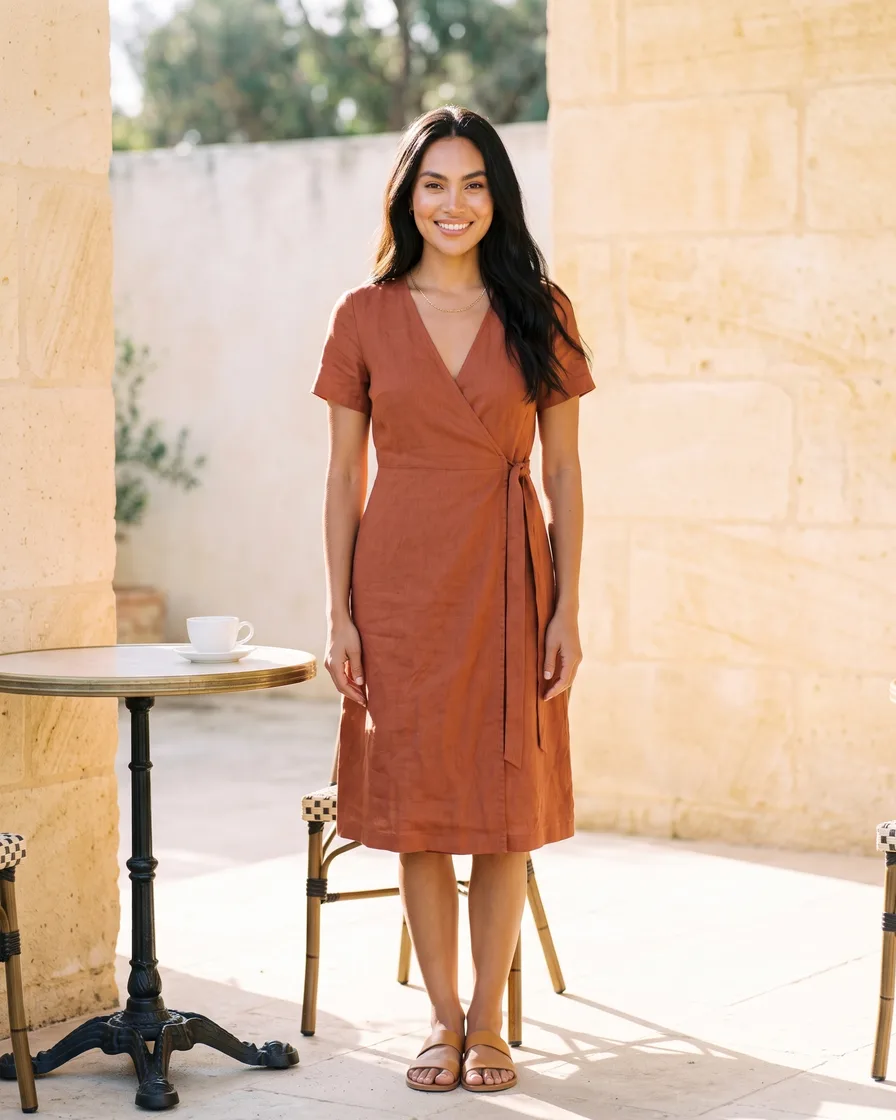
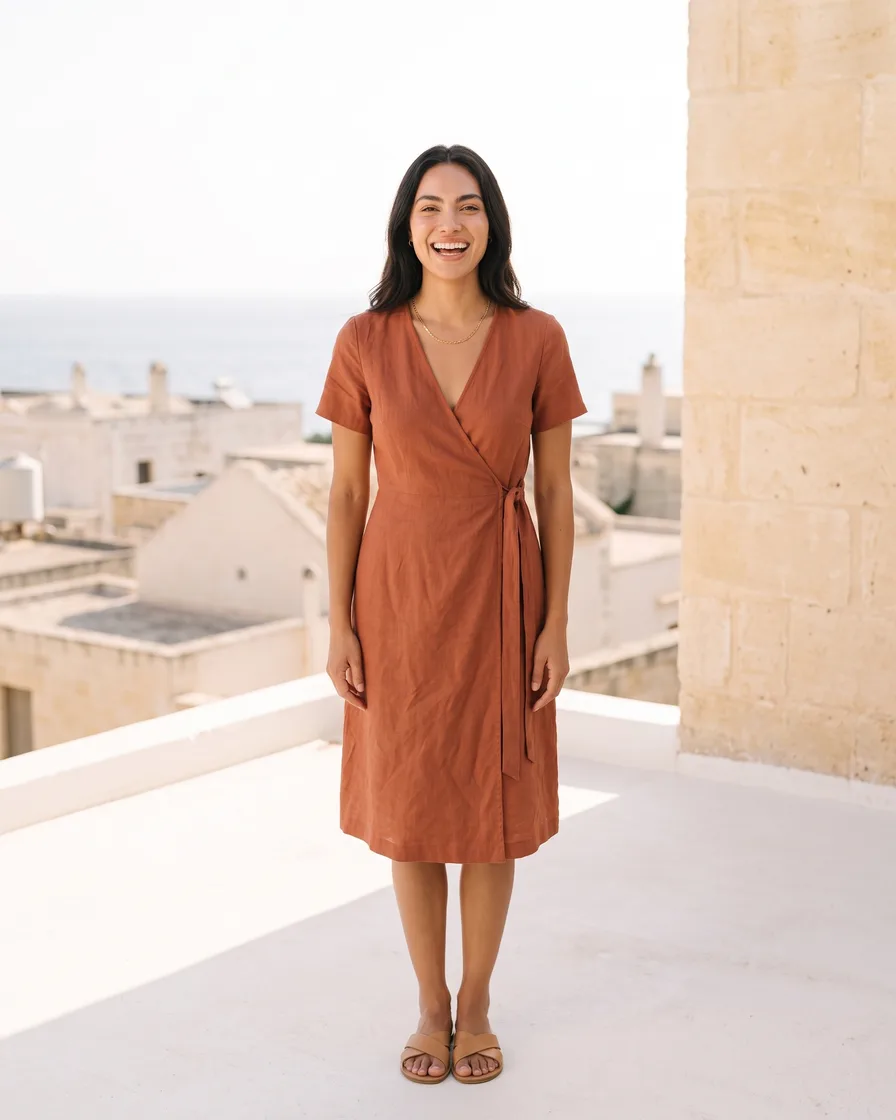
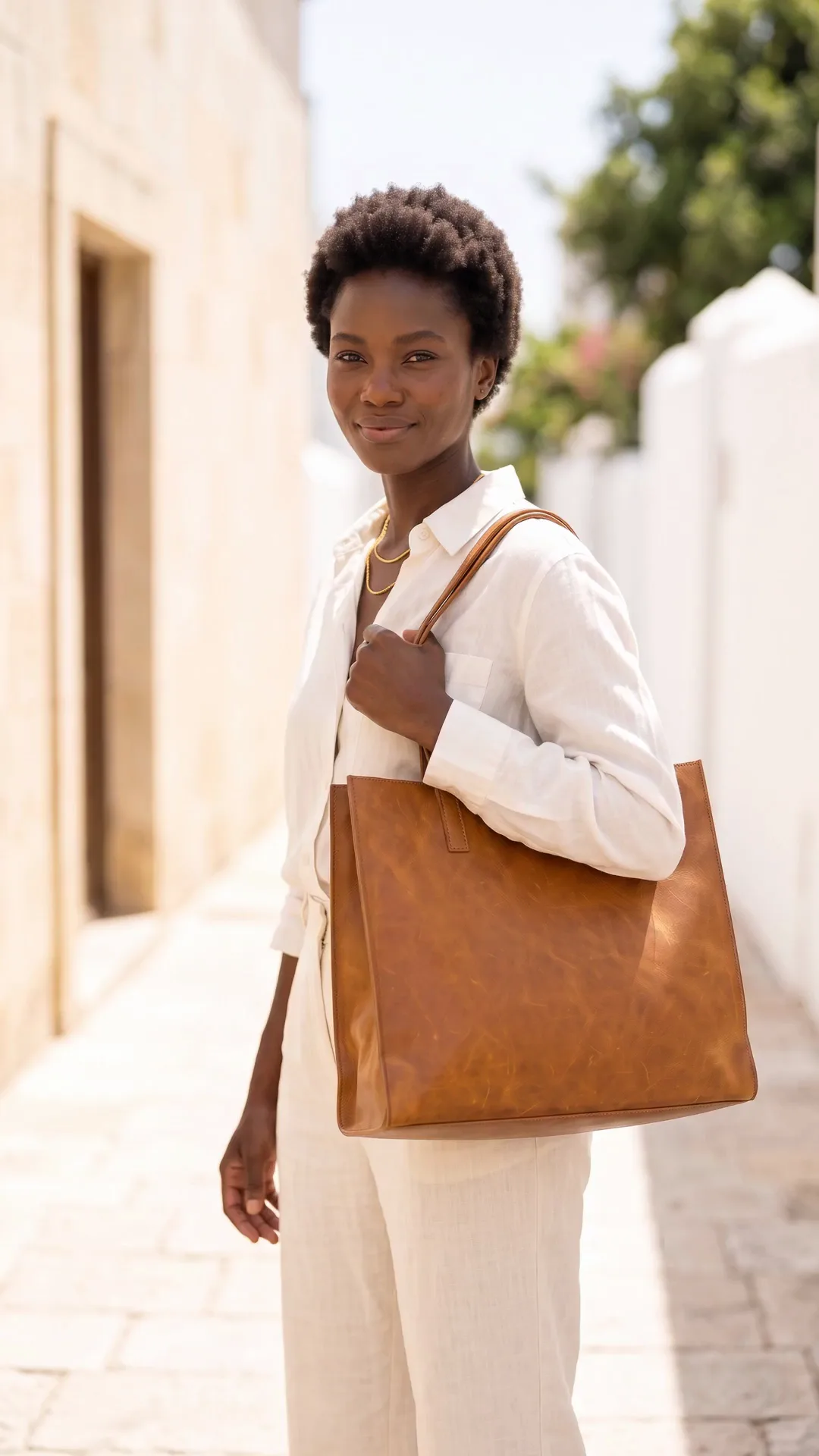
Styled clothing look made with DesignerBoxStyled look

This page is for drop-based labels, where the campaign has to exist before the stock does and the whole month's revenue lands in one weekend. The problem is sequencing rather than skill. Samples arrive late, the drop date is fixed, and a full production shoot has to be booked and paid for while the run itself is still unpaid. DesignerBox works from a photograph of the sample you already have. One capture per piece, then the on-model set, the lookbook frames, the teaser clips and the drop-day content all come out of it.

What streetwear labels use it for

Four jobs that all land in the three weeks before a drop.

Get the sample on a body

Fit and proportion are most of what streetwear is judged on, and the sample usually arrives too late to book a shoot around. Produce the on-model view from the piece you have so the silhouette is visible in week one rather than on drop day.

Build a campaign, not a photo

A drop needs a run of images with one look holding them together, not a single hero shot. Set the world once and bring every piece into it, so the campaign reads as a season instead of a folder of separate uploads.

Make the teasers

The two weeks before a drop are where the demand is built, and they eat far more content than they produce. Turn finished frames into short clips so there is something to post on the days when nothing new exists.

Hold the brand look across drops

Labels that last are recognisable between seasons. Save the palette, the type and the treatment once so drop four visibly belongs to the same brand as drop one, which is the thing that turns buyers into a following.

See it on a real piece

Four tools, each aimed at the fortnight before a drop.

Virtual Try-On
Virtual Try-On

Virtual Try-On

Silhouette is the argument in streetwear and a flat photograph cannot make it. Start from the sample you actually produced and get the on-model view, so the cut and the proportions are visible while there is still time to build demand around them.

Open the tool
Fashion Video Creator

Fashion Video Creator

Short video is where drops get their reach, and filming needs a location, a model and a day nobody has. Fashion Video Creator turns a finished frame into a clip, which is enough for the teaser, the reminder and the drop-day post.

Open the tool
Social Media Ad Studio

Social Media Ad Studio

Drop content is layout as much as photography: the date, the piece, the type. Social Media Ad Studio composes it with your palette in the sizes each placement runs, so the countdown does not stall waiting on a designer.

Open the tool
Styled Scene Generator

Styled Scene Generator

The setting carries most of the mood in streetwear photography, and location shooting is the first thing a young label's budget cuts. Styled Scene Generator places a finished frame in a chosen environment, so the campaign has a point of view.

Open the tool

Each before and after above demonstrates the tool named on the card, using that app's own sample image, so the subject you see may not be from this industry. Run the same tool on your own photos to see it on your work.

From sample to drop day

Four steps that fit inside the gap between samples landing and the release.

1
Photograph the samples
One clean, sharp frame of each piece in even light. This is the only capture, so the print, the fabric weight and the colour need to be right here. Everything after this is production.
2
Set the drop's look
Decide the setting, the light and the treatment on the first piece. This is the creative direction of the whole drop, and it is what makes fifteen individual posts read as one campaign.
3
Produce the campaign
Build the on-model set, the lookbook frames, the flat lays and the teaser clips from the same captures, then schedule them across the fortnight rather than posting everything at once.
4
Save it for the next drop
Save the sequence as a workflow. Consistency between drops is what makes a label look like a label, and it is far easier to inherit than to remember.

Where the content goes

A drop runs four surfaces on the same schedule.

The build-up

The fortnight before a release is the whole campaign, and it needs far more assets than the drop itself. Feed posts at 1080 by 1350 and stories and Reels at 1080 by 1920, several a week, with enough held back that the last three days still have something new. Detail crops and teaser clips carry the days when there is no announcement to make.

The product pages

Drop-day traffic arrives in a spike and leaves fast, so the product page has to answer everything immediately. The on-model view, the flat lay, a detail of the print or the trim, and a clear size reference. A page that makes someone hesitate on drop day does not get a second visit.

Email and early access

The list is the part of a streetwear brand that survives platform changes, and early access is what makes people join it. Those emails want a wide header, a couple of product tiles and one strong campaign frame, all cropped differently from anything used on social.

Community and reposts

Streetwear is amplified by the people who buy it, so give them something to repost. Assets that read at story size, that hold up when screenshotted, and that carry the brand mark without shouting are what circulate. That is a design decision made once, not per post.

One look, every drop

A drop calendar is relentless in a way a seasonal calendar is not. Six or eight releases a year, each needing a campaign, each landing while the previous one is still shipping. What breaks under that is consistency, because every drop gets art-directed from scratch by whoever has time, and after two years the brand has no recognisable look. A saved workflow makes the treatment the constant and the product the variable. Same lighting recipe, same setting family, same crops, same export set, applied to whatever came back from the sample room this cycle. It also compresses the part of the schedule that always runs late. When samples arrive a week behind, the campaign does not need rebuilding, it needs running. Brand profiles hold the palette and type so the emails, the product pages and the teasers stay in line without anyone checking.

Every model, one subscription

Streetwear pushes on print fidelity and fabric weight more than most categories. A screen-printed graphic that softens, or a heavyweight fleece that renders like a thin jersey, undermines the piece being sold. DesignerBox carries the models in one workspace on one subscription rather than a licence each: Nano Banana Pro and Nano Banana 2 from Google, GPT Image 2 from OpenAI, Seedream 5 from ByteDance, and FLUX 2 Flex, FLUX Pro 1.1 and Kontext Multi from Black Forest Labs. Video runs on Veo 3.1 and Veo 3.1 Fast, Sora 2 Pro, Seedance 2.0, Kling 2.6 Pro and Runway Gen-4.5. Test the graphic-heavy pieces against two or three and keep whichever holds the print.

Streetwear brand questions

What drop-based labels ask before they build a campaign on this.

Can I build a campaign before samples arrive?
You can build the look, the layouts and the schedule. You cannot build the product images, because those have to start from the real piece. Doing the direction in advance and dropping the actual sample captures in when they land is the sequence that works, and it is why late samples stop being a campaign emergency.
Will the print on the garment stay accurate?
It does when you work from a photograph of the printed piece, and it is the first thing to check at full size. Graphics are where artefacts show, so review the print, the placement and any text before anything is published. Where a graphic is the whole product, treat the flat lay of the real piece as the hero and use produced imagery around it.
Do I need to disclose AI-assisted campaign images?
Check the platforms you post to and the market you sell into, because both are changing. Several platforms now require realistic AI-generated or modified content to be labelled. Separately, the product must be represented accurately: the fit, the fabric and the colour a buyer receives have to match what the campaign showed.
Is this a replacement for a photographer?
It replaces the second, third and fourth shoot days rather than the first. One good capture session of the samples is still worth paying for, because everything downstream is built on it. What it removes is booking a model, a location and a crew for each drop when the run itself is still unfunded.
How do I keep drops looking different but related?
Vary the setting and keep the treatment. The lighting recipe, the crop family and the type are what make a brand recognisable; the environment and the styling are what make a drop feel new. Saving the first as a workflow leaves you free to change the second every cycle.
How much does it cost to start?
The image side is free to try. The free plan carries 112 credits a month, enough to take one sample through to a small set of campaign images. AI video generation is included on Premium ($75 a month) and above, which is the tier to be on if the drop needs teaser clips. Plans run $15 a month for 500 credits, $35 for 1,000, $75 for 2,500 and $200 for 8,000.

Build the next drop's first asset

Take the sample on your desk, get it on a body and set the look. The rest of the campaign follows from it. The free plan covers the image work.

Start free