


News
What's new in DesignerBox
Release notes and articles about DesignerBox: new templates, apps and models, and what each change means for your workflow.
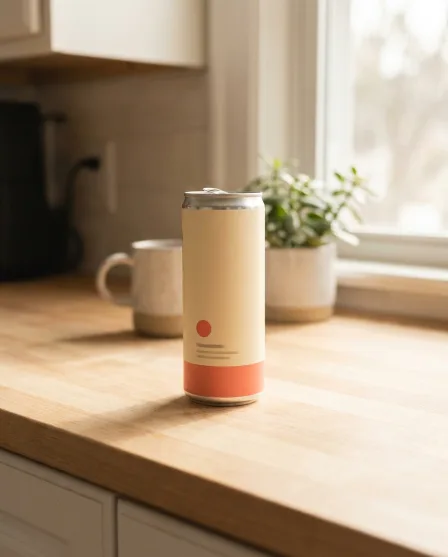
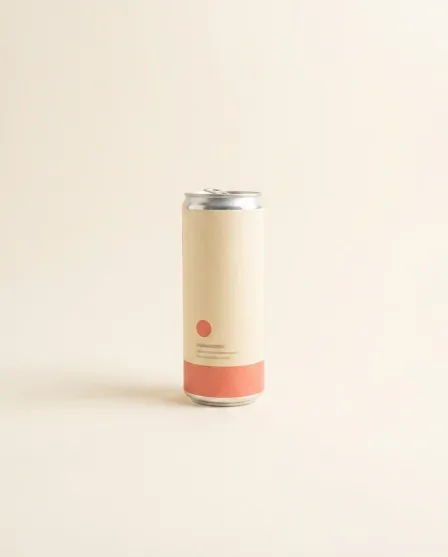
From this to this
One product photo in, the pictures out
Every release below serves the same job. Add one product photo, pick a template, and the results come back in your brand's look.


Who it is for
Does that sound like you?
Results designed for brands and agencies like you.
One brand, at every volume.
Anyone can make an AI picture. Making hundreds that still look like your brand is the hard part. Today it is a shoot for each product, a different look from every tool, and AI pictures that do not look like the brand at all. You want the same brand on every piece, however many you make.
- Templates: pick the job, add your product photo, press Run
- Brand: your logos, fonts, colours and rules apply on every run
- Batch: run one workflow over a whole spreadsheet of products
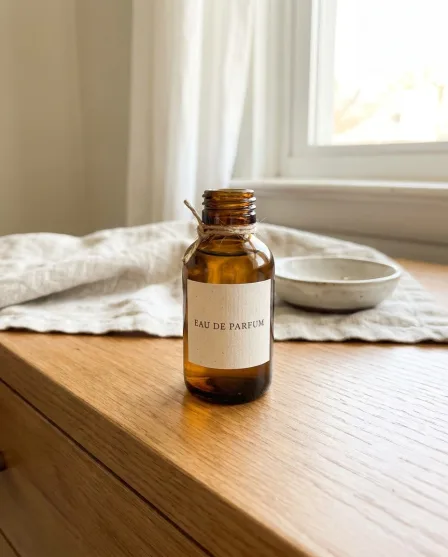
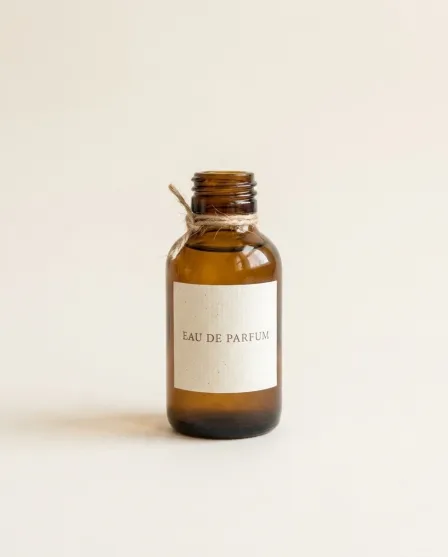

DesignerBox render
From the blog
Latest articles
The newest posts from the DesignerBox blog. Each one opens on the blog.
Everything in one place
Everything you need, in one place
The full workflow from the first product photo to the finished ad, in one subscription.
Scale content without limits.
Generate content for your products or services with AI, starting today, and keep your brand on every piece.