


For Shopify stores
Shopify product images with AI
Shopify product images from your product photos: the packshot, the lifestyle scenes and the sizes your theme needs, in your store's look.
Who it is for
Does that sound like you?
Every product page, pictured the same way.
Your theme wants a clean packshot, your product page wants lifestyle shots and your ads want three more sizes, for every product you list. Anyone can make an AI picture. Making hundreds that still look like your brand is the hard part.
How we solve it:- A clean packshot and lifestyle scenes from your photos
- The same look on every product page
- Batch a whole collection and review it in one pass
Results
What you can make
Pictures made from the photos you already have.
- Your product
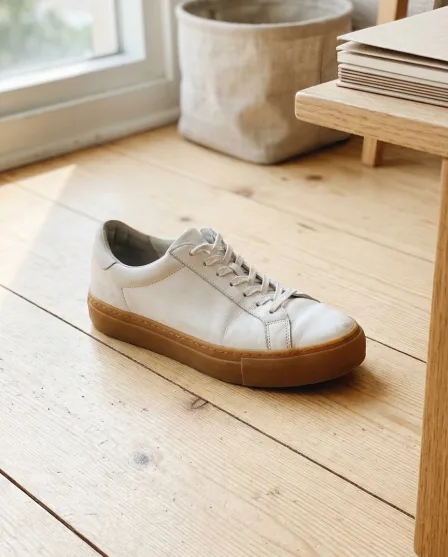

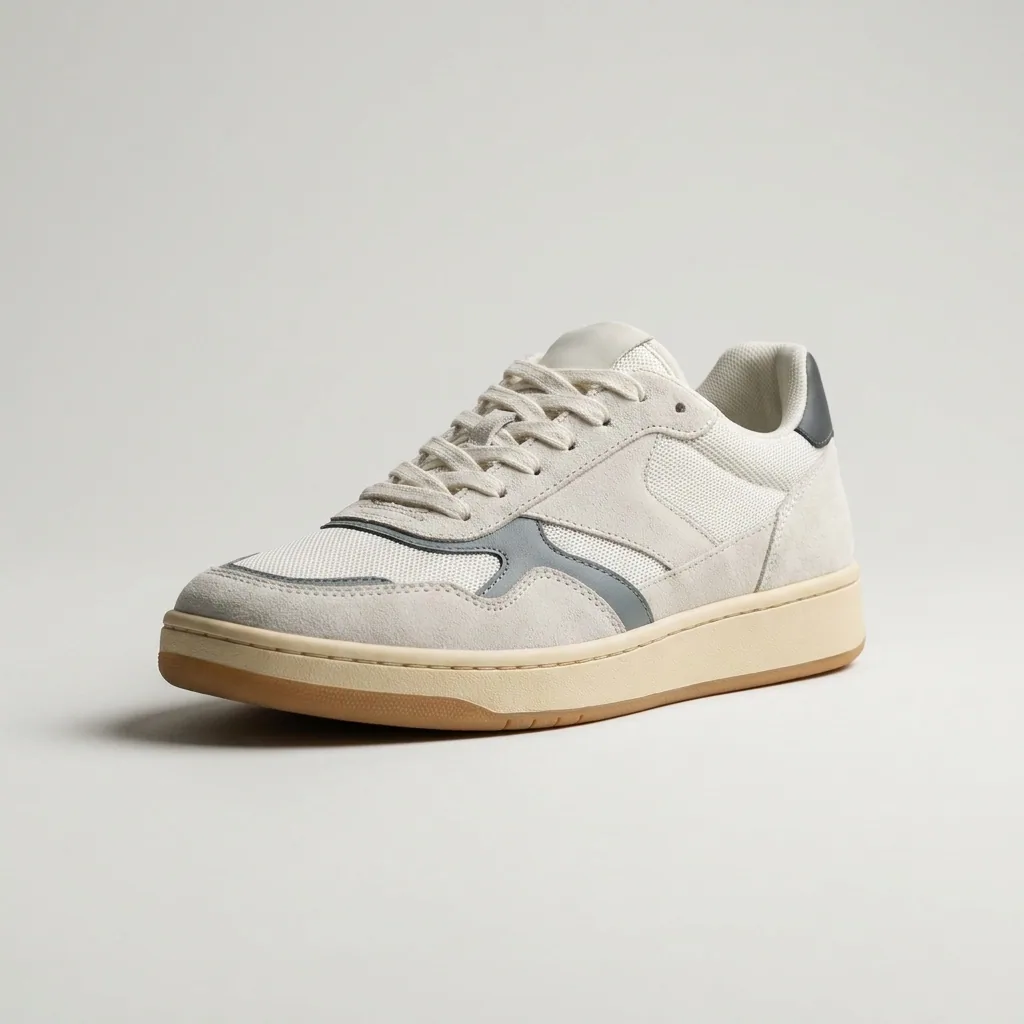
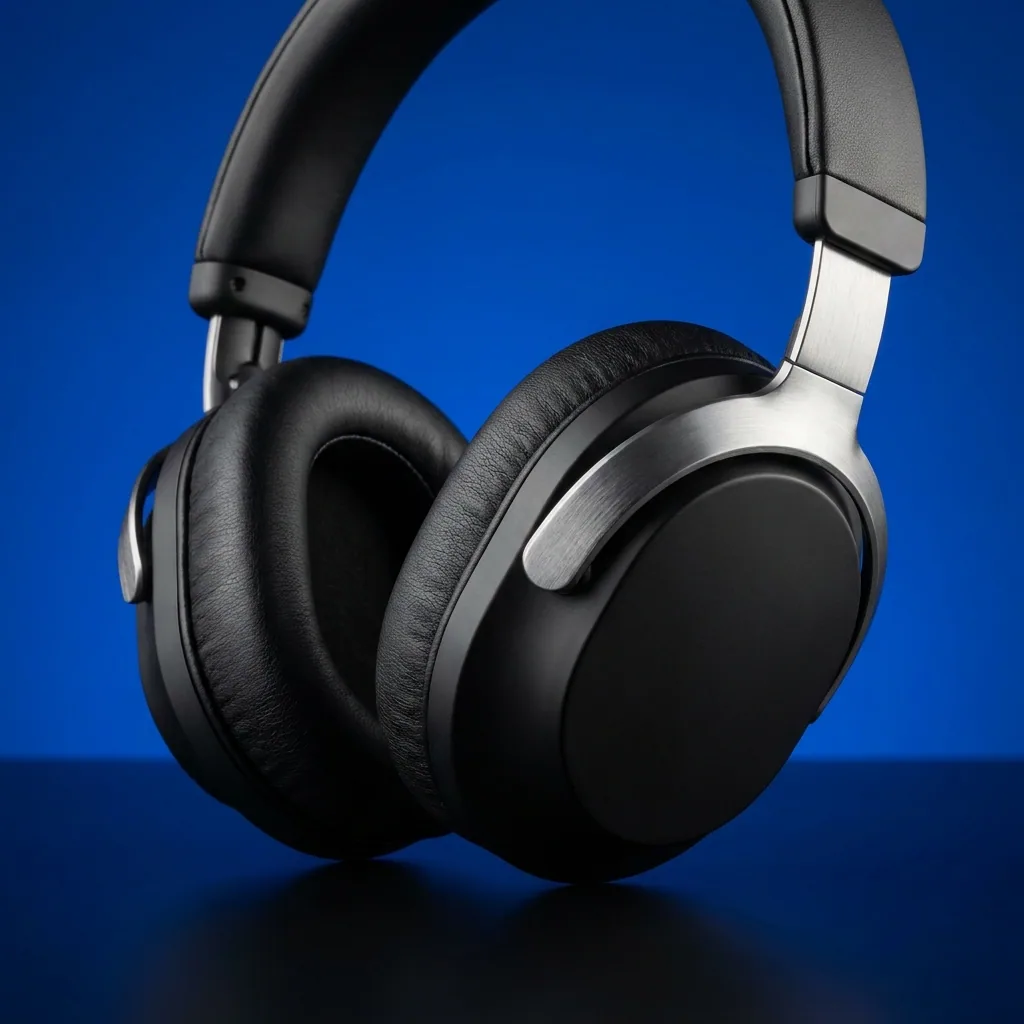
Generate a clean packshot
Turn the photos you took into the clean packshot your theme asks for, on plain white. The shape, the colour and the material stay as they are.
See the white background template - Your product
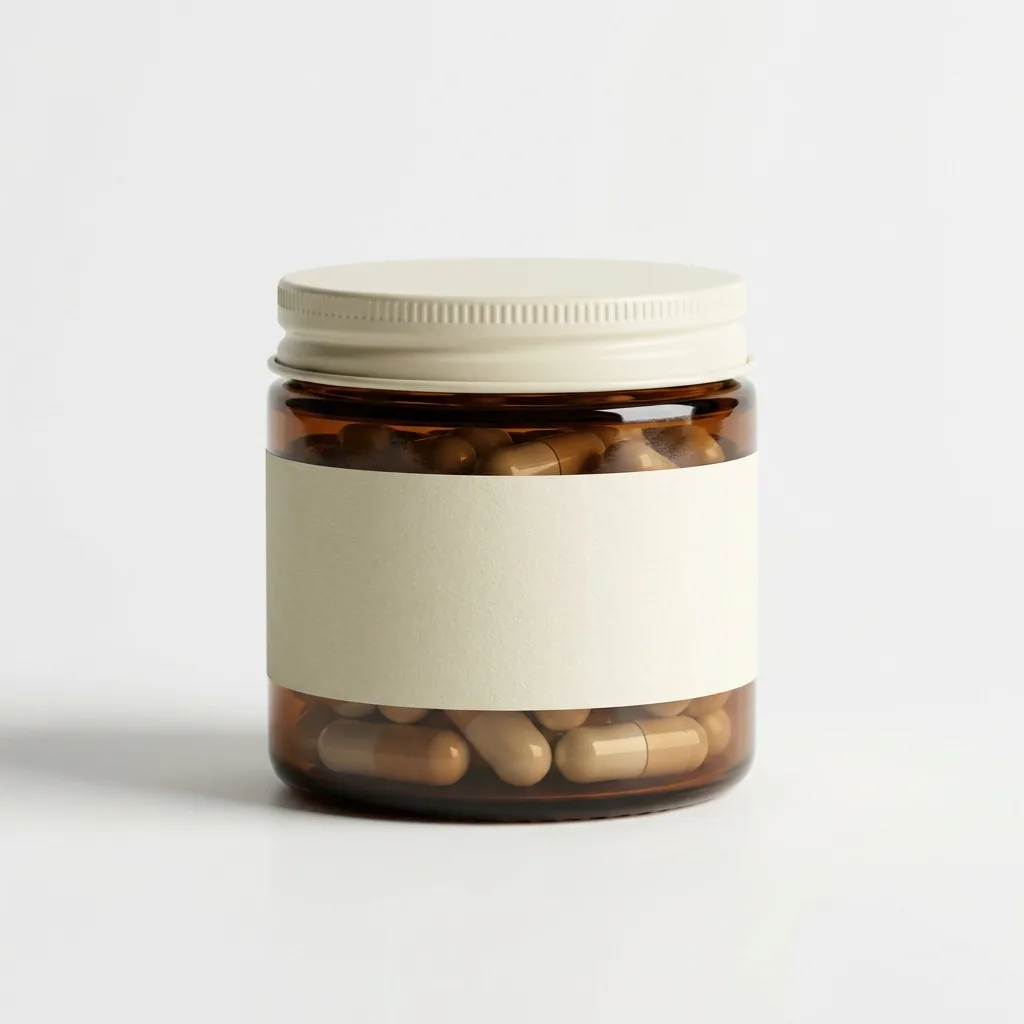
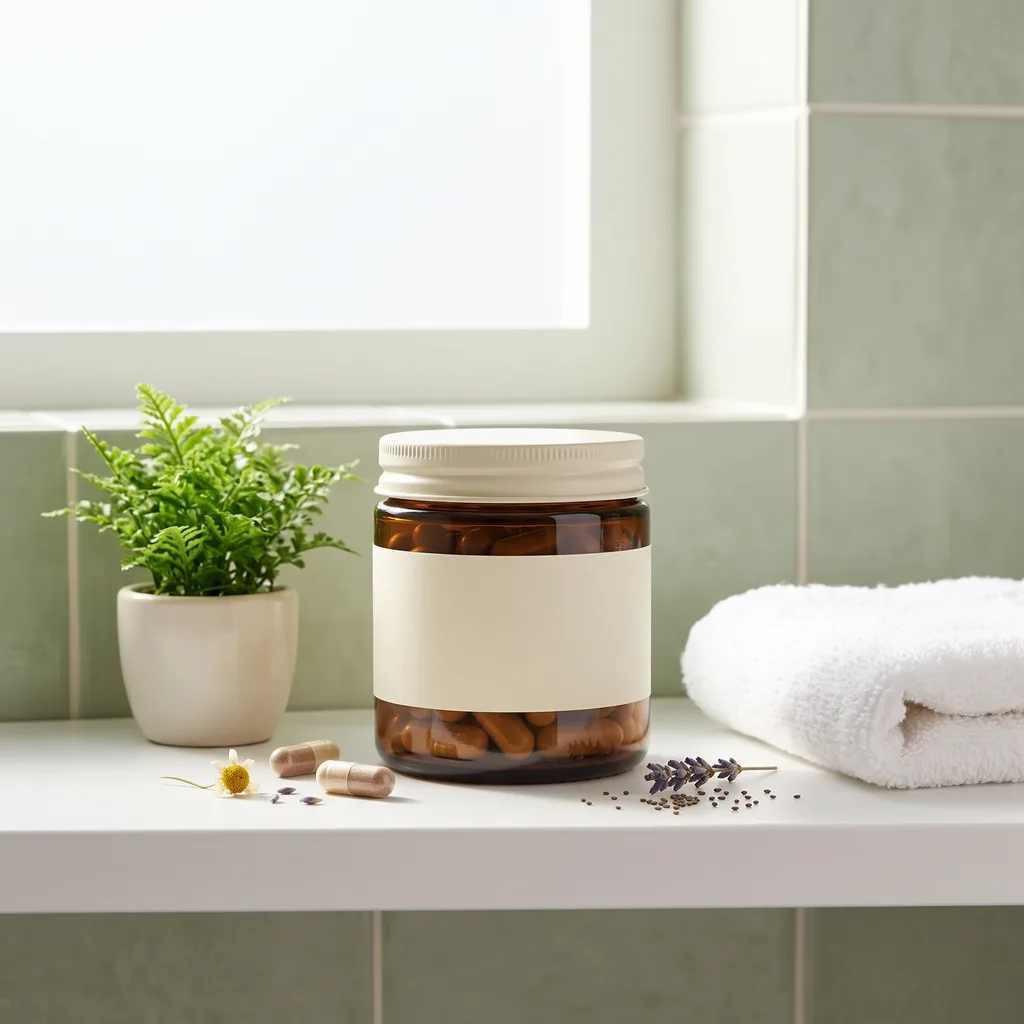
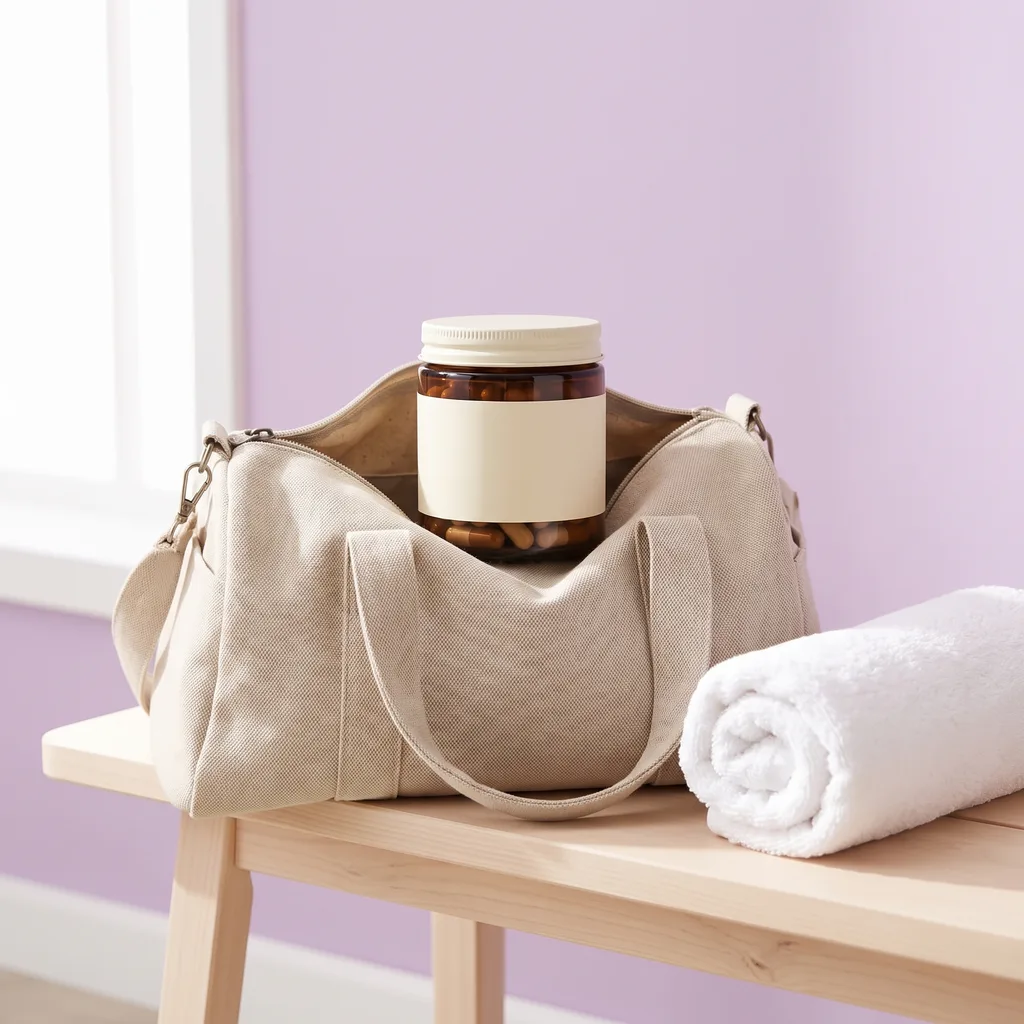
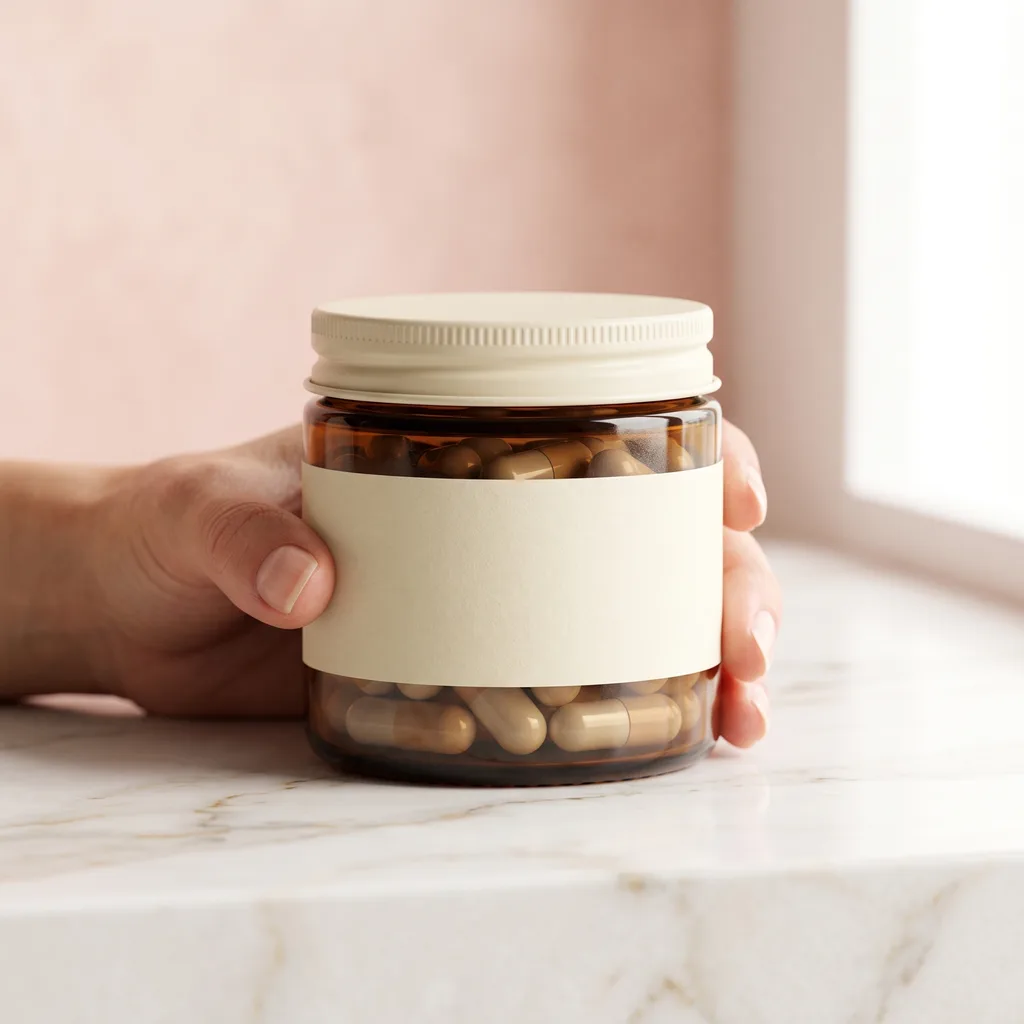
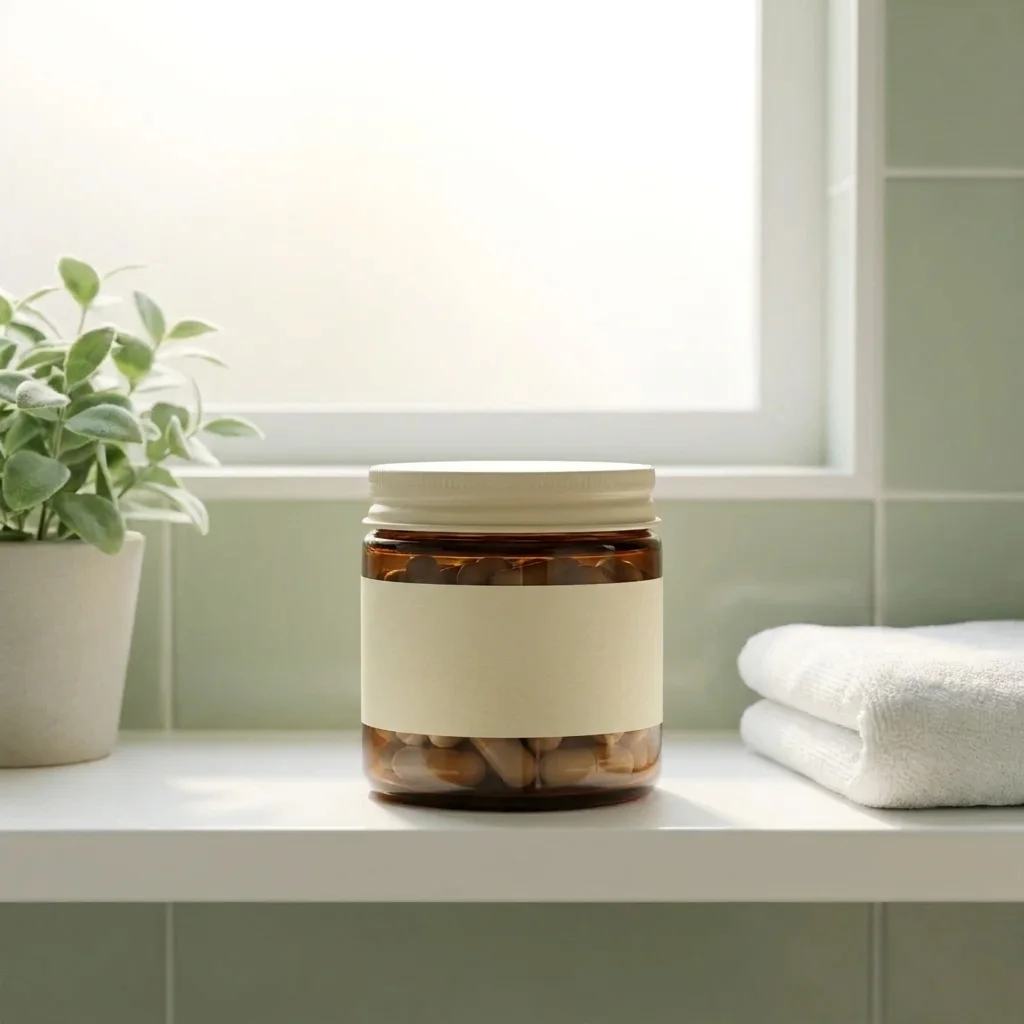
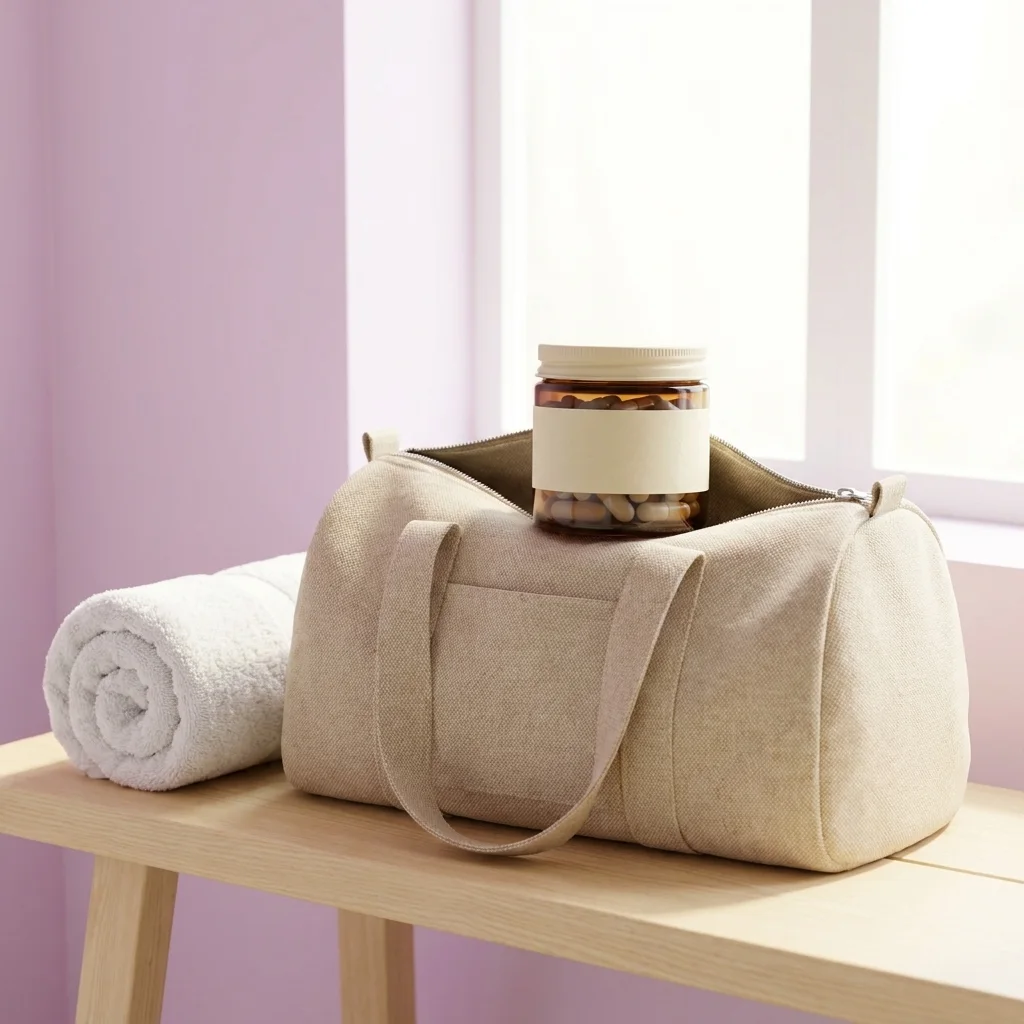
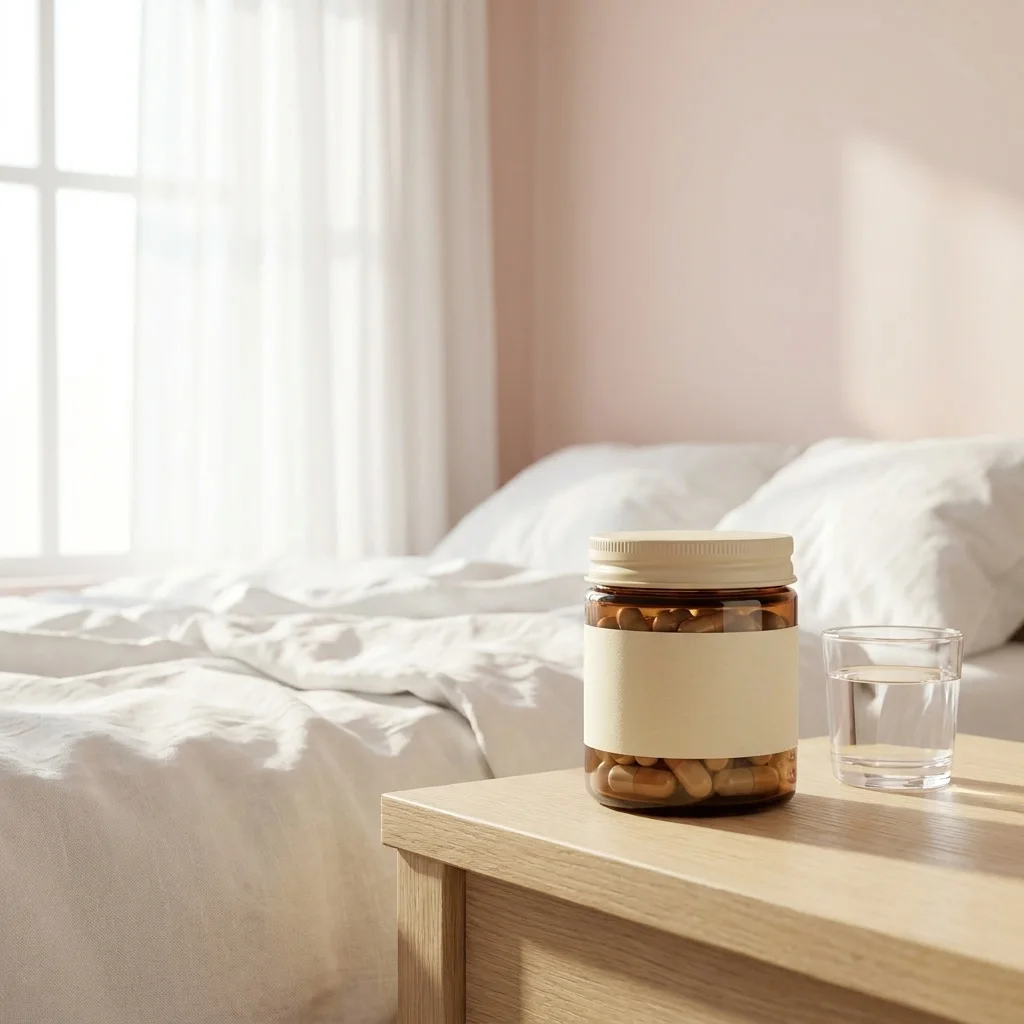
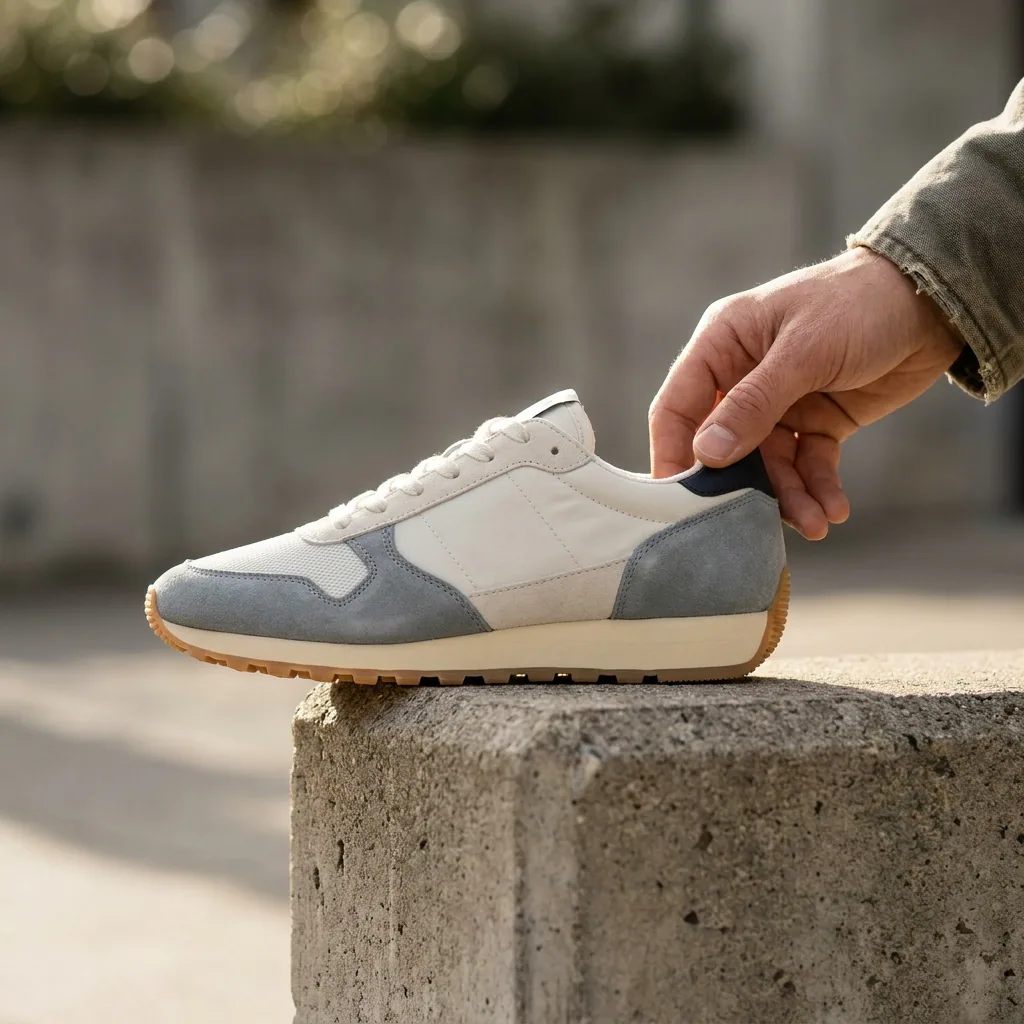
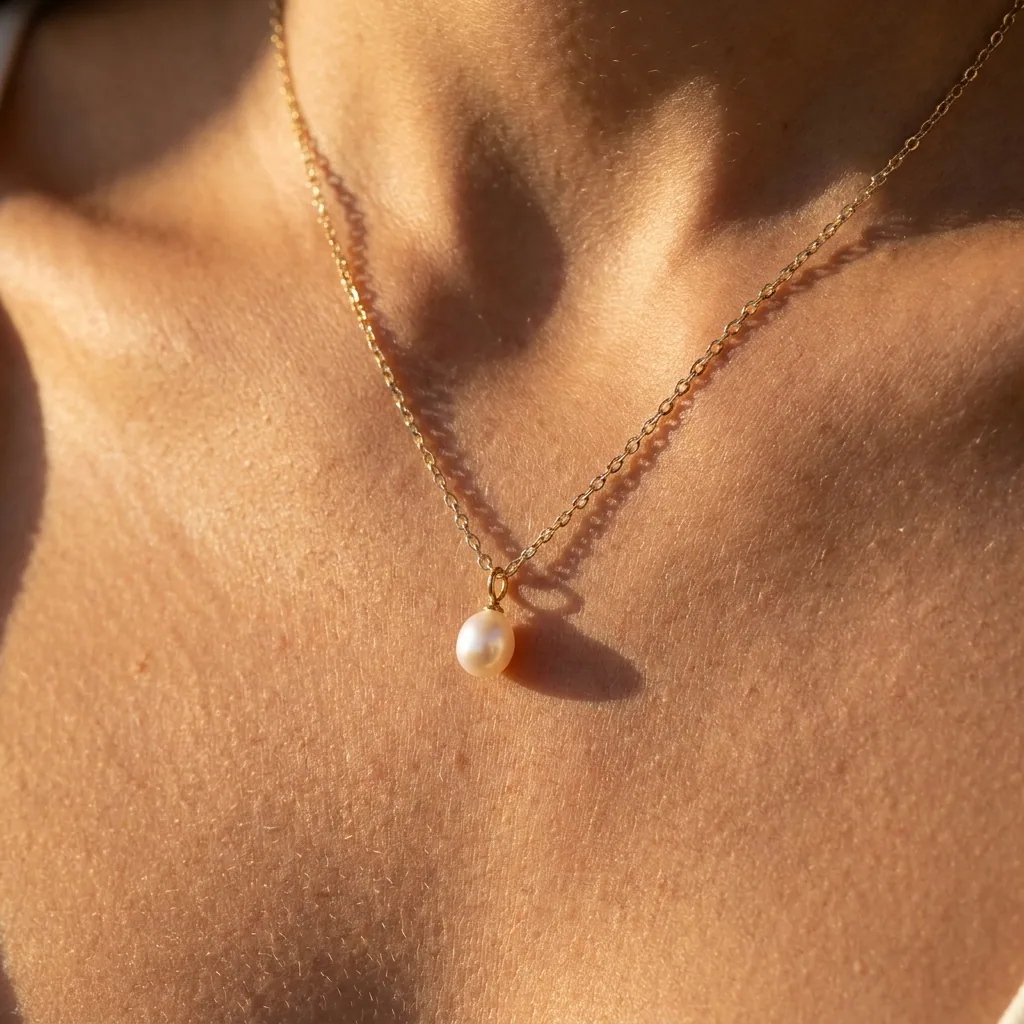
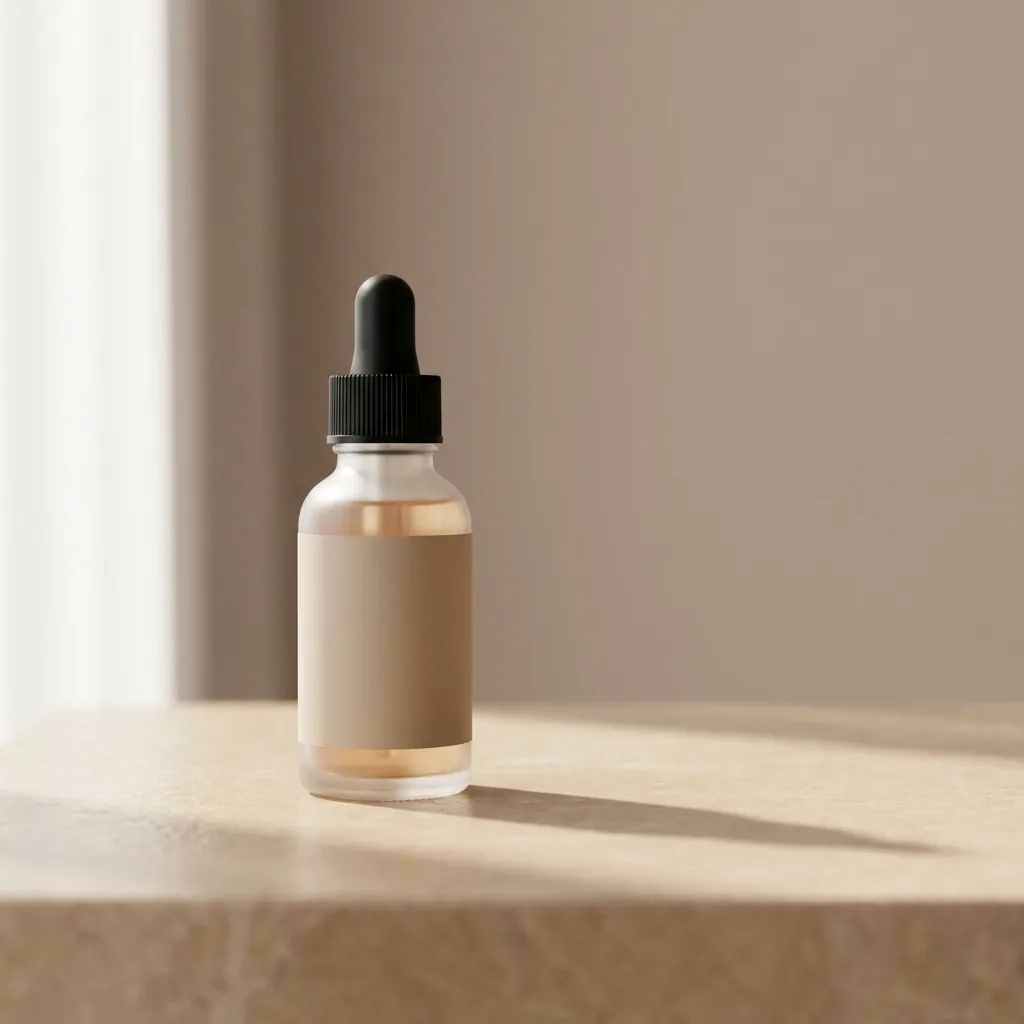
Generate product shots
Generate professional, studio-quality images of your products in consistent settings for a cohesive brand look across your catalogue. Add a new product any time. You do not reshoot.
See product shots - Your product
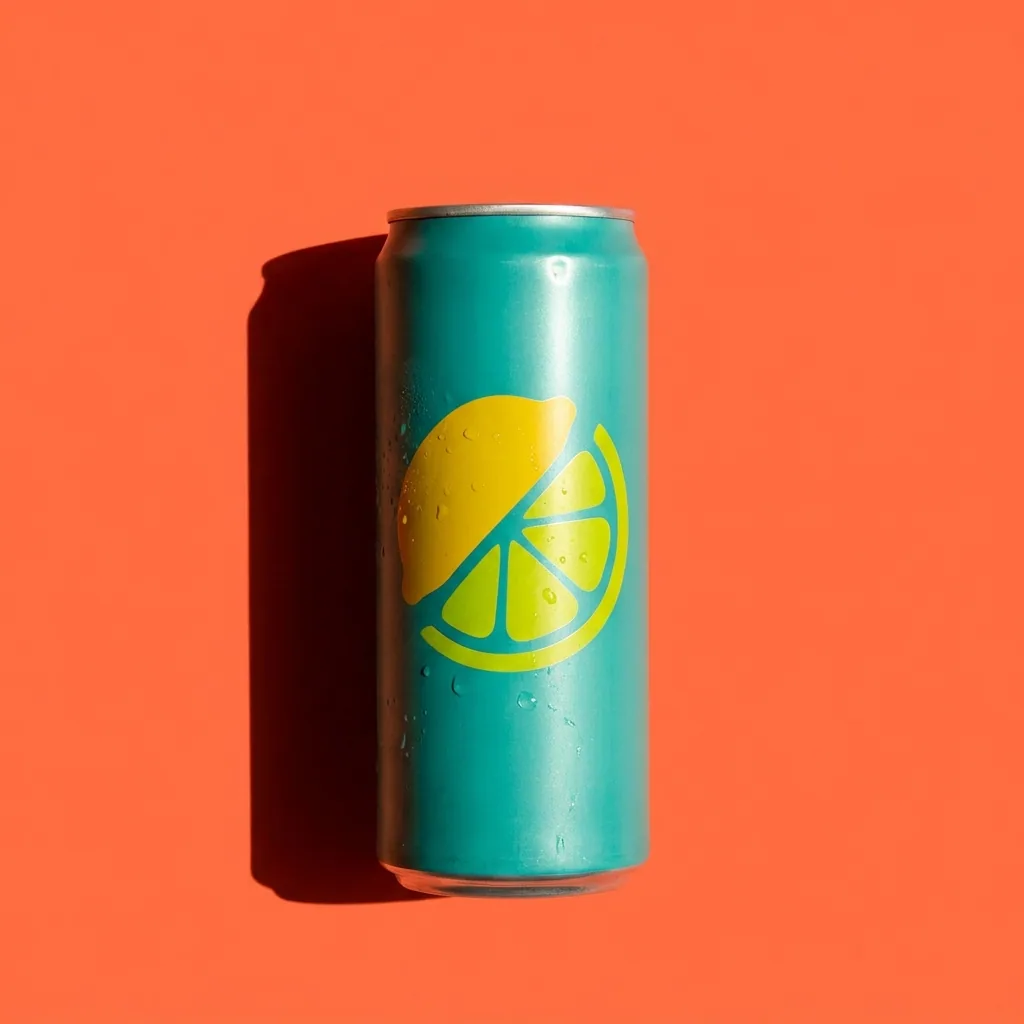
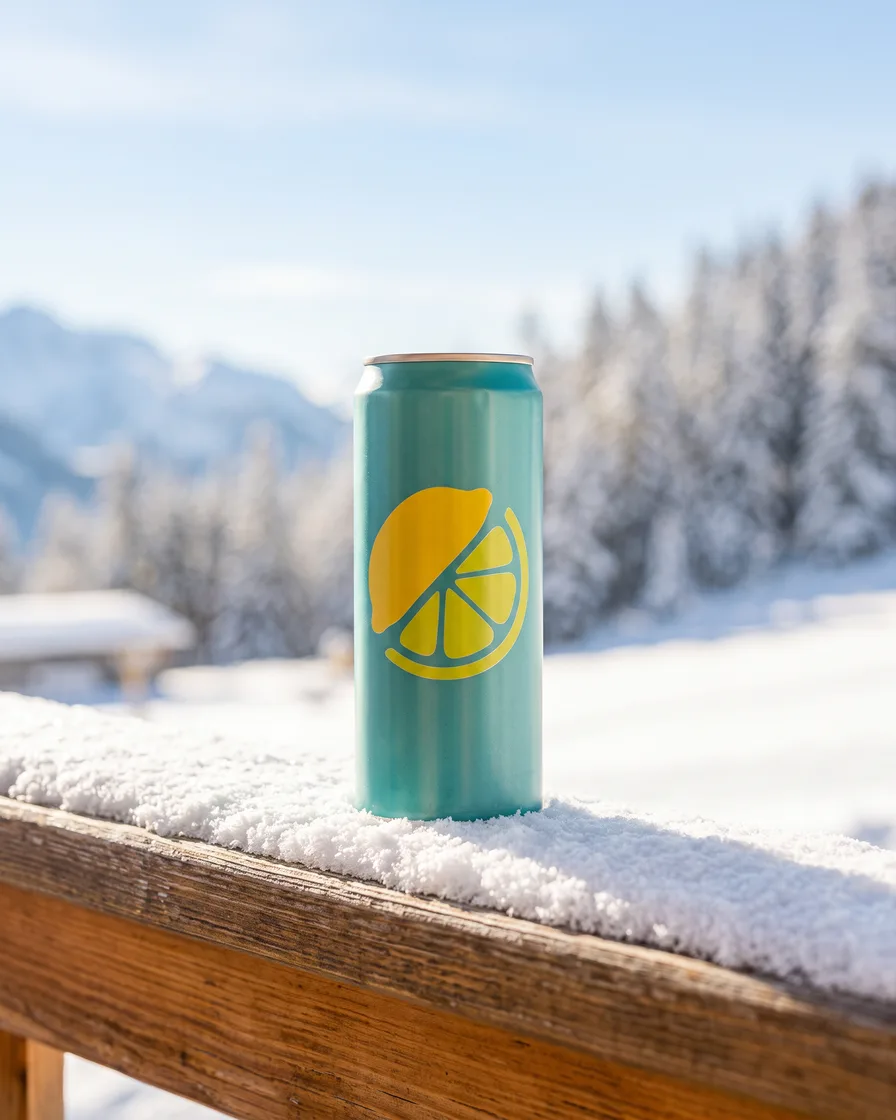
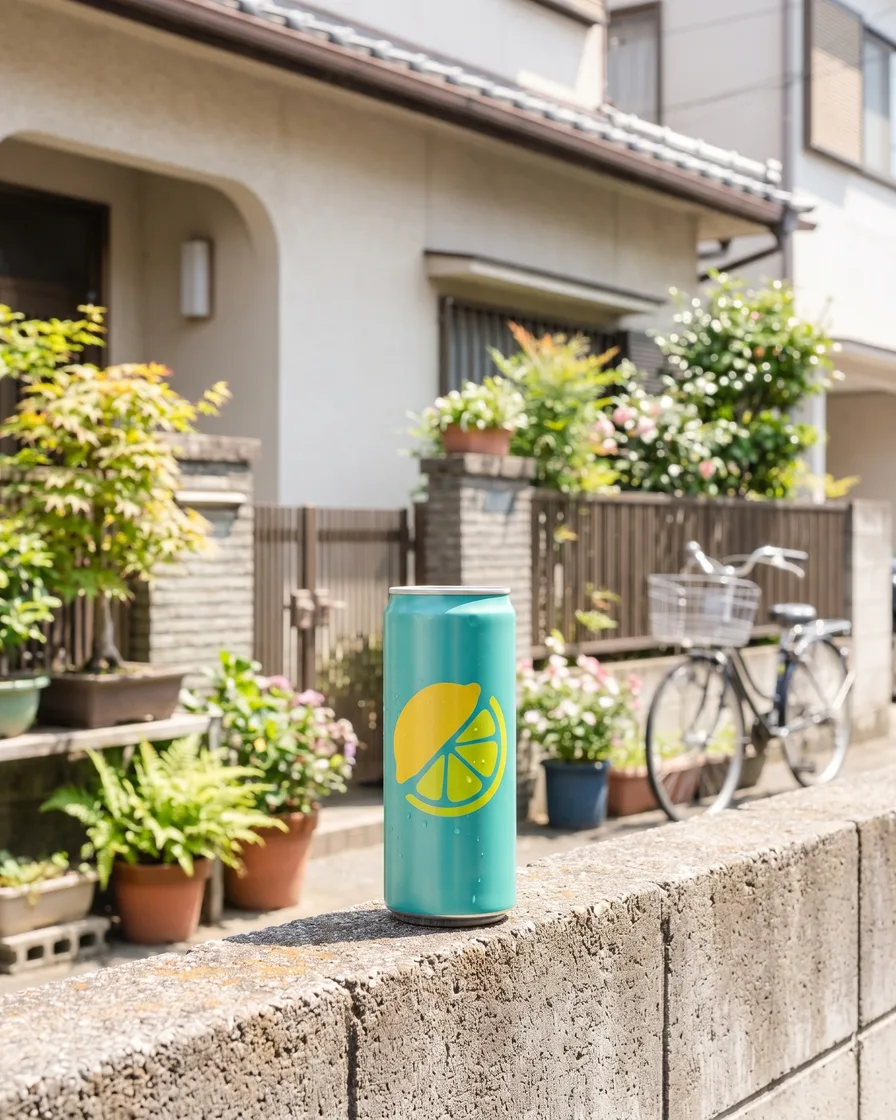
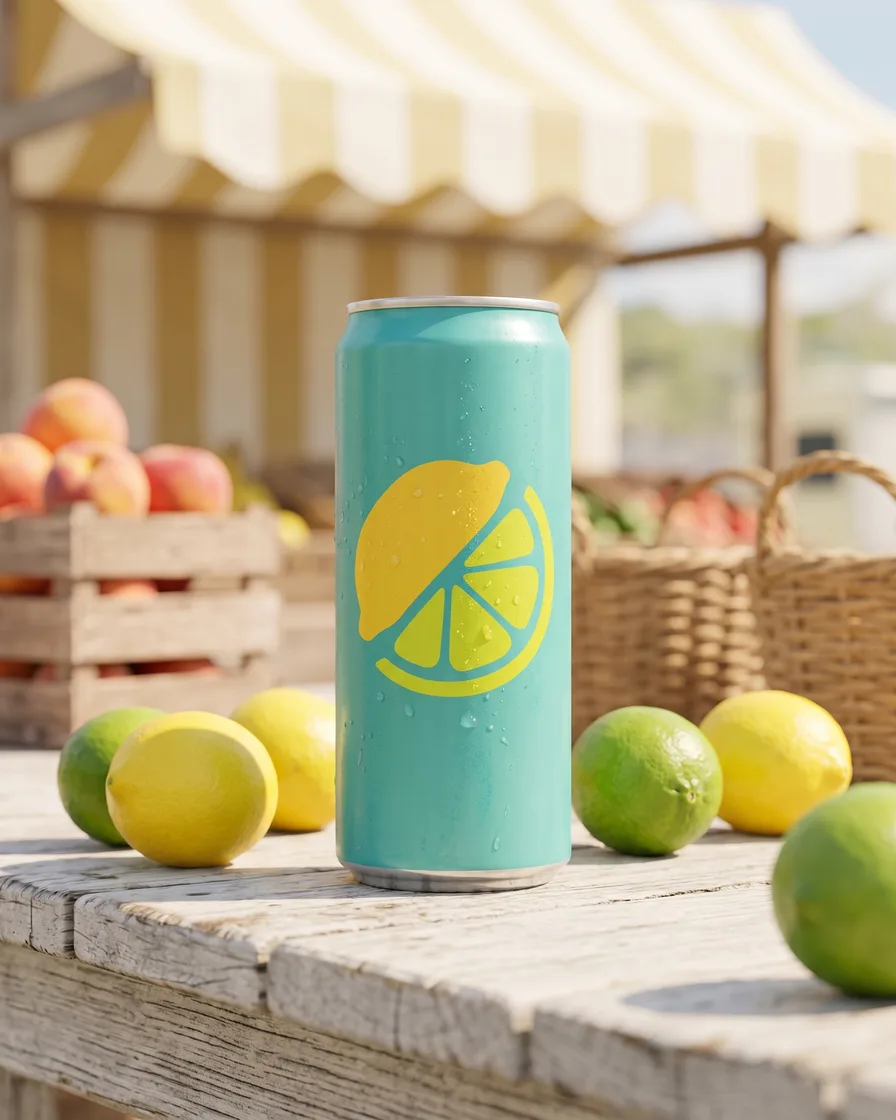
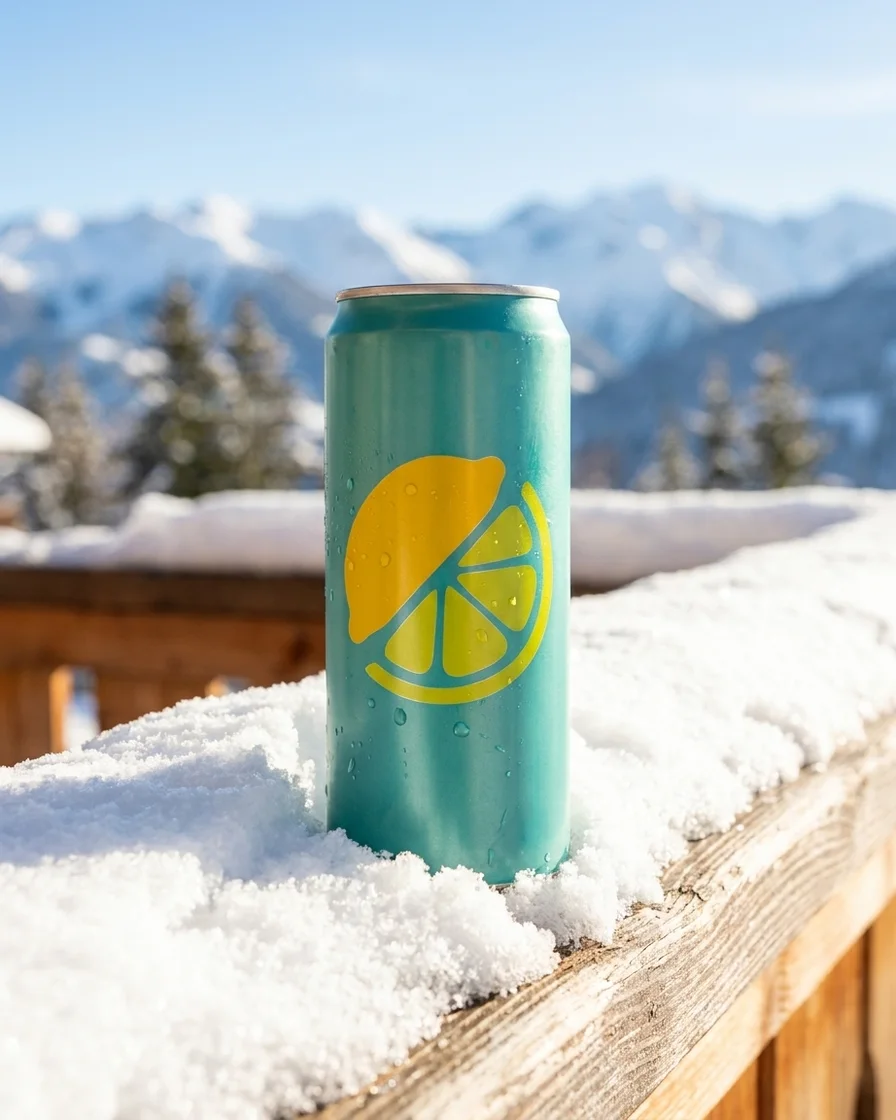
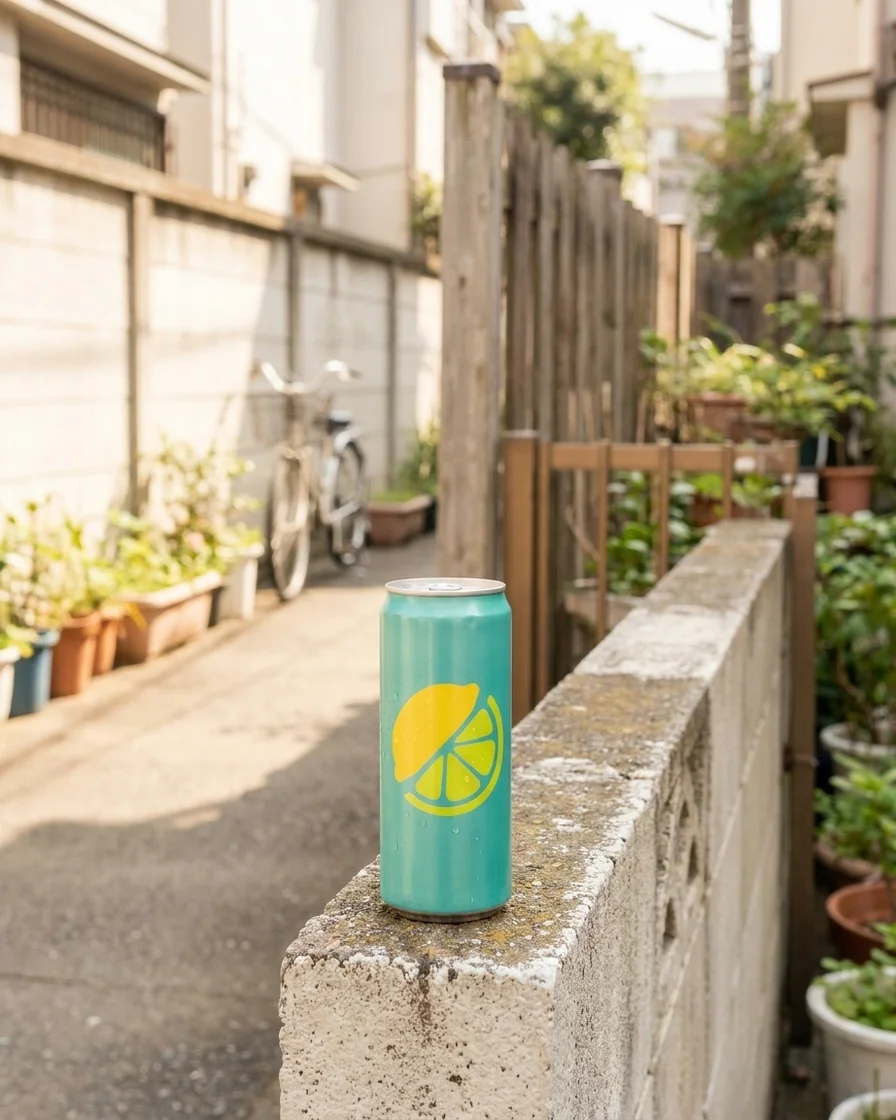
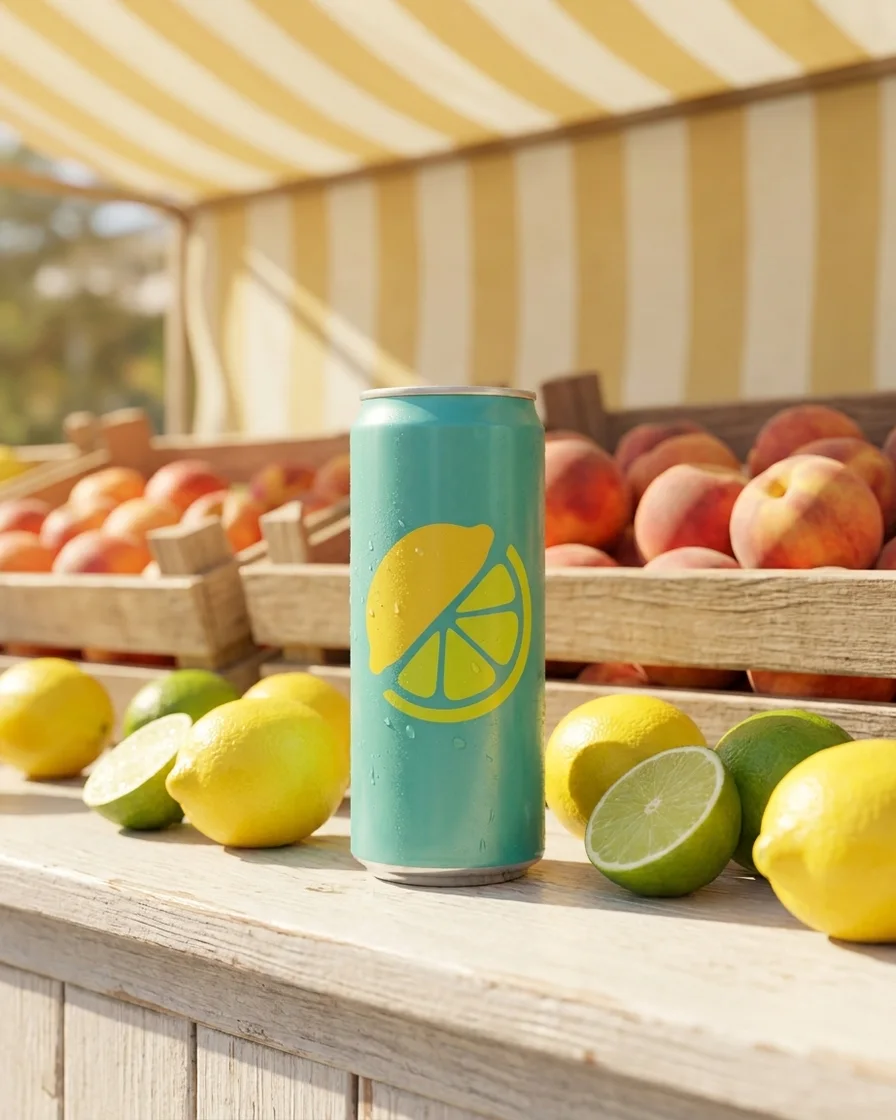
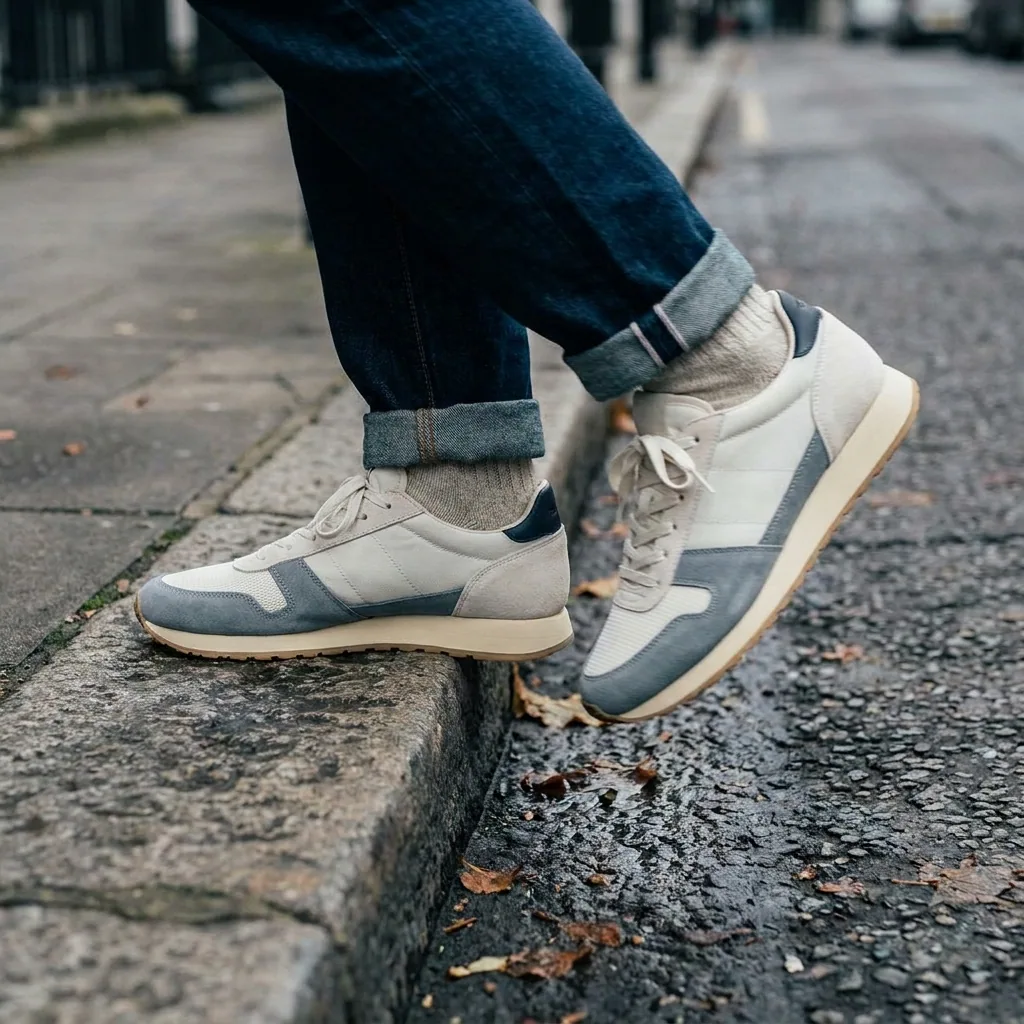
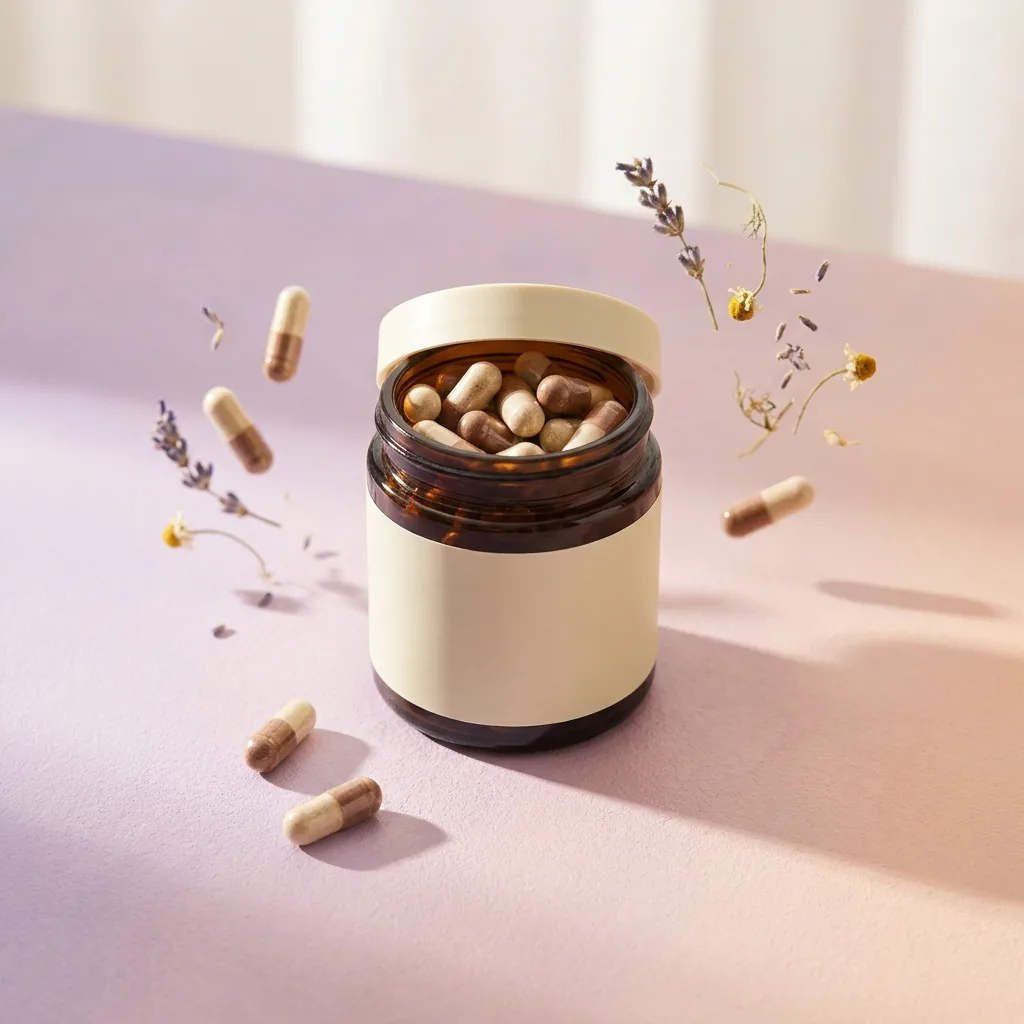
Generate scenes
Place each product in the lifestyle scenes your product page needs, in the same look.
See scenes - Model photo
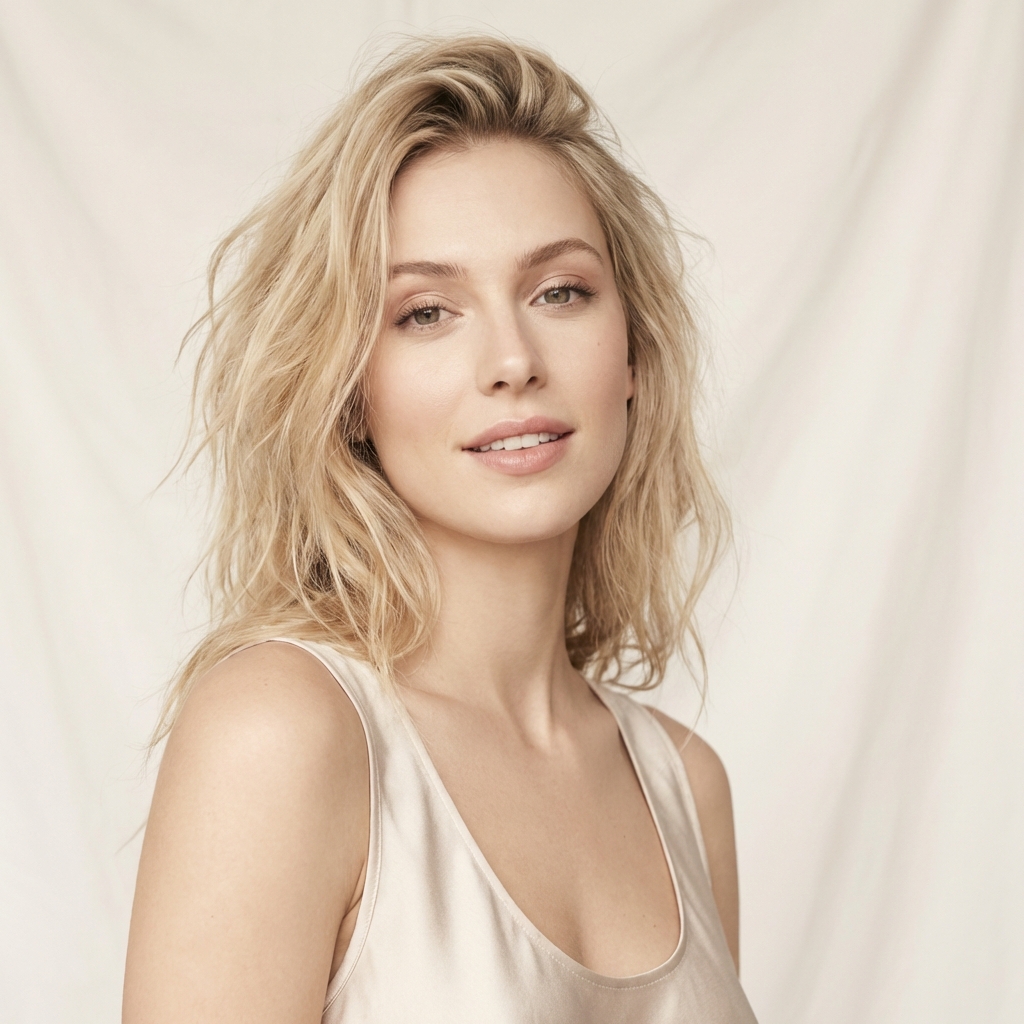 Garment photos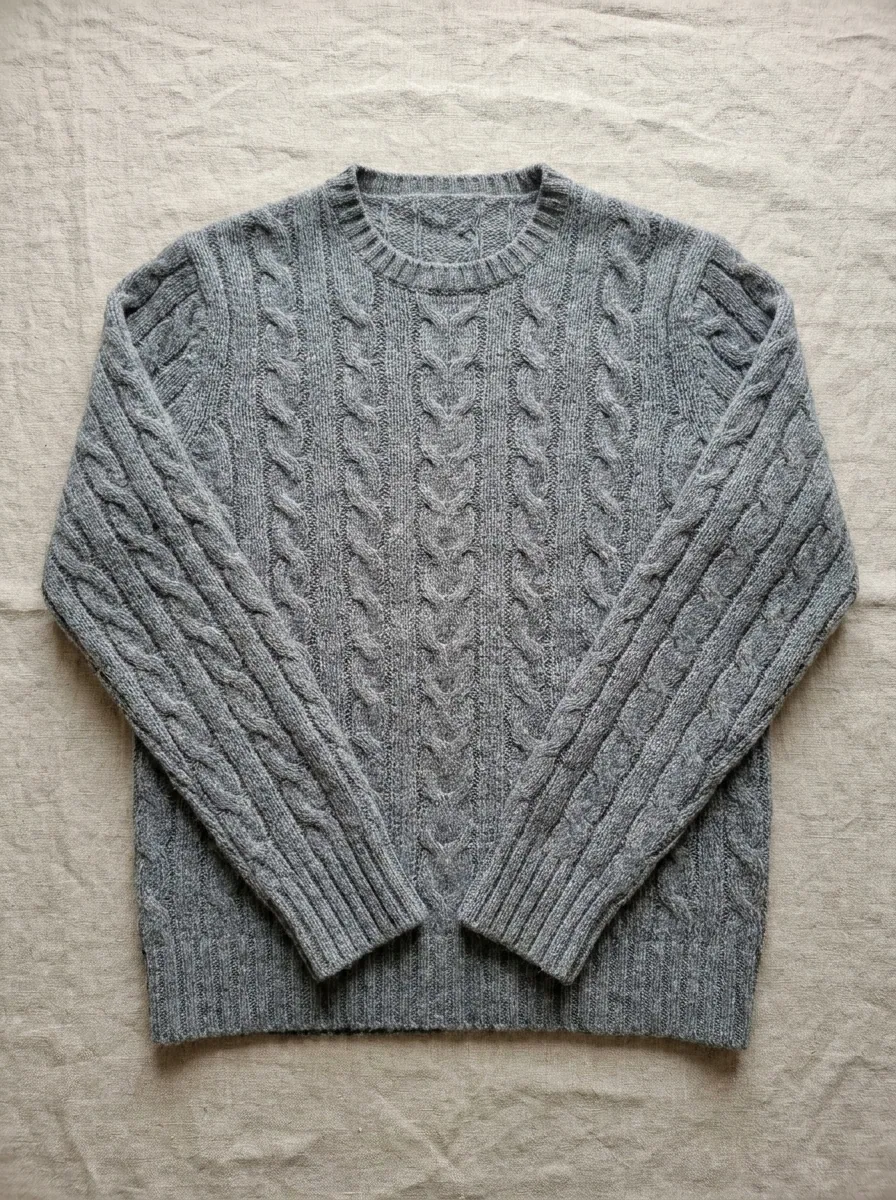
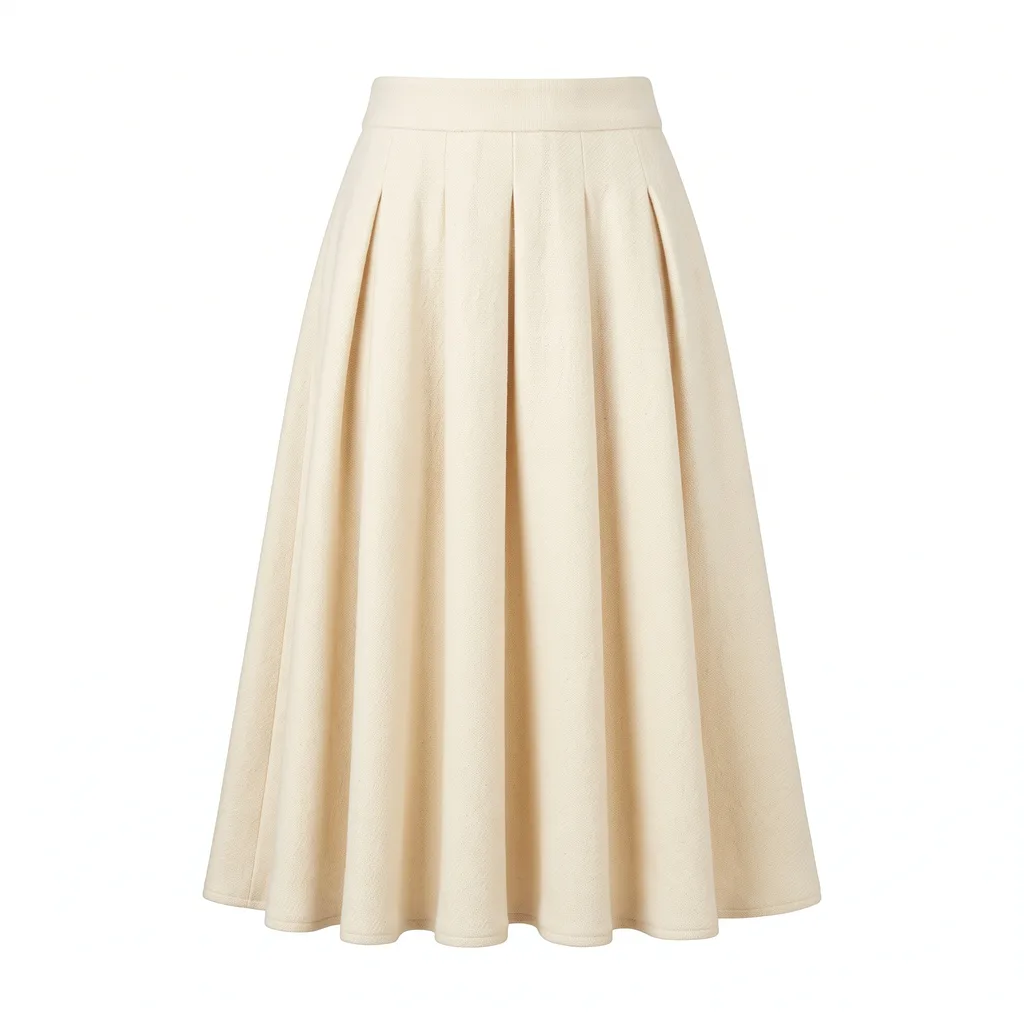 From this to this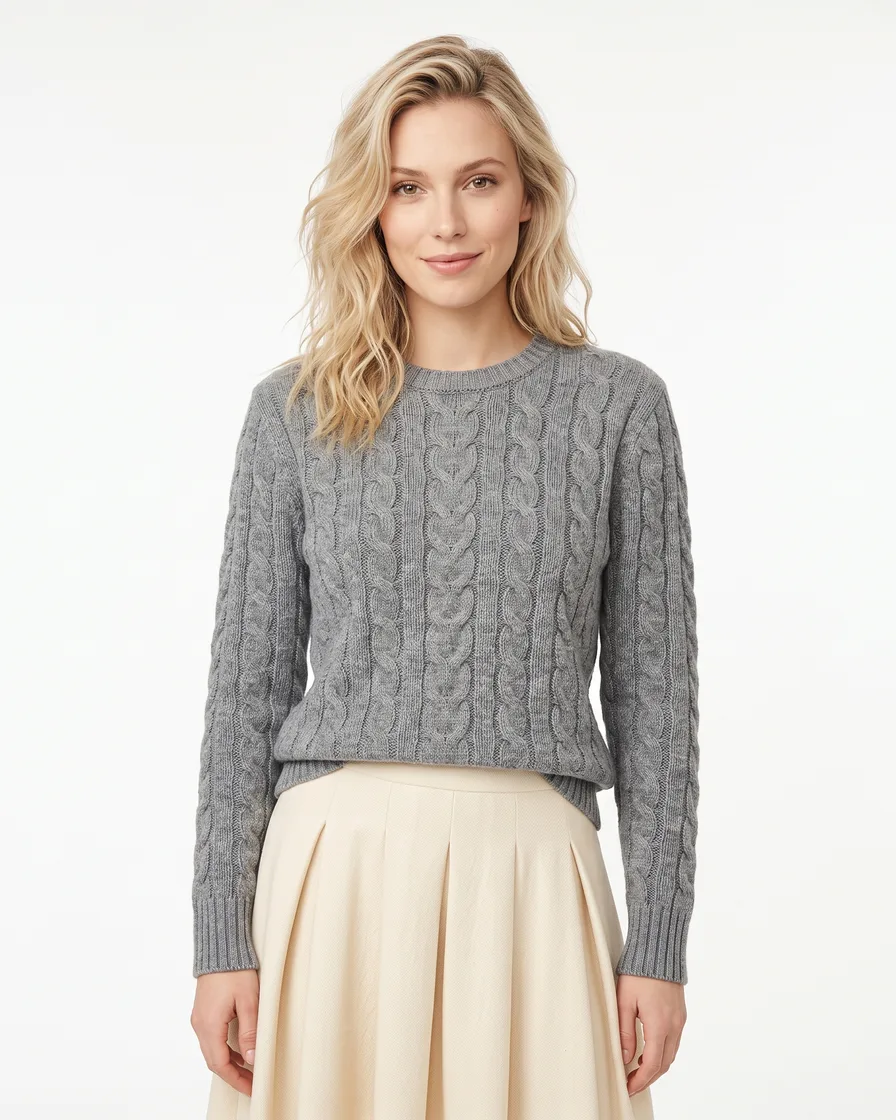
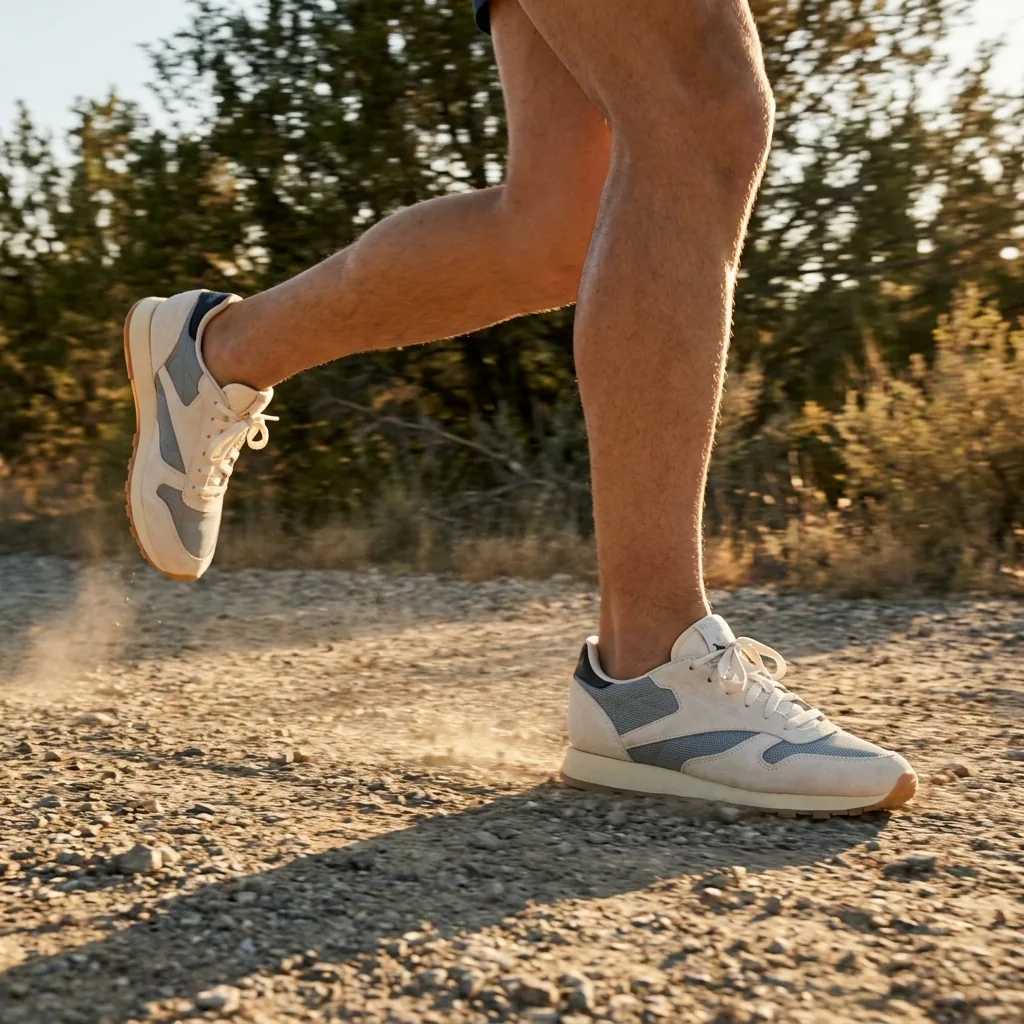
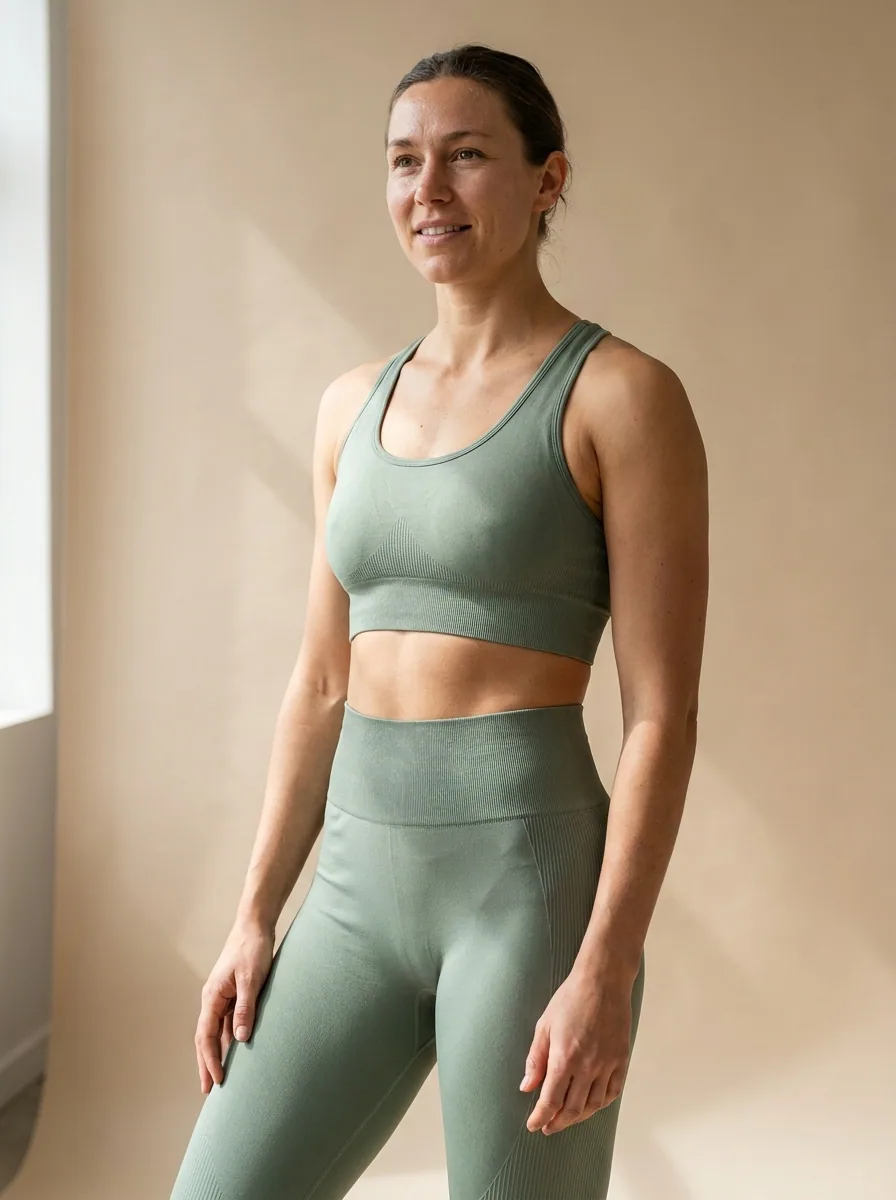
Generate model shots
Generate images with models to give a sense of scale and fit for your products.
See model shots
Everything in one place
Everything you need, in one place
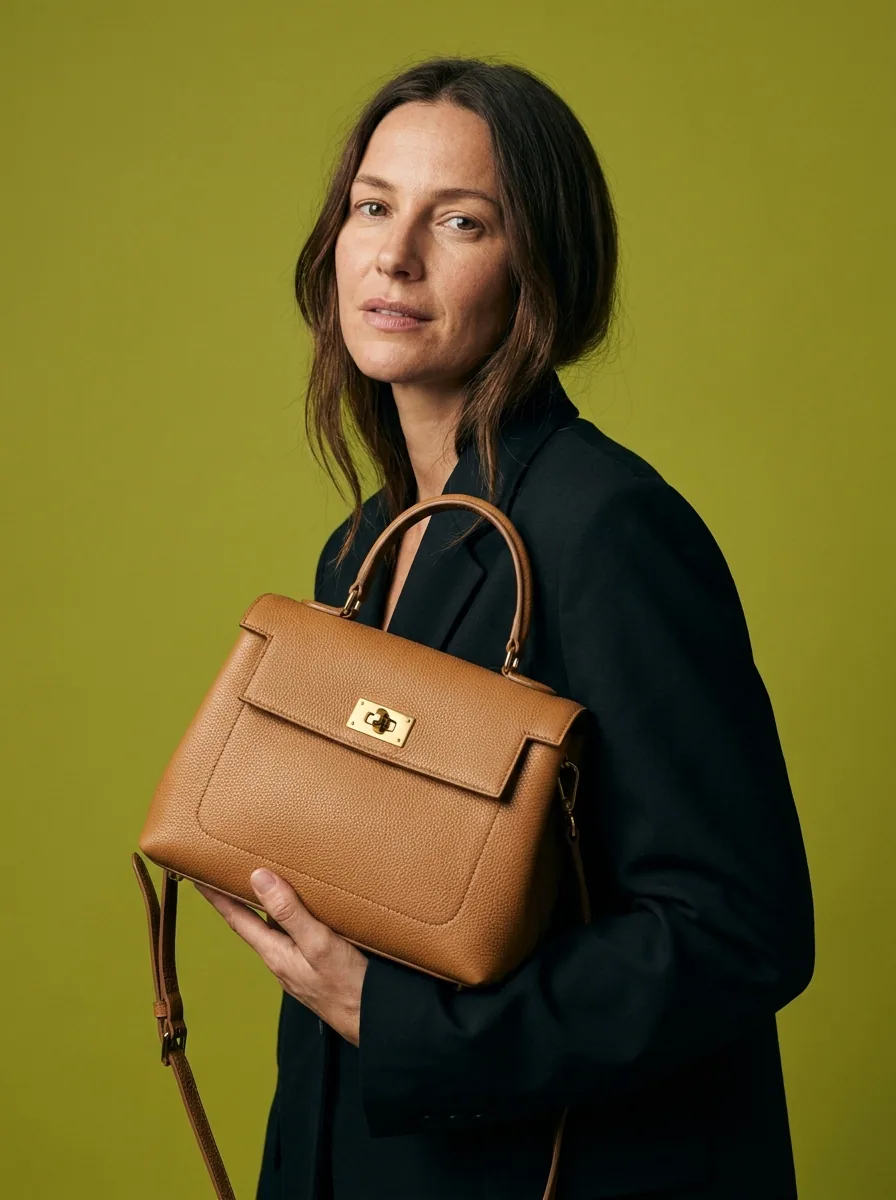
The full workflow, from your product photos to the finished ad, in one subscription.
Questions
Curious? Let's clear things up.
Is there an app to install in my store?
No. You work in DesignerBox, keep the results in Assets and download them. Nothing connects to your store.
Which sizes do I get?
The workflow makes the crops and sizes you ask for from the same result, so the square theme image and the wide ad come from one run.
Will the pictures match across the catalogue?
Yes. Your brand rules, the light and the framing are set once and read on every run, so every product page looks the same.
Does the picture have to show the real product?
Yes. Work from photos of the item you ship. Consumer law holds the seller responsible for what the picture shows.
DesignerBox is an independent product and is not affiliated with, endorsed by or partnered with Shopify. The name is used here only to describe the kind of seller this page is written for.
Scale content without limits.
Generate content for your products or services with AI, starting today, and keep your brand on every piece.










