Proofing software is a tool where reviewers open a draft from a link, mark what should change and approve it. Most tools handle images, PDFs and video, and they compare versions. They also record who approved what, and when. Choose one by the kind of review you run most: change requests on files, staged sign-off, video notes, or a client choosing pictures.
A banner set for one client goes out as 14 files. The feedback comes back in three emails, a PDF with sticky notes and a voice message. Nobody is sure which version the client approved.
This guide sorts proofing software by the review it handles best, then covers 10 tools, what each one does well, and five checks before you buy. It is written for agencies, studios and in-house creative teams. Every feature below comes from each tool’s own pages, read in October 2026. No prices appear: each tool lists its plans on its own pricing page.
Key Takeaways
- Proofing software records the review. It holds the comments, the versions and the approval in one place.
- There are four kinds of review. Markup review, staged approval, video review and picture choice need different features.
- Markup tools lead the category. Filestage, Ziflow, PageProof, GoVisually, ReviewStudio and Approval Studio pin comments on the file and compare versions.
- Video teams need frame-accurate notes. Frame.io is built around comments on the exact frame.
- Photographers use gallery tools. Pixieset and ShootProof let clients mark favorites.
- Check access first. Clients answer faster when they do not have to create an account.
What is proofing software?
Proofing software is a tool for reviewing and approving creative files online. A reviewer opens a link, pins comments on the file, and approves it or asks for changes. The tool keeps every version and every decision, so the team always knows which file was approved and by whom.

The older word for this is a proof: a draft sent to the client before the final file. Online proofing moves that step from email and printed sheets to one shared page. Our guide to the design approval process covers the human side of the same step: who approves, against what, and by when.
Four kinds of review
Most proofing roundups rank tools. A better first question is which kind of review you run most, because each kind needs different features.
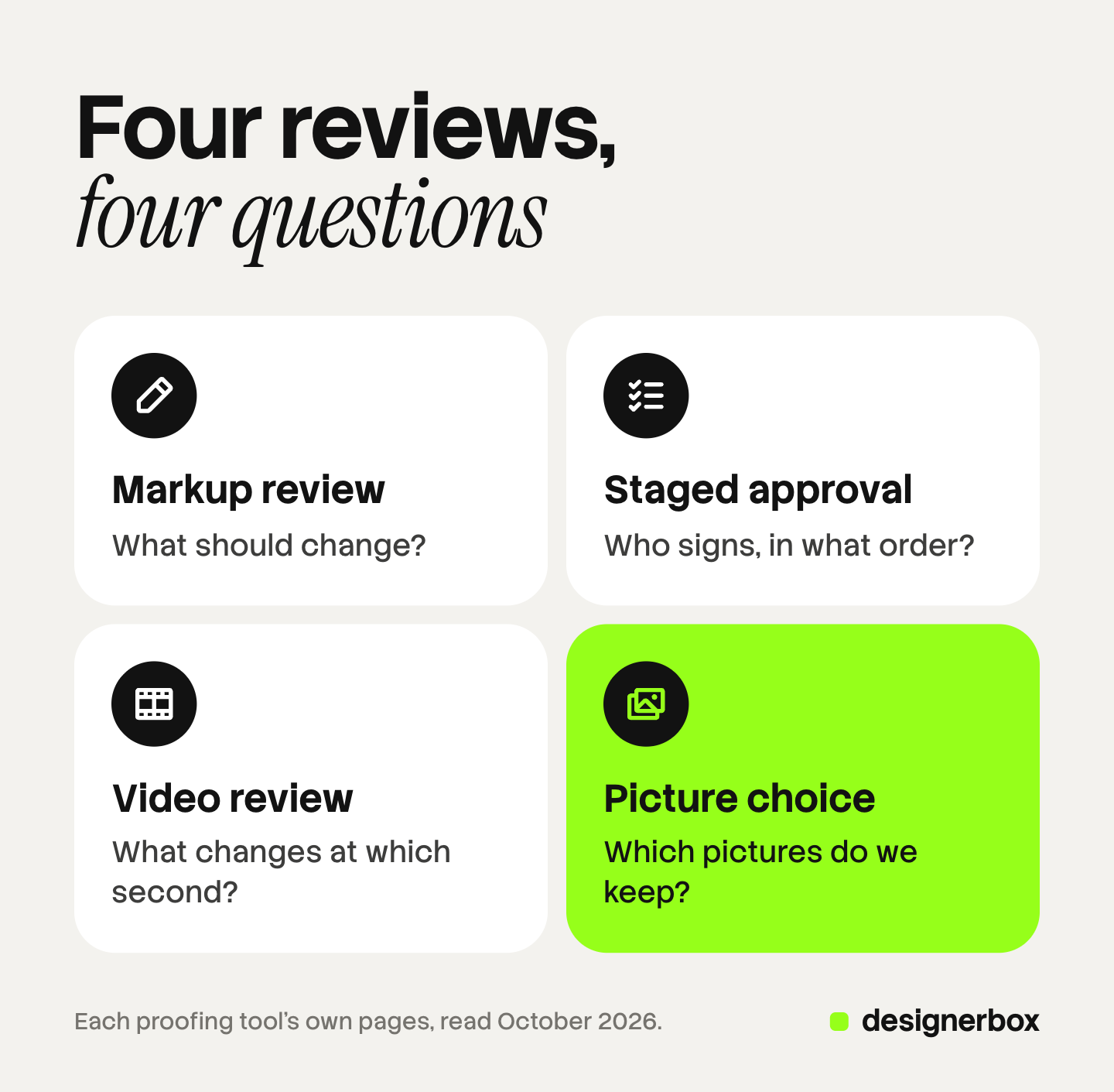
| Kind of review | The question it answers | Features that matter |
|---|---|---|
| Markup review | What should change? | Comments pinned on the file, drawing tools, version compare |
| Staged approval | Who signs, in what order? | Review stages, decision rules, audit trail, e-signature |
| Video review | What changes, at which second? | Frame-accurate comments, time codes, player links |
| Picture choice | Which ones do we keep? | Favorites or ticks, a note, a selection limit |
Most creative teams run more than one kind. Pick the tool for the kind you run every week, and handle the rare kind another way.
Proofing software compared
The table shows what each tool’s own pages state. “Not stated” means the page we read did not say it, not that the feature is missing.
| Tool | Built for | Files | Review without an account | Version compare | Staged approval |
|---|---|---|---|---|---|
| Filestage | Marketing, creative and production teams | Video, documents, PDFs, designs, websites | Yes | Yes | Yes, reviewer groups |
| Ziflow | Creative ops, marketing, legal and agencies | Images, documents, websites, HTML5 ads, video, audio | Guest reviewers on a shared link | Yes, pixel-level | Yes, multi-stage |
| PageProof | Marketing and creative teams, agencies | PDFs, designs, video, emails, websites, audio | Yes | Yes | Yes, decision thresholds |
| GoVisually | Creative teams, agencies, packaging | Designs, images, PDFs, video | Yes | Yes | Approve or reject, checklists |
| ReviewStudio | Agencies, photo studios, design teams | Over 100 formats | Yes | Yes | Yes, multi-stage |
| Approval Studio | Packaging, branding and design teams | Artwork, PDFs, websites | Yes | Yes, 4 compare modes | Yes, sequential stages |
| Frame.io | Video, photo and design teams | Video, photos, design files | Not stated | Not stated | Not stated |
| Pixieset | Photographers | Photos | Not stated | Not stated | Not stated |
| ShootProof | Photographers | Photos, videos, slideshows | Not stated | Not stated | Not stated |
| DesignerBox Reviews | Brands and agencies that make pictures in DesignerBox | Still pictures | Yes | No | No |
The tools, one by one
Filestage
Filestage targets marketing, creative and production teams. Reviewers can comment on videos, images, documents and live websites, and they “won’t have to create an account” to review files (help.filestage.io, October 2026). It compares any two versions side by side. Reviewers choose Approve or Request changes, and reviewer groups move a file from one stage to the next. Its Review Agents flag typos, broken links and brand or compliance issues before people start (filestage.io, October 2026).
Ziflow
Ziflow covers a wide range of files: images, office documents, staged websites, HTML5 ads, video and audio. It offers pixel-level version comparison and locks earlier versions. Multi-stage workflows route proofs to the right people, and electronic signatures record the sign-off. ReviewAI suggests comments and markup from a checklist (ziflow.com, October 2026). Its blog says guest reviewers can comment and approve through a shared link.
PageProof
PageProof calls itself online proofing software with AI-powered markup. Its FAQ says reviewers need “no account”. It reviews PDFs, designs, video, HTML emails, banners and websites. Compare mode shows the differences between versions. Decision thresholds set how many approvals a proof needs before it moves on. Teams can also build AI agents that check proofs against brand guidelines and packaging specs (pageproof.com, October 2026).
GoVisually
GoVisually serves creative teams and agencies, with a focus on packaging and labels. It states “No account required for external reviewers”. Reviewers annotate images, PDFs and video, and the team compares versions side by side or goes back to an earlier one. Approval is one click to approve or reject, with checklists. Its AI compliance checks run against checklists the team sets (govisually.com, October 2026).
ReviewStudio
ReviewStudio marks up over 100 formats, including video, PDF, images, web pages and documents. Its FAQ says reviewers need “No sign-up, application downloads, or registration”. It compares versions side by side and highlights the differences. Multi-stage workflows set approvers and deadlines. It names agencies and photo studios among its users (reviewstudio.com, October 2026).
Approval Studio
Approval Studio targets packaging, branding and design work. Reviewers approve or request changes “no account required”. It offers 4 compare modes for versions and chains review stages in order. It also lists color separation and barcode reading for print artwork. It has an AI compliance report and an MCP server, so an AI chat such as Claude or ChatGPT can run the workspace (approval.studio, October 2026).
Frame.io
Frame.io, an Adobe product, is built around video. Reviewers click anywhere on a frame and leave a frame-accurate comment. It also handles photos and design files, and it connects to Premiere, Lightroom and Final Cut Pro. Share links can carry a passphrase and an expiry date (frame.io, October 2026). Its pages did not state whether a reviewer needs an account, so check that for your clients.
Pixieset
Pixieset Client Gallery is a gallery tool for photographers. Clients “select favorites right in the gallery” and can add notes to each image. The photographer tracks the favorites and exports them (pixieset.com, October 2026). Its blog adds that you can limit how many photos a client adds to a Favorites list. The gallery page does not list markup or version compare.
ShootProof
ShootProof also serves photographers, and it adds booking, contracts and invoicing. Clients “favorite and label photos, videos, and slideshows”, and the photographer can create custom labels, such as one list per album. The photographer can get an email when a client finishes (shootproof.com, October 2026).
DesignerBox Reviews
This one is ours, so read it with that in mind. DesignerBox is AI creative production for brands and agencies. Reviews is the step where the client chooses pictures. You send a page of pictures from Assets, an app result or the kept results of a batch. The client opens the link with no account, ticks the pictures, adds a note and sends the choice back. A review costs no credits, and the link works for 30 days.
Reviews does one kind of review: picture choice. It has no markup on the file, no version compare and no staged approval. If your clients mark up layouts or approve packaging artwork, one of the markup tools above fits better.
How to choose proofing software
Run these five checks before you buy.
- Name the review you run most. Markup, staged approval, video or picture choice. Buy for that one.
- Test it as your client. Open a review link on a phone, with no account. If the first screen is a sign-up form, the answer comes later.
- List your file types. Packaging artwork, HTML5 ads and frame-accurate video each need specific support.
- Decide what the record must hold. A small studio needs a dated yes. A regulated brand may need stages, an audit trail and e-signatures.
- Look at where the files come from. If the work is made in one tool and reviewed in another, every round adds an export and an upload.
The fifth check matters more as AI makes more of the work. Our guide to photo proofing explains why the proof now happens twice: once for the look, and once for the full set.

Picture choice in DesignerBox
When the pictures are made in DesignerBox, the choice happens in the same account. There is no export and no upload between the run and the review. Our guide to DesignerBox Reviews shows each screen, from Send for review to the client’s answer.
Anyone can make an AI picture. Making hundreds that still look like your brand is the hard part. A batch runs one workflow over a sheet of up to 200 rows, and you keep the good results before the client sees anything (DesignerBox batch, October 2026). The results, the review link and the client’s choice stay in one account.
Uploading your own photos and the commercial license start on the Pro plan. AI video, virtual try-on, upscaling, the image editor and the video editor start on the Premium plan. Plans and credits are on the pricing page.
The first job, built once
Start from a template, add your brand and your products, and run it. The cost is shown before the run.
FAQ
What is proofing software?
Proofing software is a tool for reviewing and approving creative files online. Reviewers open a link, pin comments on the file and approve it or ask for changes. The tool keeps every version and records who approved what.
What is online proofing?
Online proofing is the review of a draft file on a web page instead of by email or on paper. The reviewer comments on the file itself, and the decision is saved with the file.
What is the difference between proofing software and a photo proofing gallery?
Proofing software is built for changes: comments on the file, versions and staged approval. A photo proofing gallery is built for choice: the client marks favorites from a set of photos. Pixieset and ShootProof are gallery tools for photographers.
Do reviewers need an account in proofing software?
Many tools let reviewers work without one. Filestage, PageProof, GoVisually, ReviewStudio and Approval Studio state it on their own pages. Check the setting before you send links to clients.
Which proofing software works for video?
Frame.io is built around frame-accurate comments on video. Filestage, Ziflow, PageProof, GoVisually and ReviewStudio also review video files. Test with your longest file before you choose.
Can proofing software check brand compliance?
Some tools now add AI checks. Filestage’s Review Agents flag brand and compliance issues. PageProof lets teams build agents that check proofs against brand guidelines. GoVisually runs compliance checks against checklists. A person still makes the final call.
Is DesignerBox Reviews proofing software?
It covers one kind of proofing: the client choosing pictures. The client ticks pictures and adds a note, with no account. It has no markup, no version compare and no staged approval.
Sources
- Filestage home page and help center, roles and permissions (filestage.io, help.filestage.io), read October 2026
- Ziflow review and markup, routing and automation, ReviewAI and file types pages, and its blog post on online proofing (ziflow.com), read October 2026
- PageProof home page and FAQ (pageproof.com), read October 2026
- GoVisually product, online proofing and AI compliance pages (govisually.com), read October 2026
- ReviewStudio features and FAQ pages (reviewstudio.com), read October 2026
- Approval Studio external review, annotations, comparison modes and AI tools pages (approval.studio), read October 2026
- Frame.io review and approval, present and workflow management pages (frame.io), read October 2026
- Pixieset Client Gallery page (pixieset.com) and blog post on online photo proofing (blog.pixieset.com), read October 2026
- ShootProof proofing features page (shootproof.com), read October 2026
- DesignerBox app, Reviews page, read October 2026
- DesignerBox Batch page (designerbox.ai/product/batch), October 2026
- DesignerBox pricing page (designerbox.ai/pricing), October 2026
Tool features verified from each tool’s own pages as of October 2026. Features change, so check the tool’s site before you buy. Individual results vary.