


AI ad generator for brands and agencies
Start from your product photos. Build the ad, resize it to the formats each platform needs, and rebuild it in another language with the layout redrawn. The workflow reads your brand rules on every run.
Who it is for
Does that sound like you?
More ads than the week can hold.
You need more versions of the ad that works, and you need them this week. Anyone can make an AI picture. Making hundreds that still look like your brand is the hard part, and every format is another file somebody rebuilds by hand.
- One workflow that reads your brand rules on every run
- The same ad in every format the platforms ask for
- Batch: a whole catalogue in one run, reviewed in one pass
Cut the waiting time and budget for deliverables.
You make this for clients, and every client has their own look. A shoot for each one costs weeks and most of the budget. A different generator for each one returns a different look, so somebody fixes it by hand before it is delivered.
- Each client's brand rules, saved once and used on every run
- A workflow you build once and run for every client
- A batch over a client's whole catalogue, delivered from Assets
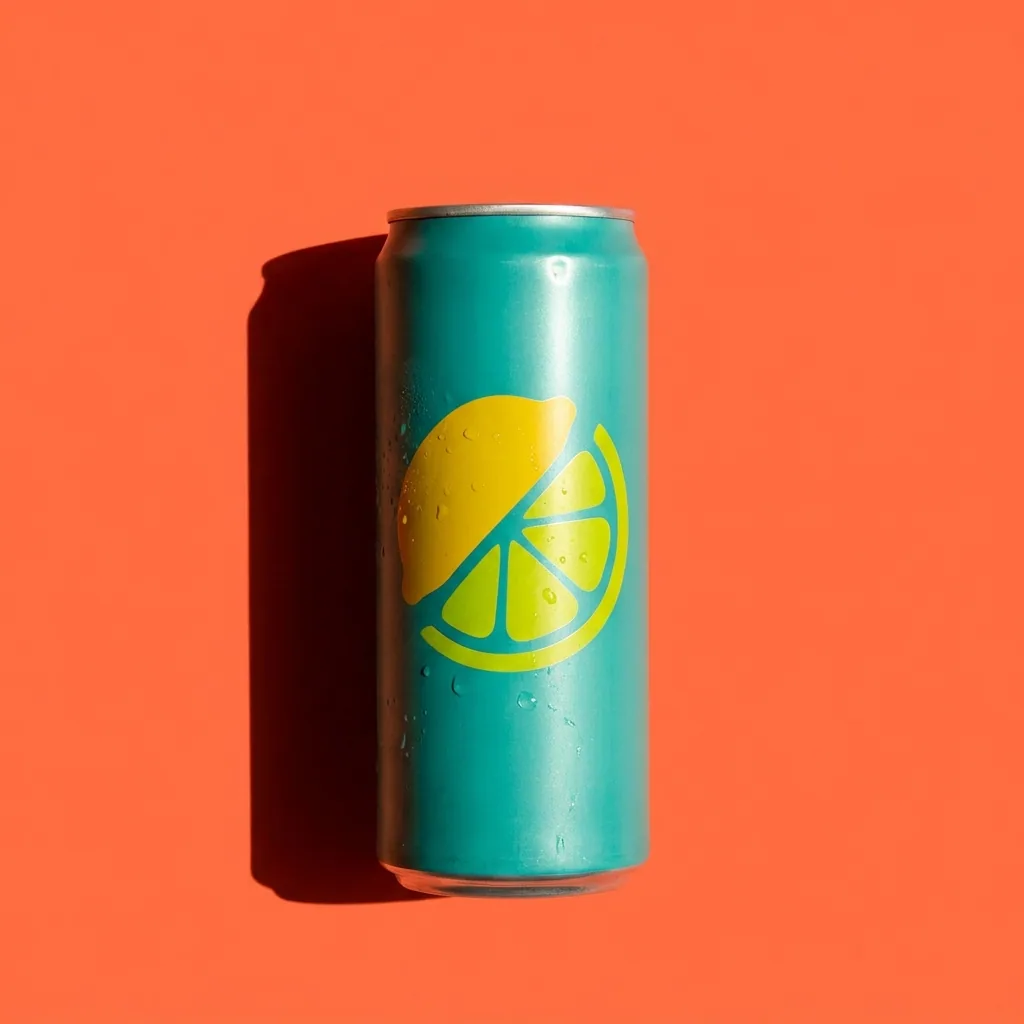
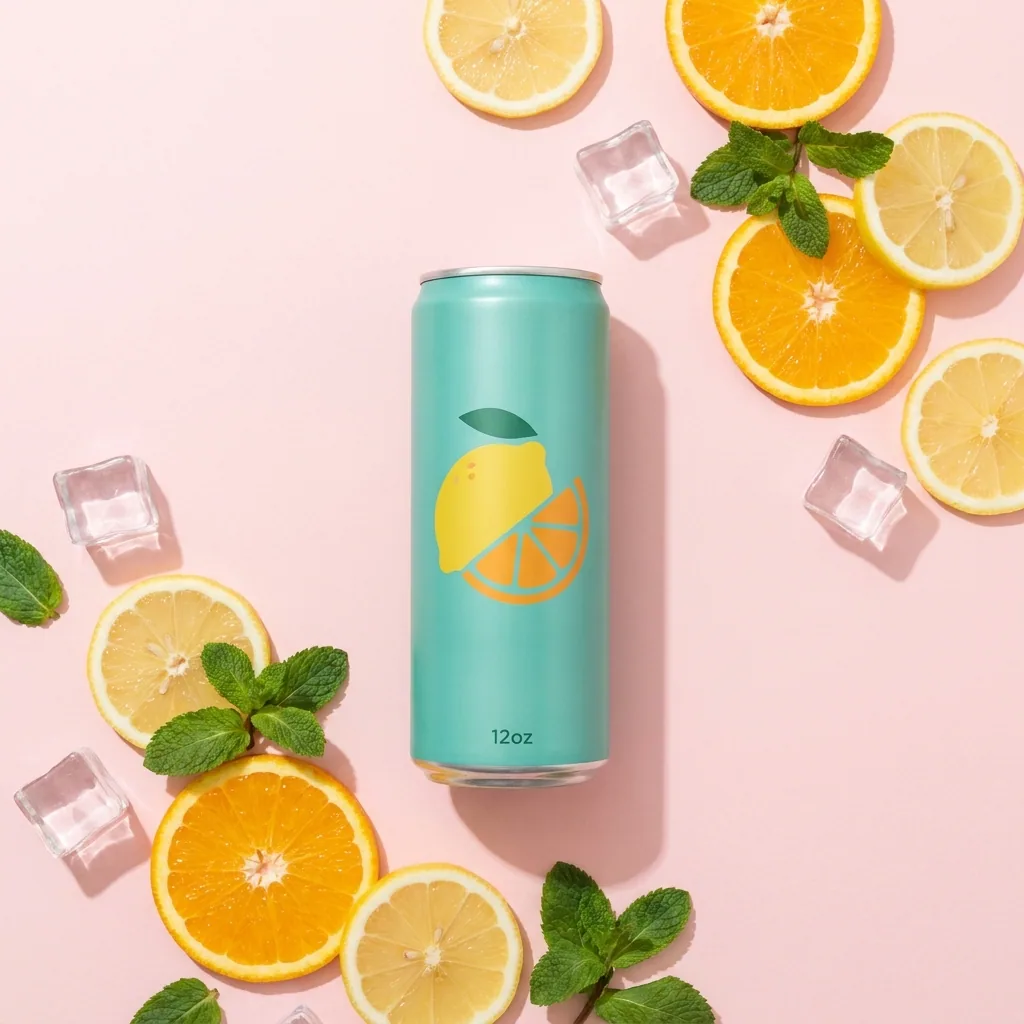
The same can in four settings
The workflow edits your product photos. The can, its colour and its lemon mark stay the same in every scene.
Packshot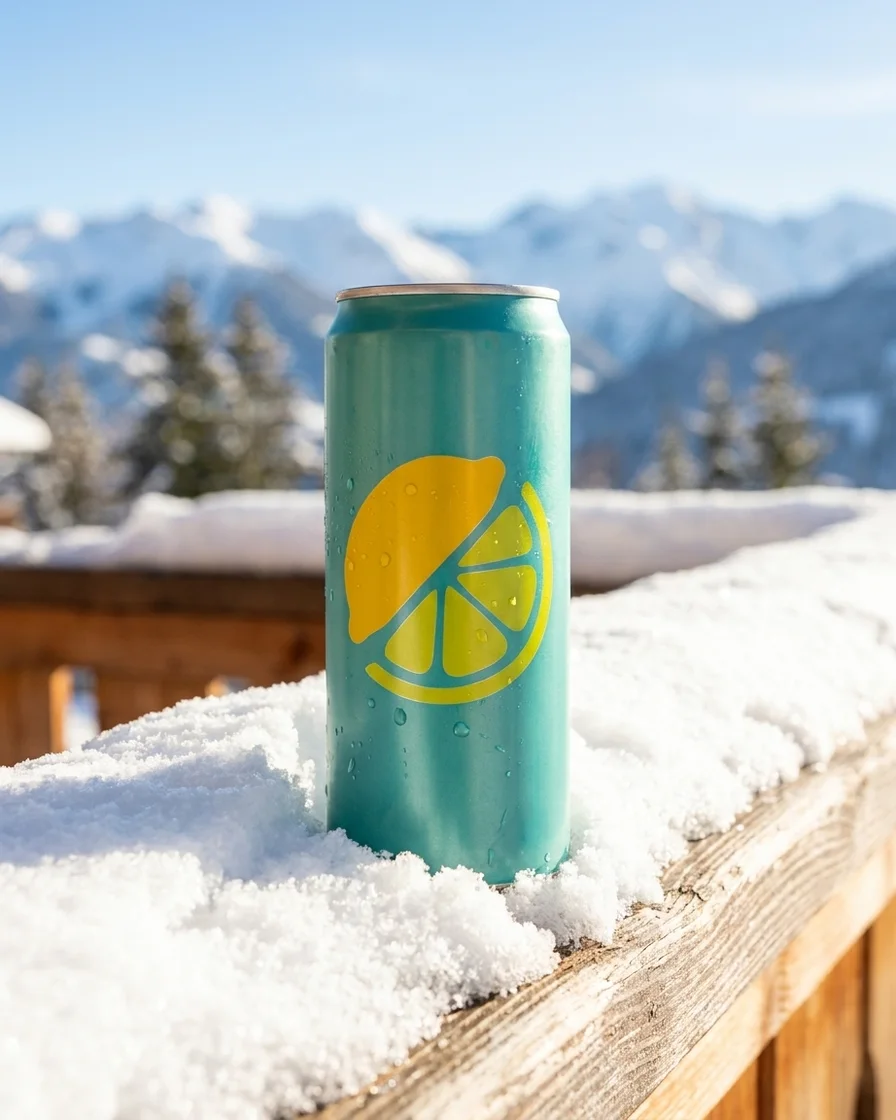 Winter terrace
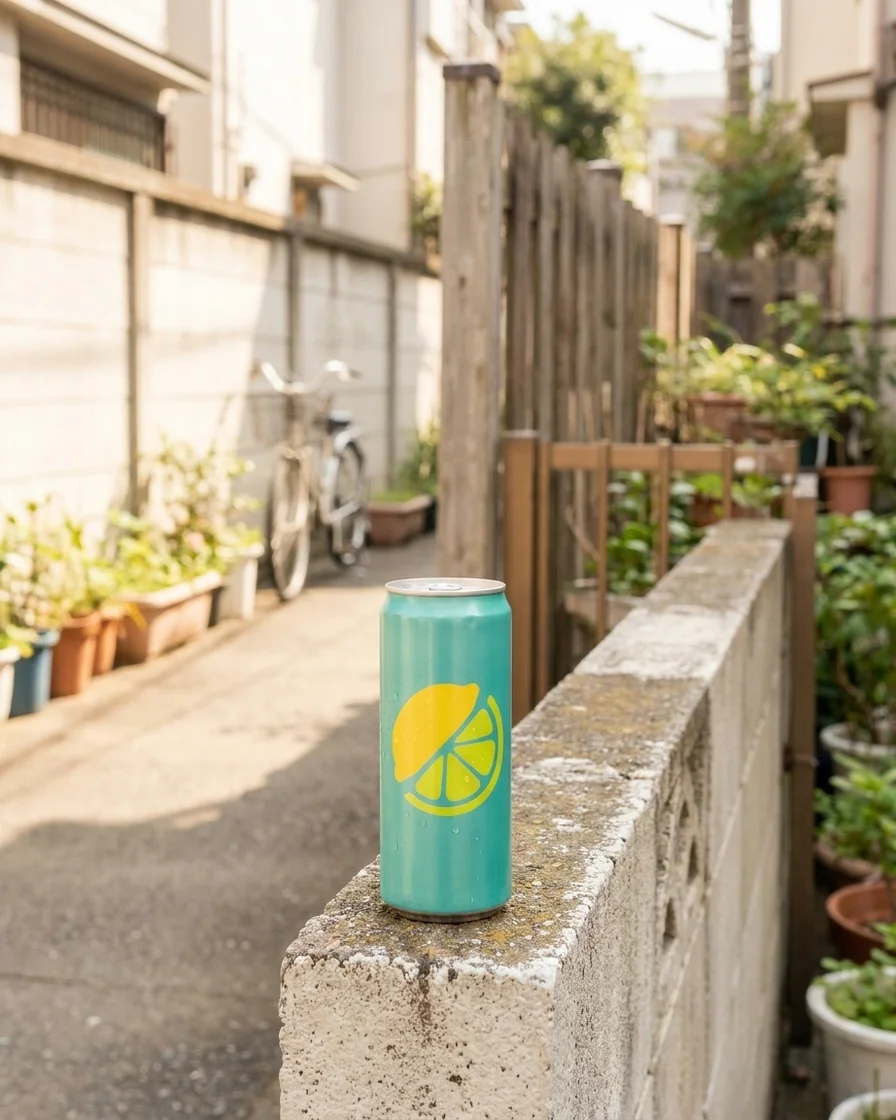 Street
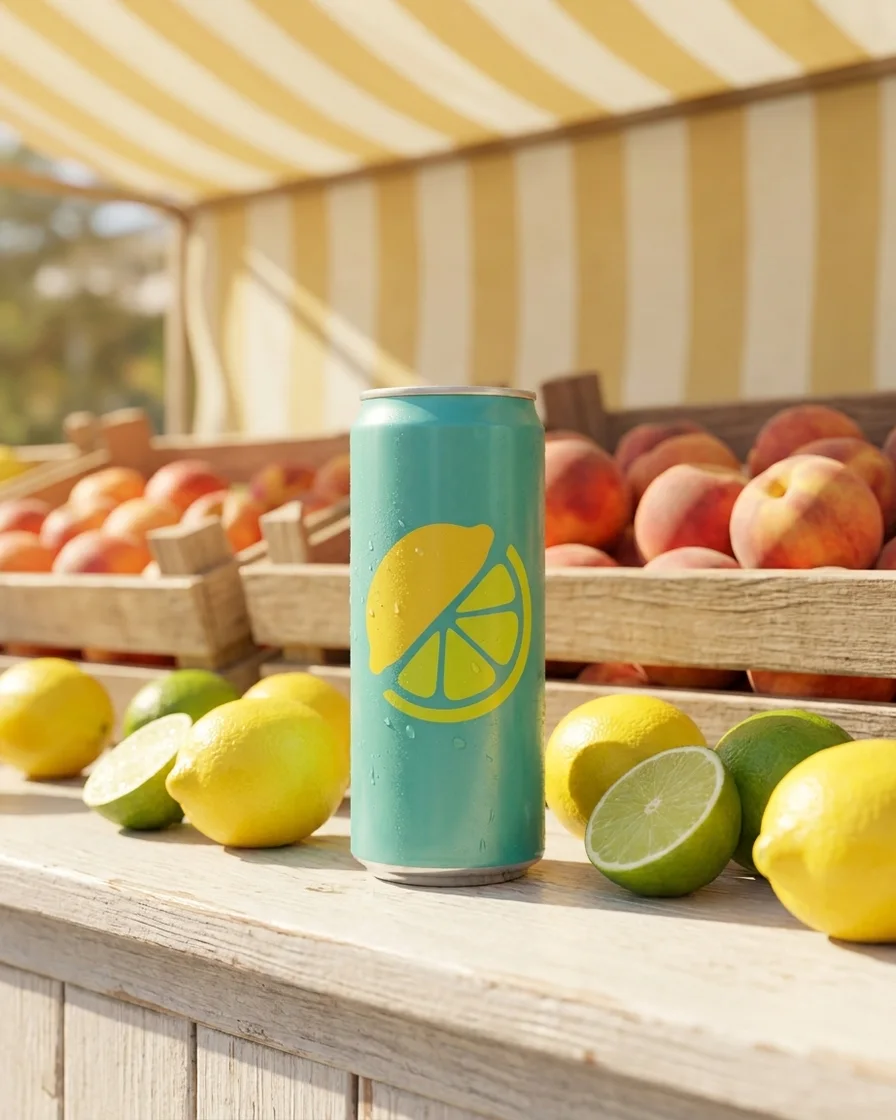 Market stall
AI ad generator
An AI ad generator builds finished ad images from a product photo and a short brief, so nobody rebuilds each size by hand. DesignerBox runs it as a workflow. You set the brand once, start from a template for the kind of ad you need, and run it on one product or a whole catalogue. The workflow edits your photo instead of drawing a new product.
What an ad set demands
Four things that decide whether a set of ads can ship.
Brand rules on every version
Your logos, fonts, colours and rules live in a brand record. The workflow reads that record on every run, so version forty carries the same brand as version one. Nobody has to remember a PDF.
Every format the platforms need
One approved ad is resized to the formats ad platforms ask for. The layout is rebuilt for each shape rather than cropped, so the product and the text still sit correctly in a tall frame and a wide one.
The same ad in another language
German strings run longer than English and break a layout that was designed around the English line. The ads localizer redraws the layout around the new text instead of dropping it into the old box.
Variants of the ad that works
An ad that works loses its effect over time. Winning ad variations starts from the one you already ran and changes the parts you name. The next test is then a variation of a known result rather than a new guess. Each new test needs no new photo shoot, so a smaller brand can afford more testing.
Four ways to run it
The same job, given to more people at each step.
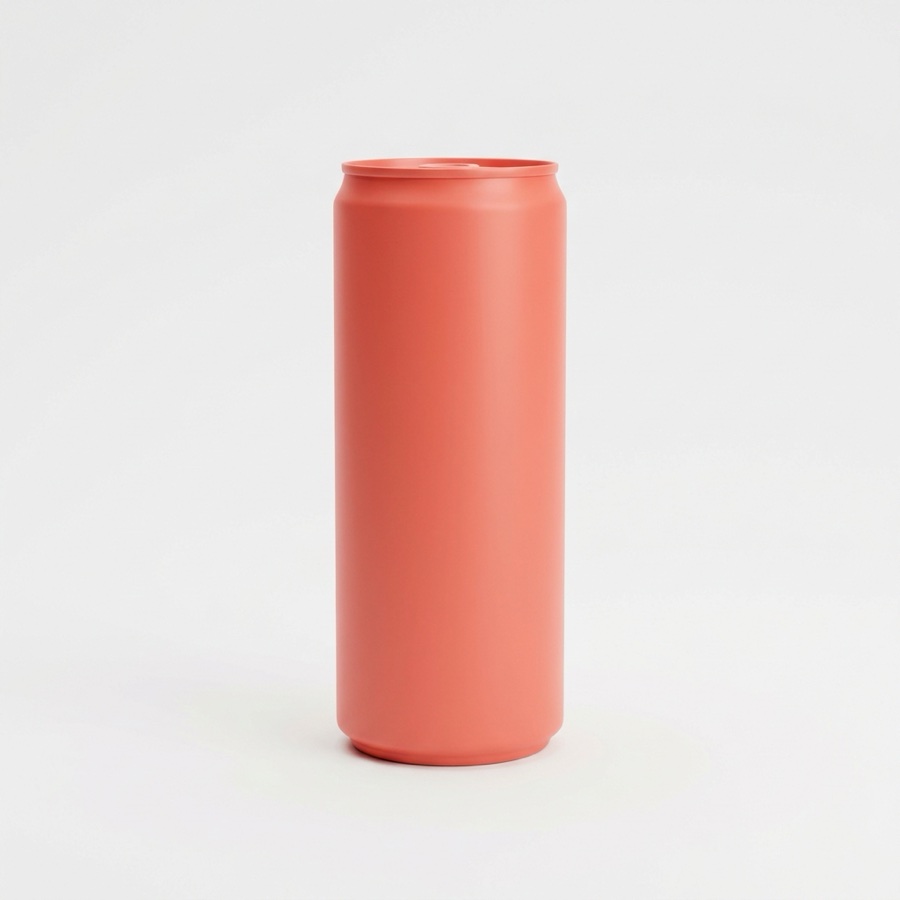
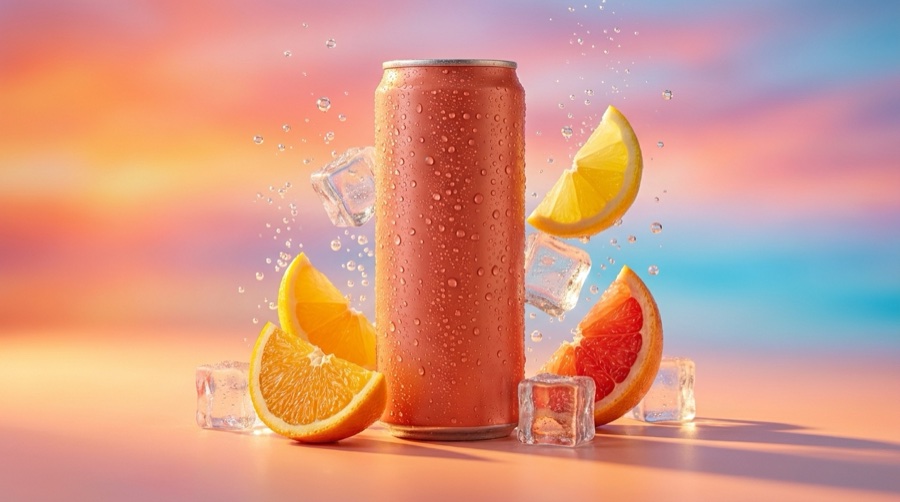
Template
A workflow somebody already built for a named ad job. It shows the original photo and the finished ad. Start there and change what you need.

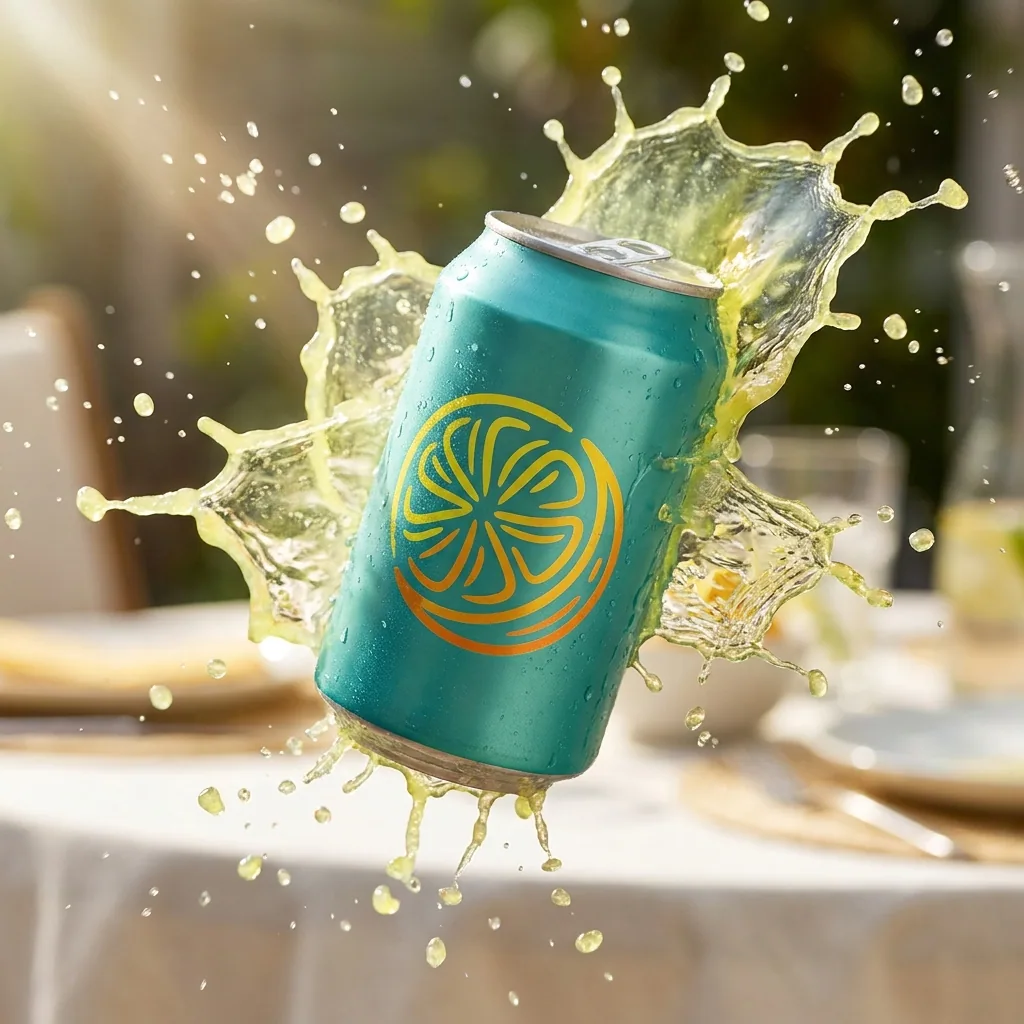
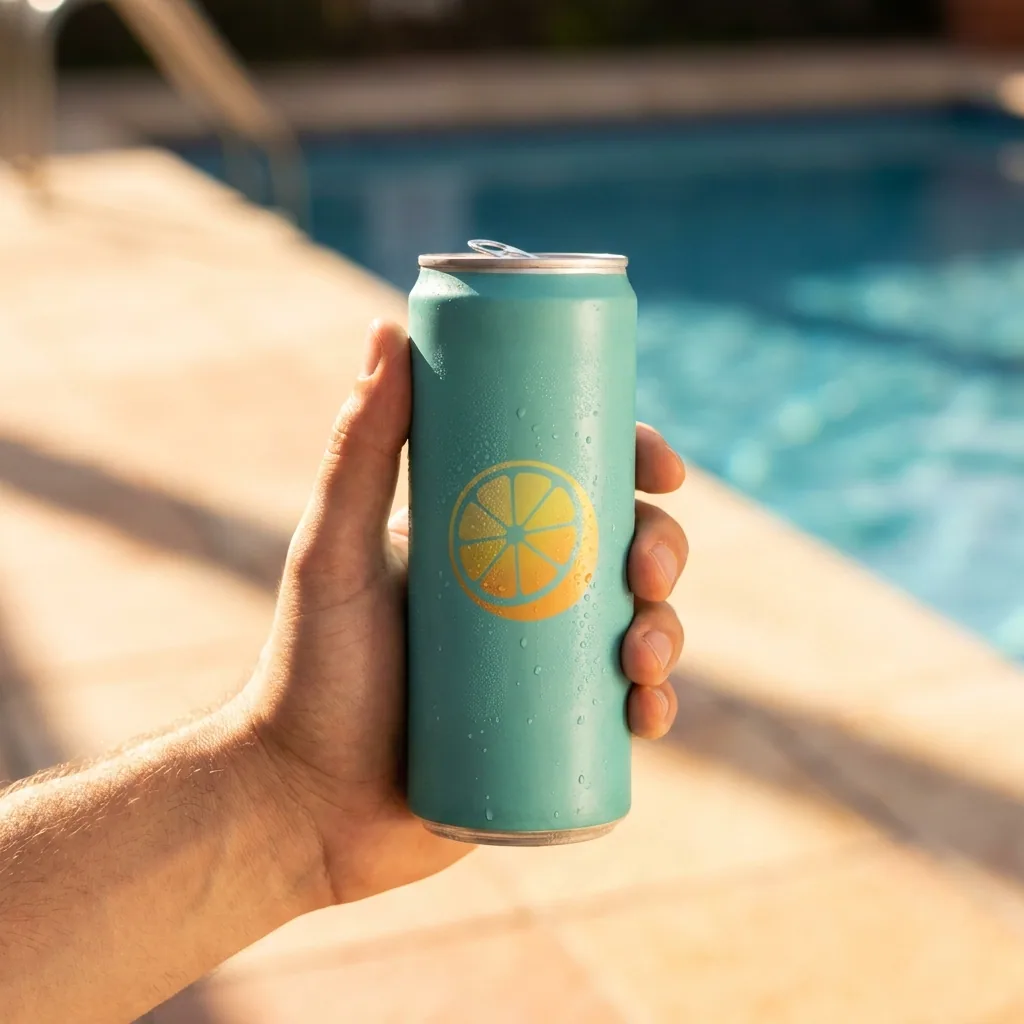
Workflow
Your edited version, with your brand, your products and your steps. Save it once and it runs the same way every time.
App
The same workflow behind a short form. A colleague fills three fields and presses Run. They never open the workflow.


Batch
The same workflow over a spreadsheet of products. One person starts it once, and the cost of the run is shown before the button.
How a run works
Four steps, from the photo you already own to the files you send to the buyer.
The first run is one ad. The value arrives on the second one, when the same steps run again without anyone rebuilding them. Save the run as a workflow and it becomes the way your team makes that ad. Give it to a colleague as an app and they complete a short form instead of learning the steps. Run it on a spreadsheet and it becomes a batch, which is how forty products get the same treatment in one pass. Nothing is rebuilt between those four stages. It is the same job, opened to more people each time.
Questions about AI ad creative
What teams ask before the first run.
Does the ad show my real product?
Can it write the ad copy as well?
Will it publish the ads to my ad account?
What does a run cost?
How is this different from a template in a design app?
Can my client or my colleague run it without learning the workflow?
The rest of the ad work
Two ad formats with their own pages, and the product photos most ads start from.



Everything you need, in one place
The full workflow, from your product photos to the finished ad, in one subscription.
Scale content without limits.
Generate content for your products or services with AI, starting today, and keep your brand on every piece.







