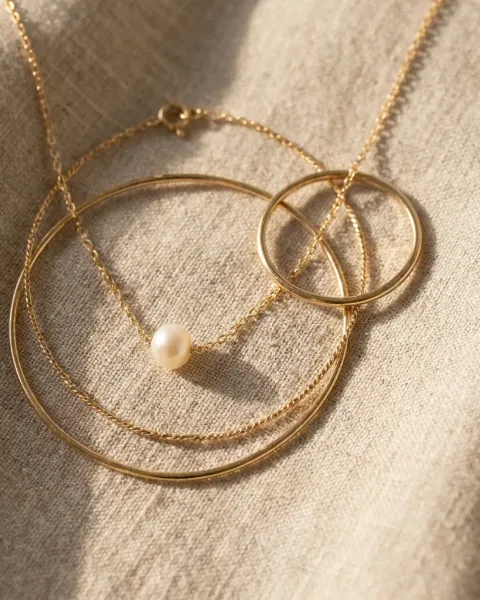
AI jewelry prompts work when they say what the model may change and what it must keep. For a photo of your own ring or necklace, name the metal, the stone, the size and the setting, then tell the model to keep them unchanged. For a new scene, describe the surface and the light. For a design idea, let the model invent.
Jewelry has a rule most products do not. The FTC Jewelry Guides warn that a picture showing a gemstone bigger than its true size may mislead buyers, unless the true size is disclosed. A camera enlarges a stone only by moving closer. An image model can enlarge it because a prompt said “dramatic”.
The 15 prompts below are sorted into four groups by how much the model may change. Each one comes with a check to run before the picture goes on a listing or into an ad. They work in Midjourney, ChatGPT, Gemini or any model that takes a reference photo.
Key Takeaways
- Sort prompts by what may change. Edits of your own photo keep the piece. Scene prompts change the setting. Design prompts change everything.
- Write a keep line. Name the stone, the setting, the metal color and the size, and say they stay unchanged.
- Give real sizes. “The stone is 6 mm across” helps a model hold scale in a scene.
- Never list a concept picture as the product. Amazon’s jewelry guide asks for “the actual product (not a graphic or illustration)” in the main image.
- Check privacy in Midjourney. Its docs say Edit model results appear on midjourney.com unless Stealth mode is on, and that includes edits of your own photos.
How to write an AI jewelry prompt
An AI jewelry prompt has six parts: the piece, the keep line, the surface, the light, the camera and the format. The keep line matters most for a real piece. It names the stone, the setting, the metal color and the size, and it says they must not change.
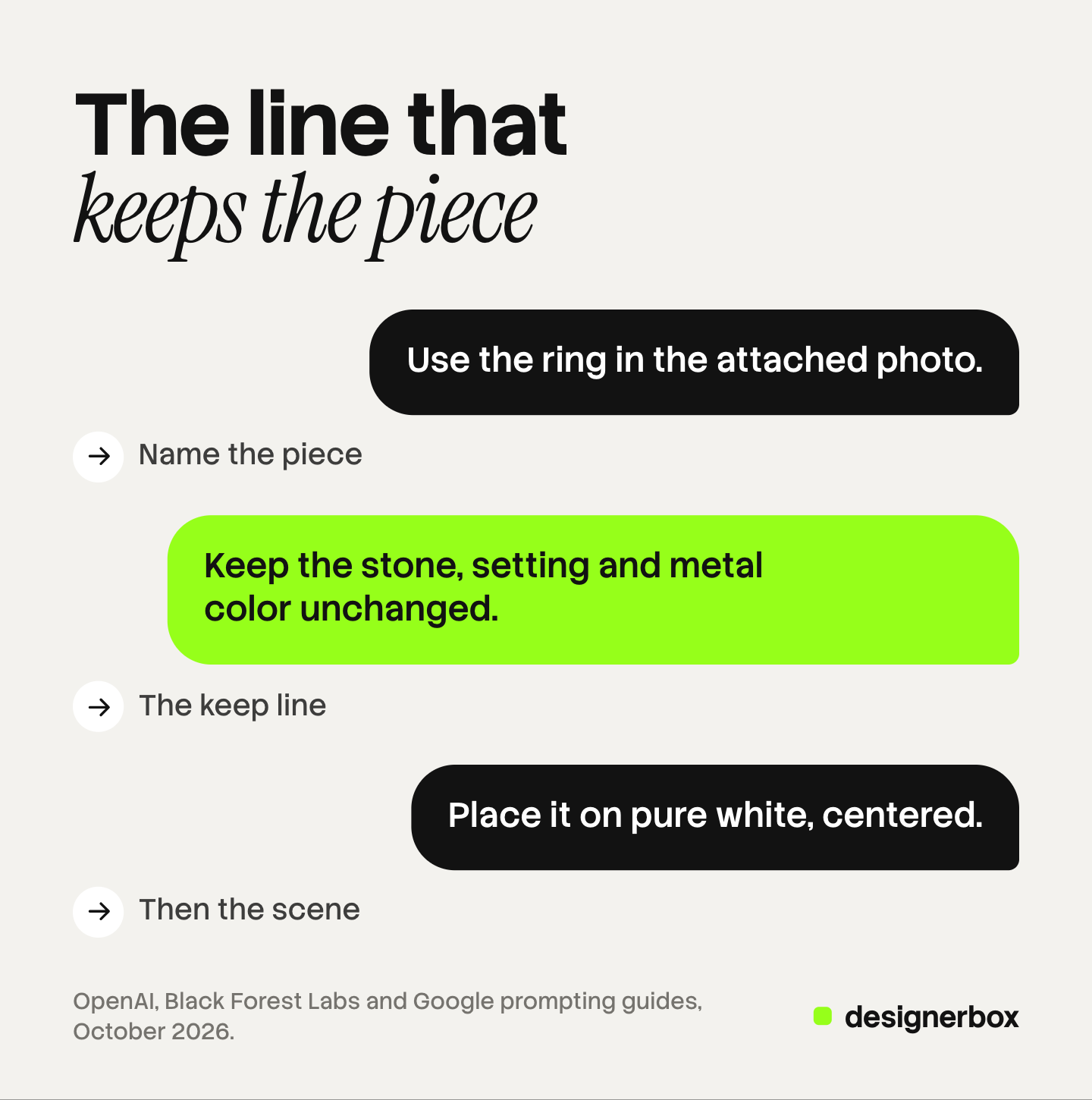
The model makers give the same advice. OpenAI’s prompting guide says that for edits you should “identify what should change and what must stay the same”. One of its own example prompts asks the model to “Preserve product geometry and label legibility exactly” (OpenAI image prompting guide, October 2026).
Black Forest Labs tells you to name a detail that must stay, and to write a hex code when an exact color matters (FLUX editing guide, October 2026). Google’s edit example ends with “Do not change any other elements of the image” (Gemini API image generation guide, October 2026).
| Group | What the model may change | Where the picture goes |
|---|---|---|
| Edits of your own photo | Background, dust, glare. Never the piece | Listing images, the main image |
| Scenes around your piece | Surface, props, light, a hand or a model | Secondary images, ads, social posts |
| Listing and ad shots | Layout, empty space, scale props | Listings and ads, with the real size shown |
| Design and concept ideas | Everything | Mood boards and sketches, never a listing |
Edit prompts for a photo of your own piece
These five start from your own photo. The model may change the background or remove a flaw. It must not change the piece.
1. White background for a store listing
Use the ring in the attached photo. Keep the band, the stone, the prongs and the metal color exactly as they are. Place the ring on a pure white background, centered, filling most of the frame. Soft even light, a small soft shadow under the band. Square 1:1.
Check: count the prongs and compare the stone size with the original. For Amazon, the jewelry guide asks for a pure white background (RGB 255, 255, 255), no mannequin or model, the product on at least 80 percent of the image, and a longest side of 500 to 2,100 pixels (Amazon Seller Central jewelry style guide, October 2026).
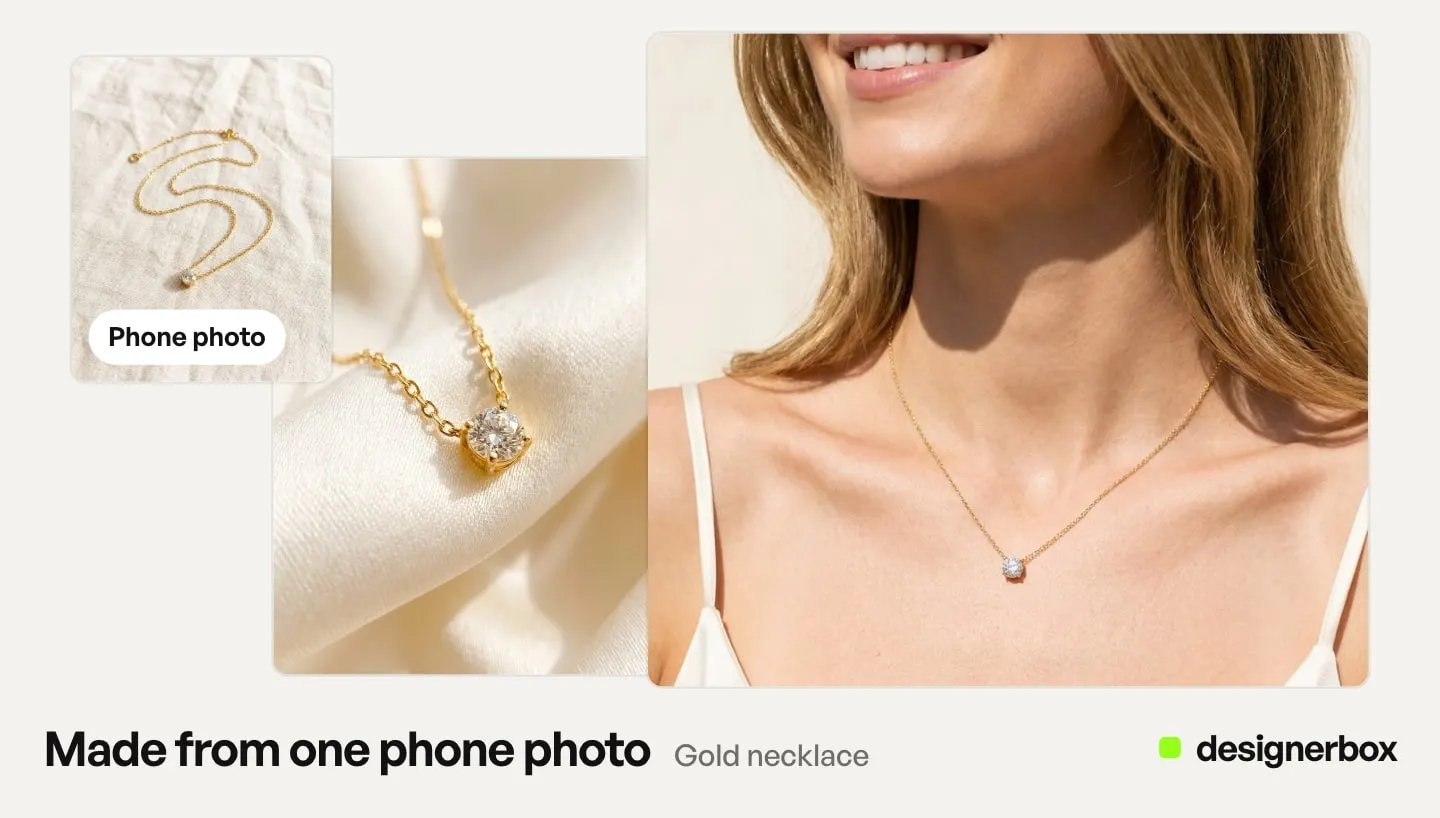
2. Clean up a phone photo
Remove the dust, the lint and the fingerprint marks from the necklace in this photo. Keep the chain links, the pendant shape and the gold color unchanged. Do not change anything else.
Check: zoom in on the chain. A model can redraw the link pattern while it cleans.
3. Remove a reflection
Remove the reflection of the phone and the hand from the polished surface of the bangle. Keep the engraving, the width and the shape of the bangle exactly as they are.
Check: read the engraving letter by letter against the real piece.
4. Change the background only
Replace the gray background with soft beige linen. Keep the earrings, their position, their size and their shadows unchanged.
Check: the shadow should fall the same way as the light in the new background.
5. Fix the white balance
Correct the white balance so the background reads as neutral white. Keep the metal color and the stone color as they are in the real piece.
Check: hold the real piece next to the screen in daylight. A white balance fix can turn yellow gold into rose gold. More on careful edits is in our guide to jewelry retouching.
Scene prompts around your piece
These five put your piece in a new setting. The surface, the props and the light change. The piece and its size do not.
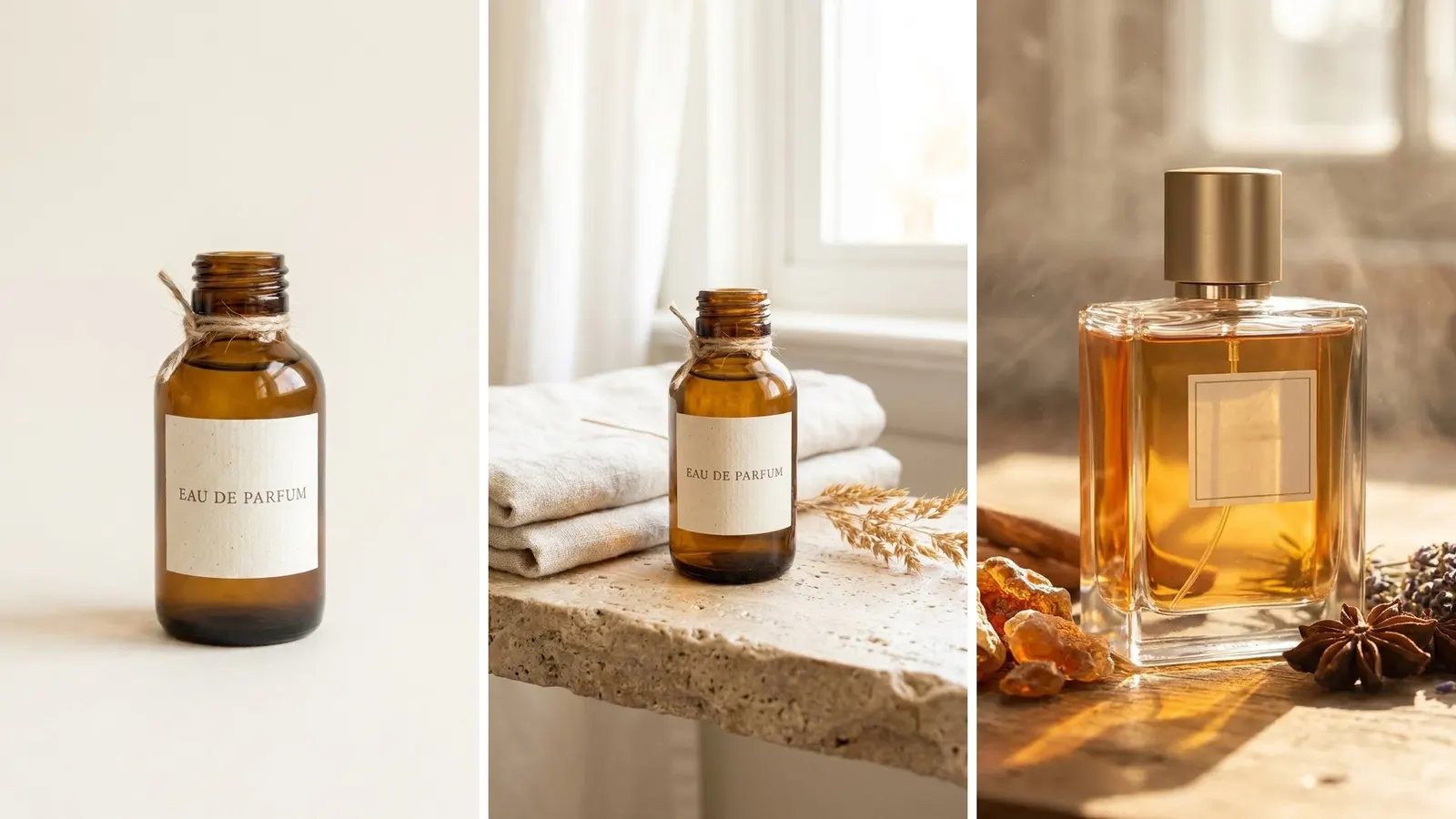
6. Marble and morning light
Use the pendant from the attached photo. Keep its shape, its stone and its gold color unchanged. The pendant is 12 mm tall. Place it on white marble with soft morning window light from the left and a long gentle shadow. Close-up, the pendant in sharp focus. Portrait 4:5.
Check: compare the pendant’s size with the marble veins. A pendant that fills half the frame at 12 mm is a macro shot, so say so in the listing text.
7. Necklace on a velvet bust
Show the necklace from the attached photo on a dark green velvet display bust. Keep the chain length, the clasp and the stones unchanged. Soft light from above, a plain warm gray background. Eye-level, the full necklace in frame.
Check: the chain should hang at its real length. A model can shorten a chain to fit the frame.
8. Gift box for a holiday ad
Place the earrings from the attached photo in an open cream gift box with a satin ribbon. Keep the earrings unchanged. Warm evening light, a soft blur of string lights behind. Leave empty space on the right for a headline. Landscape 16:9.
Check: no text in the picture. Add the headline later in a design tool.
9. Ring on a hand
Put the ring from the attached photo on the ring finger of a left hand with short natural nails. Keep the ring unchanged. The band is 2 mm wide and the stone is 6 mm across. Soft daylight, a plain cream background, the hand relaxed.
Check: the stone should look 6 mm wide next to a real fingernail. Our guide to hand model photography covers pose and scale.
10. Earrings on a model
Use the earrings from the attached photo on a woman in her late twenties, looking at the camera with a soft smile. Keep the earrings unchanged. Each earring is 15 mm long. Hair tucked behind the ear, warm studio light, a plain beige background. Close crop from chin to eyes.
Check: both earrings should match each other and the reference. For a set of on-ear shots, see earring photography.
Listing and ad prompts
11. A scale shot
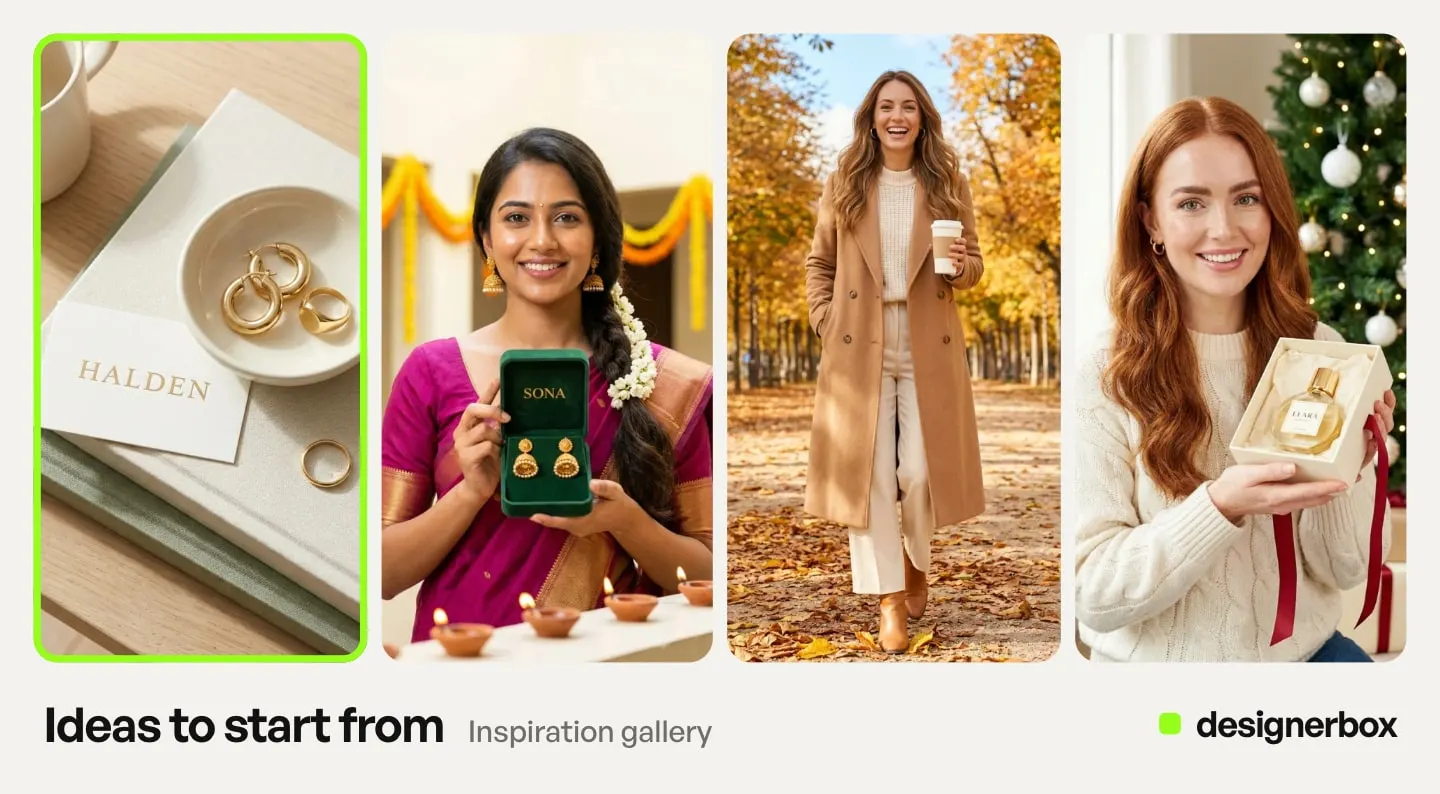
Place the ring from the attached photo next to a plain ruler marked in millimeters, on a white surface. Keep the ring unchanged. Top-down, even light, the ruler and the ring both sharp.
Check: the ruler marks should line up with the real size. This is the picture that shows true size, next to any close-up.
12. A sale ad with space for text
Use the bracelet from the attached photo. Keep it unchanged. Place it on a pale pink silk background, low and to the left. Leave the top half empty for a headline. Soft light, a gentle shadow. Square 1:1.
Check: the empty space should stay empty. Write the sale text in a design tool, so the price and the dates are exact.
13. A set of three for a collection page
Arrange the three rings from the attached photos in a row on cream linen, evenly spaced. Keep each ring unchanged. Top-down, soft even light, the same distance from the camera for each ring.
Check: the rings should keep their real sizes next to each other. A model can make all three the same size.
Design and concept prompts
Here invention is the point. These pictures are for ideas and mood boards. They are never a product listing.
14. A ring design sketch
A pencil sketch of a gold ring design on white paper, front view and side view, a single oval stone in a four-prong setting, a thin band that splits into two near the stone. Design notes in the margin, no readable words.
Check: treat it as an idea for a jeweler, not a picture of a product that exists.
15. A mood board for a new collection
A mood board for a minimal silver jewelry collection: river stones, linen, morning fog, brushed metal textures and pale blue tones. Six squares in a grid, no text.
Check: a mood board guides the look of the shoot. It shows no real piece.
AI jewelry prompts in Midjourney, ChatGPT and Gemini
The prompts work as written in all three. The differences are in how each tool takes your photo and who can see the result.
Midjourney. The current default version is V8.2. Its Edit model changes an existing image from written instructions and makes new images from up to four reference images. The Editor also takes your own uploaded photos, and you must have the rights to the images you upload (docs.midjourney.com, October 2026). Midjourney’s docs say creations made in the Editor with the Edit model appear on midjourney.com for other members unless Stealth mode is on. That applies to your uploaded images too. Keep an unreleased piece out of public view.
ChatGPT. You can upload a photo, select part of it and describe the change, or describe the edit in the chat (OpenAI Help Center, October 2026).
Gemini. Google’s Nano Banana 2.1 takes up to 14 reference images, up to 10 of them objects. Google’s model card for Nano Banana 2.1 says small text is often blurry at 1K, so make engraving close-ups at 2K or 4K. Our Nano Banana 2.1 guide lists the other known limits.
Prompt mistakes that change the piece
These are the habits that change a real piece. They come from our own work on product prompts, not from a measured study.
- No keep line. Without it, a model treats the piece as a suggestion.
- Mood words in place of facts. “Dramatic”, “luxurious” and “sparkling” invite a bigger stone and extra glints. Describe the light instead.
- No real size. Give the stone size and the band width in millimeters.
- Text in the picture. A model can misspell a brand name or invent a hallmark. Add text later.
- A concept on a listing. A design render shows a piece that does not exist yet. Amazon’s main image rule asks for the actual product.
The FTC Jewelry Guides say an illustration that shows a gemstone “in greater than its actual size may mislead consumers, unless a disclosure is made about the item’s true size” (16 CFR 23.1, October 2026). This is general information, not legal advice. Our guide on how to photograph jewelry covers the full four-shot set and the scale shot.
One prompt set for a whole collection
A jewelry brand rarely needs one picture. It needs the same white background, the same scale shot and the same model crop for every piece in a drop.
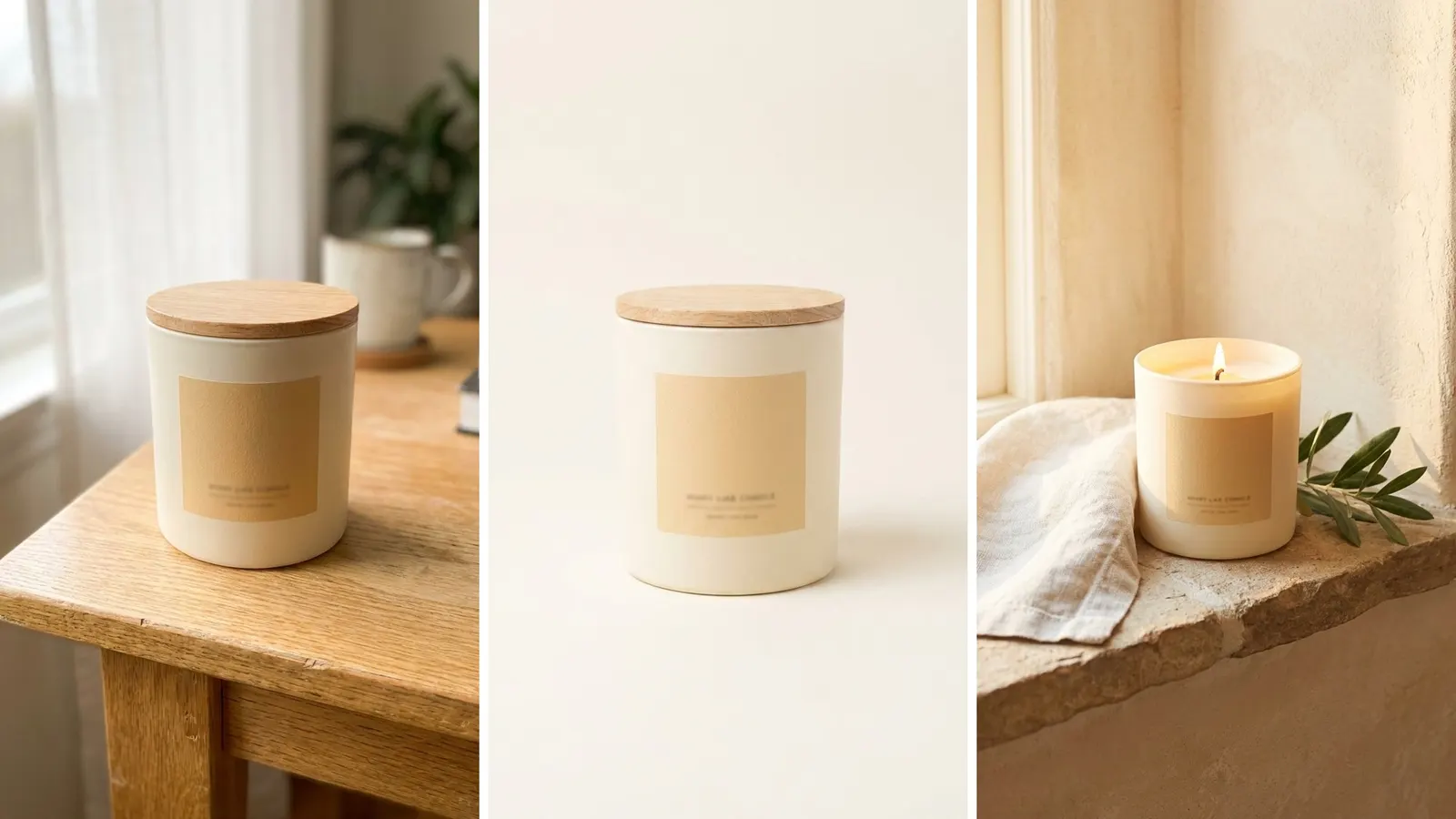
Anyone can make an AI picture. Making hundreds that still look like your brand is the hard part.
In DesignerBox, paste any of these prompts into Generate, add up to 5 reference pictures of the real piece and run it. To repeat the job, you save the prompts and the keep lines once in a workflow, with your brand rules. Your product photo is the input. Batch runs the workflow over a sheet of pieces, so row one and row two hundred get the same steps. The cost is shown before the run. The AI jewelry product photography page shows the shots a workflow makes from one photo.
Critic steps score the results and keep the best one. You still compare each result with the real piece before it goes on a listing. The prompts, the saved workflow and your brand rules sit in one account, so the next collection starts from the same setup.
DesignerBox does not send pictures to a store for you. You download the results.
There is a free plan, and it runs on sample products. Uploading your own photos and the commercial license start on the Pro plan. Plans and credits are on the pricing page.
The first job, built once
Start from a template, add your brand and your products, and run it.
FAQ
What is the best prompt for jewelry photography?
Start from a photo of the real piece. Name the metal, the stone, the size and the setting, and say they stay unchanged. Then describe the background, the light, the camera angle and the format.
Can AI keep my jewelry exactly the same?
Not every time. A keep line and a clear reference photo help a lot, but a model can still change prongs, links or a stone’s size. Compare every result with the real piece before you use it.
How do I stop AI from making the stone look bigger?
Give the real size in millimeters in the prompt and avoid mood words like “dramatic”. Keep a scale shot in the set and state the true size in the listing. The FTC Jewelry Guides warn against pictures that show a stone bigger than it is without a size disclosure.
Can I use AI jewelry photos on Amazon?
The main image has to show the actual product, not a graphic or illustration, on pure white with no model. An edit of your own photo can meet that. A generated design render cannot. Read Amazon’s jewelry style guide before you upload.
What background works for jewelry photos?
Pure white for a marketplace main image. For other images, plain surfaces like marble, linen, velvet or stone keep attention on the piece. Busy props pull the eye away.
Can I use these prompts in Midjourney?
Yes. Midjourney’s Editor takes your own photos and its Edit model follows written instructions. Its docs say Edit model results appear on midjourney.com unless Stealth mode is on, so check that before you upload an unreleased piece.
Sources
- OpenAI image prompting guide: edits and preserving details (developers.openai.com, accessed October 2026)
- Black Forest Labs, single-reference editing guide (docs.bfl.ml, accessed October 2026)
- Gemini API image generation guide: edit prompts and reference image limits (ai.google.dev, accessed October 2026)
- Images in ChatGPT, OpenAI Help Center (help.openai.com, accessed October 2026)
- Amazon Seller Central, jewelry style guide G50211 (sellercentral.amazon.com, accessed October 2026)
- FTC Jewelry Guides, 16 CFR 23.1 (law.cornell.edu, accessed October 2026)
- Midjourney docs: version, Edit model and Editor (docs.midjourney.com), October 2026
- Google DeepMind, Nano Banana 2.1 model card (deepmind.google, accessed October 2026)
- DesignerBox workflows and AI jewelry product photography pages (designerbox.ai), October 2026
- DesignerBox plans and license gating (DesignerBox pricing, designerbox.ai/pricing), October 2026
Model advice, marketplace rules and the FTC text were read on each source’s own page on October 22, 2026. The prompt mistakes list is our working experience, not a measured study. This article is general information, not legal advice. Individual results vary.