Earring photography needs four shots, not one: a pair packshot, a macro, a backing shot, and one worn on an ear. Earrings are sold as a matched pair, worn one at a time, and regulated in the EU on the part that passes through the body. Each of those three facts breaks a shot that a normal product set would cover.
A stud can photograph cleanly and still be returned. Picture a buyer who sees a 6mm disc filling a phone screen, then opens a box holding something smaller than the head of a pencil eraser. Nothing in the photo was retouched. The size was never communicated, because the marketplace rule that forces the crop is the same rule that removes every size cue from the frame.
Lighting is the easy part. It is the same problem as every other polished-metal product, and watch photoshoot ideas sorts scenes by what a polished case reflects. For rings, chains and sets, jewelry photoshoot ideas sorts 17 shots by what holds the piece. The parts specific to earrings are the pair, the scale squeeze, and the two claims an earring photo makes on your behalf whether you meant to make them or not.
This guide covers the four-shot set and how studs, hoops and drops differ. It explains why a pair takes more work than a single piece. It also covers the FTC guidance on showing stones larger than they are, the EU nickel limit behind a “hypoallergenic” claim, and where generated imagery is safe and where it must not go.
Key Takeaways
- Four shots, not four angles. Pair packshot, macro, backing, on-ear. Four variations of the packshot answer the same question four times.
- Amazon’s main image rules squeeze a small earring hard. The general guide asks for pure white at RGB 255, 255, 255, the product filling 85% of the frame, and the whole product inside the frame with nothing cut off (sellercentral.amazon.com, September 2026). The jewelry guide asks for at least 80% and no model in the main image (sellercentral.amazon.com, September 2026). On a stud that means an extreme close-up with nothing in frame to read size against.
- The on-ear shot is the scale shot. For earrings there is no separate one worth taking. A coin next to a stud works, but it reads clinical.
- The FTC’s Jewelry Guides flag an enlarged stone as possibly misleading. “An illustration or depiction of a diamond or other gemstone that portrays it in greater than its actual size may mislead consumers, unless a disclosure is made about the item’s true size” (16 CFR 23.1, Note 3, September 2026).
- In the EU, the post is the most regulated part of the product. The EU’s REACH regulation sets nickel release from post assemblies inserted into pierced ears below 0.2 µg/cm²/week. That is stricter than the 0.5 µg/cm²/week that applies to other articles in direct and prolonged contact with the skin (EUR-Lex, Annex XVII entry 27, consolidated text of 22 June 2026, read September 2026).
- A pair takes more retouching than a single piece. Both pieces have to match in angle, highlight and metal tone. Symmetry is the line item.
- Two shots must come from the physical product. The macro and the backing. Everything around them, the ear, the hair, the light, the room, is presentation.
Why earring photography is harder than the rest of the catalog
Earring photography carries three problems no other jewelry category has at once. They are sold as a matched pair, so symmetry becomes a production cost. They are worn one at a time, so the shot that sells shows half the product. And they pass through the body, so the fastening is a safety component rather than a detail.
Rings and necklaces share the reflection and scale problems. Necklaces add a chain and a length to show, covered in the six-shot set for necklace photography. The lighting craft transfers directly, and the four-shot logic behind both is covered in jewelry product photography. The pair does not transfer. On the ring side, the size number does not transfer, which is why ring photography runs to five shots rather than four.
A pair is one SKU and two objects. Both pieces have to sit at the same angle, catch the same highlight, and read the same metal tone inside one frame. Get one of the three wrong and the listing looks like a mismatched set, which is the exact fear a buyer has when ordering jewelry they cannot hold.
The four-shot set every earring listing needs
| Shot | The question it answers | How to frame it |
|---|---|---|
| Pair packshot | What am I buying, both pieces | Both earrings, pure white, matched angle, 85%+ frame fill |
| Macro | Stone, setting, finish, hallmark | One piece filling the frame, hard light for facets |
| Backing | How does it fasten, what touches me | Post, butterfly, lever or screw fully visible, side on |
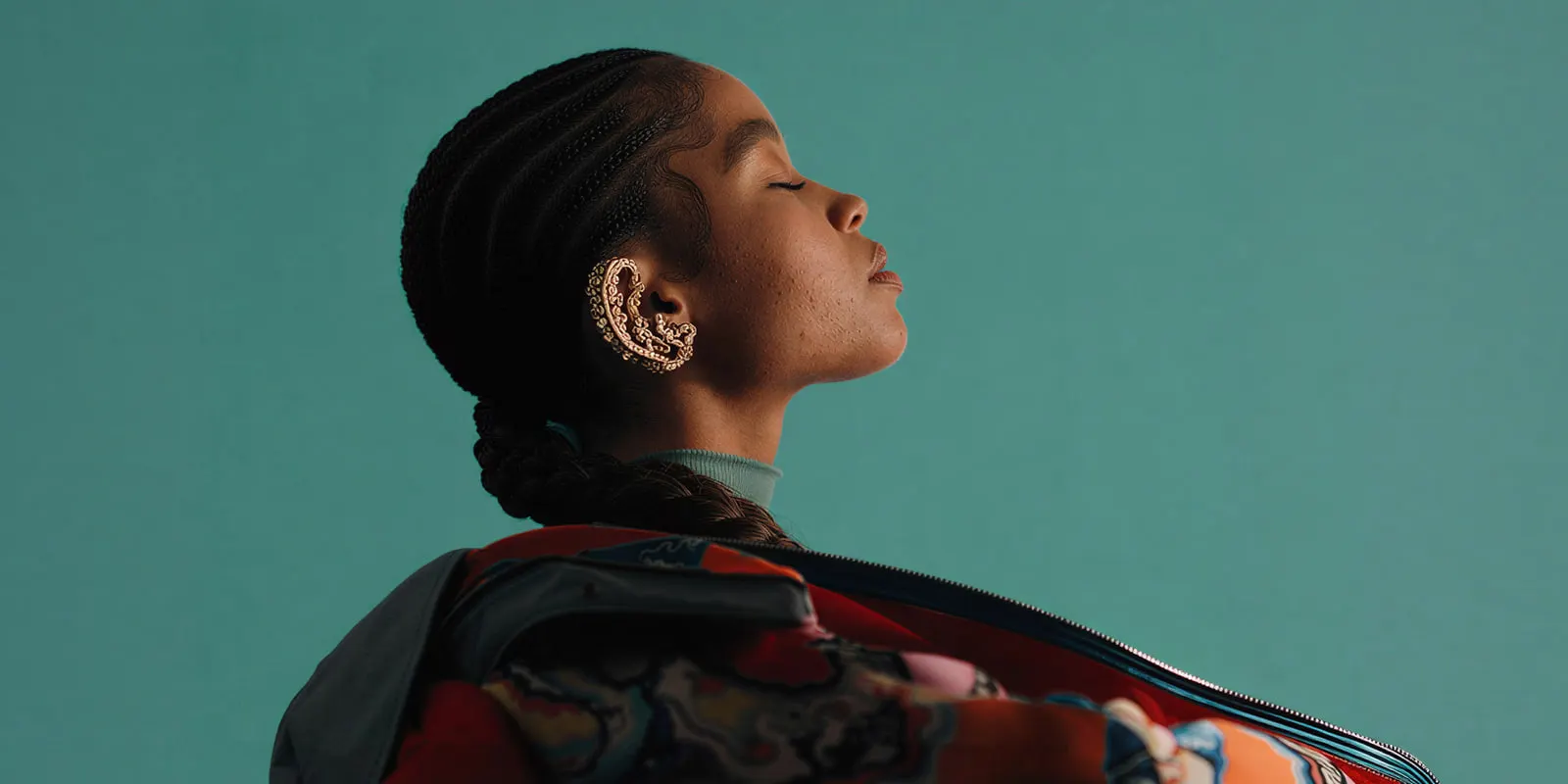
| On-ear | How big is it, how does it hang | Profile or three-quarter, hair cleared, one ear |
Four shots, four different questions. A listing fails when four images all answer the first question from slightly different angles, and a fifth answers it again on a marble tile.
The backing shot carries a lot of information per pixel. It shows post length, closure type, and whether the fastening is a butterfly a buyer will lose in a week or a screw back they will not. A buyer with sensitive ears looks for exactly this frame.
Add a fifth image only when it answers something new. A stack shot showing the pair against the rest of the collection is worth more than a fourth angle of the same hoop.
Studs, hoops and drops are three different shoots
Studs. The smallest product in a jewelry catalog and one of the hardest scale problems in ecommerce. At 85% frame fill there is nothing left in the frame to size against, so the on-ear frame carries the entire job. Shoot the backing close, because post length and butterfly type are most of what separates one stud from another at the same price.
Hoops. Diameter is the whole specification. Shoot straight on so the circle reads as a circle, not as an ellipse, and put the millimeter measurement in the title rather than the fifth bullet. A hoop photographed at an angle reads smaller than it is, and that leads to size complaints.
Drops and chandeliers. Length and movement. Hair is the enemy on the on-ear frame, so the hair-tucked-behind-the-ear pose is the shot. Hang the piece from a thin monofilament for the packshot so it falls the way it falls when worn, rather than lying flat and looking shorter than it is.
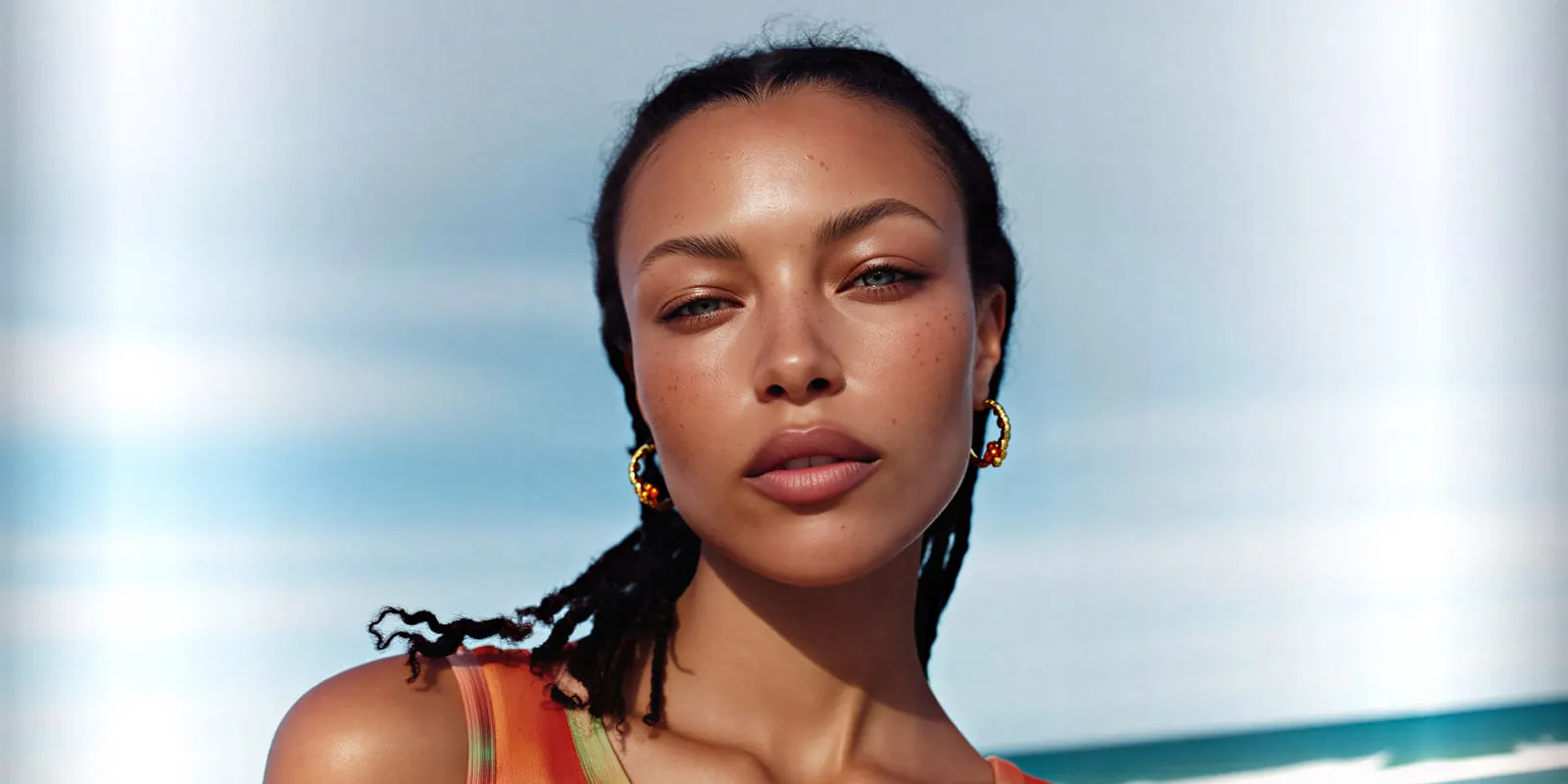
Each type also fails differently under light. Studs give one specular hit and need a second source to separate stone from setting. Hoops mirror a long strip of whatever is in front of them, so the reflection is a band and its shape is a lighting decision. Drops move, which is a shutter problem before it is a styling one.
The pair problem, and why two pieces take more work
A pair is two objects in one frame. Both pieces need the same angle, the same highlight and the same metal tone. When they do not match, someone fixes one piece against the other in retouching. That retouching is the extra work a pair carries over a single piece.
Studios often price jewelry photography per image, with separate charges for model shots and extra edits (squareshot.com/pricing and soona.co/pricing, September 2026). Each studio lists its current terms on its own pricing page, and how ecommerce photography services price a shoot covers the tiers, minimums and extras. What matters for planning is the count: a 10-SKU drop with four shots each is 40 images before anyone books an ear model.
That count tempts a brand to ship three packshots and skip the on-ear frame, which is the one shot that solves the size problem.
Scale: a stud at 85% frame fill tells a buyer nothing
Amazon’s main image rules are tight for a small product. Pure white at RGB 255, 255, 255, the product filling 85% of the frame, the product shown once, and the whole product inside the frame with no part cut off (sellercentral.amazon.com, September 2026). Amazon’s jewelry style guide sets its own numbers for the category. The piece fills at least 80% of the image, and the main image shows no model or mannequin (sellercentral.amazon.com, September 2026). The two pages differ, so check both before a large upload.
Read those together on a 6mm stud. The piece has to be uncropped and fill most of the frame, which means the camera is very close and the frame contains nothing except the earring. The compliant main image is by definition an enlarged depiction with zero size cues in it.
The rule forces that crop. Treat the on-ear frame as required, and put the millimeter dimensions in the title and the first bullet, not further down the page.
Marketplaces also gate zoom on pixel dimensions rather than on file size, so an image that is sharp enough on a laptop can still ship with zoom disabled. Amazon needs at least 1,000 pixels on the longest side for zoom to switch on. An upscaling app can bring a macro crop to that size. Check the facets against the real piece afterwards, because upscaling can add detail that is not there. The wider set of per-platform image rules is in what each marketplace allows on product images. The specs for five channels side by side are in ecommerce product photography, and the Etsy-specific version is in Etsy listing photos.
What an earring photo claims on your behalf
Two claims travel with an earring image whether or not you write them in the copy.
The stone size claim. The FTC Jewelry Guides are direct about it. Note 3 to § 23.1 reads: “An illustration or depiction of a diamond or other gemstone that portrays it in greater than its actual size may mislead consumers, unless a disclosure is made about the item’s true size” (law.cornell.edu, 16 CFR Part 23, September 2026). The Guides say they do not bind the FTC or the public, but the FTC may take action under the FTC Act against a claim that is inconsistent with them (16 CFR 23.0, September 2026). The practical fix is small: publish the dimensions next to the image.
The nickel claim. This one is specific to pierced jewelry, and it applies in the EU. The EU’s REACH regulation, Annex XVII entry 27, says nickel shall not be used in “any post assemblies which are inserted into pierced ears and other pierced parts of the human body unless the rate of nickel release from such post assemblies is less than 0,2 μg/cm2/week”. The limit is 0.5 μg/cm²/week for other articles in direct and prolonged skin contact, earrings included by name. For those other articles, a non-nickel coating has to keep release within the 0.5 limit “for a period of at least two years of normal use” (EUR-Lex, consolidated text of 22 June 2026, read September 2026). This is general information, not legal advice.
The audience for that number is large. The EDEN Fragrance Study patch-tested 3,119 people across five European countries. It found age-standardized nickel sensitization at 14.5% in the general population, with an odds ratio of 5.58 (95% CI 4.02 to 7.76) for people who currently have three or more piercings (Contact Dermatitis, 2018, read September 2026).
So when a listing says hypoallergenic, nickel free or surgical steel, the backing shot is the evidence a sensitive buyer looks for. In the EU, nickel release from the post is regulated. Photograph the actual post. Do not build it.
What an earring set costs
| Shot | Where it comes from | Why |
|---|---|---|
| Pair packshot | A photo of the real pair, cleaned and placed on white | The main image has to show the real product |
| Macro | A photo of the real piece | Stone, setting and hallmark are claims about the product |
| Backing | A photo of the real post and closure | The post is the part that touches the body |
| On-ear | A booked model, or an ear and model generated around your photo of the pair | It carries scale, and the ear is presentation |
There is no flat price for an image, because each model costs a different amount. The model list shows the image models you can pick per shot. You see what a run costs before you press Run, so a 40-image drop is a budget decision you make before you start. Plans and credits are on the pricing page.
Two honest caveats. Uploading your own photos and the commercial license start on the Pro plan, and upscaling, the image editor and the video editor start on the Premium plan. And a generated set still depends on one accurate photograph of the real pair, which is the part this article keeps returning to.
Where generated imagery works on earrings, and where it must not
The split is presentation against product.
Generate the presentation. The ear, the hair, the skin tone range, the light, the background, the seasonal scene. Multiple angles of the same physical pair from one good original, which is what product photography angles covers. The worn frame across a range of models, which is what a model pose set template is for. A booked ear model costs time and money, so a listing may skip the on-ear shot. Ready-made starting points for the packshot side sit in the template library.
Photograph the product. Stone size and carat. Cut and facet pattern. Metal color and finish. The number of stones. The setting. The hallmark. And the entire backing: post length, gauge, closure type, coating. Those are the attributes a buyer uses to identify the specific item, and two of them sit under the rules quoted above.
The line is the same one the FTC note draws. Change the room and you styled a photo. Change the stone or the post and you described a different product.
In practice this makes the input matter more than the prompt. Everything should derive from one accurate photograph of the actual pair so the output inherits the real geometry, the real setting and the real proportions. The test for whether an output still represents the physical object is in what to check before you ship a product photo. Which AI tools put earrings on a model, and which keep the pair and change only the scene, is covered in the jewelry tools guide.
Set the four shots up once on one pair. Fix the light, the ear, the crop and the white point, save that as a workflow, then run the same workflow on the next pair. The first set is not where the value sits. The workflow reads the same light, ear, crop and white point for pair fifty as for pair one. The jewelry photography page is built around that repeat.
Build the four-shot set once, then run it again on the next pair. DesignerBox works from your own photograph of the pair. It makes the on-ear frames and styled scenes around it. The full workflow from the first product photo to the finished ad, in one subscription. The image editor, the video editor, your brand rules and your Assets sit in the same place. You set the brand once. Every run after that reads the same record. Pair forty then carries the same light and grade as pair one. Get started free.
FAQ
How much does earring photography cost?
Studios usually price per image, with separate charges for model shots and extra edits. Each studio lists its current rates on its own pricing page (squareshot.com/pricing and soona.co/pricing, September 2026). A 10-SKU drop at four shots each is 40 images, which is where the budget decision happens.
Do you need a model for earring photos?
You need an ear in at least one frame. For earrings the worn shot is the scale shot, because a stud at Amazon’s required 80% to 85% frame fill contains no size reference at all. Whether that ear comes from a booked model, a colleague, or a generated on-model frame is a budget question. Whether it appears in the listing is not.
How do you hang earrings for photography?
Thin monofilament or fishing line, tied at the hook or post and clipped out in post-production. Drops and chandeliers need it, because lying flat makes them read shorter than they hang. Studs do not, and they sit better propped at a slight angle on a small block so the post is readable in the same frame.
How do you photograph studs, hoops and drops differently?
Studs need the backing shot, because post and butterfly type are most of what differentiates them. Hoops need a straight-on frame so the diameter reads true, since an angled hoop looks a size smaller than it is. Drops need a hanging shot for length and a hair-tucked on-ear frame so the piece is not half hidden.
Can I use AI-generated earring photos on Etsy, Shopify and Amazon?
For the scene, the background, the light and the ear wearing the piece, yes, subject to each platform’s own image rules. For the stone, the metal, the setting and the backing, no. Generate from an accurate photograph of the actual pair so the output inherits the real geometry, then check size, color, setting and closure against the physical item before anything is published.
How do I show the size of an earring in a photo?
Put it on an ear. That is the only scale reference buyers read instinctively for this category, and it doubles as the shot that sells. Back it with the millimeter dimensions in the title and the first bullet, not buried in the description. A coin or fingertip in frame works as a second option and reads clinical.
Do earring photos need to show the back?
No. The marketplace rules cited in this article do not require it, and it is the image a buyer with sensitive ears looks for. The post and closure are what touches the body. Pierced-ear post assemblies carry a stricter nickel release limit than other jewelry, at 0.2 µg/cm²/week against 0.5 for articles in direct and prolonged skin contact, under EU REACH Annex XVII entry 27 (EUR-Lex, September 2026). If your listing claims hypoallergenic or nickel free, that shot is the evidence.
Sources
- EU REACH Regulation, Annex XVII entry 27 (nickel), consolidated text of 22 June 2026: EUR-Lex, read September 2026
- Amazon product image guide, main image rules and zoom: sellercentral.amazon.com, read September 2026
- Amazon jewelry style guide, the 80% fill and the no-model rule for the main image: sellercentral.amazon.com, read September 2026
- FTC Jewelry Guides, Note 3 to § 23.1: 16 CFR 23.1, and the status of the Guides: 16 CFR 23.0, read September 2026
- Nickel sensitization and piercings, the EDEN Fragrance Study: Contact Dermatitis, 2018, read September 2026
- Studio pricing models: squareshot.com/pricing and soona.co/pricing, read September 2026
- DesignerBox plans and credits: DesignerBox pricing page (designerbox.ai/pricing), September 2026
This is general information, not legal advice. Individual results vary.