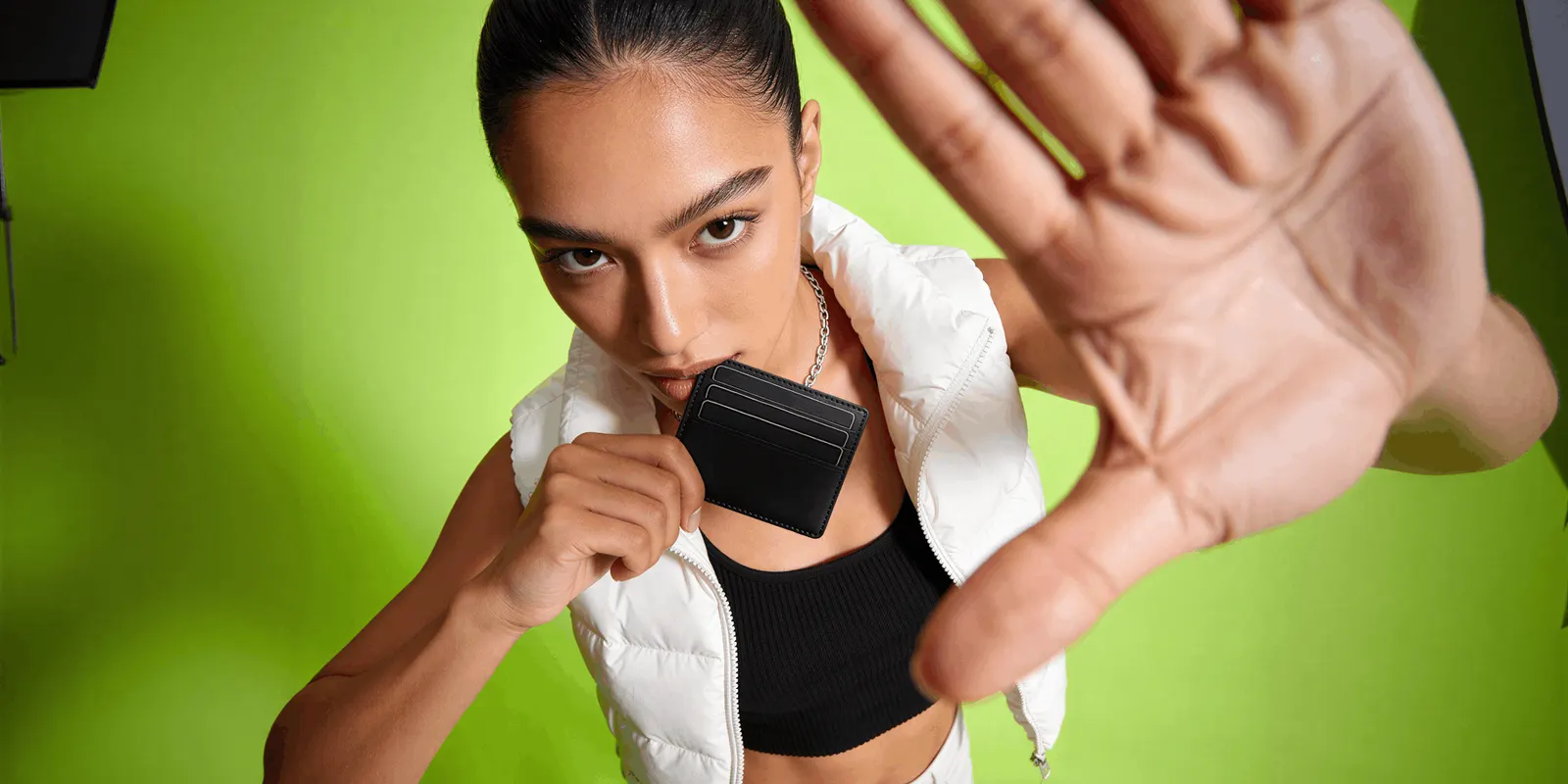
Hand model photography shows a product held or used by a hand. The hand does two jobs. It shows the true size of the product, and it shows how a person grips, presses, pours or applies it. The hand is a prop. A good in-hand product shot keeps the product larger, sharper and more readable than the hand that holds it.
This guide is for a brand with 20 to 500 products, and for the agency that produces its images. Every platform rule below was read on the platform’s own page in October 2026.
Key Takeaways
- The in-hand shot answers the size question. Baymard found that 42% of users try to judge the size of a product from the product page images.
- Four holds cover most products. Pinch, palm, grip and two-hand use. Each one proves a different thing.
- The label faces the lens. No finger covers the logo, the variant name or the claim text.
- Keep the hand out of the main image. Amazon’s main image rule does not allow props that are not included with the product.
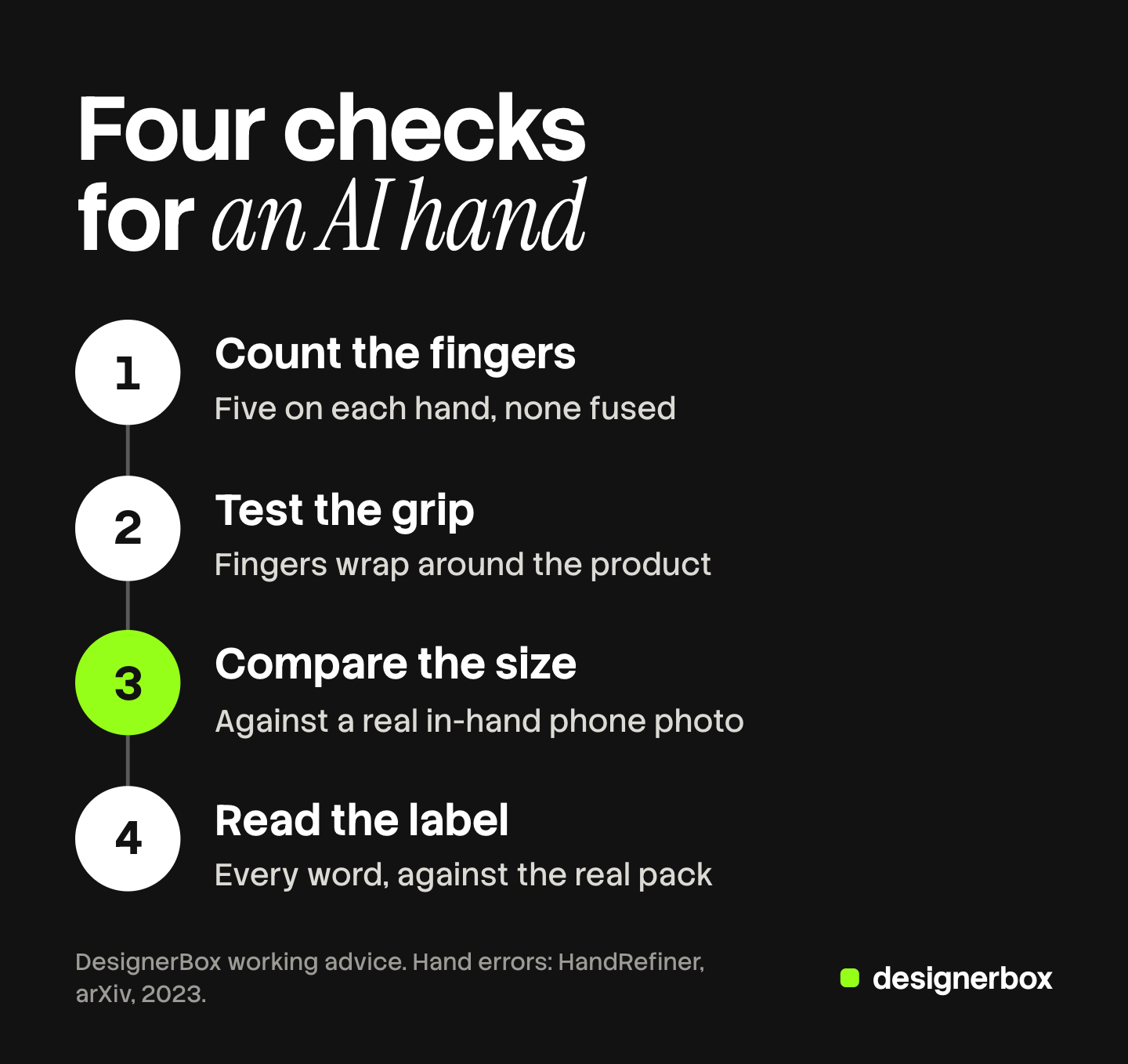
- AI hands need four checks. Count the fingers, test the grip, compare the size and read the label.
What is hand model photography?
Hand model photography is product photography where a hand holds, presents or uses the product, and the rest of the person stays outside the frame. The US Bureau of Labor Statistics calls the people who do this work “parts” models. They “have a body part, such as a hand or foot, particularly well suited to model products such as nail polish or shoes” (BLS Occupational Outlook Handbook, last modified August 2026, read October 2026).

Product in hand photography does two jobs that a photo on white cannot do.
Scale. A hand is a size reference that every buyer knows. Baymard’s testing found that 42% of users try to judge the size of a product from the product page images. It also found that 37% of sites give no image that shows the product in scale. Its example of a good one shows a camera in relation to a model’s hands (Baymard Institute, updated March 2026, read October 2026).
Use. A hand shows the action: the thumb on a pump, or the tilt of a bottle as it pours.
A lifestyle product photo shows the product in a whole setting. The in-hand shot is tighter.
When does a product need an in-hand shot?
A product needs an in-hand shot when its size or its handling changes the decision to buy. Use one test. After seeing only the photo on white, would a buyer be surprised by the size, or unsure how to operate the product?
Products that usually need one:
- Small items with no size cue of their own. A serum bottle, a lip balm, a pair of earbuds.
- Products you operate by hand. A pump, a spray, a tube, a clasp.
- Products sold in several sizes. The same hand holding the 30 ml and the 100 ml bottle shows the difference at once.
Products that usually do not need one:
- Large products. A sofa needs a person or a room for scale.
- Products whose value is surface detail. A fabric weave needs a close view. Our guide to macro product photography covers that shot.
Add the in-hand shot to the shot list only for the product lines that pass the test.
Four holds and what each one proves
Choose the hold before the background. Each hold makes one point.
| Hold | What the hand does | Product types | What it proves |
|---|---|---|---|
| Pinch | Thumb and one or two fingers hold the product at its edges | Lipstick, vial, ring, earbud | How small the product is |
| Palm | The product rests on an open, flat palm | Jar, soap bar, compact, watch | Footprint and thickness, with the whole label visible |
| Grip | The fingers close around the product | Bottle, can, tumbler, tool handle | Width, comfort and a secure hold |
| Two-hand use | One hand holds, the other acts | Pump, dropper, tube, pouch, cap | How the product works: press, pour, squeeze, open |
The pinch hides the least of the product, so it is the safest hold for a label. The grip hides the most. Two-hand use is the only hold that shows a result, such as a drop of serum. Show only a result the product really gives.
How to cast and groom the hand
Casting the hand is a brand decision, the same as choosing a font. Write the decision once, so every product looks like one catalog.
- Nails. Length, shape and color. Short, clean and neutral is the common default, because a strong color pulls the eye from the product.
- Skin tone range. Decide how many hands the catalog uses and which products each hand holds.
- Jewelry. None is the default. A ring is a second product in the frame, and a buyer may think it is included.
- Sleeves. Bare wrist or a sleeve, and which fabric and color.
What a shoot involves. A hand model shoot needs the model, a photographer, someone to groom the hand, and clean duplicates of each product, because fingerprints show on glass and metal. The BLS says almost all models sign with agencies, which take a portion of the model’s earnings. It reports a median hourly wage for all models of $23.30 in May 2025 (BLS, read October 2026). That figure is a wage for every kind of model. A booking quote will differ, so ask for one that states the hours and the usage rights.

Framing rules for an in-hand product shot
These five rules are our working advice. No platform publishes them.
- The label faces the lens. Square the front of the product to the camera before the hand takes its position.
- No finger covers the logo, the variant name or the claim text. A buyer who cannot read “50 ml” cannot use the image.
- The product is larger in the frame than the hand. Crop at the wrist or at the base of the fingers.
- The product is the sharpest thing in the frame. Focus on the label.
- The hand and the product sit at the same distance from the lens. A product pushed toward the camera looks bigger than it is.
Marketplace rules for hands and props
In-hand shots belong in the additional image slots. The main image is where they fail.
Amazon. The product image guide (read October 2026) does not name hands. It sets these rules for the main image:
- A pure white background, with the product shown as 85% of the image.
- “Don’t show accessories or any props that aren’t included with the product and could confuse the customer.”
- The image “should accurately represent the real scale, quantity, and color of the product”.
A hand is not included with the product. Our reading is that a hand in the main image risks the props rule. The same page says the additional slots cover “additional angles, product in use, screenshots, accessories, or product details”. A hand holding a product belongs there. Our guide to Amazon image requirements covers the full file spec.
Google Merchant Center. The image link page (read October 2026) asks for “a clear view of the main product being sold”, framed to take 75% to 90% of the image. It also says not to include any product that is not sold together with the main product. Our guide to ecommerce product photography lists the specs for five channels.
Why an in-hand image is a size claim
A picture of a product in a hand tells the buyer how big the product is.
The US Federal Trade Commission says it reads an ad “in context - words, phrases, and pictures - to determine what it conveys to consumers”. It looks at express and implied claims, and advertisers must have proof for both (FTC advertising FAQs, read October 2026). The page gives no example about product size. Our reading is that an in-hand image implies a size, so it should be true. This is general information, not legal advice.
Three habits keep the image honest:
- Use an average adult hand. A small hand makes a product look large.
- Keep the product in the plane of the hand. Do not push it toward a wide lens.
- Never resize the product in editing. If the crop needs a bigger product, move the camera.
Why hands are a weak point for AI images
Hands are a known failure point for AI images. A research paper states that diffusion models “suffer from generating accurate human hands, such as incorrect finger counts or irregular shapes”. It gives the cause as hands that bend and hide parts of themselves in training images (arXiv, HandRefiner, submitted November 2023, read October 2026). Models have changed since then. The paper gives no failure rate for current models, so treat it as the reason to check every hand.
A hand that holds a product adds three more failures: an impossible grip, a product at the wrong size, and altered label text.
A person runs four checks on the full-size file:
- Count the fingers. Five on each hand, none fused, each with one nail.
- Test the grip. Fingers wrap around the product. They do not pass through it or float above it.
- Compare the size. Take a phone photo of the real product in a real hand. Compare the product against the width of the palm in both images.
- Read the label. Every word and number, against the real pack.
Discard or re-run a result that fails one check. Our guide to hands and faces in AI video covers the same problem once the hand moves.
A casual phone-style frame can read as a customer’s opinion. Our guide to UGC-style product photography covers that frame and the FTC line on testimonials.
In-hand shots from a saved workflow
DesignerBox is AI creative production for brands and agencies. It makes images, ads and video. For the product side of the job, see AI product photography.
Anyone can make an AI picture. Making hundreds that still look like your brand is the hard part. In DesignerBox the hand decisions become brand rules, one sentence per line, such as “No jewelry on the hand.” A workflow reads those lines before every prompt. You build it once with your product photo.
A batch runs that workflow over a sheet of up to 200 rows. Row one and row two hundred get the same rules. The cost is shown before the run. Images, ads and video are made in one place, in one subscription.
The limits matter for this shot. AI can warp hands, small text, logos and fine texture. The rules guide a run, and the app states: “Nothing checks the result.” A person runs the four checks and keeps or discards each result. Virtual try-on covers garments only, so a product in a hand is made as a scene. You download the results, or send them with a webhook or an S3 step. The free plan runs on sample products.
Uploading your own photos and the commercial license start on the Pro plan. AI video, virtual try-on, upscaling, the image editor and the video editor start on the Premium plan. Plans and credits are on the pricing page.
Start with a sample product and run the four checks on the first result. Get started free
FAQ
What is hand model photography?
It is product photography where a hand holds or uses the product and the rest of the person stays outside the frame. The hand shows the true size of the product and how it is handled.
Can an in-hand photo be the main image on Amazon?
Amazon’s product image guide does not name hands. It does not allow props that are not included with the product and could confuse the customer. Our reading is that a hand risks that rule. Use the additional image slots, which cover “product in use”.
How much does a hand model cost?
Quotes vary by agency, hours and usage rights, and we print no agency rate. The US Bureau of Labor Statistics reports a median hourly wage of $23.30 for all models in May 2025. A booking quote will differ.
Why do AI images get hands wrong?
Research on diffusion models names incorrect finger counts and irregular shapes as a known problem. A hand that holds a product adds grip, scale and label errors, so a person checks every result.
Can DesignerBox make in-hand product shots?
A workflow can place your product in a scene with a hand and read your brand rules on every run. Nothing checks the result, so a person reviews each one. You see the cost before the run. Uploading your own photos starts on the Pro plan.
Sources
- “Parts” models, agencies and the median hourly wage of $23.30 in May 2025: US Bureau of Labor Statistics, Occupational Outlook Handbook, Models, last modified August 2026, accessed October 2026
- 42% of users try to judge product size from product page images, 37% of sites give no in-scale image, and the camera shown in relation to a model’s hands: Baymard Institute, the current state of product page UX, updated March 2026, accessed October 2026
- Amazon main image rules, the props rule, real scale and variant slots for product in use: Amazon Seller Central, product image guide, accessed October 2026
- Google main image guidance, the 75% to 90% frame guidance and products not sold together: Google Merchant Center Help, image link, accessed October 2026
- How the FTC reads an ad, and express and implied claims: Federal Trade Commission, Advertising FAQs: A Guide for Small Business, accessed October 2026
- Incorrect finger counts and irregular hand shapes in diffusion models: HandRefiner, arXiv 2311.17957, submitted November 2023, accessed October 2026
- DesignerBox brand rules and the line “Nothing checks the result”: the DesignerBox app, read October 2026
- DesignerBox batch, 200 rows a sheet and the cost shown before the run: DesignerBox batch page (designerbox.ai/product/batch), October 2026
- DesignerBox plan gates: DesignerBox pricing page (designerbox.ai/pricing), October 2026
BLS, Baymard, Amazon, Google, FTC and arXiv facts verified on each publisher’s own page in October 2026. The four holds, the framing rules, the reading of Amazon’s props rule and the four AI checks are our working advice, not platform rules. This is general information, not legal advice. Platform rules change often, so check each page before a large upload. Individual results vary.