Short-stay rentals4 steps
How to post a holiday let on Instagram
Turn photos of your rooms, your deck and your view into a month of Instagram posts. You also get a carousel and one short clip.

What you get
How it works
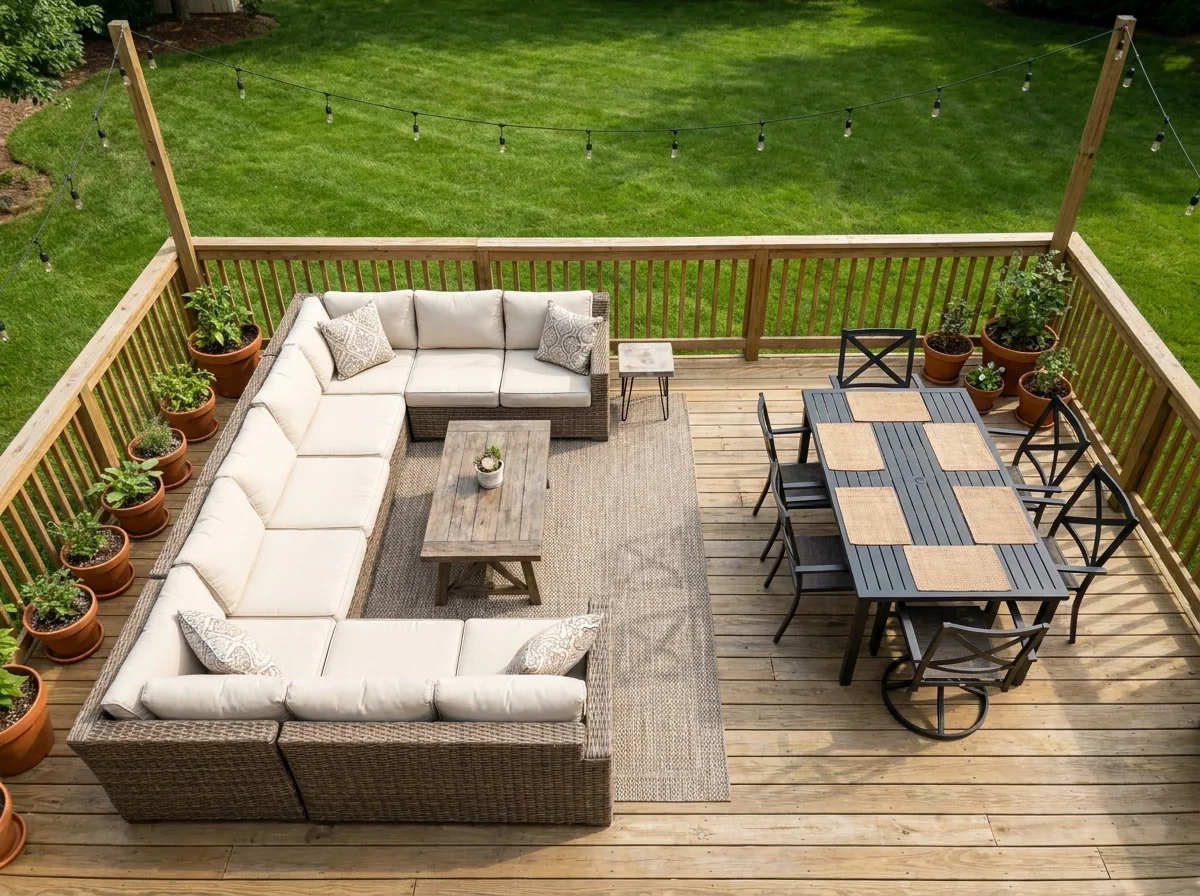
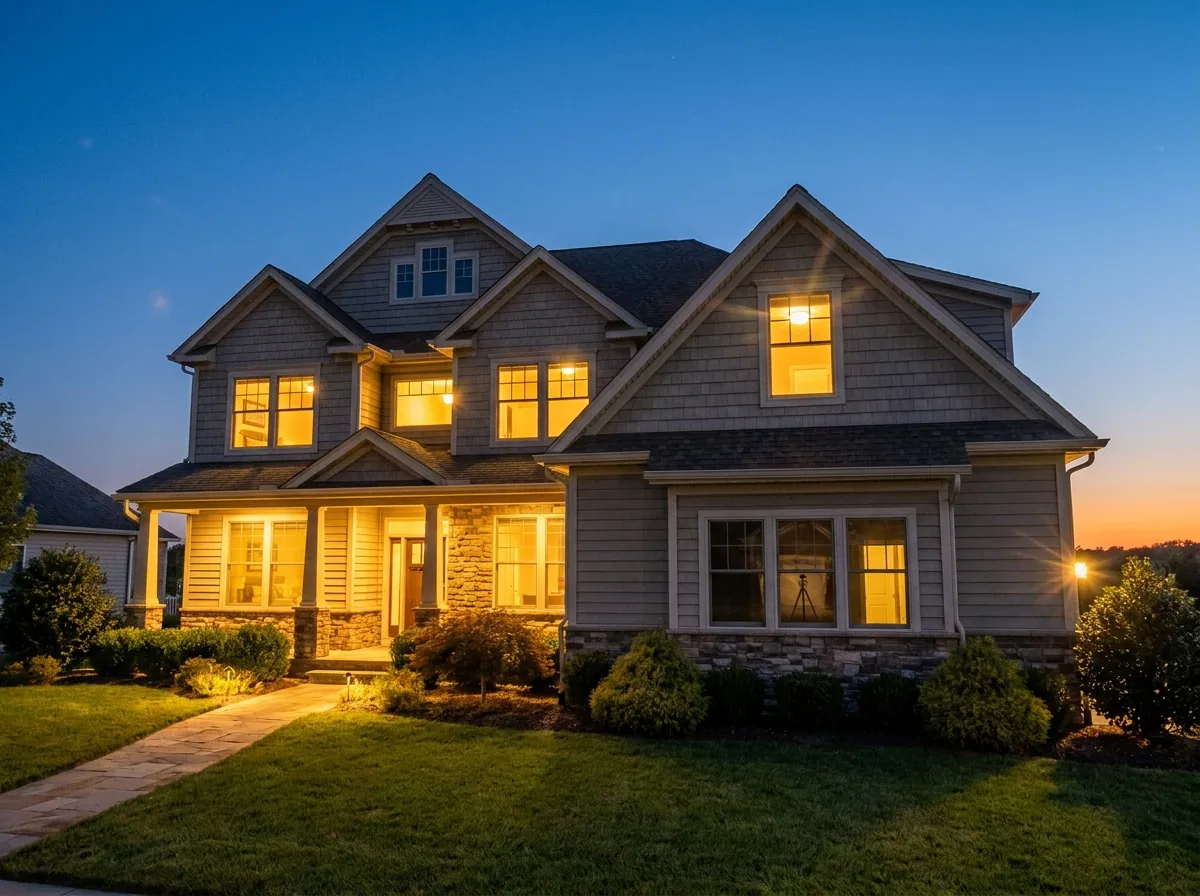
A holiday let is booked from pictures. Guests see your rooms on Instagram long before they open your listing. A dark photo of a good room can cost you the booking. This recipe starts from the photos you already have of the rooms, the deck and the view. It makes them bright and consistent. Then it turns that set into posts for the month, a carousel people swipe through, and one short clip.
Make a month of posts from your room photos
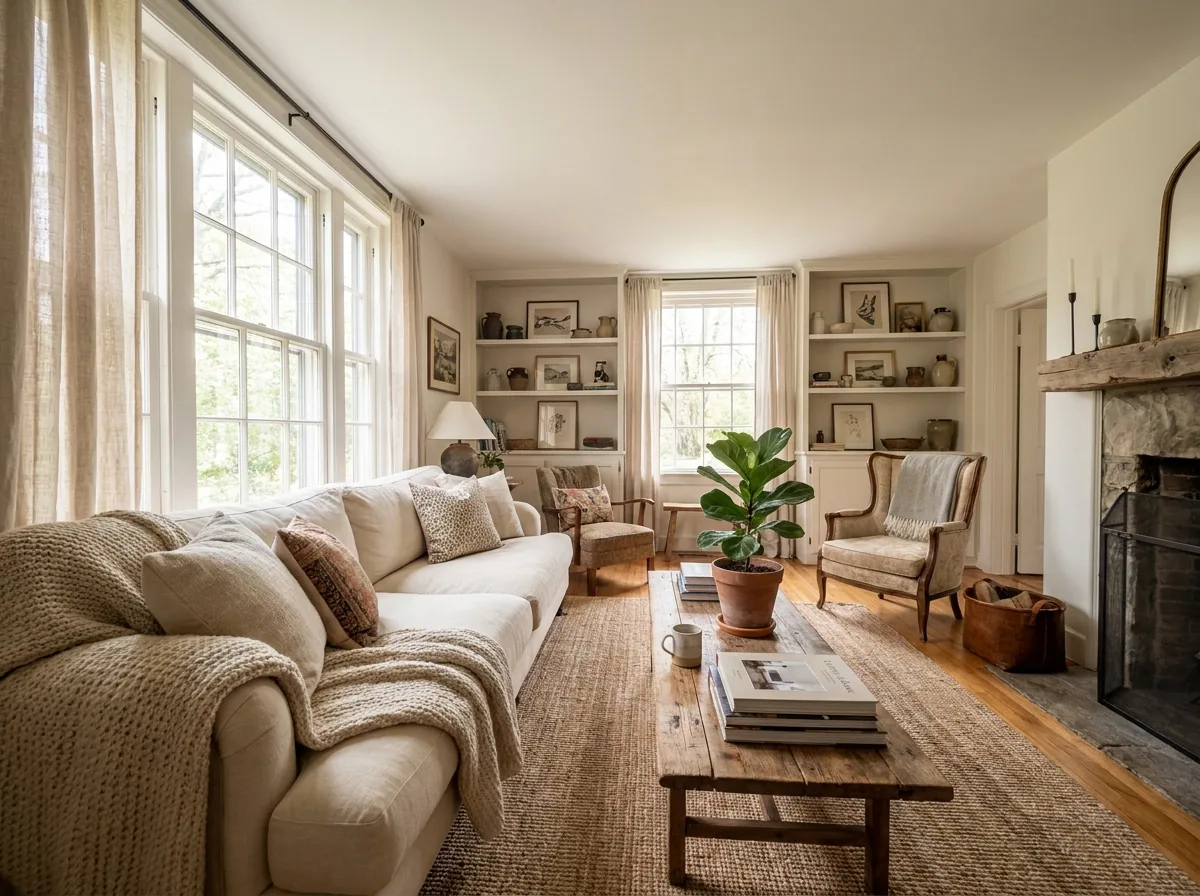
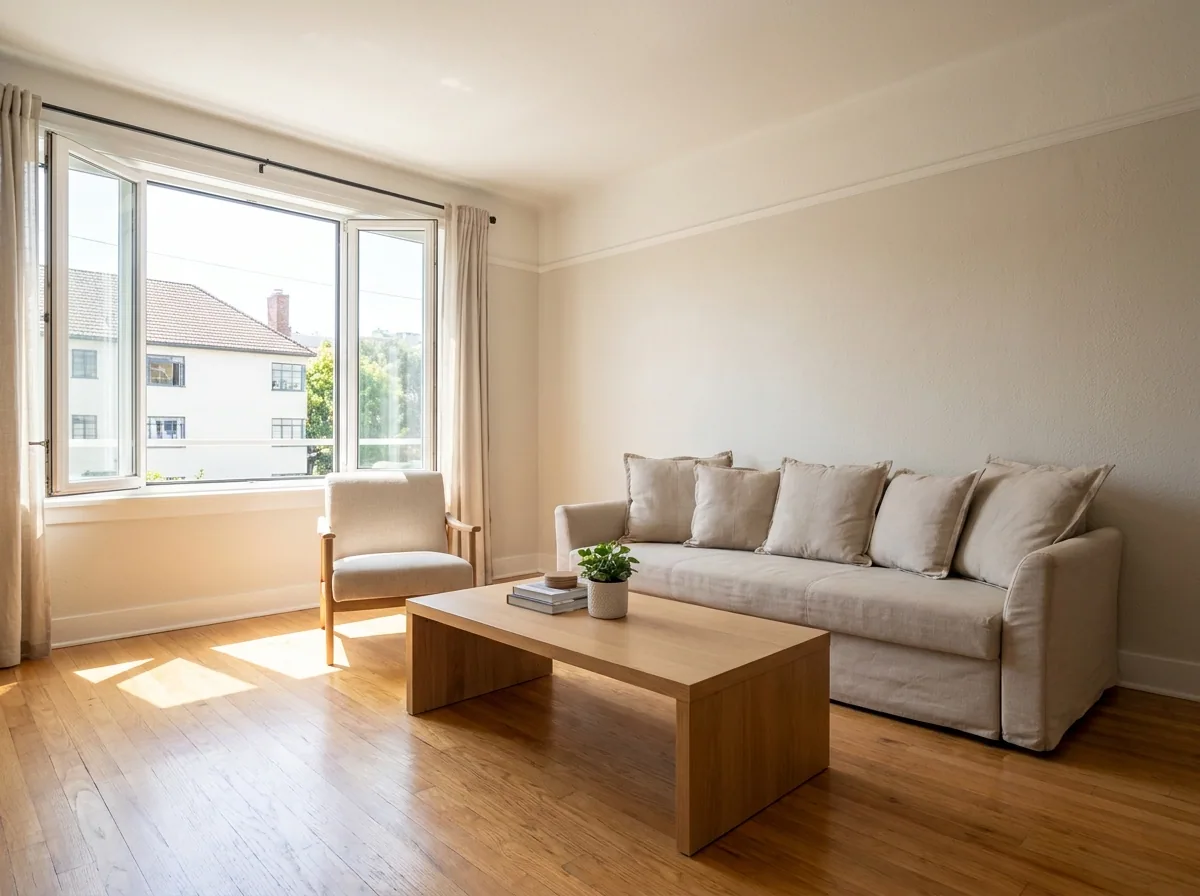
Upload the photos you already took of the bedrooms, the kitchen, the deck and the view. The kit makes a set of square pictures for the weeks ahead. They all share one light and one look. Each picture keeps the room you photographed. A guest sees the place they will stay in. Uploading your own photos starts on the Pro plan.
Open the Social content kit templateBuild a room by room carousel
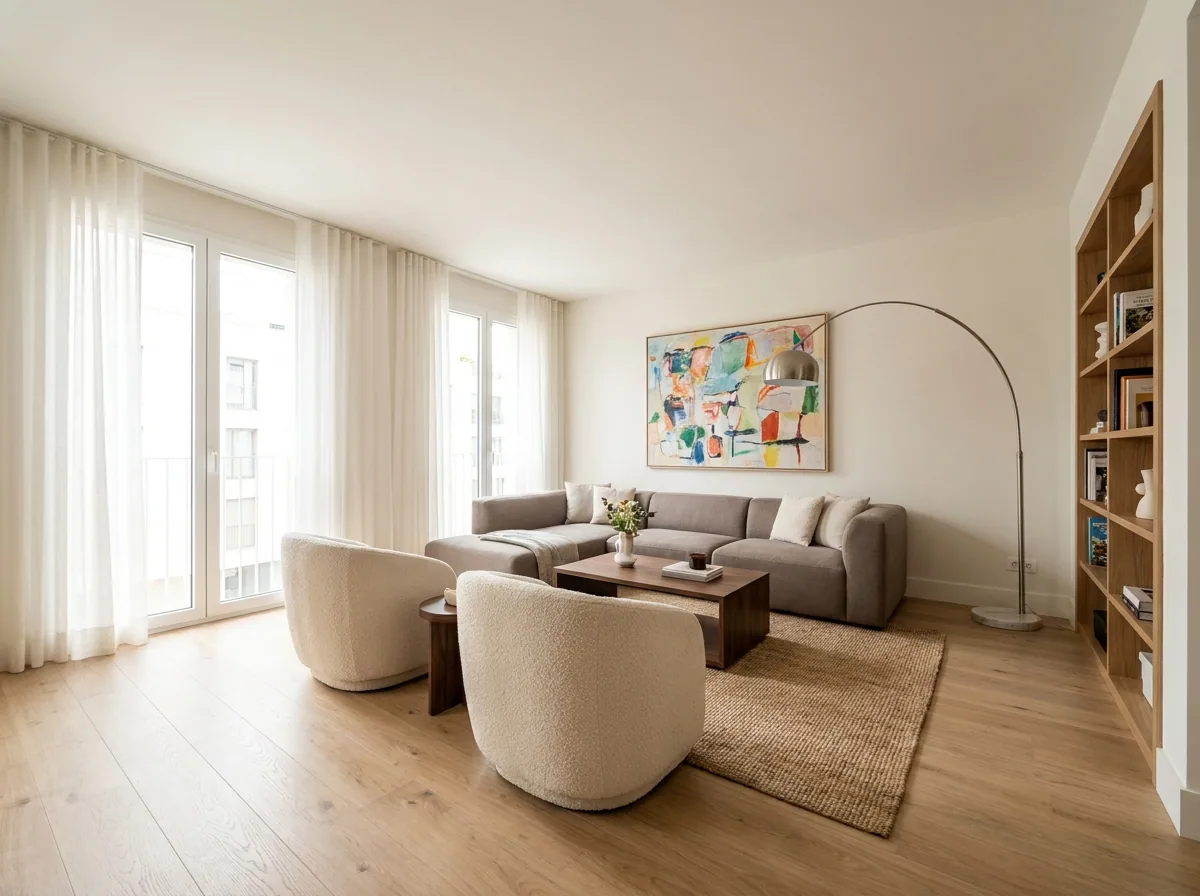
Pick a photo of each room. Put them in the order a guest sees the rooms. The template arranges them as a carousel people swipe through. Lead with your best room, the view or the kitchen. Keep the bathroom near the end.
Open the Carousel templateTurn a room photo into a short clip
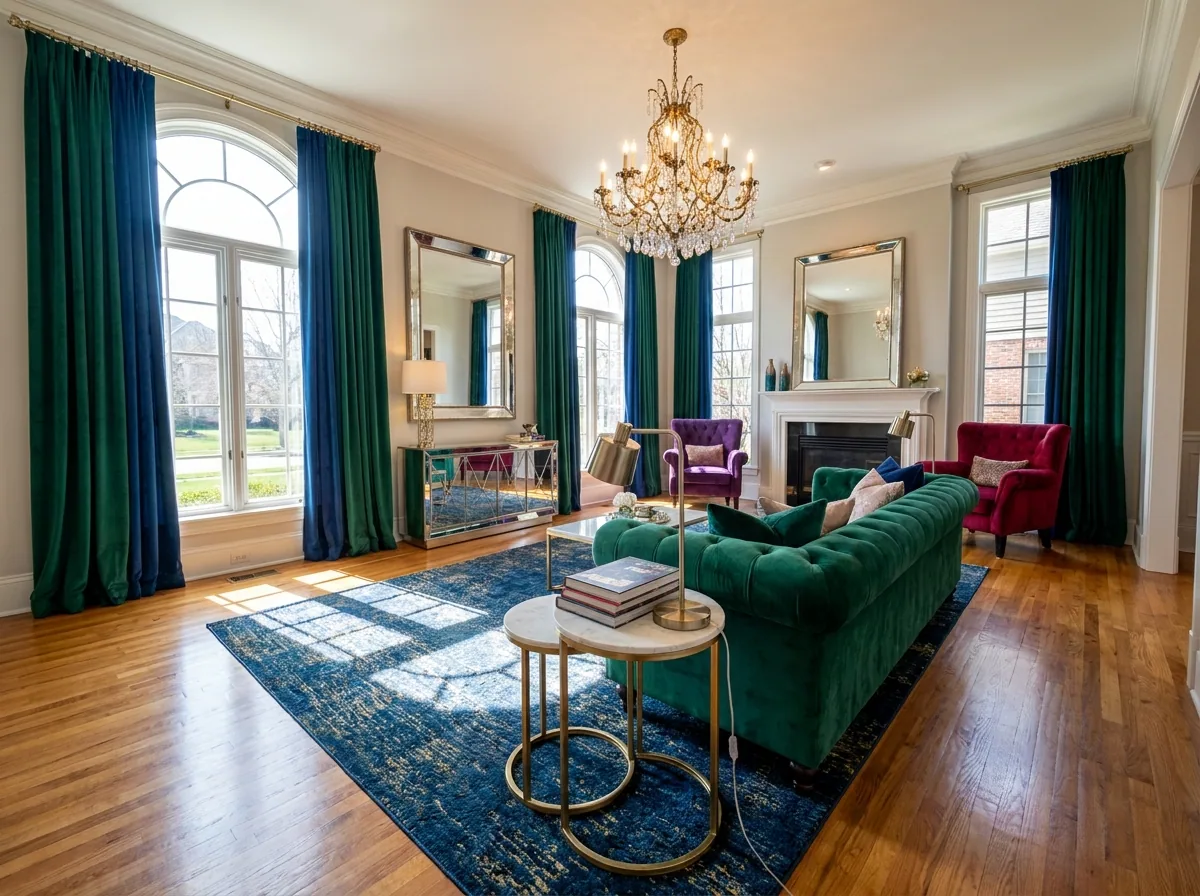
Choose your strongest room photo and make a short clip from it. A slow move across the room gives a viewer something to watch. Save the clip for a reel or a story. Keep the still for the post itself.
Video starts on the Premium plan.
Open Animate an imageKeep every picture of the property in one place
Put the photos and the finished pictures in Assets, sorted by property and by room. Next time you need a picture for a post, you search one place. You stop searching your phone, your laptop and your email. A cleaner who sends you a new photo adds it to the same set.
See how Assets works
Where the pictures go
- Download the set, then open Instagram on your phone. Upload the pictures you want this week.
- Add the same pictures to your Facebook page. Both places then show one property in one look.
- Put your five strongest pictures on your booking listing as well. That is where guests compare you.
The same posts next month
Save these steps as an app once, with your rooms and your look already set. Next month you open the same app and add the new photos. It makes the same set again. Whoever manages the property can run it without asking you first.
See how apps workQuestions
Do I need a photographer for the property?
No. Each picture starts from a photo you already took on your phone. The steps change the light, the framing and the clutter. The rooms stay as they are.
Will the pictures still show my real rooms?
Yes, because every step starts from your own photo of your own room. Use the photos of the place you rent, so a guest books what they saw.
Can I write the caption here too?
No. DesignerBox makes the pictures and the video. You write the caption yourself, then you upload the picture and the caption together.