Beauty and wellness brands4 steps
How to make short videos for a beauty brand
Make short product videos for a beauty brand from your own product photos: a clip for Instagram and TikTok, plus the still frames that go with it.
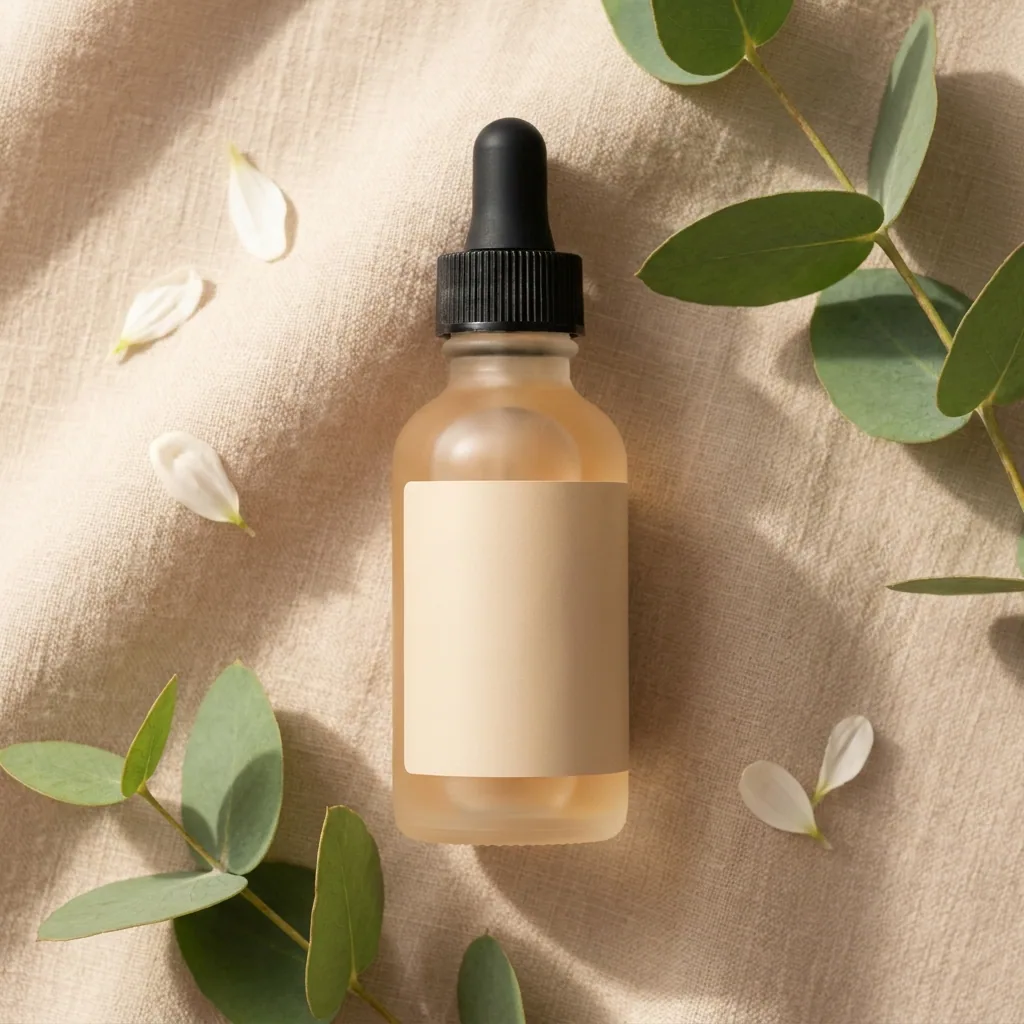
What you get
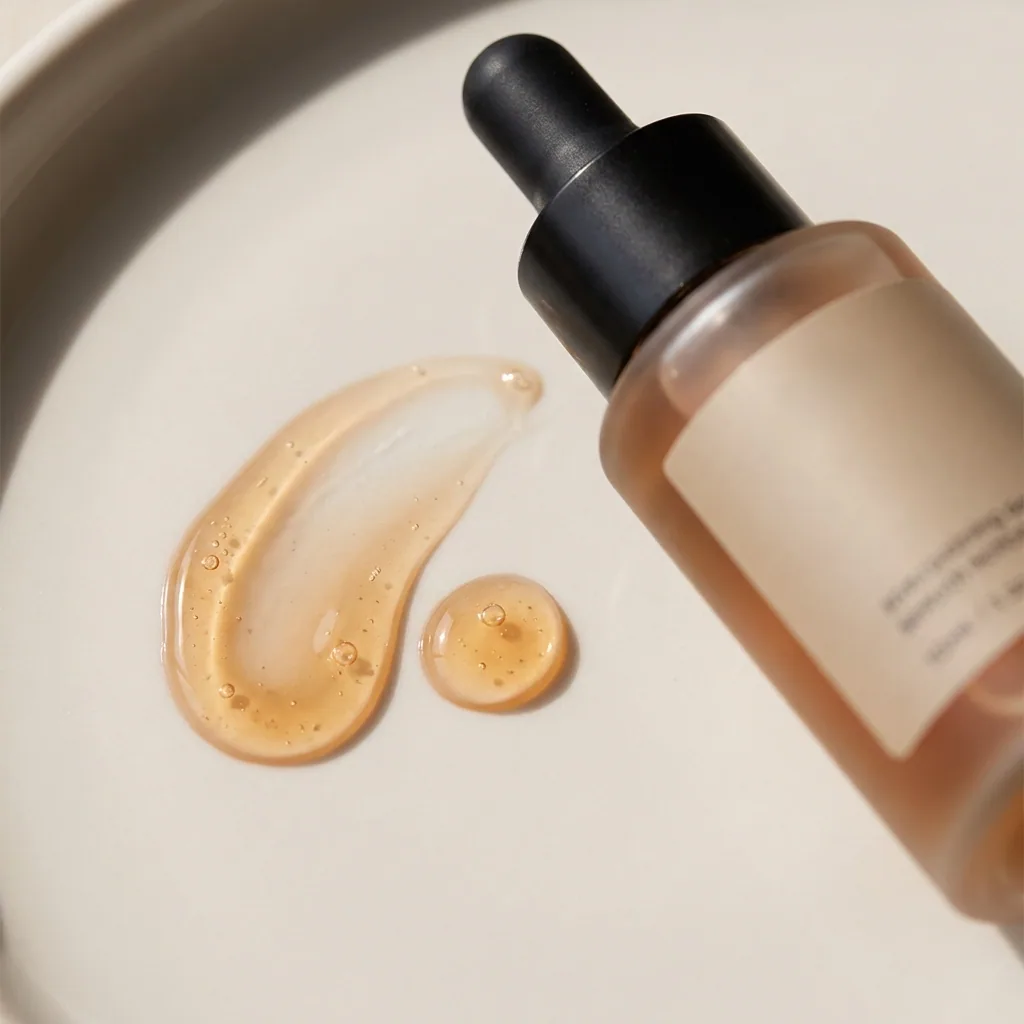
How it works
A beauty launch needs short video. A still photo of a bottle on a shelf is easy to scroll past. The same bottle in a pair of hands keeps people watching. This recipe starts from your photos of the product. You get a short clip, plus the still frames that go with it. Every person you see in these clips is generated. None of them is a customer. Treat the clip as a product demo, never as a review.
Make a short clip of the product in use
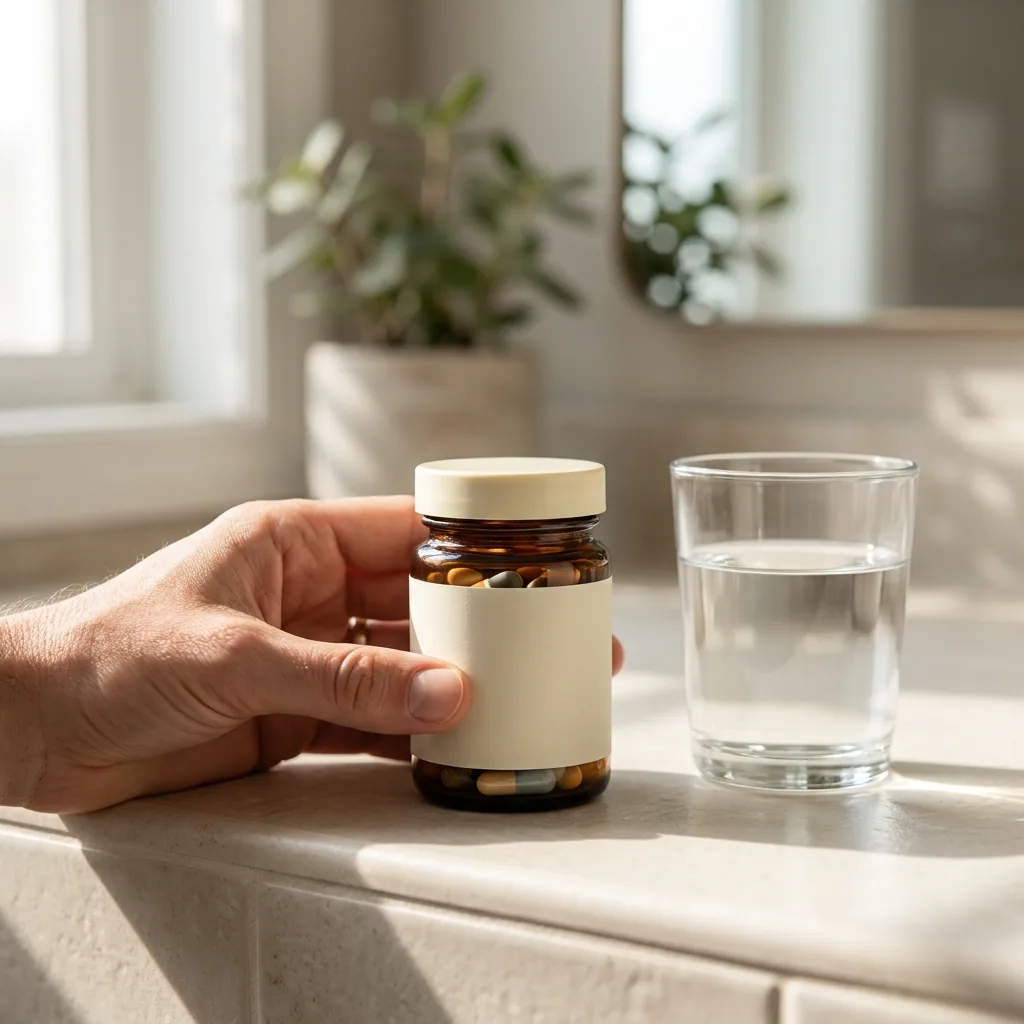
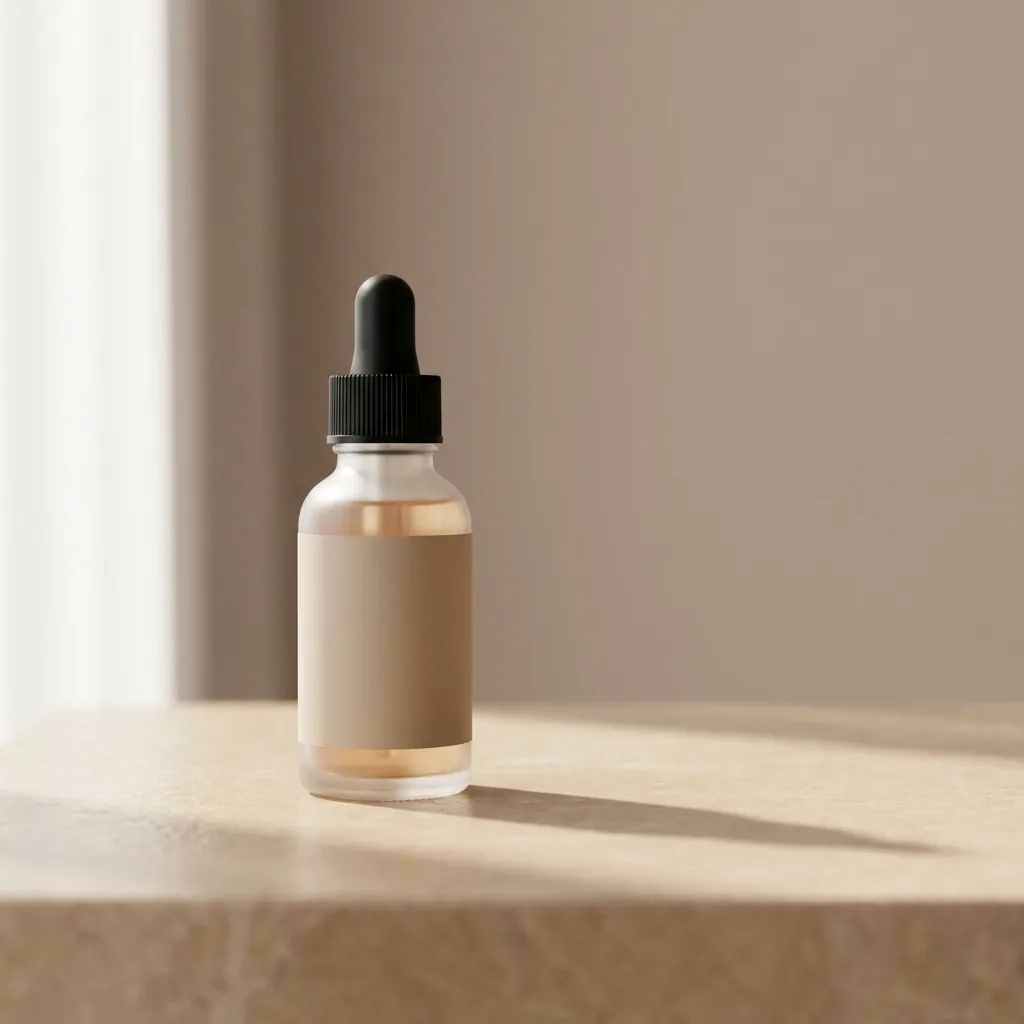
Upload a photo of your bottle, jar or tube. You get a short clip of a generated person holding the product and using it. It looks like a phone video. Pick the take you like and keep it. Video starts on the Premium plan.
Open UGC product videoGet the still frames the clip is built from
Run the same photo through the Cosmetics shots template. It returns the still frames a clip is built from: the bottle in a hand, the product on skin, the open jar. Use one as the cover frame for the video. Keep the rest for the posts between videos.
Open the Cosmetics shots templateTurn a photo you already have into motion
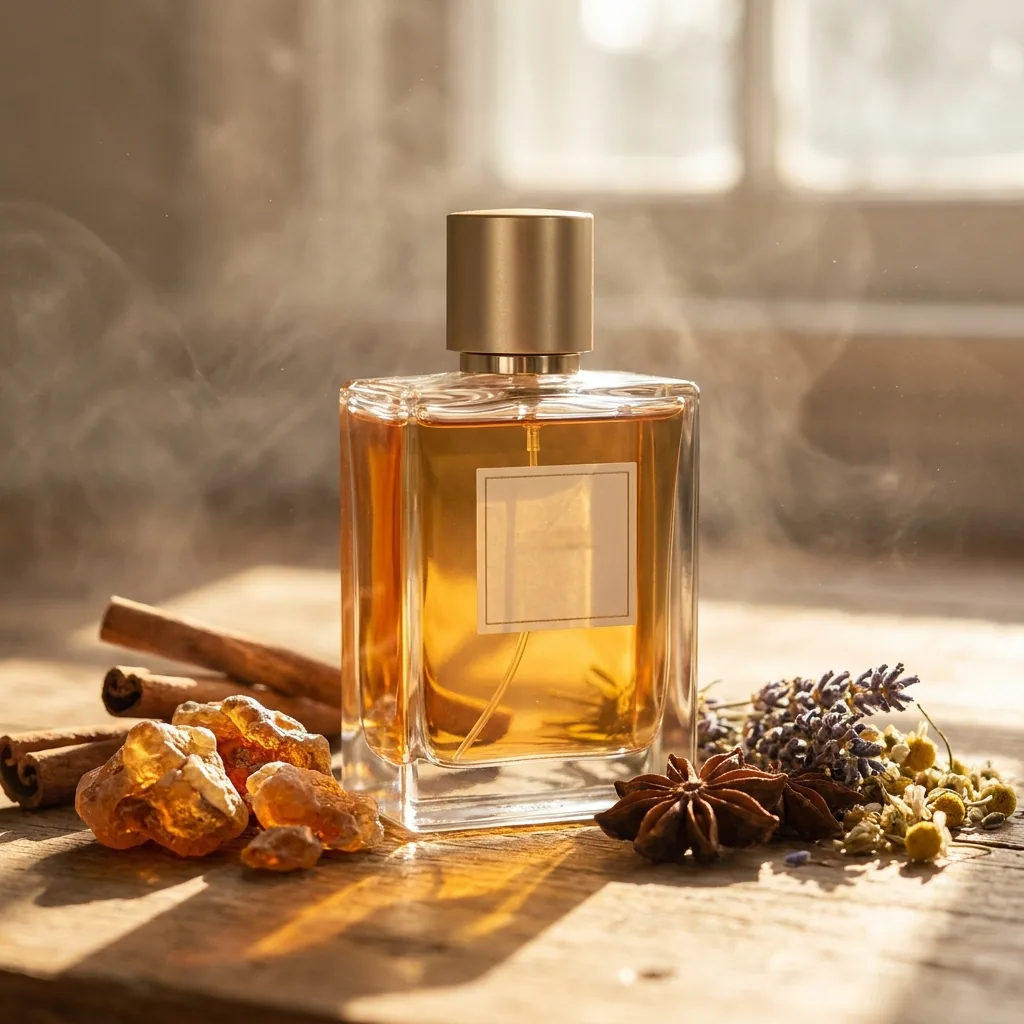
Pick a product photo you already own, from your shop or your camera roll. Animate an image adds a slow move to it. The bottle turns, or the light passes over the glass. This is the fastest clip to make on a day when you have no time.
Open Animate an imageCut the clip and add your own words
Open the video editor and trim the clip to the seconds that work. Type your line of text and place it on screen. You can add a voice track as well. Download the file when it looks right.
See the video editor
Where the pictures go
- Download the clip and upload it to Instagram as a reel. Write the caption there, in your own words.
- Upload the same clip to TikTok. Use one still frame as the cover.
- Add the clip to the product page in your shop, under the main photo.
The same clip shape for the next product
Save these steps once as a workflow. When you have the next product, run it on the new photo instead of starting from blank. The framing, the light and the colours stay the ones you approved. The whole range looks like one brand.
See how workflows workQuestions
Do I need to film anything?
No. You start from your photos of the product, and the clip is built from them. There is no set and no shoot day. Video starts on the Premium plan.
Is the person in the clip a real customer?
No. Every person in these clips is generated. Write your caption so it does not read as a customer review. The clip is not one.
Can I make a clip for every product in the range?
Yes. Save the steps as a workflow and run the same shape on each new photo. Each product then gets a clip that matches the one before it.