Fashion brands4 steps
How to post a fashion drop on Instagram
Turn your photos of a drop into the launch set for each piece. You also get a carousel, posts with the price on them and one short clip.
What you get
How it works
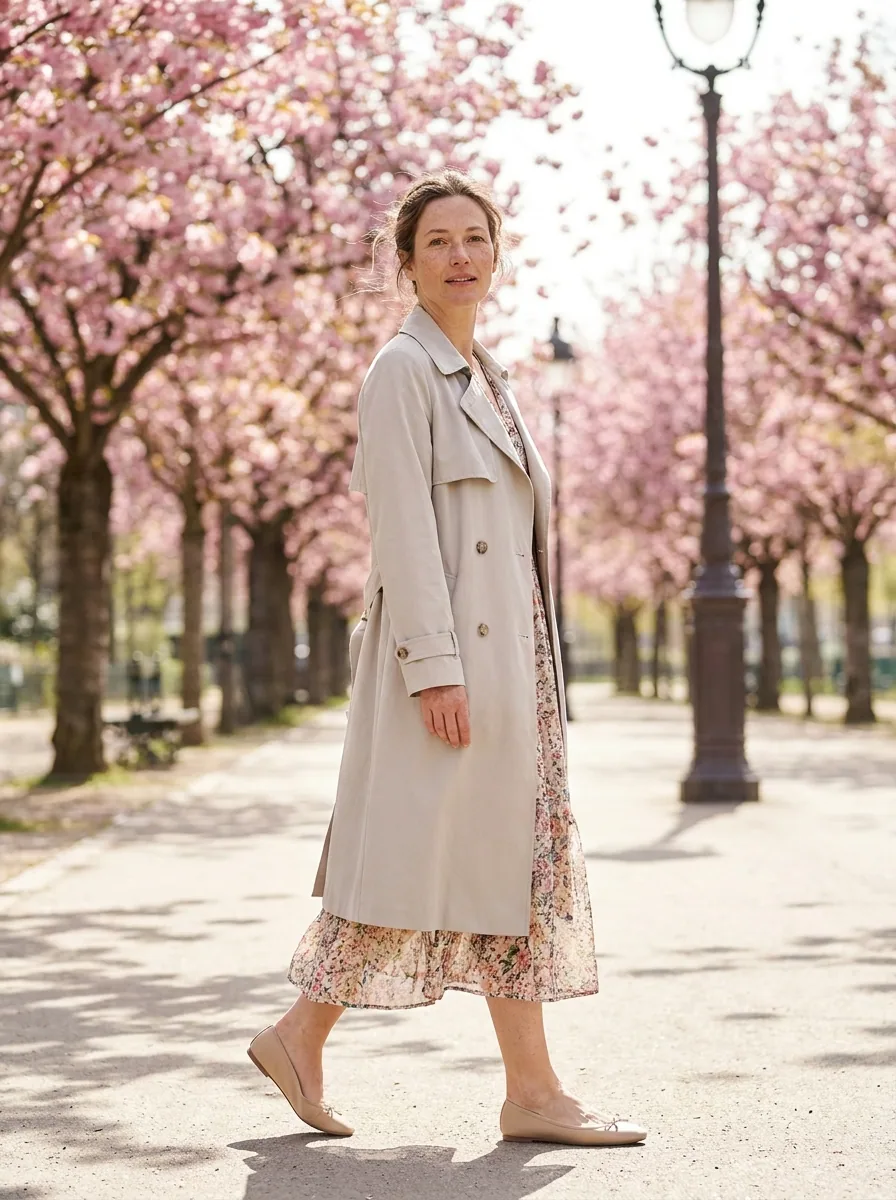
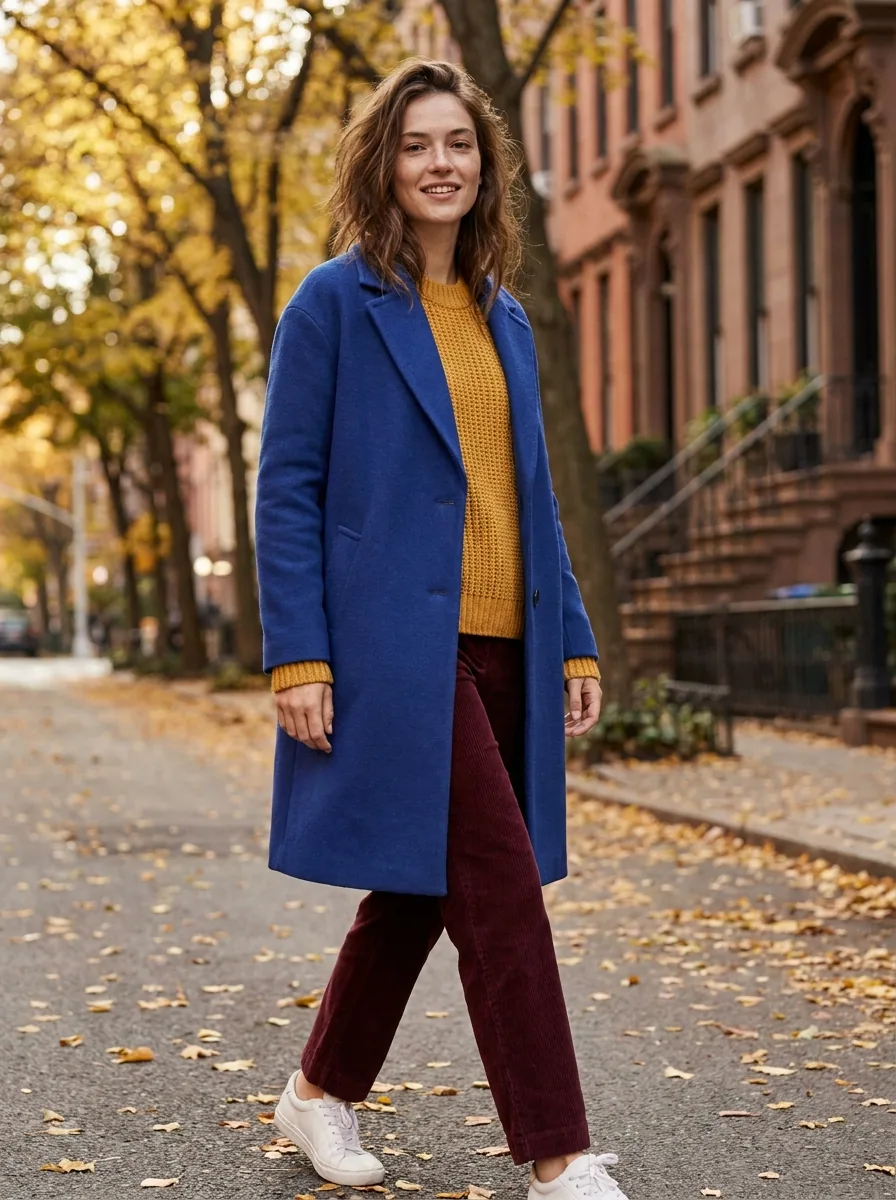
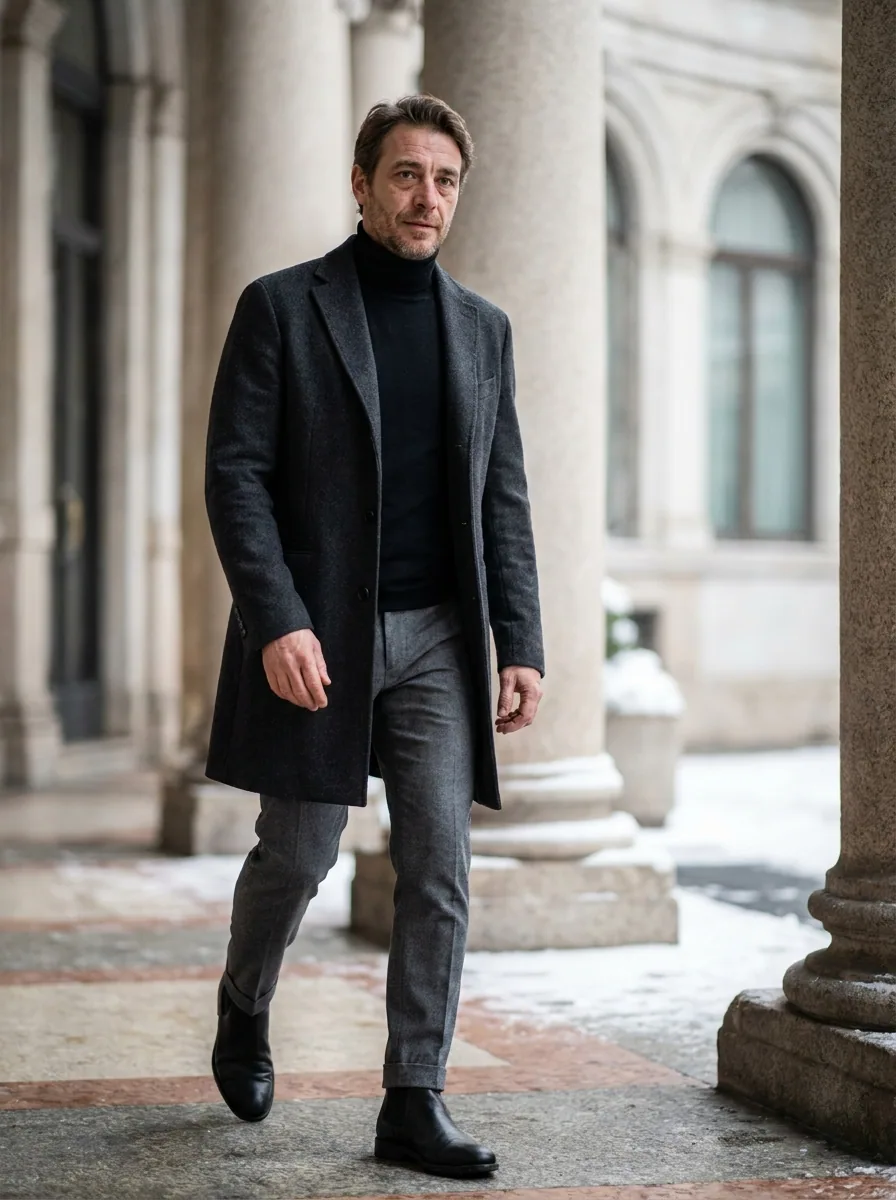
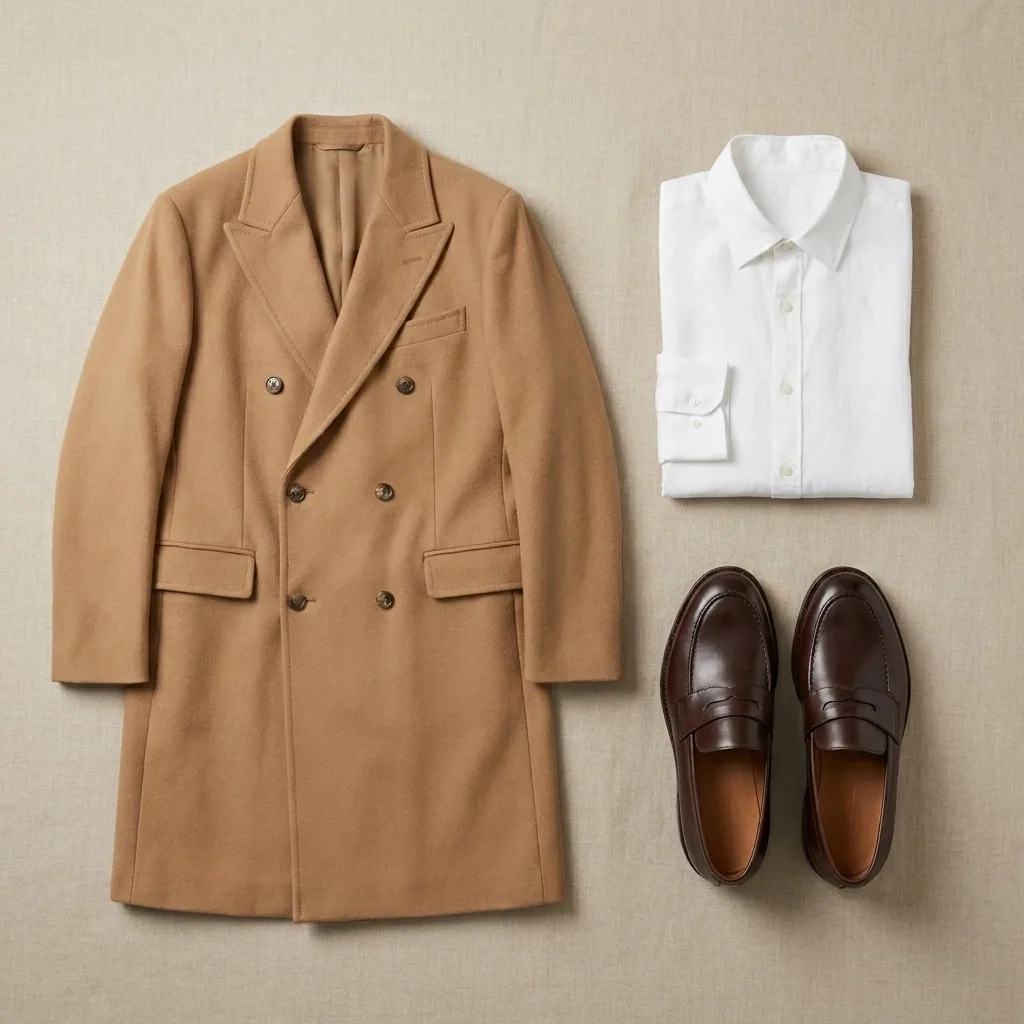
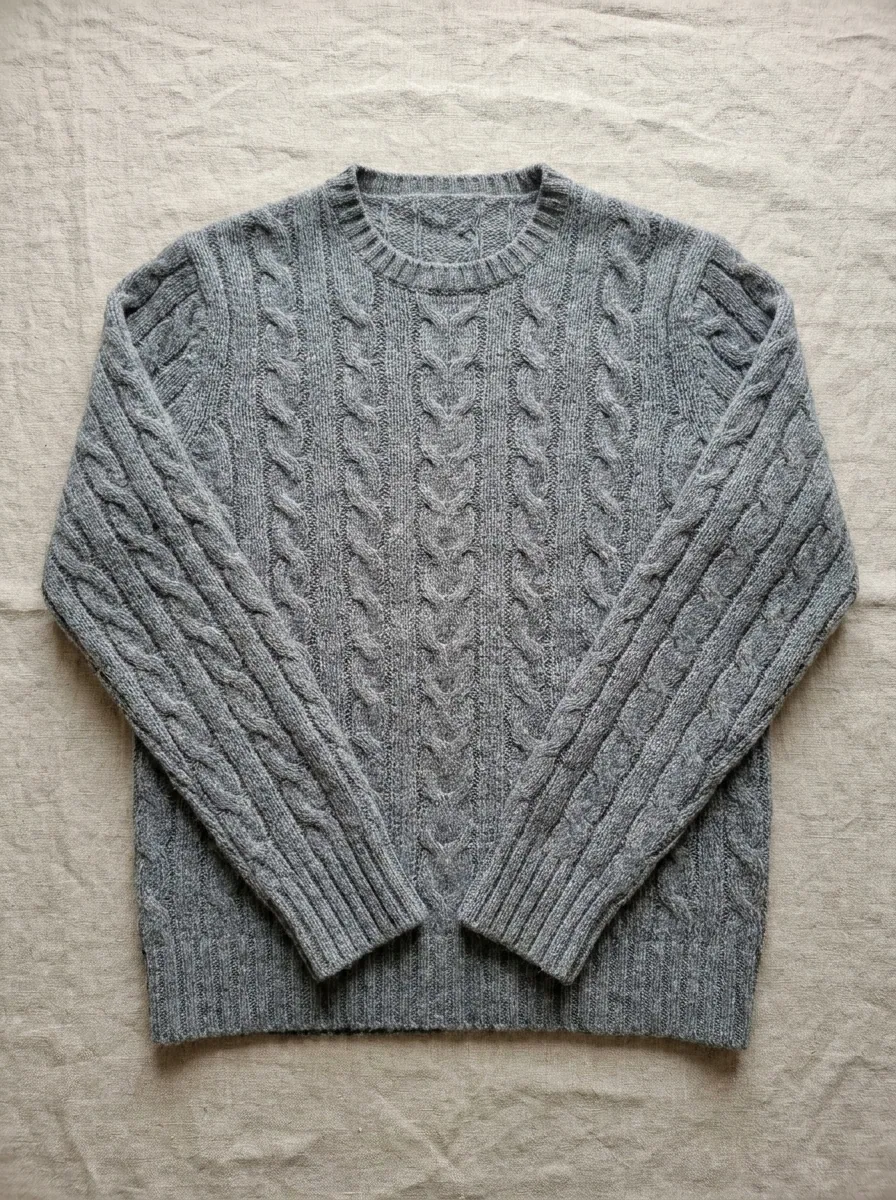
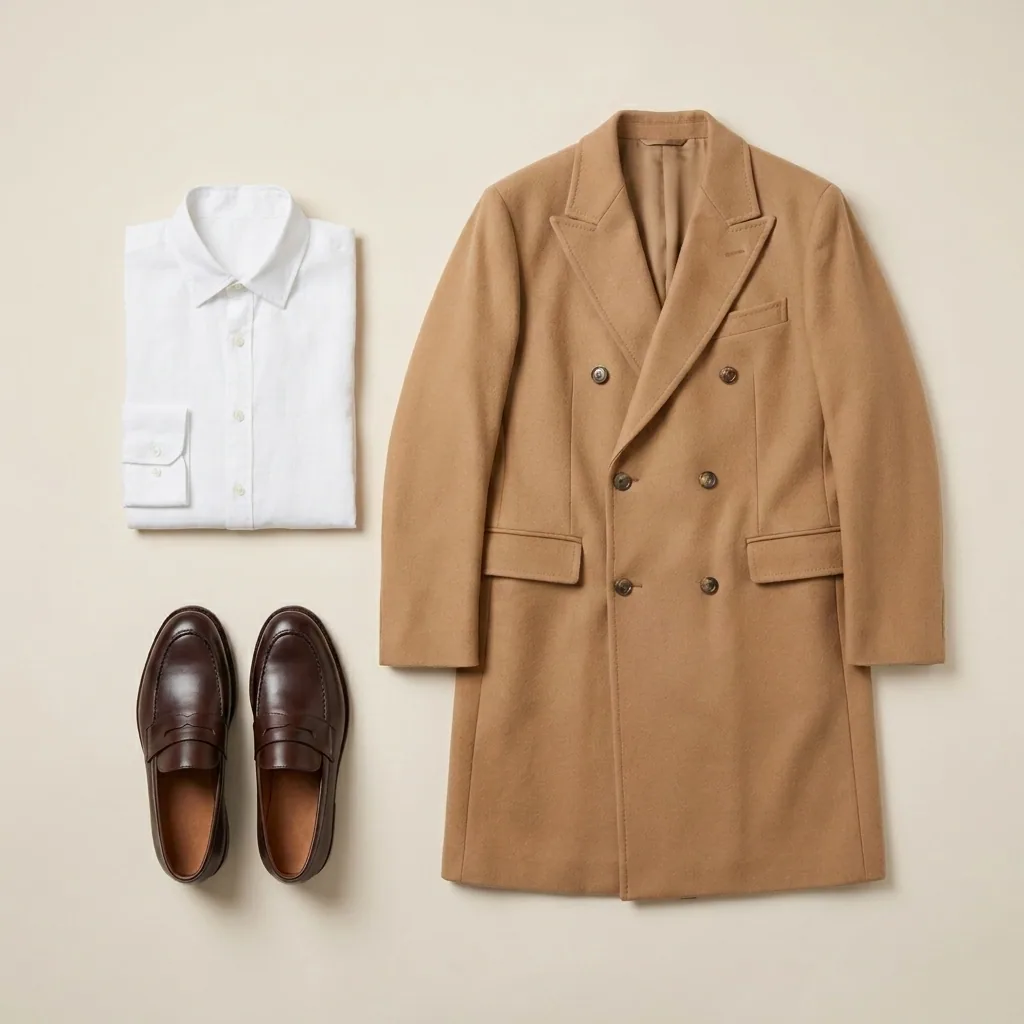
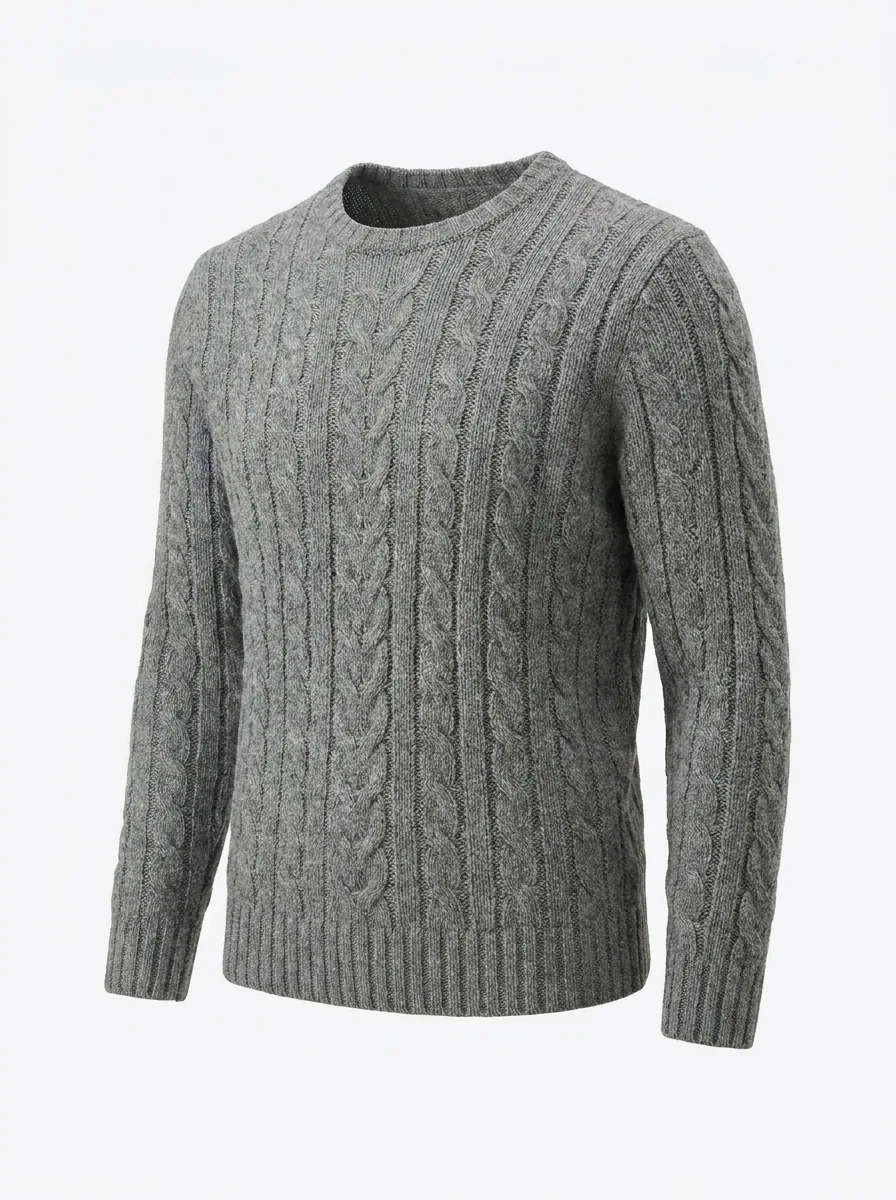
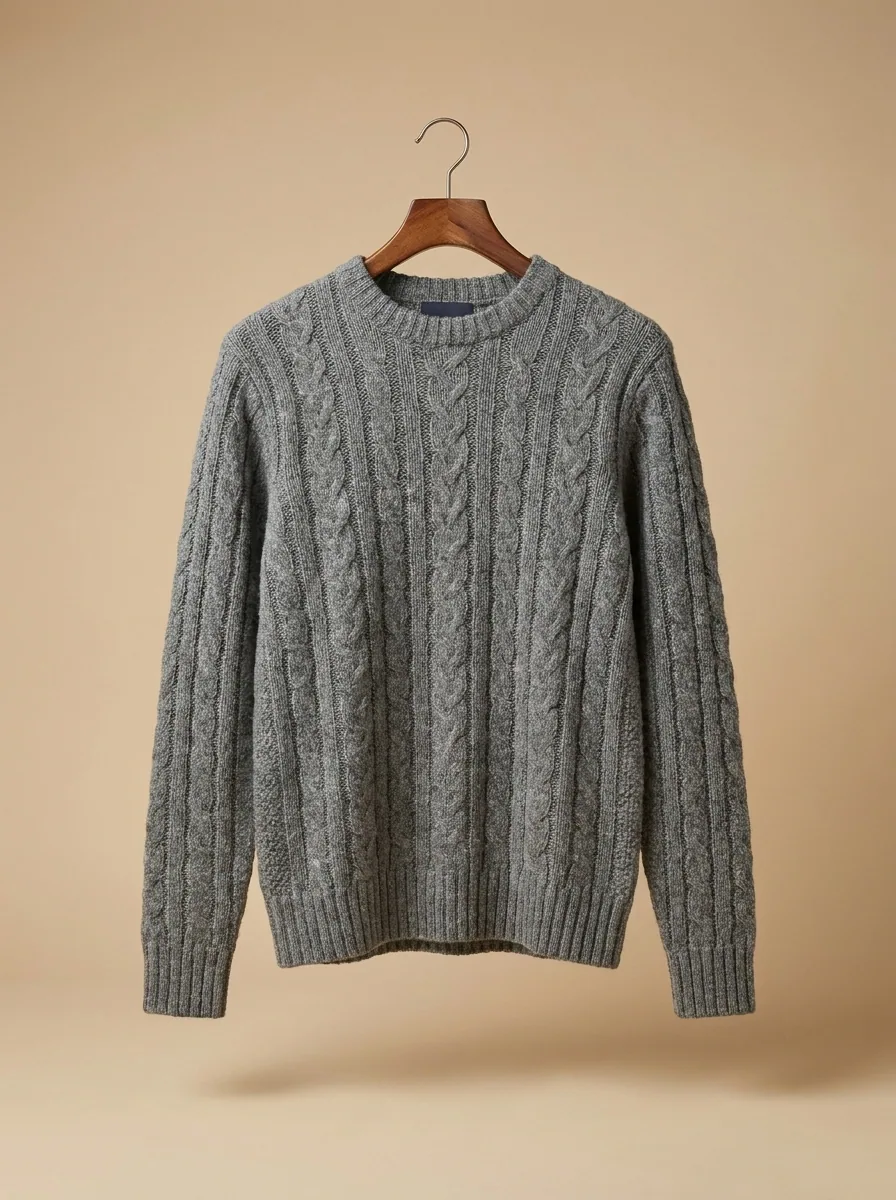
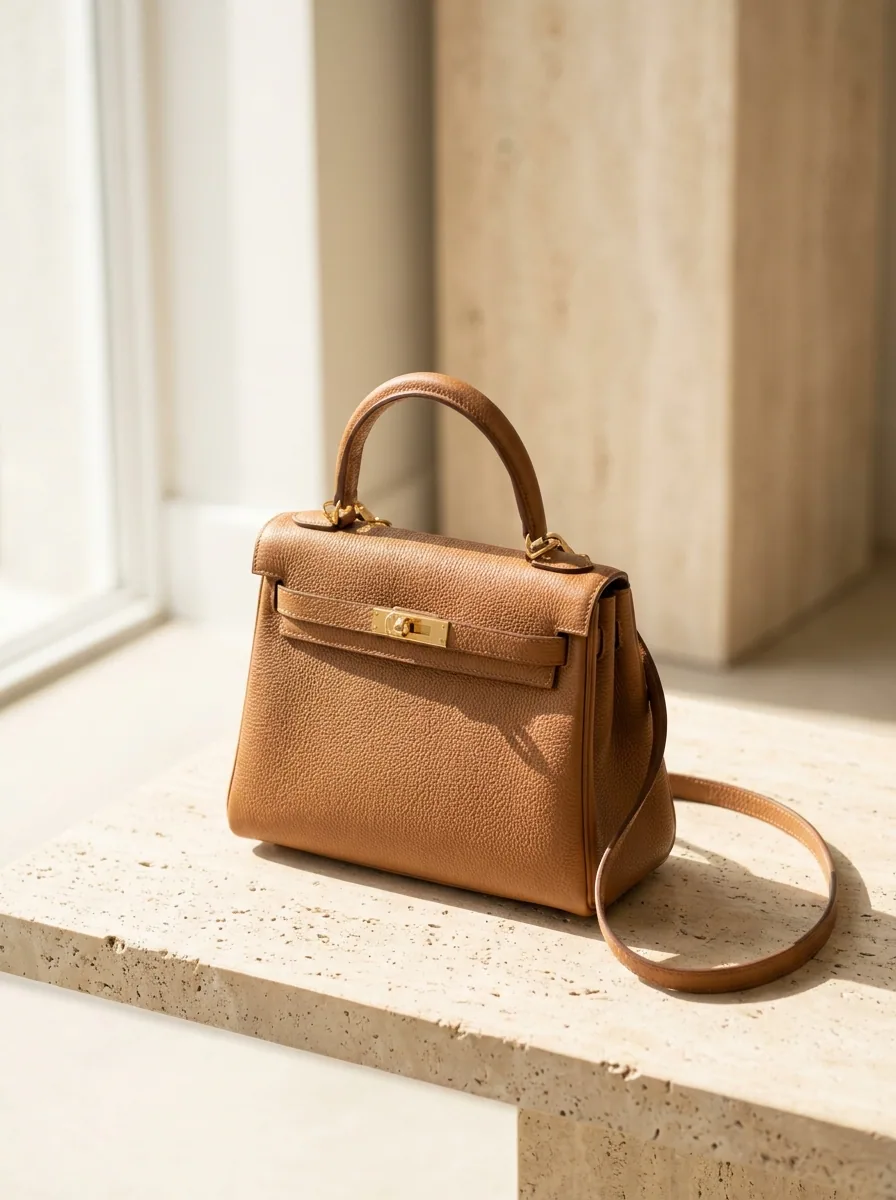
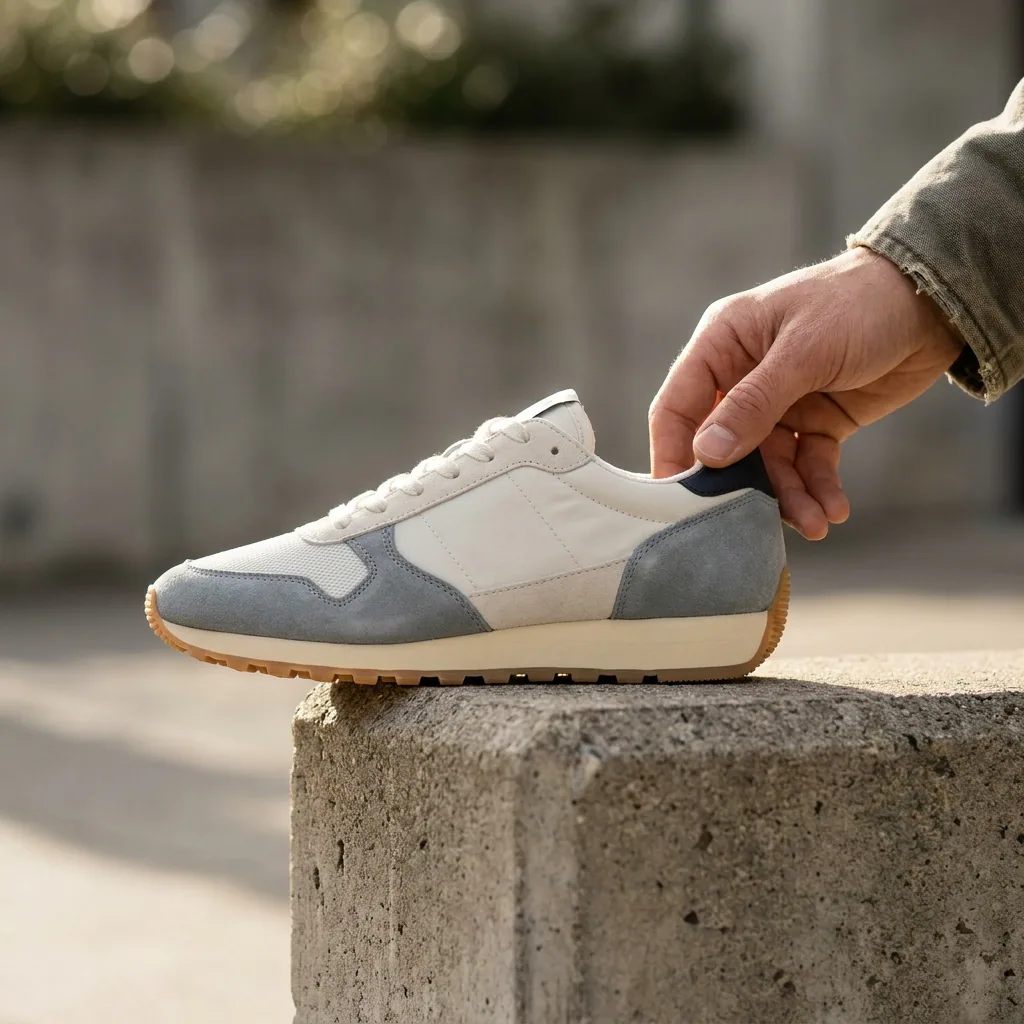
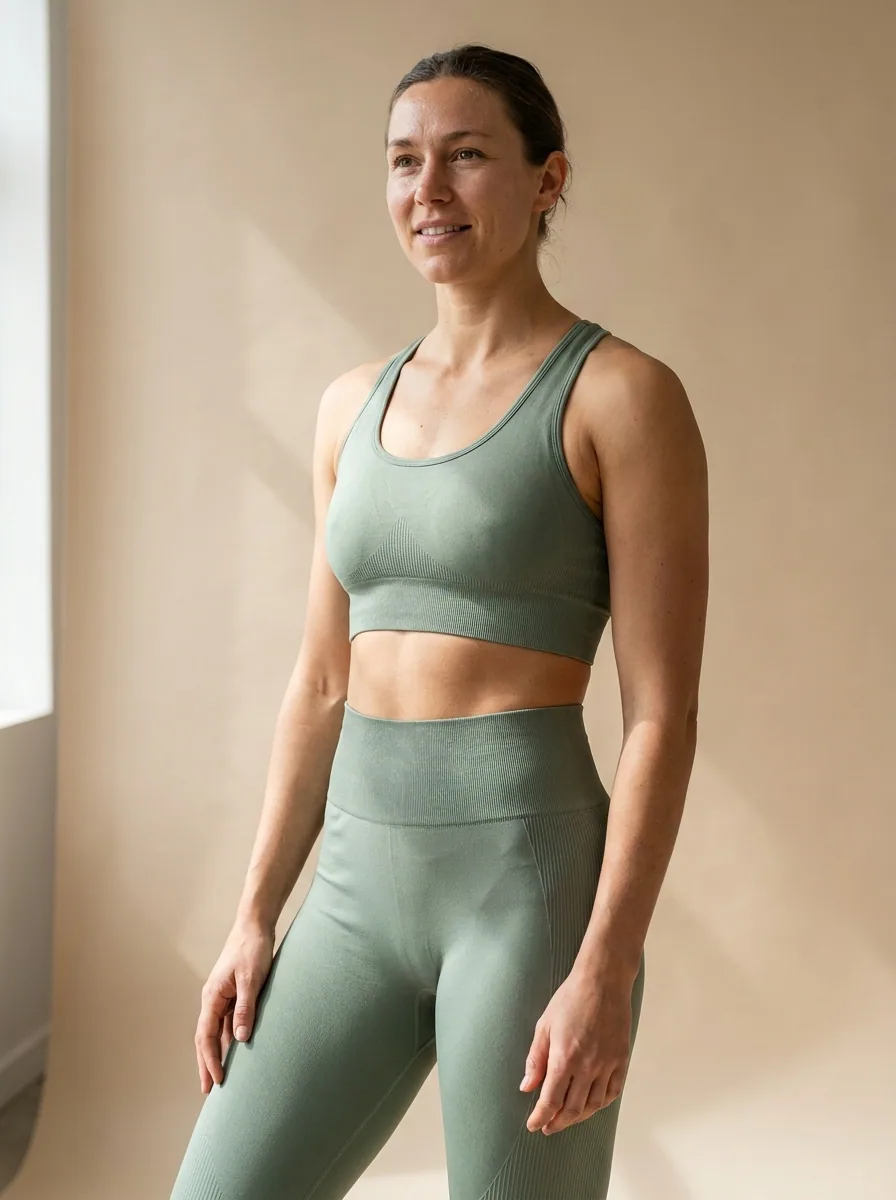
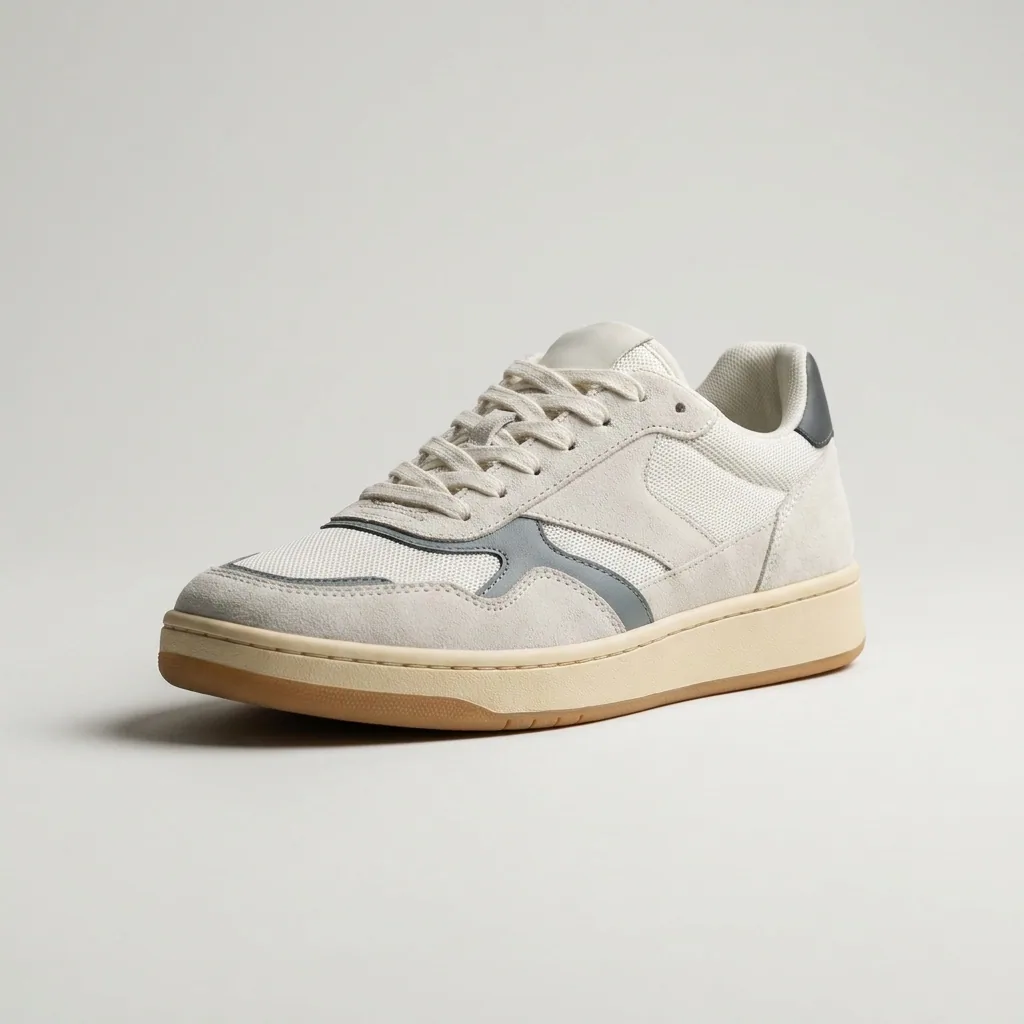
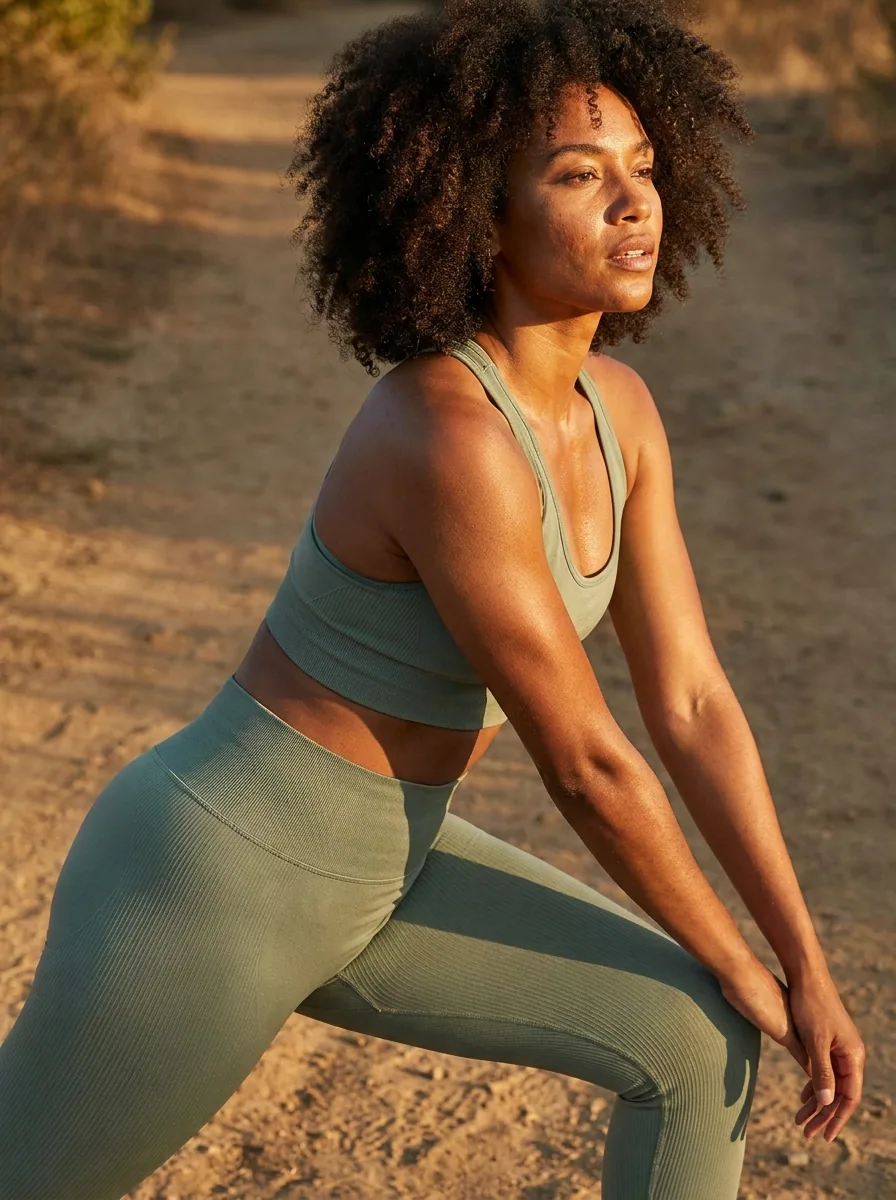
You launch a drop once. The pictures have to be ready on the day. People meet the pieces on Instagram long before they open your shop. A flat photo on a table does not sell a garment. This recipe starts from the photos you already have of the pieces in the drop. It gives you the launch set for each piece: the piece on its own, the piece on a model, and the piece in use. You then build a carousel for the whole drop, posts with the price and the date on them, and one short clip. Every person wearing a piece in these pictures is generated, not a photographed model.
Make the launch set for each piece
Upload your photo of one piece and run the kit. You get the launch set back: the piece on its own, the piece on a model, and the piece worn outside. The colour, the fabric and the cut should stay the ones you photographed. Check each picture against the garment you will send.
Open the Social content kit templateShow the whole drop in one carousel
Pick the strongest picture of each piece. Put them in one post people swipe through. Put the piece you expect to sell fastest first. Put the piece that needs the most explaining last. One slot in the feed then shows the whole drop.
Open the Carousel templatePut the price and the launch date on the picture
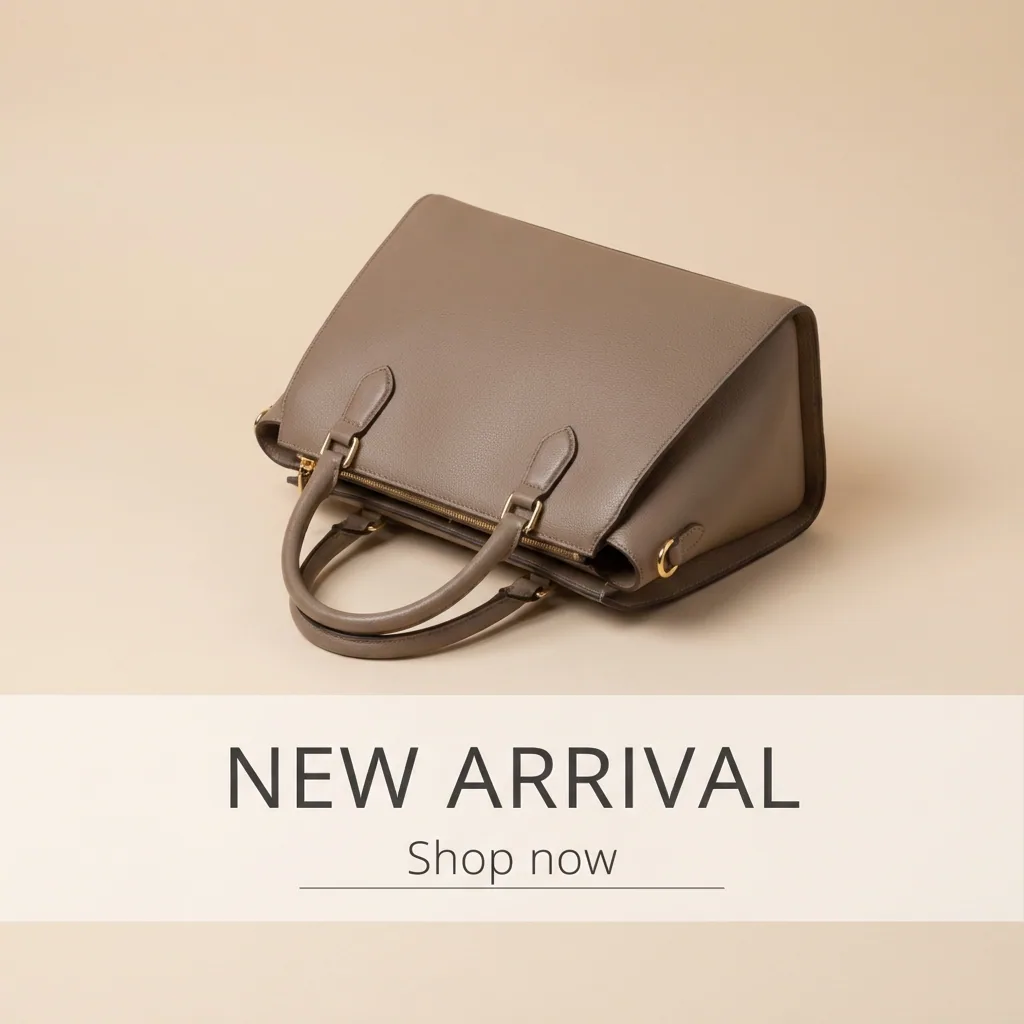
You type the price, the launch date and the name of the piece. The template places those words on the picture. They sit where people read them. Not everyone reads the caption. The date belongs on the picture itself.
Open the Static posts templateTurn a product photo into a short clip
Choose your strongest product photo and make a short clip from it. A slow move across the fabric holds a viewer longer than a still picture does. Keep the clip for a reel and for TikTok. Keep the still for the feed post.
Video starts on the Premium plan.
Open Animate an image
Where the pictures go
- Download the set. On launch day, open Instagram and upload the pictures, the carousel first.
- Upload the short clip to TikTok and to your Instagram stories on the same day.
- Put the plain background shots on the product page in your shop. The feed and the product page then show the same piece.
The same set for the next drop
Save these steps as a workflow once. It keeps your light, your crop and your colours. For the next drop you add the new product photos and run the same workflow. The pieces change and the look stays the one you approved.
See how workflows workQuestions
Do I need a model and a studio for the on-model shots?
No. Each picture starts from your own photo of the piece. The person wearing it is generated, not a real model. Tell your buyers that in the caption if your market expects it.
Will the garment still look like the one I sell?
Yes, because every run starts from your own photo of that piece. Photograph the real colour in daylight. The picture then matches what arrives in the parcel.
Can I use these pictures in paid ads?
Yes, from the Pro plan. Uploading your own photos and the commercial licence both start there. On the free plan you can try the templates on sample products.