For filmmakers and video creators
AI filmmaking with the same character in every shot
DesignerBox keeps your character's face the same in every shot. Turn your stills into clips and cut the film on a timeline, all in one place.
- Claude
- ChatGPT
- Cursor
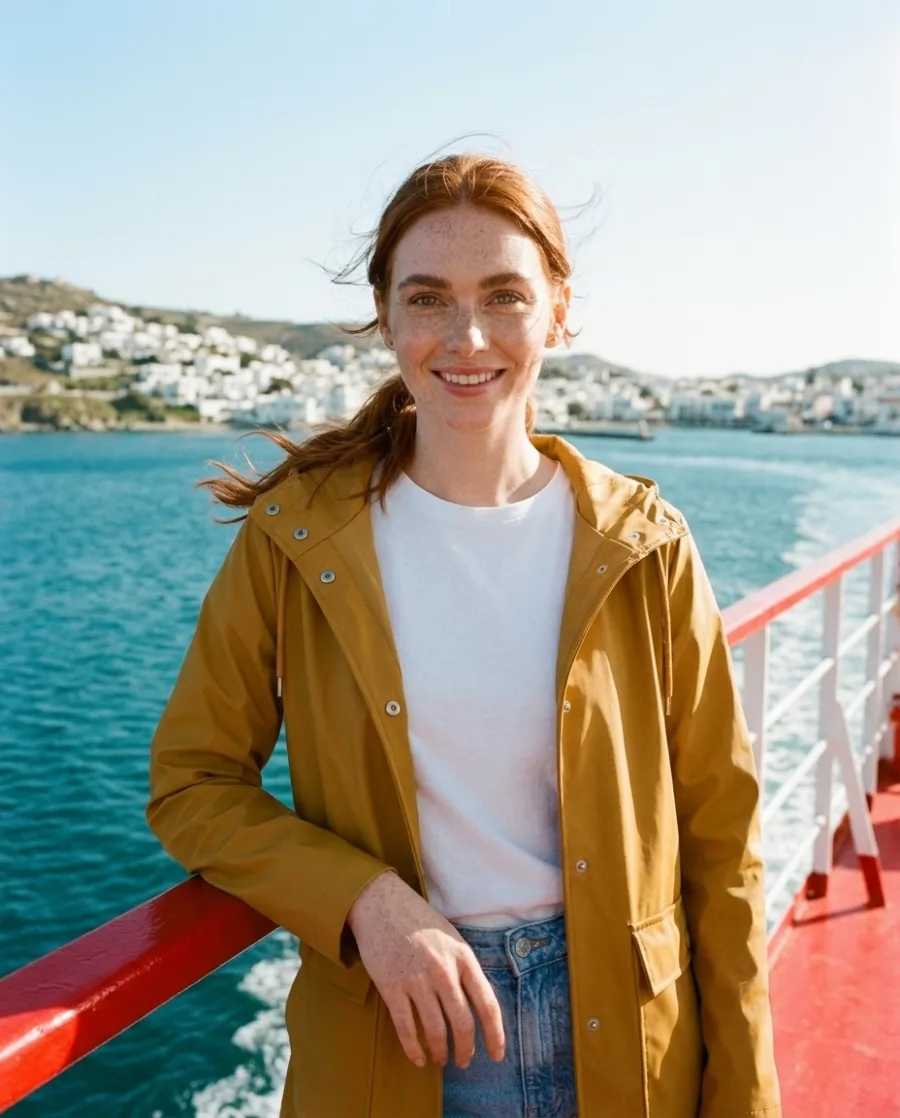
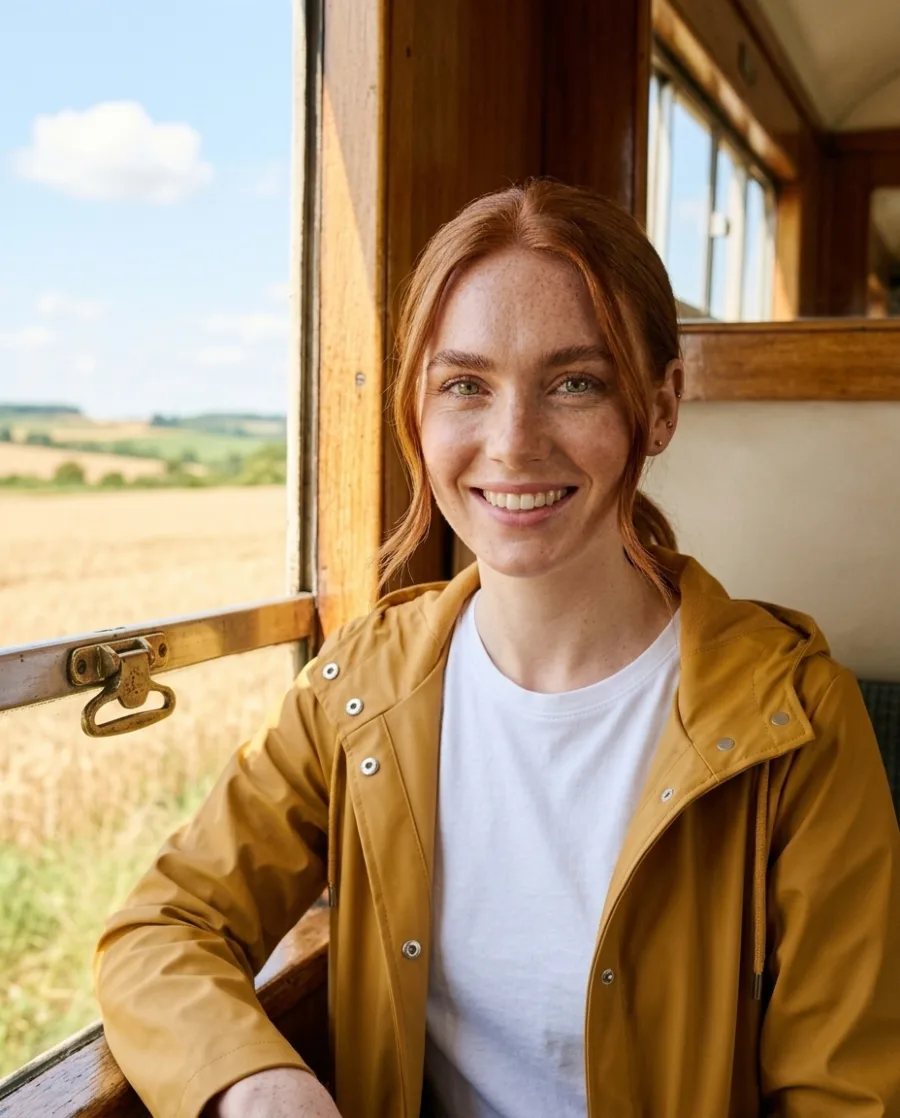
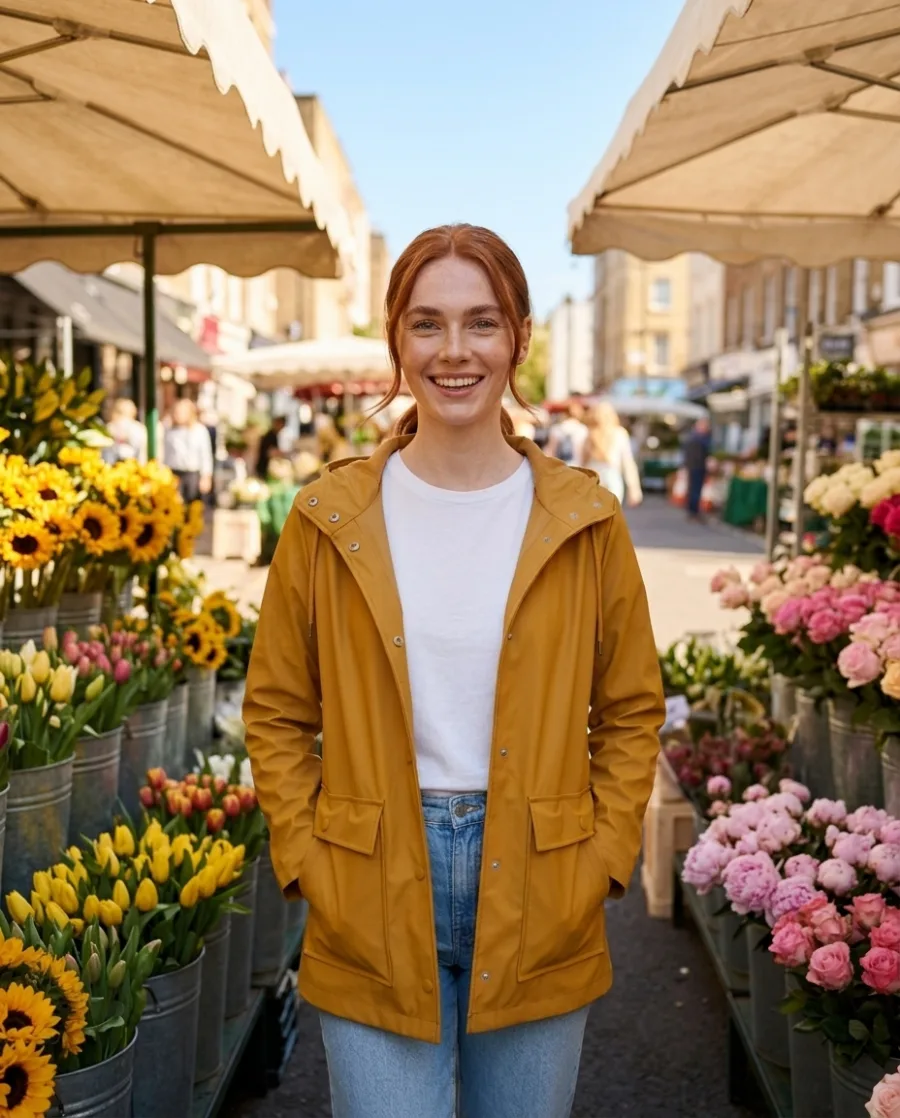

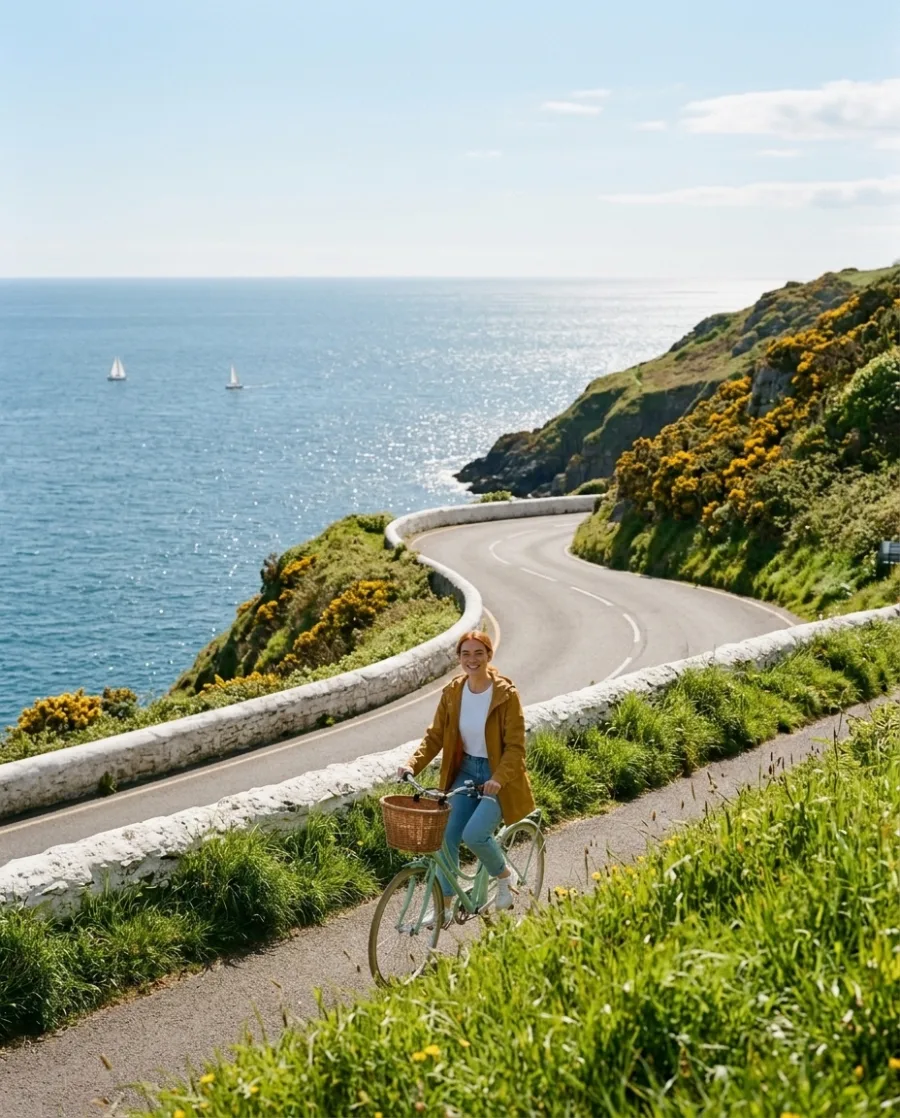
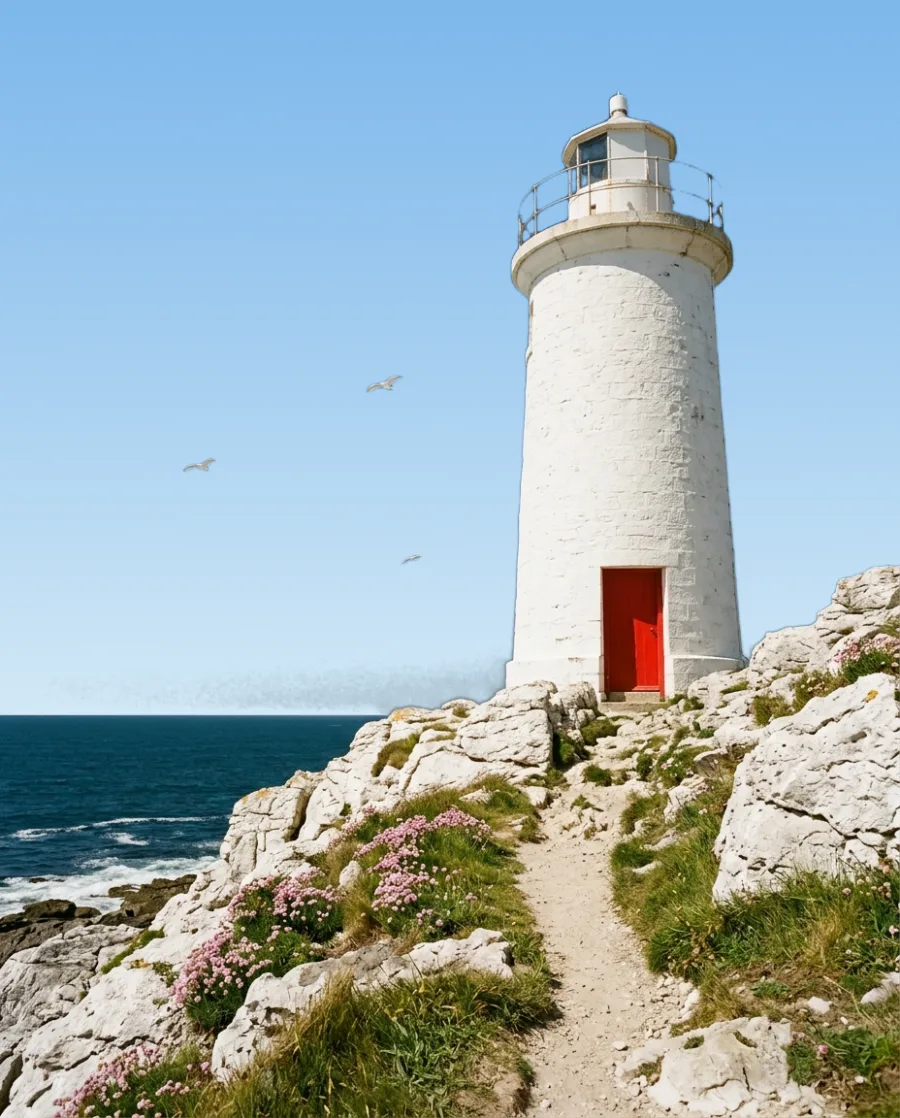
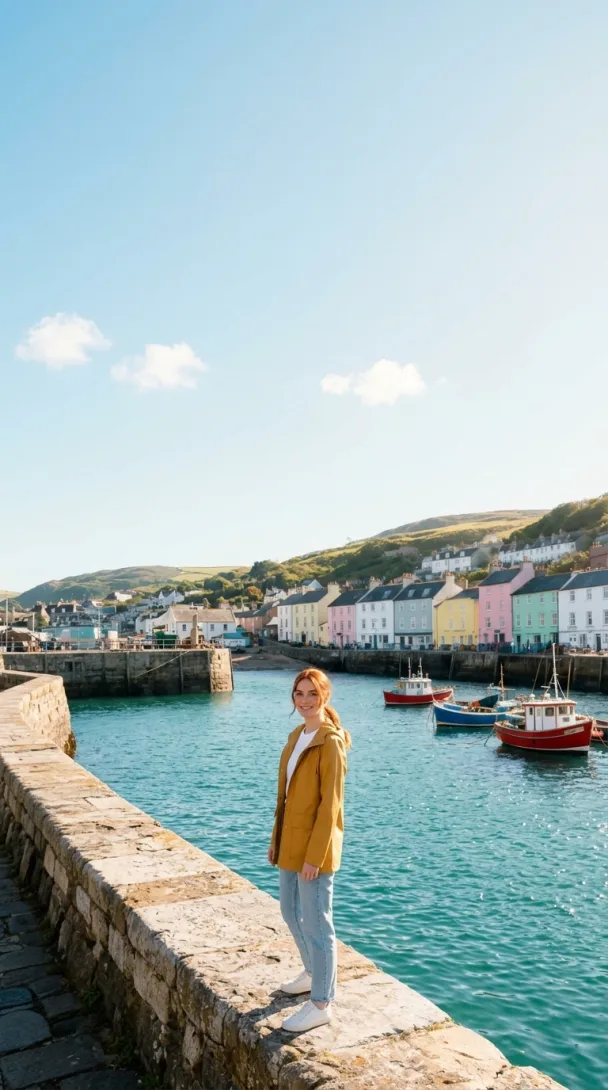
Making one AI shot is easy. Keeping the same face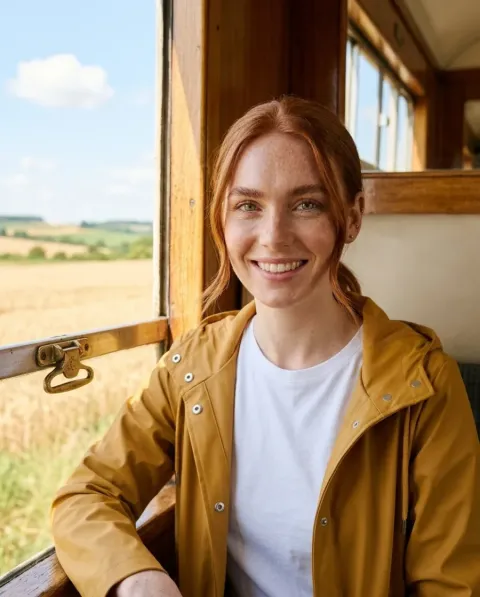 from the first shot to the last
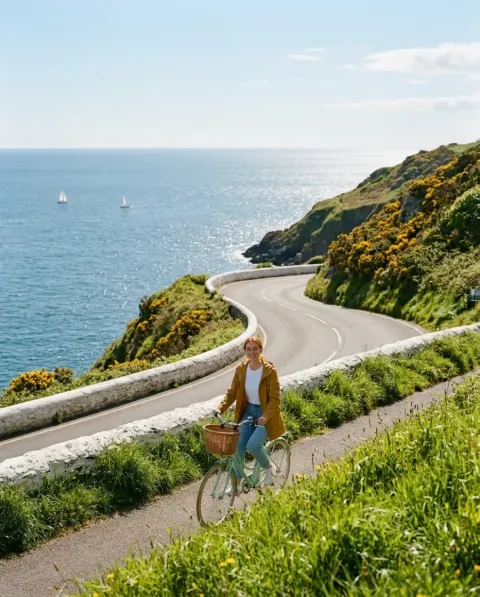 , and cutting it into a film, is hard. DesignerBox does the hard part.
What you can make
Every step from character to clip
A short description in. Your character out.
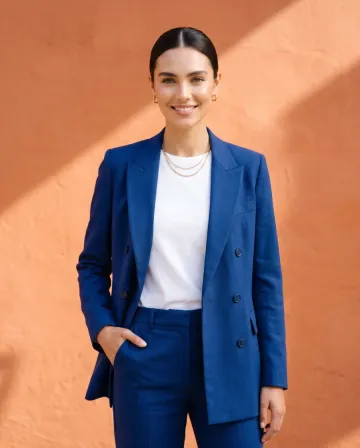
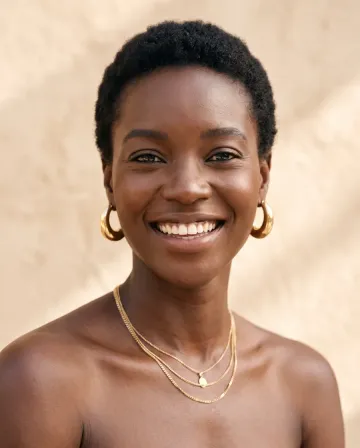
Describe your character in a sentence, or add a photo. Avatars makes nine poses of that person to use in every shot.
See Avatars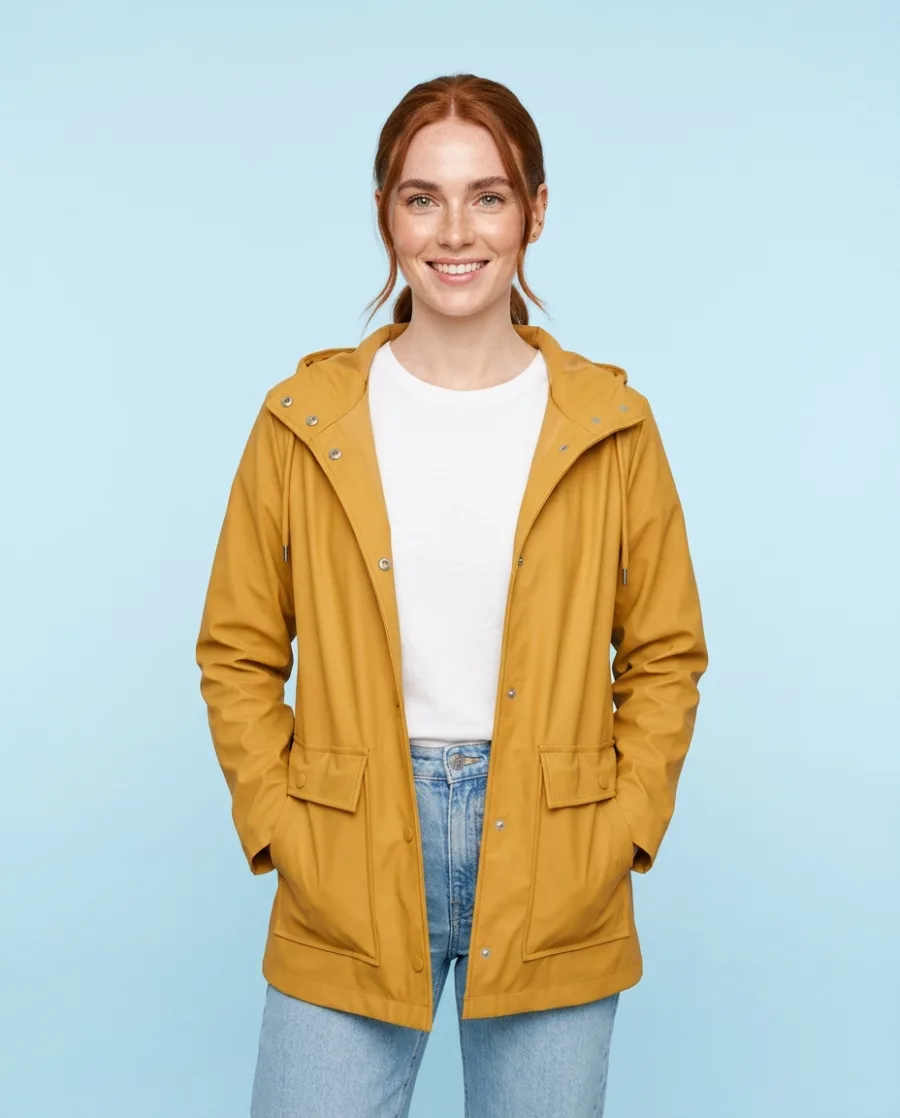 Front
Front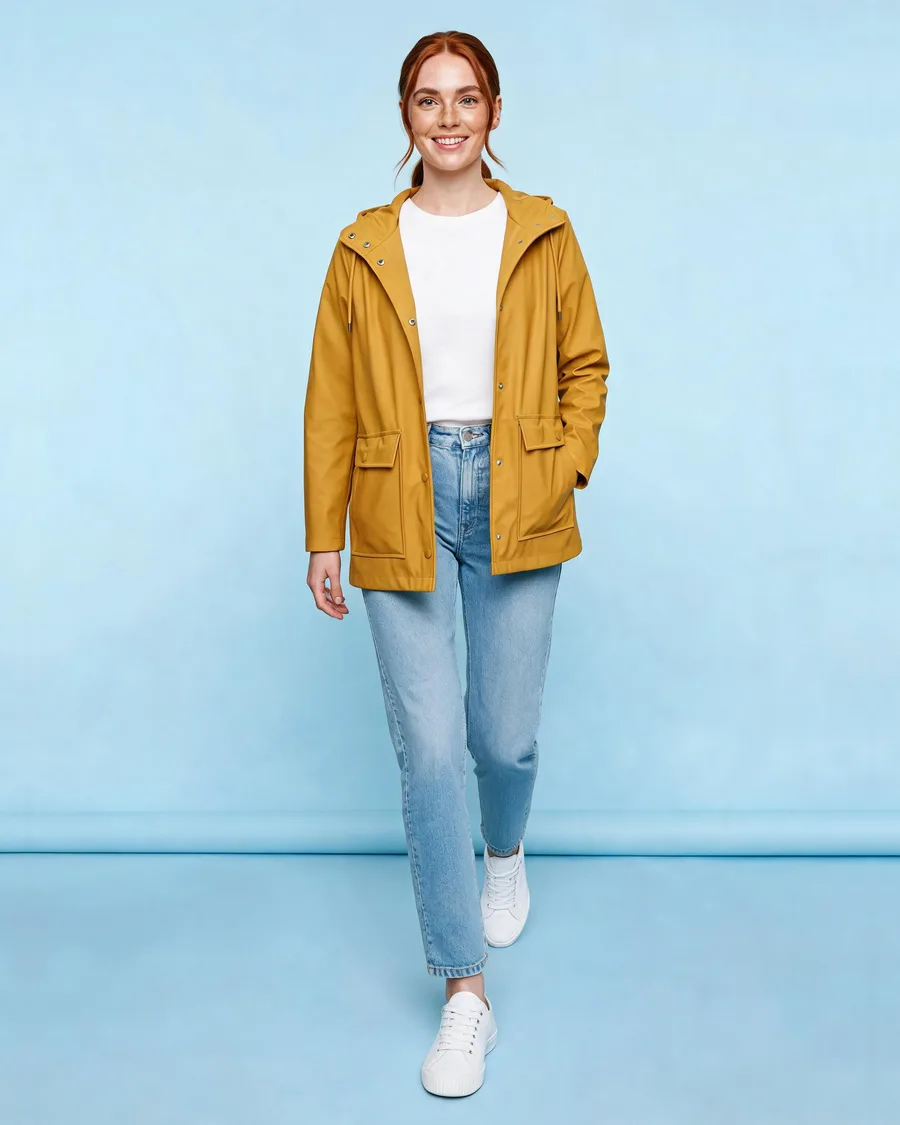 Walking
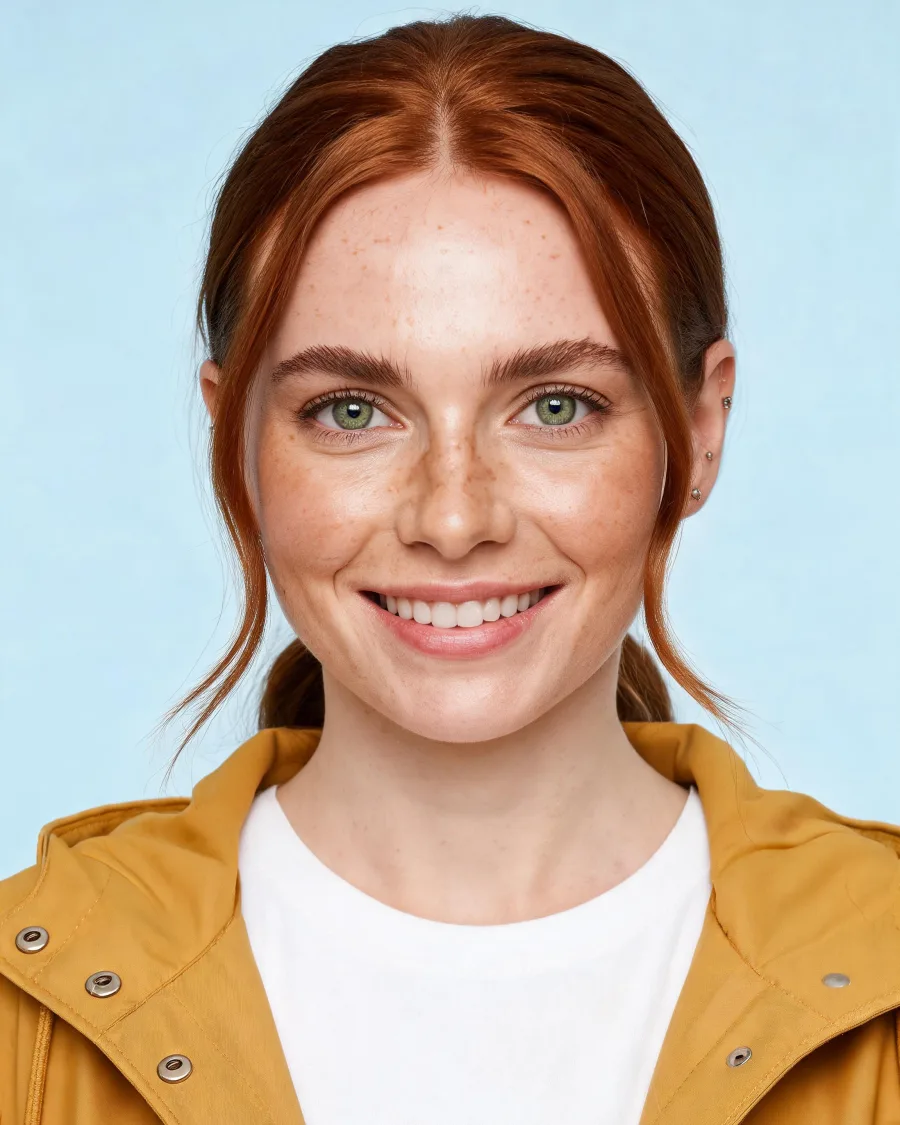 Head shot
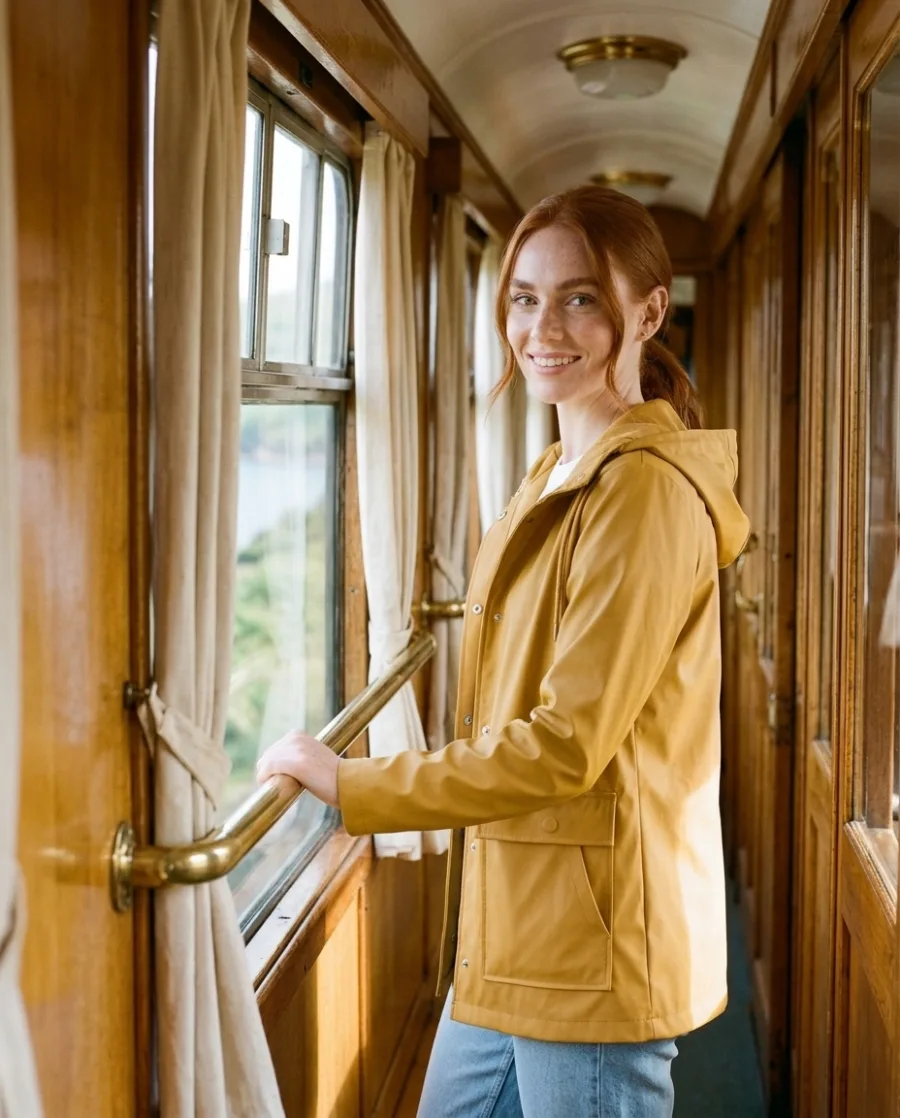
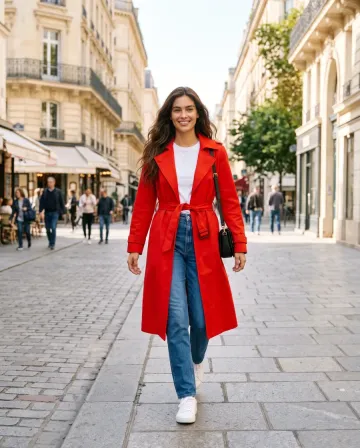
The same character in every location
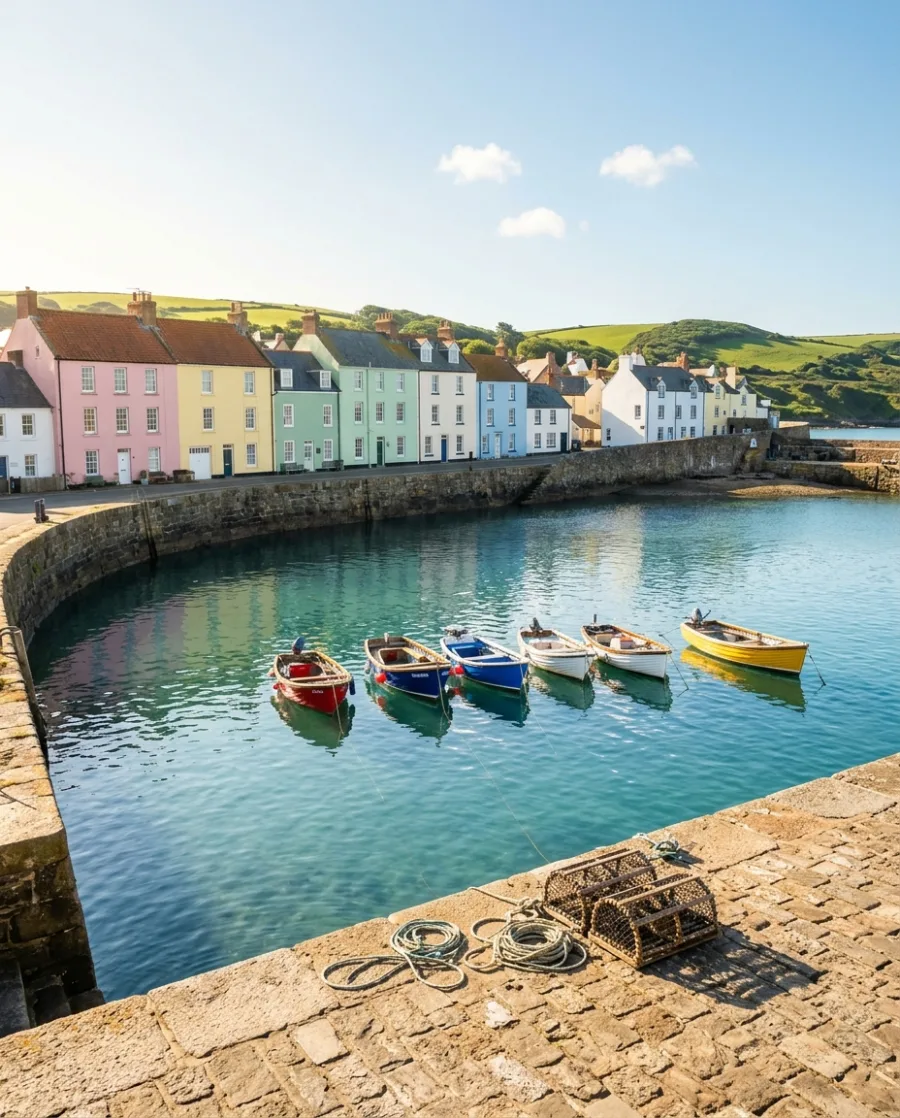
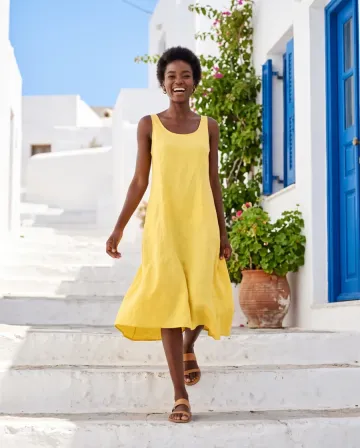
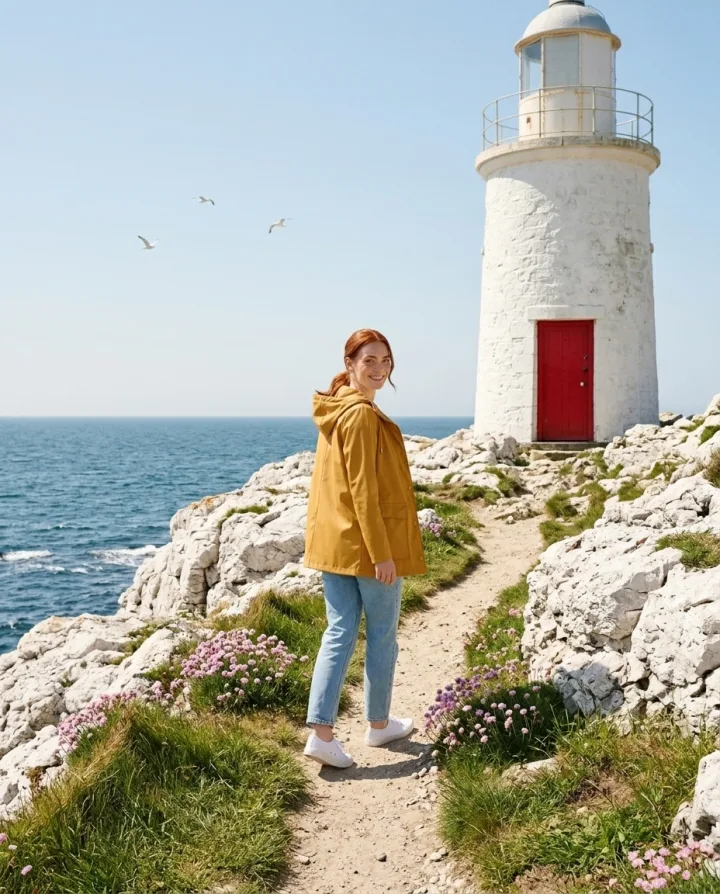
Put the same character in each location of your story. The face, the hair and the coat stay the same. AI can still change a small detail.
See GenerateYour character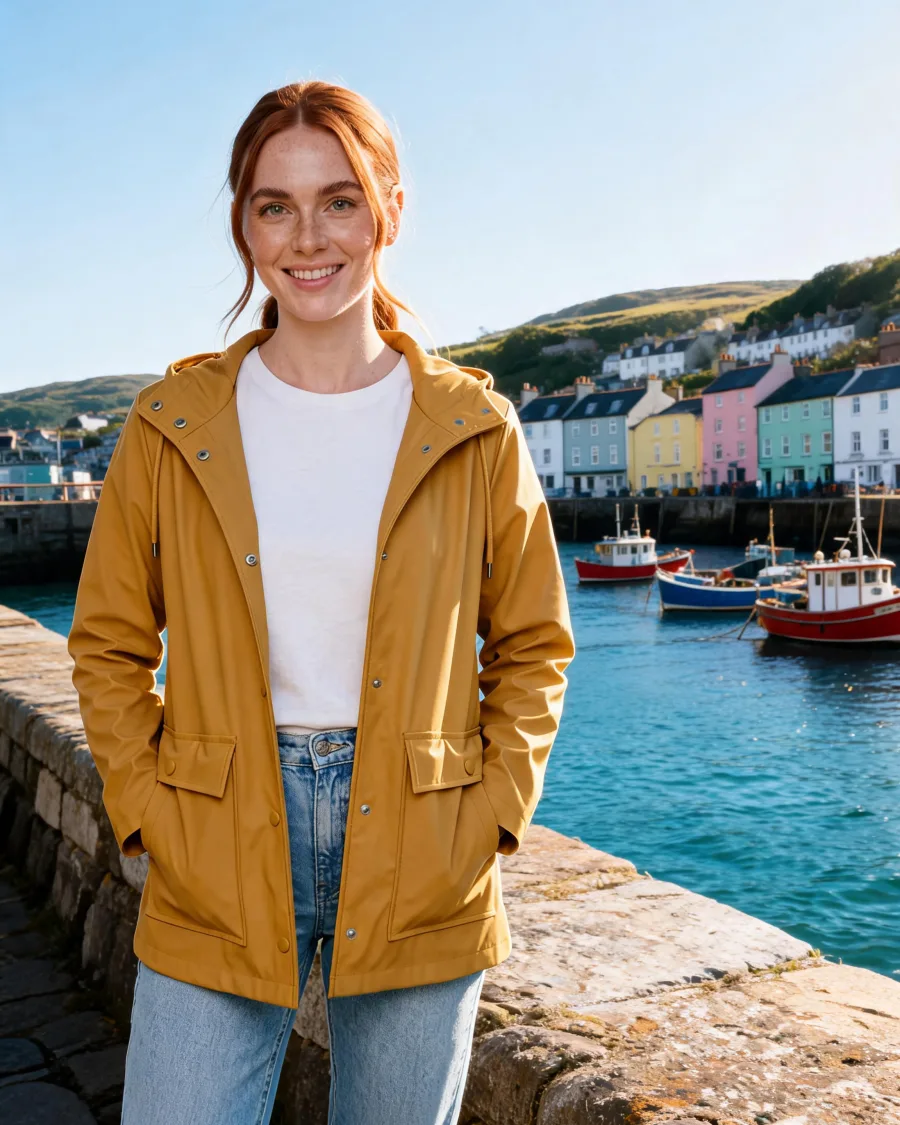 Harbour
 Train
Train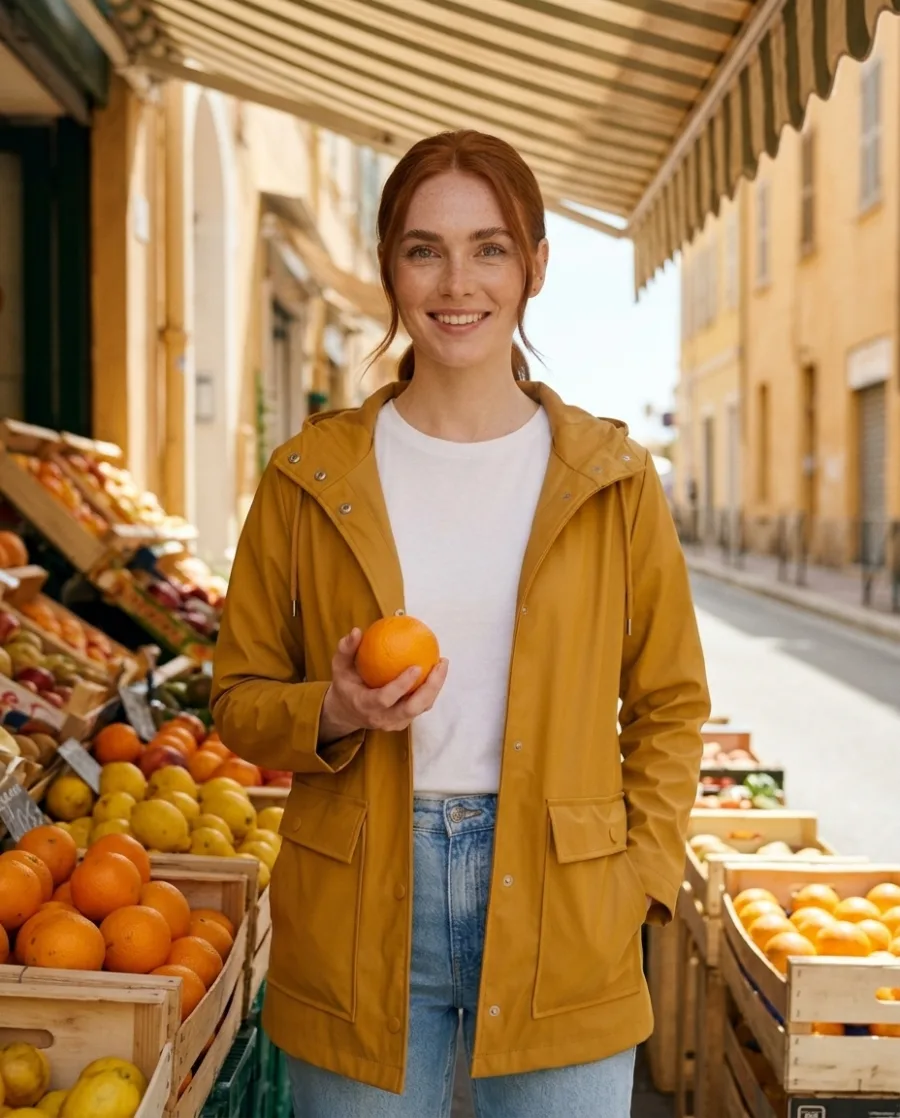 Market
Start free. You see the price before you make anything.
Your own photos, your own prompts and the commercial licence start on the Pro plan. Video and the editors start on the Premium plan.
The people in these pictures are made by AI, not filmed. If you add a real face, a real voice or music, you need the right to use it.
Inside DesignerBox
Everything in one place
Make, edit, approve and keep every picture and video in one workspace. You do not need a different service for each job.
Pick the picture and video model for each shot, or let DesignerBox pick for you.
See the AI modelsCut your clips on a timeline. Add captions, music and one of 20 voices.
See the video editorWhat you make in Create, Generate and the apps is saved in Assets. Make a folder for each product, client or campaign.
See AssetsSend a link to your team or your client. They tick the pictures they like and add a note. They need no account.
See review linksSave your logo, colours and fonts once. Pick your brand when you ask for a picture.
See the brand kitPut up to 200 products in a sheet and run one job on all of them. You see the total cost before it starts.
See batch



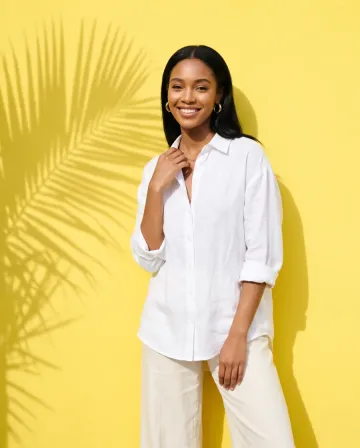
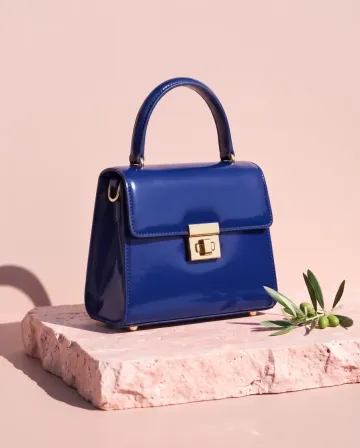
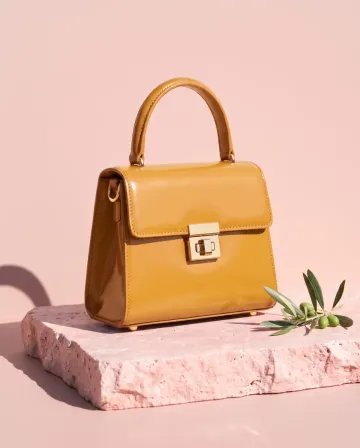
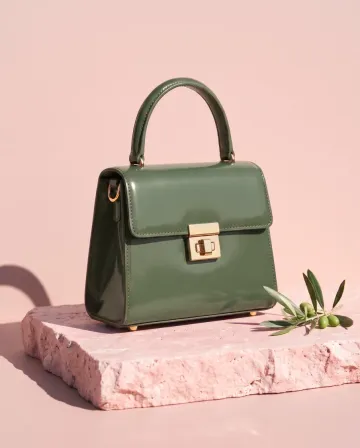 MThe blue and the green, please.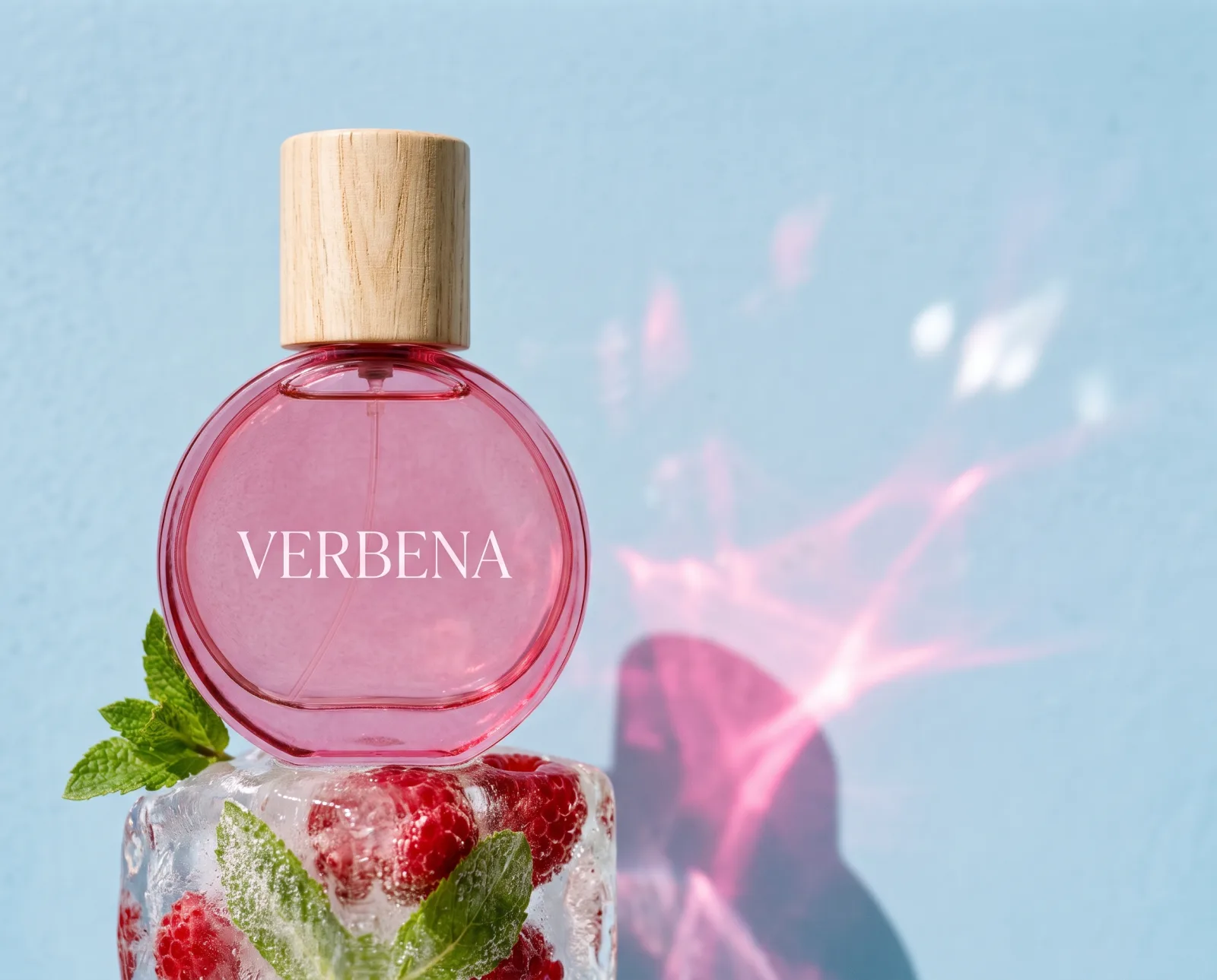
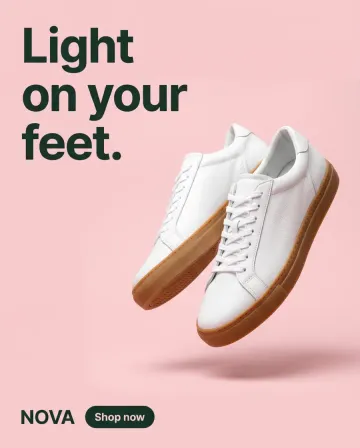
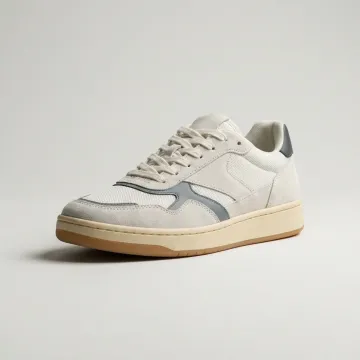 Sneakers
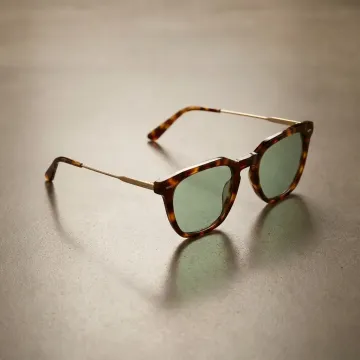 Sunglasses
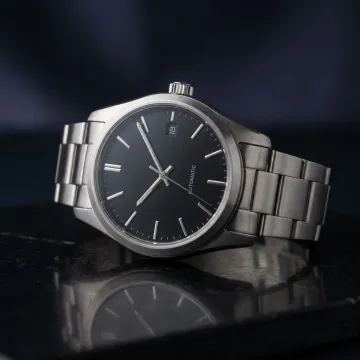 Watch
Watch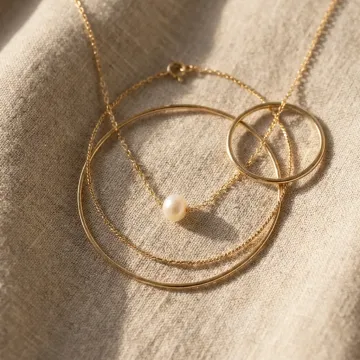 Necklace
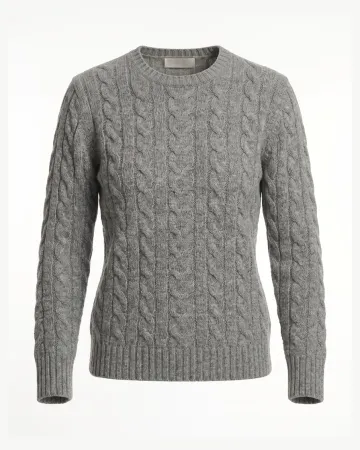 Sweater
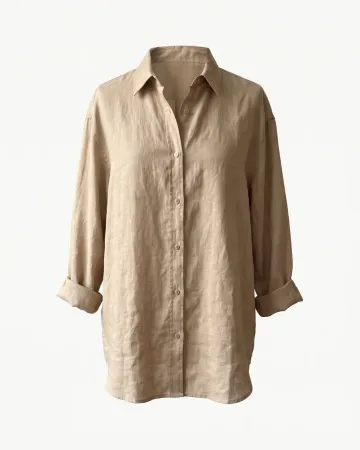 Linen shirt
AI chat
DesignerBox in Claude and ChatGPT
Connect DesignerBox once. Then ask for pictures in Claude, ChatGPT or Cursor. You confirm each run in the chat.
Who it is for
Other businesses
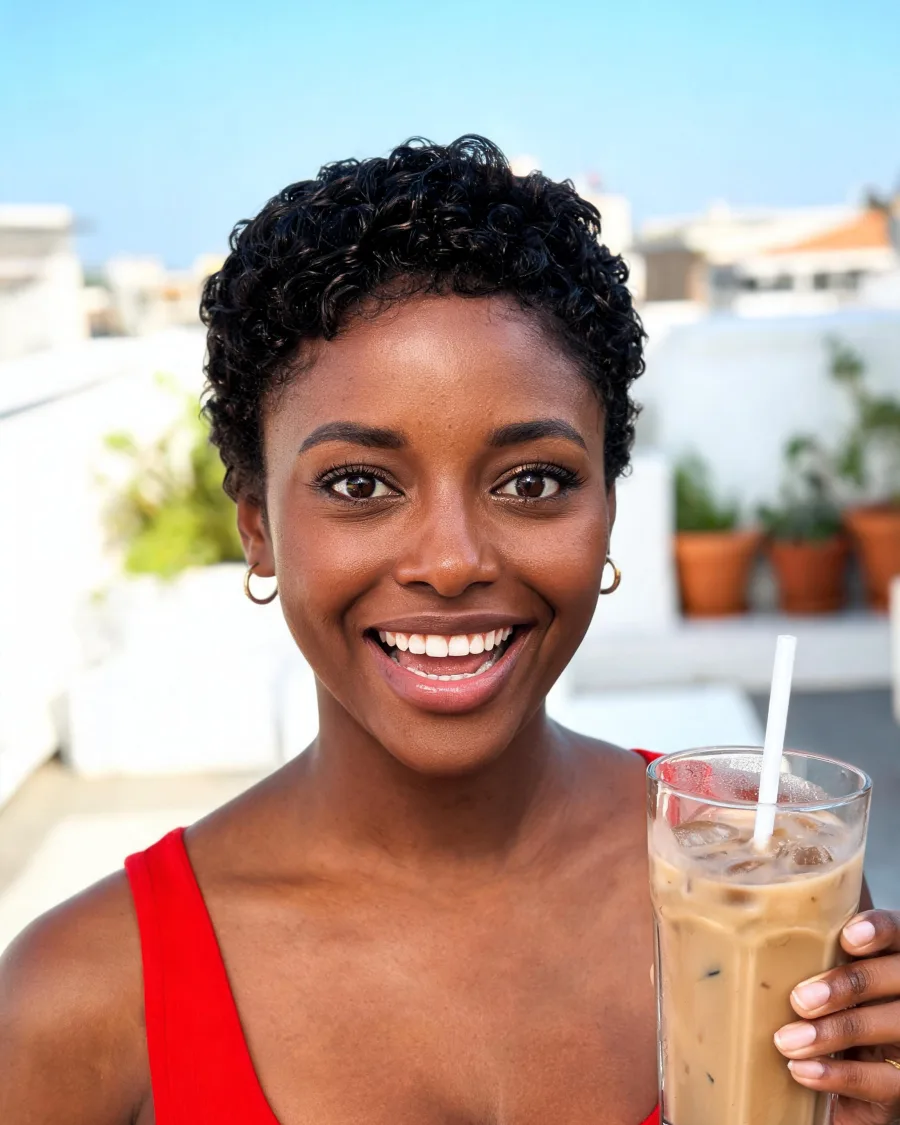 Social media managersA month of posts in the brand's look
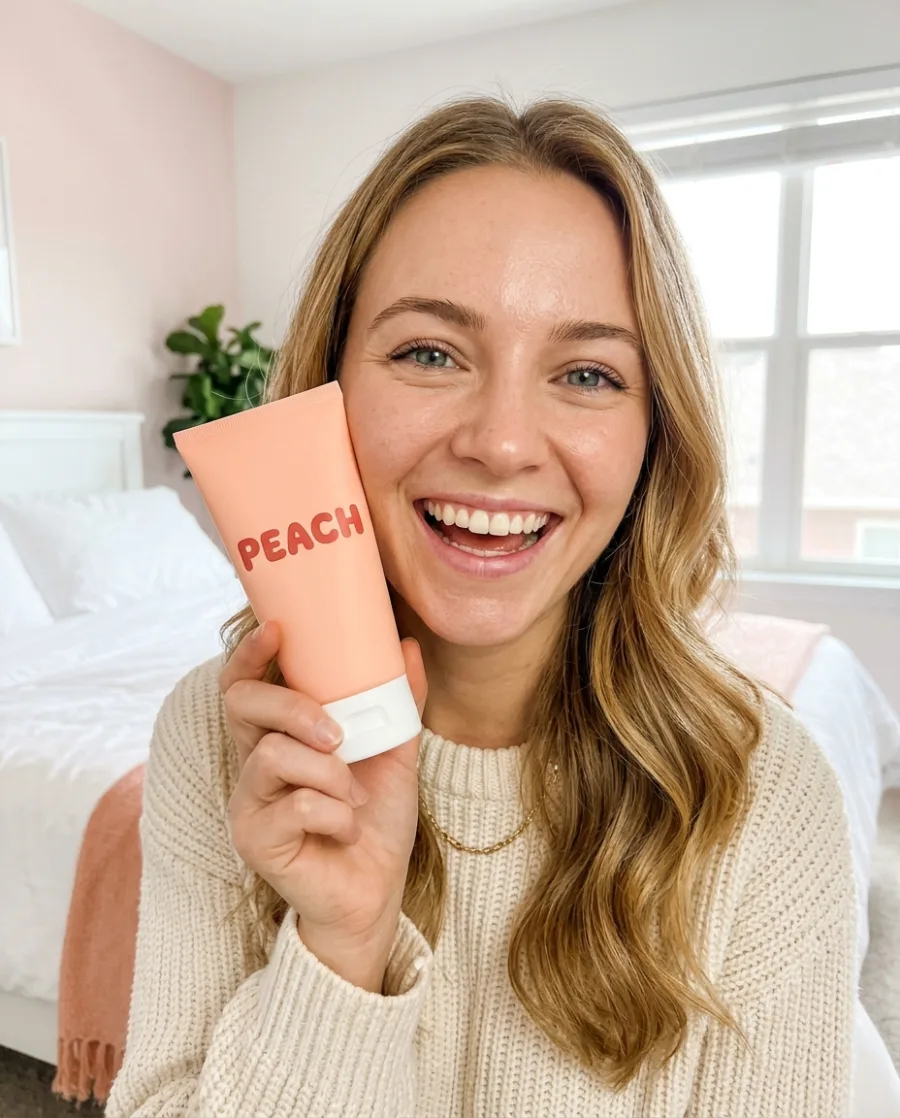 UGC creatorsUGC photos and videos for every brief
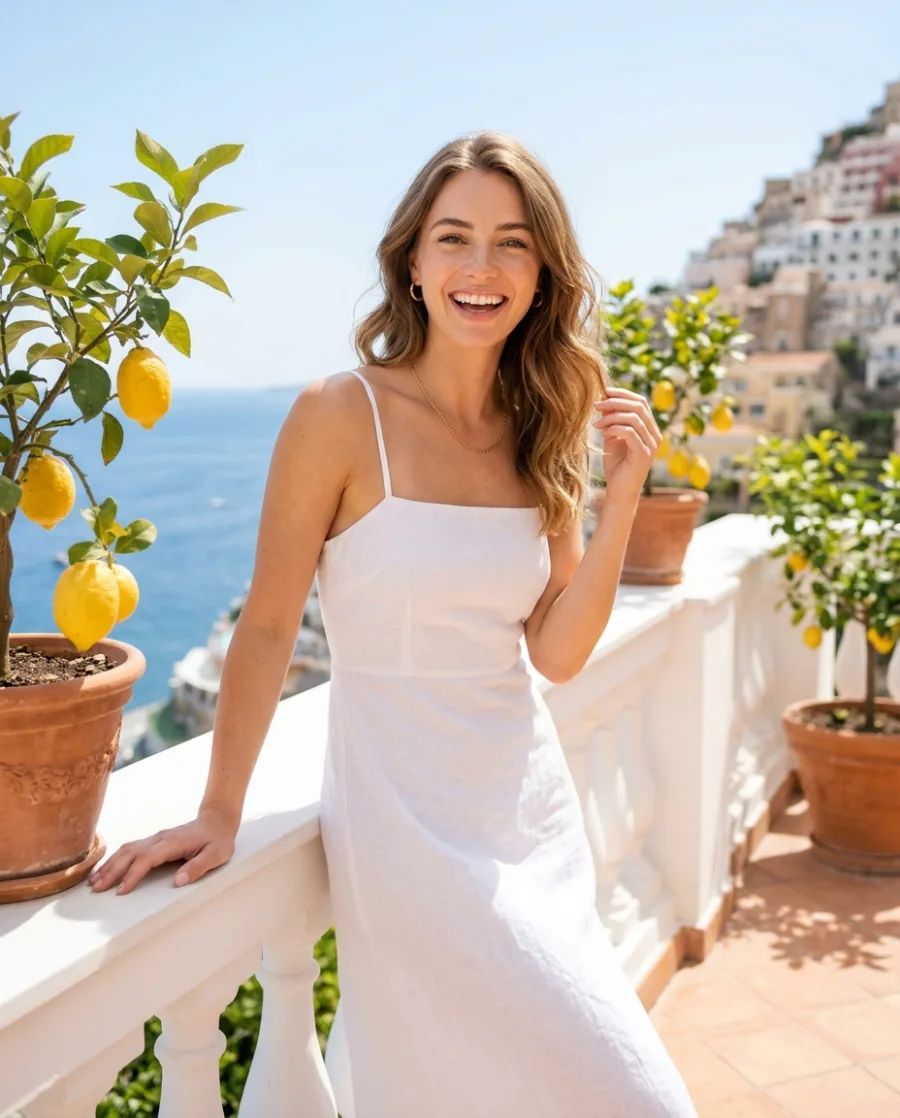 Content creatorsPosts, reels and sponsored content
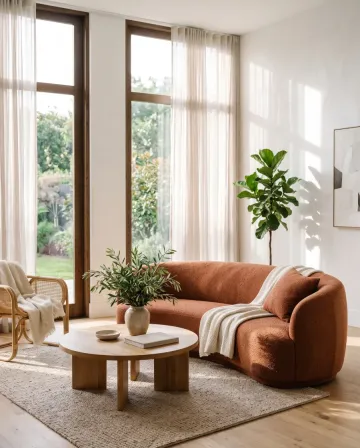
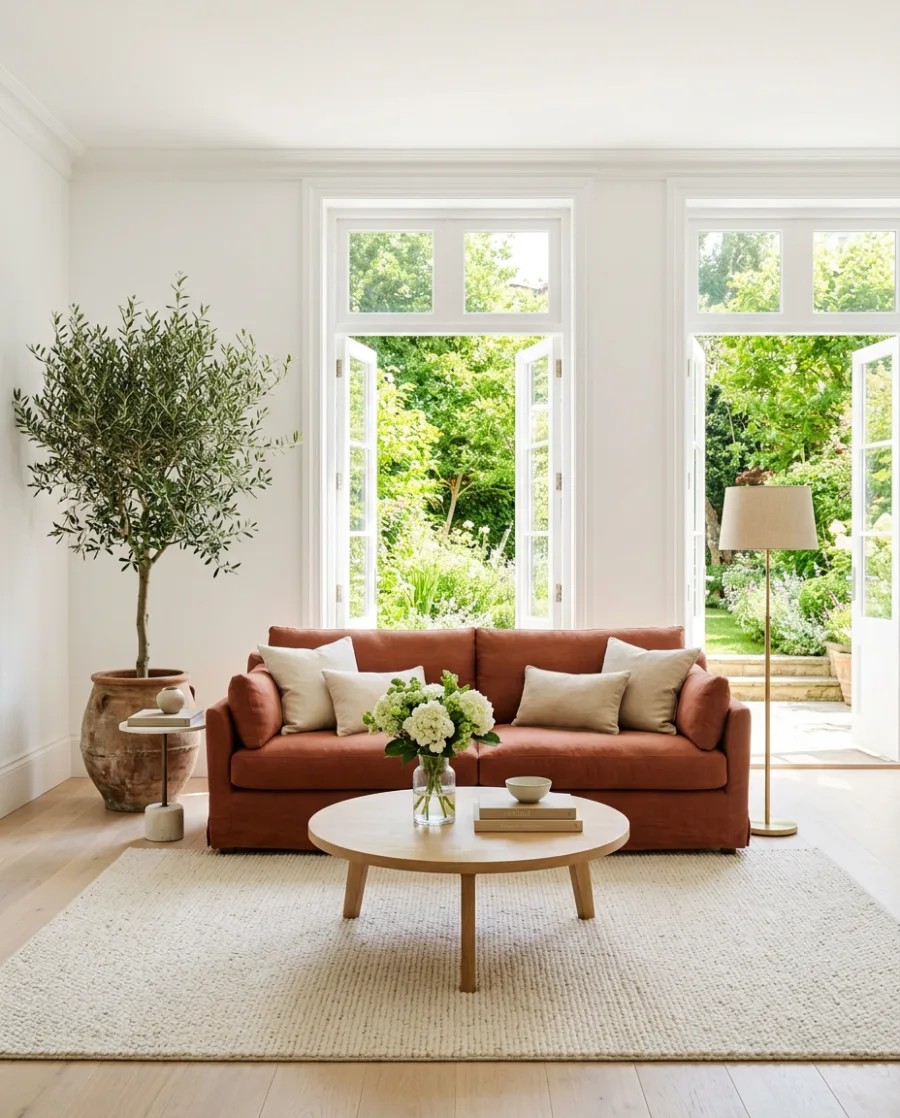
 Furniture and homewareRoom scenes without a photo shoot
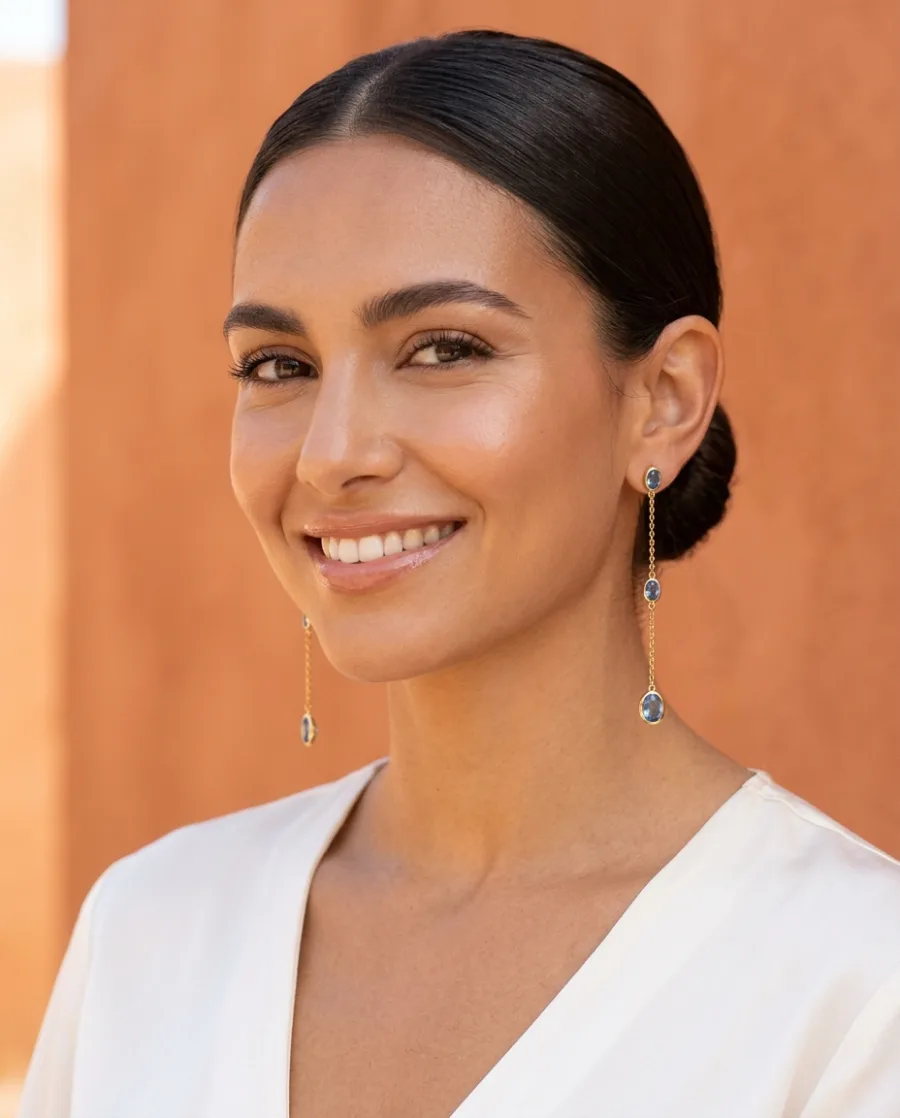 Jewellery brandsClose-ups and photos on a person
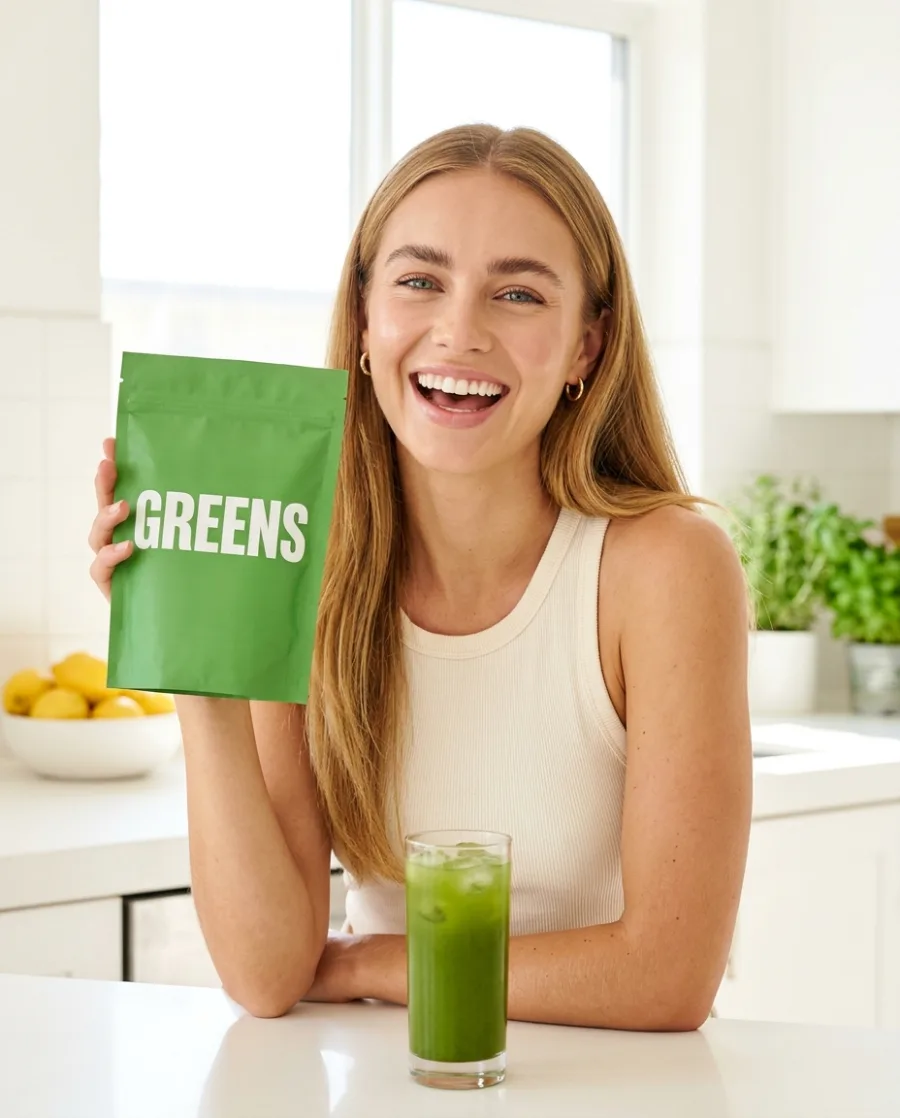 Performance marketersAd versions in every size and language
 Real estateListing photos and videos for every home
 Restaurants and cafesMenu and delivery app photos
How does the character stay the same?
Make the character once in Avatars, from a sentence or a photo. DesignerBox makes nine poses of that person. Use them as the start of every shot.
Which video models can I use?
Veo, Seedance, Kling and Runway. Pick one for each shot, or let DesignerBox pick. You see the price before each clip. Video starts on the Premium plan.
Can I edit the film here?
Yes. Cut your clips on a timeline in the video editor, and add captions, music and one of 20 voices. Video and the video editor start on the Premium plan.
Can I use a real actor's face?
Only with the right to use it. If you add a real face, a real voice or music, you need permission from the person or the owner.
Do I need to write long prompts?
No. One sentence for each shot is enough, like "she rides her bike along the harbour". You can also start from a still and say how it should move. Your own prompts start on the Pro plan.
Is there a free plan?
Yes. You can start free. Your own photos, your own prompts and the commercial licence start on the Pro plan. Video and the editors start on the Premium plan.
Are the people real?
No. The people in these pictures are made by AI, not filmed. Label your film as AI where a platform or the law asks.
Make your first film shots today.
Sign up with Google or your email. Nothing to set up.
Get started free- Claude
- ChatGPT
- Cursor