AI image and video generator
AI image and video generator
Make pictures and videos with the AI models you know, on one page. Pick the model, the size and how many results. Start from your brand or an avatar. Your own photos start on the Pro plan.
- Claude
- ChatGPT
- Cursor
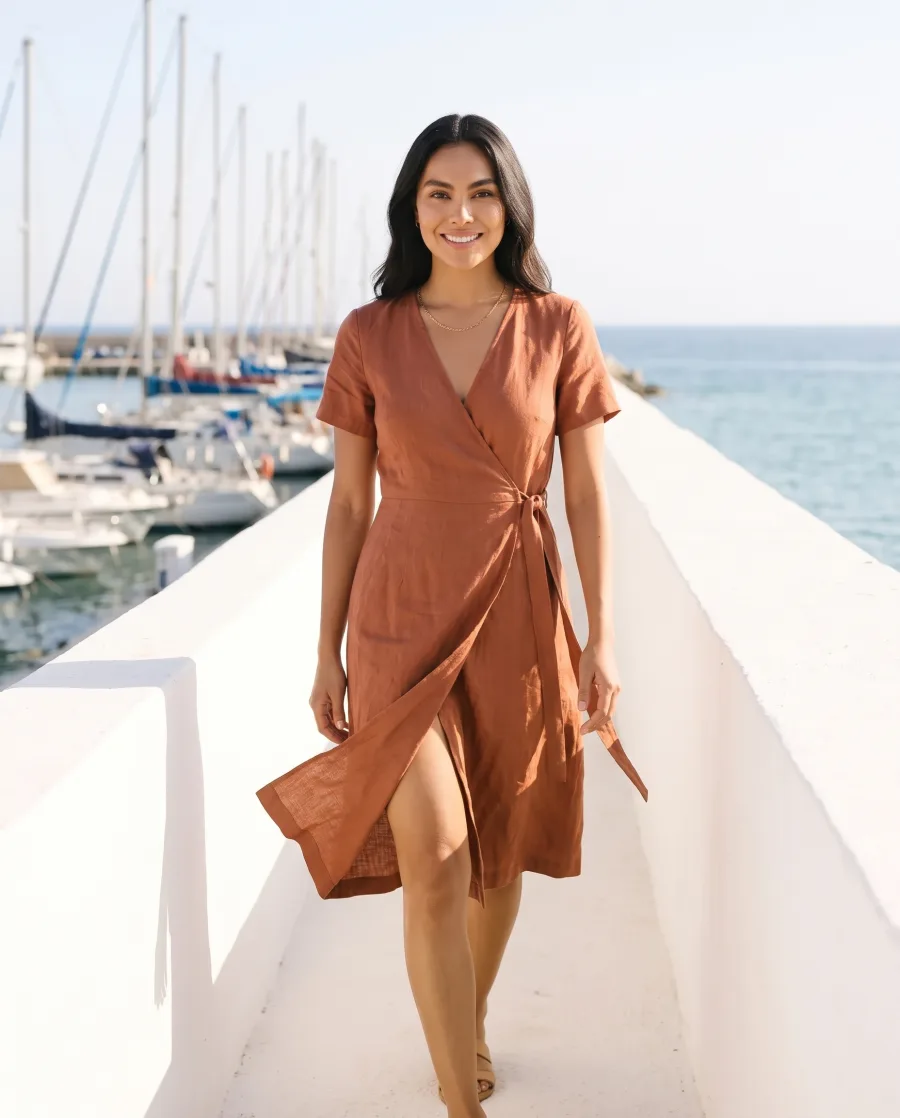
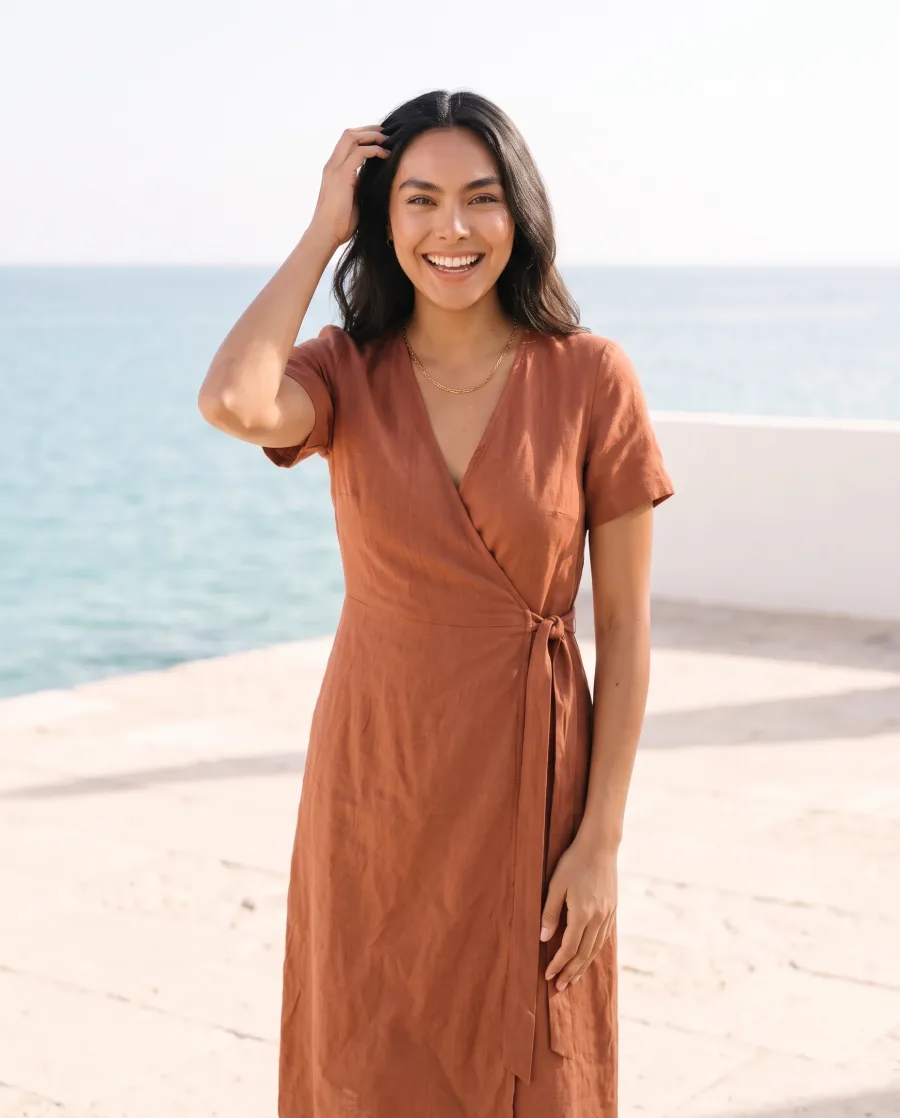
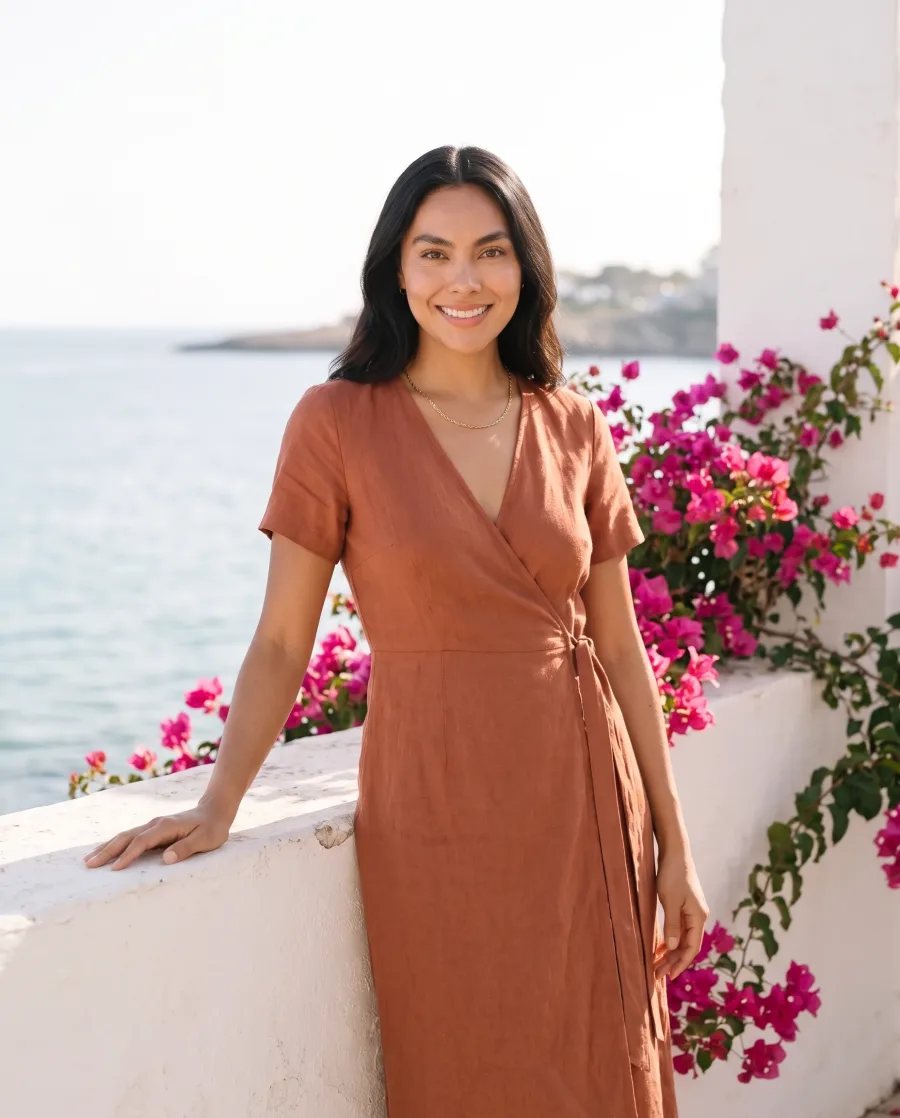
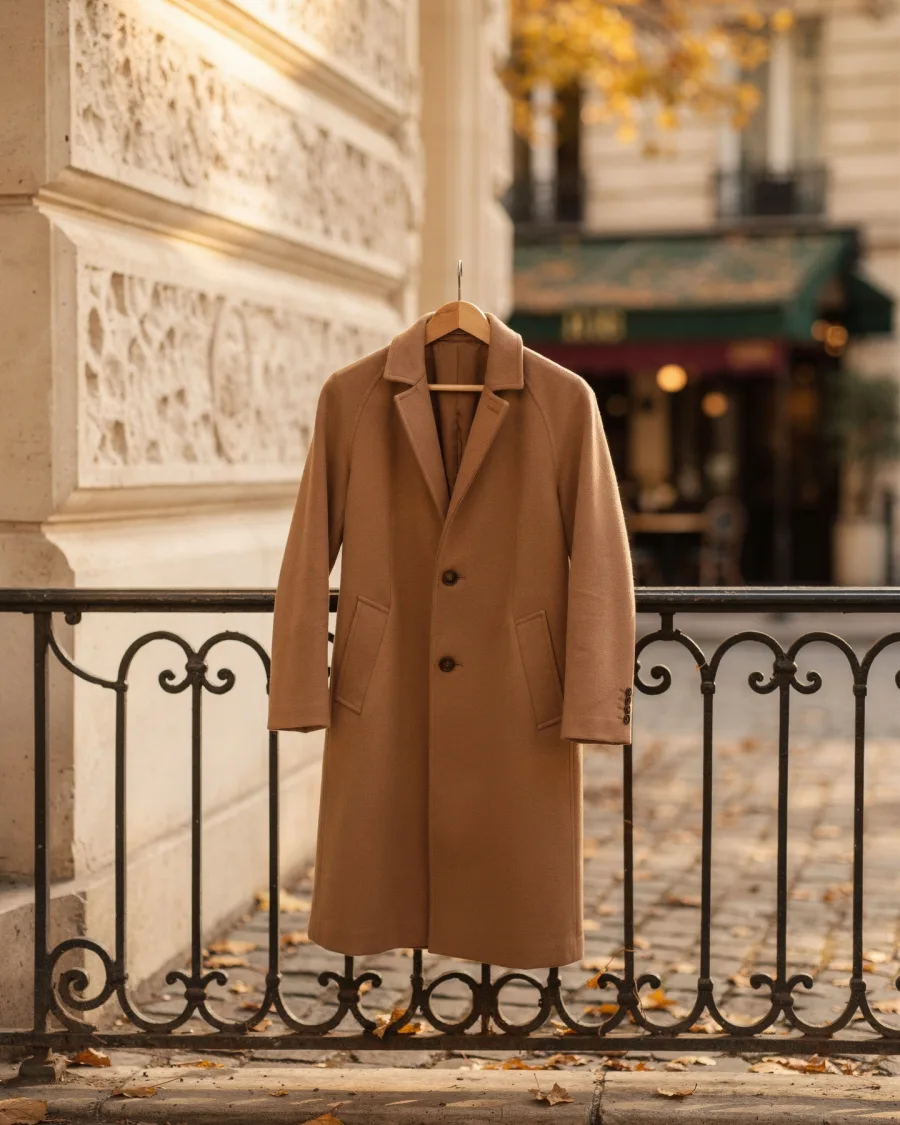
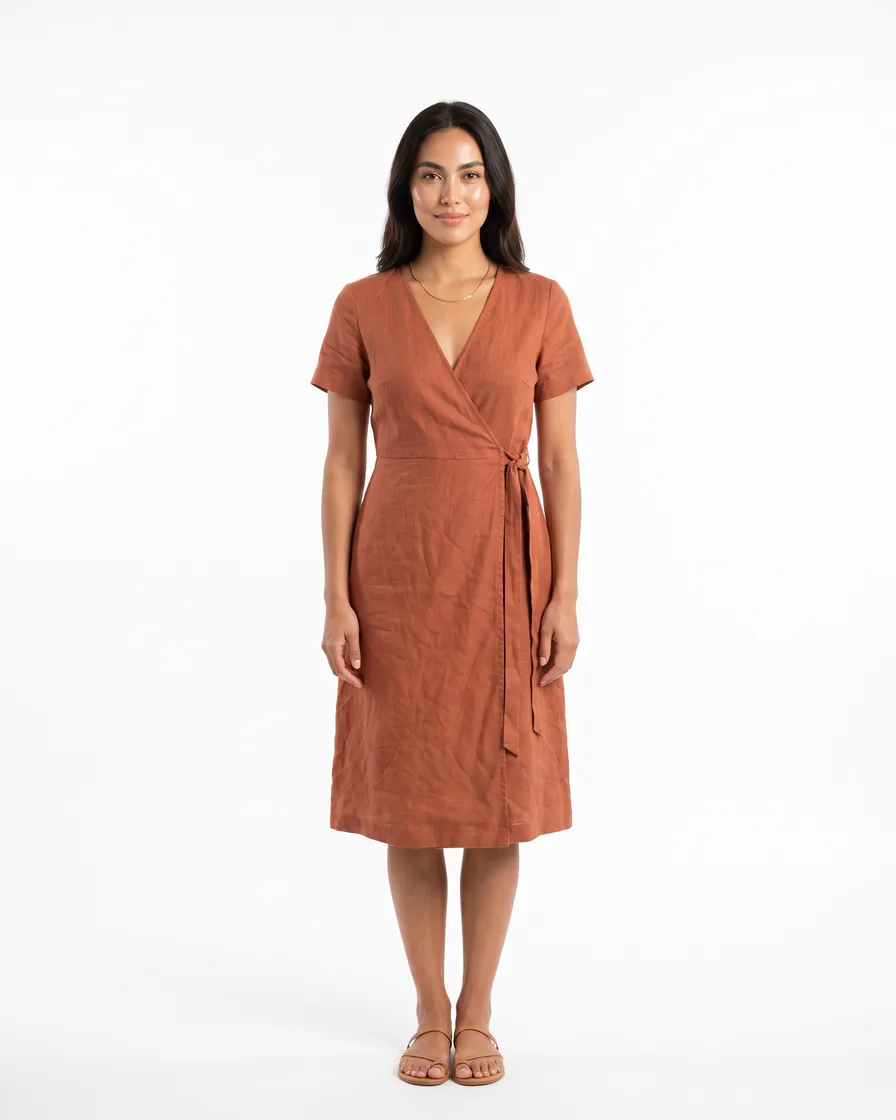
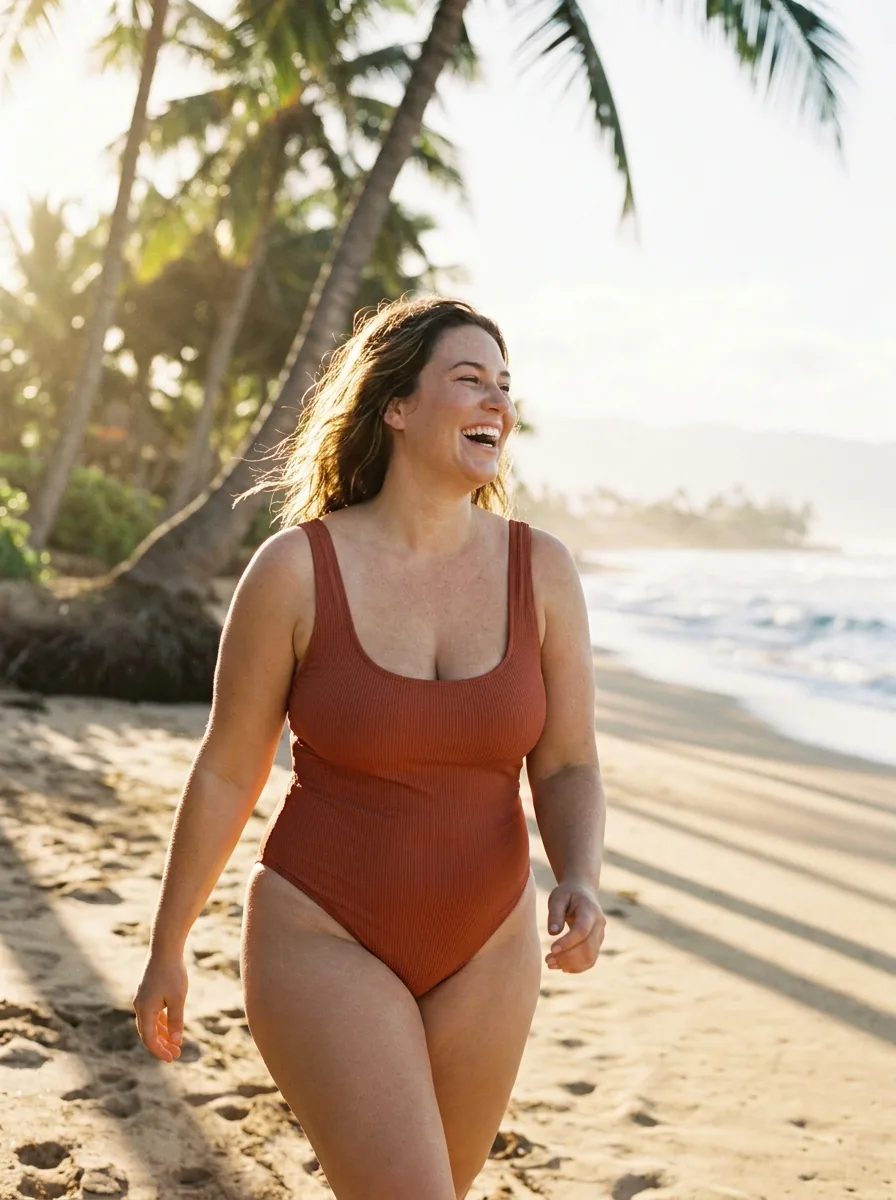
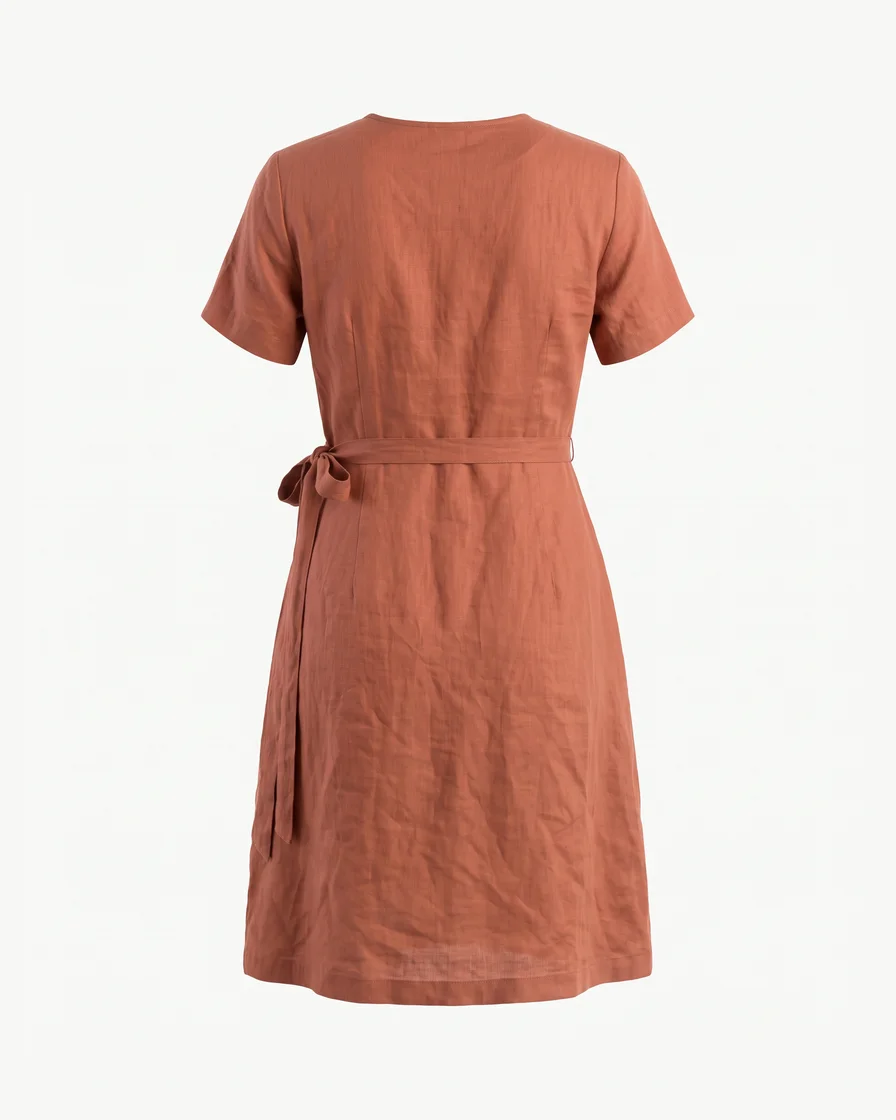 Our rust wrap dress on a model by the sea, morning light, 4:5Nano Banana4:53 picturesGenerate
One app for pictures 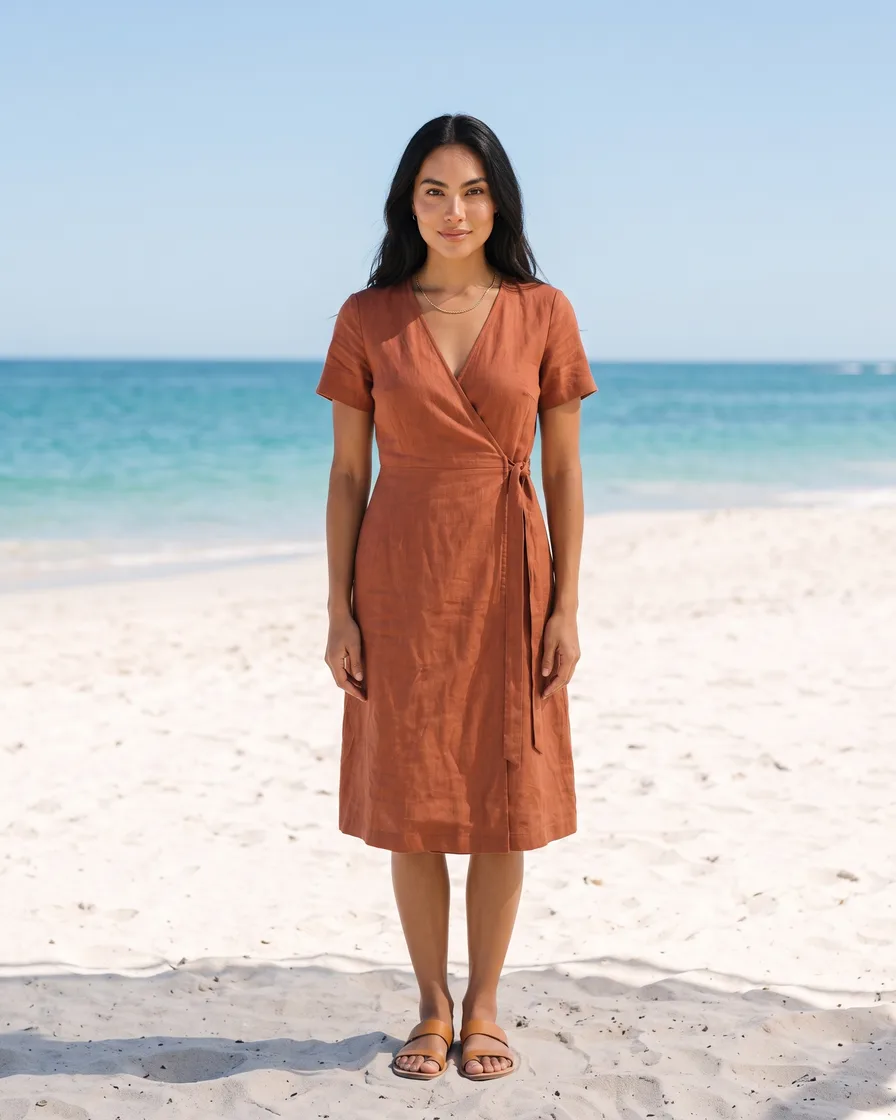 , another for video
 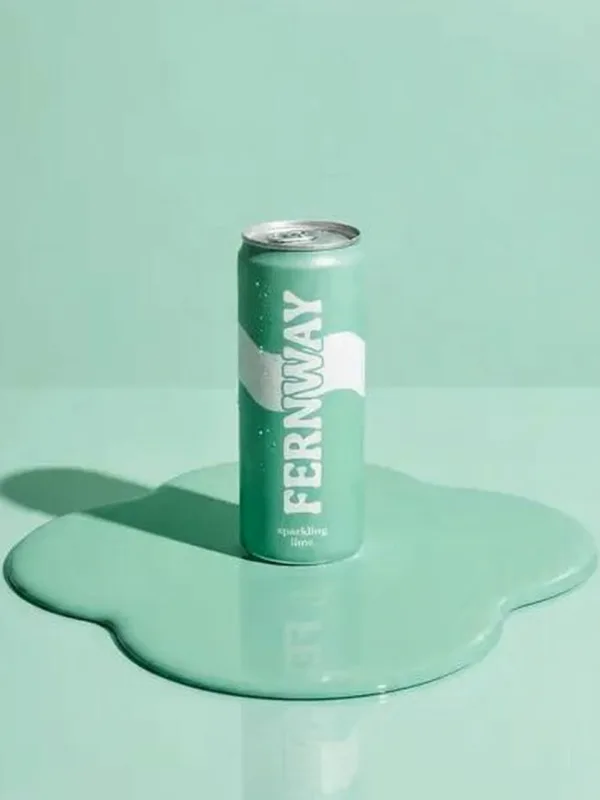 , and a plan for each.In DesignerBox they sit on one page, in one plan.
What you can make
Pictures and videos from your own photo
Your product in any place you describe
Add up to five photos of your product as references. Describe the place and the light, then pick the size and how many pictures you want.
See AI product photography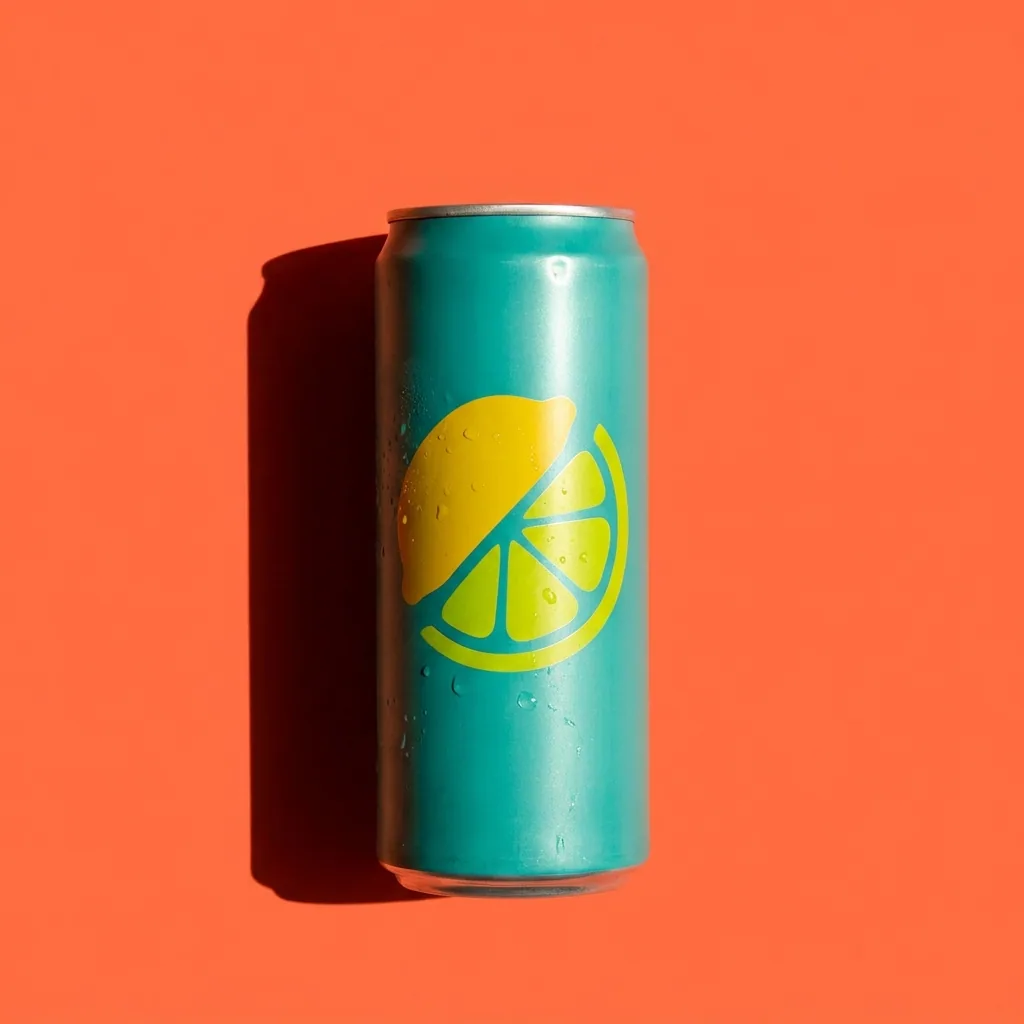 Your photo
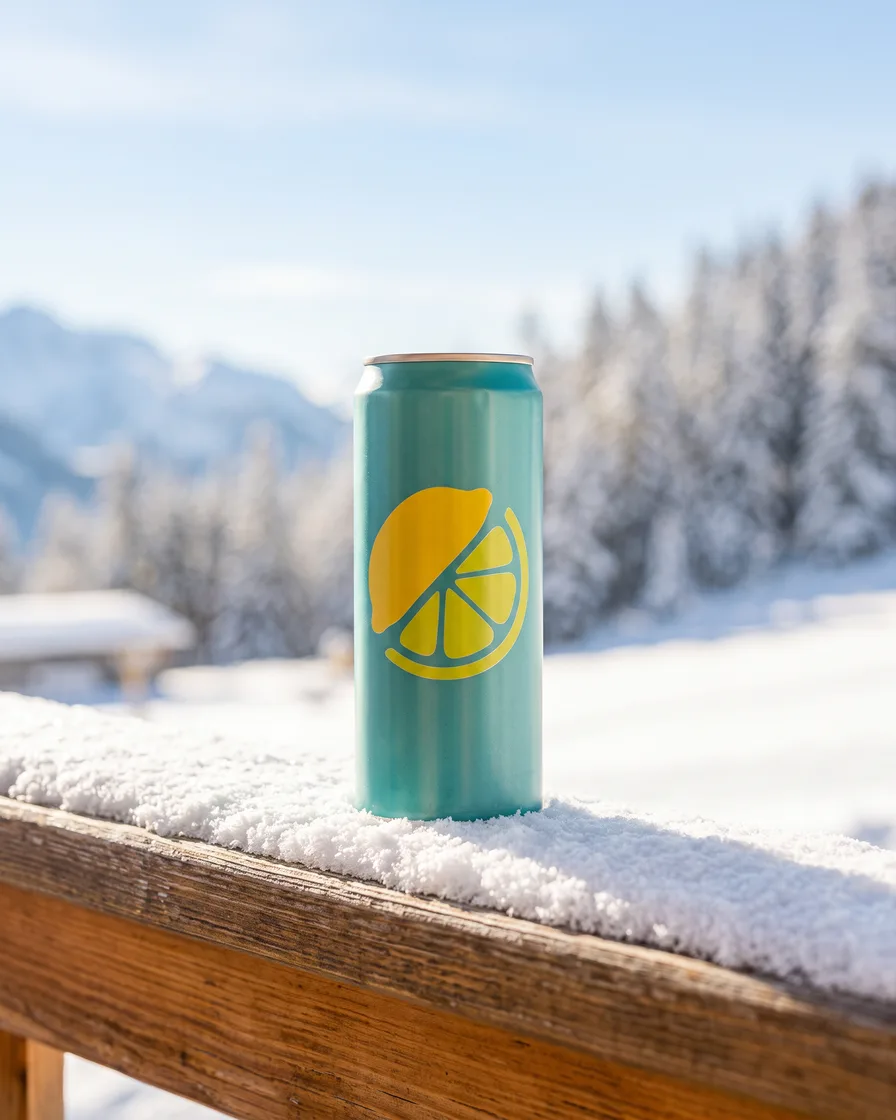 Mountain terrace
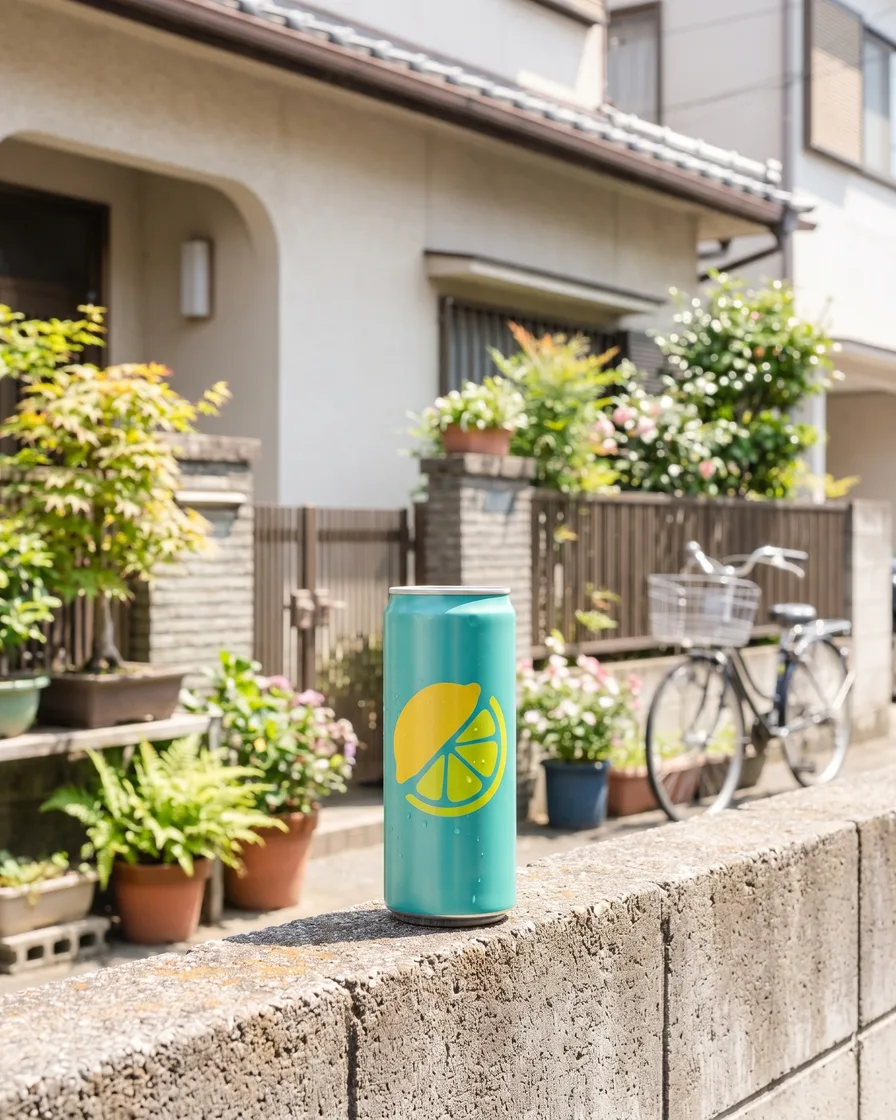 Tokyo street
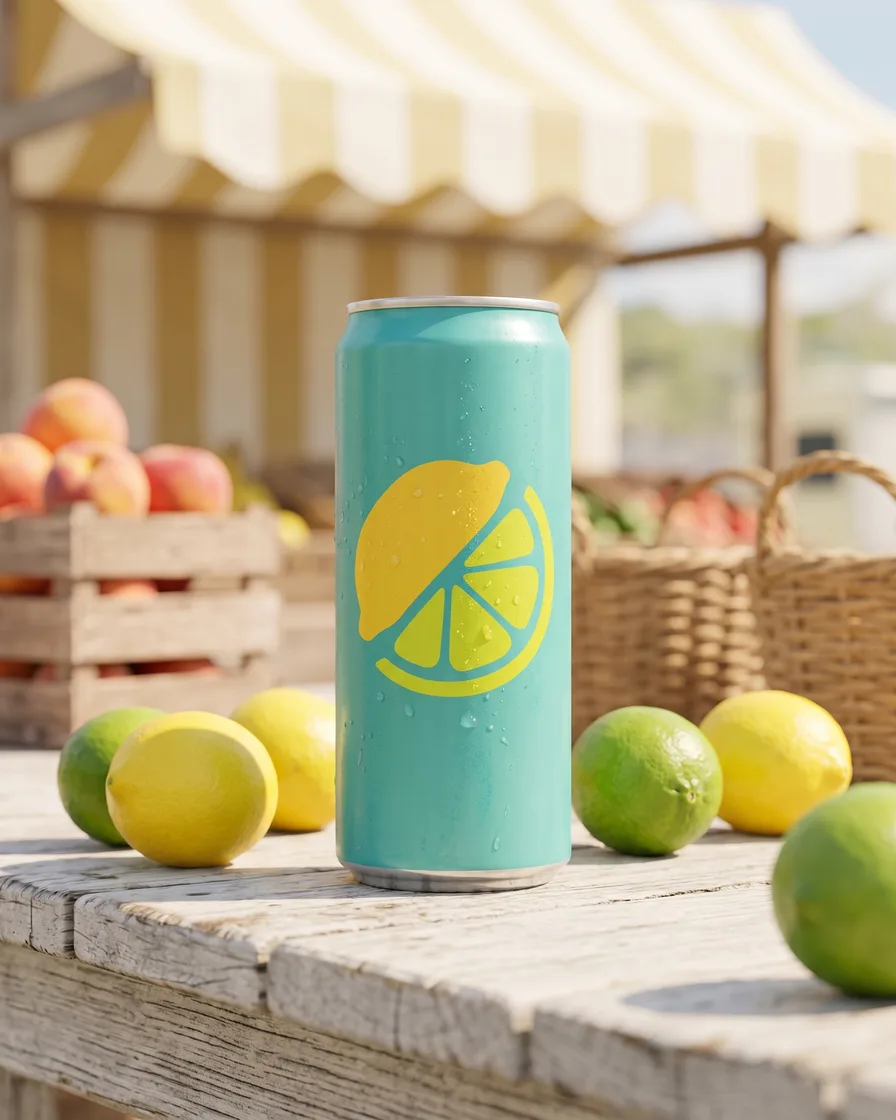 Market stall
Your garment on the same person in every place
Add a photo of your garment and pick an avatar as a second reference. Describe the place. Each picture keeps the same face and the same garment.
See AI fashion modelsYour garment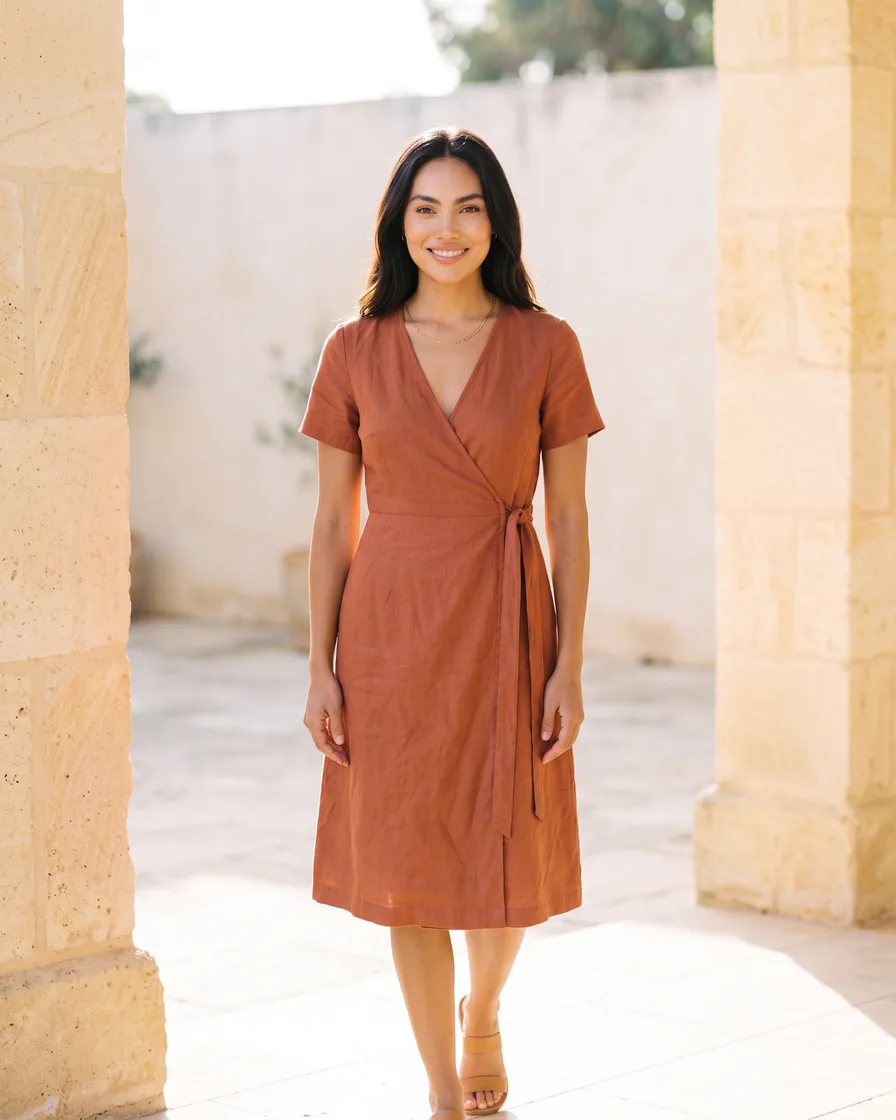 Garden
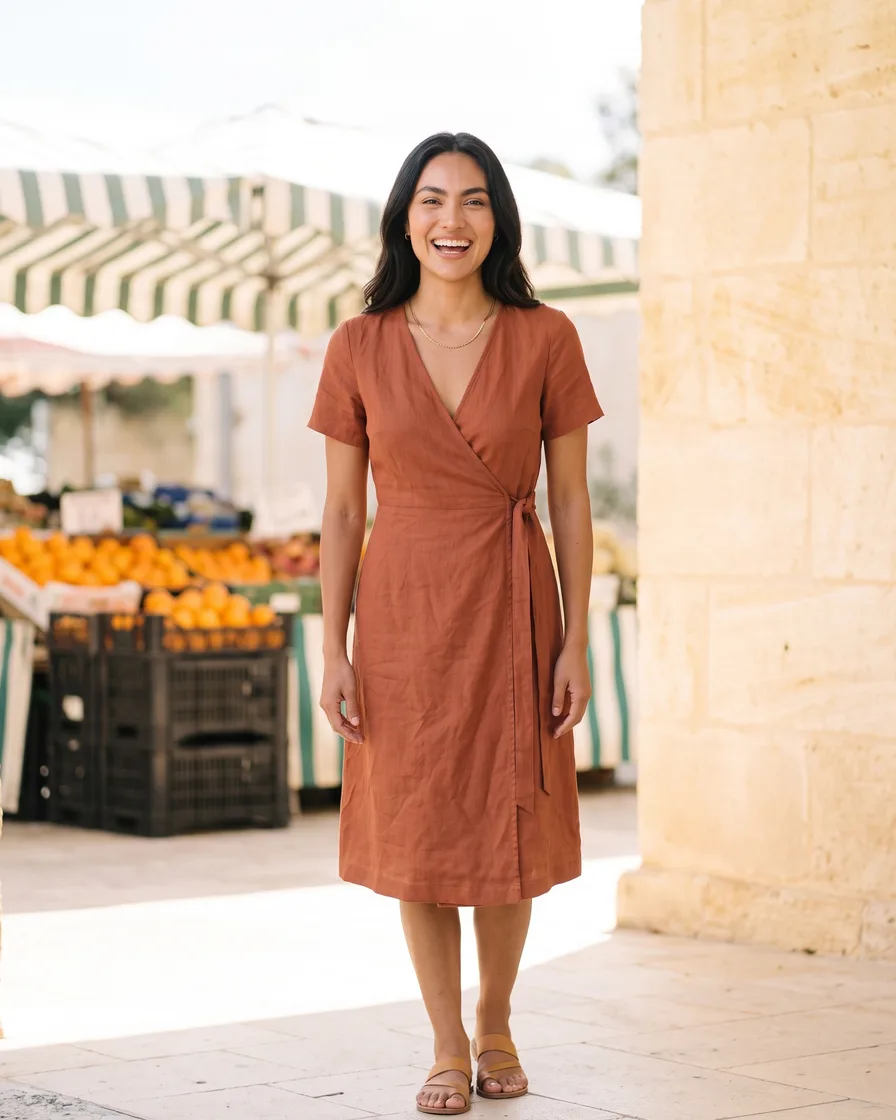 Market
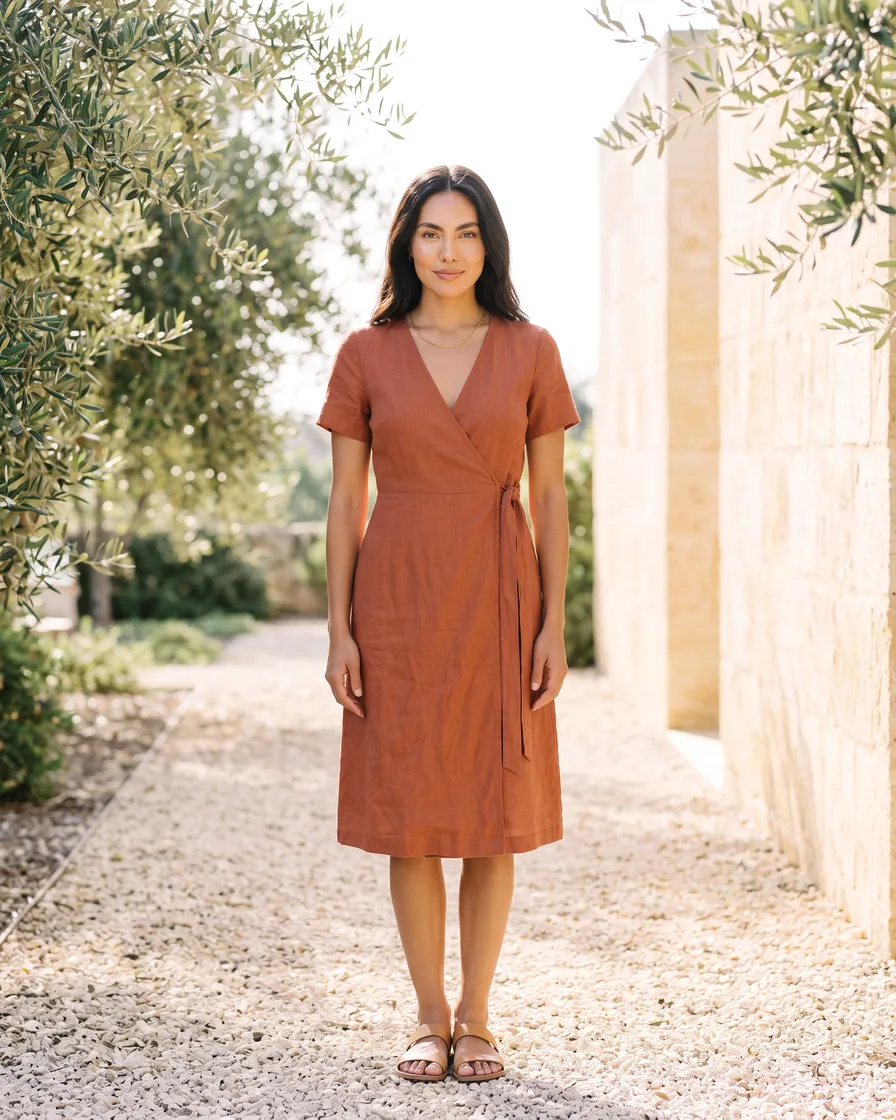 Harbour
Short videos from your pictures
Press Create video under a picture, or add a start frame. Describe the movement, then pick the video model, the length and the size. Video is charged per second, and you see the total first.
Video starts on the Premium plan.
See AI video ads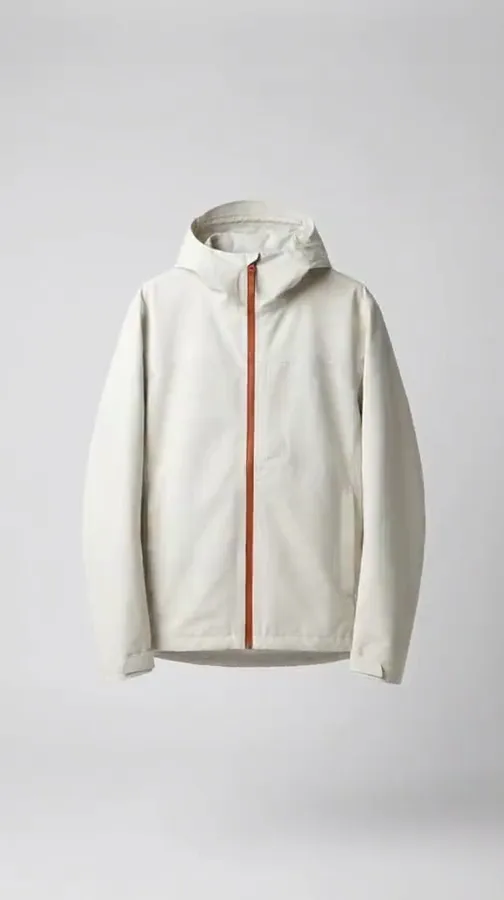 Your start frame
One request on three picture models
Send the same request to Nano Banana, GPT Image and FLUX. Keep the picture you like best, and use that model again next time.
See the AI models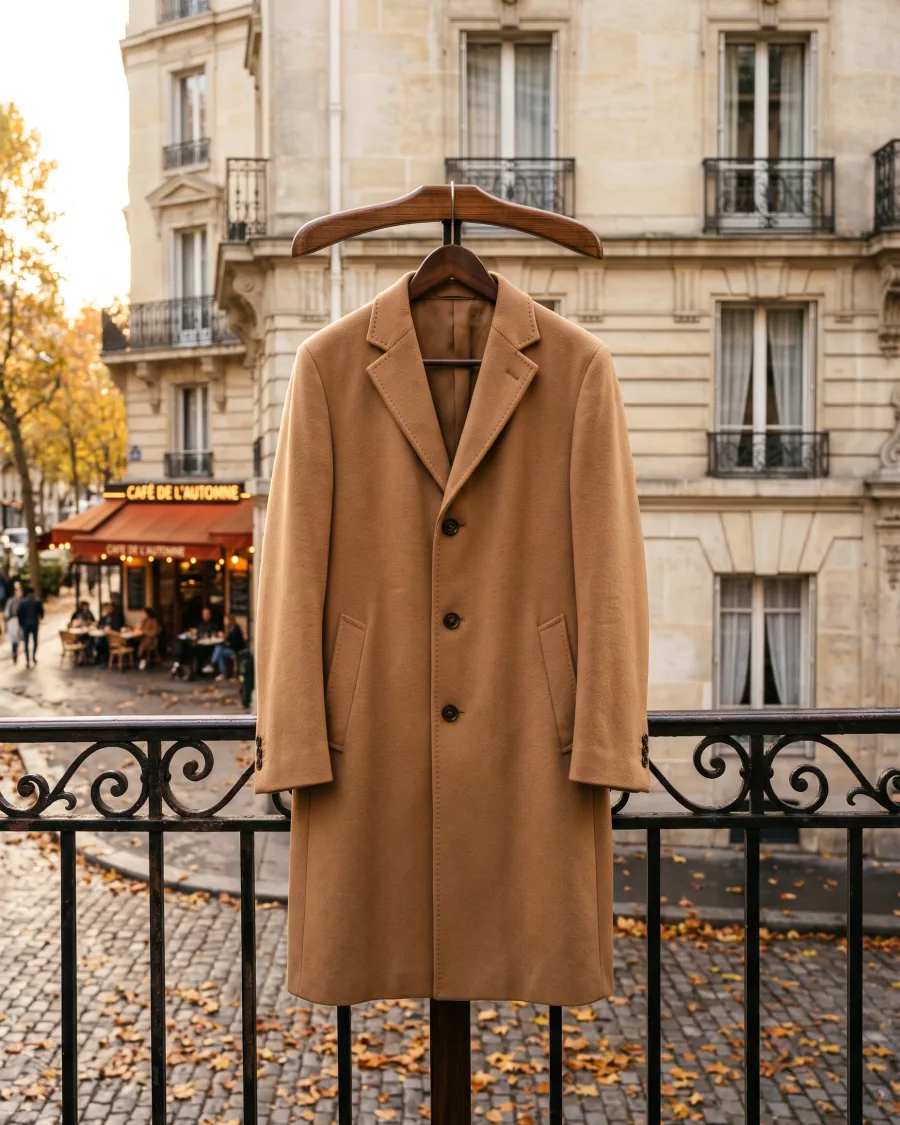 Nano Banana
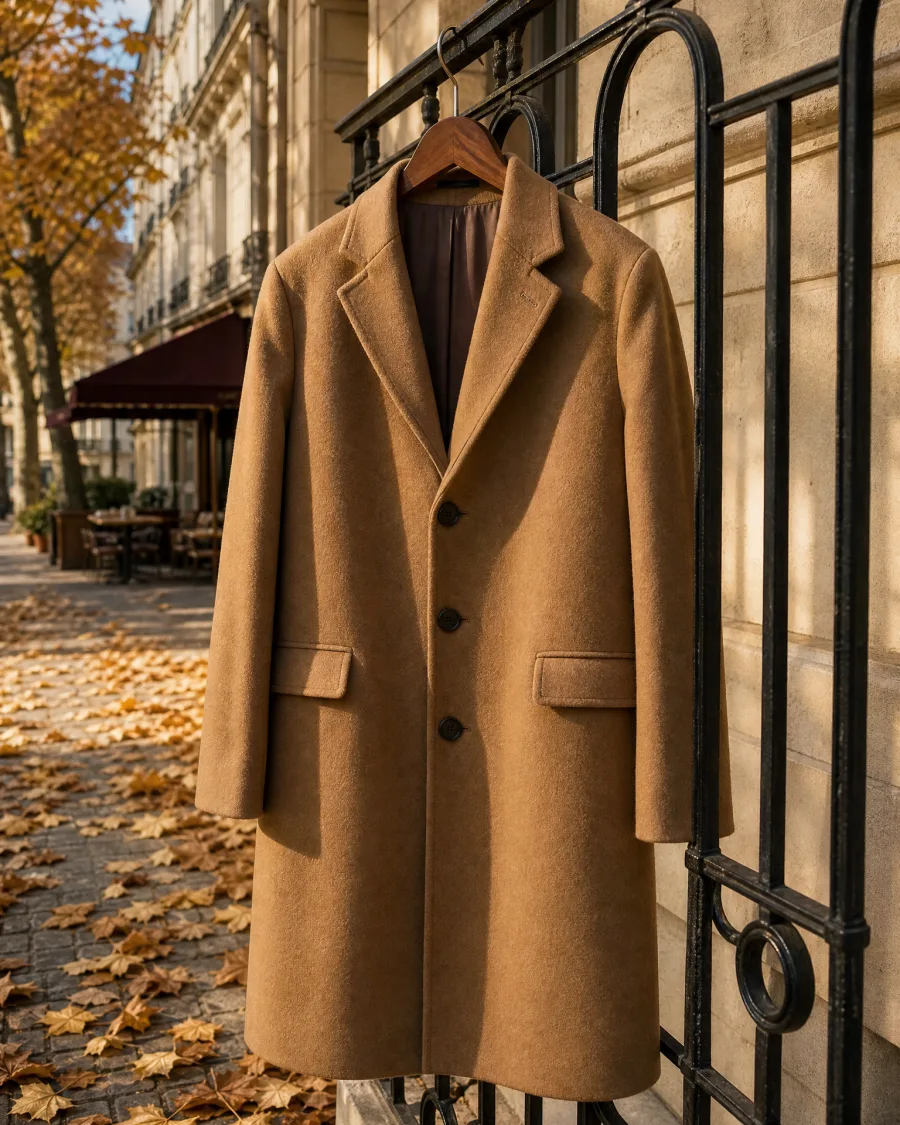 GPT Image
 FLUX
FLUXStart free. You see the price before you make anything.
Your own photos and prompts start on the Pro plan. Video starts on the Premium plan.
How it works
How to make a picture or a video in Generate
Open Generate and use the switch. Describe the picture, or what happens in the video. Or press an example to start.
Add up to five pictures for a picture, or one start frame for a video. Take them from your computer, Assets, your brand, your avatars or stock photos.
Choose the model, the aspect ratio and the number of pictures, or the video length and size. Not sure? Keep the default model.
The cost shows next to the button before you start. Video is charged per second, and you see the total first.
Change a result, reuse the prompt or press Create video. Upscaling starts on the Premium plan. Every result is saved in Assets, where you can move it to a folder.
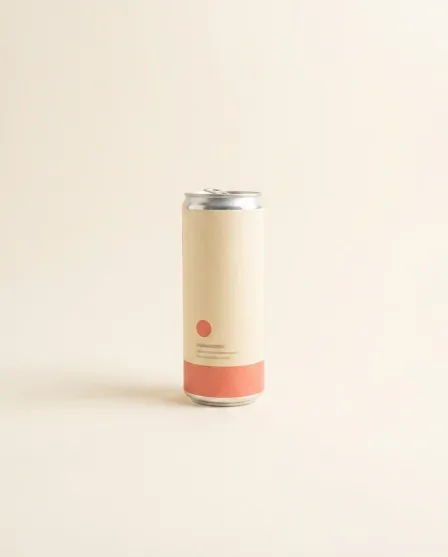
Slow camera move around the can in a pool of waterVeo5 seconds720pGenerate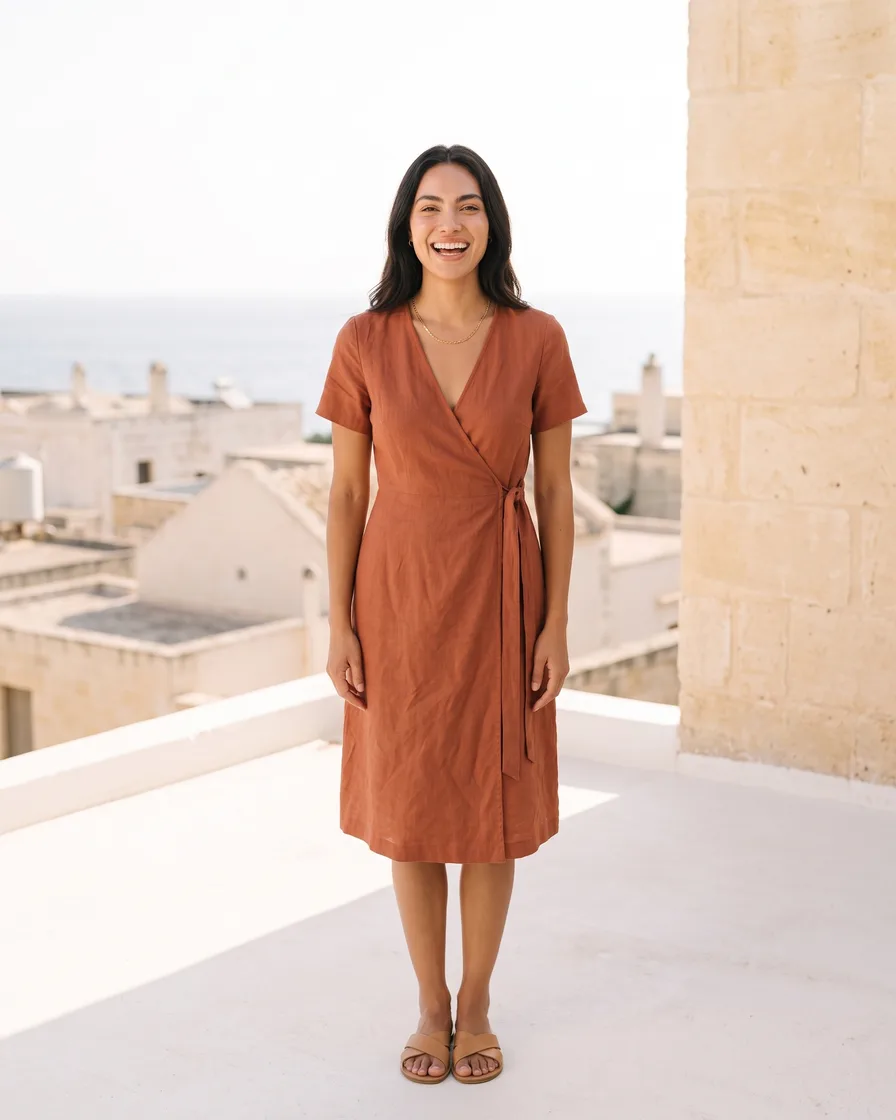

 Brand
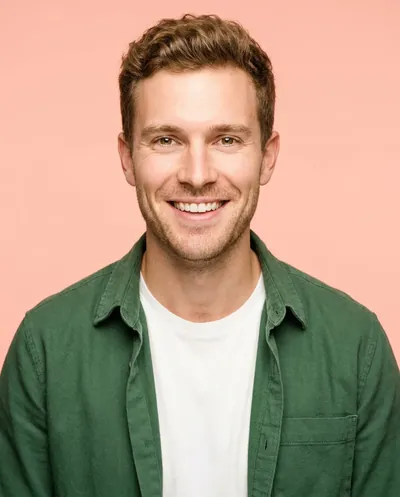
Brand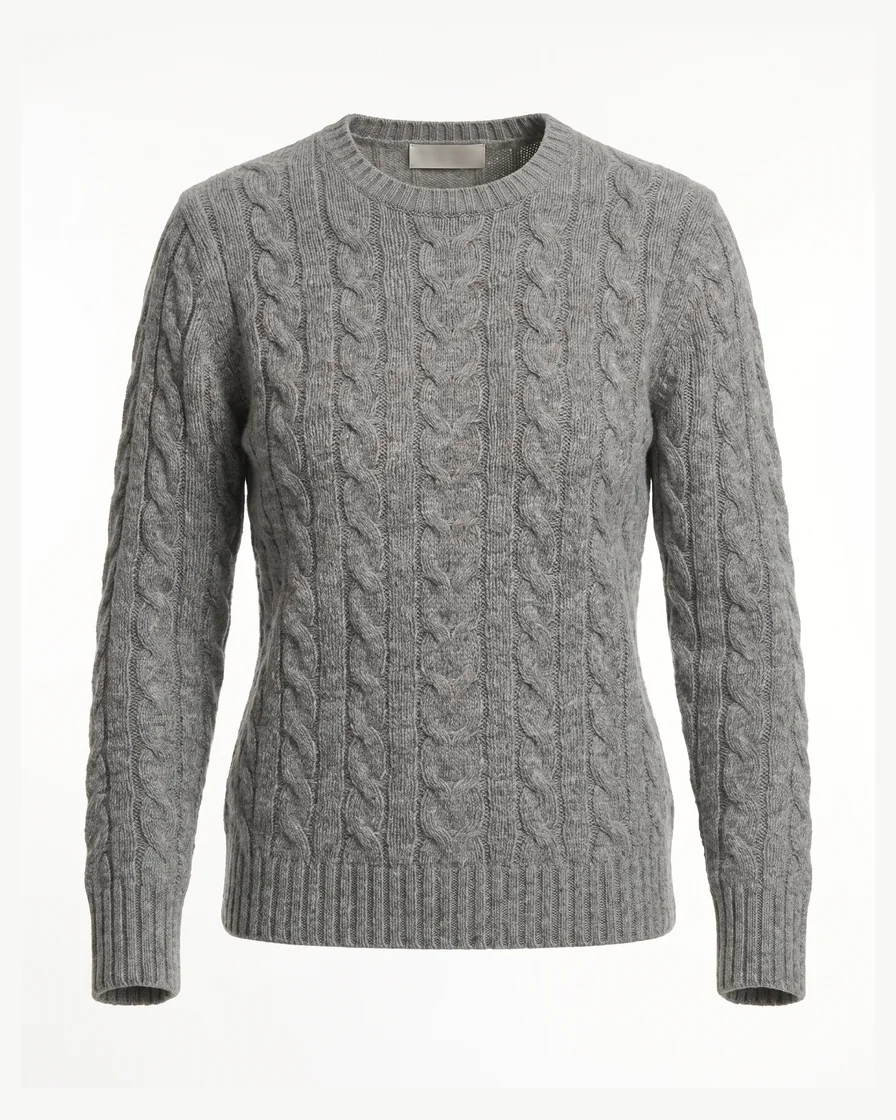 Avatars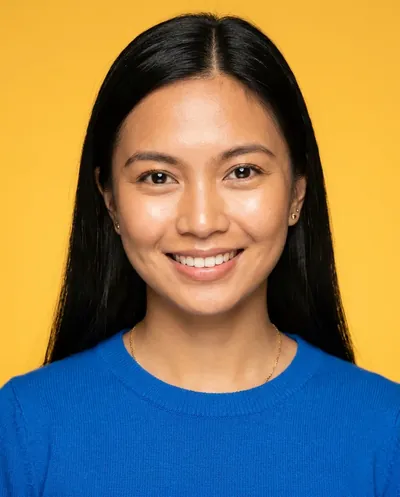
 Stock imagesSearch by word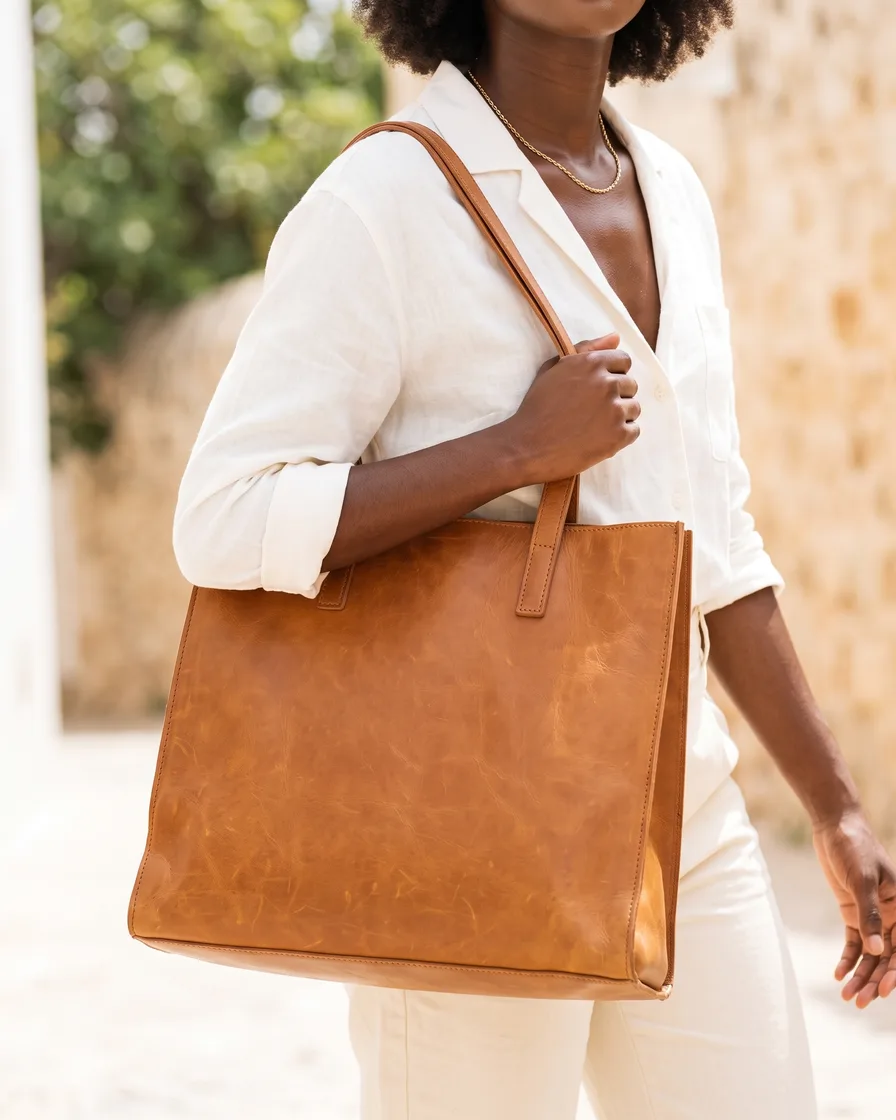
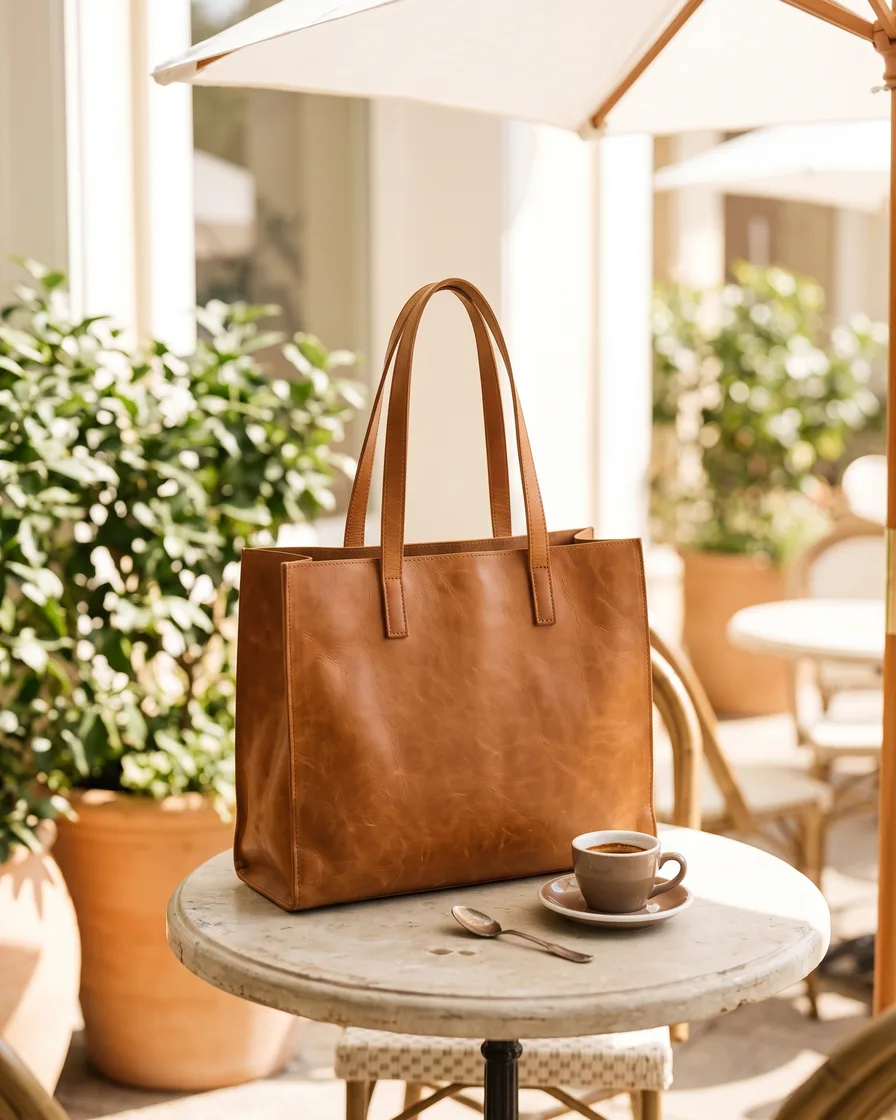
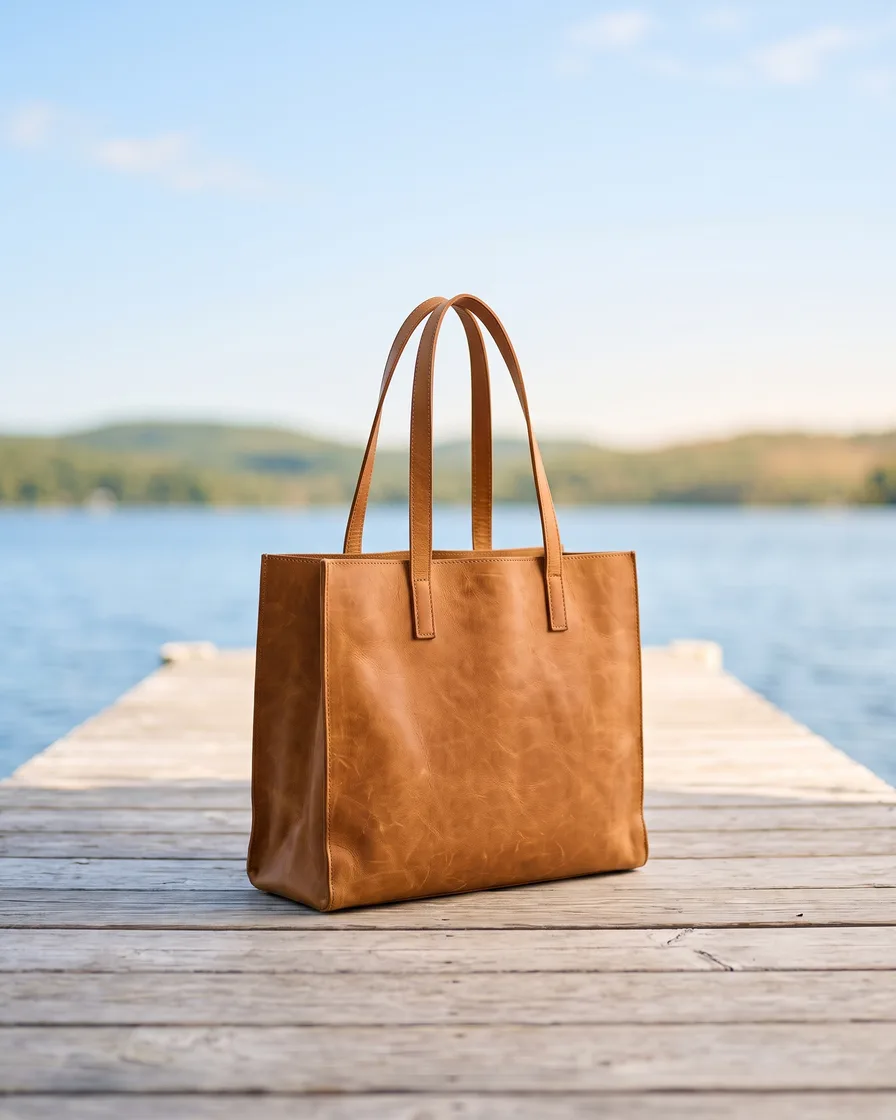
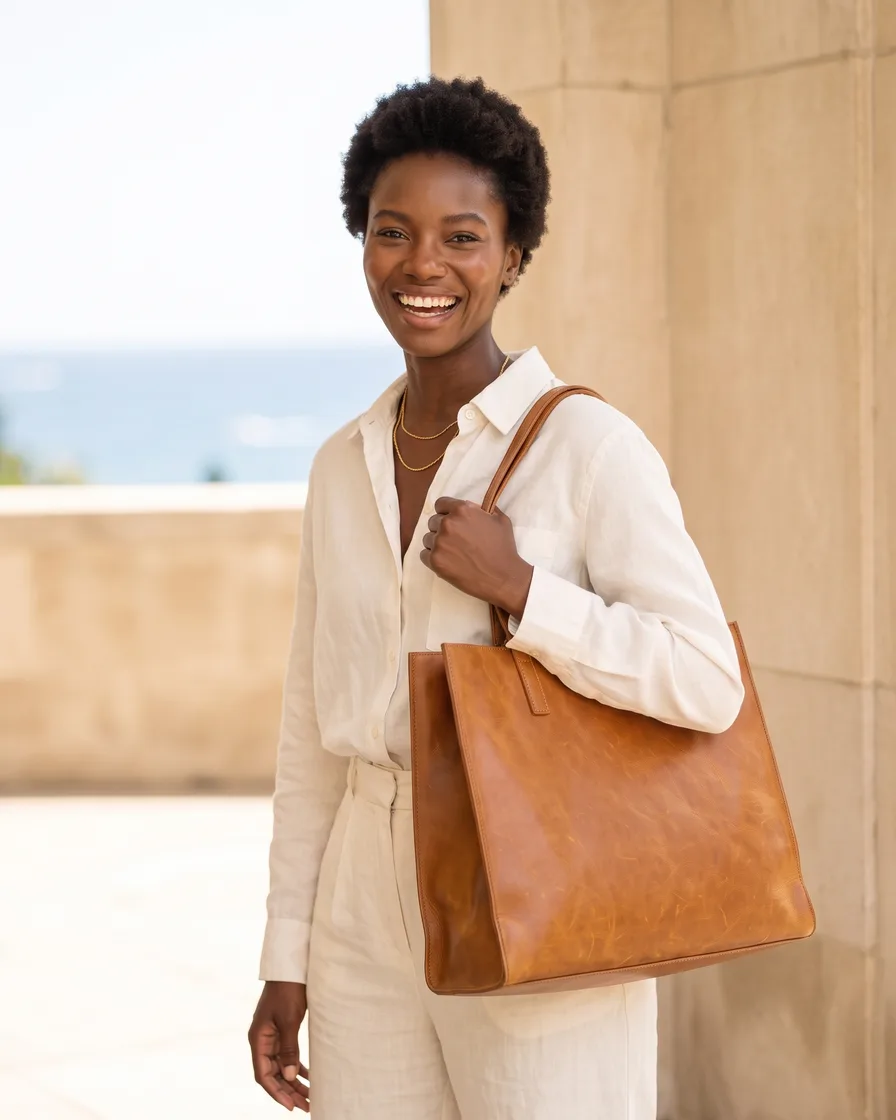
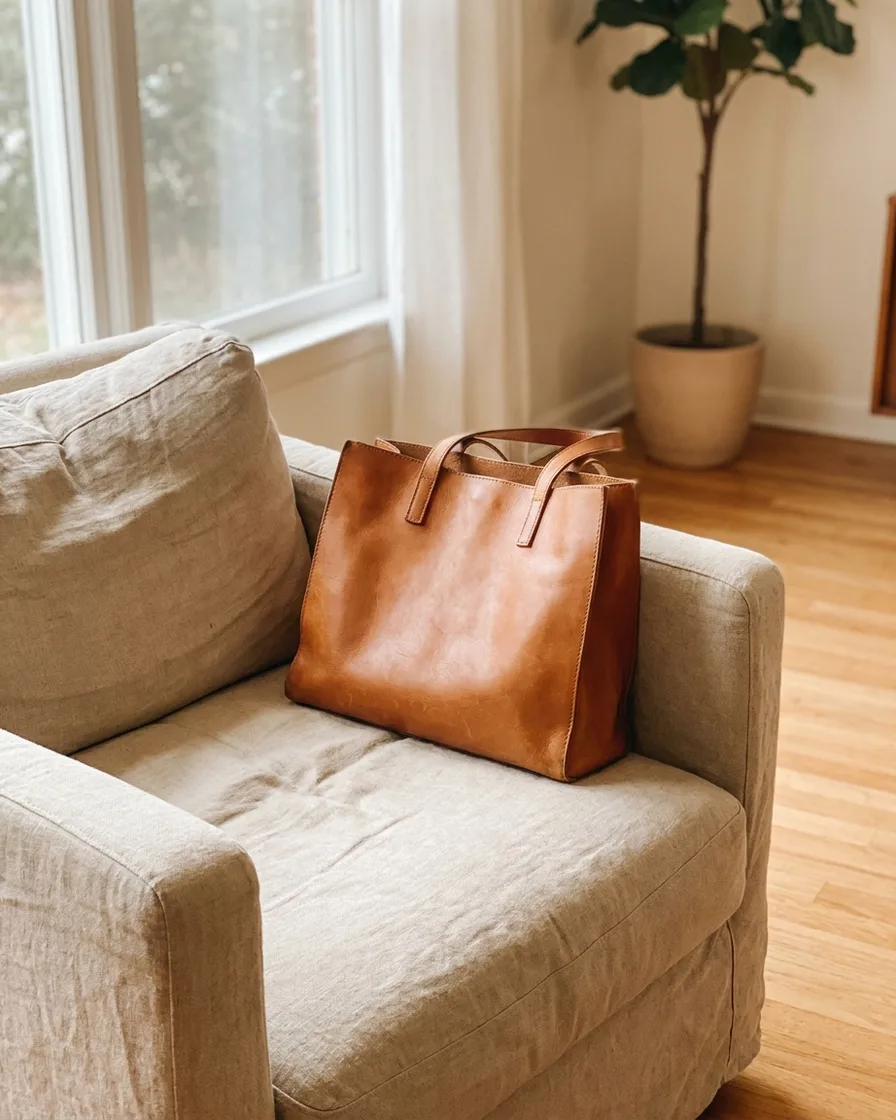 Our tan tote in four summer places, 4:5Nano Banana4:54 picturesGenerate
 BeforeCreate video
Use cases
Generate use cases for shops and brands
- Try one idea on three modelsA brand sends one request to three picture models and keeps the best.
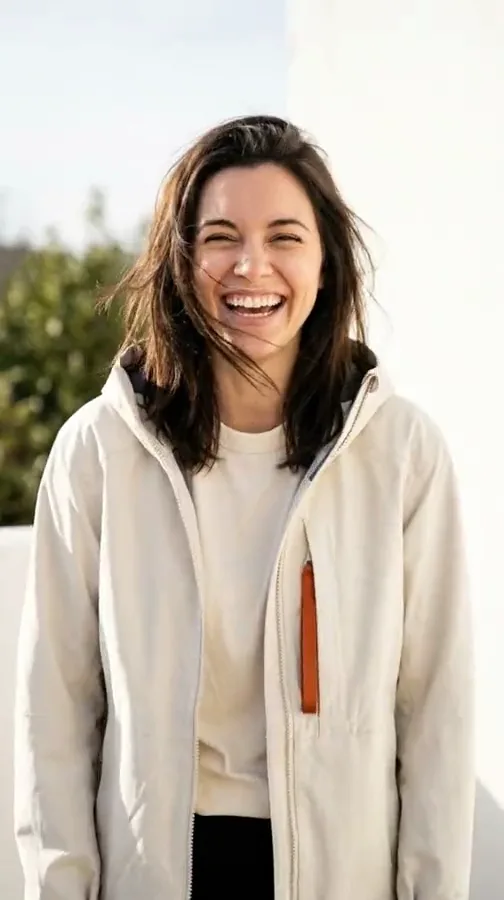 Make the product moveA shop makes a picture of a jacket, then presses Create video.
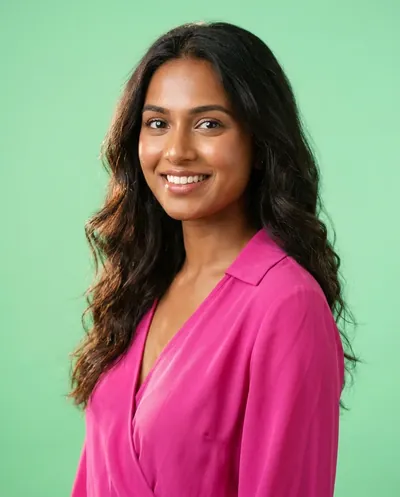 One face in every videoA coach starts every video from the same avatar, so one face is in every reel.
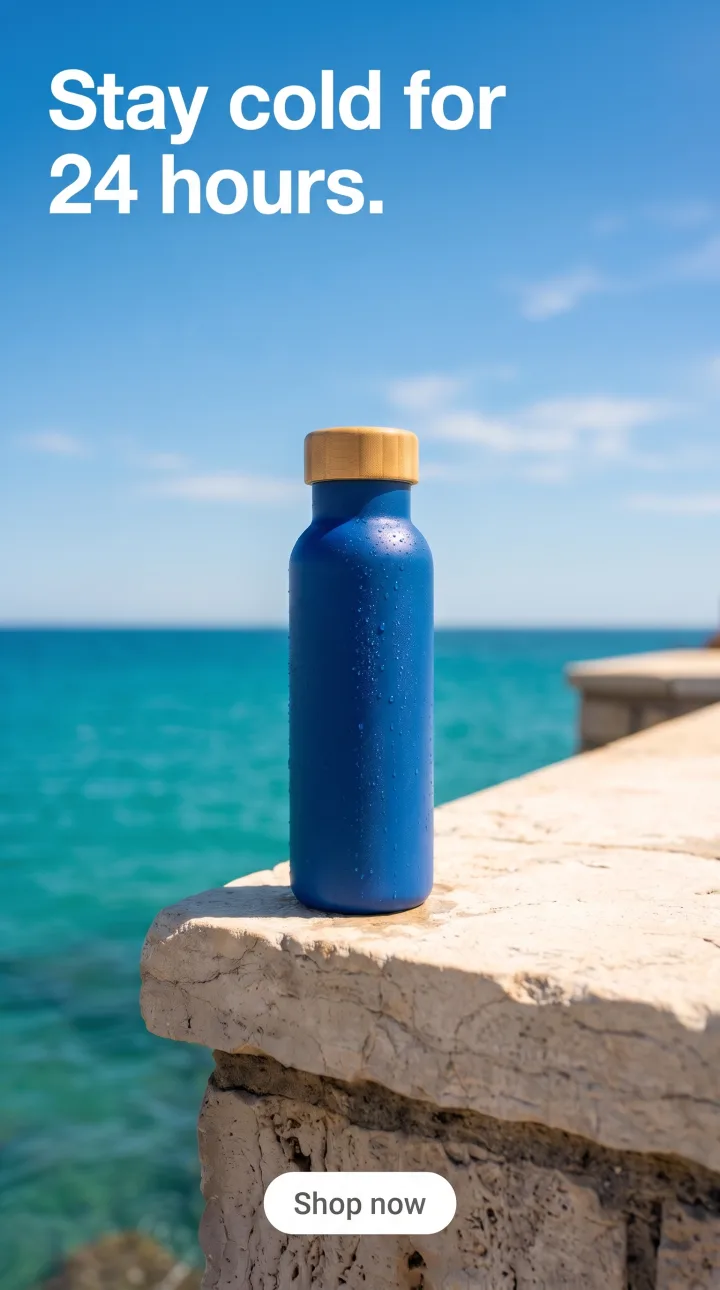 Four versions for storiesA marketer makes four versions of one picture in 9:16 for stories.
Inside DesignerBox
Everything else in one place
Each part has its own page. You do not need a separate app for each job.
 CreateAsk for a picture in your own words
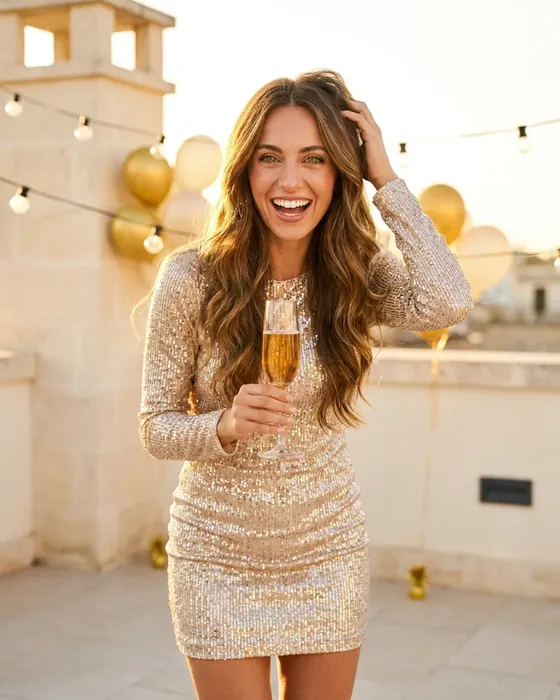 InspirationMake a finished idea with your product
- AvatarsOne person in every picture and video
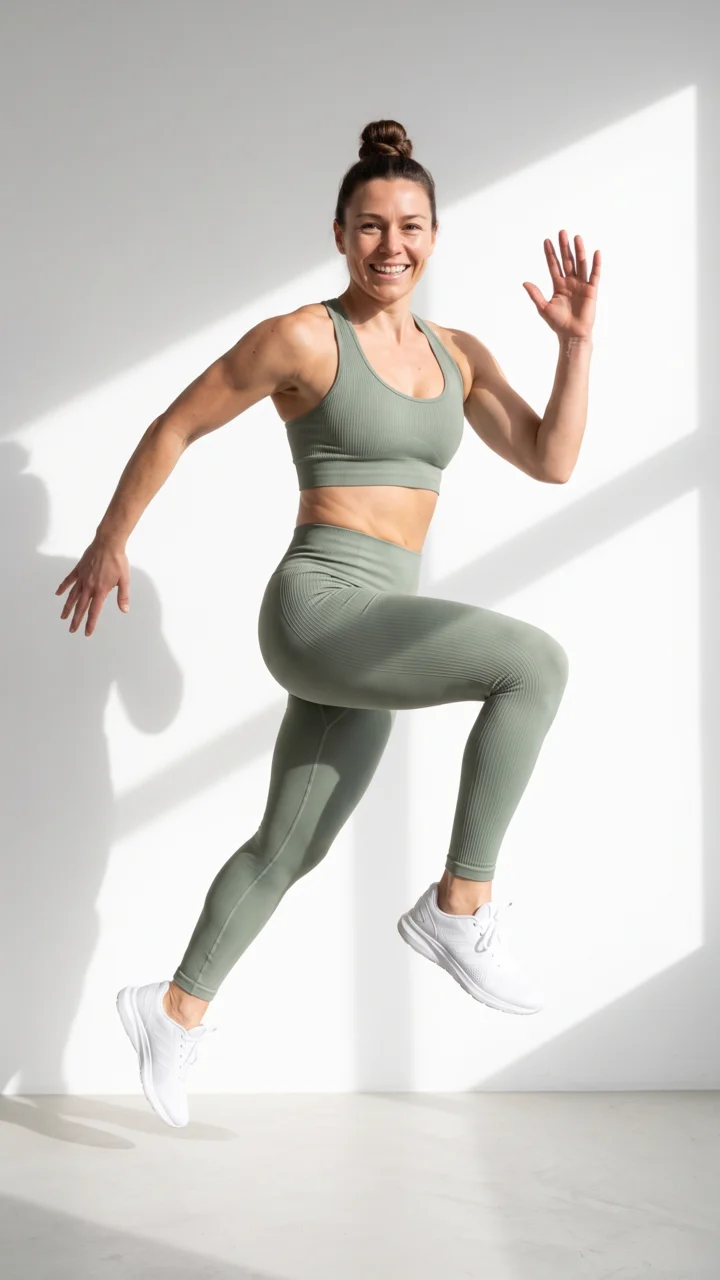 Brand kitYour logo, colours, fonts and rules
 Image editorAdd text and a logo in ready social sizes
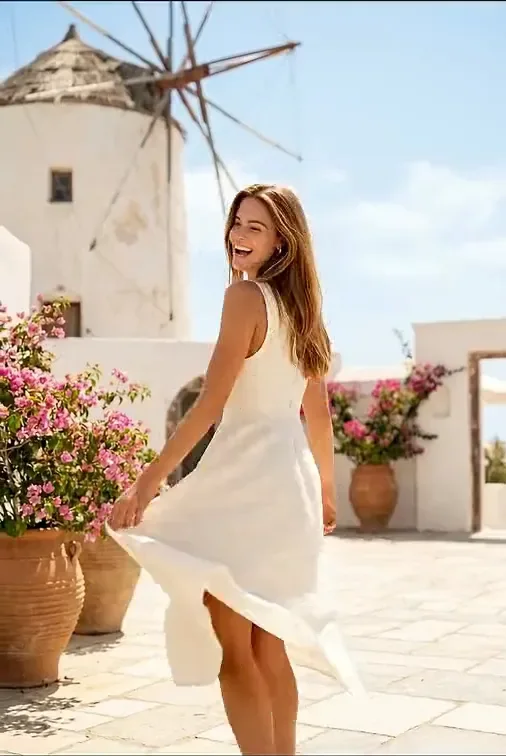 Video editorCaptions, a voice and music on your clips
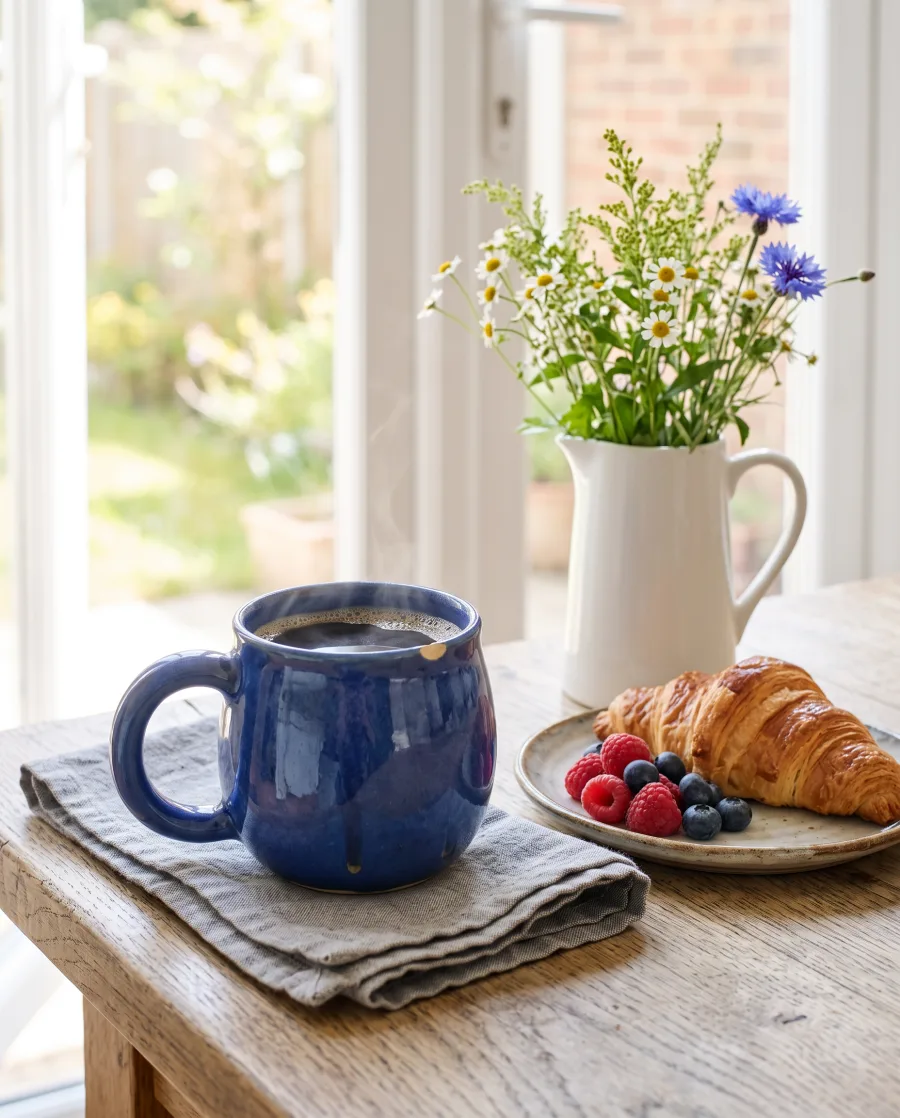 AssetsEvery picture and video, in folders
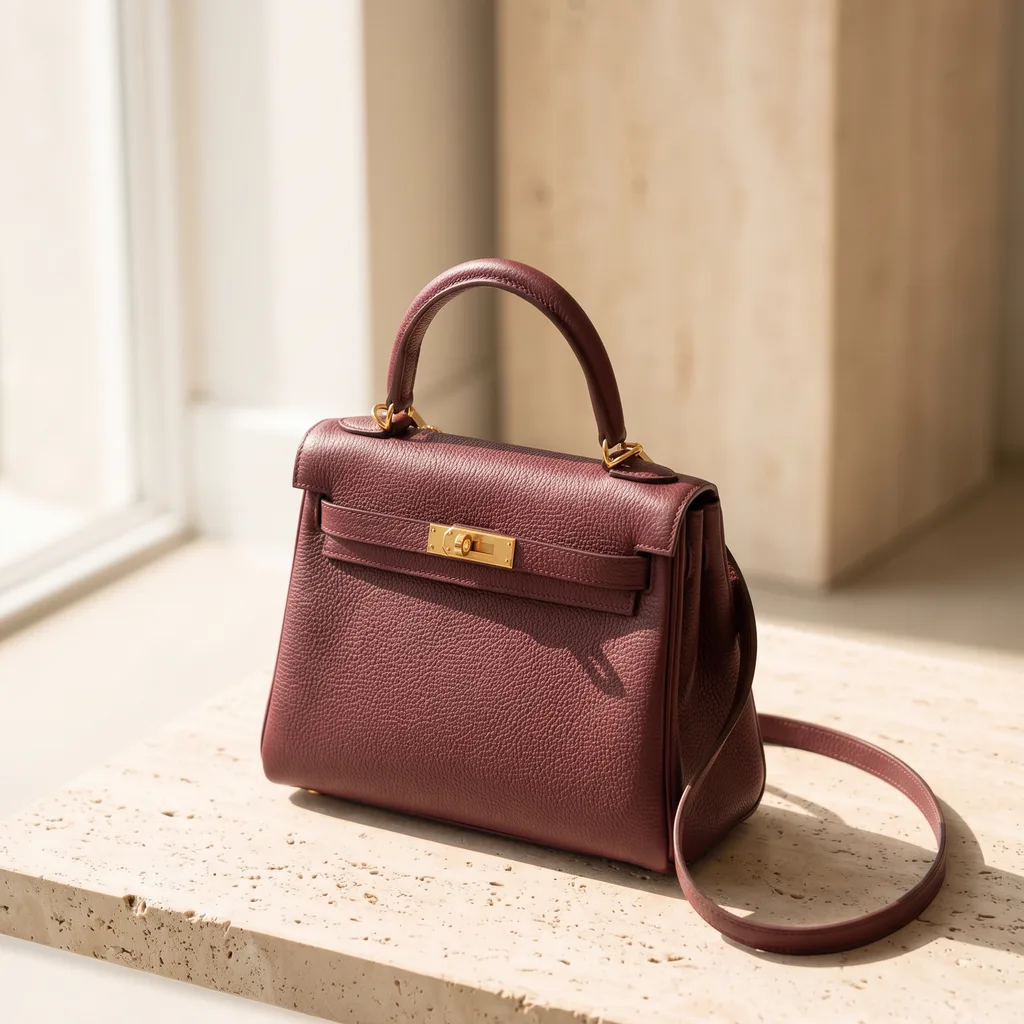 ReviewsYour client picks pictures from a link
 TemplatesReady workflows with every step built
 AppsAdd a photo, fill a short form, press Run
 WorkflowsSave your steps and run them again
 BatchOne job on up to 200 products
What is Generate in DesignerBox?
Generate is the page where you make a picture or a video and choose the AI model yourself. You also choose the size and the number of results, and you see the price before you start.
Which AI models are in Generate?
For pictures: Nano Banana, GPT Image, Seedream and FLUX. For video: Veo, Seedance, Kling and Runway. The models page lists each model and what it is good for.
Which model should I choose?
Start with the default model. Change it only when you need a special strength, like text on the picture or a longer video.
Do I need another subscription for these models?
No. You do not pay each model maker. Your DesignerBox plan covers the picture models in Generate. Video models start on the Premium plan.
Can I start from my own photo?
Yes. Add up to five reference pictures for a picture, or one start frame for a video. Your own photos and prompts start on the Pro plan.
Is video on every plan?
No. Video starts on the Premium plan. Video is charged per second, and you see the total before you press Generate.
What is the difference between Generate and Create?
In Create you say what you need, and the chat asks a few questions and picks the model. In Generate you choose the model, the size and the count yourself.
Make your first picture.
Sign up with Google or your email. Nothing to set up.
Get started free- Claude
- ChatGPT
- Cursor










