For car dealers and used car sellers
Car listing photos for every car on your forecourt
DesignerBox puts the same studio, showroom or outdoor background behind every car you list. It also makes ads and social posts. No photo studio and nothing to set up.
- Claude
- ChatGPT
- Cursor
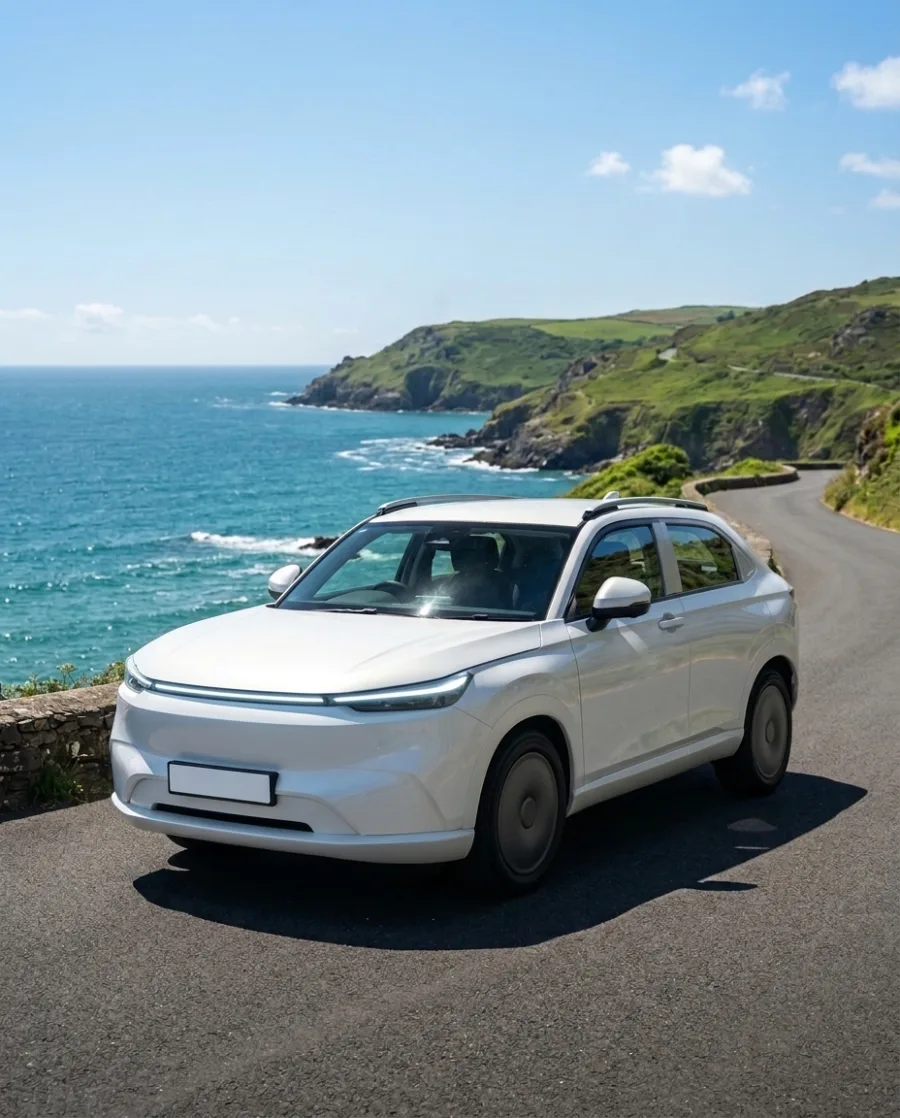
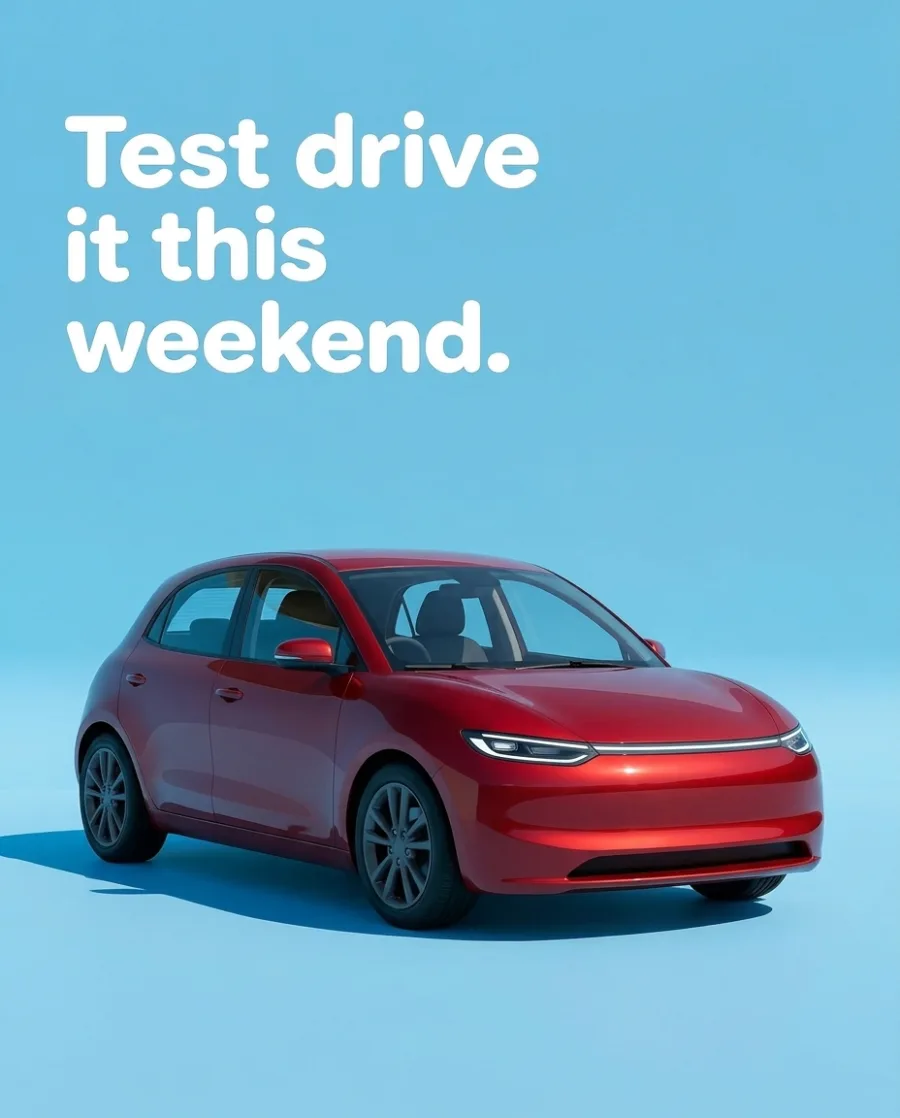
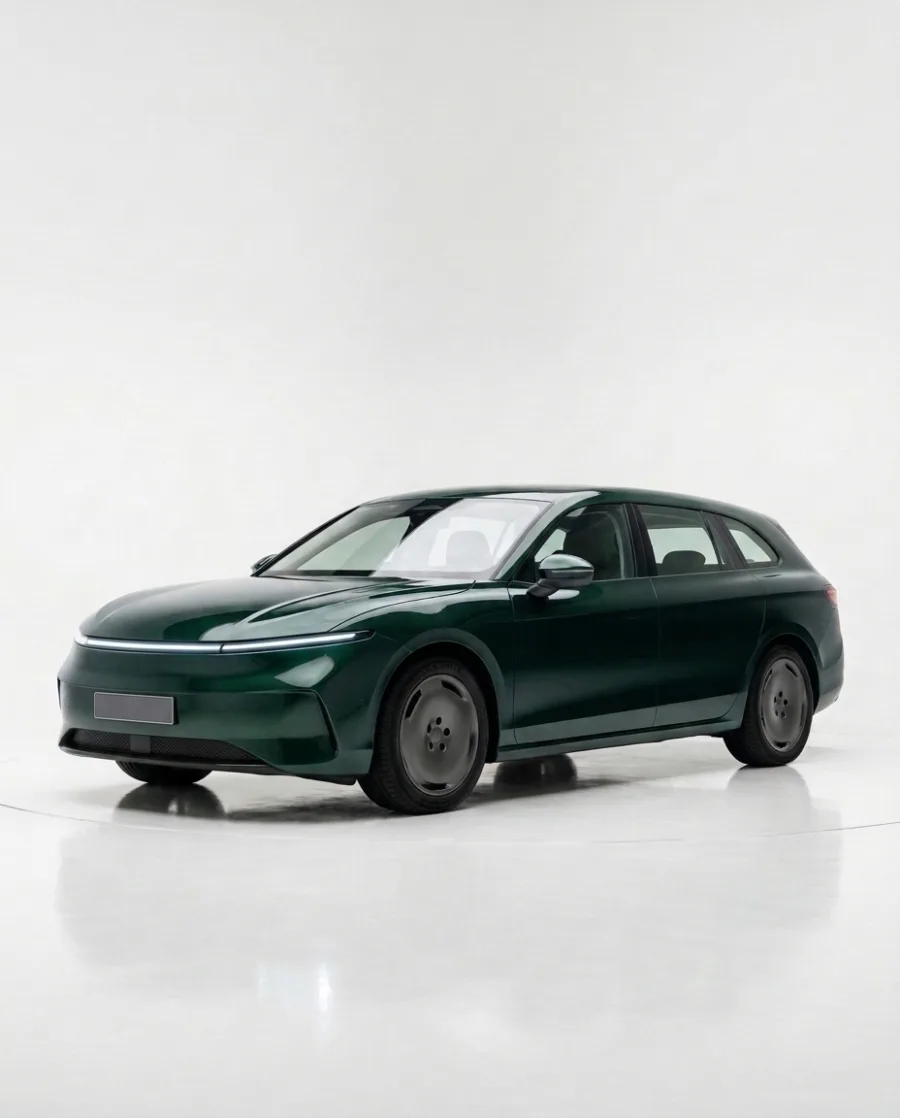
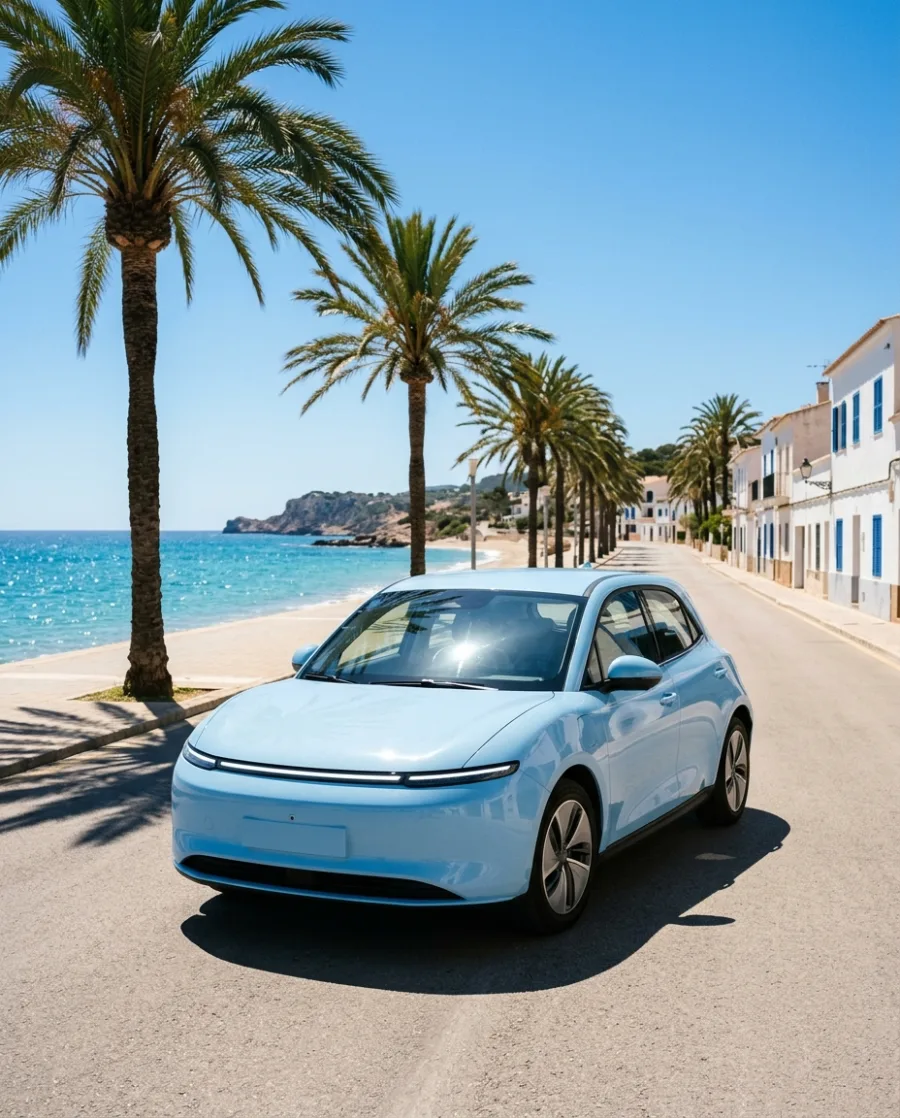
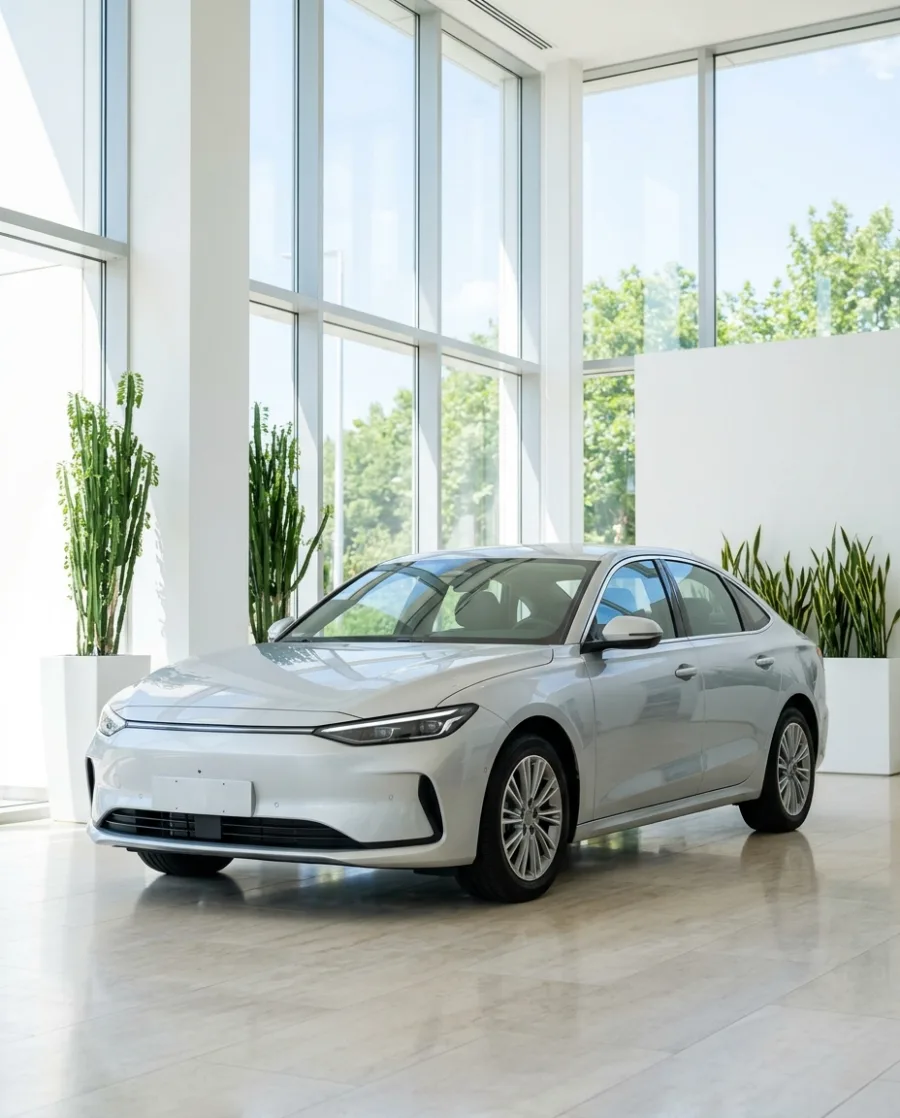

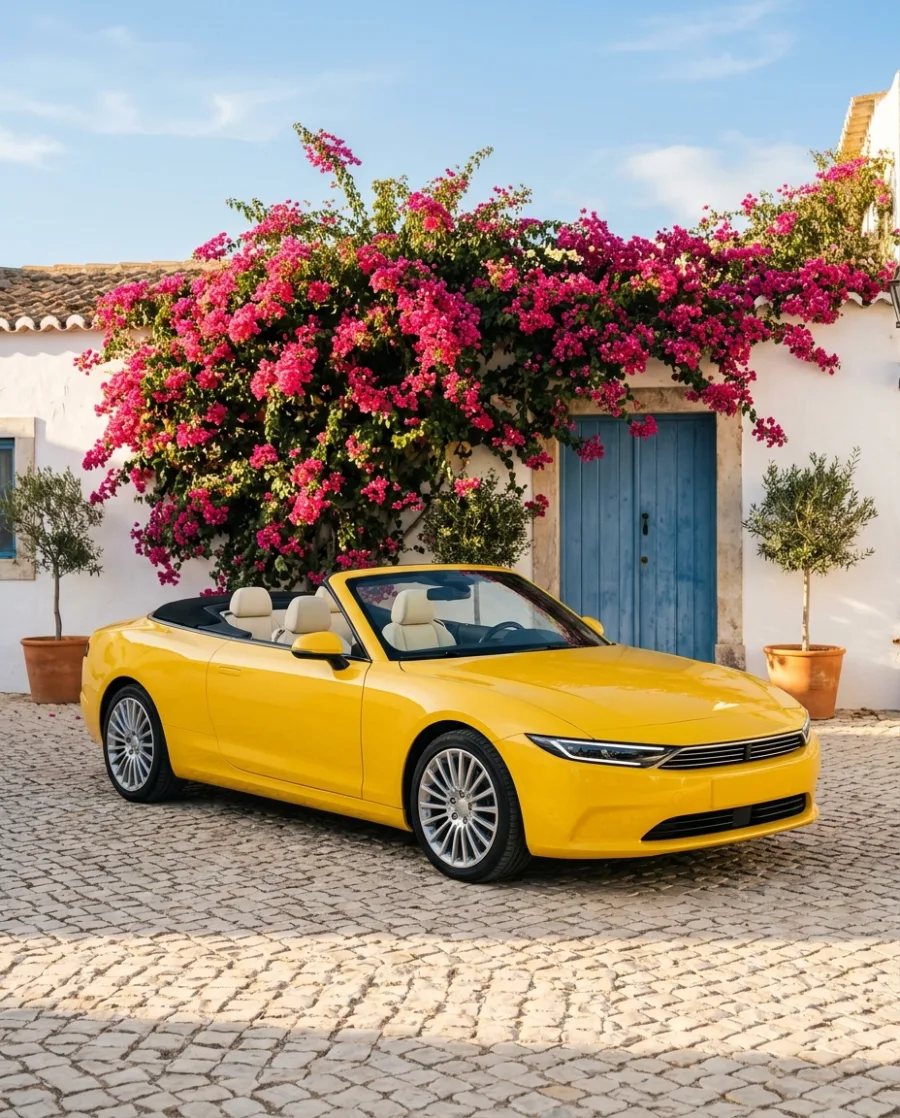
Taking a photo of a car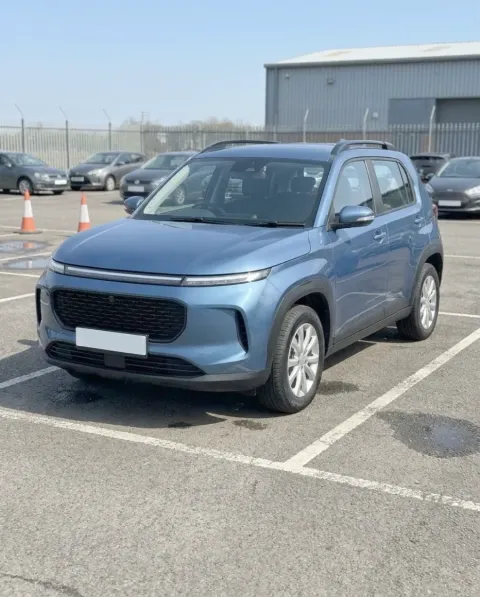 is easy. Giving every car on your forecourt the same clean background
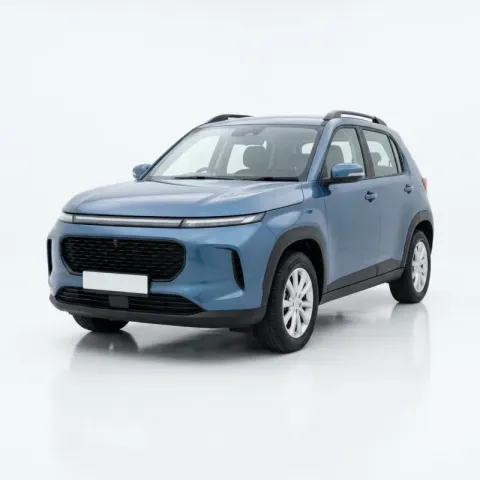 , every week, is hard. DesignerBox does the hard part.
What you can make
Car listing photos, ads and posts
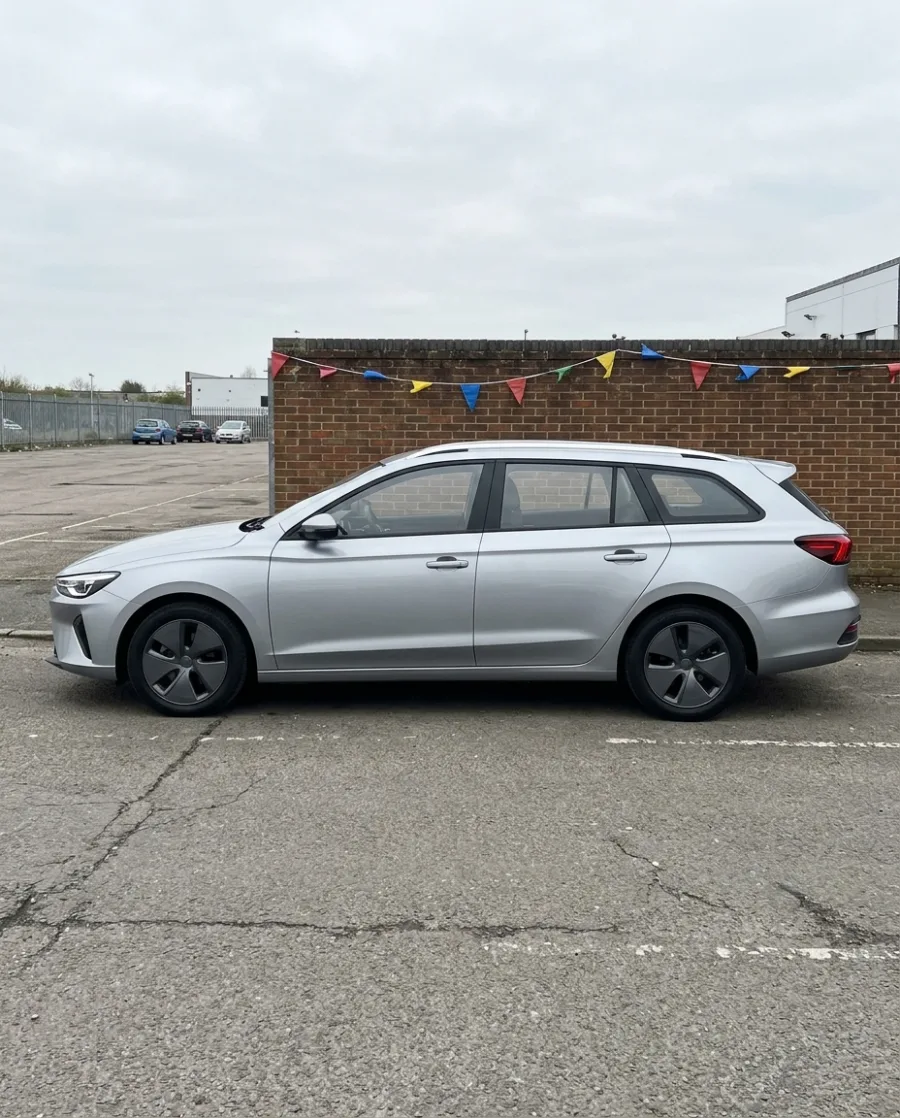
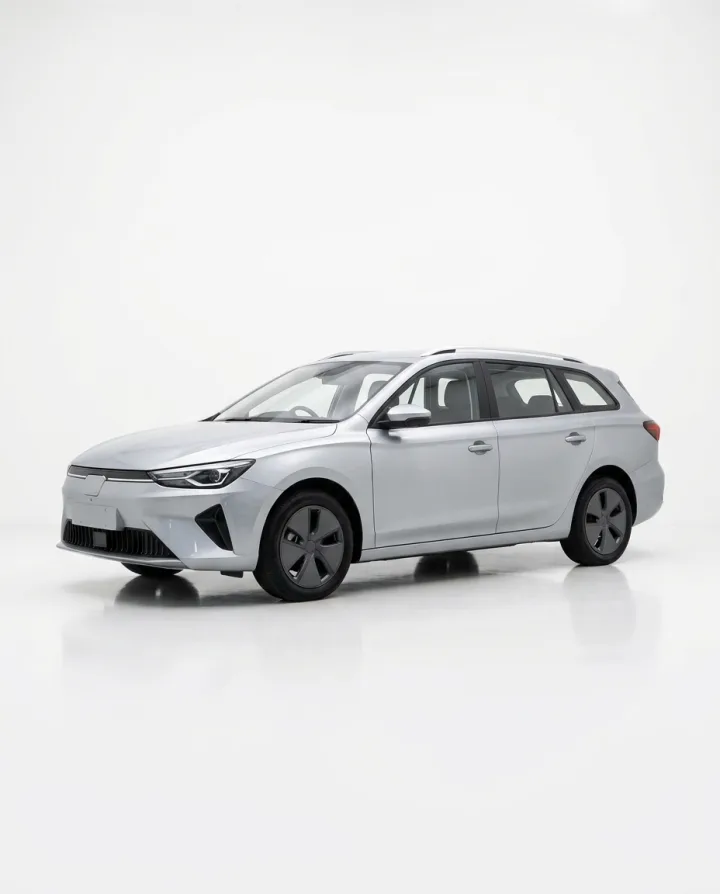
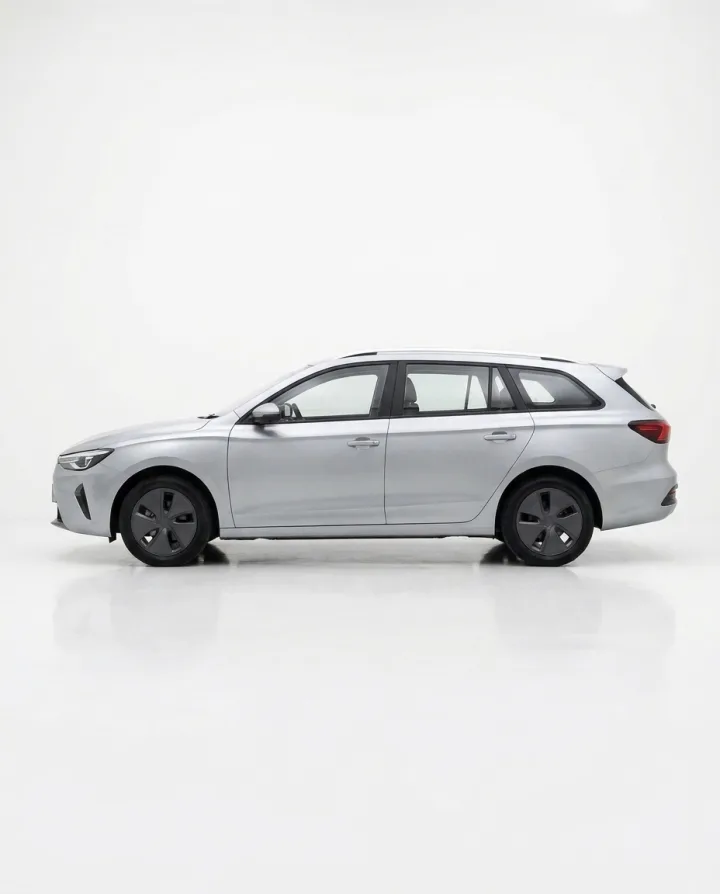
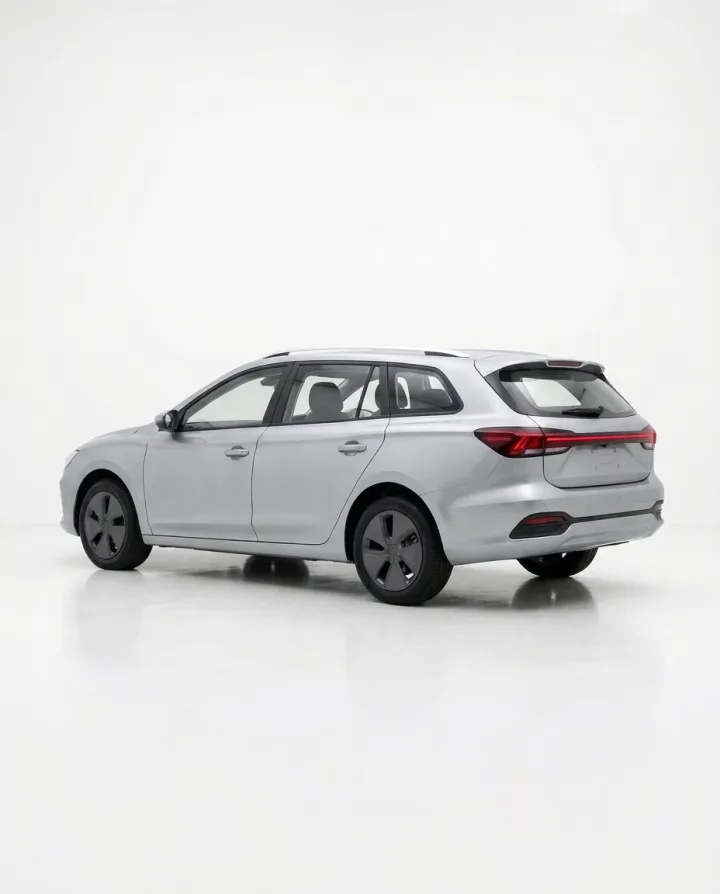
Forecourt photo in. Listing photos out.
Take a photo of the car on your forecourt. Get it in a white studio, a showroom and outdoors, at the angle you took it. No photo studio needed.
See AI product photography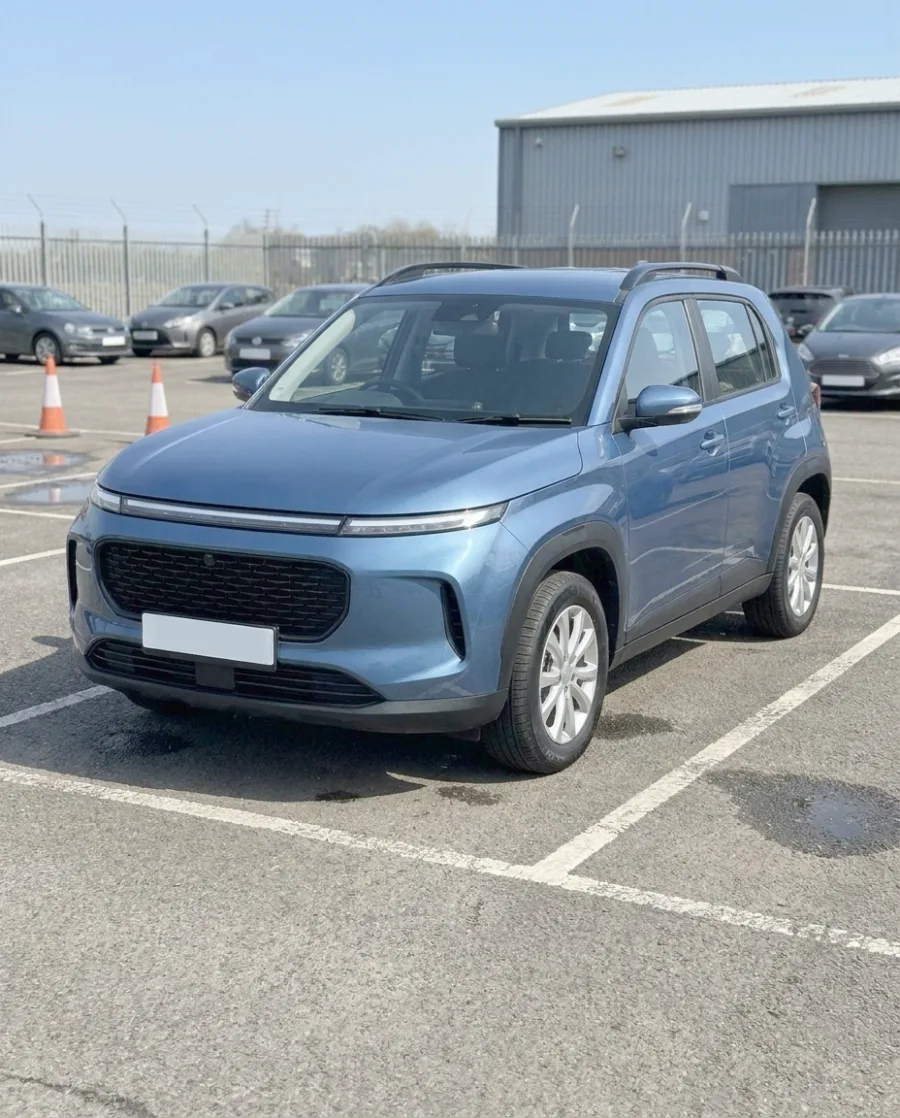 Your forecourt photo
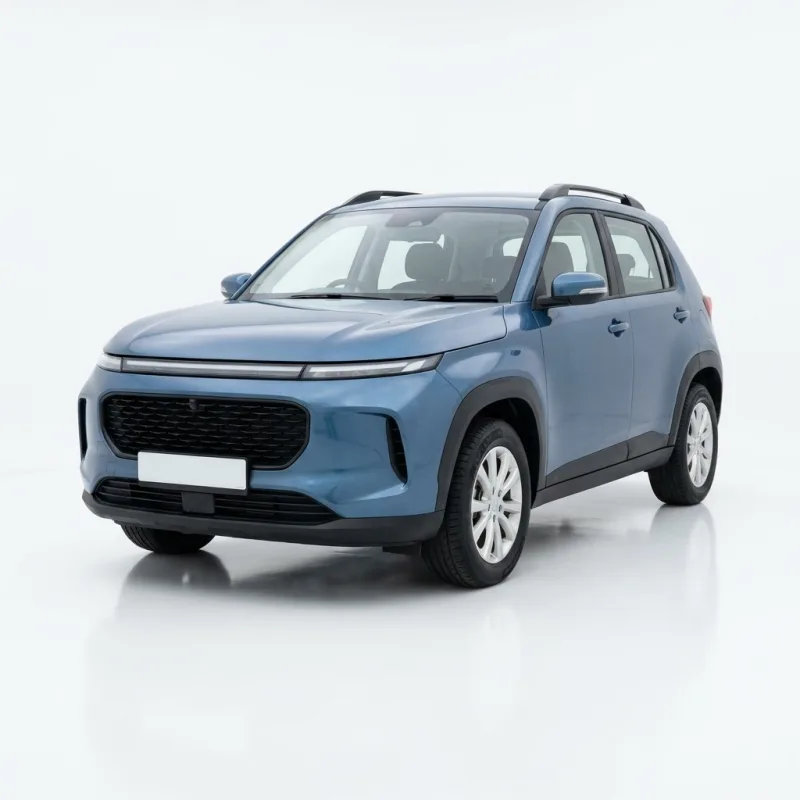 Studio
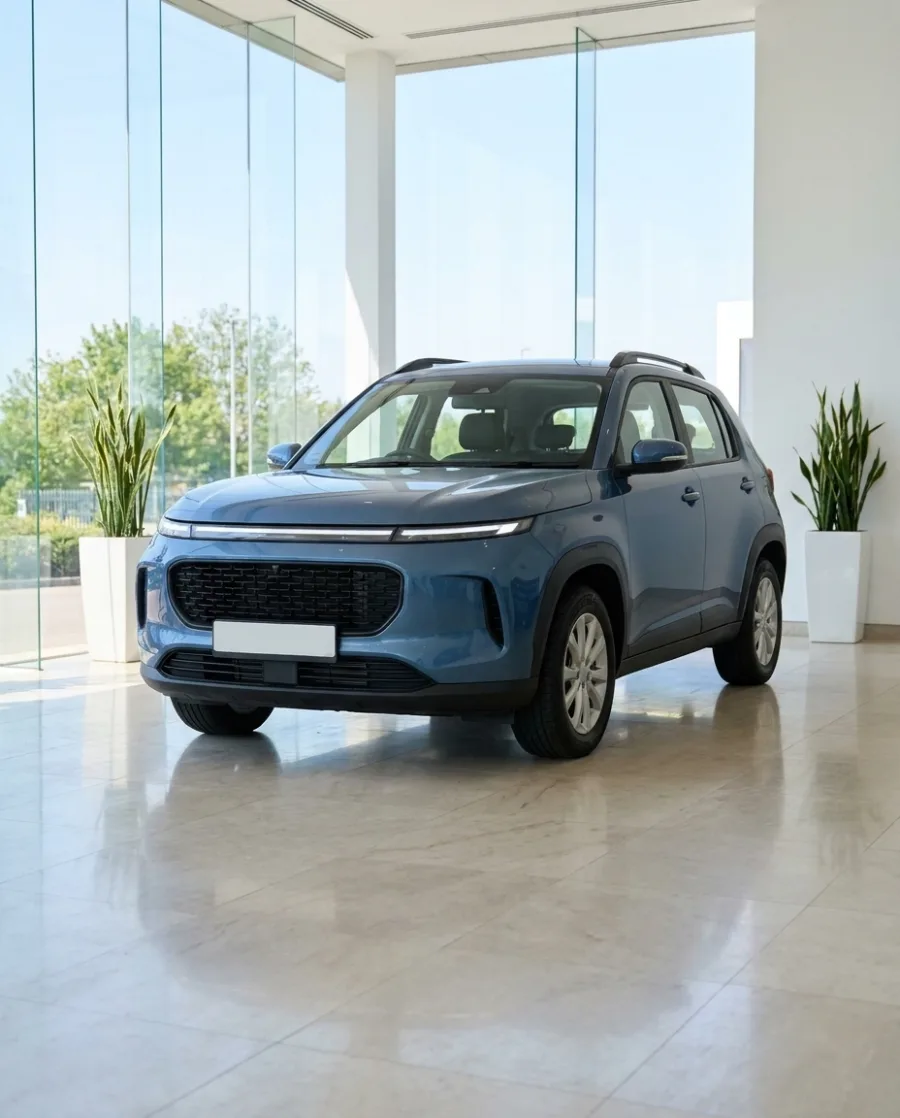 Showroom
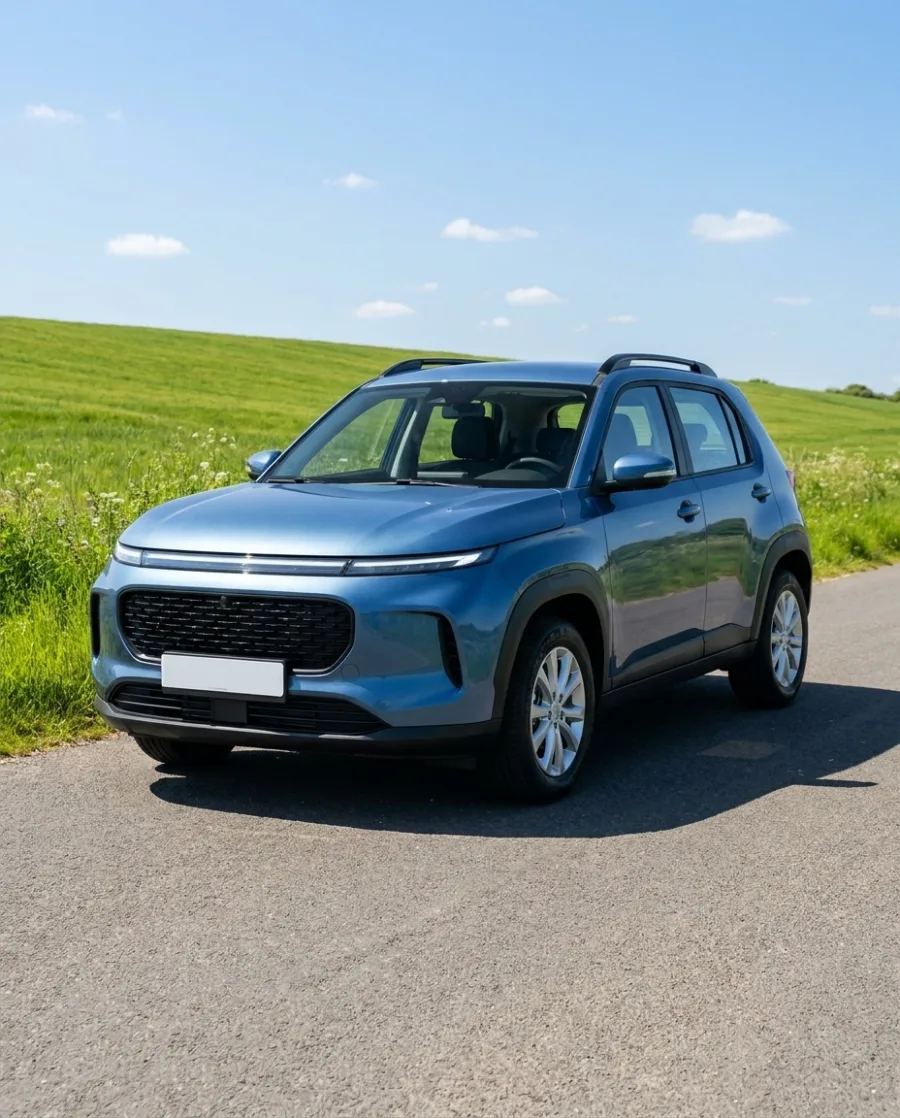 Outdoors
One background for every car in stock
Pick one background for your whole stock. Every car gets the same studio, so your listings look like one dealership. No reshoot for new stock.
See batch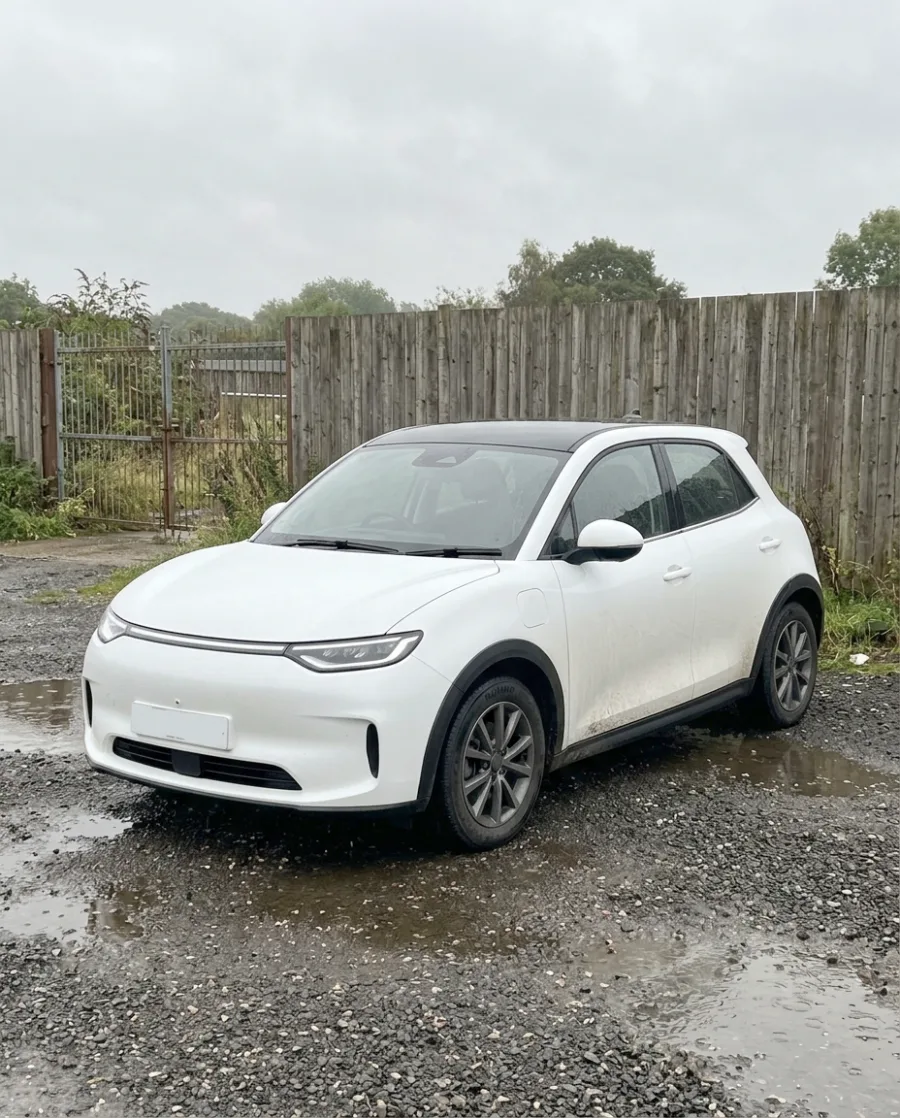 Plus two more: a red saloon and a black SUV.Your stock photos
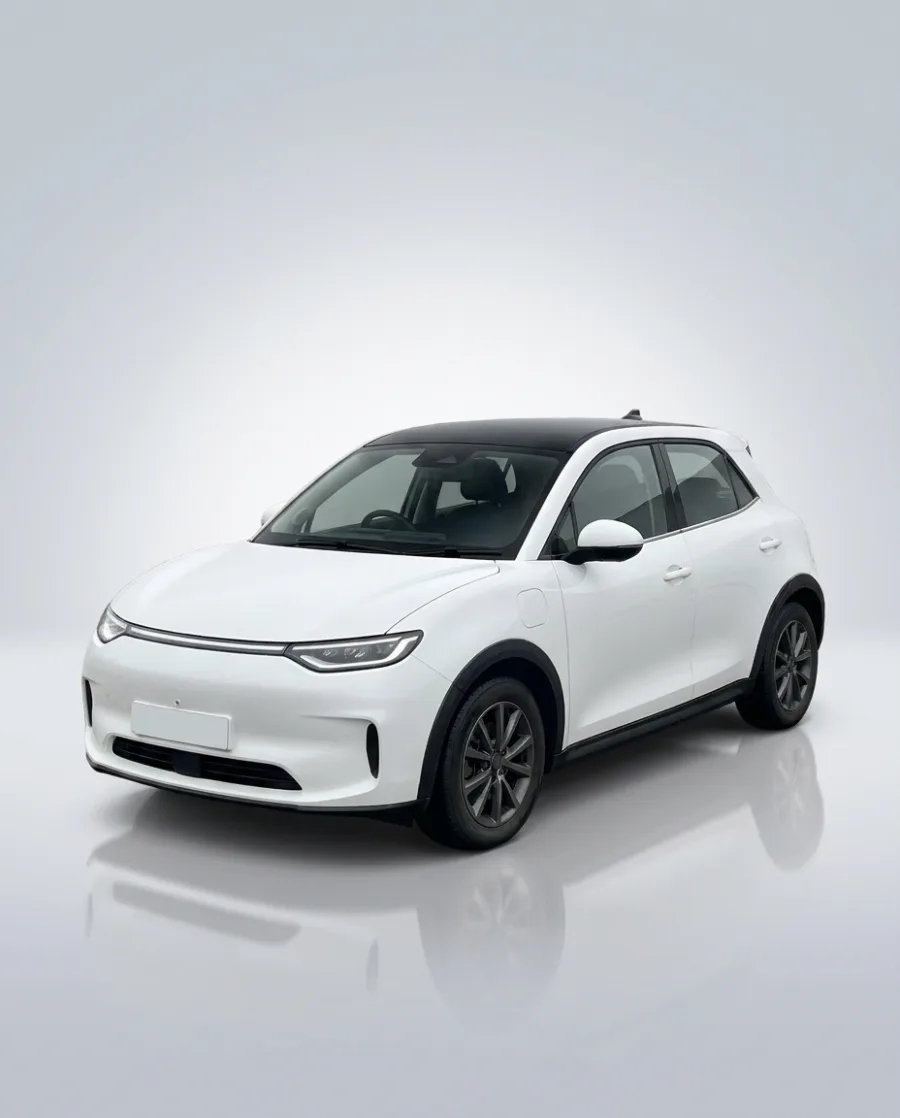 White hatchback
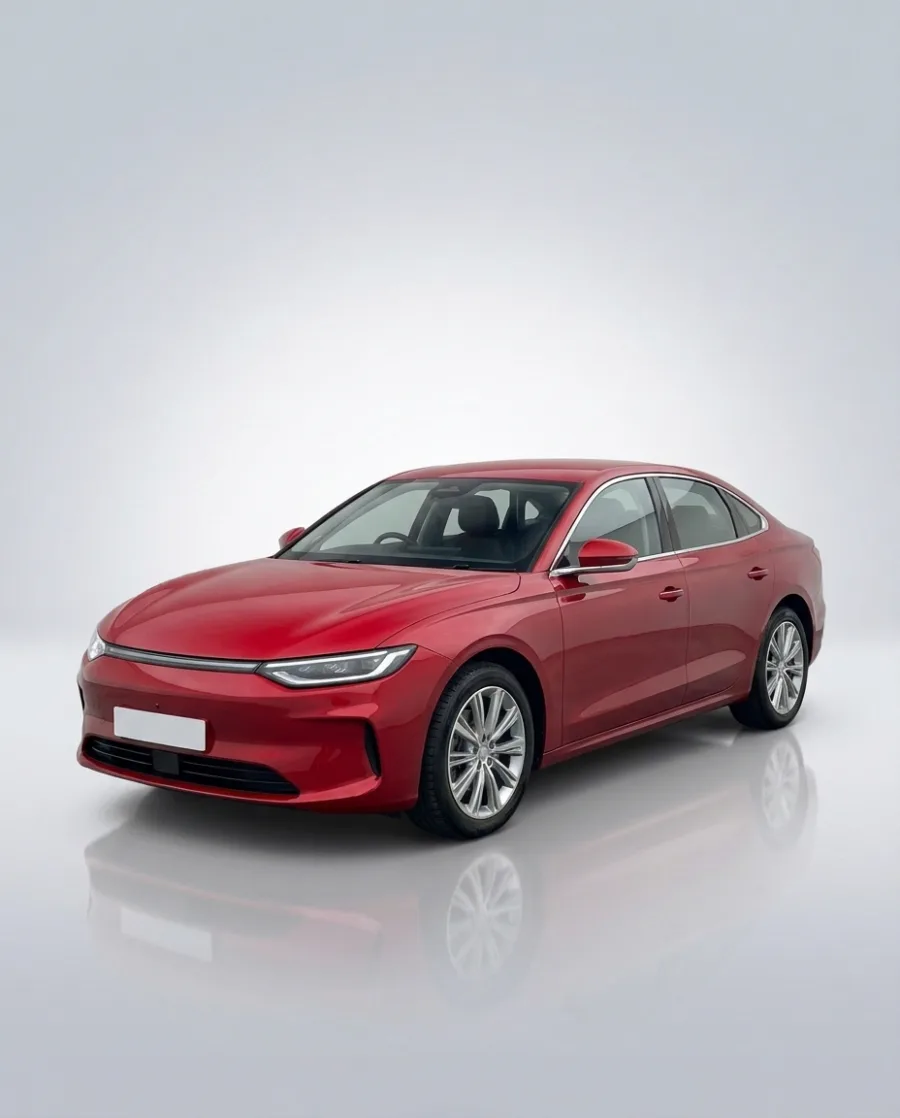 Red saloon
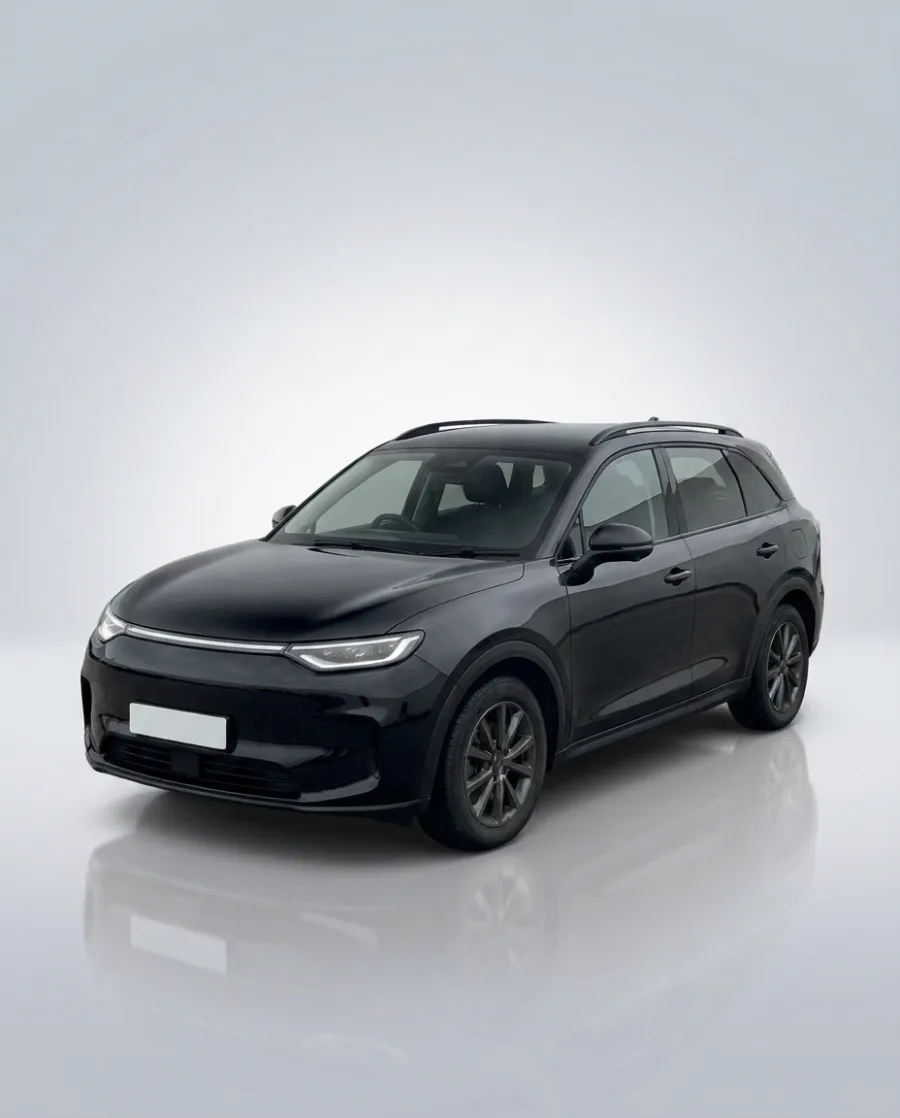 Black SUV
One offer as a post, a square ad and a story
Pick a car and type your offer. Get it as a post (4:5), a square ad (1:1) and a story (9:16) for Facebook and Instagram. No designer needed.
See the AI ad generator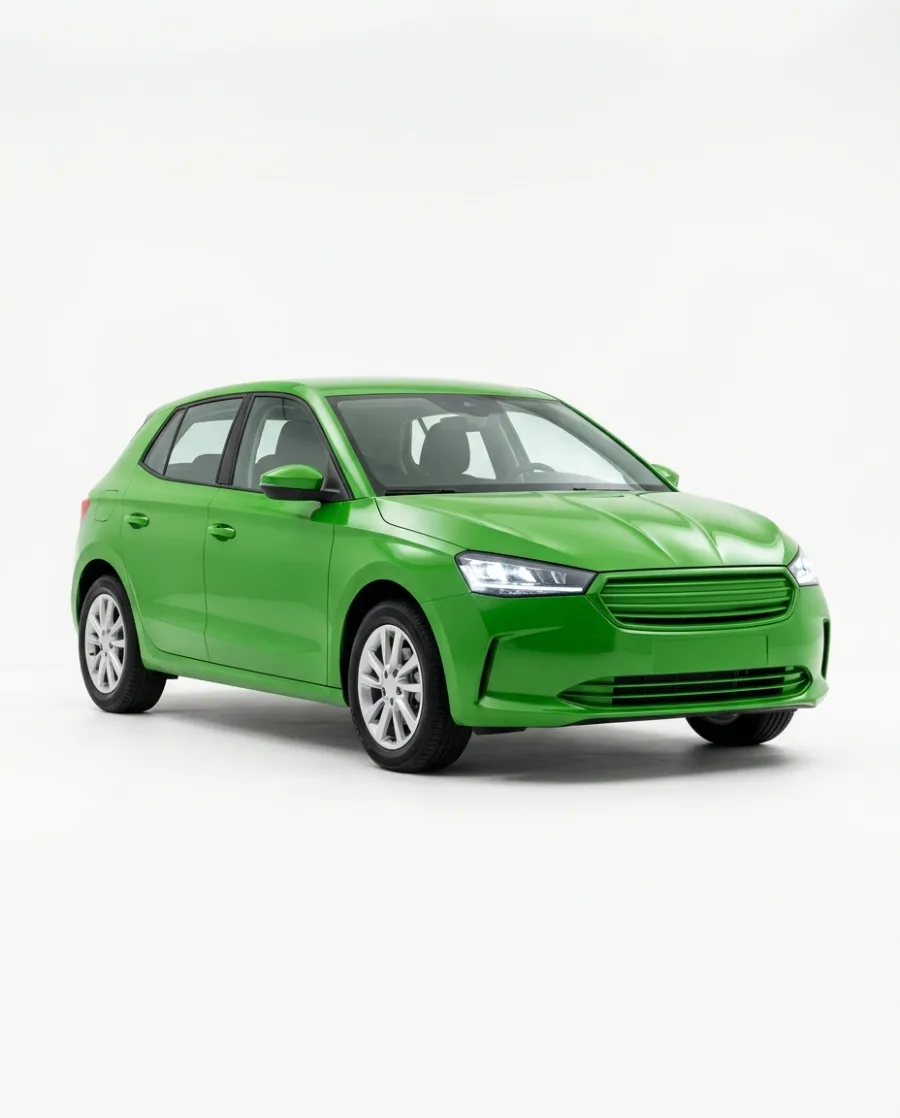 Headline: New in this week.Your car and words
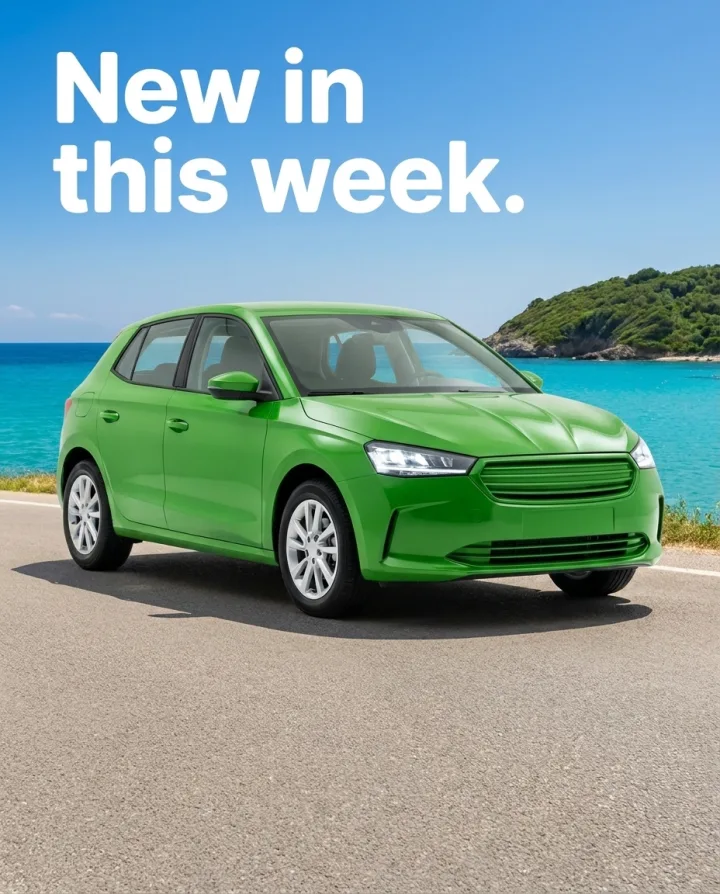 Post 4:5
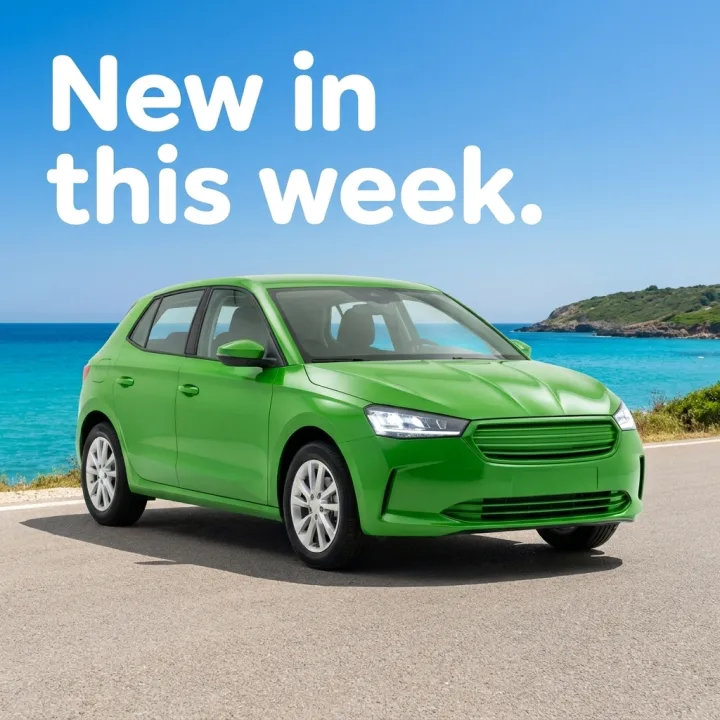 Square 1:1
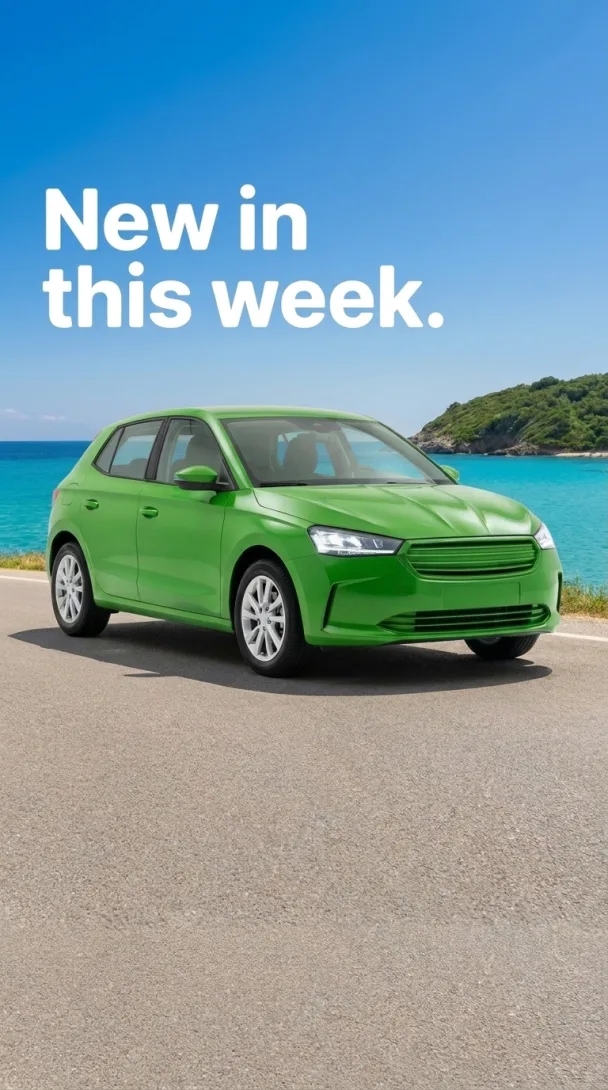 Story 9:16
Start free. You see the price before you make anything.
Your own photos, your own prompts and the commercial licence start on the Pro plan. Video and the editors start on the Premium plan.
Show each car as it is. DesignerBox changes the background around the car you photographed, but AI can still change a small detail. Compare every result with the car before you publish it, and never use a result that hides damage.
Inside DesignerBox
Everything in one place
Make, edit, approve and keep every picture and video in one workspace. You do not need a different service for each job.
The picture and video models are built in. DesignerBox picks the model for each job, or you choose it yourself.
See the AI modelsSave your logo, colours and fonts once. Pick your brand when you ask for a picture.
See the brand kitAdd text, your logo and a price to a picture. Add captions, music and one of 20 voices to a video. Both editors start on the Premium plan.
See the video editorPut up to 200 cars in a sheet and run one job on all of them. You see the total cost before it starts.
See batchSend a link to your team or your client. They tick the pictures they like and add a note. They need no account.
See review linksWhat you make in Create, Generate and the apps is saved in Assets. Make a folder for each product, client or campaign.
See Assets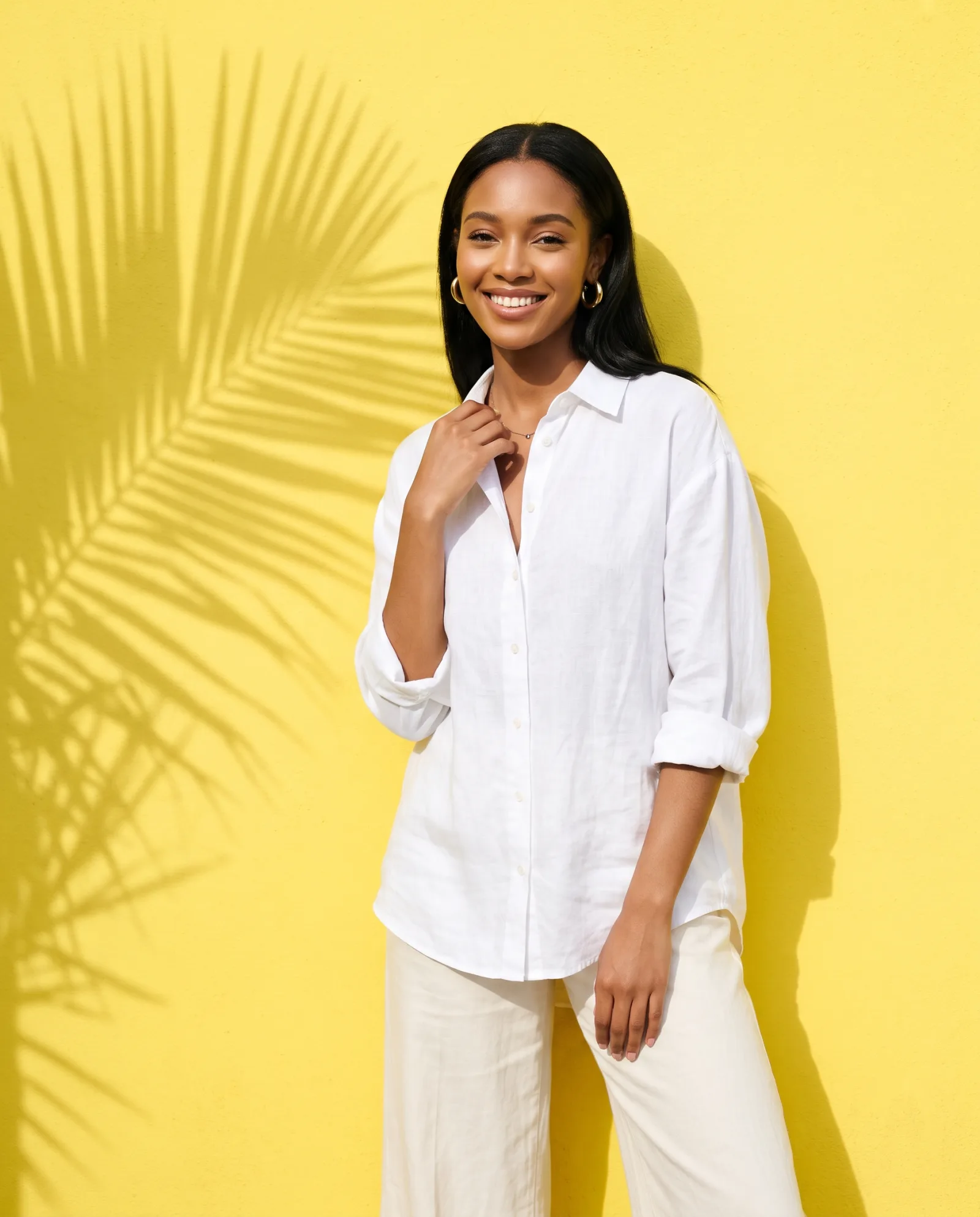

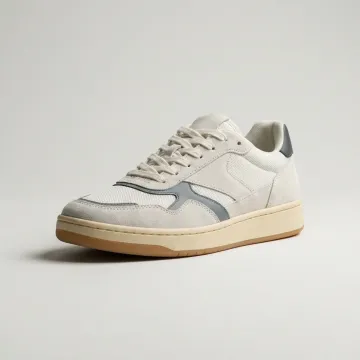 Sneakers
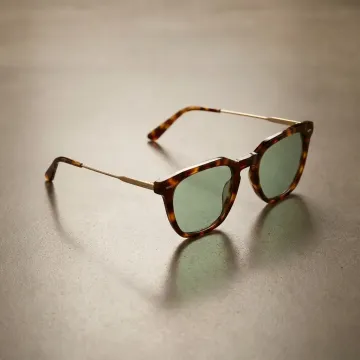 Sunglasses
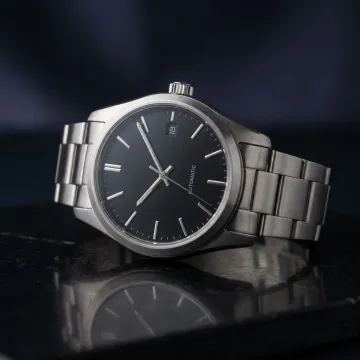 Watch
Watch Necklace
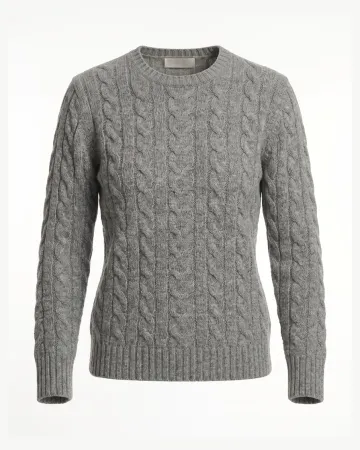 Sweater
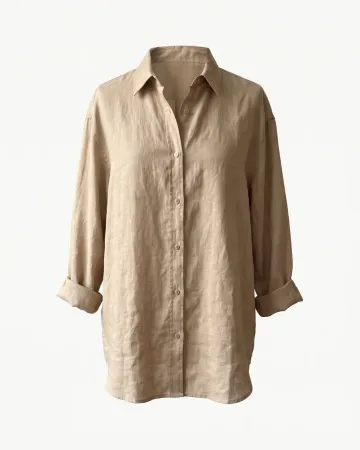 Linen shirt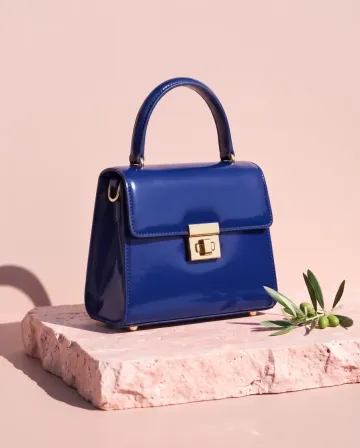
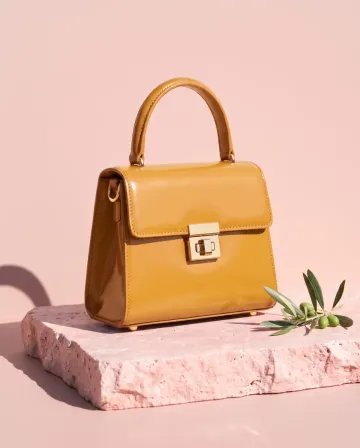
 MThe blue and the green, please.








AI chat
DesignerBox in Claude and ChatGPT
Connect DesignerBox once. Then ask for pictures in Claude, ChatGPT or Cursor. You confirm each run in the chat.
Who it is for
Other businesses
 Online shopsProduct page photos, ads and videos
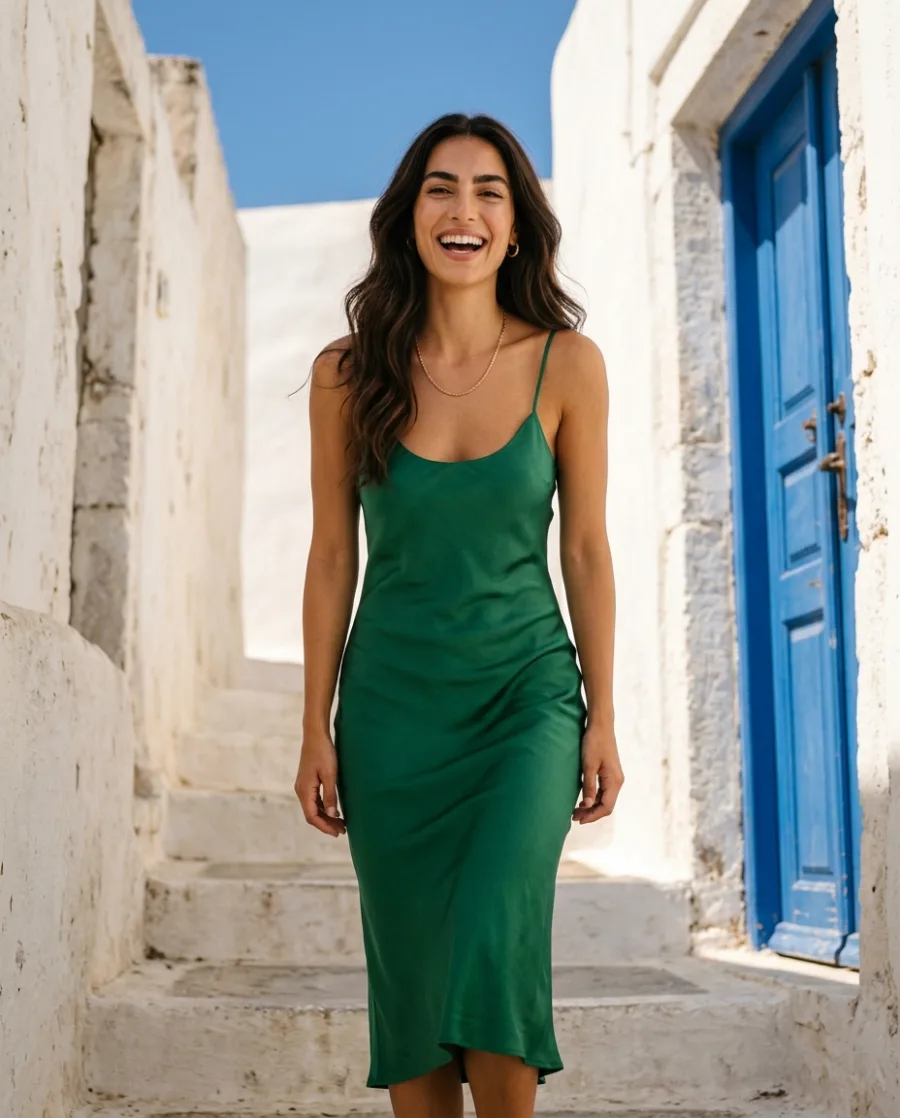 Fashion brandsYour clothes on models, no shoot
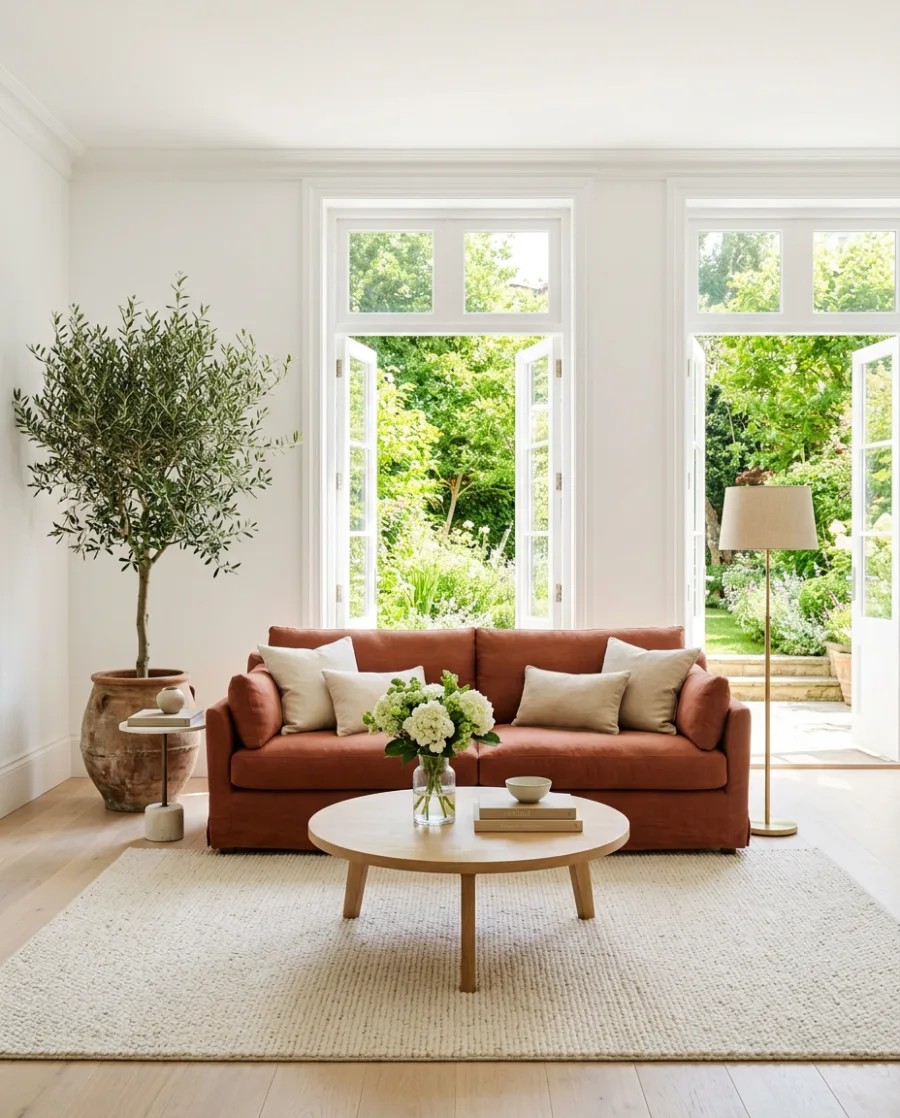
 Furniture and homewareRoom scenes without a photo shoot
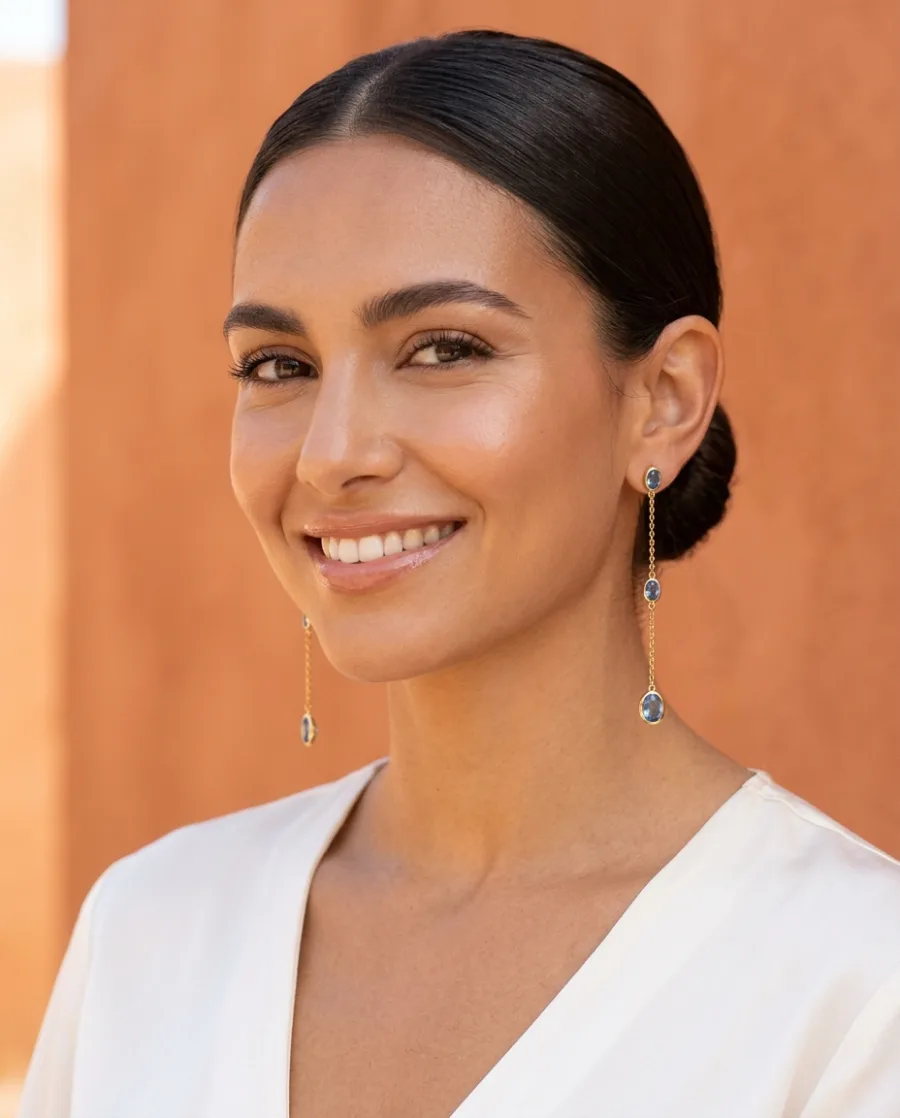 Jewellery brandsClose-ups and photos on a person
 Real estateListing photos and videos for every home
 Restaurants and cafesMenu and delivery app photos
 Beauty brandsBottles and jars in styled scenes
 Content creatorsPosts, reels and sponsored content
Will the car look the same?
DesignerBox keeps the car you photographed and changes the background around it. AI can still change a small detail, like a wheel or a light. Compare every result with the car before you publish it.
Can I use the photos if the car has damage?
Yes, if the photo still shows the damage. Never use a result that hides damage or shows a part you did not photograph. The rules of each site you list on apply.
Can every car get the same background?
Yes. Pick one studio or showroom and use it for every car, so your listings look like one dealership.
What photos do I need?
Photos of the car from the angles you list. A phone photo on the forecourt works. Your own photos, your own prompts and the commercial licence start on the Pro plan.
Can I make photos for my whole stock at once?
Yes. Add up to 200 cars to a sheet, one row each, and run one app on all of them. You see the total cost before it starts.
Can I make ads for my cars?
Yes. Pick a car, type your offer and get the ad in post, square and story sizes. You see the price before you make it.
Make your first car photos today.
Sign up with Google or your email. Nothing to set up.
Get started free- Claude
- ChatGPT
- Cursor