Create: AI creative chat
AI chat for product photos, ads and videos
Say what you need and get the finished picture. Create asks one to three short questions and writes the brief. With Ask first, you see the price before anything is made.
- Claude
- ChatGPT
- Cursor
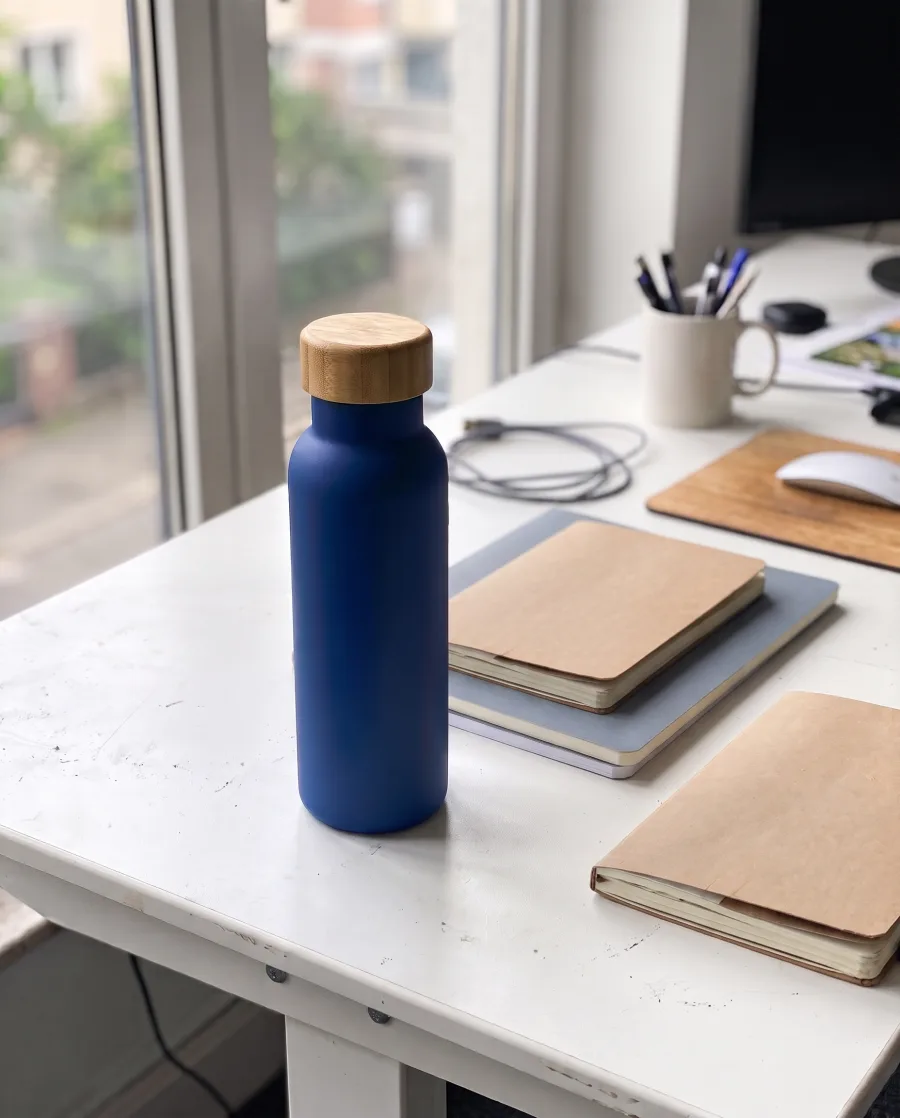 Black Friday ad for this water bottle, 40% off.Where will the ad run: your feed, Stories or your shop?
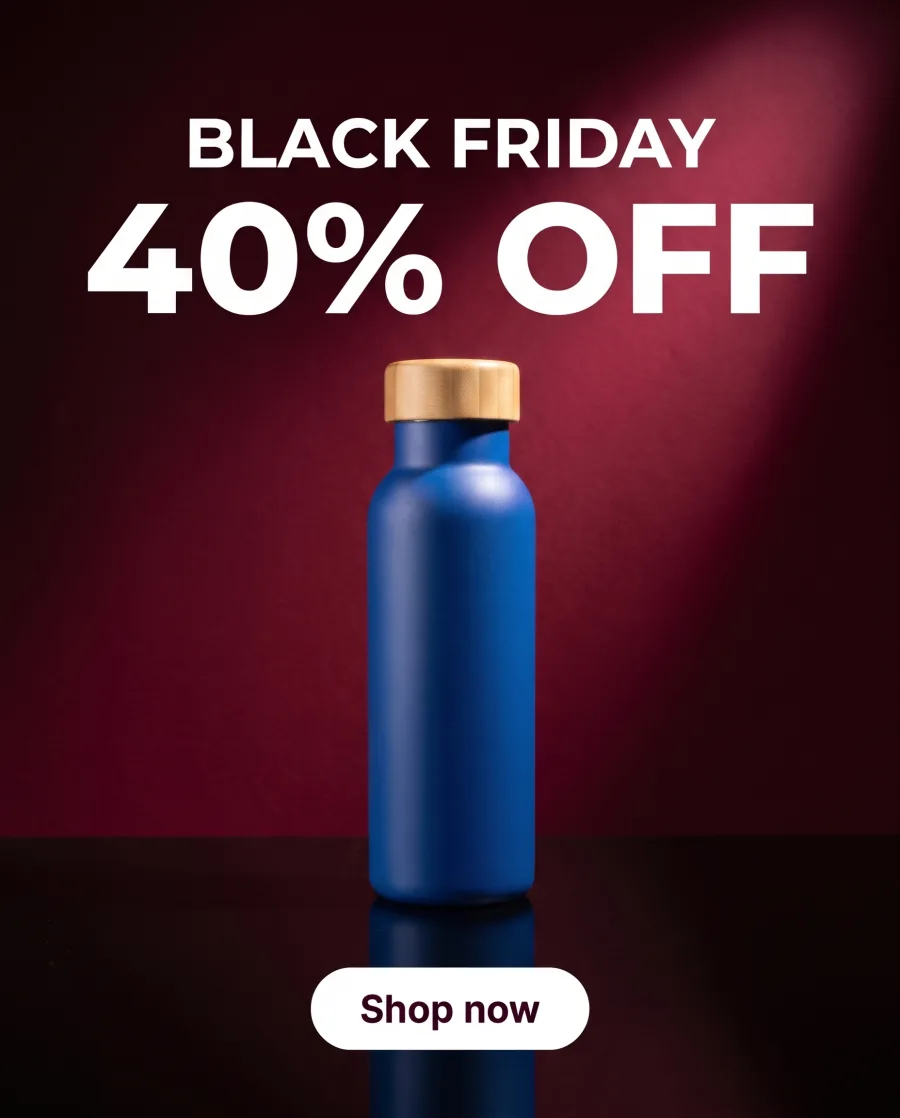 Feed
Feed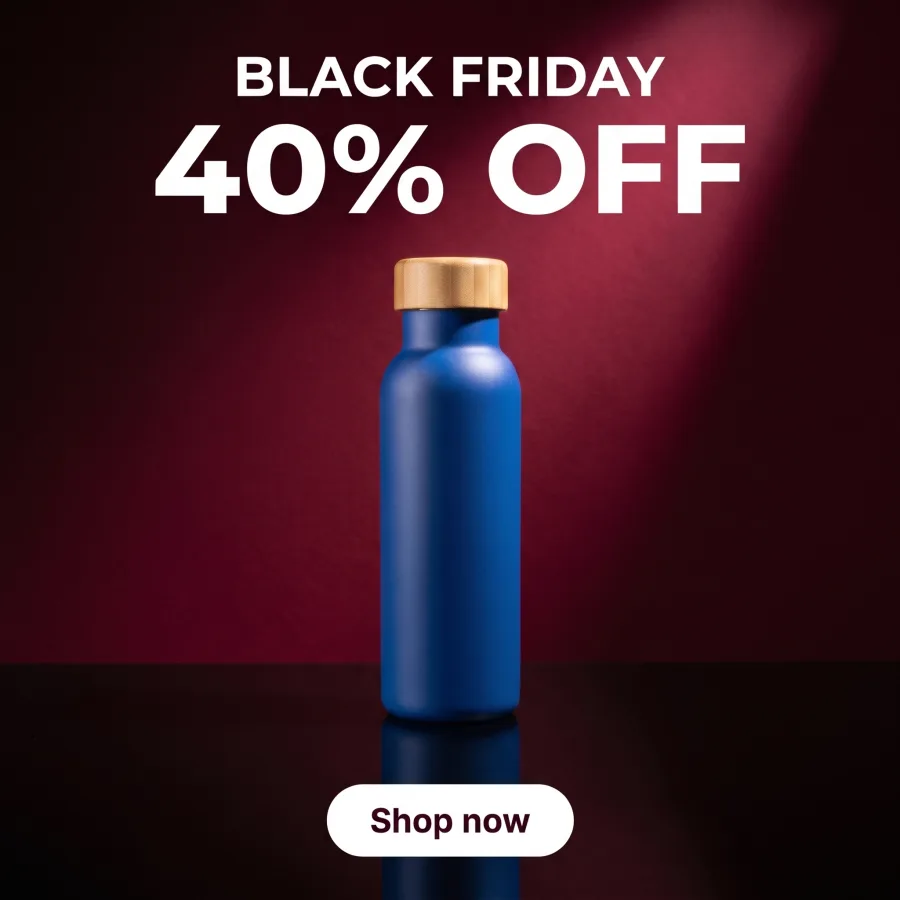 Square
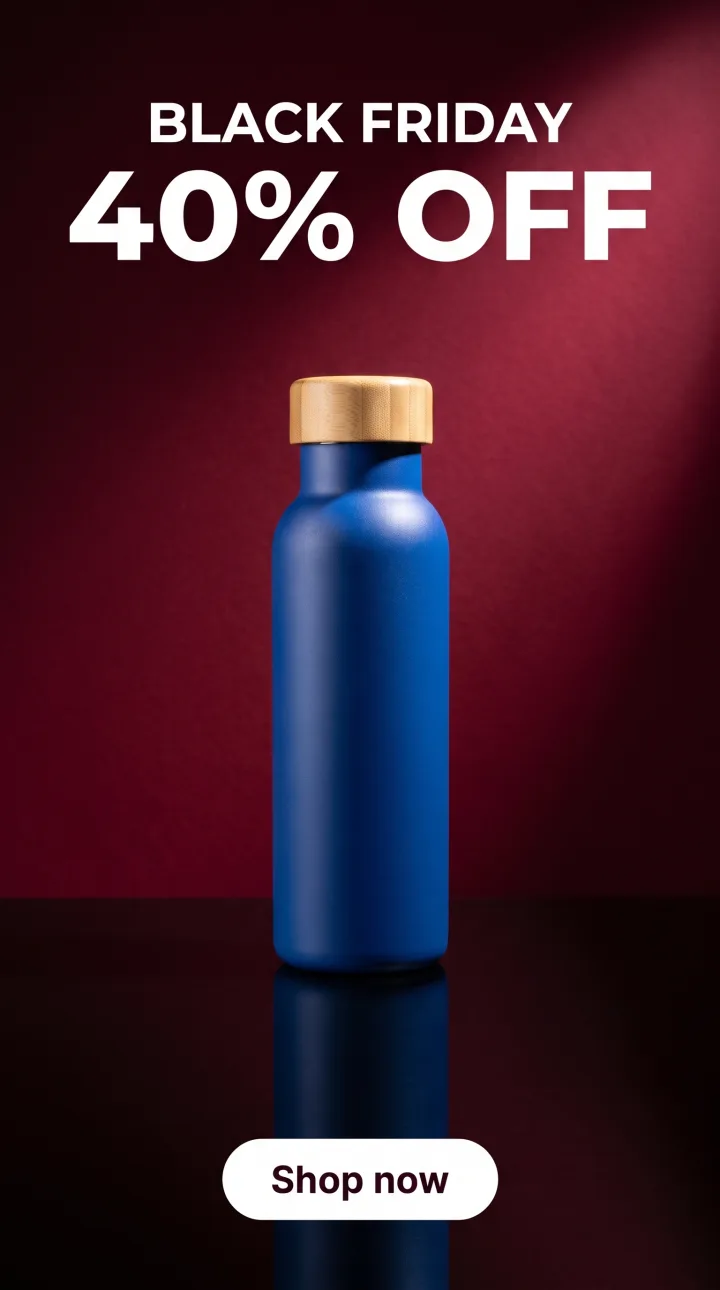 Story
StoryYou need an ad 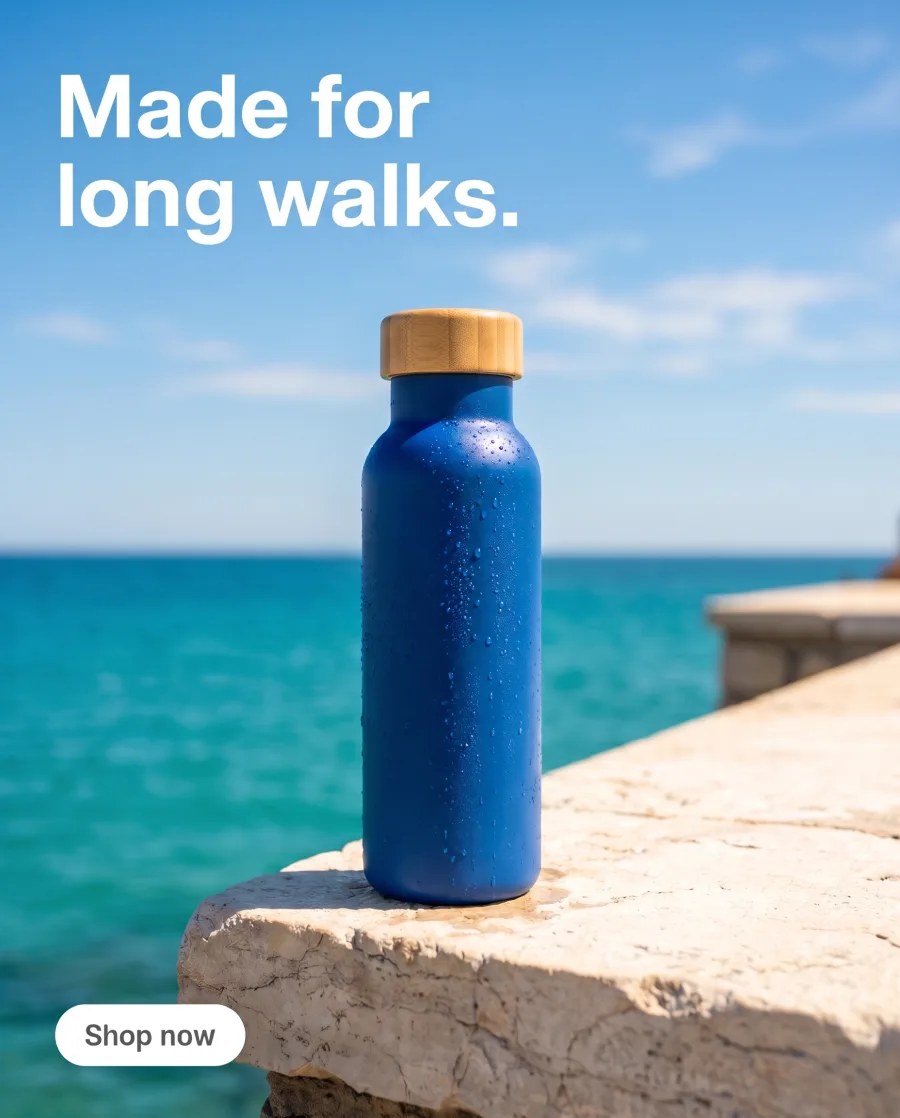 , a post
 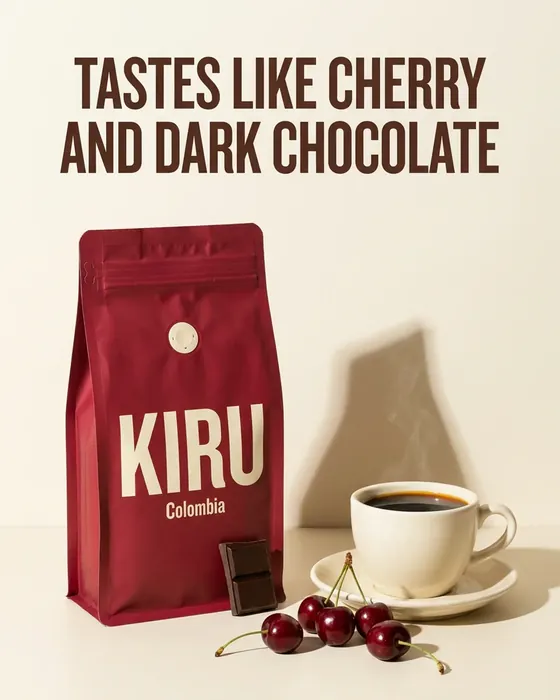 and a product photo
  by Friday.Most AI apps want a perfect prompt first.Create asks what it needs and writes the brief.
What you can make
Ads, posts, product photos and videos for your shop and feed
Static ads with your headline and offer
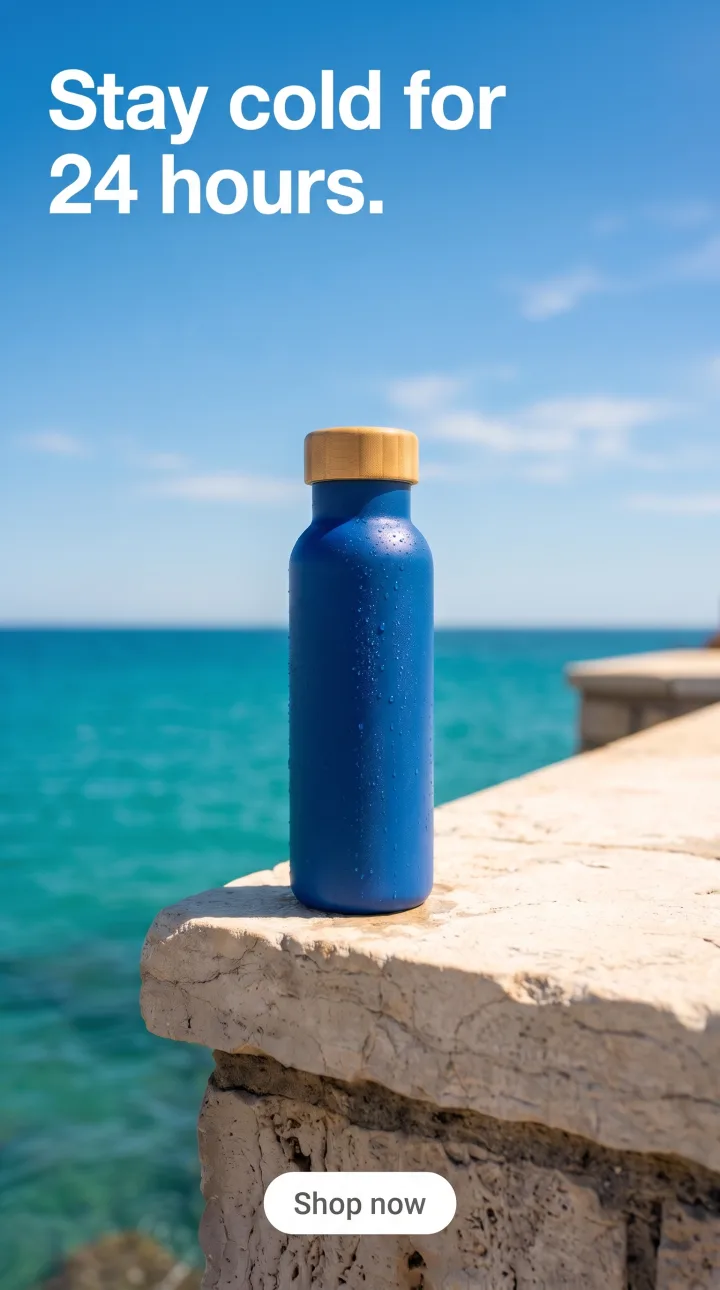
Add your product and type the headline and the offer. Create sizes the ad for where it runs: feed (4:5), square (1:1) or story (9:16).
See the AI ad generatorHeadline: Stay cold for 24 hours.Your product and words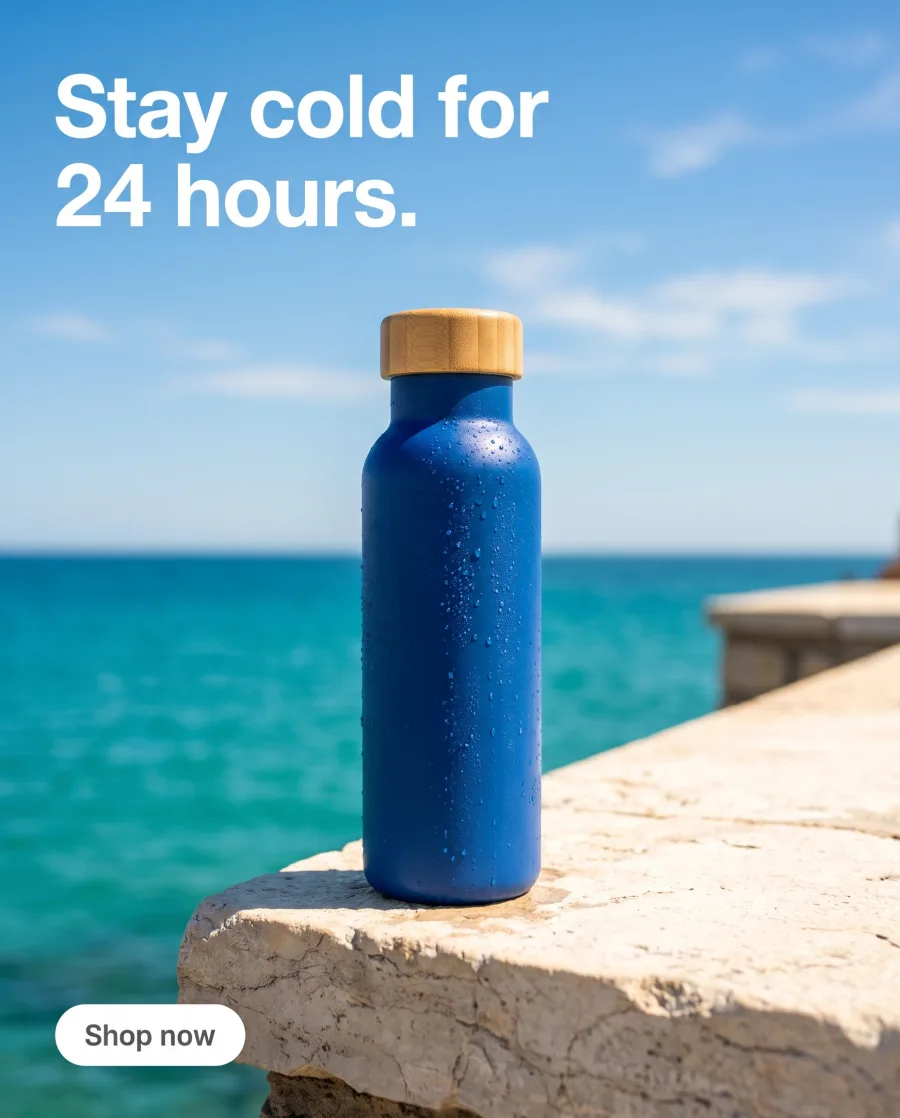 Feed 4:5
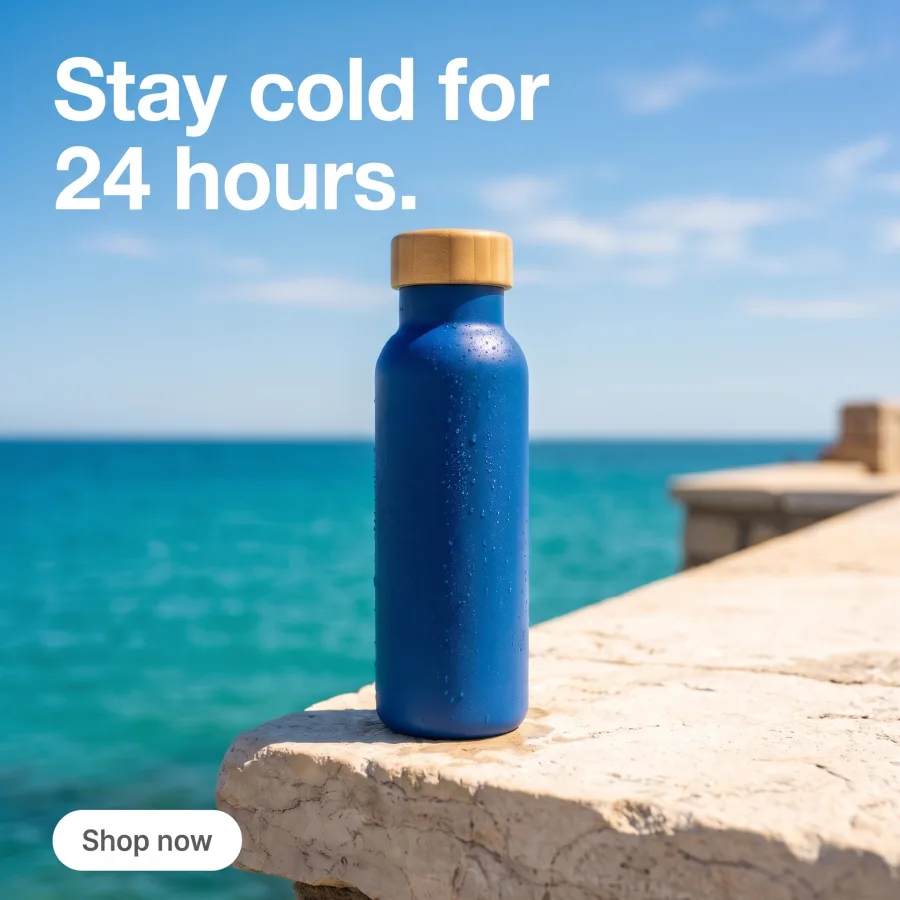 Square 1:1
 Story 9:16
A week of posts in your brand's style
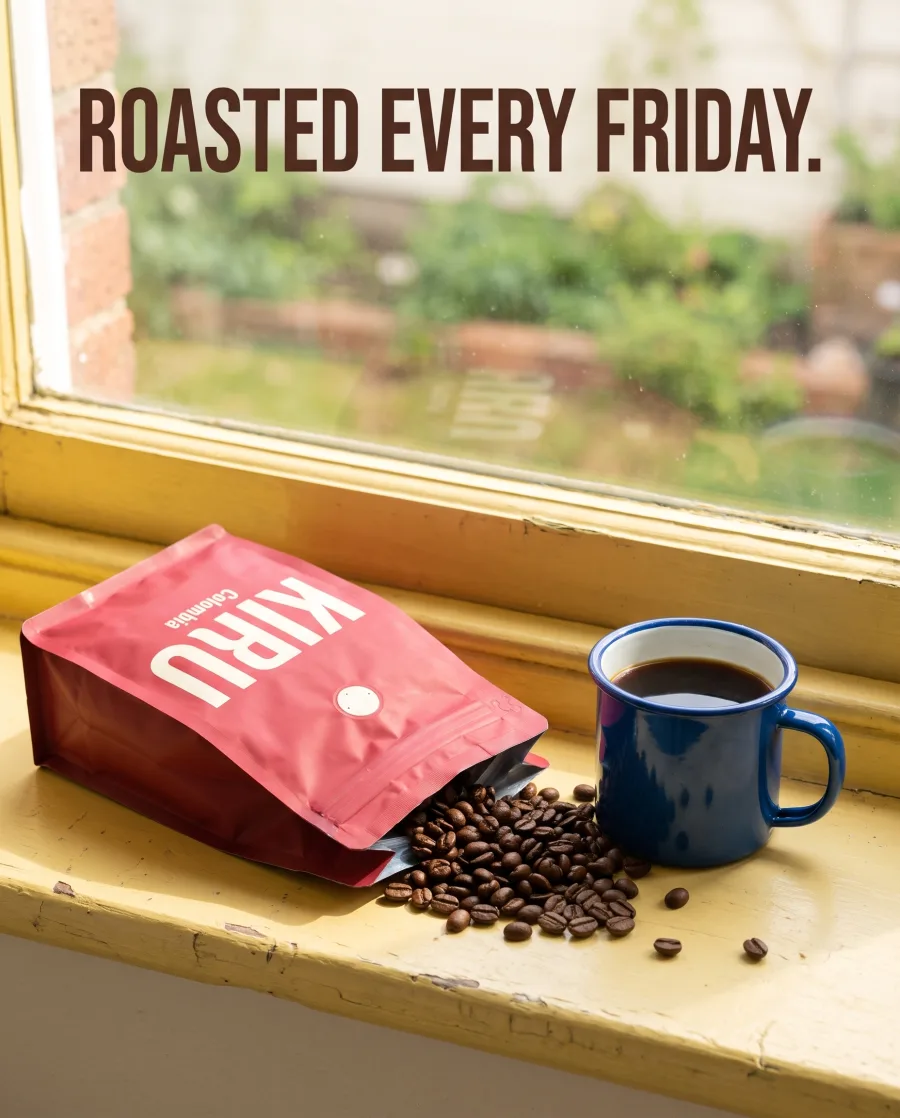
Ask for "a week of posts for our coffee brand". Create plans each post with its picture and its words, in your brand's look.
See posts for your feed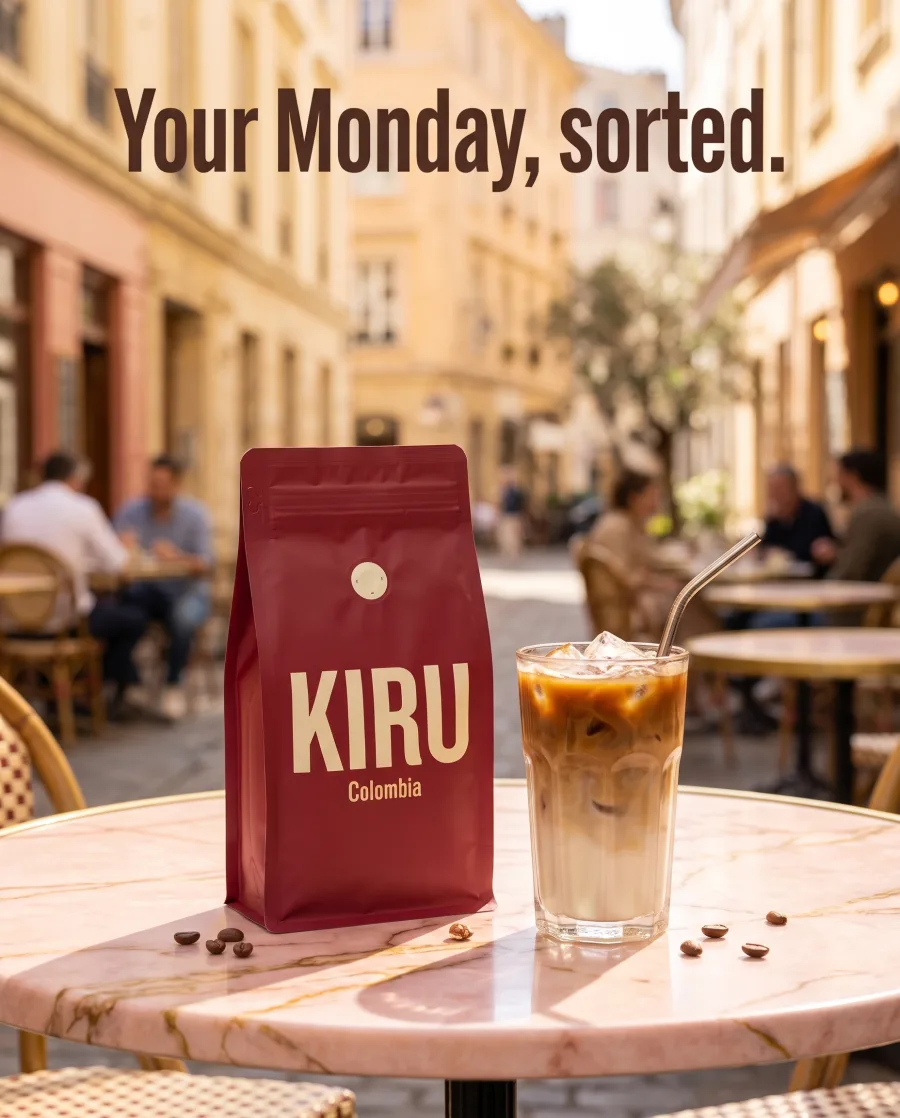 MondayKkirucoffeeWednesdayKkirucoffee
 Friday
Product photos for your shop and your feed
Add a phone photo of your product and say where it should be. Show it on a stone stand for your shop page, or on a terrace for your feed. Or show it in a model's hand.
See AI product photography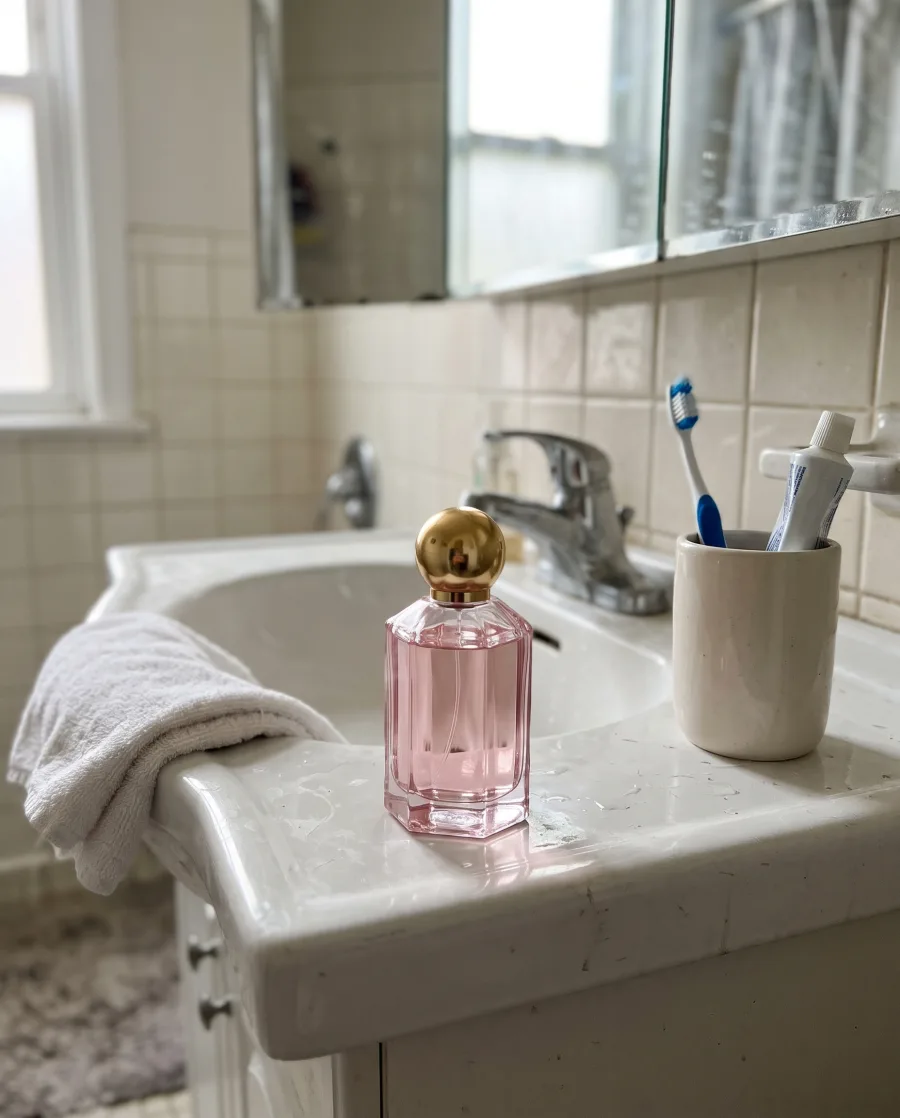 Your phone photoRose eau de parfumAdd to bagShop pageYyourbrand
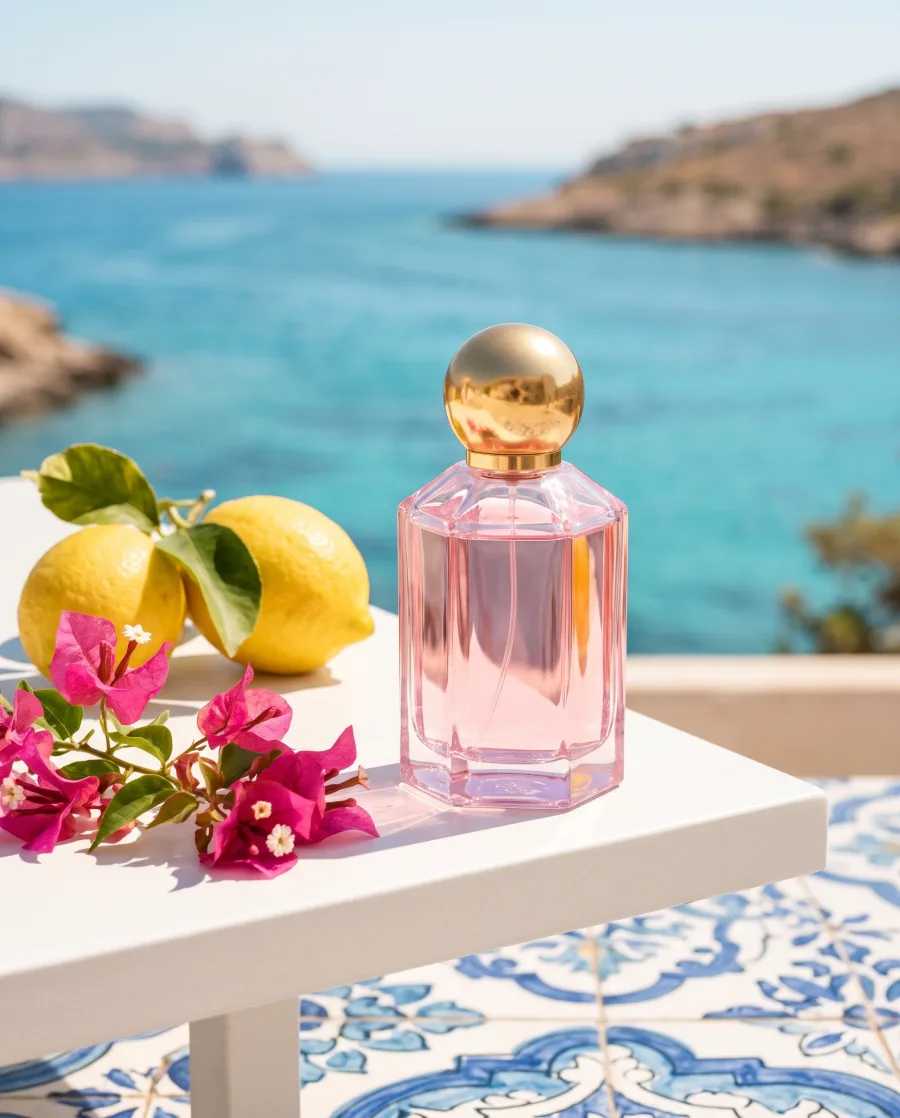 Instagram post
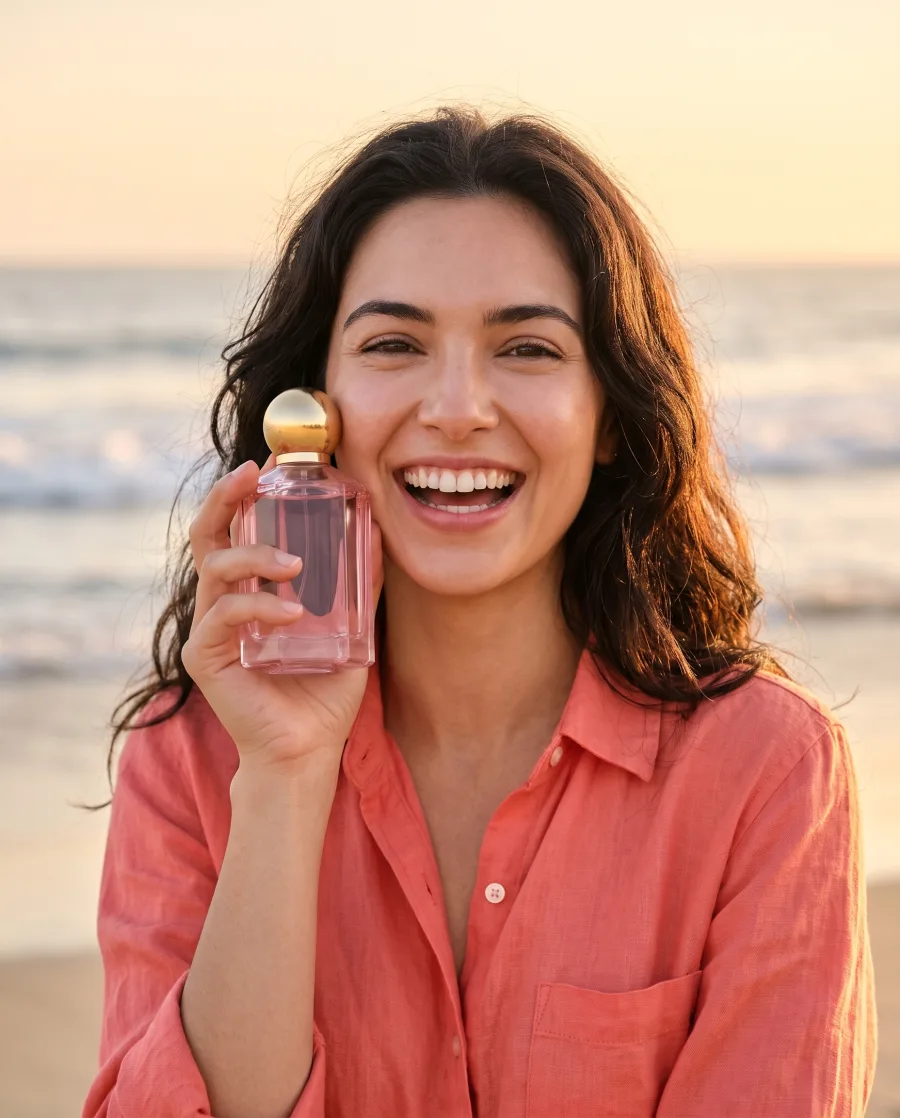 With a model
Creator-style videos with your product
Pick the Creator video skill and add your product. Get a short vertical creator-style video of your product. The person in it is made with AI.
Video starts on the Premium plan.
See AI UGC videosYour productClose-upChanges to a picture in plain words
Ask to remove a thing, change the background or change the light. Your product and the rest of the picture stay as they were.
See the apps that fix a picture Your picture
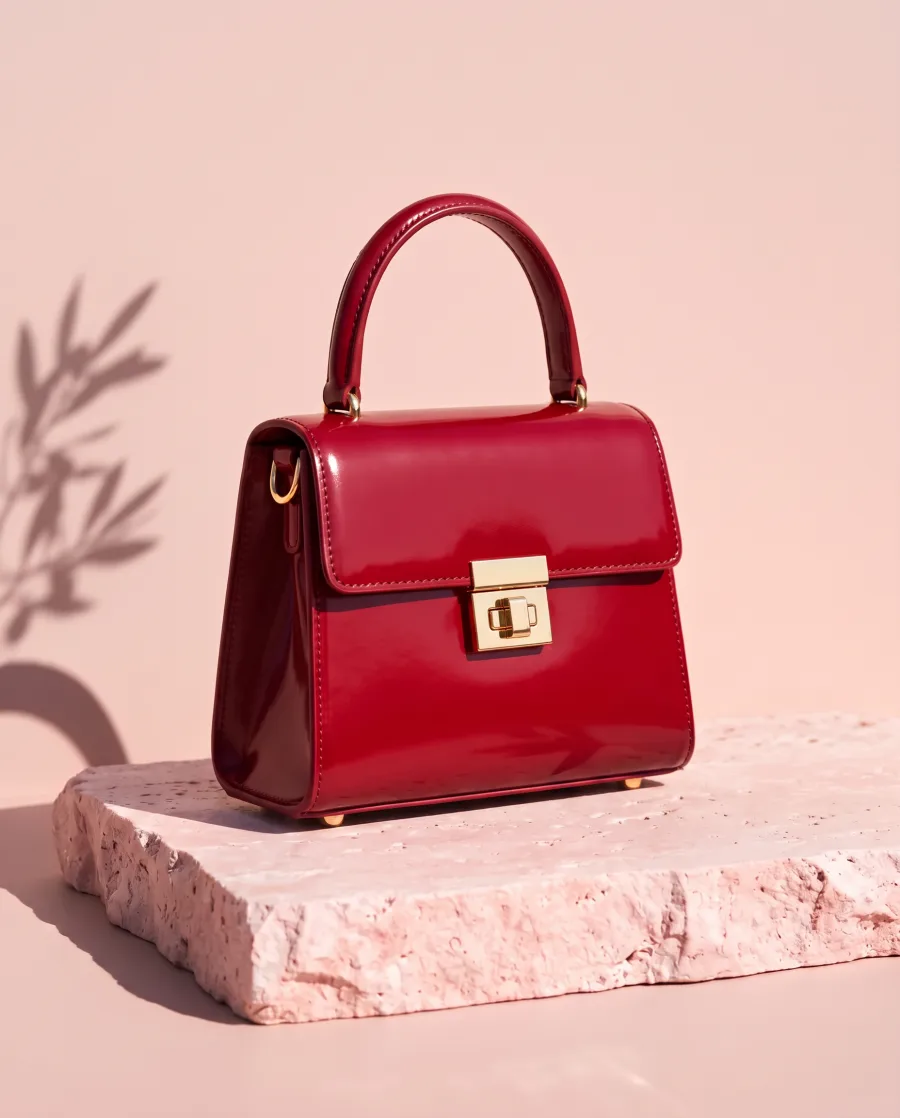 Leaves removed
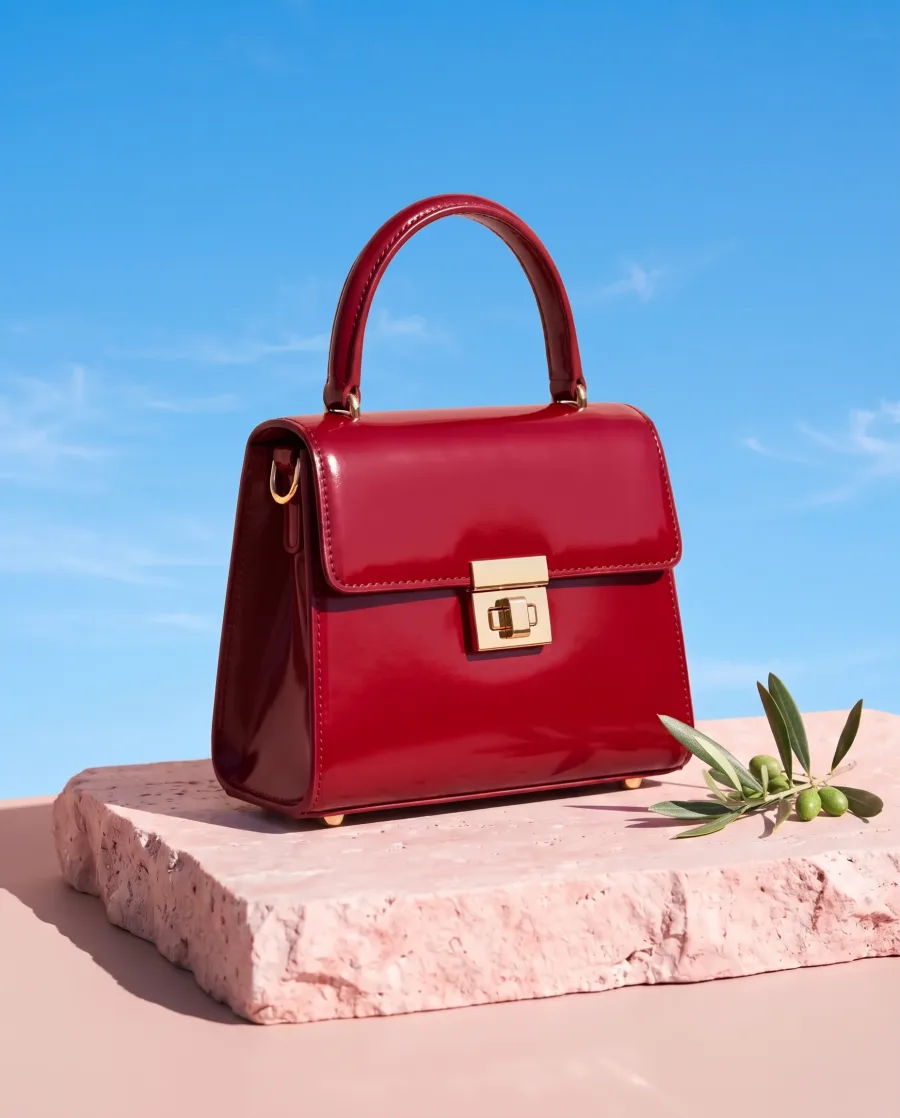 New background
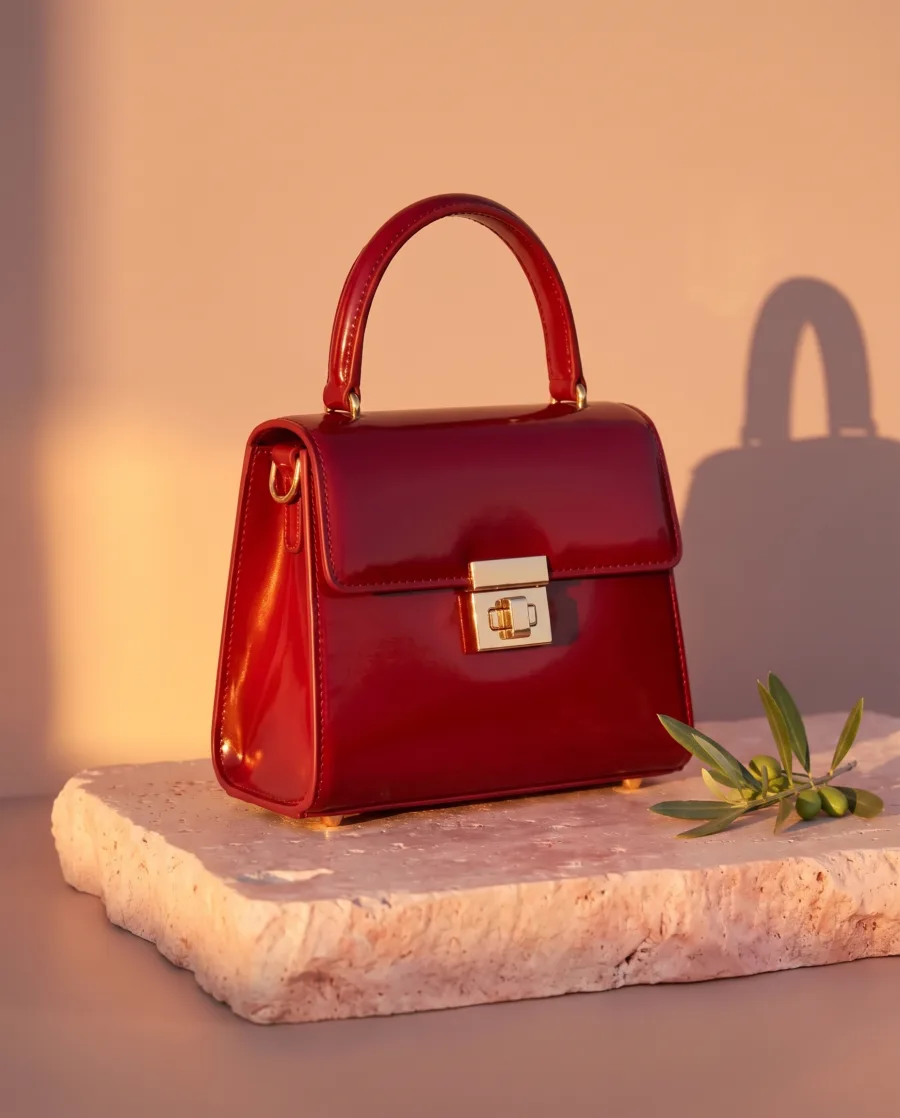 Evening light
Start free. With Ask first, you see the price before you make anything.
Your own photos and prompts start on the Pro plan. Video starts on the Premium plan.
How it works
How Create works
Type one sentence, or say it with the microphone. Add up to four pictures: your product, your logo or an ad you like.
Ask first shows the plan and the price, then you press Generate. Make now makes the result at once, when you already know what you want.
Create asks what is missing, like the offer or where the ad will run. Answer, or let it decide. Then it writes the brief: headline, offer, picture, direction and placement.
With Ask first, you see the model, the size, how many pictures, the look and the price. Then you press Generate.
Ask for changes in plain words, like "make the light warmer" or "move the headline to the top". The result appears on the board and in your Assets.
Our perfume on a sunny terrace, for Instagram.Our perfume for the shop page.A plain background, or a place like a bathroom shelf?BeforeAfterUse cases
Create use cases for shops and brands
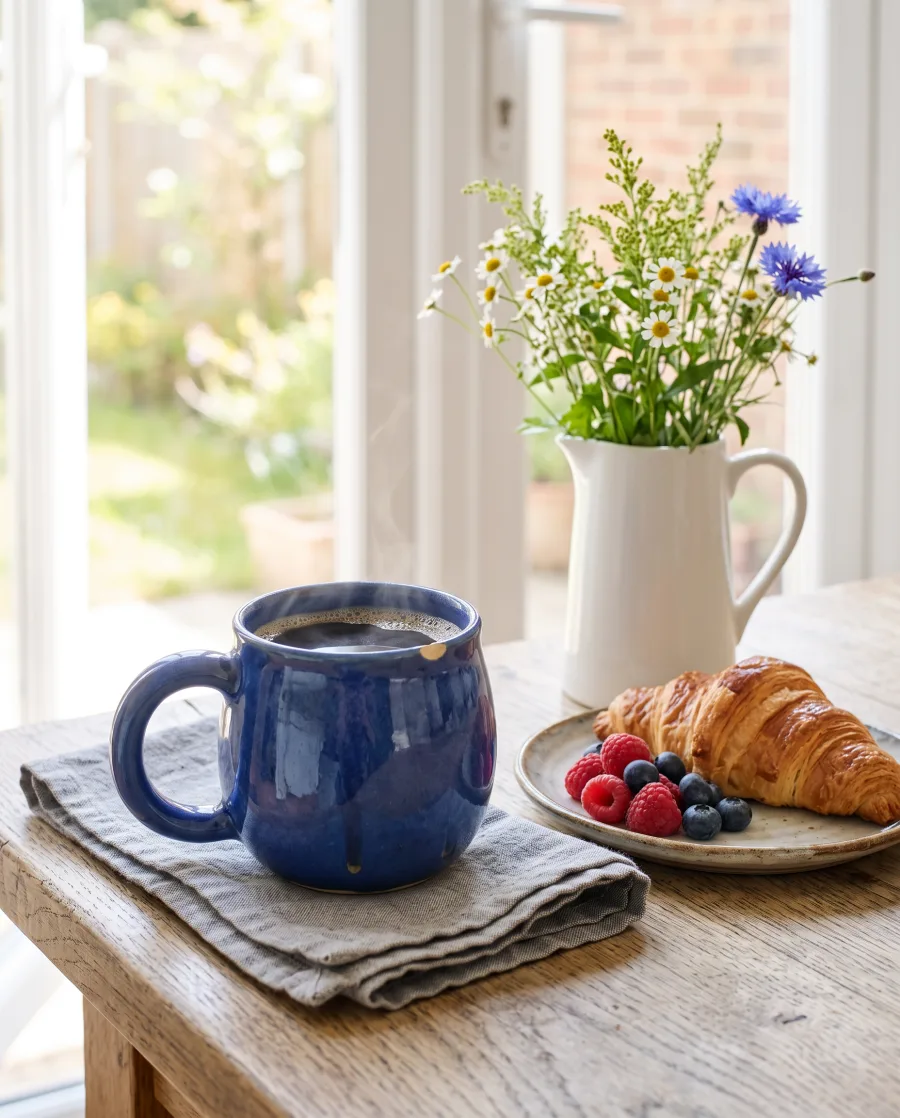 A gift shop“Our blue mug on a breakfast table, morning light.”
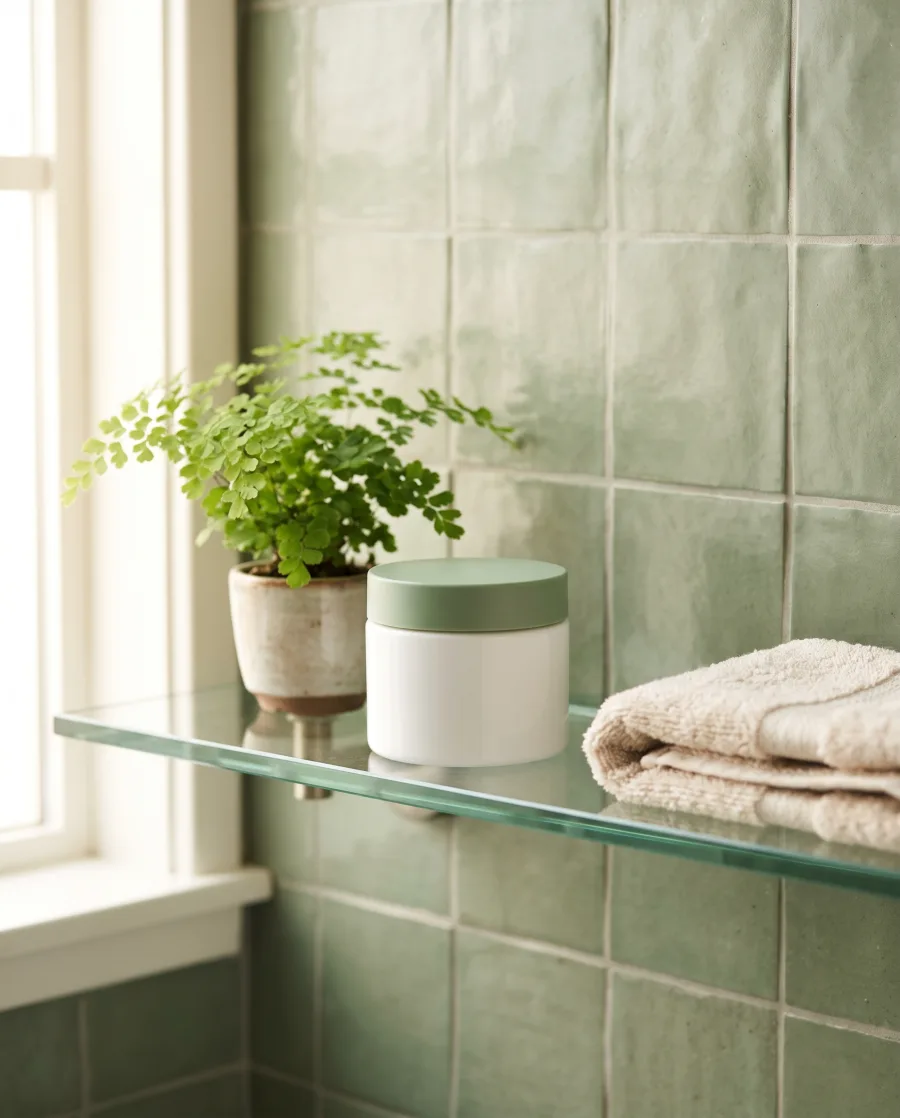 A skincare brand“The jar on a bathroom shelf, soft morning light, no text.”
- A coffee brand“A week of posts for our coffee brand.”
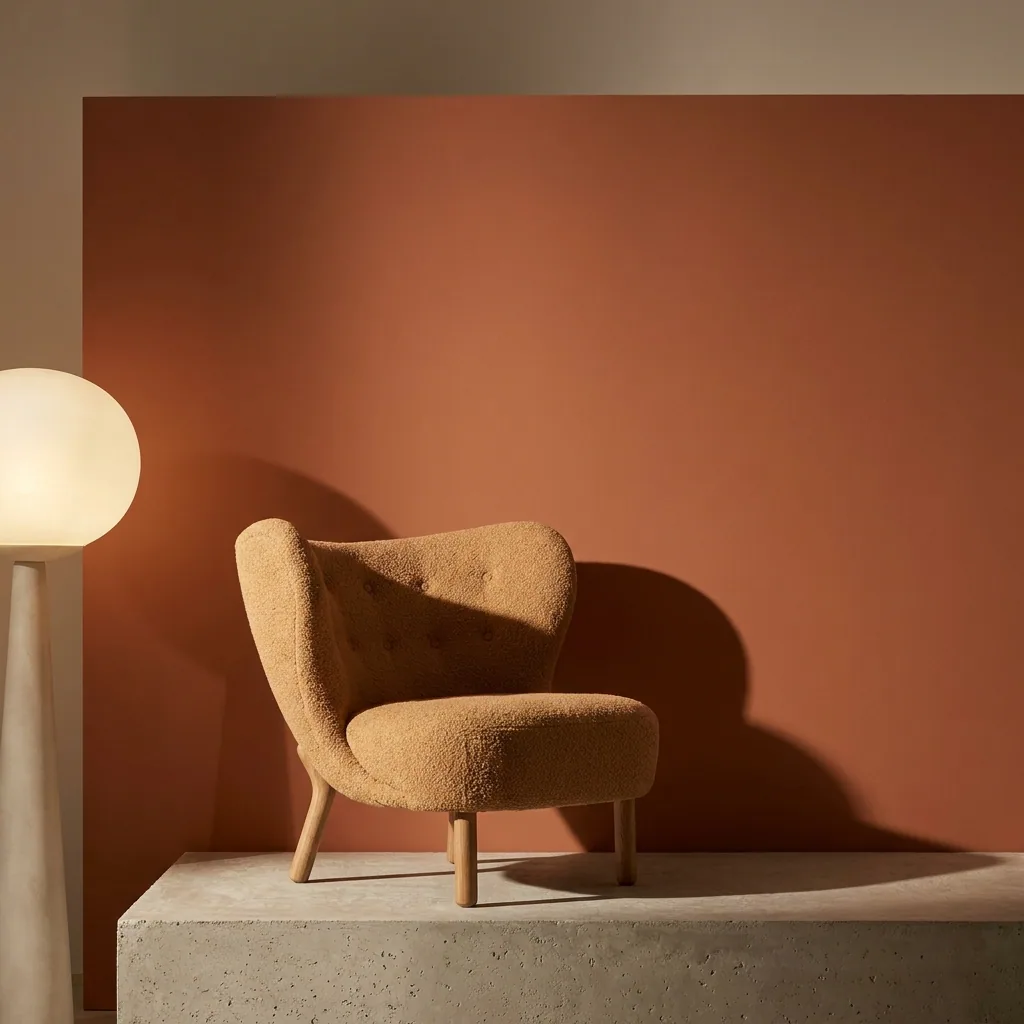 A furniture shop“This chair against a warm orange wall, afternoon light.”
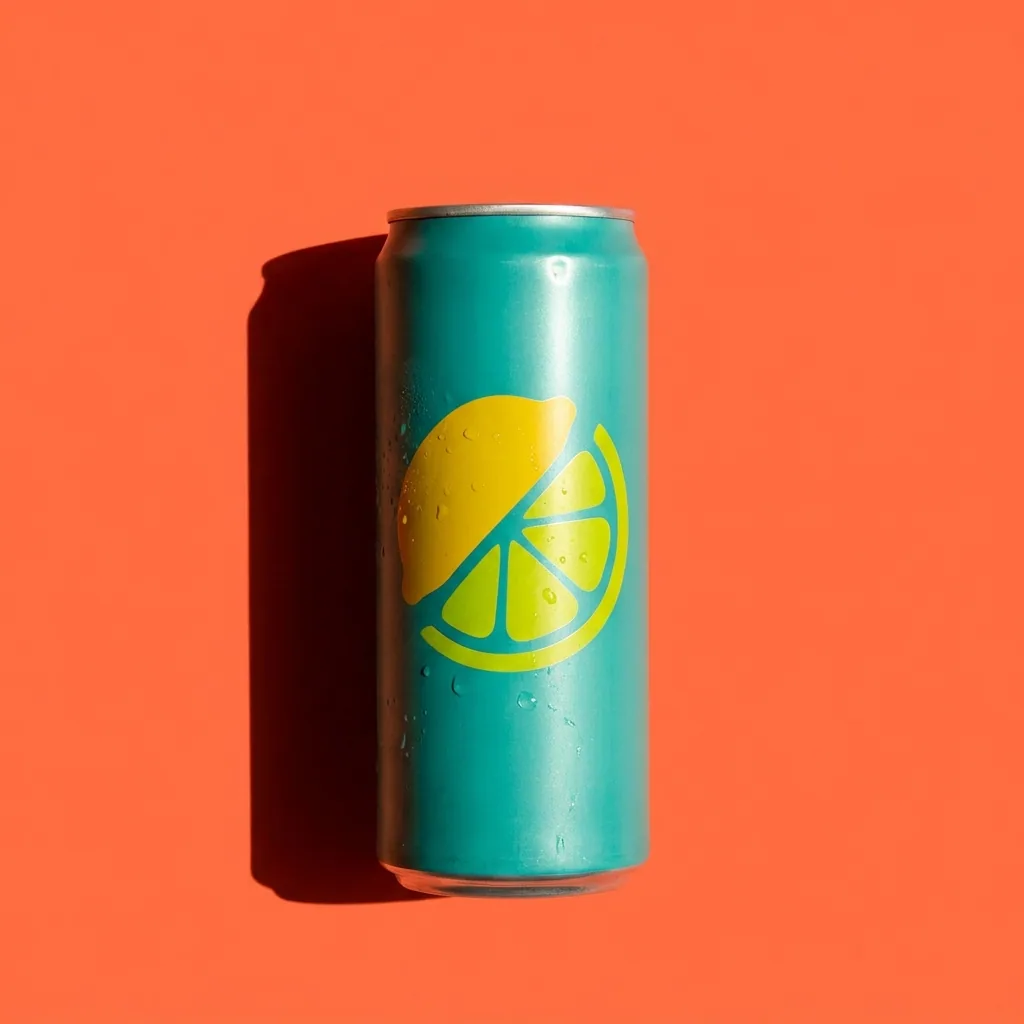 A performance marketerAdds last month's best ad and asks Analyze ad what to fix before the next test.
 A freelancer“White background photos, then two lifestyle scenes, for every product.” Create drafts a workflow to run again.
Inside DesignerBox
Everything else in one place
Each part has its own page. You do not need a separate app for each job.
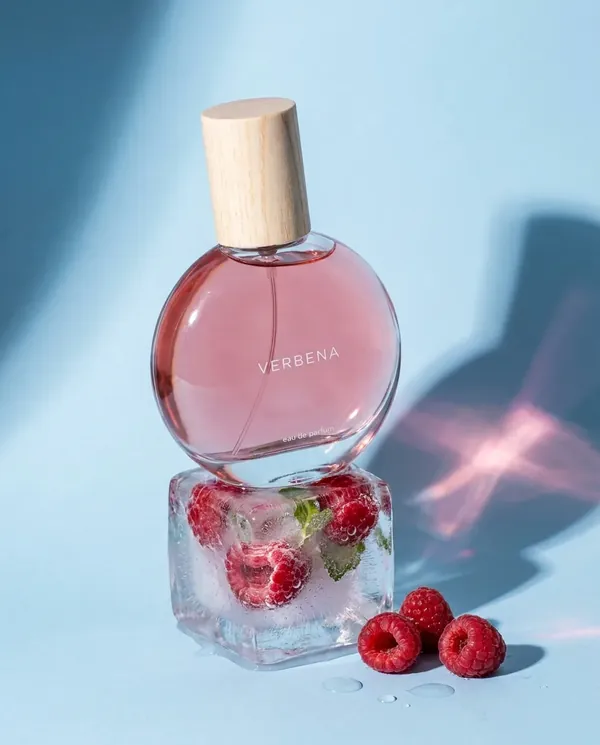 GeneratePick the picture or video model yourself
 InspirationMake a finished idea with your product
 AvatarsOne person in every picture and video
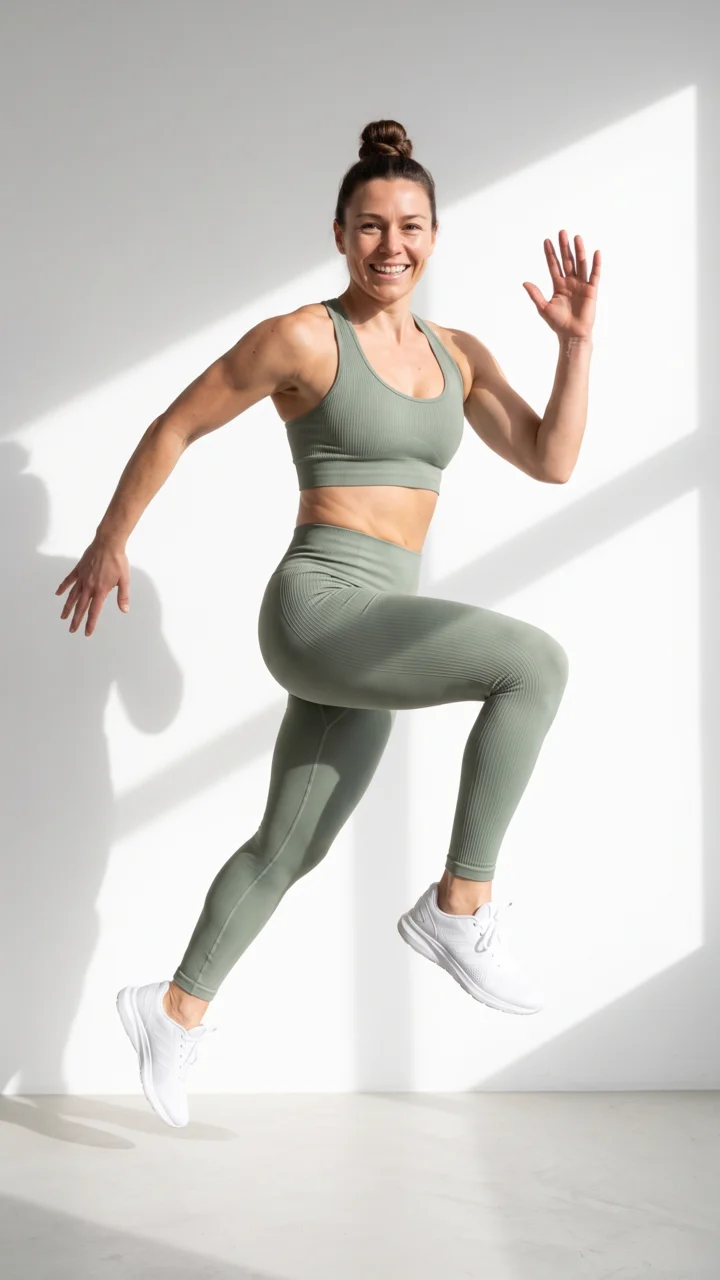 Brand kitYour logo, colours, fonts and rules
 Image editorAdd text and a logo in ready social sizes
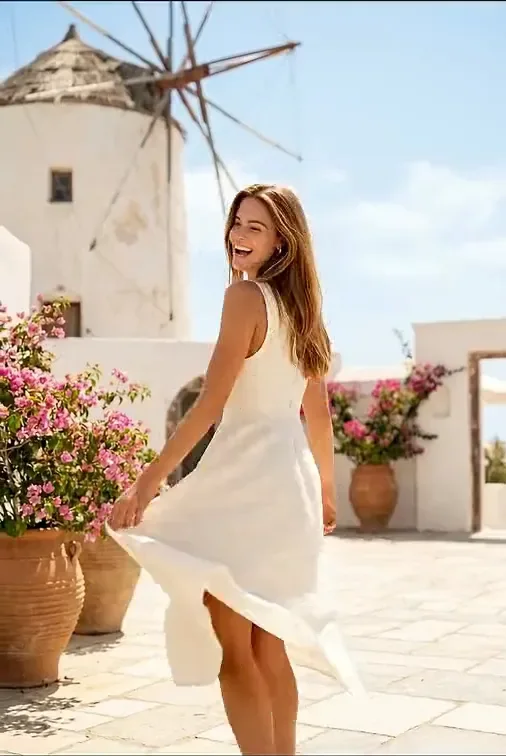 Video editorCaptions, a voice and music on your clips
- AssetsEvery picture and video, in folders
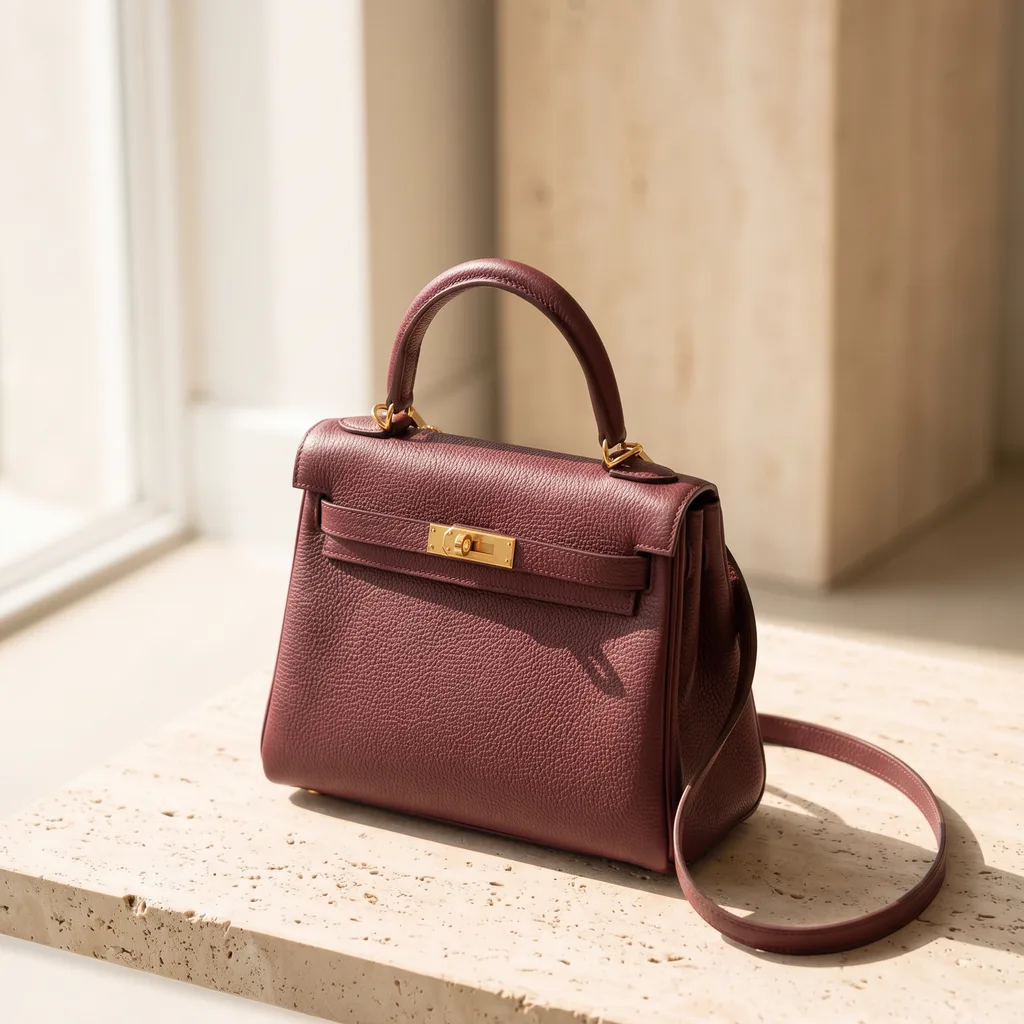 ReviewsYour client picks pictures from a link
 TemplatesReady workflows with every step built
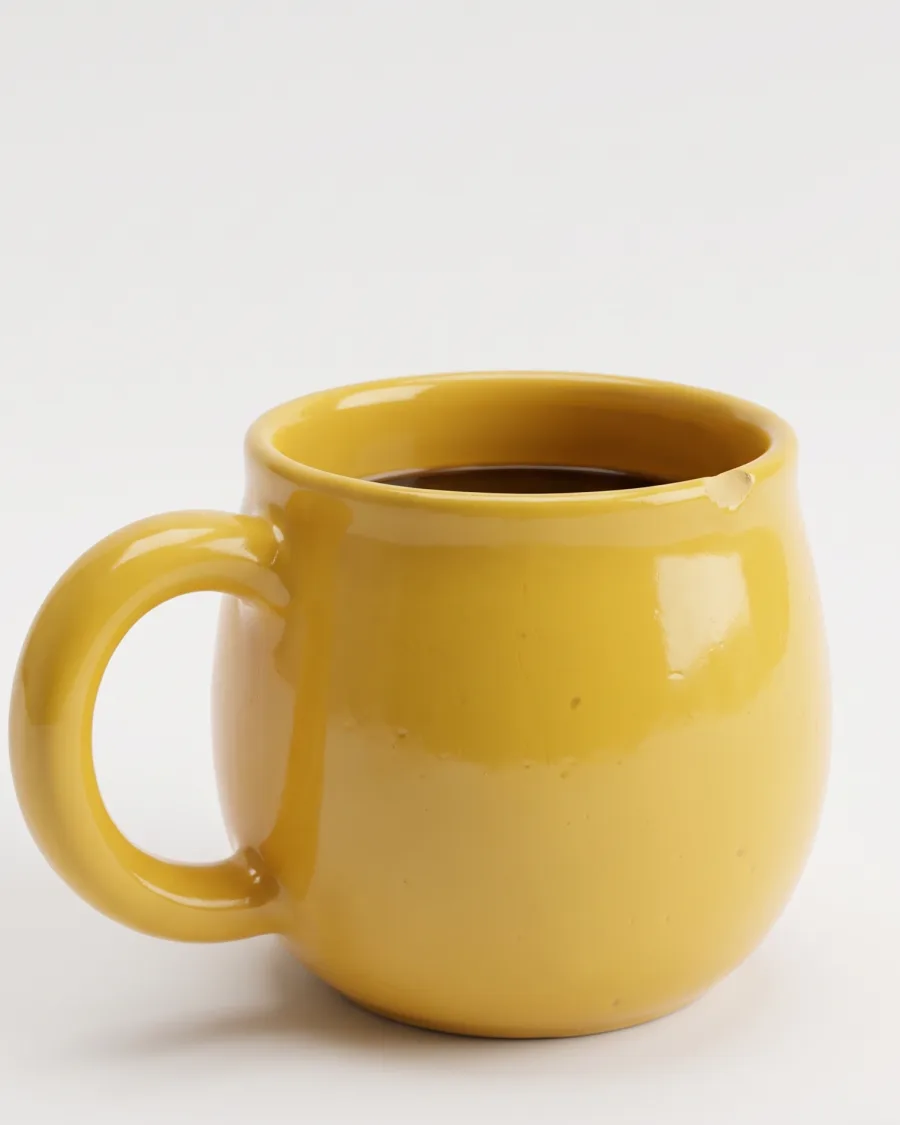 AppsAdd a photo, fill a short form, press Run
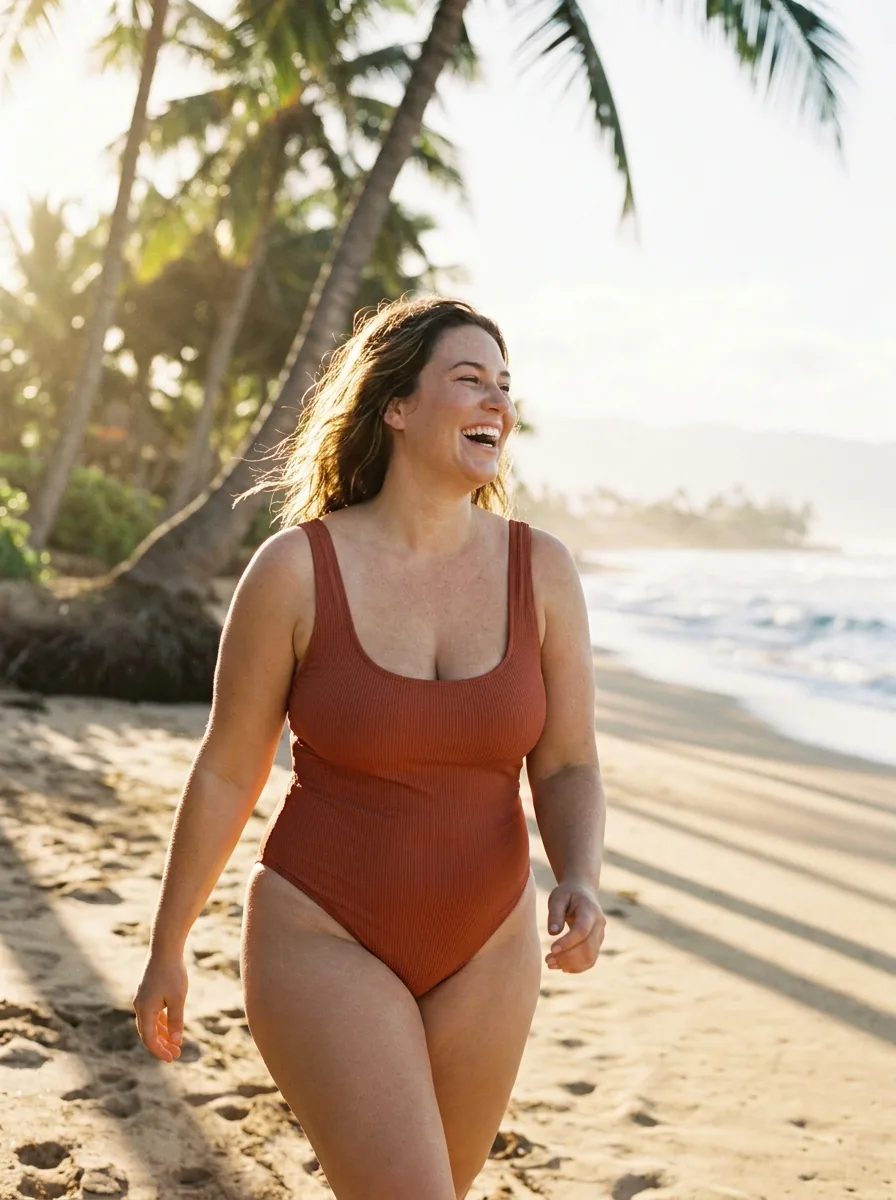 WorkflowsSave your steps and run them again
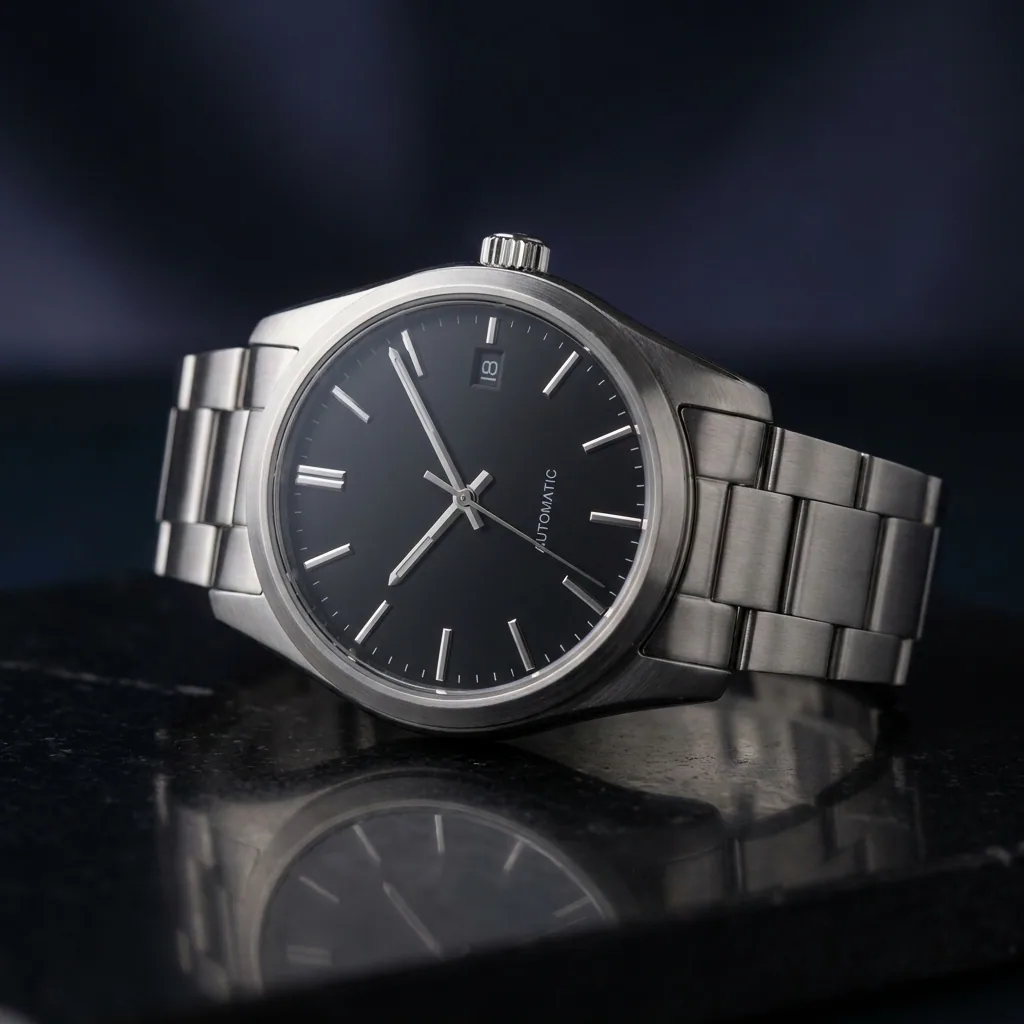 BatchOne job on up to 200 products
What is Create in DesignerBox?
Create is the first screen of DesignerBox. You type what you need and add your product photo. The chat turns it into a brief, you check the brief and the price, and DesignerBox makes the result.
Do I need a good prompt?
No. One sentence is enough. Create asks what is missing and writes the full brief.
What can Create make?
Static ads, social posts, product photos, creator videos and animated ads. It can also edit a picture, draft a workflow and review an ad you already run.
What does Create cost?
With Ask first, each picture or video shows its price before you press Generate. The plans are on the pricing page.
Can I use my brand?
Yes. Pick your brand in the field. Create uses your logo, colours, rules and products.
Can I add my own photos?
Yes. Add up to four pictures to a request: your product, your logo or an ad you like. Your own photos and prompts start on the Pro plan.
What is the difference between Ask first and Make now?
Ask first shows you the plan and the price, then you press Generate. Make now makes the result at once, when you already know what you want.
Say what you need.
Sign up free with Google or your email. Your own photos and prompts start on the Pro plan.
Get started free- Claude
- ChatGPT
- Cursor










