For developers and technical teams
AI image API and MCP server with your brand built in
DesignerBox runs the workflow you build once, with your brand. Run it from Claude, ChatGPT, Cursor or your own code, on every product. Every run reports what it cost.
- Claude
- ChatGPT
- Cursor

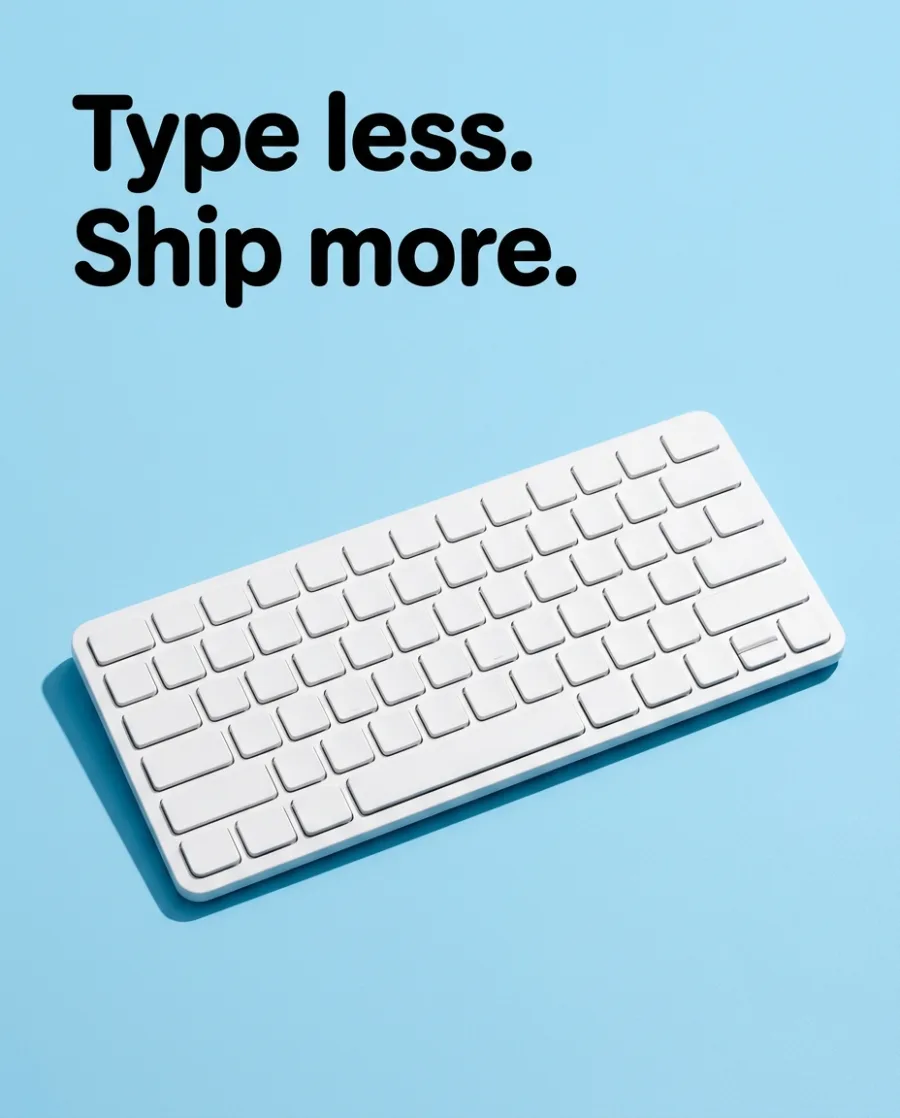

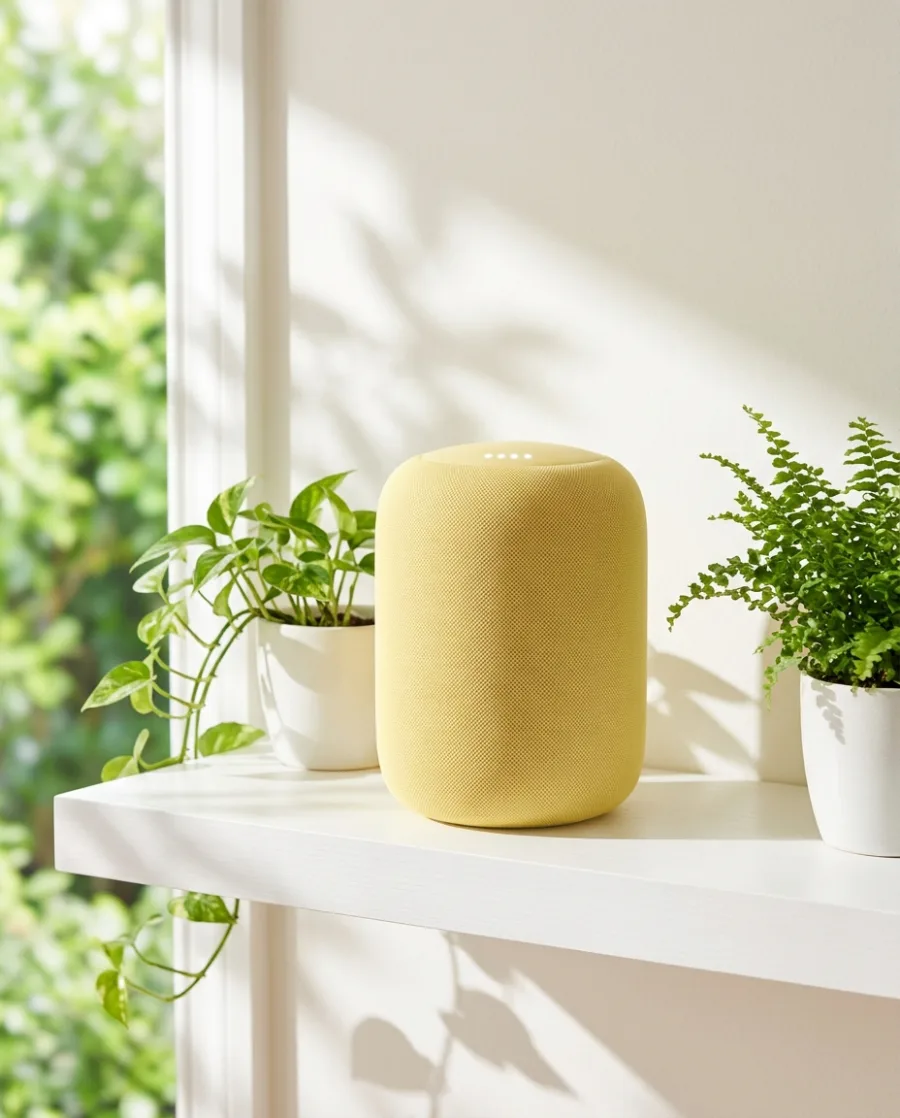



Calling an image model is easy. Getting on-brand photos for every product in your catalogue, from code and from chat, is hard. DesignerBox does the hard part.
What you can make
Pictures from your chat and your code
Your request in. Pictures out.
Connect DesignerBox to Claude once. Ask for pictures in plain words. Claude asks you to confirm each run.
See the MCP server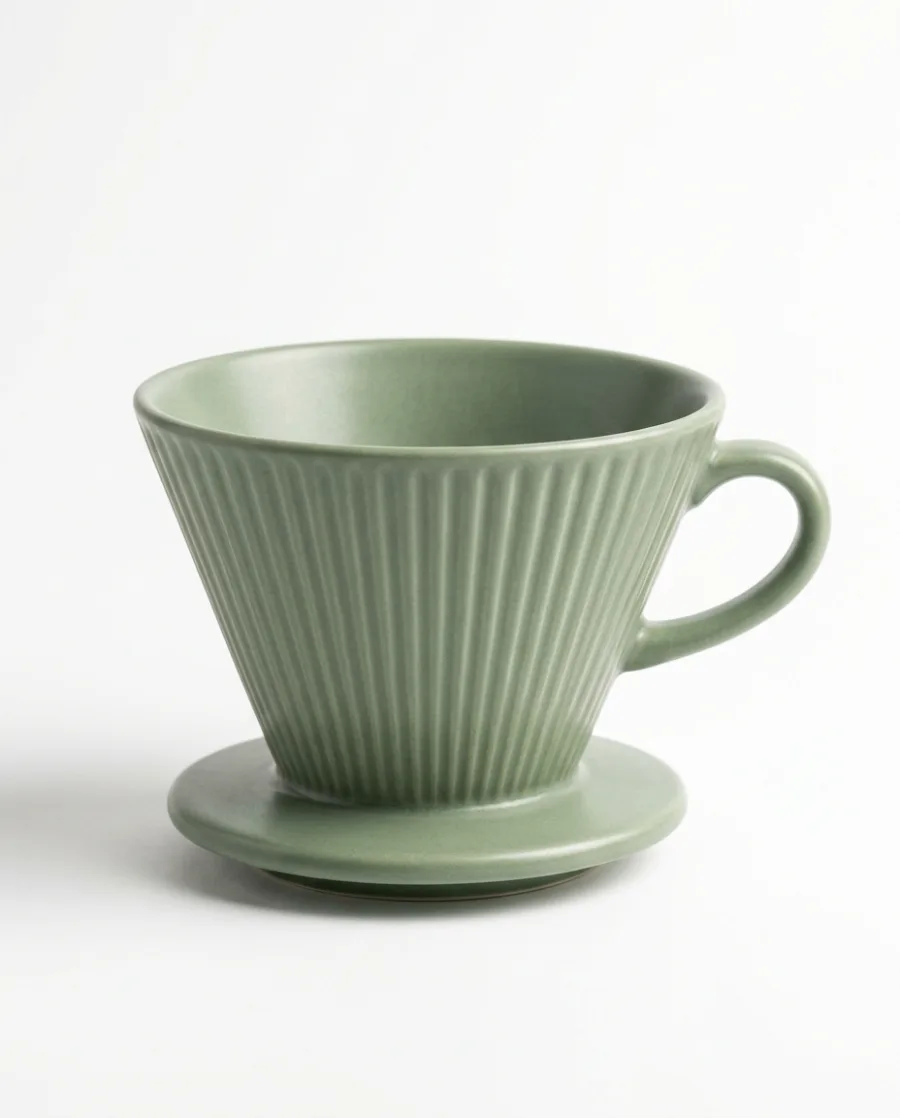 White
White Kitchen
 Café
CaféYour whole catalogue from one message
Ask in Cursor or Claude Code for every row in your product file. Your saved workflow runs on each one.
Connect your AI chat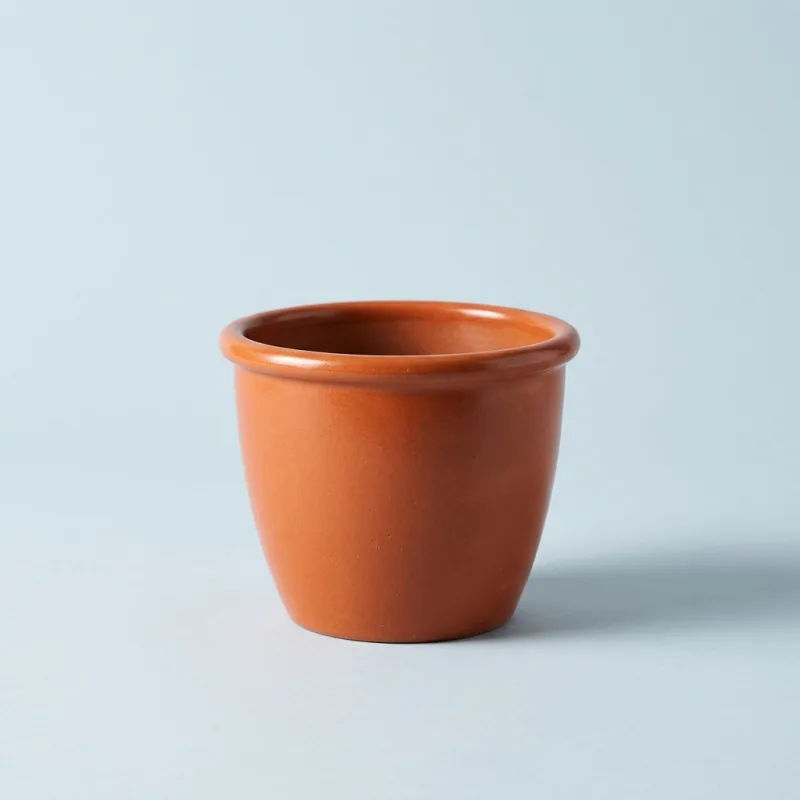 Row 1
Row 1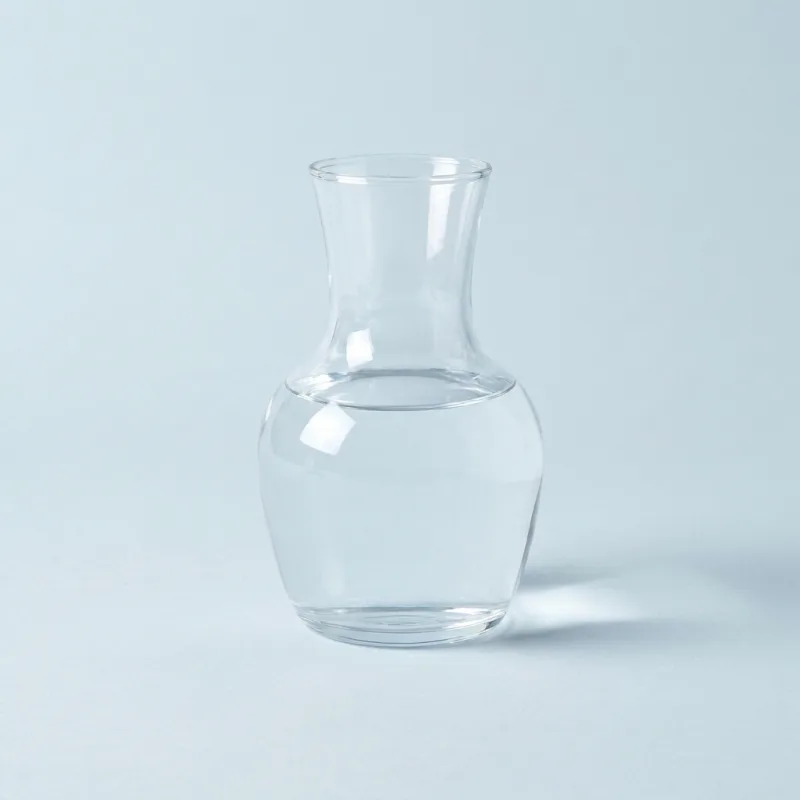 Row 2
Row 2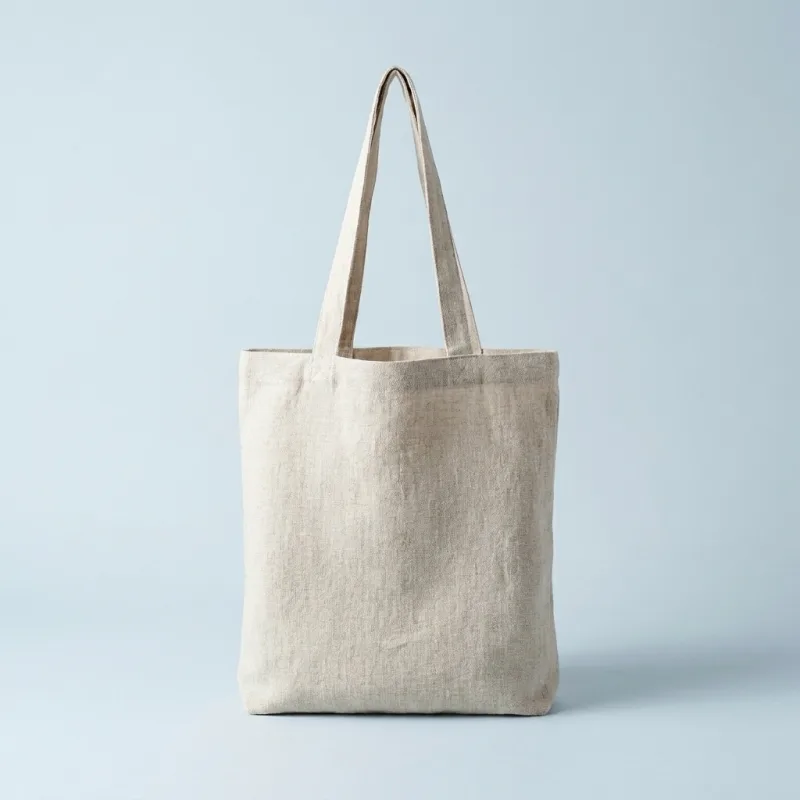 Row 3
Row 3API calls to your saved workflow
Send a product photo to your saved workflow with an API key. Every finished run reports the credits it charged.
Read the docs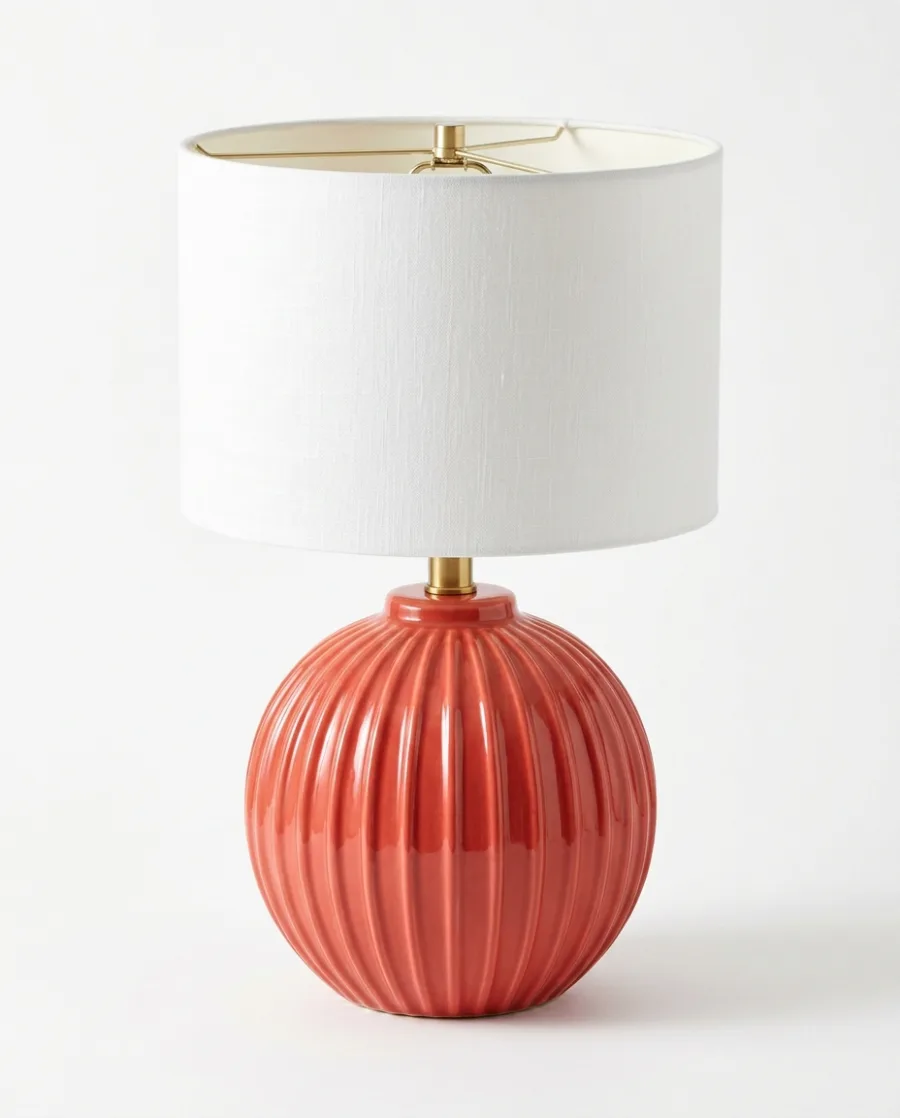 On white
 In a room
 Close-up
Start free. You see the price before you make anything.
Your own photos, your own prompts and the commercial licence start on the Pro plan. Video starts on the Premium plan. The API key starts on the Ultra plan.
Inside DesignerBox
Everything in one place
Make, edit, approve and keep every picture and video in one workspace. You do not need a different service for each job.
The picture and video models are built in. DesignerBox picks the model for each job, or you choose it yourself.
See the AI modelsPut up to 200 products in a sheet and run one job on all of them. You see the total cost before it starts.
See batchSave your logo, colours and fonts once. Pick your brand when you ask for a picture.
See the brand kitWhat you make in Create, Generate and the apps is saved in Assets. Make a folder for each product, client or campaign.
See AssetsAdd text, your logo and a price to a picture. Add captions, music and one of 20 voices to a video. Both editors start on the Premium plan.
See the video editorSend a link to your team or your client. They tick the pictures they like and add a note. They need no account.
See review links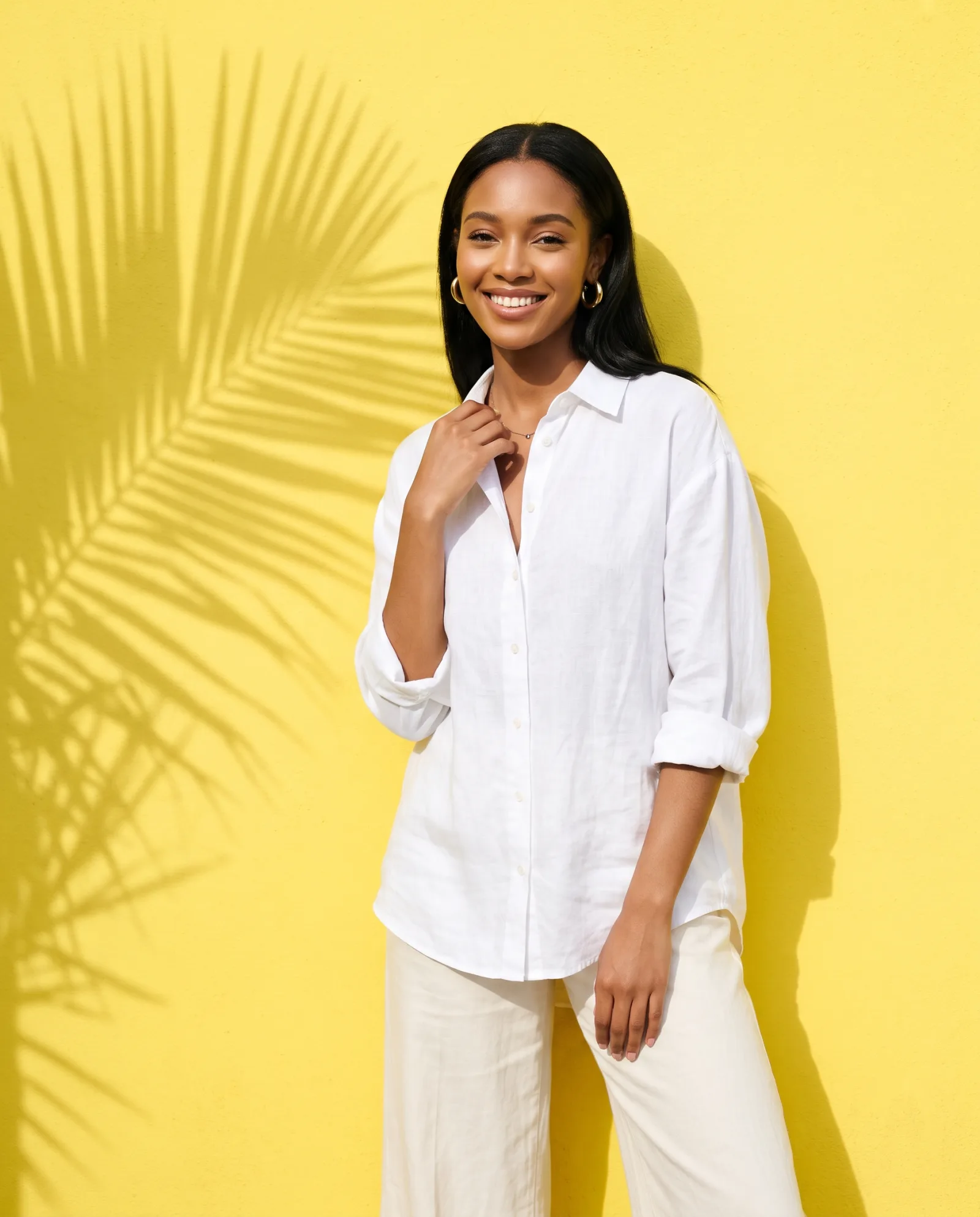
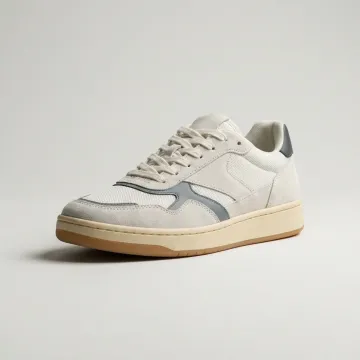 Sneakers
 Sunglasses
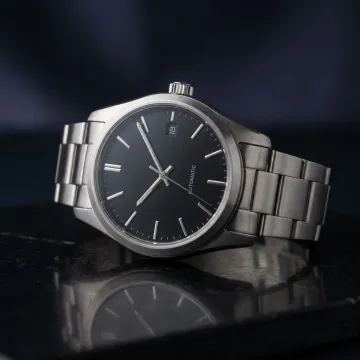 Watch
Watch Necklace
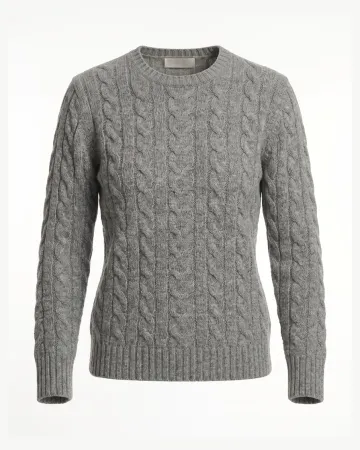 Sweater
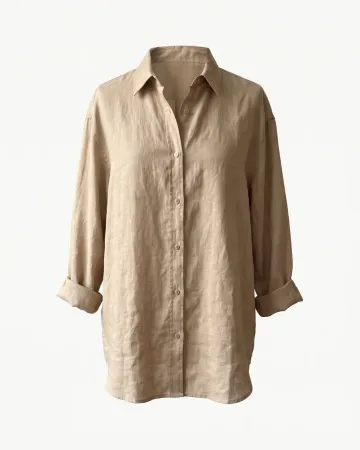 Linen shirt





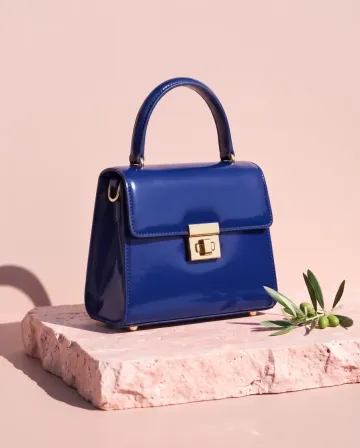
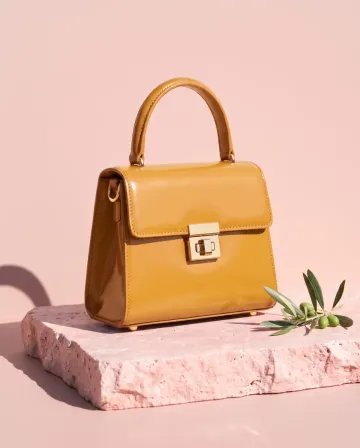
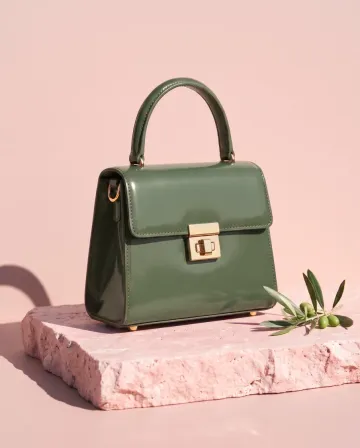 MThe blue and the green, please.
AI chat
Works in Claude, ChatGPT and Cursor
Connect once with OAuth. Your chat sees your brands, your Assets and your workflows. You confirm each run in the chat.


Who it is for
Other businesses
 Performance marketersAd versions in every size and language
 Solo foundersA one-person brand with a full set of pictures
 AgenciesEach client's pictures, in their style
 Brand teamsEvery launch and season, in one look
 Creative studiosMore photo sets with the same team
 Online shopsProduct page photos, ads and videos
 Etsy sellersListing photos for every piece you make
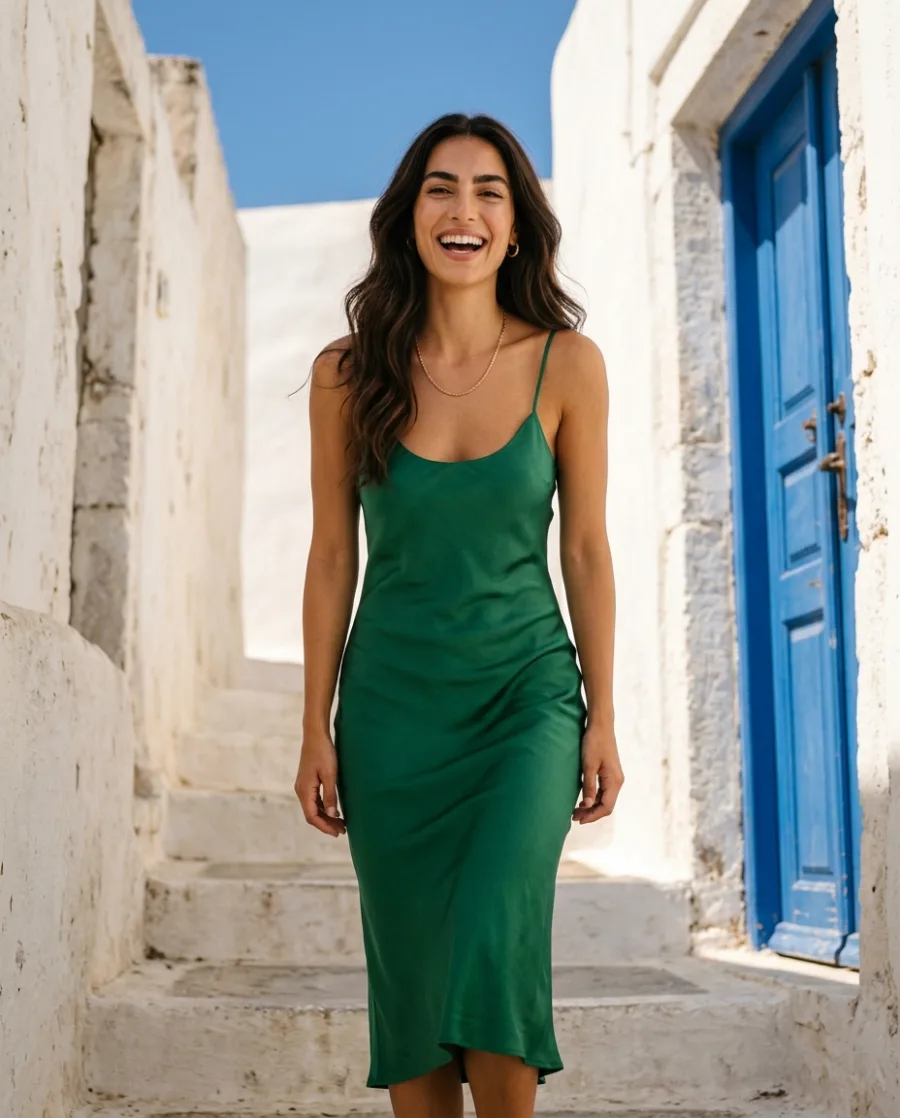 Fashion brandsYour clothes on models, no shoot
See also MCP server, MCP docs and Connect your AI chat.
Do I need an API key?
Not for an AI chat. Claude, ChatGPT and Cursor sign in with OAuth. For a script or a server, make a key in the app under Account, then API Keys, and send it as a bearer token. The API key is on the Ultra plan.
Can I call my own workflow?
Yes. Build and save the workflow in the app, with your steps and your brand. Your code or your AI chat then runs it with new inputs.
What does a call cost?
Reading your workspace costs nothing. A run uses credits, and every finished run reports what it charged. If you repeat a call with the same request ID within five minutes, you get the first result and pay once.
How do I get a video back?
Video runs in the background. Your code starts the job, checks its status, then gets the file. Video starts on the Premium plan.
Is it safe?
Sign-in is OAuth, so your AI chat holds a limited token and never your password. In the app, Settings > AI chat (MCP) lists every connected AI chat, and you can remove access there at any time.
Which AI models can I use?
Nano Banana, GPT Image, Seedream and FLUX for pictures, and Veo, Seedance, Kling and Runway for video. DesignerBox picks the model for each job, or you choose it yourself. Video starts on the Premium plan.
Make your first pictures from your AI chat today.
Sign up with Google or your email. Nothing to set up.
Get started free- Claude
- ChatGPT
- Cursor