For restaurants, cafes and bakeries
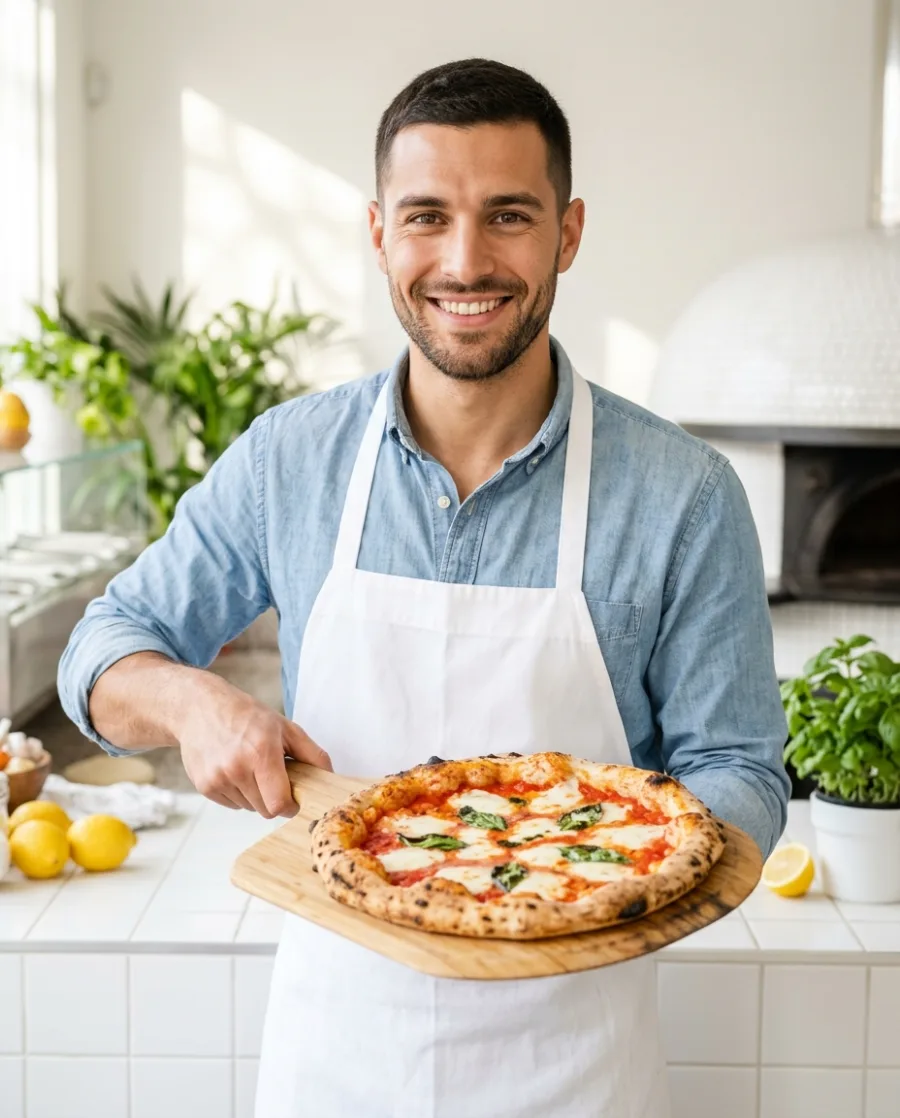
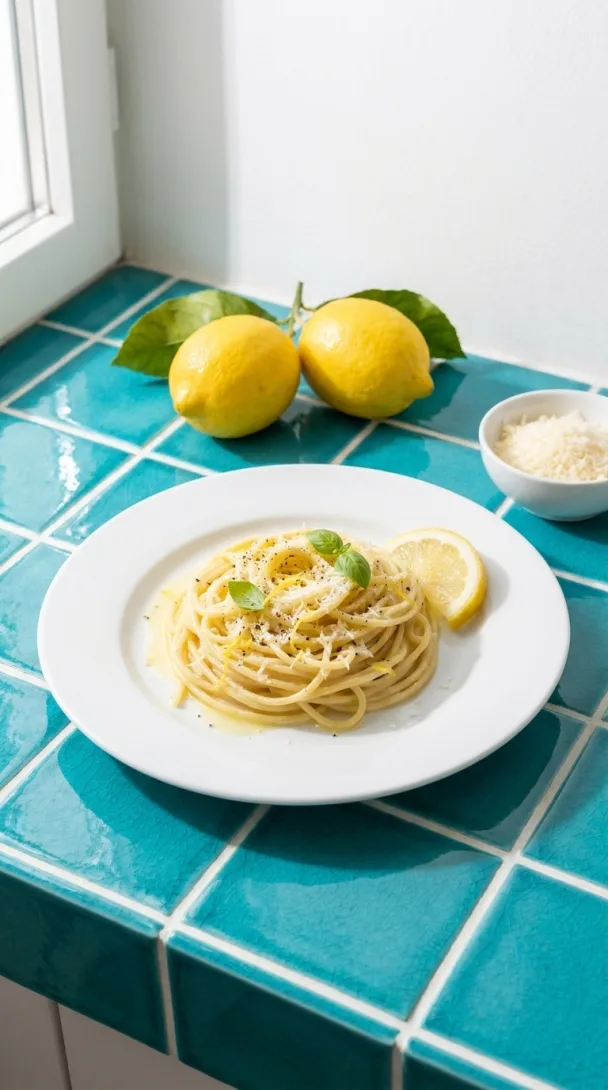
AI food photos for every dish on your menu
DesignerBox makes clean photos for delivery apps, warm table photos for your menu, offers and short videos. The AI models and two editors are built in. No food photographer needed.
- Claude
- ChatGPT
- Cursor
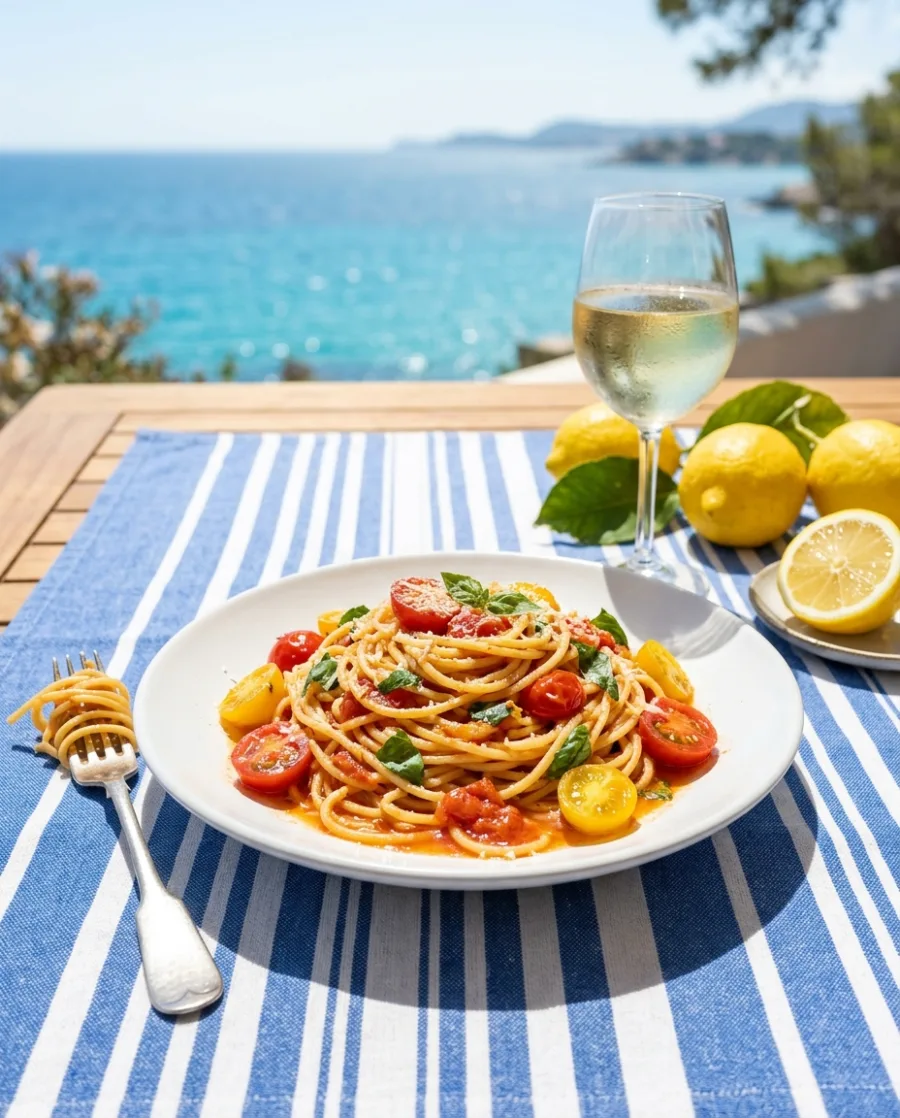
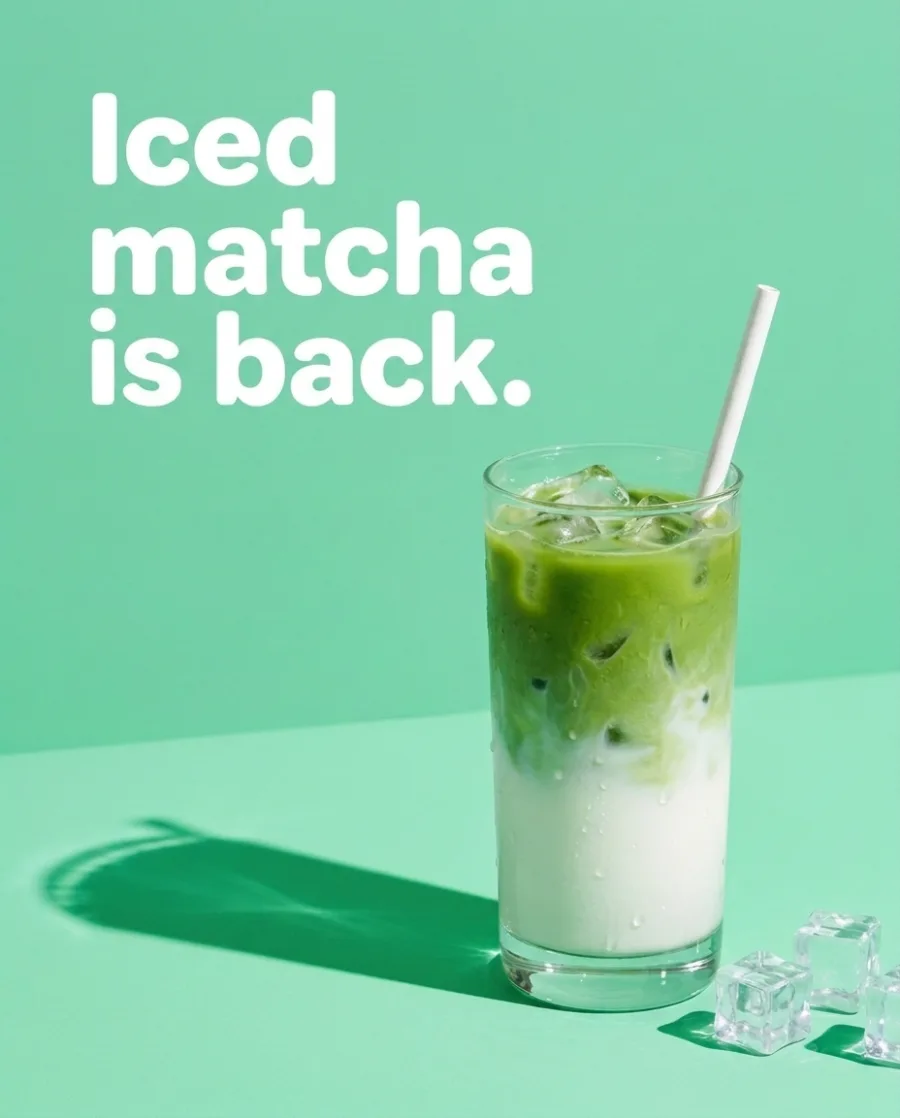
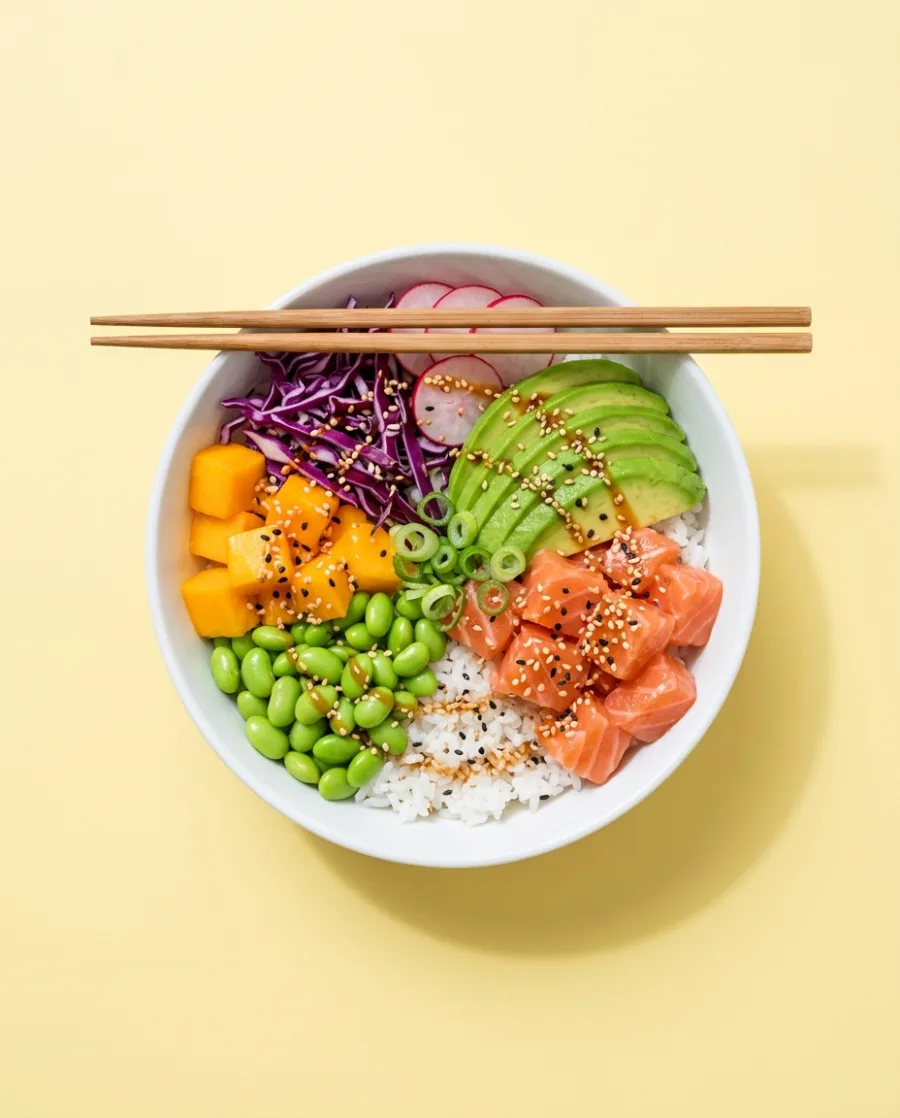
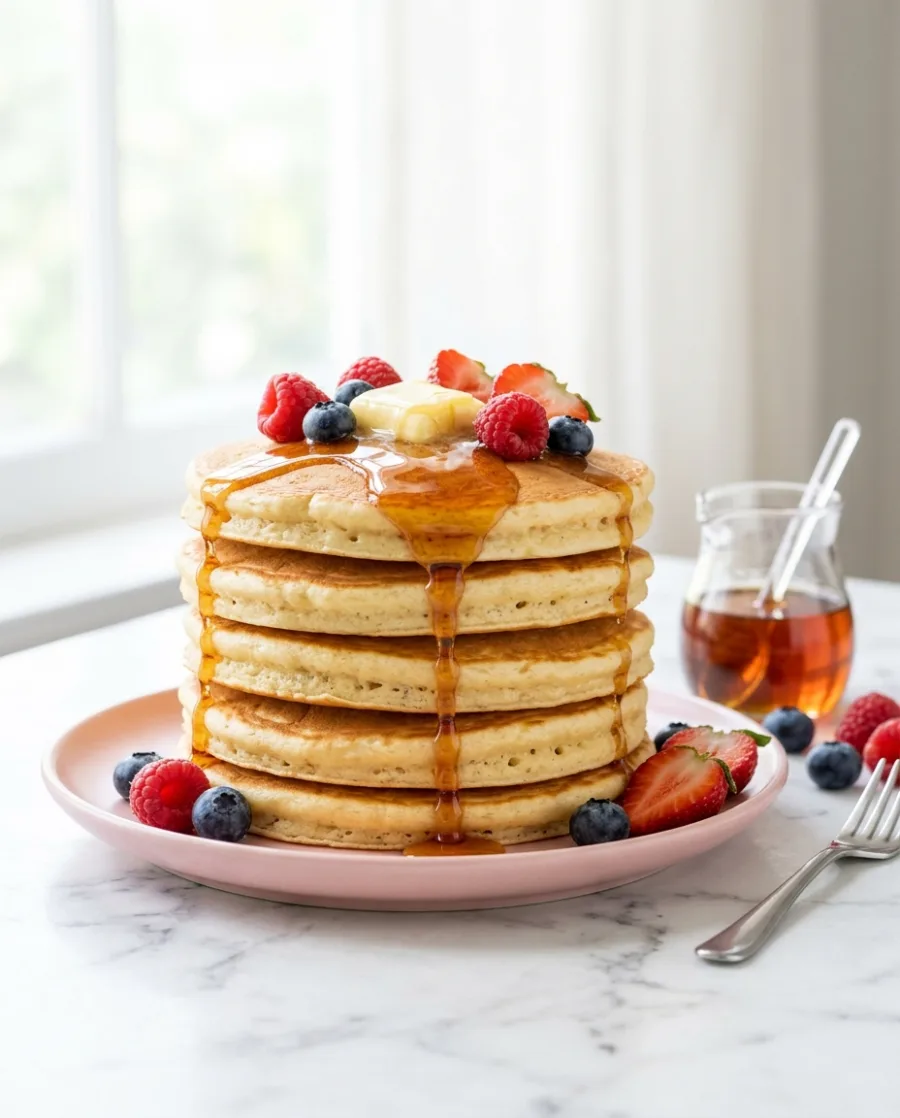
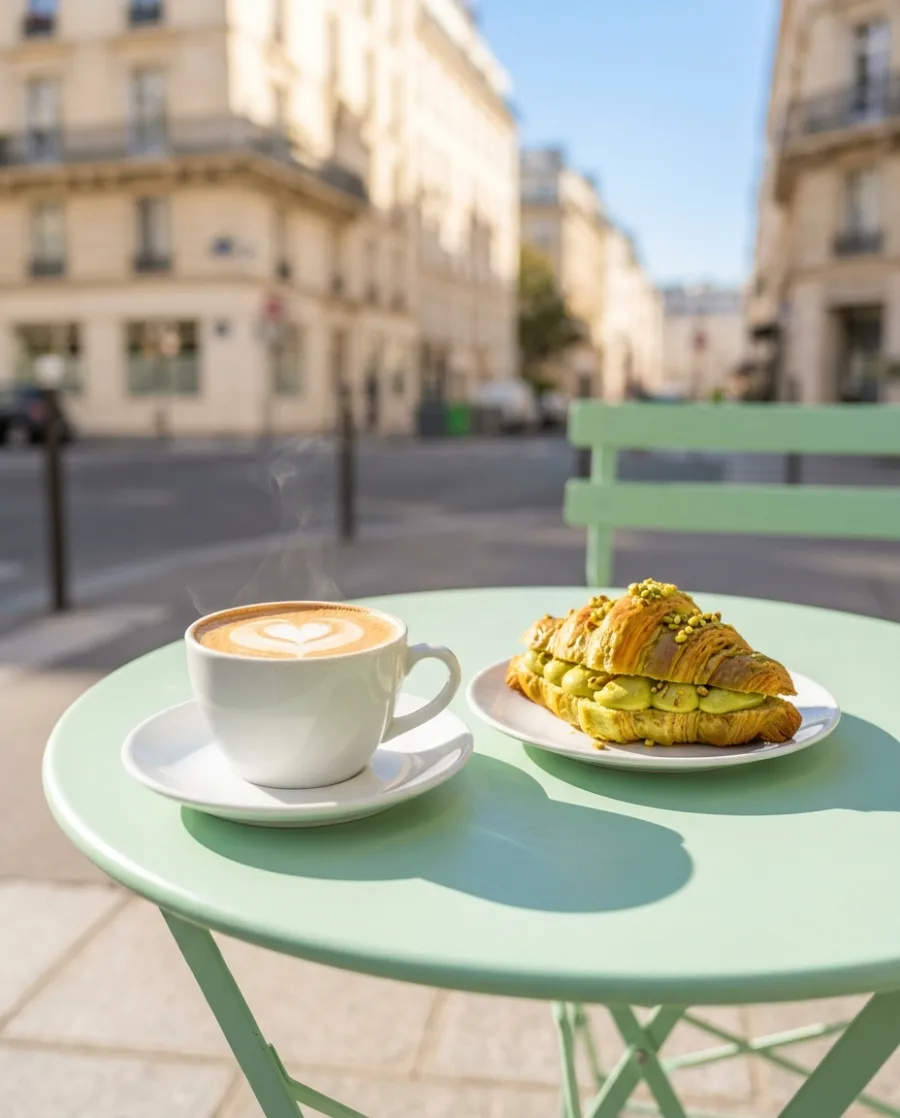

Taking one photo of a dish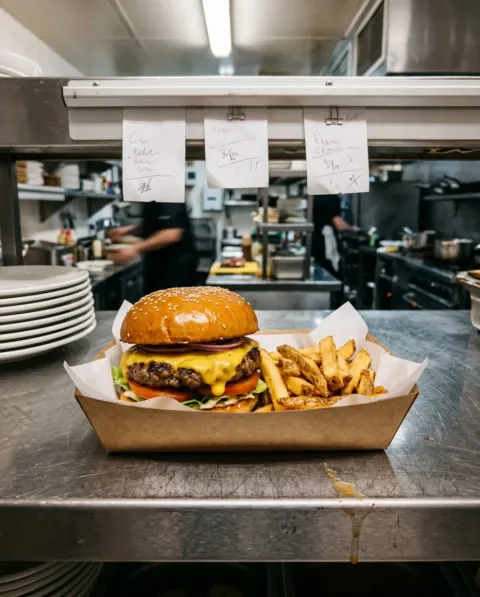 is easy. Making every dish look this good
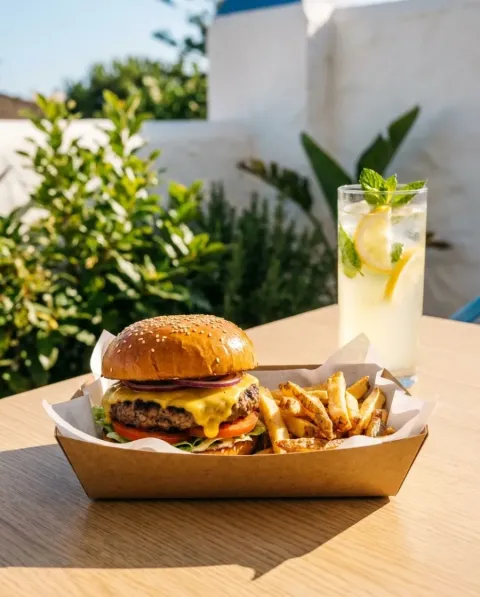 on the menu, the delivery apps and Instagram, is hard. DesignerBox does the hard part.
What you can make
Menu photos, offers and dish videos
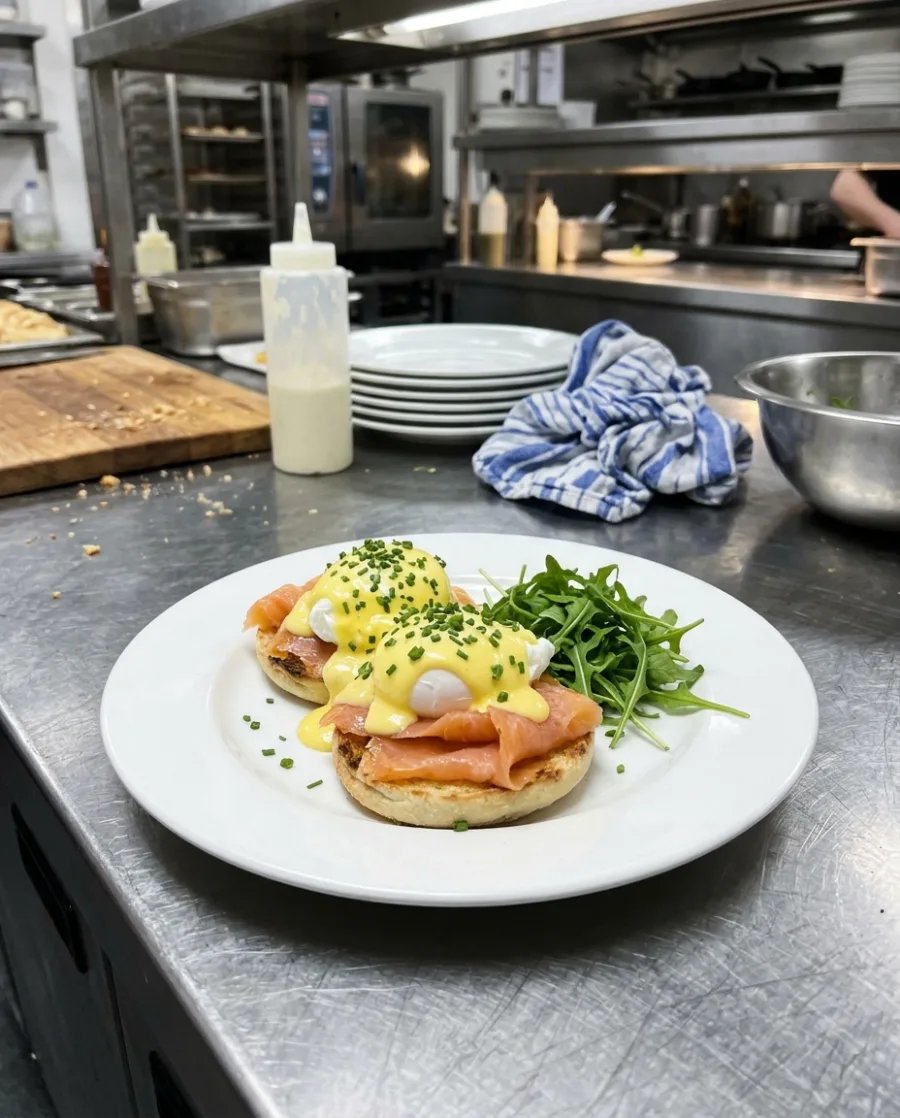
Kitchen photo in. Menu photos out.
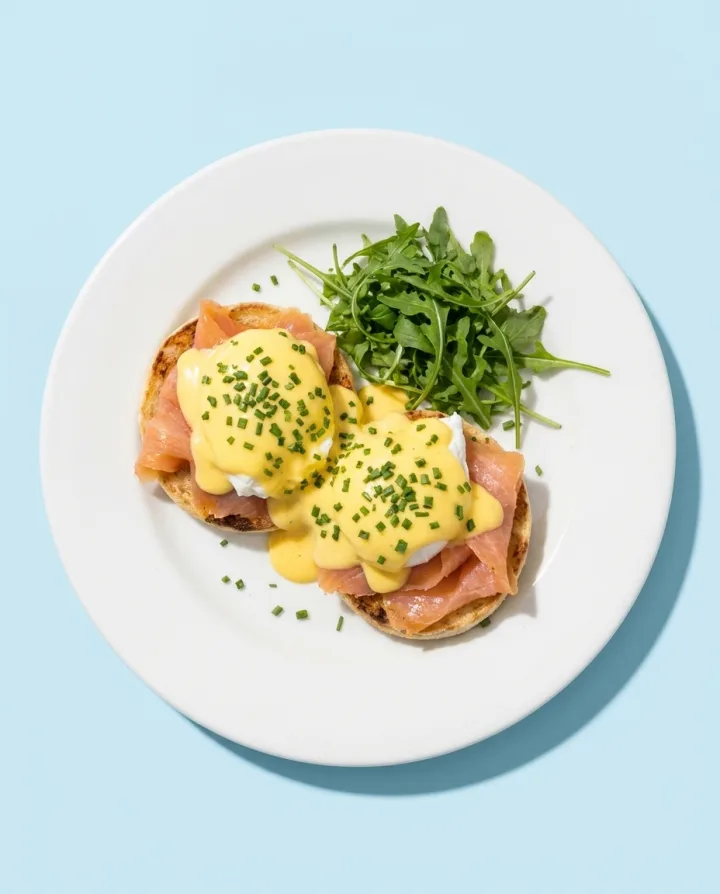
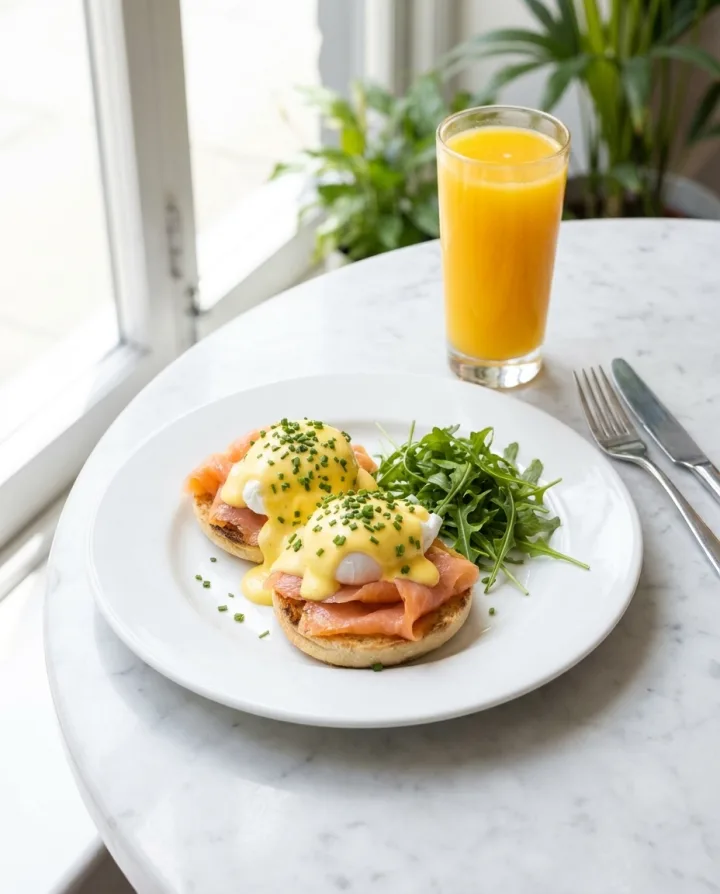
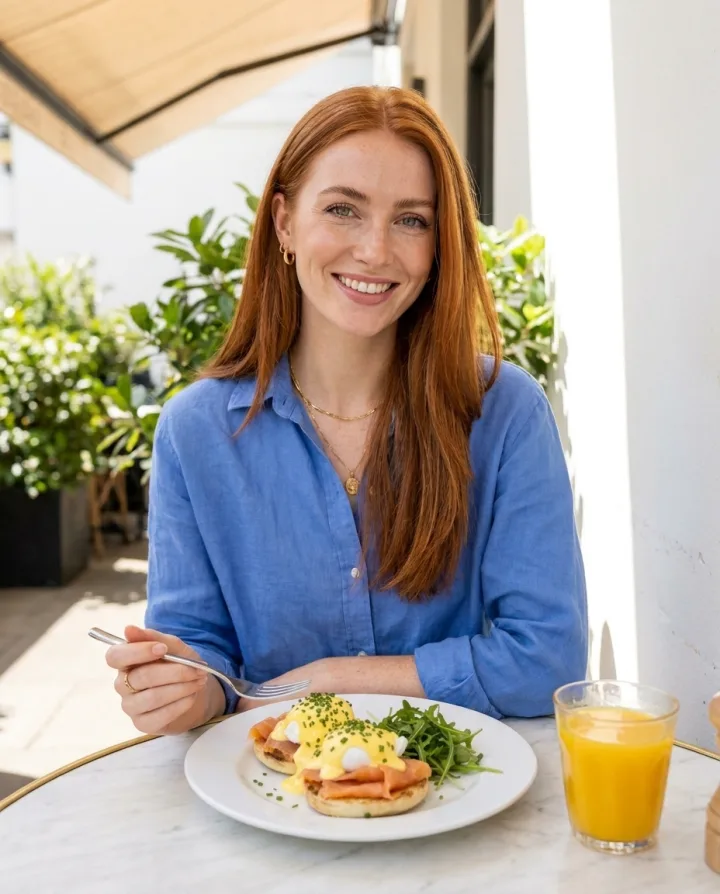
Take a photo of the dish in the kitchen. Get a clean photo for delivery apps, a warm table photo for your menu and a close-up. No food photographer needed.
See AI food photography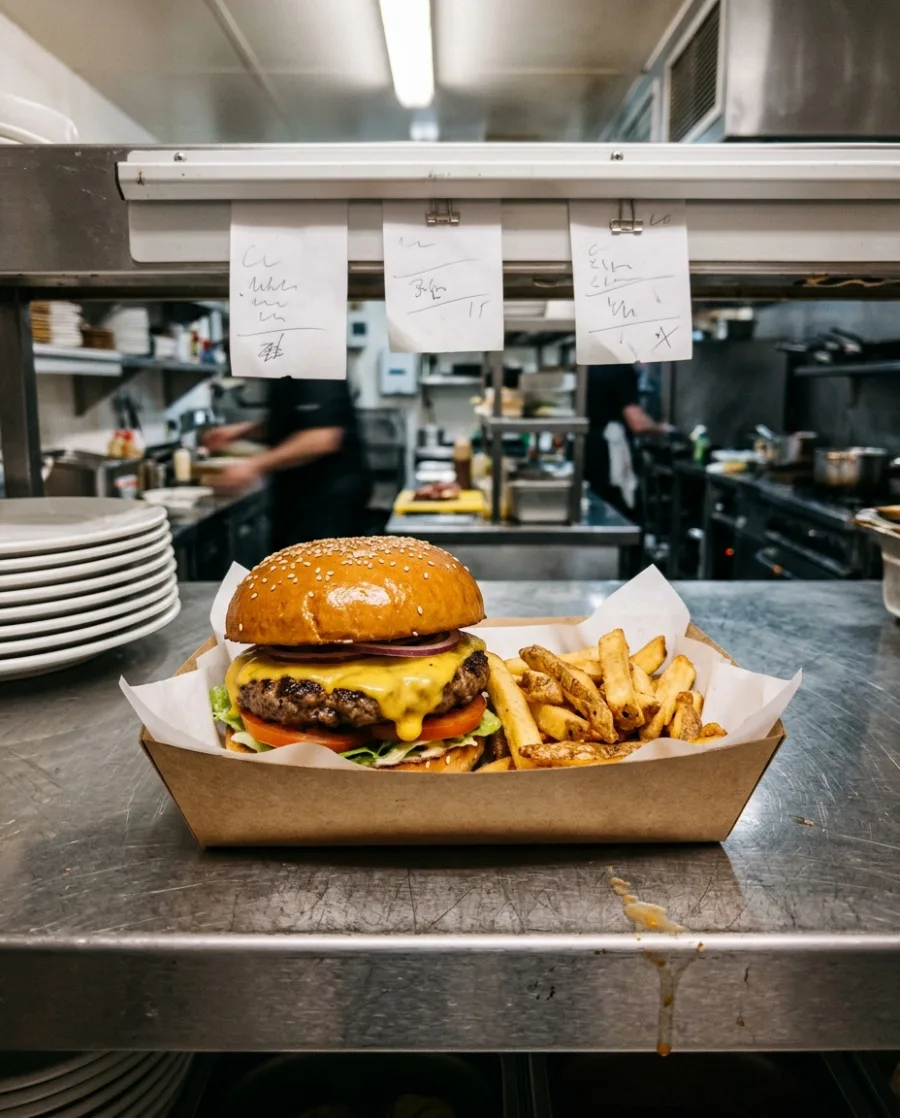 Your kitchen photo
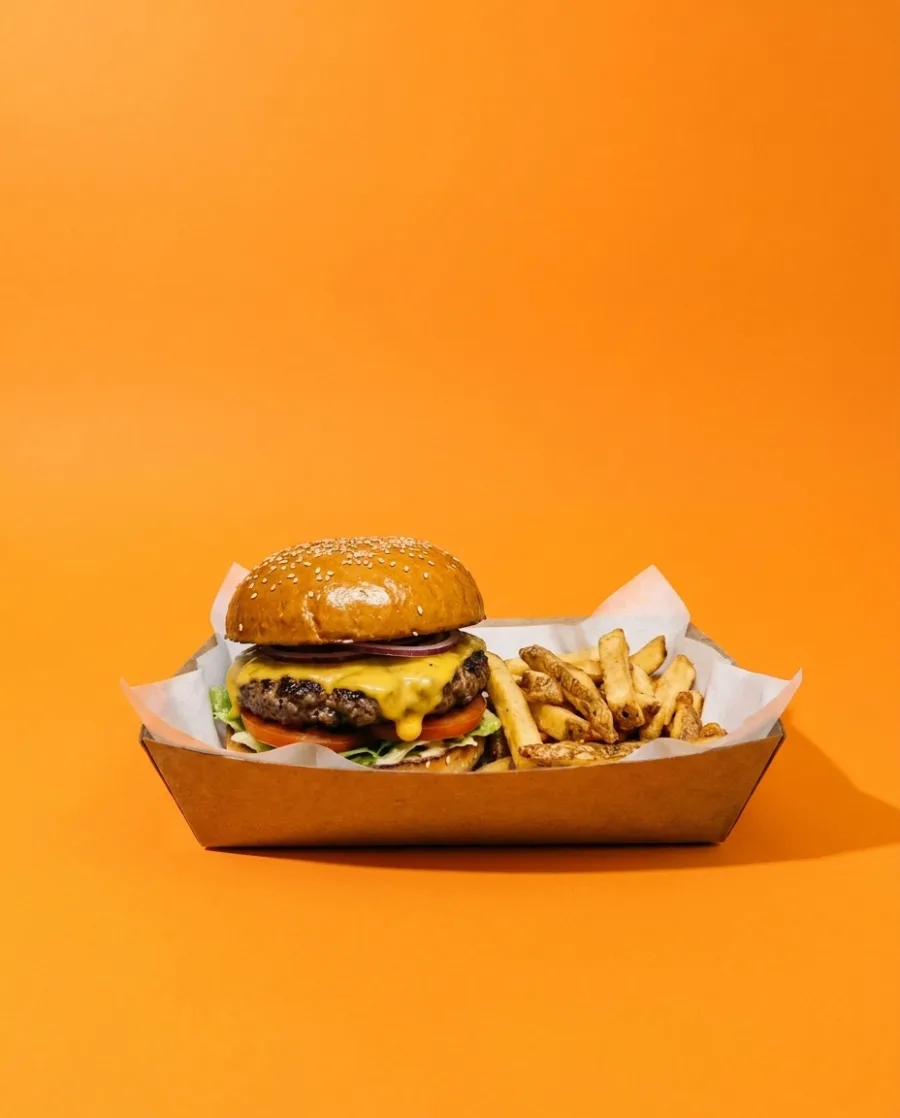 Delivery app
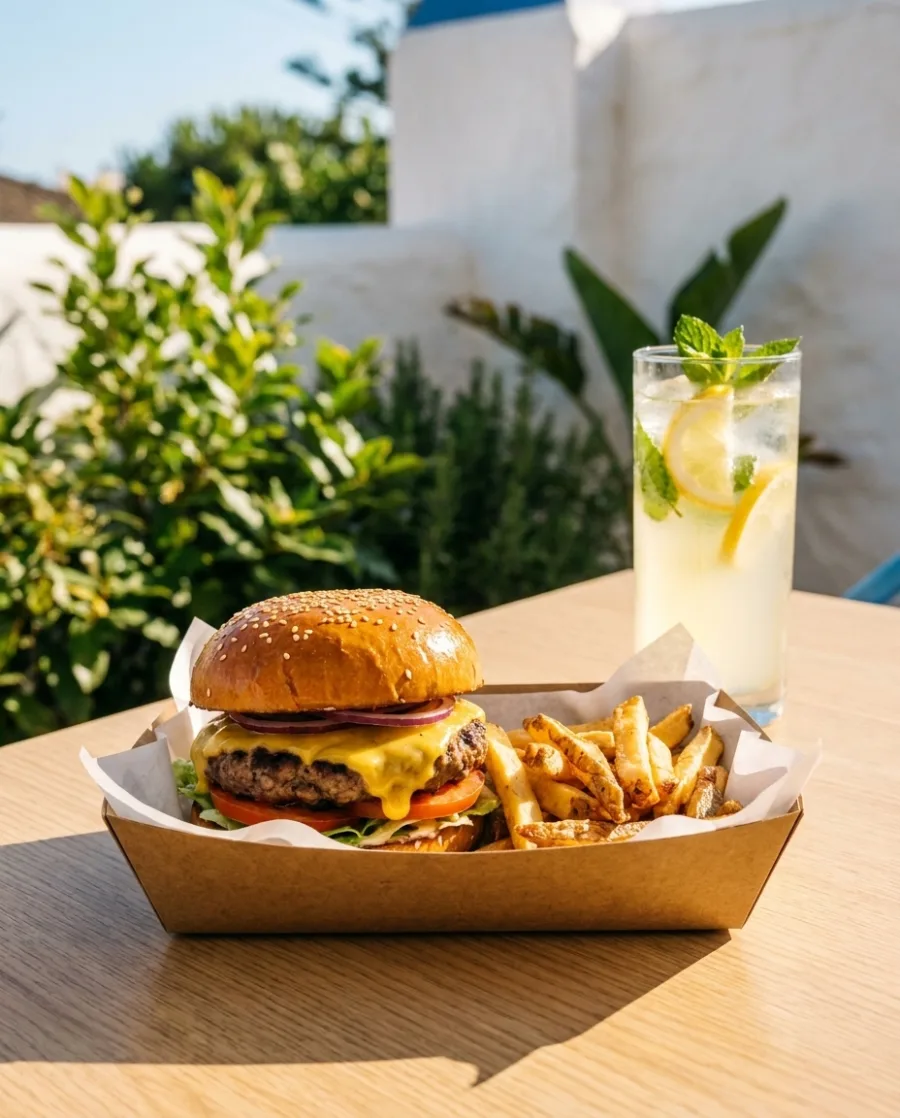 On the table
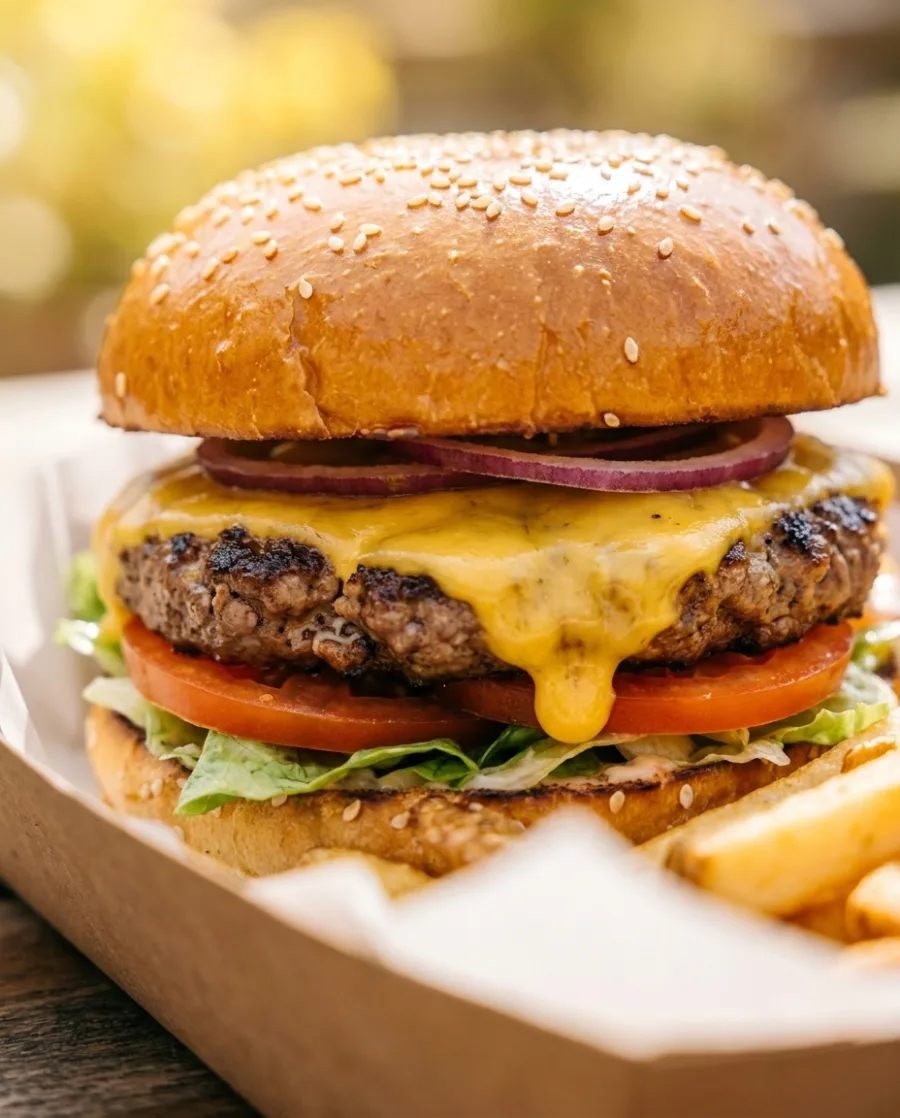 Close-up
One offer as a post, a square tile and a story
Pick a dish and type your offer. Get it as an Instagram post (4:5), a square tile (1:1) and a story (9:16). No designer needed.
See social media posts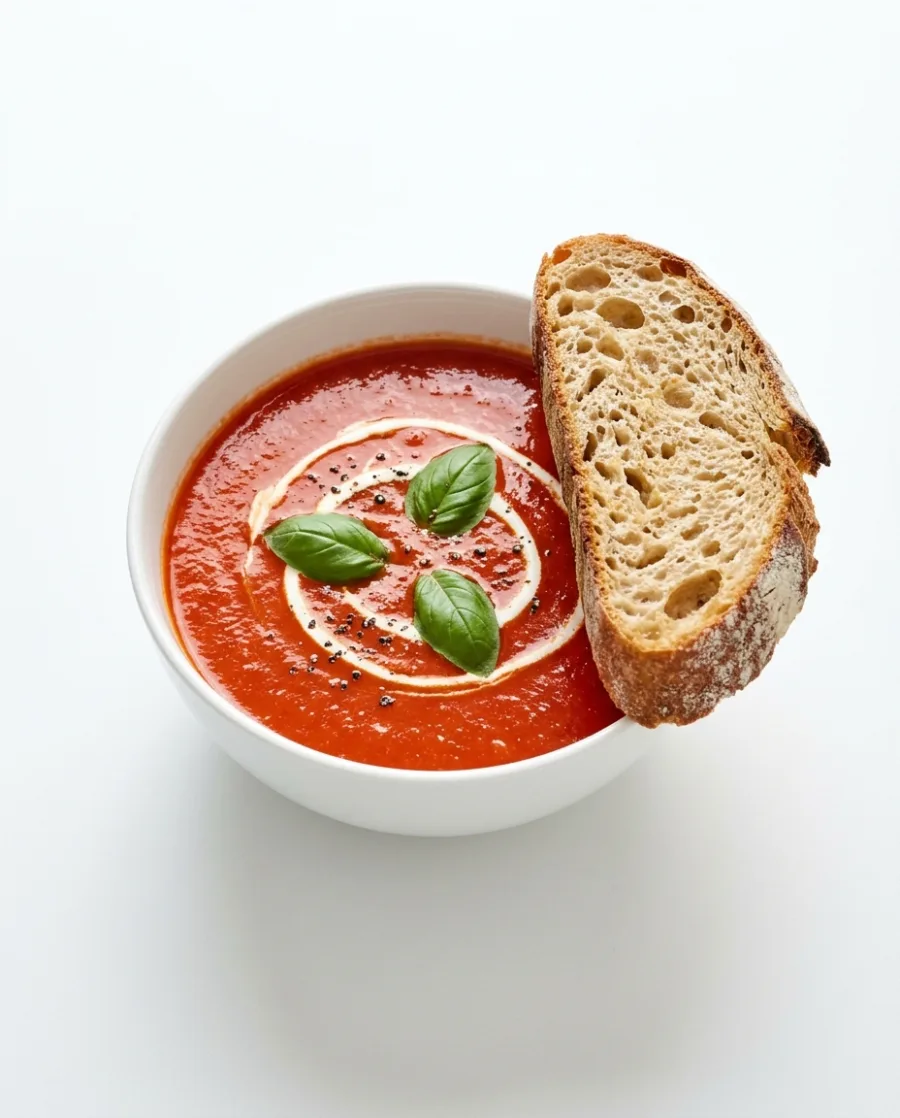 Offer: Soup and bread, lunch only.Your dish and offer
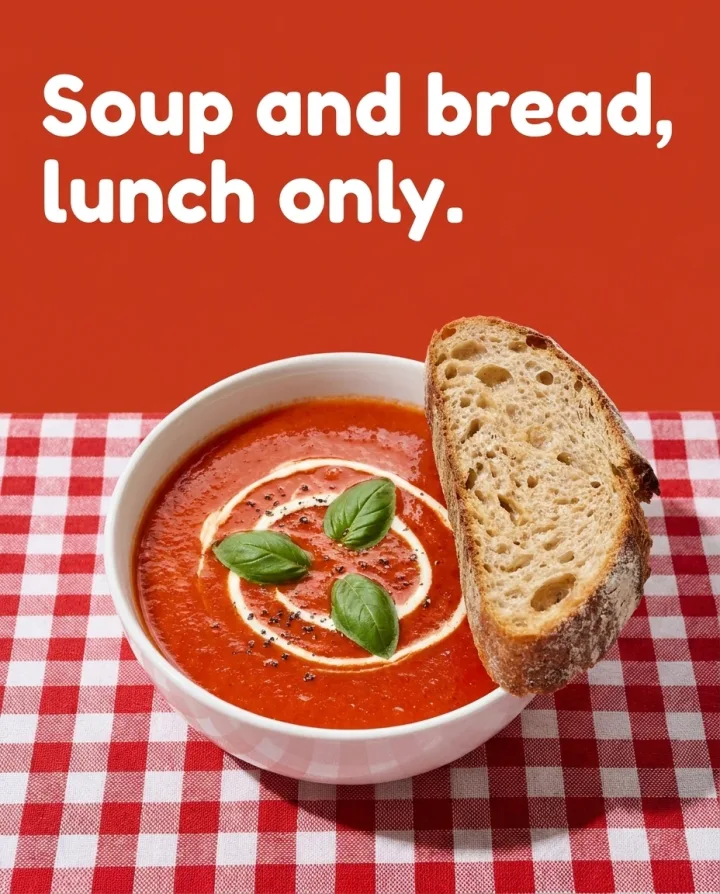 Post 4:5
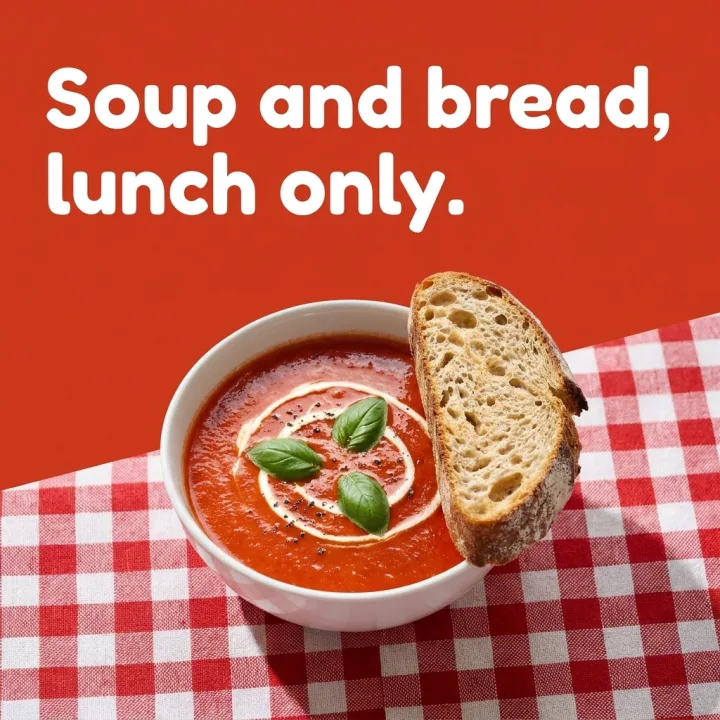 Square 1:1
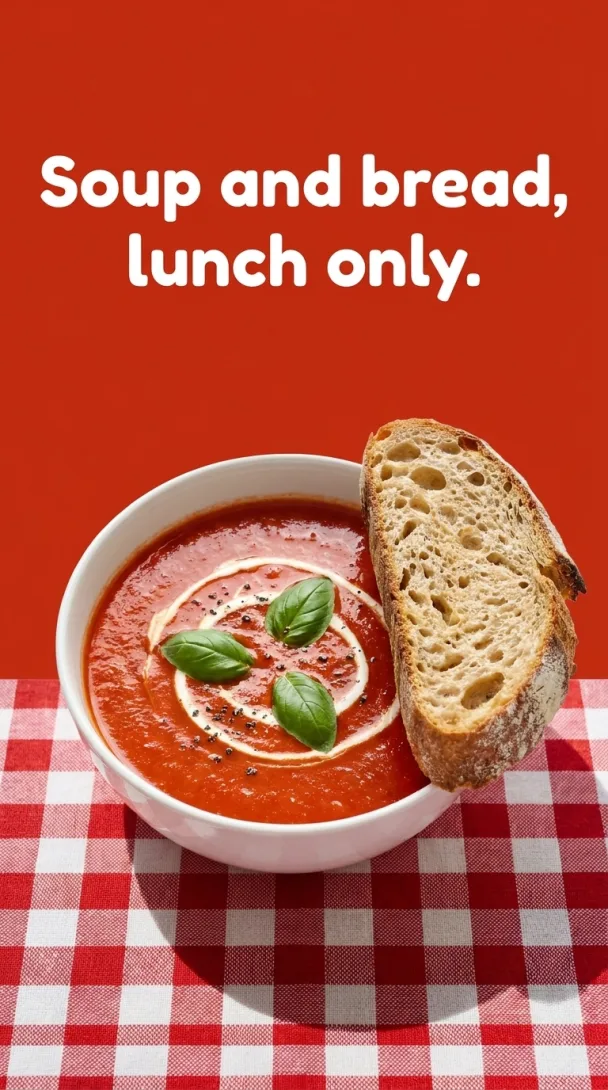 Story 9:16
Short dish videos for Reels and TikTok
Add a photo of a dish. Get vertical videos of steam, grated cheese and a slow turn. No film crew needed.
See AI video ads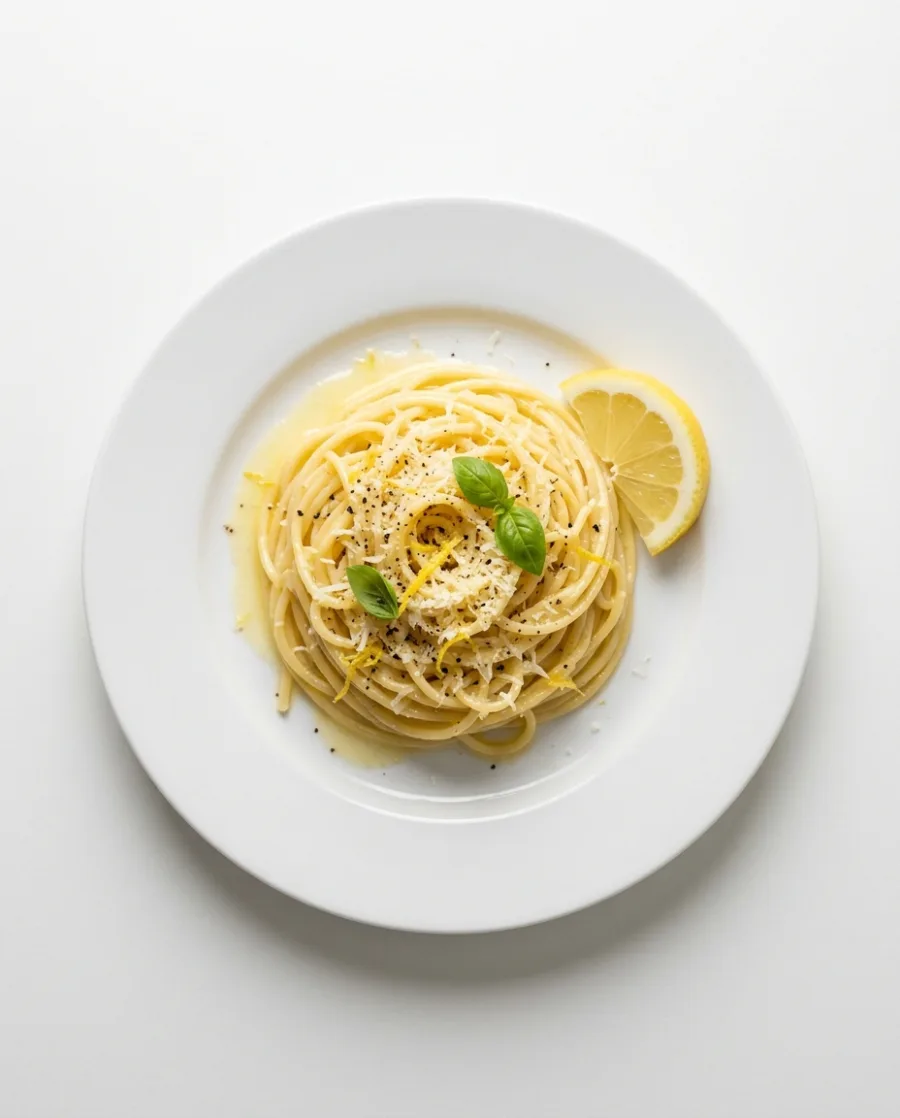 Your photo
Start free. You see the price before you make anything.
Your own photos, your own prompts and the commercial licence start on the Pro plan. Video and the editors start on the Premium plan.
Inside DesignerBox
Everything in one place
Make, edit, approve and keep every picture and video in one workspace. You do not need a different service for each job.
The picture and video models are built in. DesignerBox picks the model for each job, or you choose it yourself.
See the AI modelsSave your logo, colours and fonts once. Pick your brand when you ask for a picture.
See the brand kitAdd text, your logo and a price to a picture. Add captions, music and one of 20 voices to a video. Both editors start on the Premium plan.
See the video editorAdd up to 200 dishes to a sheet and run one app on all of them. You see the total cost before it starts.
See batchSend a link to your team or your client. They tick the pictures they like and add a note. They need no account.
See review linksWhat you make in Create, Generate and the apps is saved in Assets. Make a folder for each product, client or campaign.
See Assets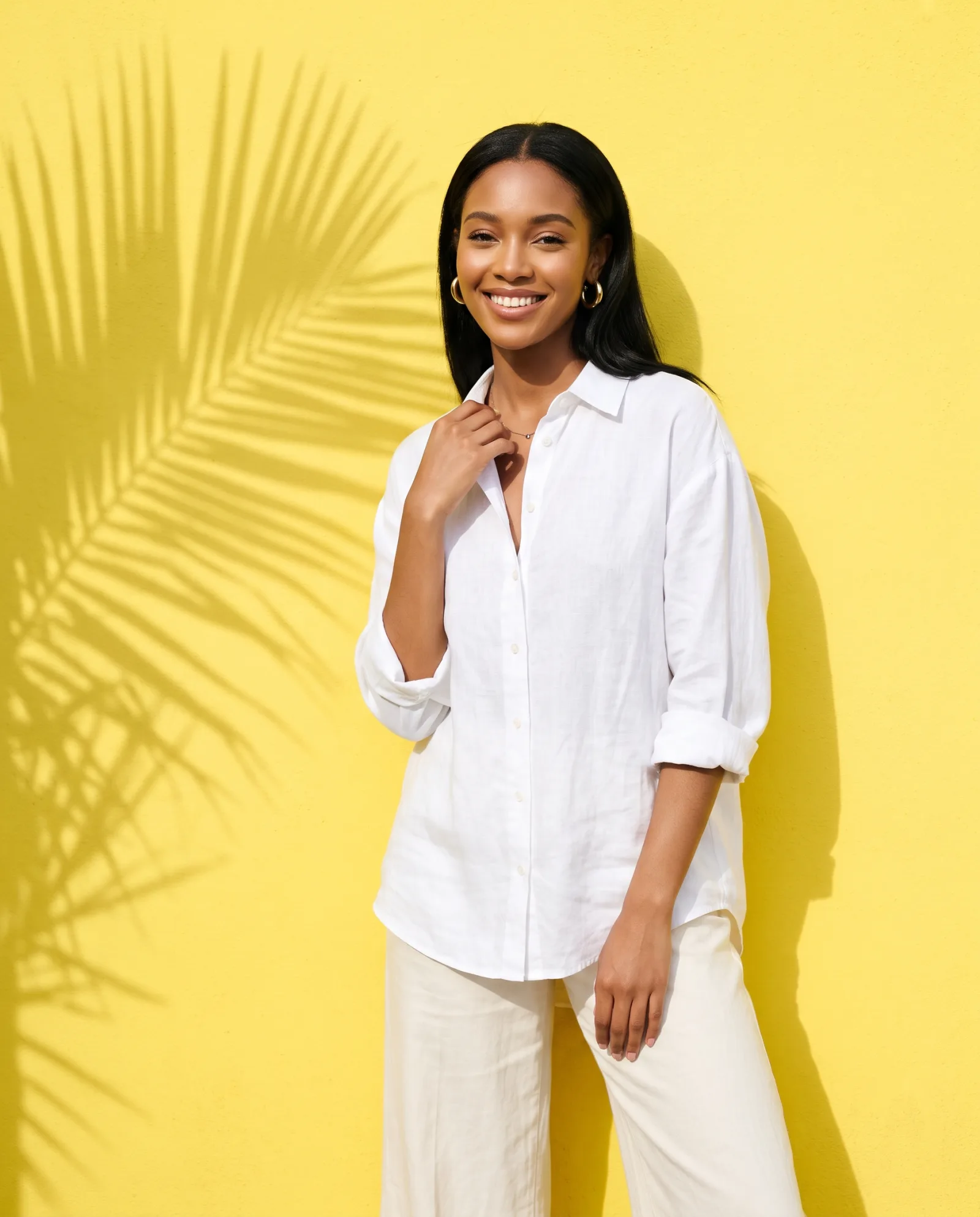
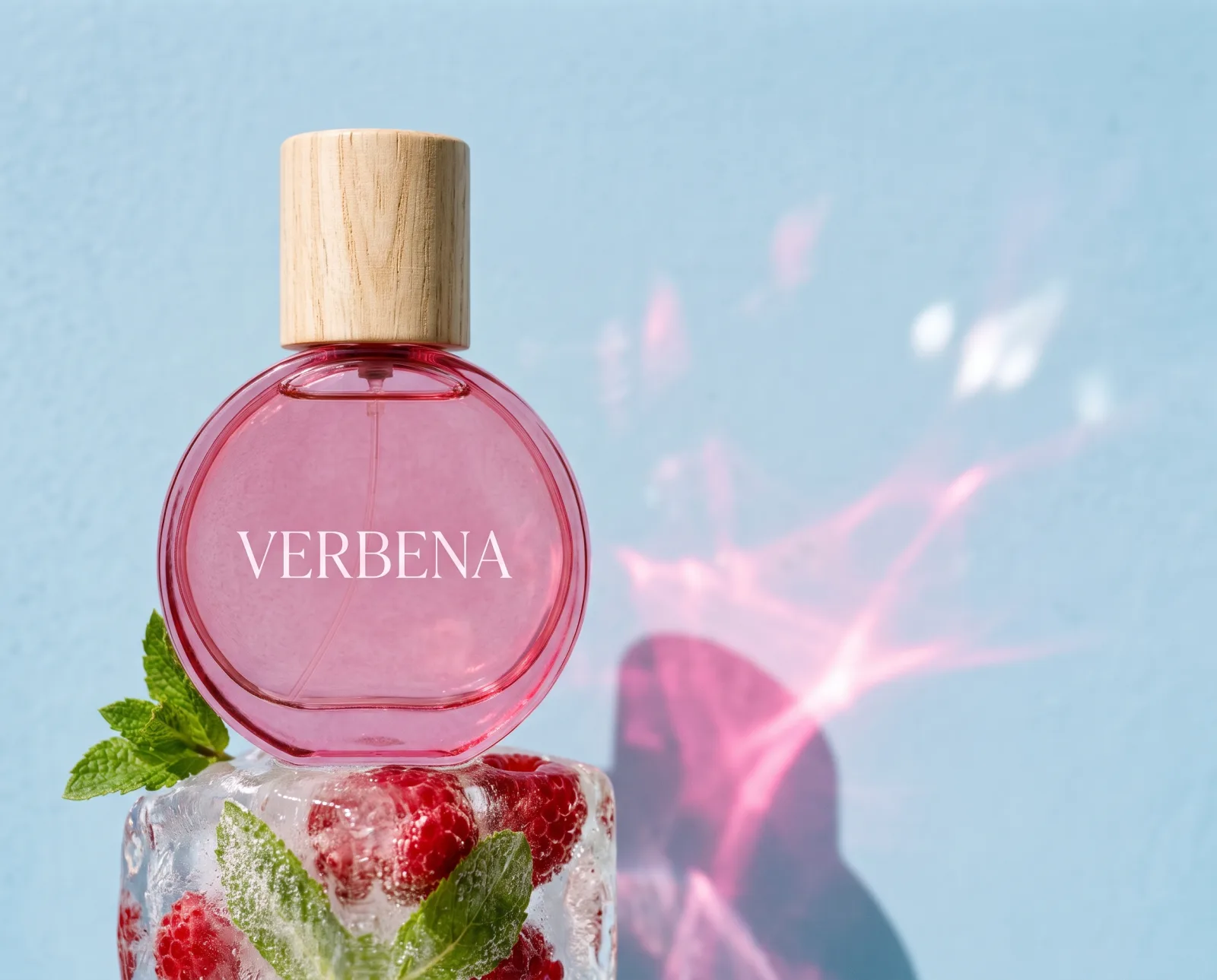
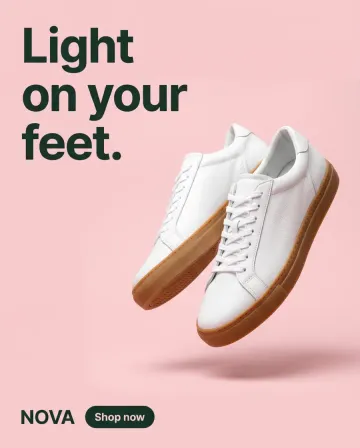
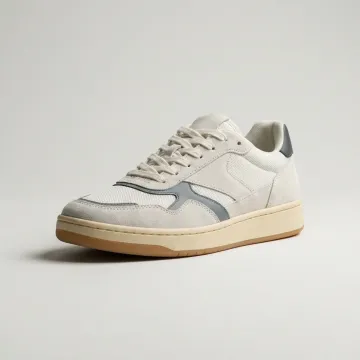 Sneakers
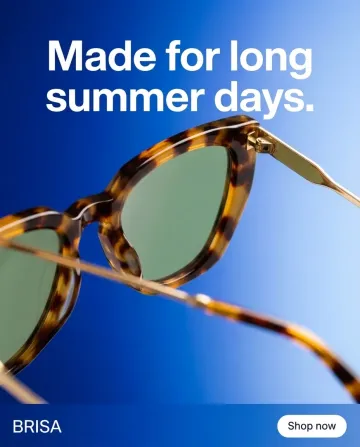
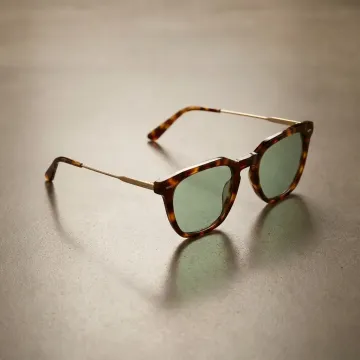 Sunglasses
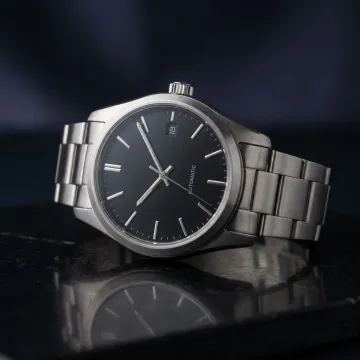 Watch
Watch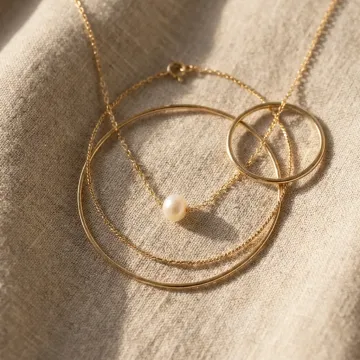 Necklace
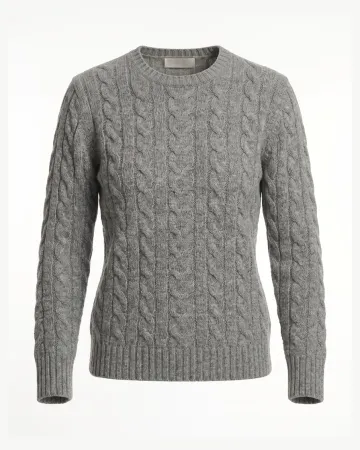 Sweater
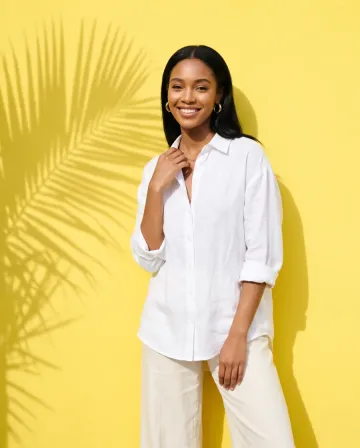
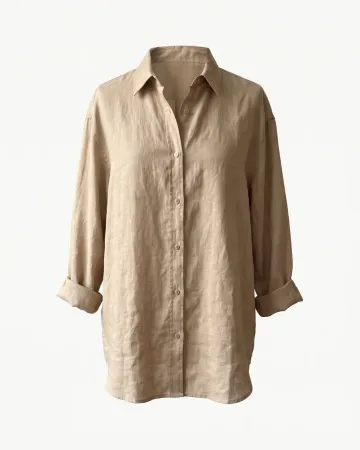 Linen shirt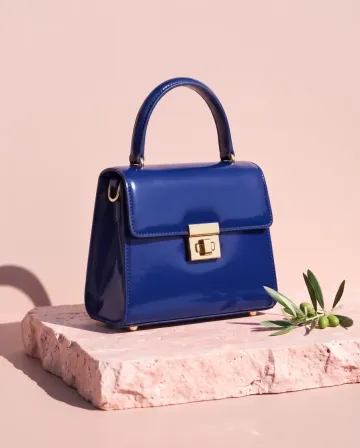
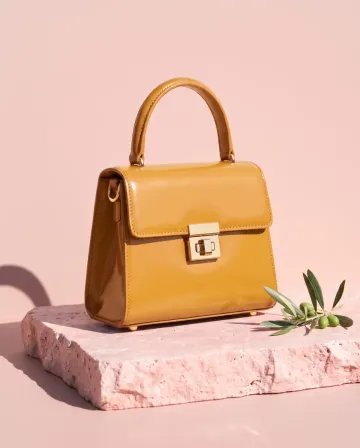
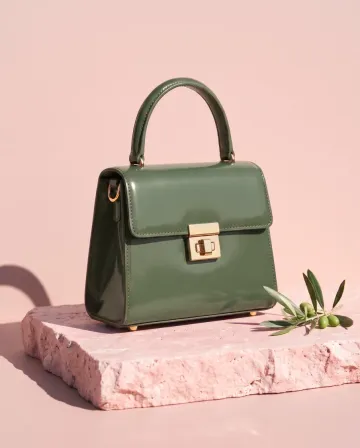 MThe blue and the green, please.
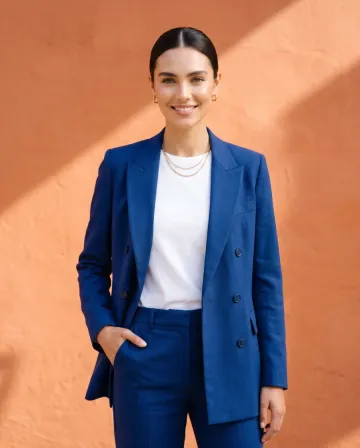
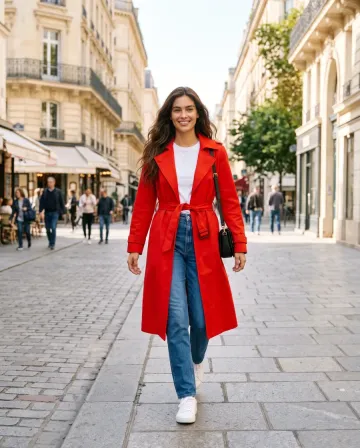
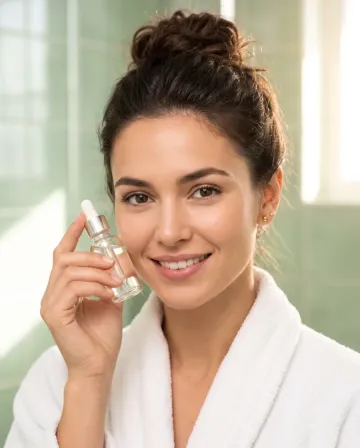
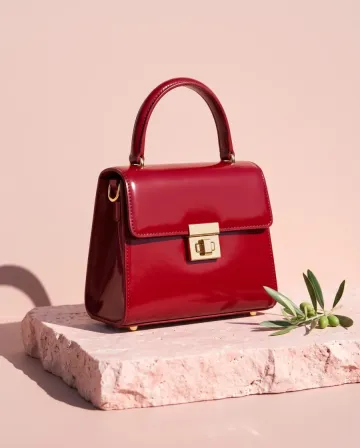
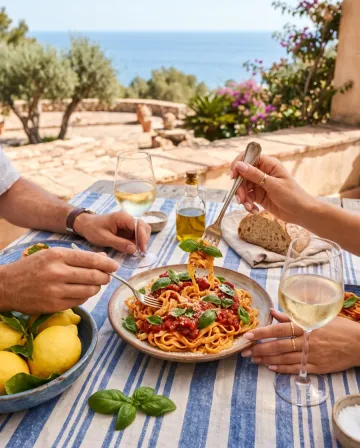
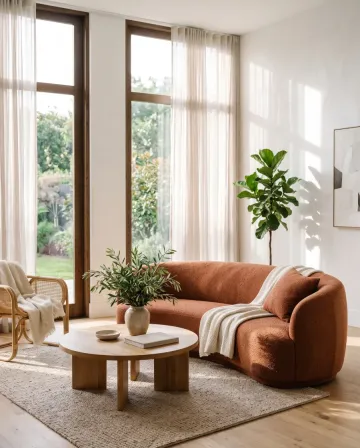
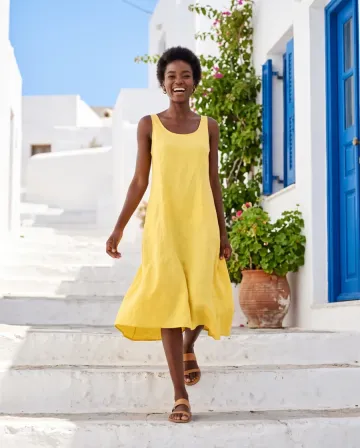
AI chat
DesignerBox in Claude and ChatGPT
Connect DesignerBox once. Then ask for pictures in Claude, ChatGPT or Cursor. You confirm each run in the chat.
Who it is for
Other businesses
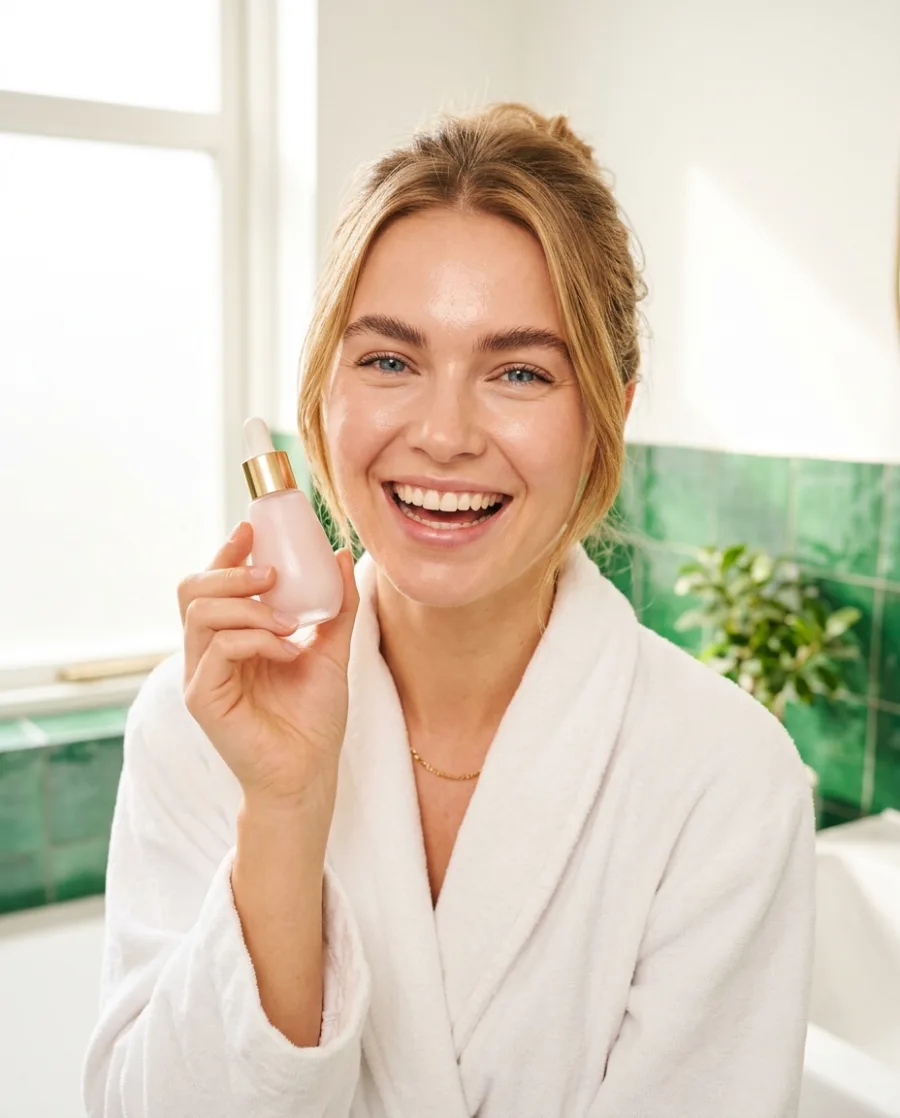 Beauty brandsBottles and jars in styled scenes
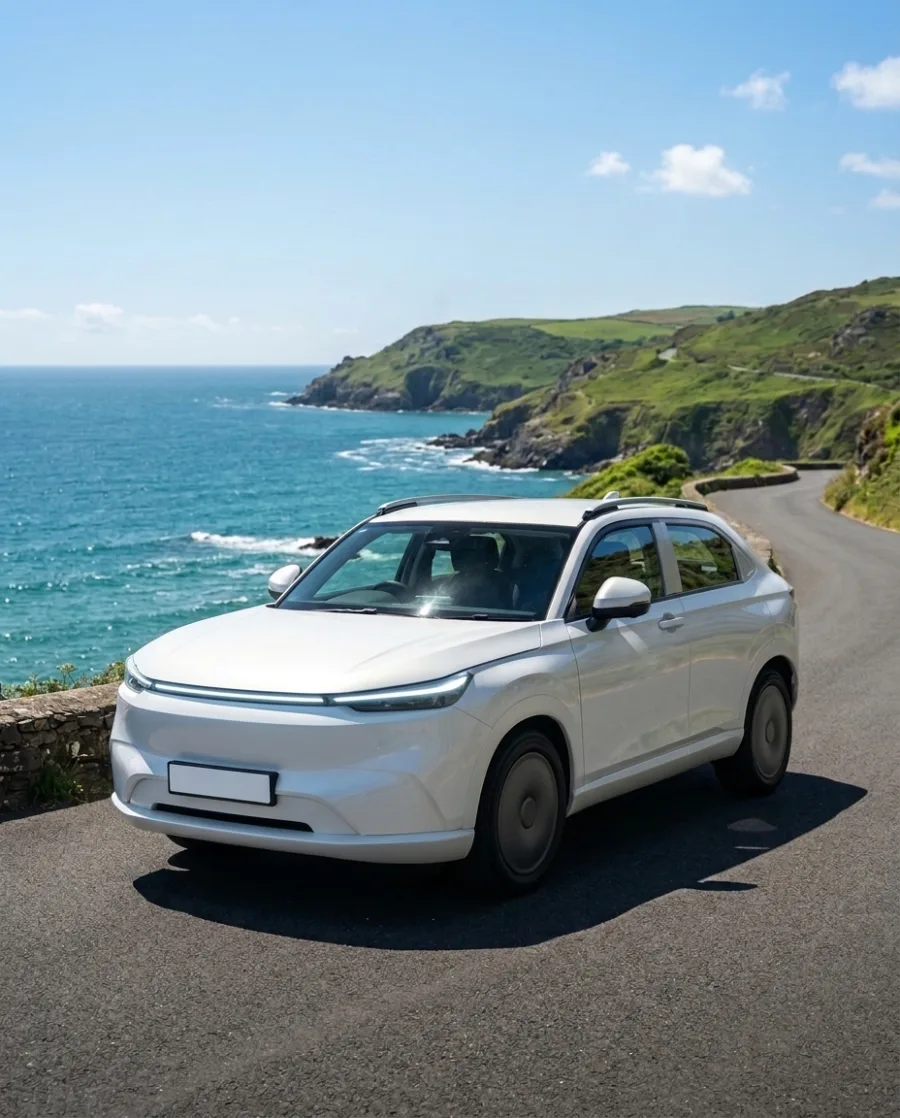 Car dealersListing photos for every car
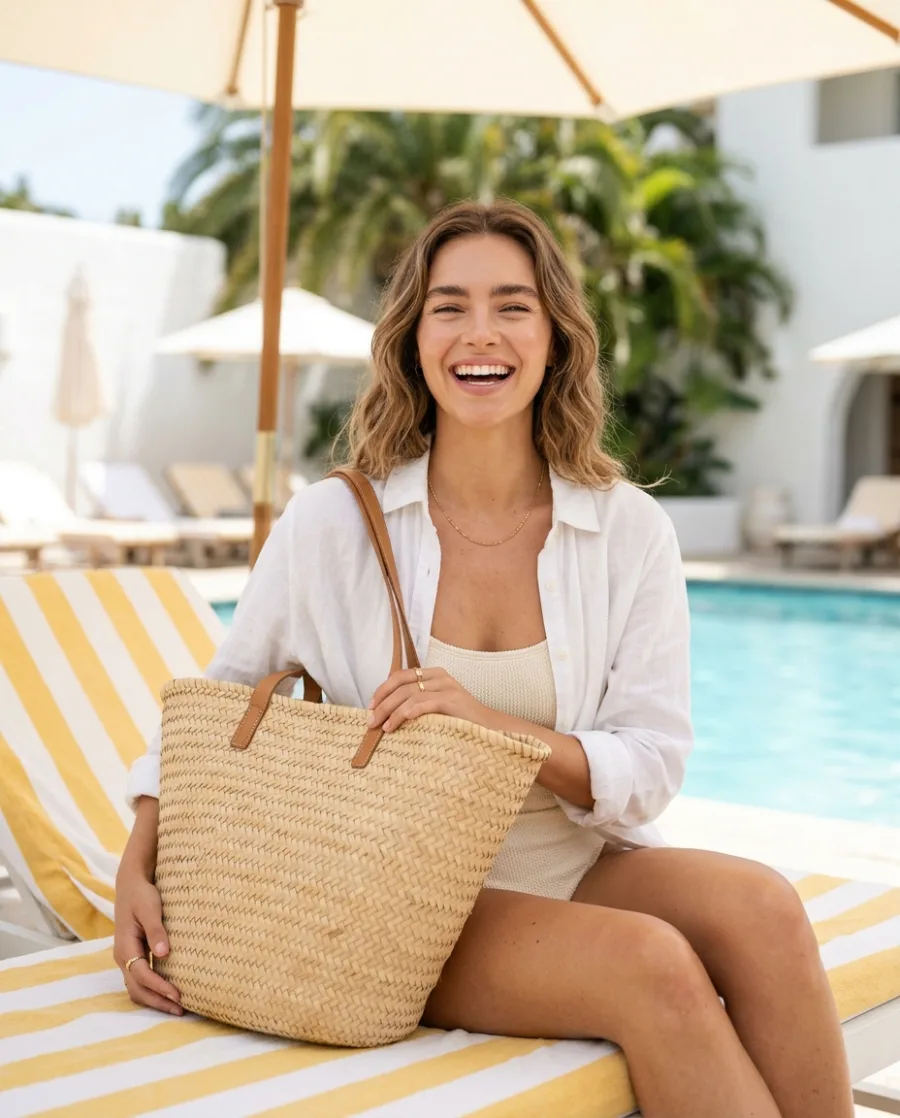 Online shopsProduct page photos, ads and videos
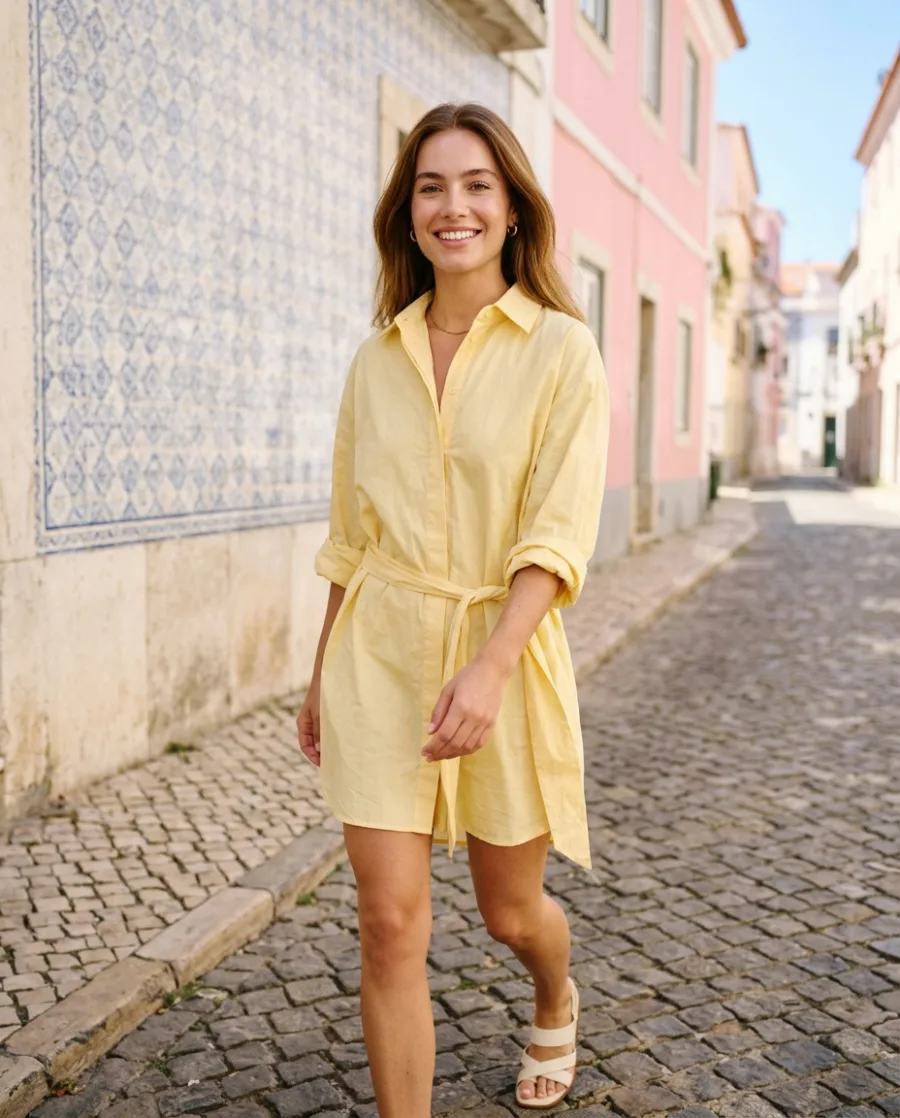
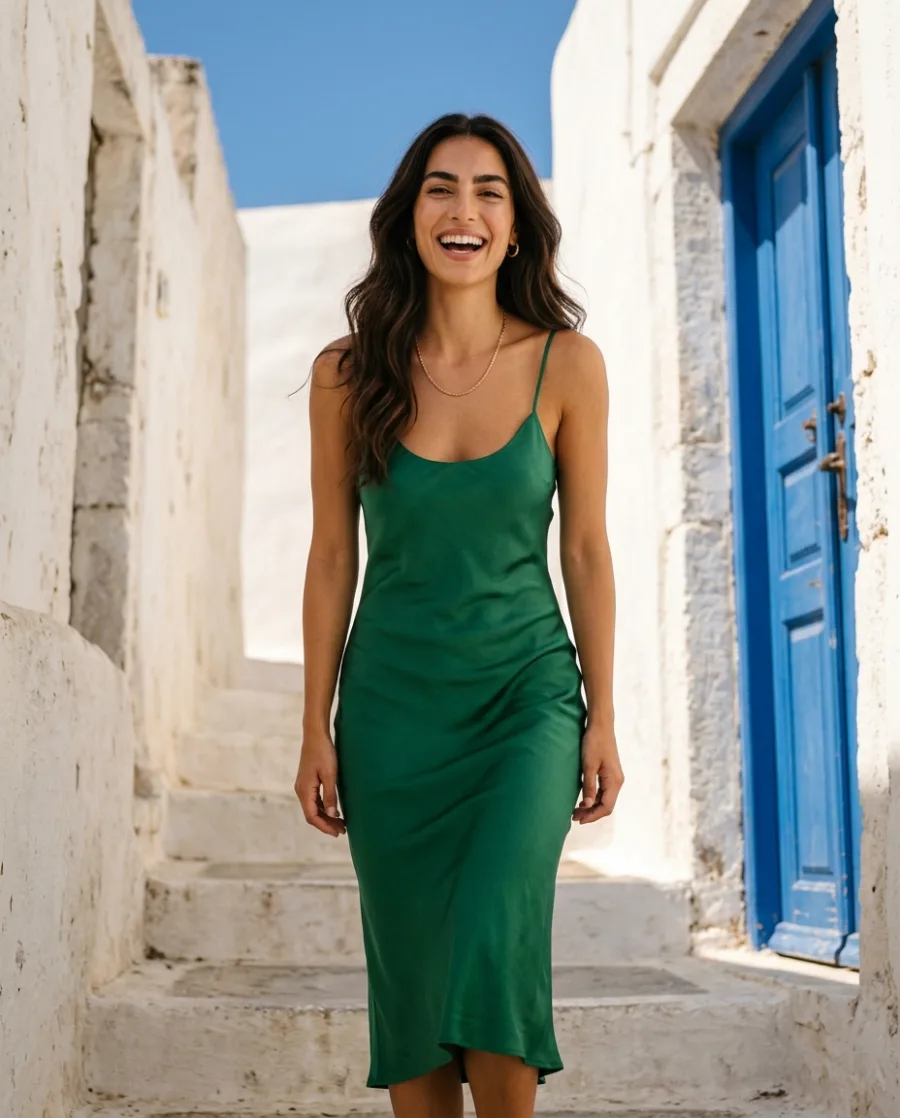 Fashion brandsYour clothes on models, no shoot
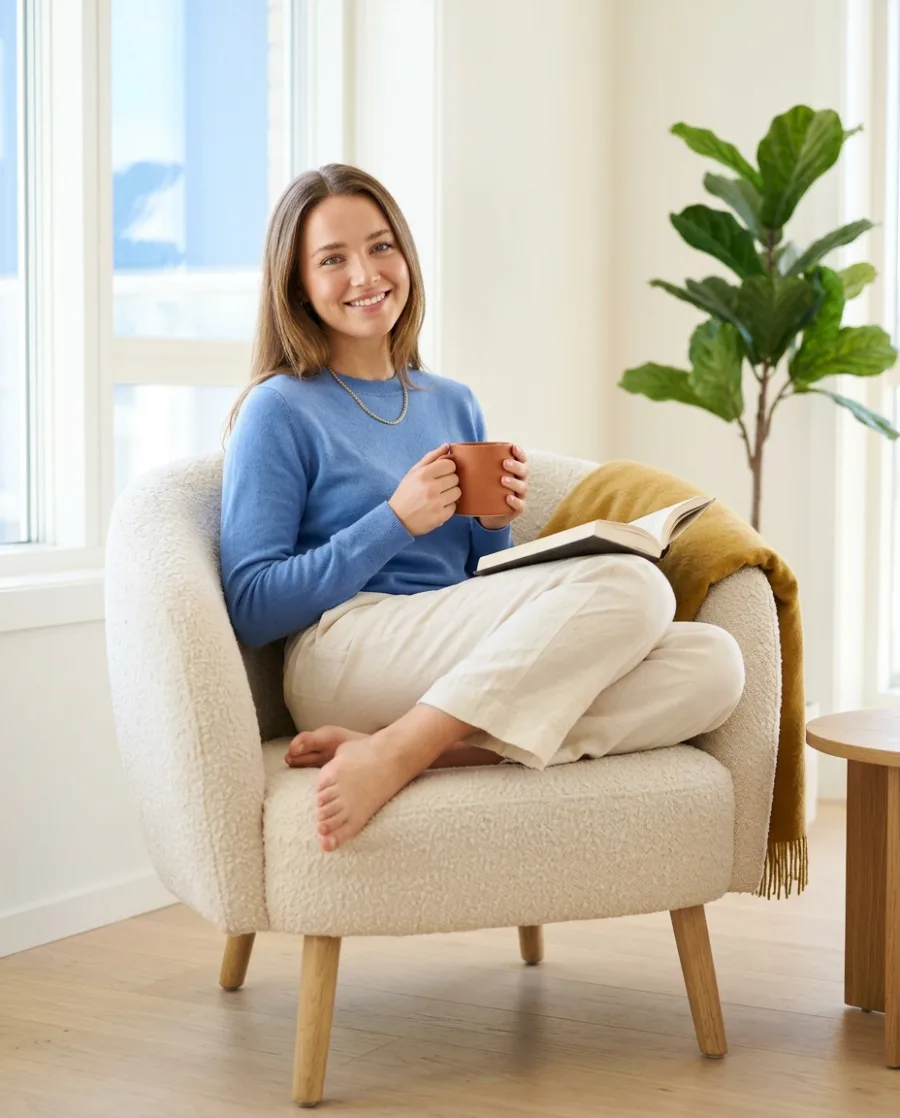 Furniture and homewareRoom scenes without a photo shoot
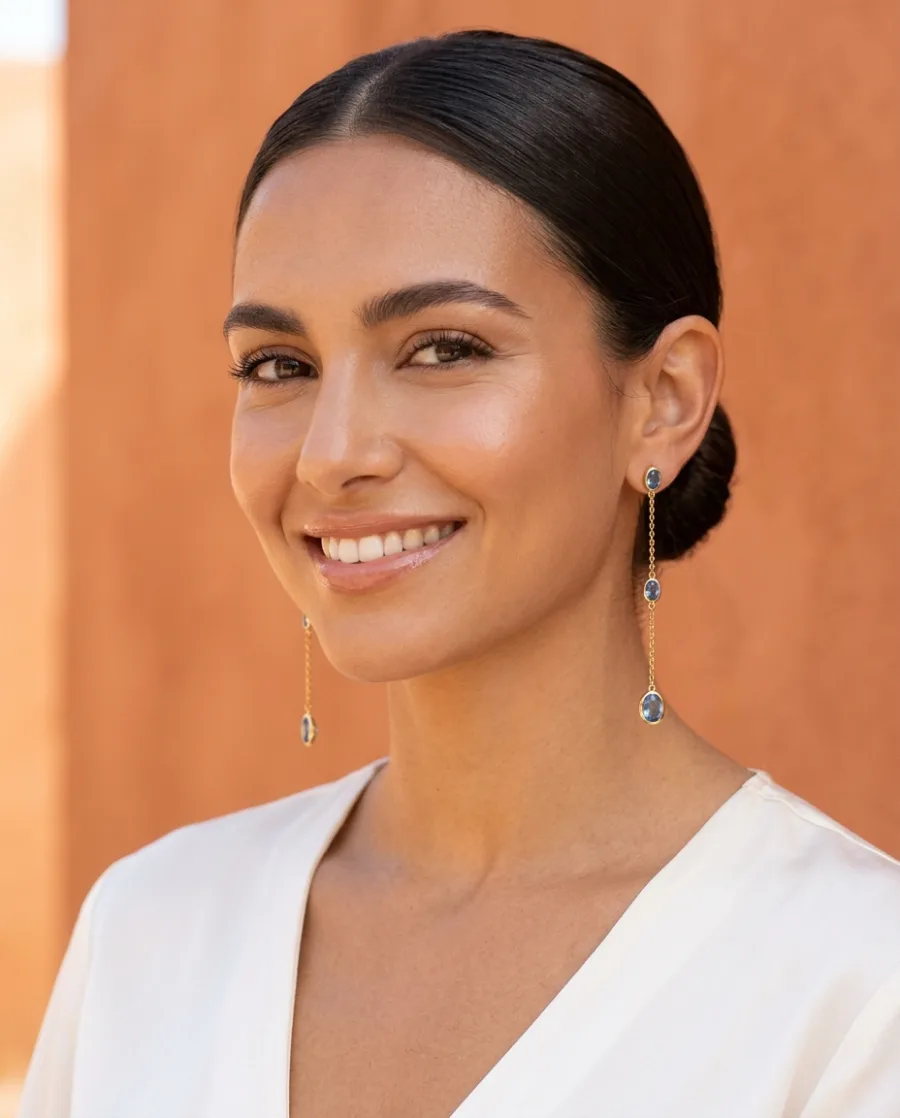 Jewellery brandsClose-ups and photos on a person
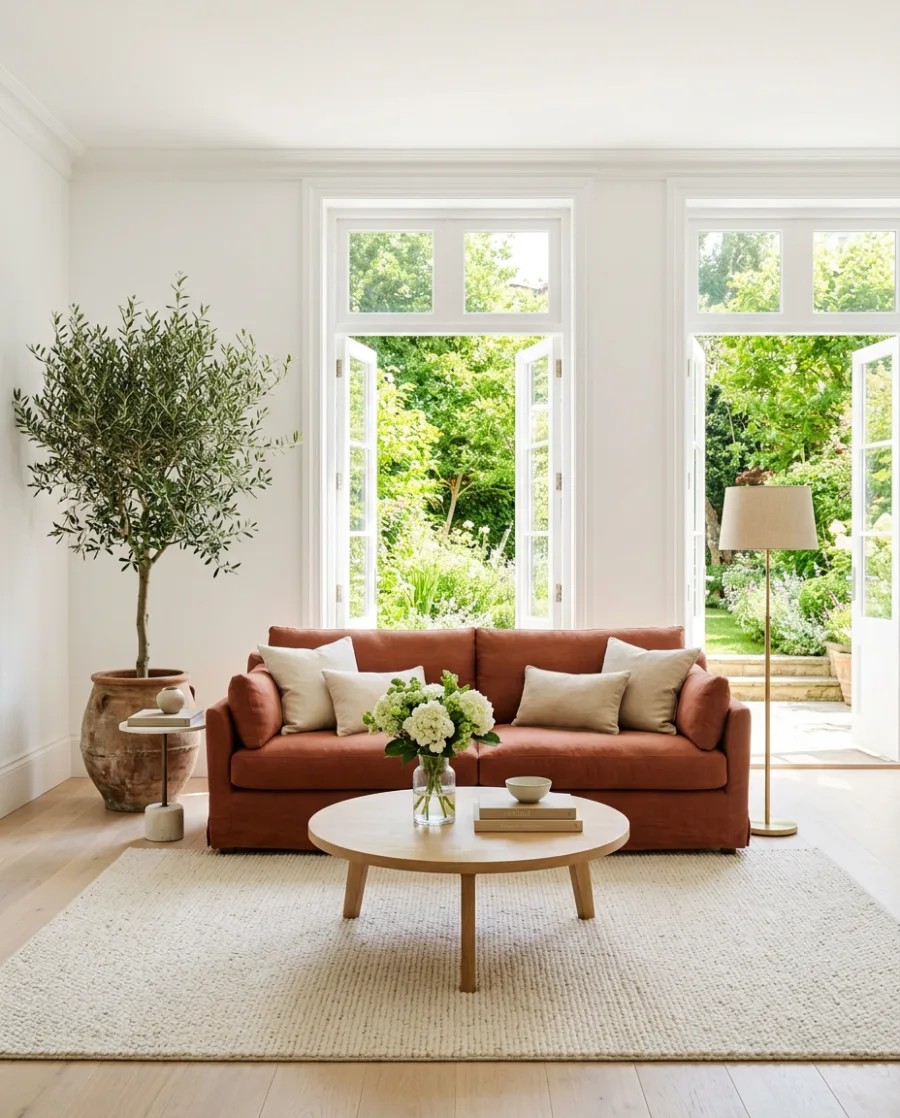 Real estateListing photos and videos for every home
 Shopify storesStore photos, variants and ads
Will the dish look like the one I serve?
DesignerBox keeps your dish and its ingredients and changes the plate, the light and the place. AI can still add or change a small garnish. Check each photo against the real dish before you publish it.
Can I use the photos on delivery apps?
Yes, from the Pro plan, where the commercial licence starts. Ask for the dish on a clean background and choose the size the app asks for. Check each app's own photo rules before you upload.
Is there a free plan?
Yes. You can start free. Your own photos, your own prompts and the commercial licence start on the Pro plan. Video and the editors start on the Premium plan.
Can I make videos for Reels and TikTok?
Yes. Turn a dish photo into a short video, then add captions and music in the video editor. Video and the editors start on the Premium plan.
Can I make photos for my whole menu at once?
Yes. Add up to 200 dishes to a sheet, one row each, and run one app on all of them. You see the total cost before it starts.
Do I need to know how to write prompts?
No. Start from an app or a template, and DesignerBox picks the model. From the Pro plan, you can also ask in your own words, like "my pizza on a sunny table".
Make your first menu photos today.
Sign up with Google or your email. Nothing to set up.
Get started free- Claude
- ChatGPT
- Cursor