Inspiration
AI ad and product photo ideas for your product
Press a finished idea you like and add your product. The scene, the light, the layout and the words are already written, and DesignerBox makes your version.
- Claude
- ChatGPT
- Cursor
 Use this picture

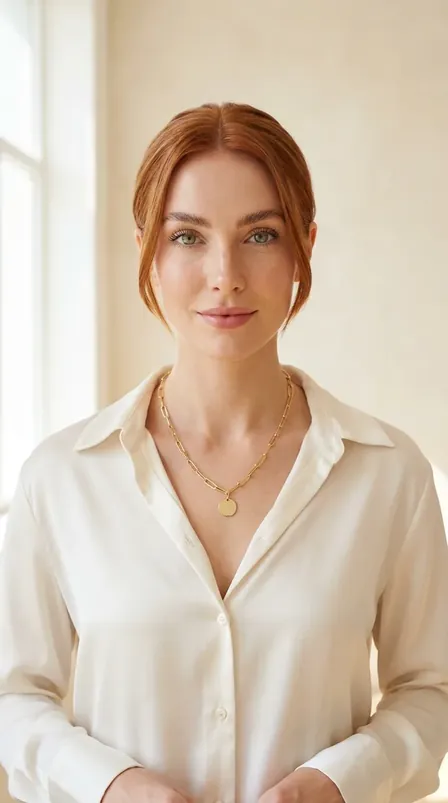

A blank page is the hardest part of a Christmas post.Pick an idea , add your product 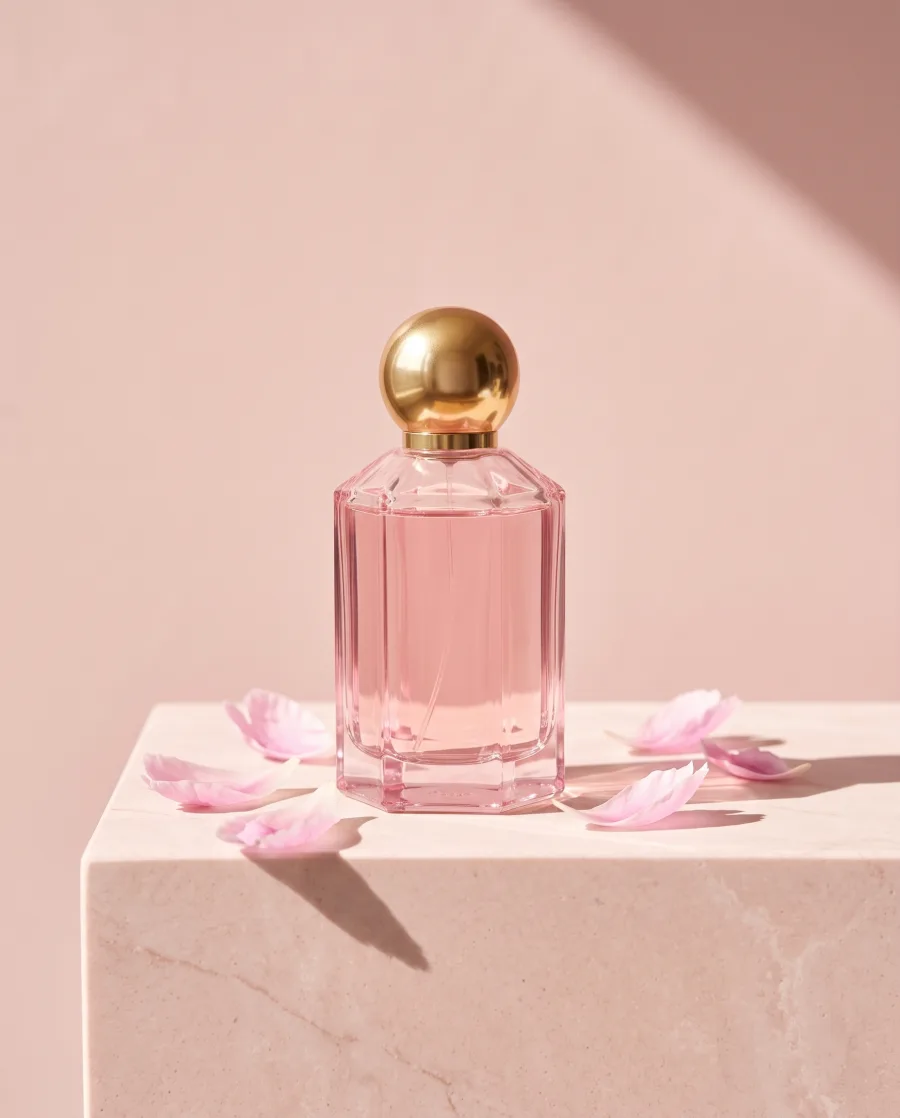 and get your version
  .
.
What you can make
Your product in ideas that already work
A Christmas gift photo with your product
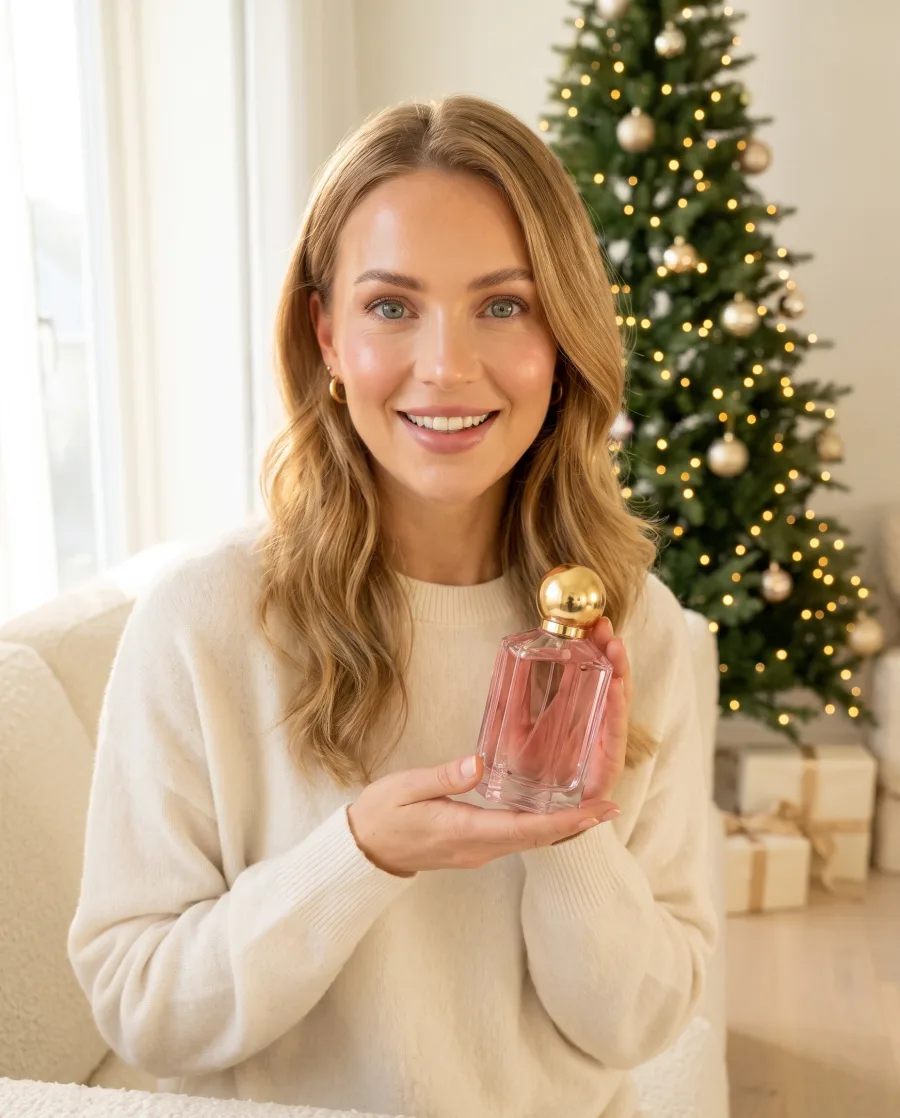
Press Gift by the tree and add your product. You get the same warm living room and the same smile, with your product as the gift.
See it for beauty brandsMy product: the pink perfume.The idea and your productYour version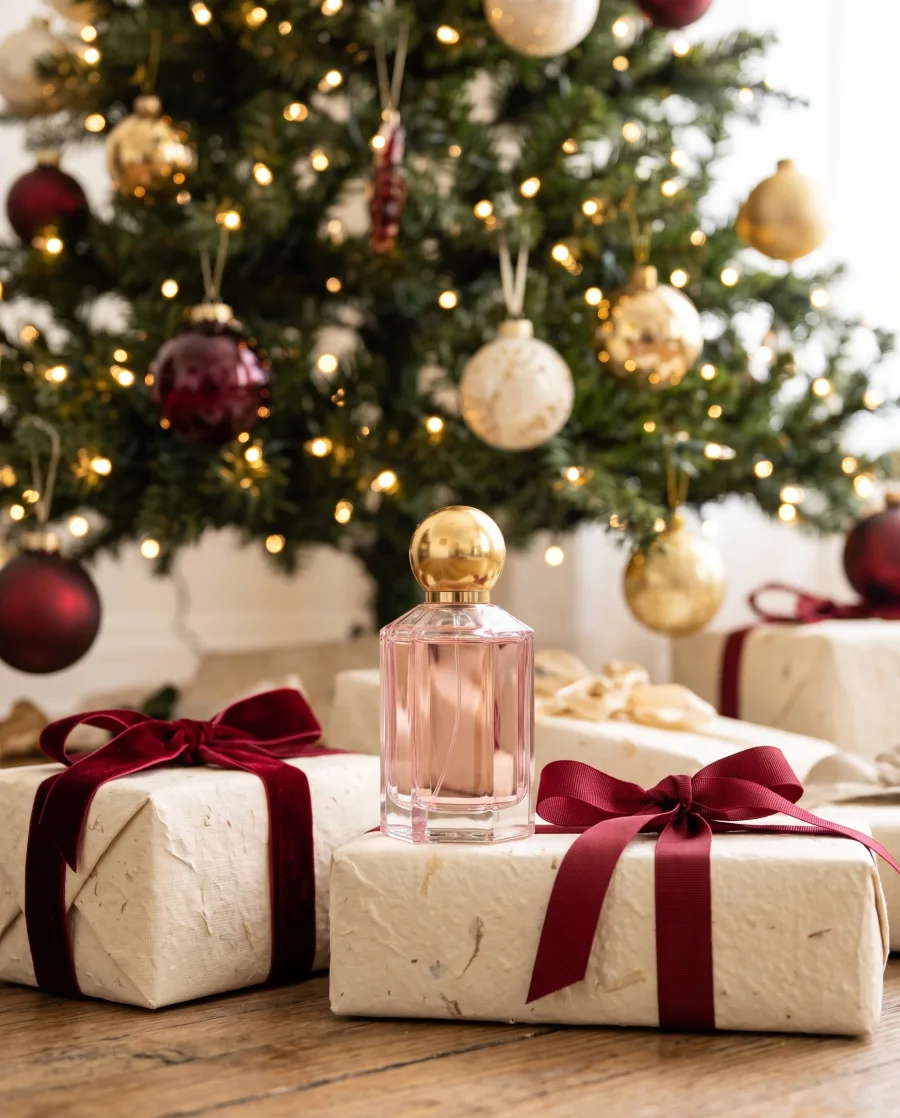 Under the tree
An autumn post with your product
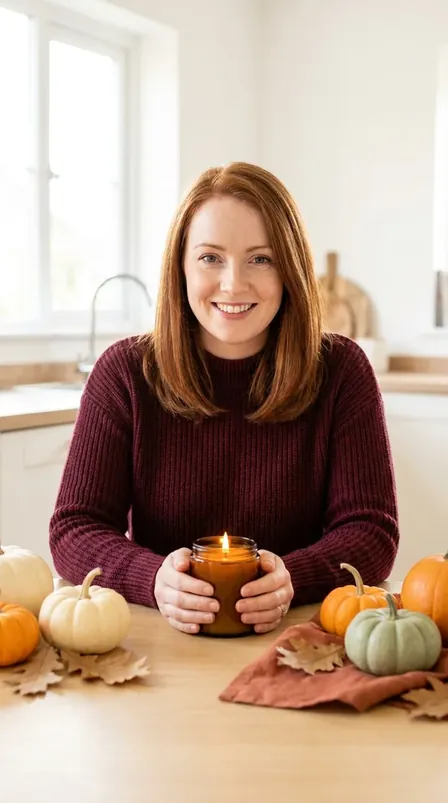
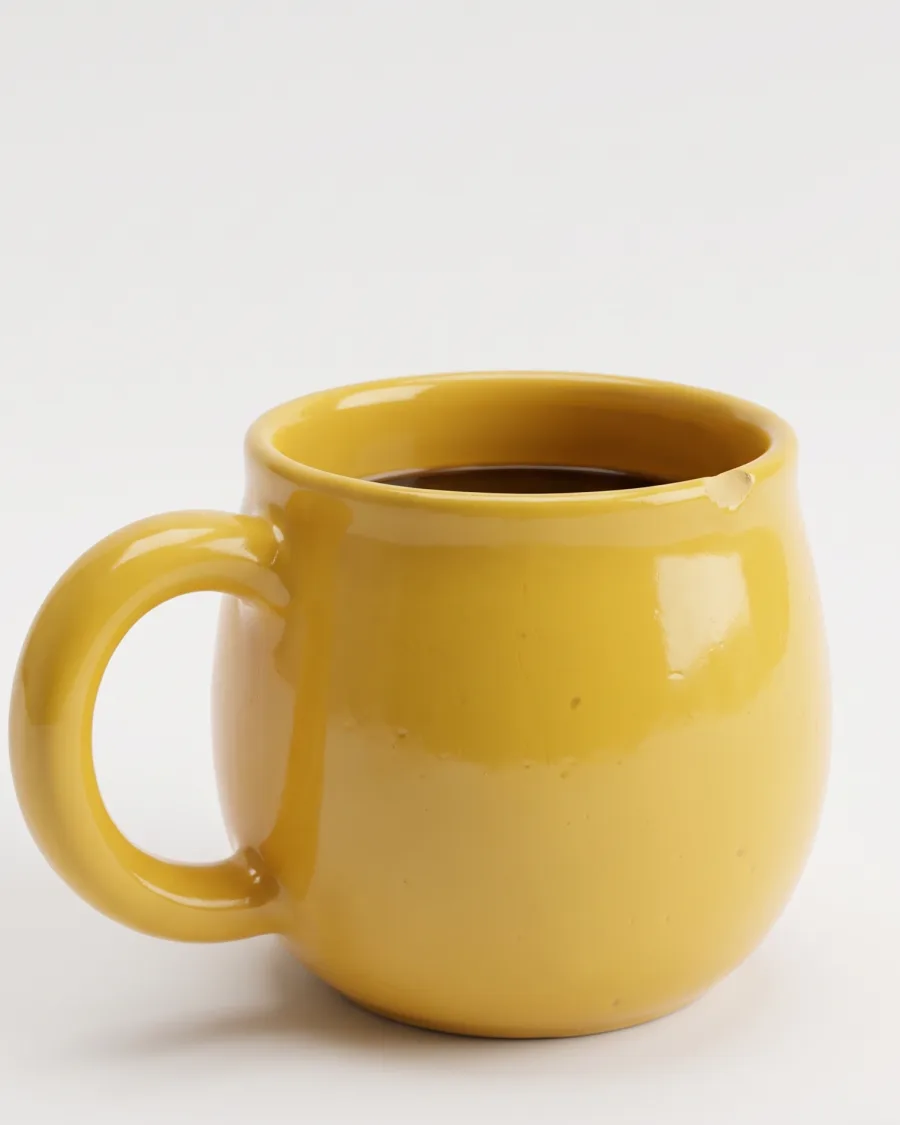
Press Candle with pumpkins and add your product. You get the same cosy autumn table, with your product in place of the candle.
See it for homeware brandsMy product: the blue mug.The idea and your product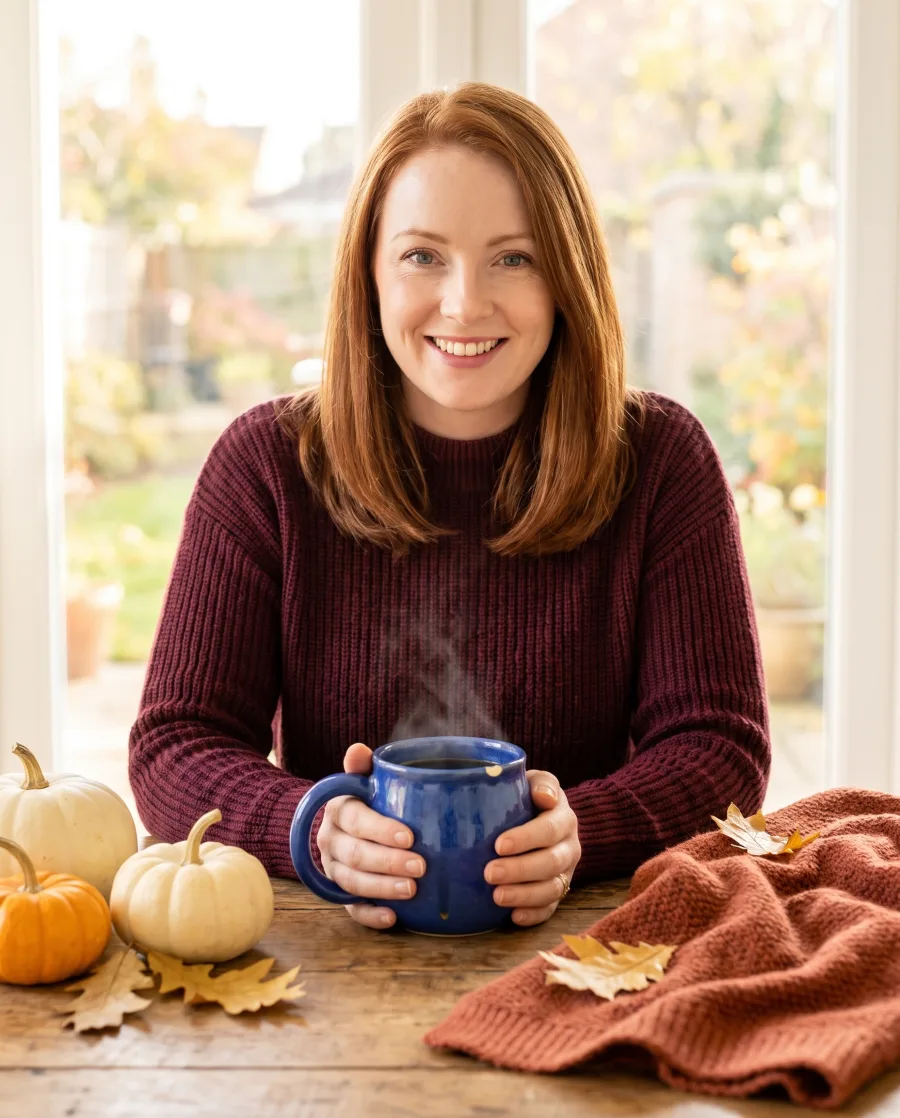 Your version
 Close-up
A creator selfie with your product
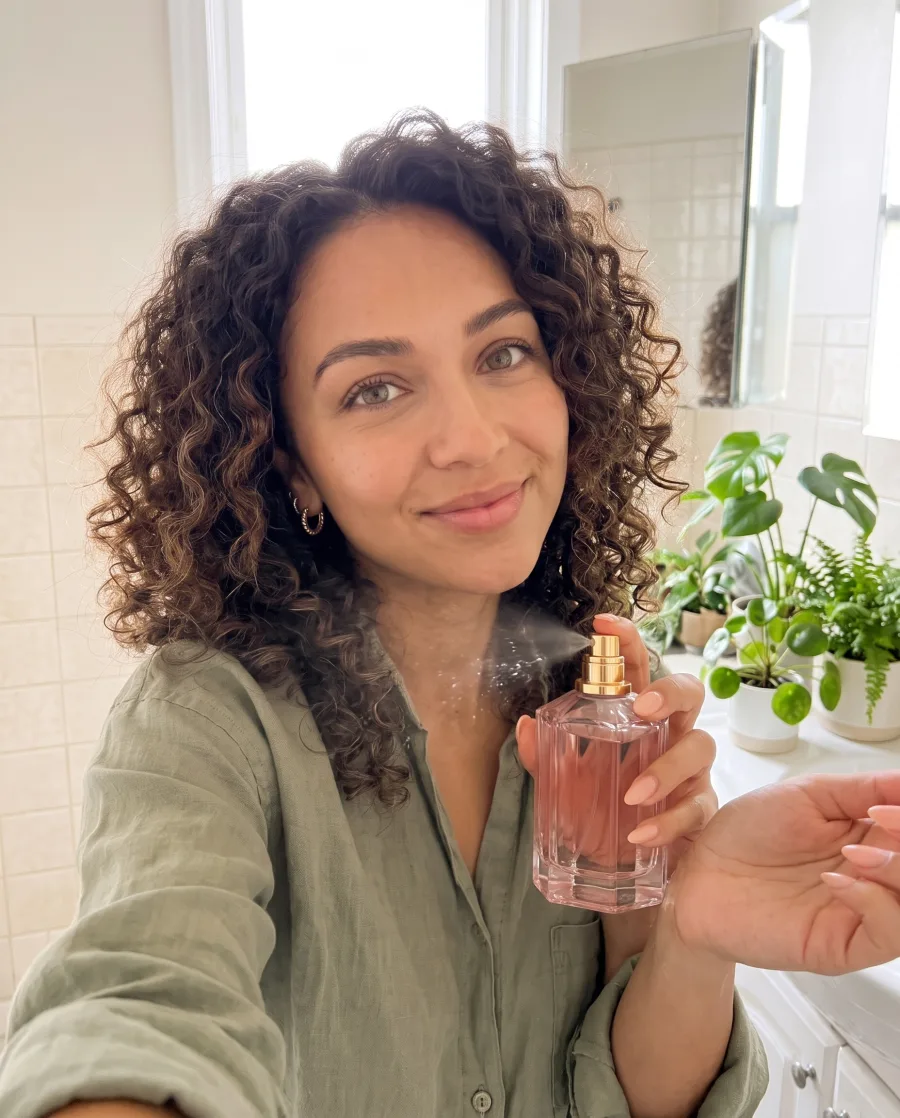
Press Serum selfie and add your product. You get a bright bathroom selfie of a smiling creator holding your product.
See AI UGC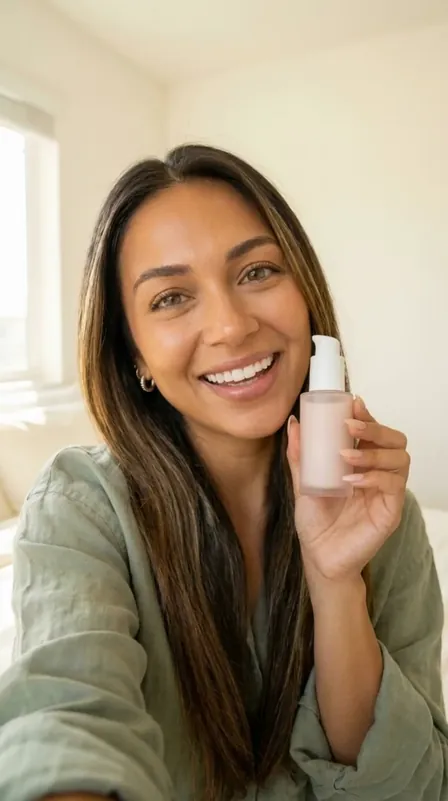 My product: the pink perfume.The idea and your product
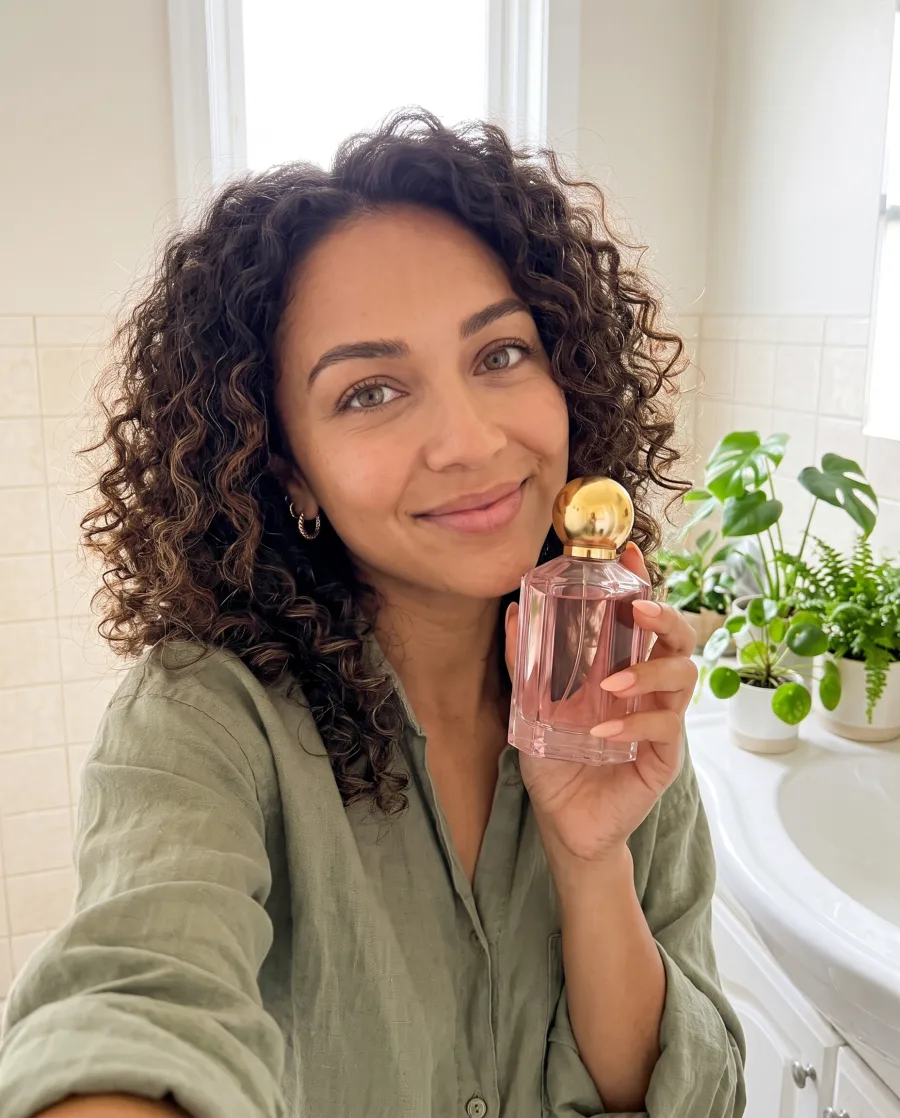 Your version
 On the wrist
Start free. You see the price before you make anything.
Your own photos and prompts start on the Pro plan.
How it works
How to make an idea with your product
Go to the Create screen and scroll to Inspiration. Pick a filter: a season or your kind of product.
Each picture is a finished idea with its brief already written: the scene, the light, the layout and the words. Press Use this picture.
Add a photo of your product, or pick it from your brand kit. Change the scene, the words or the size if you want.
You see the plan and the price before anything is made. Press Generate when it looks right.
 Use this picture
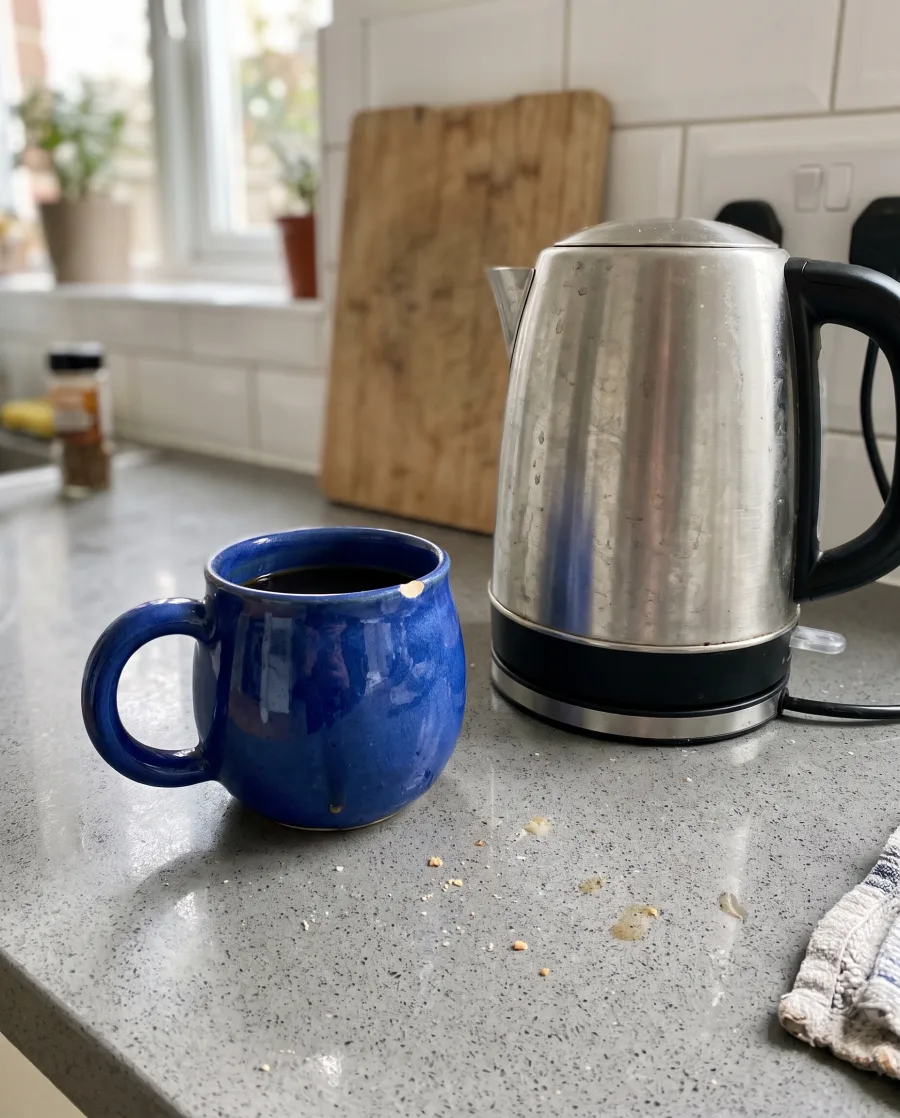 Candle with pumpkins, with our blue mug in place of the candle.
Use cases
Inspiration use cases for every season
- A candle shopPresses Candle with pumpkins in October for its Halloween post.
- A jewellerPresses Gold necklace close-up for sharp detail pictures on the product page.
- A fashion shopPresses Sequin party dress for its party season posts.
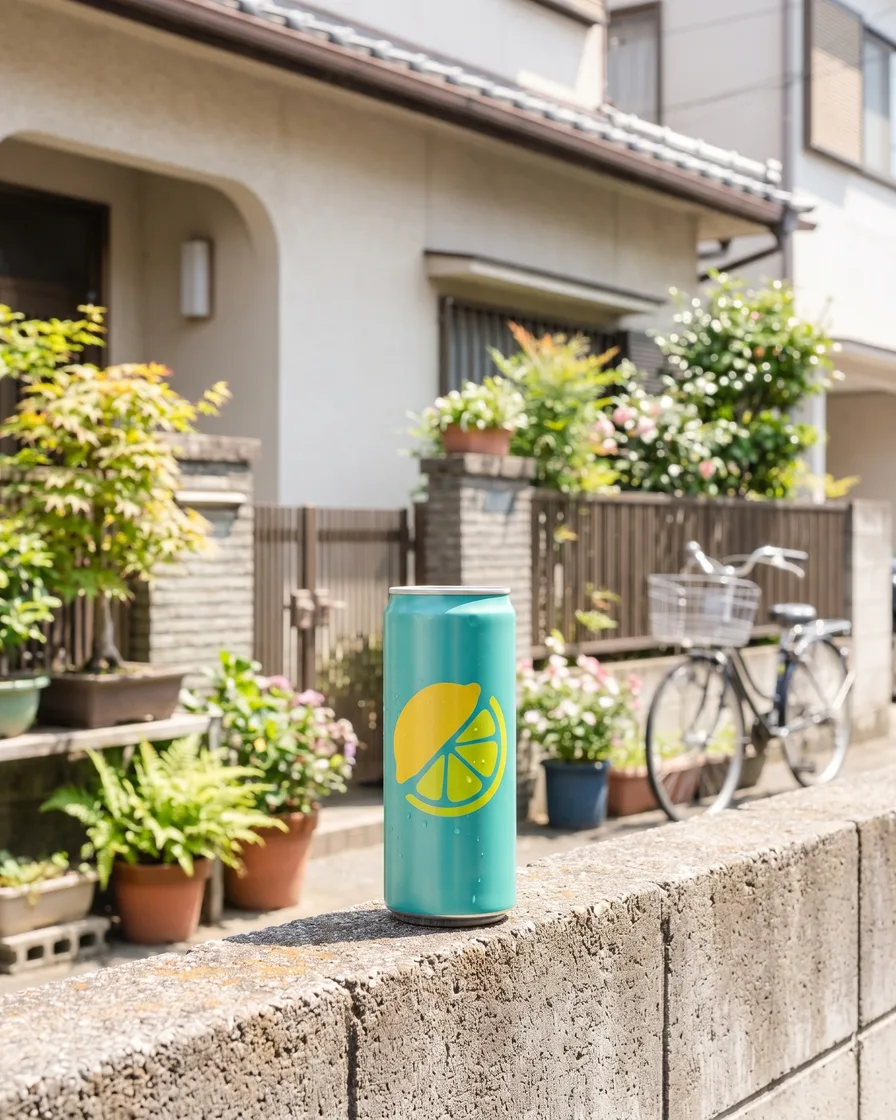 A drinks brandPresses Put it in a real place and tries three scenes for one can.
Inside DesignerBox
Everything else in one place
Each part has its own page. You do not need a separate app for each job.
 CreateAsk for a picture in your own words
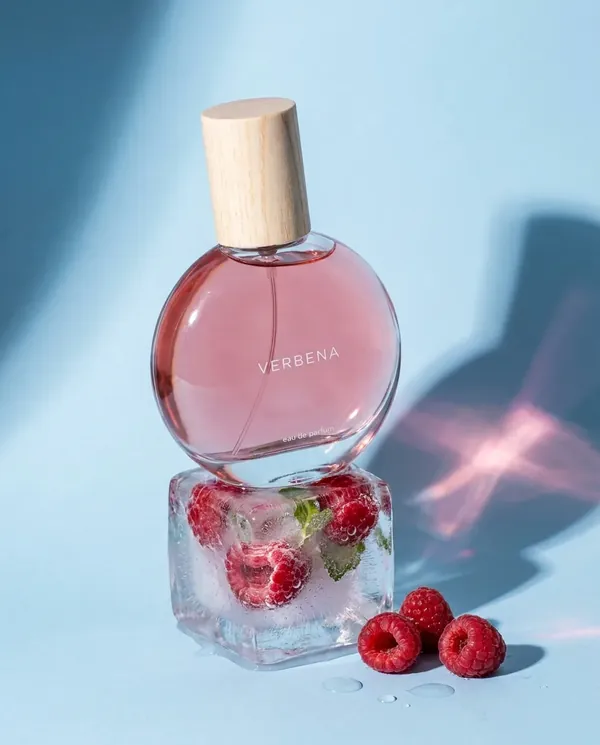 GeneratePick the picture or video model yourself
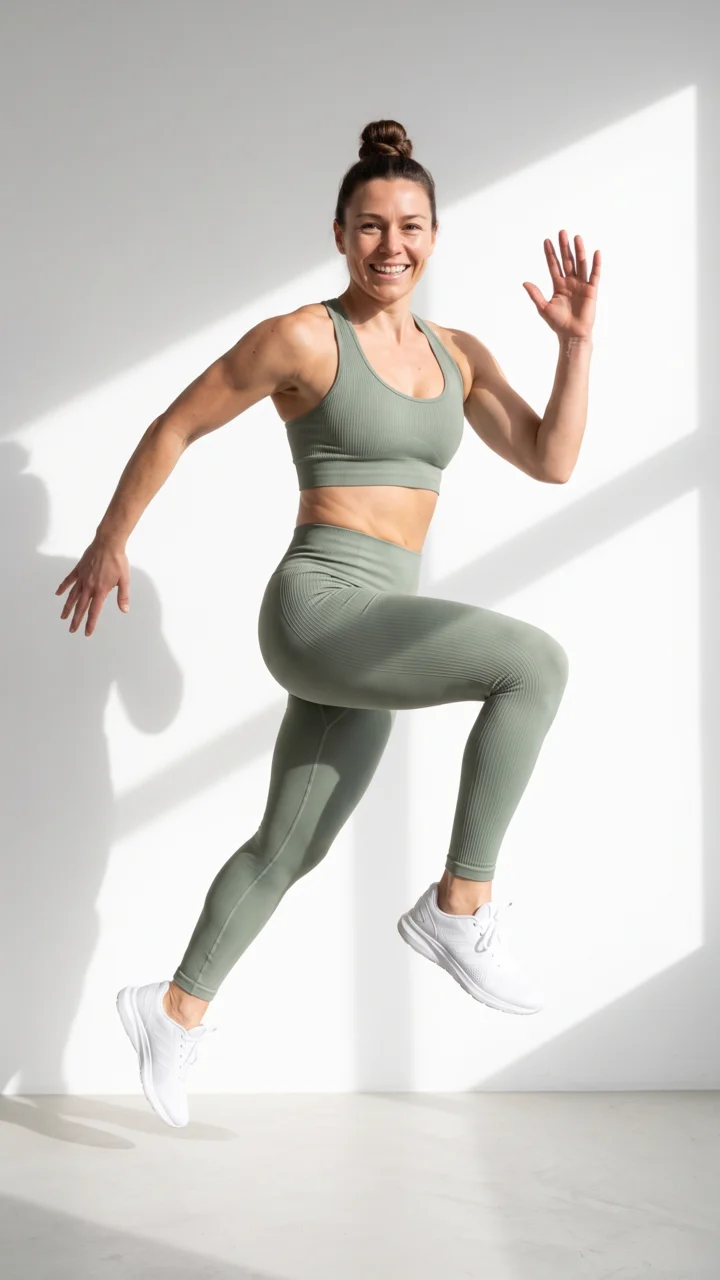
 AvatarsOne person in every picture and video
 Brand kitYour logo, colours, fonts and rules
 Image editorAdd text and a logo in ready social sizes
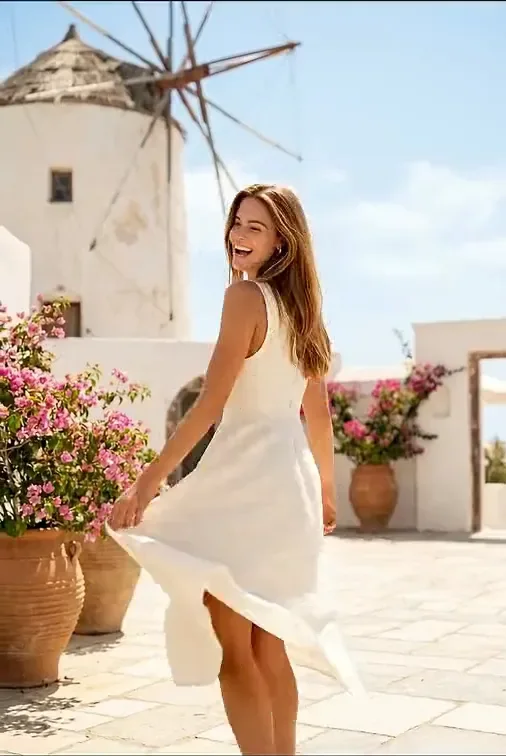 Video editorCaptions, a voice and music on your clips
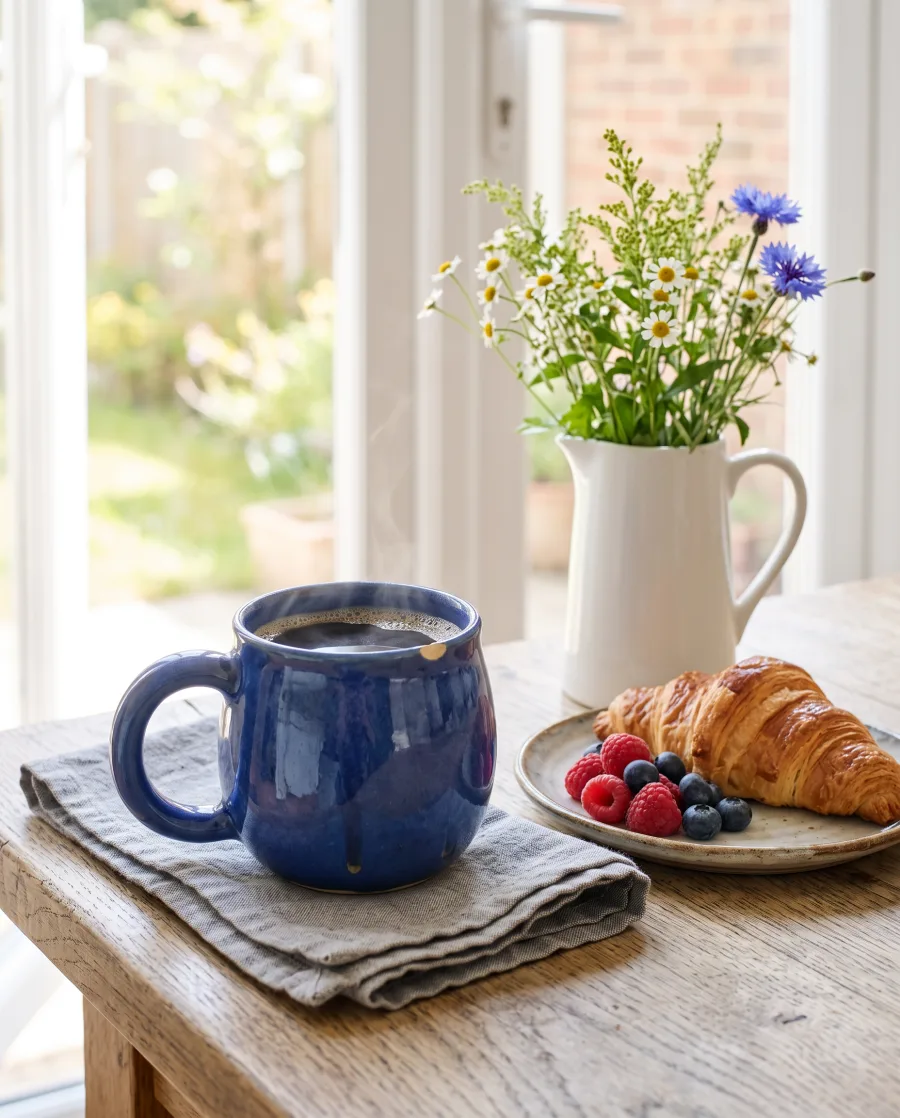 AssetsEvery picture and video, in folders
 ReviewsYour client picks pictures from a link
 TemplatesReady workflows with every step built
 AppsAdd a photo, fill a short form, press Run
 WorkflowsSave your steps and run them again
 BatchOne job on up to 200 products
What is Inspiration in DesignerBox?
Inspiration is the gallery on the Create screen. Each picture is a finished idea with its brief already written. You press one, add your product, and DesignerBox makes your version.
Will it copy the example product?
No. The example shows the idea. Your product and your brand go into the new picture.
Can I change the idea?
Yes. After you press it, the chat opens with the brief. Change the scene, the words or the size before you press Generate.
Do I need a product photo?
It works best with one. Without a photo, the chat describes your product from your words or from your brand kit.
Which filters are there?
Halloween, Black Friday, Christmas, Cold weather, Clothing, Accessories, Jewelry, Beauty, Perfume, Health, Home, Food and drink, Sport, Electronics and Pets.
Which plan do I need?
Your own product photos and prompts start on the Pro plan. You can see every plan on the pricing page.
Pick your first idea.
Sign up free with Google or your email. Your own photos start on the Pro plan.
Get started free- Claude
- ChatGPT
- Cursor











