AI avatars
AI avatars for your product photos and videos
Pick one of 12 ready avatars, or make your own from a sentence or a photo. Use the same person as your model, creator or presenter, with no casting and no photo shoot.
- Claude
- ChatGPT
- Cursor
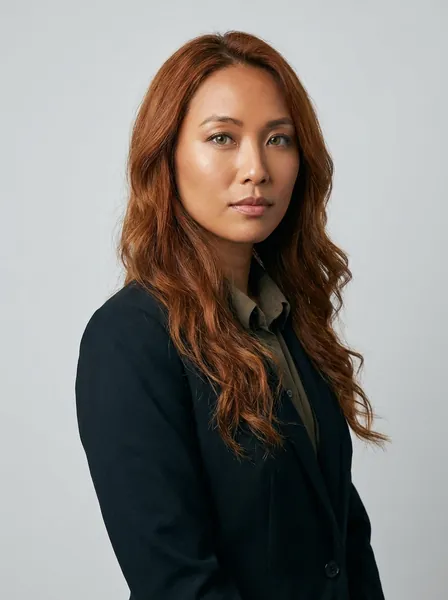 Front
Front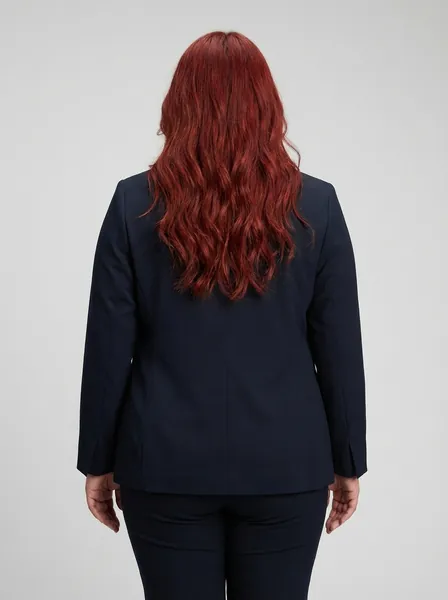 Back
Back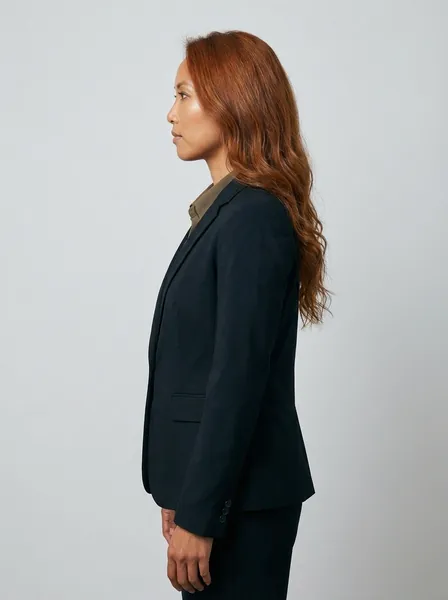 Left
Left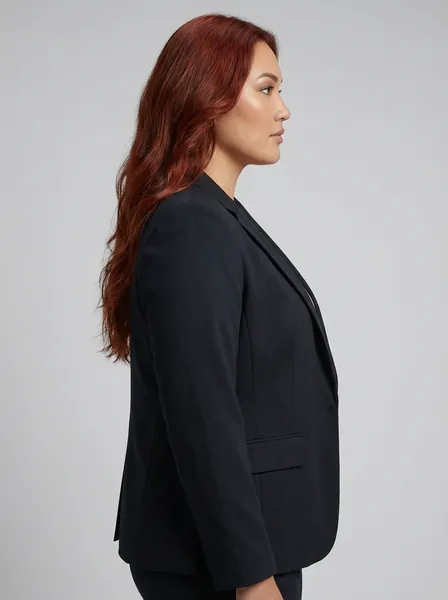 Right
Right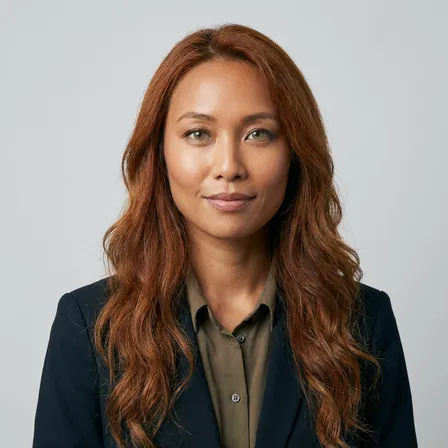 Head shot
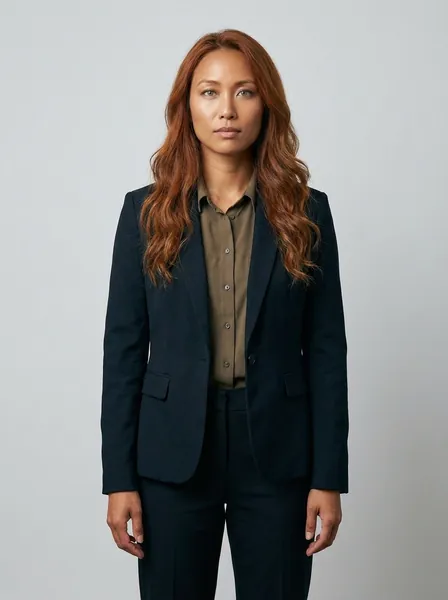 Full body
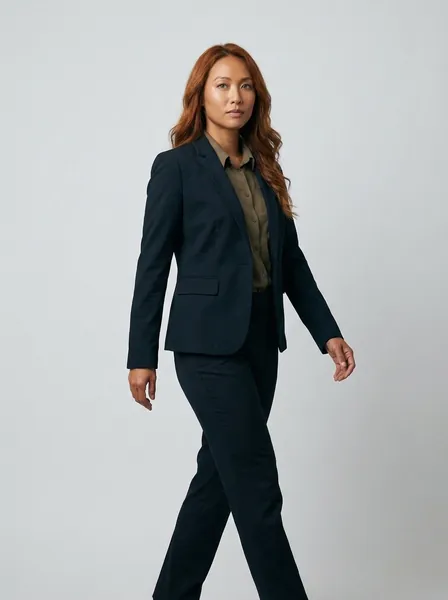 Walking
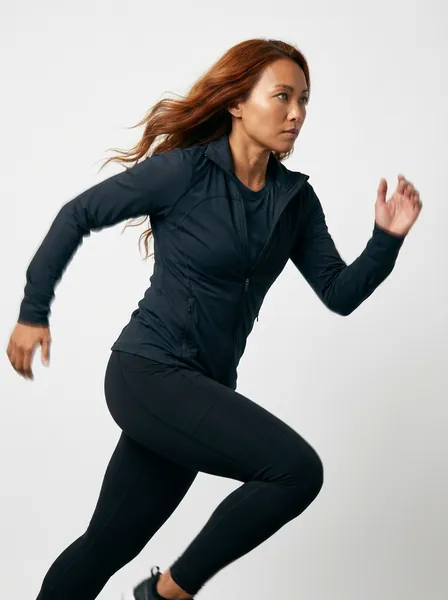 Running
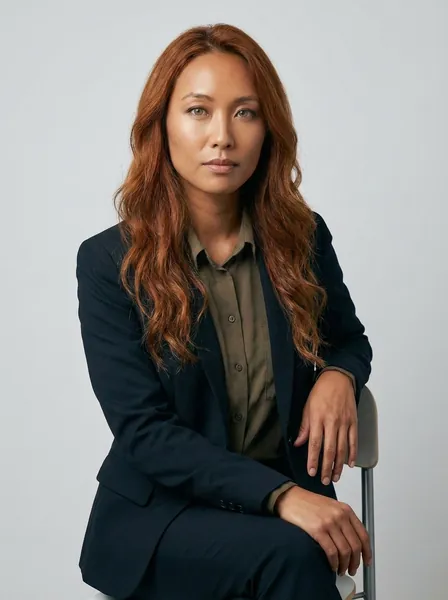 SittingYour avatarNine poses
A new face in every picture 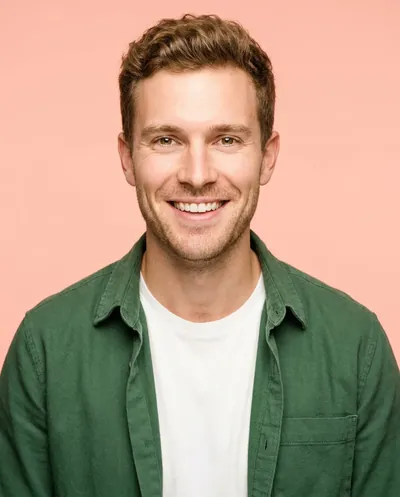 makes a shop look random.An avatar keeps one person
 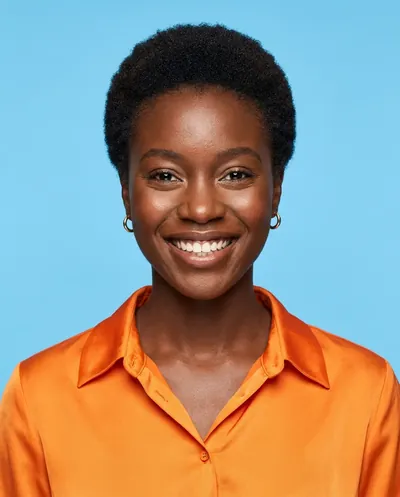 in every photo and video.
What you can make
Model photos, creator photos and presenter videos with one person
An avatar from a sentence, in nine poses
Describe the person in one sentence, or add a photo you have the rights to. Add an outfit to keep it the same. You get nine poses: front, back, left, right, head shot, full body, walking, running and sitting.
See GenerateFull bodyWalkingSittingOne ready avatar as your model, creator and presenter
Pick a ready avatar and use them in Clothes on a model, in Generate and in Video with a person. The face stays the same in every picture.
See AI UGC videos Maya, a ready avatar
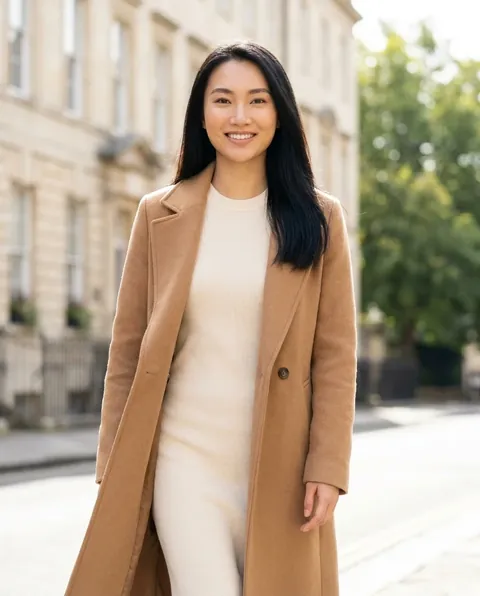 Clothes on a model
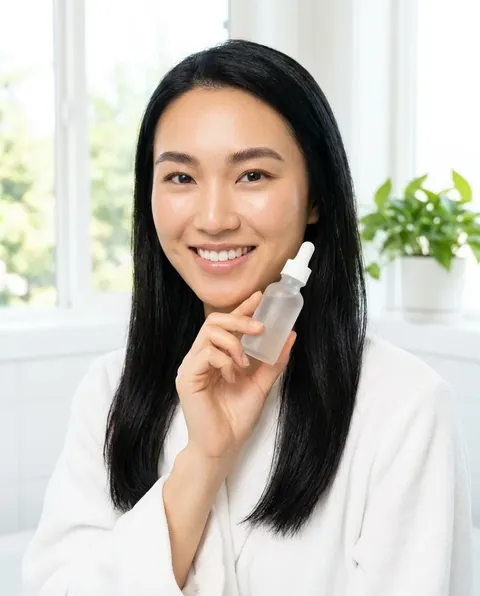 With your product
 Presenter
Twelve ready avatars, each with nine poses
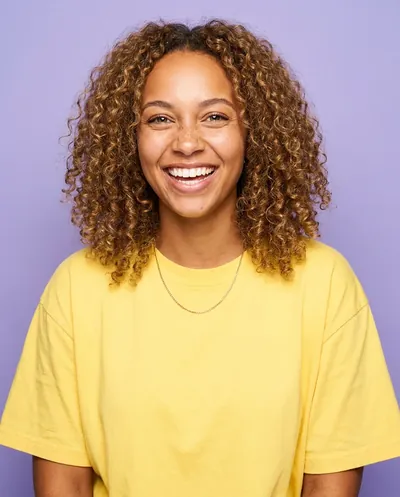
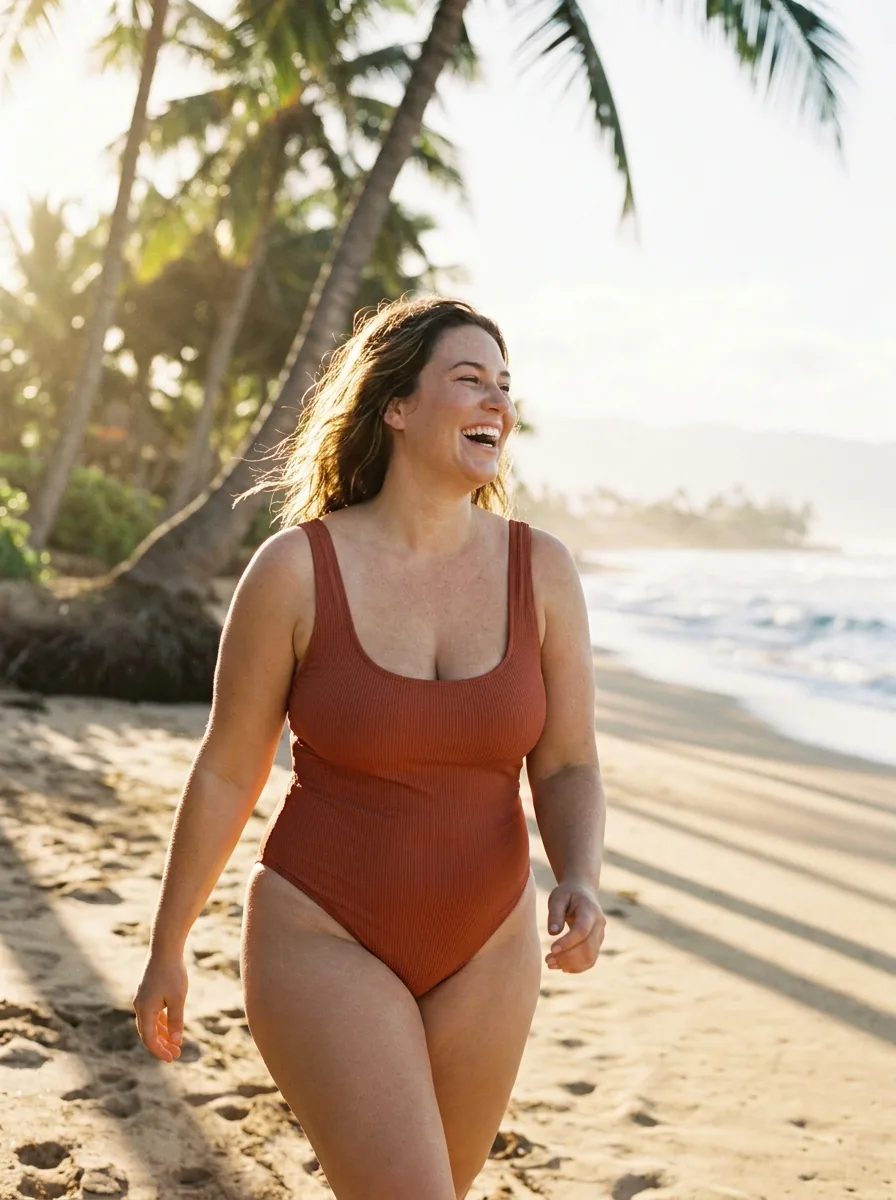
Pick Maya, Liam, Amara, Diego, Sofia, Noah, Priya, Kenji, Zoe, Omar, Elena and Grace. Each one comes with the same nine poses, so you can start at once.
See it for fashion brands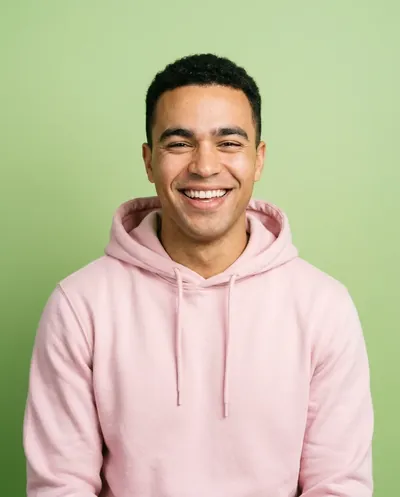 Pick oneAmara
 Kenji
Kenji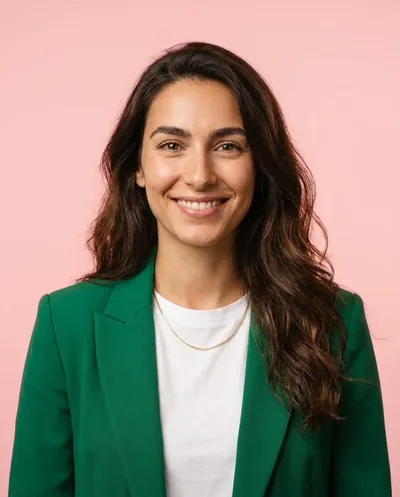 Sofia
SofiaStart free. You see the price before you make anything.
Your own photos and prompts start on the Pro plan. Video starts on the Premium plan.
How it works
How to make and use an avatar
Open Workspace, then Avatars. Choose one of the 12 ready avatars, or press Make your own.
Describe the person in one sentence, or add a photo. Add an outfit to keep the clothes the same. Use a photo of a real person only with their clear permission.
DesignerBox makes front, back, left, right, head shot, full body, walking, running and sitting. The set is saved under My avatars.
Pick Avatars in the picture picker. Start a picture or a video in Generate, put your clothes on the avatar, or make a video where the avatar says your words.
MayaLiamAmara DiegoSofiaNoah
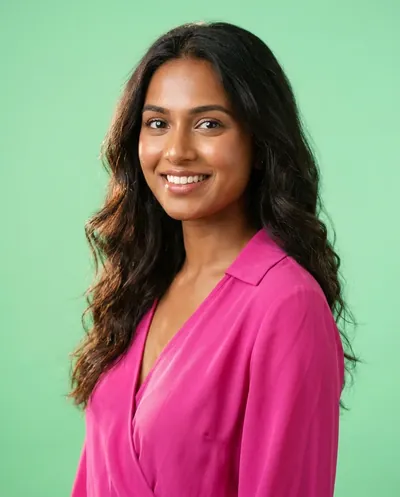 PriyaKenji
 Zoe
Zoe Omar
Omar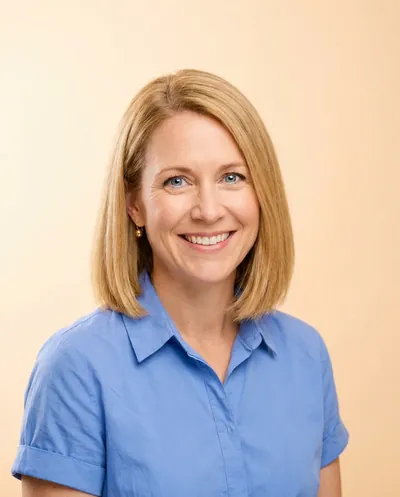 Elena
Elena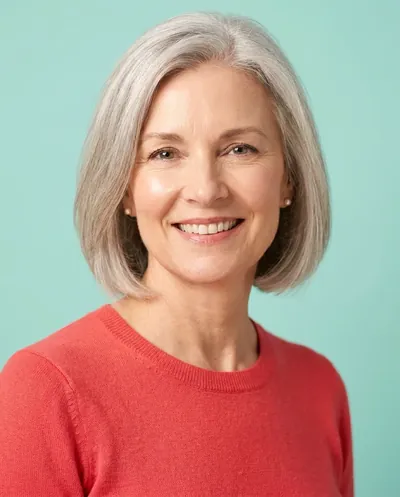 GracePhoto (optional)Describe the personA woman, about 30, long red hairOutfitNavy suit, olive shirtMake avatarFrontBackLeftRightHead shotFull bodyWalkingRunningSitting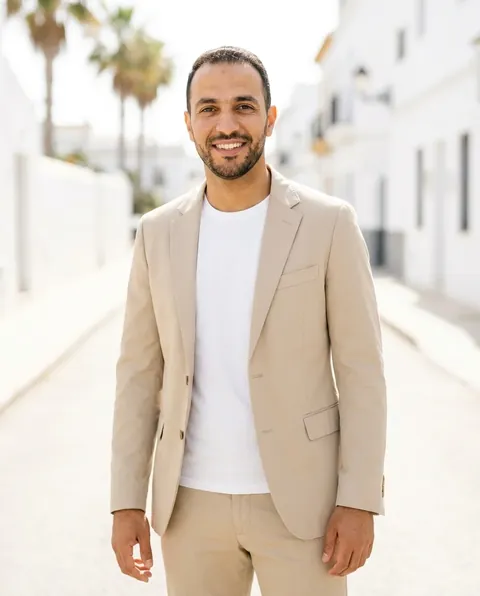
 Brand
Brand AvatarsStock imagesSearch by word
Use cases
Avatar use cases for brands and agencies
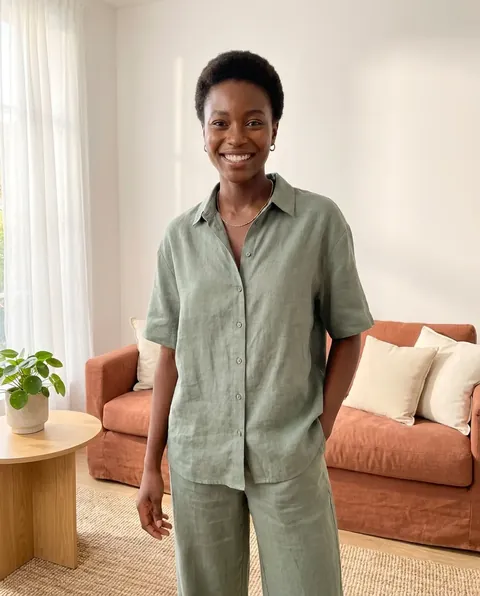 A fashion brandUses one avatar as the model for the whole season's product pages.
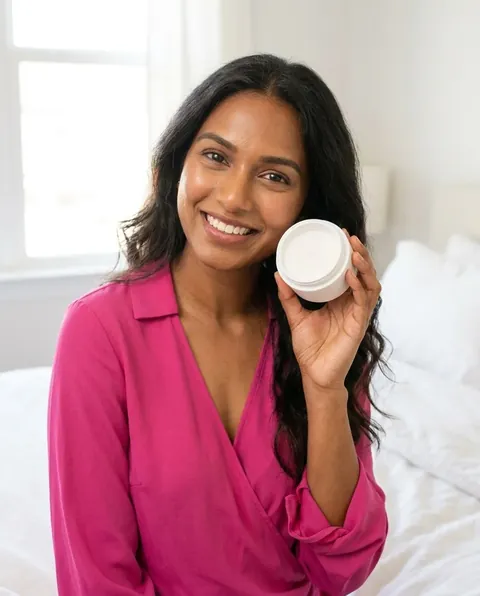 A skincare brandUses one avatar as its creator for weekly reels about its products.
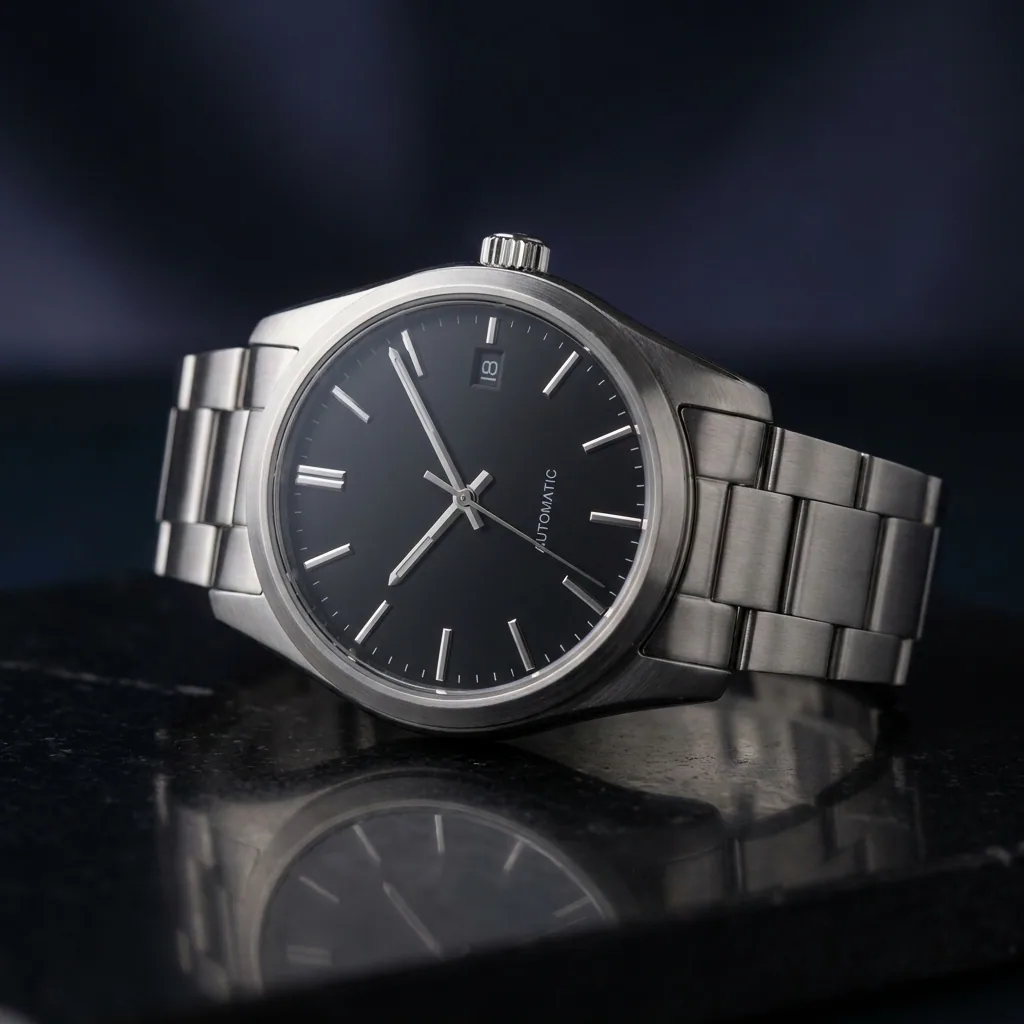
 A watch shopShows every new watch on the same person, in the same city light.
 An agencyMakes one avatar for each client campaign, so the face stays the same across the ads.
Inside DesignerBox
Everything else in one place
Each part has its own page. You do not need a separate app for each job.
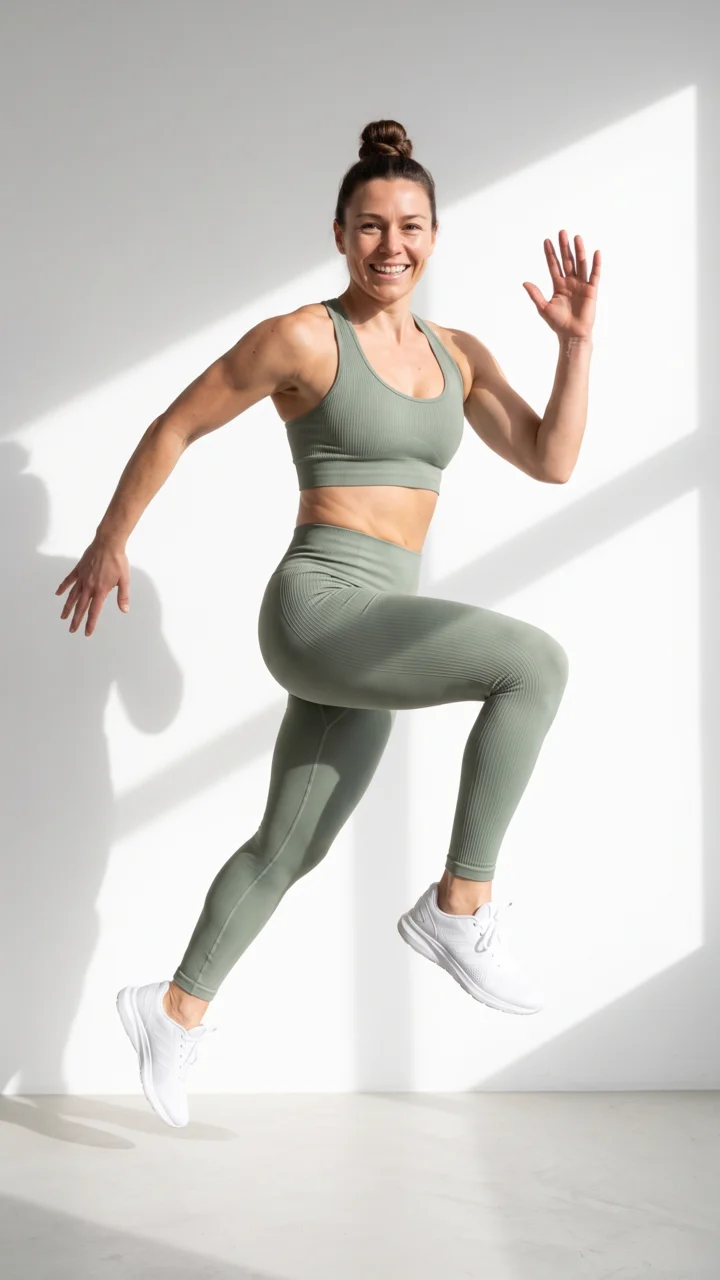
 CreateAsk for a picture in your own words
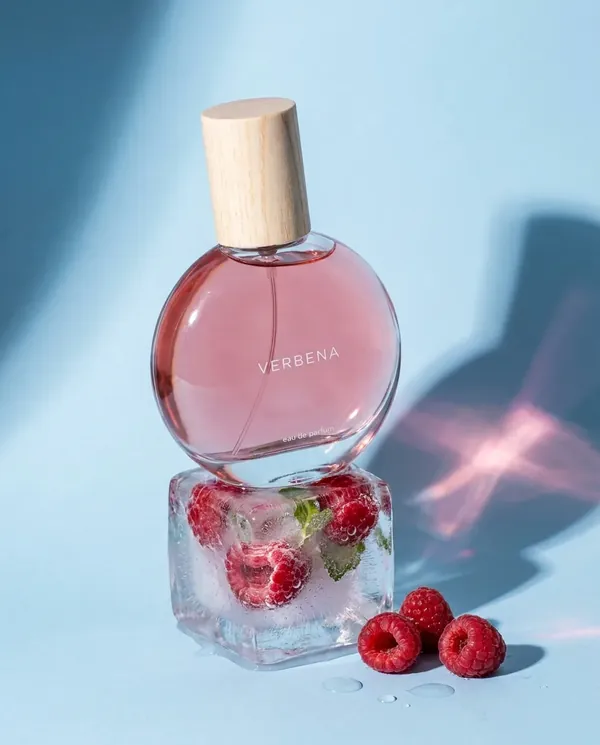 GeneratePick the picture or video model yourself
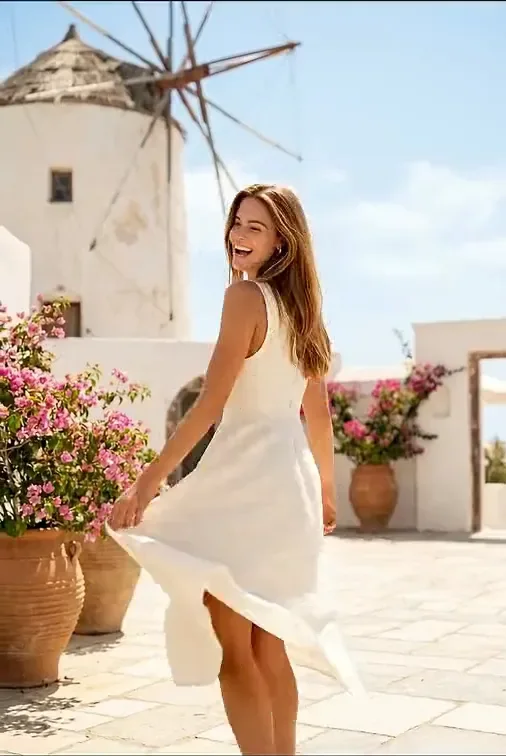
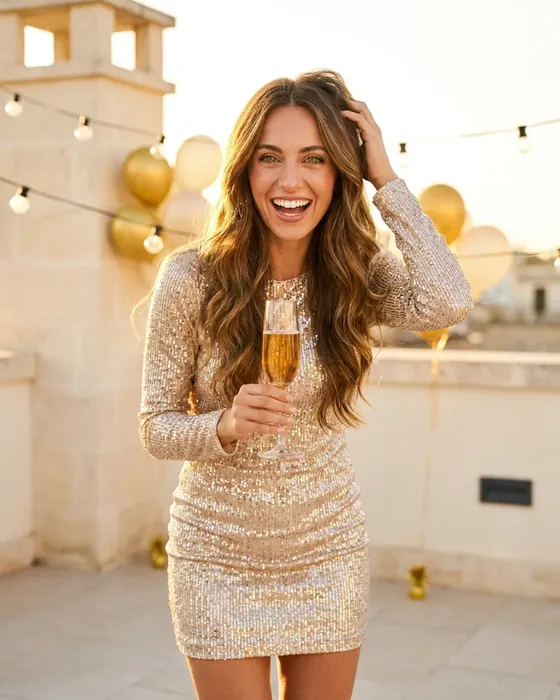 InspirationMake a finished idea with your product
 Brand kitYour logo, colours, fonts and rules
 Image editorAdd text and a logo in ready social sizes
 Video editorCaptions, a voice and music on your clips
 AssetsEvery picture and video, in folders
 ReviewsYour client picks pictures from a link
 TemplatesReady workflows with every step built
 AppsAdd a photo, fill a short form, press Run
 WorkflowsSave your steps and run them again
 BatchOne job on up to 200 products
What is an avatar in DesignerBox?
An avatar is one person you can use again and again. DesignerBox makes nine poses of that person, so the face stays the same in every picture and video.
Which ready avatars can I pick?
There are 12 ready avatars: Maya, Liam, Amara, Diego, Sofia, Noah, Priya, Kenji, Zoe, Omar, Elena and Grace. Each one comes with nine poses.
Will the face stay the same?
That is what the nine-pose set is for. It shows DesignerBox the same face from every side, so new pictures keep it.
Where can I use an avatar?
In Generate as a start frame, in Clothes on a model, in Video with a person and in the video editor's Talking tab.
Can I make an avatar of a real person?
Only with their clear permission. Use a photo you have the rights to.
Which plan do I need for video?
Video with an avatar starts on the Premium plan. Your own photos start on the Pro plan.
Pick your avatar.
Sign up with Google or your email. Nothing to set up.
Get started free- Claude
- ChatGPT
- Cursor











