


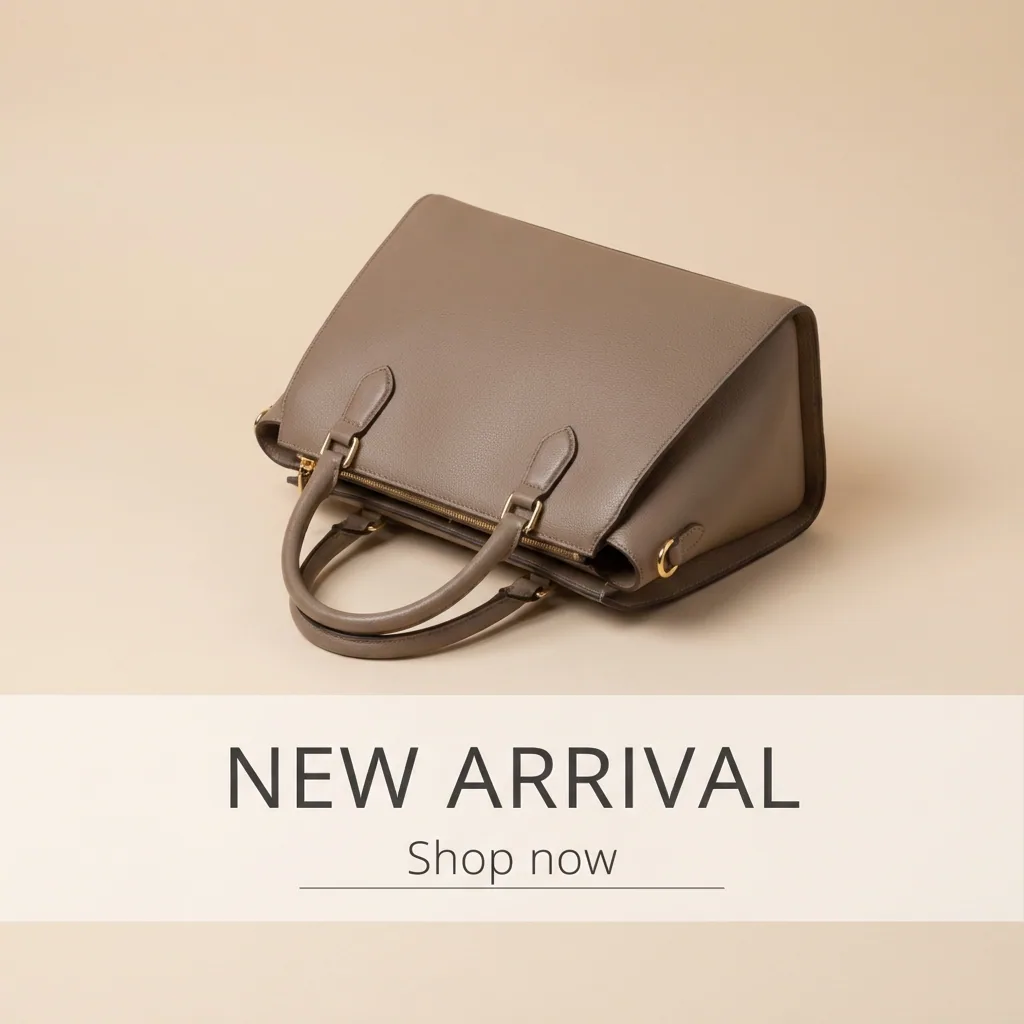

App
Link preview images for a shared page
This app is being built. When it runs, you add a photo, a title and one line, and it returns the picture people see when your page is shared, in both sizes.
What comes back: Two files: 1200 by 630 and 1200 by 675.
Coming
The form
What you fill in
The whole app. Fill these fields, press Run, and the workflow behind the form does the rest.
- 01
Type the page title
A line you type
- 02
Add a photo
A picture you add
- 03
Type the line under the title
A line you type
Behind the form
The workflow that runs
Every app is a workflow with a form in front of it. These are its steps, in order, and you never see them while it runs.
- 01
Put the text on the photo
Makes the picture.
- 02
Cut both sizes
Cuts the picture to one size.
Who it is for
Does that sound like you?
Anyone can make an AI picture. Making hundreds that still look like your brand is the hard part.
The job is yours, and everyone asks you to do it.
One person in the team knows how to get the picture right, so every request goes through them. The rest wait, or they make it themselves and it comes back in a look nobody recognises.
- A short form instead of a canvas of steps
- The same steps and the same brand rules for everyone
- Publish any workflow of yours as an app
More apps
Other apps that run today
The same shape: a short form, your brand rules, one Run button.

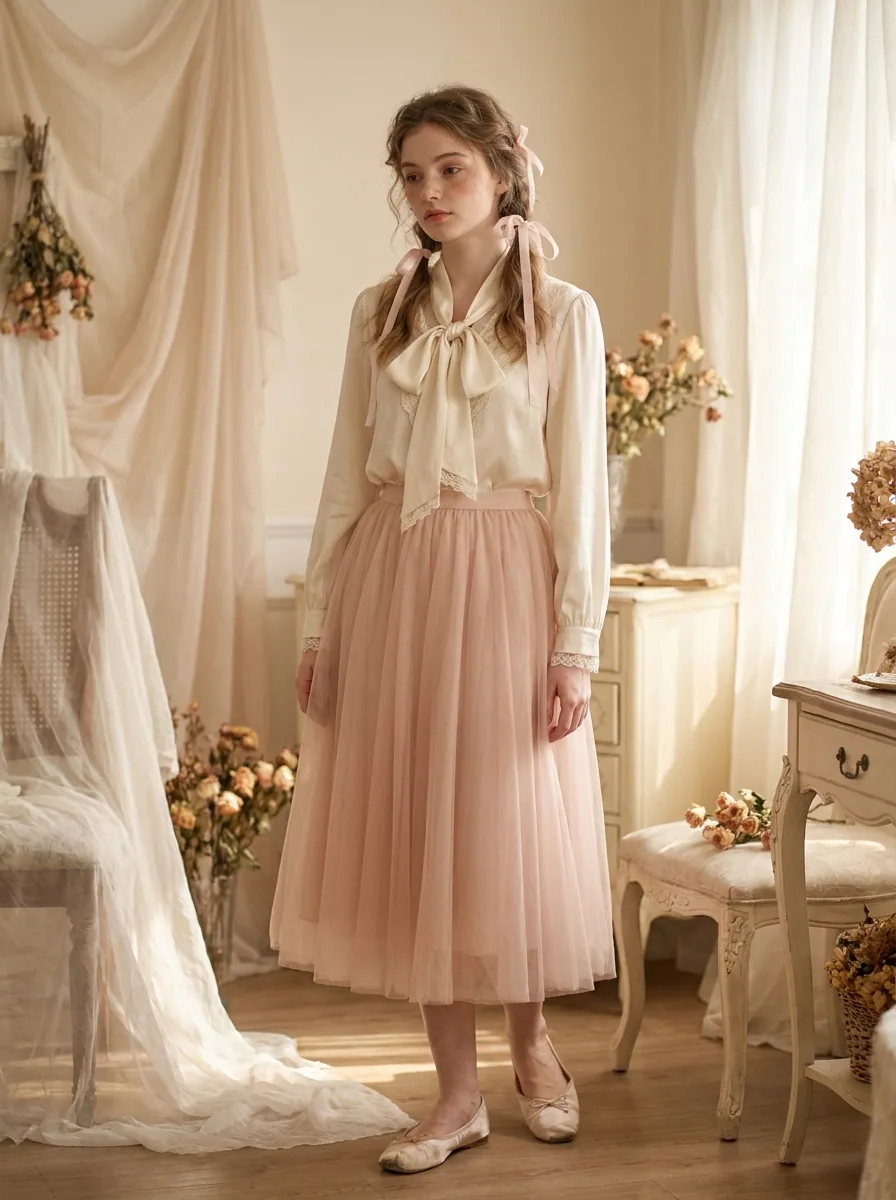


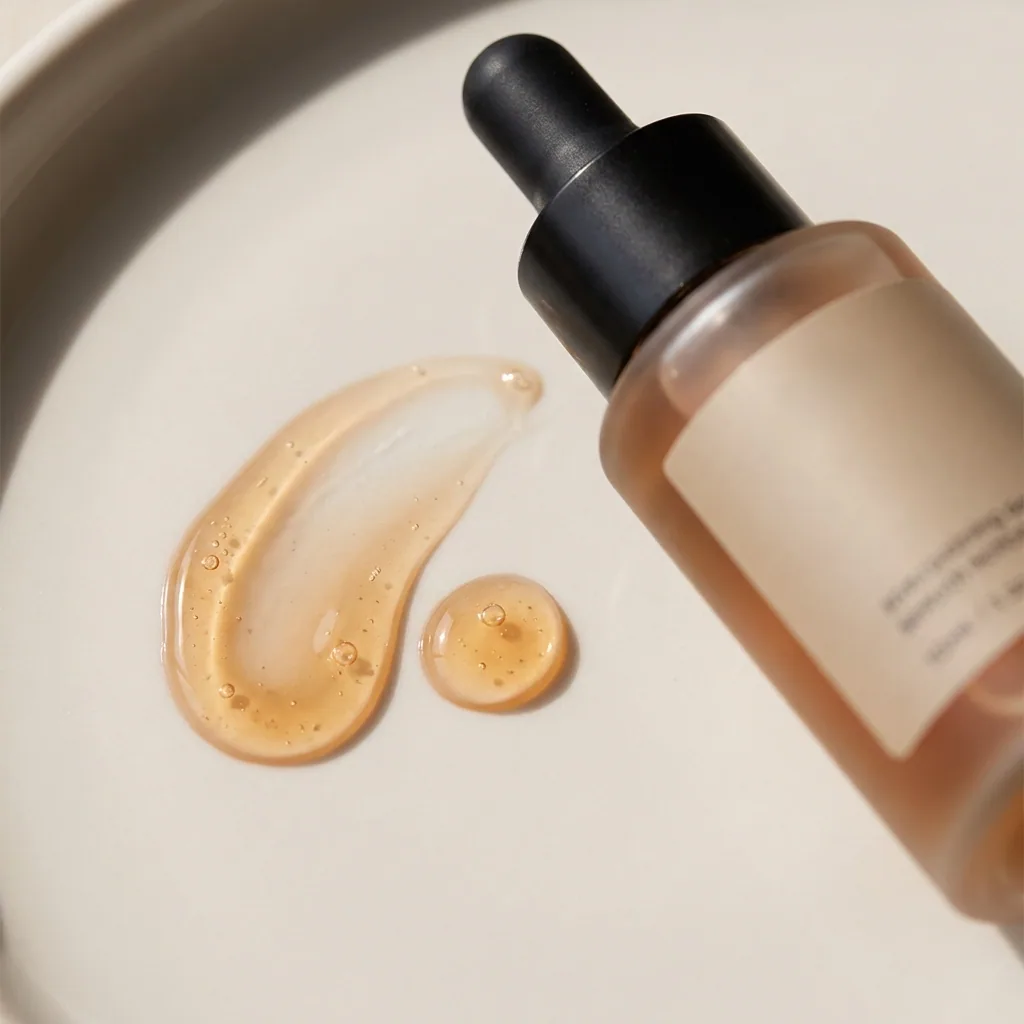

Everything in one place
Everything you need, in one place
The full workflow from the first product photo to the finished ad, in one subscription.
Scale content without limits.
Generate content for your products or services with AI, starting today, and keep your brand on every piece.