


Let the client pick the ads before you make every size and language. In DesignerBox you make six to twelve versions of one ad and send them as one review link. The client ticks the ones to run and adds a note. Then you run Ad in other sizes and Ad in other languages on the picks only. The review costs no credits, and the client needs no account.
An agency makes 12 versions of a launch ad. It resizes all 12 for four placements and translates them into three languages. That is 144 files. The client then runs three of the versions. The other 108 files cost time and credits, and nobody will ever see them.
This guide shows the order for an ad round in six steps, what to put in the review, and the two approvals every ad needs. It is written for agencies and in-house teams that make ads for a client or a brand lead.
Key Takeaways
- Pick first, multiply second. Sizes and languages multiply every version you keep.
- Send six to twelve versions. Change one thing per version, so the client knows what they are choosing.
- One question, one deadline. “Pick three to run in November, by Thursday.”
- A review costs no credits. The runs cost credits, and the cost is shown before each one.
- Two approvals, two clocks. The client says yes first, then the ad platform reviews the ad.
- The answer is your record. The review page keeps the date, the picks and the note.
Why the client picks before the resize
Every size and every language multiplies the versions you keep. The order decides how many files you make.
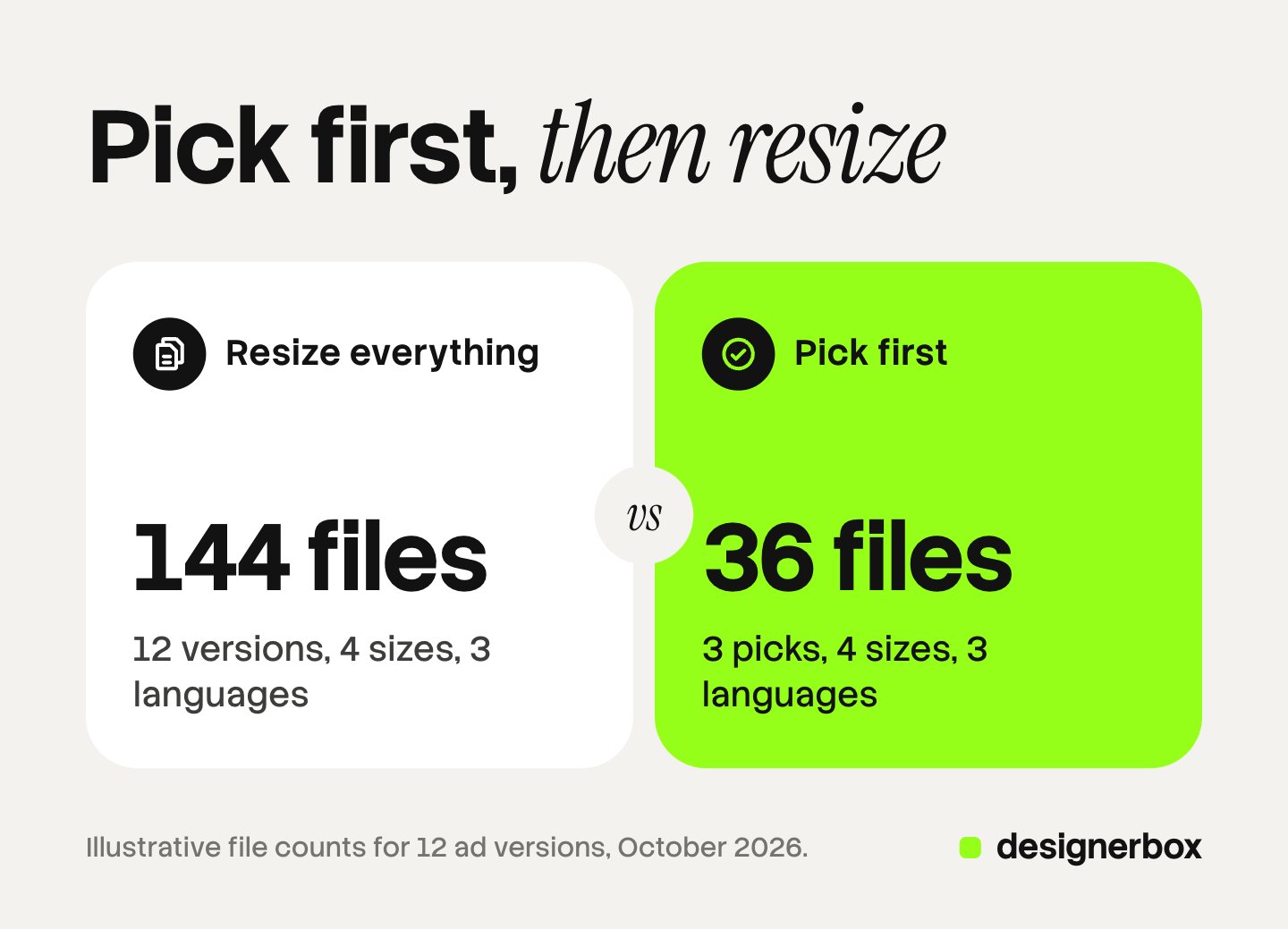
The numbers below are illustrative, for an ad with 12 versions, four placements and three languages.
| Order | Versions | Sizes | Languages | Files made |
|---|---|---|---|---|
| Resize and translate everything, then the client picks | 12 | 4 | 3 | 144 |
| The client picks first, then you resize and translate | 3 | 4 | 3 | 36 |
Each run costs credits, and you see the cost before you run it. A review costs no credits. So the review is the cheapest step in the job, and it should come before the expensive ones.
The order also helps the client. Twelve versions are a clear choice. A folder of 144 files is a chore, and the answer comes later. Our guide to ad versioning explains how to build the versions so each one changes a single layer.
The ad round, step by step
The round takes six steps. You do every step except step 4.
- Make six to twelve versions. Use the Versions of an ad app, the Ad versions with new headlines template, or the Static ad skill in Create. Make every version with the client’s logo, colors and fonts. Our guide to headline testing covers the headline route.
- Check every version yourself. Read the headline, the offer and the product. Check the logo and the spelling. The client chooses what they like. You check what is correct.
- Send the versions for review. Select them in Assets and press Send for review. Add one question and a date.
- The client picks. The client opens the link on a phone or a computer, with no account. They tick the versions to run and add a note.
- Make sizes and languages for the picks only. Run Ad in other sizes on each pick, so one ad becomes four sizes. Run Ad in other languages where the campaign runs in more than one market. Our guide to ad sizes and languages covers both apps.
- Upload to the ad platform. The platform reviews the ad before it runs. Plan for that step too.
The review page shows the answer as soon as it arrives: the versions the client ticked, the date and the note. Our guide to DesignerBox Reviews shows each screen.

What to put in an ad review
An ad review works when the client can see what each version changes. These rules keep the choice clear.
| Rule | Why it helps |
|---|---|
| Change one layer per version: the headline, the visual or the offer | The client knows what they chose |
| Show the size that runs most | The client judges the ad as people will see it |
| Say how many to pick | The answer fits the media plan |
| Give a date | The link gets answered before the launch |
| Ask one question | ”Which three should run?” gets a tick, and “Thoughts?” gets a paragraph |
Six to twelve versions is a good range. Fewer than six leaves little to choose from. More than twelve makes the client scroll, and the answer slows down. Our guide to the design approval process sets out the five parts of a sign-off: approver, criteria, options, deadline and record.

Two approvals: the client and the platform
Every paid ad needs two approvals, and they run on different clocks.
The client’s approval is your step. The client chooses the versions, and the review page records the choice with a date.
The platform’s review comes after the upload. Meta reviews ads against its advertising standards before they run. Its help center says most ads are reviewed within 24 hours, although some take longer. The review starts again whenever you edit an ad, and ads may be reviewed again after they go live (facebook.com, October 2026).
So plan the dates backwards from the launch. Get the client’s picks, make the sizes and languages, upload, then leave time for the platform’s review. A change after upload restarts the platform’s clock.
If an ad shows an AI-made person, check the disclosure rules where it runs. New York requires a conspicuous disclosure when an ad contains a synthetic performer and the maker knows it, since 9 June 2026 (nysenate.gov, October 2026). This is general information, not legal advice. Put the disclosure in the version the client approves.
Limits
These are the limits as of October 2026. Plan the job around them.
- Reviews covers still pictures. Approve video ads in your usual process.
- The client gives one note with the choice. There is no comment thread on each picture and no version history.
- A review link works for 30 days. Tell the client the date when you send it.
- Ad in other sizes makes four sizes from one ad. Check each size for cropped text before you upload it.
- DesignerBox does not upload ads to an ad platform. You download the results, or send them with a webhook or an S3 step.
Uploading your own photos and the commercial license start on the Pro plan. AI video, virtual try-on, upscaling, the image editor and the video editor start on the Premium plan. Plans and credits are on the pricing page.
Ad rounds in DesignerBox
DesignerBox is AI creative production for brands and agencies. The versions, the client’s pick, the sizes and the languages all happen in one account, so there is no export between the steps. Anyone can make an AI picture. Making hundreds that still look like your brand is the hard part.
For a client with many products, a batch runs one workflow, app or image model over a sheet of up to 200 rows. You keep the good results, then send them for review (DesignerBox batch, October 2026).
Client work, built once
If you run ads for several client brands, see how agencies build each job once and run it for every client.
FAQ
How do I get a client to approve ad versions?
Make six to twelve versions, each changing one thing. Send them as one review link with one question and a date. The client ticks the versions to run and sends the choice back with a note.
Should I resize ads before or after client approval?
After. Every size and every language multiplies the versions you keep. When the client picks first, you make sizes and languages only for the ads that will run.
Does the client need a DesignerBox account?
No. The client opens the review link on a phone or a computer with no account. They tick the ads they want, add a note and send the choice back.
Does a review cost credits?
No. A review costs no credits. The runs that make the ads, the sizes and the languages cost credits, and the cost is shown before each run.
How long does Meta take to review an ad?
Meta says most ads are reviewed within 24 hours, although some take longer. Editing an ad starts a new review. Plan that time after the client’s approval and before the launch date.
Can the client approve video ads in Reviews?
No. Reviews covers still pictures. Approve video ads in the process you use today.
How do the approved ads get to Meta?
You download the approved ads, or send them with a webhook or an S3 step. Then you upload them in Meta Ads Manager or the ad platform you use.
Sources
- DesignerBox app, Apps, Templates, Create, Assets and Reviews pages, read October 2026
- DesignerBox Batch page (designerbox.ai/product/batch), October 2026
- DesignerBox for agencies page (designerbox.ai/for/agencies), October 2026
- DesignerBox pricing page (designerbox.ai/pricing), October 2026
- Meta Business Help Center, About ads in review, read October 2026
- New York General Business Law section 396-b, nysenate.gov, read October 2026
Product steps checked against the DesignerBox app as of October 2026. The file counts in the table are illustrative. Laws are described as general information, not legal advice. Individual results vary.